Basic Computer Structure and
Knowledge

Project Work
Basic Computer Structure
1.

Logical Structure of a computer includes:
BIOS (The Basic Input Output System)
CPU (The Processor)
Memory / RAM (Temporary Storage)
Hard Disk (Permanent Storage)
Input / Output Device
Communication Channel (Eg. USB)
Bus (High Speed Internal Communication)
Other Add-on Device…
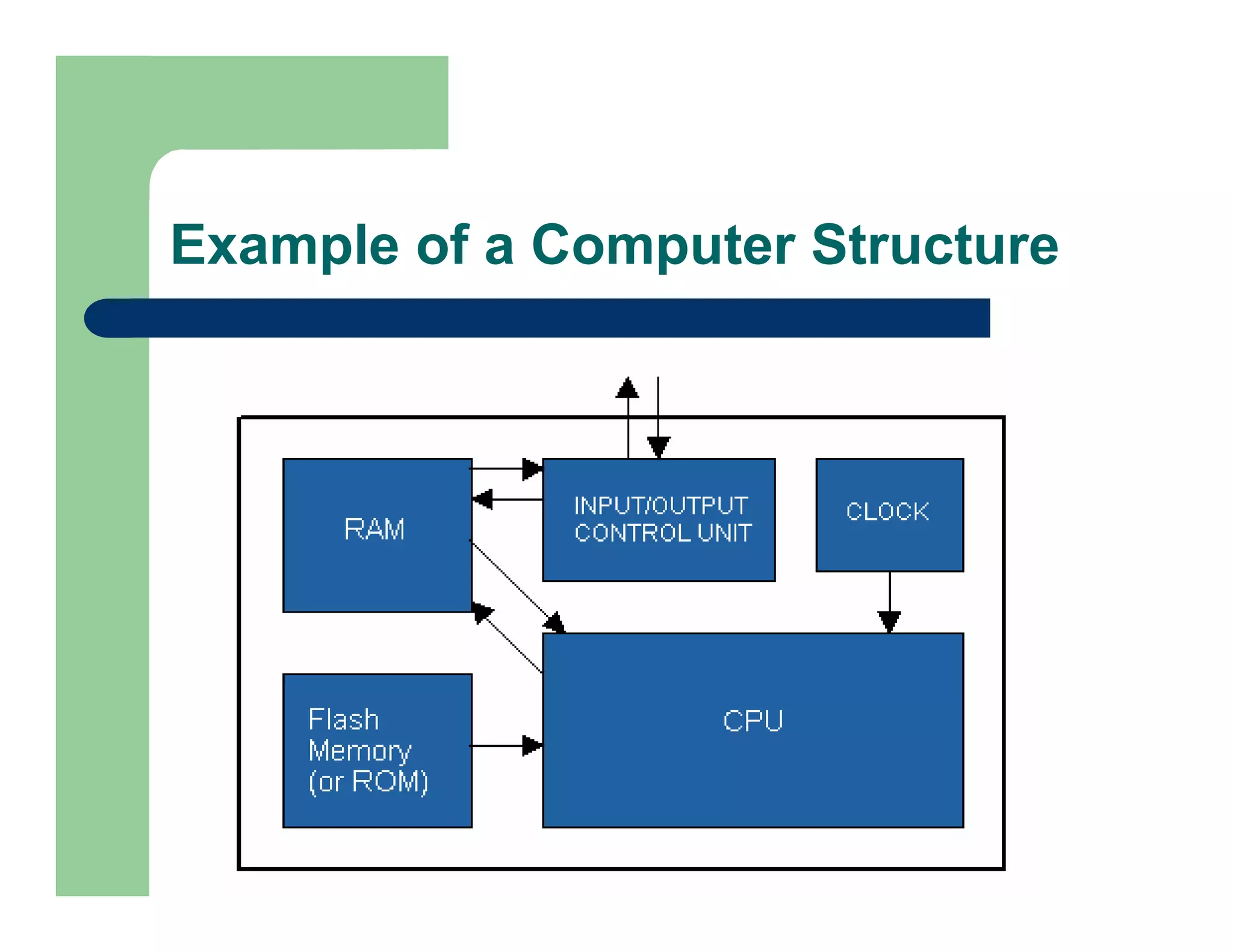
Example of a Computer Structure
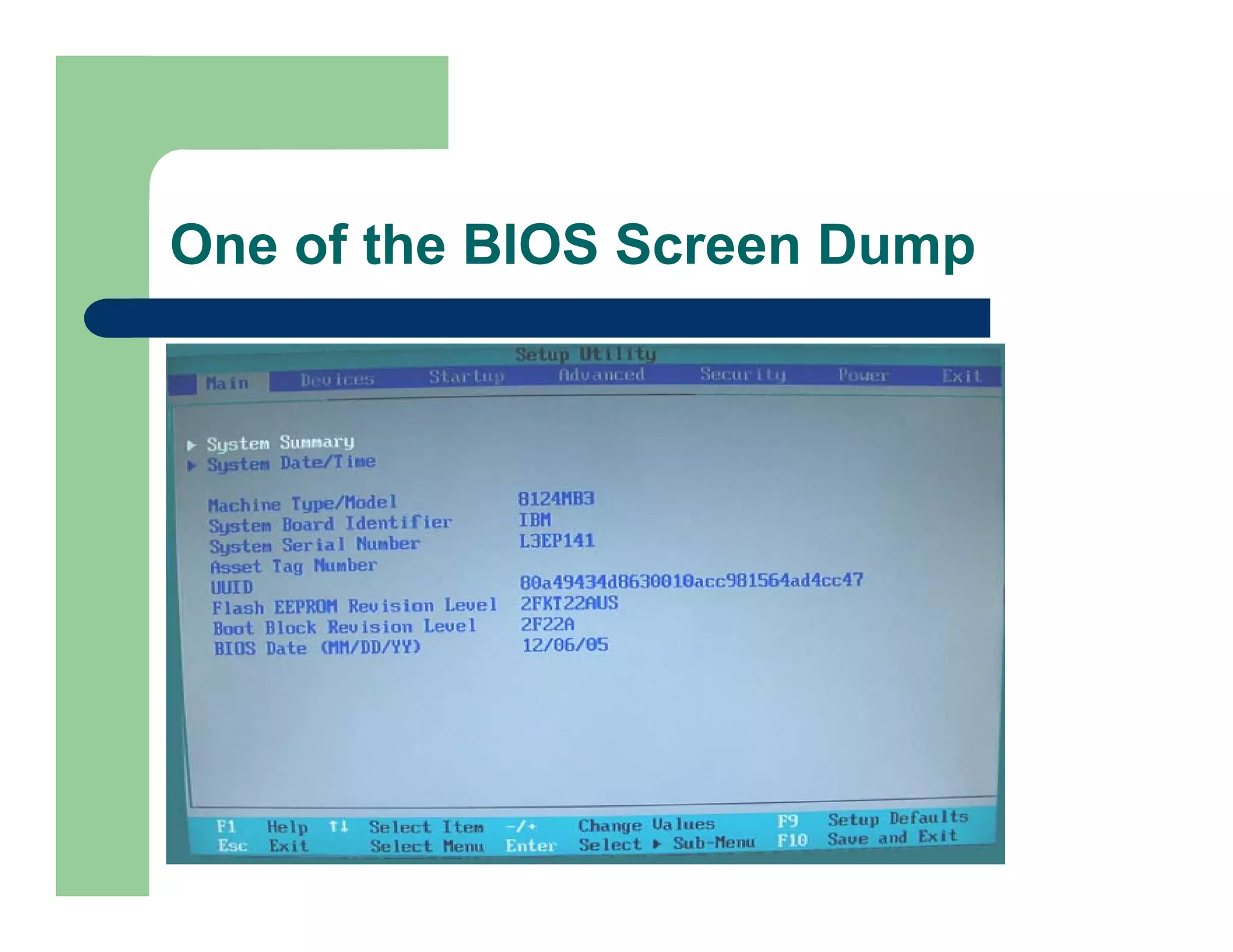
BIOS
Basic Input Output System
Store all the parameter before the OS Load
(Example are Hard Disk Size, Memory
Speed, Turn on or turn off the build in device
such as Sound Card, USB, printer etc)
Usually stored in Flash Memory
One of the BIOS Screen Dump
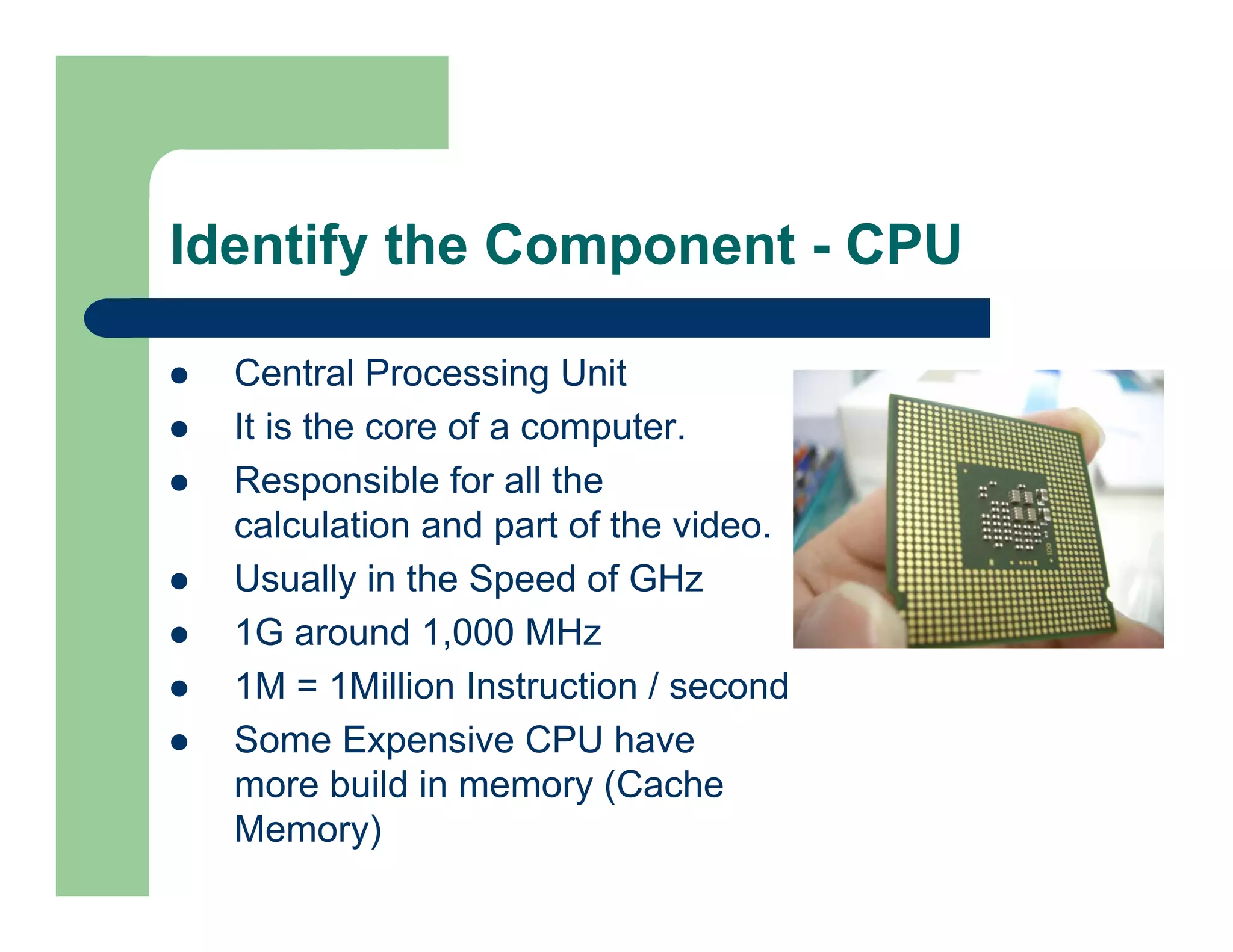
Identify the Component - CPU
Central Processing Unit
It is the core of a computer.
Responsible for all the
calculation and part of the video.
Usually in the Speed of GHz
1G around 1,000 MHz
1M = 1Million Instruction / second
Some Expensive CPU have
more build in memory (Cache
Memory)
How to Choose a CPU ?
Mainly AMD / Intel Dominate the Market.
In the current market you have several categories of
microprocessors to choose for your desktop
computers: Xeon, Pentium IV, Celeron, Dual Core,
Quad Core, Athlon, and AMDX64 etc.
Price vs. Performance: There is typically no good
correlation between these two factors, especially at
the top speeds. Average users should not purchase
the top-speed on the market. The price difference is
not worthy of the performance difference.
Based on your budget, find a suitable CPU.
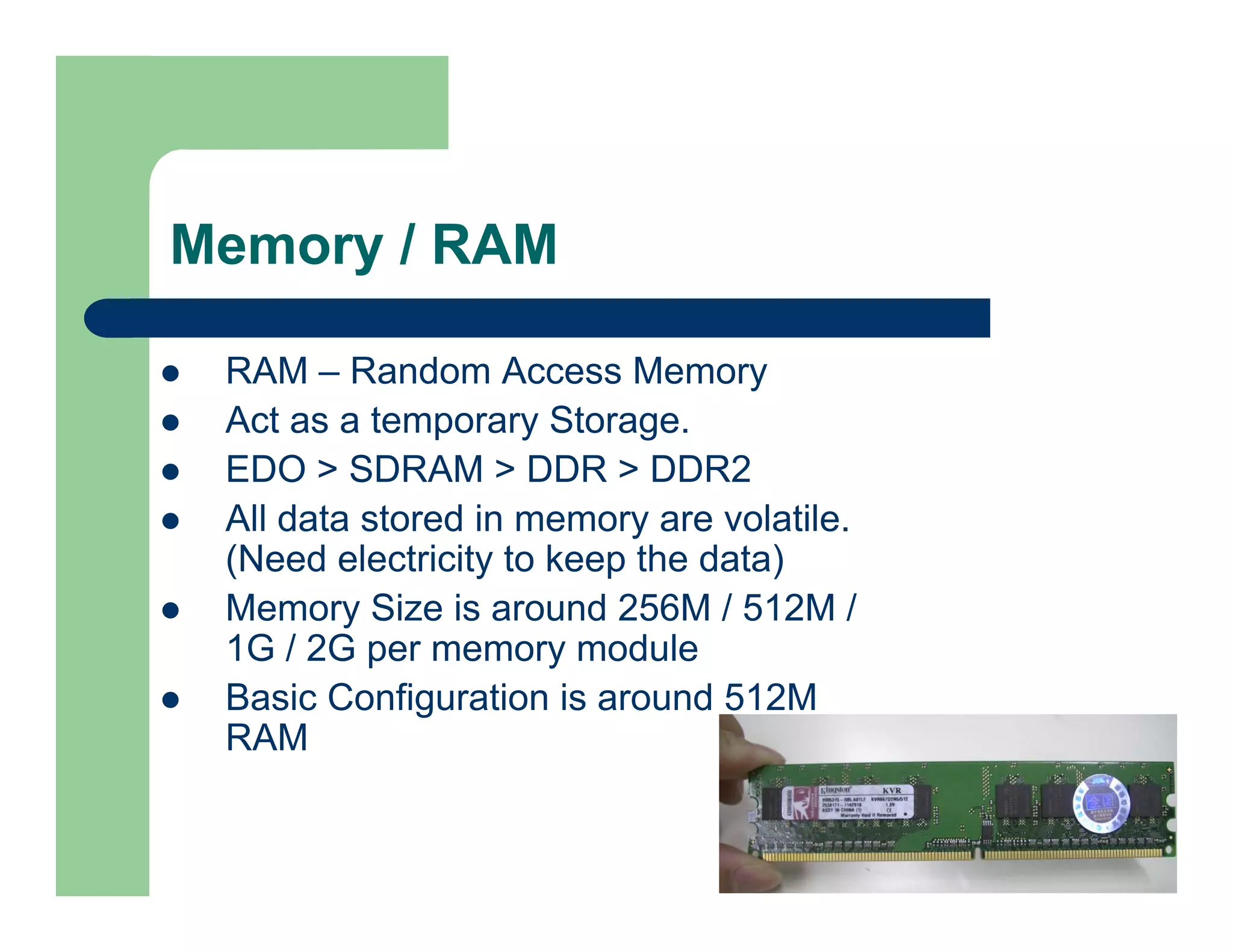
Memory / RAM
RAM – Random Access Memory
Act as a temporary Storage.
EDO > SDRAM > DDR > DDR2
All data stored in memory are volatile.
(Need electricity to keep the data)
Memory Size is around 256M / 512M /
1G / 2G per memory module
Basic Configuration is around 512M
RAM
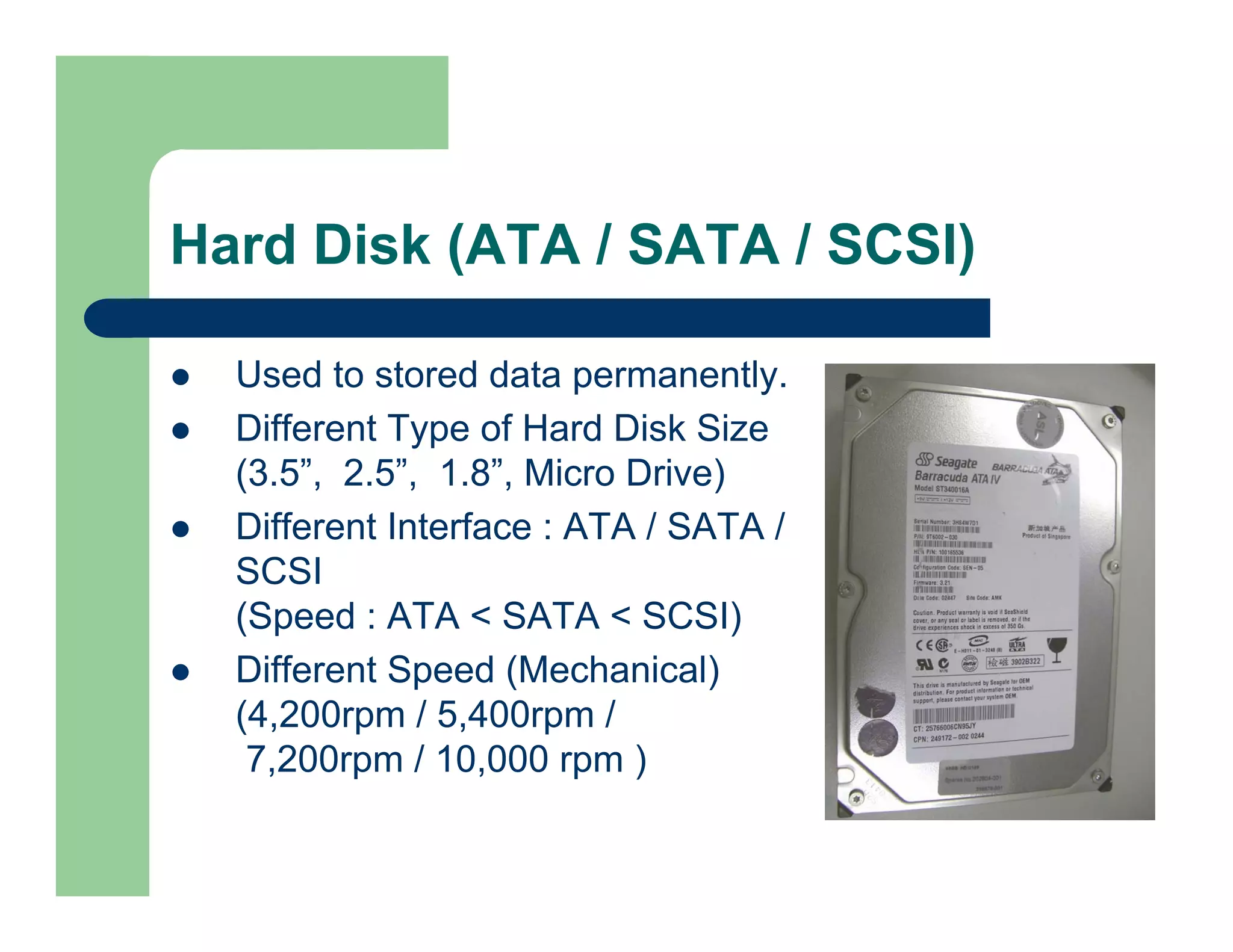
Hard Disk (ATA / SATA / SCSI)
Used to stored data permanently.
Different Type of Hard Disk Size
(3.5”, 2.5”, 1.8”, Micro Drive)
Different Interface : ATA / SATA /
SCSI
(Speed : ATA < SATA < SCSI)
Different Speed (Mechanical)
(4,200rpm / 5,400rpm /
7,200rpm / 10,000 rpm )
Hard Disk (ATA / SATA / SCSI) – Cond.
Different Build in Memory Size
(2M / 8M / 16M etc)
Different Capacity
(80G to 500G or even 1T)
Small Size Hard Disk are more popular as
they are portable size.
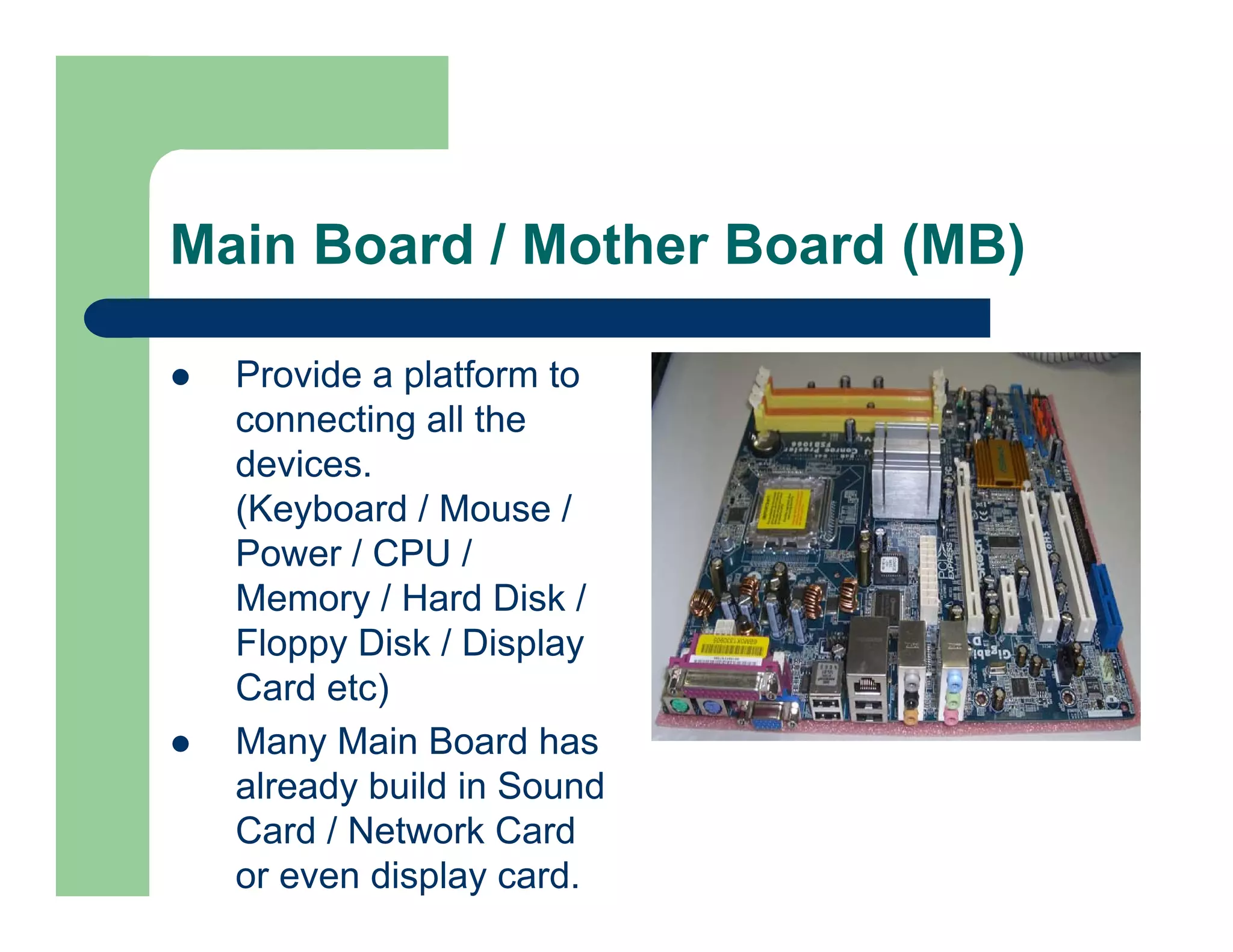
Main Board / Mother Board (MB)
Provide a platform to
connecting all the
devices.
(Keyboard / Mouse /
Power / CPU /
Memory / Hard Disk /
Floppy Disk / Display
Card etc)
Many Main Board has
already build in Sound
Card / Network Card
or even display card.
I/O Device & Interface
ATA / SATA /SCSI (For Hard Disk)
Parallel Port or LPT Port (For Printer)
COM Port (For Modem)
RJ45 Socket (For Network)
PS/2 (For Keyboard / Mouse)
D-Sub / DVI (For Monitor)
USB (All compatible device)
Power Supply
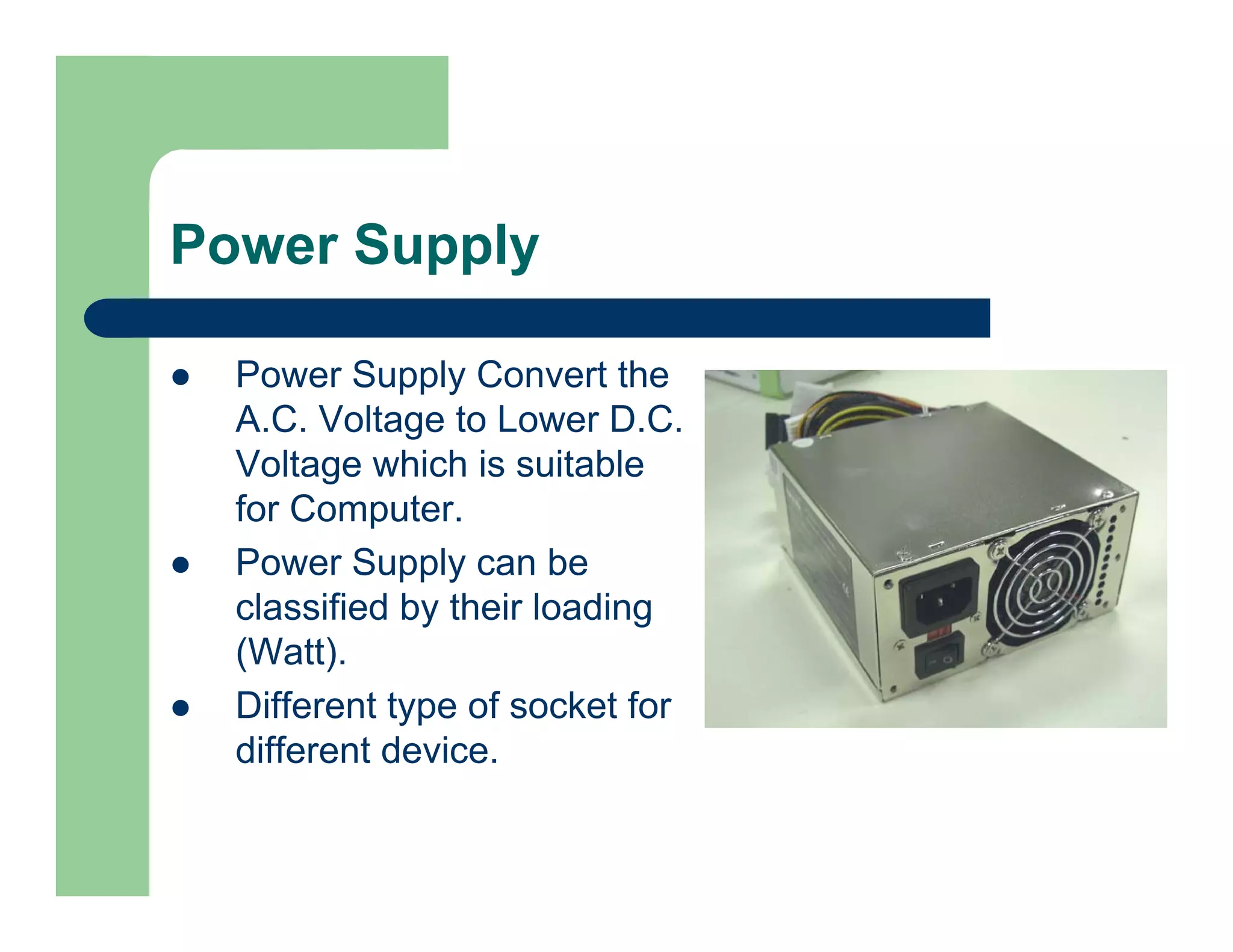
Power Supply Convert the
A.C. Voltage to Lower D.C.
Voltage which is suitable
for Computer.
Power Supply can be
classified by their loading
(Watt).
Different type of socket for
different device.
Case
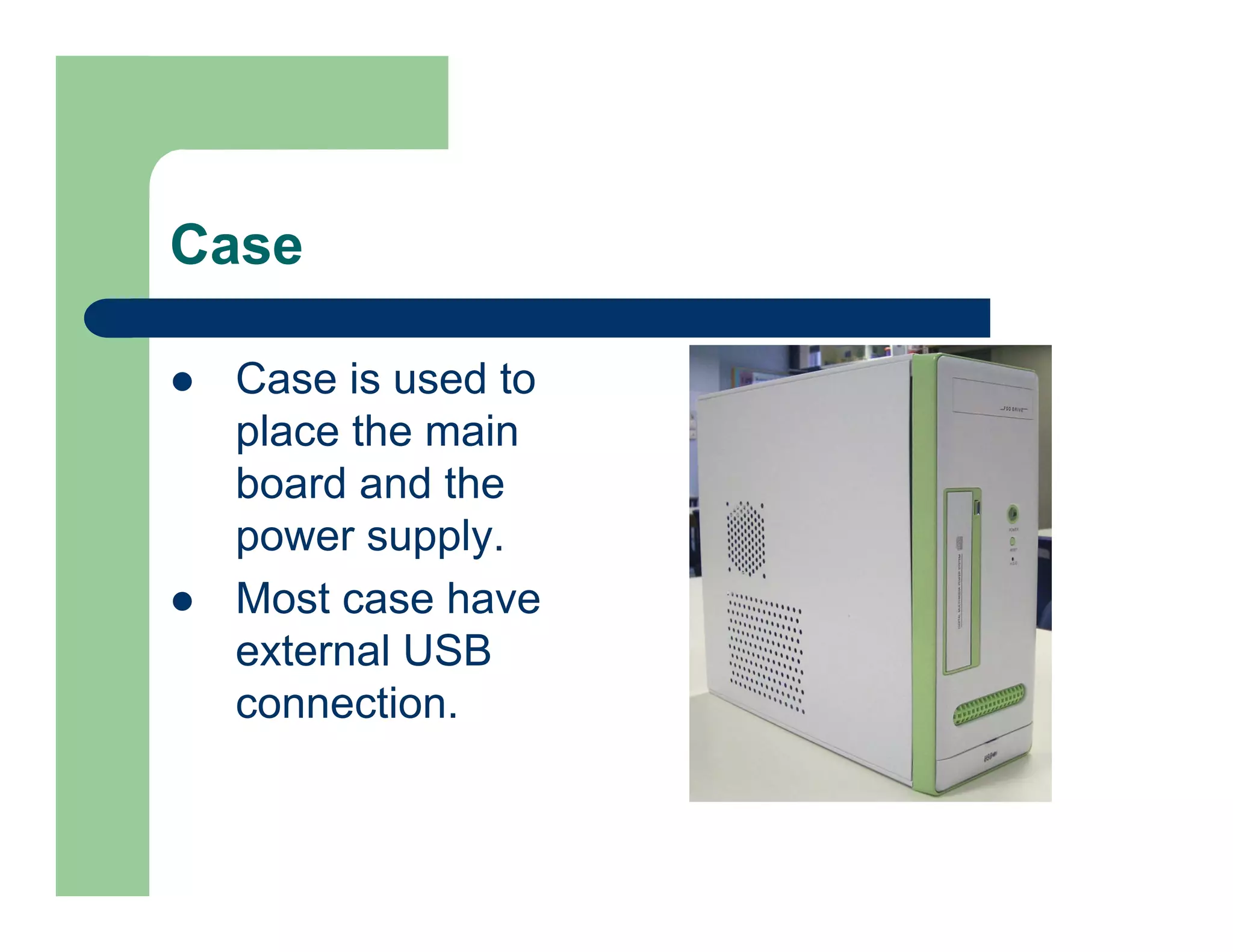
Case is used to
place the main
board and the
power supply.
Most case have
external USB
connection.
End

~ END ~

01 basic computer structure(20070122)

  • 1.
    Basic Computer Structureand Knowledge Project Work
  • 2.
    Basic Computer Structure 1. LogicalStructure of a computer includes: BIOS (The Basic Input Output System) CPU (The Processor) Memory / RAM (Temporary Storage) Hard Disk (Permanent Storage) Input / Output Device Communication Channel (Eg. USB) Bus (High Speed Internal Communication) Other Add-on Device…
  • 3.
    Example of aComputer Structure
  • 4.
    BIOS Basic Input OutputSystem Store all the parameter before the OS Load (Example are Hard Disk Size, Memory Speed, Turn on or turn off the build in device such as Sound Card, USB, printer etc) Usually stored in Flash Memory
  • 5.
    One of theBIOS Screen Dump
  • 6.
    Identify the Component- CPU Central Processing Unit It is the core of a computer. Responsible for all the calculation and part of the video. Usually in the Speed of GHz 1G around 1,000 MHz 1M = 1Million Instruction / second Some Expensive CPU have more build in memory (Cache Memory)
  • 7.
    How to Choosea CPU ? Mainly AMD / Intel Dominate the Market. In the current market you have several categories of microprocessors to choose for your desktop computers: Xeon, Pentium IV, Celeron, Dual Core, Quad Core, Athlon, and AMDX64 etc. Price vs. Performance: There is typically no good correlation between these two factors, especially at the top speeds. Average users should not purchase the top-speed on the market. The price difference is not worthy of the performance difference. Based on your budget, find a suitable CPU.
  • 8.
    Memory / RAM RAM– Random Access Memory Act as a temporary Storage. EDO > SDRAM > DDR > DDR2 All data stored in memory are volatile. (Need electricity to keep the data) Memory Size is around 256M / 512M / 1G / 2G per memory module Basic Configuration is around 512M RAM
  • 9.
    Hard Disk (ATA/ SATA / SCSI) Used to stored data permanently. Different Type of Hard Disk Size (3.5”, 2.5”, 1.8”, Micro Drive) Different Interface : ATA / SATA / SCSI (Speed : ATA < SATA < SCSI) Different Speed (Mechanical) (4,200rpm / 5,400rpm / 7,200rpm / 10,000 rpm )
  • 10.
    Hard Disk (ATA/ SATA / SCSI) – Cond. Different Build in Memory Size (2M / 8M / 16M etc) Different Capacity (80G to 500G or even 1T) Small Size Hard Disk are more popular as they are portable size.
  • 11.
    Main Board /Mother Board (MB) Provide a platform to connecting all the devices. (Keyboard / Mouse / Power / CPU / Memory / Hard Disk / Floppy Disk / Display Card etc) Many Main Board has already build in Sound Card / Network Card or even display card.
  • 12.
    I/O Device &Interface ATA / SATA /SCSI (For Hard Disk) Parallel Port or LPT Port (For Printer) COM Port (For Modem) RJ45 Socket (For Network) PS/2 (For Keyboard / Mouse) D-Sub / DVI (For Monitor) USB (All compatible device)
  • 13.
    Power Supply Power SupplyConvert the A.C. Voltage to Lower D.C. Voltage which is suitable for Computer. Power Supply can be classified by their loading (Watt). Different type of socket for different device.
  • 14.
    Case Case is usedto place the main board and the power supply. Most case have external USB connection.
  • 15.