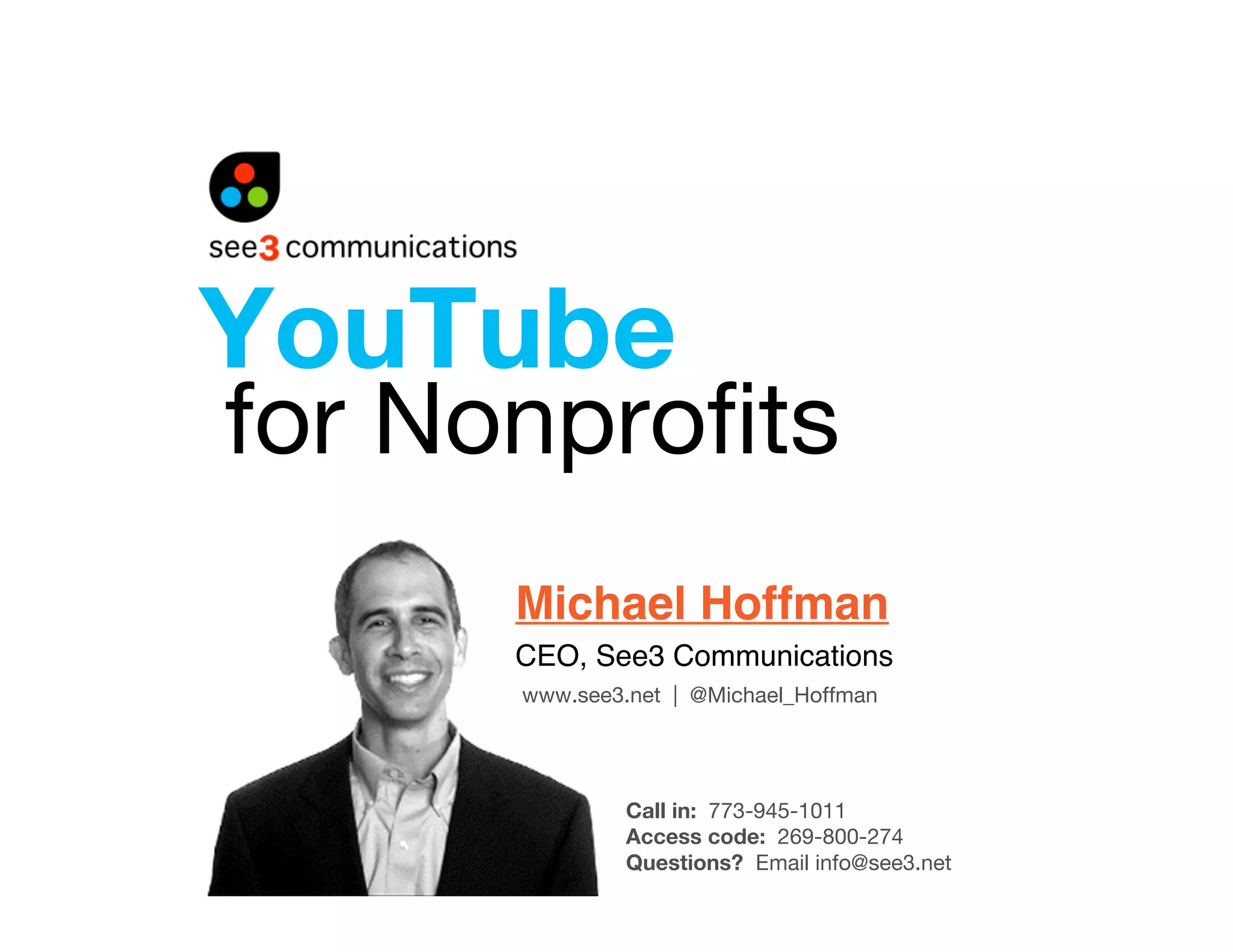
YouTube
for Nonprofits
      Michael Hoffman
      CEO, See3 Communications
      www.see3.net | @Michael_Hoffman


               Call in: 773-945-1011
               Access code: 269-800-274
               Questions? Email info@see3.net
Upcoming Webinar
What Donors Want This
End-of-Year Season
  Date: Wednesday, October 21 – 1pm EST
  Host: Shirley Sexton, Director, Interactive
  Marketing & Fundraising

  Register: www.see3.net/endofyear
Today!s Plan
•   About See3
•   Why a YouTube Strategy Matters
•   Technical Considerations
•   The YouTube Nonprofit Program
•   You Uploaded a Video, Now What?
•   5 Time-Saving Takeaways
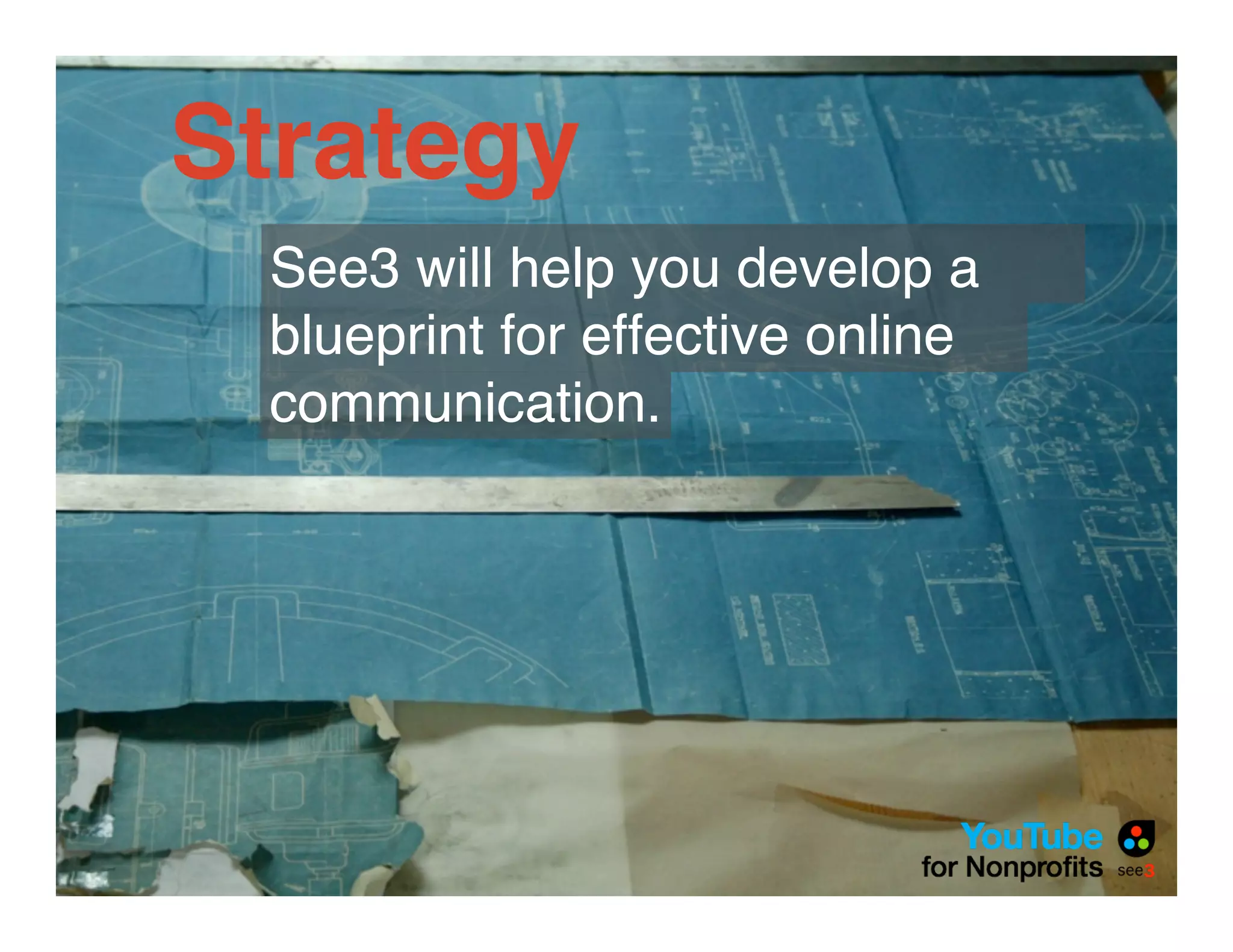
Strategy
 See3 will help you develop a
 blueprint for effective online
 communication.
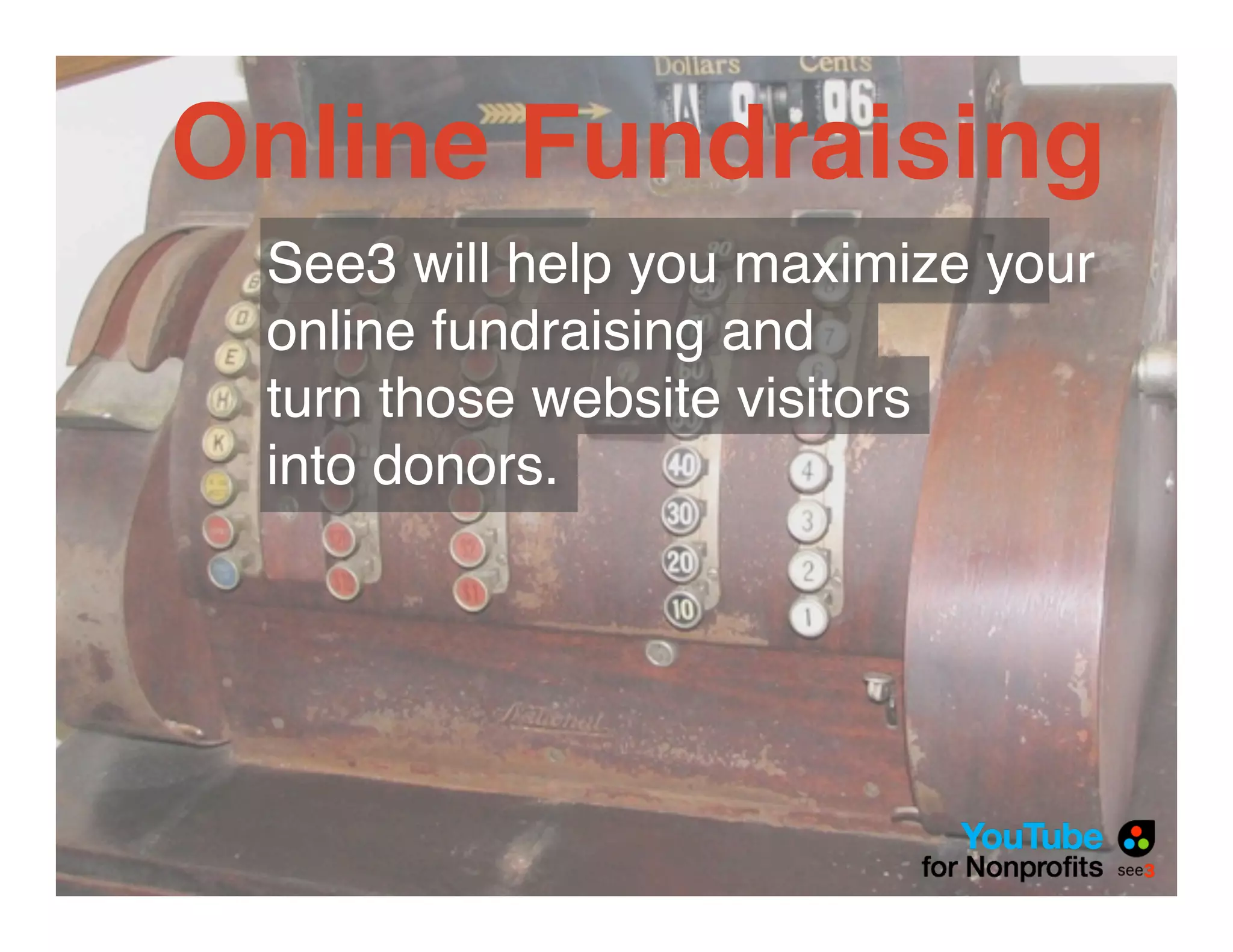
Online Fundraising
 See3 will help you maximize your
 online fundraising and
 turn those website visitors
 into donors.
Web Development
 From complex organizational
 websites to campaign microsites.
 From Convio to Drupal, See3 can
 manage your web needs.
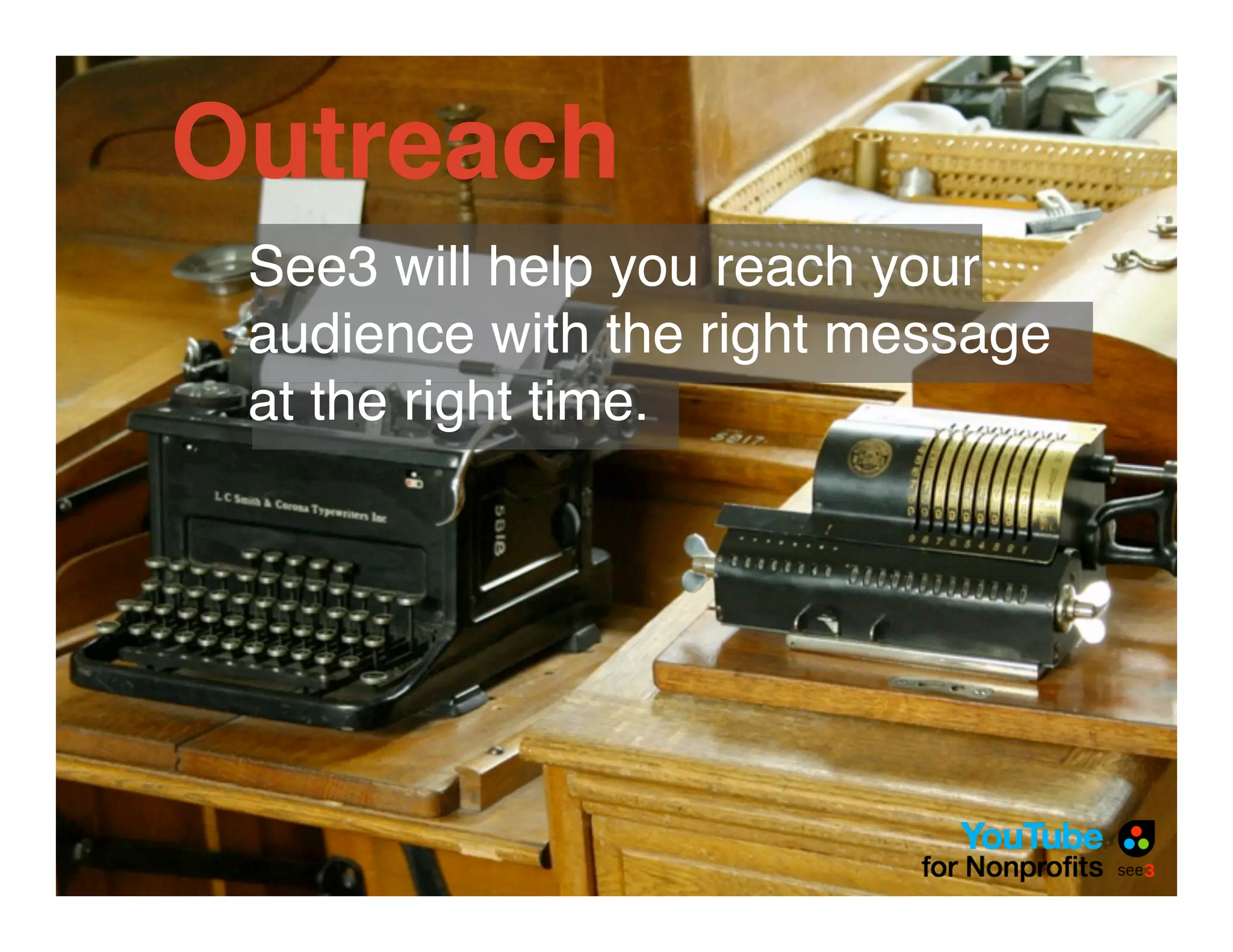
Outreach
 See3 will help you reach your
 audience with the right message
 at the right time.
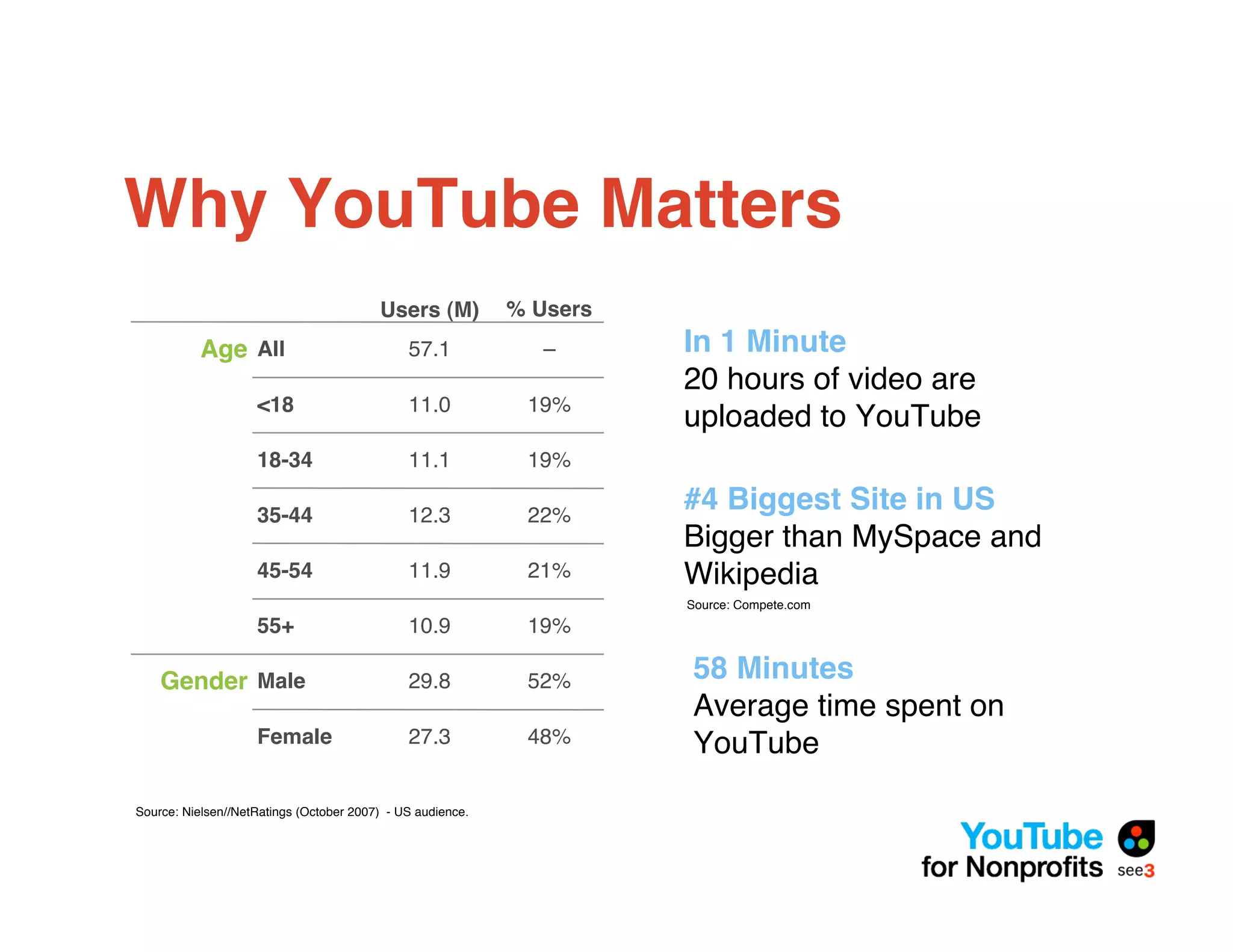
Why YouTube Matters
                                         Users (M)"         % Users
           Age All                            57.1             –      In 1 Minute
                                                                      20 hours of video are
                    <18                       11.0           19%
                                                                      uploaded to YouTube
                    18-34                     11.1           19%

                    35-44                     12.3           22%
                                                                      #4 Biggest Site in US
                                                                      Bigger than MySpace and
                    45-54                     11.9           21%      Wikipedia
                                                                      Source: Compete.com
                    55+                       10.9           19%

    Gender Male                               29.8           52%      58 Minutes
                                                                      Average time spent on
                    Female                    27.3           48%      YouTube

Source: Nielsen//NetRatings (October 2007) - US audience.
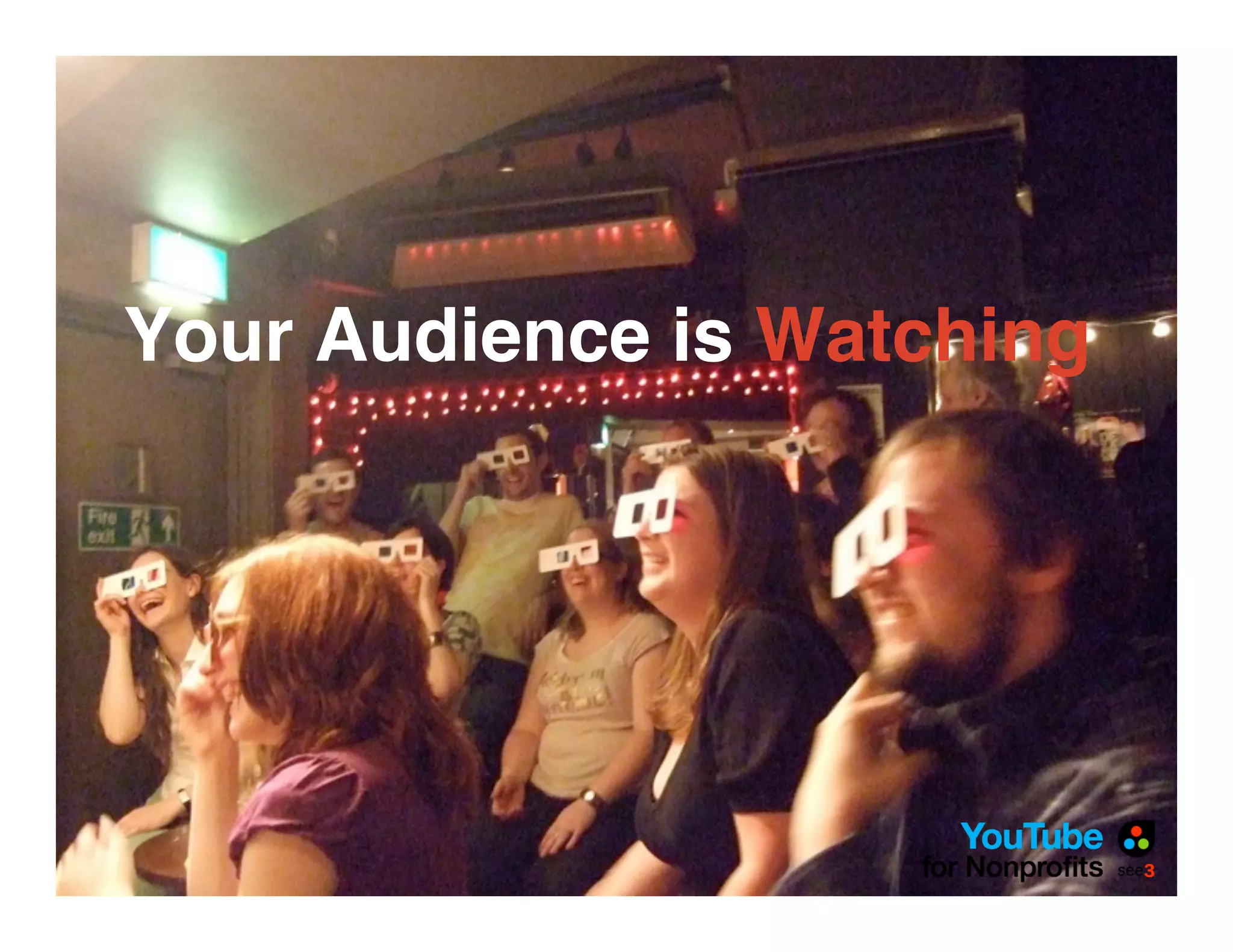
Your Audience is Watching
Search
The Tools are
Improving
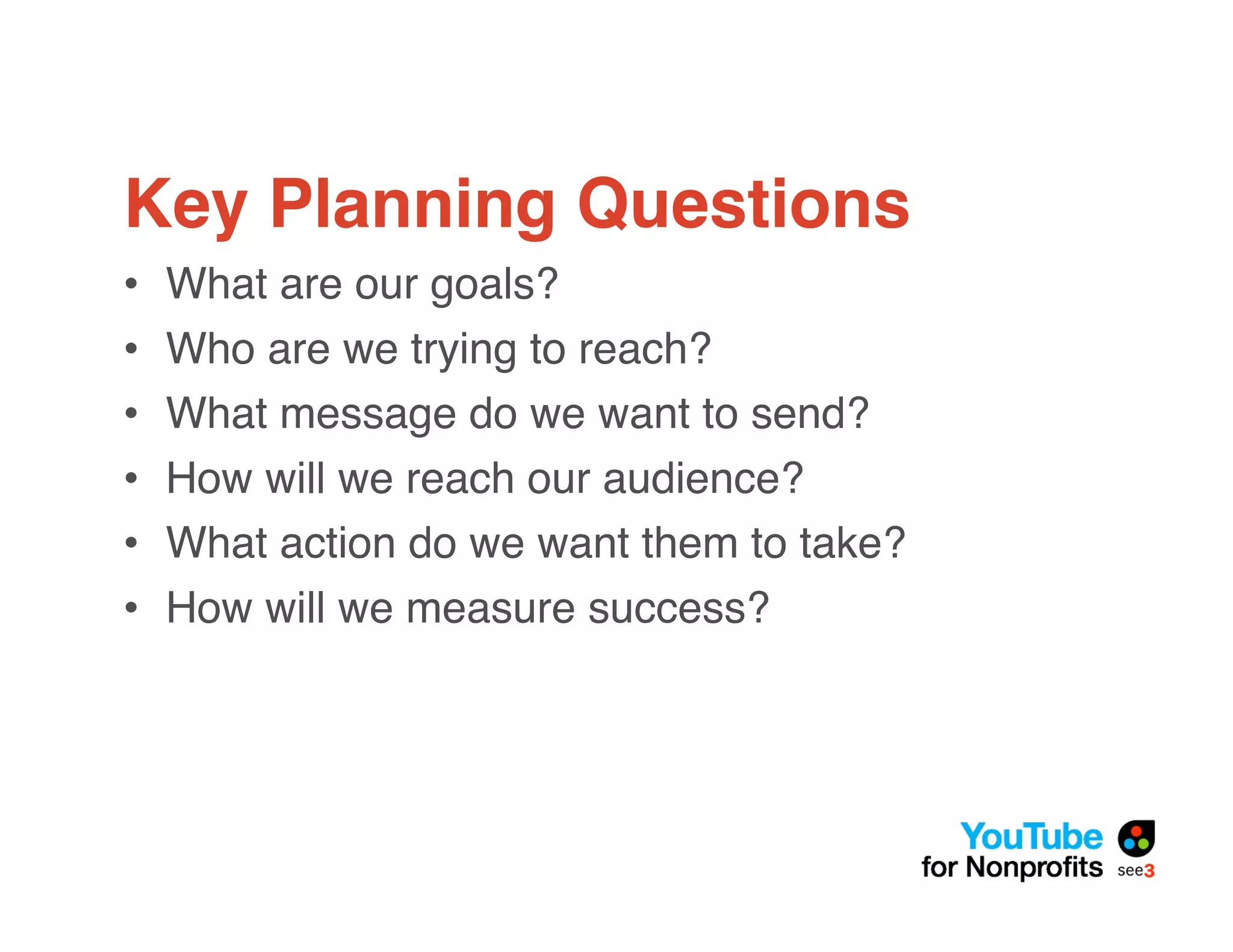
Key Planning Questions
•   What are our goals?
•   Who are we trying to reach?
•   What message do we want to send?
•   How will we reach our audience?
•   What action do we want them to take?
•   How will we measure success?
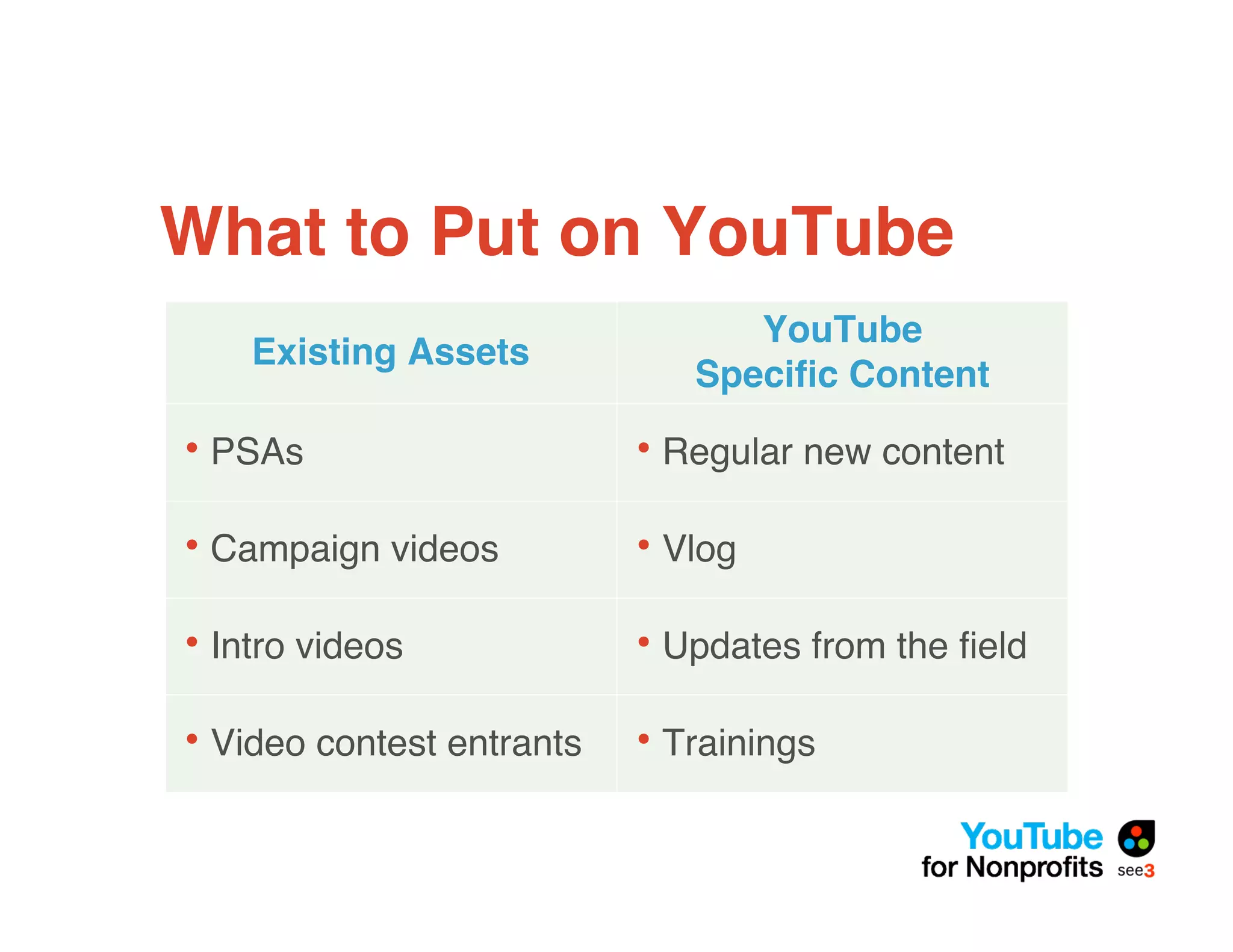
What to Put on YouTube
                                 YouTube
    Existing Assets
                              Specific Content

• PSAs                     • Regular new content

• Campaign videos          • Vlog

• Intro videos             • Updates from the field

• Video contest entrants   • Trainings
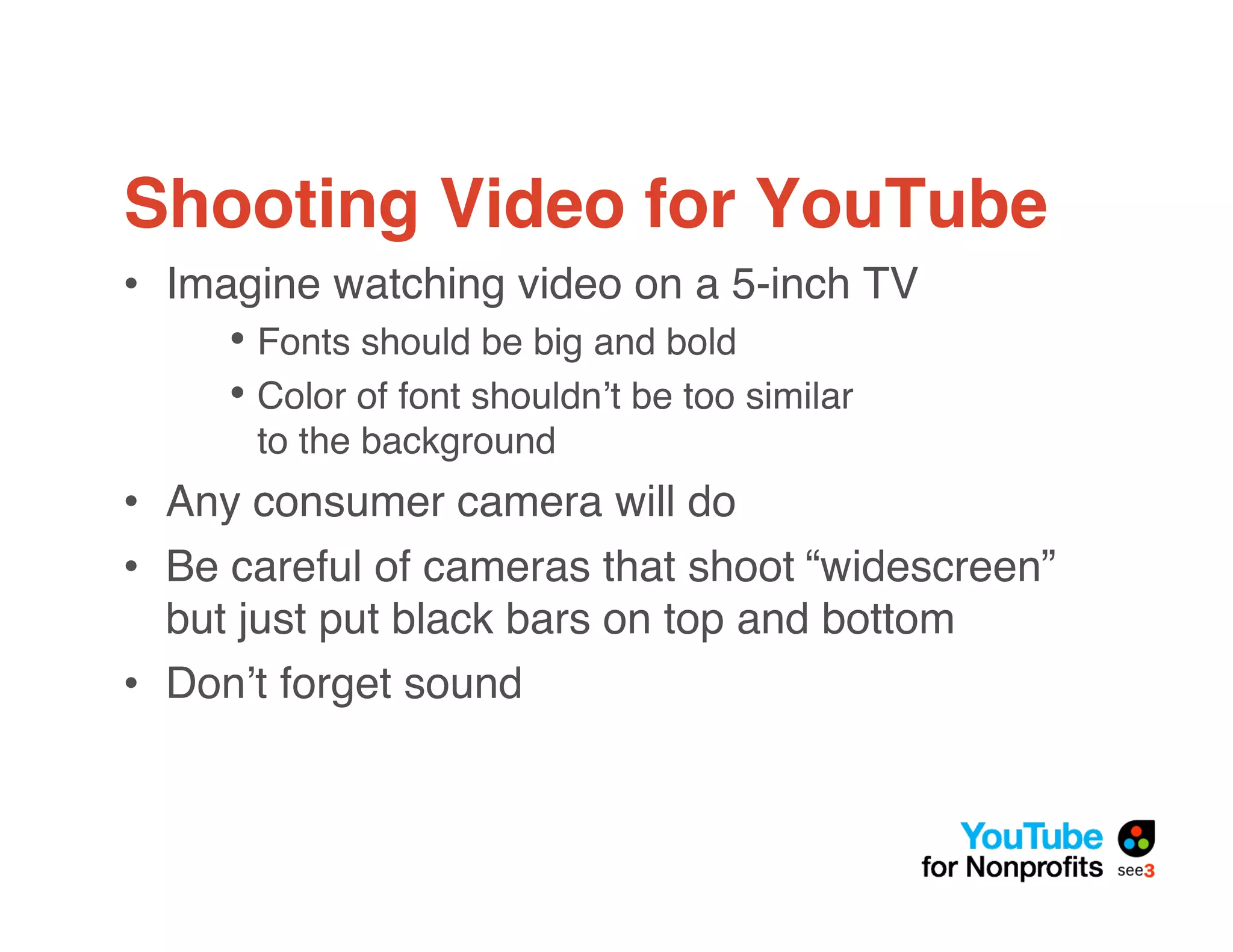
Shooting Video for YouTube
• Imagine watching video on a 5-inch TV
     • Fonts should be big and bold
     • Color of font shouldn!t be too similar
      to the background
• Any consumer camera will do
• Be careful of cameras that shoot “widescreen”
  but just put black bars on top and bottom
• Don!t forget sound
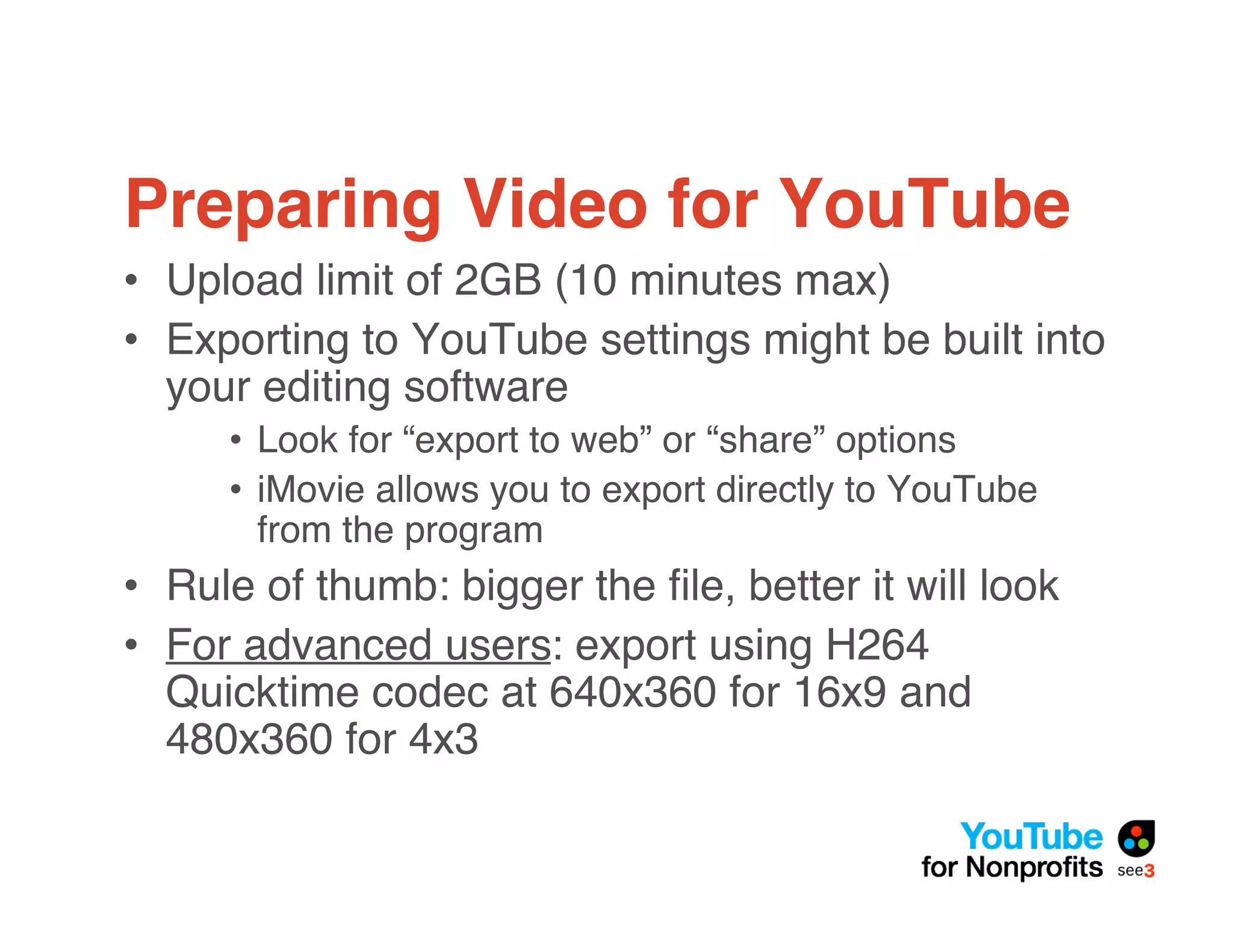
Preparing Video for YouTube
• Upload limit of 2GB (10 minutes max)
• Exporting to YouTube settings might be built into
  your editing software
     • Look for “export to web” or “share” options
     • iMovie allows you to export directly to YouTube
       from the program
• Rule of thumb: bigger the file, better it will look
• For advanced users: export using H264
  Quicktime codec at 640x360 for 16x9 and
  480x360 for 4x3
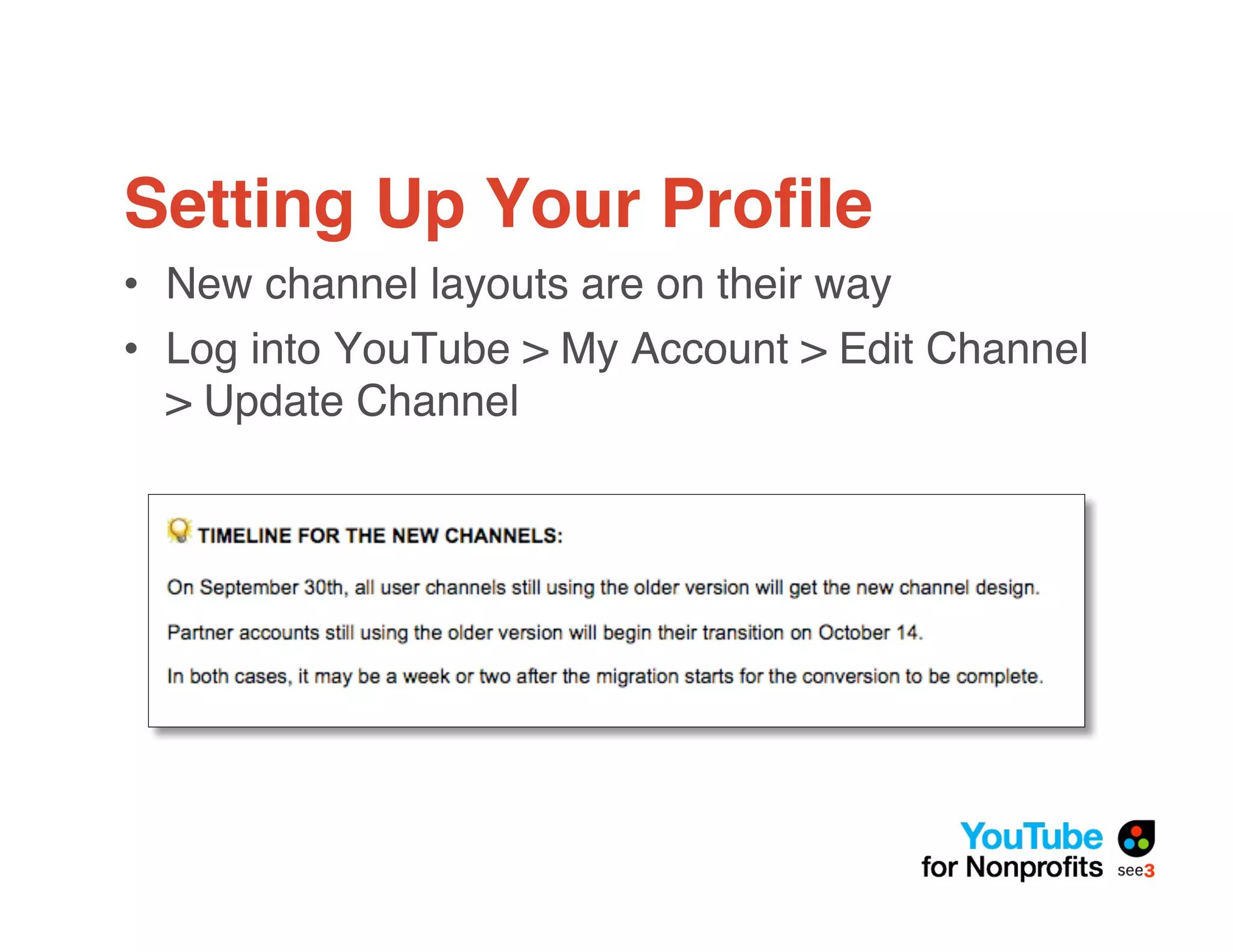
Setting Up Your Profile
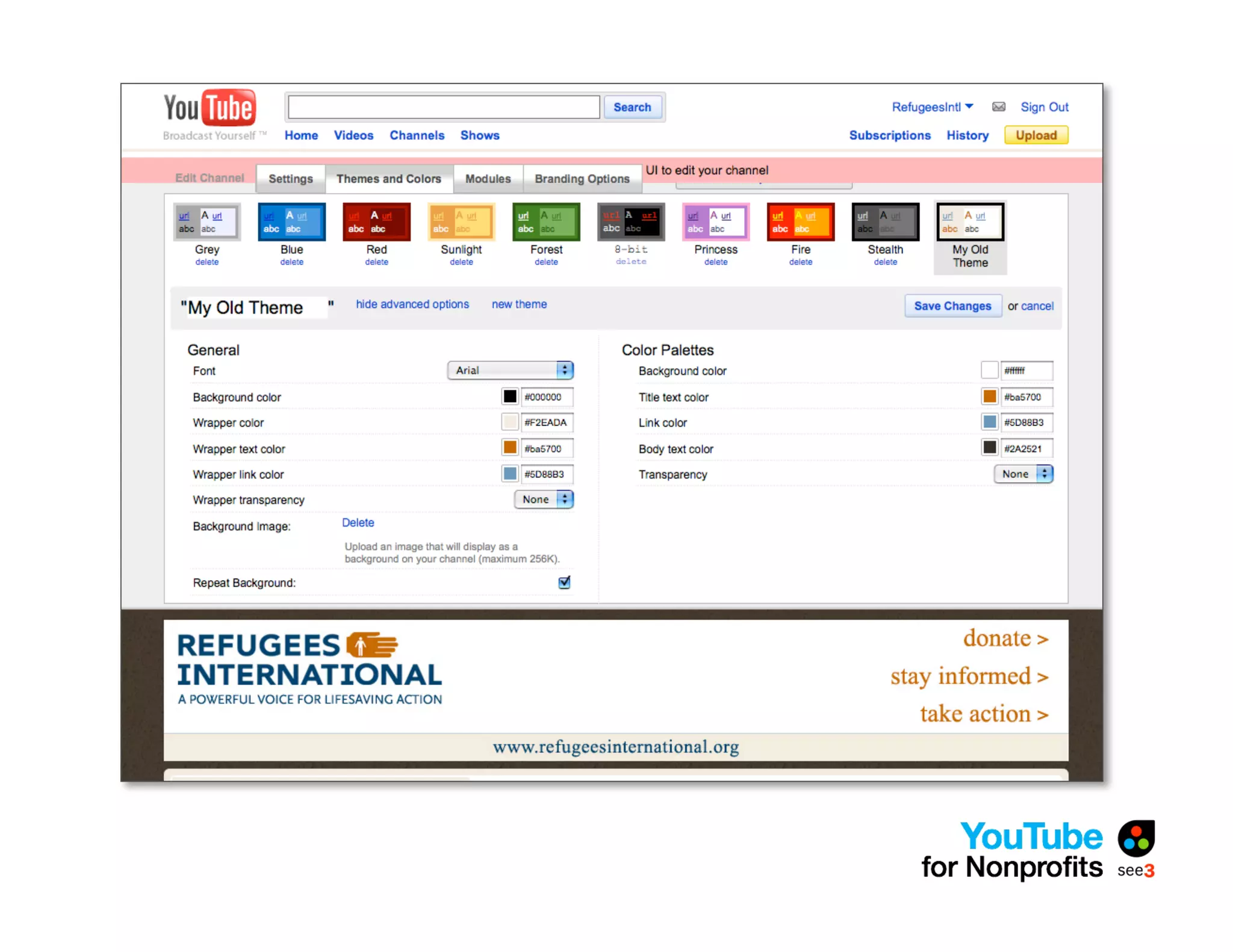
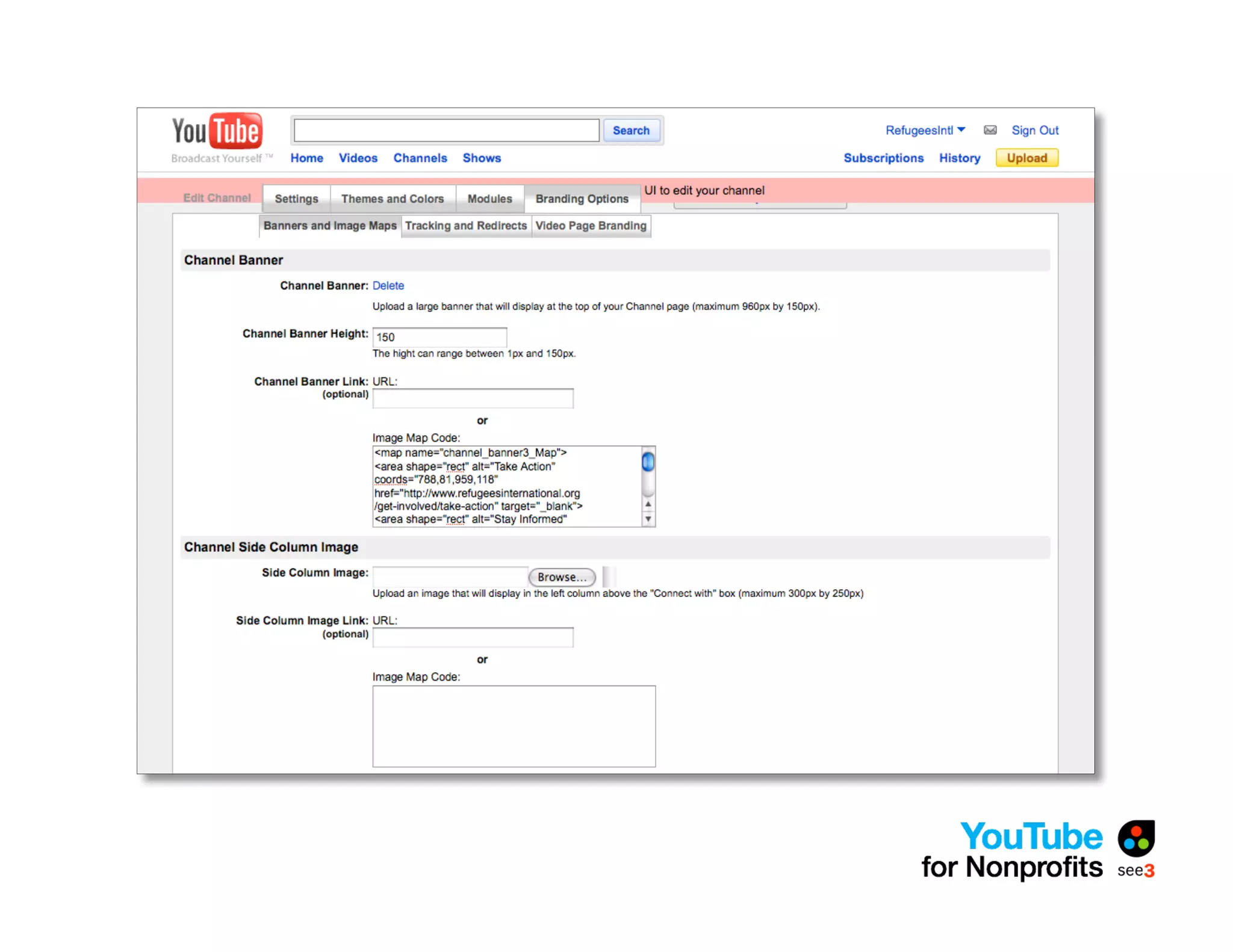
• New channel layouts are on their way
• Log into YouTube > My Account > Edit Channel
  > Update Channel
The New Channel Profiles
• In-channel editing
• Pre-set color themes available
• Select modules to display
  (uploads, particular playlists, favorites)
• As always, background can be color, image, or
  repeatable image
The Nonprofit Program -
Eligibility
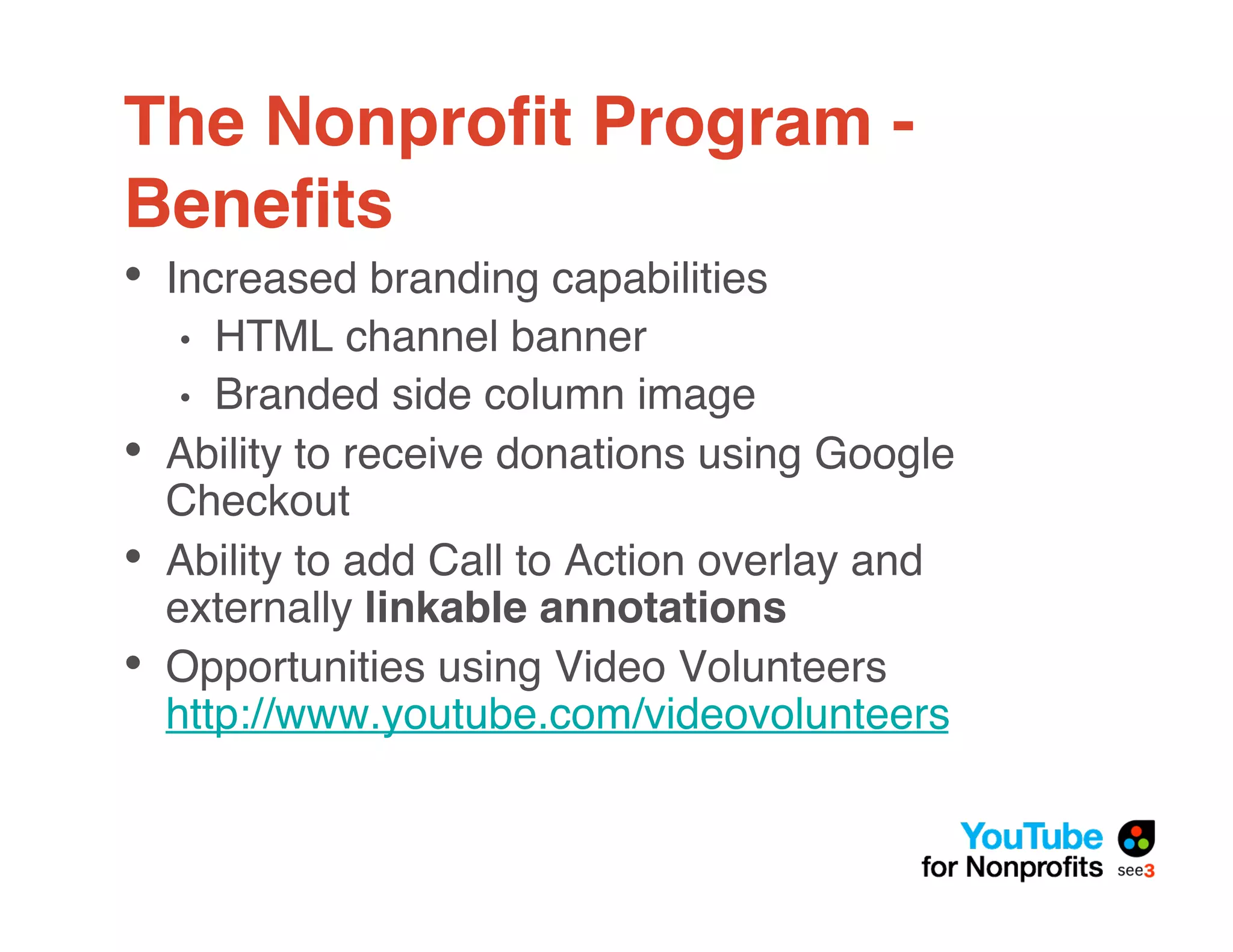
• Organizations must be US- or UK-based
  nonprofits
• May not be religious or political in nature
• May not be focused primarily on lobbying for
  political or policy change
• Commercial organizations, credit-counseling
  services, donation middleman services, fee-
  based organizations, universities, and
  nonprofit portals are not eligible
• More info: http://www.youtube.com/nonprofits
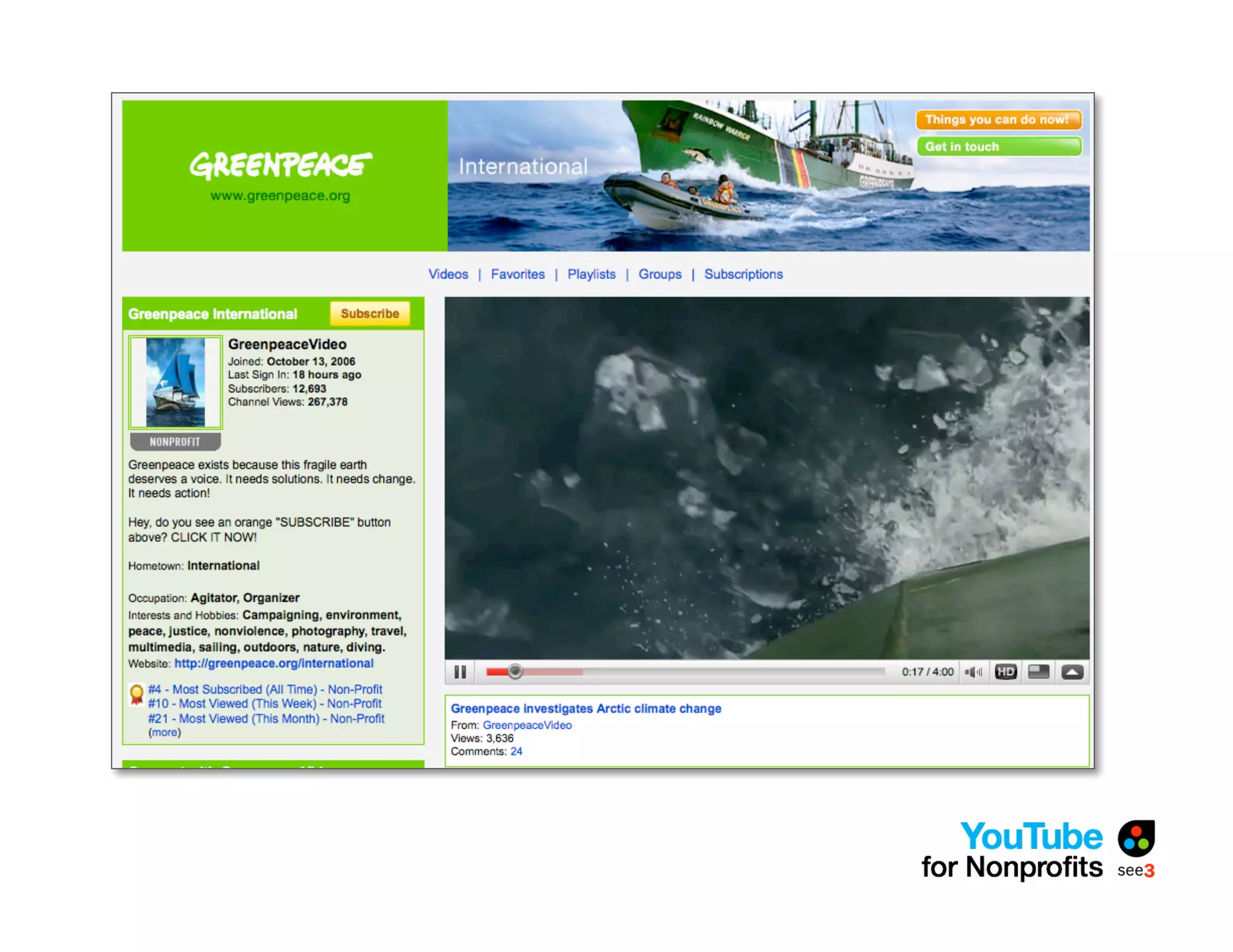
The Nonprofit Program -
Benefits
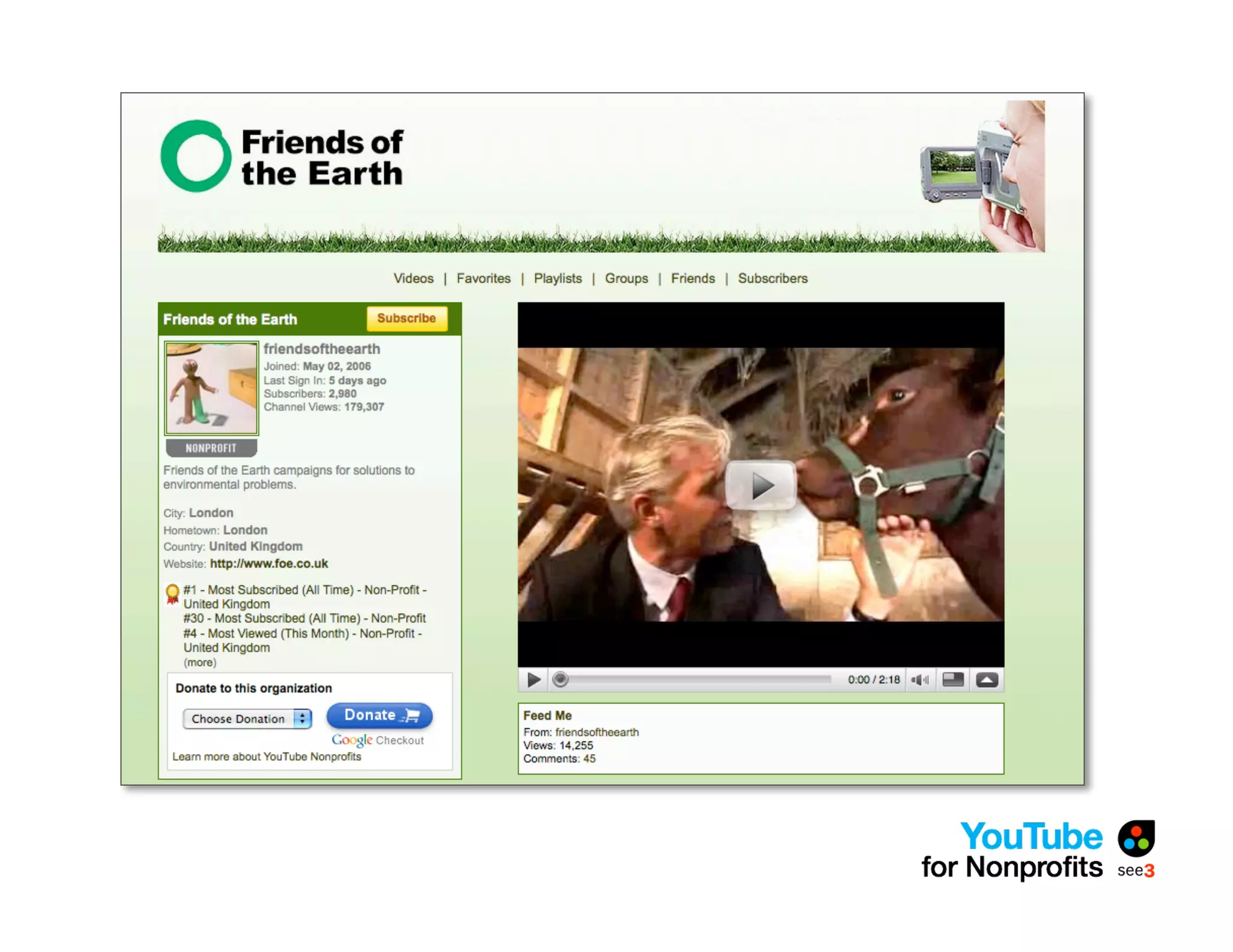
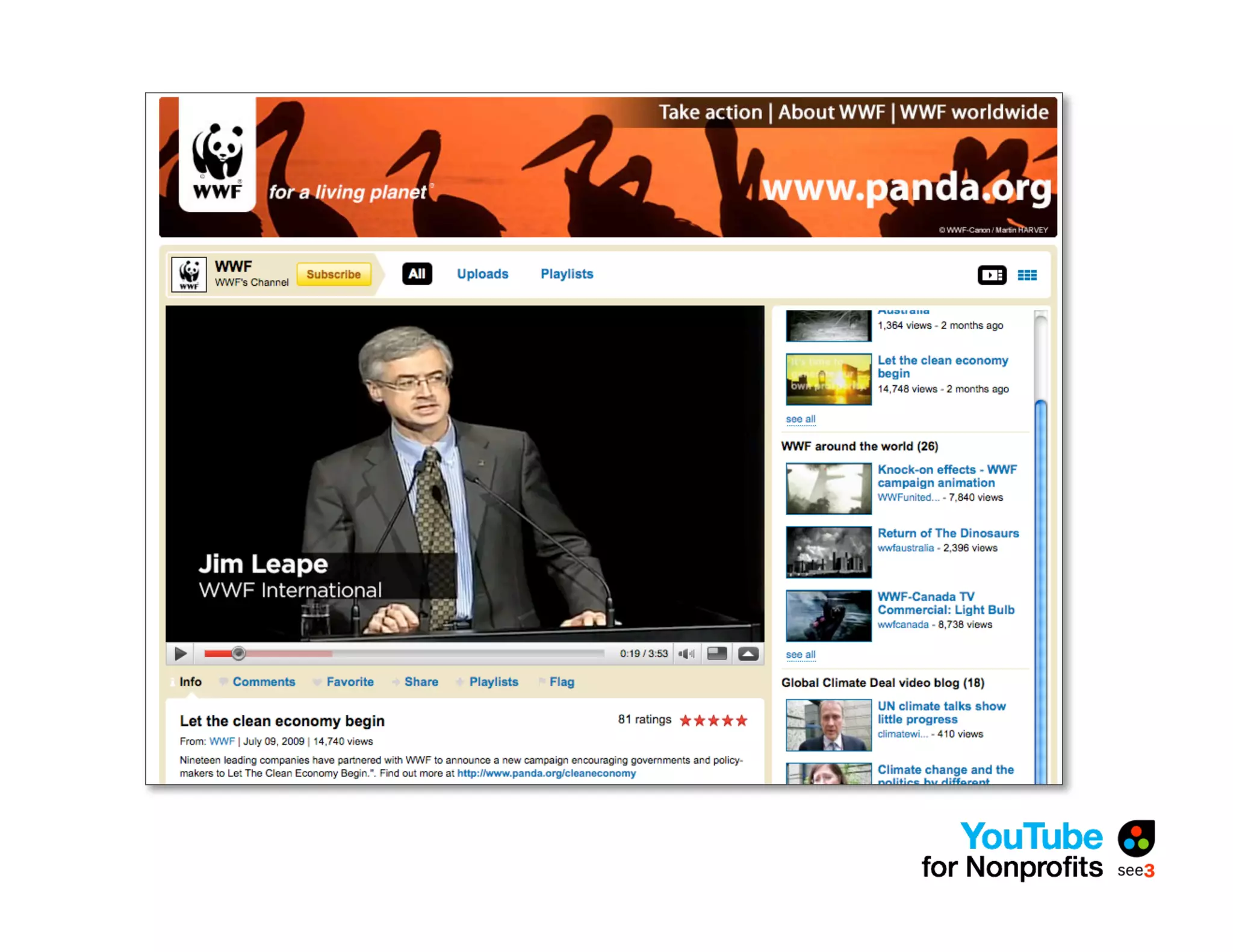
• Increased branding capabilities
    •  HTML channel banner
     • Branded side column image
•   Ability to receive donations using Google
    Checkout
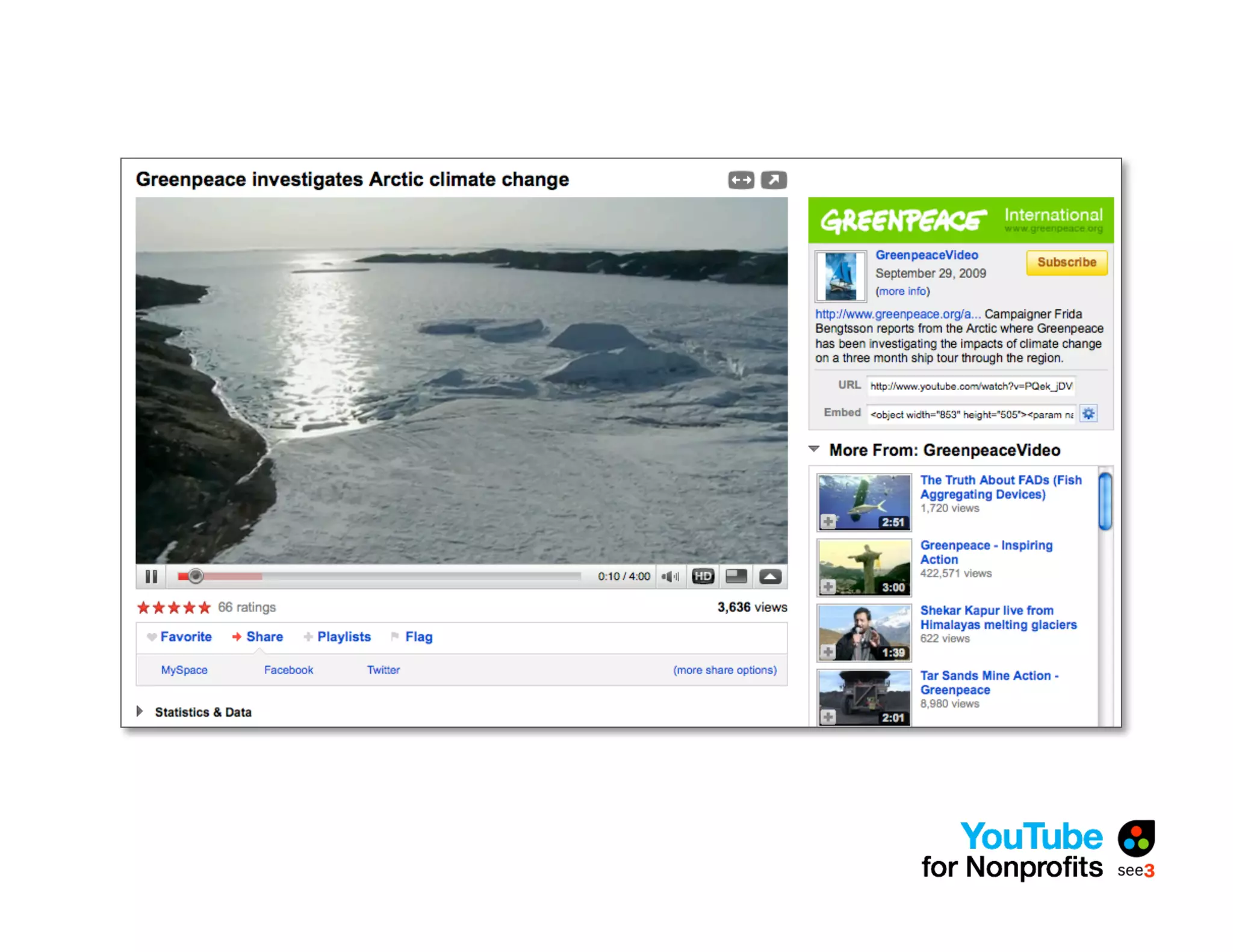
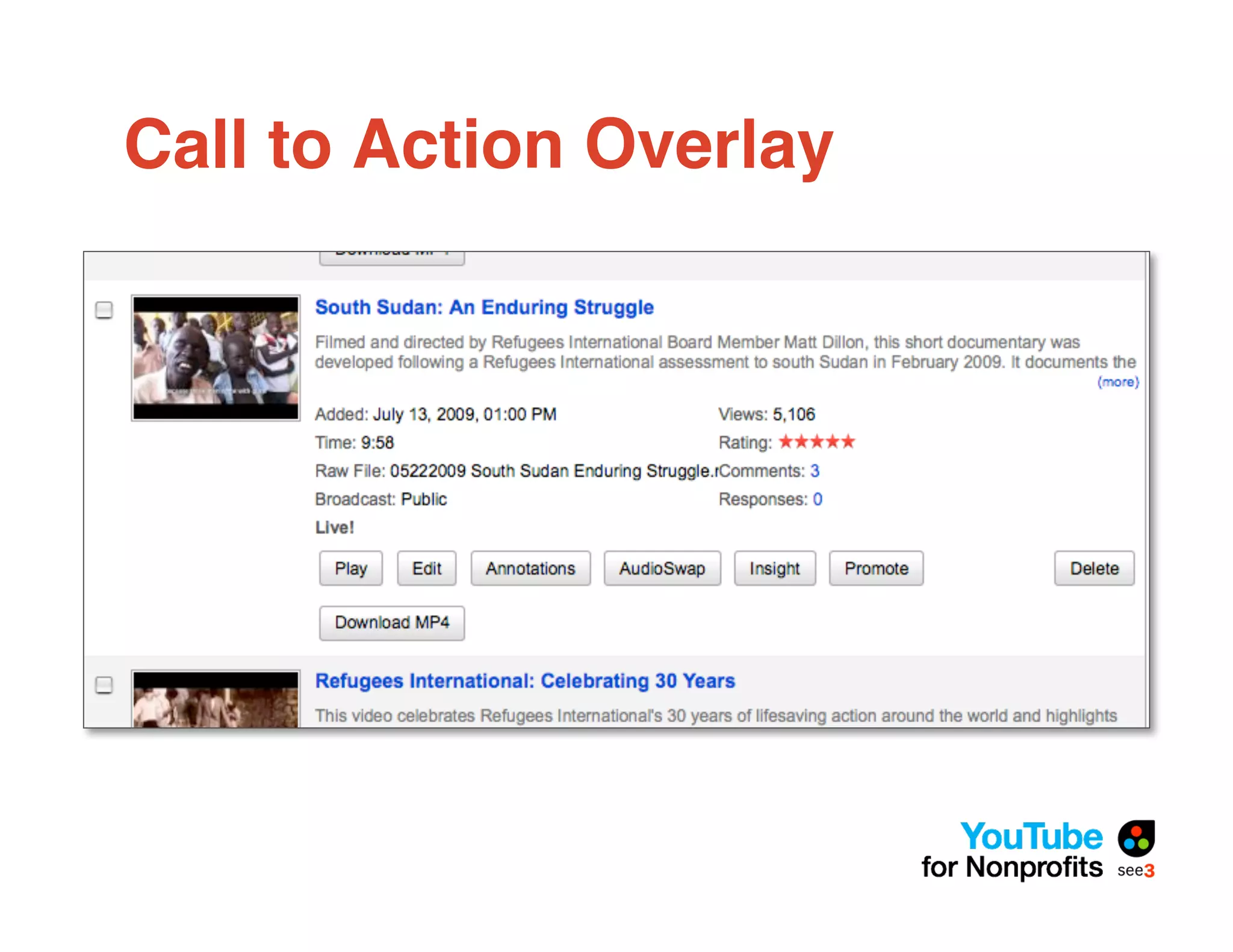
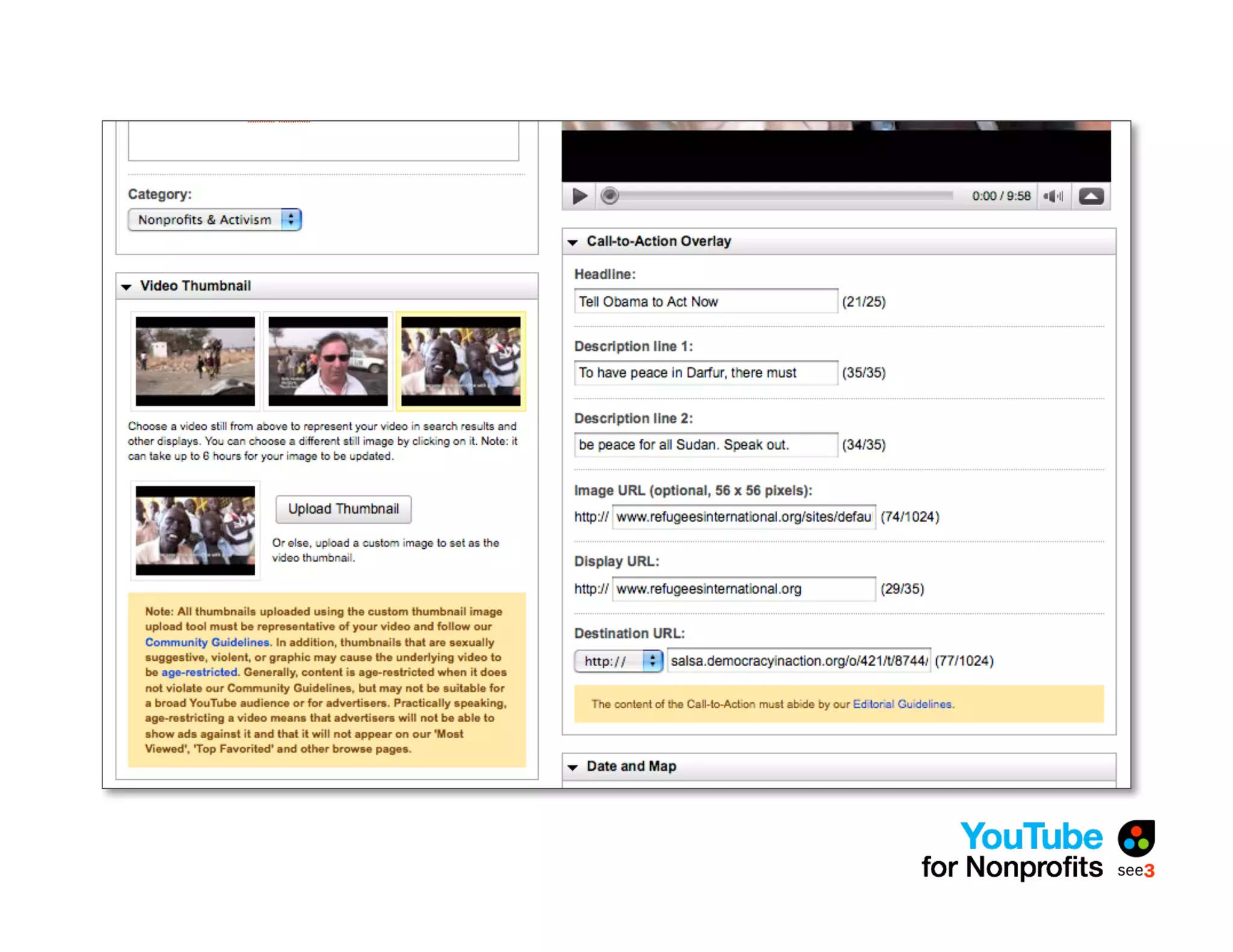
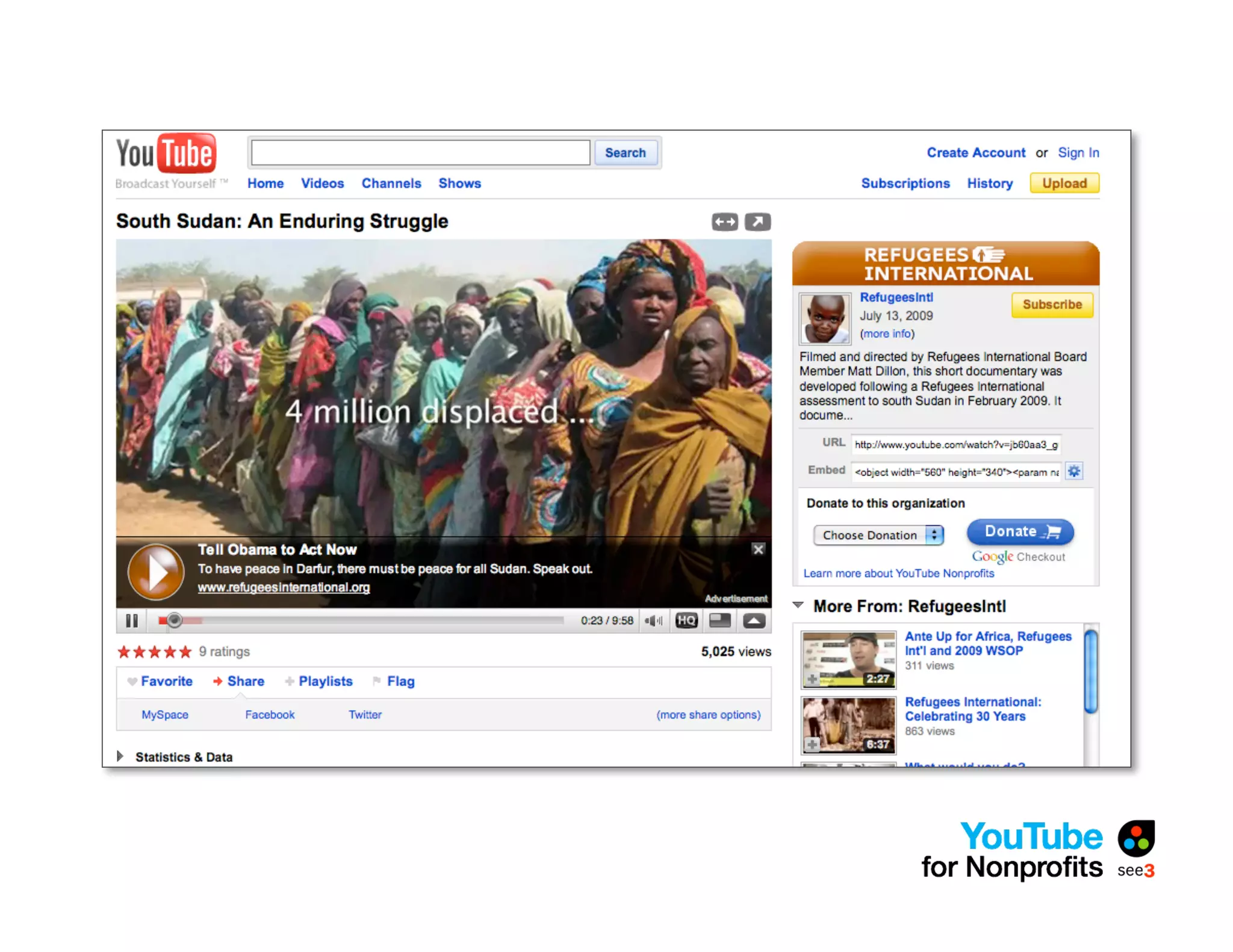
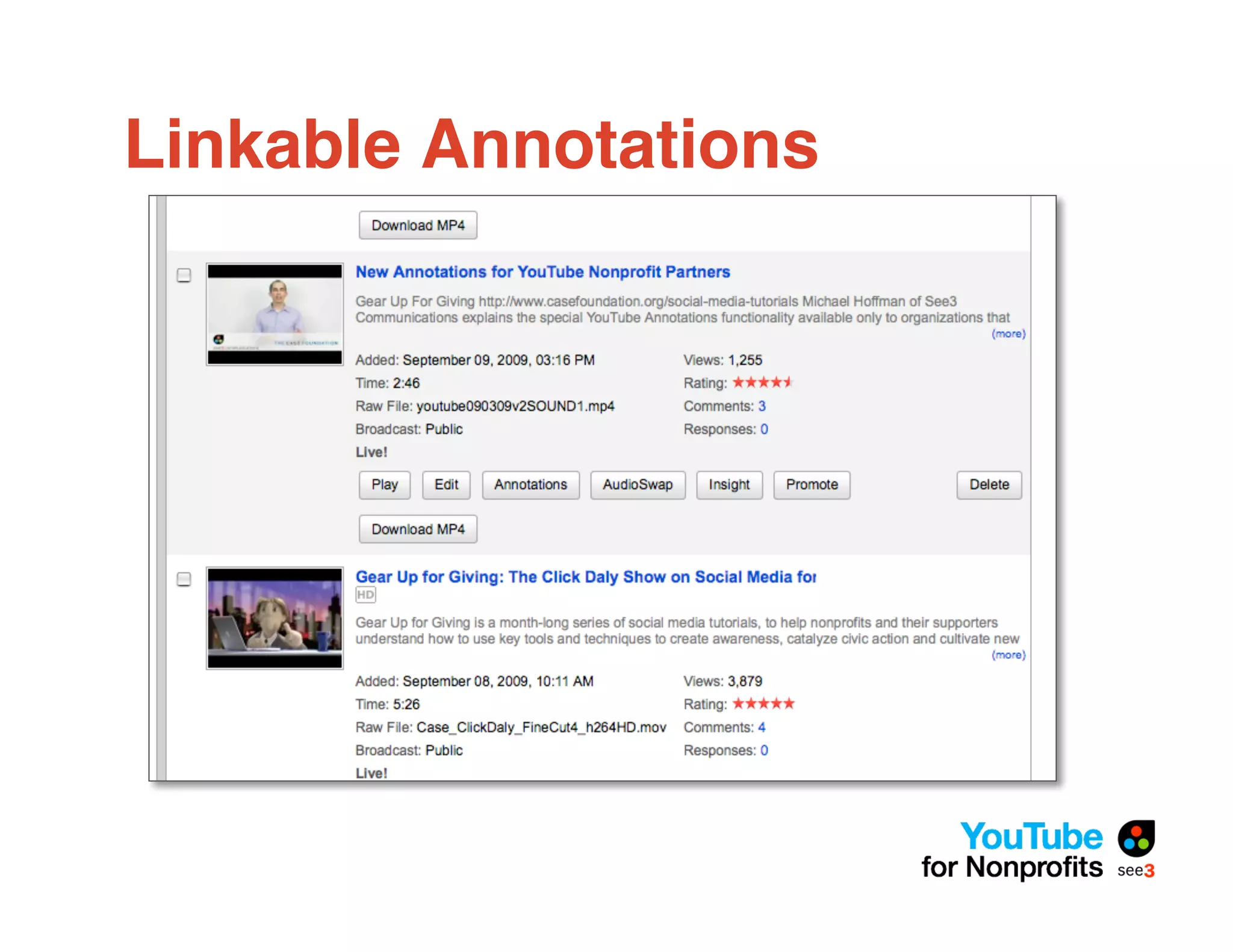
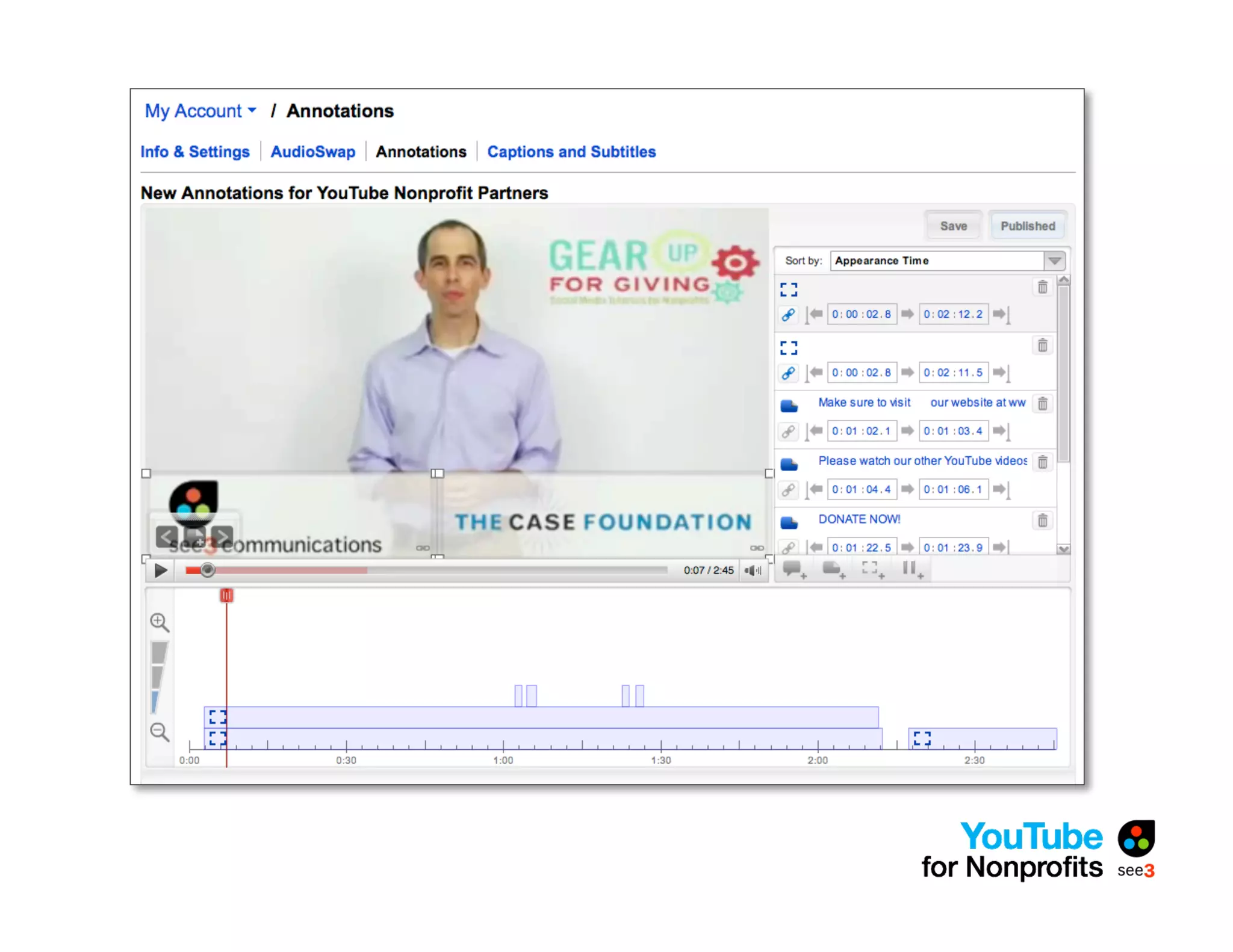
•   Ability to add Call to Action overlay and
    externally linkable annotations
•   Opportunities using Video Volunteers
    http://www.youtube.com/videovolunteers
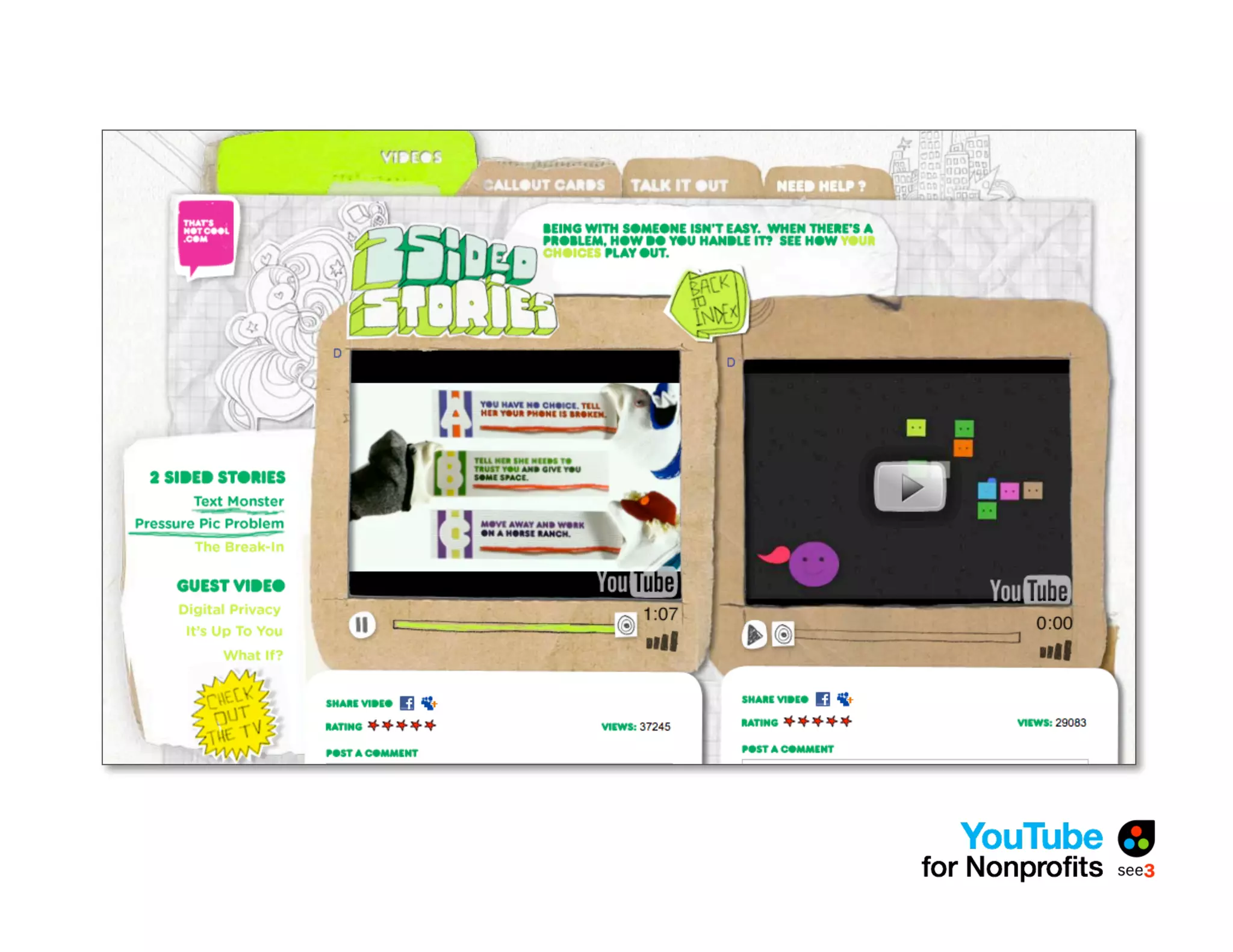
Call to Action Overlay
Linkable Annotations
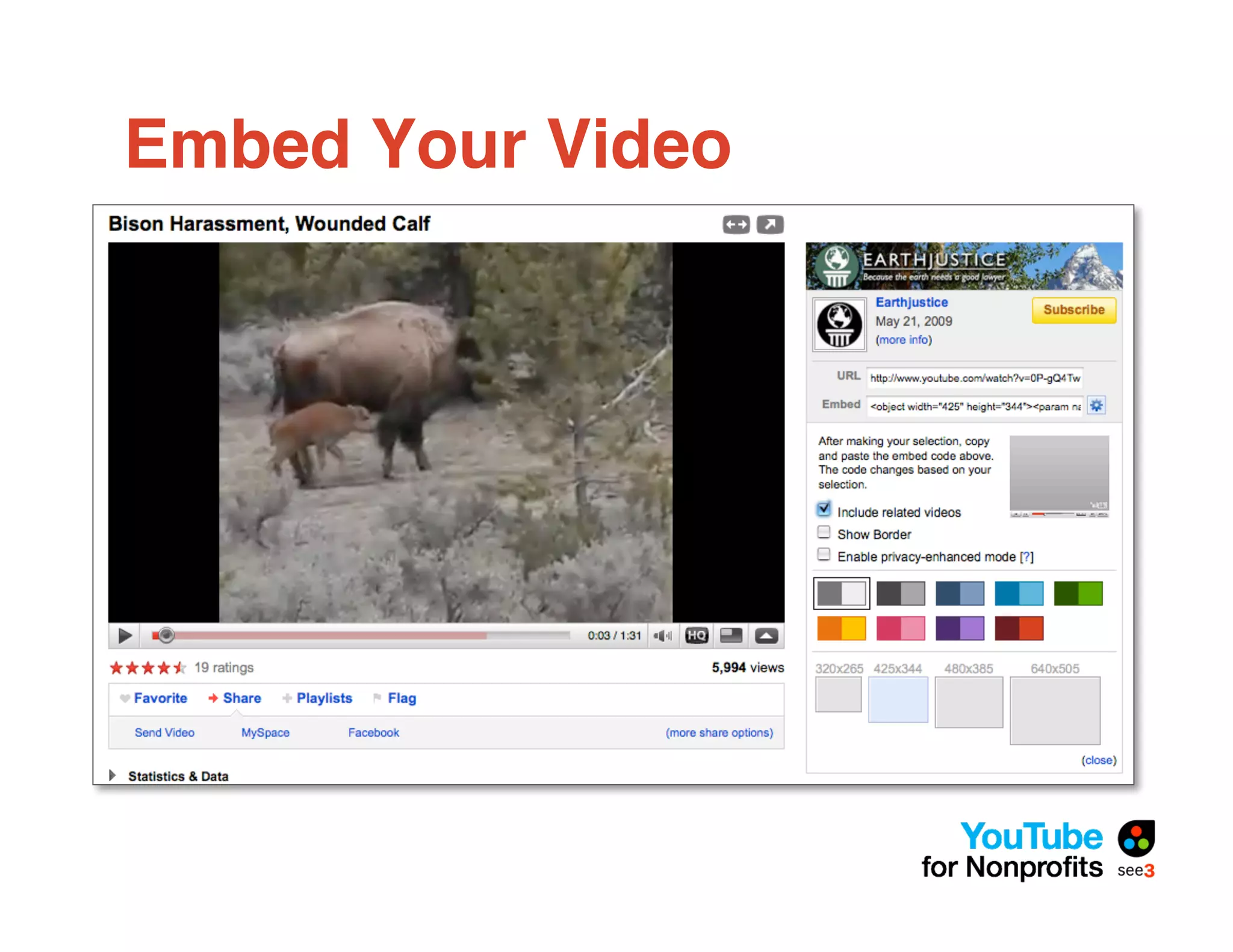
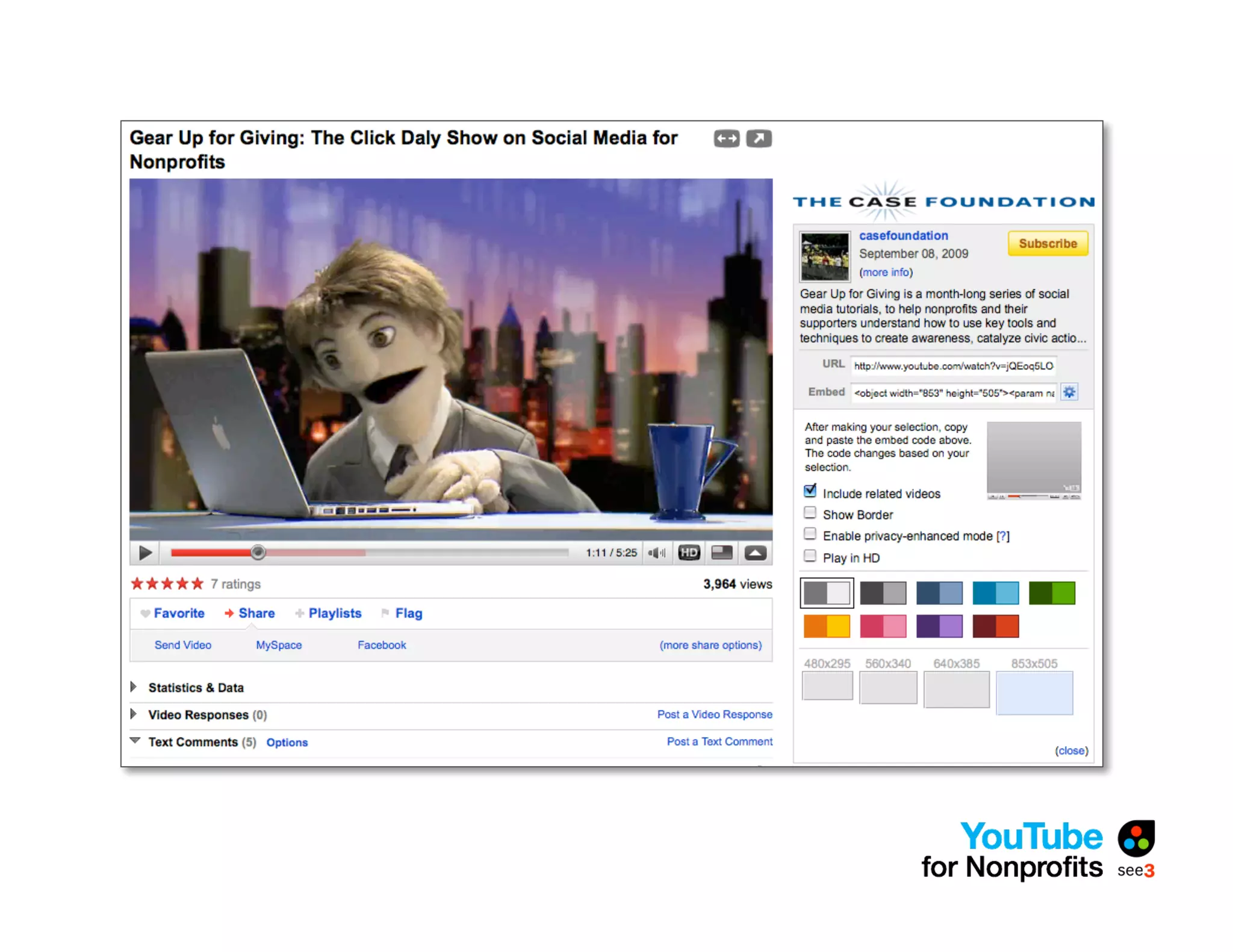
Embed Your Video
Find Ways to Drive Action
• Build interactivity into the concept
• Annotations
• Overlay
• Solicit feedback in the video
• Put URL in first line of description
 (use “http://…”)
Measuring Success
• Redefine “viral”
• Determine your metrics upfront
   • Views/comments
   • Blog mentions
   • Website traffic
   • Legislation/advocacy/awareness
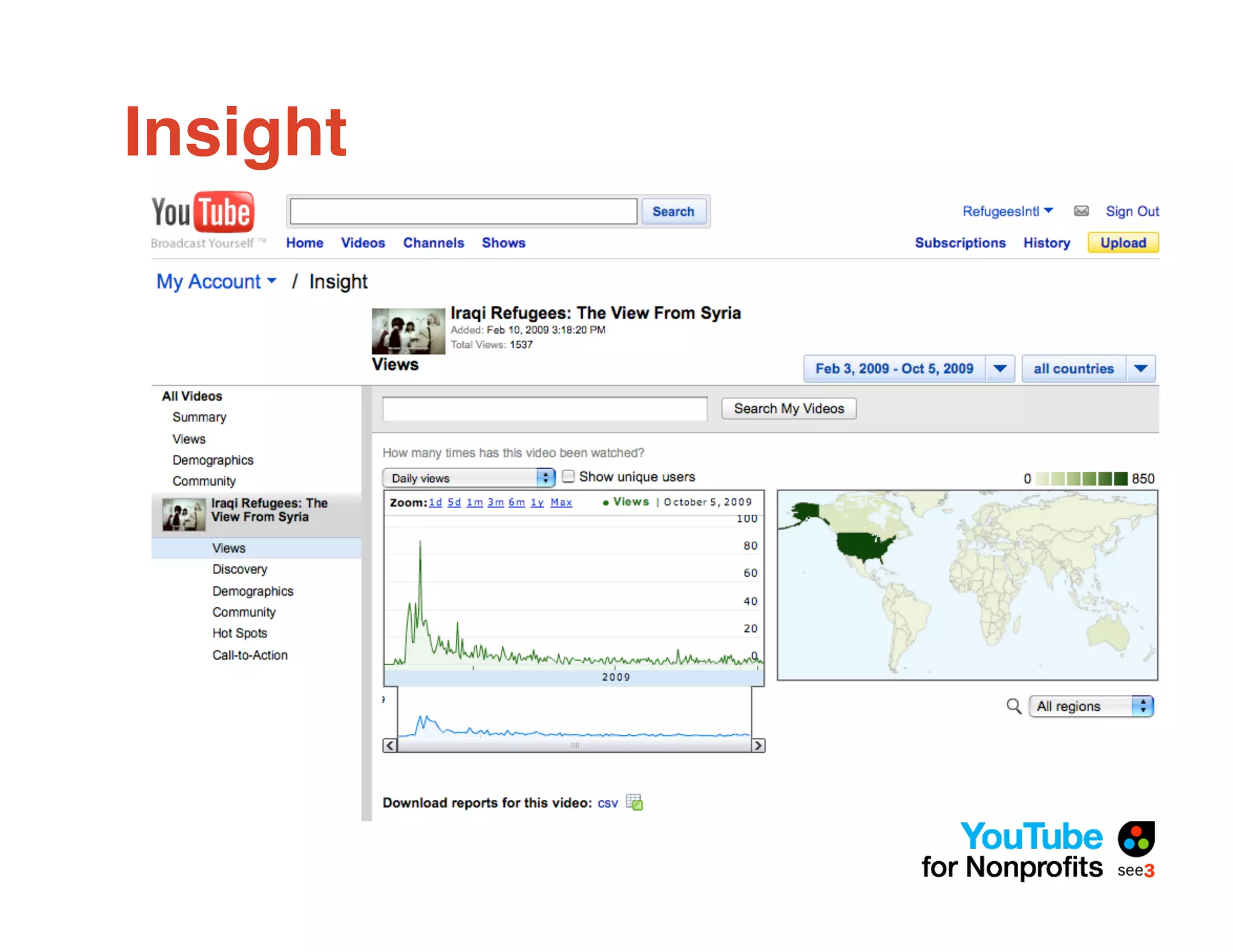
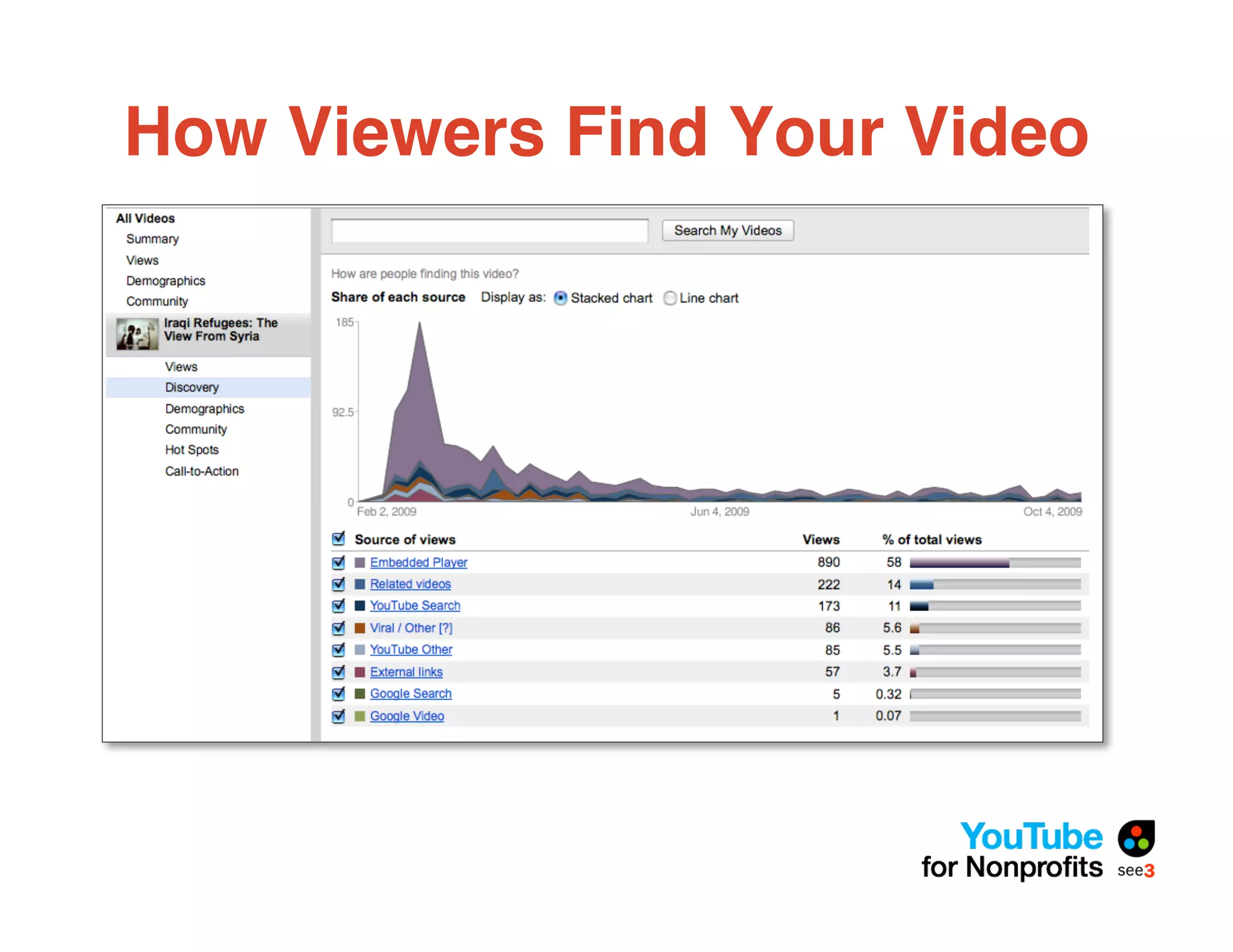
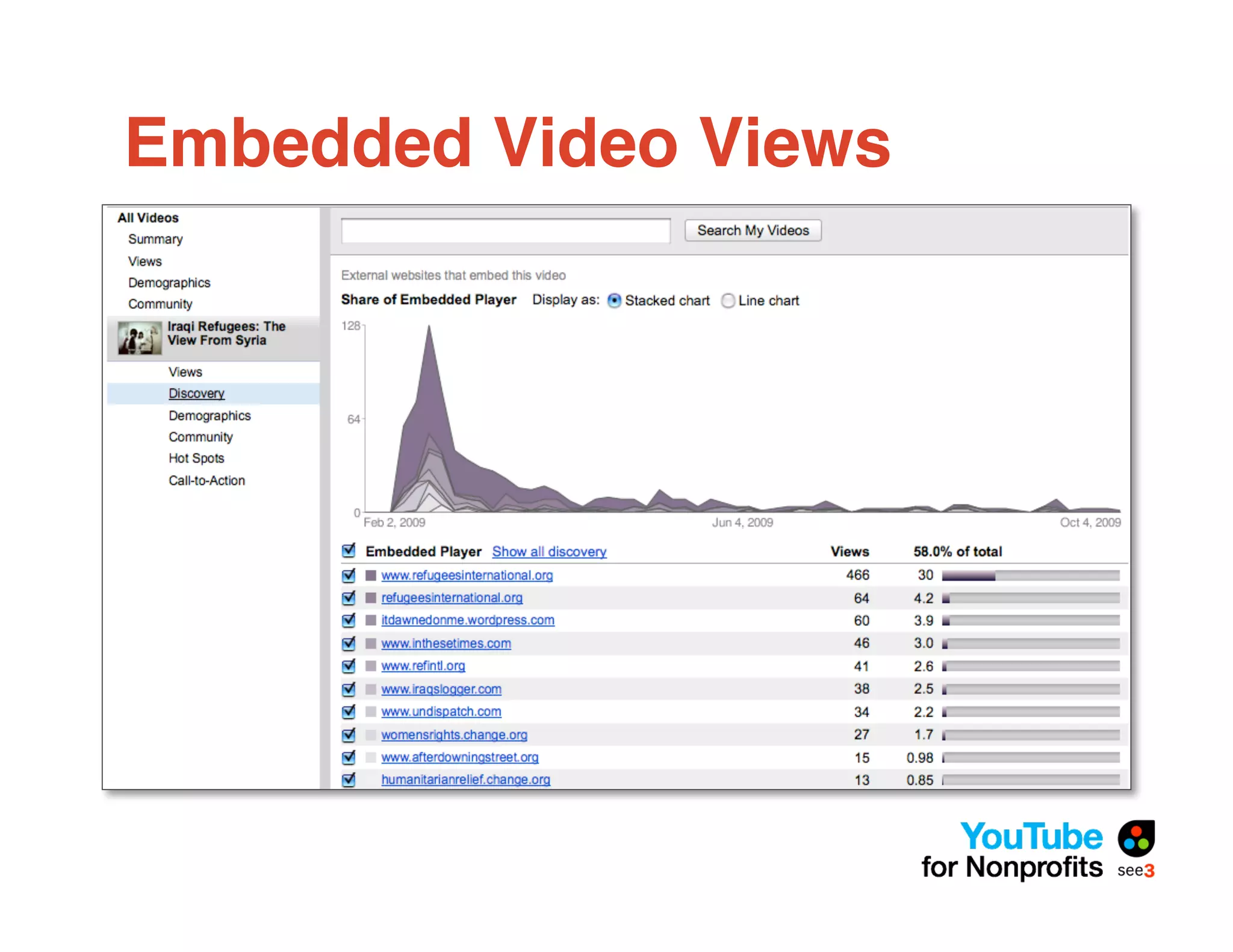
• Use “Insight” to measure how people
  are finding your content
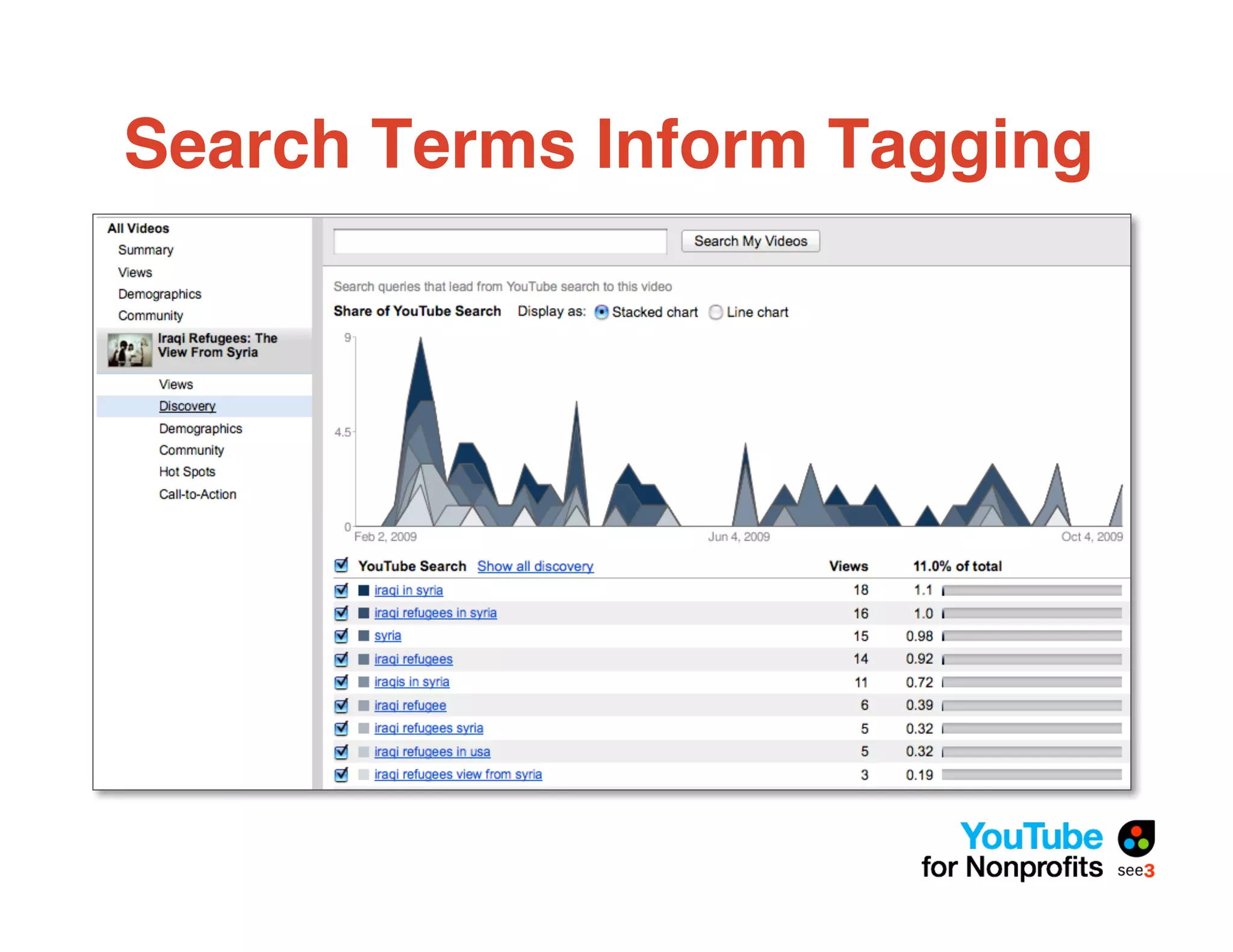
Insight
How Viewers Find Your Video
Embedded Video Views
Search Terms Inform Tagging
5 Time-Saving Takeaways
•   TubeMogul
•   AutoShare – FB, Twitter, Google Reader
•   Upload by Phone
•   Closed Captioning
•   Favorite Videos to Add Content to Channel
Questions?
Michael Hoffman
 • Email: michael.hoffman@see3.net
 • Twitter: @Michael_Hoffman
 • Phone: 773-784-7333

 We will send out follow-up email with
 slidedeck and other resources.
Upcoming Webinar
What Donors Want This
End-of-Year Season
  Date: Wednesday, October 21 – 1pm EST
  Host: Shirley Sexton, Director, Interactive
  Marketing & Fundraising

  Register: www.see3.net/endofyear
Photo Credits
• A Classic Cash Register - Heath Bar
• Blueprints, Typewriters and Gears - Traveling Steve
• Audience in 3D Glasses - Diamond Geyser
• Encyclopedias - Stewart Butterfield
• Hammer - Austin Camera Guy


  All photographs licensed under Creative Commons

YouTube for Nonprofits

  • 1.
    YouTube for Nonprofits Michael Hoffman CEO, See3 Communications www.see3.net | @Michael_Hoffman Call in: 773-945-1011 Access code: 269-800-274 Questions? Email info@see3.net
  • 2.
    Upcoming Webinar What DonorsWant This End-of-Year Season Date: Wednesday, October 21 – 1pm EST Host: Shirley Sexton, Director, Interactive Marketing & Fundraising Register: www.see3.net/endofyear
  • 3.
    Today!s Plan • About See3 • Why a YouTube Strategy Matters • Technical Considerations • The YouTube Nonprofit Program • You Uploaded a Video, Now What? • 5 Time-Saving Takeaways
  • 5.
    Strategy See3 willhelp you develop a blueprint for effective online communication.
  • 6.
    Online Fundraising See3will help you maximize your online fundraising and turn those website visitors into donors.
  • 7.
    Web Development Fromcomplex organizational websites to campaign microsites. From Convio to Drupal, See3 can manage your web needs.
  • 8.
    Outreach See3 willhelp you reach your audience with the right message at the right time.
  • 9.
    Why YouTube Matters Users (M)" % Users Age All 57.1 – In 1 Minute 20 hours of video are <18 11.0 19% uploaded to YouTube 18-34 11.1 19% 35-44 12.3 22% #4 Biggest Site in US Bigger than MySpace and 45-54 11.9 21% Wikipedia Source: Compete.com 55+ 10.9 19% Gender Male 29.8 52% 58 Minutes Average time spent on Female 27.3 48% YouTube Source: Nielsen//NetRatings (October 2007) - US audience.
  • 10.
  • 11.
  • 12.
  • 13.
    Key Planning Questions • What are our goals? • Who are we trying to reach? • What message do we want to send? • How will we reach our audience? • What action do we want them to take? • How will we measure success?
  • 14.
    What to Puton YouTube YouTube Existing Assets Specific Content • PSAs • Regular new content • Campaign videos • Vlog • Intro videos • Updates from the field • Video contest entrants • Trainings
  • 15.
    Shooting Video forYouTube • Imagine watching video on a 5-inch TV • Fonts should be big and bold • Color of font shouldn!t be too similar to the background • Any consumer camera will do • Be careful of cameras that shoot “widescreen” but just put black bars on top and bottom • Don!t forget sound
  • 16.
    Preparing Video forYouTube • Upload limit of 2GB (10 minutes max) • Exporting to YouTube settings might be built into your editing software • Look for “export to web” or “share” options • iMovie allows you to export directly to YouTube from the program • Rule of thumb: bigger the file, better it will look • For advanced users: export using H264 Quicktime codec at 640x360 for 16x9 and 480x360 for 4x3
  • 17.
    Setting Up YourProfile • New channel layouts are on their way • Log into YouTube > My Account > Edit Channel > Update Channel
  • 20.
    The New ChannelProfiles • In-channel editing • Pre-set color themes available • Select modules to display (uploads, particular playlists, favorites) • As always, background can be color, image, or repeatable image
  • 22.
    The Nonprofit Program- Eligibility • Organizations must be US- or UK-based nonprofits • May not be religious or political in nature • May not be focused primarily on lobbying for political or policy change • Commercial organizations, credit-counseling services, donation middleman services, fee- based organizations, universities, and nonprofit portals are not eligible • More info: http://www.youtube.com/nonprofits
  • 23.
    The Nonprofit Program- Benefits • Increased branding capabilities • HTML channel banner • Branded side column image • Ability to receive donations using Google Checkout • Ability to add Call to Action overlay and externally linkable annotations • Opportunities using Video Volunteers http://www.youtube.com/videovolunteers
  • 27.
  • 30.
  • 33.
  • 35.
    Find Ways toDrive Action • Build interactivity into the concept • Annotations • Overlay • Solicit feedback in the video • Put URL in first line of description (use “http://…”)
  • 36.
    Measuring Success • Redefine“viral” • Determine your metrics upfront • Views/comments • Blog mentions • Website traffic • Legislation/advocacy/awareness • Use “Insight” to measure how people are finding your content
  • 37.
  • 38.
    How Viewers FindYour Video
  • 39.
  • 40.
  • 41.
    5 Time-Saving Takeaways • TubeMogul • AutoShare – FB, Twitter, Google Reader • Upload by Phone • Closed Captioning • Favorite Videos to Add Content to Channel
  • 42.
    Questions? Michael Hoffman •Email: michael.hoffman@see3.net • Twitter: @Michael_Hoffman • Phone: 773-784-7333 We will send out follow-up email with slidedeck and other resources.
  • 43.
    Upcoming Webinar What DonorsWant This End-of-Year Season Date: Wednesday, October 21 – 1pm EST Host: Shirley Sexton, Director, Interactive Marketing & Fundraising Register: www.see3.net/endofyear
  • 44.
    Photo Credits • AClassic Cash Register - Heath Bar • Blueprints, Typewriters and Gears - Traveling Steve • Audience in 3D Glasses - Diamond Geyser • Encyclopedias - Stewart Butterfield • Hammer - Austin Camera Guy All photographs licensed under Creative Commons