Presenting Your 
Research 
Dilum Bandara, PhD 
Computer Sc ience & Engineer ing , 
Univers i ty of Moratuwa 
di lumb@c se.mr t .ac . lk 
ht tp: / /Di lum.Bandara. lk
Presentation Process 
Plan 
Present 
Practice Prepare 
2
Plan 
• Context 
• Objectives 
• Audience 
• Depth 
• Time 
• Location 
3 
Outline 
Source: www.govloop.com
Context & Objectives 
4 
Context Objective 
Problem statement, Preliminary 
exam 
Demonstrate that you have skills 
to do research 
Progress review, Qualifying 
exam 
Demonstrate your research 
progress 
Defense, Viva Defend your thesis/dissertation 
Conference, Workshop Sell your paper 
Seminars, Invited talks Knowledge dissemination
Audience 
5 
• Who? 
• Background? 
• Why they want to listen? 
• What they need to remember? 
Source: 
www.audienceavenue.com
Depth 
• Deep vs. Shallow 
• Pick based on objectives & 
audience 
◦ Depth - Conference & defense 
◦ Shallow – Seminar, invited talk 
6 
Source: www.prprescriptions.com
Time & Location 
• There’s no good time to present! 
◦ Early morning – not fully awake 
◦ Mid morning – want tea, coffee 
◦ After lunch – sleepy 
◦ Afternoon – want tea, coffee, tired 
◦ Night – want to go home, tired 
• Fit content & mode of delivery to 
time & location 
Source: www.corexcellence.com 
7
Your Plan Should Address 
• Address following 3 questions in a suitable order 
◦What you did or planning to do? 
◦Why is it important? 
◦How you did it or planning to do it? 
8
Typical Outline 
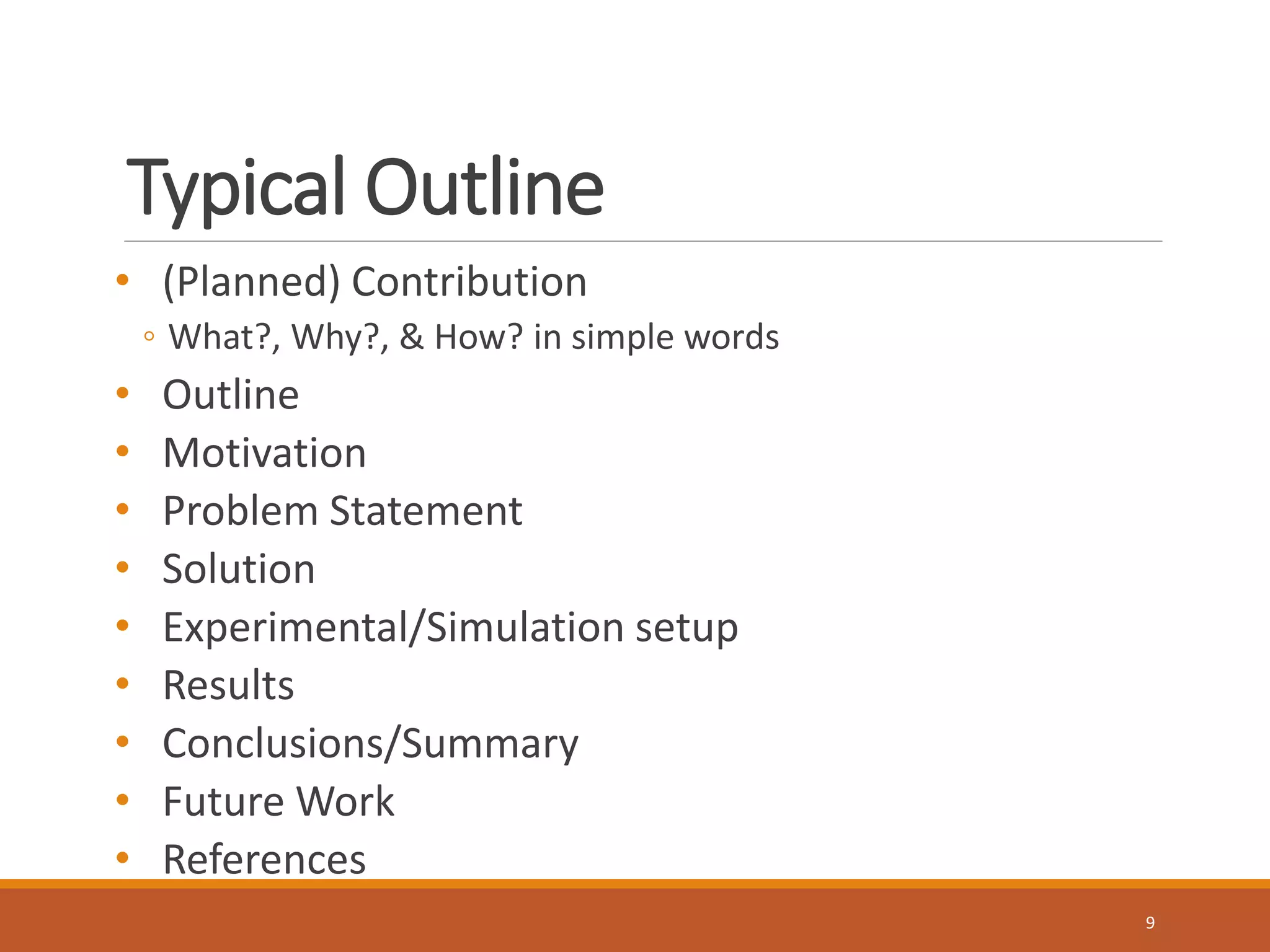
• (Planned) Contribution 
◦ What?, Why?, & How? in simple words 
• Outline 
• Motivation 
• Problem Statement 
• Solution 
• Experimental/Simulation setup 
• Results 
• Conclusions/Summary 
• Future Work 
• References 
9
Prepare 
10 
Source: www.electrolux.com
Before You Begin 
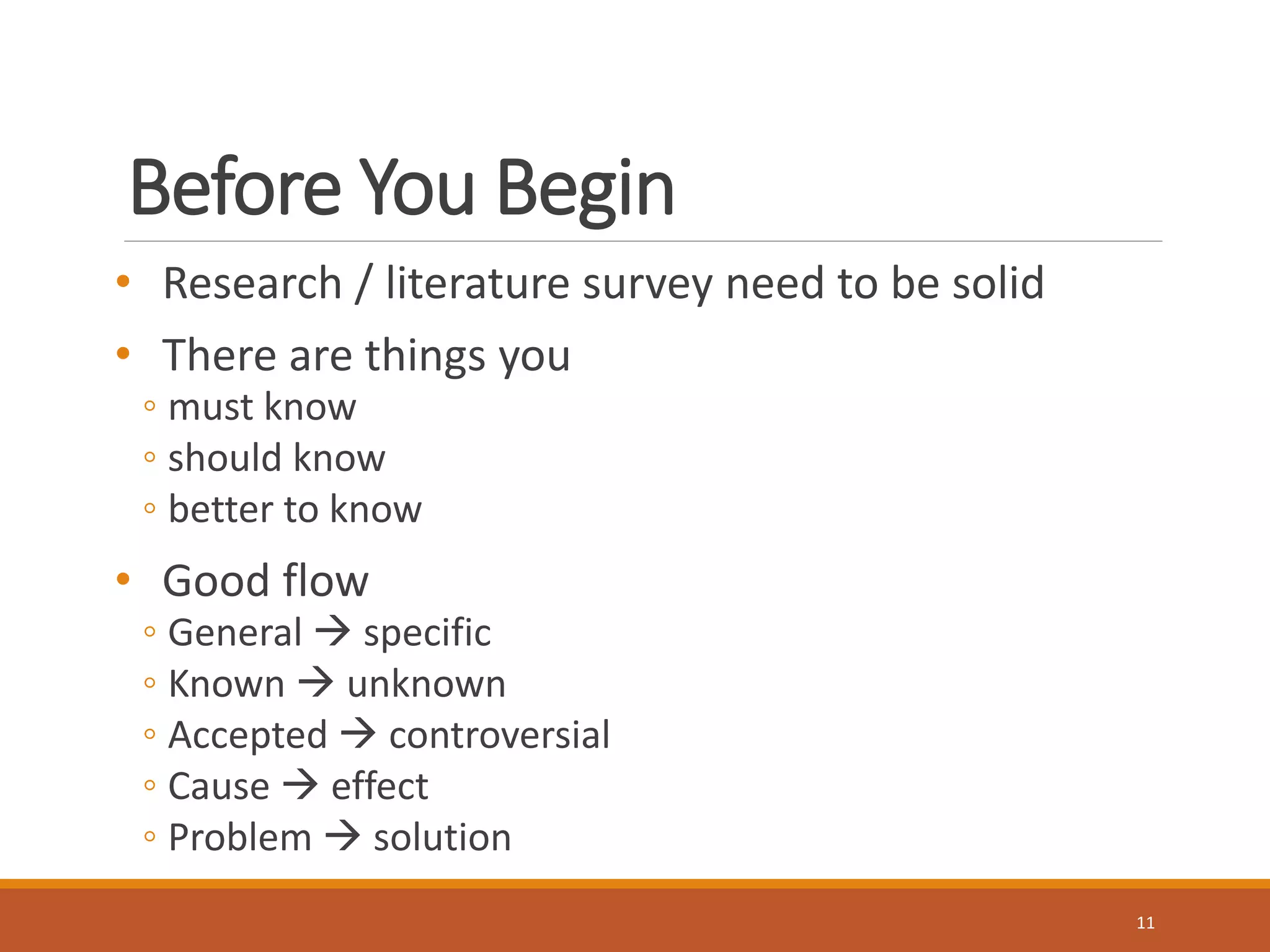
• Research / literature survey need to be solid 
• There are things you 
◦ must know 
◦ should know 
◦ better to know 
• Good flow 
◦ General  specific 
◦ Known  unknown 
◦ Accepted  controversial 
◦ Cause  effect 
◦ Problem  solution 
11
Slide Template 
• Simple 
• Fit to audience 
• Big enough 
• Be consistent 
• Use space appropriately 
• Be careful with custom 
templates 
Source: www.m62.net 
12 
Source: www.m62.net
Content 
• Less is More 
• Balance & connected 
◦ 1 idea per slide 
• Figures, illustrations, & graphs whenever possible 
• No more than 
◦ 6 bullets per slide 
◦ 6 words per bullet 
• Use your word knife 
◦ Cut words that aren’t essential for correct meaning 
• Number slides 
13
Figures, Graphs, & Tables 
• A picture worth more than 
1000 words 
• Big enough 
• Clear & simple 
• Clear labels & axis 
• Align to left 
• Animate only when 
essential/useful 
14
Prepare –More Tips 
• Proper grammar unessential, if it makes sense 
• Proper spellings essential 
◦ Spell check, proof read – even print & check 
• Backup slides 
• Test on multiple systems 
◦ Different versions of power point, pdf 
◦ Keep a copy in pen drive 
• 1 slide for ~2 minutes 
◦ 15 min – 10 core slides max 
15
Practice 
Source: www.keepcalm-o-matic.co.uk 
16
Practice, Practice, Practice 
• Self practice 
• Write a script 
◦ Specially first few slides 
• Practice with audience 
◦ Colleagues in lab, spouse, parents, friends, supervisor 
◦ Ask for feedback 
◦ Ready to face hash criticism 
• Time presentation 
• Twice a day 
◦ But don’t over practice 
17
Present 
Source: http://alwaysinfo.co.uk 
18
Prepare for Battle 
• Light exercises 
◦ Prepare your body for battle 
◦ Stretch your arms, rotate neck, take stairs, breathing excercises 
◦ Prepare your mouth/voice 
◦ Repeat “brrrrrr….”, “Unique New York”, “Tapeka Topeka” 
• Arrive early 
• Observe how it worked so far 
• Test your slides, mike, laser pointer 
19
Delivery 
• Greet audience 
• Start in a friendly way 
• Don’t apologies 
• Tell about 
◦ Who you are, why are you here 
◦ Title 
◦ What’s in it 
◦ Approximate time 
◦ Which topic is being covered 
• If you had to start late, fit content to remaining time 
◦ Don’t over run 
20
Delivery (Cont.) 
• Vary voice 
• Suitable speed 
◦ 120 words per min – for 2-5 min presentation 
◦ Less for longer presentations 
• Read audience 
◦ Observe body language 
• Focus, not scan 
◦ Eye contact 
◦ Don't turn your back to them 
◦ Don’t talk to laptop 
21
Delivery (Cont.) 
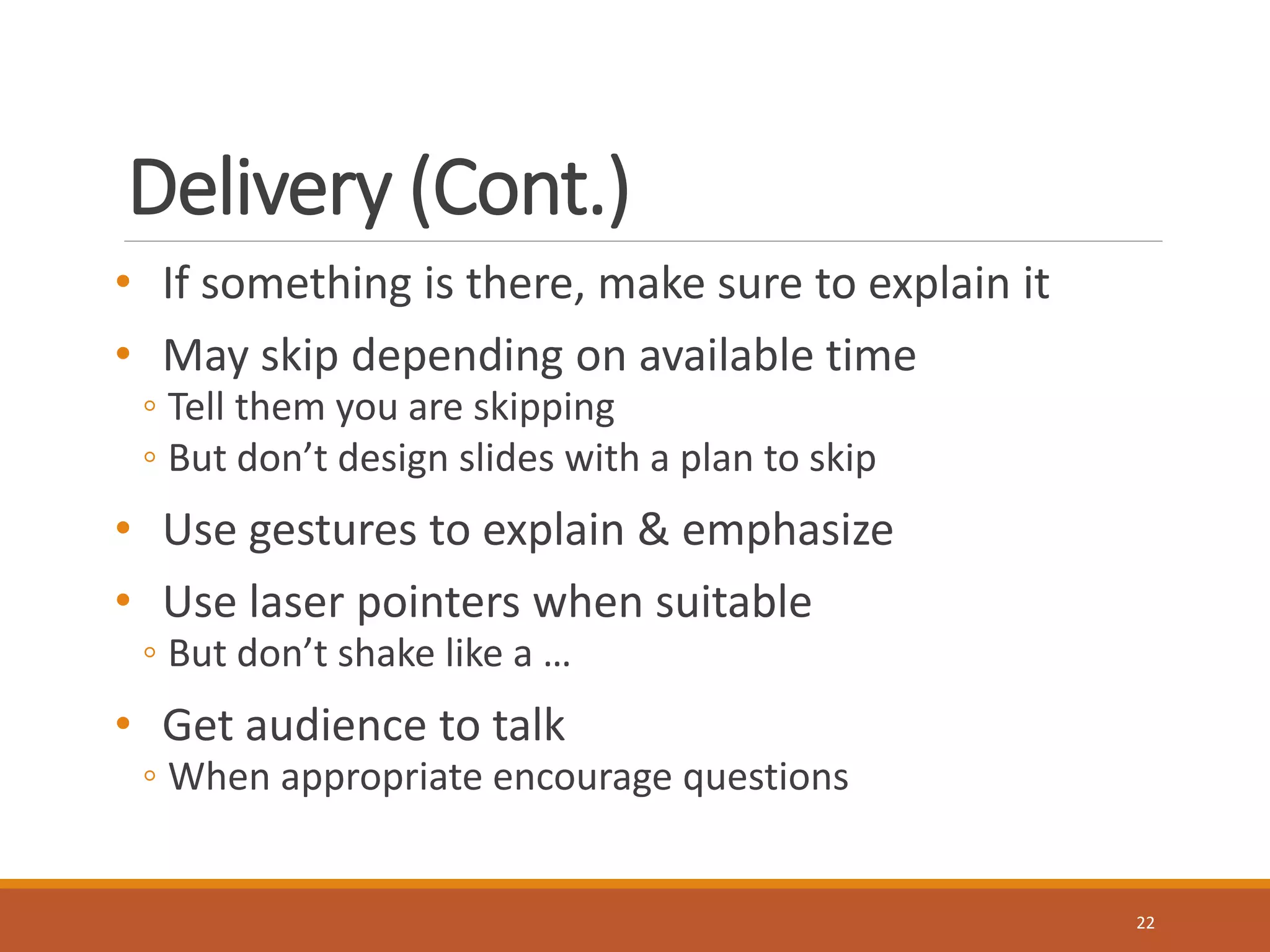
• If something is there, make sure to explain it 
• May skip depending on available time 
◦ Tell them you are skipping 
◦ But don’t design slides with a plan to skip 
• Use gestures to explain & emphasize 
• Use laser pointers when suitable 
◦ But don’t shake like a … 
• Get audience to talk 
◦ When appropriate encourage questions 
22
Questions 
• Understand question 
◦ If not clear, ask again 
◦ Answer based on what you already told 
◦ Then introduce new content 
◦ If you don’t know the answer, tell that 
• Ready to answer questions beyond presentation 
23
Summary 
• Tell them again what you told them briefly 
◦ Based on what you want them to remember 
• Learn from good presenters 
◦ Observe & learn 
• Practice, practice, & practice 
24 
http://Dilum.Bandara.lk

Presenting Your Research

  • 1.
    Presenting Your Research Dilum Bandara, PhD Computer Sc ience & Engineer ing , Univers i ty of Moratuwa di lumb@c se.mr t .ac . lk ht tp: / /Di lum.Bandara. lk
  • 2.
    Presentation Process Plan Present Practice Prepare 2
  • 3.
    Plan • Context • Objectives • Audience • Depth • Time • Location 3 Outline Source: www.govloop.com
  • 4.
    Context & Objectives 4 Context Objective Problem statement, Preliminary exam Demonstrate that you have skills to do research Progress review, Qualifying exam Demonstrate your research progress Defense, Viva Defend your thesis/dissertation Conference, Workshop Sell your paper Seminars, Invited talks Knowledge dissemination
  • 5.
    Audience 5 •Who? • Background? • Why they want to listen? • What they need to remember? Source: www.audienceavenue.com
  • 6.
    Depth • Deepvs. Shallow • Pick based on objectives & audience ◦ Depth - Conference & defense ◦ Shallow – Seminar, invited talk 6 Source: www.prprescriptions.com
  • 7.
    Time & Location • There’s no good time to present! ◦ Early morning – not fully awake ◦ Mid morning – want tea, coffee ◦ After lunch – sleepy ◦ Afternoon – want tea, coffee, tired ◦ Night – want to go home, tired • Fit content & mode of delivery to time & location Source: www.corexcellence.com 7
  • 8.
    Your Plan ShouldAddress • Address following 3 questions in a suitable order ◦What you did or planning to do? ◦Why is it important? ◦How you did it or planning to do it? 8
  • 9.
    Typical Outline •(Planned) Contribution ◦ What?, Why?, & How? in simple words • Outline • Motivation • Problem Statement • Solution • Experimental/Simulation setup • Results • Conclusions/Summary • Future Work • References 9
  • 10.
    Prepare 10 Source:www.electrolux.com
  • 11.
    Before You Begin • Research / literature survey need to be solid • There are things you ◦ must know ◦ should know ◦ better to know • Good flow ◦ General  specific ◦ Known  unknown ◦ Accepted  controversial ◦ Cause  effect ◦ Problem  solution 11
  • 12.
    Slide Template •Simple • Fit to audience • Big enough • Be consistent • Use space appropriately • Be careful with custom templates Source: www.m62.net 12 Source: www.m62.net
  • 13.
    Content • Lessis More • Balance & connected ◦ 1 idea per slide • Figures, illustrations, & graphs whenever possible • No more than ◦ 6 bullets per slide ◦ 6 words per bullet • Use your word knife ◦ Cut words that aren’t essential for correct meaning • Number slides 13
  • 14.
    Figures, Graphs, &Tables • A picture worth more than 1000 words • Big enough • Clear & simple • Clear labels & axis • Align to left • Animate only when essential/useful 14
  • 15.
    Prepare –More Tips • Proper grammar unessential, if it makes sense • Proper spellings essential ◦ Spell check, proof read – even print & check • Backup slides • Test on multiple systems ◦ Different versions of power point, pdf ◦ Keep a copy in pen drive • 1 slide for ~2 minutes ◦ 15 min – 10 core slides max 15
  • 16.
  • 17.
    Practice, Practice, Practice • Self practice • Write a script ◦ Specially first few slides • Practice with audience ◦ Colleagues in lab, spouse, parents, friends, supervisor ◦ Ask for feedback ◦ Ready to face hash criticism • Time presentation • Twice a day ◦ But don’t over practice 17
  • 18.
  • 19.
    Prepare for Battle • Light exercises ◦ Prepare your body for battle ◦ Stretch your arms, rotate neck, take stairs, breathing excercises ◦ Prepare your mouth/voice ◦ Repeat “brrrrrr….”, “Unique New York”, “Tapeka Topeka” • Arrive early • Observe how it worked so far • Test your slides, mike, laser pointer 19
  • 20.
    Delivery • Greetaudience • Start in a friendly way • Don’t apologies • Tell about ◦ Who you are, why are you here ◦ Title ◦ What’s in it ◦ Approximate time ◦ Which topic is being covered • If you had to start late, fit content to remaining time ◦ Don’t over run 20
  • 21.
    Delivery (Cont.) •Vary voice • Suitable speed ◦ 120 words per min – for 2-5 min presentation ◦ Less for longer presentations • Read audience ◦ Observe body language • Focus, not scan ◦ Eye contact ◦ Don't turn your back to them ◦ Don’t talk to laptop 21
  • 22.
    Delivery (Cont.) •If something is there, make sure to explain it • May skip depending on available time ◦ Tell them you are skipping ◦ But don’t design slides with a plan to skip • Use gestures to explain & emphasize • Use laser pointers when suitable ◦ But don’t shake like a … • Get audience to talk ◦ When appropriate encourage questions 22
  • 23.
    Questions • Understandquestion ◦ If not clear, ask again ◦ Answer based on what you already told ◦ Then introduce new content ◦ If you don’t know the answer, tell that • Ready to answer questions beyond presentation 23
  • 24.
    Summary • Tellthem again what you told them briefly ◦ Based on what you want them to remember • Learn from good presenters ◦ Observe & learn • Practice, practice, & practice 24 http://Dilum.Bandara.lk