Mastering
Workplace Performance


                   presented by:
       Jason W. Womack
     Jason@WomackCompany.com
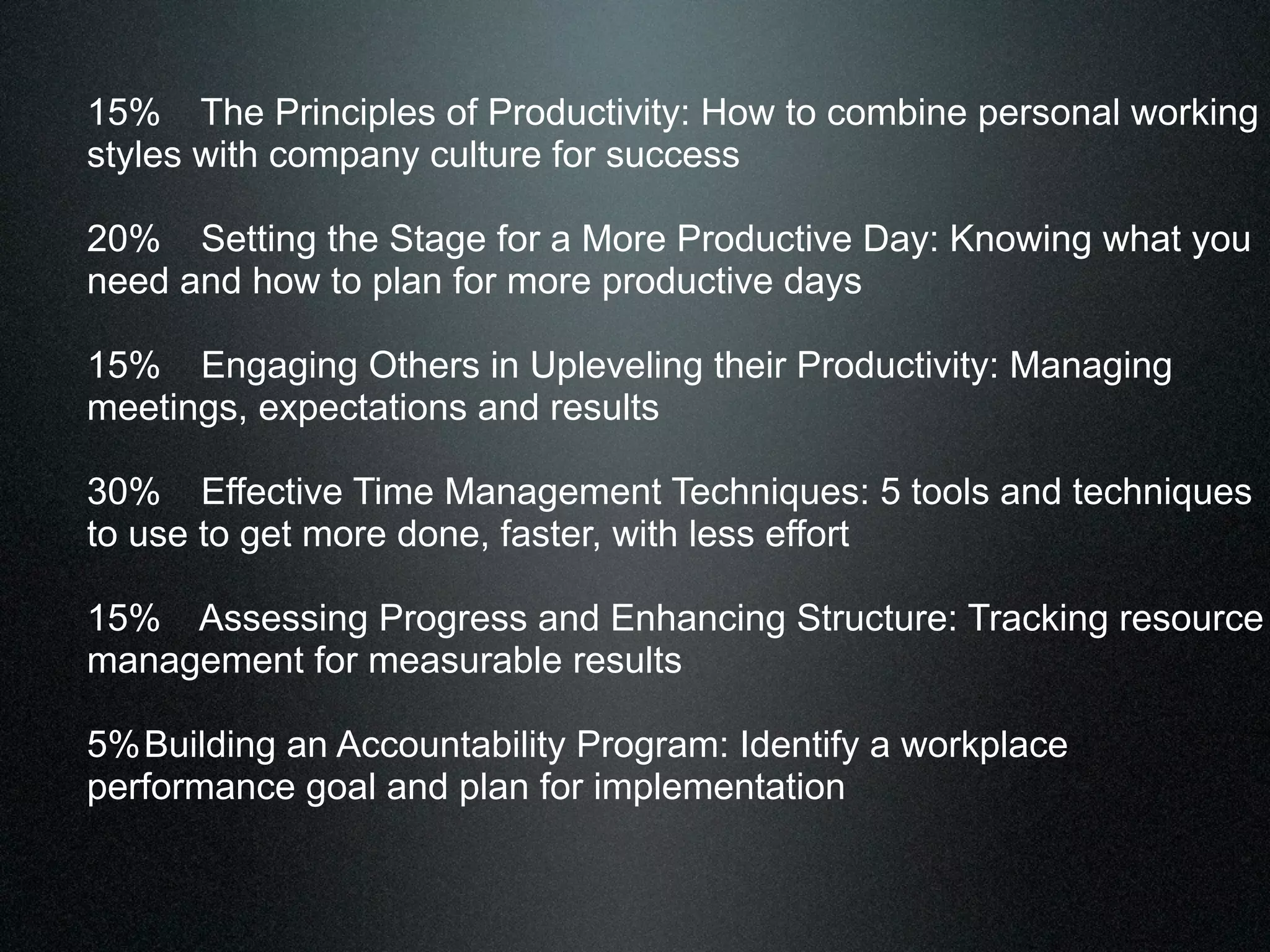
15% The Principles of Productivity: How to combine personal working
styles with company culture for success

20% Setting the Stage for a More Productive Day: Knowing what you
need and how to plan for more productive days

15% Engaging Others in Upleveling their Productivity: Managing
meetings, expectations and results

30% Effective Time Management Techniques: 5 tools and techniques
to use to get more done, faster, with less effort

15% Assessing Progress and Enhancing Structure: Tracking resource
management for measurable results

5% Building an Accountability Program: Identify a workplace
performance goal and plan for implementation
Mastering
Workplace Performance


                 presented by:
       Jason W. Womack
              805-798-1362
THANK
YOU
I
D   What are 4 elements of
     a “productive” day?
e
A
4 Limited Resources We
   Manage Every Day
4 Limited Resources We
   Manage Every Day
•Time
4 Limited Resources We
   Manage Every Day
•Time
•Energy
4 Limited Resources We
   Manage Every Day
•Time
•Energy
•Focus
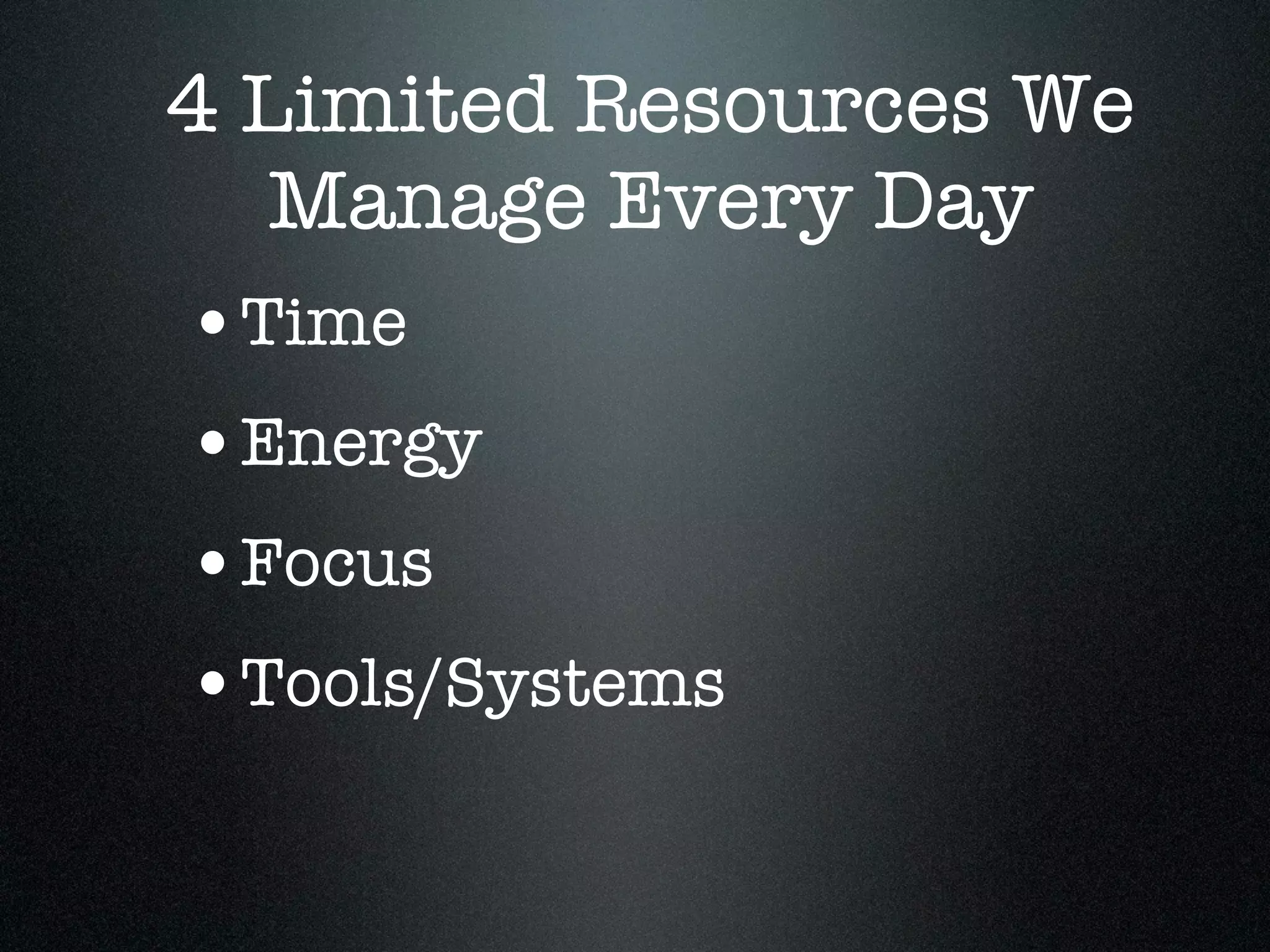
4 Limited Resources We
   Manage Every Day
•Time
•Energy
•Focus
•Tools/Systems
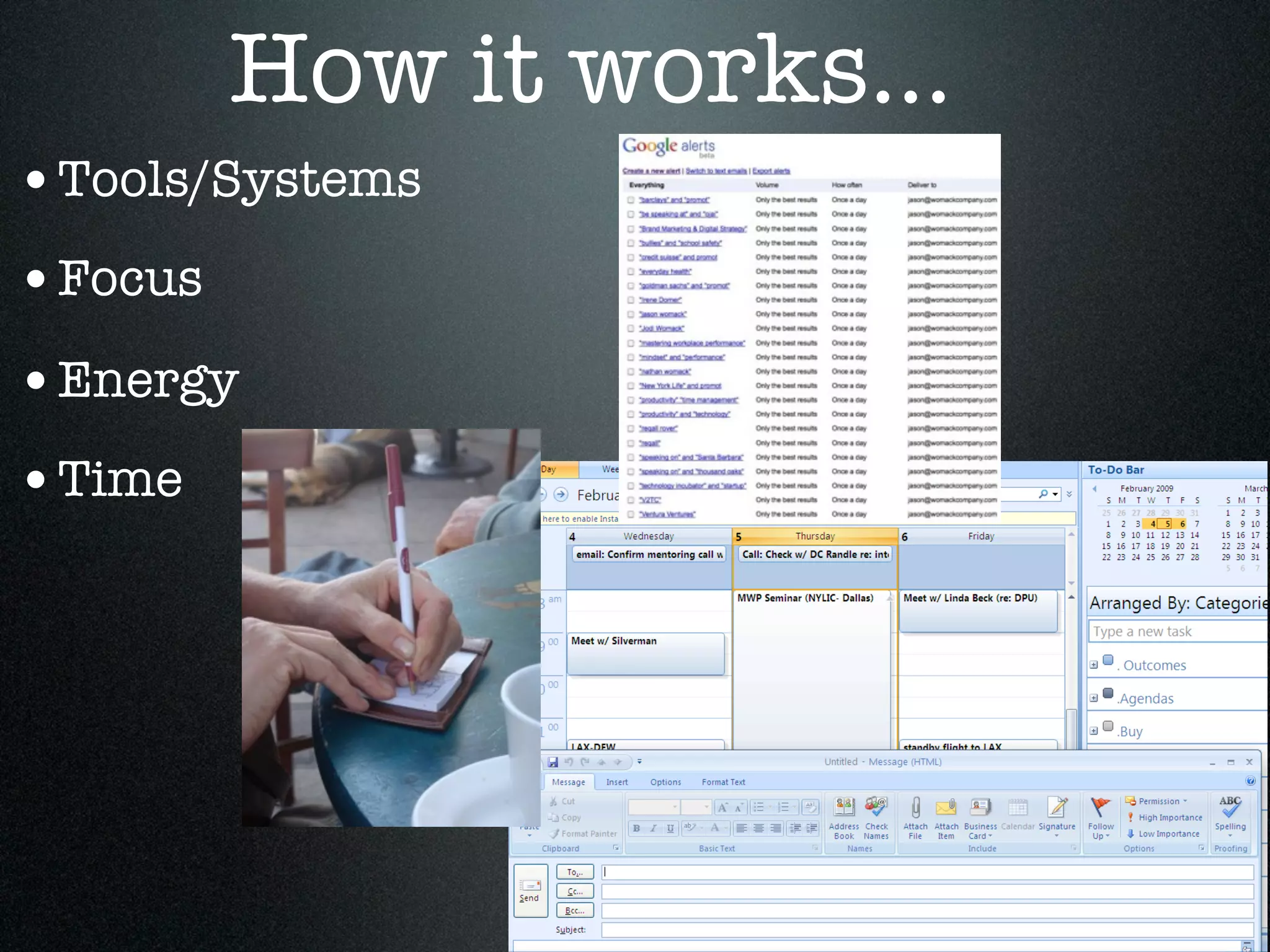
How it works...
•Tools/Systems
•Focus
•Energy
•Time
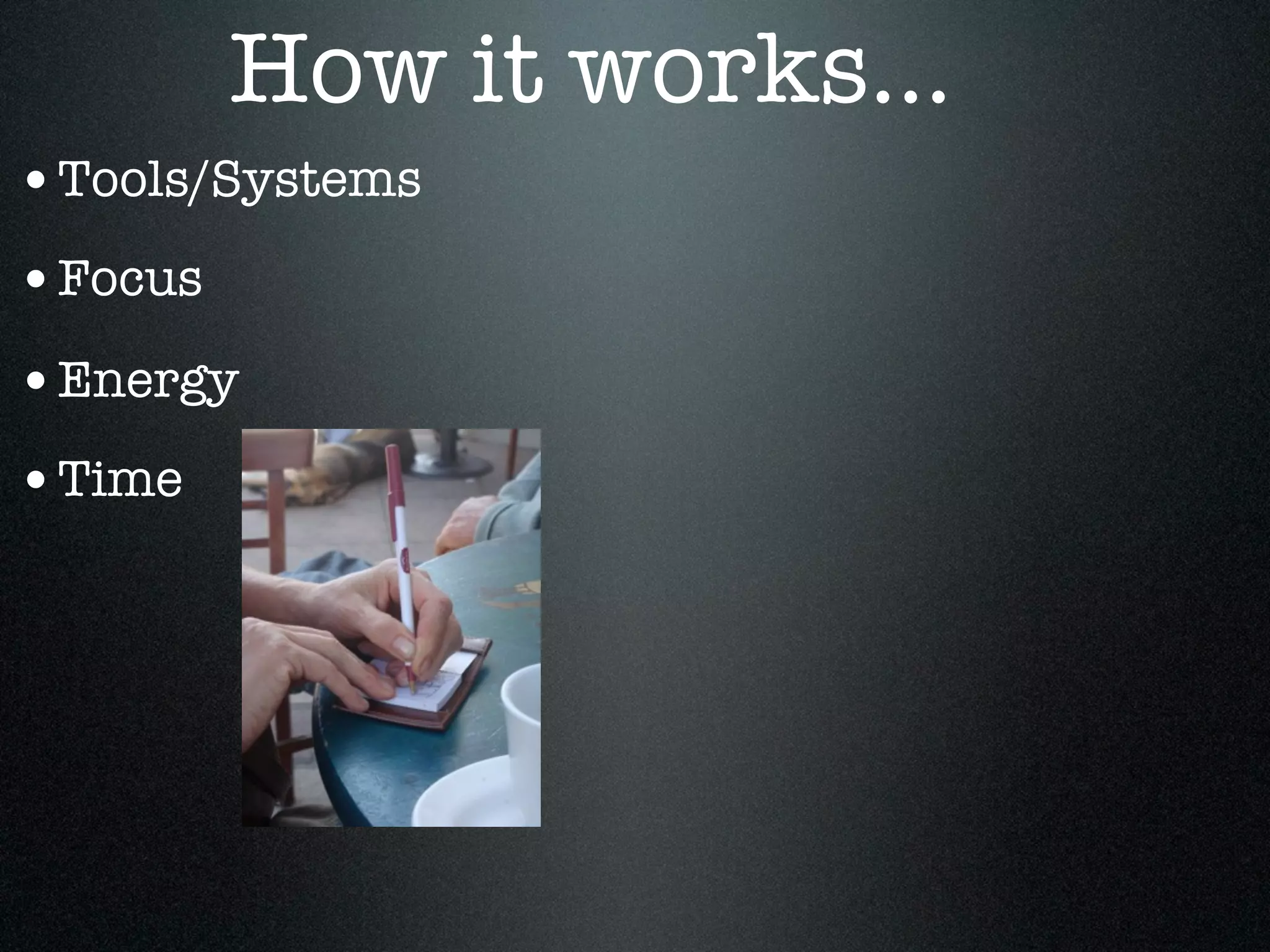
How it works...
•Tools/Systems
•Focus
•Energy
•Time
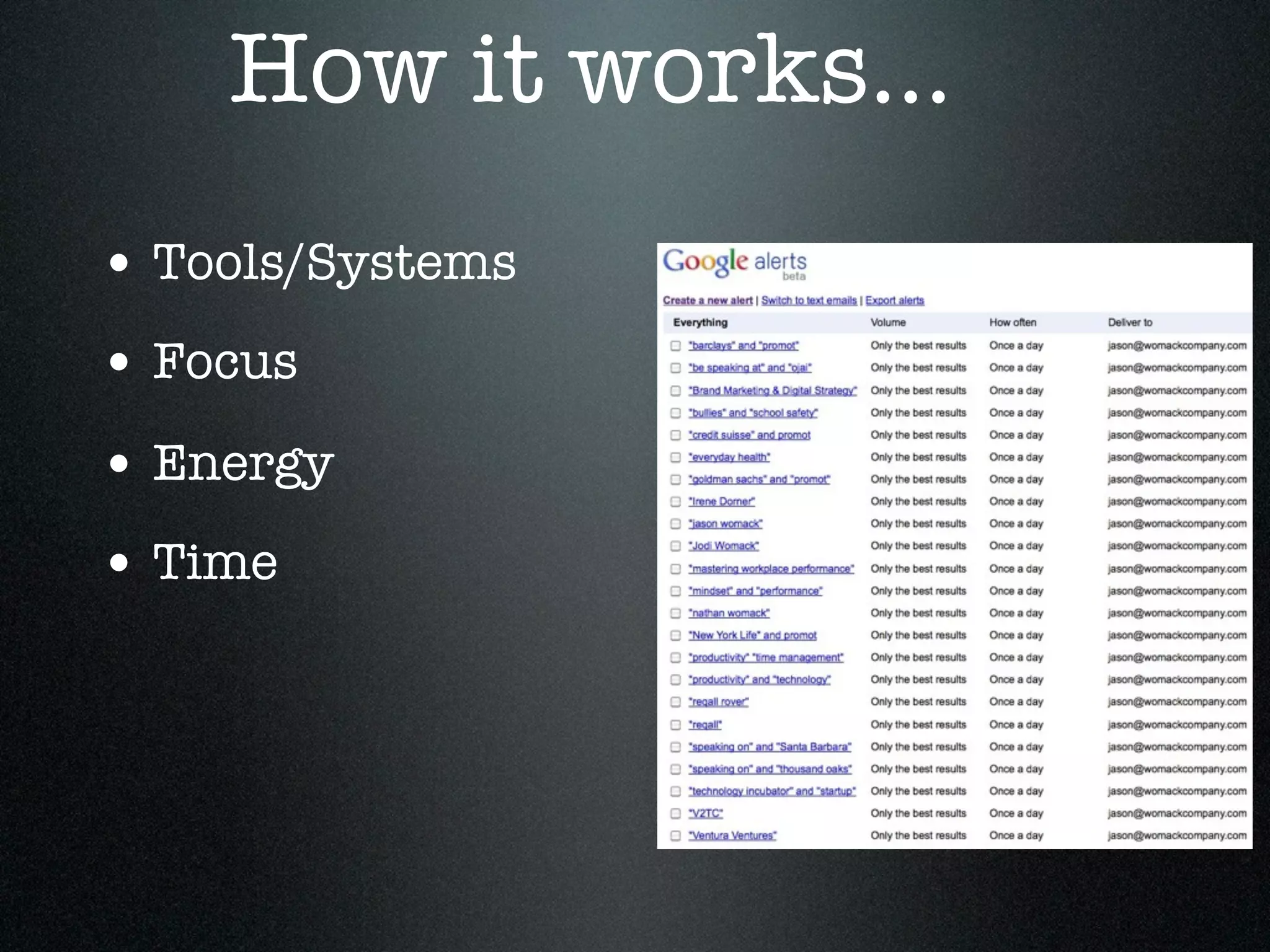
How it works...
• Tools/Systems
• Focus
• Energy
• Time
Please collect as many questions
as possible. I will address them all
either during the presentation or
via our blog after our seminar...

Email questions to:
Jason@WomackCompany.com
Page 2
Maximize your focus &
facilitate your workflow.
Please open to Page 3 of the workbook,
and read the introduction to our seminar.


                                            21
the more I know
       about
how I work, the more
we can be effective
    ...a “working
Please underline 3 words
   that relate to your
  professional focus on
     managing time
      productively.
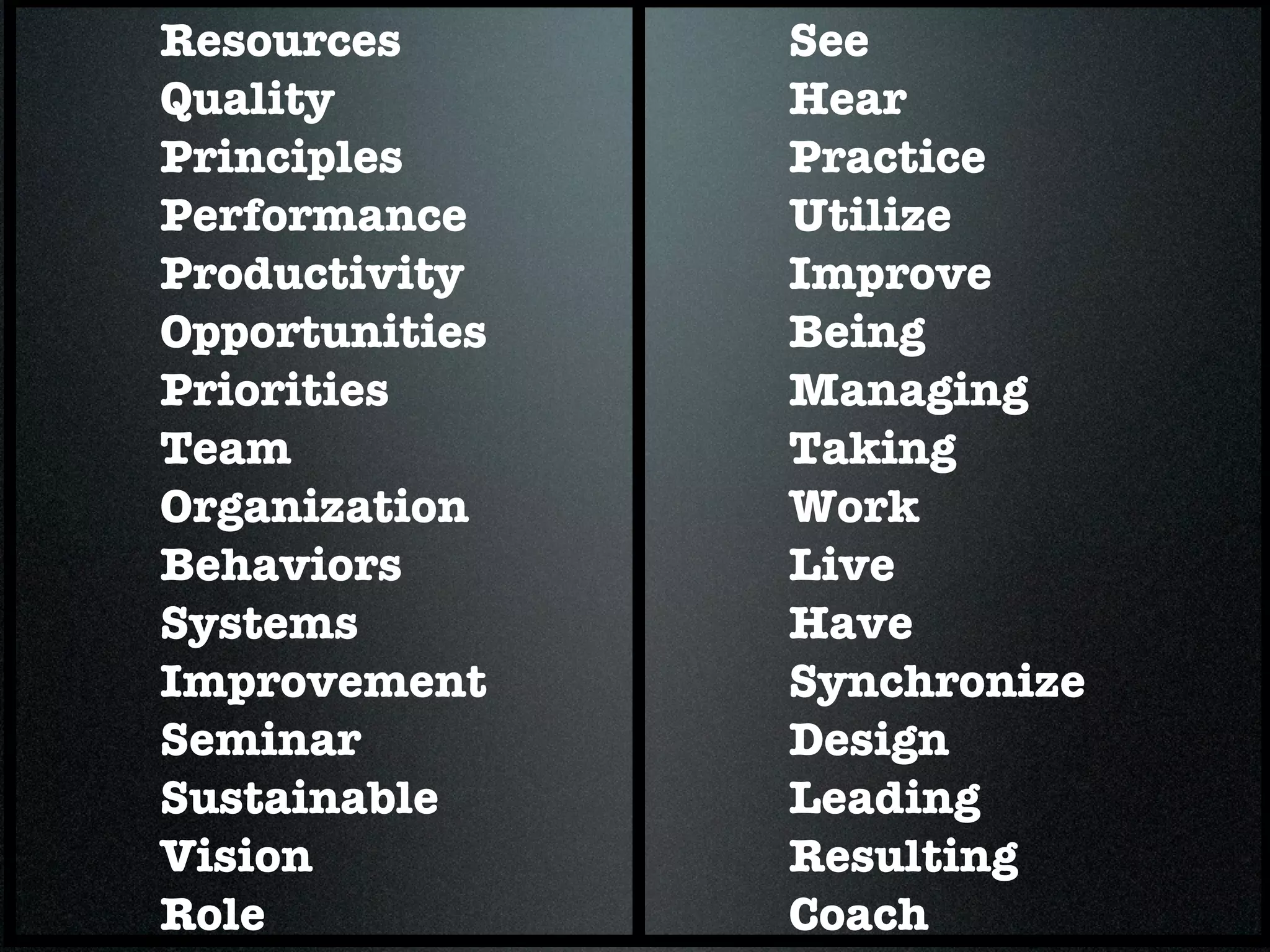
Resources       See
Quality         Hear
Principles      Practice
Performance     Utilize
Productivity    Improve
Opportunities   Being
Priorities      Managing
Team            Taking
Organization    Work
Behaviors       Live
Systems         Have
Improvement     Synchronize
Seminar         Design
Sustainable     Leading
Vision          Resulting
Role            Coach
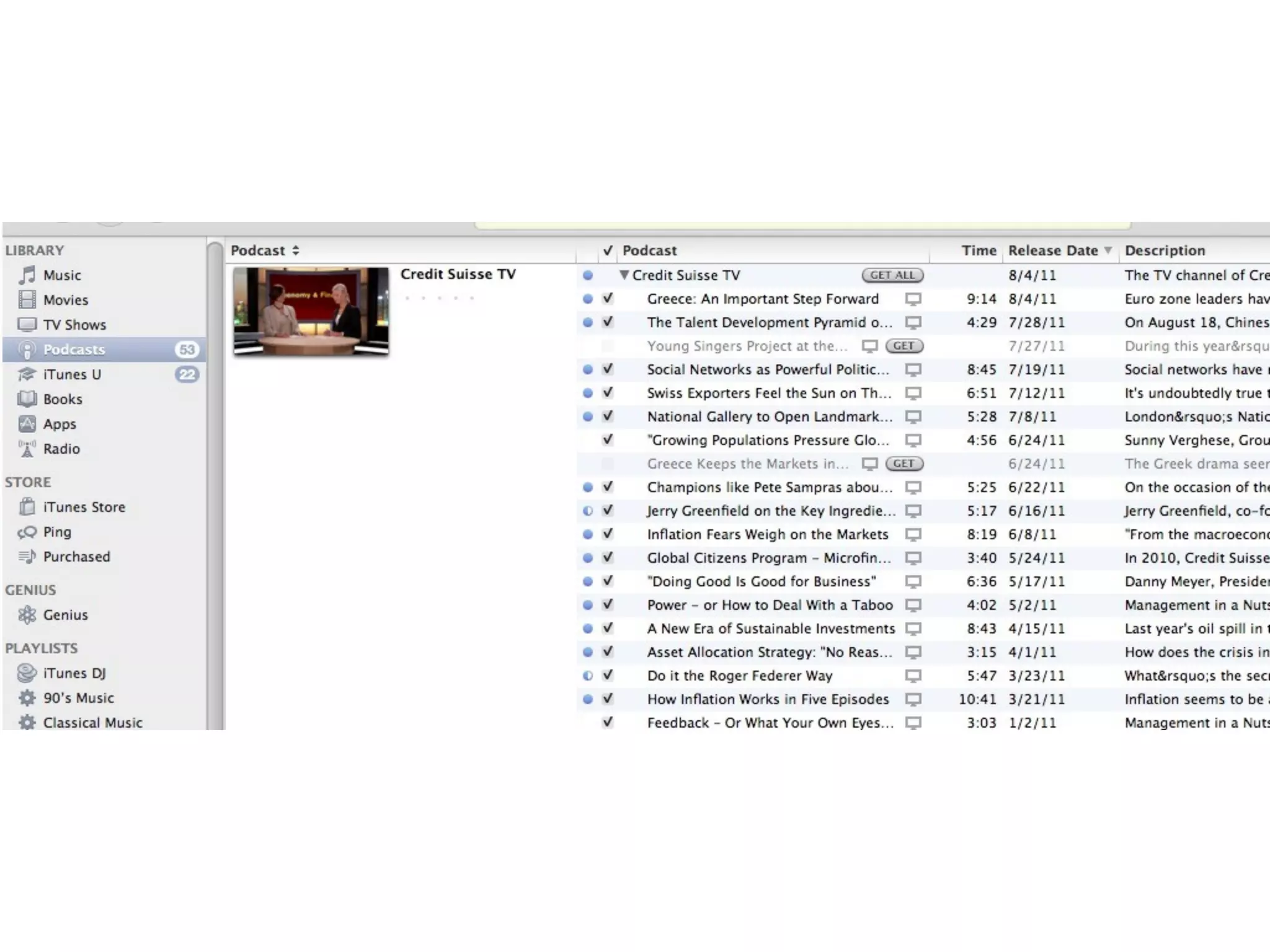
NOUN   VERB
NOUN      VERB
 design     action
 vision      task
process   delegation
NOUN      VERB
 design     action
 vision      task
process   delegation
Please Open to Page # 4


                          29
Please Open to Page # 4

  Think back on the past couple of months.
  “Flip-Forward” through to the end of the year.


                                                   30
31
Identify ONE method or process you use
daily to manage your time effectively.


                                         31
Identify ONE method or process you use
daily to manage your time effectively.
When you have written that down, please
stand up.


                                          31
Identify ONE method or process you use
daily to manage your time effectively.
When you have written that down, please
stand up.
Next, share your idea with one person to
your left or your right.


                                           31
Identify ONE method or process you use
daily to manage your time effectively.
When you have written that down, please
stand up.
Next, share your idea with one person to
your left or your right.
In 3 minutes, please walk around to collect
2 more ideas... talking to two other people.
near you.
                                           31
32
Please Open to Page # 5


                          33
Productivity is...


                     34
Productivity is...


“To do my job, to the best of my
ability, I need time to ___________”

                                       35
36
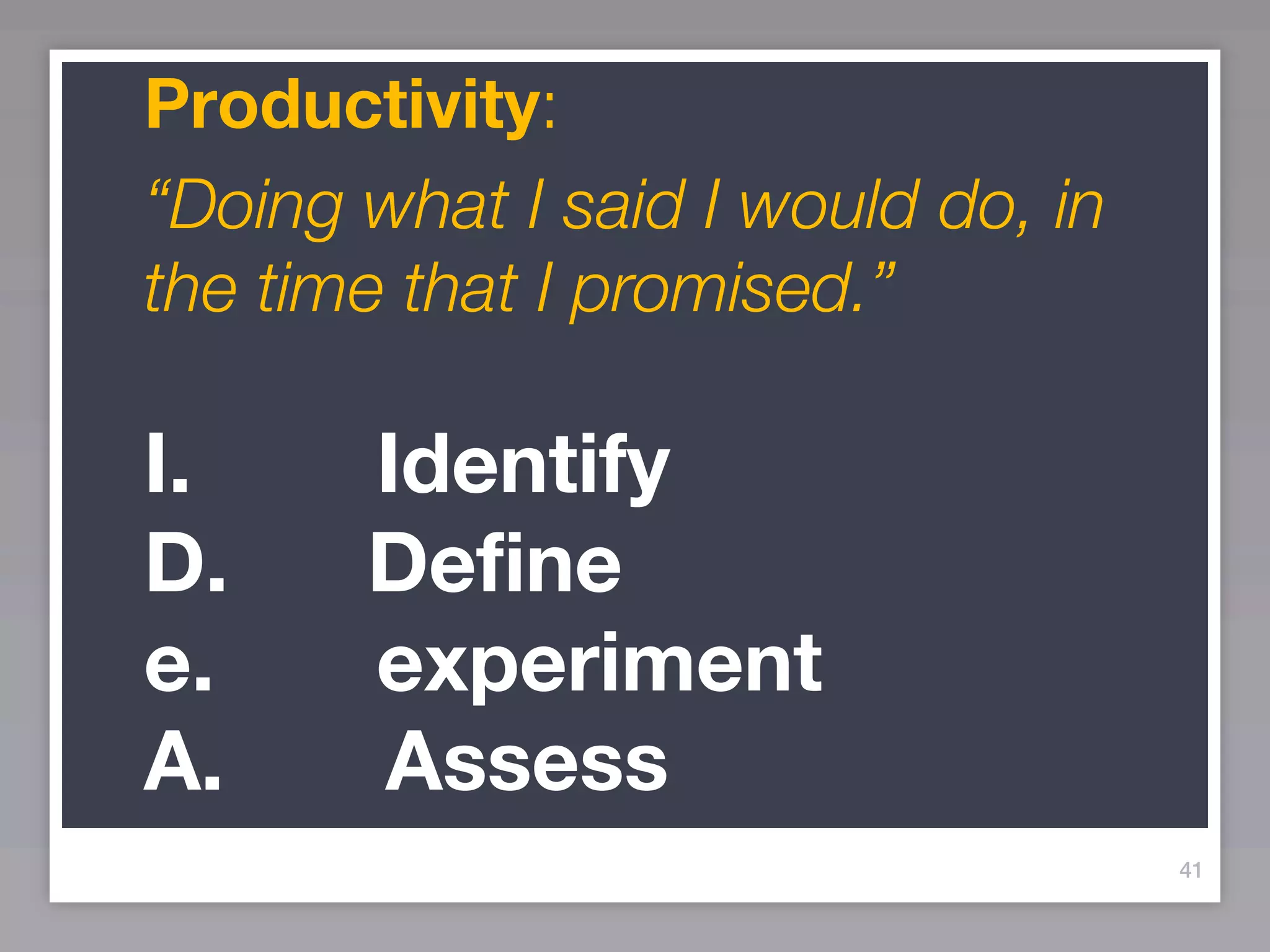
Productivity:
“Doing what I said I would do, in
the time that I promised.”


                                    36
37
Productivity:
“Doing what I said I would do, in
the time that I promised.”

I.
D.
e.
A.
                                    37
38
Productivity:
“Doing what I said I would do, in
the time that I promised.”

I.     Identify
D.
e.
A.
                                    38
39
Productivity:
“Doing what I said I would do, in
the time that I promised.”

I.     Identify
D.     Define
e.
A.
                                    39
40
Productivity:
“Doing what I said I would do, in
the time that I promised.”

I.     Identify
D.     Define
e.     experiment
A.
                                    40
41
Productivity:
“Doing what I said I would do, in
the time that I promised.”
I.     Identify
D.     Define
e.     experiment
A.     Assess
                                    41
Please Open to Page # 6


                          42
Brain
 Storm
Focus on as much
  as possible...
Focus on as much
          as possible...
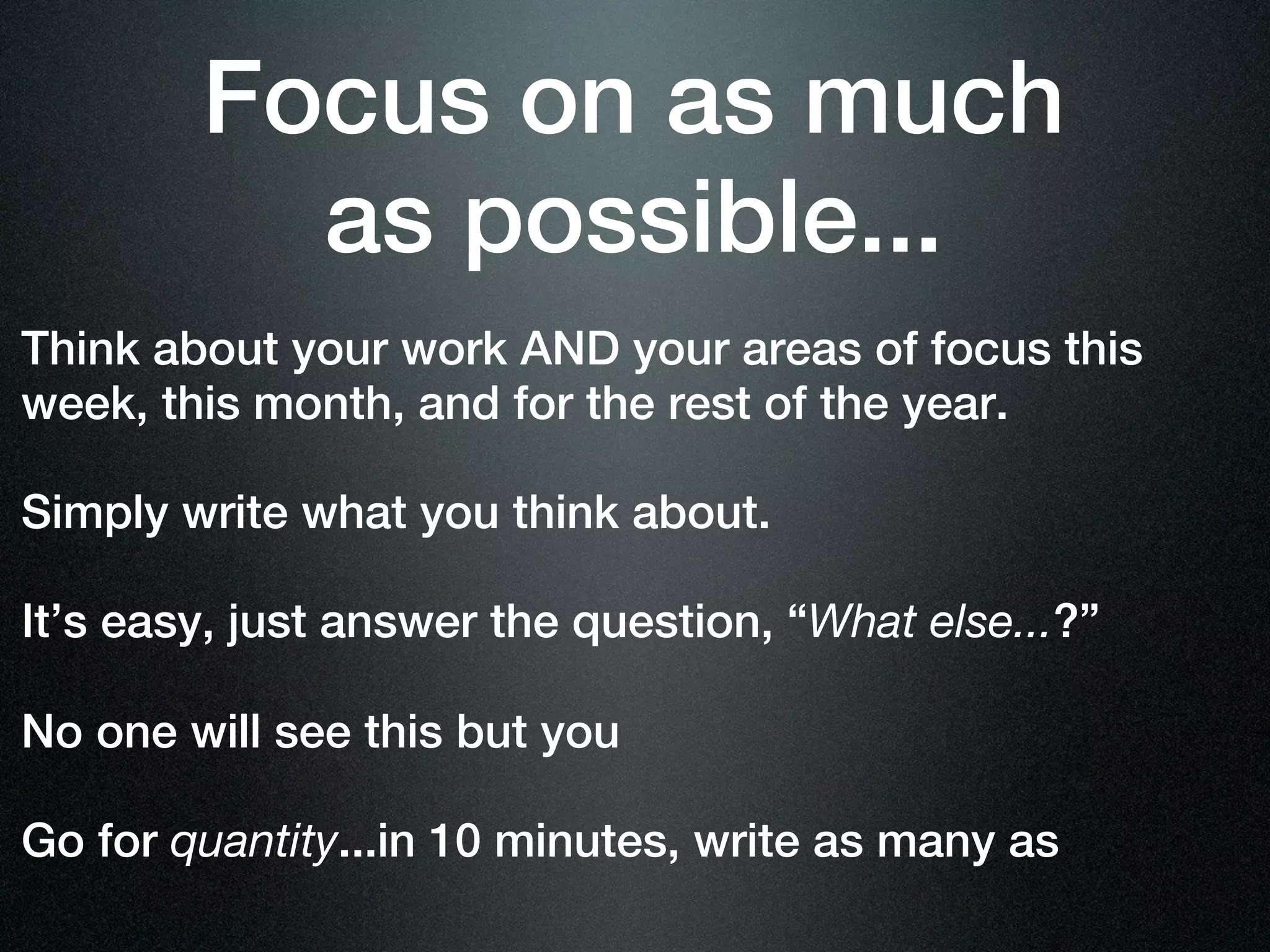
Think about your work AND your areas of focus this
week, this month, and for the rest of the year.
Focus on as much
          as possible...
Think about your work AND your areas of focus this
week, this month, and for the rest of the year.
Focus on as much
          as possible...
Think about your work AND your areas of focus this
week, this month, and for the rest of the year.

Simply write what you think about.
Focus on as much
          as possible...
Think about your work AND your areas of focus this
week, this month, and for the rest of the year.

Simply write what you think about.
Focus on as much
          as possible...
Think about your work AND your areas of focus this
week, this month, and for the rest of the year.

Simply write what you think about.

It’s easy, just answer the question, “What else...?”
Focus on as much
          as possible...
Think about your work AND your areas of focus this
week, this month, and for the rest of the year.

Simply write what you think about.

It’s easy, just answer the question, “What else...?”
Focus on as much
          as possible...
Think about your work AND your areas of focus this
week, this month, and for the rest of the year.

Simply write what you think about.

It’s easy, just answer the question, “What else...?”

No one will see this but you
Focus on as much
          as possible...
Think about your work AND your areas of focus this
week, this month, and for the rest of the year.

Simply write what you think about.

It’s easy, just answer the question, “What else...?”

No one will see this but you
Focus on as much
          as possible...
Think about your work AND your areas of focus this
week, this month, and for the rest of the year.

Simply write what you think about.

It’s easy, just answer the question, “What else...?”

No one will see this but you

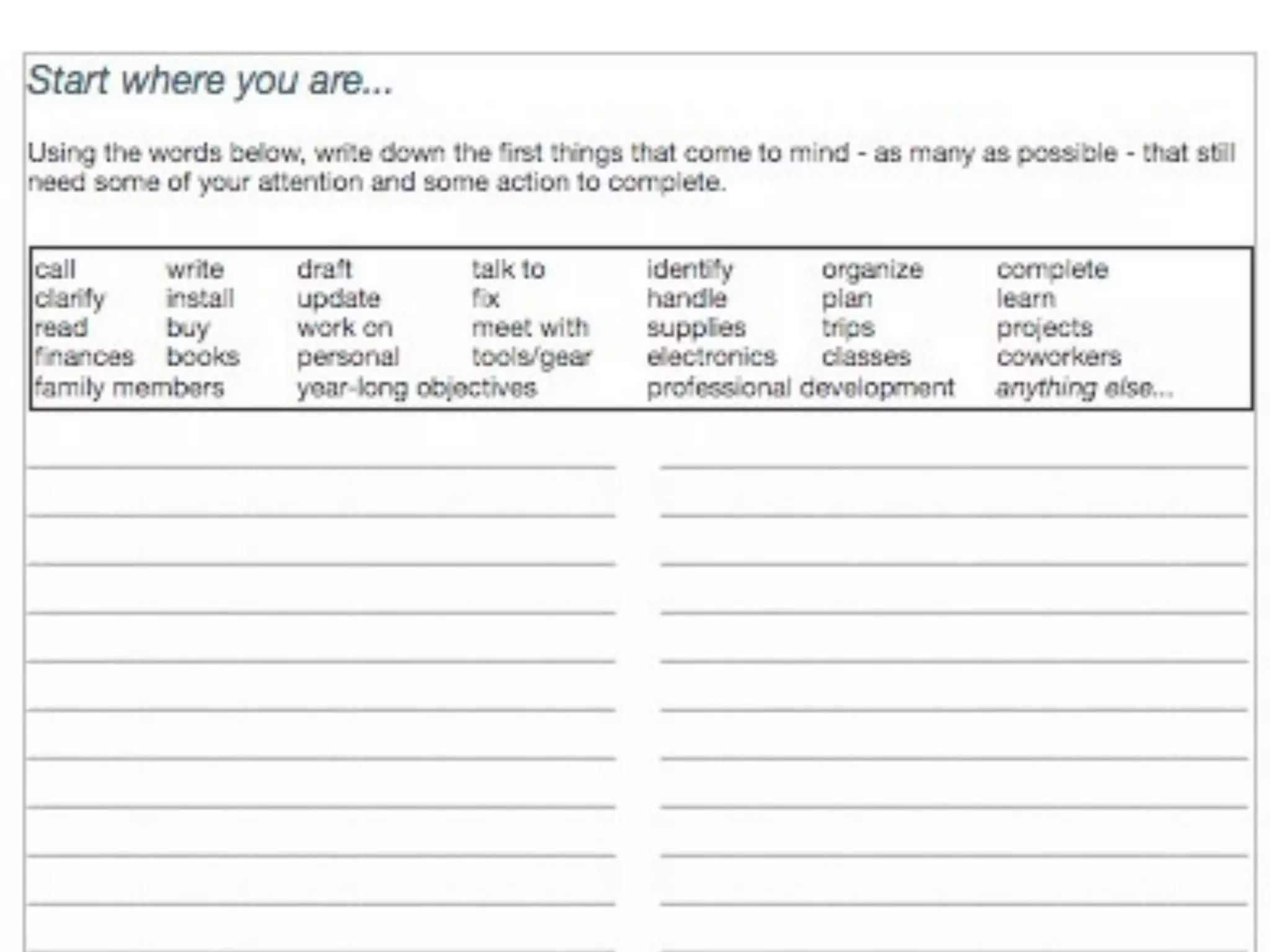
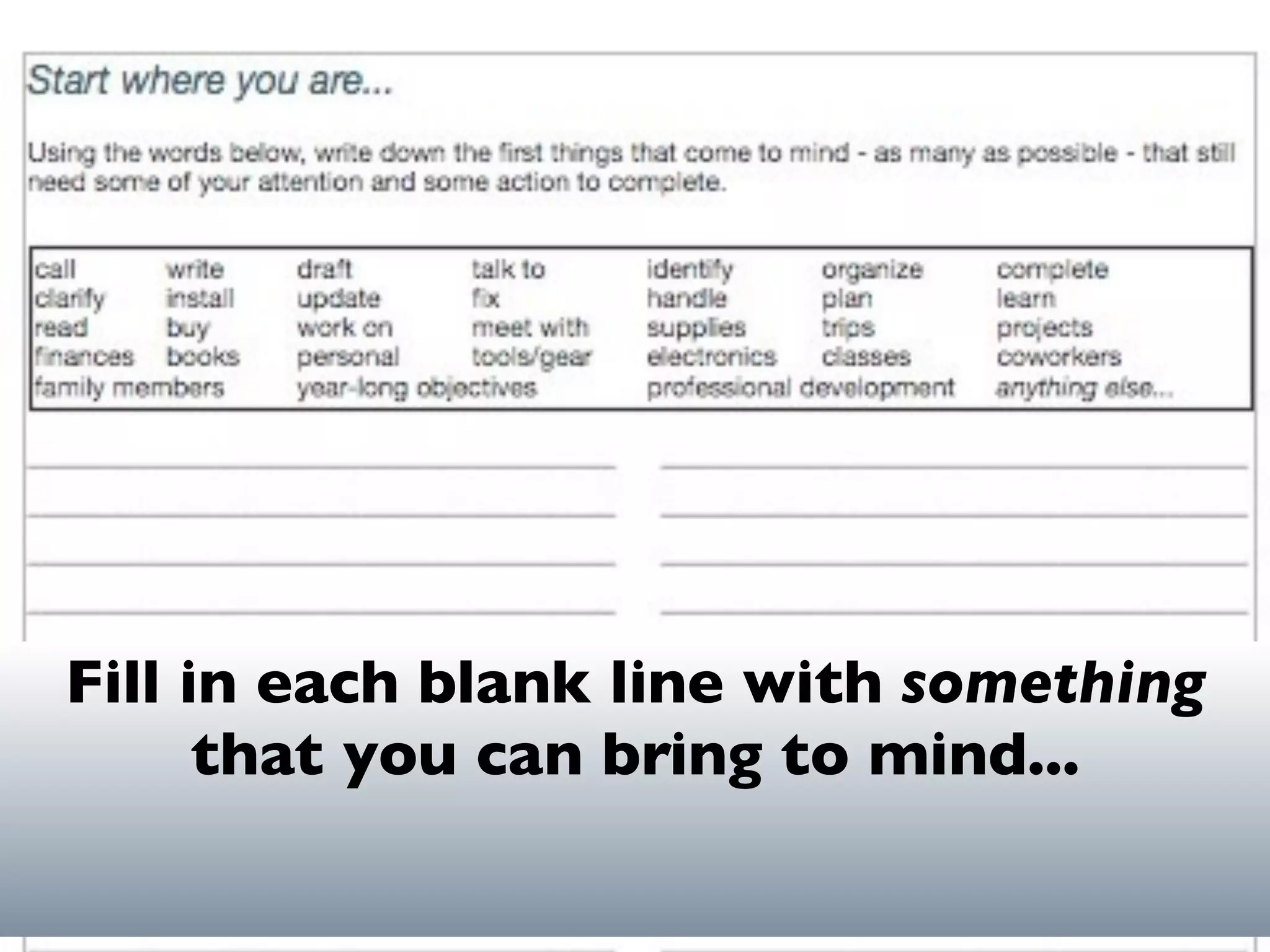
Go for quantity...in 10 minutes, write as many as
Fill in each blank line with something
      that you can bring to mind...
46
What stands out to you about that
exercise?


                                    46
Please Open to Page # 7


                          47
Practic
Practic
   makes
Practic
   makes
     habit
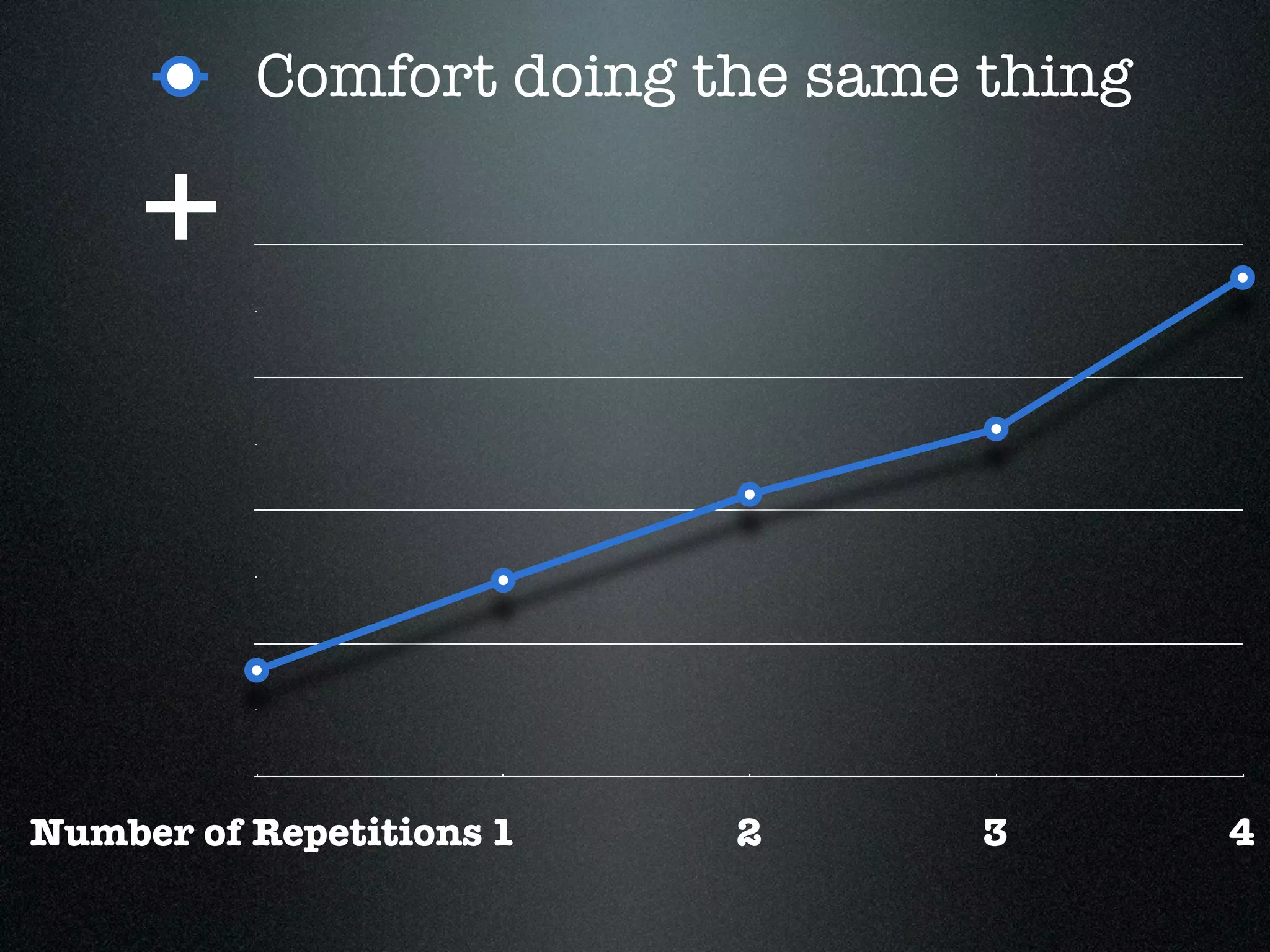
Comfort doing the same thing

     +


Number of Repetitions 1   2      3       4
What do you spend Time,
Energy and Focus doing
by 10am each day?

(Start with the obvious/easy ones!)
What can you DELETE?
What can you DELEGATE?
What tools/systems could
you use to get your work
done during the work-
day?
(Start with the obvious/easy ones!)
What Tools/Systems/Gear can you:

        Use more?
What Tools/Systems/Gear can you:

         Combine?
What Tools/Systems/Gear can you:

         Use less?
What could you do “about”
once a month to rejuvenate,
revitalize & reengage?
Could
 practicing
something
new build a
new habit?
Our Philosophy of Productivity
  Be, work and live at
 your 100%


                                 60
In order for
 you to “be,
 work, live”
  at your
  100%...
What will you need
 to have done...
What will you need
to have done...how
  will you need to
    have been...
8
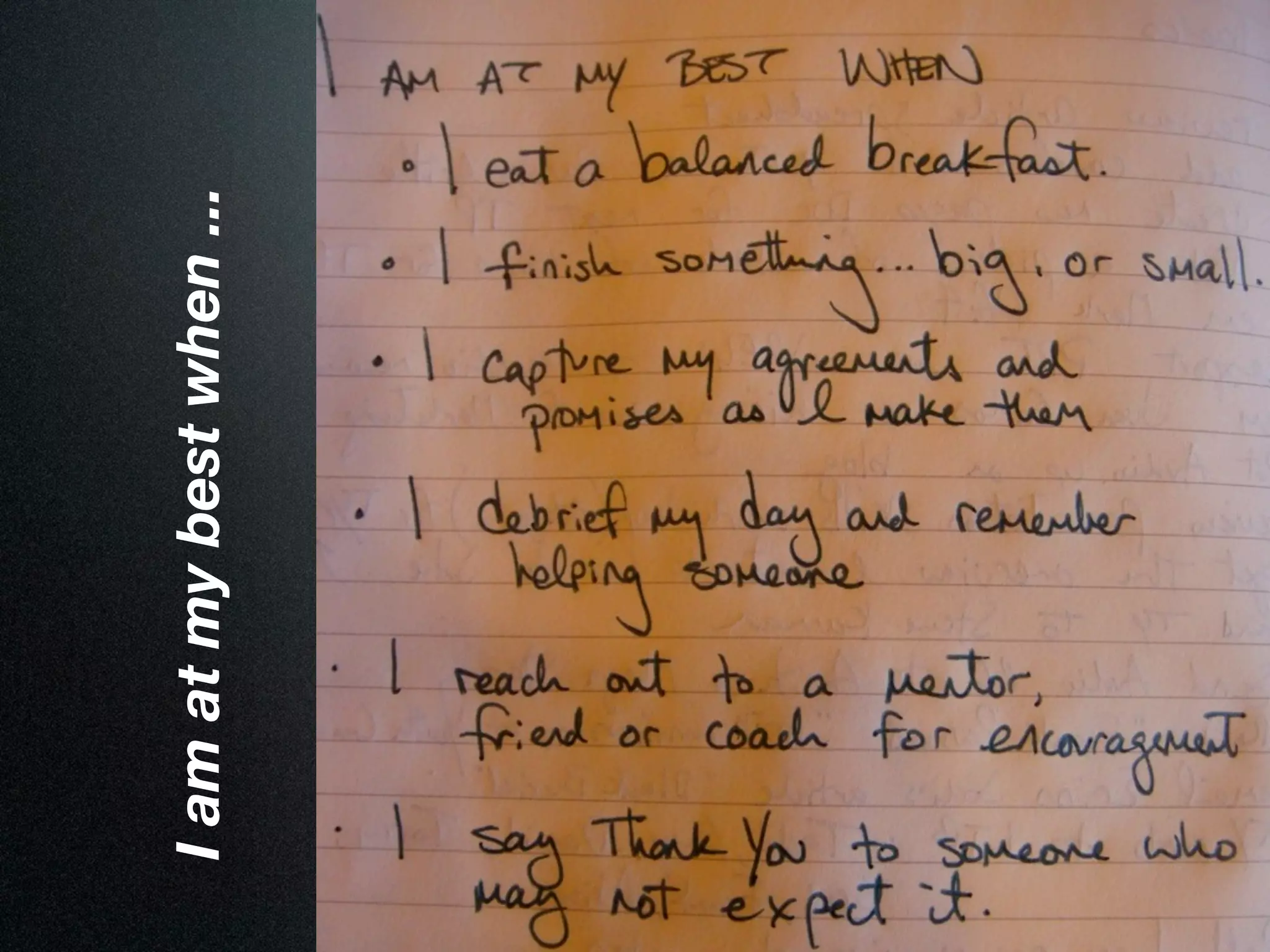
I am at my best when ...
                           page 7
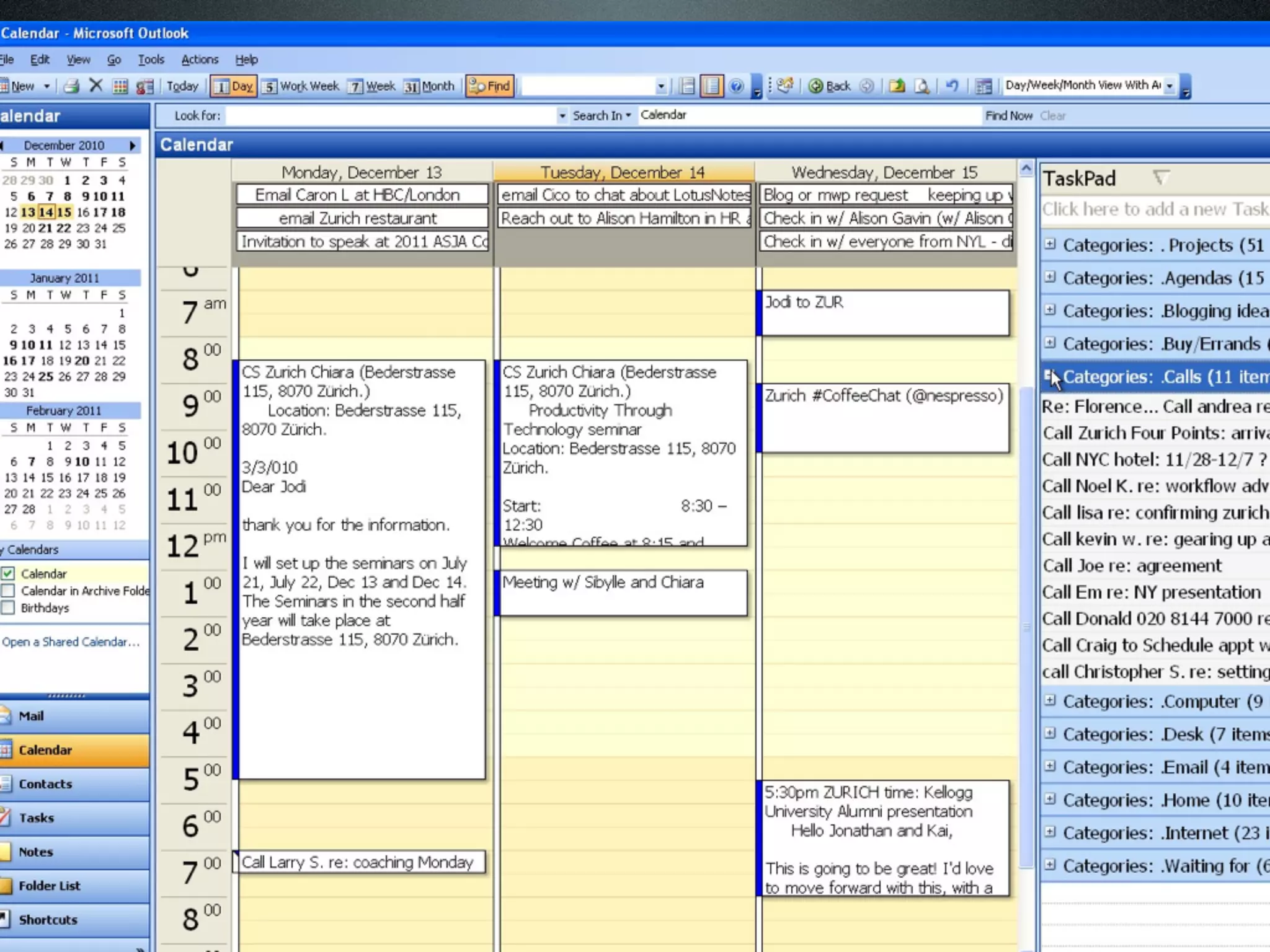
Set up your
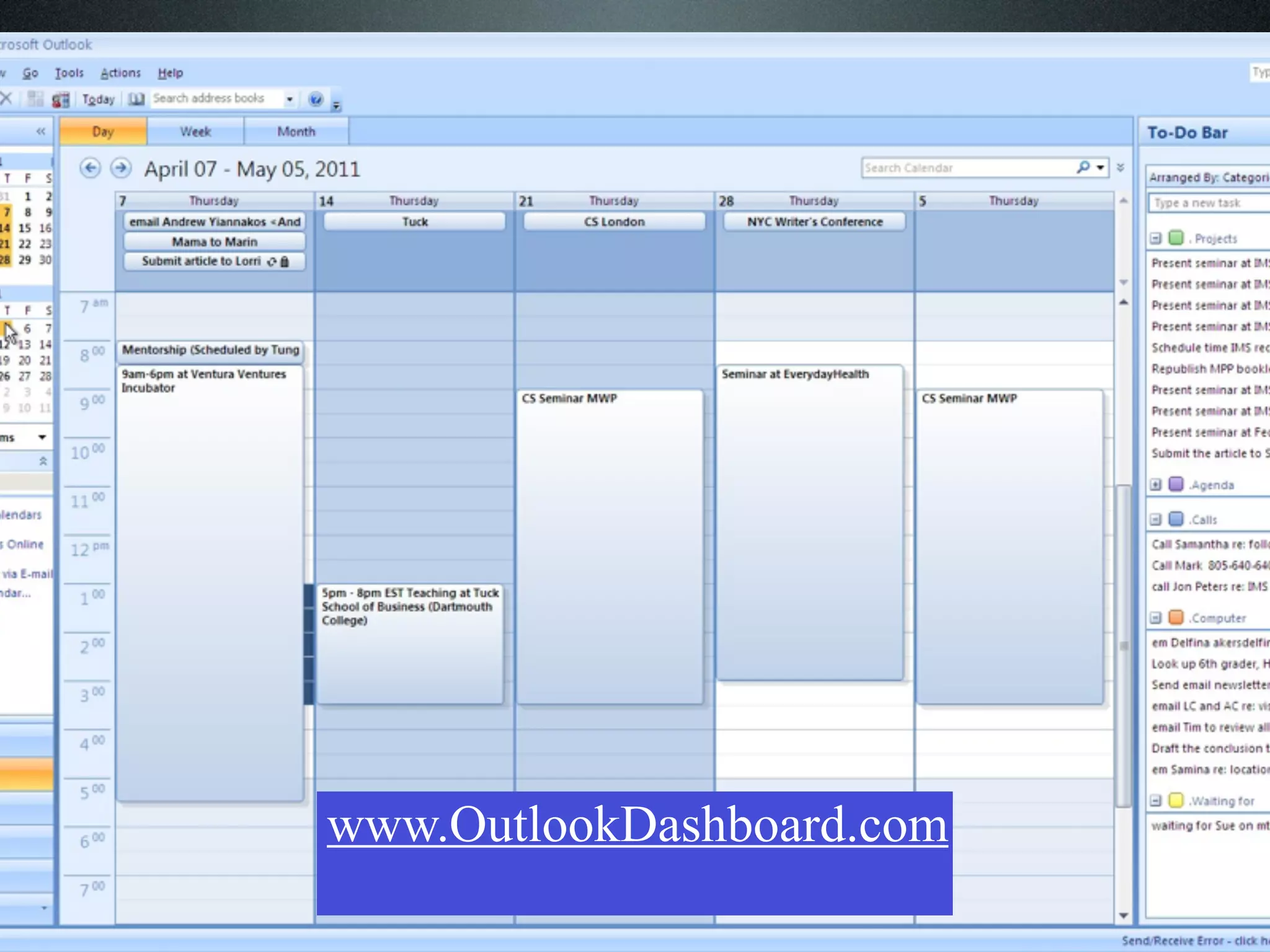
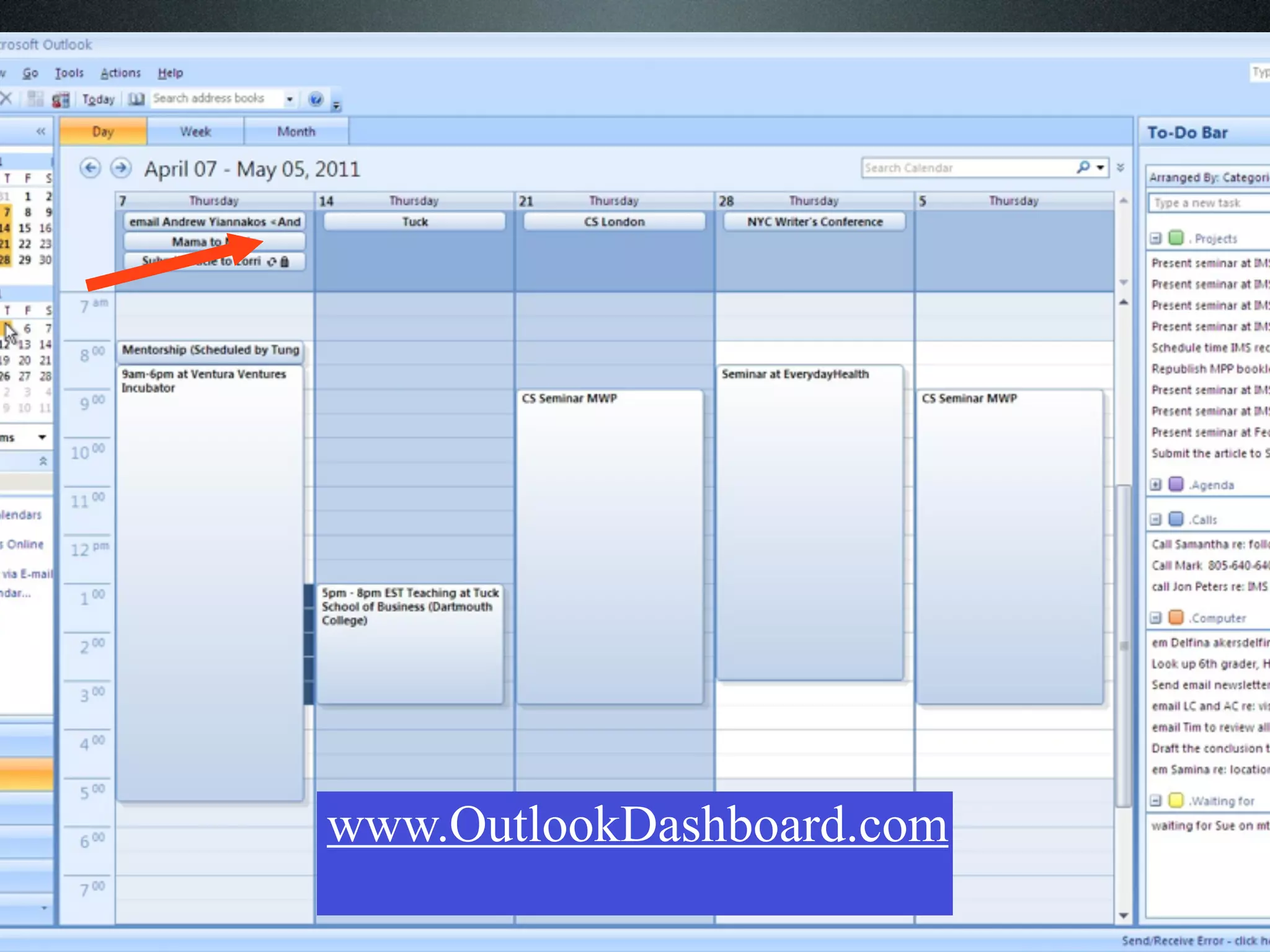
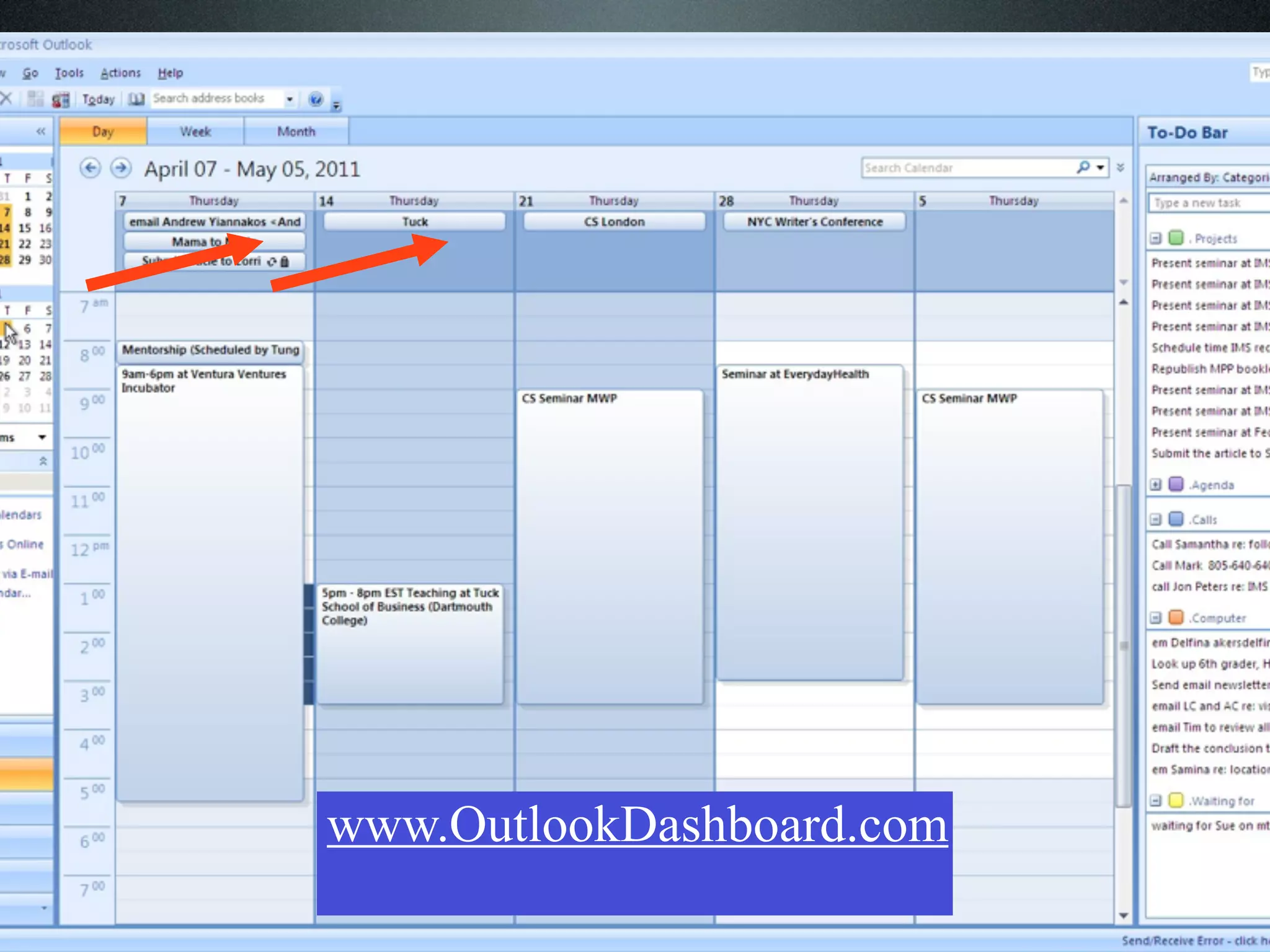
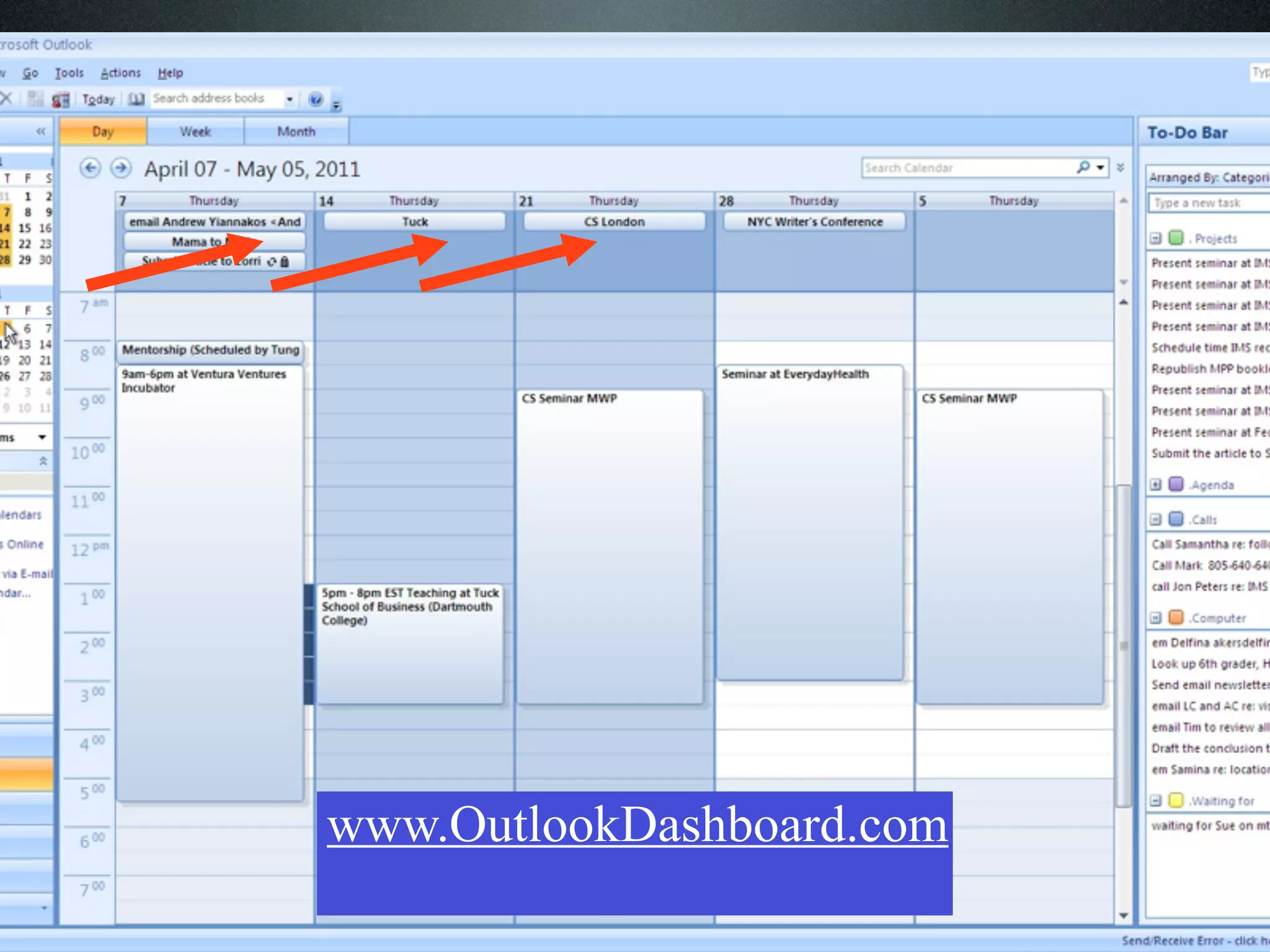
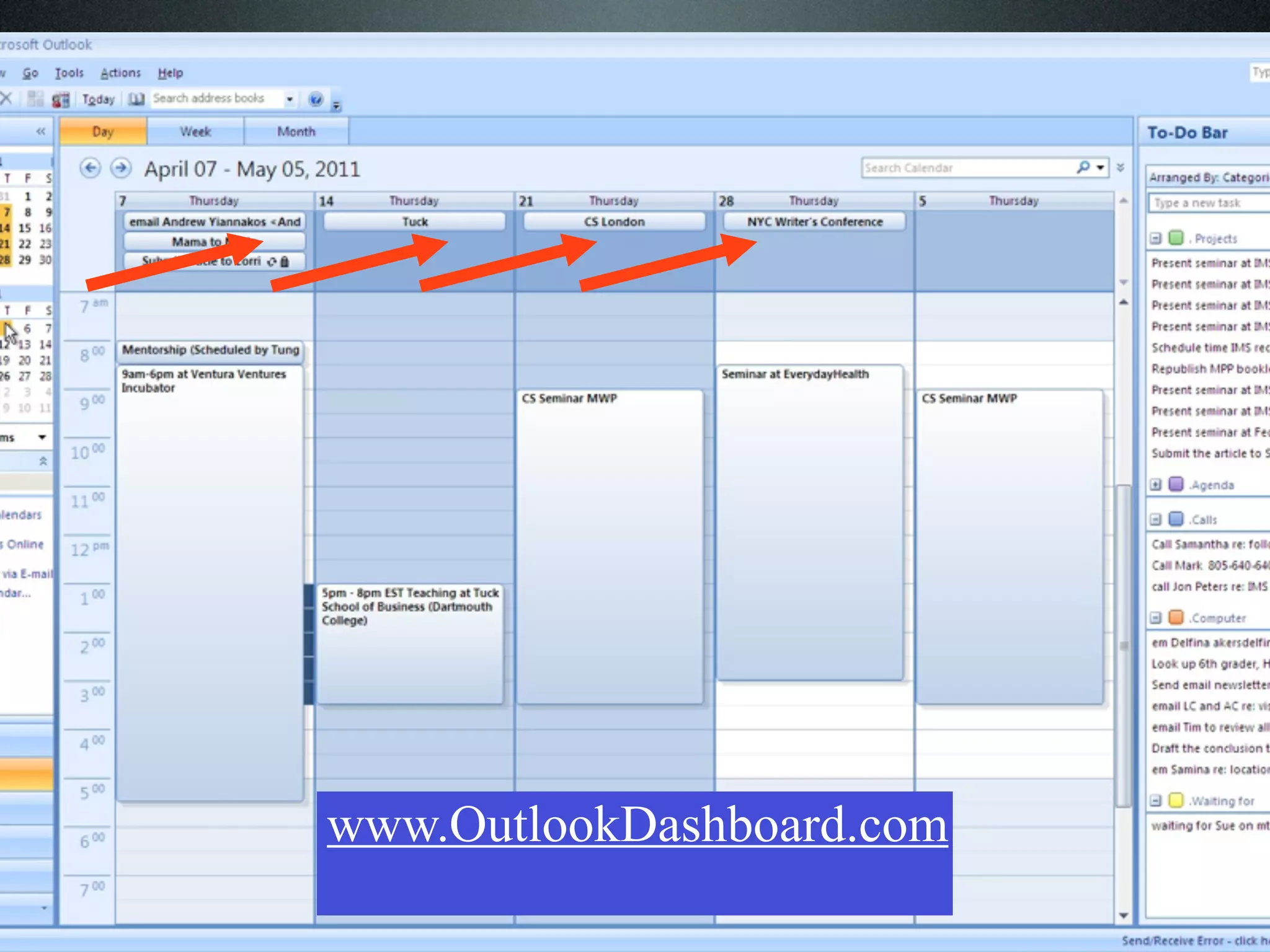
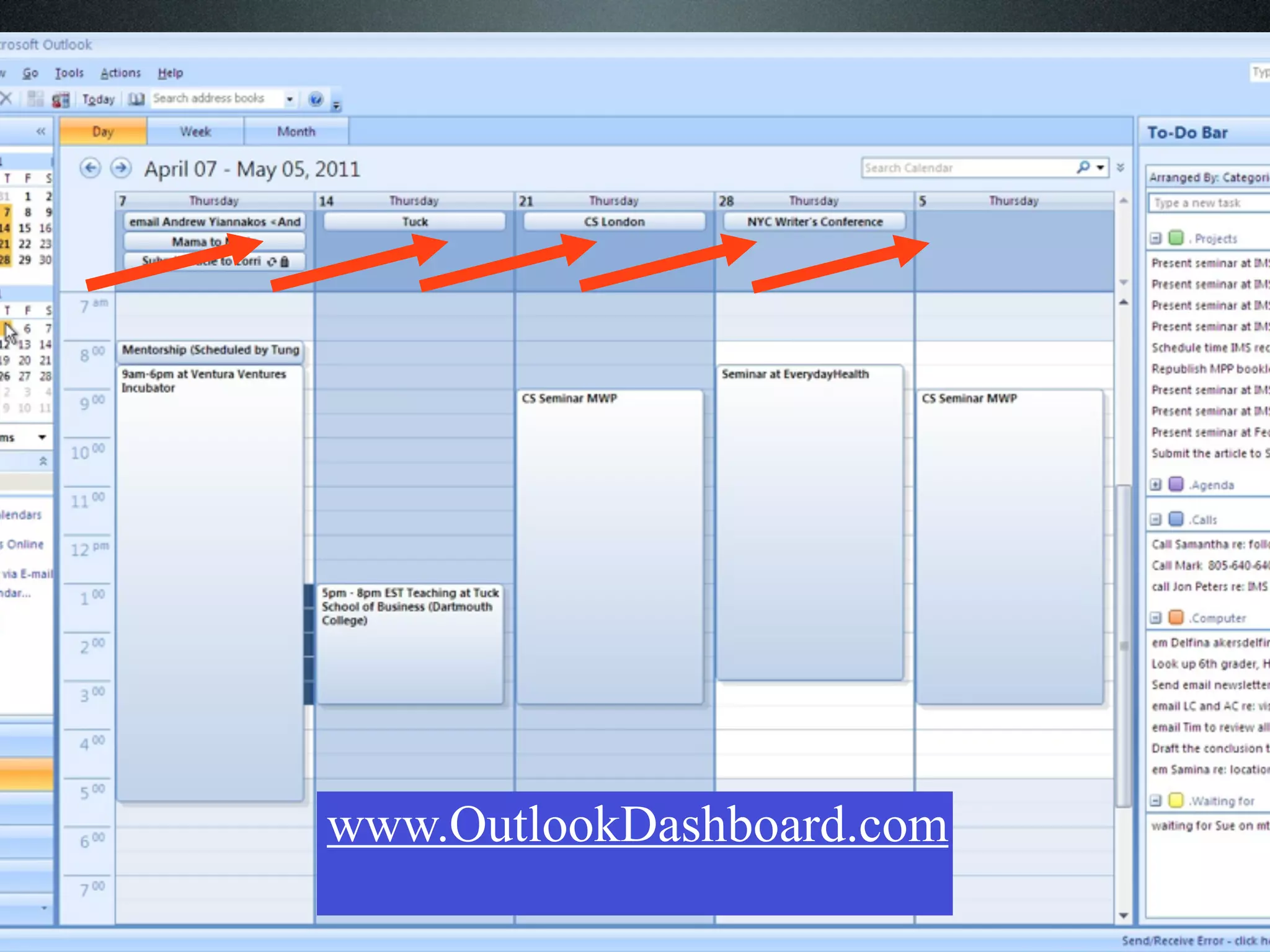
    Daily Dashboard...
and review it several times
        each day.

       www.OutlookDashboard.com
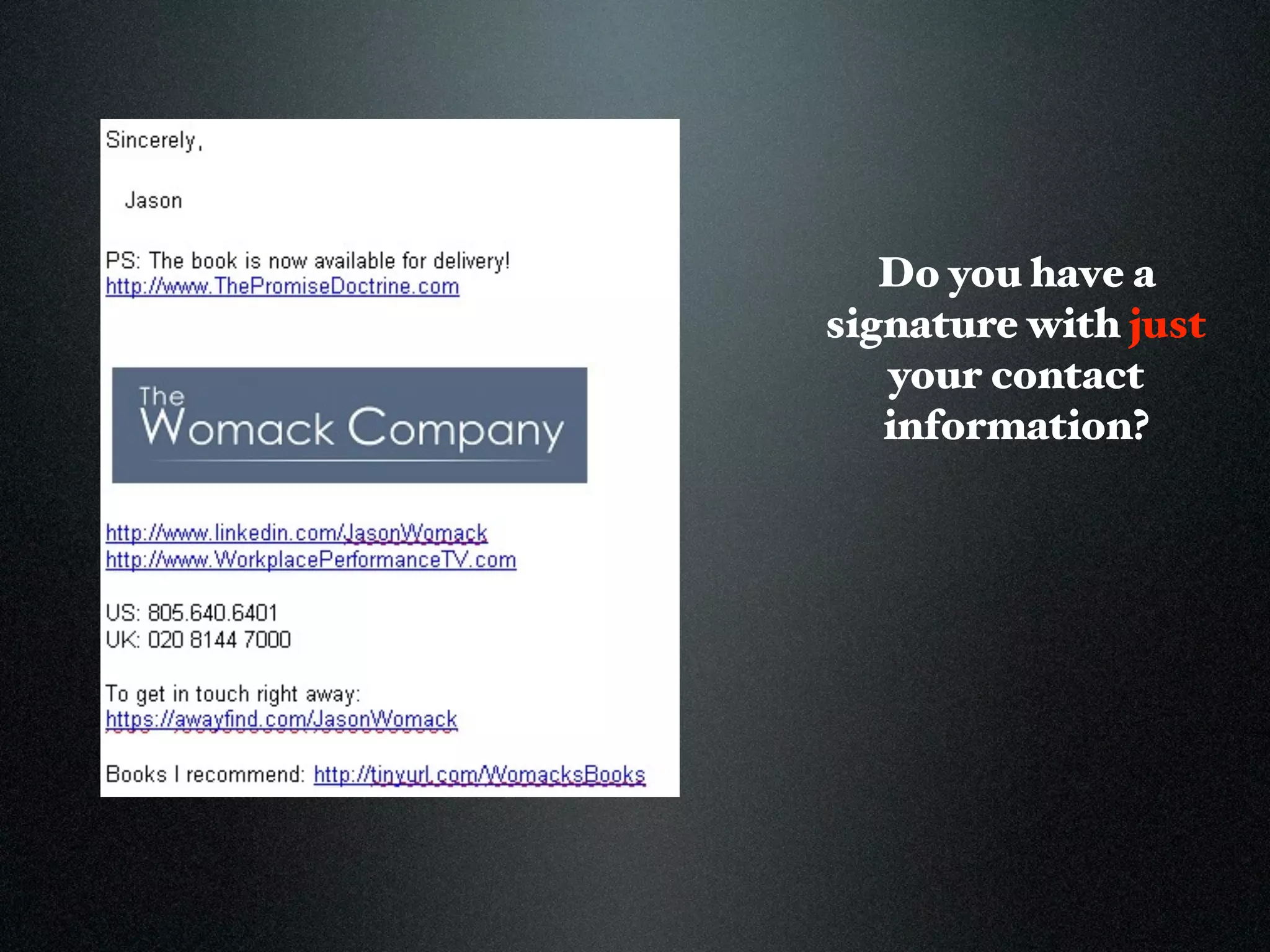
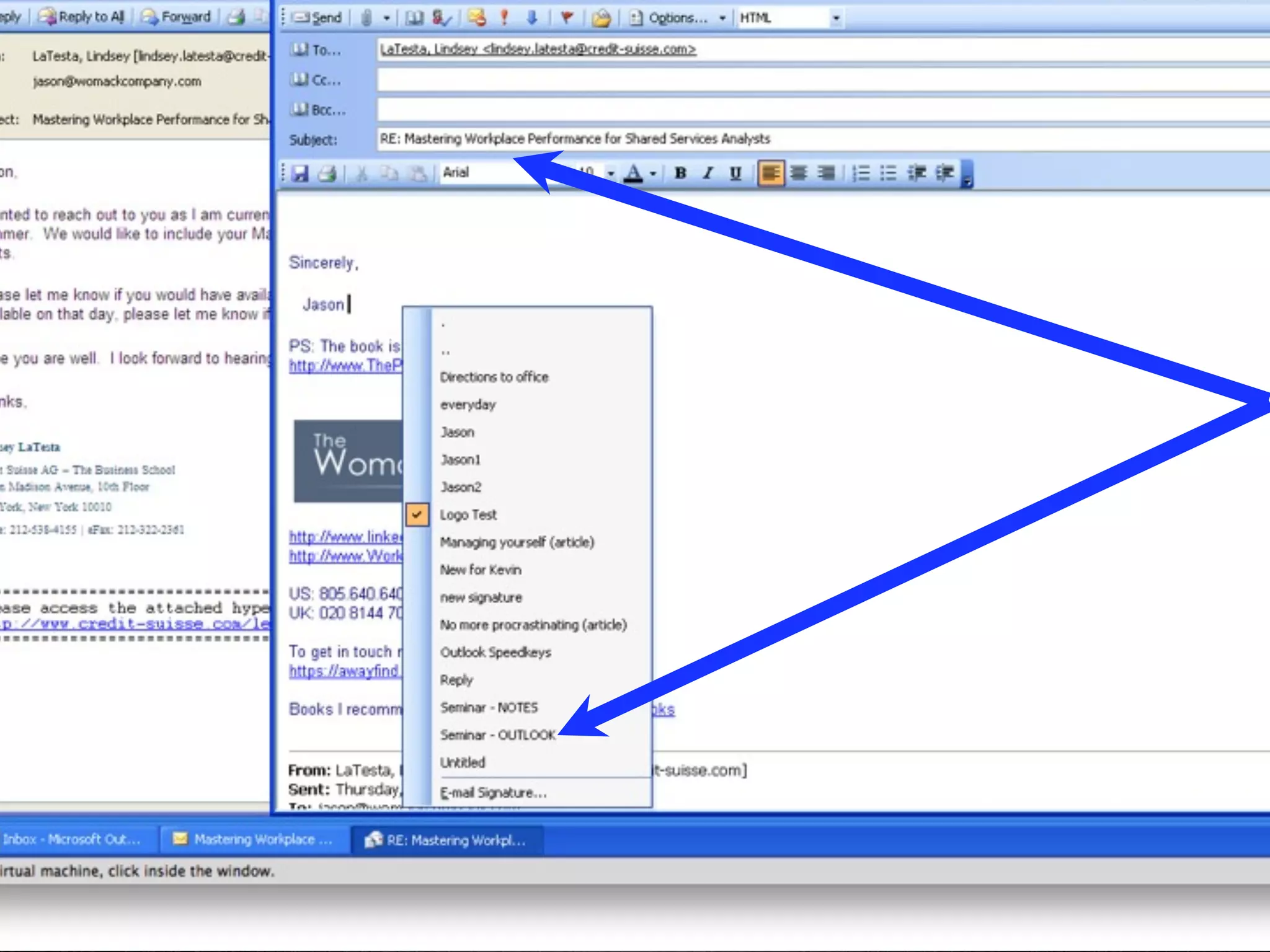
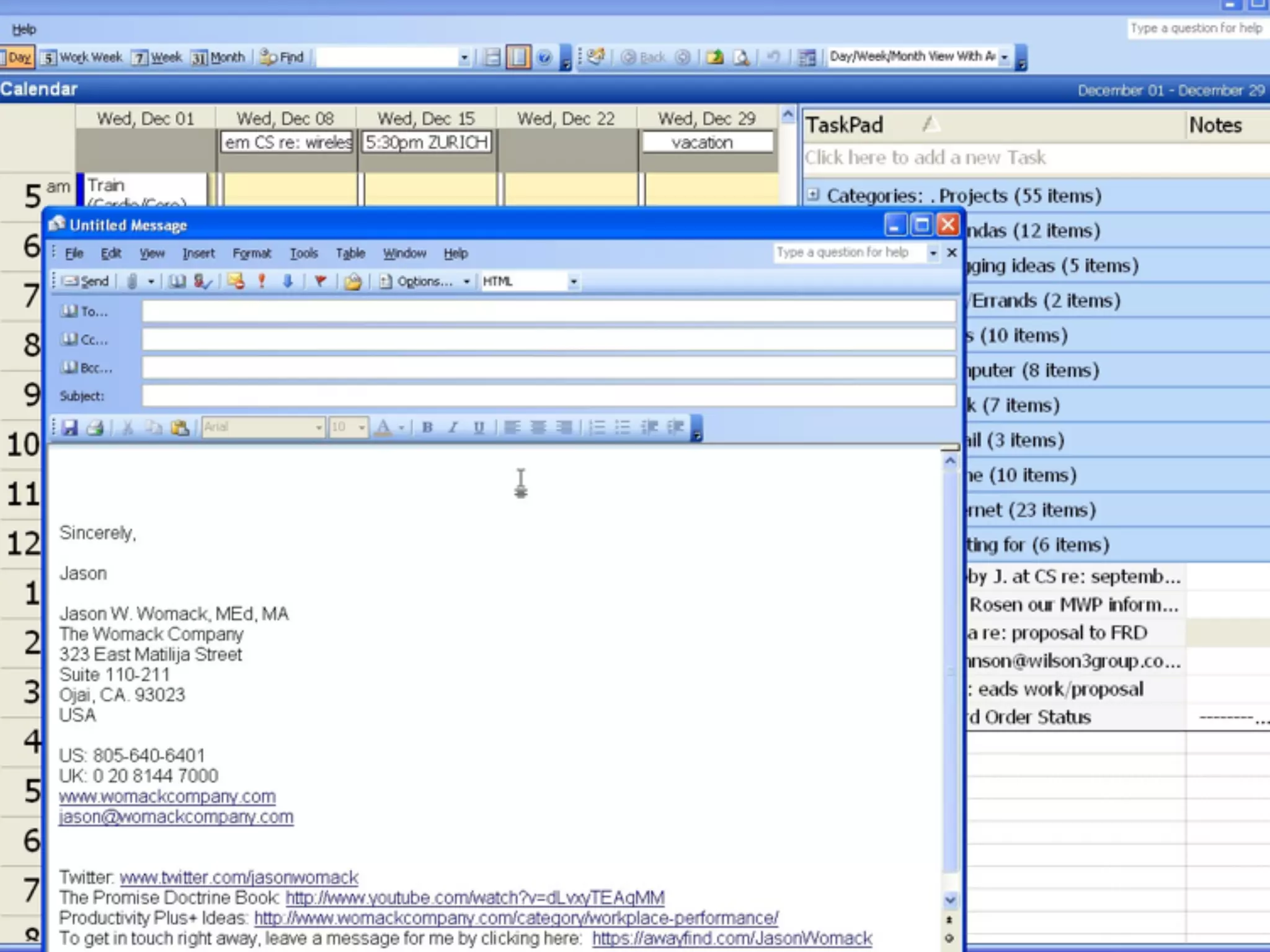
Use signatures as templates to
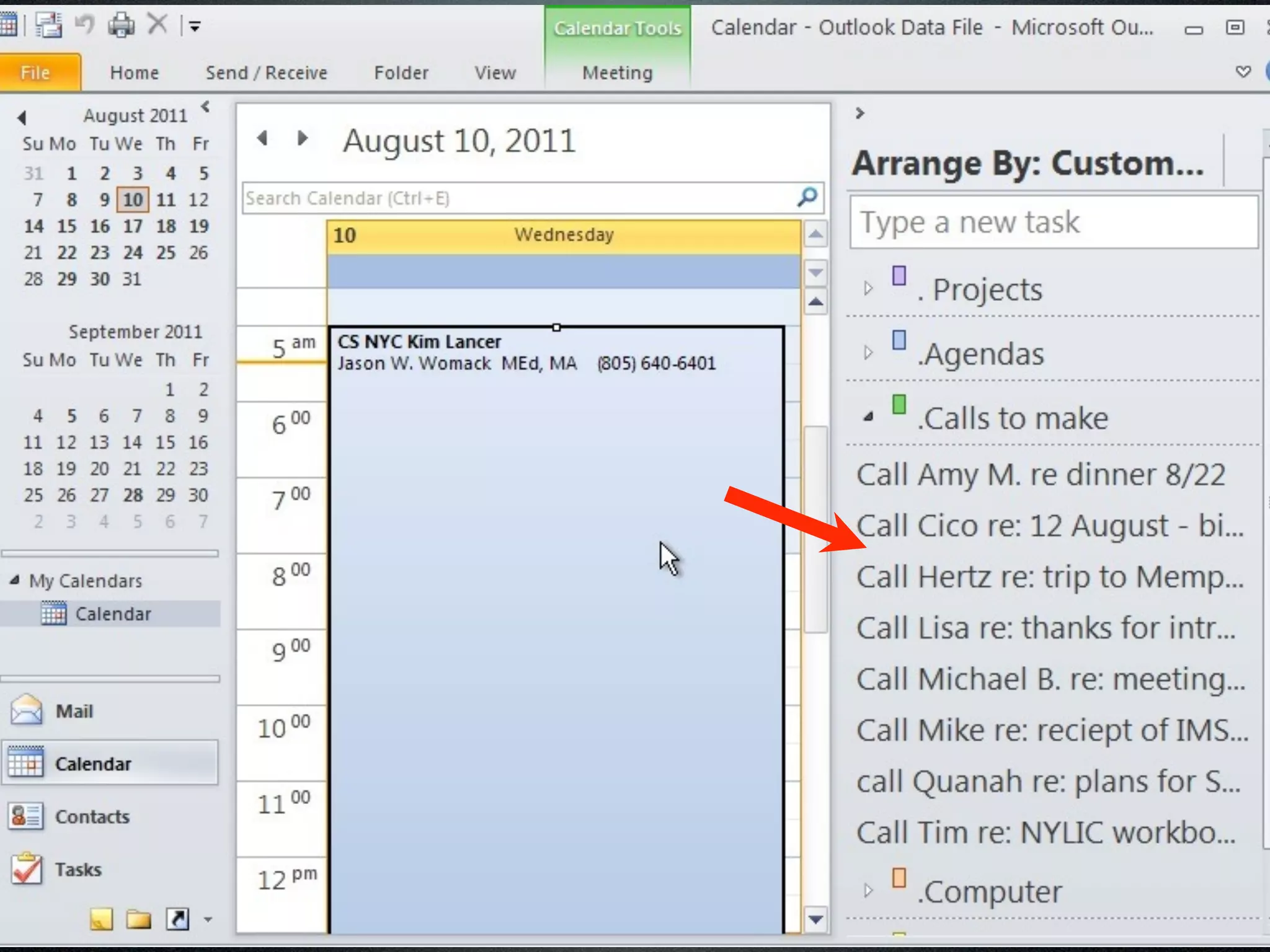
    answer frequently asked
 questions or provide the same
information to a different group
           or person.

      Knowledge Base...
Please think of one topic/
question you know you type
repeatedly to anyone via e-
           mail...
Please think of one topic/
question you know you type
repeatedly to anyone via e-
           mail...
          Directions...
     Contact information...
           How to...
    What are the benefits of...
      Where to find the...
              etc...
Do you have a
signature with just
   your contact
   information?
Do you have a
signature with just
   your contact
   information?
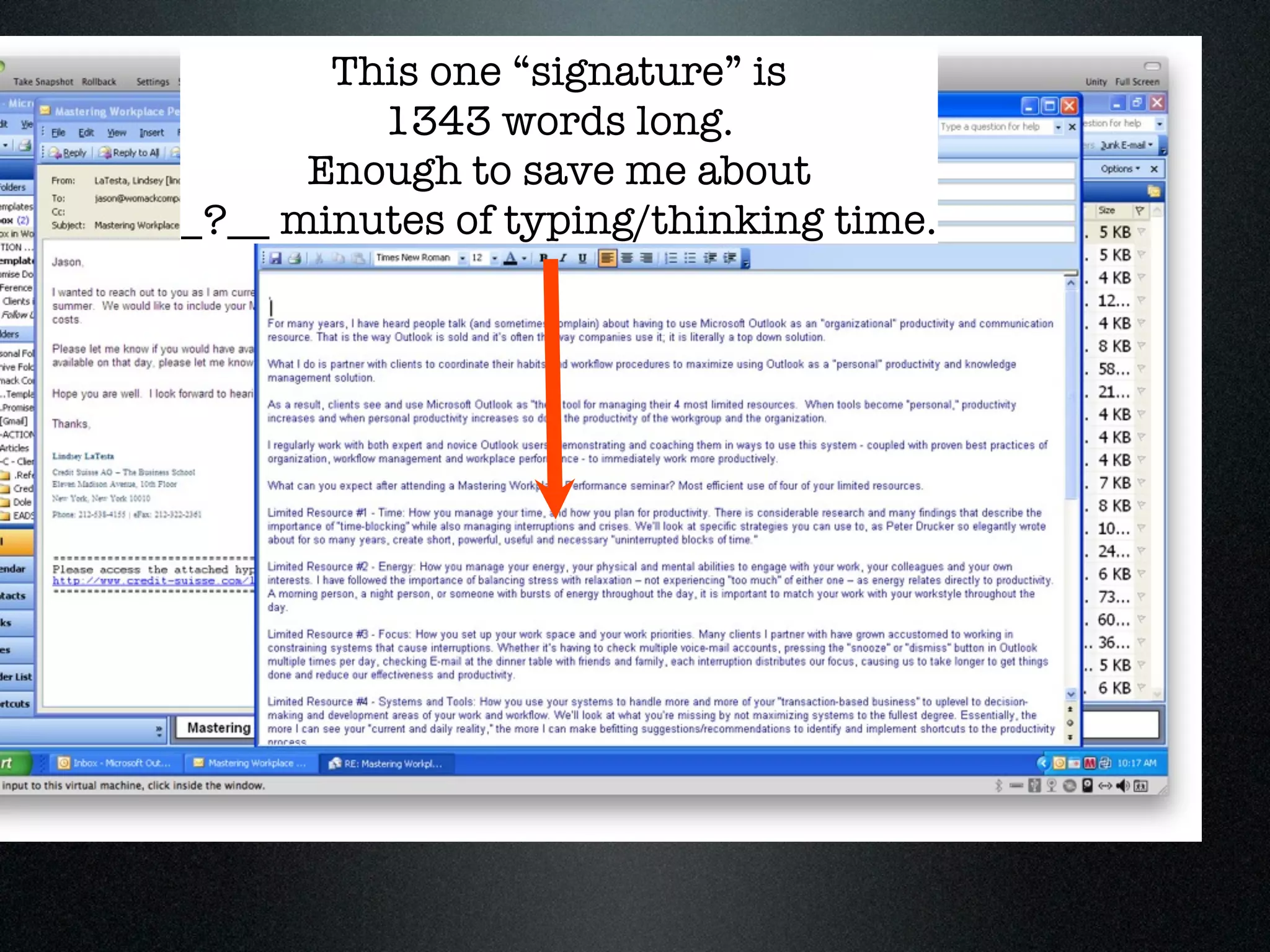
This one “signature” is
         1343 words long.
      Enough to save me about
_?__ minutes of typing/thinking time.
This one “signature” is
         1343 words long.
      Enough to save me about
_?__ minutes of typing/thinking time.


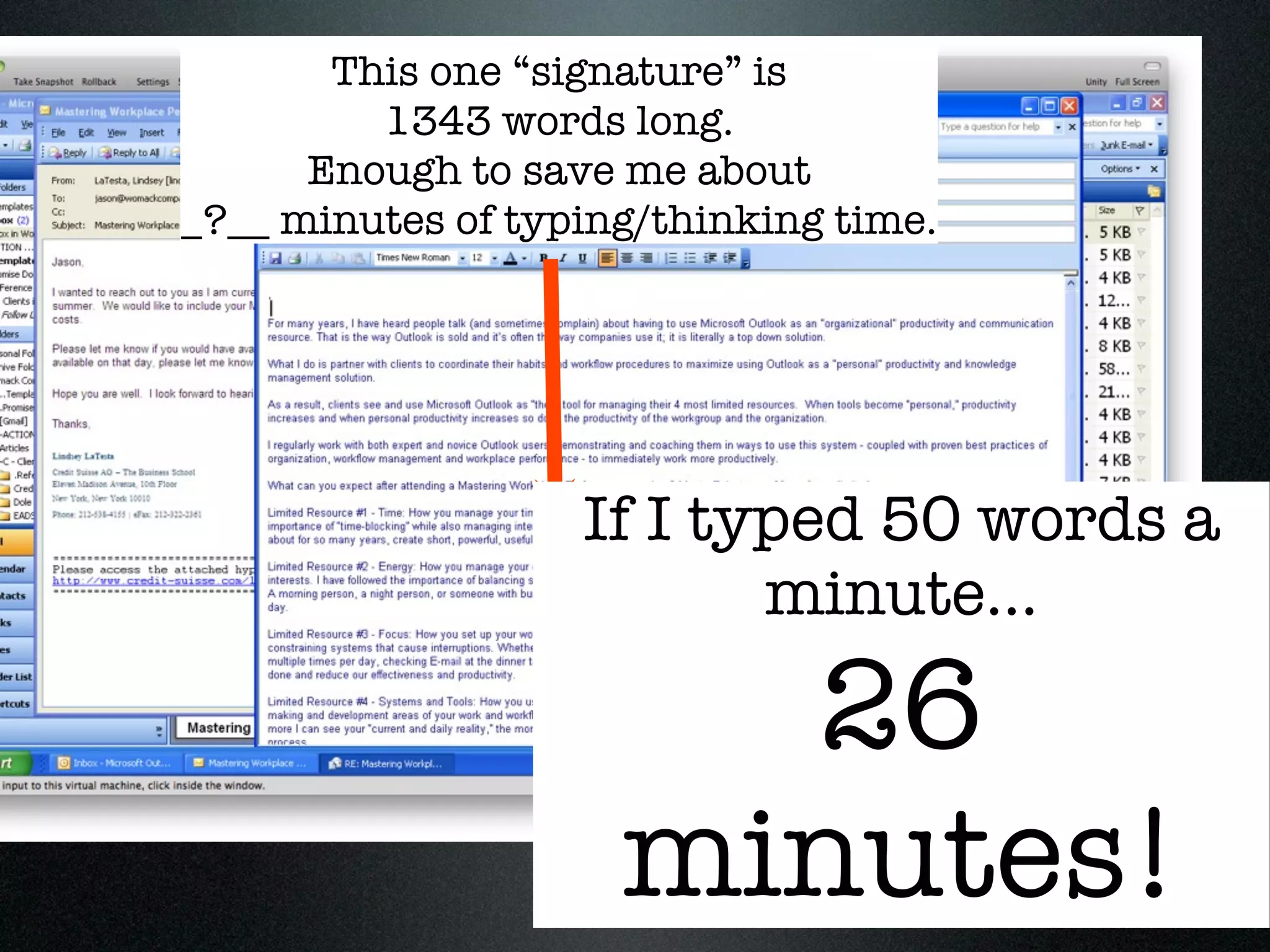
                   If I typed 50 words a
                          minute...

                       26
                     minutes!
www.OutlookDashboard.com
Paper Systems to set up a
dashboard include:

Legal pad
Time Design
Day Runner
Day Timer
Franklin Planner
etc
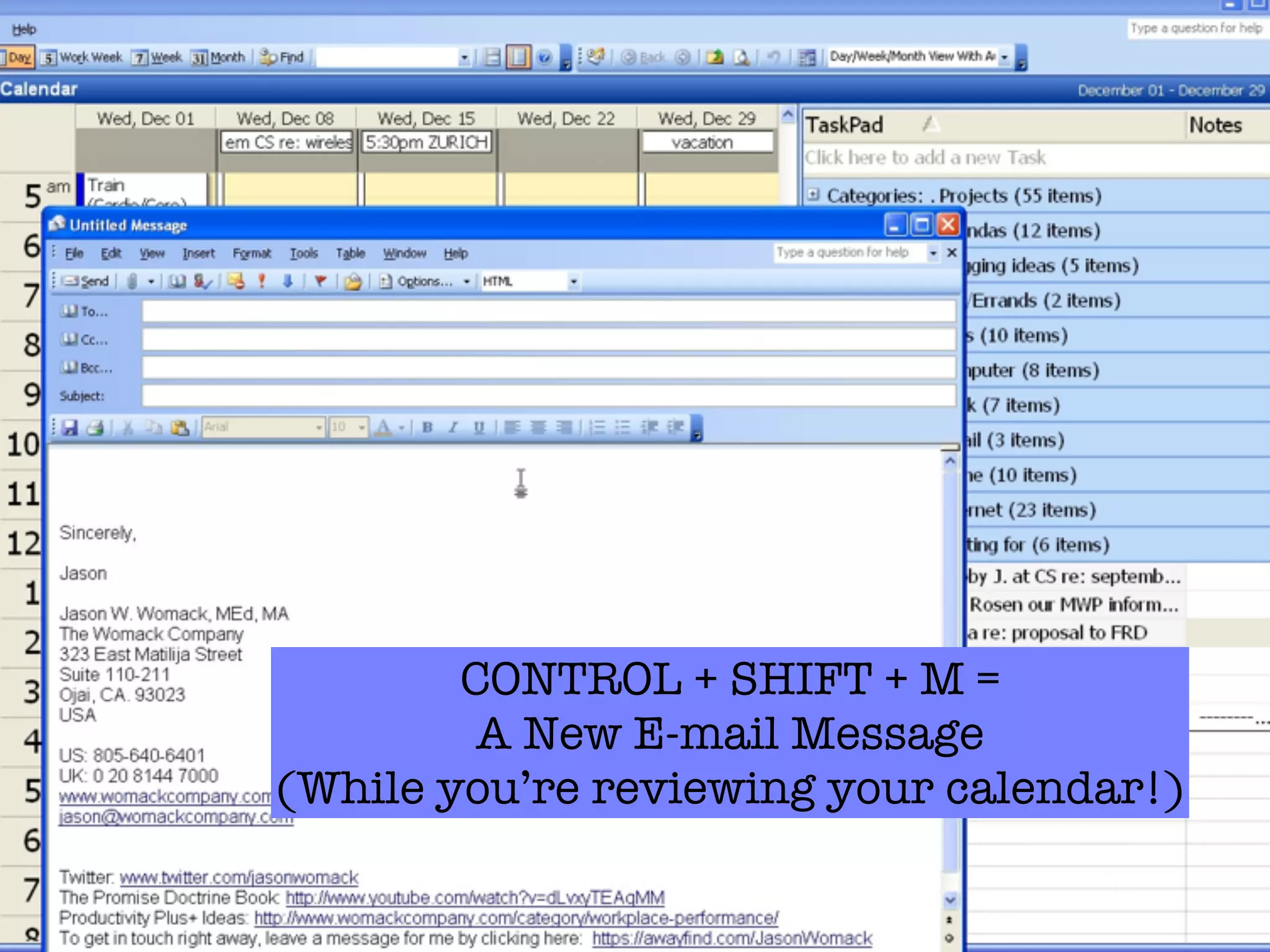
CONTROL + SHIFT + M =
         A New E-mail Message
(While you’re reviewing your calendar!)
For complete directions on
    setting up your Outlook
          Dashboard…
Please visit:

 www.OutlookDashboard.com
Weʼll send the 39-page eBook for free this
week…E-mail to request your own copy!
84
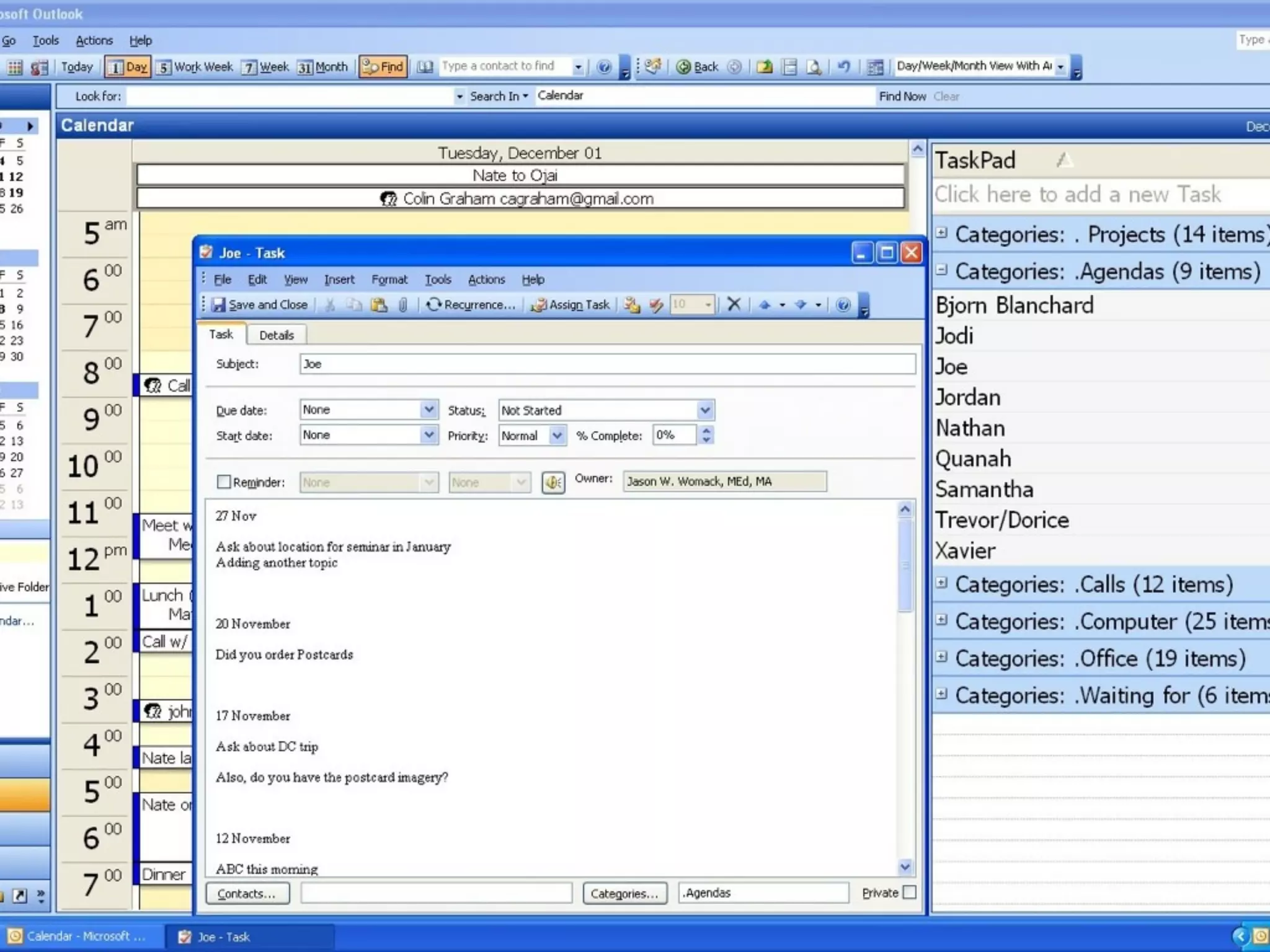
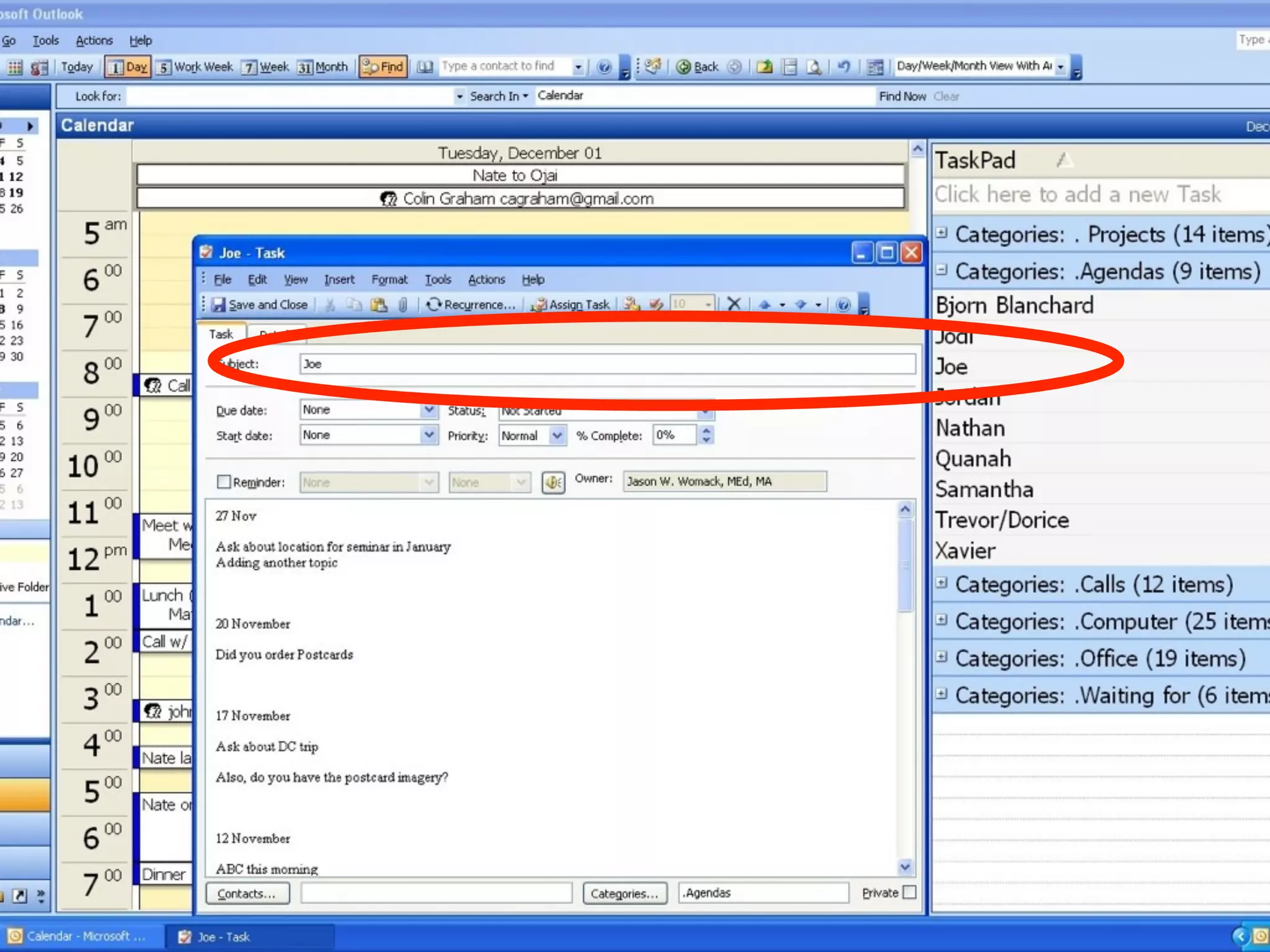
Create (and maintain, and
review!) agendas for people you
  meet or speak with regularly


                                  84
85
Remember, all of these tips are
method first, technology second...


                                     85
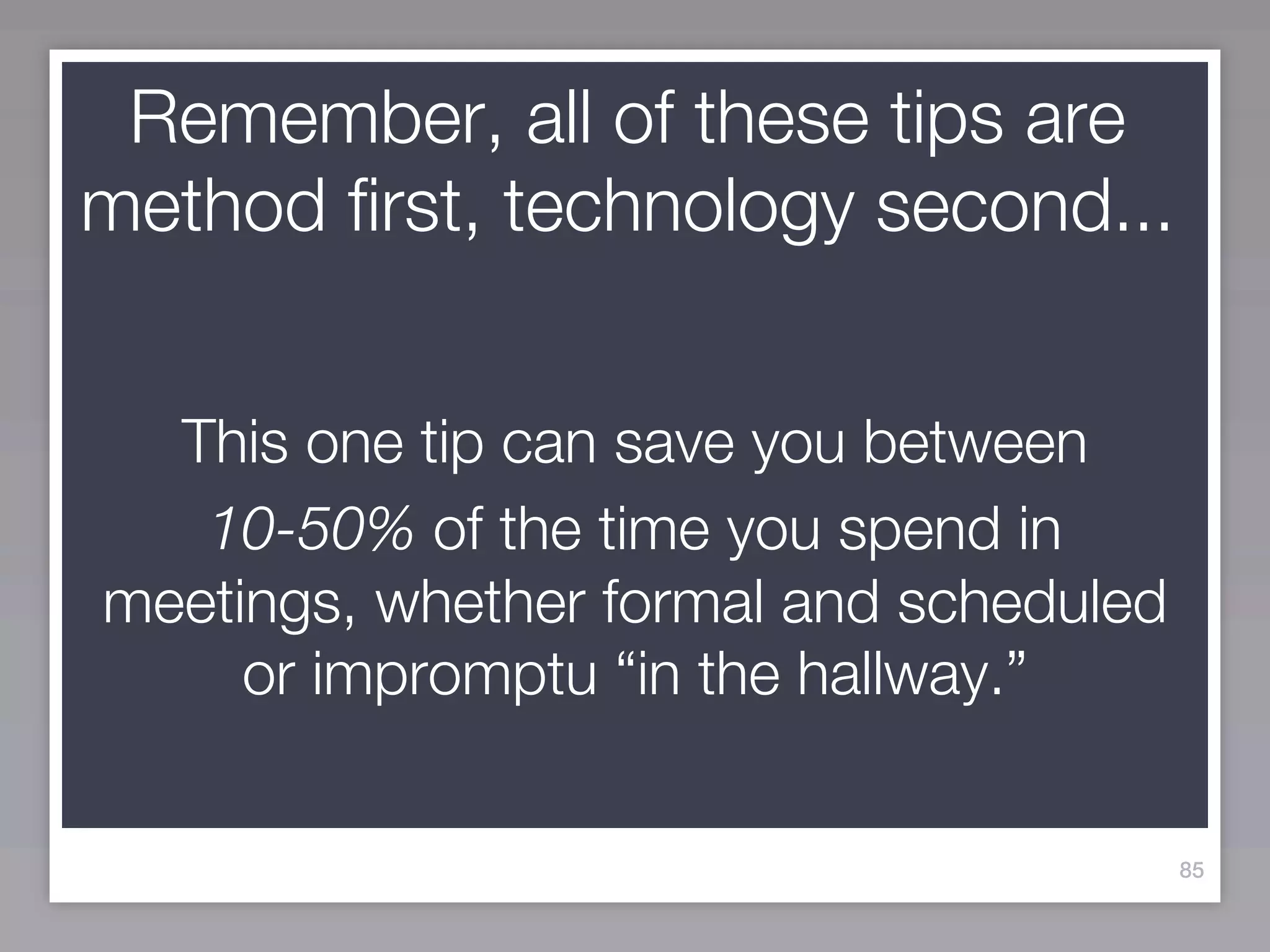
Remember, all of these tips are
method first, technology second...


  This one tip can save you between
   10-50% of the time you spend in
meetings, whether formal and scheduled
     or impromptu “in the hallway.”


                                         85
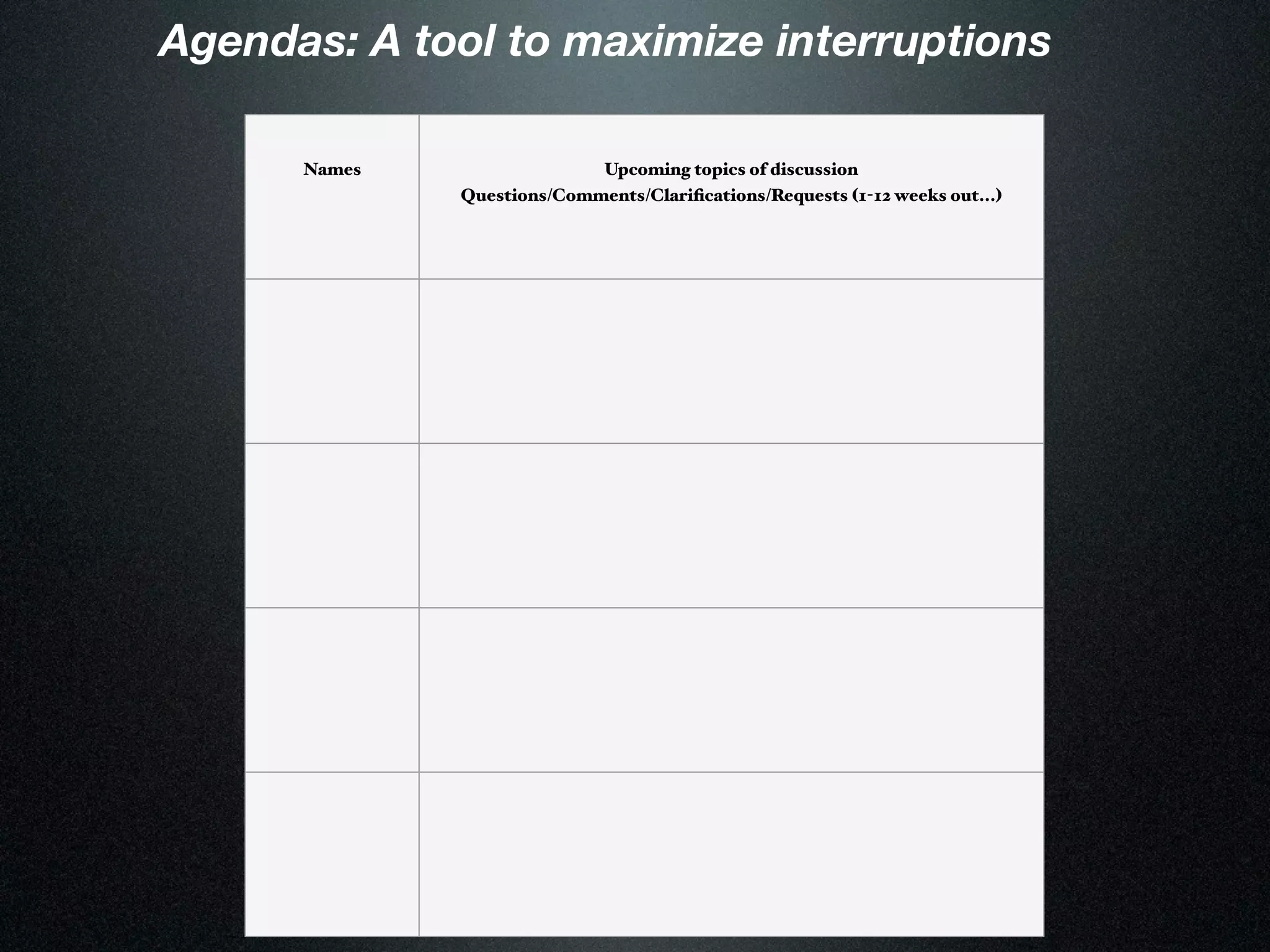
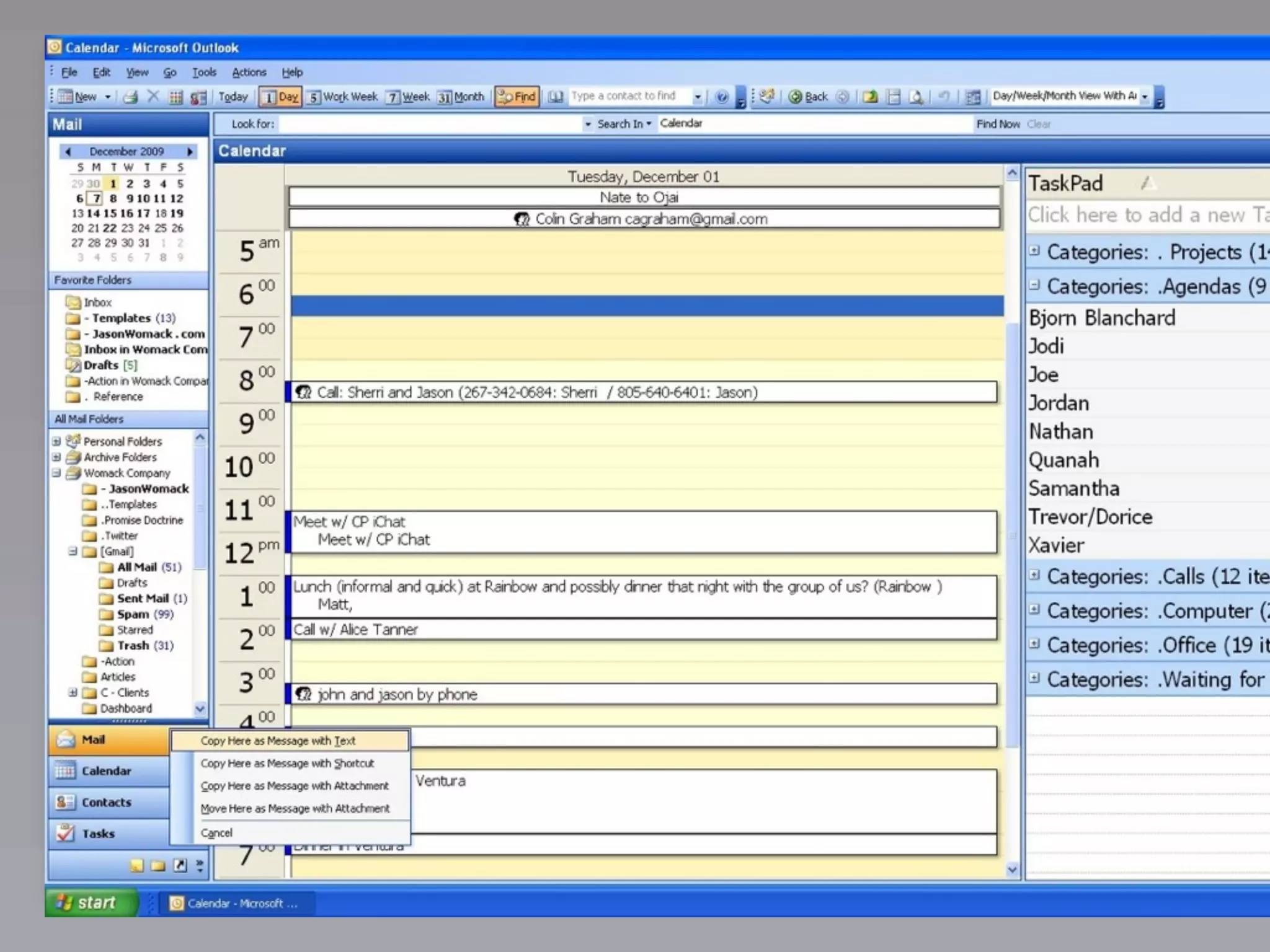
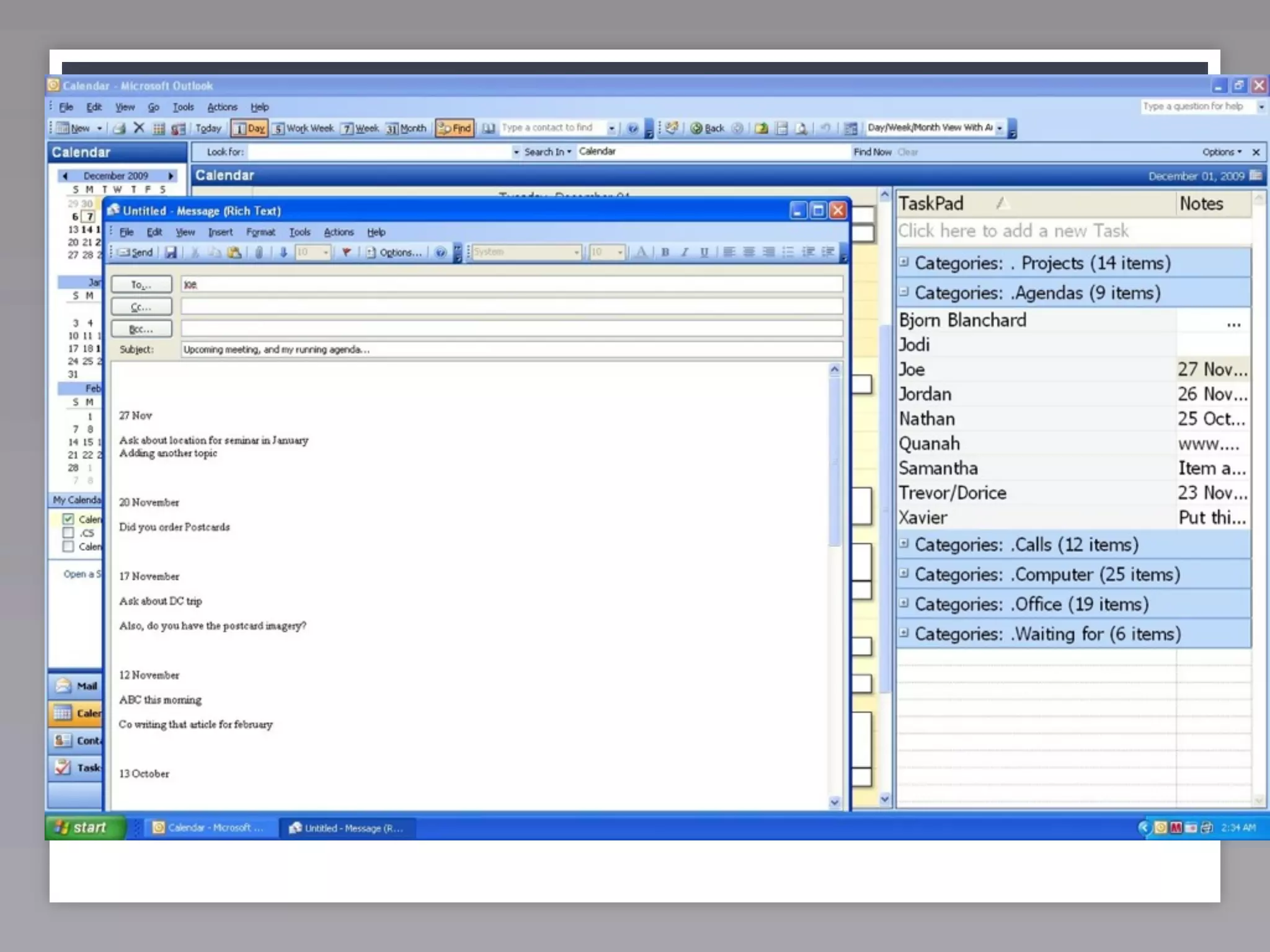
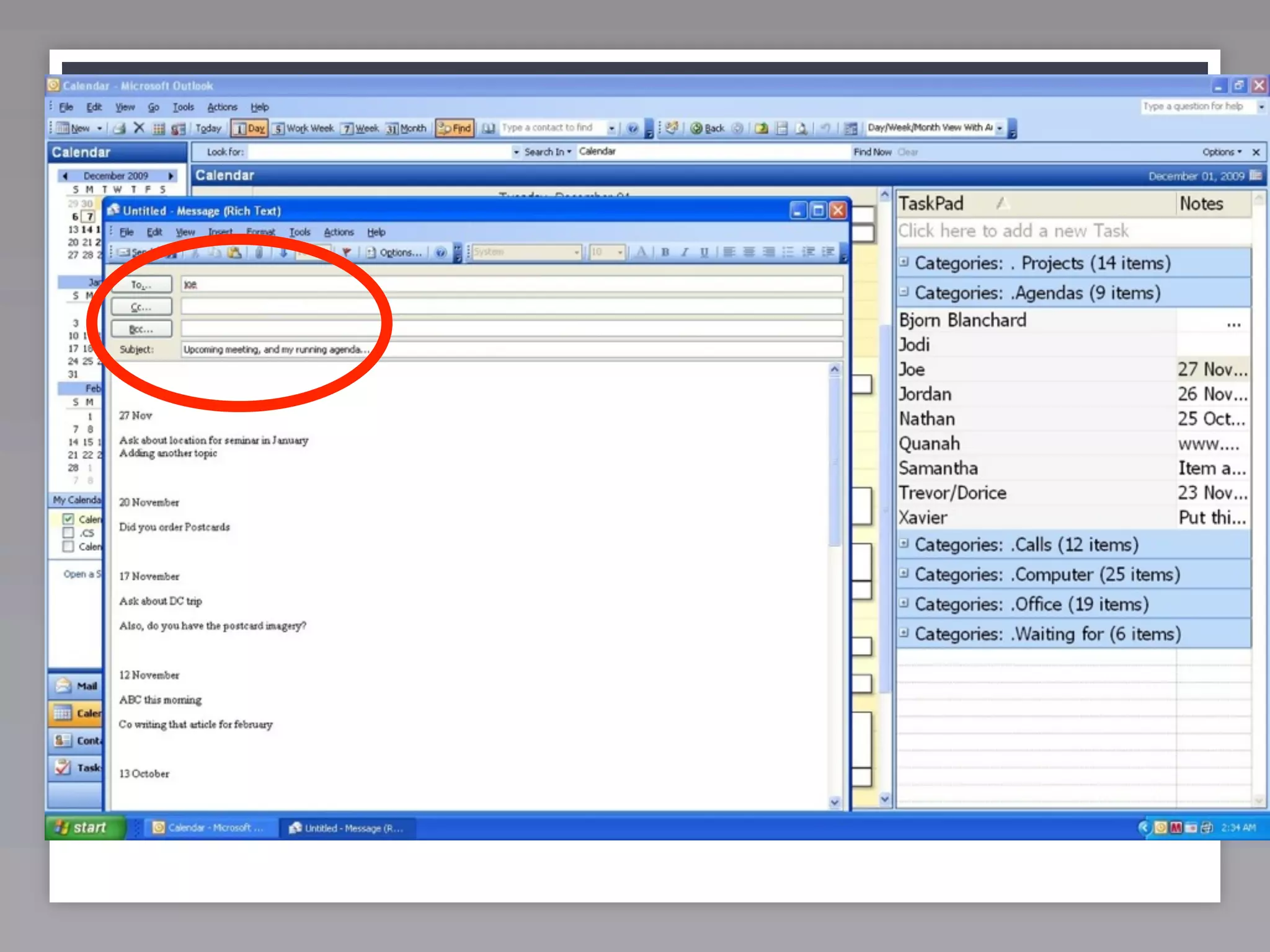
Agendas: A tool to maximize interruptions

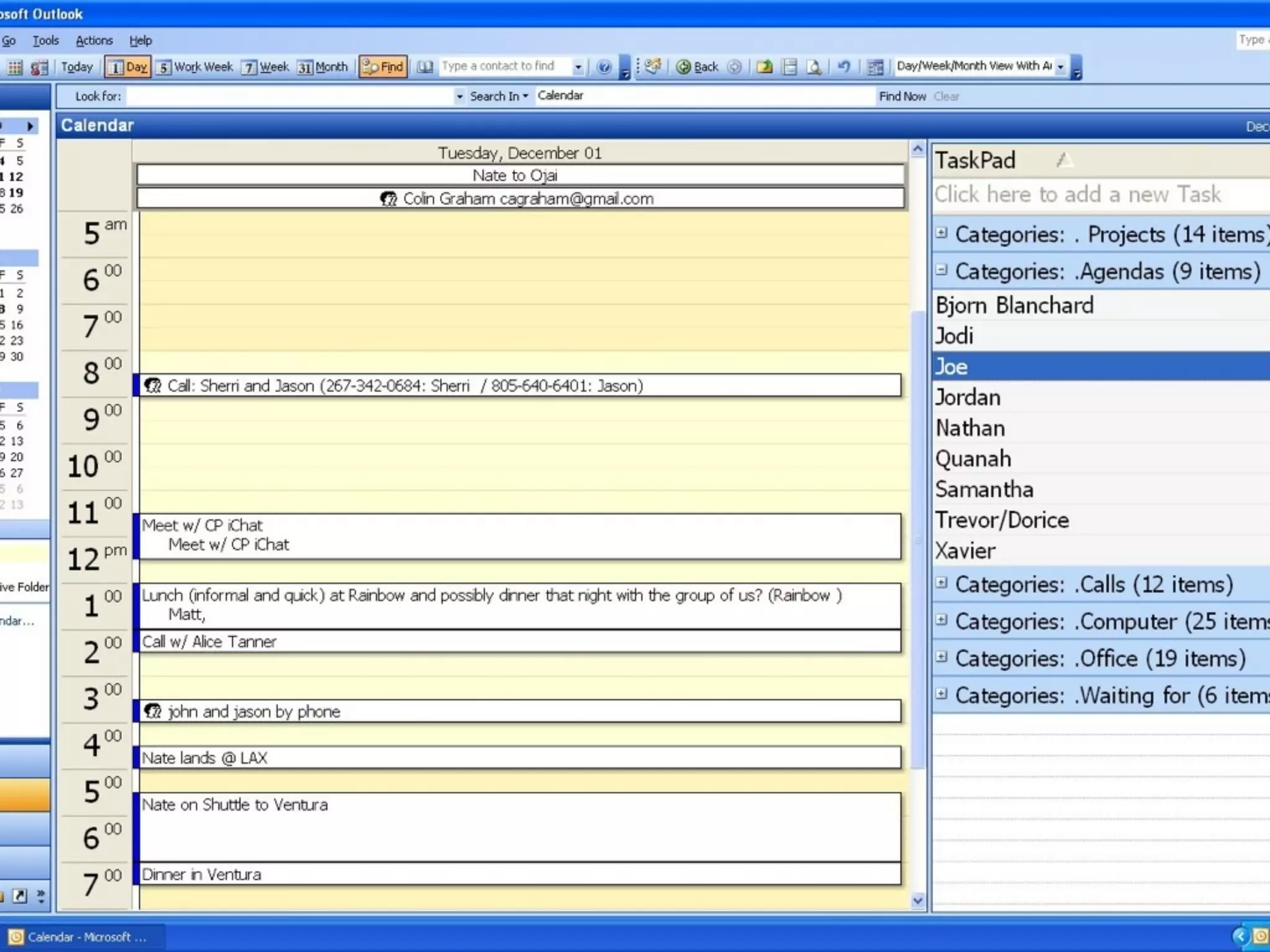
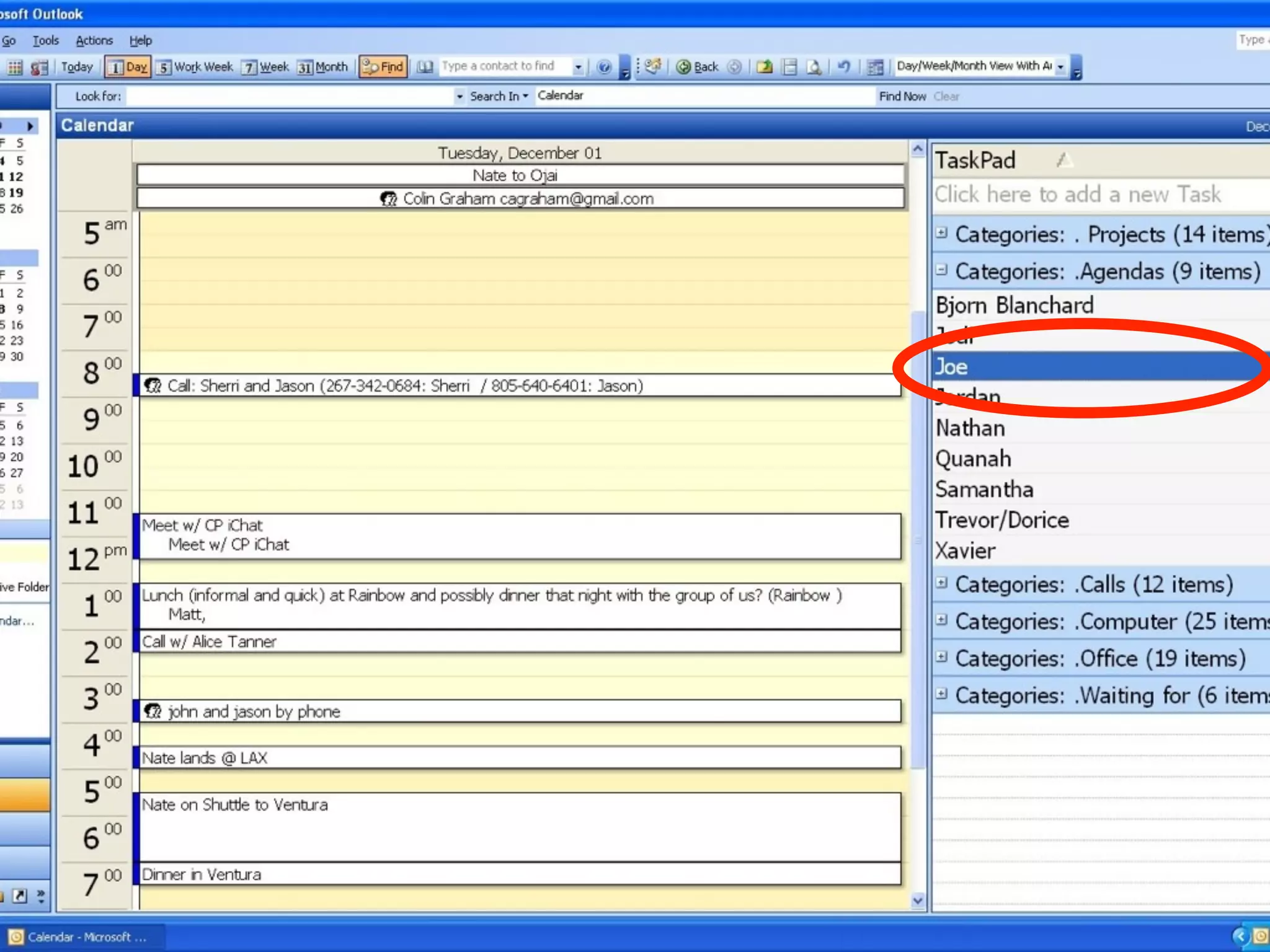
      Names                 Upcoming topics of discussion
              Questions/Comments/Clarifications/Requests (1-12 weeks out...)
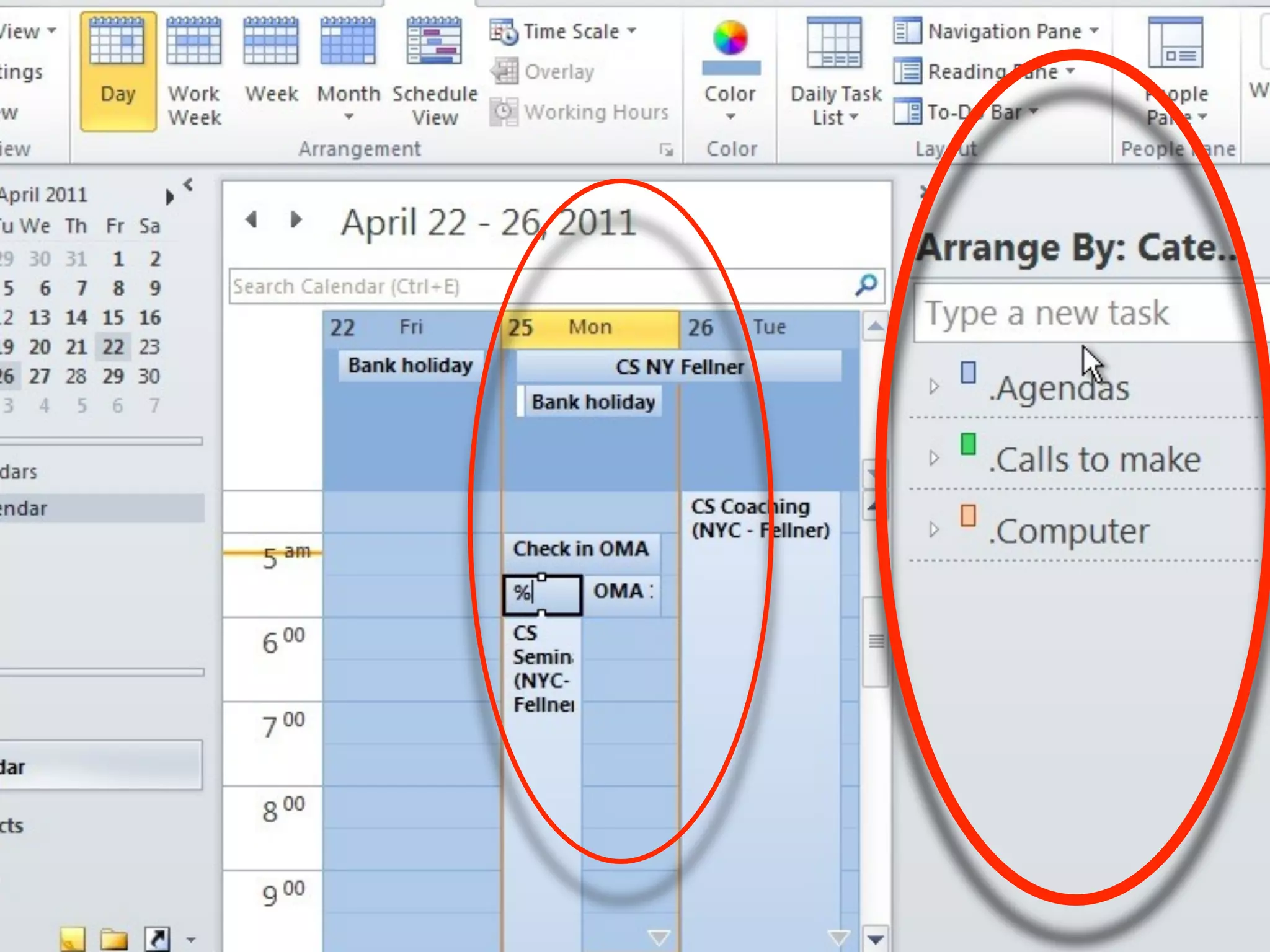
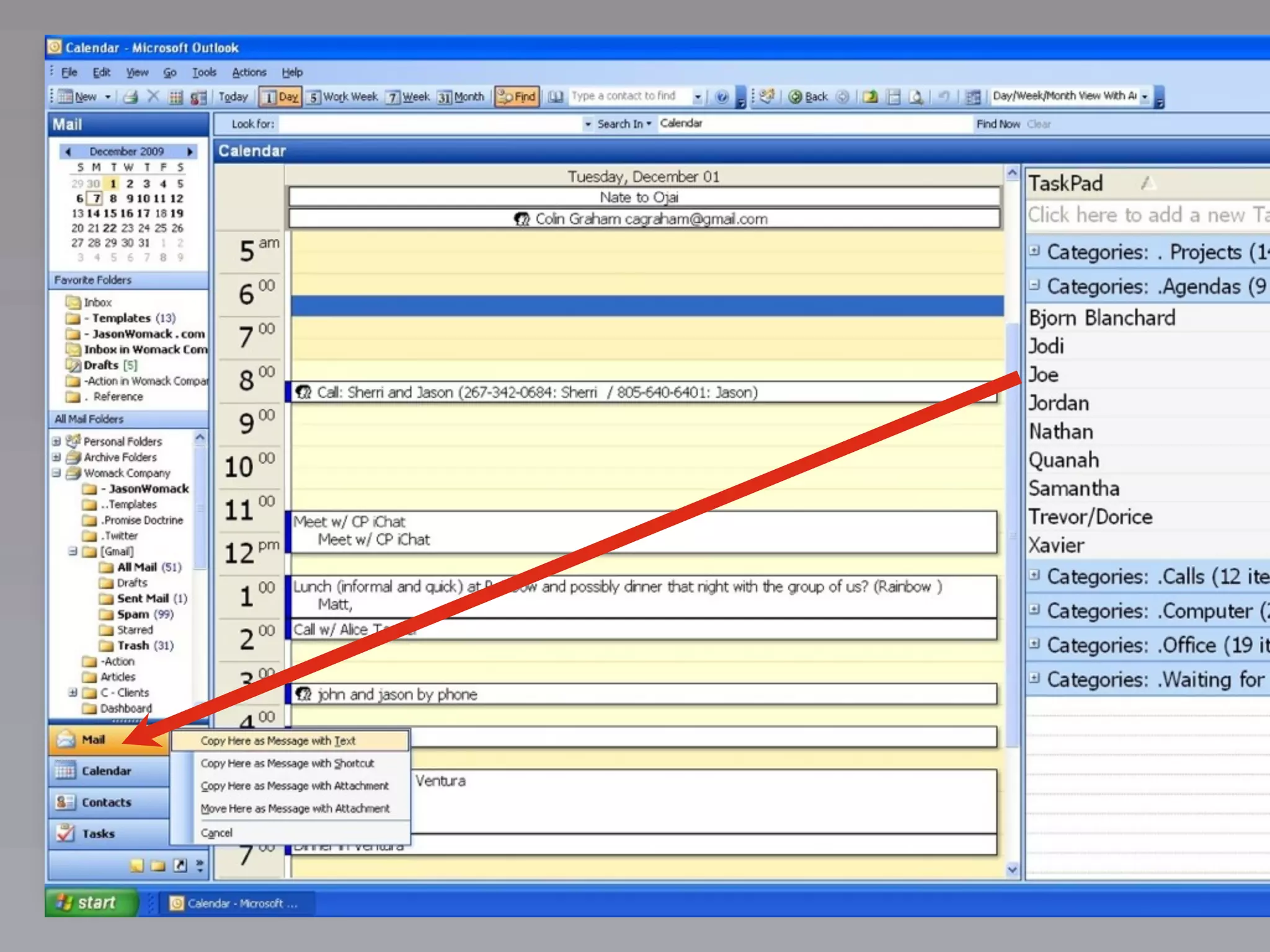
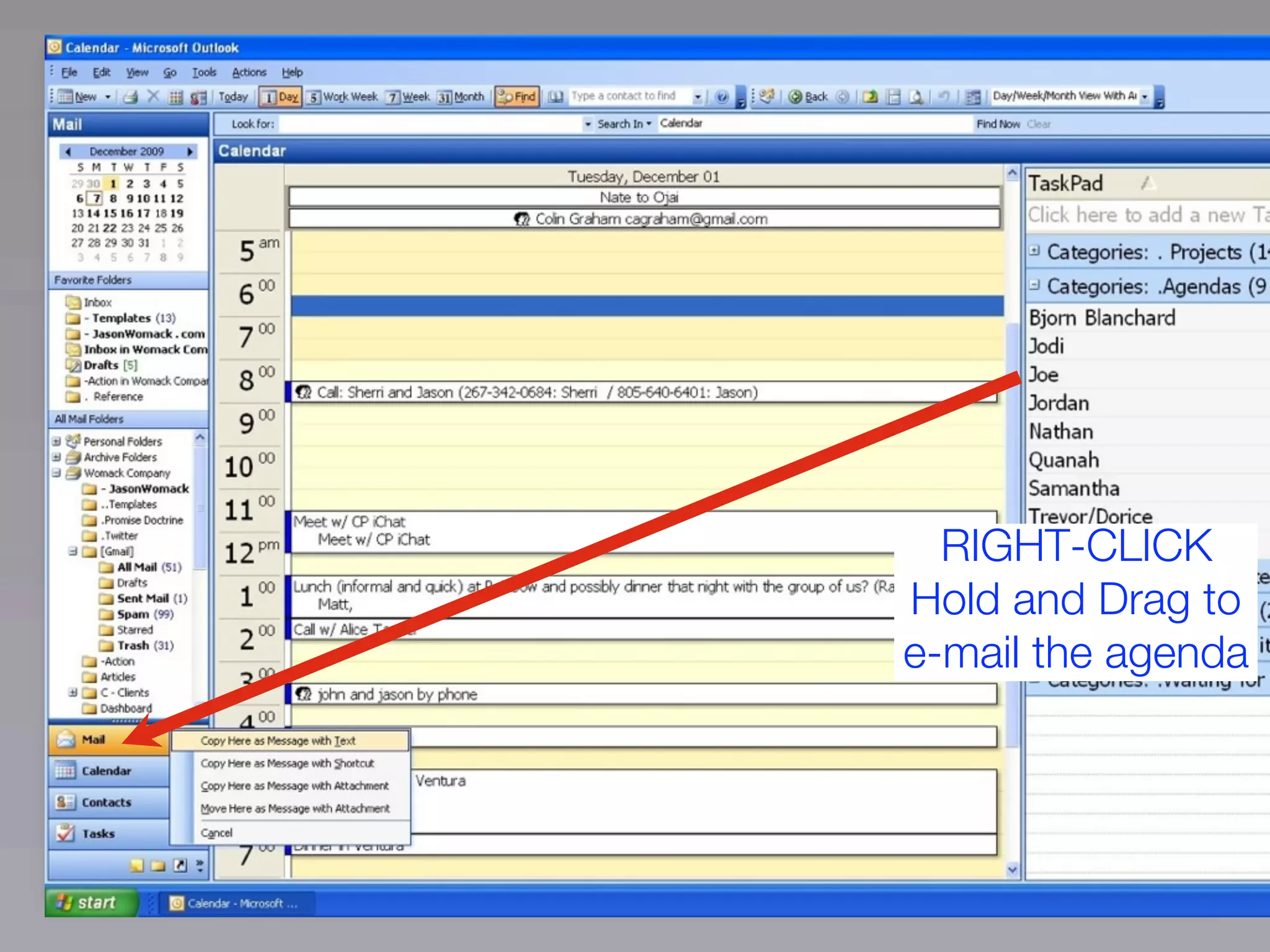
RIGHT-CLICK
Hold and Drag to
e-mail the agenda
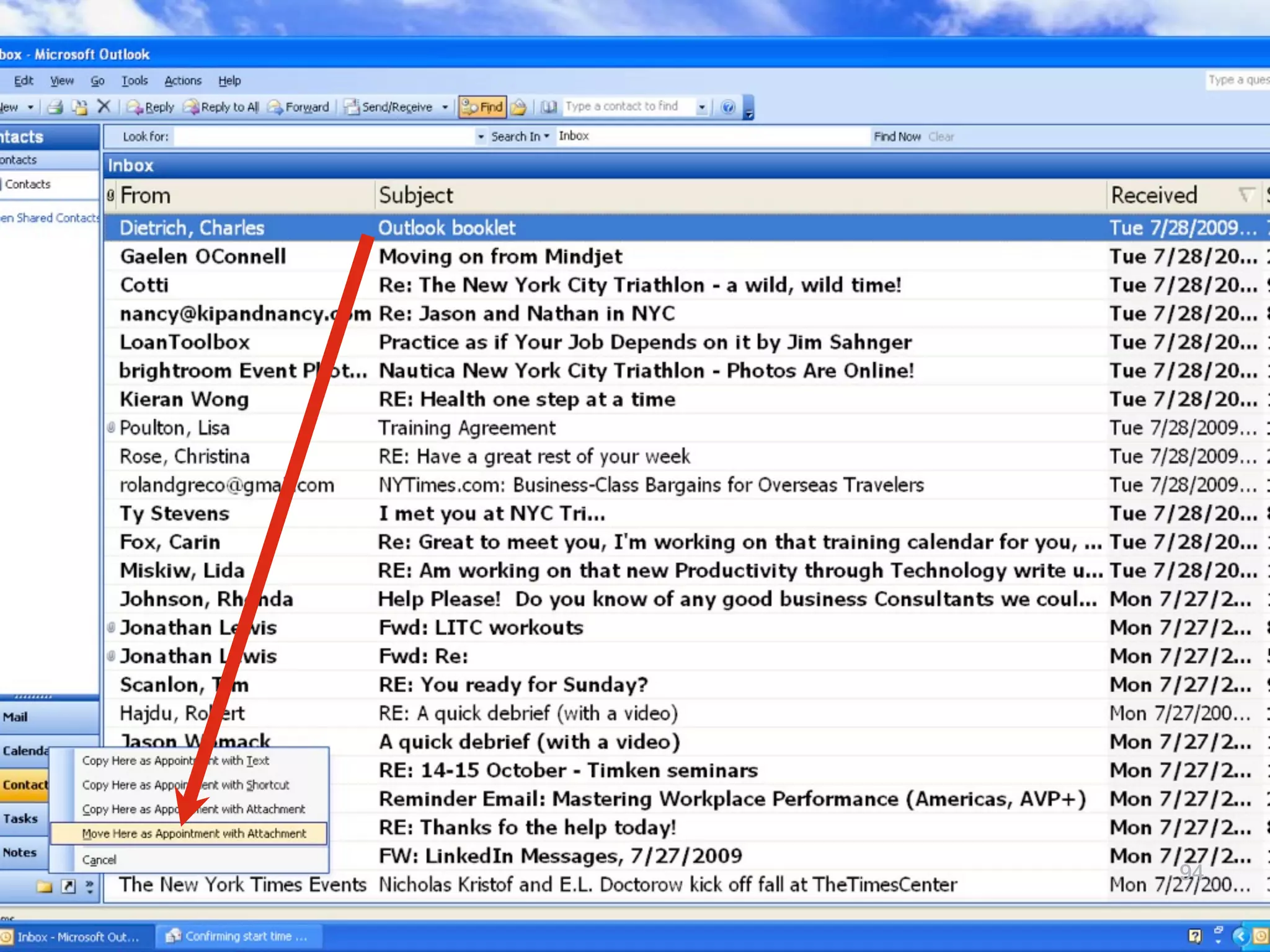
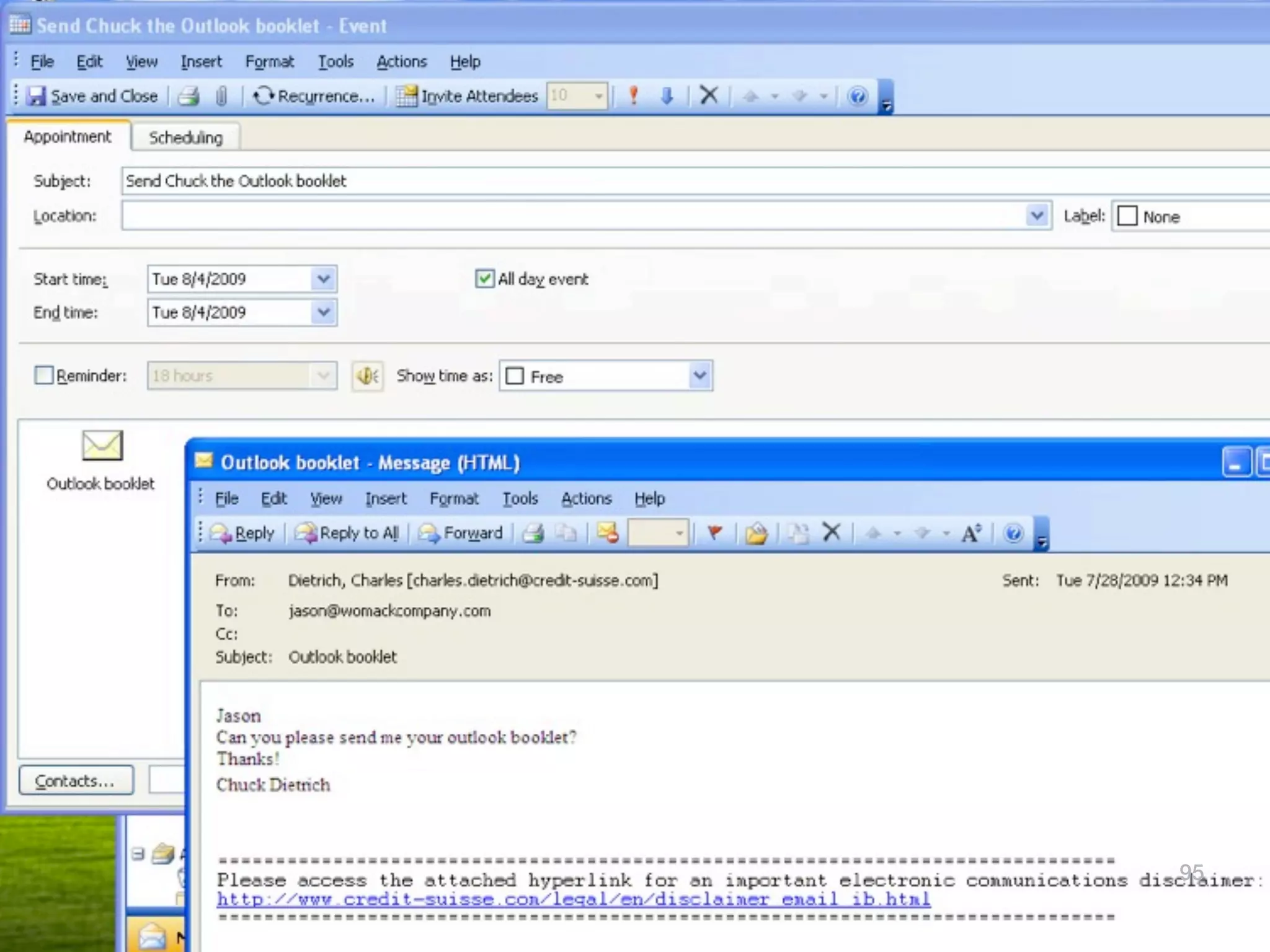
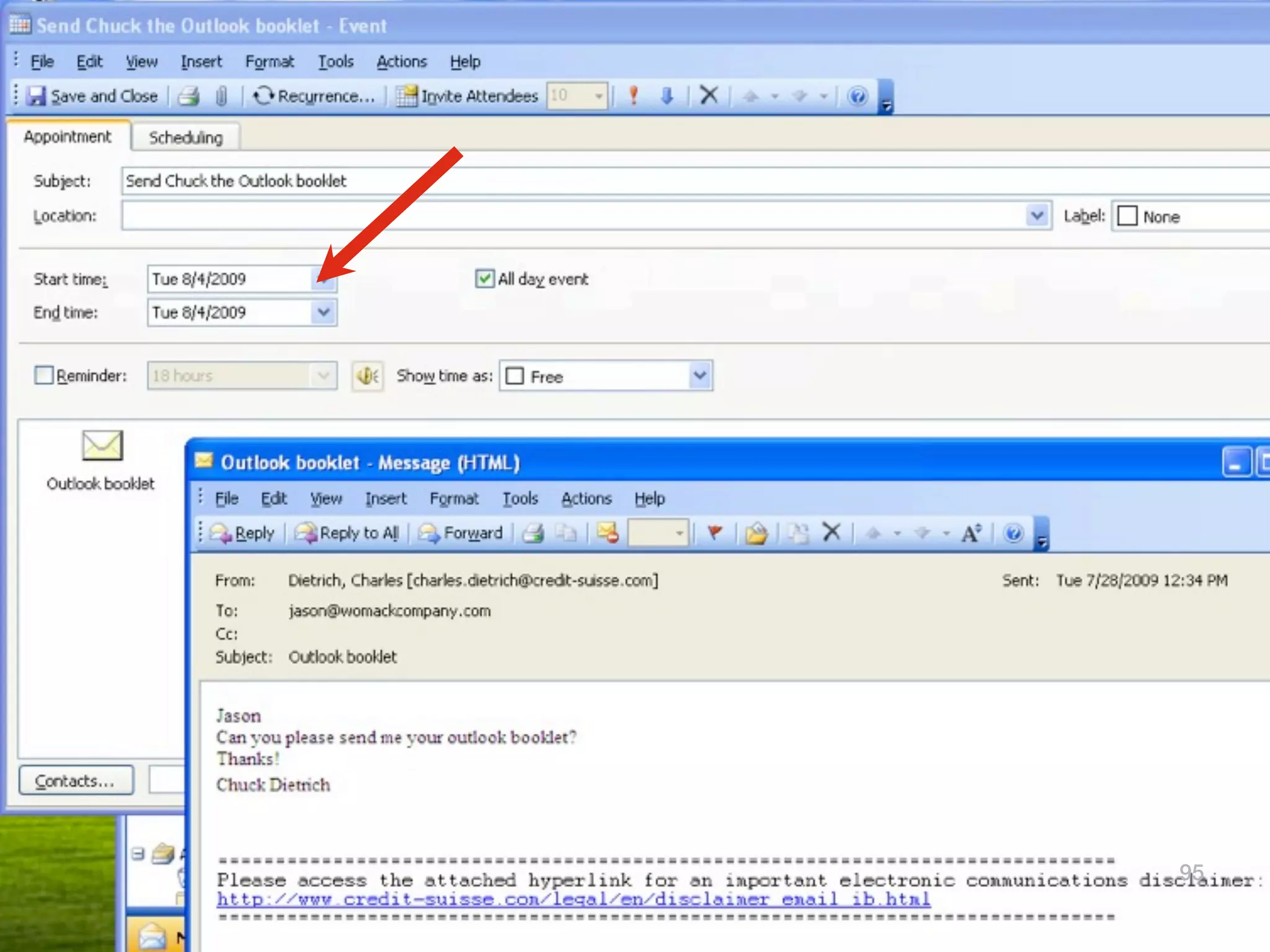
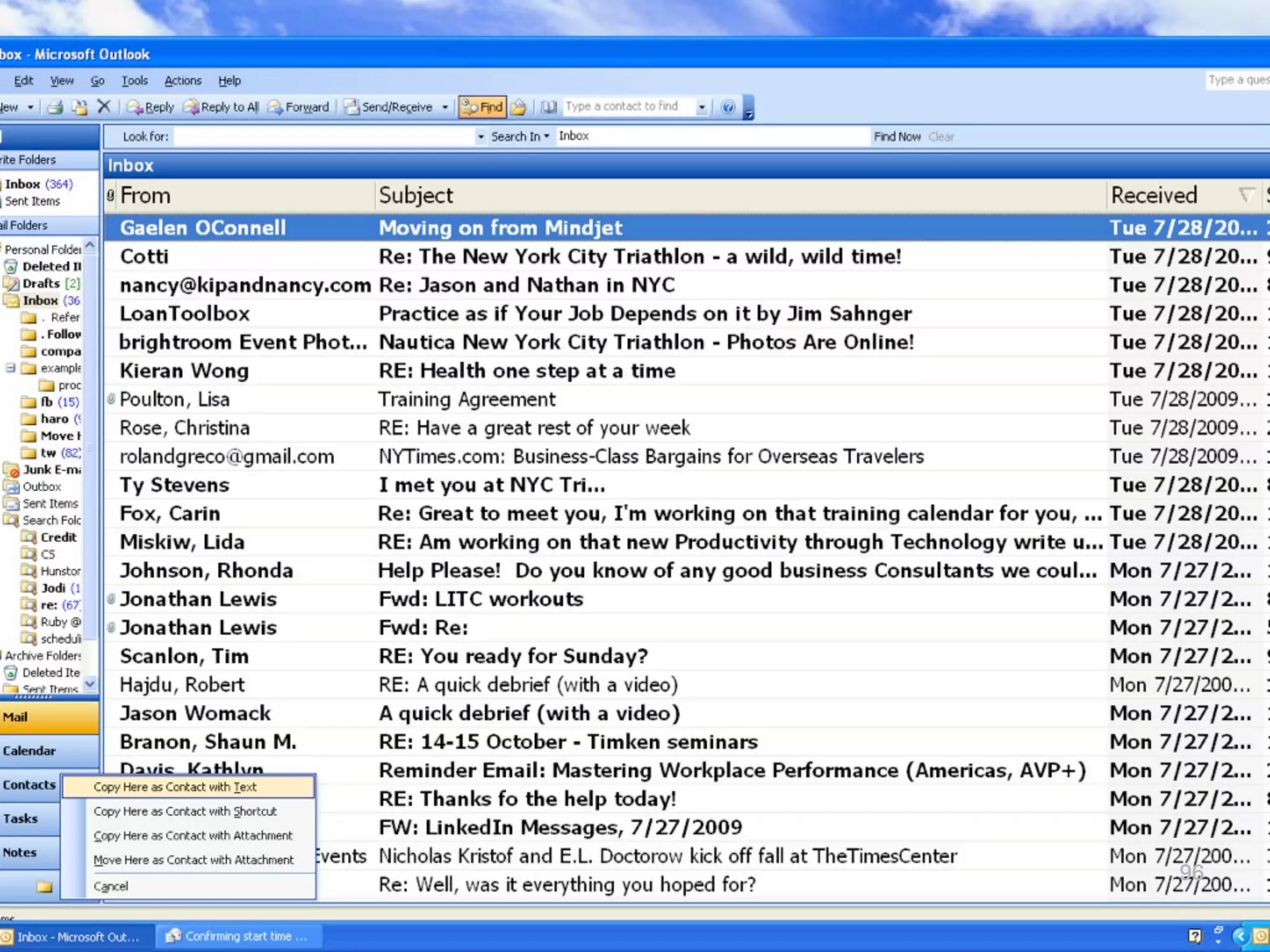
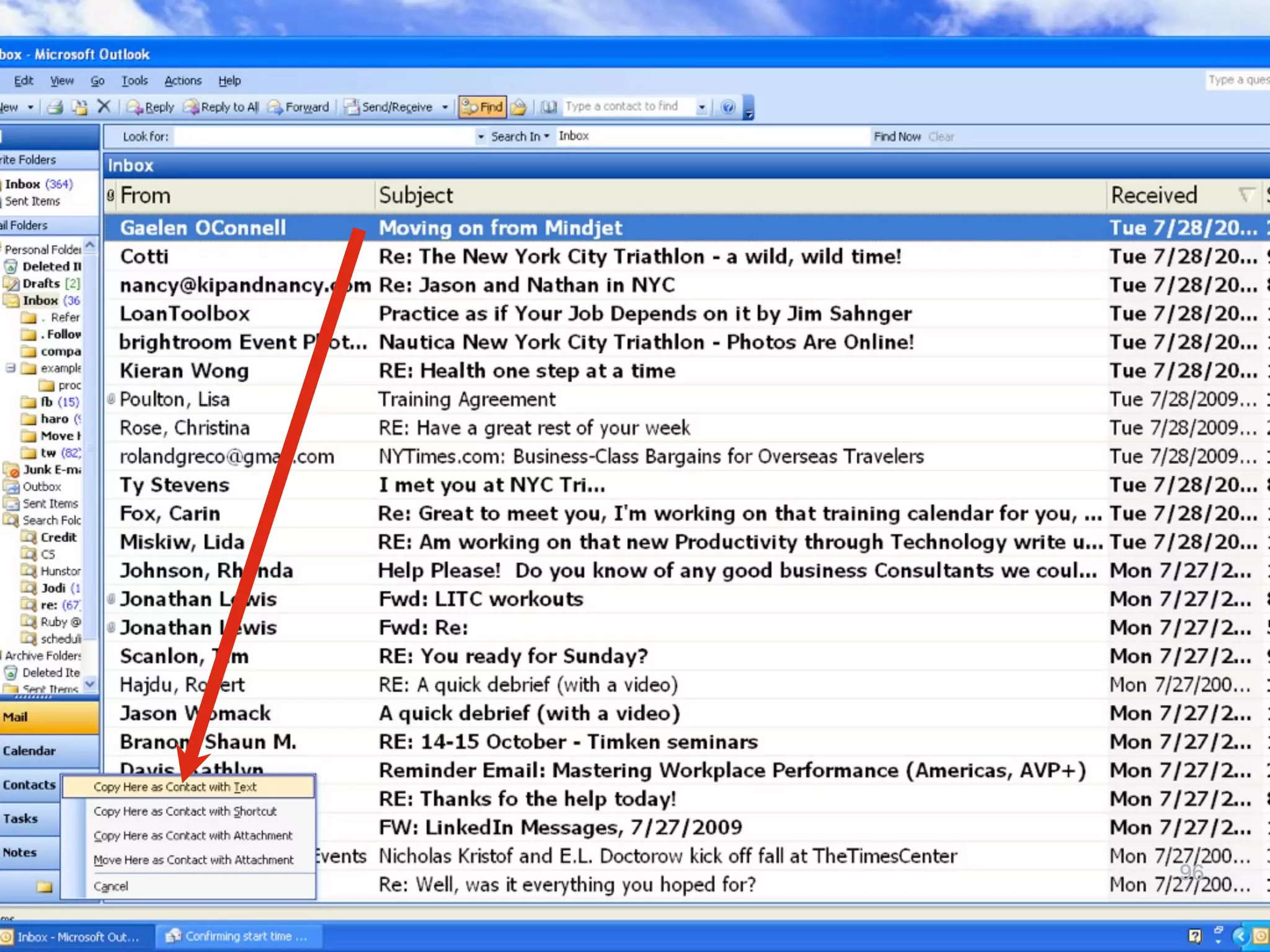
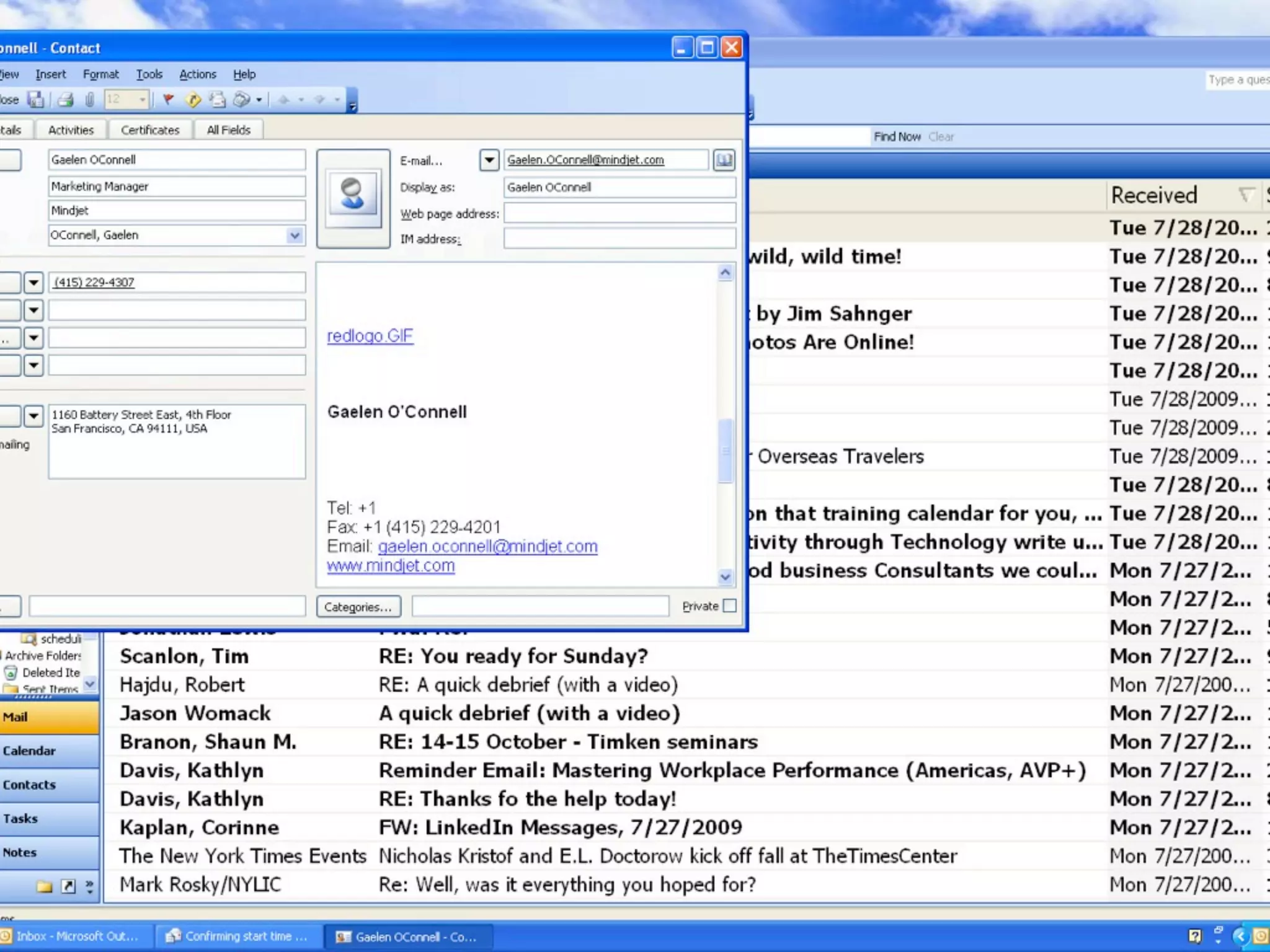
91
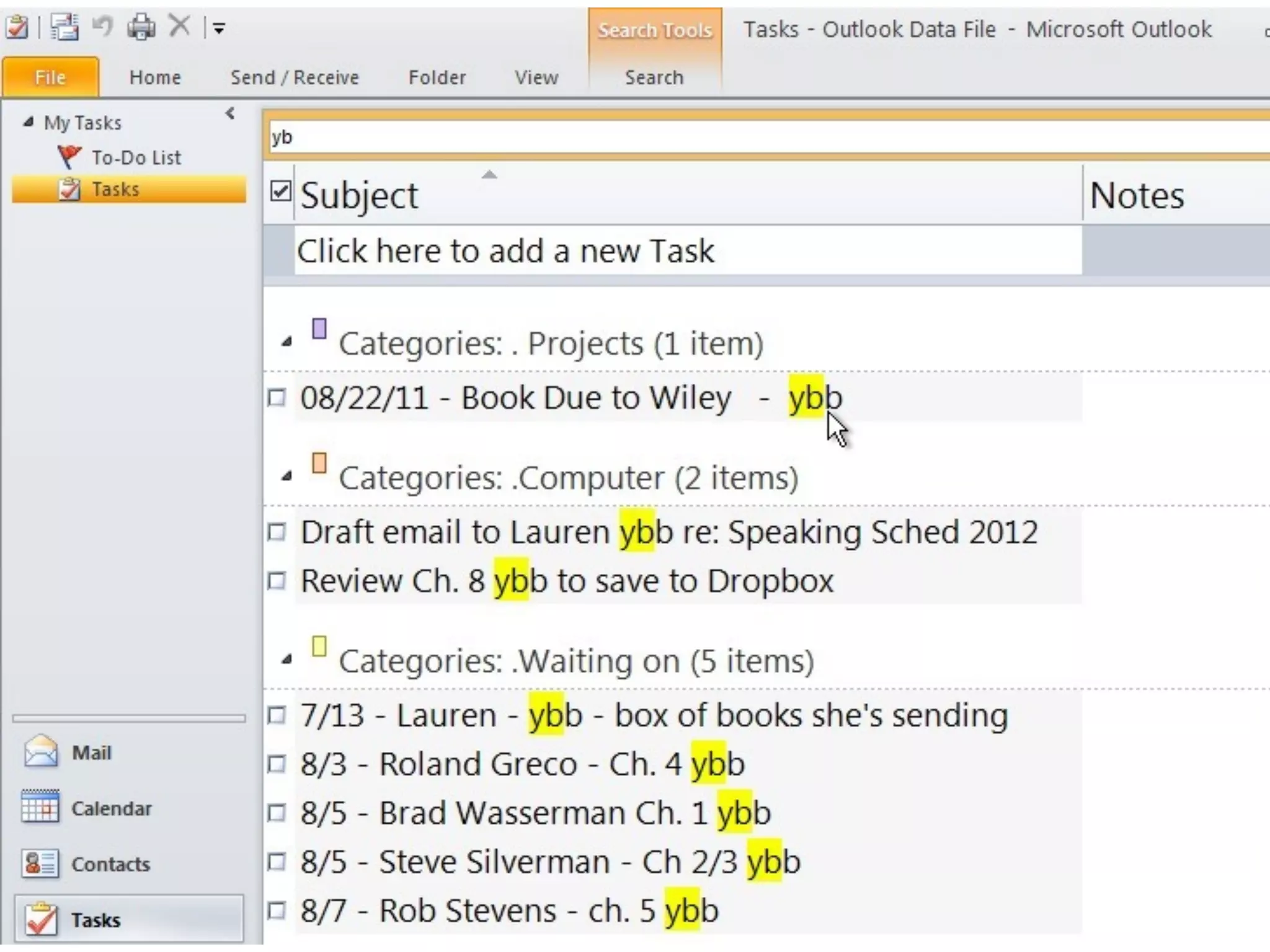
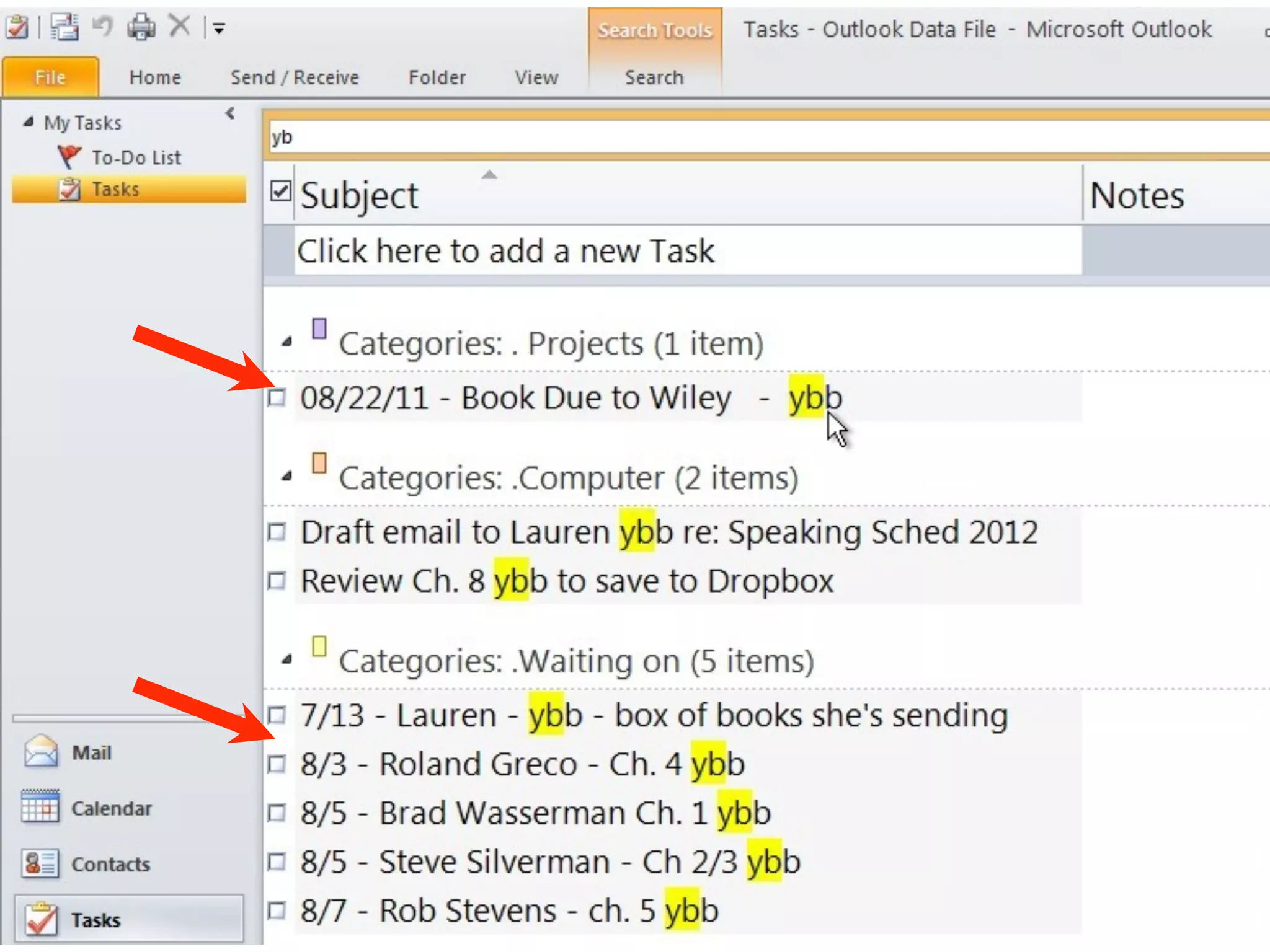
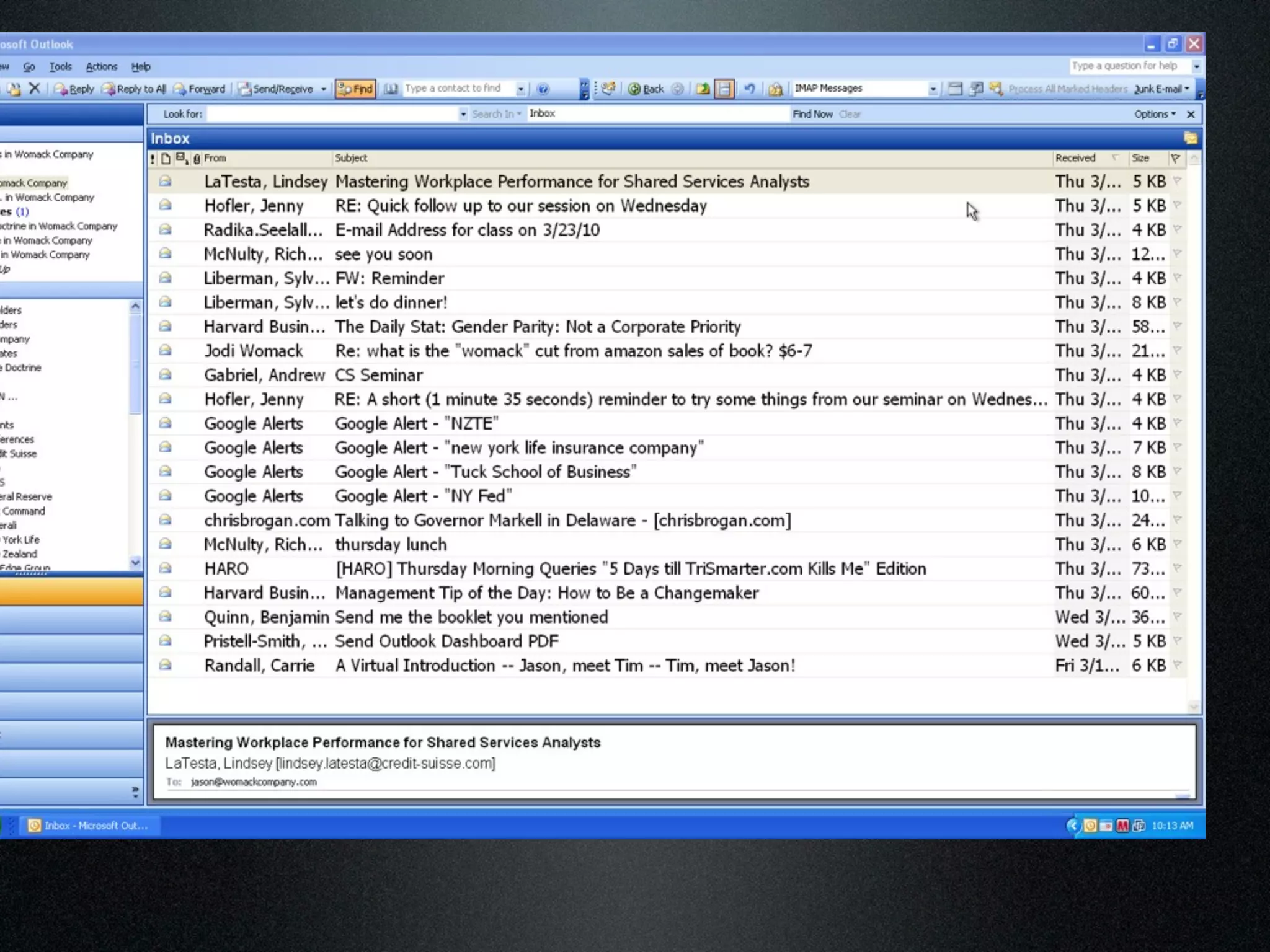
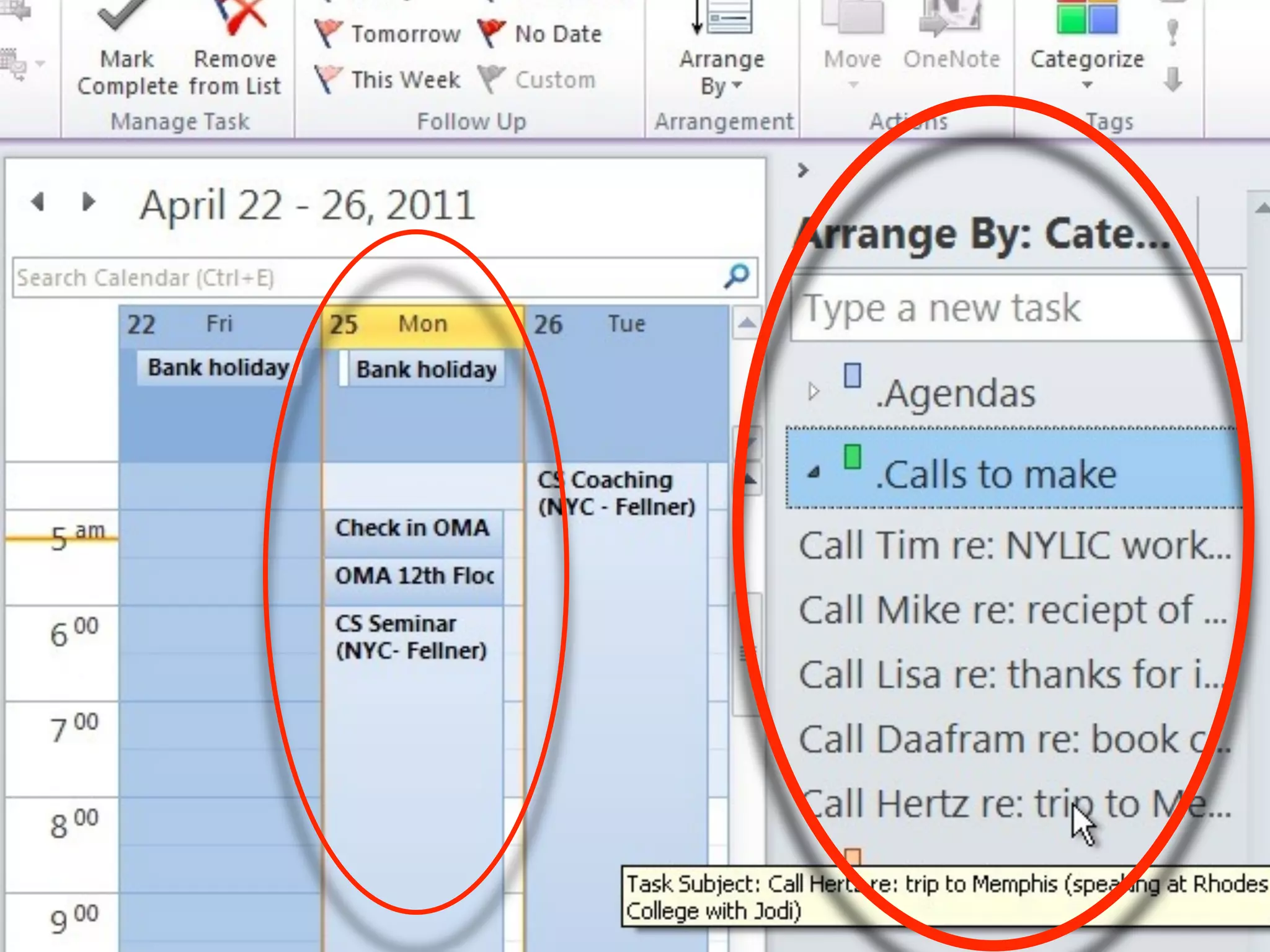
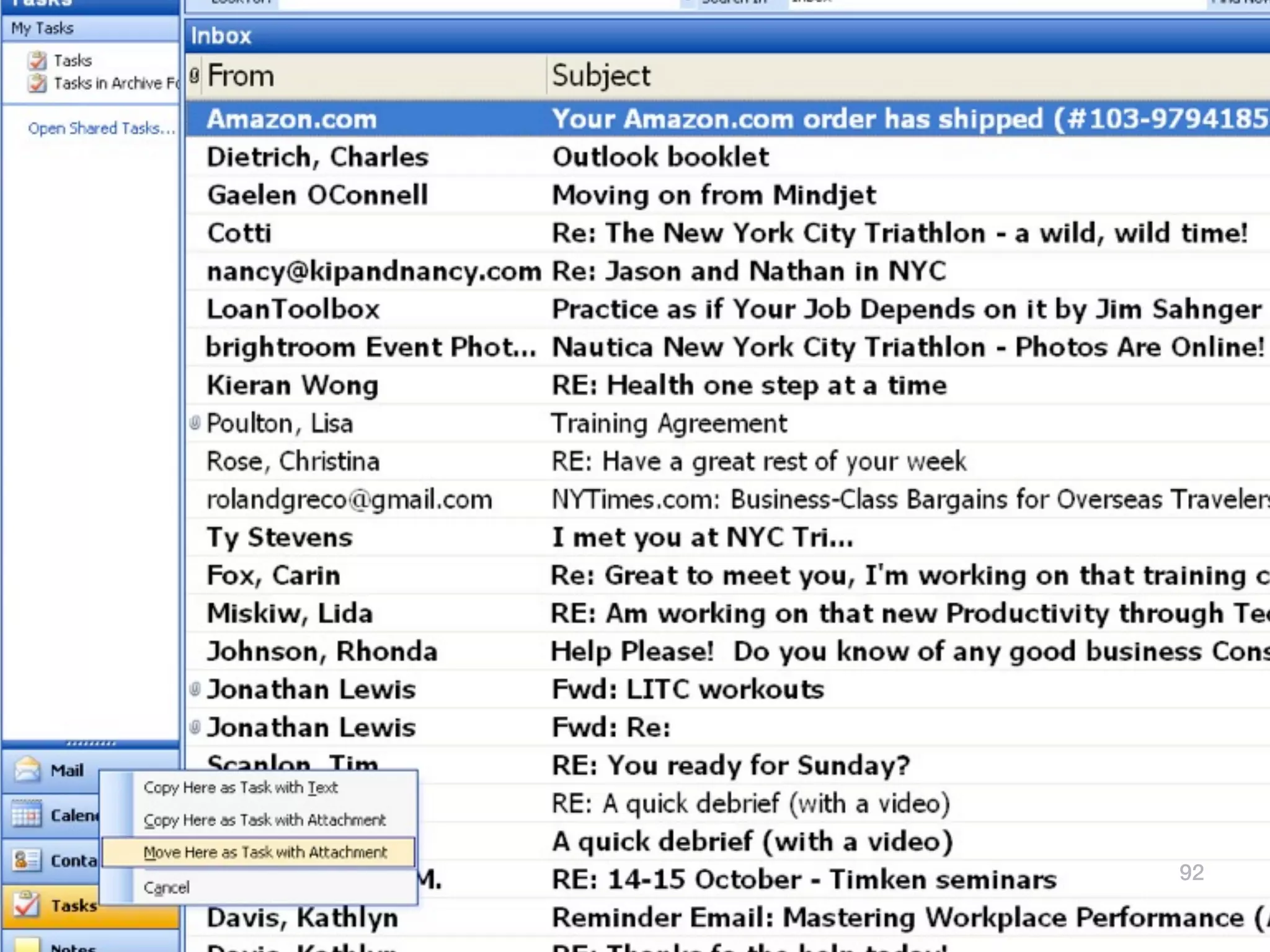
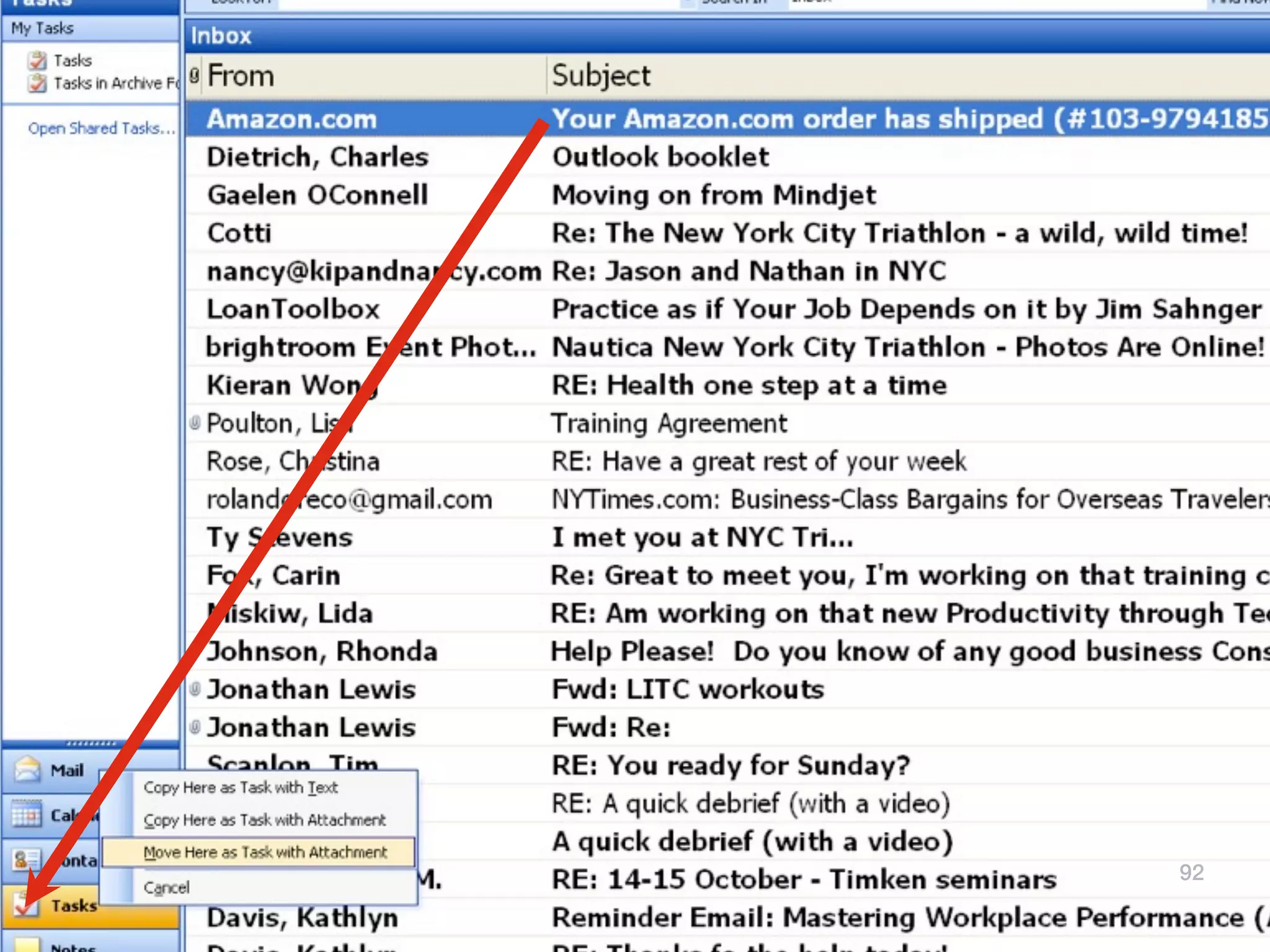
Get your E-mails out
          of your inbox
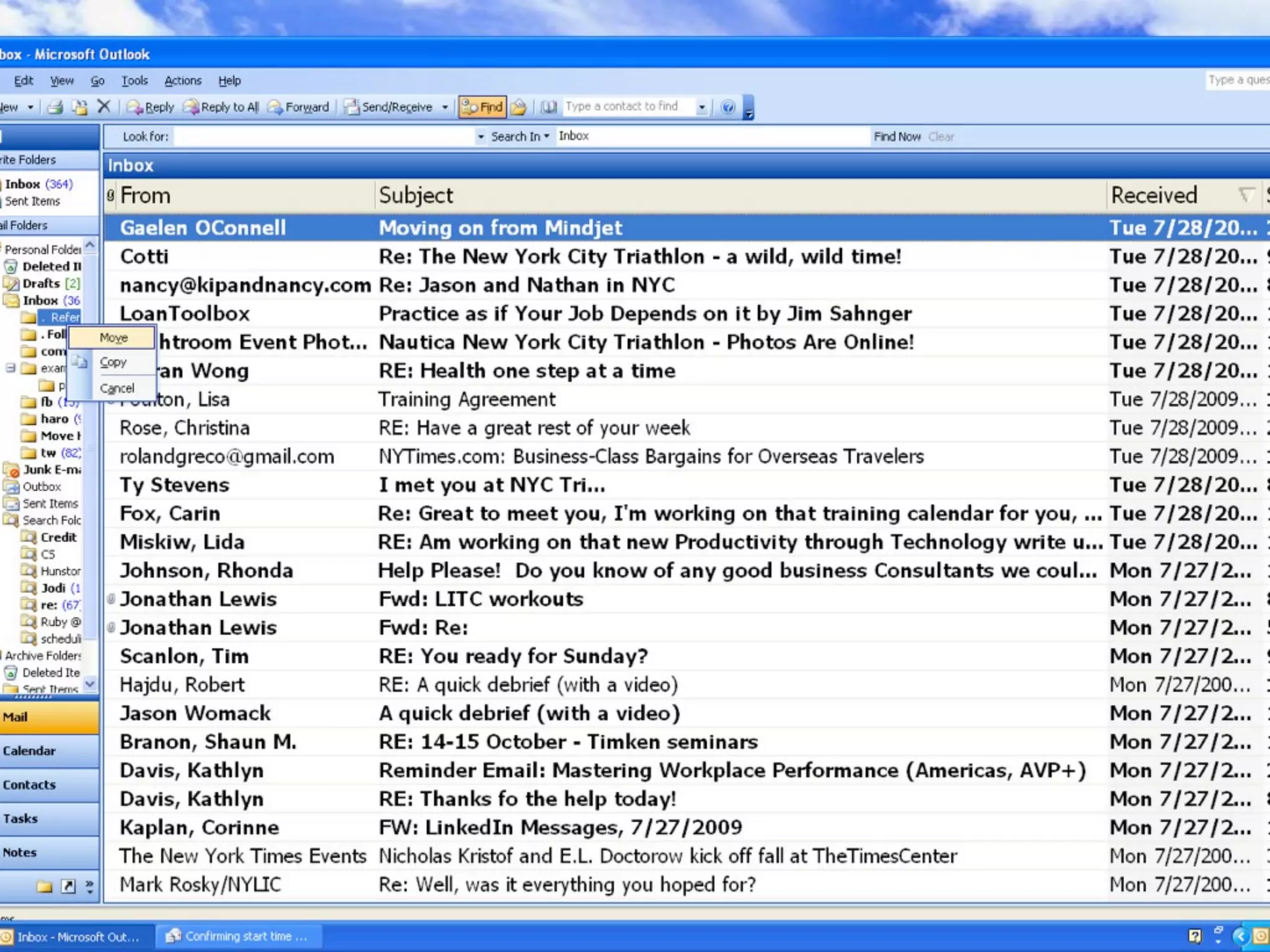
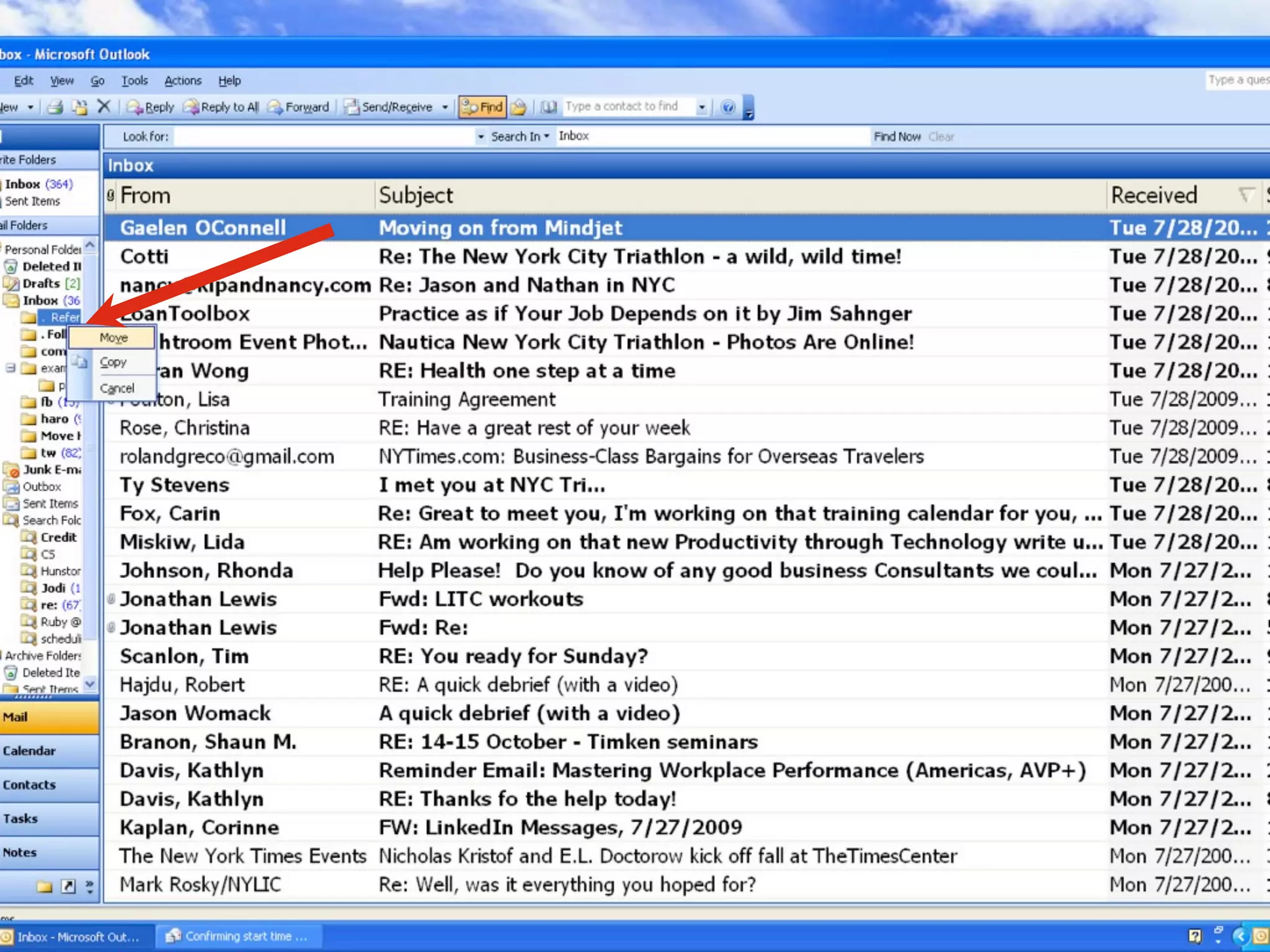
        (Move them around to
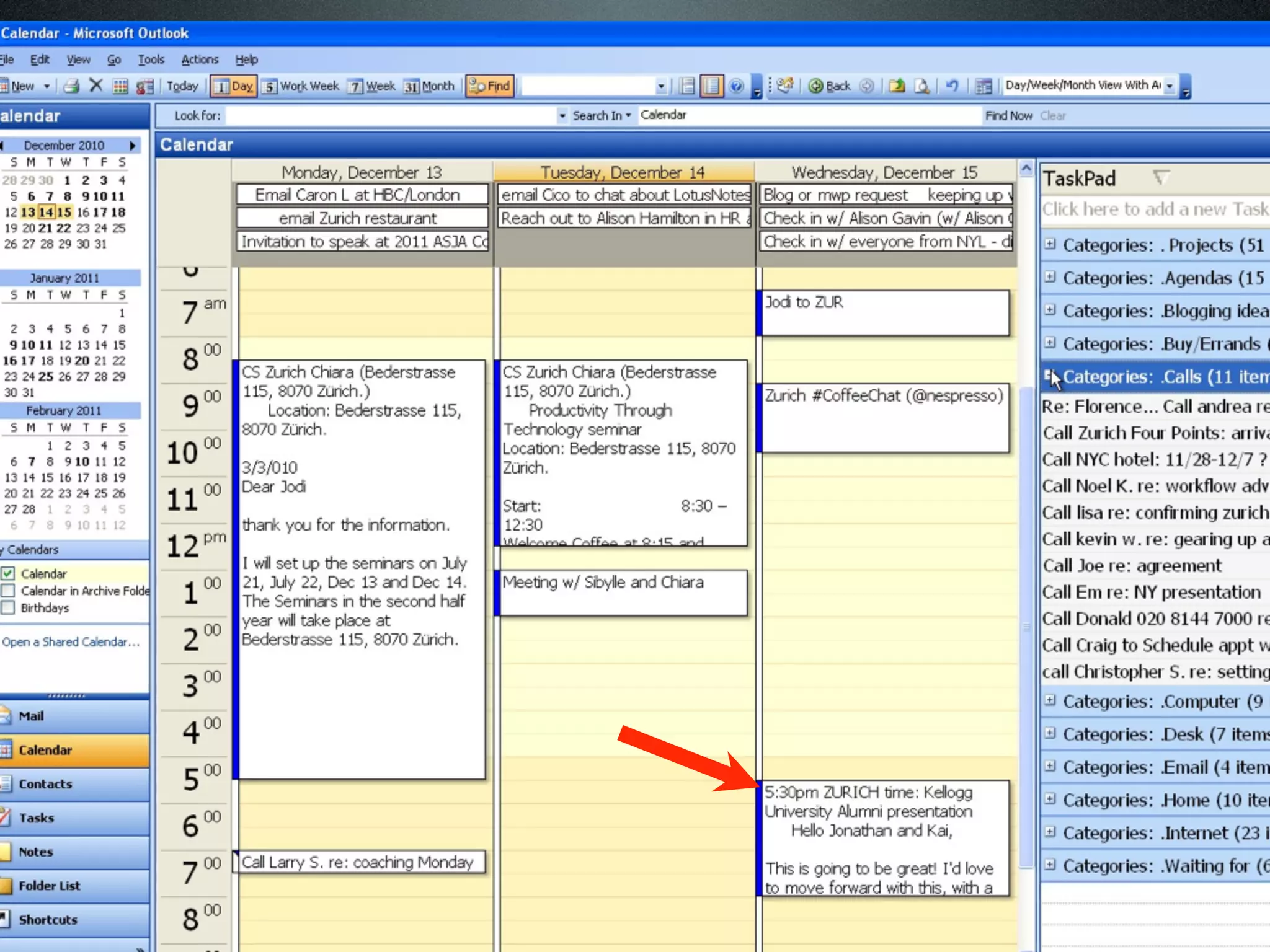
the taskpad, calendar, address book or
               notes...)


                                         91
92
92
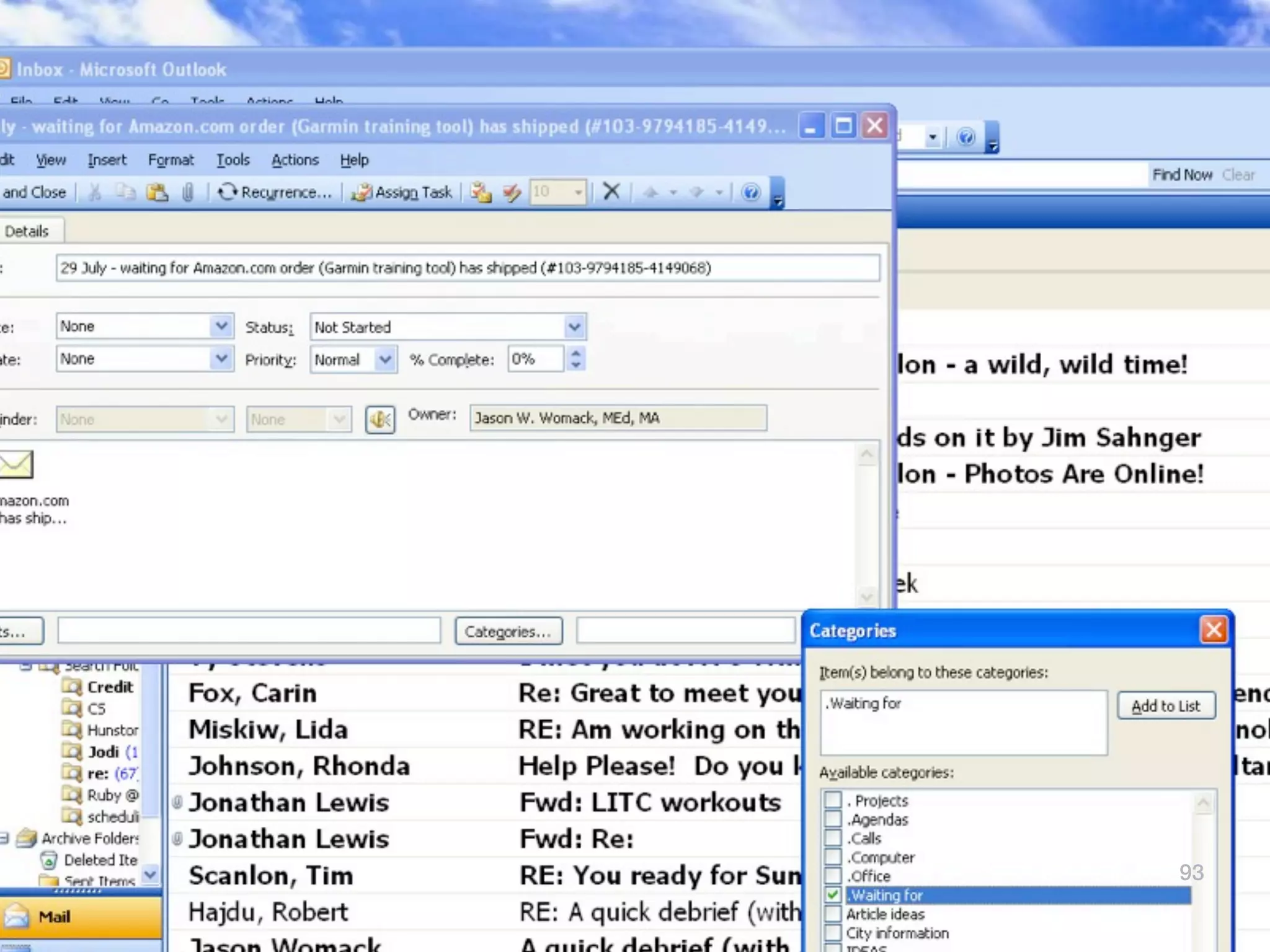
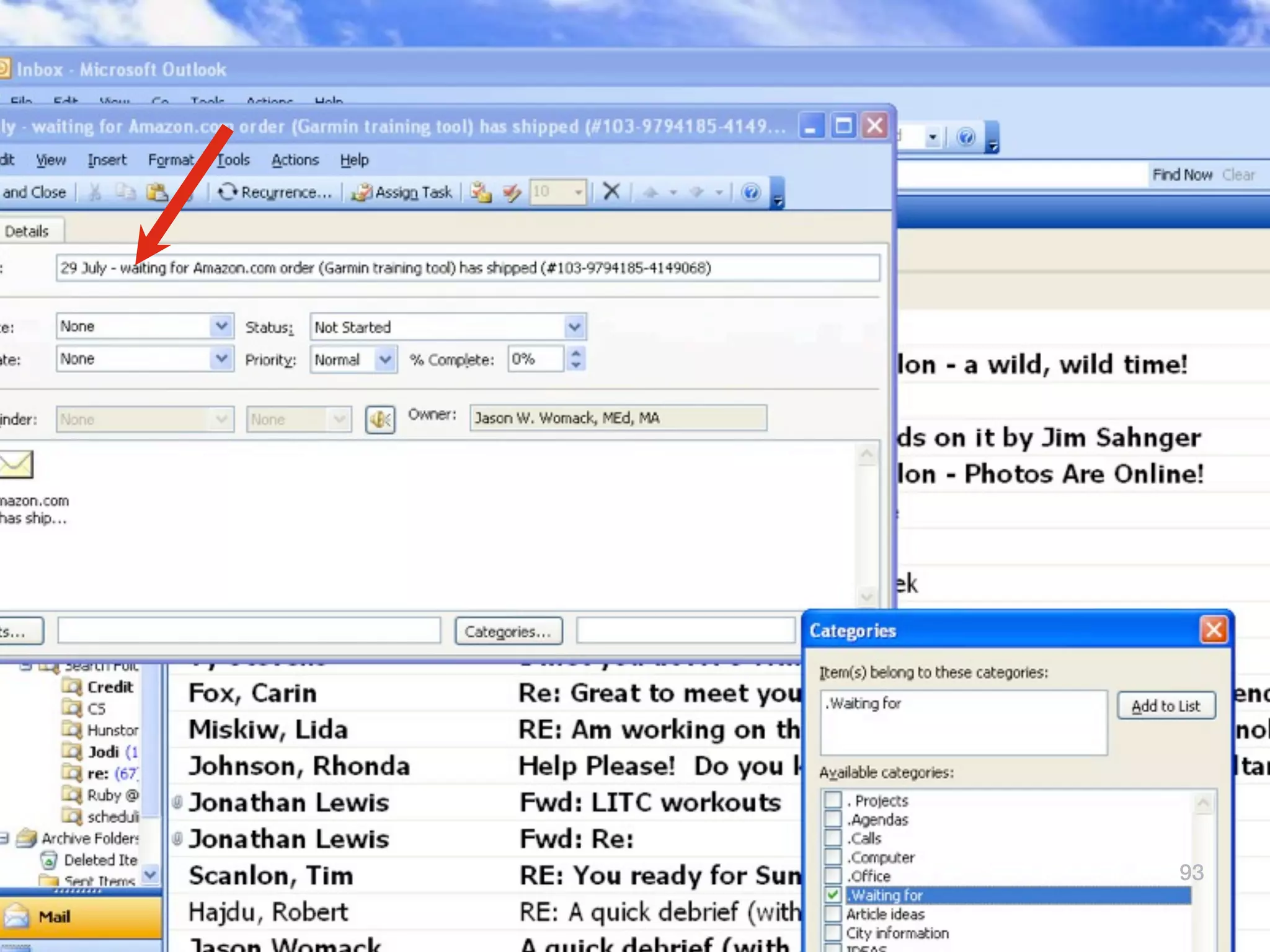
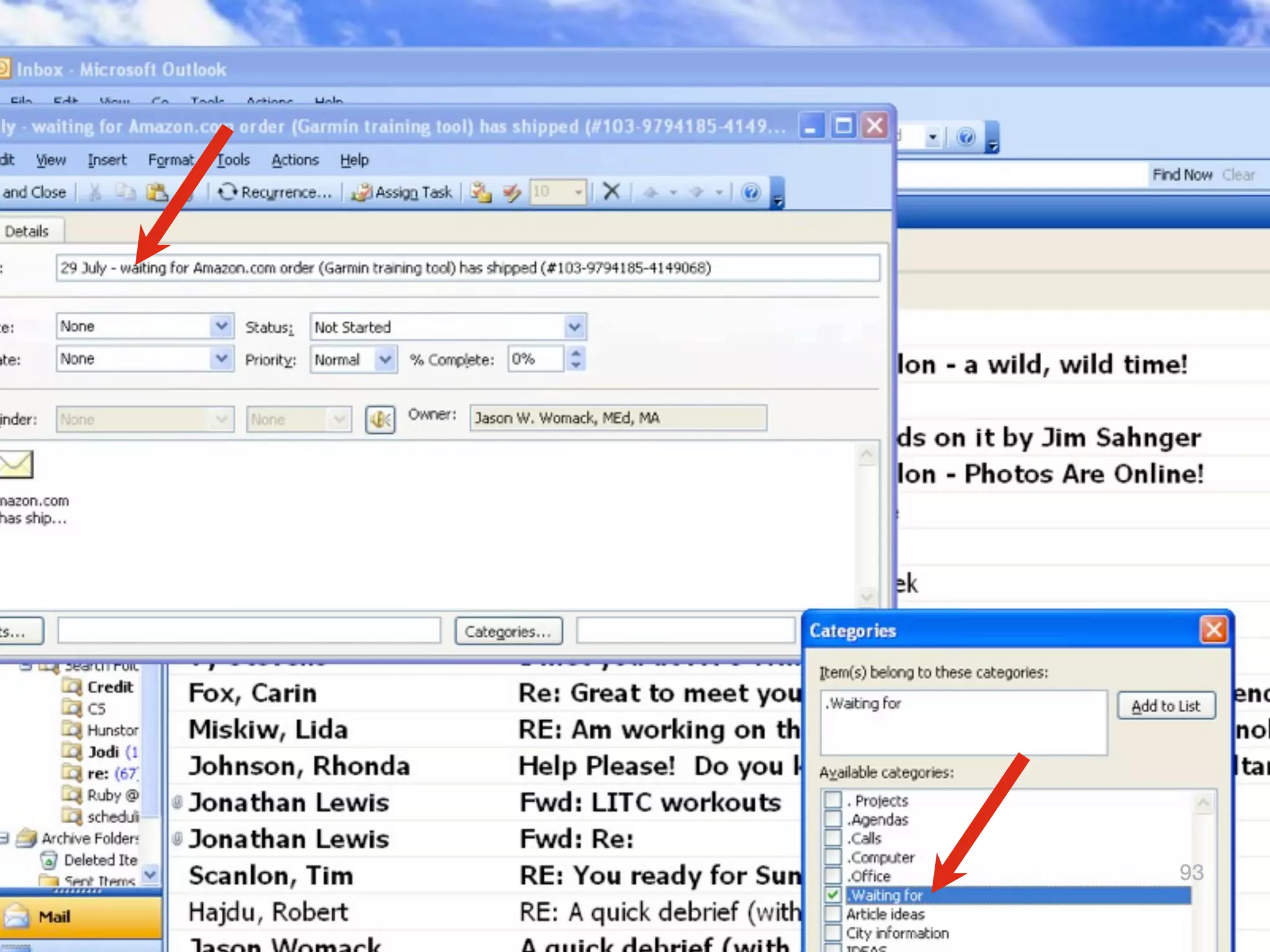
93
93
93
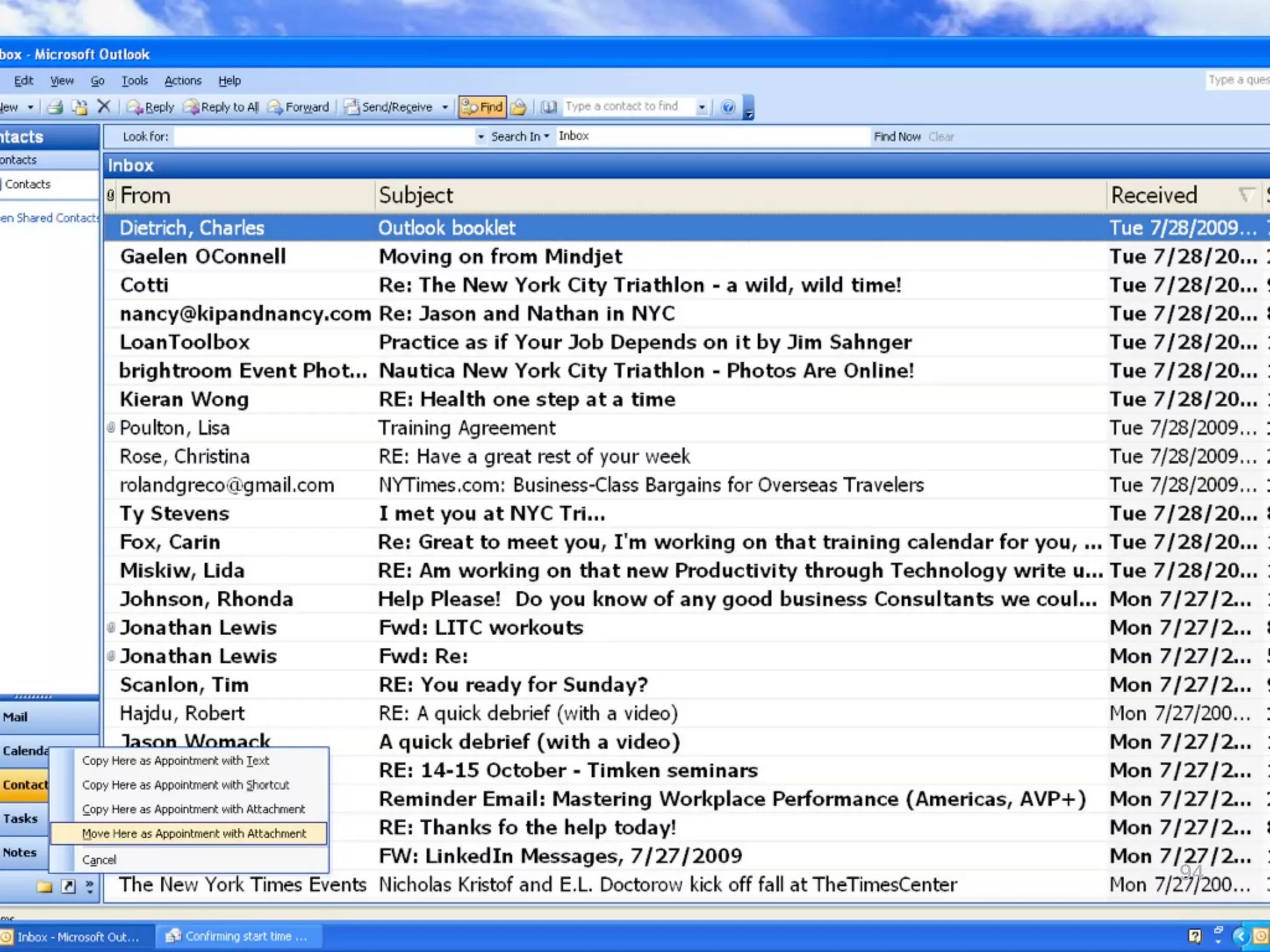
94
94
95
95
96
96
97
97
97
97
98
98
98
Bonus Tip...If you can:
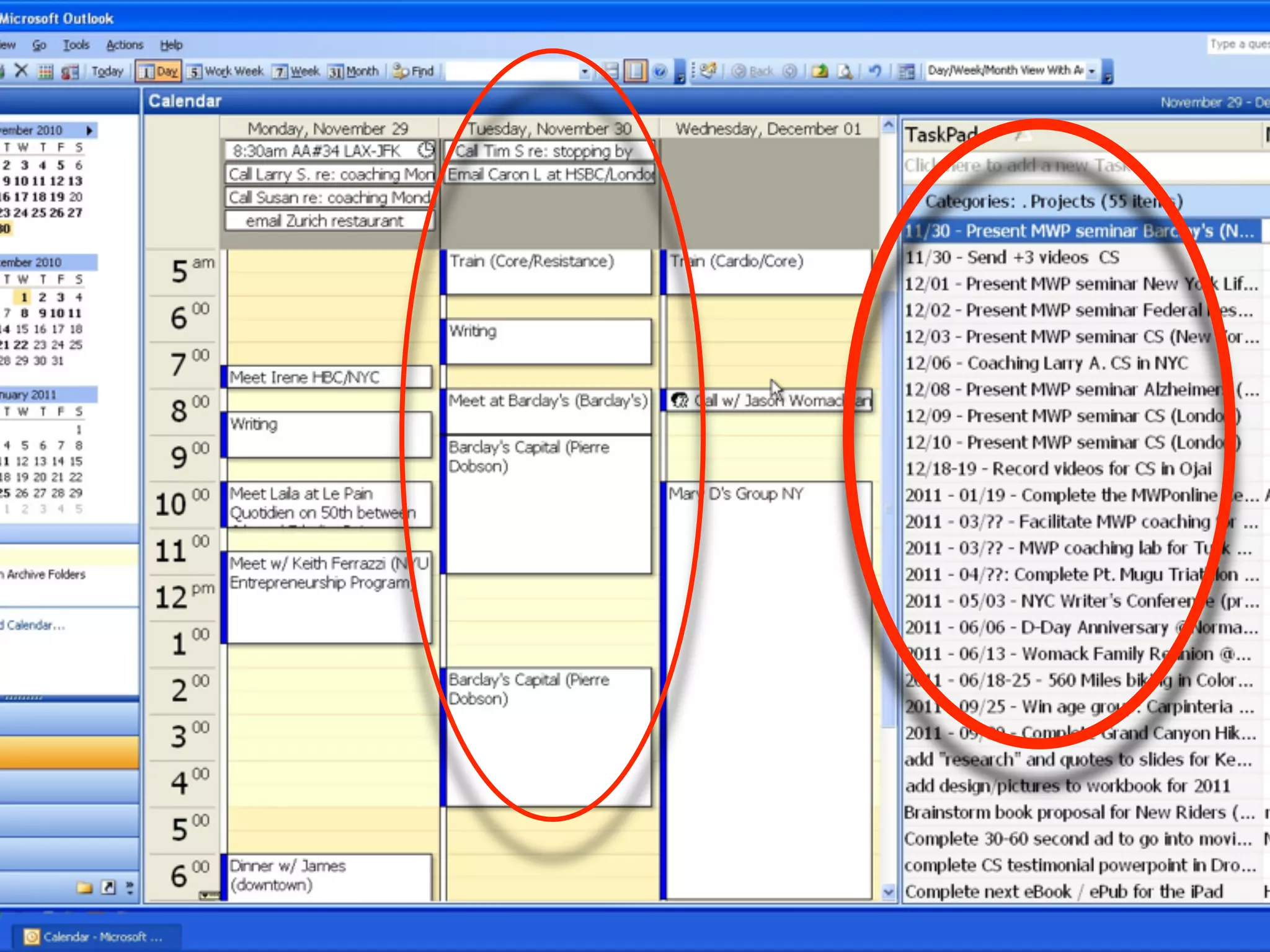
Dual Monitor Working Dashboard


                                 99
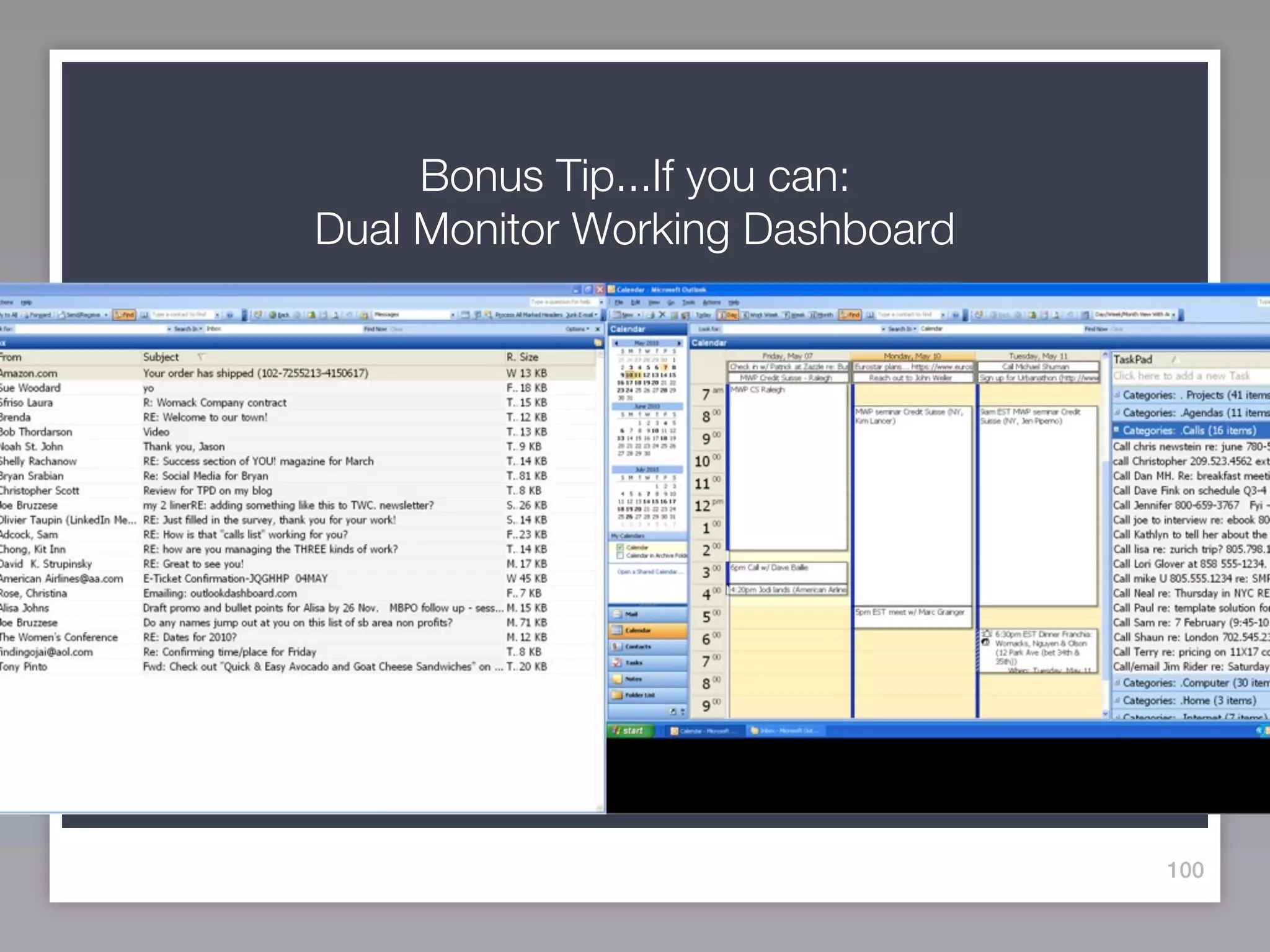
Bonus Tip...If you can:
Dual Monitor Working Dashboard


                                 100
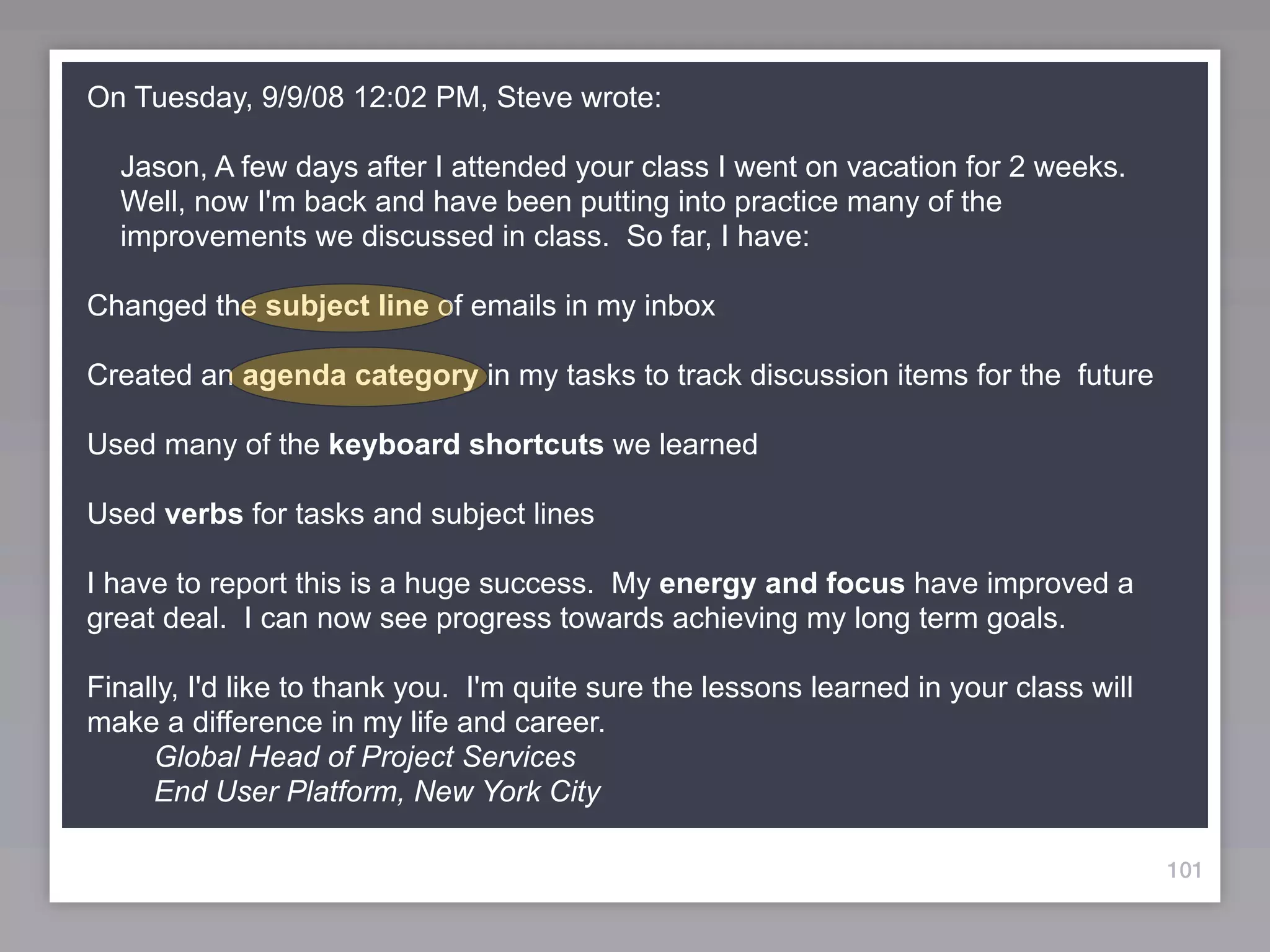
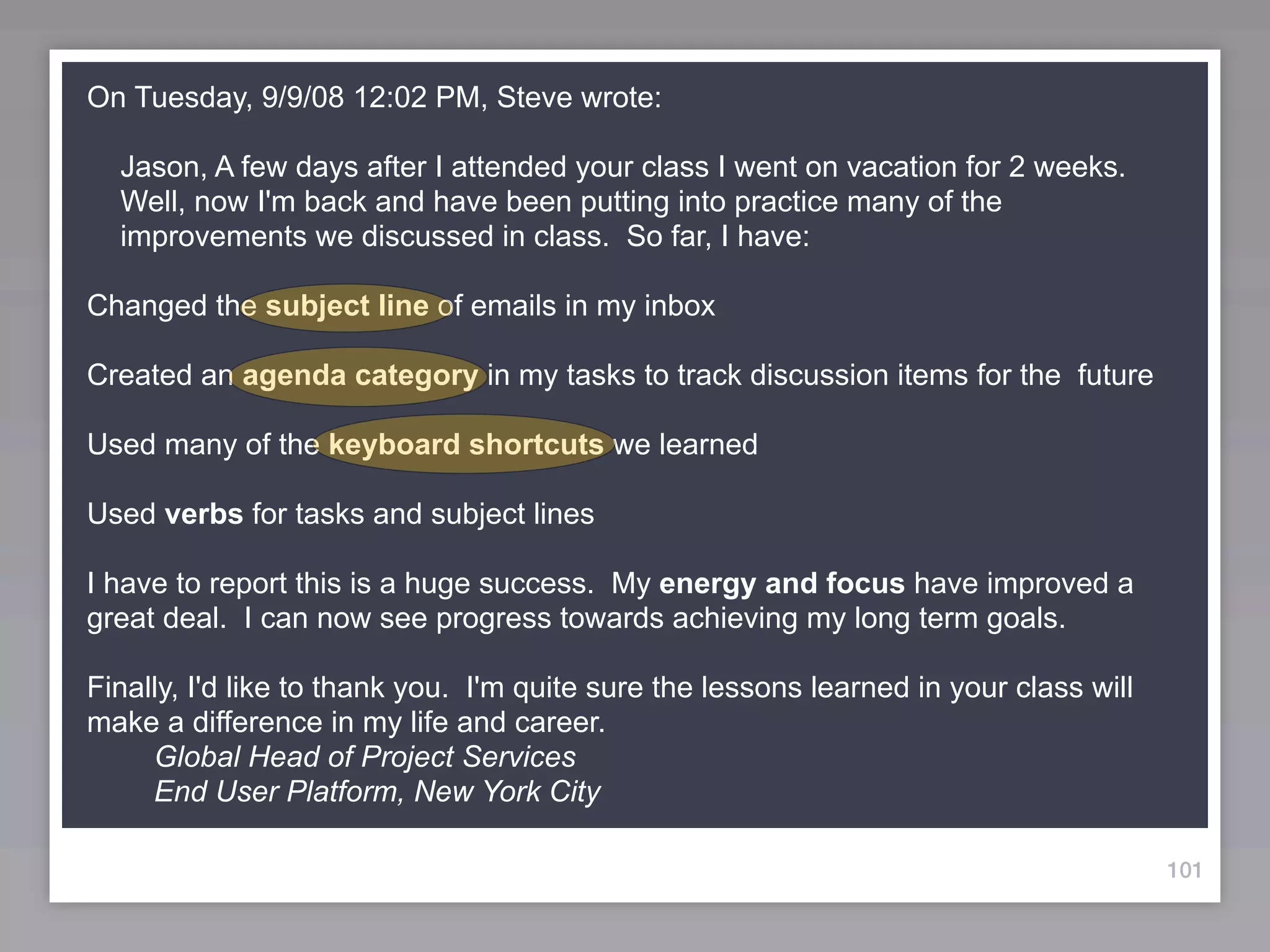
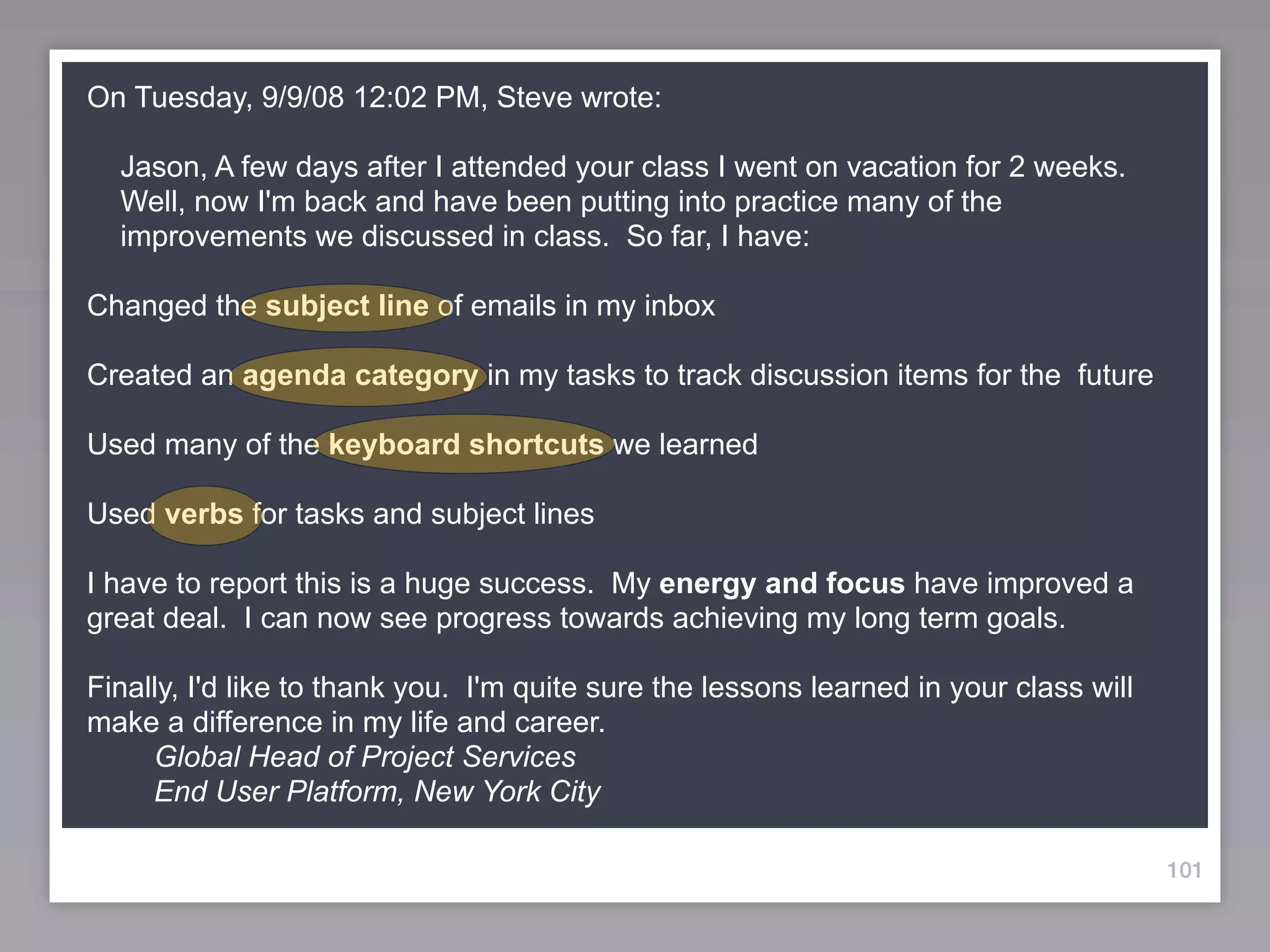
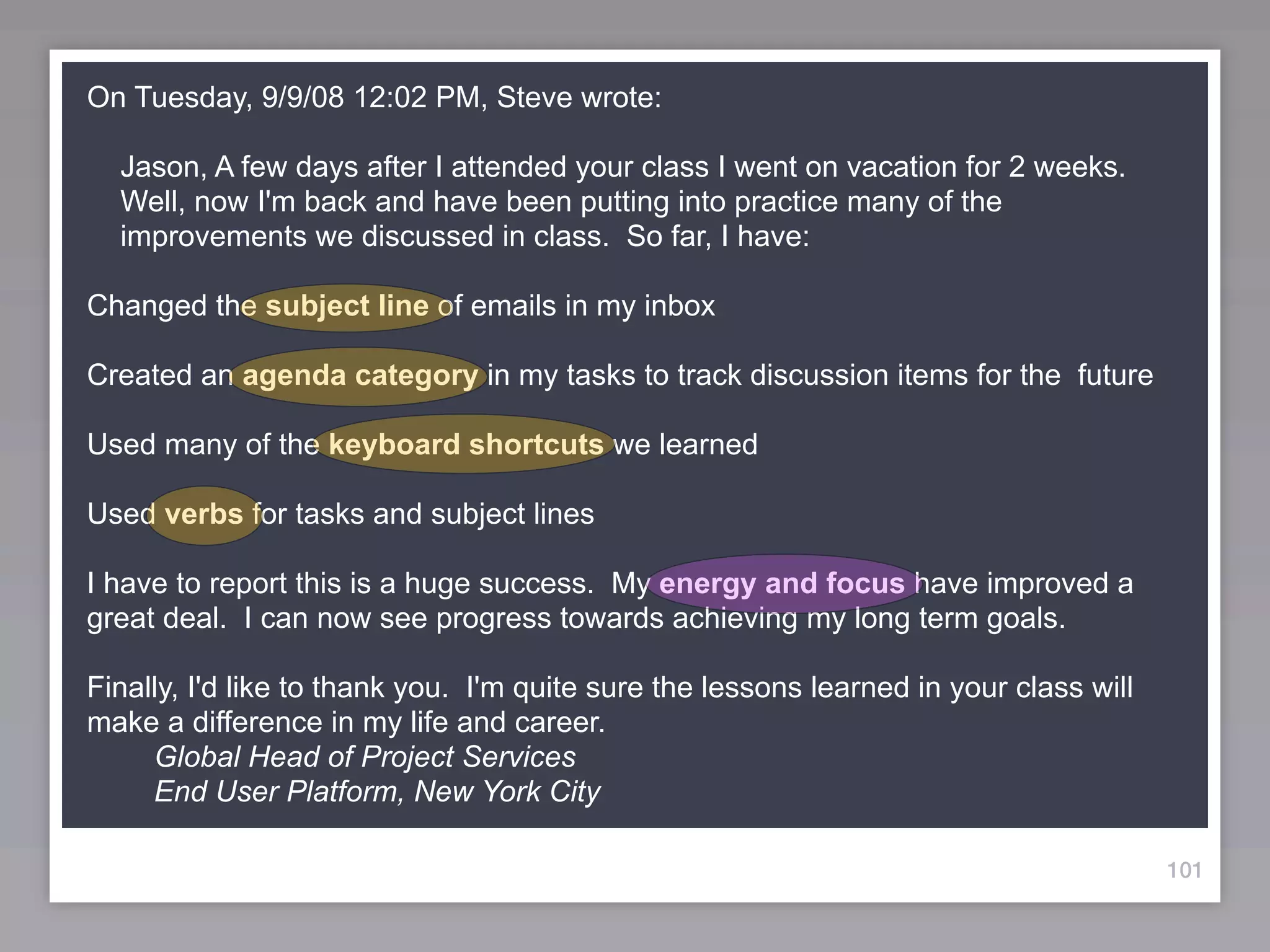
On Tuesday, 9/9/08 12:02 PM, Steve wrote:

  Jason, A few days after I attended your class I went on vacation for 2 weeks.
  Well, now I'm back and have been putting into practice many of the
  improvements we discussed in class. So far, I have:

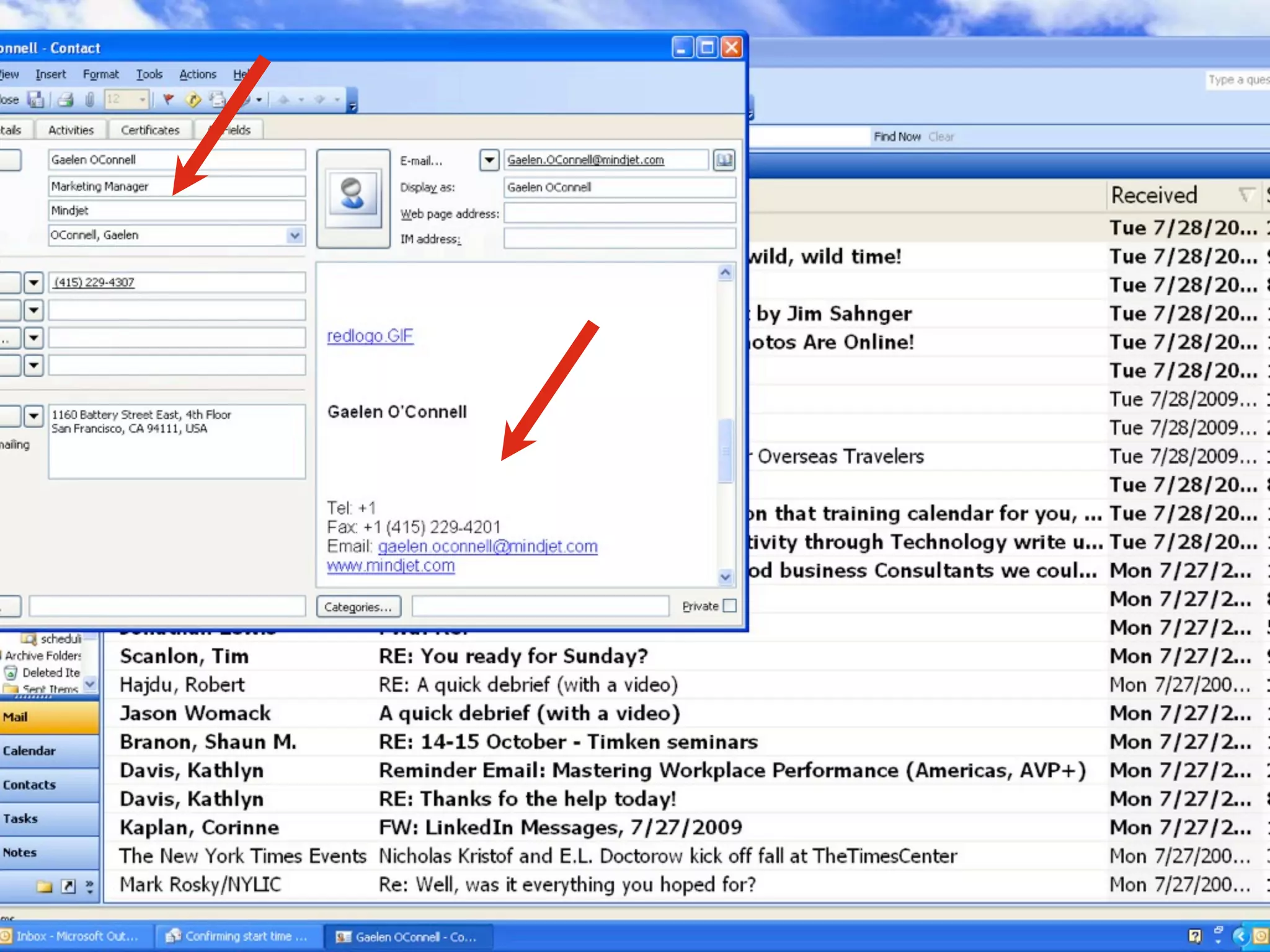
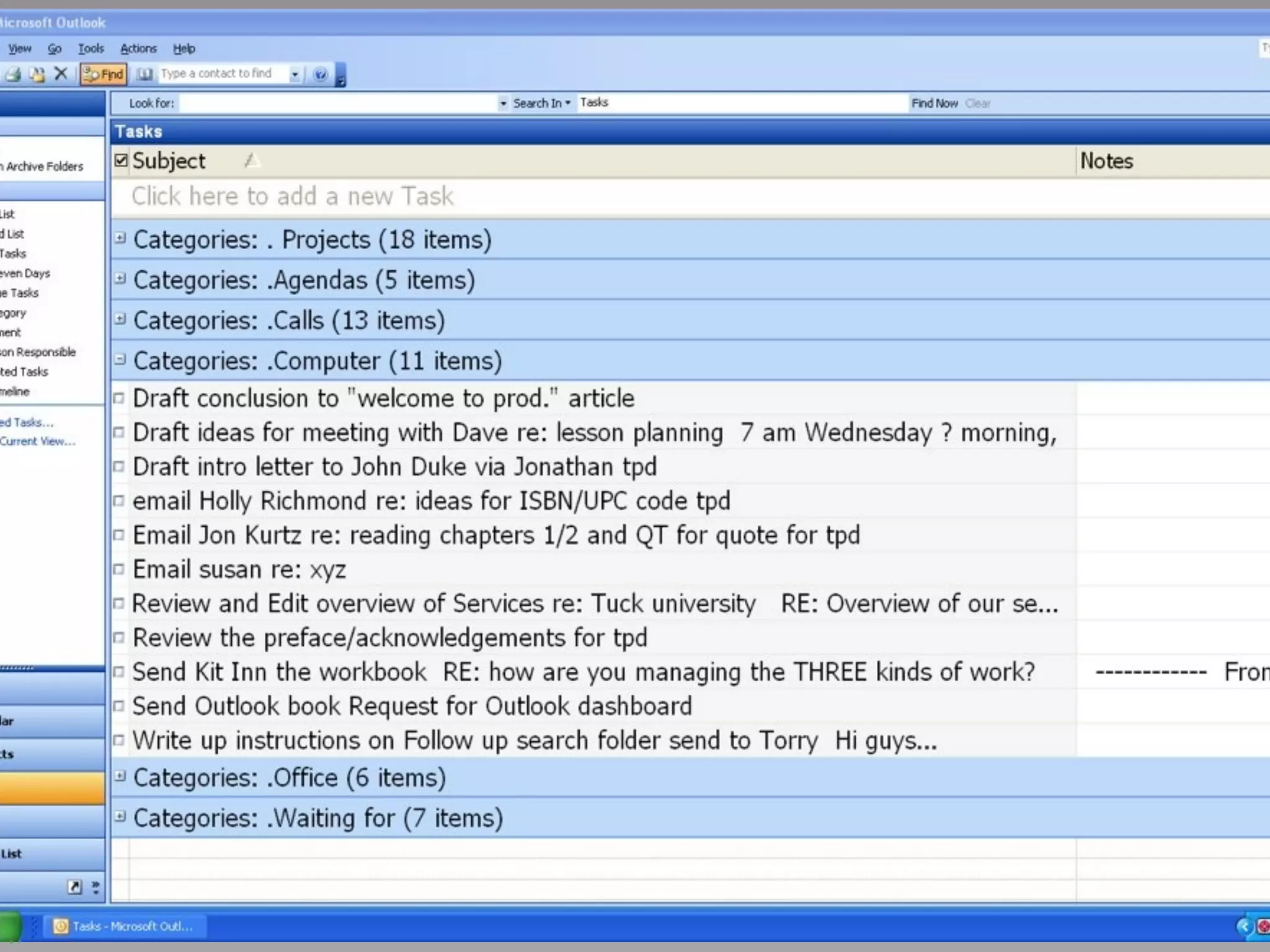
Changed the subject line of emails in my inbox
Created an agenda category in my tasks to track discussion items for the future

Used many of the keyboard shortcuts we learned

Used verbs for tasks and subject lines

I have to report this is a huge success. My energy and focus have improved a
great deal. I can now see progress towards achieving my long term goals.

Finally, I'd like to thank you. I'm quite sure the lessons learned in your class will
make a difference in my life and career.
     Global Head of Project Services
     End User Platform, New York City

                                                                                        101
On Tuesday, 9/9/08 12:02 PM, Steve wrote:

  Jason, A few days after I attended your class I went on vacation for 2 weeks.
  Well, now I'm back and have been putting into practice many of the
  improvements we discussed in class. So far, I have:

Changed the subject line of emails in my inbox
Created an agenda category in my tasks to track discussion items for the future
Used many of the keyboard shortcuts we learned

Used verbs for tasks and subject lines

I have to report this is a huge success. My energy and focus have improved a
great deal. I can now see progress towards achieving my long term goals.

Finally, I'd like to thank you. I'm quite sure the lessons learned in your class will
make a difference in my life and career.
     Global Head of Project Services
     End User Platform, New York City

                                                                                        101
On Tuesday, 9/9/08 12:02 PM, Steve wrote:

  Jason, A few days after I attended your class I went on vacation for 2 weeks.
  Well, now I'm back and have been putting into practice many of the
  improvements we discussed in class. So far, I have:

Changed the subject line of emails in my inbox

Created an agenda category in my tasks to track discussion items for the future

Used many of the keyboard shortcuts we learned

Used verbs for tasks and subject lines

I have to report this is a huge success. My energy and focus have improved a
great deal. I can now see progress towards achieving my long term goals.

Finally, I'd like to thank you. I'm quite sure the lessons learned in your class will
make a difference in my life and career.
     Global Head of Project Services
     End User Platform, New York City

                                                                                        101
On Tuesday, 9/9/08 12:02 PM, Steve wrote:

  Jason, A few days after I attended your class I went on vacation for 2 weeks.
  Well, now I'm back and have been putting into practice many of the
  improvements we discussed in class. So far, I have:

Changed the subject line of emails in my inbox

Created an agenda category in my tasks to track discussion items for the future

Used many of the keyboard shortcuts we learned

Used verbs for tasks and subject lines

I have to report this is a huge success. My energy and focus have improved a
great deal. I can now see progress towards achieving my long term goals.

Finally, I'd like to thank you. I'm quite sure the lessons learned in your class will
make a difference in my life and career.
     Global Head of Project Services
     End User Platform, New York City

                                                                                        101
On Tuesday, 9/9/08 12:02 PM, Steve wrote:

  Jason, A few days after I attended your class I went on vacation for 2 weeks.
  Well, now I'm back and have been putting into practice many of the
  improvements we discussed in class. So far, I have:

Changed the subject line of emails in my inbox

Created an agenda category in my tasks to track discussion items for the future

Used many of the keyboard shortcuts we learned

Used verbs for tasks and subject lines

I have to report this is a huge success. My energy and focus have improved a
great deal. I can now see progress towards achieving my long term goals.

Finally, I'd like to thank you. I'm quite sure the lessons learned in your class will
make a difference in my life and career.
     Global Head of Project Services
     End User Platform, New York City

                                                                                        101
On Tuesday, 9/9/08 12:02 PM, Steve wrote:

  Jason, A few days after I attended your class I went on vacation for 2 weeks.
  Well, now I'm back and have been putting into practice many of the
  improvements we discussed in class. So far, I have:

Changed the subject line of emails in my inbox

Created an agenda category in my tasks to track discussion items for the future

Used many of the keyboard shortcuts we learned

Used verbs for tasks and subject lines

I have to report this is a huge success. My energy and focus have improved a
great deal. I can now see progress towards achieving my long term goals.

Finally, I'd like to thank you. I'm quite sure the lessons learned in your class will
make a difference in my life and career.
     Global Head of Project Services
     End User Platform, New York City

                                                                                        101
3 Kinds of Work We Have


                          102
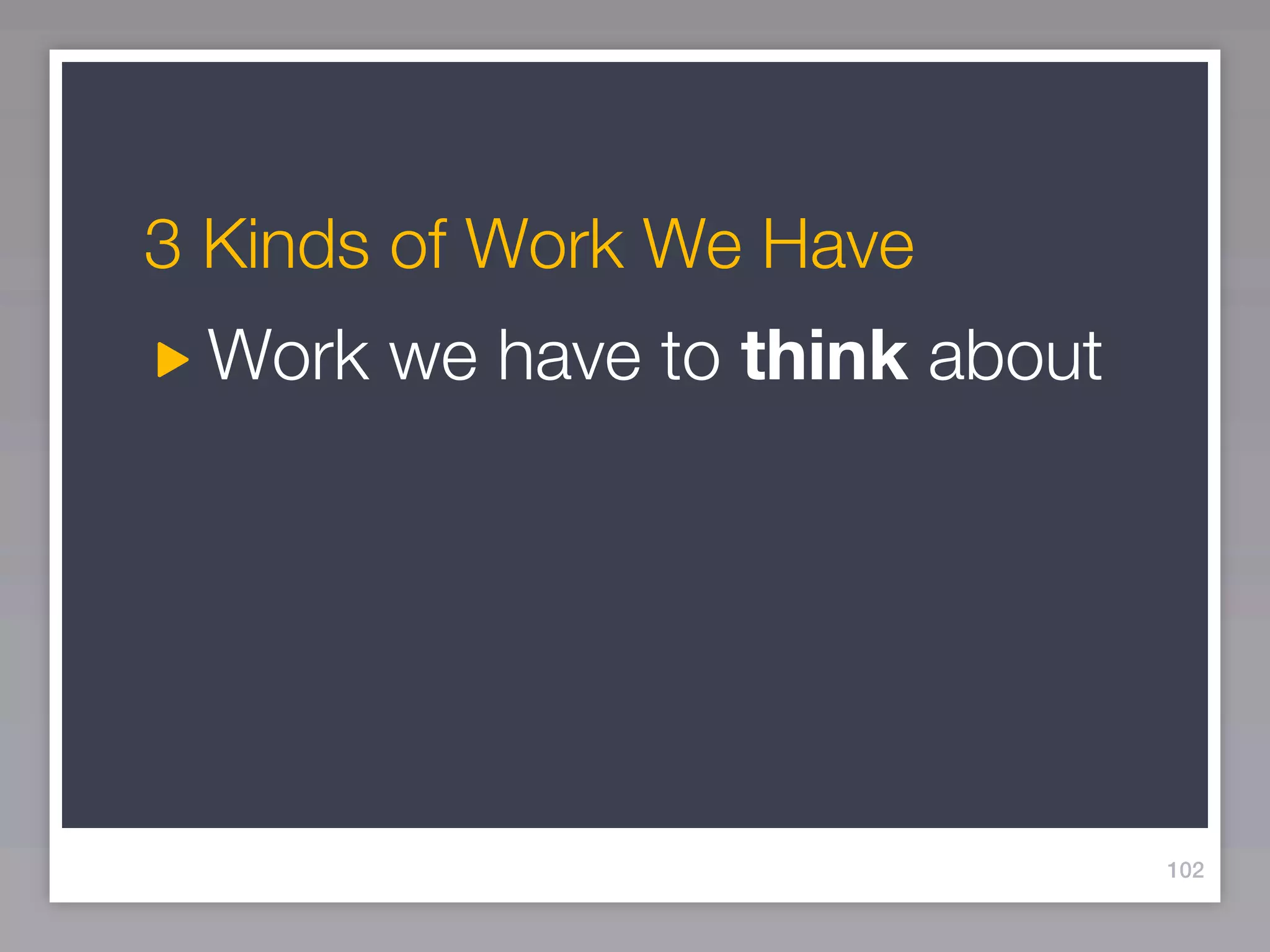
3 Kinds of Work We Have
 Work we have to think about


                               102
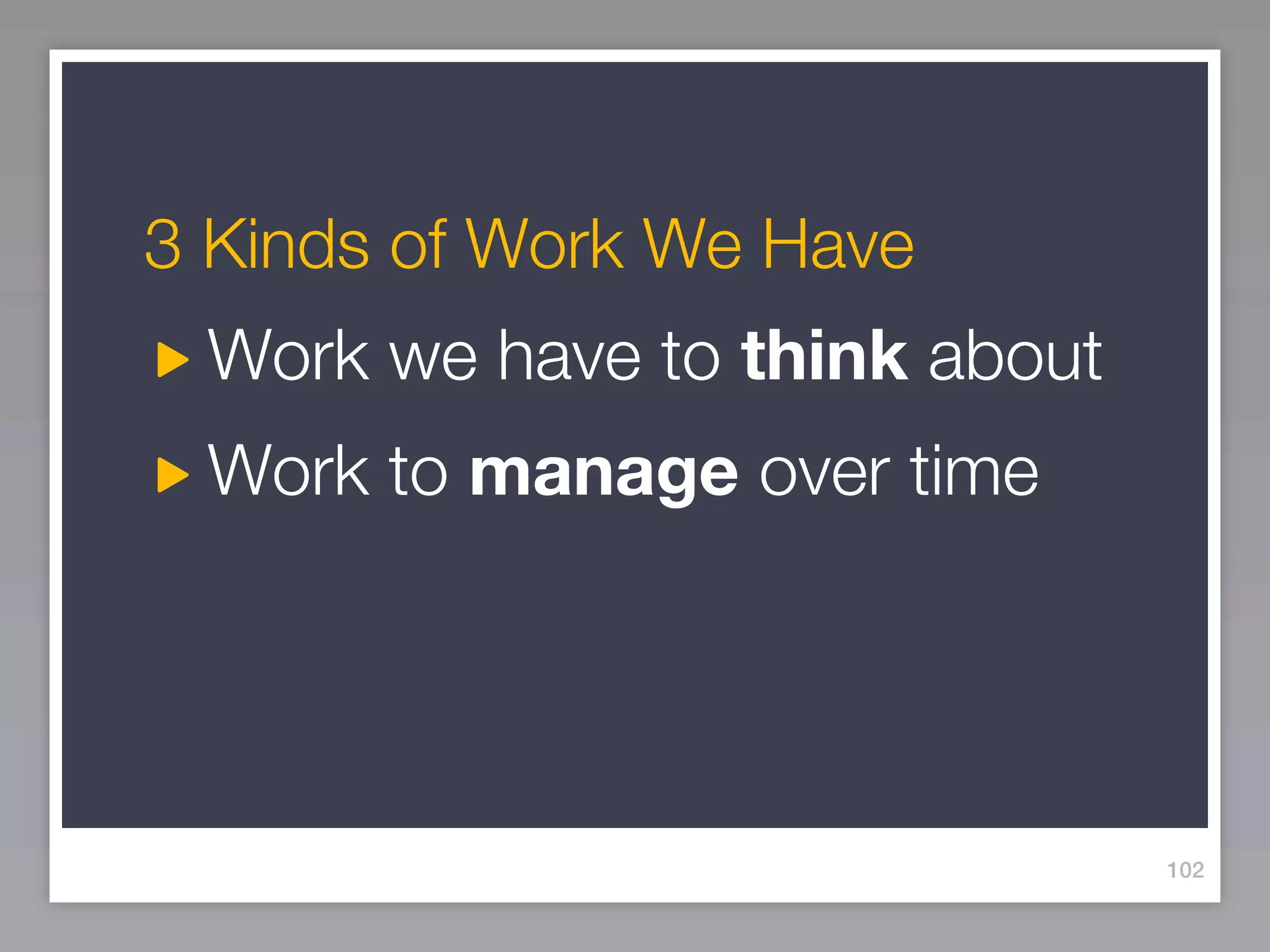
3 Kinds of Work We Have
 Work we have to think about
 Work to manage over time


                               102
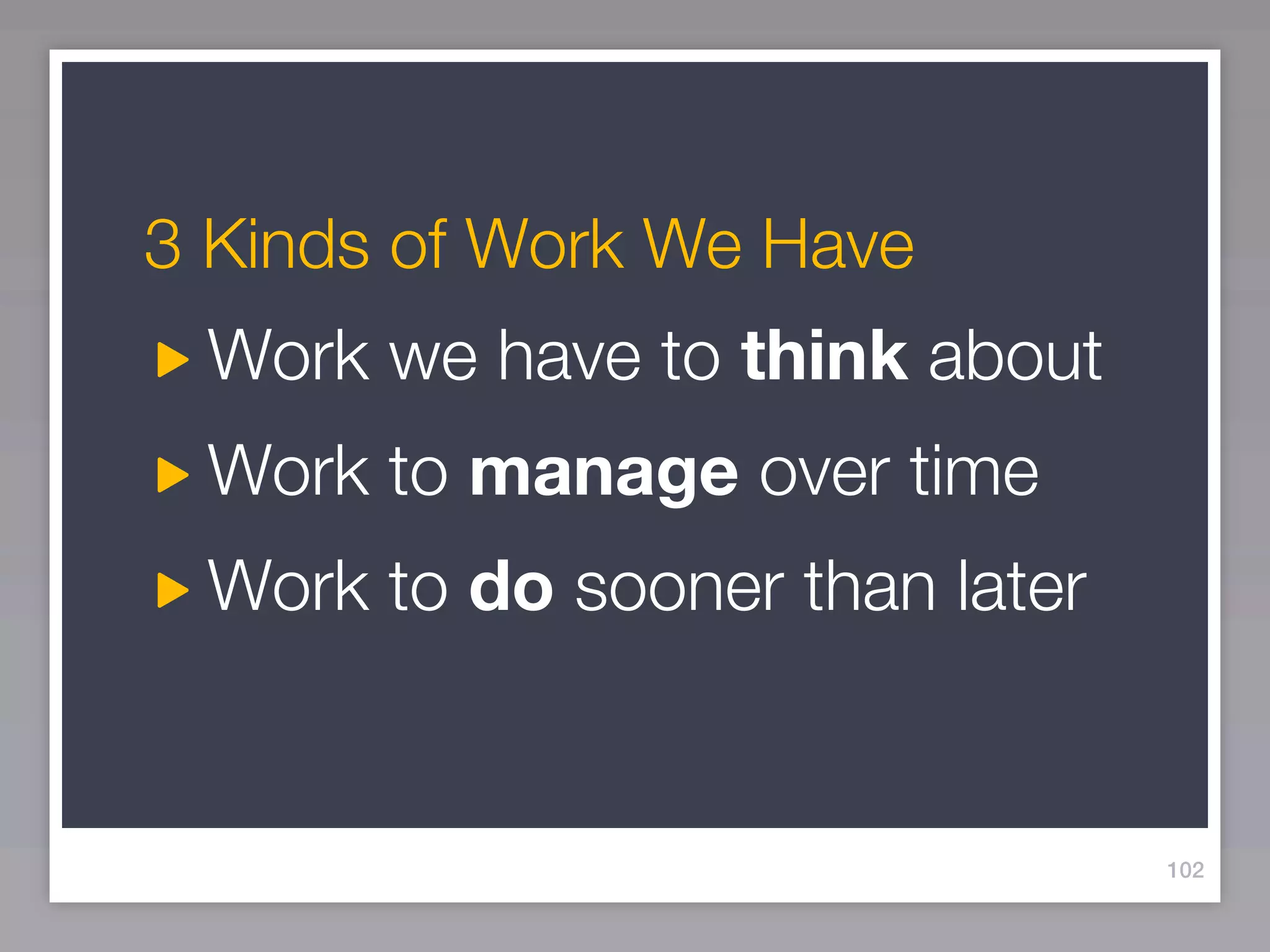
3 Kinds of Work We Have
 Work we have to think about
 Work to manage over time
 Work to do sooner than later


                                102
Pages 6 & 17-18
What will this look like when finished?
      Please read over the text on page 17...


                                                104
Work to Manage


               Answer the question:
             When am I finished on this?


                                      105
Work to Manage
Using your lists of “think about/talk about” and
things to do, please write down several multi-step
outcomes you are managing


                          Answer the question:
                        When am I finished on this?


                                                     105
Pages 6 & 19-20
What do I need to do next?


   Please read over the text on page 19...


                                             106
Work to Do


              Answer the question:
             Where do I start on this?

                                         107
Work to Do
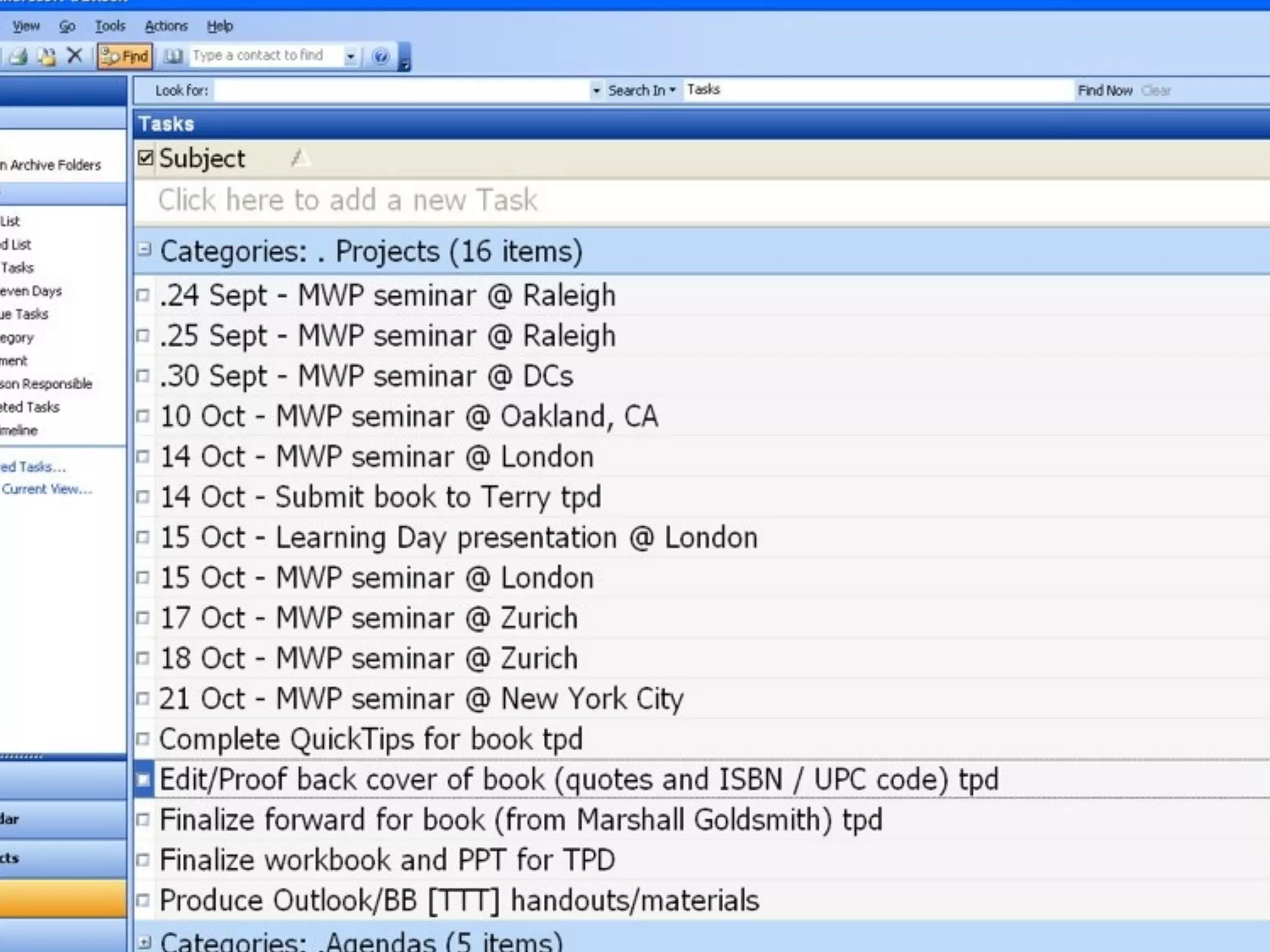
Using your list of “think about/talk about” write
down several next actions you need to DO
as soon as possible


                            Answer the question:
                           Where do I start on this?

                                                       107
109
Our specialty...the “-ologies”
What makes for a “productive” day?


                                 110
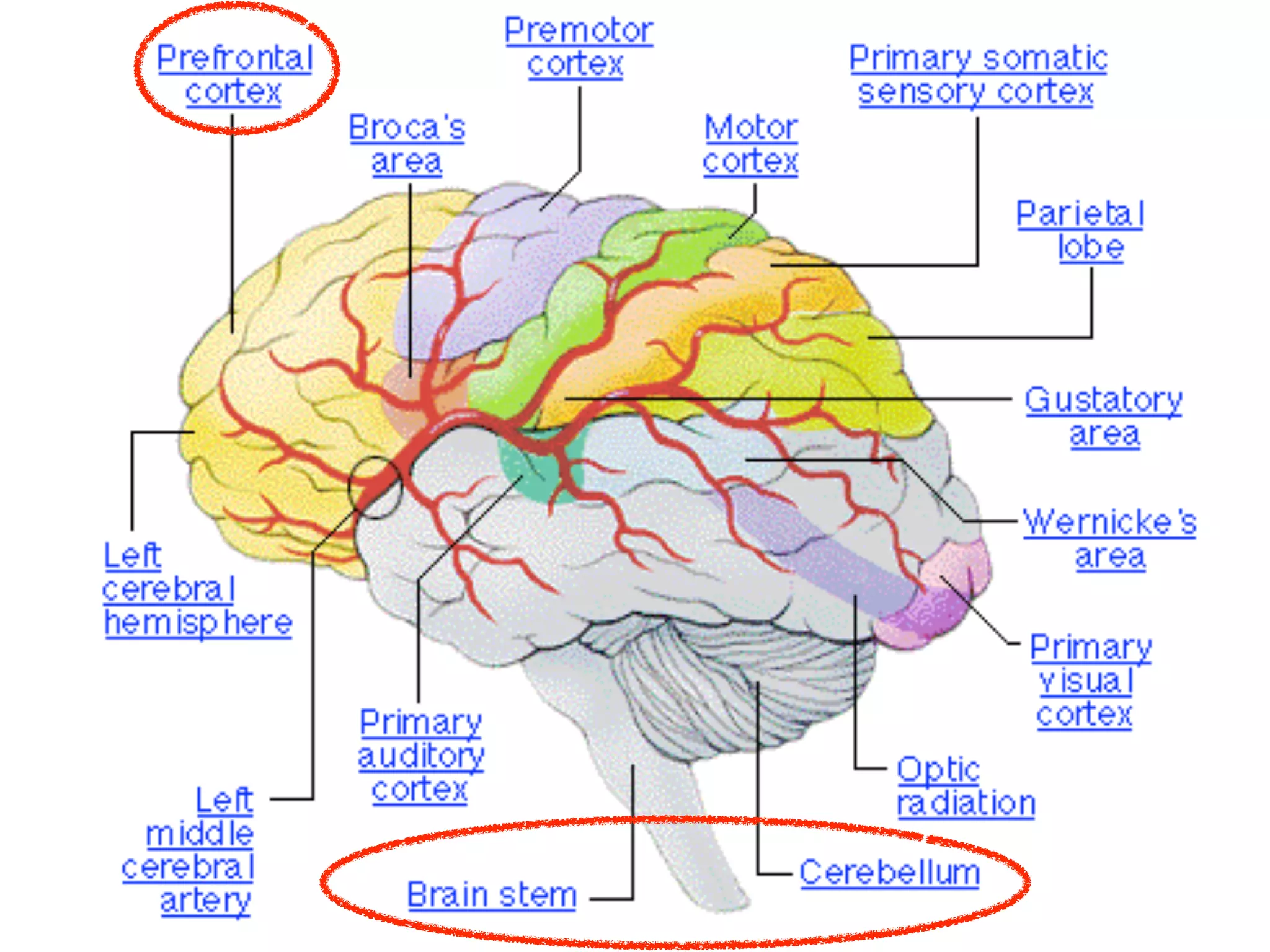
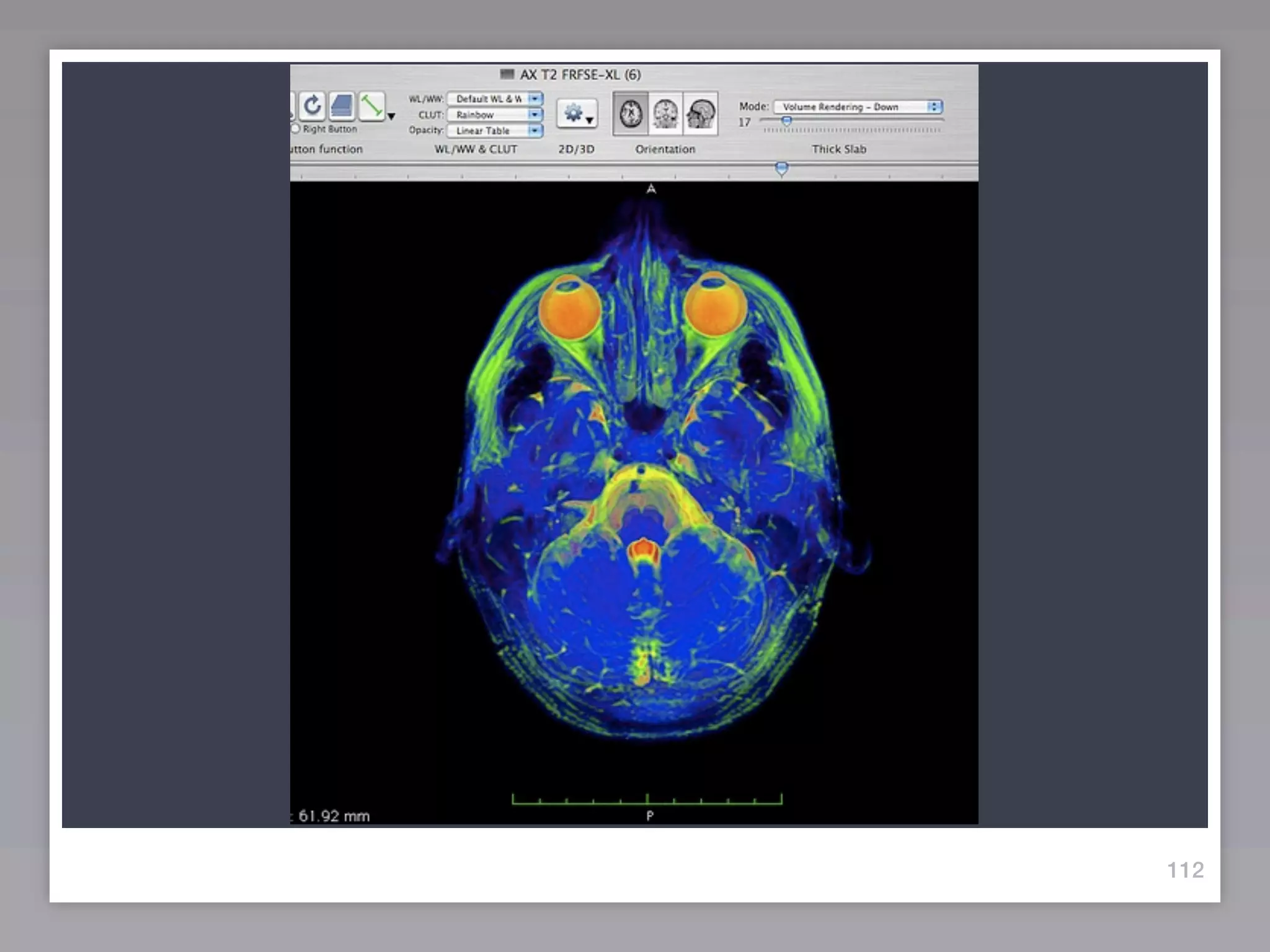
Psychology:
What happens when you’re
 thinking about working?


                           111
112
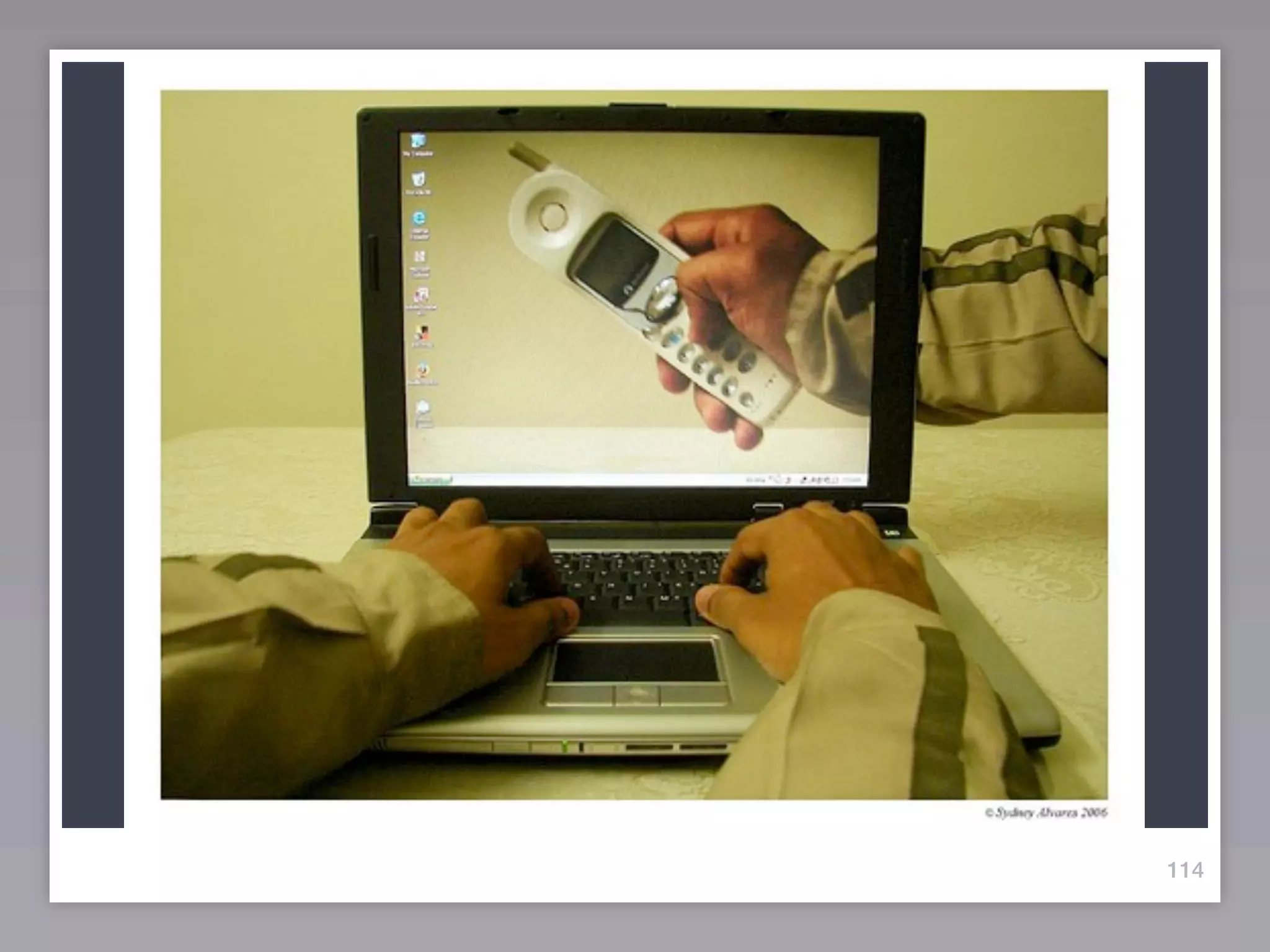
Technology:
 Wasn’t “gear” supposed to
make life and work easier???


                           113
114
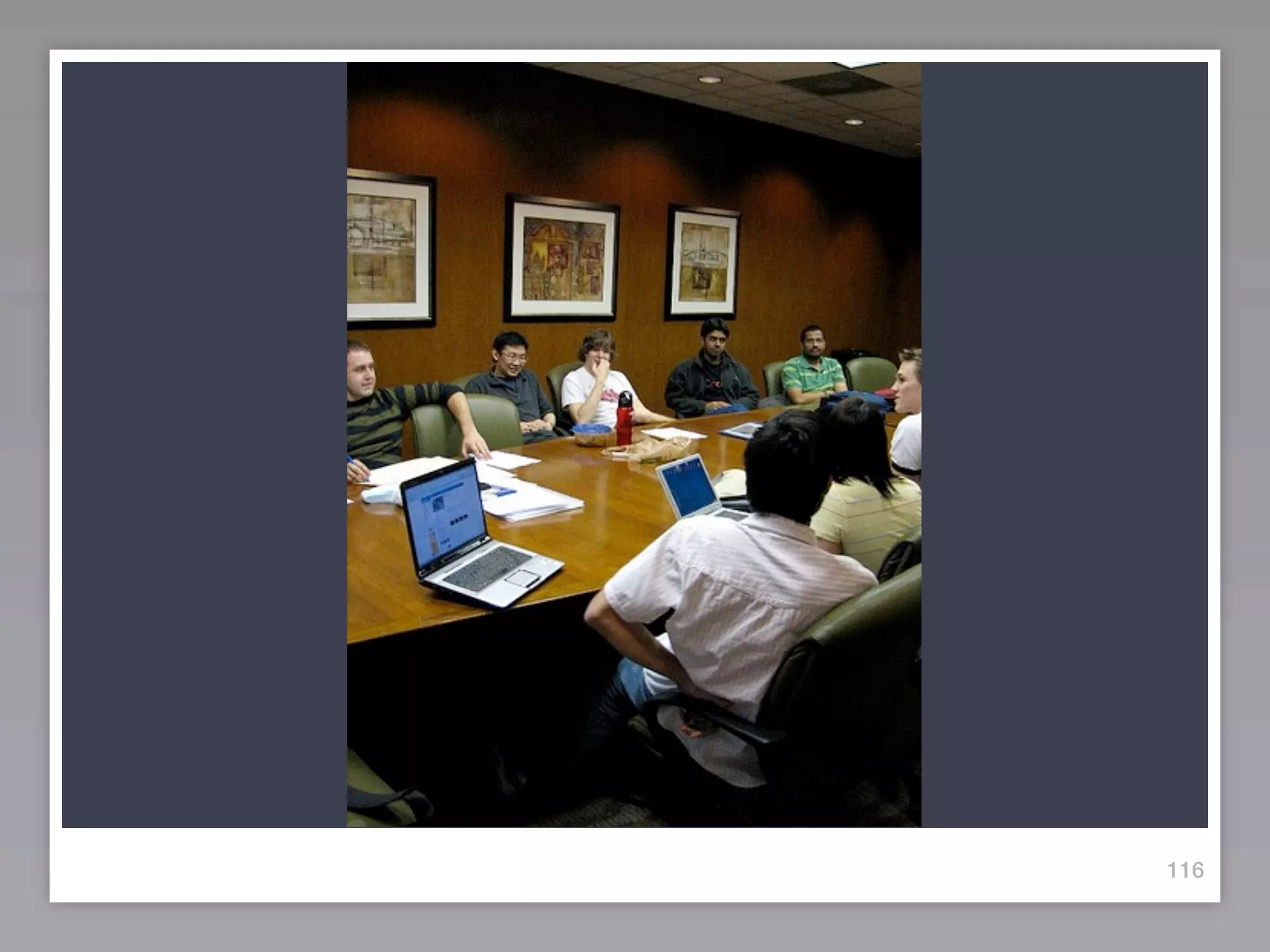
Sociology:
What happens when you sit
down with other people and
  try to get things done?


                             115
116
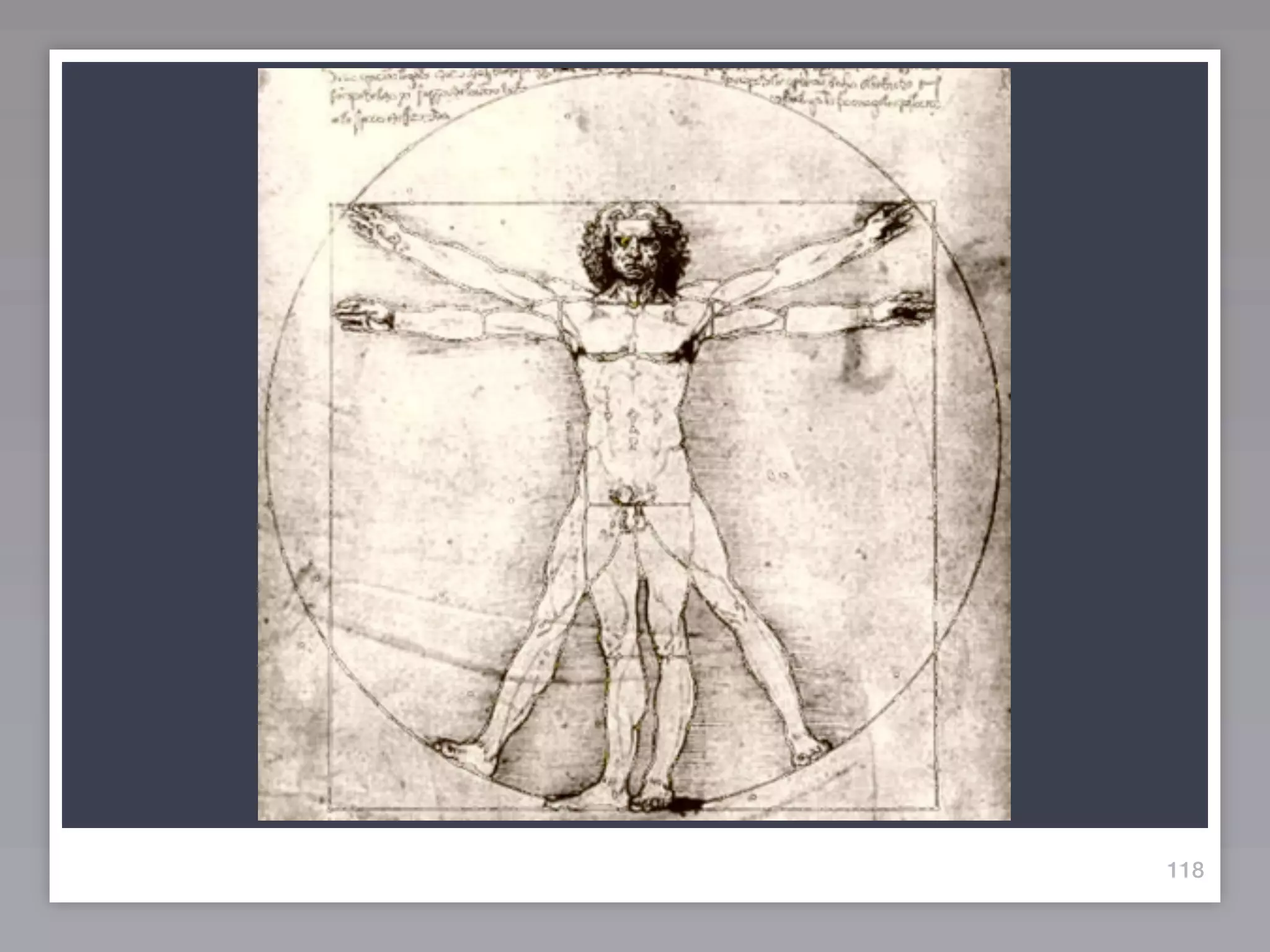
Physiology:
How can our bodies keep up
 with the pace and speed of
our areas of focus/interest?


                           117
118
THANK
YOU
Mastering
Workplace Performance


                   presented by:
       Jason W. Womack
     Jason@WomackCompany.com
Join the Mastering
     Workplace
    Performance
Certification program
 Email today for your information packet,
         available Winter 2010...
 jason@womackcompany.com

Zurich - Mastering Workplace Performance - 10/13/2011

  • 1.
    Mastering Workplace Performance presented by: Jason W. Womack Jason@WomackCompany.com
  • 2.
    15% The Principlesof Productivity: How to combine personal working styles with company culture for success 20% Setting the Stage for a More Productive Day: Knowing what you need and how to plan for more productive days 15% Engaging Others in Upleveling their Productivity: Managing meetings, expectations and results 30% Effective Time Management Techniques: 5 tools and techniques to use to get more done, faster, with less effort 15% Assessing Progress and Enhancing Structure: Tracking resource management for measurable results 5% Building an Accountability Program: Identify a workplace performance goal and plan for implementation
  • 3.
    Mastering Workplace Performance presented by: Jason W. Womack 805-798-1362
  • 4.
  • 7.
    I D What are 4 elements of a “productive” day? e A
  • 9.
    4 Limited ResourcesWe Manage Every Day
  • 10.
    4 Limited ResourcesWe Manage Every Day •Time
  • 11.
    4 Limited ResourcesWe Manage Every Day •Time •Energy
  • 12.
    4 Limited ResourcesWe Manage Every Day •Time •Energy •Focus
  • 13.
    4 Limited ResourcesWe Manage Every Day •Time •Energy •Focus •Tools/Systems
  • 14.
  • 15.
  • 16.
    How it works... •Tools/Systems • Focus • Energy • Time
  • 26.
    Please collect asmany questions as possible. I will address them all either during the presentation or via our blog after our seminar... Email questions to: Jason@WomackCompany.com
  • 28.
  • 32.
    Maximize your focus& facilitate your workflow. Please open to Page 3 of the workbook, and read the introduction to our seminar. 21
  • 33.
    the more Iknow about how I work, the more we can be effective ...a “working
  • 34.
    Please underline 3words that relate to your professional focus on managing time productively.
  • 35.
    Resources See Quality Hear Principles Practice Performance Utilize Productivity Improve Opportunities Being Priorities Managing Team Taking Organization Work Behaviors Live Systems Have Improvement Synchronize Seminar Design Sustainable Leading Vision Resulting Role Coach
  • 36.
    NOUN VERB
  • 37.
    NOUN VERB design action vision task process delegation
  • 38.
    NOUN VERB design action vision task process delegation
  • 40.
    Please Open toPage # 4 29
  • 41.
    Please Open toPage # 4 Think back on the past couple of months. “Flip-Forward” through to the end of the year. 30
  • 42.
  • 43.
    Identify ONE methodor process you use daily to manage your time effectively. 31
  • 44.
    Identify ONE methodor process you use daily to manage your time effectively. When you have written that down, please stand up. 31
  • 45.
    Identify ONE methodor process you use daily to manage your time effectively. When you have written that down, please stand up. Next, share your idea with one person to your left or your right. 31
  • 46.
    Identify ONE methodor process you use daily to manage your time effectively. When you have written that down, please stand up. Next, share your idea with one person to your left or your right. In 3 minutes, please walk around to collect 2 more ideas... talking to two other people. near you. 31
  • 47.
  • 48.
    Please Open toPage # 5 33
  • 49.
  • 50.
    Productivity is... “To domy job, to the best of my ability, I need time to ___________” 35
  • 51.
  • 52.
    Productivity: “Doing what Isaid I would do, in the time that I promised.” 36
  • 53.
  • 54.
    Productivity: “Doing what Isaid I would do, in the time that I promised.” I. D. e. A. 37
  • 55.
  • 56.
    Productivity: “Doing what Isaid I would do, in the time that I promised.” I. Identify D. e. A. 38
  • 57.
  • 58.
    Productivity: “Doing what Isaid I would do, in the time that I promised.” I. Identify D. Define e. A. 39
  • 59.
  • 60.
    Productivity: “Doing what Isaid I would do, in the time that I promised.” I. Identify D. Define e. experiment A. 40
  • 61.
  • 62.
    Productivity: “Doing what Isaid I would do, in the time that I promised.” I. Identify D. Define e. experiment A. Assess 41
  • 63.
    Please Open toPage # 6 42
  • 64.
  • 65.
    Focus on asmuch as possible...
  • 66.
    Focus on asmuch as possible... Think about your work AND your areas of focus this week, this month, and for the rest of the year.
  • 67.
    Focus on asmuch as possible... Think about your work AND your areas of focus this week, this month, and for the rest of the year.
  • 68.
    Focus on asmuch as possible... Think about your work AND your areas of focus this week, this month, and for the rest of the year. Simply write what you think about.
  • 69.
    Focus on asmuch as possible... Think about your work AND your areas of focus this week, this month, and for the rest of the year. Simply write what you think about.
  • 70.
    Focus on asmuch as possible... Think about your work AND your areas of focus this week, this month, and for the rest of the year. Simply write what you think about. It’s easy, just answer the question, “What else...?”
  • 71.
    Focus on asmuch as possible... Think about your work AND your areas of focus this week, this month, and for the rest of the year. Simply write what you think about. It’s easy, just answer the question, “What else...?”
  • 72.
    Focus on asmuch as possible... Think about your work AND your areas of focus this week, this month, and for the rest of the year. Simply write what you think about. It’s easy, just answer the question, “What else...?” No one will see this but you
  • 73.
    Focus on asmuch as possible... Think about your work AND your areas of focus this week, this month, and for the rest of the year. Simply write what you think about. It’s easy, just answer the question, “What else...?” No one will see this but you
  • 74.
    Focus on asmuch as possible... Think about your work AND your areas of focus this week, this month, and for the rest of the year. Simply write what you think about. It’s easy, just answer the question, “What else...?” No one will see this but you Go for quantity...in 10 minutes, write as many as
  • 76.
    Fill in eachblank line with something that you can bring to mind...
  • 77.
  • 78.
    What stands outto you about that exercise? 46
  • 79.
    Please Open toPage # 7 47
  • 81.
  • 82.
    Practic makes
  • 83.
    Practic makes habit
  • 84.
    Comfort doing thesame thing + Number of Repetitions 1 2 3 4
  • 86.
    What do youspend Time, Energy and Focus doing by 10am each day? (Start with the obvious/easy ones!)
  • 88.
    What can youDELETE?
  • 90.
    What can youDELEGATE?
  • 92.
    What tools/systems could youuse to get your work done during the work- day? (Start with the obvious/easy ones!)
  • 94.
  • 95.
  • 96.
  • 97.
    What could youdo “about” once a month to rejuvenate, revitalize & reengage?
  • 98.
  • 99.
    Our Philosophy ofProductivity Be, work and live at your 100% 60
  • 100.
    In order for you to “be, work, live” at your 100%...
  • 101.
    What will youneed to have done...
  • 102.
    What will youneed to have done...how will you need to have been...
  • 103.
  • 104.
    I am atmy best when ... page 7
  • 106.
    Set up your Daily Dashboard... and review it several times each day. www.OutlookDashboard.com
  • 108.
    Use signatures astemplates to answer frequently asked questions or provide the same information to a different group or person. Knowledge Base...
  • 110.
    Please think ofone topic/ question you know you type repeatedly to anyone via e- mail...
  • 111.
    Please think ofone topic/ question you know you type repeatedly to anyone via e- mail... Directions... Contact information... How to... What are the benefits of... Where to find the... etc...
  • 112.
    Do you havea signature with just your contact information?
  • 113.
    Do you havea signature with just your contact information?
  • 119.
    This one “signature”is 1343 words long. Enough to save me about _?__ minutes of typing/thinking time.
  • 120.
    This one “signature”is 1343 words long. Enough to save me about _?__ minutes of typing/thinking time. If I typed 50 words a minute... 26 minutes!
  • 124.
  • 125.
  • 126.
  • 127.
  • 128.
  • 129.
  • 131.
    Paper Systems toset up a dashboard include: Legal pad Time Design Day Runner Day Timer Franklin Planner etc
  • 133.
    CONTROL + SHIFT+ M = A New E-mail Message (While you’re reviewing your calendar!)
  • 137.
    For complete directionson setting up your Outlook Dashboard… Please visit: www.OutlookDashboard.com Weʼll send the 39-page eBook for free this week…E-mail to request your own copy!
  • 138.
  • 139.
    Create (and maintain,and review!) agendas for people you meet or speak with regularly 84
  • 140.
  • 141.
    Remember, all ofthese tips are method first, technology second... 85
  • 142.
    Remember, all ofthese tips are method first, technology second... This one tip can save you between 10-50% of the time you spend in meetings, whether formal and scheduled or impromptu “in the hallway.” 85
  • 143.
    Agendas: A toolto maximize interruptions Names Upcoming topics of discussion Questions/Comments/Clarifications/Requests (1-12 weeks out...)
  • 150.
    RIGHT-CLICK Hold and Dragto e-mail the agenda
  • 153.
  • 154.
    Get your E-mailsout of your inbox (Move them around to the taskpad, calendar, address book or notes...) 91
  • 155.
  • 156.
  • 157.
  • 158.
  • 159.
  • 160.
  • 161.
  • 162.
  • 163.
  • 164.
  • 165.
  • 166.
  • 167.
  • 168.
  • 169.
  • 170.
  • 171.
  • 172.
  • 173.
    Bonus Tip...If youcan: Dual Monitor Working Dashboard 99
  • 174.
    Bonus Tip...If youcan: Dual Monitor Working Dashboard 100
  • 175.
    On Tuesday, 9/9/0812:02 PM, Steve wrote: Jason, A few days after I attended your class I went on vacation for 2 weeks. Well, now I'm back and have been putting into practice many of the improvements we discussed in class. So far, I have: Changed the subject line of emails in my inbox Created an agenda category in my tasks to track discussion items for the future Used many of the keyboard shortcuts we learned Used verbs for tasks and subject lines I have to report this is a huge success. My energy and focus have improved a great deal. I can now see progress towards achieving my long term goals. Finally, I'd like to thank you. I'm quite sure the lessons learned in your class will make a difference in my life and career. Global Head of Project Services End User Platform, New York City 101
  • 176.
    On Tuesday, 9/9/0812:02 PM, Steve wrote: Jason, A few days after I attended your class I went on vacation for 2 weeks. Well, now I'm back and have been putting into practice many of the improvements we discussed in class. So far, I have: Changed the subject line of emails in my inbox Created an agenda category in my tasks to track discussion items for the future Used many of the keyboard shortcuts we learned Used verbs for tasks and subject lines I have to report this is a huge success. My energy and focus have improved a great deal. I can now see progress towards achieving my long term goals. Finally, I'd like to thank you. I'm quite sure the lessons learned in your class will make a difference in my life and career. Global Head of Project Services End User Platform, New York City 101
  • 177.
    On Tuesday, 9/9/0812:02 PM, Steve wrote: Jason, A few days after I attended your class I went on vacation for 2 weeks. Well, now I'm back and have been putting into practice many of the improvements we discussed in class. So far, I have: Changed the subject line of emails in my inbox Created an agenda category in my tasks to track discussion items for the future Used many of the keyboard shortcuts we learned Used verbs for tasks and subject lines I have to report this is a huge success. My energy and focus have improved a great deal. I can now see progress towards achieving my long term goals. Finally, I'd like to thank you. I'm quite sure the lessons learned in your class will make a difference in my life and career. Global Head of Project Services End User Platform, New York City 101
  • 178.
    On Tuesday, 9/9/0812:02 PM, Steve wrote: Jason, A few days after I attended your class I went on vacation for 2 weeks. Well, now I'm back and have been putting into practice many of the improvements we discussed in class. So far, I have: Changed the subject line of emails in my inbox Created an agenda category in my tasks to track discussion items for the future Used many of the keyboard shortcuts we learned Used verbs for tasks and subject lines I have to report this is a huge success. My energy and focus have improved a great deal. I can now see progress towards achieving my long term goals. Finally, I'd like to thank you. I'm quite sure the lessons learned in your class will make a difference in my life and career. Global Head of Project Services End User Platform, New York City 101
  • 179.
    On Tuesday, 9/9/0812:02 PM, Steve wrote: Jason, A few days after I attended your class I went on vacation for 2 weeks. Well, now I'm back and have been putting into practice many of the improvements we discussed in class. So far, I have: Changed the subject line of emails in my inbox Created an agenda category in my tasks to track discussion items for the future Used many of the keyboard shortcuts we learned Used verbs for tasks and subject lines I have to report this is a huge success. My energy and focus have improved a great deal. I can now see progress towards achieving my long term goals. Finally, I'd like to thank you. I'm quite sure the lessons learned in your class will make a difference in my life and career. Global Head of Project Services End User Platform, New York City 101
  • 180.
    On Tuesday, 9/9/0812:02 PM, Steve wrote: Jason, A few days after I attended your class I went on vacation for 2 weeks. Well, now I'm back and have been putting into practice many of the improvements we discussed in class. So far, I have: Changed the subject line of emails in my inbox Created an agenda category in my tasks to track discussion items for the future Used many of the keyboard shortcuts we learned Used verbs for tasks and subject lines I have to report this is a huge success. My energy and focus have improved a great deal. I can now see progress towards achieving my long term goals. Finally, I'd like to thank you. I'm quite sure the lessons learned in your class will make a difference in my life and career. Global Head of Project Services End User Platform, New York City 101
  • 181.
    3 Kinds ofWork We Have 102
  • 182.
    3 Kinds ofWork We Have Work we have to think about 102
  • 183.
    3 Kinds ofWork We Have Work we have to think about Work to manage over time 102
  • 184.
    3 Kinds ofWork We Have Work we have to think about Work to manage over time Work to do sooner than later 102
  • 186.
    Pages 6 &17-18 What will this look like when finished? Please read over the text on page 17... 104
  • 187.
    Work to Manage Answer the question: When am I finished on this? 105
  • 188.
    Work to Manage Usingyour lists of “think about/talk about” and things to do, please write down several multi-step outcomes you are managing Answer the question: When am I finished on this? 105
  • 189.
    Pages 6 &19-20 What do I need to do next? Please read over the text on page 19... 106
  • 190.
    Work to Do Answer the question: Where do I start on this? 107
  • 191.
    Work to Do Usingyour list of “think about/talk about” write down several next actions you need to DO as soon as possible Answer the question: Where do I start on this? 107
  • 193.
  • 194.
    Our specialty...the “-ologies” Whatmakes for a “productive” day? 110
  • 195.
    Psychology: What happens whenyou’re thinking about working? 111
  • 196.
  • 197.
    Technology: Wasn’t “gear”supposed to make life and work easier??? 113
  • 198.
  • 199.
    Sociology: What happens whenyou sit down with other people and try to get things done? 115
  • 200.
  • 201.
    Physiology: How can ourbodies keep up with the pace and speed of our areas of focus/interest? 117
  • 202.
  • 203.
  • 204.
    Mastering Workplace Performance presented by: Jason W. Womack Jason@WomackCompany.com
  • 205.
    Join the Mastering Workplace Performance Certification program Email today for your information packet, available Winter 2010... jason@womackcompany.com

Editor's Notes