
Do more, in less time,
 without the stress and mess.
(Group coaching session for Philips Medical)
Executive Coach, Contract Executive (CEO, COO)
                           www.kevincrenshaw.com
                                     Twitter: @kcren
Hit some challenges and uncertainties:
    • Financial/family pressures
    • Curriculum
    • Experimental or theoretical?
    • Solid state? Astrophysics? Or ??

  But it really boiled down to this:
       I lacked a good mentor

   •   Practical mindset, perspective
   •   Eliminate misconceptions
   •   “Learn the ropes”
   •   “Tricks of the trade”
               www.kevincrenshaw.com
                       Twitter: @kcren
Everyone faces time and workflow
           challenges today.

You (and teams) need good mentors


•   Practical mindset, correct principles
•   “Show you the ropes”
•   “Tricks of the trade”
•   What methods really work?
•   What apps/devices are best?
•   Are team workflow changes needed?

                www.kevincrenshaw.com
                        Twitter: @kcren
I’m Your Mentor, Starting Now:
• Productivity intervention
• Usually 7 hours/person
• Compress basics into 3 hours

You NEED to:
•   Take detailed notes
•   Do these exercises
•   Start applying it right now
•   Decide now and schedule your next
    action as you return to work
             www.kevincrenshaw.com
                     Twitter: @kcren
“[Tools and] processes that ... revolutionize the objective qualities of
space and time." — David Harvey, The Condition of Postmodernity

Promises of Productivity &
Positive Compression:
• Computers
• Printers
• Internet
• Email
• Smart phones
• TXT
• Instant chat
• Cool desk & office tools
• Work away from the office
“Time is the longest distance between two places.”
                                               — Tennessee Williams

Promises of Productivity &        Instead, Negative Productivity &
Positive Compression:             Negative Compression:
• Computers                       • Still have piles
• Printers                        • More distractions
• Internet                        • More choices
• Email                           • 3000+ emails in Inbox (or 88K!)
• Smart phones                    • More interruptions
• TXT
• Instant chat
• Cool desk & office tools
• Work away from the office
“Time is the longest distance between two places.”
                                               — Tennessee Williams

Promises of Productivity &        Instead, Negative Productivity &
Positive Compression:             Negative Compression:
• Computers                       • Still have piles
• Printers                        • More distractions
• Internet                        • More choices
• Email                           • 3000+ emails in Inbox (or 88K!)
• Smart phones                    • More interruptions
• TXT                             • Fear, uncertainty
• Instant chat                    • STRESS
• Cool desk & office tools        • Always working or “on call”
• Work away from the office       • Neglect family, self, priorities
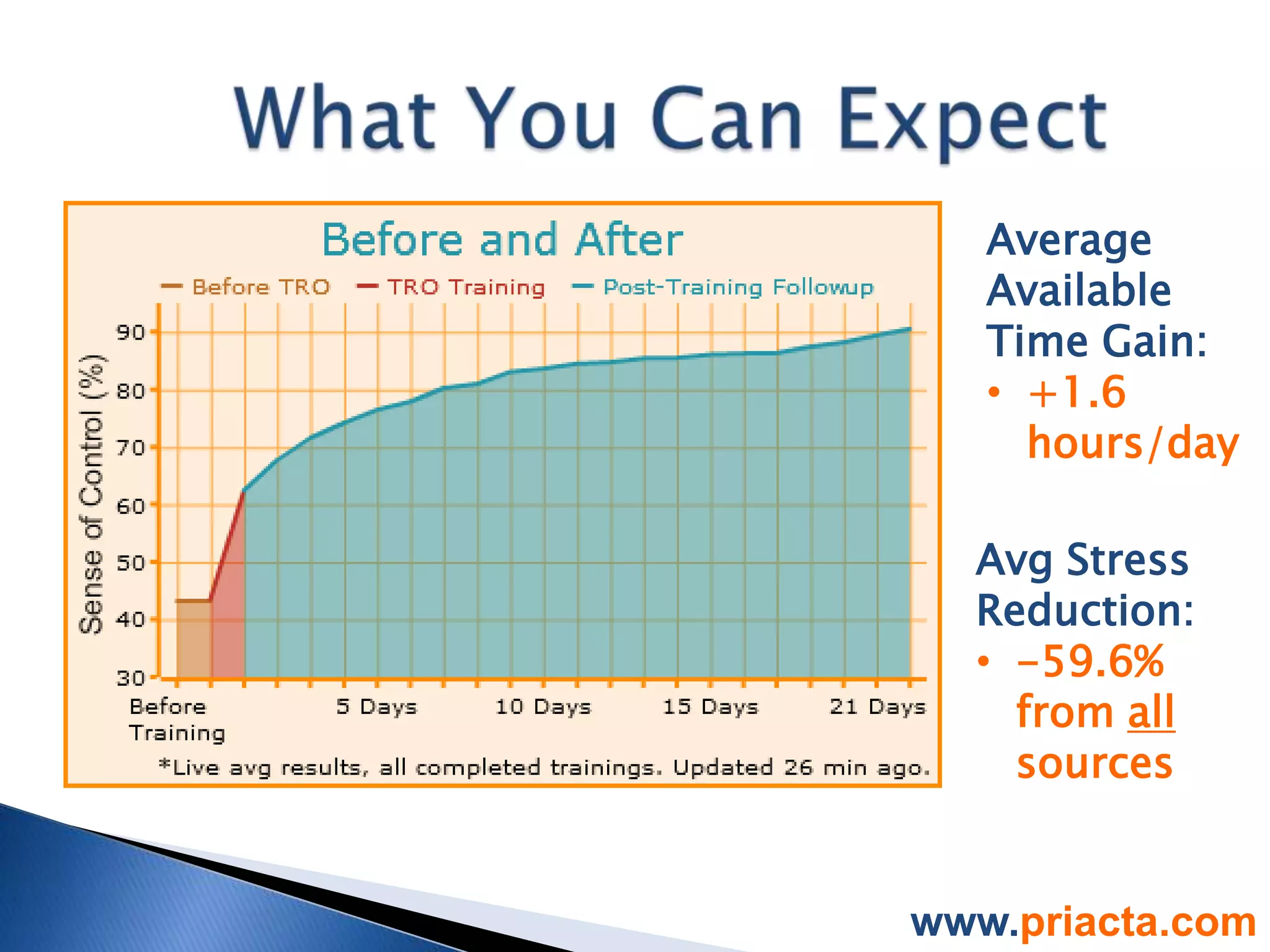
Average
   Available
   Time Gain:
   • +1.6
     hours/day

  Avg Stress
  Reduction:
  • -59.6%
    from all
    sources


www.priacta.com
That’s what you
get with a TRO
workflow.
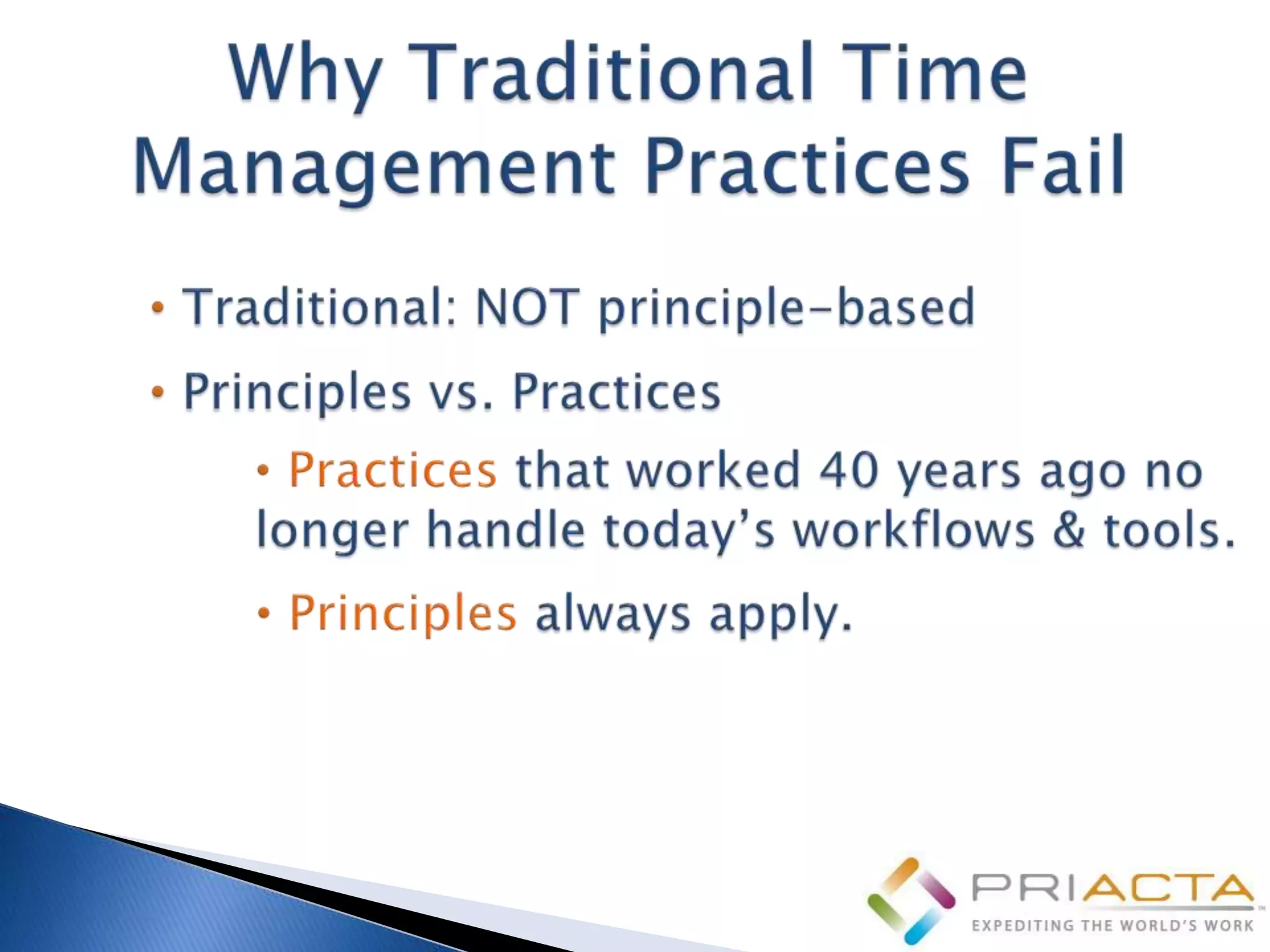
• Practices: Vary. “Just show me how to
work the problem.” (FAIL. One-off
solution, only works for this problem.)
• Principles: Fundamental
truths, packaged for application.
“Gauss’ Law says ... So that means ...”
(WIN. Applies to all E&M problems.)
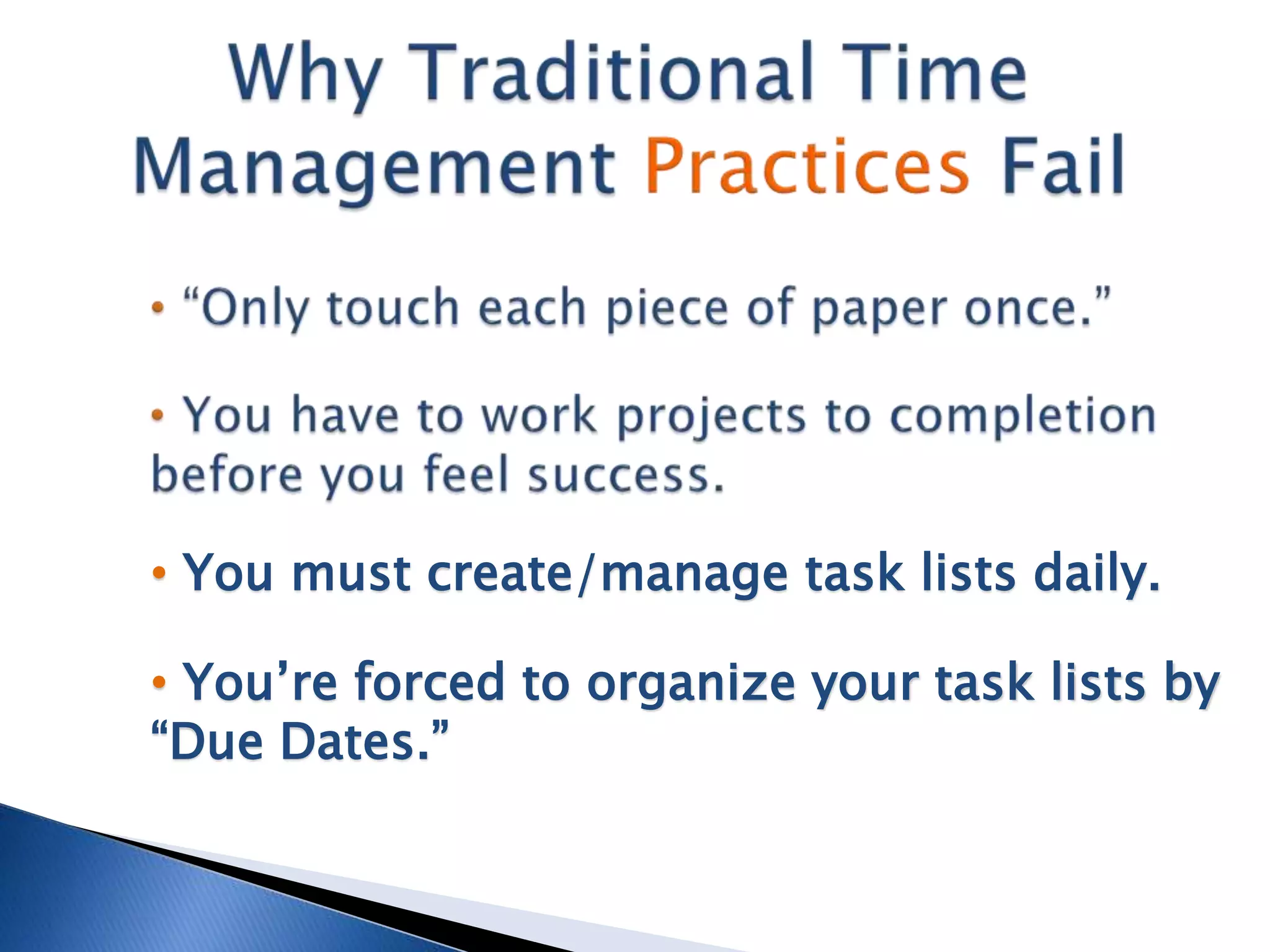
• You must create/manage task lists daily.

• You’re forced to organize your task lists by
“Due Dates.”
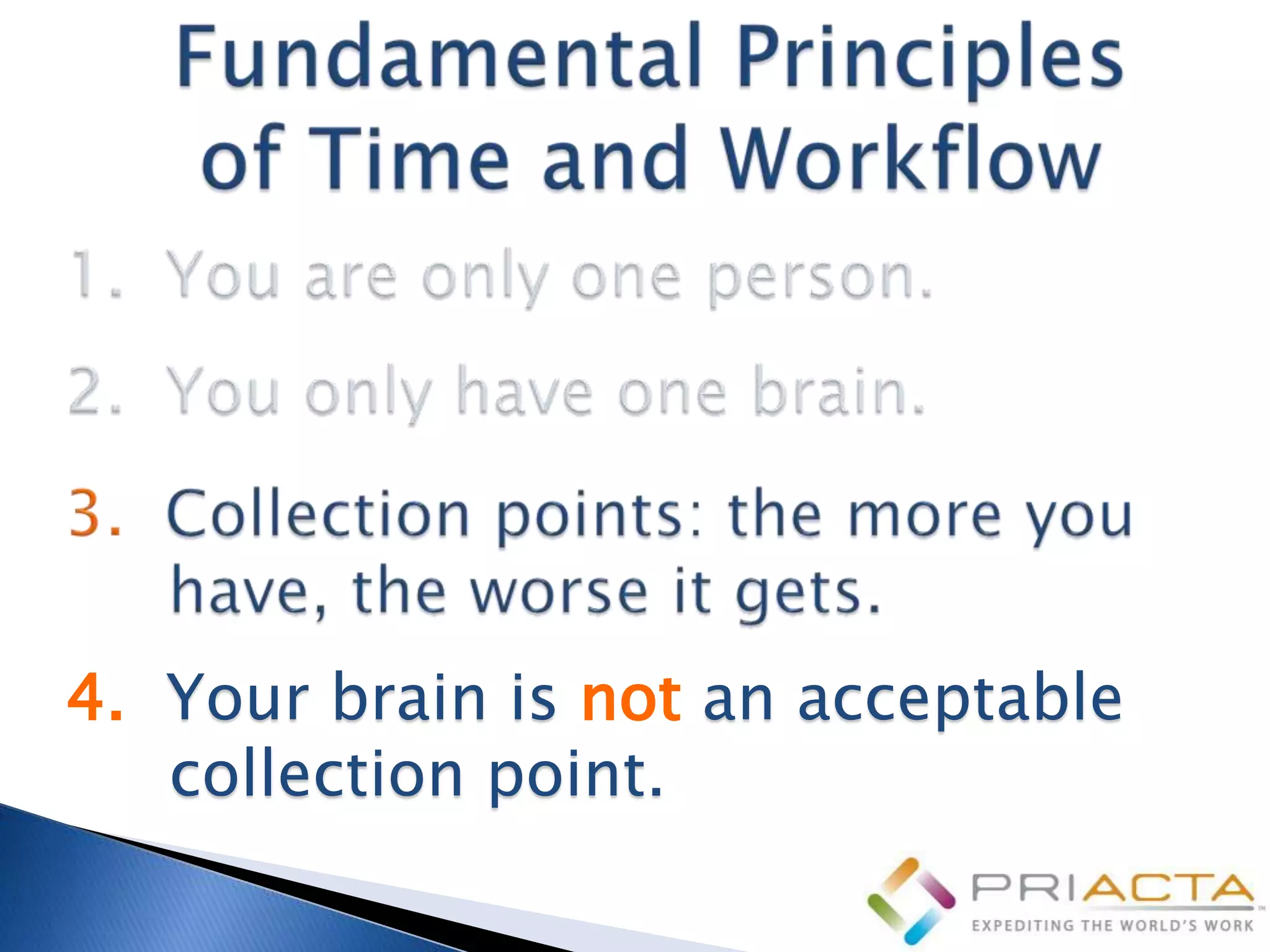
4. Your brain is not an acceptable
   collection point.
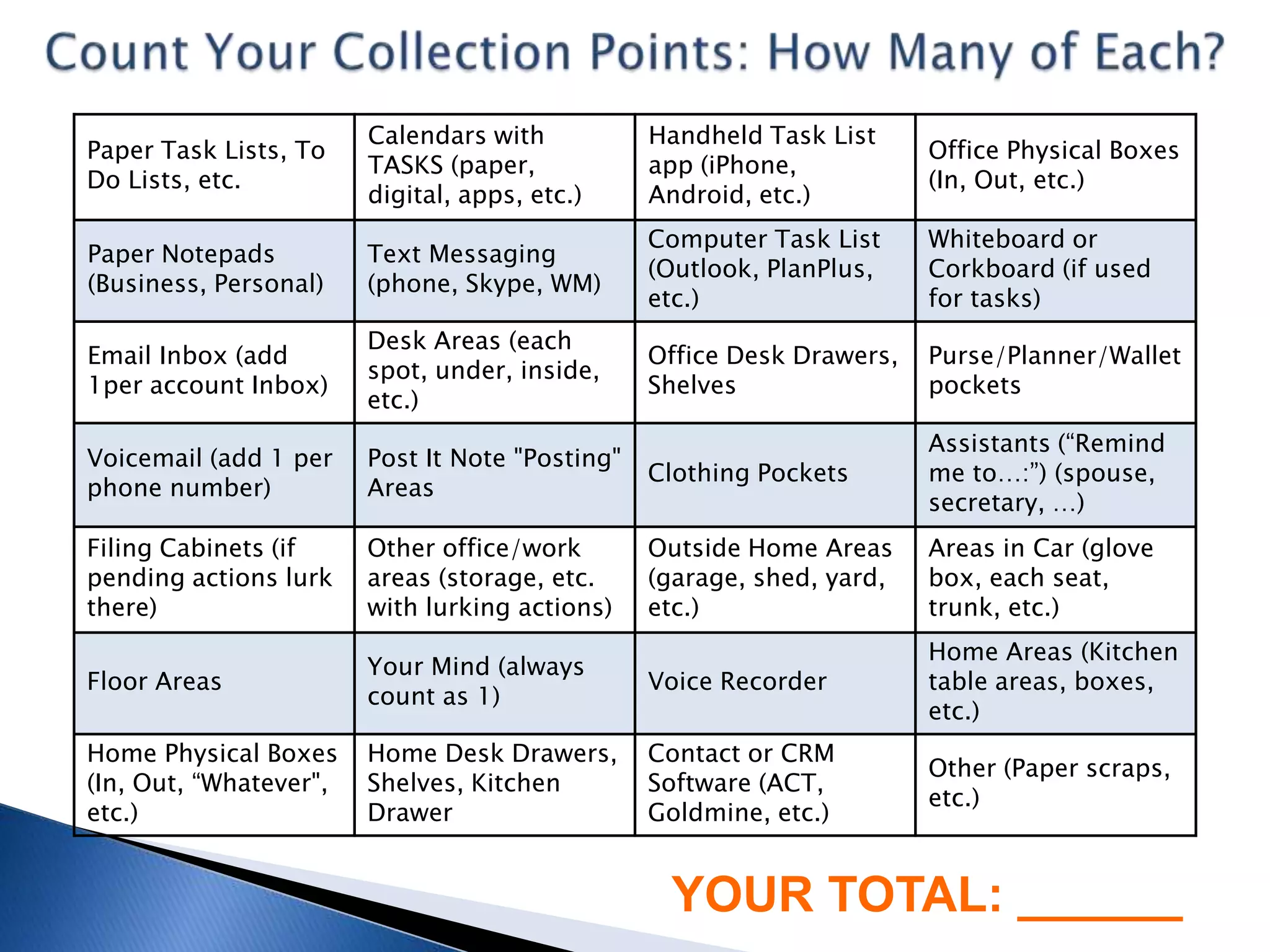
Calendars with           Handheld Task List
Paper Task Lists, To                                                    Office Physical Boxes
                        TASKS (paper,            app (iPhone,
Do Lists, etc.                                                          (In, Out, etc.)
                        digital, apps, etc.)     Android, etc.)
                                                 Computer Task List     Whiteboard or
Paper Notepads          Text Messaging
                                                 (Outlook, PlanPlus,    Corkboard (if used
(Business, Personal)    (phone, Skype, WM)
                                                 etc.)                  for tasks)
                        Desk Areas (each
Email Inbox (add                                 Office Desk Drawers,   Purse/Planner/Wallet
                        spot, under, inside,
1per account Inbox)                              Shelves                pockets
                        etc.)
                                                                        Assistants (“Remind
Voicemail (add 1 per    Post It Note "Posting"
                                                 Clothing Pockets       me to…:”) (spouse,
phone number)           Areas
                                                                        secretary, …)
Filing Cabinets (if     Other office/work        Outside Home Areas     Areas in Car (glove
pending actions lurk    areas (storage, etc.     (garage, shed, yard,   box, each seat,
there)                  with lurking actions)    etc.)                  trunk, etc.)
                                                                        Home Areas (Kitchen
                        Your Mind (always
Floor Areas                                      Voice Recorder         table areas, boxes,
                        count as 1)
                                                                        etc.)
Home Physical Boxes     Home Desk Drawers,       Contact or CRM
                                                                        Other (Paper scraps,
(In, Out, “Whatever",   Shelves, Kitchen         Software (ACT,
                                                                        etc.)
etc.)                   Drawer                   Goldmine, etc.)


                                                  YOUR TOTAL: ______
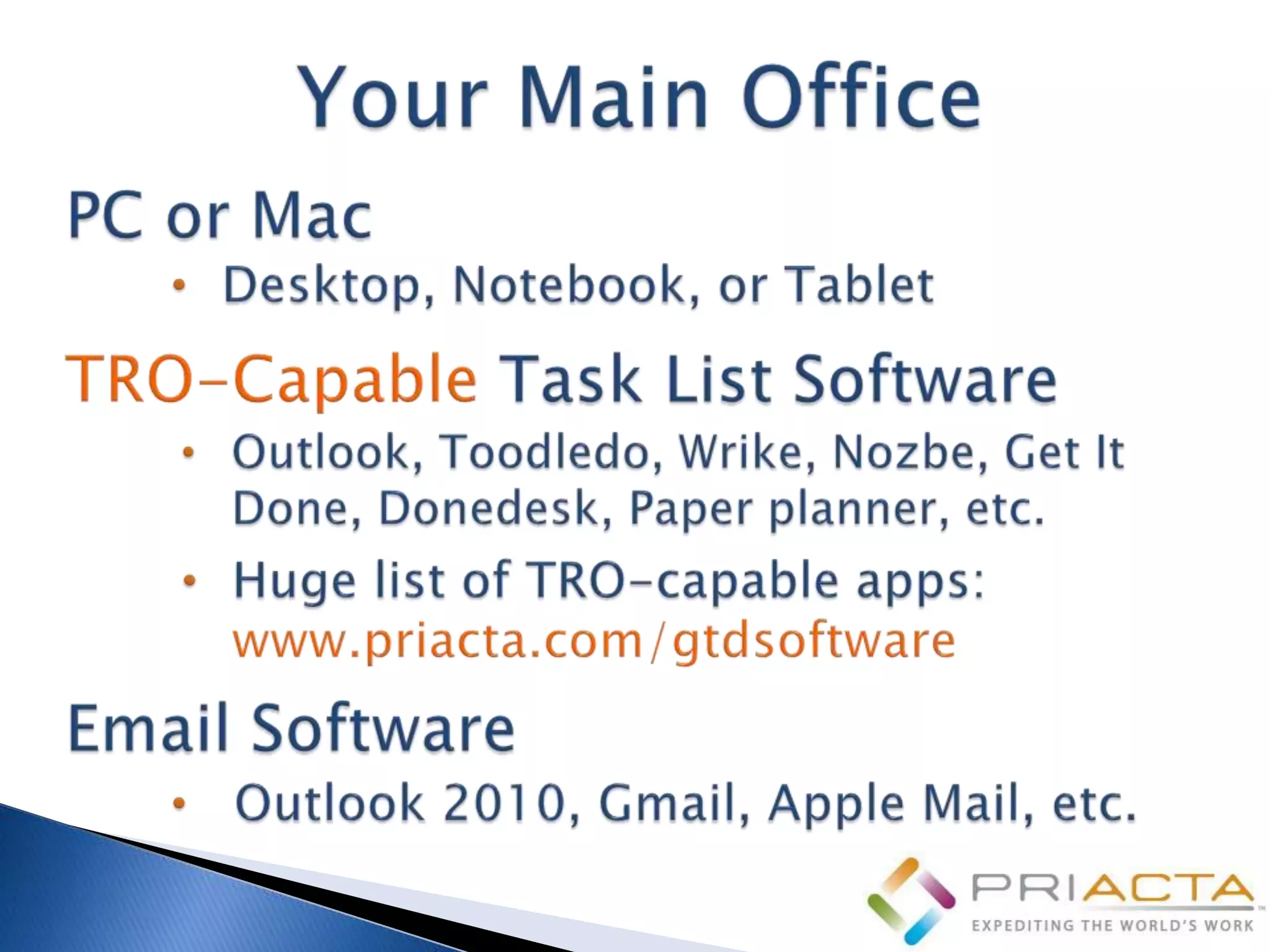
• Complete list in TRO Online
  Training Lesson
  “Preparation: Gather or Buy”
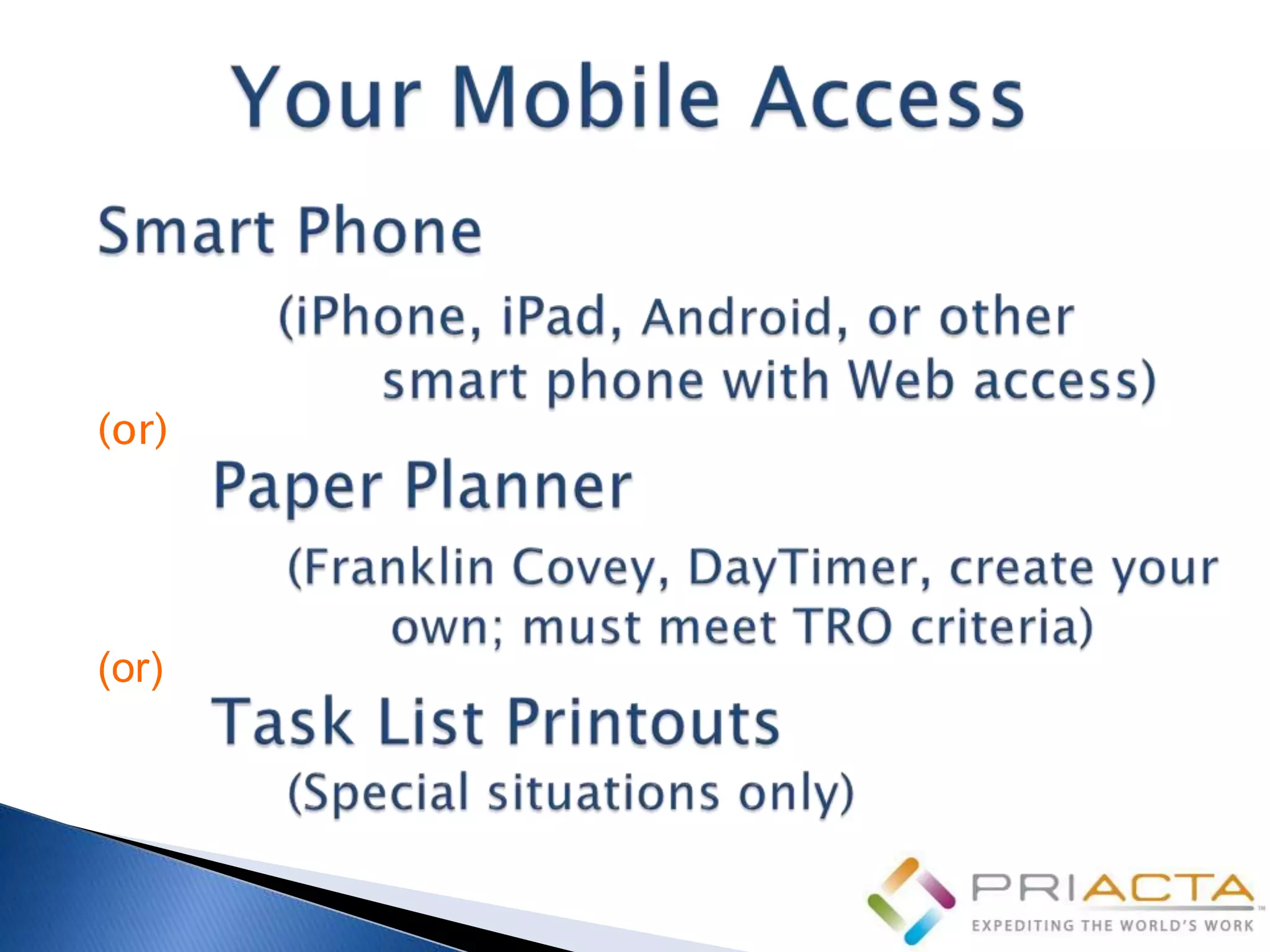
(or)


(or)
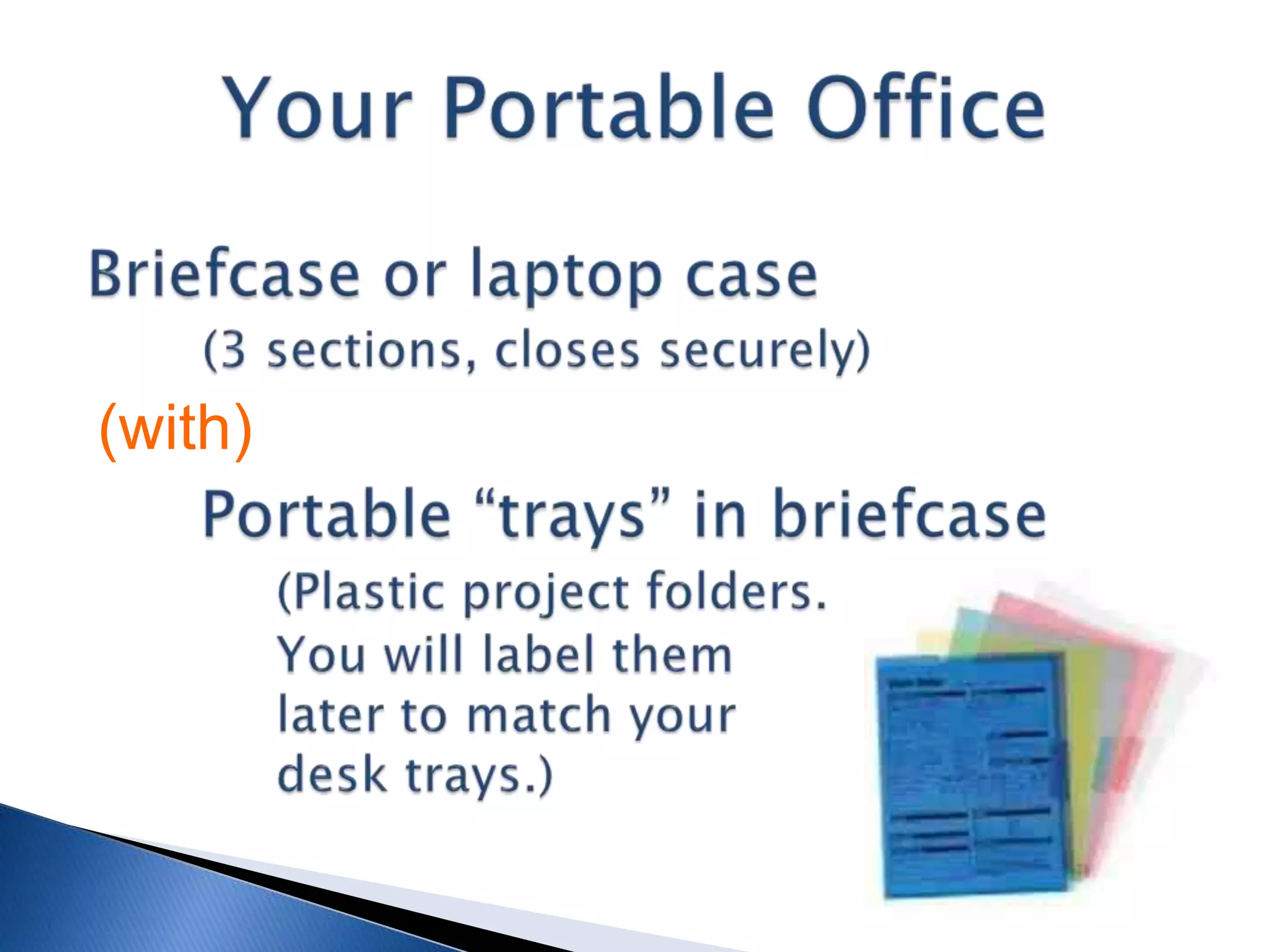
(with)
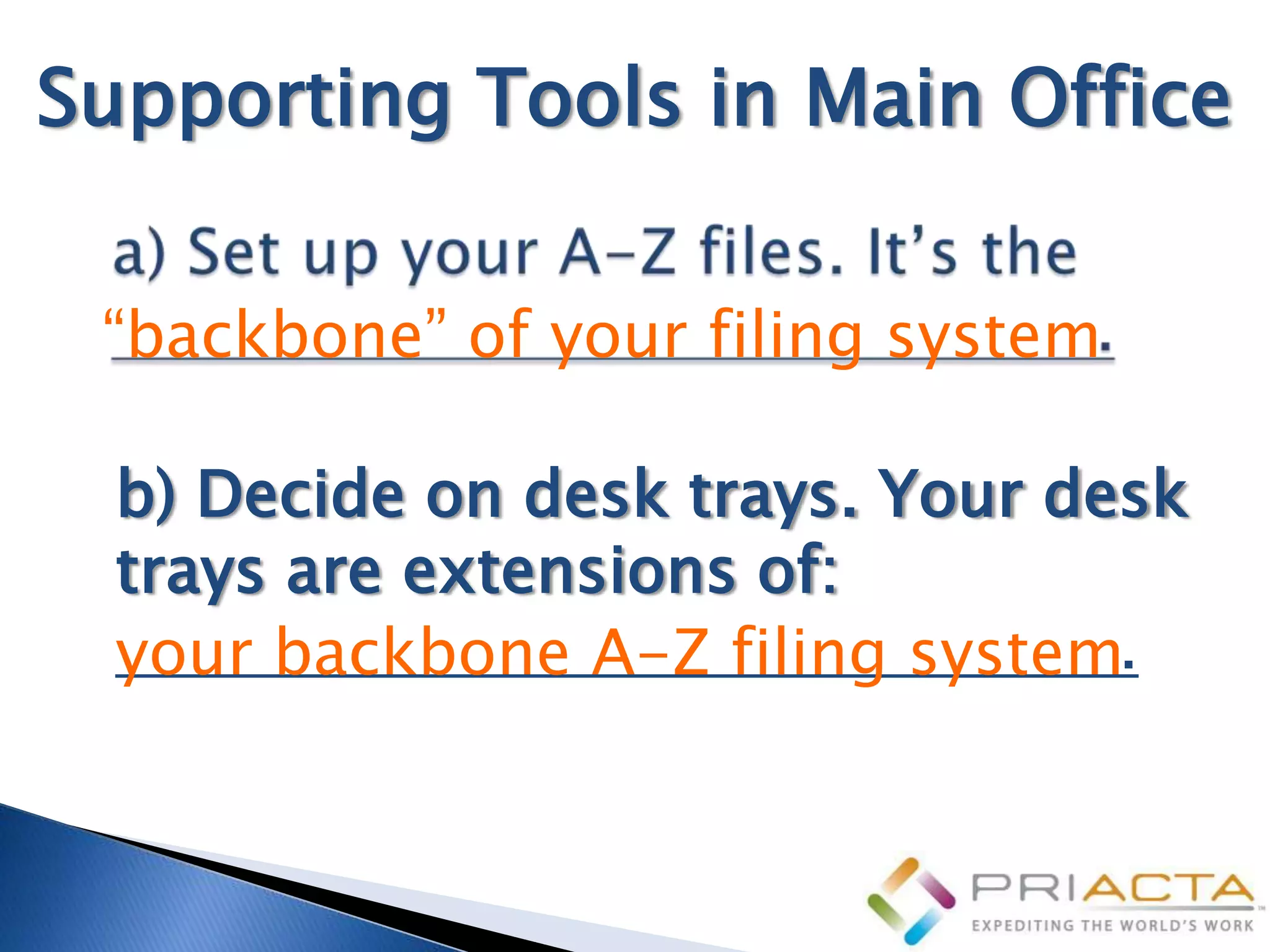
Supporting Tools in Main Office

 “backbone” of your filing system

  b) Decide on desk trays. Your desk
  trays are extensions of:
  your backbone A-Z filing system.
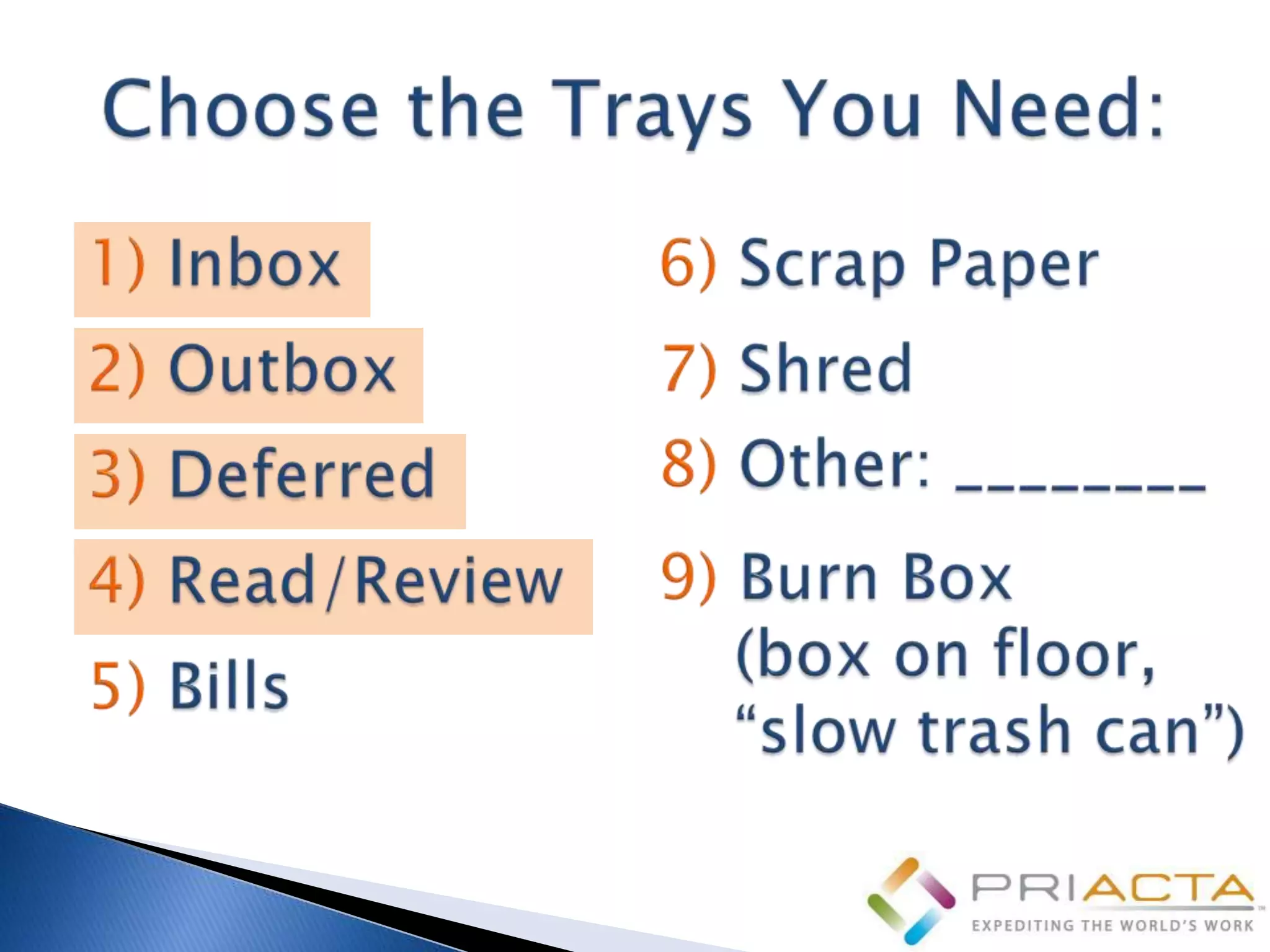
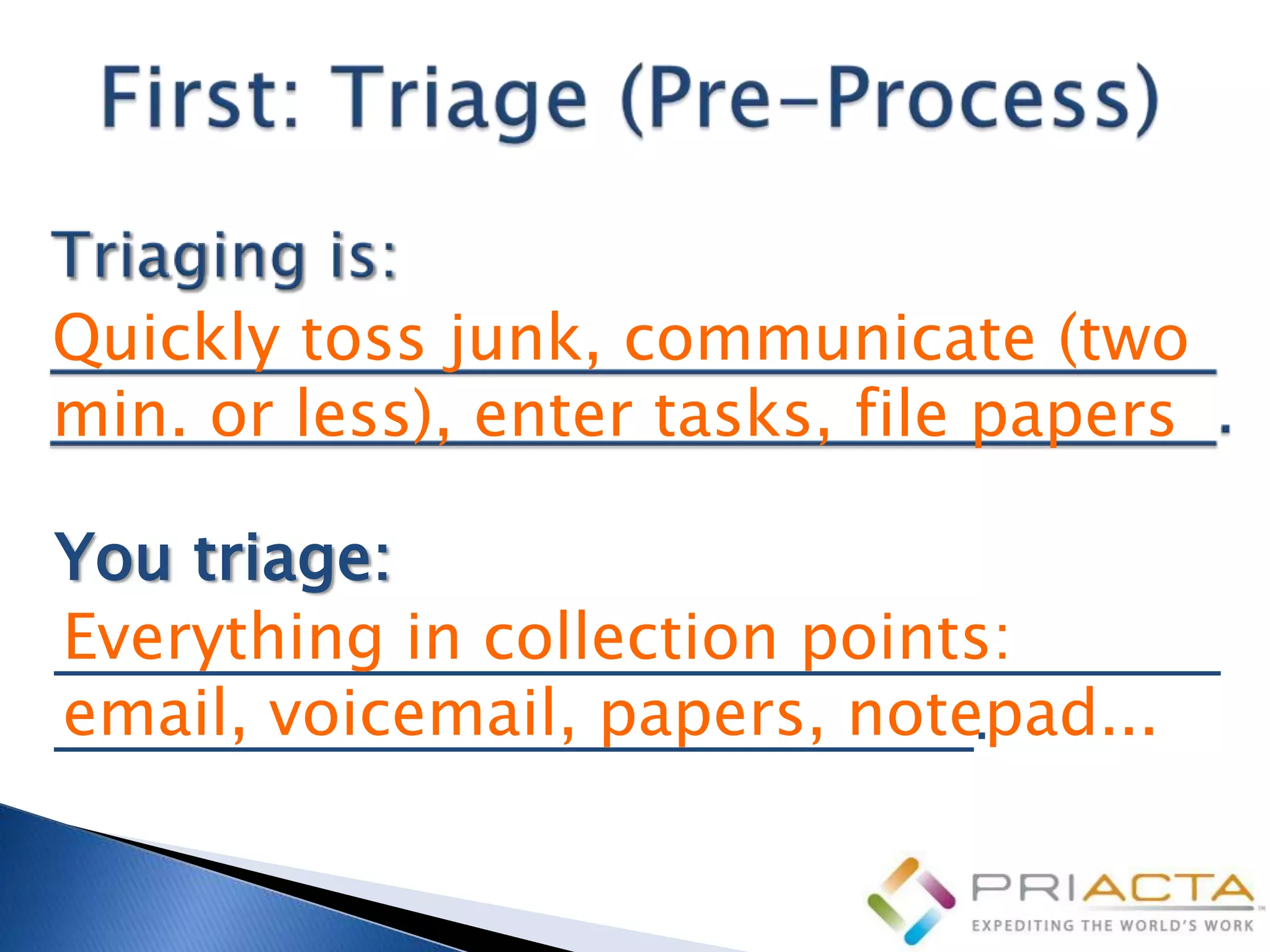
Quickly toss junk, communicate (two
min. or less), enter tasks, file papers

You triage:
Everything in collection points:
_________________________________
email, voicemail, papers, notepad...
__________________________.
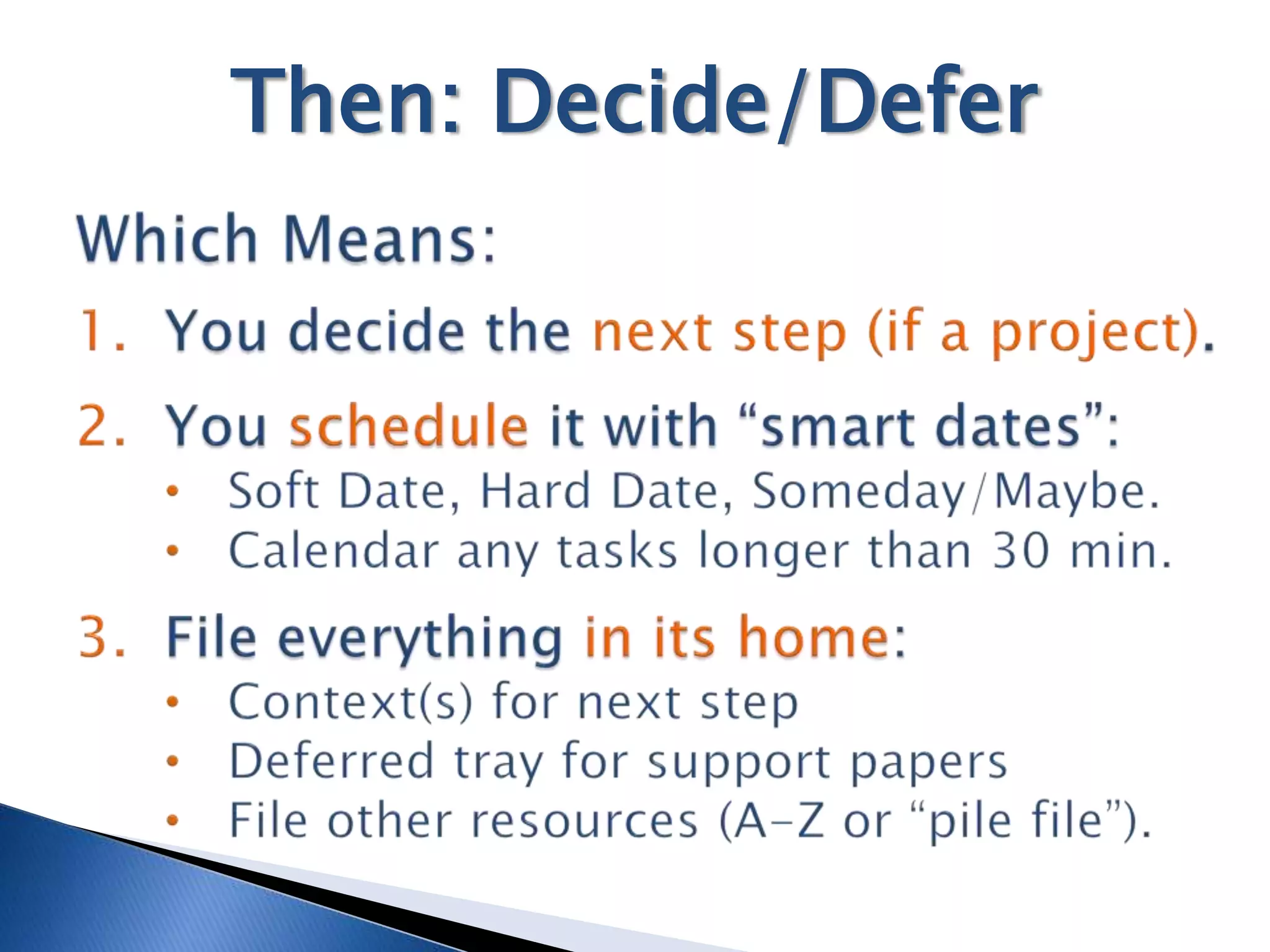
Then: Decide/Defer
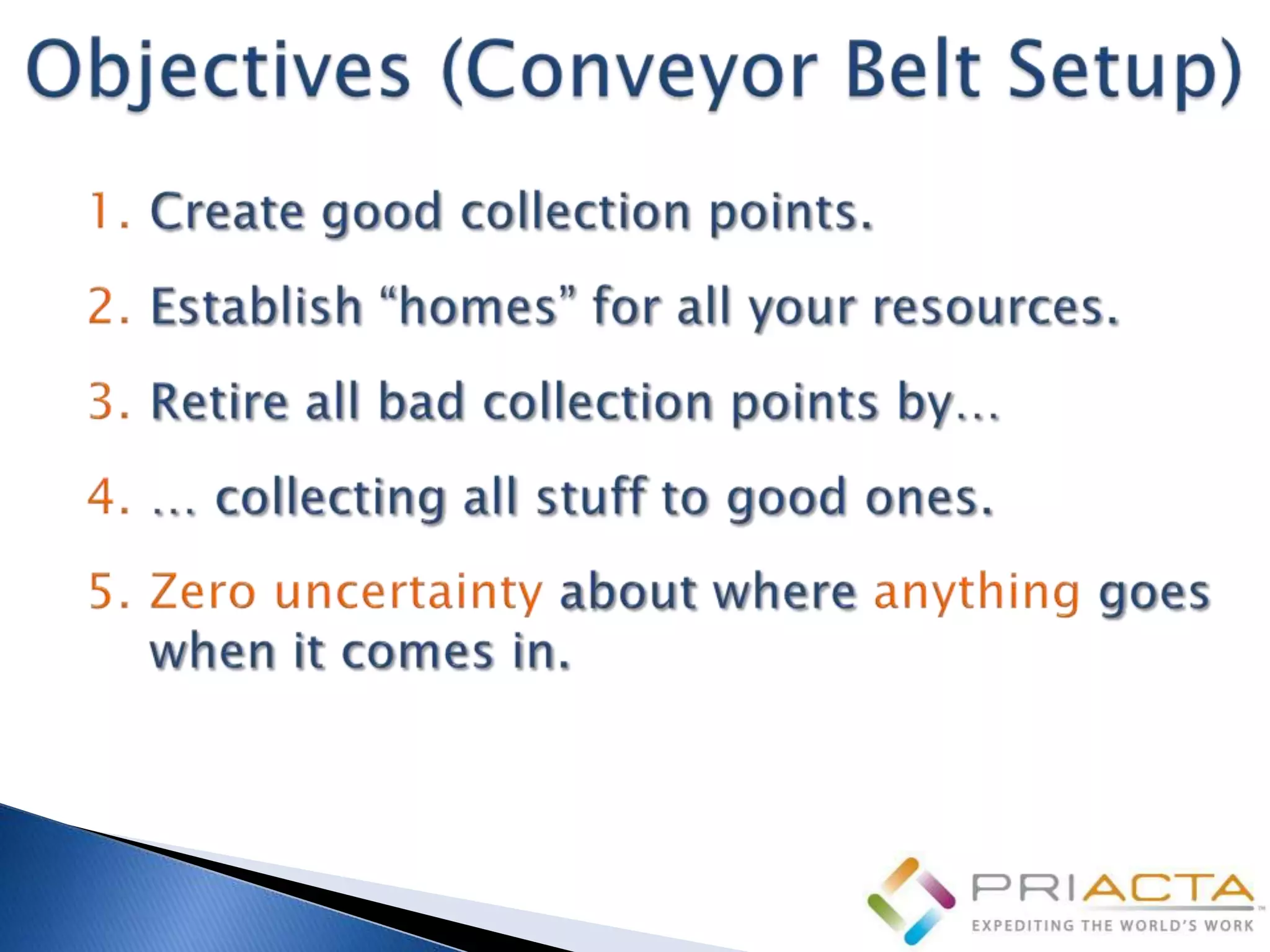
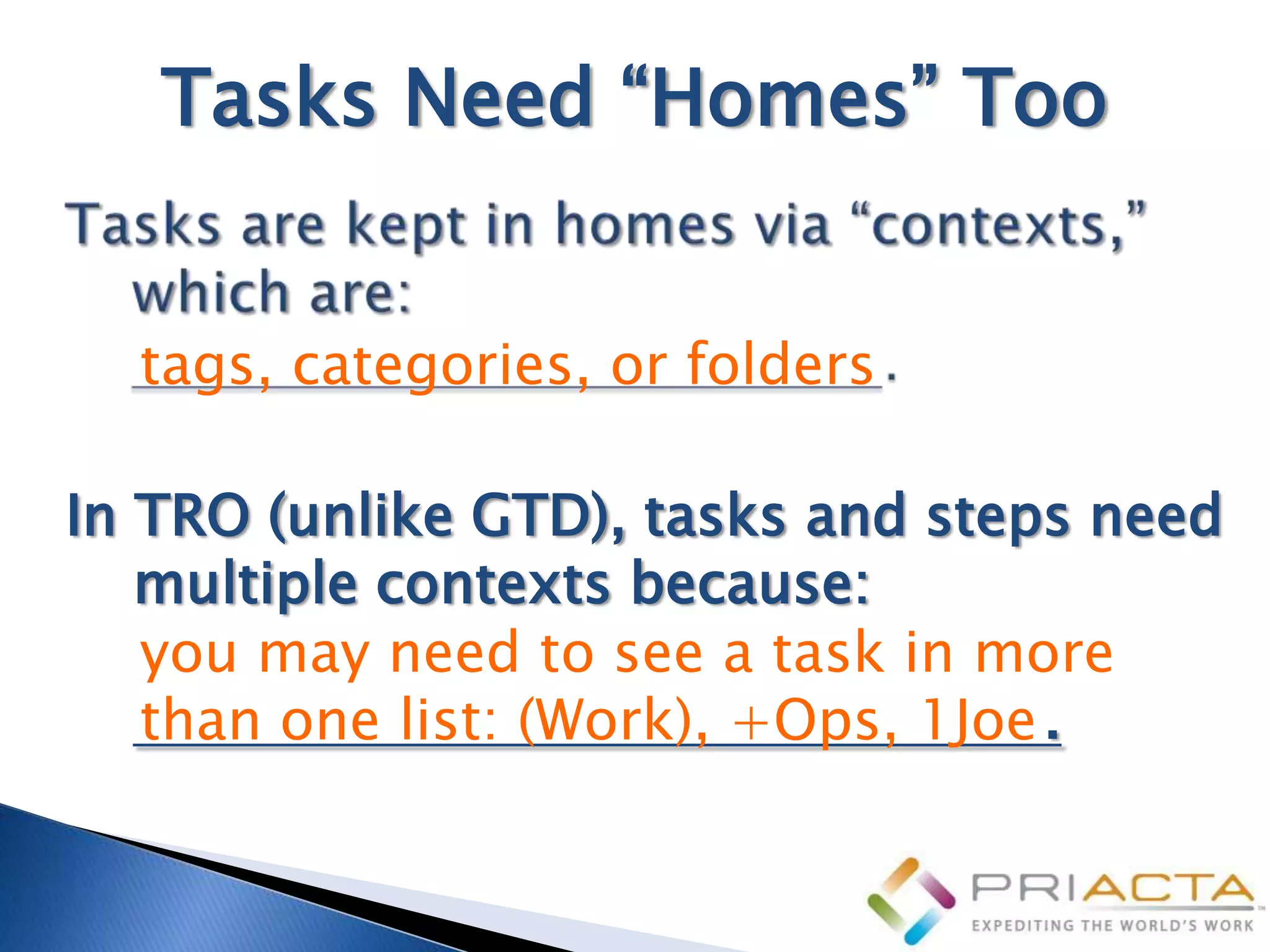
Tasks Need “Homes” Too


  tags, categories, or folders

In TRO (unlike GTD), tasks and steps need
   multiple contexts because:
   you may need to see a task in more
   than one list: (Work), +Ops, 1Joe .
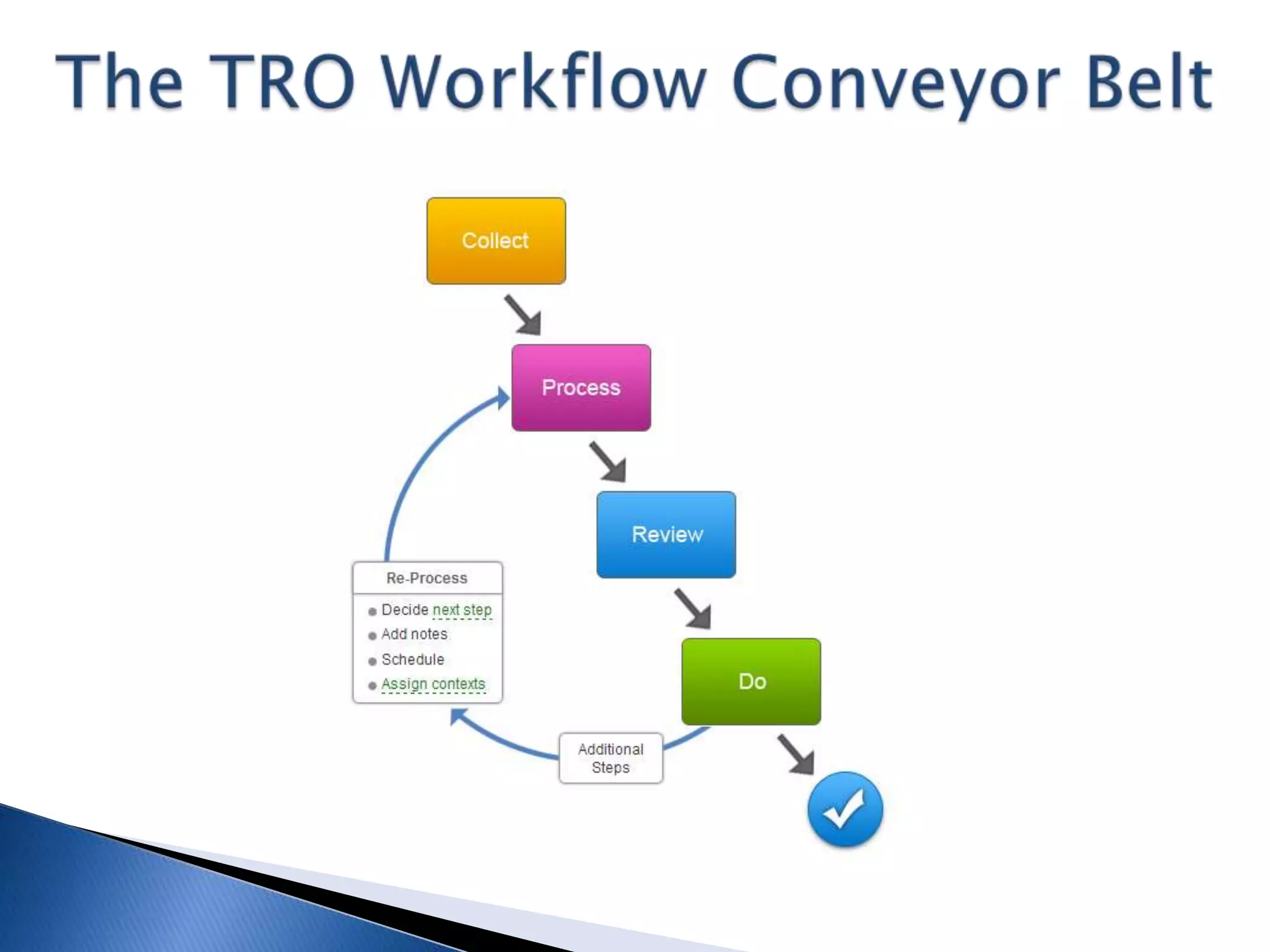
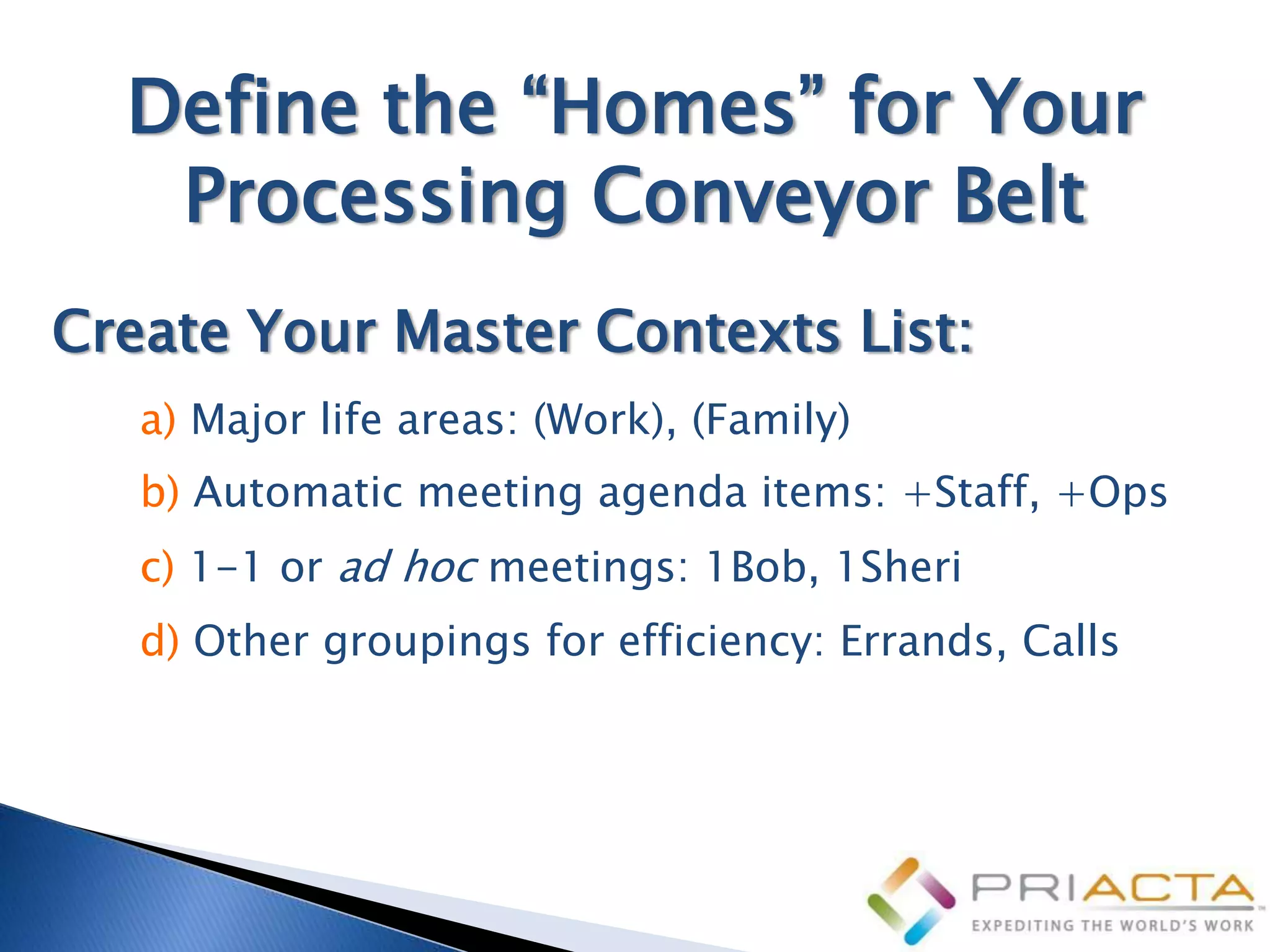
Define the “Homes” for Your
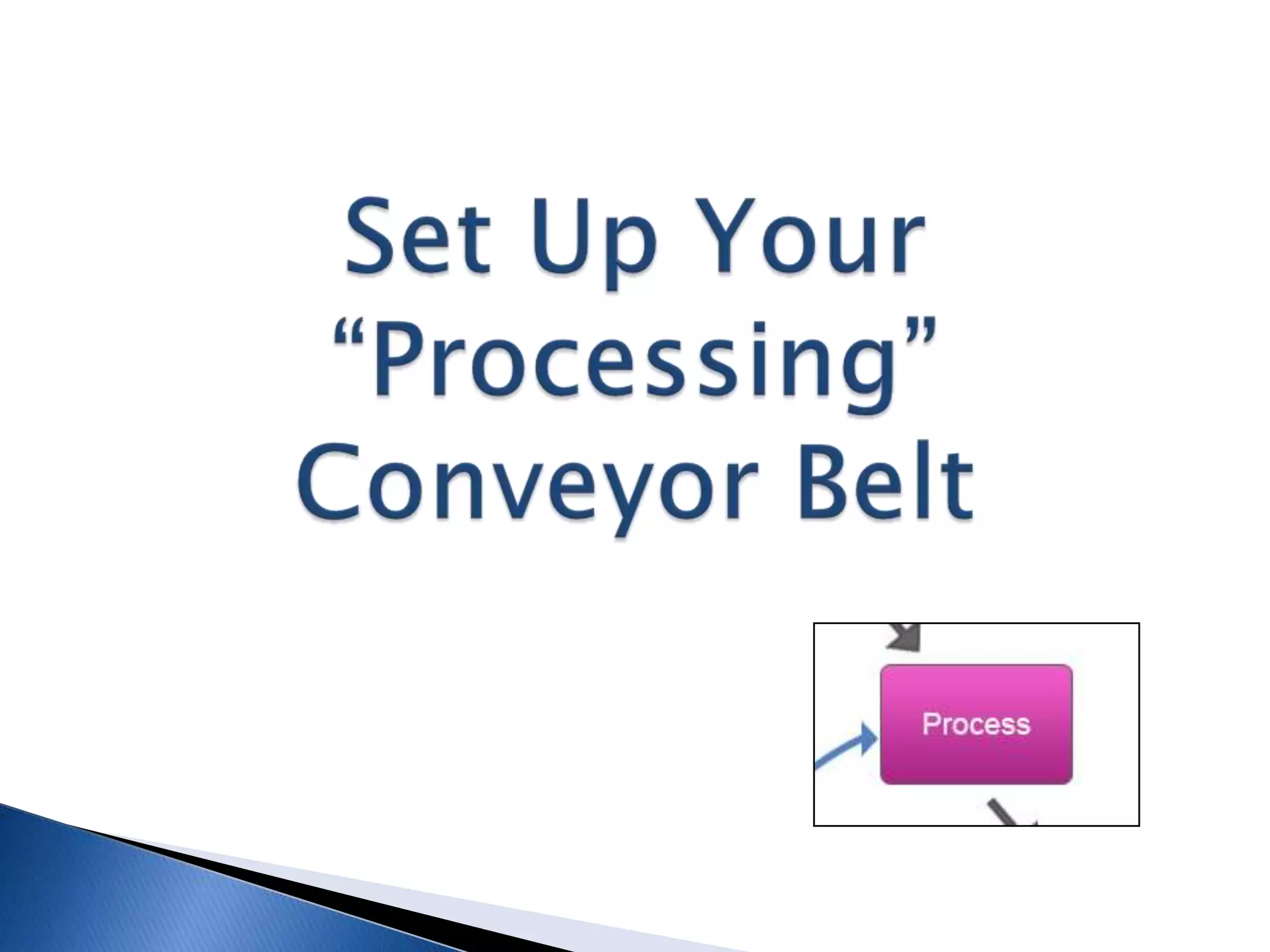
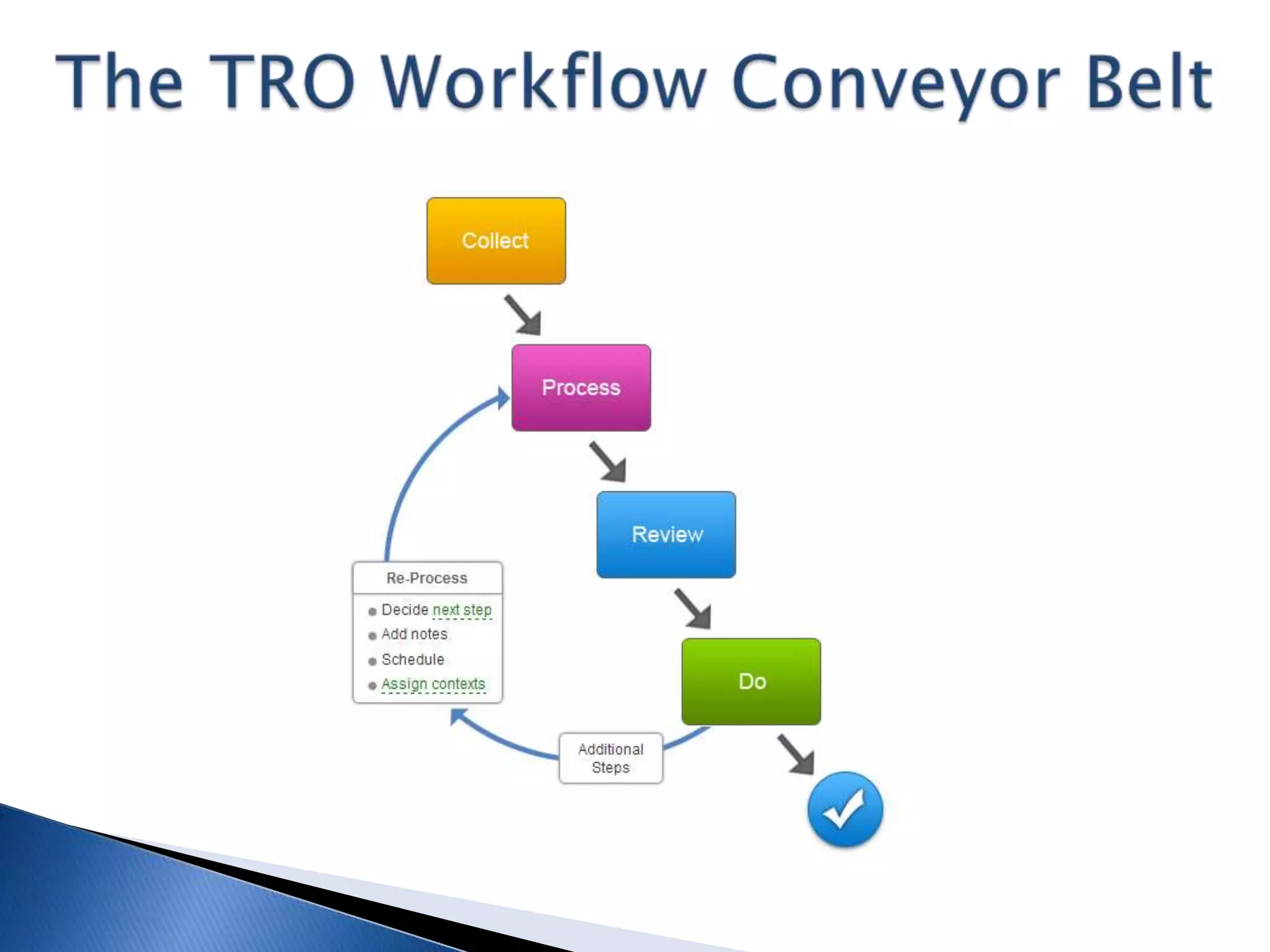
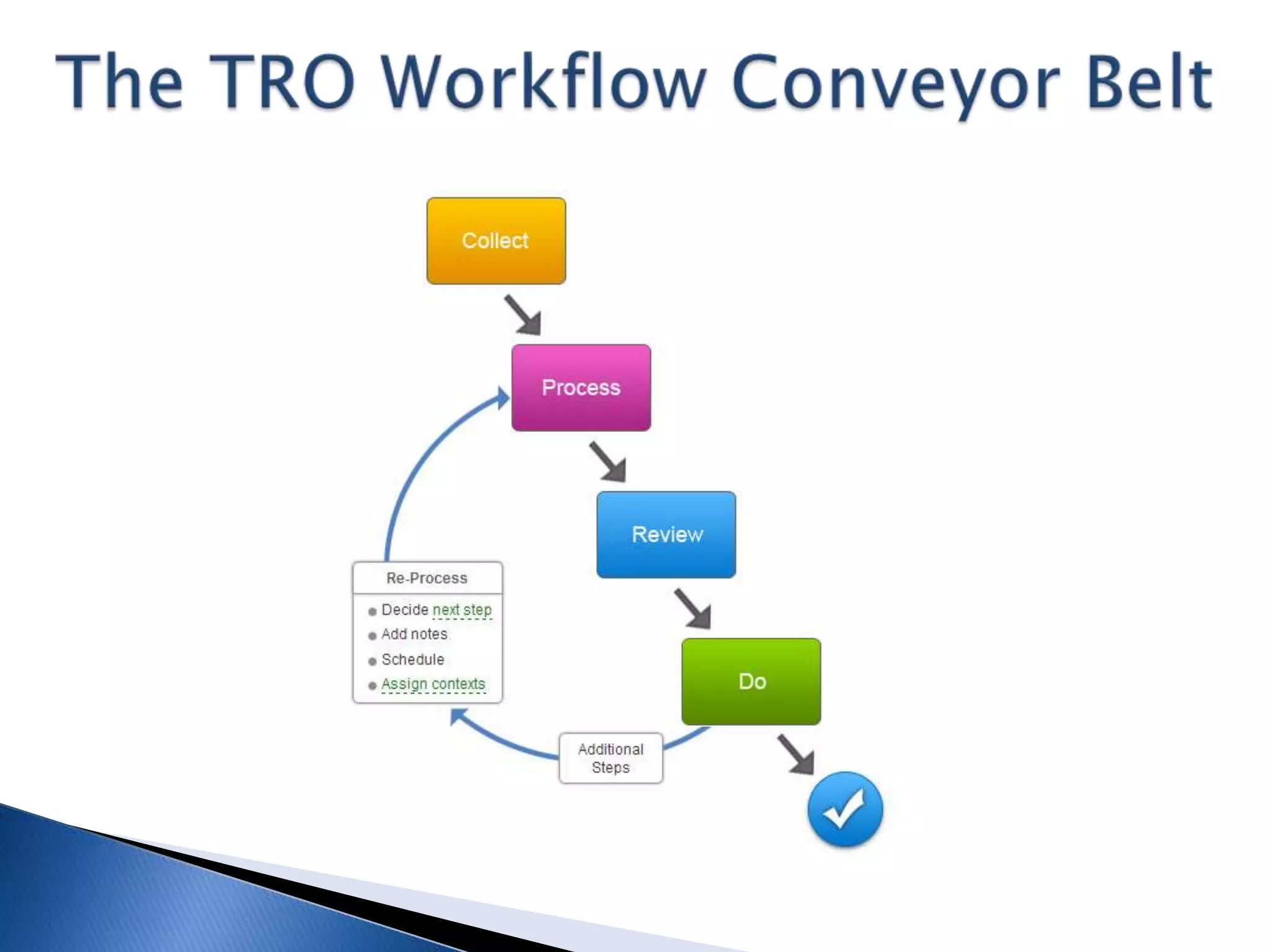
   Processing Conveyor Belt
Create Your Master Contexts List:
   a) Major life areas: (Work), (Family)
   b) Automatic meeting agenda items: +Staff, +Ops
   c) 1-1 or ad hoc meetings: 1Bob, 1Sheri
   d) Other groupings for efficiency: Errands, Calls
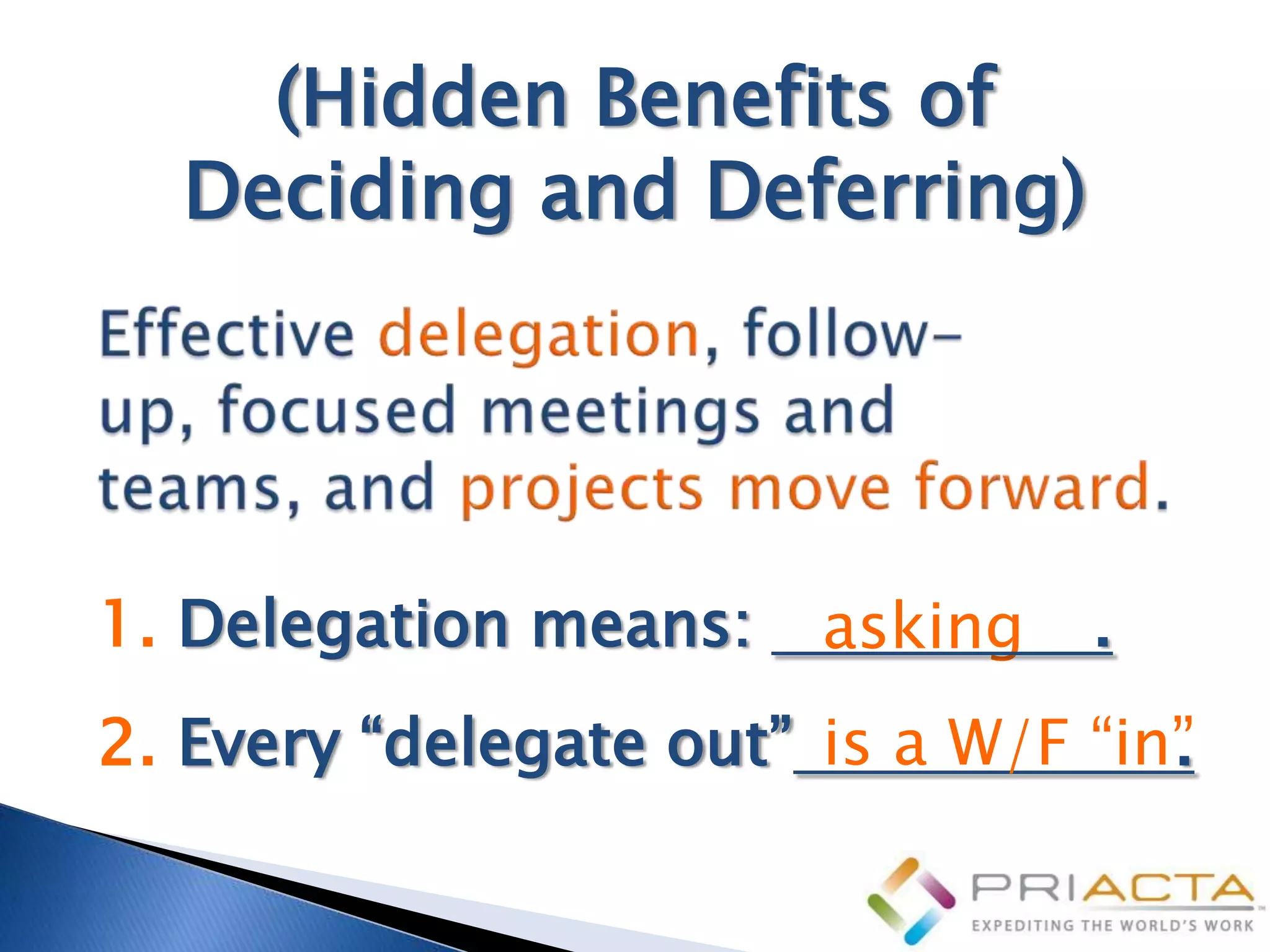
(Hidden Benefits of
  Deciding and Deferring)


1. Delegation means:    asking   .
2. Every “delegate out” is a W/F “in”
                                    .
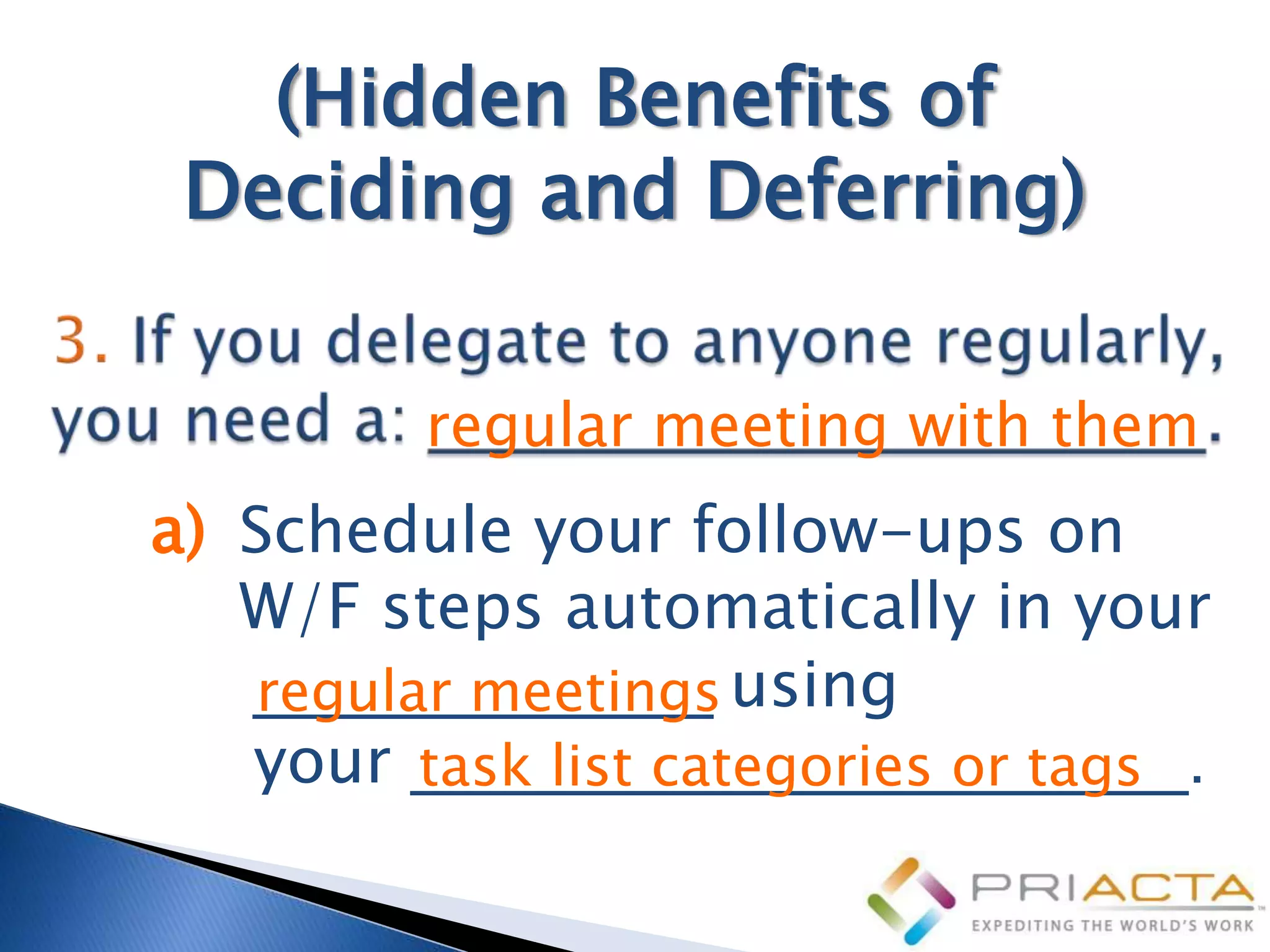
(Hidden Benefits of
 Deciding and Deferring)
         regular meeting with them
a) Schedule your follow-ups on
   W/F steps automatically in your
   _____________ using
   regular meetings
   your ______________________.
         task list categories or tags
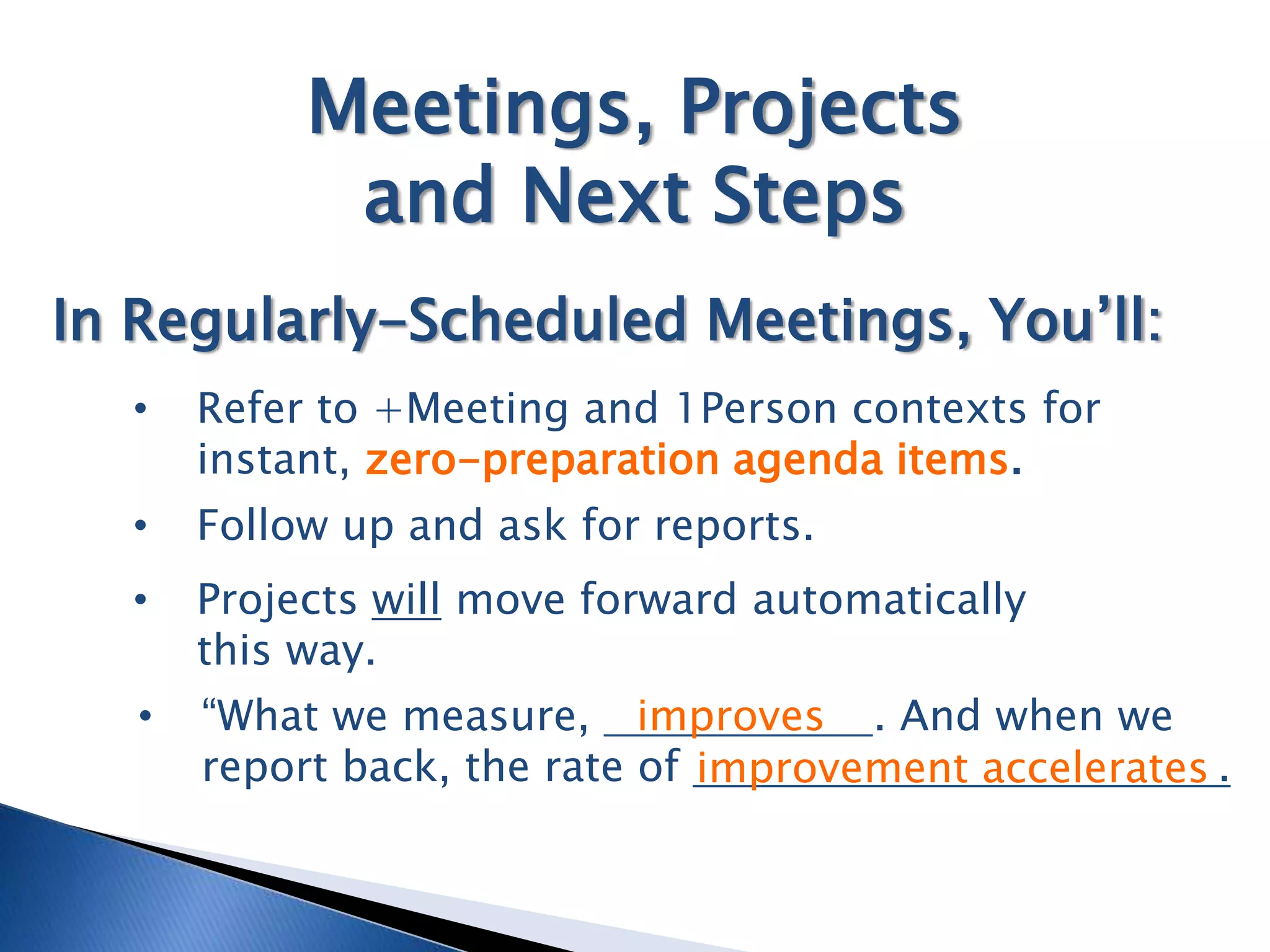
Meetings, Projects
             and Next Steps
In Regularly-Scheduled Meetings, You’ll:
  •    Refer to +Meeting and 1Person contexts for
       instant, zero-preparation agenda items.
  •    Follow up and ask for reports.
  •    Projects will move forward automatically
       this way.
   •   “What we measure, improves . And when we
       report back, the rate of improvement accelerates .
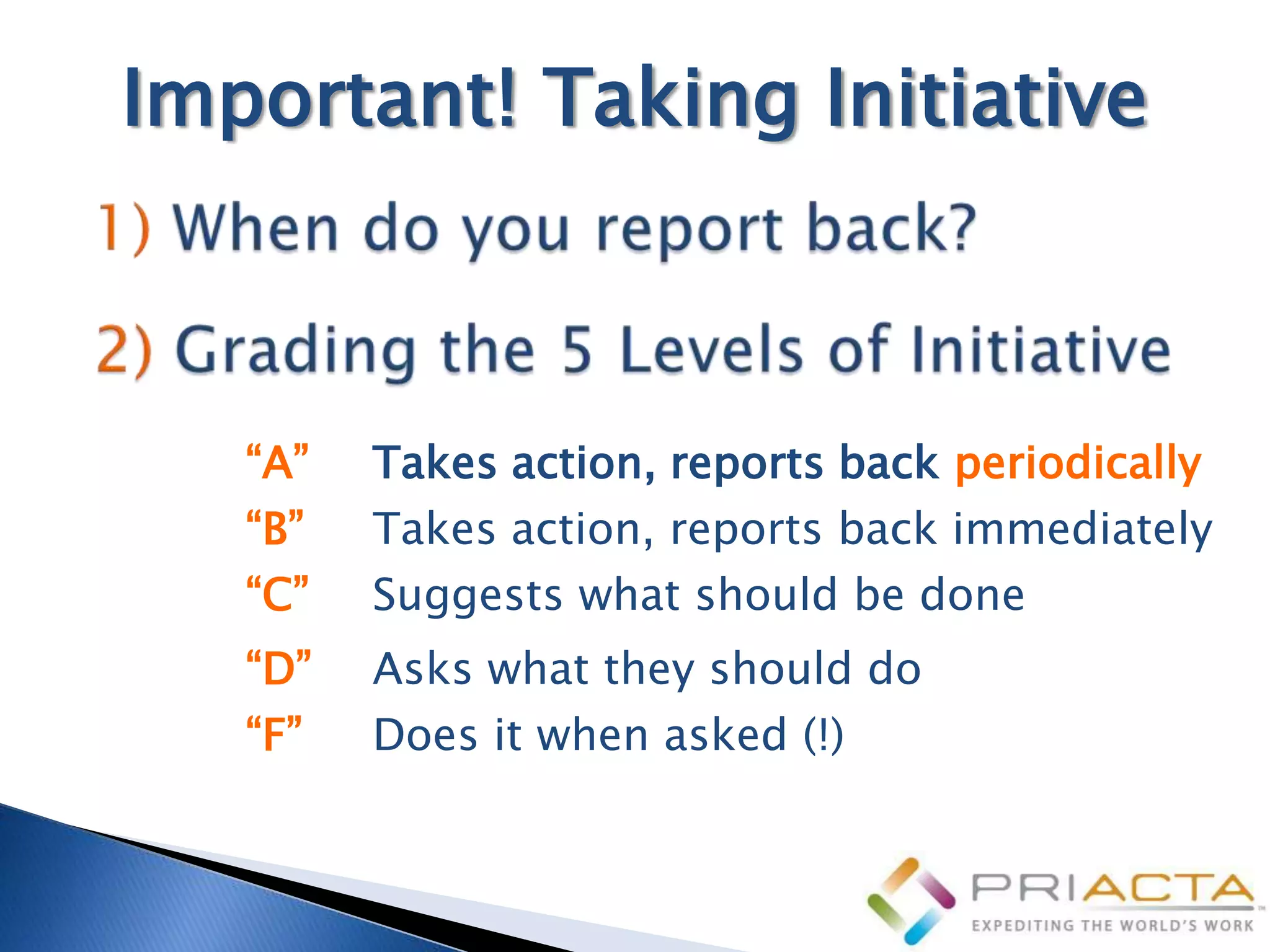
Important! Taking Initiative


   “A”   Takes action, reports back periodically
   “B”   Takes action, reports back immediately
   “C”   Suggests what should be done
   “D”   Asks what they should do
   “F”   Does it when asked (!)
Projects: Decide/Defer
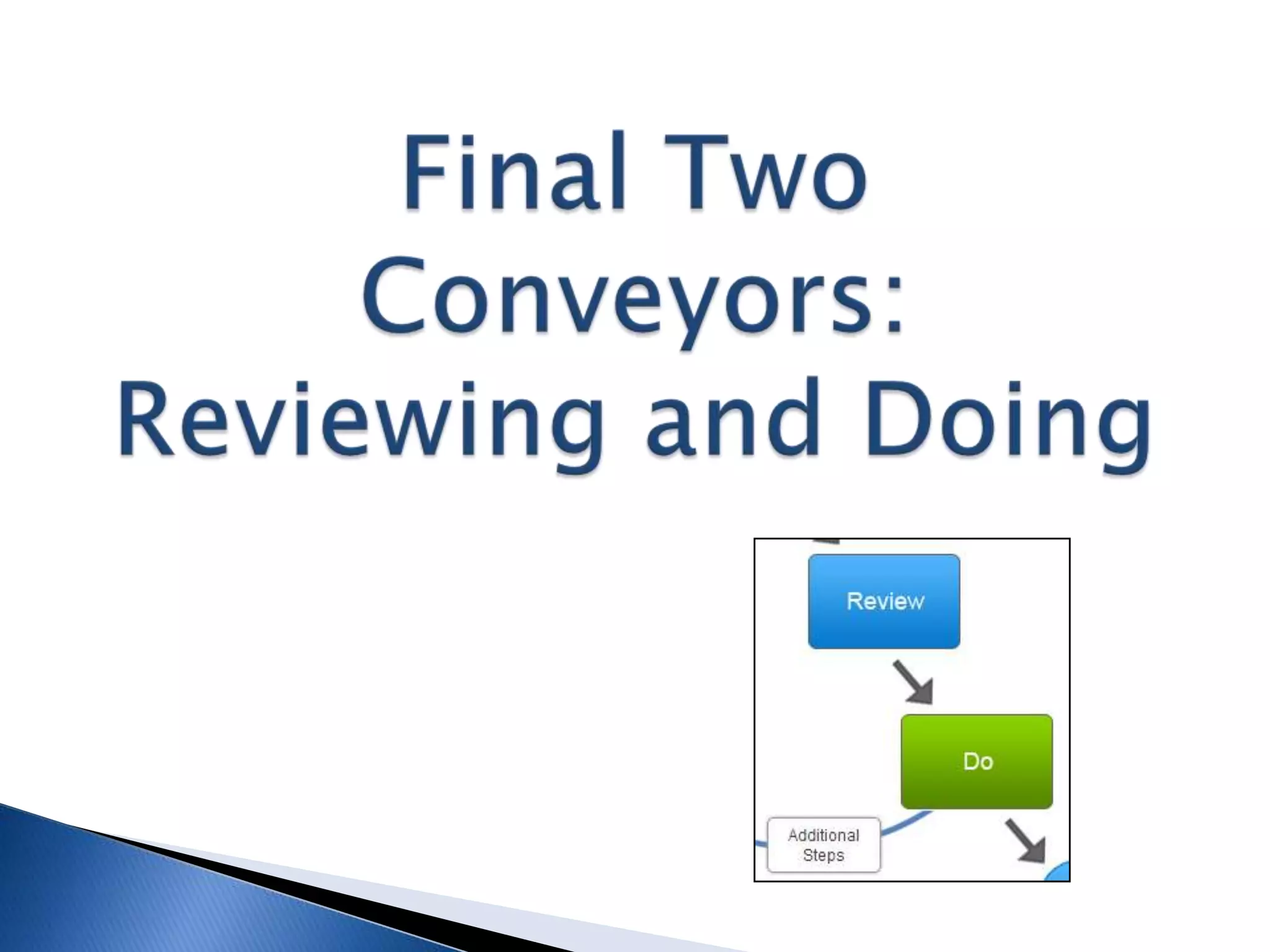
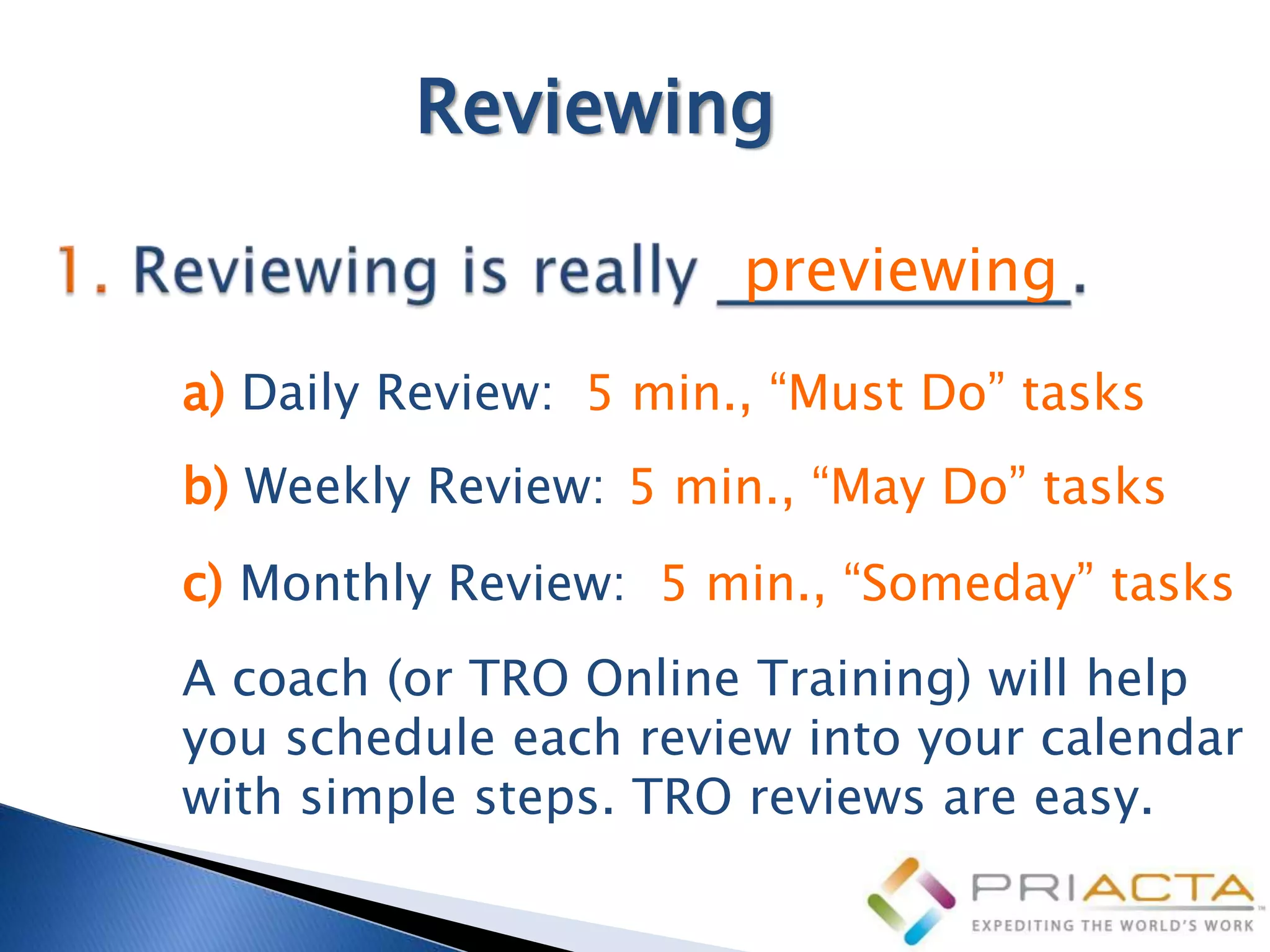
Reviewing

                       previewing
a) Daily Review: 5 min., “Must Do” tasks
b) Weekly Review: 5 min., “May Do” tasks
c) Monthly Review: 5 min., “Someday” tasks
A coach (or TRO Online Training) will help
you schedule each review into your calendar
with simple steps. TRO reviews are easy.
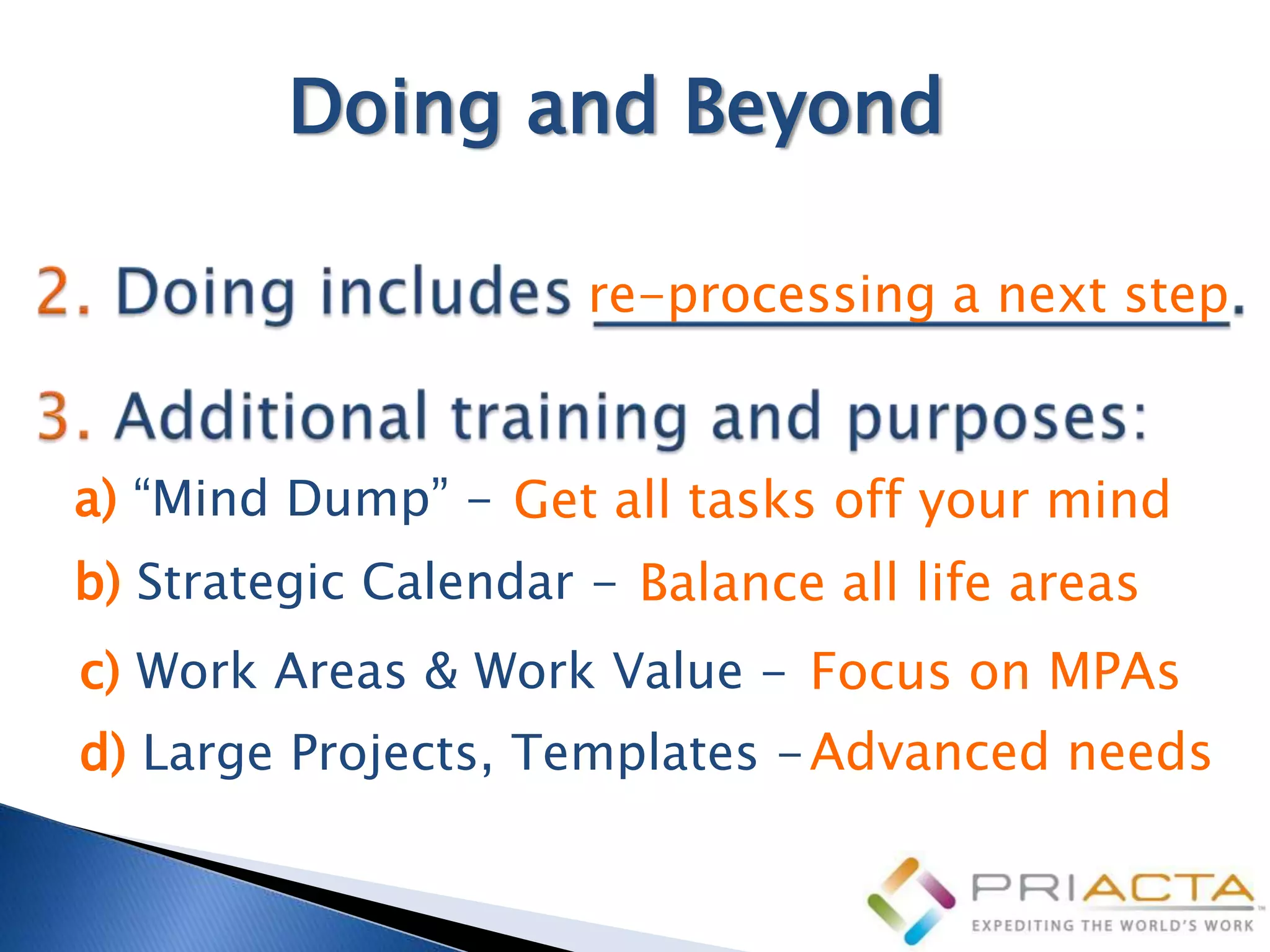
Doing and Beyond

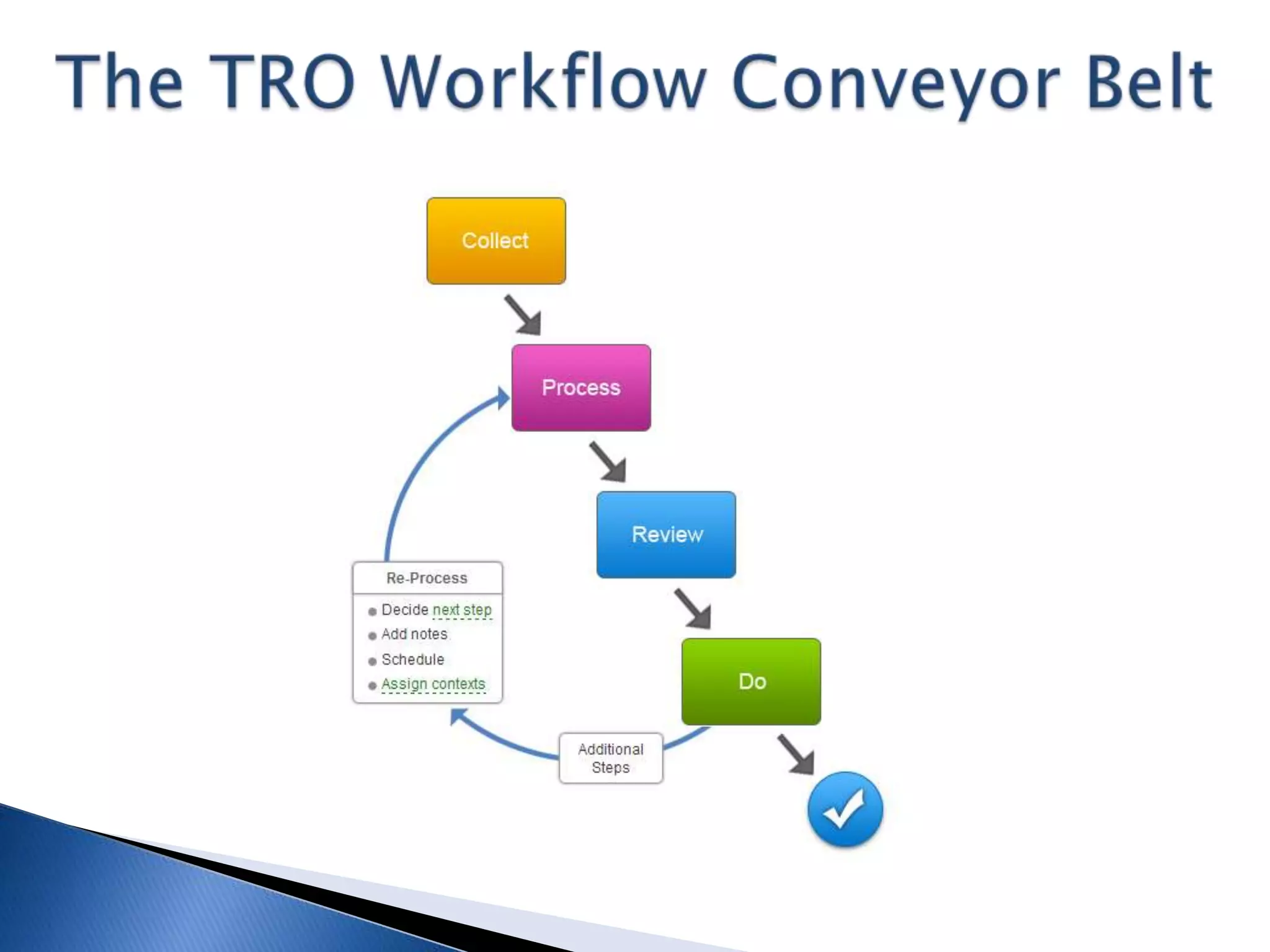
                      re-processing a next step


a) “Mind Dump” - Get all tasks off your mind
b) Strategic Calendar - Balance all life areas
c) Work Areas & Work Value - Focus on MPAs
d) Large Projects, Templates - Advanced needs
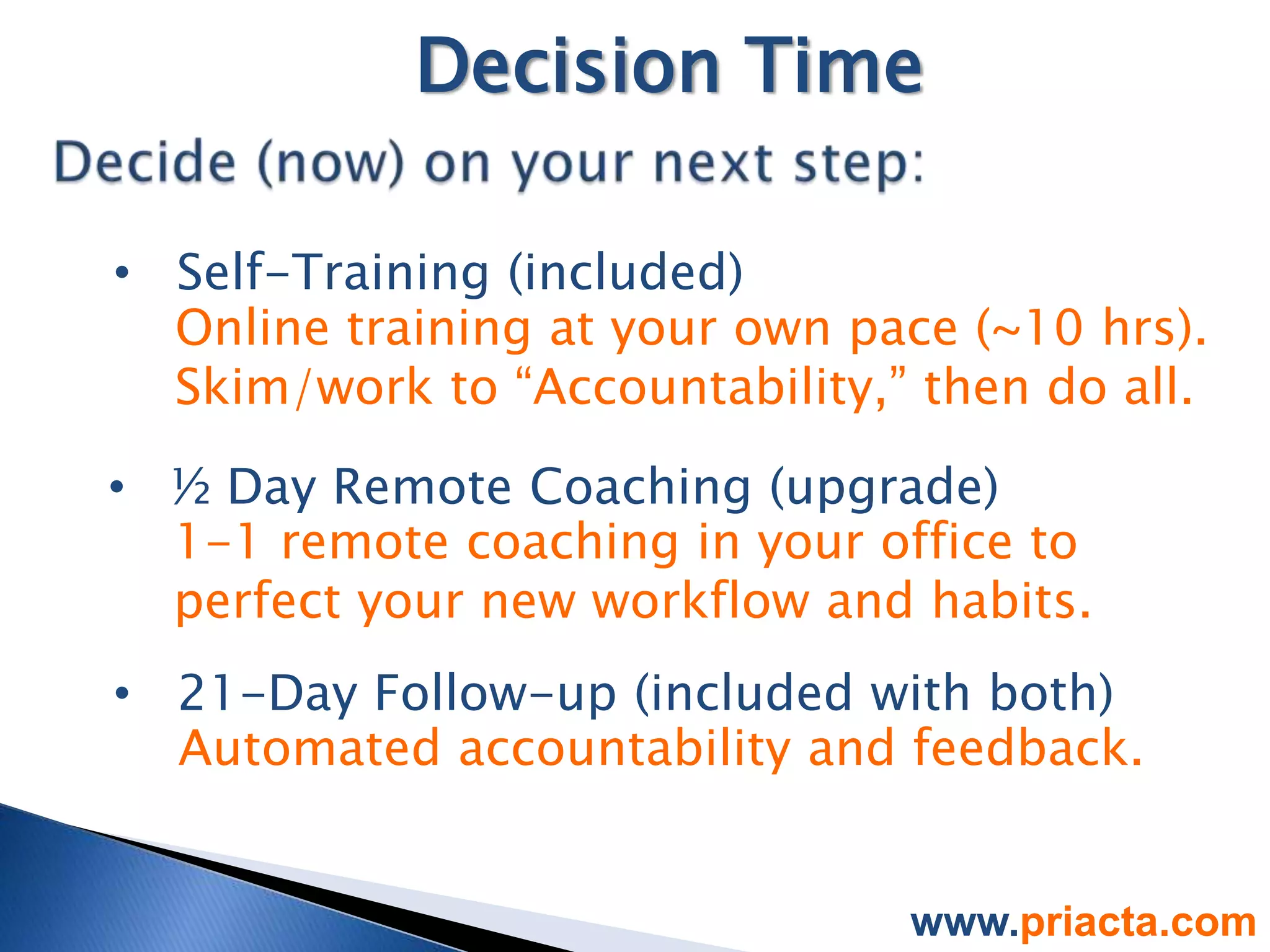
Decision Time

• Self-Training (included)
  Online training at your own pace (~10 hrs).
  Skim/work to “Accountability,” then do all.

• ½ Day Remote Coaching (upgrade)
  1-1 remote coaching in your office to
  perfect your new workflow and habits.
• 21-Day Follow-up (included with both)
  Automated accountability and feedback.


                                www.priacta.com
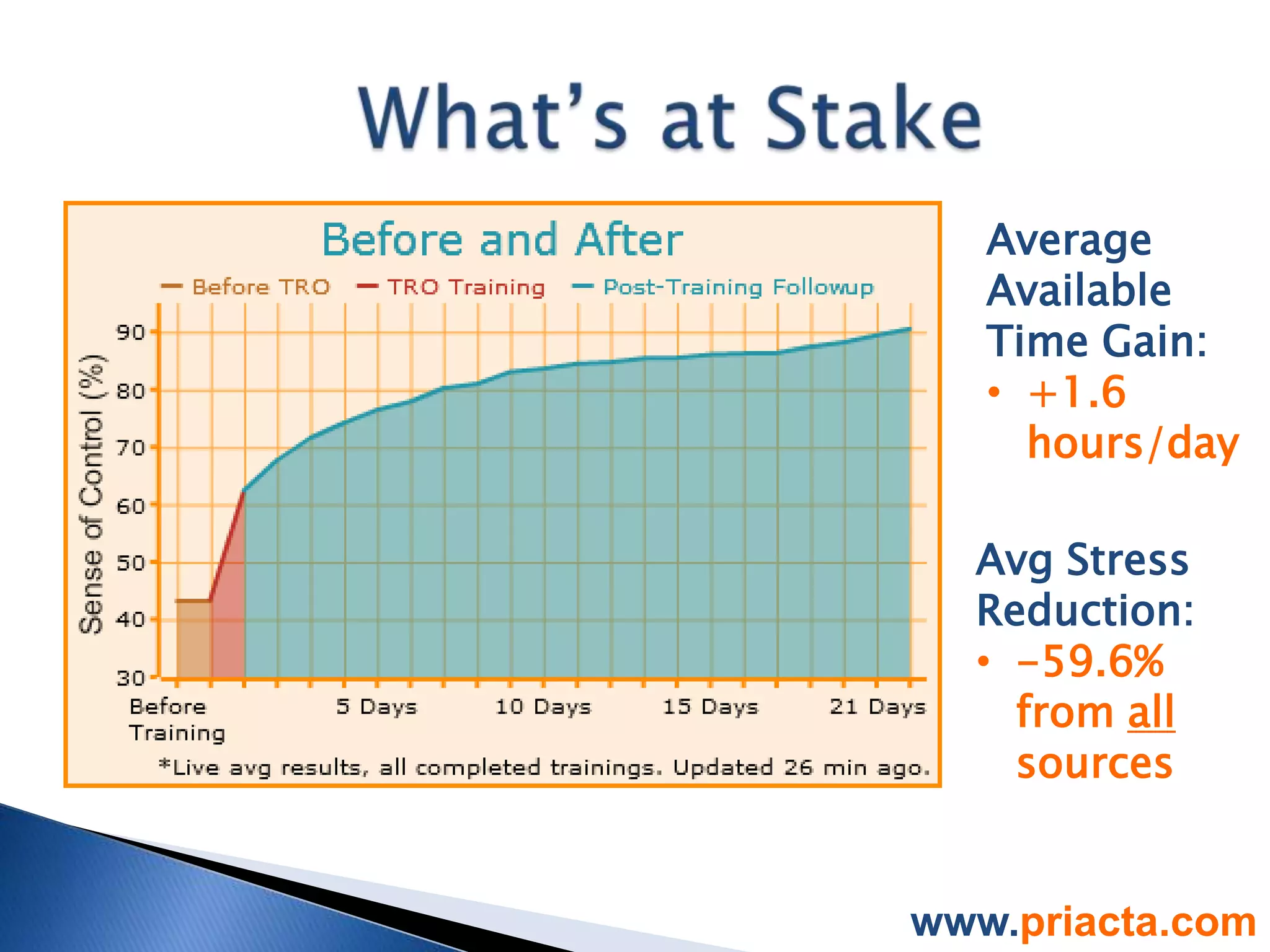
Average
   Available
   Time Gain:
   • +1.6
     hours/day

  Avg Stress
  Reduction:
  • -59.6%
    from all
    sources


www.priacta.com
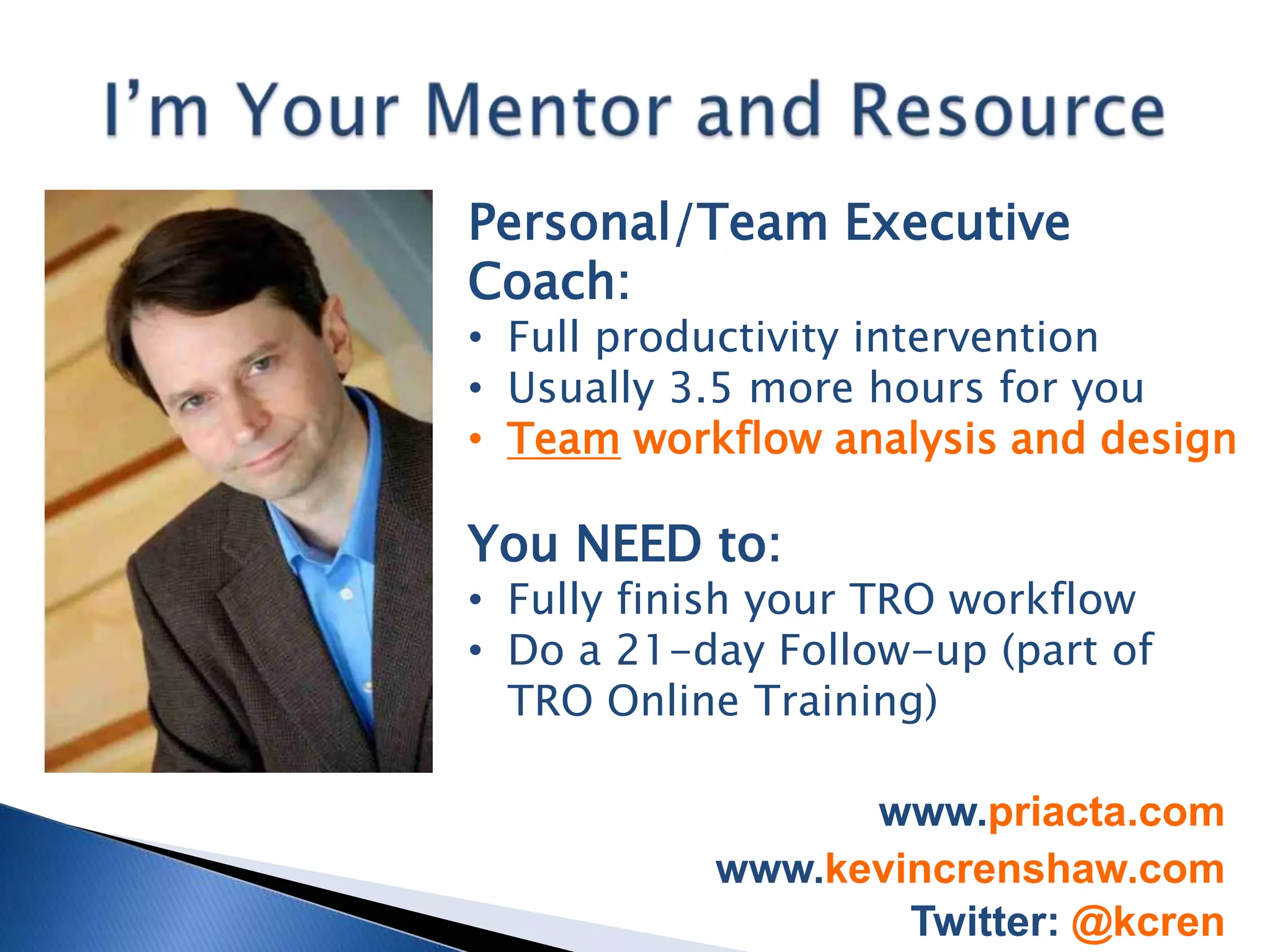
Personal/Team Executive
Coach:
• Full productivity intervention
• Usually 3.5 more hours for you
• Team workflow analysis and design

You NEED to:
• Fully finish your TRO workflow
• Do a 21-day Follow-up (part of
  TRO Online Training)

                 www.priacta.com
           www.kevincrenshaw.com
                   Twitter: @kcren
Total, Relaxed Organization for Scientists

Total, Relaxed Organization for Scientists

  • 1.
    Do more, inless time, without the stress and mess. (Group coaching session for Philips Medical)
  • 2.
    Executive Coach, ContractExecutive (CEO, COO) www.kevincrenshaw.com Twitter: @kcren
  • 3.
    Hit some challengesand uncertainties: • Financial/family pressures • Curriculum • Experimental or theoretical? • Solid state? Astrophysics? Or ?? But it really boiled down to this: I lacked a good mentor • Practical mindset, perspective • Eliminate misconceptions • “Learn the ropes” • “Tricks of the trade” www.kevincrenshaw.com Twitter: @kcren
  • 4.
    Everyone faces timeand workflow challenges today. You (and teams) need good mentors • Practical mindset, correct principles • “Show you the ropes” • “Tricks of the trade” • What methods really work? • What apps/devices are best? • Are team workflow changes needed? www.kevincrenshaw.com Twitter: @kcren
  • 5.
    I’m Your Mentor,Starting Now: • Productivity intervention • Usually 7 hours/person • Compress basics into 3 hours You NEED to: • Take detailed notes • Do these exercises • Start applying it right now • Decide now and schedule your next action as you return to work www.kevincrenshaw.com Twitter: @kcren
  • 6.
    “[Tools and] processesthat ... revolutionize the objective qualities of space and time." — David Harvey, The Condition of Postmodernity Promises of Productivity & Positive Compression: • Computers • Printers • Internet • Email • Smart phones • TXT • Instant chat • Cool desk & office tools • Work away from the office
  • 7.
    “Time is thelongest distance between two places.” — Tennessee Williams Promises of Productivity & Instead, Negative Productivity & Positive Compression: Negative Compression: • Computers • Still have piles • Printers • More distractions • Internet • More choices • Email • 3000+ emails in Inbox (or 88K!) • Smart phones • More interruptions • TXT • Instant chat • Cool desk & office tools • Work away from the office
  • 8.
    “Time is thelongest distance between two places.” — Tennessee Williams Promises of Productivity & Instead, Negative Productivity & Positive Compression: Negative Compression: • Computers • Still have piles • Printers • More distractions • Internet • More choices • Email • 3000+ emails in Inbox (or 88K!) • Smart phones • More interruptions • TXT • Fear, uncertainty • Instant chat • STRESS • Cool desk & office tools • Always working or “on call” • Work away from the office • Neglect family, self, priorities
  • 10.
    Average Available Time Gain: • +1.6 hours/day Avg Stress Reduction: • -59.6% from all sources www.priacta.com
  • 16.
    That’s what you getwith a TRO workflow.
  • 18.
    • Practices: Vary.“Just show me how to work the problem.” (FAIL. One-off solution, only works for this problem.) • Principles: Fundamental truths, packaged for application. “Gauss’ Law says ... So that means ...” (WIN. Applies to all E&M problems.)
  • 20.
    • You mustcreate/manage task lists daily. • You’re forced to organize your task lists by “Due Dates.”
  • 25.
    4. Your brainis not an acceptable collection point.
  • 38.
    Calendars with Handheld Task List Paper Task Lists, To Office Physical Boxes TASKS (paper, app (iPhone, Do Lists, etc. (In, Out, etc.) digital, apps, etc.) Android, etc.) Computer Task List Whiteboard or Paper Notepads Text Messaging (Outlook, PlanPlus, Corkboard (if used (Business, Personal) (phone, Skype, WM) etc.) for tasks) Desk Areas (each Email Inbox (add Office Desk Drawers, Purse/Planner/Wallet spot, under, inside, 1per account Inbox) Shelves pockets etc.) Assistants (“Remind Voicemail (add 1 per Post It Note "Posting" Clothing Pockets me to…:”) (spouse, phone number) Areas secretary, …) Filing Cabinets (if Other office/work Outside Home Areas Areas in Car (glove pending actions lurk areas (storage, etc. (garage, shed, yard, box, each seat, there) with lurking actions) etc.) trunk, etc.) Home Areas (Kitchen Your Mind (always Floor Areas Voice Recorder table areas, boxes, count as 1) etc.) Home Physical Boxes Home Desk Drawers, Contact or CRM Other (Paper scraps, (In, Out, “Whatever", Shelves, Kitchen Software (ACT, etc.) etc.) Drawer Goldmine, etc.) YOUR TOTAL: ______
  • 42.
    • Complete listin TRO Online Training Lesson “Preparation: Gather or Buy”
  • 43.
  • 44.
  • 48.
    Supporting Tools inMain Office “backbone” of your filing system b) Decide on desk trays. Your desk trays are extensions of: your backbone A-Z filing system.
  • 55.
    Quickly toss junk,communicate (two min. or less), enter tasks, file papers You triage: Everything in collection points: _________________________________ email, voicemail, papers, notepad... __________________________.
  • 56.
  • 57.
    Tasks Need “Homes”Too tags, categories, or folders In TRO (unlike GTD), tasks and steps need multiple contexts because: you may need to see a task in more than one list: (Work), +Ops, 1Joe .
  • 58.
    Define the “Homes”for Your Processing Conveyor Belt Create Your Master Contexts List: a) Major life areas: (Work), (Family) b) Automatic meeting agenda items: +Staff, +Ops c) 1-1 or ad hoc meetings: 1Bob, 1Sheri d) Other groupings for efficiency: Errands, Calls
  • 59.
    (Hidden Benefits of Deciding and Deferring) 1. Delegation means: asking . 2. Every “delegate out” is a W/F “in” .
  • 60.
    (Hidden Benefits of Deciding and Deferring) regular meeting with them a) Schedule your follow-ups on W/F steps automatically in your _____________ using regular meetings your ______________________. task list categories or tags
  • 61.
    Meetings, Projects and Next Steps In Regularly-Scheduled Meetings, You’ll: • Refer to +Meeting and 1Person contexts for instant, zero-preparation agenda items. • Follow up and ask for reports. • Projects will move forward automatically this way. • “What we measure, improves . And when we report back, the rate of improvement accelerates .
  • 62.
    Important! Taking Initiative “A” Takes action, reports back periodically “B” Takes action, reports back immediately “C” Suggests what should be done “D” Asks what they should do “F” Does it when asked (!)
  • 63.
  • 68.
    Reviewing previewing a) Daily Review: 5 min., “Must Do” tasks b) Weekly Review: 5 min., “May Do” tasks c) Monthly Review: 5 min., “Someday” tasks A coach (or TRO Online Training) will help you schedule each review into your calendar with simple steps. TRO reviews are easy.
  • 69.
    Doing and Beyond re-processing a next step a) “Mind Dump” - Get all tasks off your mind b) Strategic Calendar - Balance all life areas c) Work Areas & Work Value - Focus on MPAs d) Large Projects, Templates - Advanced needs
  • 71.
    Decision Time • Self-Training(included) Online training at your own pace (~10 hrs). Skim/work to “Accountability,” then do all. • ½ Day Remote Coaching (upgrade) 1-1 remote coaching in your office to perfect your new workflow and habits. • 21-Day Follow-up (included with both) Automated accountability and feedback. www.priacta.com
  • 72.
    Average Available Time Gain: • +1.6 hours/day Avg Stress Reduction: • -59.6% from all sources www.priacta.com
  • 73.
    Personal/Team Executive Coach: • Fullproductivity intervention • Usually 3.5 more hours for you • Team workflow analysis and design You NEED to: • Fully finish your TRO workflow • Do a 21-day Follow-up (part of TRO Online Training) www.priacta.com www.kevincrenshaw.com Twitter: @kcren