Introduction to WordPress
Security
By Nile Flores @blondishnet
Objective
❏ Answer why security is important
❏ Basic WordPress security tips
❏ Some related general security tips
that work hand-in-hand with
WordPress security
❏ WordPress security plugin
suggestions
❏ Resources to learn more about
security
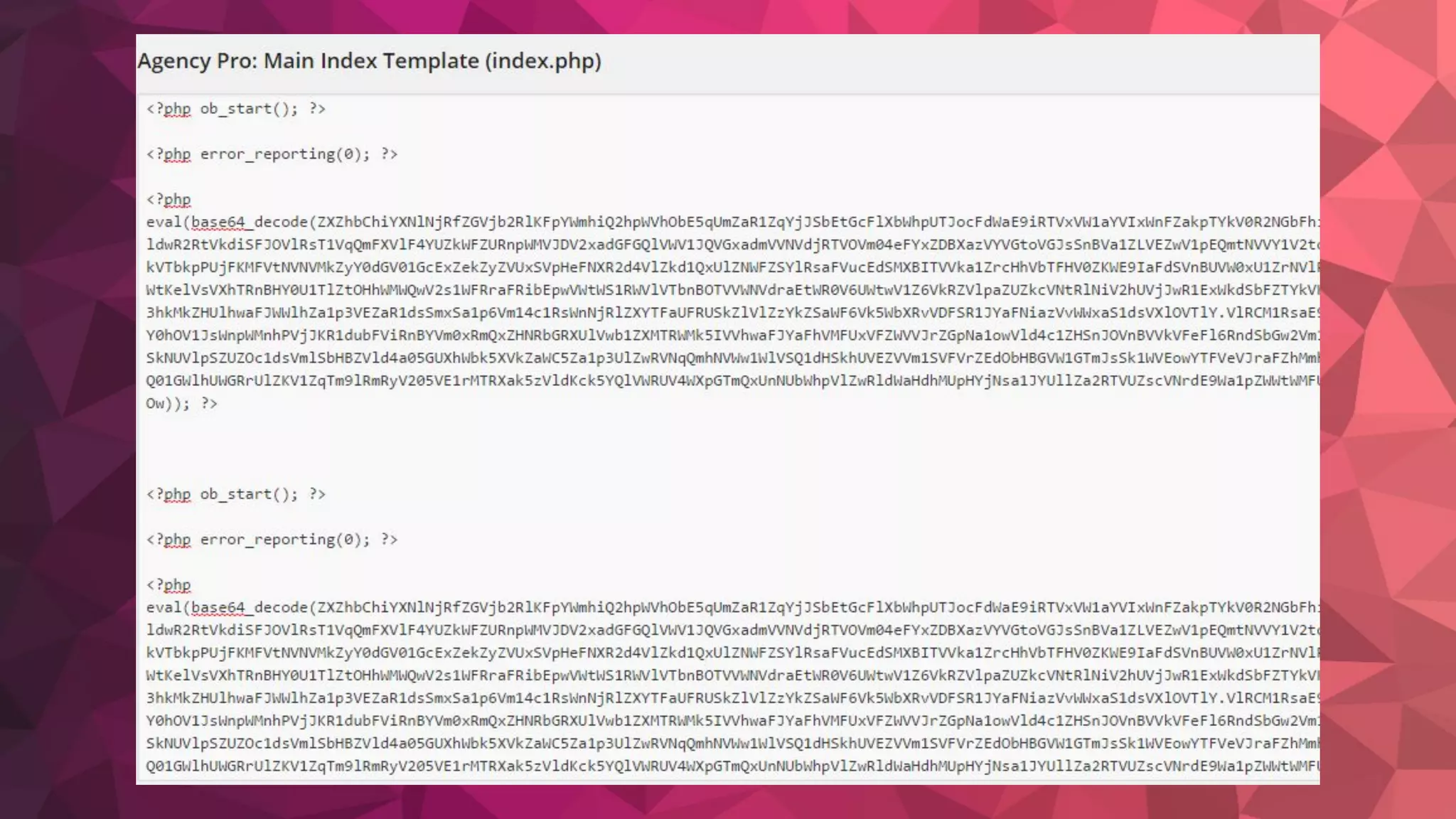
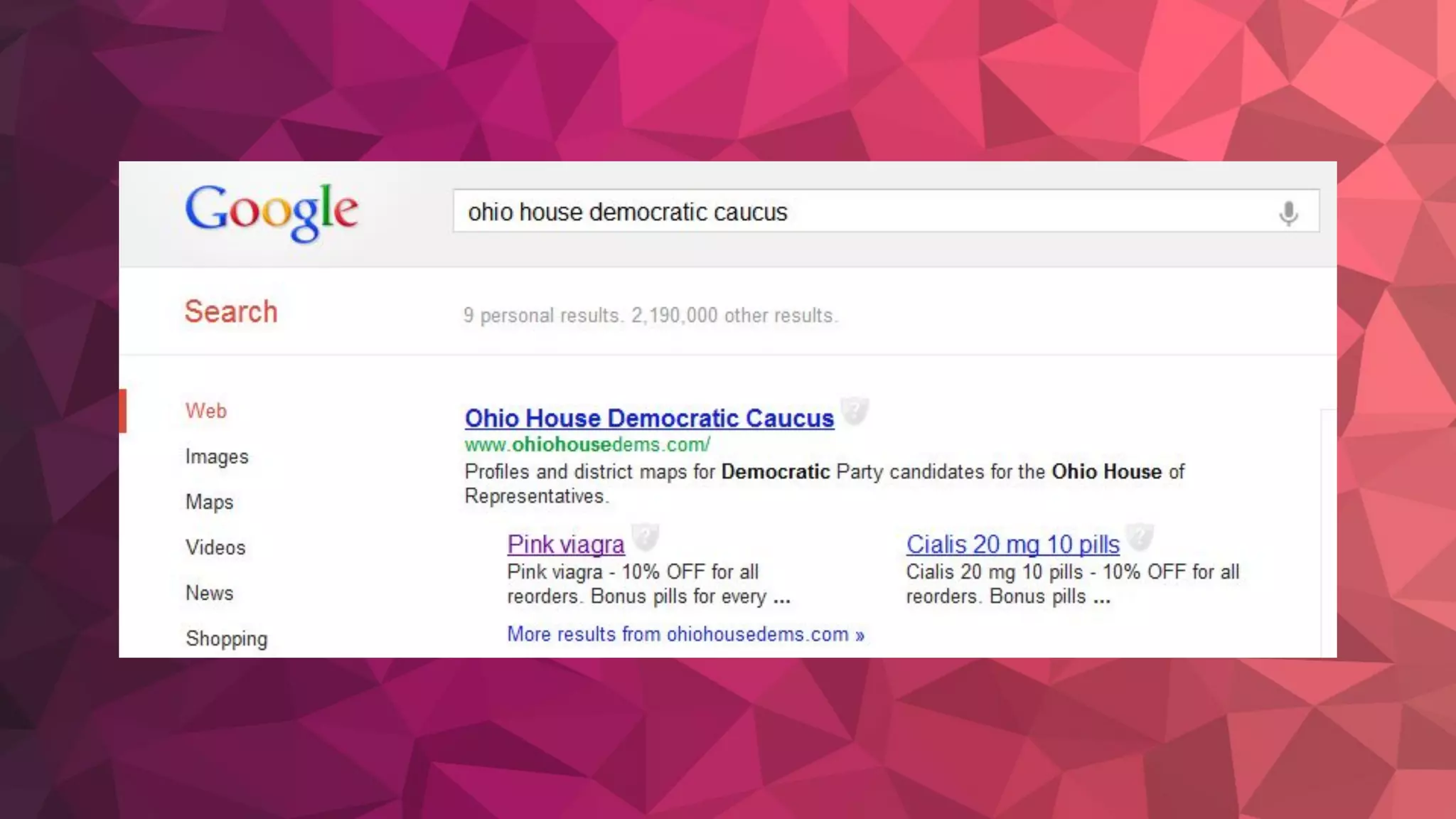
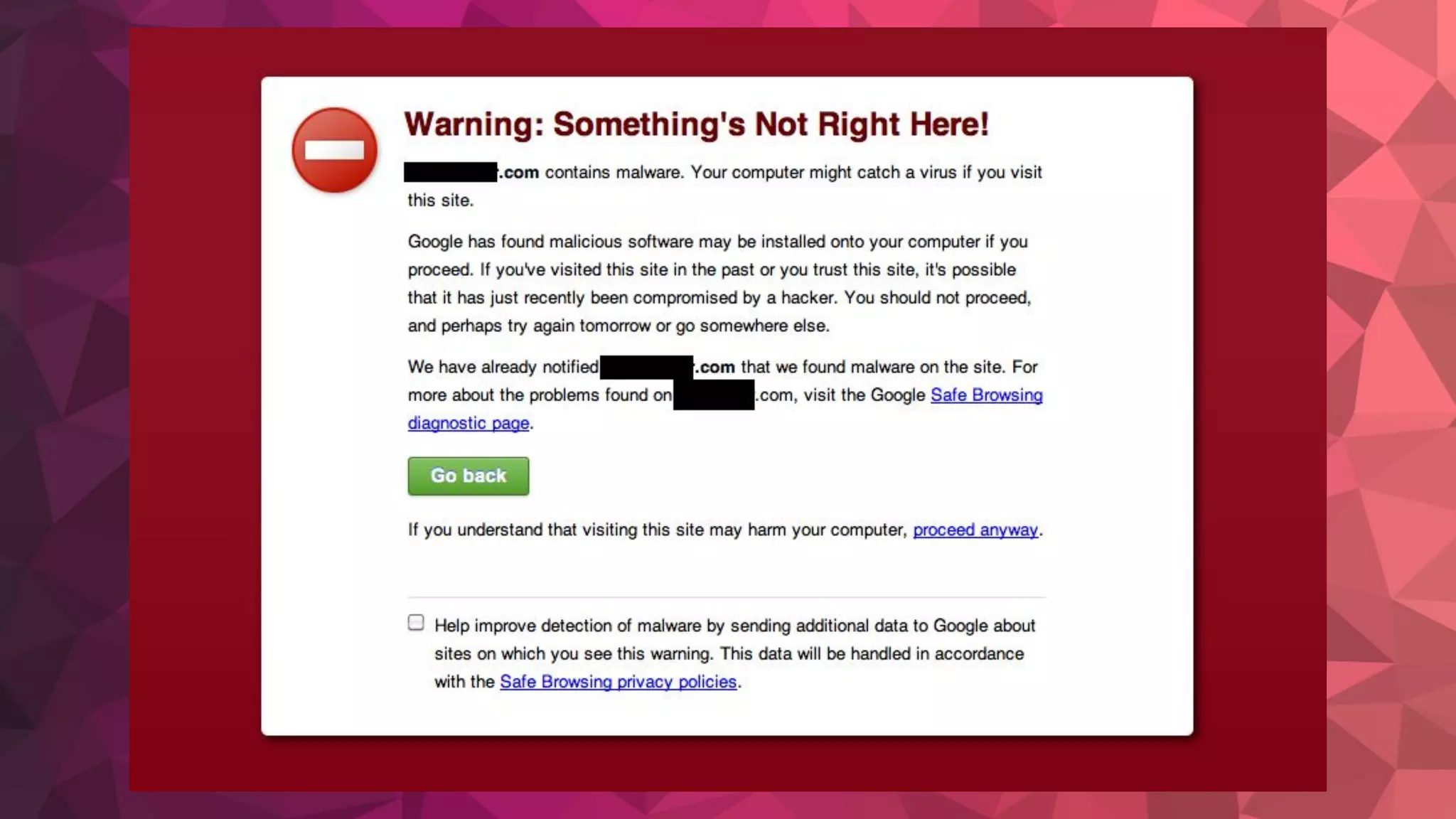
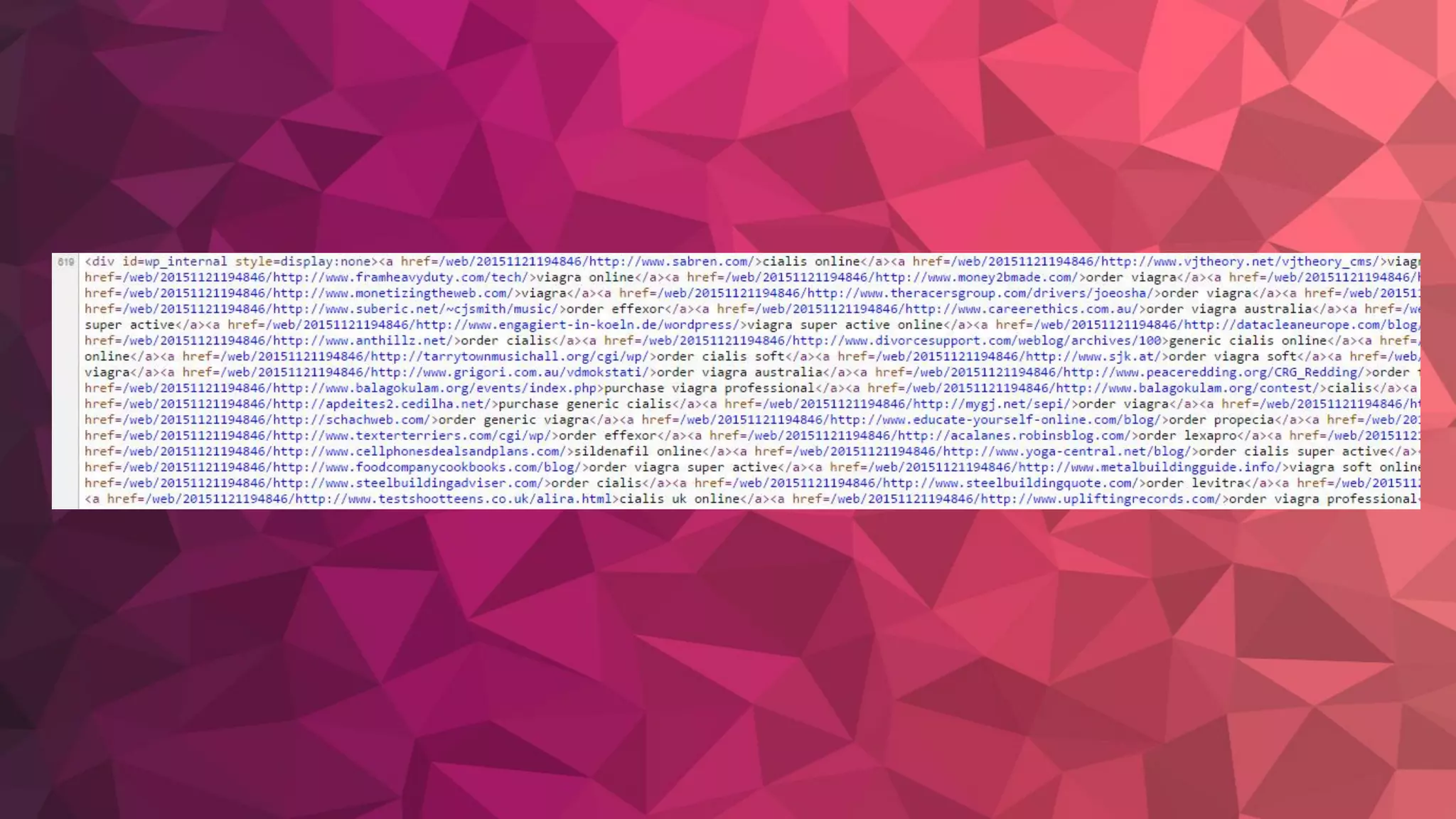
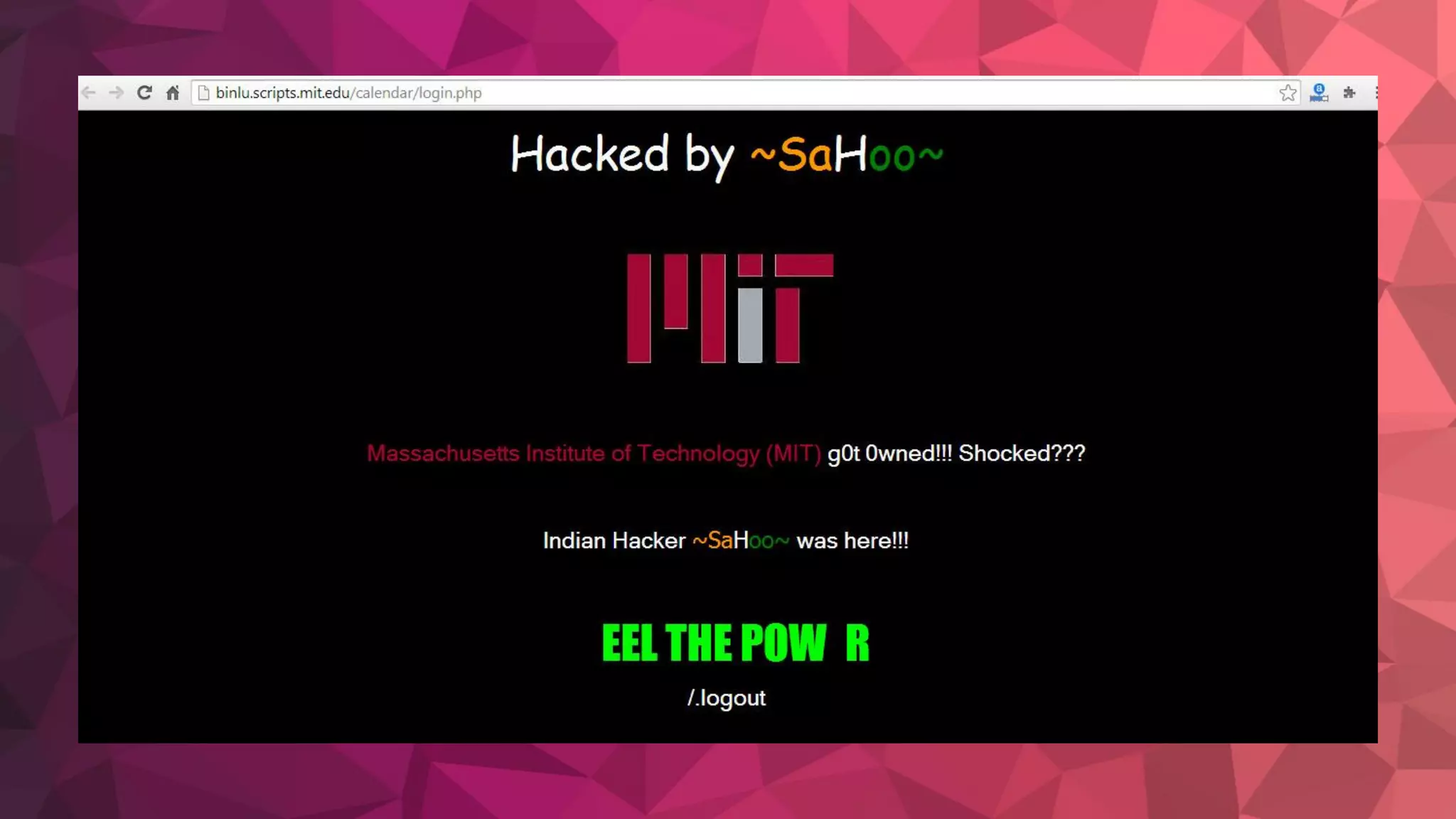
Examples of what we don’t want
to see happen to our websites
Why is WordPress security important?
Your website may be your livelihood.
It’s like getting insurance or putting an alarm on
your home or car.
Implementing security techniques or “hardening”
your site protects your investment.
Why you?
It’s not about you. It’s not even
about how much traffic you get.
The hacks are usually with bots
and done randomly.
Ways In
❏ Your Internet Service Provider/
includes Wifi
❏ Your Email
❏ Your Web Hosting Account
❏ Web Scripts/ Software (Yes, this
includes WordPress)
A lot of these are due to bad
passwords or lack of updating.
❏ Make money
❏ Curiosity
Why do people hack?
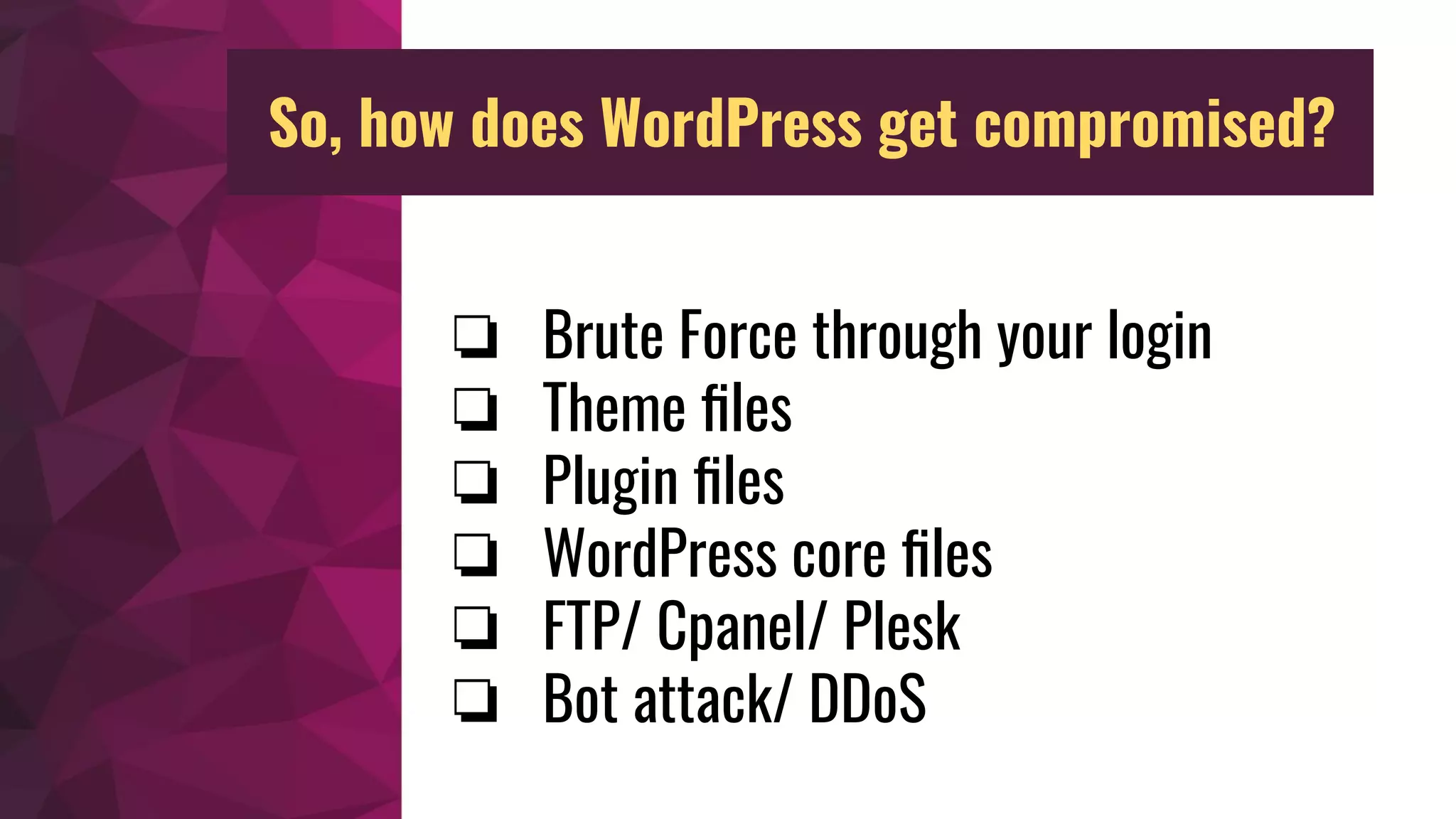
❏ Brute Force through your login
❏ Theme files
❏ Plugin files
❏ WordPress core files
❏ FTP/ Cpanel/ Plesk
❏ Bot attack/ DDoS
So, how does WordPress get compromised?
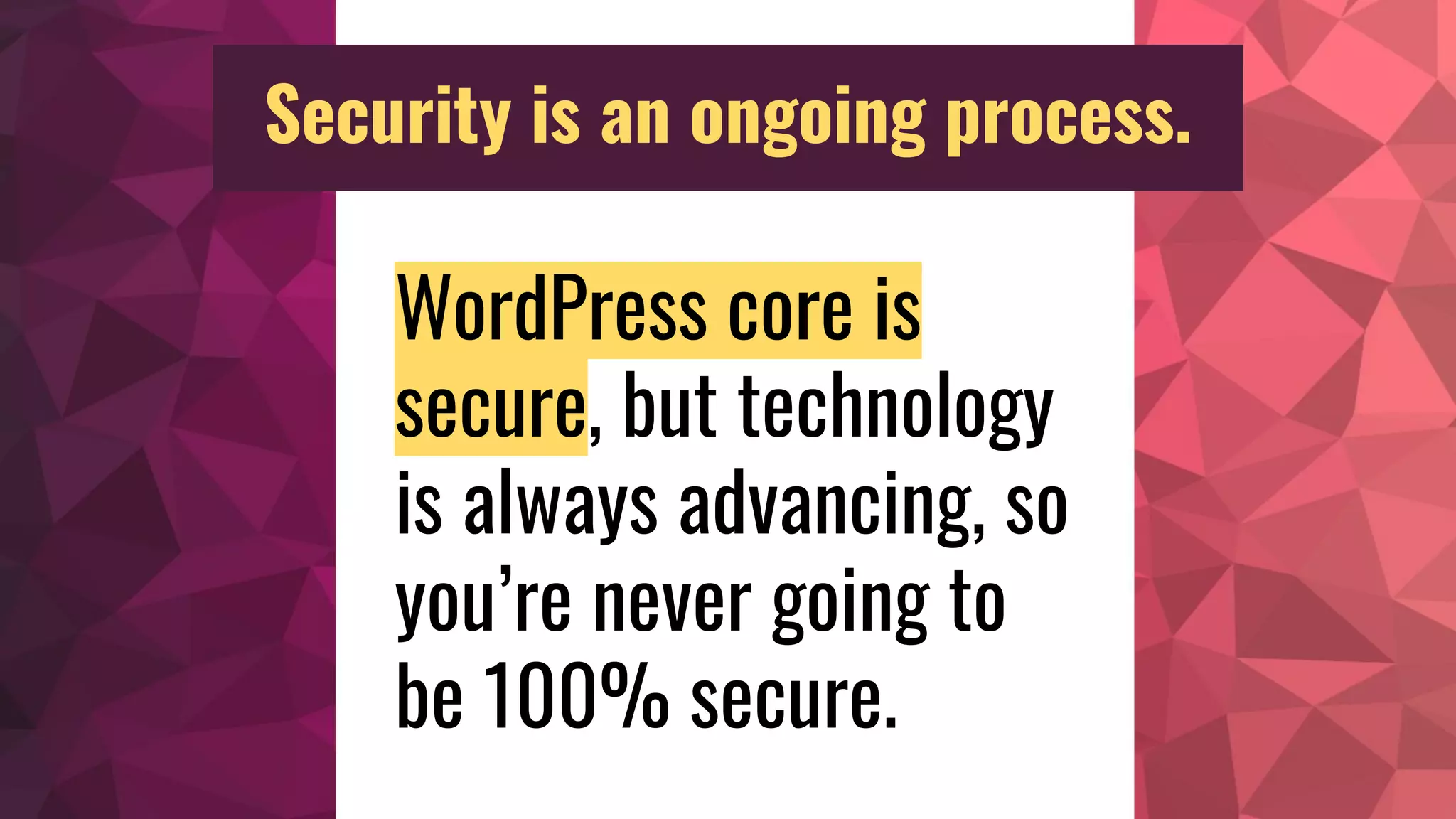
WordPress core is
secure, but technology
is always advancing, so
you’re never going to
be 100% secure.
Security is an ongoing process.
HOWEVER…
Remember that “insurance” part I mentioned?!
Matt Mullenweg,
CEO & Co-founder of WordPress
“Upgrading is taking your vitamins.”
https://wordpress.org/news/2009/09/keep-wordpress-secure/
ALWAYS keep your WordPress
core, themes, and plugins
up-to-date!1
WordPress Security Advice
ALWAYS backup your website.
Save the backup in more than one place.
UpdraftPlus - https://wordpress.org/plugins/updraftplus/
2
WordPress Security Advice
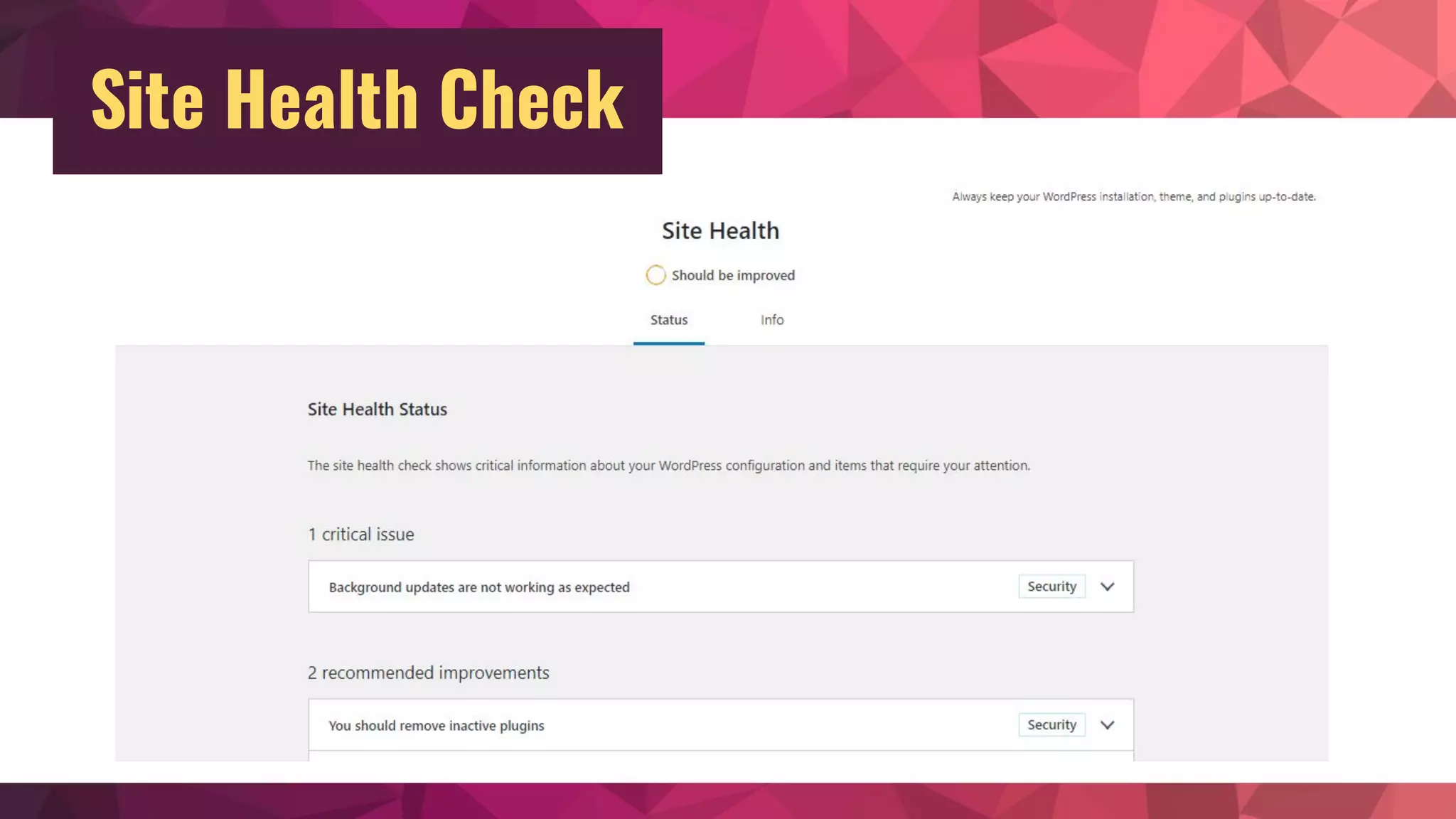
Site Health Check
Your Username
Your username should never be “admin”.
If it’s currently that username, you can use the Username
Changer plugin to correct the issue.
https://wordpress.org/plugins/username-changer/
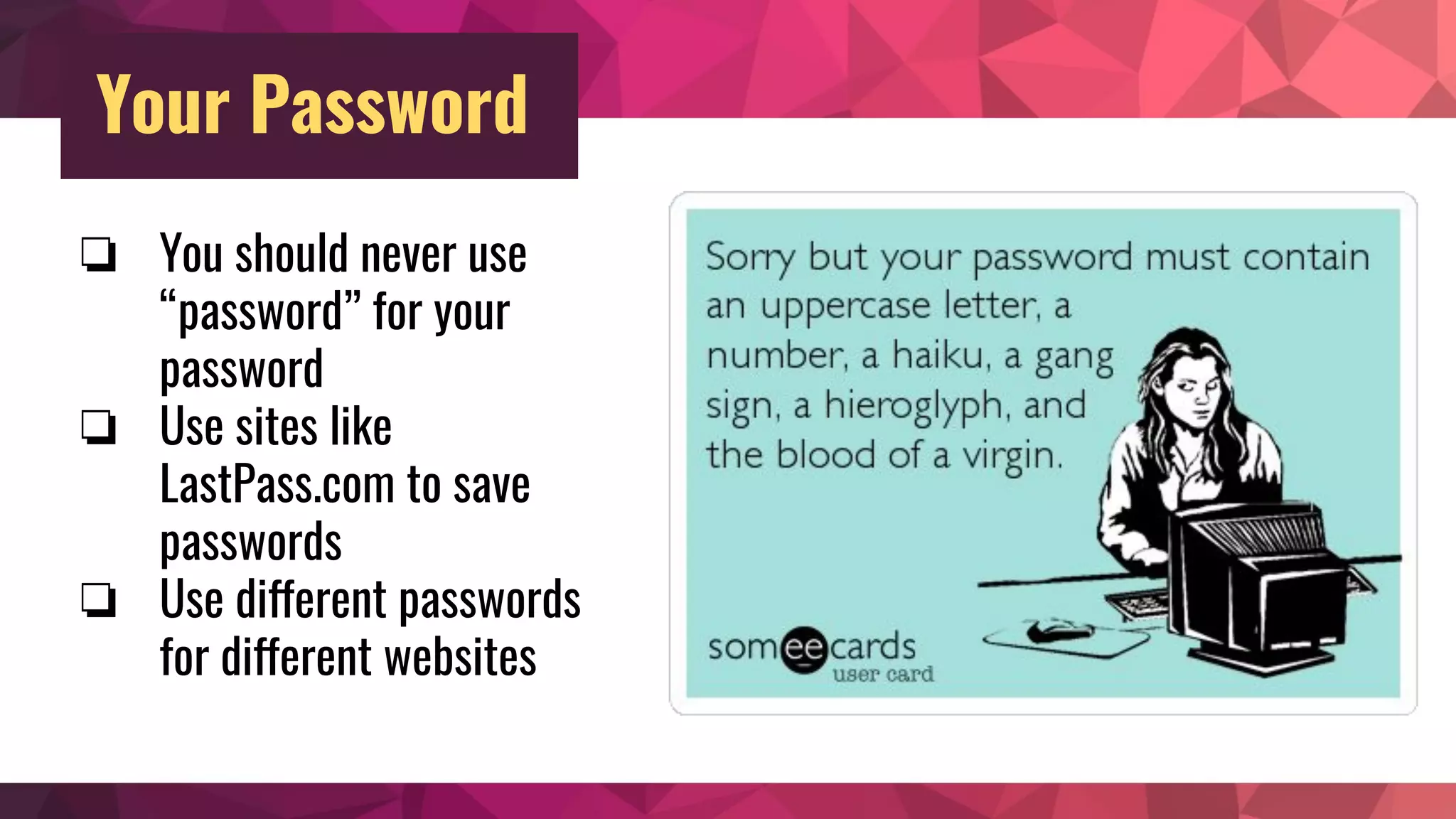
Your Password
❏ You should never use
“password” for your
password
❏ Use sites like
LastPass.com to save
passwords
❏ Use different passwords
for different websites
Try using a security plugin that contains two-factor
authentication. Some security plugins offer this option.
Or try a password manager like LastPass.com or
1Password.com
Your Password (continued…)
WordPress Database Prefix
Change your database prefix, in the database, and in the wp-config.php file. By default
it’s wp_
Brozzme DB Prefix & Tools Addons plugin changes both (only use & then remove when
done) - https://wordpress.org/plugins/brozzme-db-prefix-change/
Note: Some web hosts will do this for you if you’re using the Quick Installer option for
new WordPress installations.
SSL
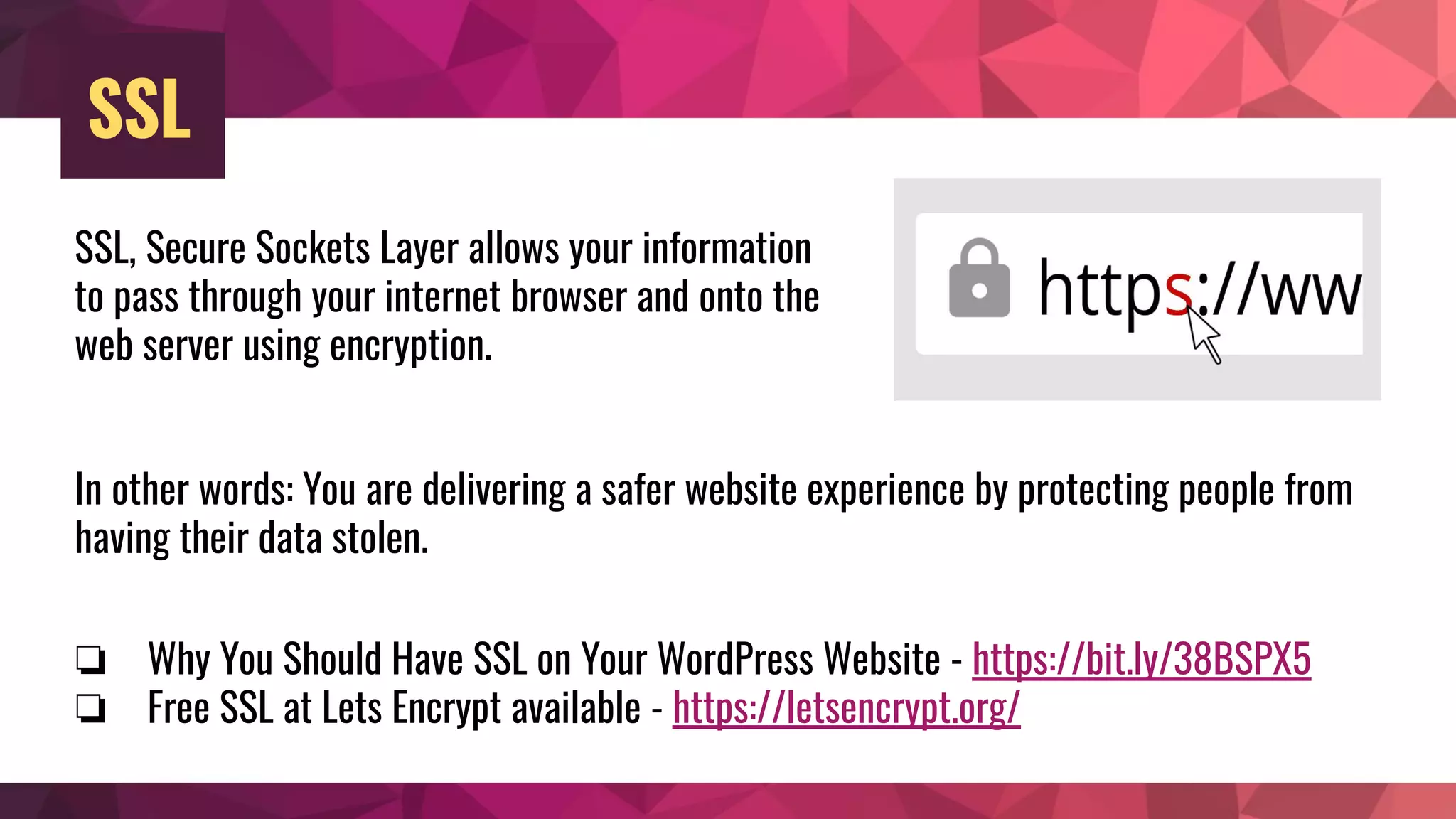
SSL, Secure Sockets Layer allows your information
to pass through your internet browser and onto the
web server using encryption.
In other words: You are delivering a safer website experience by protecting people from
having their data stolen.
❏ Why You Should Have SSL on Your WordPress Website - https://bit.ly/38BSPX5
❏ Free SSL at Lets Encrypt available - https://letsencrypt.org/
CDN
CDN, or Content Network Delivery service helps with
delivering a faster site to wherever in the world your
website visitor is coming from. Also, CDNs often
provide a layer of protection in blocking bad bots
from possibly overloading your site with hits (also
known as DDOS attack.)
Cloudflare.com offers a free version that can provide
that extra layer.
Firewall
Firewall blocked bad bots from overloading your
site. It’s the door or wall that controls incoming
and outgoing traffic, especially deciding what is
trusted or not trusted.
Many security plugins offer a simple firewall in
their free version, but a more in-depth one in
their premium/ pro/ paid version.
Security Advice for Multiple Users
❏ Set their roles
❏ Don’t allow them full access to
your web hosting account
❏ Remove users who are temporary
tenants
❏ Don’t send their password from
the WordPress admin panel
❏ Keep your theme up-to-date
❏ Consider child theming -
https://bit.ly/2SWMFtK
❏ Choose your theme carefully
❏ Remove themes that you’re not using
What to Look for When Choosing a WordPress
Theme -
https://blondish.net/choosing-wordpress-theme/
Themes
Plugins
❏ Keep your plugin up-to-date
❏ Carefully choose your plugins before installing
them
❏ Remove plugins that you’re not using
What to Look for When Choosing a WordPress
Plugin -
https://blondish.net/choosing-wordpress-plugin/
WordPress Security Plugins
❏ Shield Security - https://bit.ly/39Hjce7
❏ Wordfence - http://bit.ly/1ikXHyS
❏ Brute Protect (included in Jetpack) -
http://bruteprotect.com/
❏ Hardening (Securing) WordPress -
https://bit.ly/2vHd8Ue
❏ How to Secure Your WordPress
Blog - http://bit.ly/1dzTESE
❏ Steps to Remove WordPress
Infection - https://bit.ly/2SSE3Er
More WordPress Security Resources
If you don’t know code and were hacked, don’t
worry! There’s always someone out there that offers
Hack cleanups, and also Security audit services.😉
Not code savvy?
Nile Flores - http://blondish.net
Twitter: @blondishnet
Slides on SlideShare:
https://slideshare.net/blondishnet
Thank you!

Introduction to WordPress Security

  • 1.
    Introduction to WordPress Security ByNile Flores @blondishnet
  • 2.
    Objective ❏ Answer whysecurity is important ❏ Basic WordPress security tips ❏ Some related general security tips that work hand-in-hand with WordPress security ❏ WordPress security plugin suggestions ❏ Resources to learn more about security
  • 3.
    Examples of whatwe don’t want to see happen to our websites
  • 9.
    Why is WordPresssecurity important? Your website may be your livelihood. It’s like getting insurance or putting an alarm on your home or car. Implementing security techniques or “hardening” your site protects your investment.
  • 10.
    Why you? It’s notabout you. It’s not even about how much traffic you get. The hacks are usually with bots and done randomly.
  • 11.
    Ways In ❏ YourInternet Service Provider/ includes Wifi ❏ Your Email ❏ Your Web Hosting Account ❏ Web Scripts/ Software (Yes, this includes WordPress) A lot of these are due to bad passwords or lack of updating.
  • 12.
    ❏ Make money ❏Curiosity Why do people hack?
  • 13.
    ❏ Brute Forcethrough your login ❏ Theme files ❏ Plugin files ❏ WordPress core files ❏ FTP/ Cpanel/ Plesk ❏ Bot attack/ DDoS So, how does WordPress get compromised?
  • 14.
    WordPress core is secure,but technology is always advancing, so you’re never going to be 100% secure. Security is an ongoing process.
  • 16.
  • 17.
    Matt Mullenweg, CEO &Co-founder of WordPress “Upgrading is taking your vitamins.” https://wordpress.org/news/2009/09/keep-wordpress-secure/
  • 18.
    ALWAYS keep yourWordPress core, themes, and plugins up-to-date!1 WordPress Security Advice
  • 19.
    ALWAYS backup yourwebsite. Save the backup in more than one place. UpdraftPlus - https://wordpress.org/plugins/updraftplus/ 2 WordPress Security Advice
  • 21.
  • 22.
    Your Username Your usernameshould never be “admin”. If it’s currently that username, you can use the Username Changer plugin to correct the issue. https://wordpress.org/plugins/username-changer/
  • 23.
    Your Password ❏ Youshould never use “password” for your password ❏ Use sites like LastPass.com to save passwords ❏ Use different passwords for different websites
  • 24.
    Try using asecurity plugin that contains two-factor authentication. Some security plugins offer this option. Or try a password manager like LastPass.com or 1Password.com Your Password (continued…)
  • 25.
    WordPress Database Prefix Changeyour database prefix, in the database, and in the wp-config.php file. By default it’s wp_ Brozzme DB Prefix & Tools Addons plugin changes both (only use & then remove when done) - https://wordpress.org/plugins/brozzme-db-prefix-change/ Note: Some web hosts will do this for you if you’re using the Quick Installer option for new WordPress installations.
  • 26.
    SSL SSL, Secure SocketsLayer allows your information to pass through your internet browser and onto the web server using encryption. In other words: You are delivering a safer website experience by protecting people from having their data stolen. ❏ Why You Should Have SSL on Your WordPress Website - https://bit.ly/38BSPX5 ❏ Free SSL at Lets Encrypt available - https://letsencrypt.org/
  • 27.
    CDN CDN, or ContentNetwork Delivery service helps with delivering a faster site to wherever in the world your website visitor is coming from. Also, CDNs often provide a layer of protection in blocking bad bots from possibly overloading your site with hits (also known as DDOS attack.) Cloudflare.com offers a free version that can provide that extra layer.
  • 28.
    Firewall Firewall blocked badbots from overloading your site. It’s the door or wall that controls incoming and outgoing traffic, especially deciding what is trusted or not trusted. Many security plugins offer a simple firewall in their free version, but a more in-depth one in their premium/ pro/ paid version.
  • 29.
    Security Advice forMultiple Users ❏ Set their roles ❏ Don’t allow them full access to your web hosting account ❏ Remove users who are temporary tenants ❏ Don’t send their password from the WordPress admin panel
  • 30.
    ❏ Keep yourtheme up-to-date ❏ Consider child theming - https://bit.ly/2SWMFtK ❏ Choose your theme carefully ❏ Remove themes that you’re not using What to Look for When Choosing a WordPress Theme - https://blondish.net/choosing-wordpress-theme/ Themes
  • 31.
    Plugins ❏ Keep yourplugin up-to-date ❏ Carefully choose your plugins before installing them ❏ Remove plugins that you’re not using What to Look for When Choosing a WordPress Plugin - https://blondish.net/choosing-wordpress-plugin/
  • 32.
    WordPress Security Plugins ❏Shield Security - https://bit.ly/39Hjce7 ❏ Wordfence - http://bit.ly/1ikXHyS ❏ Brute Protect (included in Jetpack) - http://bruteprotect.com/
  • 33.
    ❏ Hardening (Securing)WordPress - https://bit.ly/2vHd8Ue ❏ How to Secure Your WordPress Blog - http://bit.ly/1dzTESE ❏ Steps to Remove WordPress Infection - https://bit.ly/2SSE3Er More WordPress Security Resources
  • 34.
    If you don’tknow code and were hacked, don’t worry! There’s always someone out there that offers Hack cleanups, and also Security audit services.😉 Not code savvy?
  • 35.
    Nile Flores -http://blondish.net Twitter: @blondishnet Slides on SlideShare: https://slideshare.net/blondishnet Thank you!