Downloaded 16 times
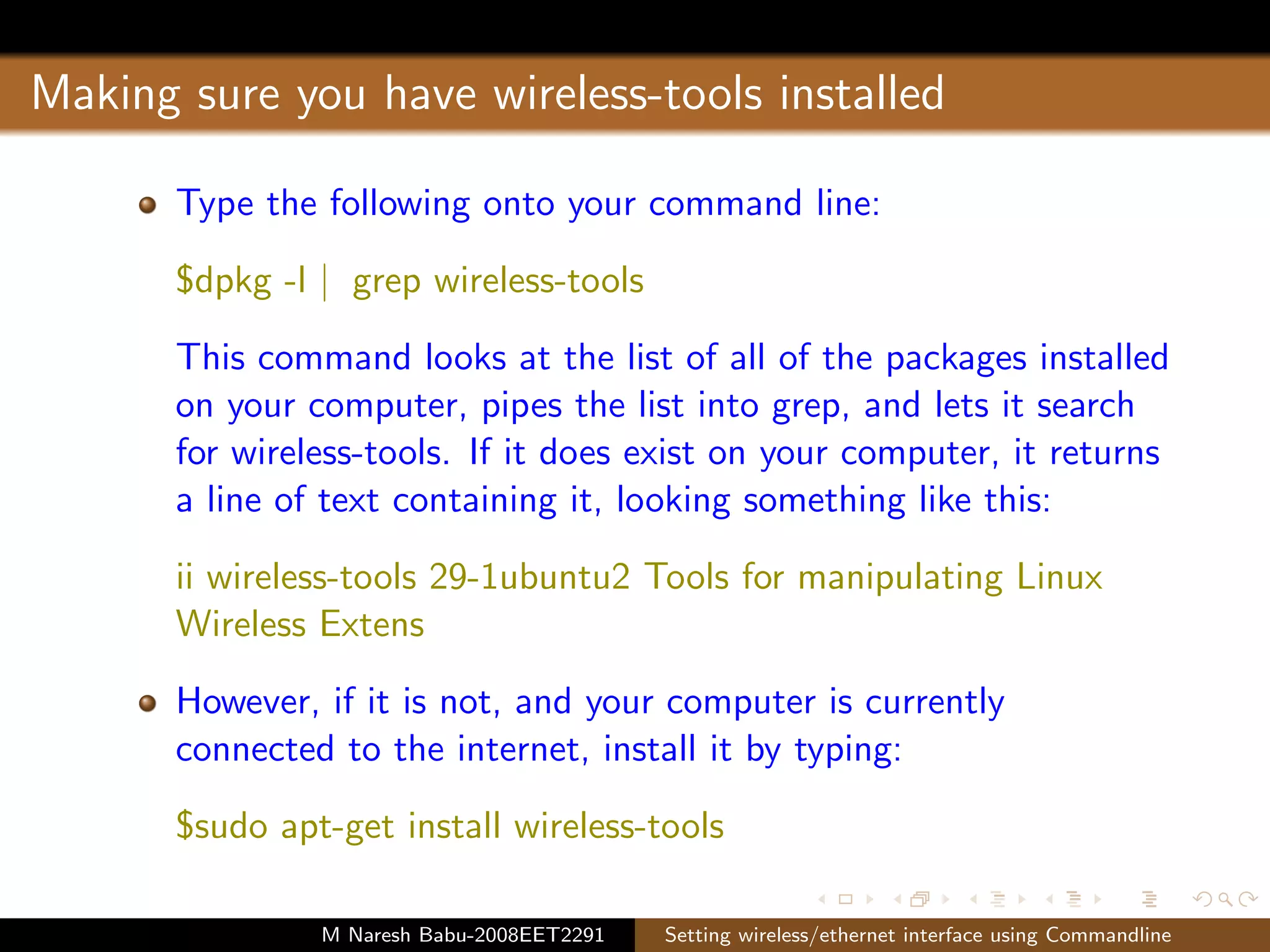
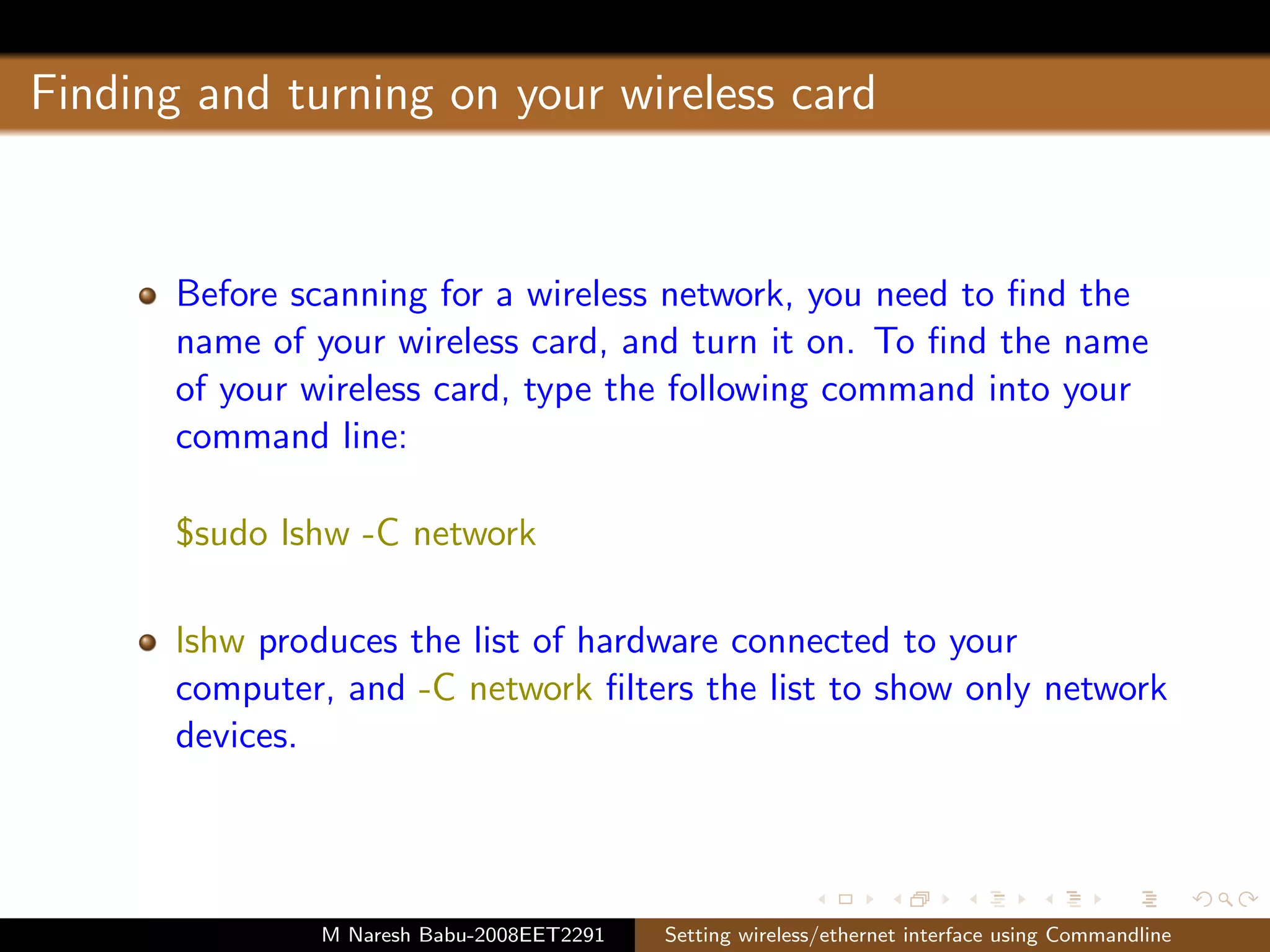
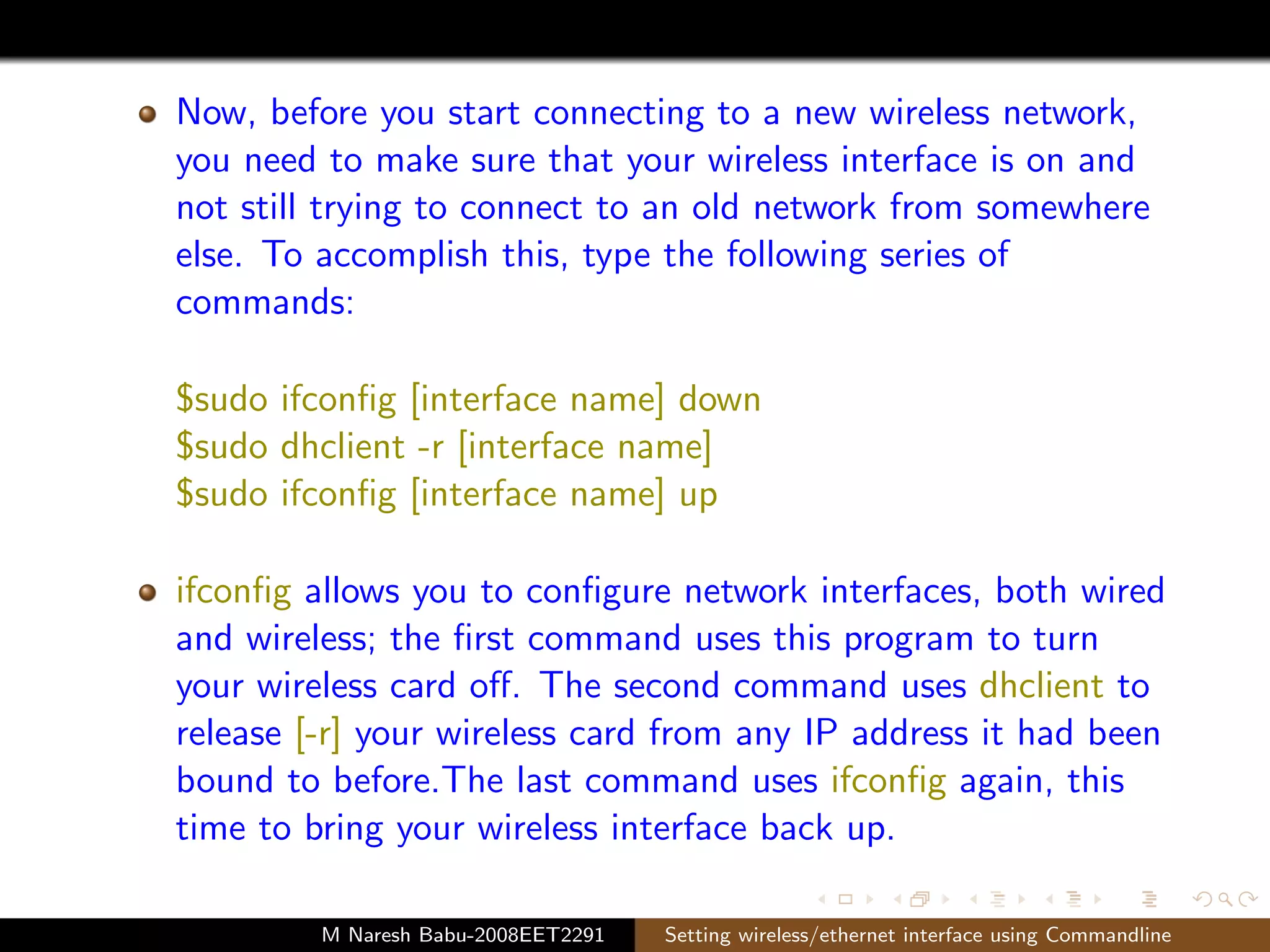
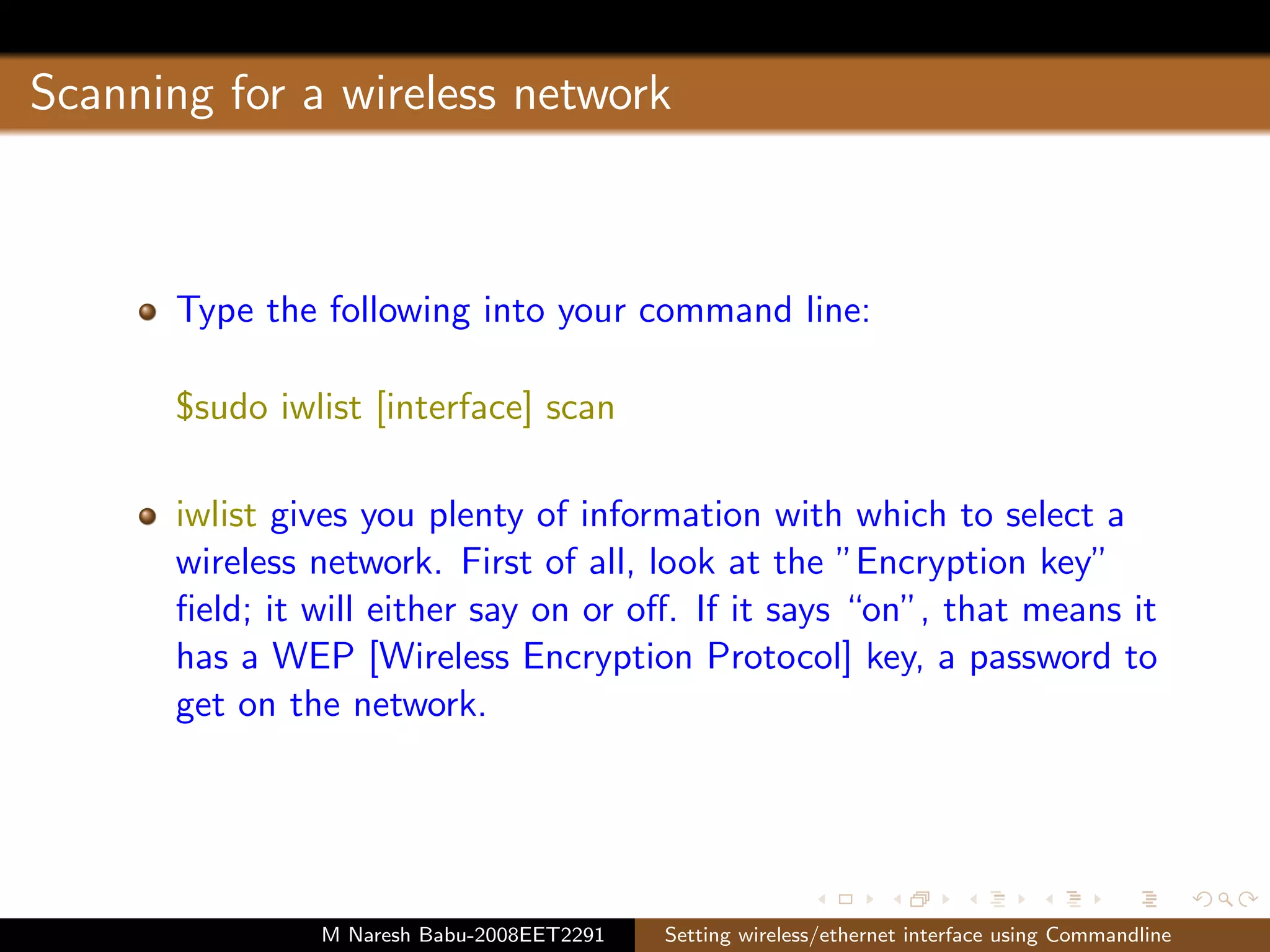
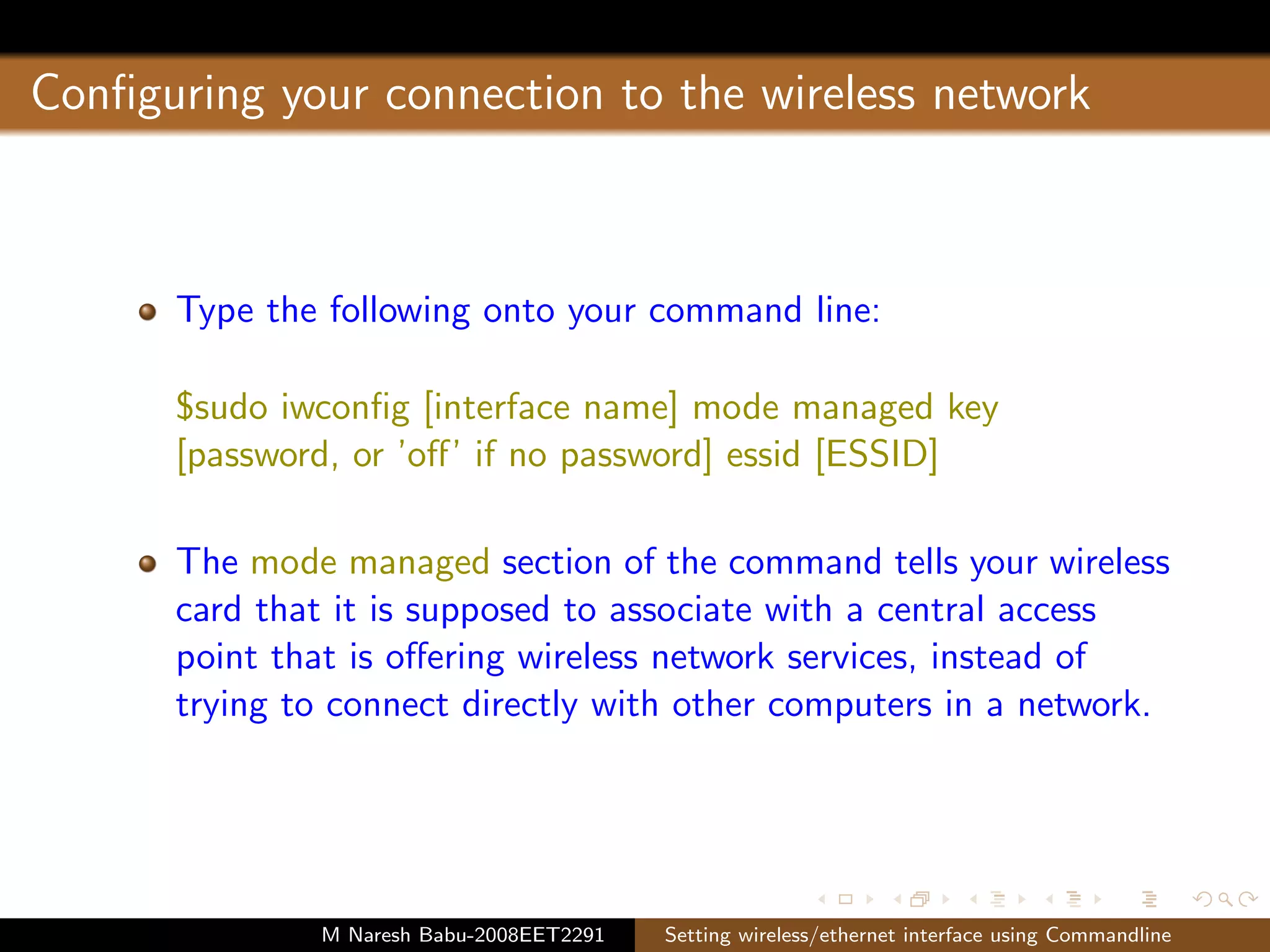
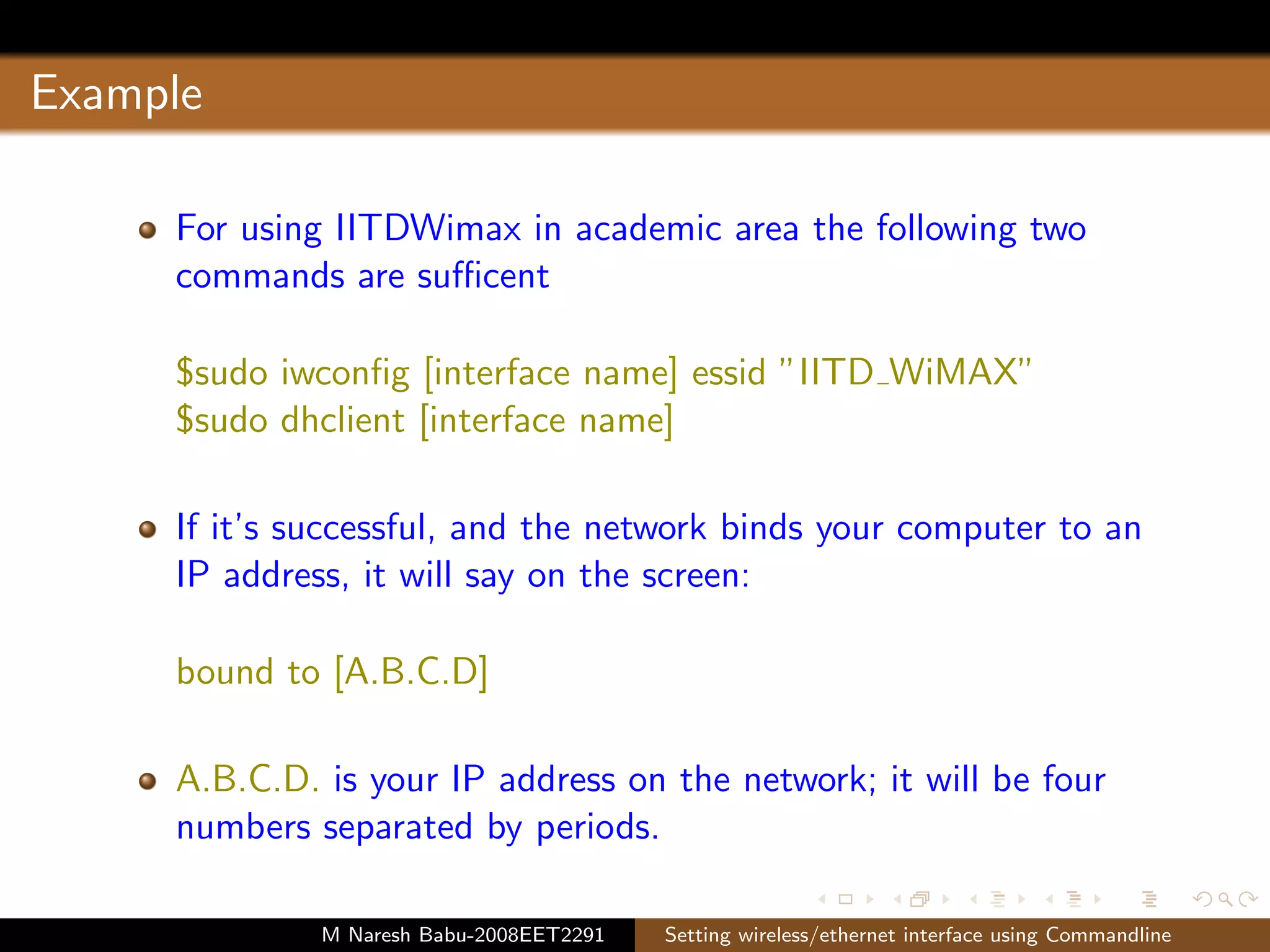
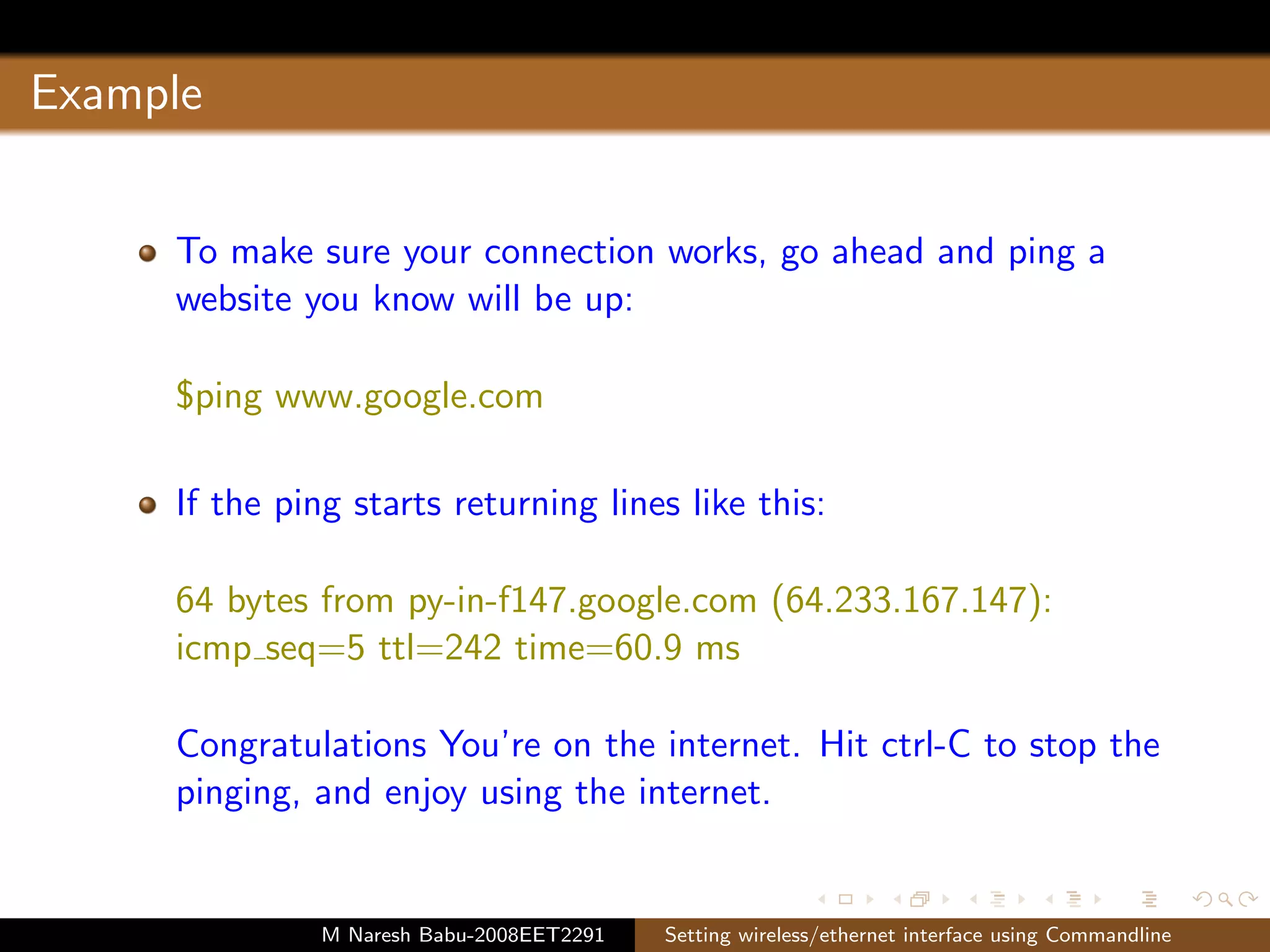

This document provides instructions for setting up a wireless or ethernet interface using command line commands. It describes how to check if wireless tools are installed, find the wireless card name, turn the card on and off, scan for available networks, configure the connection by setting the ESSID and security, and test the connection by pinging a website. The steps include commands like ifconfig, iwconfig, iwlist, dhcpclient and ping to configure the network interface, connect to a wireless network, and verify internet connectivity.


![Internet Technology (Practical Questions Paper) [CBSGS - 75:25 Pattern] {2013...](https://cdn.slidesharecdn.com/ss_thumbnails/it-cbsgs-2013-2014-manual-pq-190611111641-thumbnail.jpg?width=640&height=640&fit=bounds)


![Ccna lab manual[1]](https://cdn.slidesharecdn.com/ss_thumbnails/ccnalabmanual1-120706013431-phpapp02-thumbnail.jpg?width=640&height=640&fit=bounds)


