
IP Address
Prepared by Prem Sahu
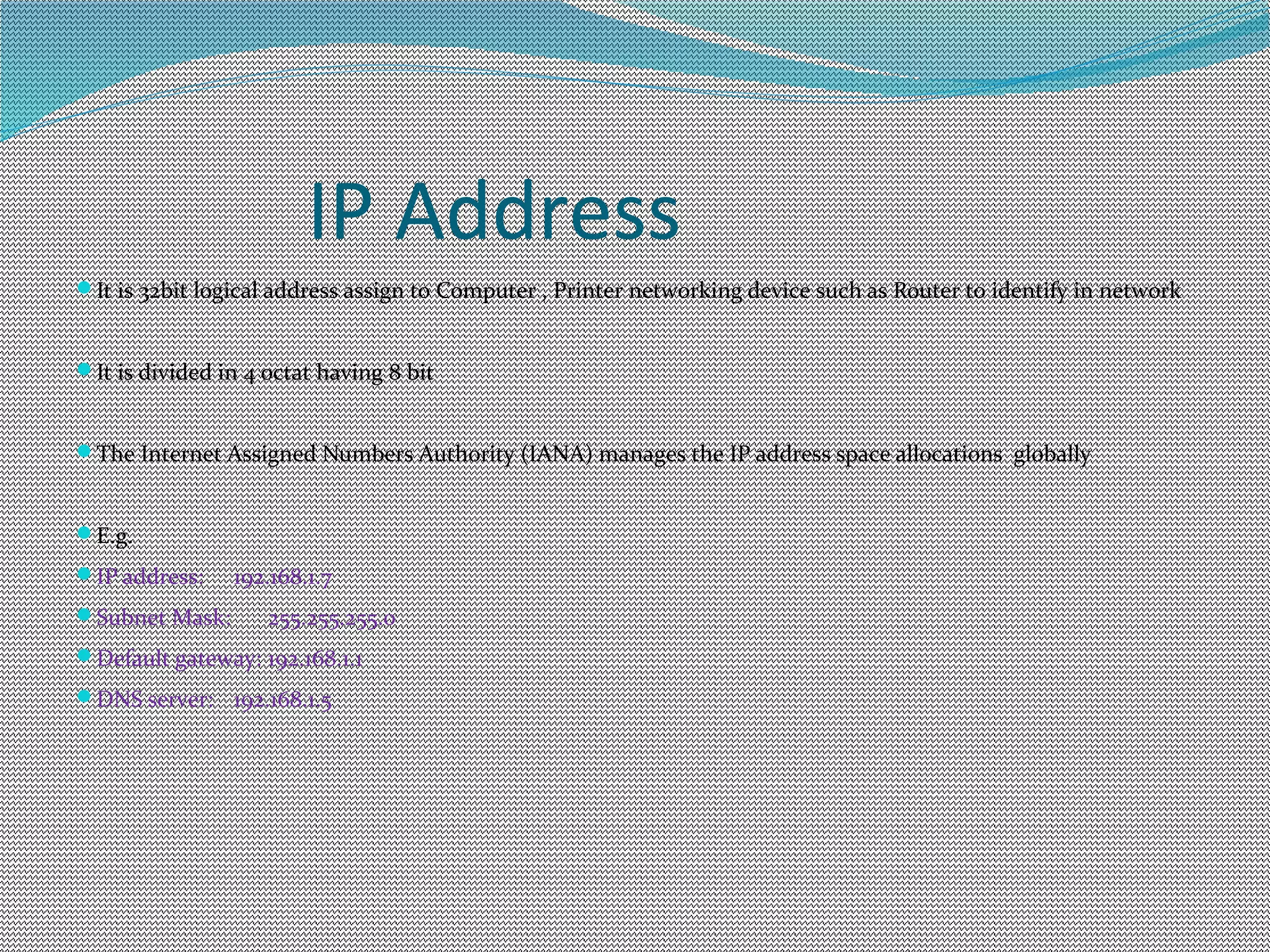
IP Address
It is 32bit logical address assign to Computer , Printer networking device such as Router to identify in network
It is divided in 4 octat having 8 bit
The Internet Assigned Numbers Authority (IANA) manages the IP address space allocations globally
E.g.
IP address: 192.168.1.7
Subnet Mask: 255.255.255.0
Default gateway: 192.168.1.1
DNS server: 192.168.1.5
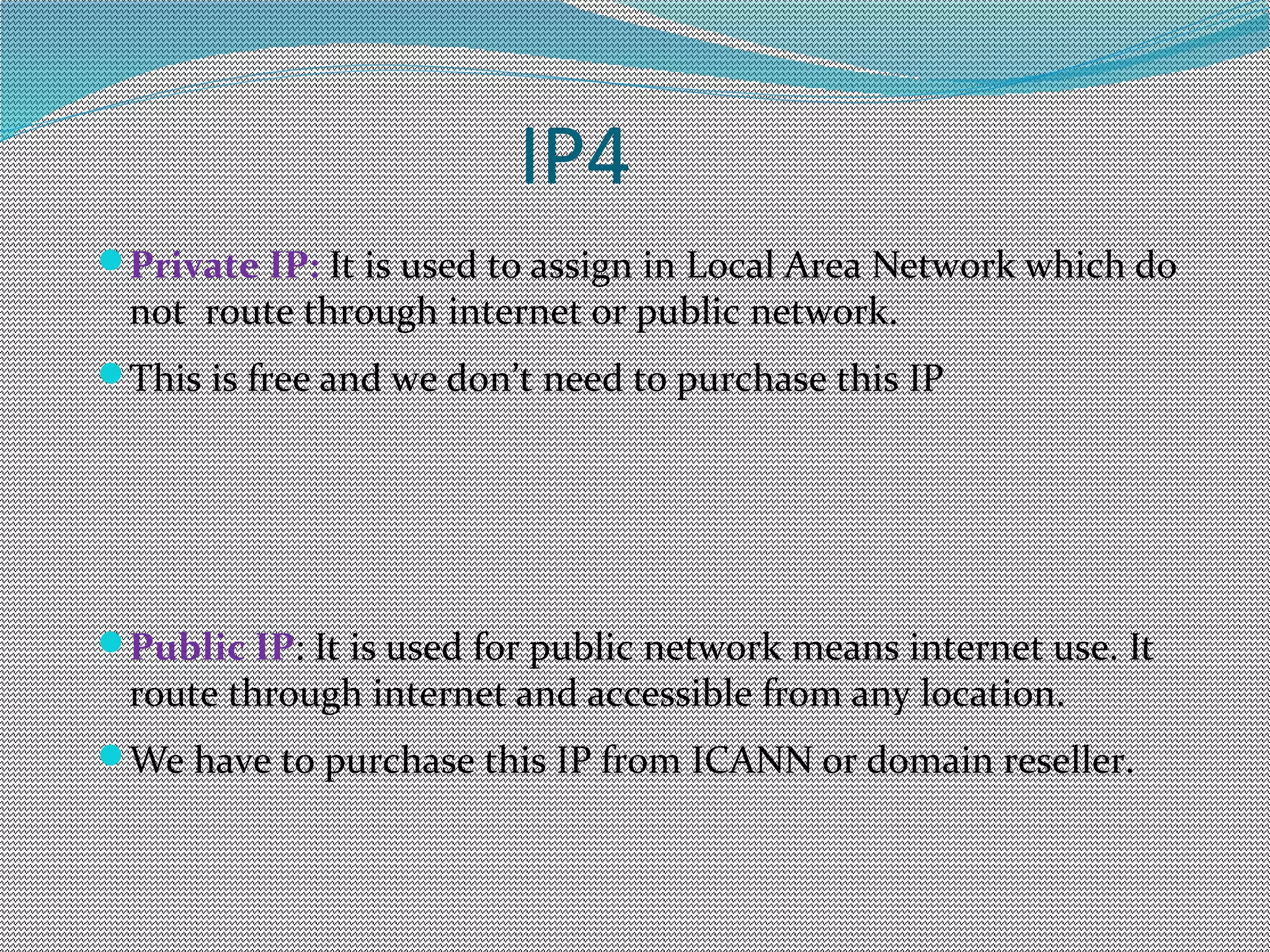
IP4
Private IP: It is used to assign in Local Area Network which do
not route through internet or public network.
This is free and we don’t need to purchase this IP
Public IP: It is used for public network means internet use. It
route through internet and accessible from any location.
We have to purchase this IP from ICANN or domain reseller.
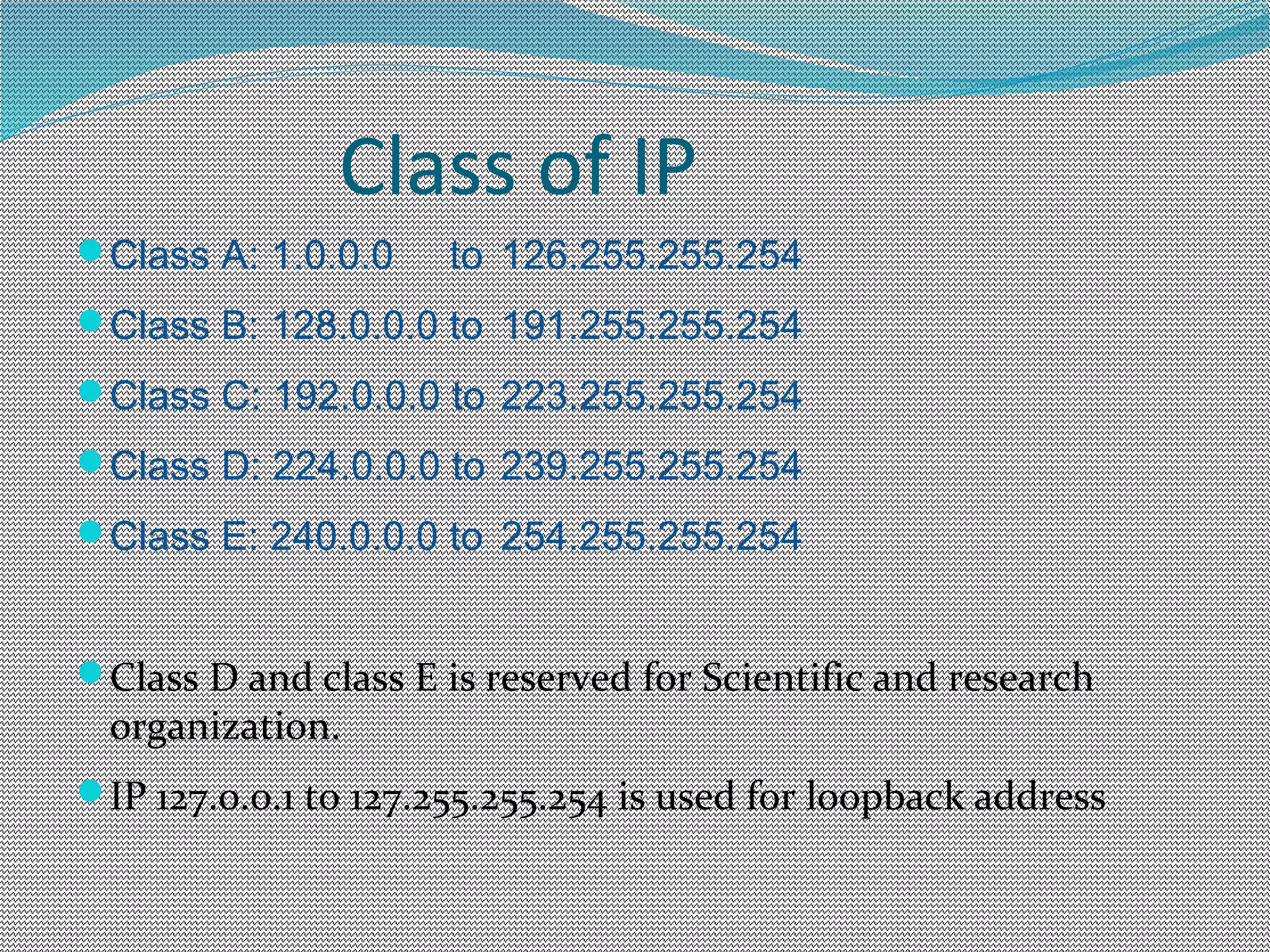
Class of IP
Class A: 1.0.0.0 to 126.255.255.254
Class B: 128.0.0.0 to 191.255.255.254
Class C: 192.0.0.0 to 223.255.255.254
Class D: 224.0.0.0 to 239.255.255.254
Class E: 240.0.0.0 to 254.255.255.254
Class D and class E is reserved for Scientific and research
organization.
IP 127.0.0.1 to 127.255.255.254 is used for loopback address
IP6
IP6(Internet Protocol version 6) This is next Gen
IP address which is steal to implement and it is under
Research and development(R&D)
It is 128 bit IP address and represent in hexadecimal
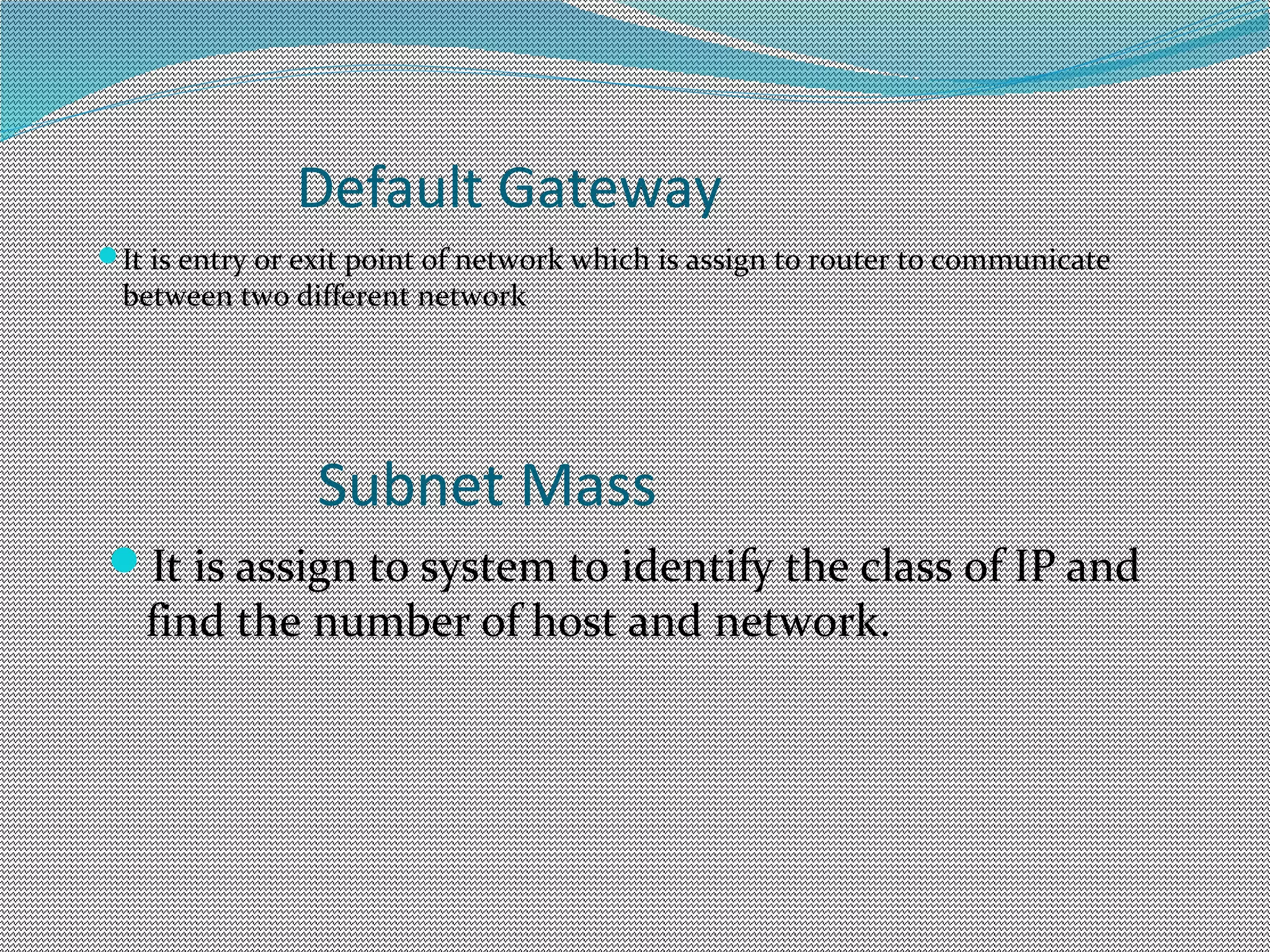
Default Gateway
It is entry or exit point of network which is assign to router to communicate
between two different network
Subnet Mass
It is assign to system to identify the class of IP and
find the number of host and network.
Assign IP Address in system
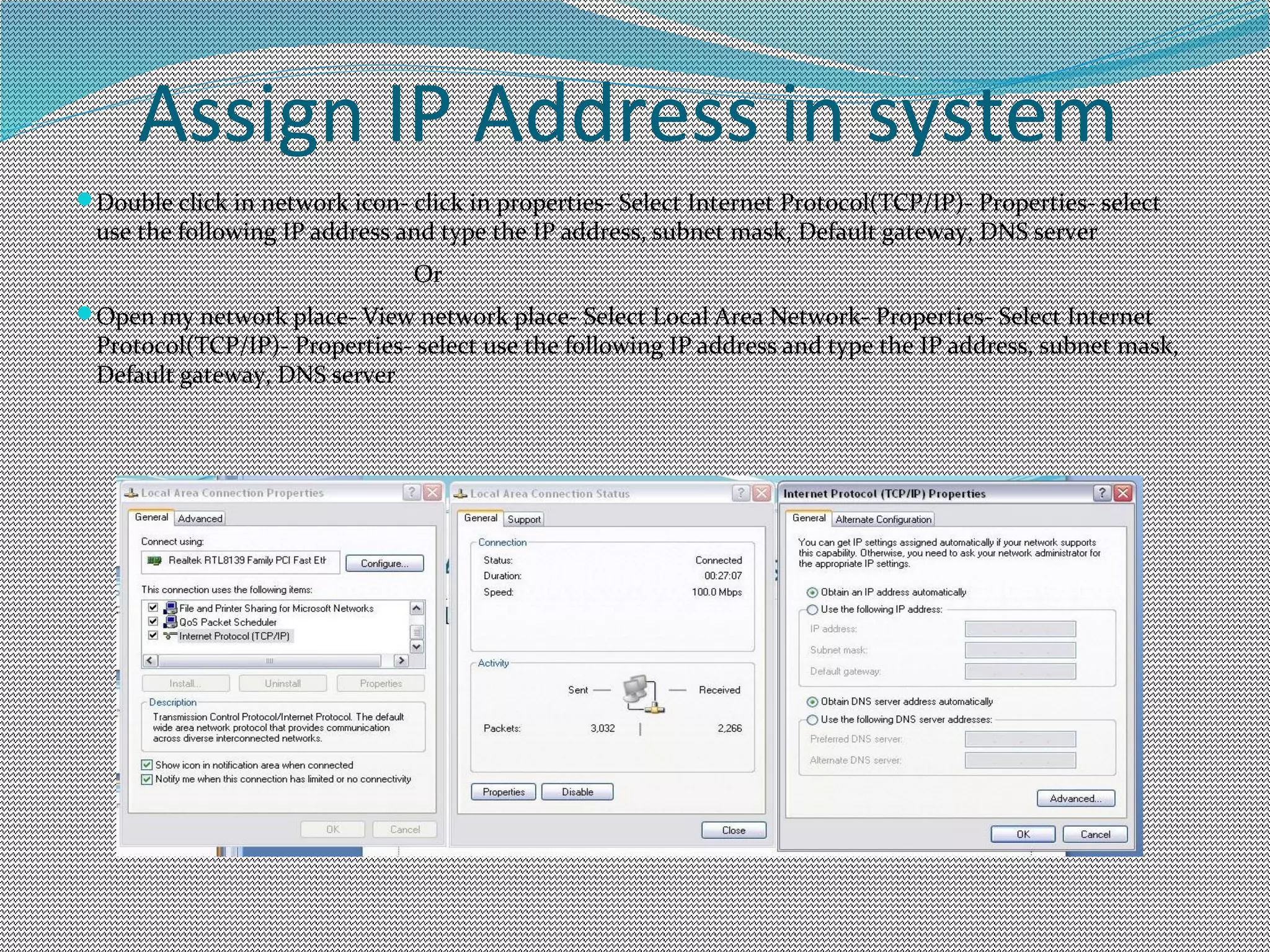
Double click in network icon- click in properties- Select Internet Protocol(TCP/IP)- Properties- select
use the following IP address and type the IP address, subnet mask, Default gateway, DNS server
Or
Open my network place- View network place- Select Local Area Network- Properties- Select Internet
Protocol(TCP/IP)- Properties- select use the following IP address and type the IP address, subnet mask,
Default gateway, DNS server
Check IP and Network Connection
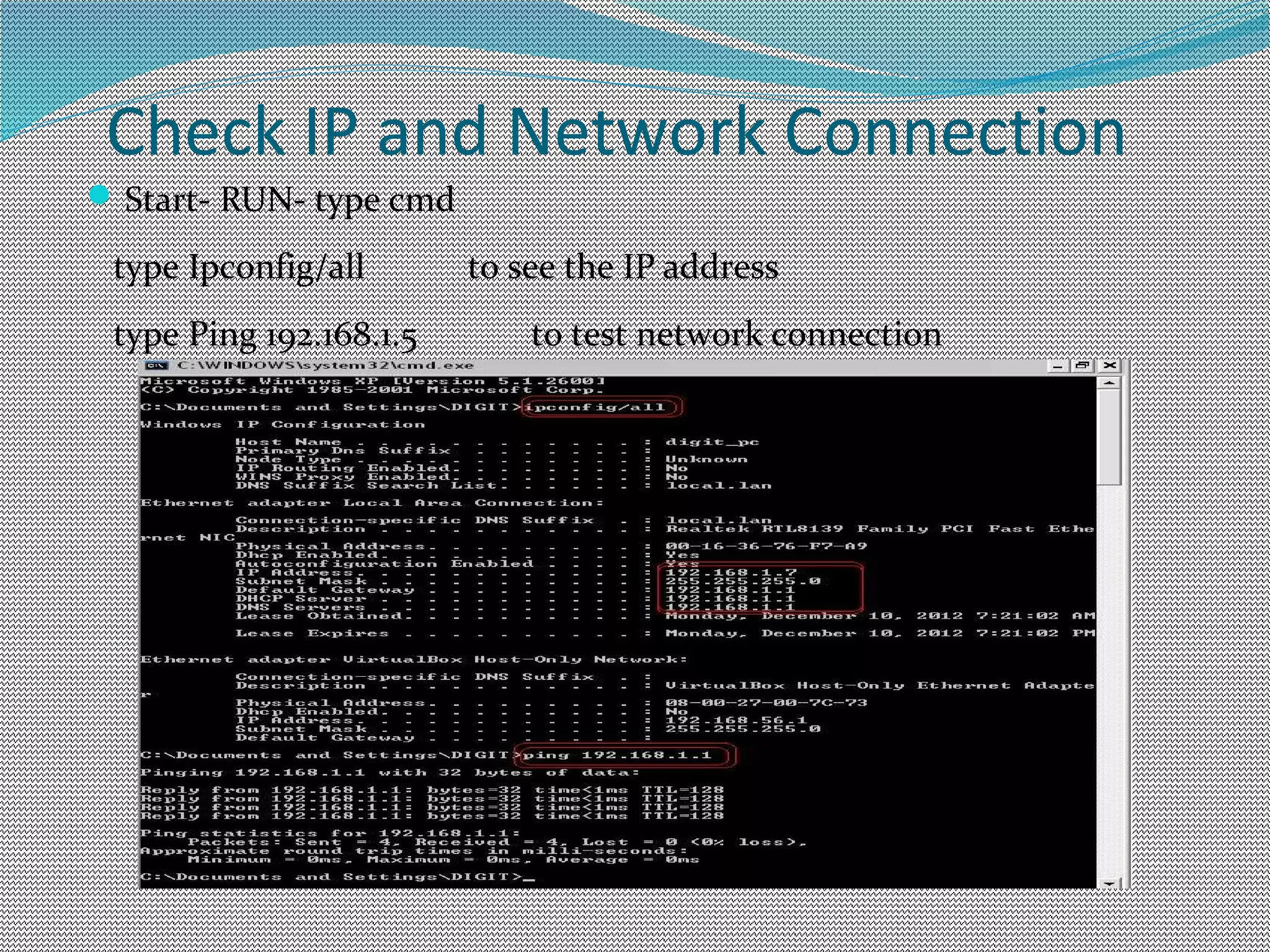
Start- RUN- type cmd
type Ipconfig/all to see the IP address
type Ping 192.168.1.5 to test network connection
View IP address of System
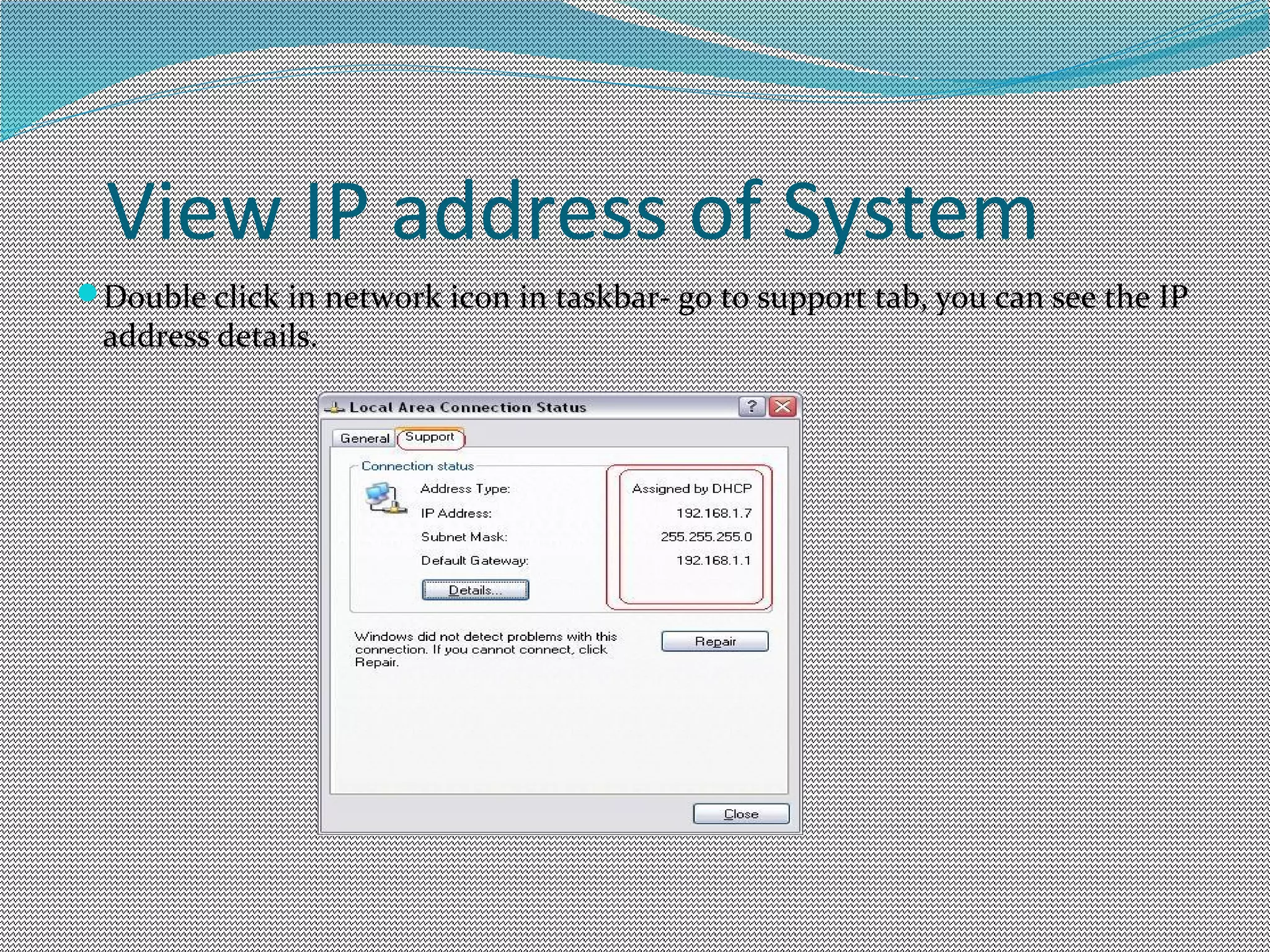
Double click in network icon in taskbar- go to support tab, you can see the IP
address details.
View IP address of System
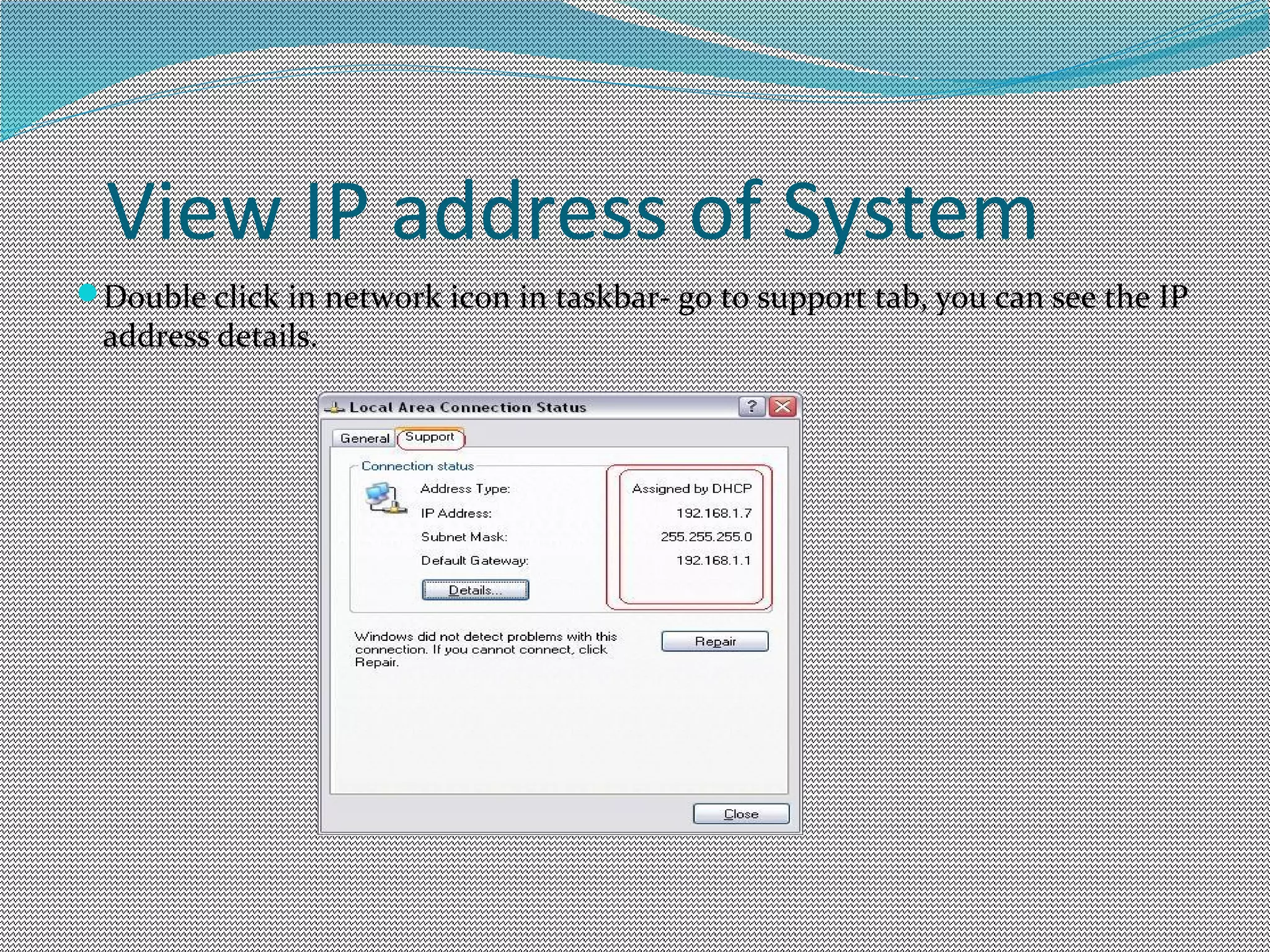
Double click in network icon in taskbar- go to support tab, you can see the IP
address details.

Ip address

  • 1.
  • 2.
    IP Address It is32bit logical address assign to Computer , Printer networking device such as Router to identify in network It is divided in 4 octat having 8 bit The Internet Assigned Numbers Authority (IANA) manages the IP address space allocations globally E.g. IP address: 192.168.1.7 Subnet Mask: 255.255.255.0 Default gateway: 192.168.1.1 DNS server: 192.168.1.5
  • 3.
    IP4 Private IP: Itis used to assign in Local Area Network which do not route through internet or public network. This is free and we don’t need to purchase this IP Public IP: It is used for public network means internet use. It route through internet and accessible from any location. We have to purchase this IP from ICANN or domain reseller.
  • 4.
    Class of IP ClassA: 1.0.0.0 to 126.255.255.254 Class B: 128.0.0.0 to 191.255.255.254 Class C: 192.0.0.0 to 223.255.255.254 Class D: 224.0.0.0 to 239.255.255.254 Class E: 240.0.0.0 to 254.255.255.254 Class D and class E is reserved for Scientific and research organization. IP 127.0.0.1 to 127.255.255.254 is used for loopback address
  • 5.
    IP6 IP6(Internet Protocol version6) This is next Gen IP address which is steal to implement and it is under Research and development(R&D) It is 128 bit IP address and represent in hexadecimal
  • 6.
    Default Gateway It isentry or exit point of network which is assign to router to communicate between two different network Subnet Mass It is assign to system to identify the class of IP and find the number of host and network.
  • 7.
    Assign IP Addressin system Double click in network icon- click in properties- Select Internet Protocol(TCP/IP)- Properties- select use the following IP address and type the IP address, subnet mask, Default gateway, DNS server Or Open my network place- View network place- Select Local Area Network- Properties- Select Internet Protocol(TCP/IP)- Properties- select use the following IP address and type the IP address, subnet mask, Default gateway, DNS server
  • 8.
    Check IP andNetwork Connection Start- RUN- type cmd type Ipconfig/all to see the IP address type Ping 192.168.1.5 to test network connection
  • 9.
    View IP addressof System Double click in network icon in taskbar- go to support tab, you can see the IP address details.
  • 10.
    View IP addressof System Double click in network icon in taskbar- go to support tab, you can see the IP address details.