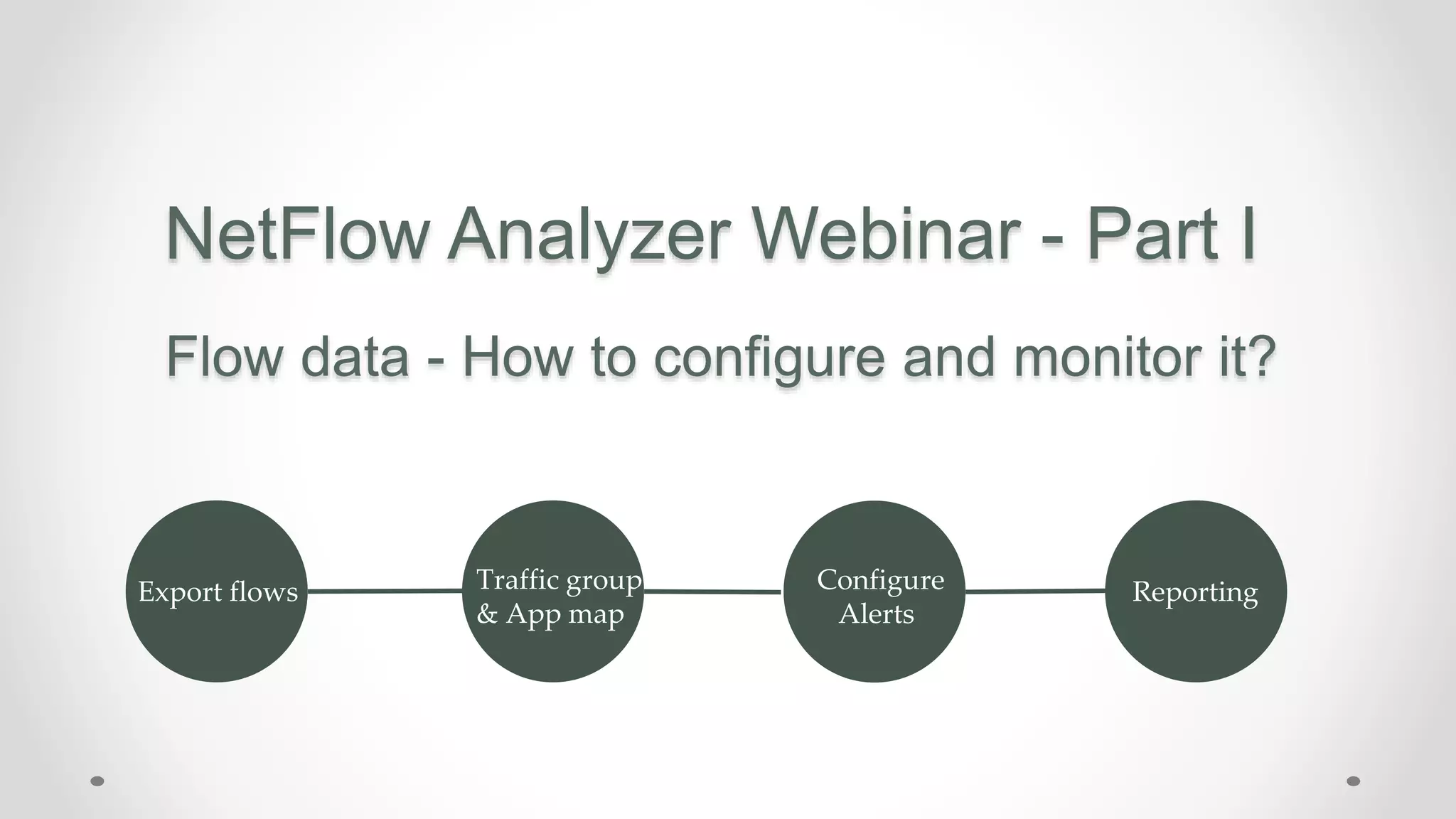
NetFlow Analyzer Webinar - Part I
Flow data - How to configure and monitor it?
Export flows Traffic group
& App map
Configure
Alerts
Reporting
CHALLENGES IN MONITORING THE NETWORK
• WHAT IS GOING THROUGH THE NETWORK ?
• WHO ARE THE TOP TAKERS ON THE NETWORK ?
• WHAT ARE THE TOP DESTINATIONS ?
• WHAT IS THE TOTAL TRAFFIC OF LAYER 4 & LAYER 7 APPLICATION
• WHETHER THE EMPLOYEES ARE EFFICIENTLY USING THE BANDWIDTH FOR
BUSINESS PURPOSE ?
• WHY IS THE INTERNET SLOW IS IT THE BANDWIDTH ISSUE ? OR IS
SOMETHING ELSE BLOCKING IT DOWN ??
AGENDA
• Introduction to NetFlow Analyzer
• Prerequisites
• Configuring Flow
• Inventory
• Mapping
• Grouping
• Dashboard
• Administration NetFlow Analyzer
INTRODUCTION TO
NetFlow Analyzer
INTRODUCTION TO NETFLOW ANALYZER
> It is a simple bandwidth monitoring, traffic analysis tool
> NetFlow, sFlow, IPFIX, J-Flow, NetStream, Appflow - For bandwidth & traffic analytics
> Helps you to drill down into interface level details to discover traffic pattern and device
performance
> Recognize and classify Non-Standard Apps that hog your network bandwidth using NFA
> Detect a broad spectrum of external and internal security threats
* We support any new flow type in couple of weeks
CHARACTERISTIC OF NETFLOW ANALYZER
• On-premise
• Web-based
• Agent less
• Available for both Windows and Linux platform
• NetFlow Analyzer supports PostgreSQL and MSSQL as
database
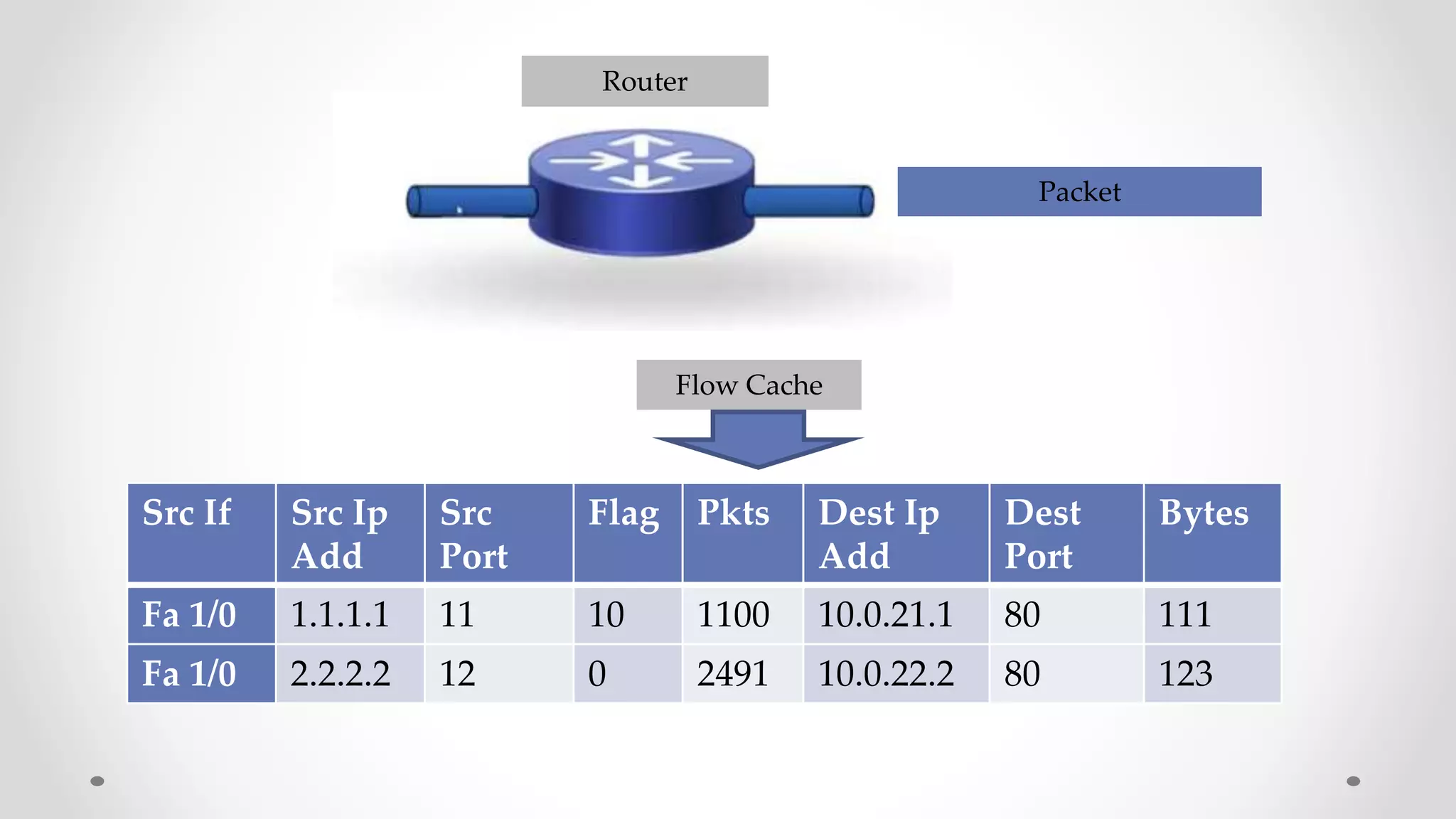
Router
Packet
Src If Src Ip
Add
Src
Port
Flag Pkts Dest Ip
Add
Dest
Port
Bytes
Fa 1/0 1.1.1.1 11 10 1100 10.0.21.1 80 111
Fa 1/0 2.2.2.2 12 0 2491 10.0.22.2 80 123
Flow Cache
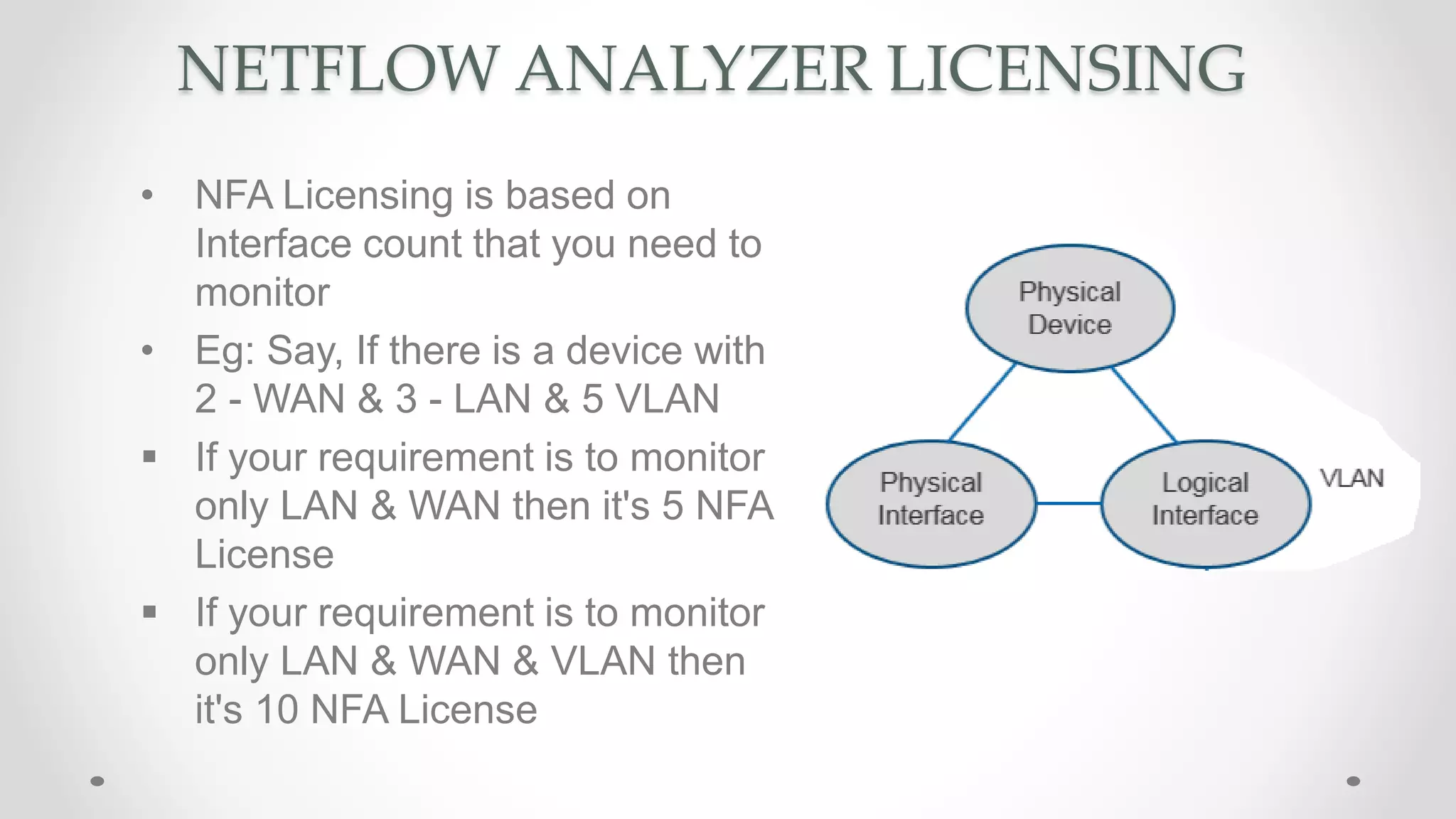
NETFLOW ANALYZER LICENSING
• NFA Licensing is based on
Interface count that you need to
monitor
• Eg: Say, If there is a device with
2 - WAN & 3 - LAN & 5 VLAN
 If your requirement is to monitor
only LAN & WAN then it's 5 NFA
License
 If your requirement is to monitor
only LAN & WAN & VLAN then
it's 10 NFA License
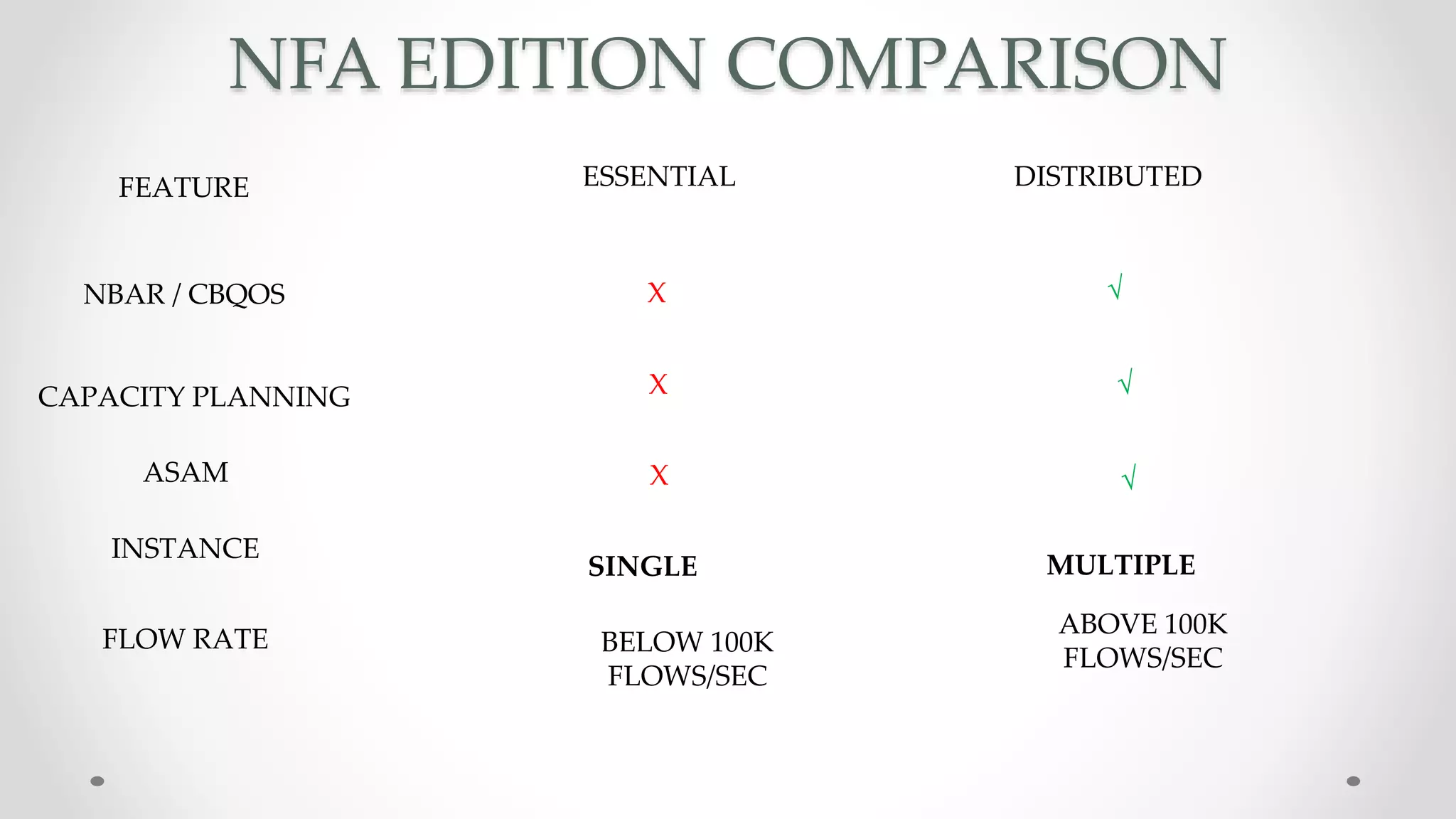
NFA EDITION COMPARISON
ESSENTIAL DISTRIBUTEDFEATURE
NBAR / CBQOS
CAPACITY PLANNING
ASAM
INSTANCE
FLOW RATE
X √
√
√
ABOVE 100K
FLOWS/SEC
X
X
SINGLE MULTIPLE
BELOW 100K
FLOWS/SEC
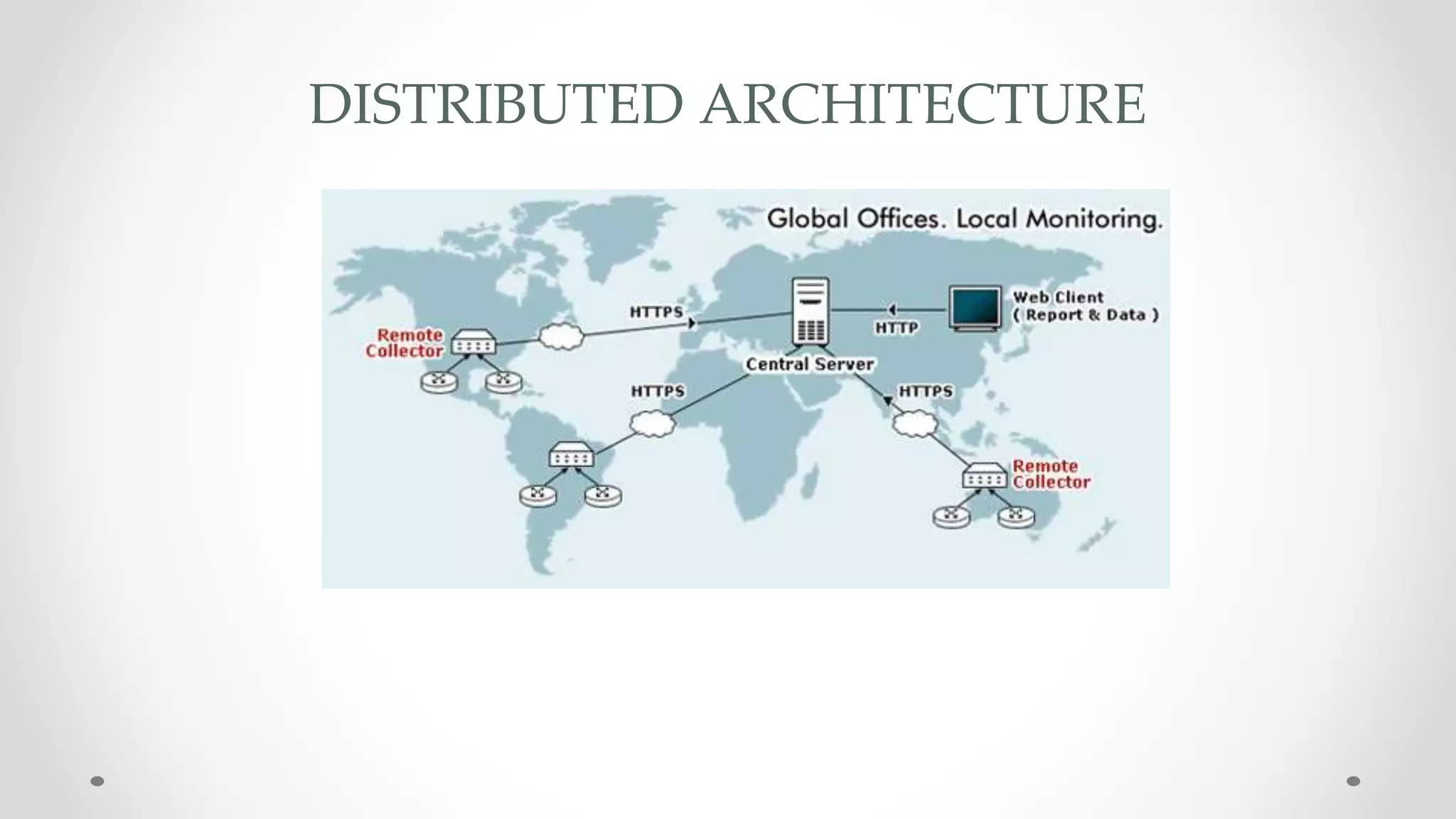
DISTRIBUTED ARCHITECTURE
PREREQUISITES
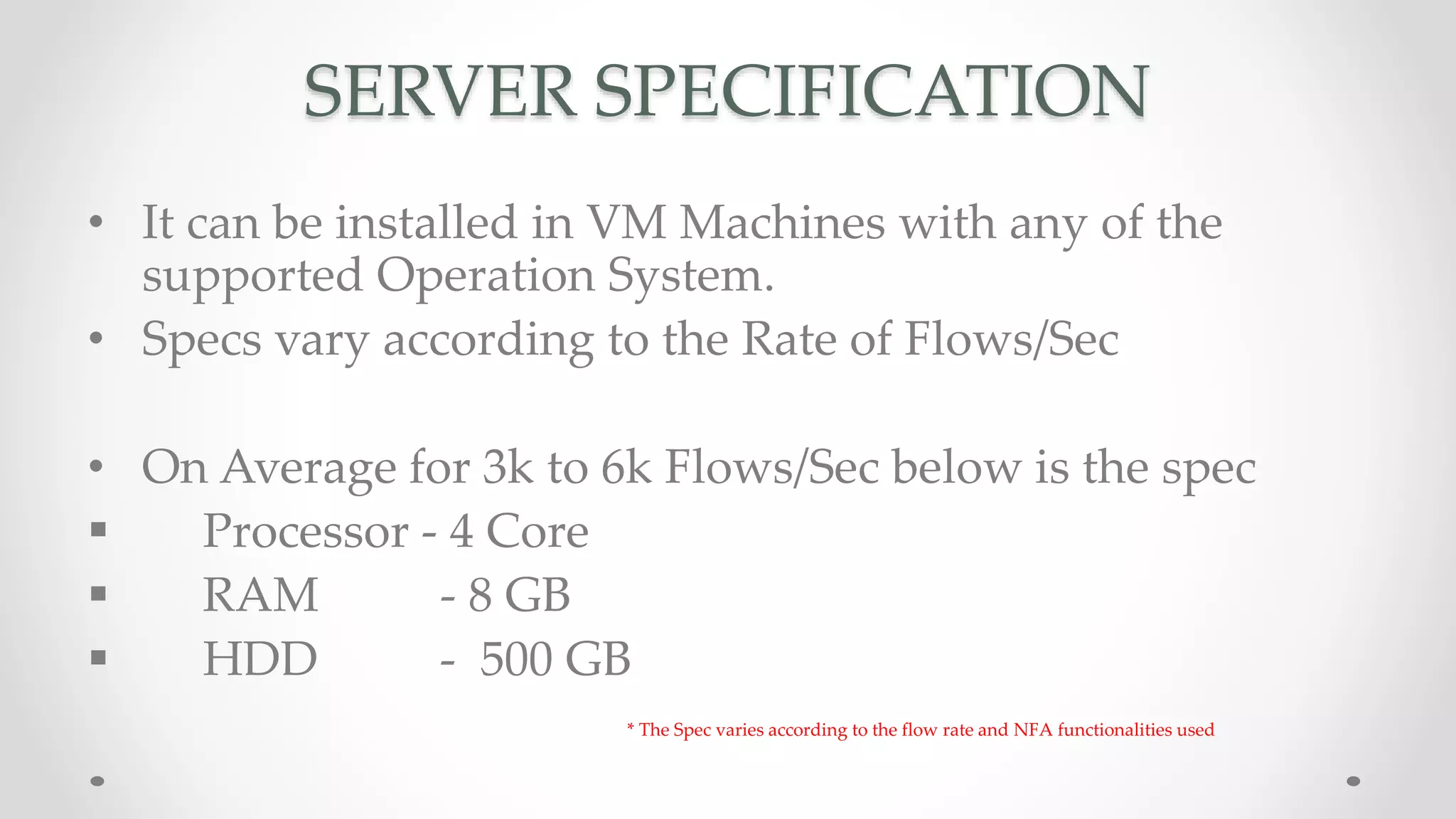
SERVER SPECIFICATION
• It can be installed in VM Machines with any of the
supported Operation System.
• Specs vary according to the Rate of Flows/Sec
• On Average for 3k to 6k Flows/Sec below is the spec
 Processor - 4 Core
 RAM - 8 GB
 HDD - 500 GB
* The Spec varies according to the flow rate and NFA functionalities used
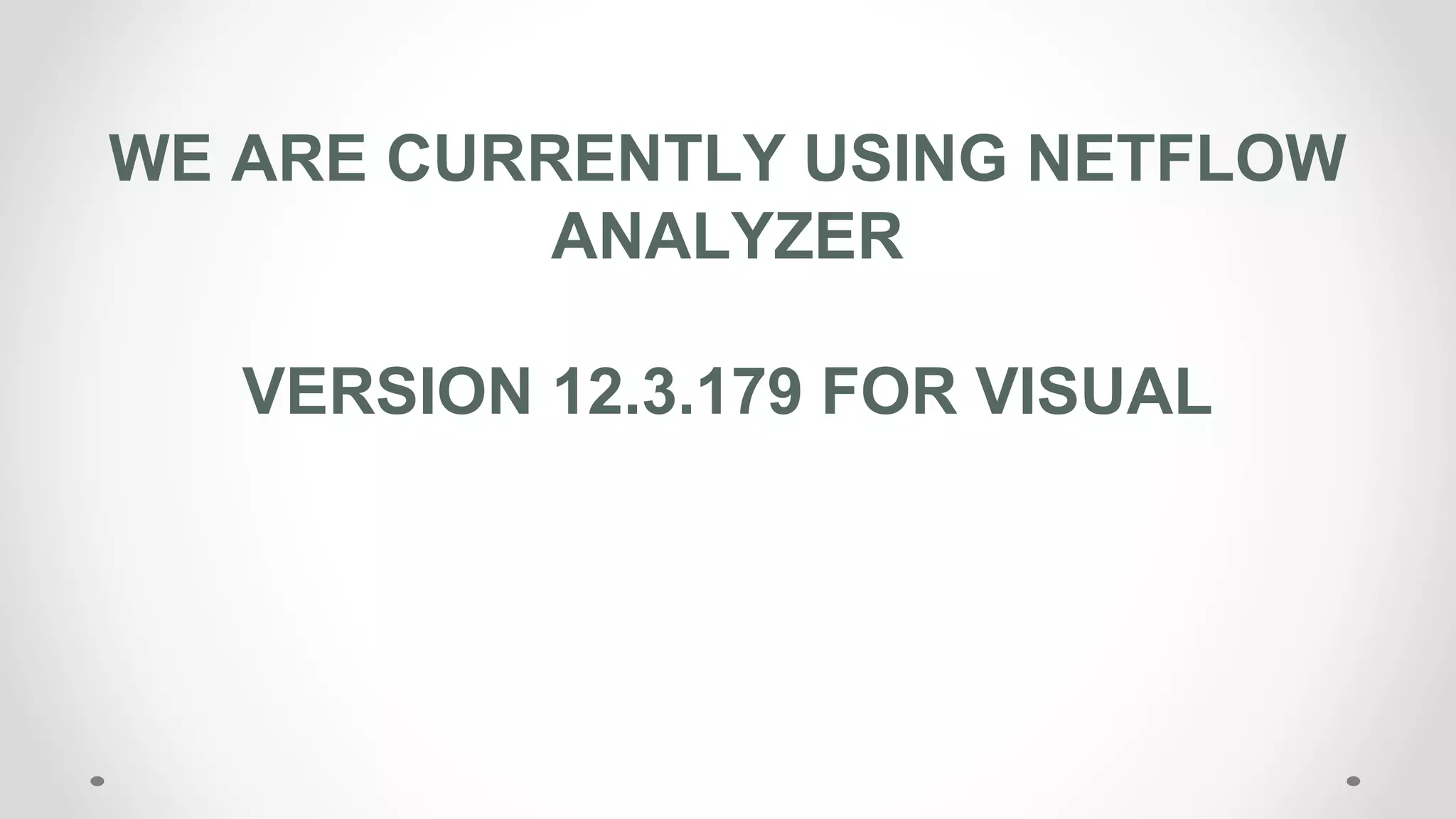
WE ARE CURRENTLY USING NETFLOW
ANALYZER
VERSION 12.3.179 FOR VISUAL
CONFIGURING
FLOW
CONFIGURING FLOW
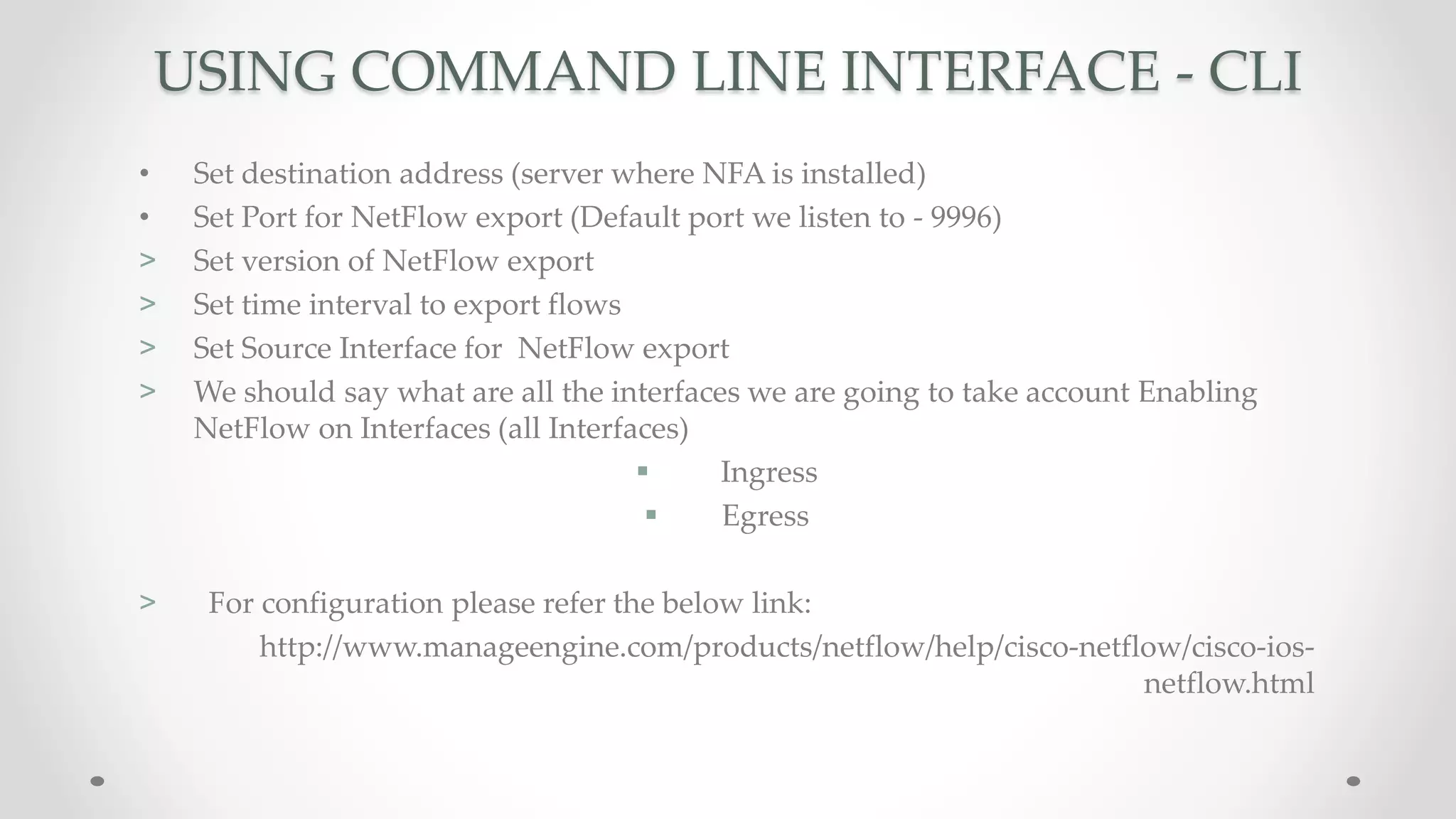
• Using CLI
• Using GUI
• Using NCM module in NetFlow Analyzer
USING COMMAND LINE INTERFACE - CLI
• Set destination address (server where NFA is installed)
• Set Port for NetFlow export (Default port we listen to - 9996)
> Set version of NetFlow export
> Set time interval to export flows
> Set Source Interface for NetFlow export
> We should say what are all the interfaces we are going to take account Enabling
NetFlow on Interfaces (all Interfaces)
 Ingress
 Egress
> For configuration please refer the below link:
http://www.manageengine.com/products/netflow/help/cisco-netflow/cisco-ios-
netflow.html
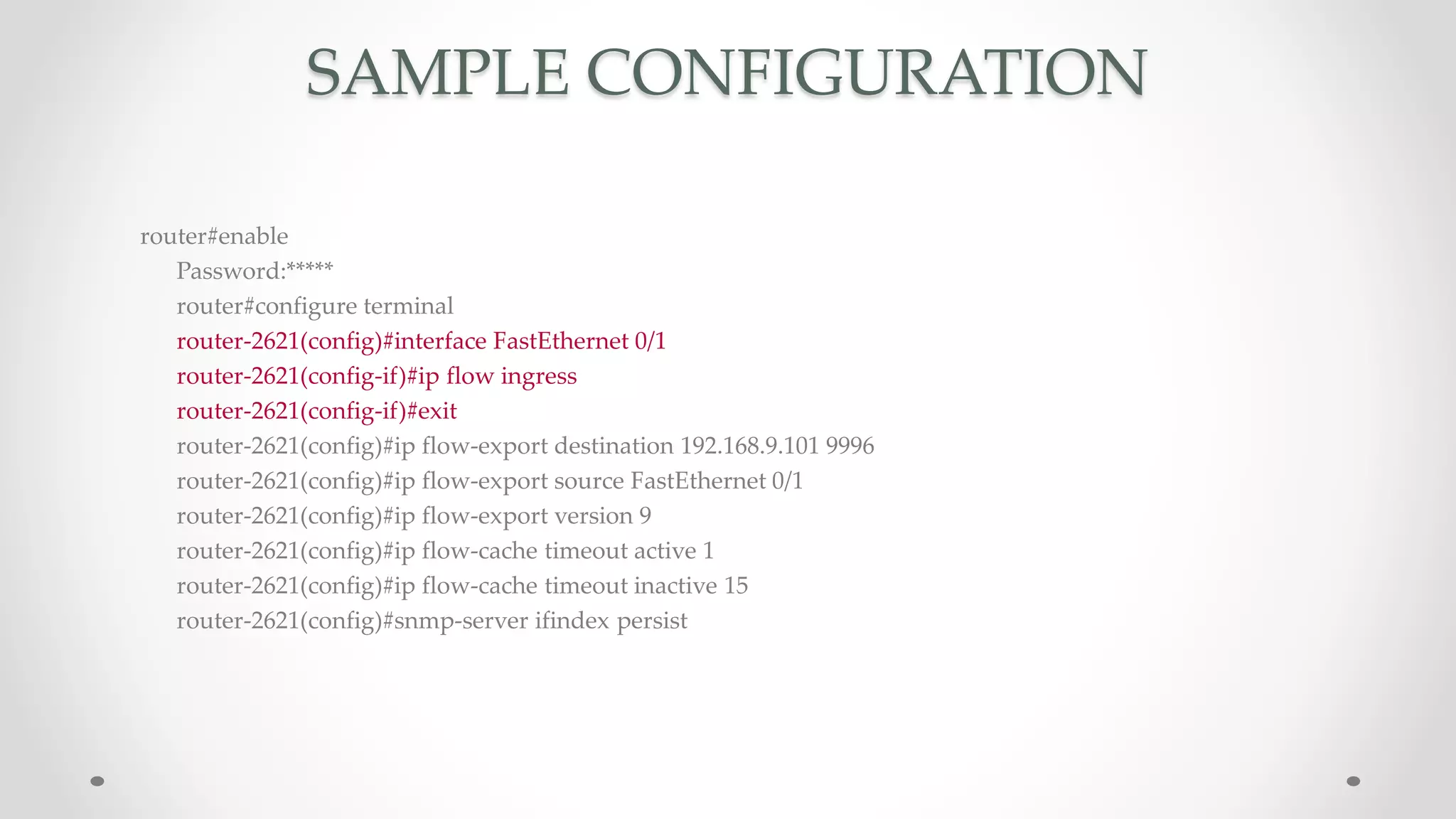
SAMPLE CONFIGURATION
router#enable
Password:*****
router#configure terminal
router-2621(config)#interface FastEthernet 0/1
router-2621(config-if)#ip flow ingress
router-2621(config-if)#exit
router-2621(config)#ip flow-export destination 192.168.9.101 9996
router-2621(config)#ip flow-export source FastEthernet 0/1
router-2621(config)#ip flow-export version 9
router-2621(config)#ip flow-cache timeout active 1
router-2621(config)#ip flow-cache timeout inactive 15
router-2621(config)#snmp-server ifindex persist
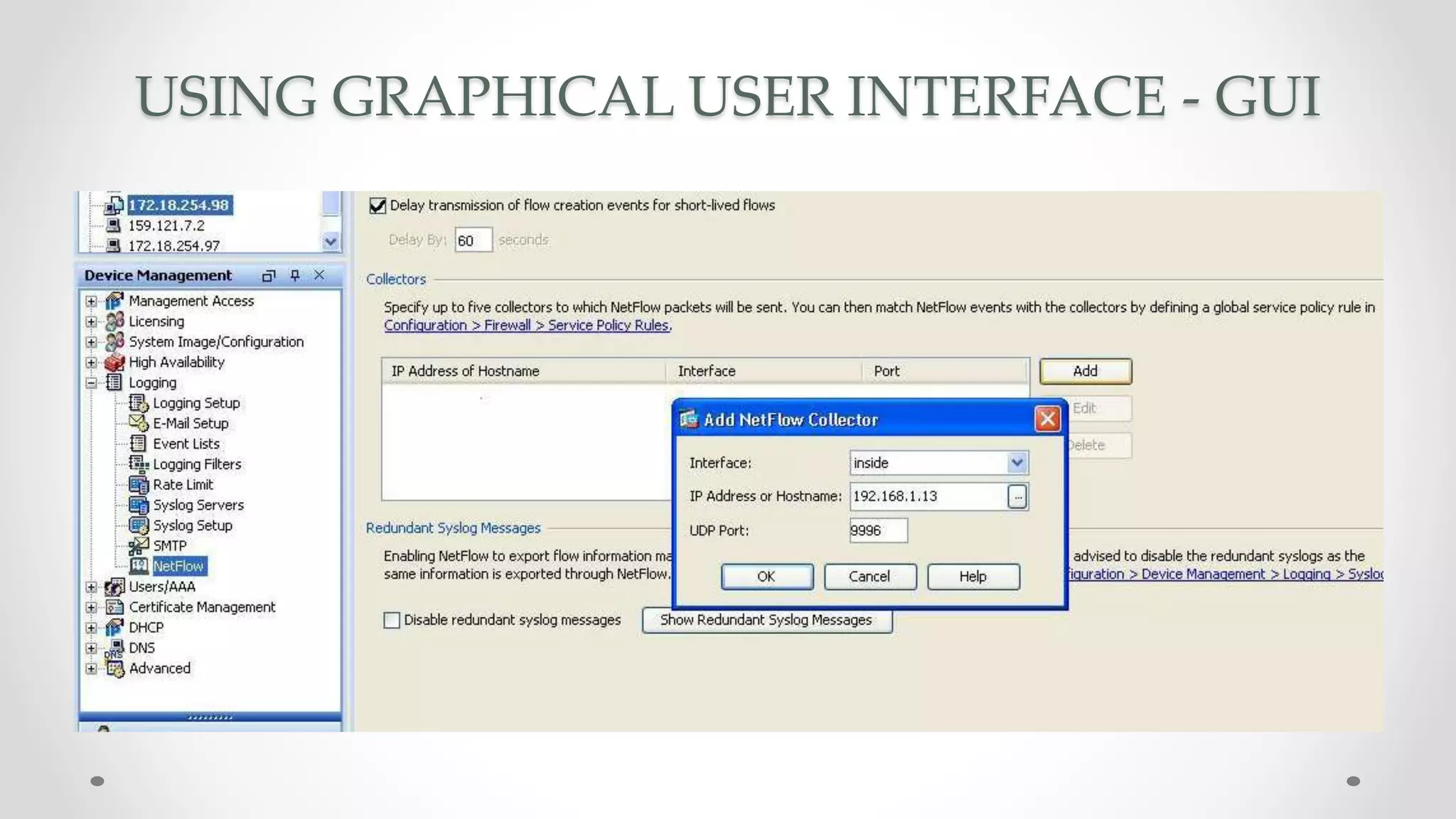
USING GRAPHICAL USER INTERFACE - GUI
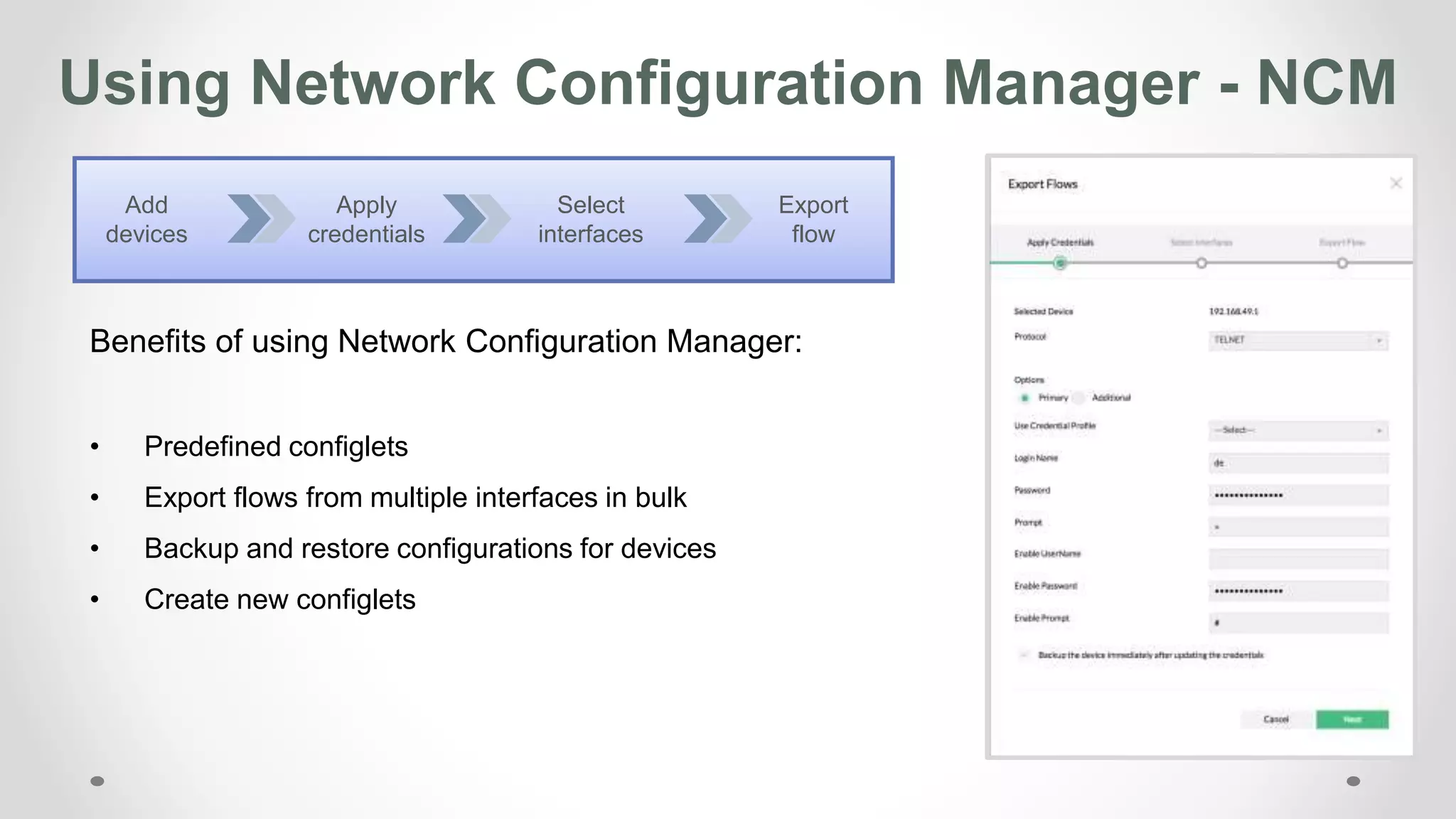
Using Network Configuration Manager - NCM
Benefits of using Network Configuration Manager:
• Predefined configlets
• Export flows from multiple interfaces in bulk
• Backup and restore configurations for devices
• Create new configlets
Apply
credentials
Select
interfaces
Export
flow
Add
devices
INVENTORY
INVENTORY
• Device Level Traffic
• Interface Level Traffic
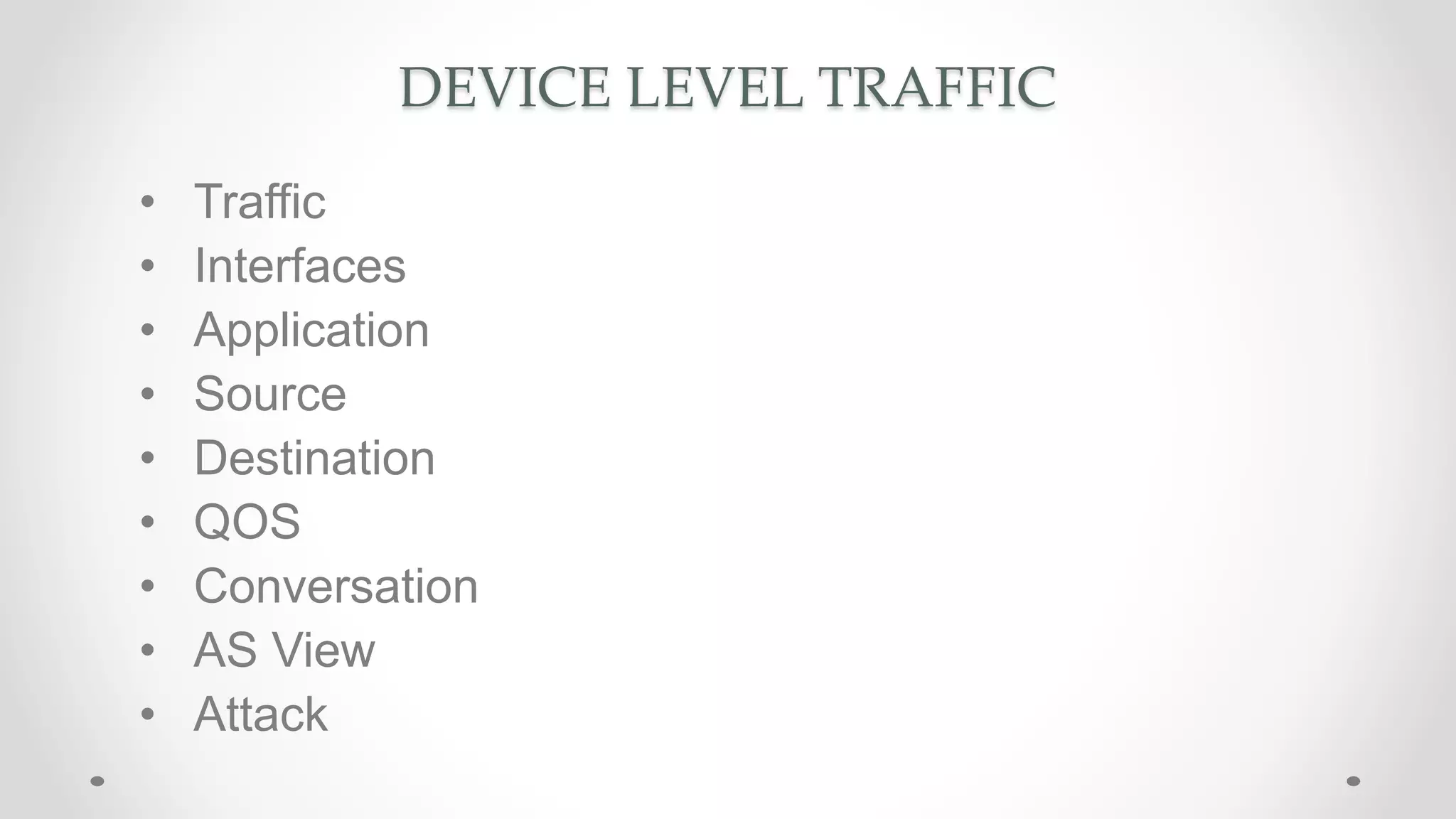
DEVICE LEVEL TRAFFIC
• Traffic
• Interfaces
• Application
• Source
• Destination
• QOS
• Conversation
• AS View
• Attack
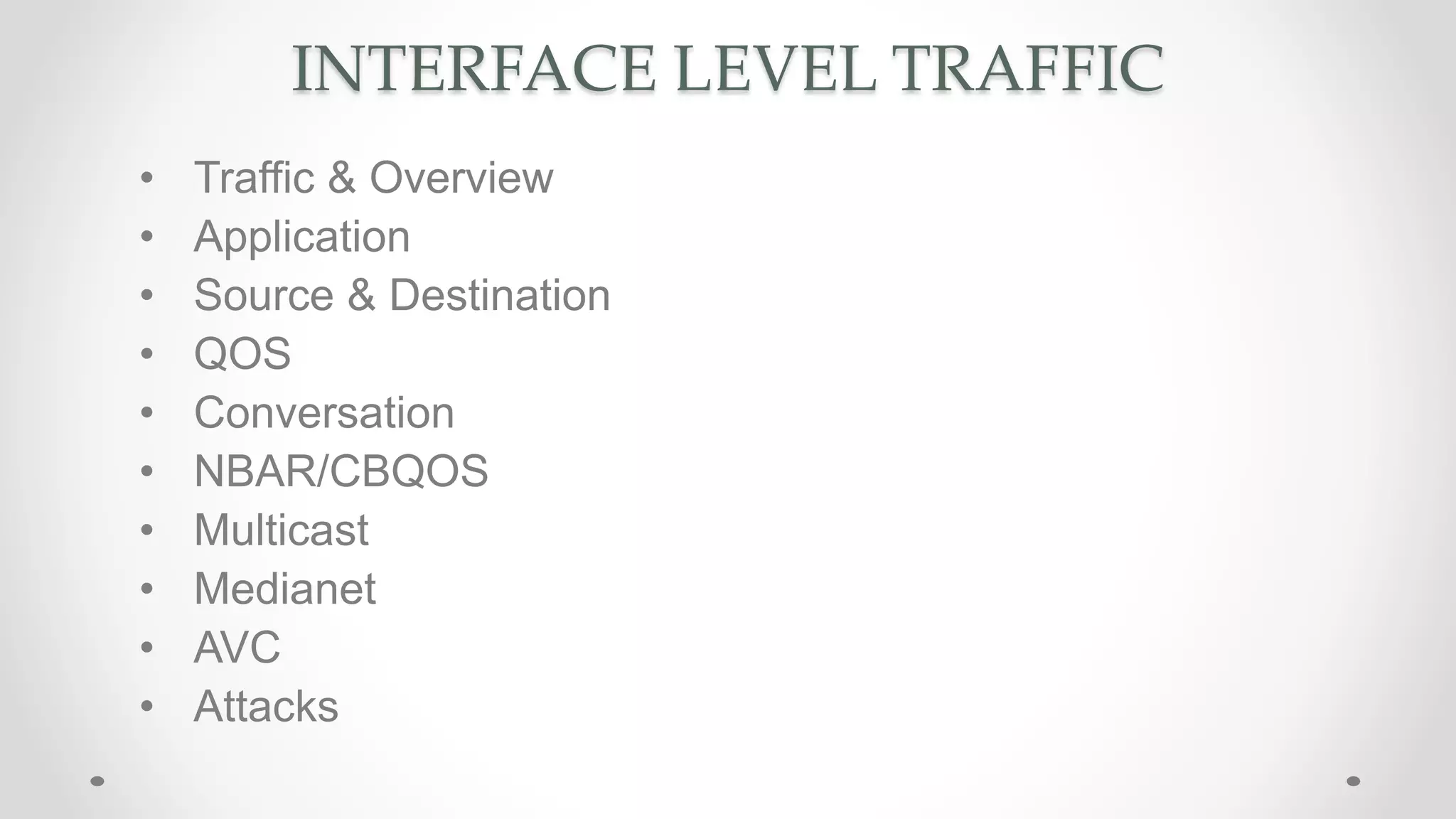
INTERFACE LEVEL TRAFFIC
• Traffic & Overview
• Application
• Source & Destination
• QOS
• Conversation
• NBAR/CBQOS
• Multicast
• Medianet
• AVC
• Attacks
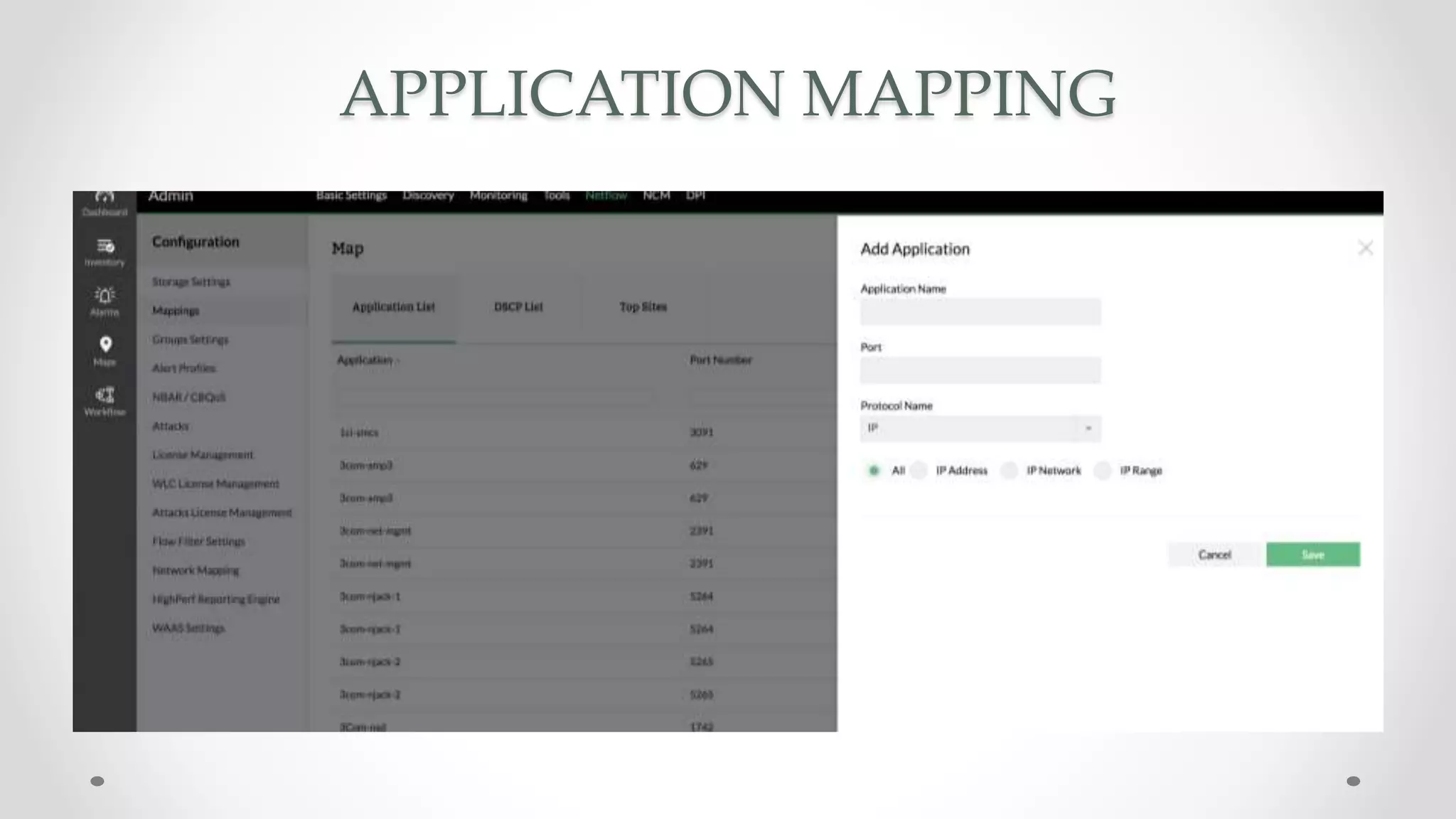
APPLICATION MAPPING
APPLICATION MAPPING
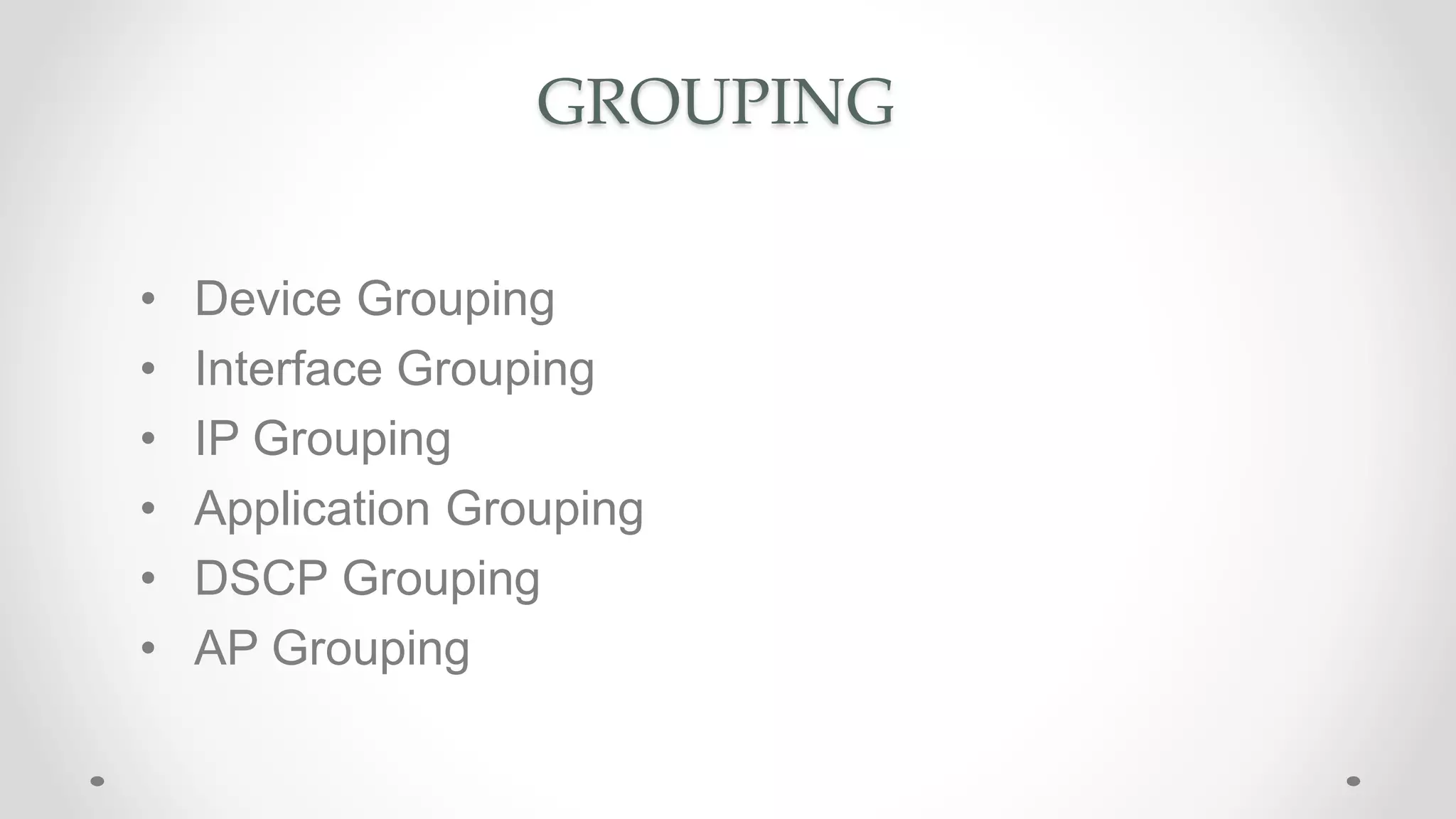
GROUPING
GROUPING
• Device Grouping
• Interface Grouping
• IP Grouping
• Application Grouping
• DSCP Grouping
• AP Grouping
DASHBOARD
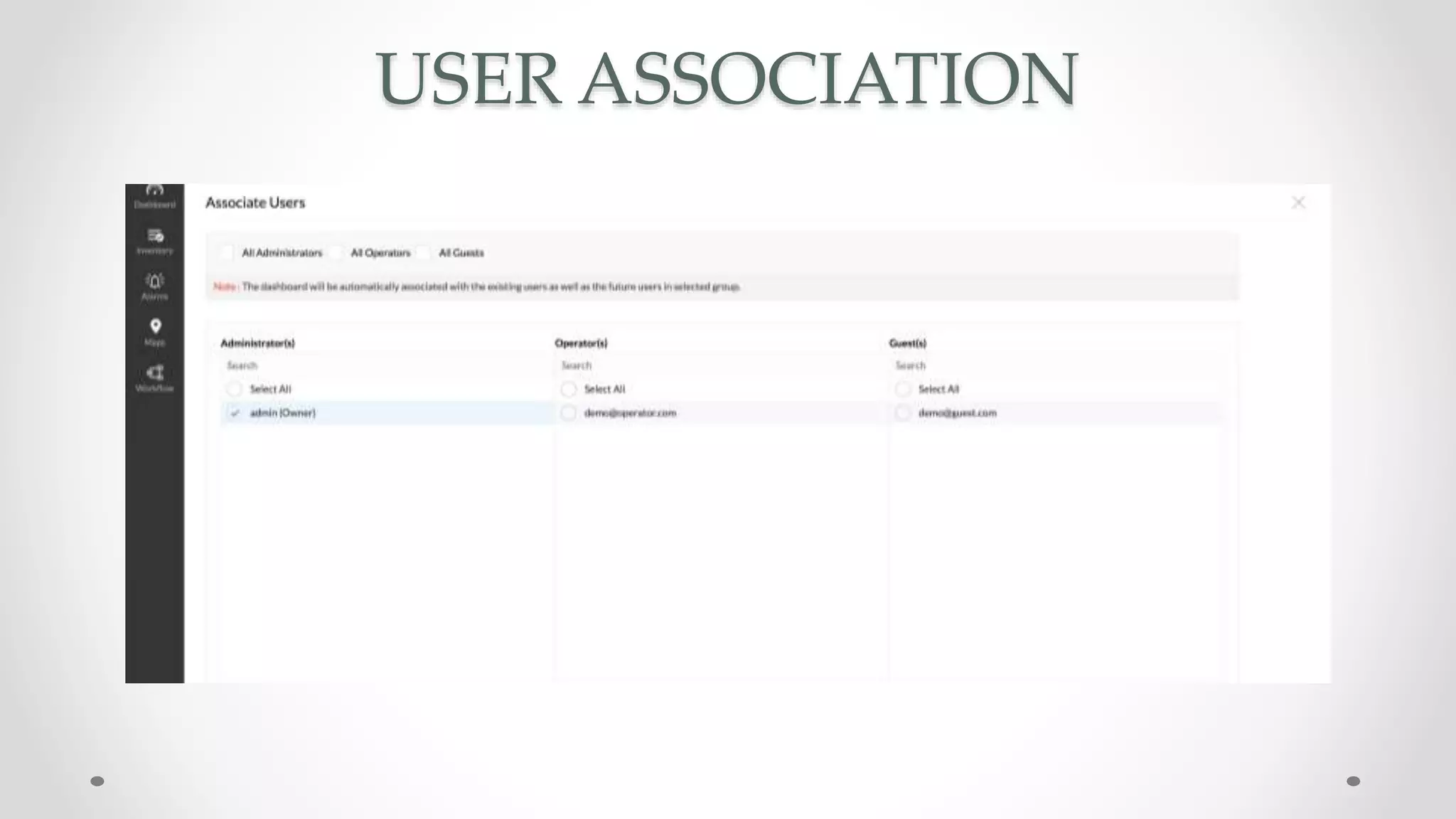
USER ASSOCIATION
NETFLOW
ANALYZER
-
ADMINISTRATION
NETFLOW ANALYZER - ADMINISTRATION
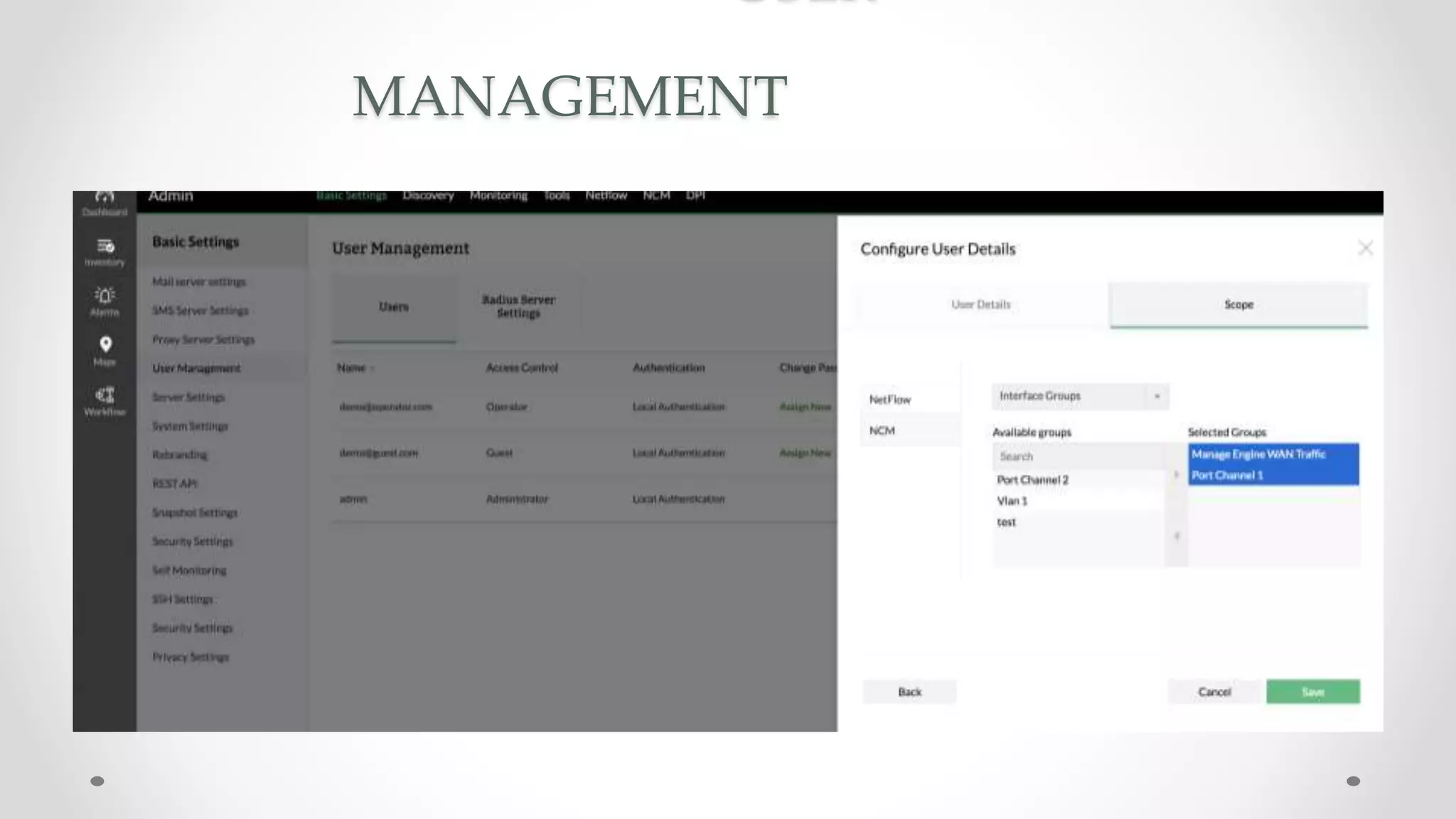
• User Management
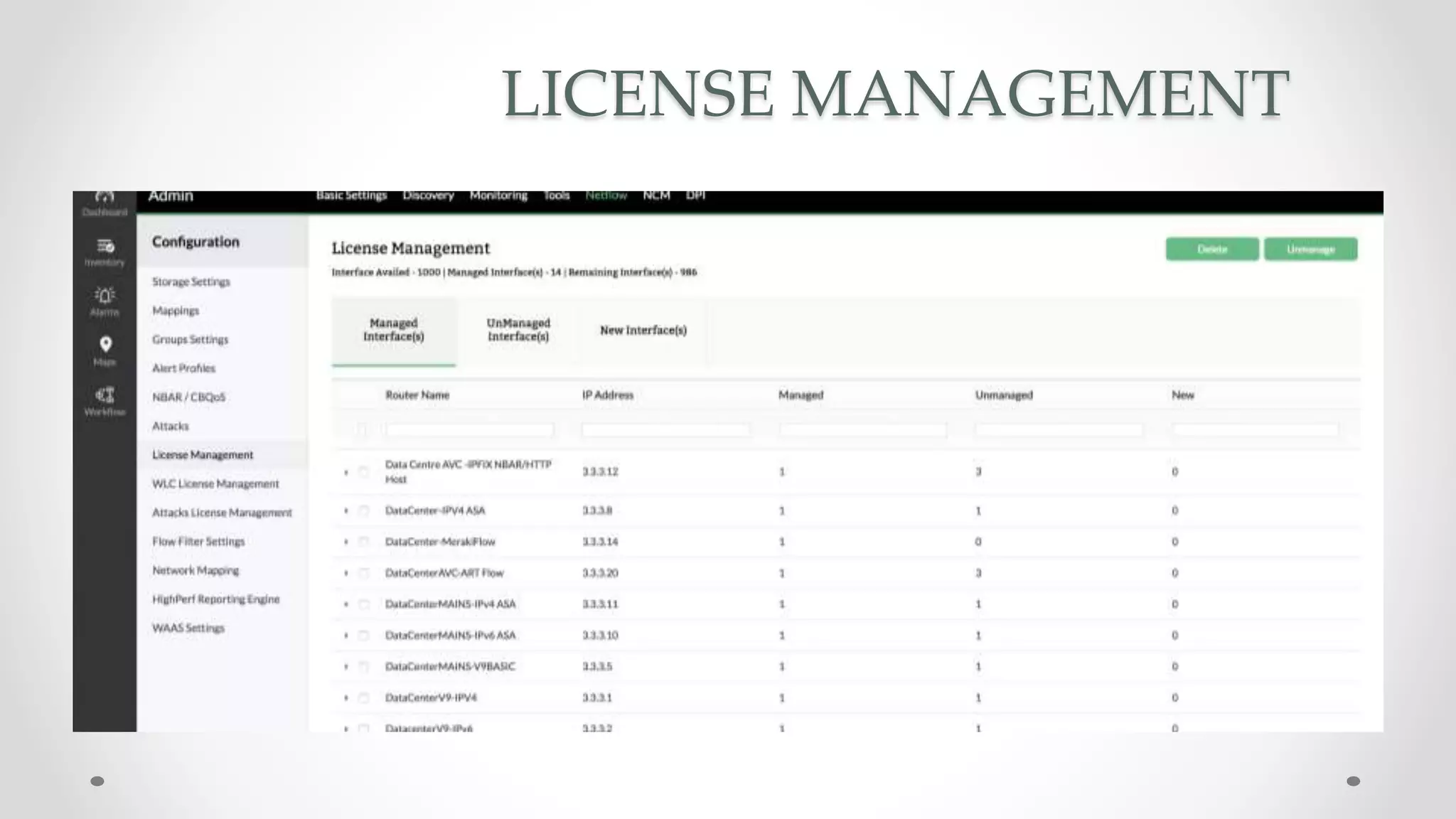
• License Management
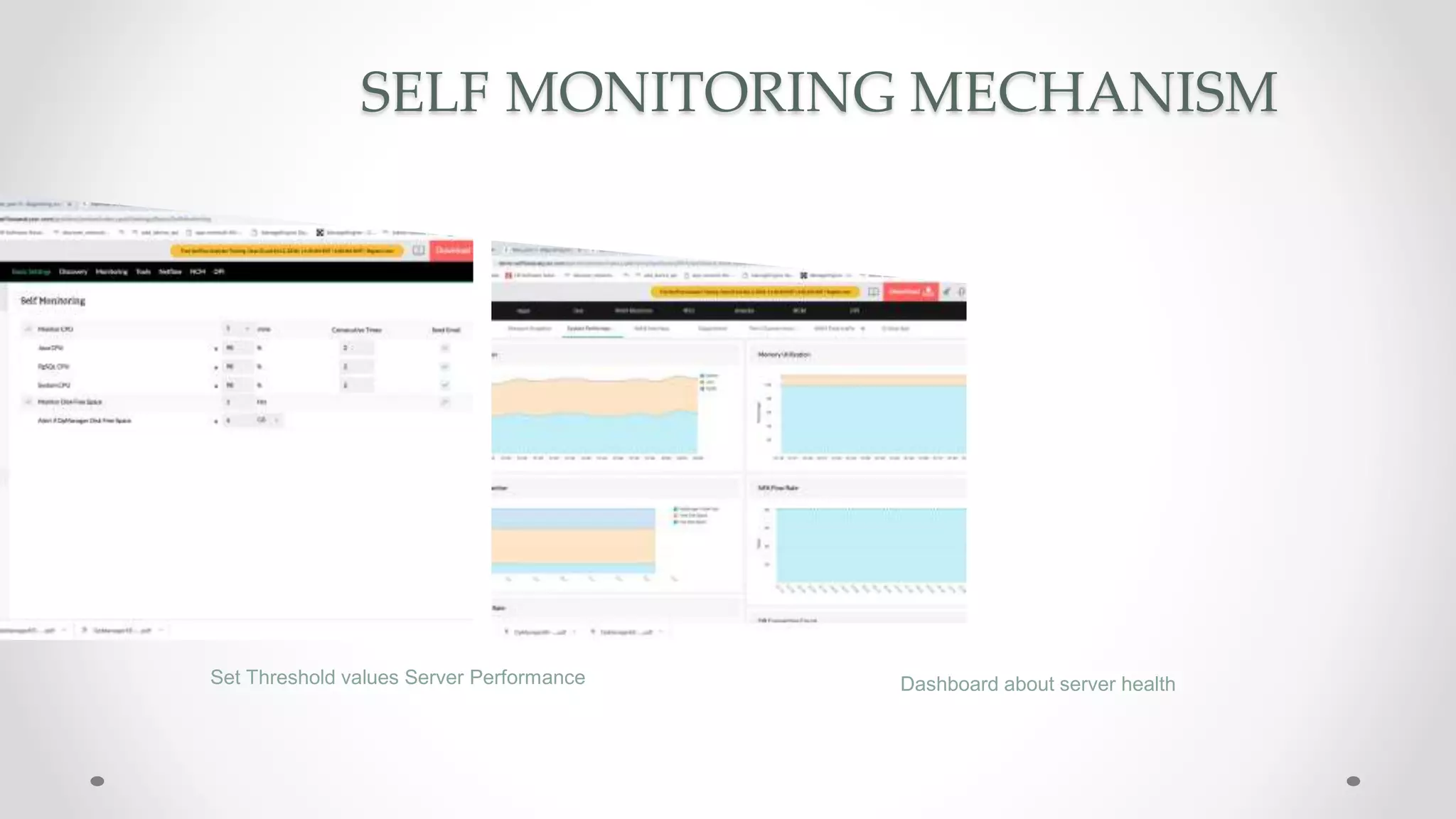
• Self Monitoring Mechanism
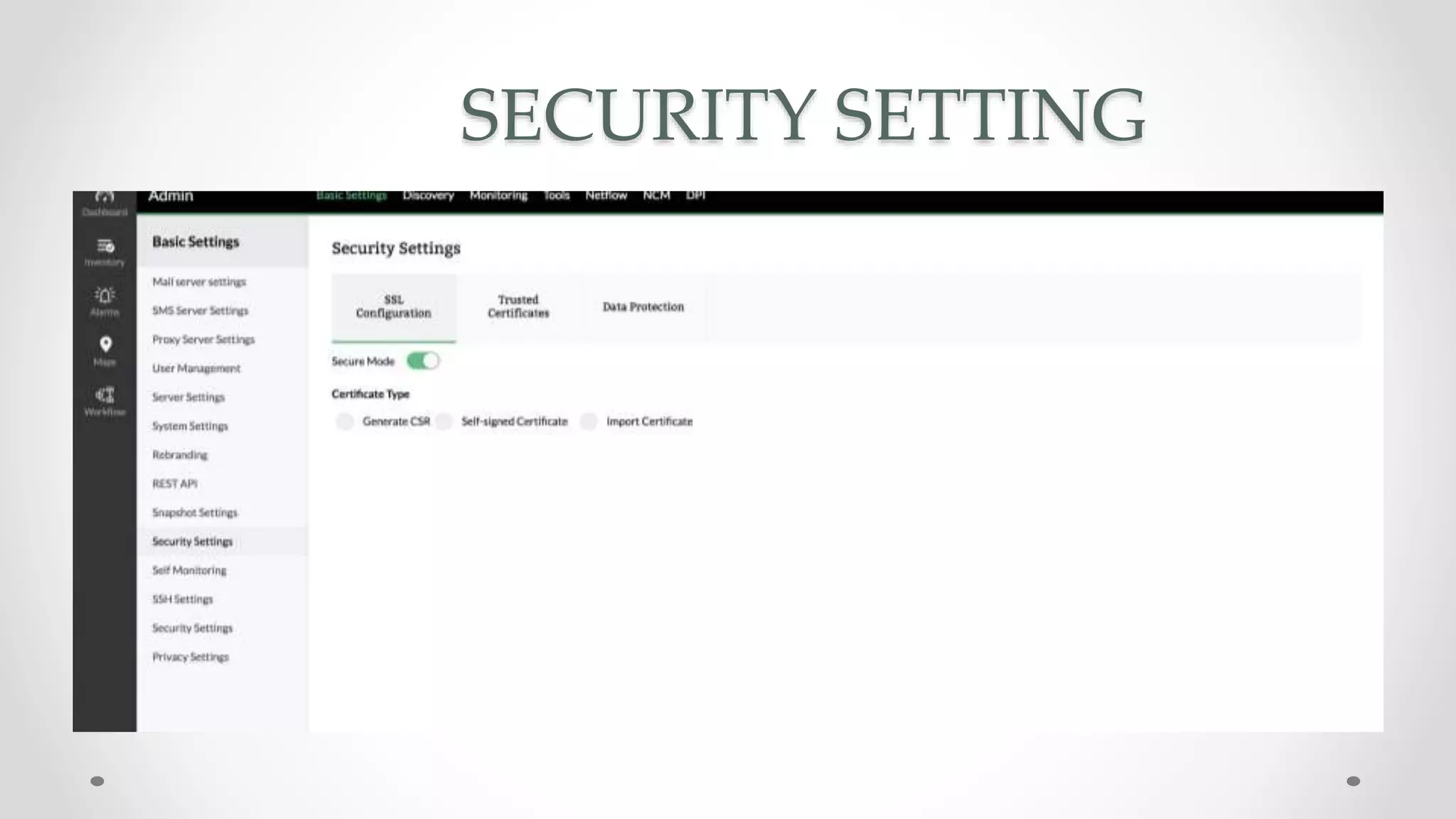
• Security Setting
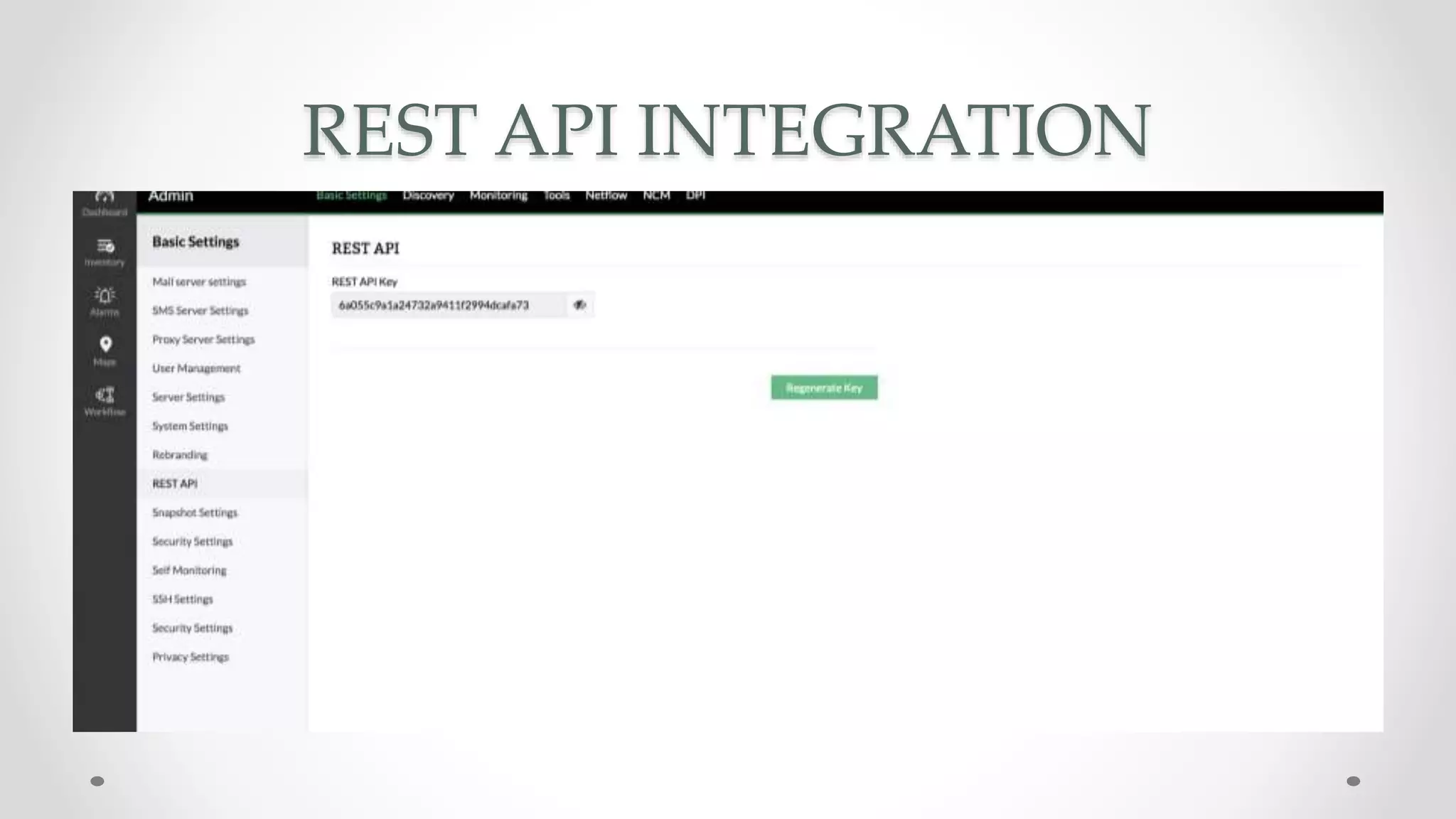
• Rest API
• Tools
MANAGEMENT
LICENSE MANAGEMENT
SELF MONITORING MECHANISM
Set Threshold values Server Performance Dashboard about server health
SECURITY SETTING
REST API INTEGRATION
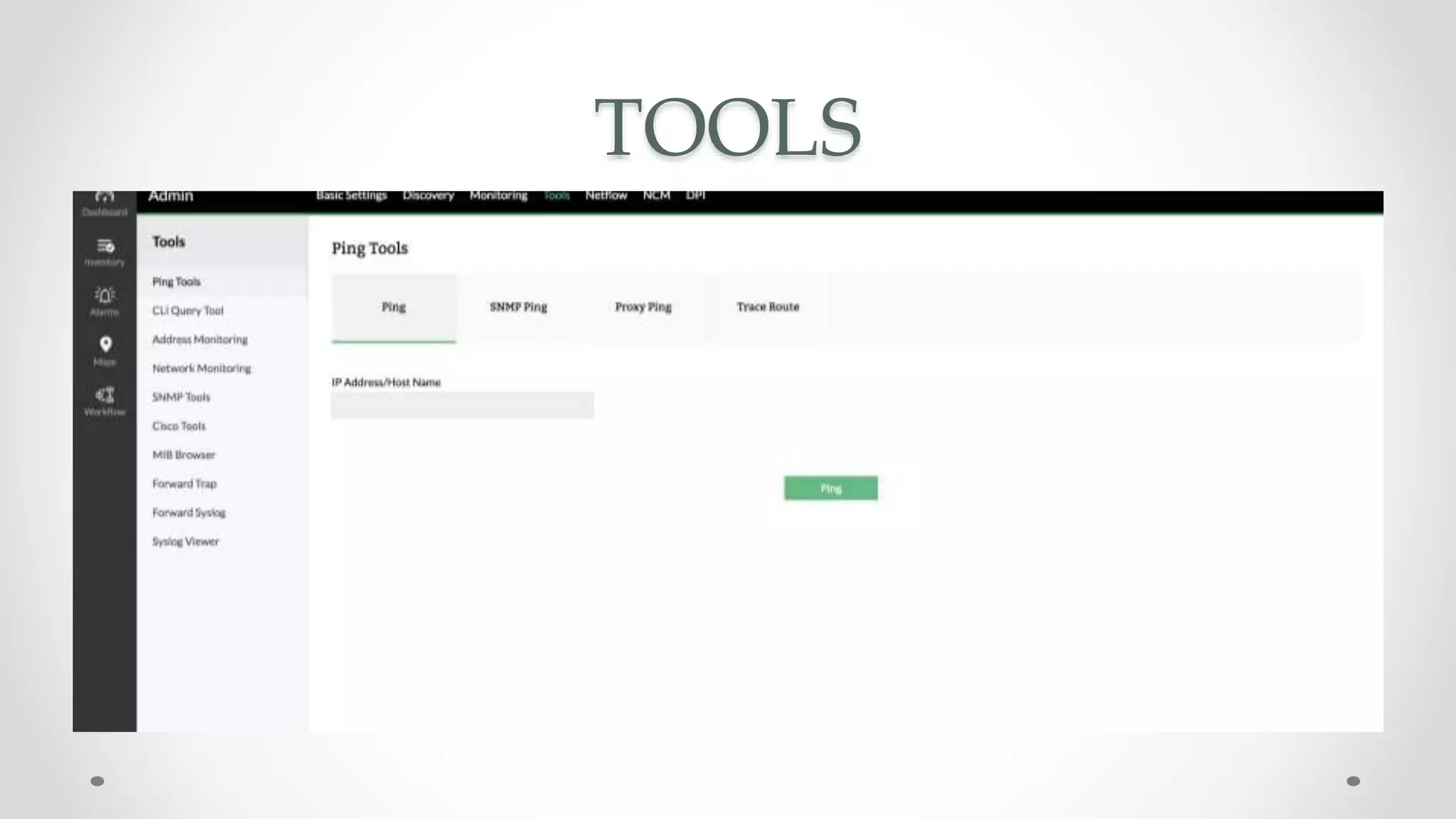
TOOLS
SUMMARY
PART ll IS SCHEDULED ON OCT 2 - TUESDAY
• WLC
• Deep Packet Inspection
• IPSLA
• Alerts
• Reports
• Storage
• High Performance
• Road Map
NEED MORE HELP ?
youtube.com/opmanagertechvideos
help.netflowanalyzer.com
forums.manageengine.com/netflowanalyzer
netflowanalyzer-support@manageengine.com
+1 (888) 720-9500 / +1 (408) 916 - 9595
THANK YOU !
Evaluator or Trial User eval-itom@manageengine.com
License Customer netflowanalyzer-support@manageengine.com

Webinar: How to captures and analyzes NetFlow, J-Flow and sFlow data

  • 1.
    NetFlow Analyzer Webinar- Part I Flow data - How to configure and monitor it? Export flows Traffic group & App map Configure Alerts Reporting
  • 2.
    CHALLENGES IN MONITORINGTHE NETWORK • WHAT IS GOING THROUGH THE NETWORK ? • WHO ARE THE TOP TAKERS ON THE NETWORK ? • WHAT ARE THE TOP DESTINATIONS ? • WHAT IS THE TOTAL TRAFFIC OF LAYER 4 & LAYER 7 APPLICATION • WHETHER THE EMPLOYEES ARE EFFICIENTLY USING THE BANDWIDTH FOR BUSINESS PURPOSE ? • WHY IS THE INTERNET SLOW IS IT THE BANDWIDTH ISSUE ? OR IS SOMETHING ELSE BLOCKING IT DOWN ??
  • 3.
    AGENDA • Introduction toNetFlow Analyzer • Prerequisites • Configuring Flow • Inventory • Mapping • Grouping • Dashboard • Administration NetFlow Analyzer
  • 4.
  • 5.
    INTRODUCTION TO NETFLOWANALYZER > It is a simple bandwidth monitoring, traffic analysis tool > NetFlow, sFlow, IPFIX, J-Flow, NetStream, Appflow - For bandwidth & traffic analytics > Helps you to drill down into interface level details to discover traffic pattern and device performance > Recognize and classify Non-Standard Apps that hog your network bandwidth using NFA > Detect a broad spectrum of external and internal security threats * We support any new flow type in couple of weeks
  • 6.
    CHARACTERISTIC OF NETFLOWANALYZER • On-premise • Web-based • Agent less • Available for both Windows and Linux platform • NetFlow Analyzer supports PostgreSQL and MSSQL as database
  • 8.
    Router Packet Src If SrcIp Add Src Port Flag Pkts Dest Ip Add Dest Port Bytes Fa 1/0 1.1.1.1 11 10 1100 10.0.21.1 80 111 Fa 1/0 2.2.2.2 12 0 2491 10.0.22.2 80 123 Flow Cache
  • 9.
    NETFLOW ANALYZER LICENSING •NFA Licensing is based on Interface count that you need to monitor • Eg: Say, If there is a device with 2 - WAN & 3 - LAN & 5 VLAN  If your requirement is to monitor only LAN & WAN then it's 5 NFA License  If your requirement is to monitor only LAN & WAN & VLAN then it's 10 NFA License
  • 10.
    NFA EDITION COMPARISON ESSENTIALDISTRIBUTEDFEATURE NBAR / CBQOS CAPACITY PLANNING ASAM INSTANCE FLOW RATE X √ √ √ ABOVE 100K FLOWS/SEC X X SINGLE MULTIPLE BELOW 100K FLOWS/SEC
  • 11.
  • 12.
  • 13.
    SERVER SPECIFICATION • Itcan be installed in VM Machines with any of the supported Operation System. • Specs vary according to the Rate of Flows/Sec • On Average for 3k to 6k Flows/Sec below is the spec  Processor - 4 Core  RAM - 8 GB  HDD - 500 GB * The Spec varies according to the flow rate and NFA functionalities used
  • 14.
    WE ARE CURRENTLYUSING NETFLOW ANALYZER VERSION 12.3.179 FOR VISUAL
  • 15.
  • 16.
    CONFIGURING FLOW • UsingCLI • Using GUI • Using NCM module in NetFlow Analyzer
  • 17.
    USING COMMAND LINEINTERFACE - CLI • Set destination address (server where NFA is installed) • Set Port for NetFlow export (Default port we listen to - 9996) > Set version of NetFlow export > Set time interval to export flows > Set Source Interface for NetFlow export > We should say what are all the interfaces we are going to take account Enabling NetFlow on Interfaces (all Interfaces)  Ingress  Egress > For configuration please refer the below link: http://www.manageengine.com/products/netflow/help/cisco-netflow/cisco-ios- netflow.html
  • 18.
    SAMPLE CONFIGURATION router#enable Password:***** router#configure terminal router-2621(config)#interfaceFastEthernet 0/1 router-2621(config-if)#ip flow ingress router-2621(config-if)#exit router-2621(config)#ip flow-export destination 192.168.9.101 9996 router-2621(config)#ip flow-export source FastEthernet 0/1 router-2621(config)#ip flow-export version 9 router-2621(config)#ip flow-cache timeout active 1 router-2621(config)#ip flow-cache timeout inactive 15 router-2621(config)#snmp-server ifindex persist
  • 19.
    USING GRAPHICAL USERINTERFACE - GUI
  • 20.
    Using Network ConfigurationManager - NCM Benefits of using Network Configuration Manager: • Predefined configlets • Export flows from multiple interfaces in bulk • Backup and restore configurations for devices • Create new configlets Apply credentials Select interfaces Export flow Add devices
  • 21.
  • 22.
    INVENTORY • Device LevelTraffic • Interface Level Traffic
  • 23.
    DEVICE LEVEL TRAFFIC •Traffic • Interfaces • Application • Source • Destination • QOS • Conversation • AS View • Attack
  • 24.
    INTERFACE LEVEL TRAFFIC •Traffic & Overview • Application • Source & Destination • QOS • Conversation • NBAR/CBQOS • Multicast • Medianet • AVC • Attacks
  • 25.
  • 26.
  • 27.
  • 28.
    GROUPING • Device Grouping •Interface Grouping • IP Grouping • Application Grouping • DSCP Grouping • AP Grouping
  • 29.
  • 31.
  • 32.
  • 33.
    NETFLOW ANALYZER -ADMINISTRATION • User Management • License Management • Self Monitoring Mechanism • Security Setting • Rest API • Tools
  • 34.
  • 35.
  • 36.
    SELF MONITORING MECHANISM SetThreshold values Server Performance Dashboard about server health
  • 37.
  • 38.
  • 39.
  • 40.
  • 41.
    PART ll ISSCHEDULED ON OCT 2 - TUESDAY • WLC • Deep Packet Inspection • IPSLA • Alerts • Reports • Storage • High Performance • Road Map
  • 42.
    NEED MORE HELP? youtube.com/opmanagertechvideos help.netflowanalyzer.com forums.manageengine.com/netflowanalyzer netflowanalyzer-support@manageengine.com +1 (888) 720-9500 / +1 (408) 916 - 9595
  • 43.
    THANK YOU ! Evaluatoror Trial User eval-itom@manageengine.com License Customer netflowanalyzer-support@manageengine.com