




Introduction
 A big “Howdy” from SolarWinds
  based in Austin, Texas
   » Josh Stephens, Head Geek, Monster Blogger,
     Constant Tweeter
   » Chris LaPoint – Senior Product Manager, lover of
     island living, beaches, and sand…

 Today’s Topic: Training on the Orion
  NetFlow Traffic Analyzer

 Who is SolarWinds?
   » Dude, if you don’t’ know this
     you’re on the wrong webcast…
Housekeeping

 Can you hear me now?
    If not, use the GoToWebinar chat or Q&A
     panel to let us know.
 How do you win the free stuff?
 How do you ask questions?
 Will this thing be recorded?

 Ask lots of questions, if needed
  we’ll do a part #2…
Agenda
   What is NetFlow and Why Do I Need It?
   NMS Deployment Preparation
   Installing and Configuring NTA
   Enabling Devices for NetFlow
   Maximizing the benefits of NTA
   Optimizing the User Interface
   Best Practices for using NTA data
   Q&A
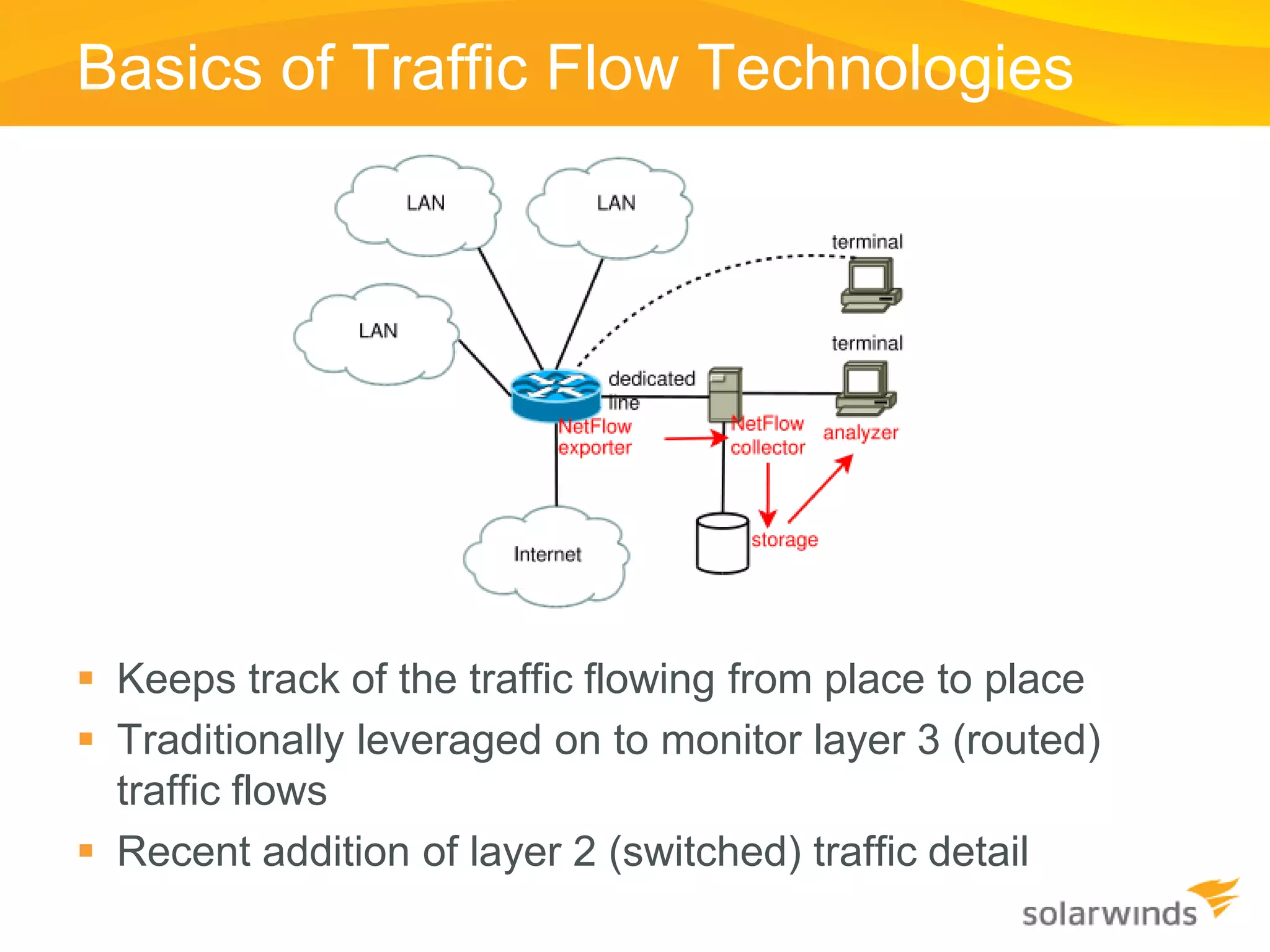
Basics of Traffic Flow Technologies


 Keeps track of the traffic flowing from place to place
 Traditionally leveraged on to monitor layer 3 (routed)
  traffic flows
 Recent addition of layer 2 (switched) traffic detail
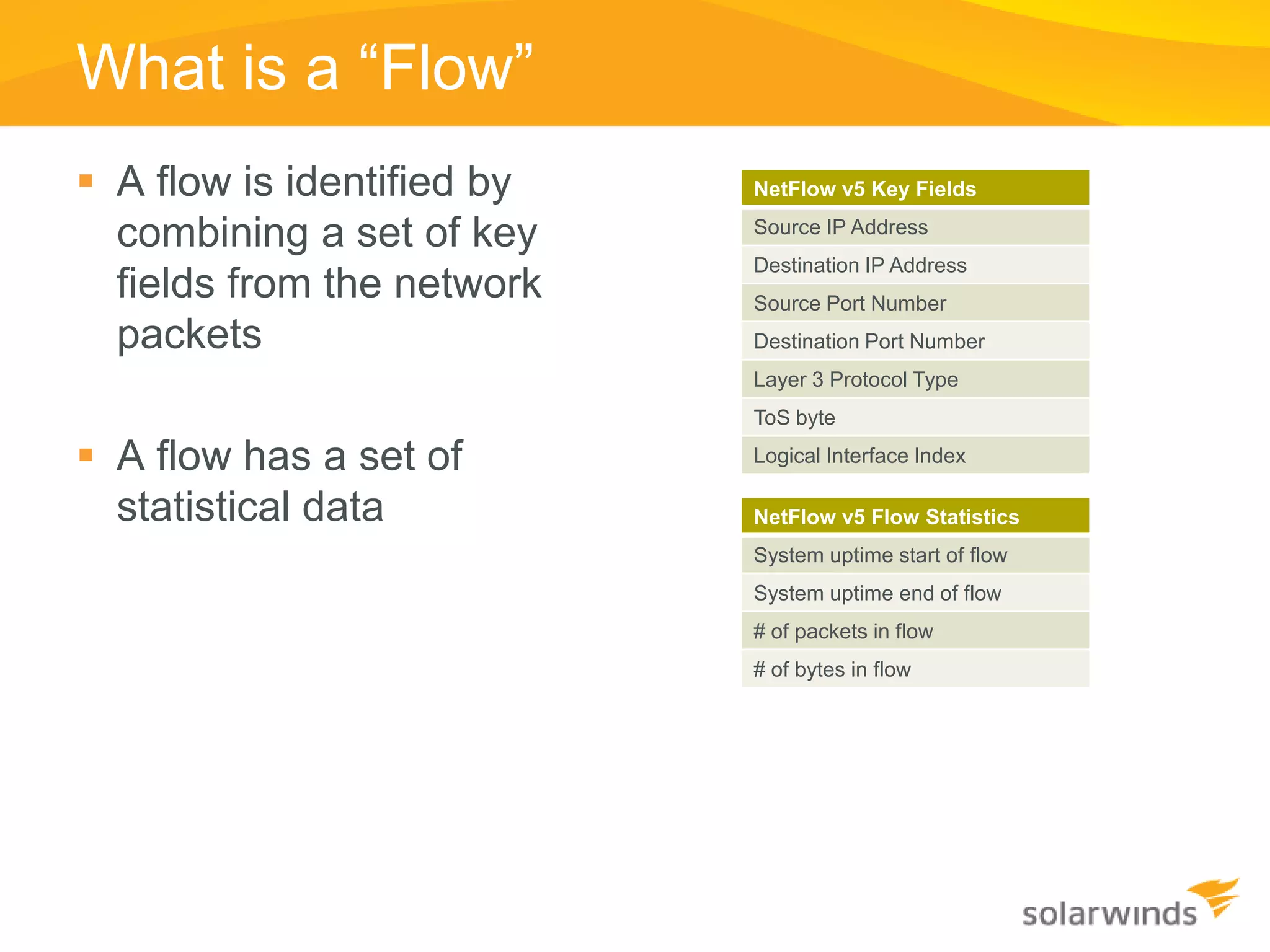
What is a “Flow”
 A flow is identified by   NetFlow v5 Key Fields

  combining a set of key    Source IP Address
                            Destination IP Address
  fields from the network   Source Port Number
  packets                   Destination Port Number
                            Layer 3 Protocol Type
                            ToS byte

 A flow has a set of       Logical Interface Index

  statistical data          NetFlow v5 Flow Statistics
                            System uptime start of flow
                            System uptime end of flow
                            # of packets in flow
                            # of bytes in flow
Shared Technical Details
 Transport Protocol is UDP
    » Some newer versions optionally support TCP and SCTP
    » UDP Port numbers are generally configurable


 Technology included within router/switch software
    » Check your IOS feature set if using Cisco gear
    » Some implementations in software, some on ASIC


 Easy to configure/enable on network gear
    » Usually only a few CLI commands
    » Some devices configurable via SNMP and/or web services interface
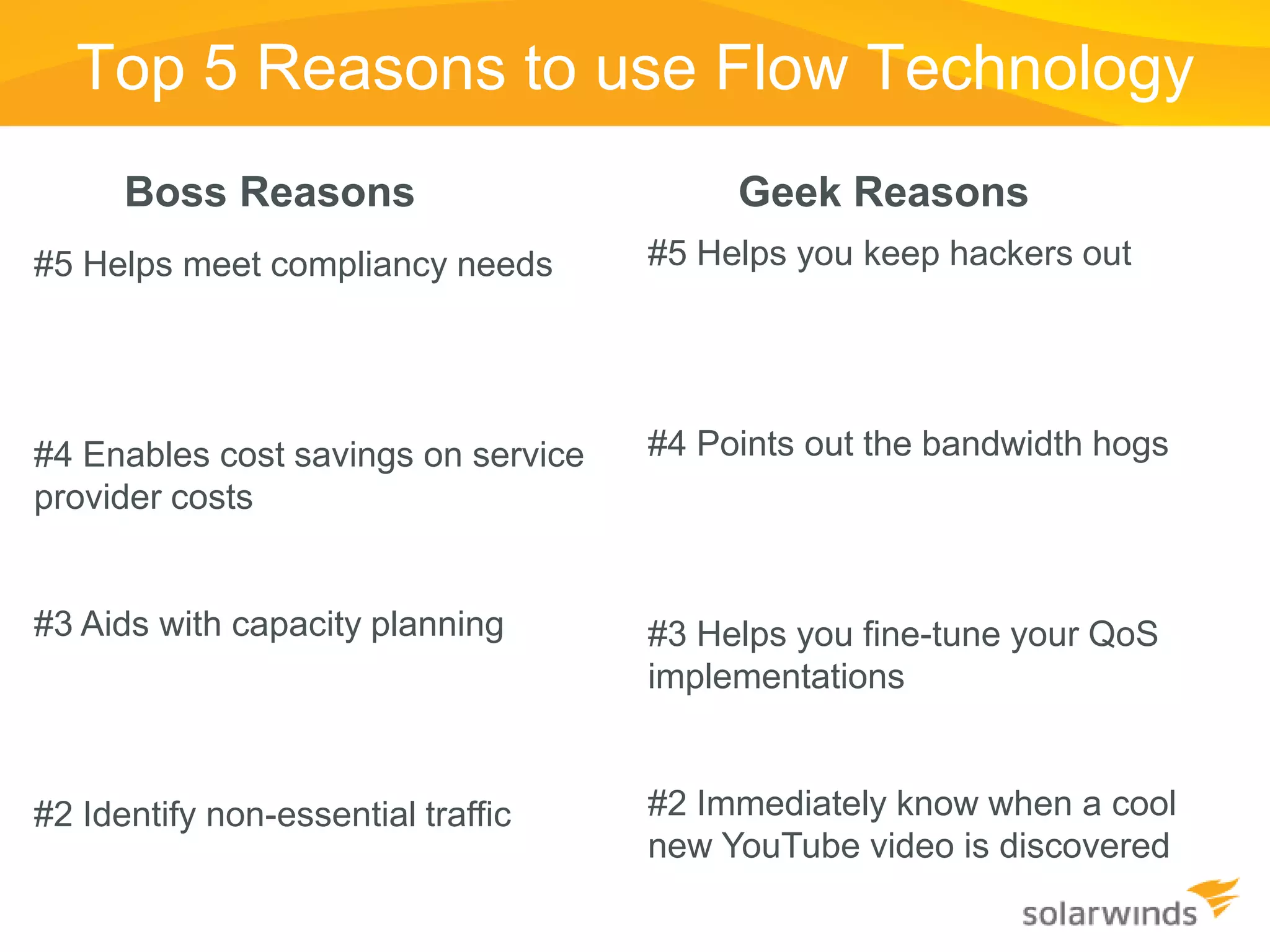
Top 5 Reasons to use Flow Technology
      Boss Reasons                        Geek Reasons
#5 Helps meet compliancy needs       #5 Helps you keep hackers out


#4 Enables cost savings on service   #4 Points out the bandwidth hogs
provider costs


#3 Aids with capacity planning       #3 Helps you fine-tune your QoS
                                     implementations


#2 Identify non-essential traffic    #2 Immediately know when a cool
                                     new YouTube video is discovered
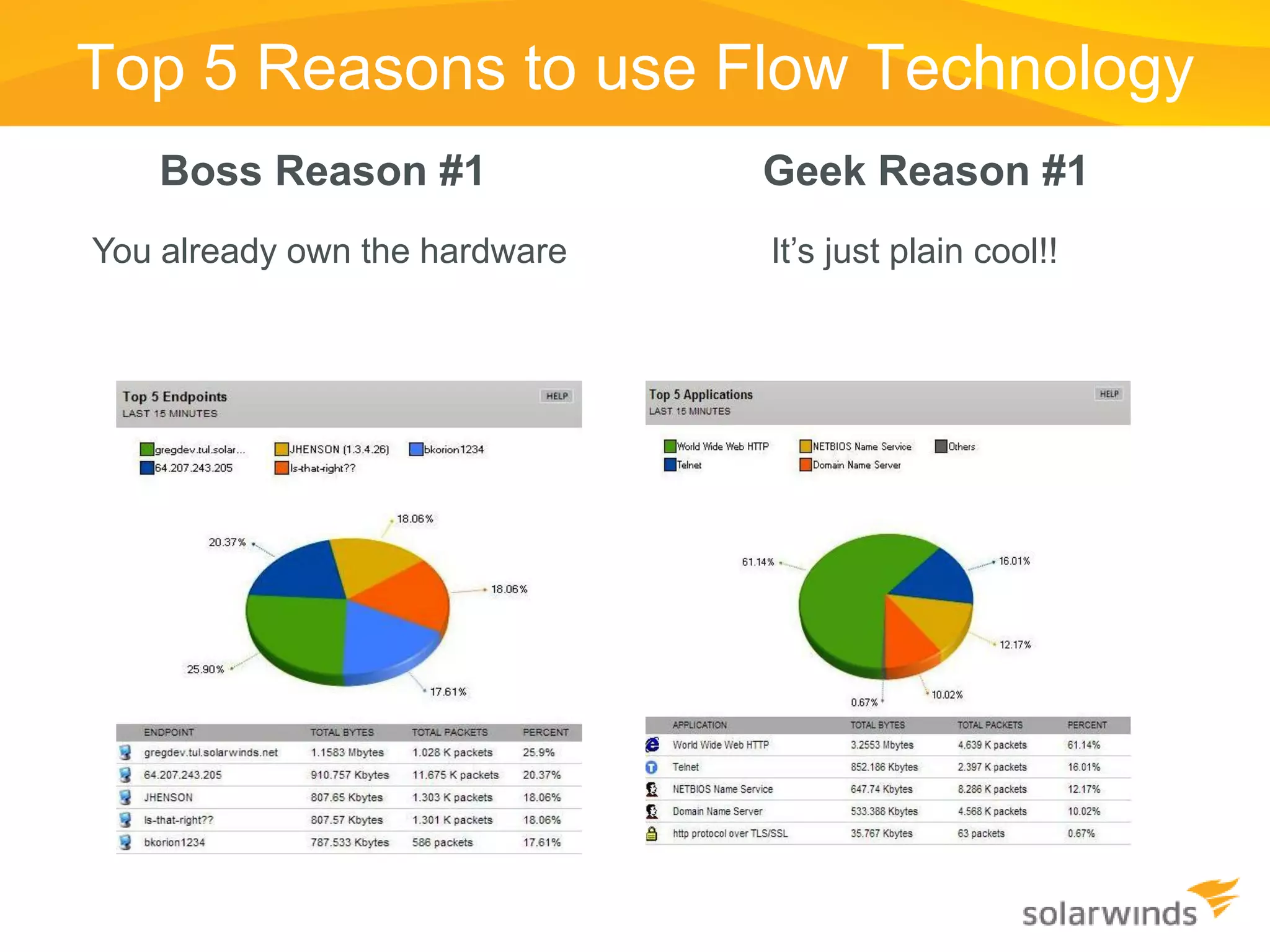
Top 5 Reasons to use Flow Technology
   Boss Reason #1              Geek Reason #1
You already own the hardware   It’s just plain cool!!
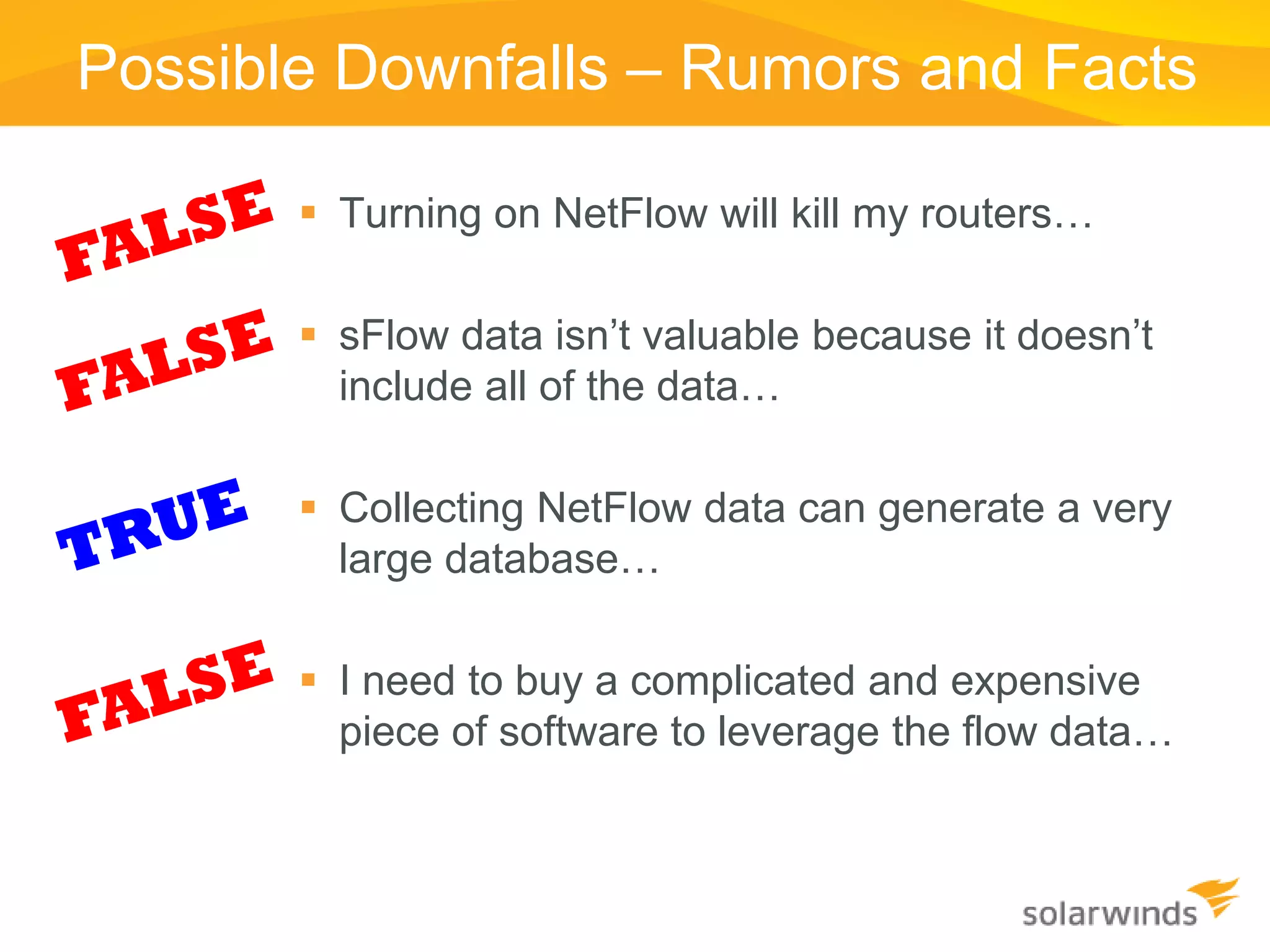
Possible Downfalls – Rumors and Facts

        Turning on NetFlow will kill my routers…

        sFlow data isn’t valuable because it doesn’t
         include all of the data…

        Collecting NetFlow data can generate a very
         large database…

        I need to buy a complicated and expensive
         piece of software to leverage the flow data…
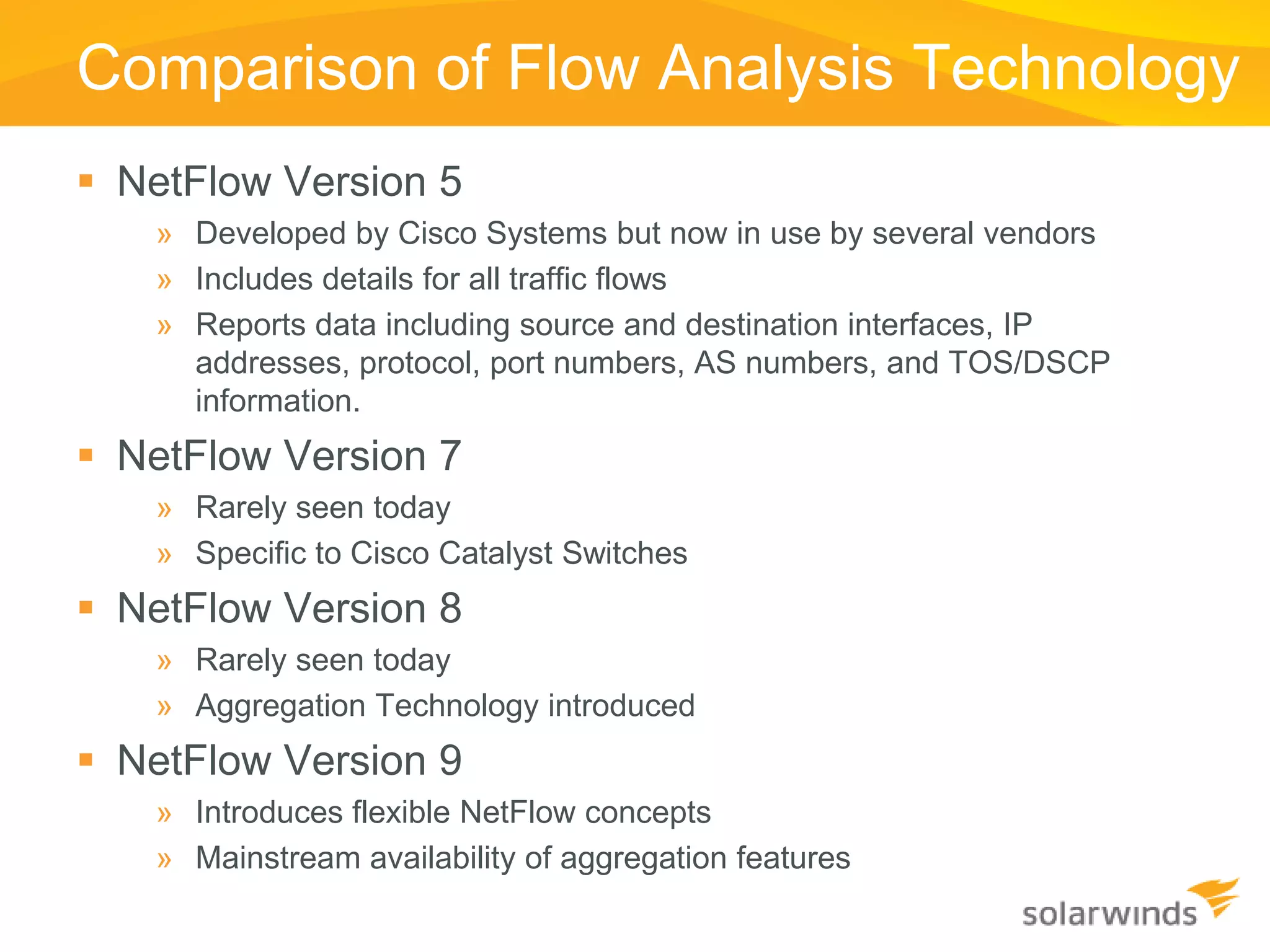
Comparison of Flow Analysis Technology
 NetFlow Version 5
   » Developed by Cisco Systems but now in use by several vendors
   » Includes details for all traffic flows
   » Reports data including source and destination interfaces, IP
     addresses, protocol, port numbers, AS numbers, and TOS/DSCP
     information.
 NetFlow Version 7
   » Rarely seen today
   » Specific to Cisco Catalyst Switches
 NetFlow Version 8
   » Rarely seen today
   » Aggregation Technology introduced
 NetFlow Version 9
   » Introduces flexible NetFlow concepts
   » Mainstream availability of aggregation features
Comparison of Flow Analysis Technology
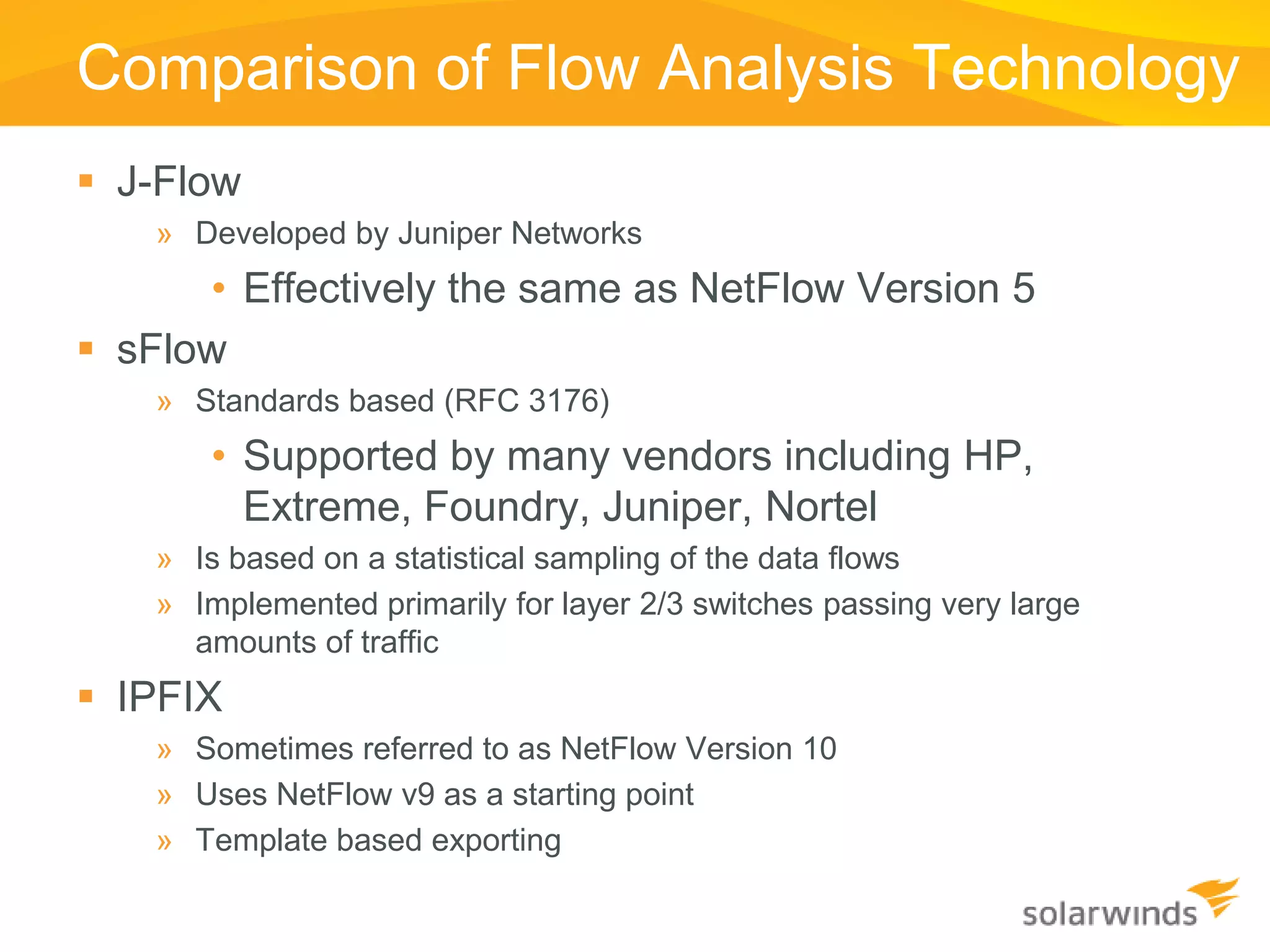
 J-Flow
    » Developed by Juniper Networks
      • Effectively the same as NetFlow Version 5
 sFlow
    » Standards based (RFC 3176)
       • Supported by many vendors including HP,
         Extreme, Foundry, Juniper, Nortel
    » Is based on a statistical sampling of the data flows
    » Implemented primarily for layer 2/3 switches passing very large
      amounts of traffic
 IPFIX
    » Sometimes referred to as NetFlow Version 10
    » Uses NetFlow v9 as a starting point
    » Template based exporting
Comparison of Flow Analysis Technology
 J-Flow
   » Developed by Juniper Networks
   » Effectively the same as NetFlow Version 5
 sFlow
   » Standards based (RFC 3176)
   » Supported by many vendors including HP, Extreme, Foundry, Juniper,
     Nortel
   » Is based on a statistical sampling of the data flows
   » Implemented primarily for layer 2/3 switches passing very large
     amounts of traffic
 IPFIX
   » Sometimes referred to as NetFlow Version 10
   » Uses NetFlow v9 as a starting point
   » Template based exporting
NMS Deployment Preparation
 Step One – Define and document that scope of the
  network you’re managing
 Step Two – Identify the system requirements for Orion
  based upon the managed scope
 Step Three – Assess your current installation
  environment
 Step Four - Evaluate the gap (if any) and make plans for
  deployment
Step One – Scoping the Environment
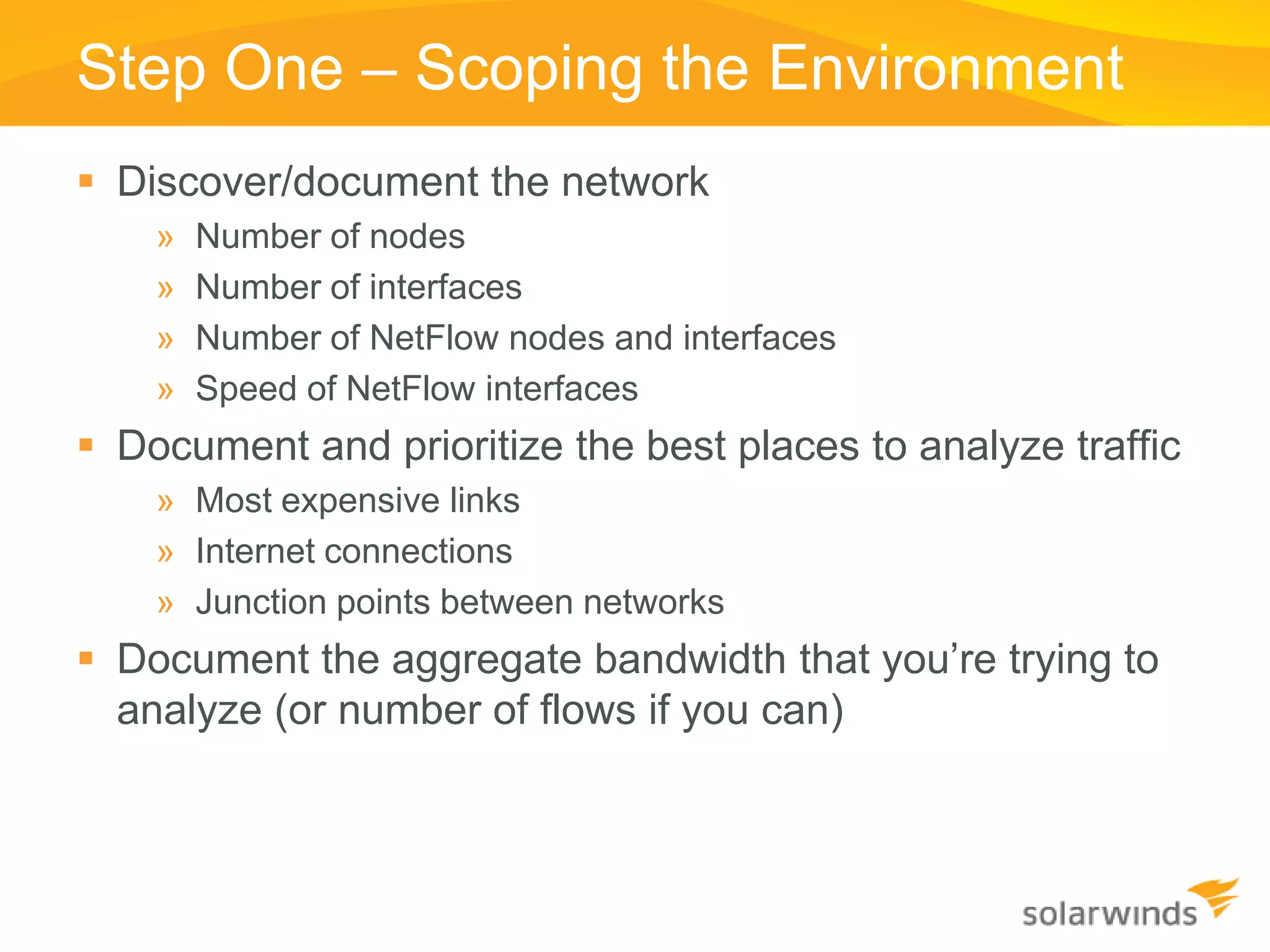
 Discover/document the network
    »   Number of nodes
    »   Number of interfaces
    »   Number of NetFlow nodes and interfaces
    »   Speed of NetFlow interfaces
 Document and prioritize the best places to analyze traffic
    » Most expensive links
    » Internet connections
    » Junction points between networks
 Document the aggregate bandwidth that you’re trying to
  analyze (or number of flows if you can)
Step Two – Orion’s System Requirements
  Leverage the Orion NPM and NTA Administrator’s
   Guides
    » System requirements are well laid out within these manuals
    » Remember – these are minimum requirements. If you want better performance,
      you need to step up the hardware.


  Leverage your SQL Server admin’s expertise
    » Building high-performance SQL Servers is a form of art…
    » Explain to them the I/O requirements of your NMS
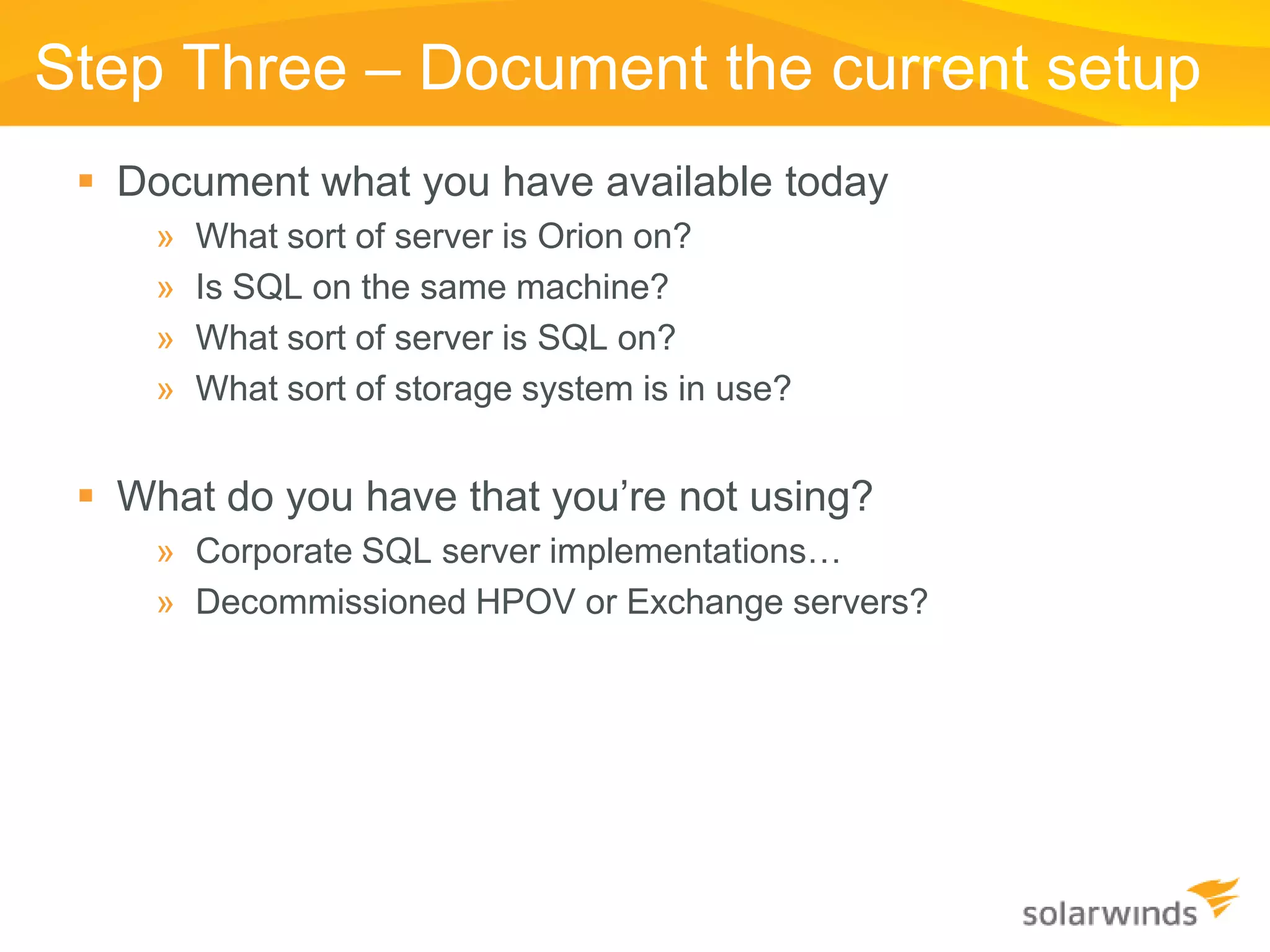
Step Three – Document the current setup
  Document what you have available today
     »   What sort of server is Orion on?
     »   Is SQL on the same machine?
     »   What sort of server is SQL on?
     »   What sort of storage system is in use?


  What do you have that you’re not using?
     » Corporate SQL server implementations…
     » Decommissioned HPOV or Exchange servers?
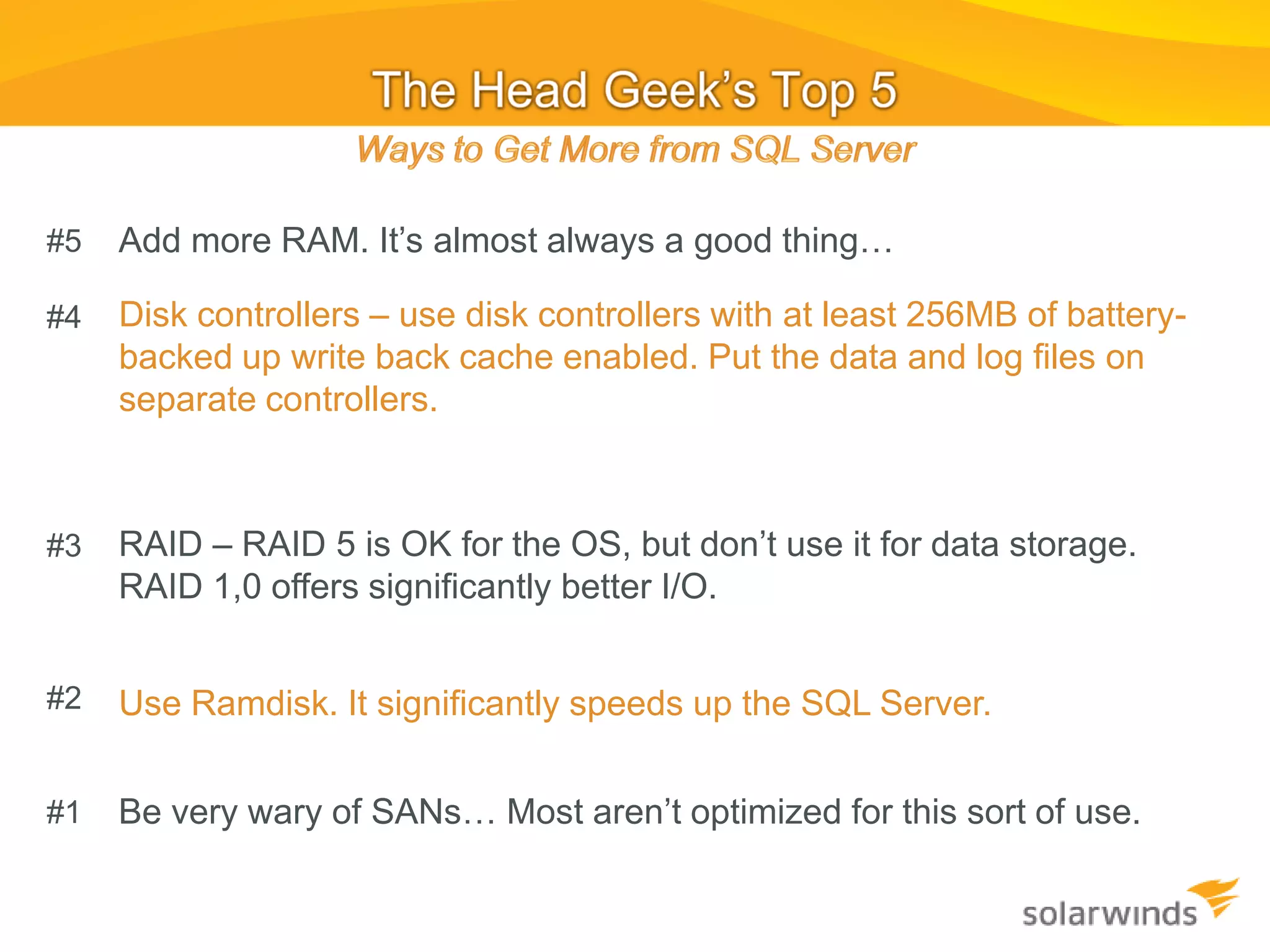
#5   Add more RAM. It’s almost always a good thing…

#4   Disk controllers – use disk controllers with at least 256MB of battery-
     backed up write back cache enabled. Put the data and log files on
     separate controllers.


#3   RAID – RAID 5 is OK for the OS, but don’t use it for data storage.
     RAID 1,0 offers significantly better I/O.


#2   Use Ramdisk. It significantly speeds up the SQL Server.


#1   Be very wary of SANs… Most aren’t optimized for this sort of use.
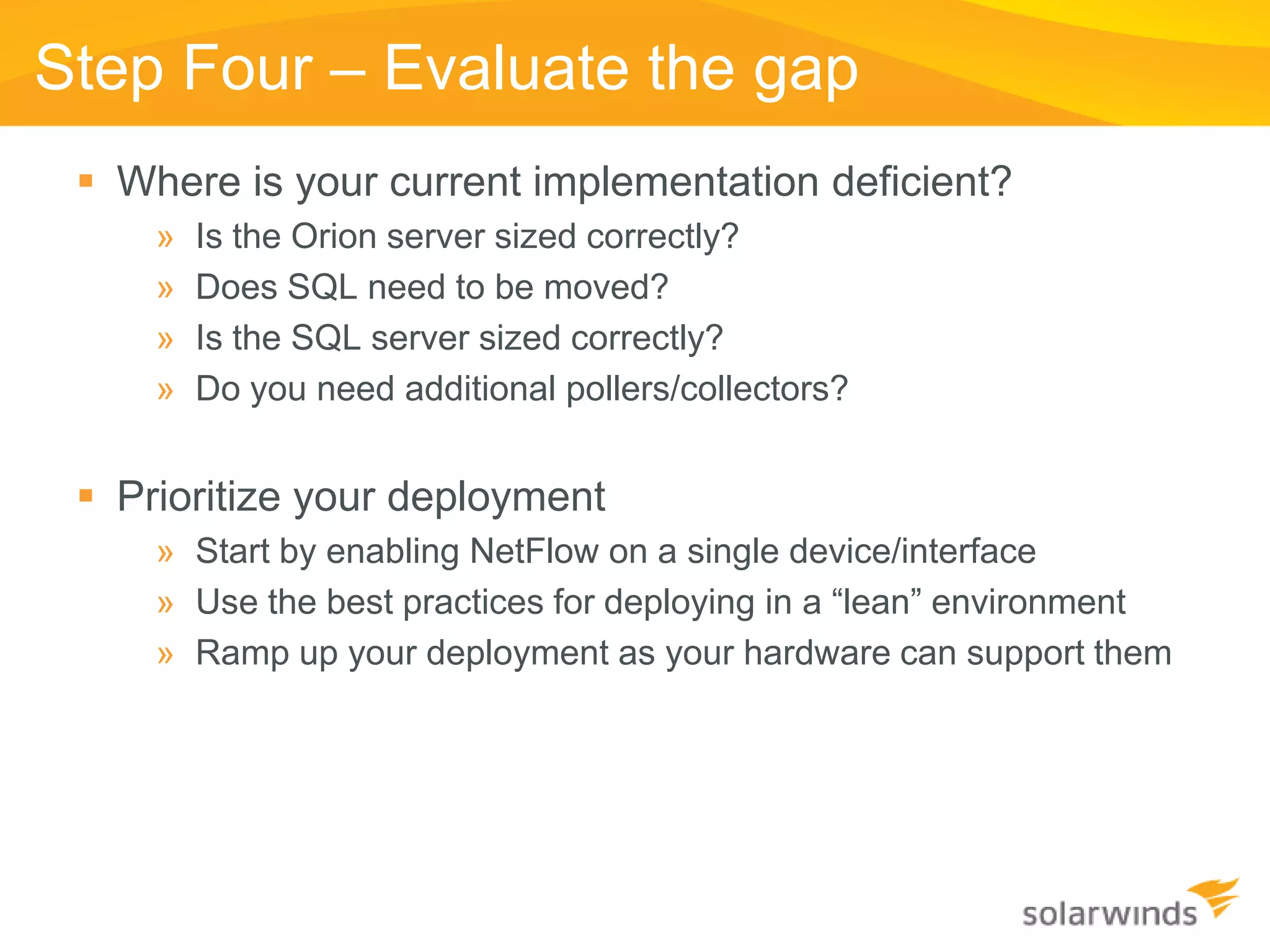
Step Four – Evaluate the gap
  Where is your current implementation deficient?
     »   Is the Orion server sized correctly?
     »   Does SQL need to be moved?
     »   Is the SQL server sized correctly?
     »   Do you need additional pollers/collectors?


  Prioritize your deployment
     » Start by enabling NetFlow on a single device/interface
     » Use the best practices for deploying in a “lean” environment
     » Ramp up your deployment as your hardware can support them
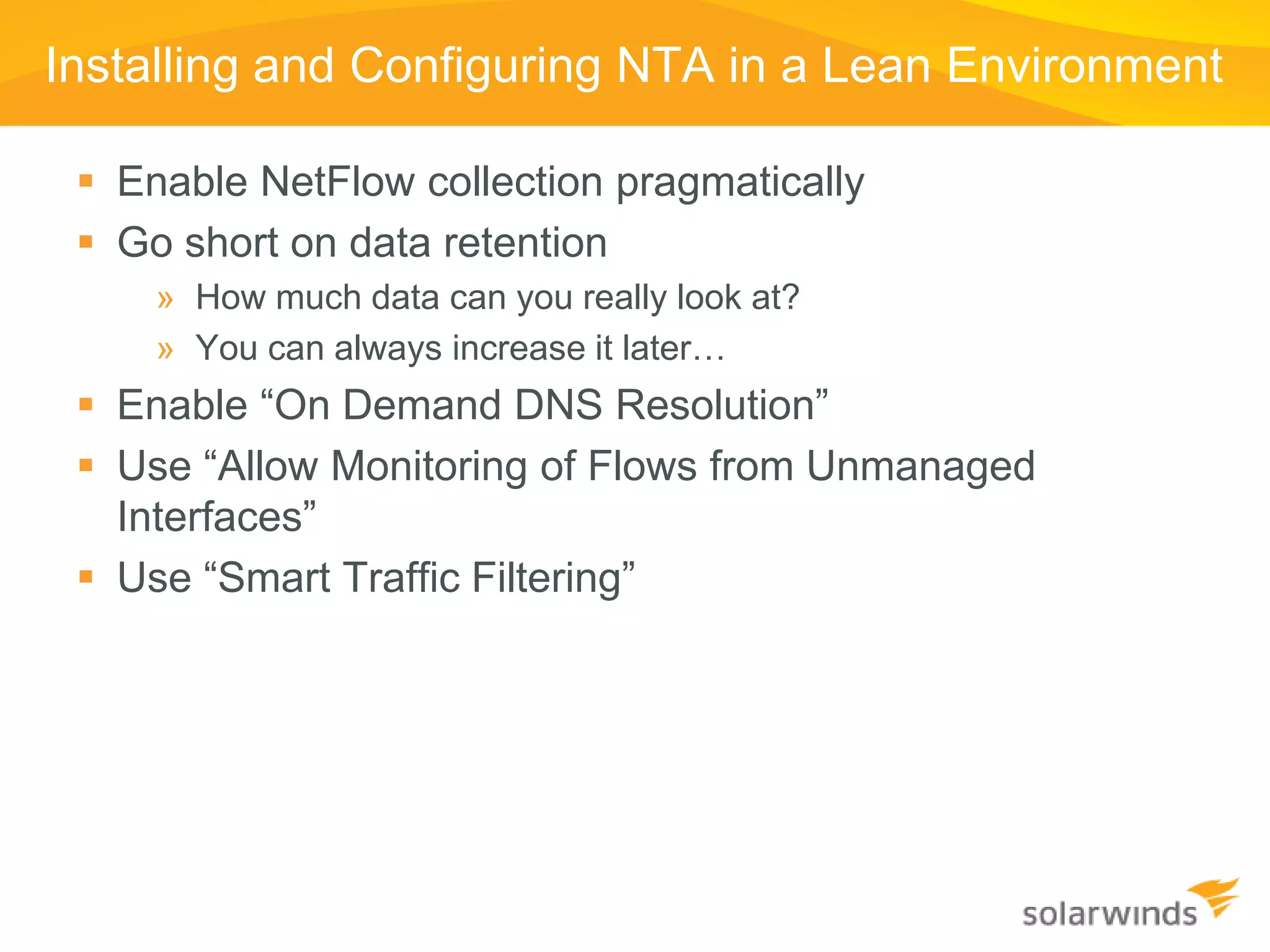
Installing and Configuring NTA in a Lean Environment

  Enable NetFlow collection pragmatically
  Go short on data retention
     » How much data can you really look at?
     » You can always increase it later…
  Enable “On Demand DNS Resolution”
  Use “Allow Monitoring of Flows from Unmanaged
   Interfaces”
  Use “Smart Traffic Filtering”
Smart Traffic Filtering

  In most networks, 95% of the traffic traversing the
   network is represented in only 4% of the flows
  Why store the noise?
  Smart Traffic Filtering uses 20x less data storage and
   I/O.
  Doesn’t change the use case for most customers…
  This is how you do it…
Smart Traffic Filtering

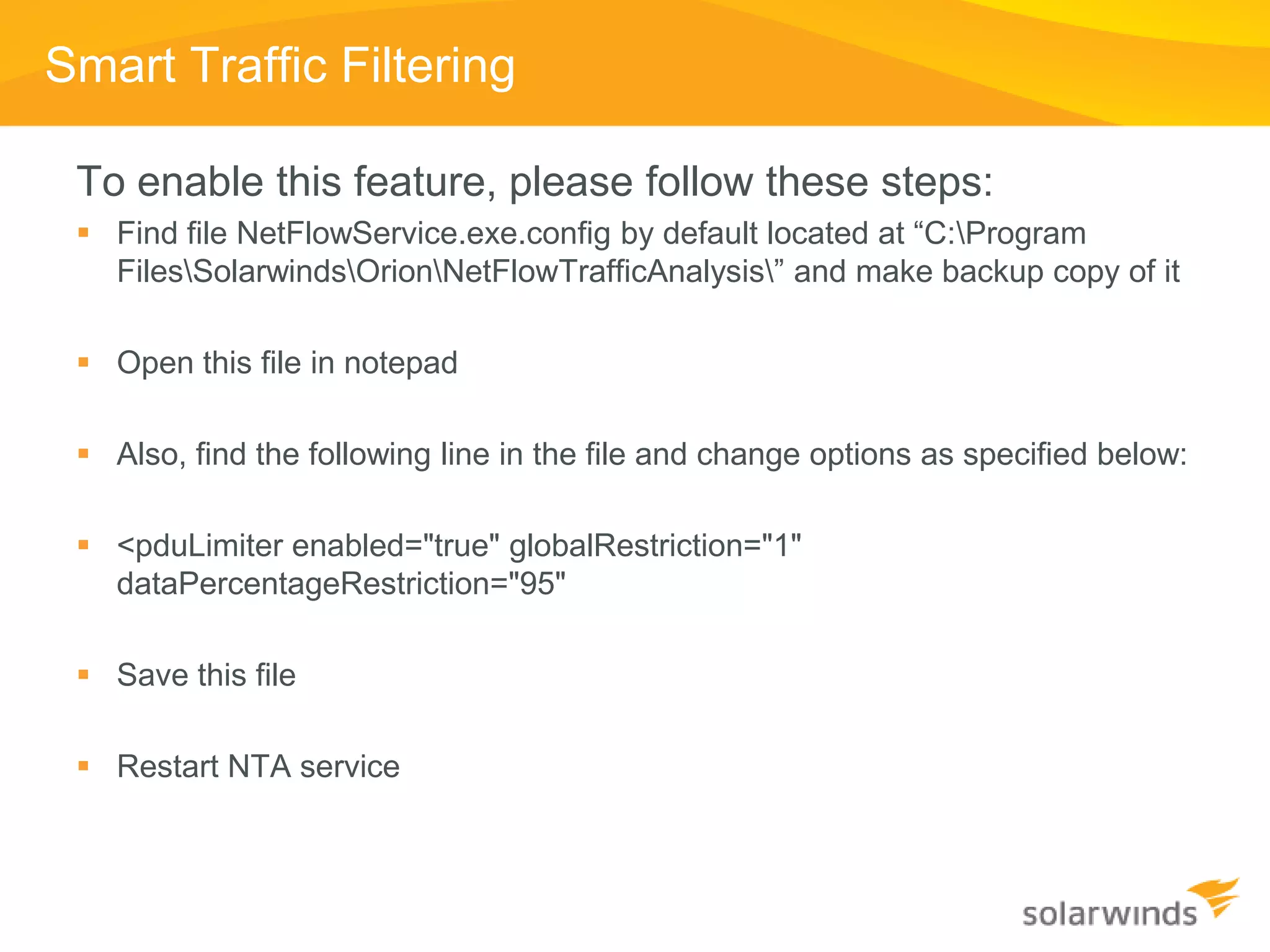
 To enable this feature, please follow these steps:
  Find file NetFlowService.exe.config by default located at “C:Program
   FilesSolarwindsOrionNetFlowTrafficAnalysis” and make backup copy of it

  Open this file in notepad

  Also, find the following line in the file and change options as specified below:

  <pduLimiter enabled="true" globalRestriction="1"
   dataPercentageRestriction="95"

  Save this file

  Restart NTA service
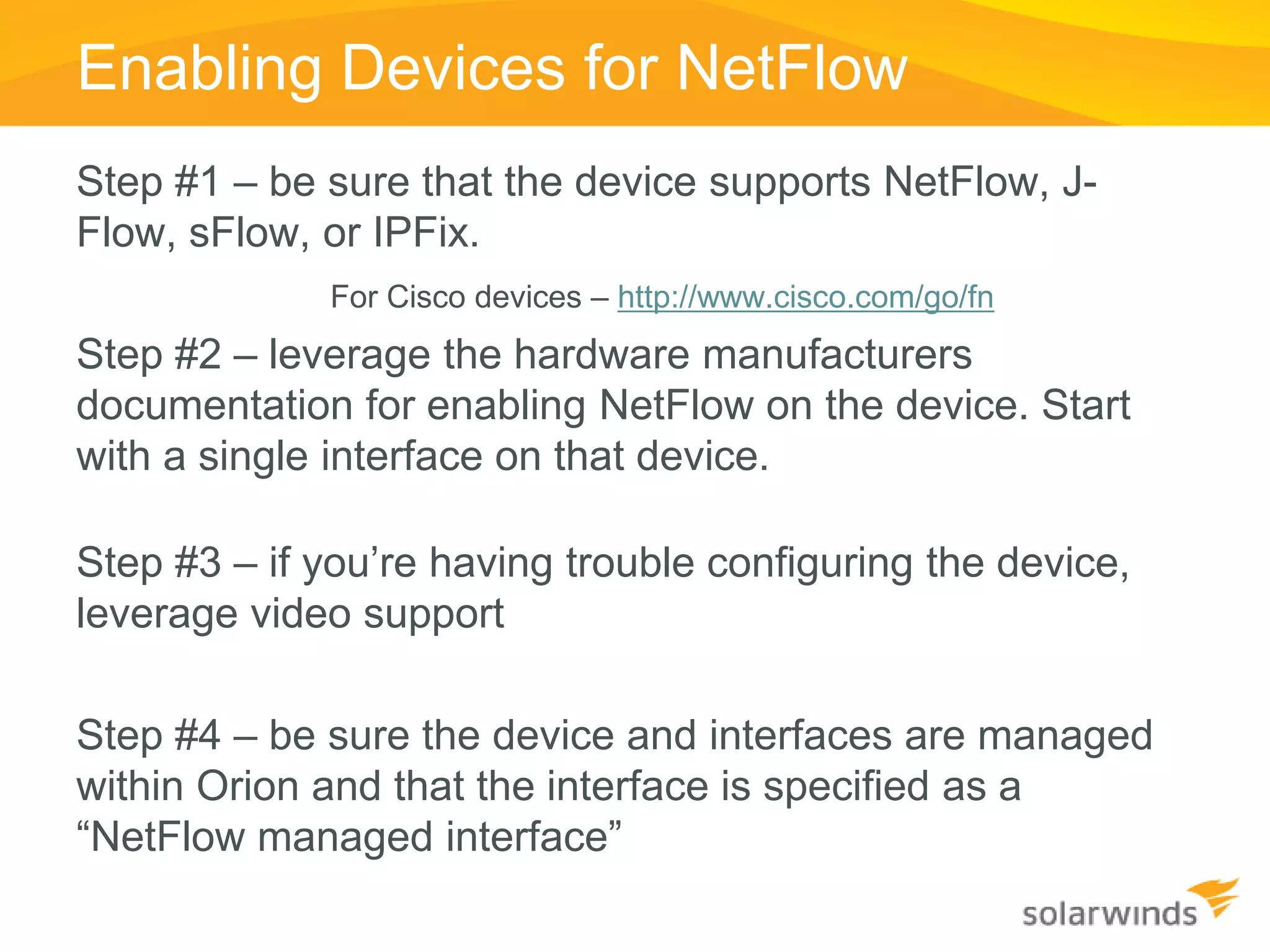
Enabling Devices for NetFlow
Step #1 – be sure that the device supports NetFlow, J-
Flow, sFlow, or IPFix.
             For Cisco devices – http://www.cisco.com/go/fn
Step #2 – leverage the hardware manufacturers
documentation for enabling NetFlow on the device. Start
with a single interface on that device.

Step #3 – if you’re having trouble configuring the device,
leverage video support

Step #4 – be sure the device and interfaces are managed
within Orion and that the interface is specified as a
“NetFlow managed interface”
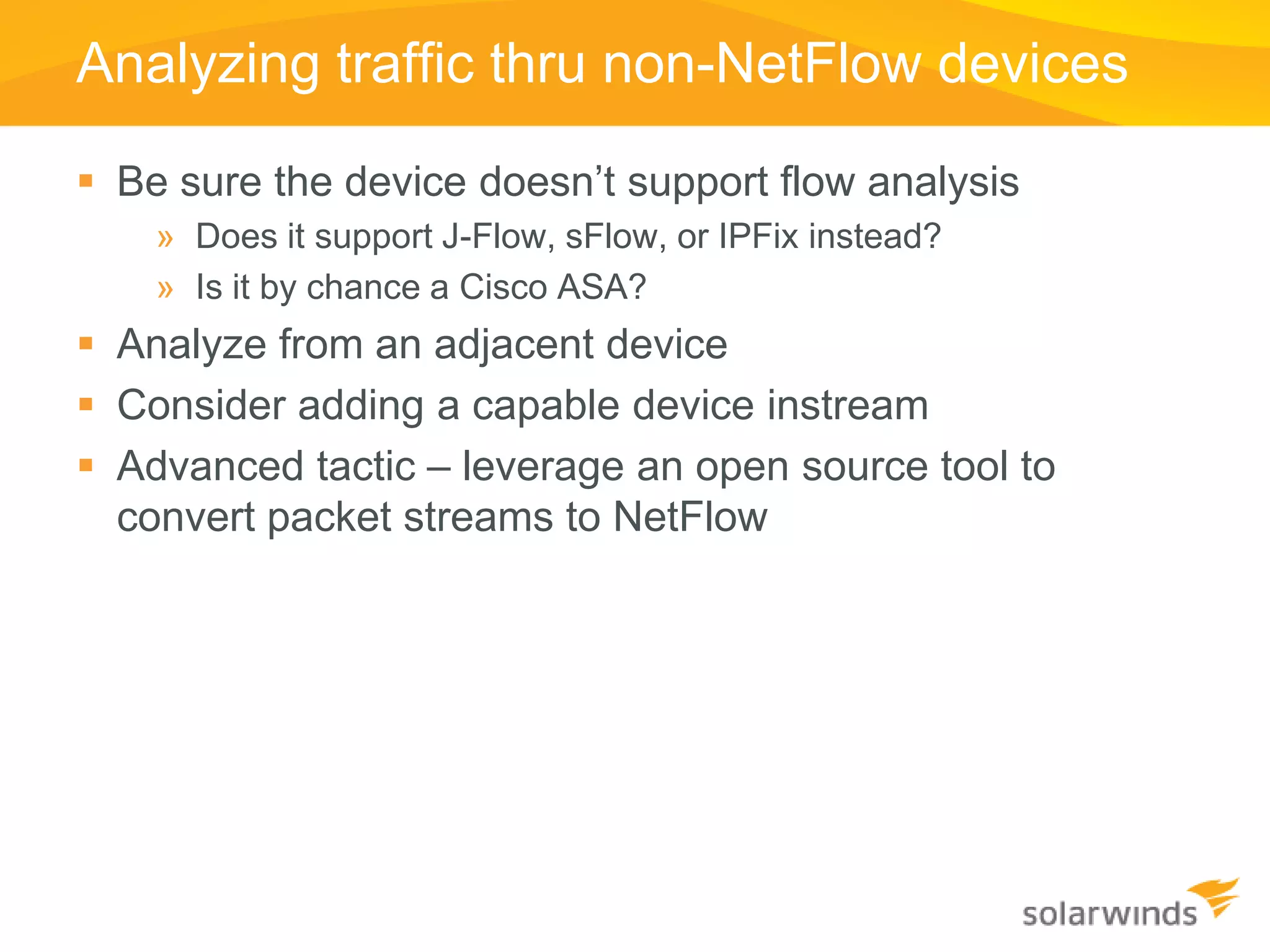
Analyzing traffic thru non-NetFlow devices

 Be sure the device doesn’t support flow analysis
    » Does it support J-Flow, sFlow, or IPFix instead?
    » Is it by chance a Cisco ASA?
 Analyze from an adjacent device
 Consider adding a capable device instream
 Advanced tactic – leverage an open source tool to
  convert packet streams to NetFlow
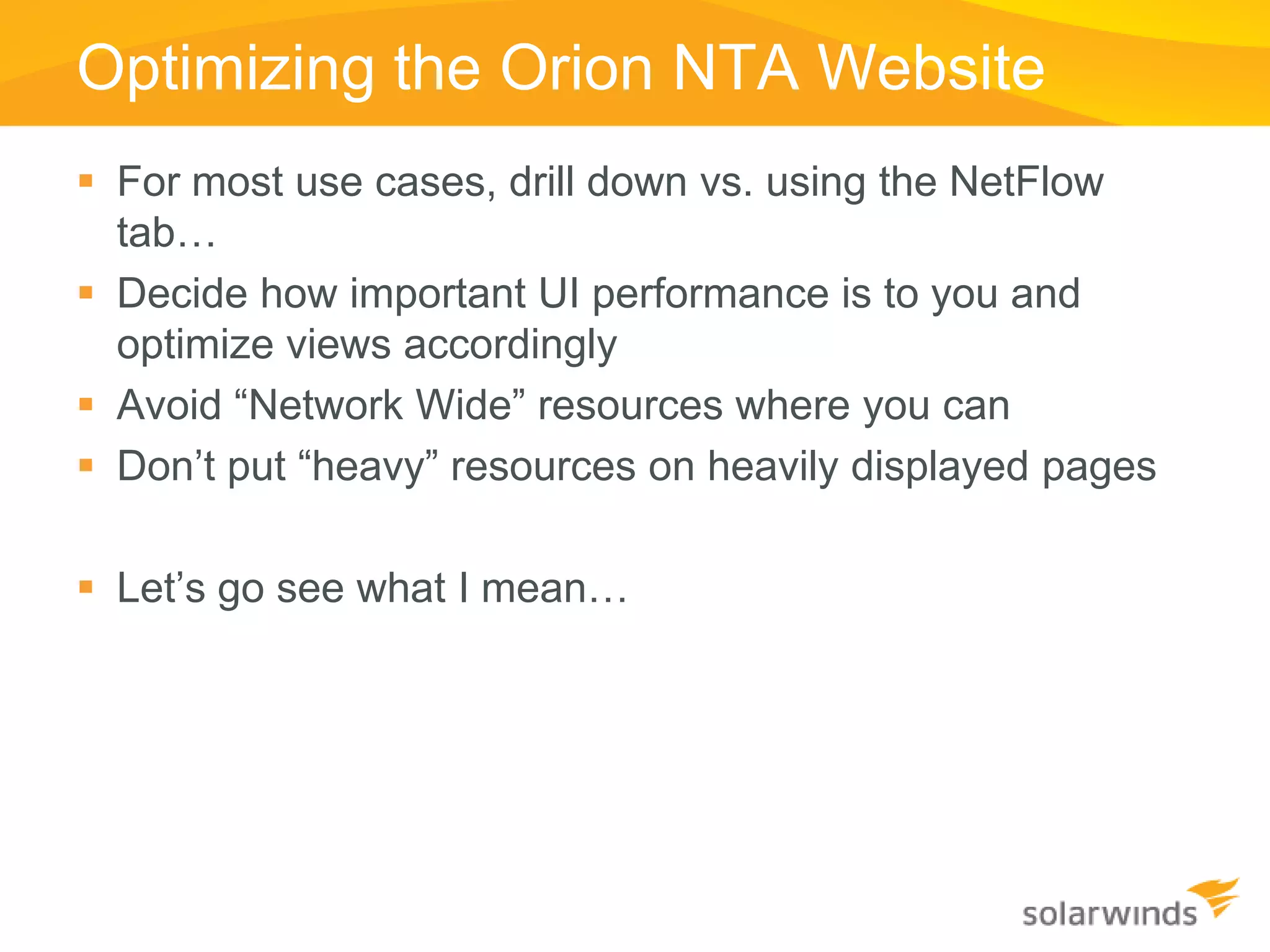
Optimizing the Orion NTA Website
 For most use cases, drill down vs. using the NetFlow
  tab…
 Decide how important UI performance is to you and
  optimize views accordingly
 Avoid “Network Wide” resources where you can
 Don’t put “heavy” resources on heavily displayed pages

 Let’s go see what I mean…
Using the Information NTA Provides
   What each of the resources mean…
   Using NPM and NTA together
   Using the Traffic View Builder
   Solving problems
Summary and Q&A

Thank you for attending!

To learn more or to download free 30-day trials of
SolarWinds products visit: www.SolarWinds.com


Contact information
Josh Stephens, Head Geek
headgeek@solarwinds.com
twitter: sw_headgeek
Blog: http://thwack.com/blogs/geekspeak/

p.s. Remember to renew your maintenance!!!

Orion NTA Customer Training

  • 2.
    Introduction  A big“Howdy” from SolarWinds based in Austin, Texas » Josh Stephens, Head Geek, Monster Blogger, Constant Tweeter » Chris LaPoint – Senior Product Manager, lover of island living, beaches, and sand…  Today’s Topic: Training on the Orion NetFlow Traffic Analyzer  Who is SolarWinds? » Dude, if you don’t’ know this you’re on the wrong webcast…
  • 3.
    Housekeeping  Can youhear me now?  If not, use the GoToWebinar chat or Q&A panel to let us know.  How do you win the free stuff?  How do you ask questions?  Will this thing be recorded?  Ask lots of questions, if needed we’ll do a part #2…
  • 4.
    Agenda  What is NetFlow and Why Do I Need It?  NMS Deployment Preparation  Installing and Configuring NTA  Enabling Devices for NetFlow  Maximizing the benefits of NTA  Optimizing the User Interface  Best Practices for using NTA data  Q&A
  • 5.
    Basics of TrafficFlow Technologies  Keeps track of the traffic flowing from place to place  Traditionally leveraged on to monitor layer 3 (routed) traffic flows  Recent addition of layer 2 (switched) traffic detail
  • 6.
    What is a“Flow”  A flow is identified by NetFlow v5 Key Fields combining a set of key Source IP Address Destination IP Address fields from the network Source Port Number packets Destination Port Number Layer 3 Protocol Type ToS byte  A flow has a set of Logical Interface Index statistical data NetFlow v5 Flow Statistics System uptime start of flow System uptime end of flow # of packets in flow # of bytes in flow
  • 7.
    Shared Technical Details Transport Protocol is UDP » Some newer versions optionally support TCP and SCTP » UDP Port numbers are generally configurable  Technology included within router/switch software » Check your IOS feature set if using Cisco gear » Some implementations in software, some on ASIC  Easy to configure/enable on network gear » Usually only a few CLI commands » Some devices configurable via SNMP and/or web services interface
  • 8.
    Top 5 Reasonsto use Flow Technology Boss Reasons Geek Reasons #5 Helps meet compliancy needs #5 Helps you keep hackers out #4 Enables cost savings on service #4 Points out the bandwidth hogs provider costs #3 Aids with capacity planning #3 Helps you fine-tune your QoS implementations #2 Identify non-essential traffic #2 Immediately know when a cool new YouTube video is discovered
  • 9.
    Top 5 Reasonsto use Flow Technology Boss Reason #1 Geek Reason #1 You already own the hardware It’s just plain cool!!
  • 10.
    Possible Downfalls –Rumors and Facts  Turning on NetFlow will kill my routers…  sFlow data isn’t valuable because it doesn’t include all of the data…  Collecting NetFlow data can generate a very large database…  I need to buy a complicated and expensive piece of software to leverage the flow data…
  • 11.
    Comparison of FlowAnalysis Technology  NetFlow Version 5 » Developed by Cisco Systems but now in use by several vendors » Includes details for all traffic flows » Reports data including source and destination interfaces, IP addresses, protocol, port numbers, AS numbers, and TOS/DSCP information.  NetFlow Version 7 » Rarely seen today » Specific to Cisco Catalyst Switches  NetFlow Version 8 » Rarely seen today » Aggregation Technology introduced  NetFlow Version 9 » Introduces flexible NetFlow concepts » Mainstream availability of aggregation features
  • 12.
    Comparison of FlowAnalysis Technology  J-Flow » Developed by Juniper Networks • Effectively the same as NetFlow Version 5  sFlow » Standards based (RFC 3176) • Supported by many vendors including HP, Extreme, Foundry, Juniper, Nortel » Is based on a statistical sampling of the data flows » Implemented primarily for layer 2/3 switches passing very large amounts of traffic  IPFIX » Sometimes referred to as NetFlow Version 10 » Uses NetFlow v9 as a starting point » Template based exporting
  • 13.
    Comparison of FlowAnalysis Technology  J-Flow » Developed by Juniper Networks » Effectively the same as NetFlow Version 5  sFlow » Standards based (RFC 3176) » Supported by many vendors including HP, Extreme, Foundry, Juniper, Nortel » Is based on a statistical sampling of the data flows » Implemented primarily for layer 2/3 switches passing very large amounts of traffic  IPFIX » Sometimes referred to as NetFlow Version 10 » Uses NetFlow v9 as a starting point » Template based exporting
  • 14.
    NMS Deployment Preparation Step One – Define and document that scope of the network you’re managing  Step Two – Identify the system requirements for Orion based upon the managed scope  Step Three – Assess your current installation environment  Step Four - Evaluate the gap (if any) and make plans for deployment
  • 15.
    Step One –Scoping the Environment  Discover/document the network » Number of nodes » Number of interfaces » Number of NetFlow nodes and interfaces » Speed of NetFlow interfaces  Document and prioritize the best places to analyze traffic » Most expensive links » Internet connections » Junction points between networks  Document the aggregate bandwidth that you’re trying to analyze (or number of flows if you can)
  • 16.
    Step Two –Orion’s System Requirements  Leverage the Orion NPM and NTA Administrator’s Guides » System requirements are well laid out within these manuals » Remember – these are minimum requirements. If you want better performance, you need to step up the hardware.  Leverage your SQL Server admin’s expertise » Building high-performance SQL Servers is a form of art… » Explain to them the I/O requirements of your NMS
  • 17.
    Step Three –Document the current setup  Document what you have available today » What sort of server is Orion on? » Is SQL on the same machine? » What sort of server is SQL on? » What sort of storage system is in use?  What do you have that you’re not using? » Corporate SQL server implementations… » Decommissioned HPOV or Exchange servers?
  • 18.
    #5 Add more RAM. It’s almost always a good thing… #4 Disk controllers – use disk controllers with at least 256MB of battery- backed up write back cache enabled. Put the data and log files on separate controllers. #3 RAID – RAID 5 is OK for the OS, but don’t use it for data storage. RAID 1,0 offers significantly better I/O. #2 Use Ramdisk. It significantly speeds up the SQL Server. #1 Be very wary of SANs… Most aren’t optimized for this sort of use.
  • 19.
    Step Four –Evaluate the gap  Where is your current implementation deficient? » Is the Orion server sized correctly? » Does SQL need to be moved? » Is the SQL server sized correctly? » Do you need additional pollers/collectors?  Prioritize your deployment » Start by enabling NetFlow on a single device/interface » Use the best practices for deploying in a “lean” environment » Ramp up your deployment as your hardware can support them
  • 20.
    Installing and ConfiguringNTA in a Lean Environment  Enable NetFlow collection pragmatically  Go short on data retention » How much data can you really look at? » You can always increase it later…  Enable “On Demand DNS Resolution”  Use “Allow Monitoring of Flows from Unmanaged Interfaces”  Use “Smart Traffic Filtering”
  • 21.
    Smart Traffic Filtering  In most networks, 95% of the traffic traversing the network is represented in only 4% of the flows  Why store the noise?  Smart Traffic Filtering uses 20x less data storage and I/O.  Doesn’t change the use case for most customers…  This is how you do it…
  • 22.
    Smart Traffic Filtering To enable this feature, please follow these steps:  Find file NetFlowService.exe.config by default located at “C:Program FilesSolarwindsOrionNetFlowTrafficAnalysis” and make backup copy of it  Open this file in notepad  Also, find the following line in the file and change options as specified below:  <pduLimiter enabled="true" globalRestriction="1" dataPercentageRestriction="95"  Save this file  Restart NTA service
  • 23.
    Enabling Devices forNetFlow Step #1 – be sure that the device supports NetFlow, J- Flow, sFlow, or IPFix. For Cisco devices – http://www.cisco.com/go/fn Step #2 – leverage the hardware manufacturers documentation for enabling NetFlow on the device. Start with a single interface on that device. Step #3 – if you’re having trouble configuring the device, leverage video support Step #4 – be sure the device and interfaces are managed within Orion and that the interface is specified as a “NetFlow managed interface”
  • 24.
    Analyzing traffic thrunon-NetFlow devices  Be sure the device doesn’t support flow analysis » Does it support J-Flow, sFlow, or IPFix instead? » Is it by chance a Cisco ASA?  Analyze from an adjacent device  Consider adding a capable device instream  Advanced tactic – leverage an open source tool to convert packet streams to NetFlow
  • 25.
    Optimizing the OrionNTA Website  For most use cases, drill down vs. using the NetFlow tab…  Decide how important UI performance is to you and optimize views accordingly  Avoid “Network Wide” resources where you can  Don’t put “heavy” resources on heavily displayed pages  Let’s go see what I mean…
  • 26.
    Using the InformationNTA Provides  What each of the resources mean…  Using NPM and NTA together  Using the Traffic View Builder  Solving problems
  • 27.
    Summary and Q&A Thankyou for attending! To learn more or to download free 30-day trials of SolarWinds products visit: www.SolarWinds.com Contact information Josh Stephens, Head Geek headgeek@solarwinds.com twitter: sw_headgeek Blog: http://thwack.com/blogs/geekspeak/ p.s. Remember to renew your maintenance!!!