vSphere Data Protection –
What's New and Technical Walkthrough
Jeff Hunter, VMware
Vahid Fereydouny, VMware
BCO5041
#BCO5041
2
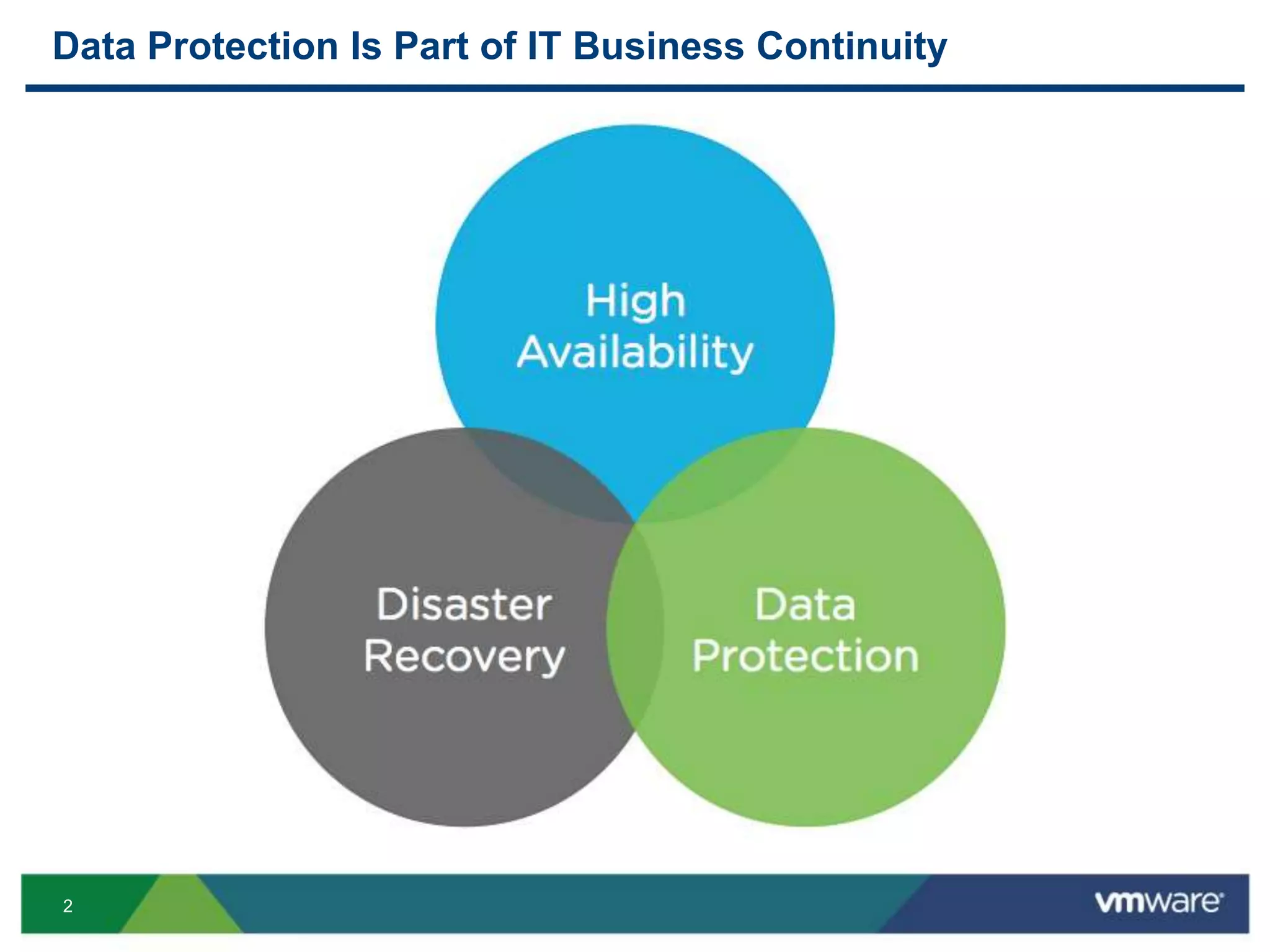
Data Protection Is Part of IT Business Continuity
3
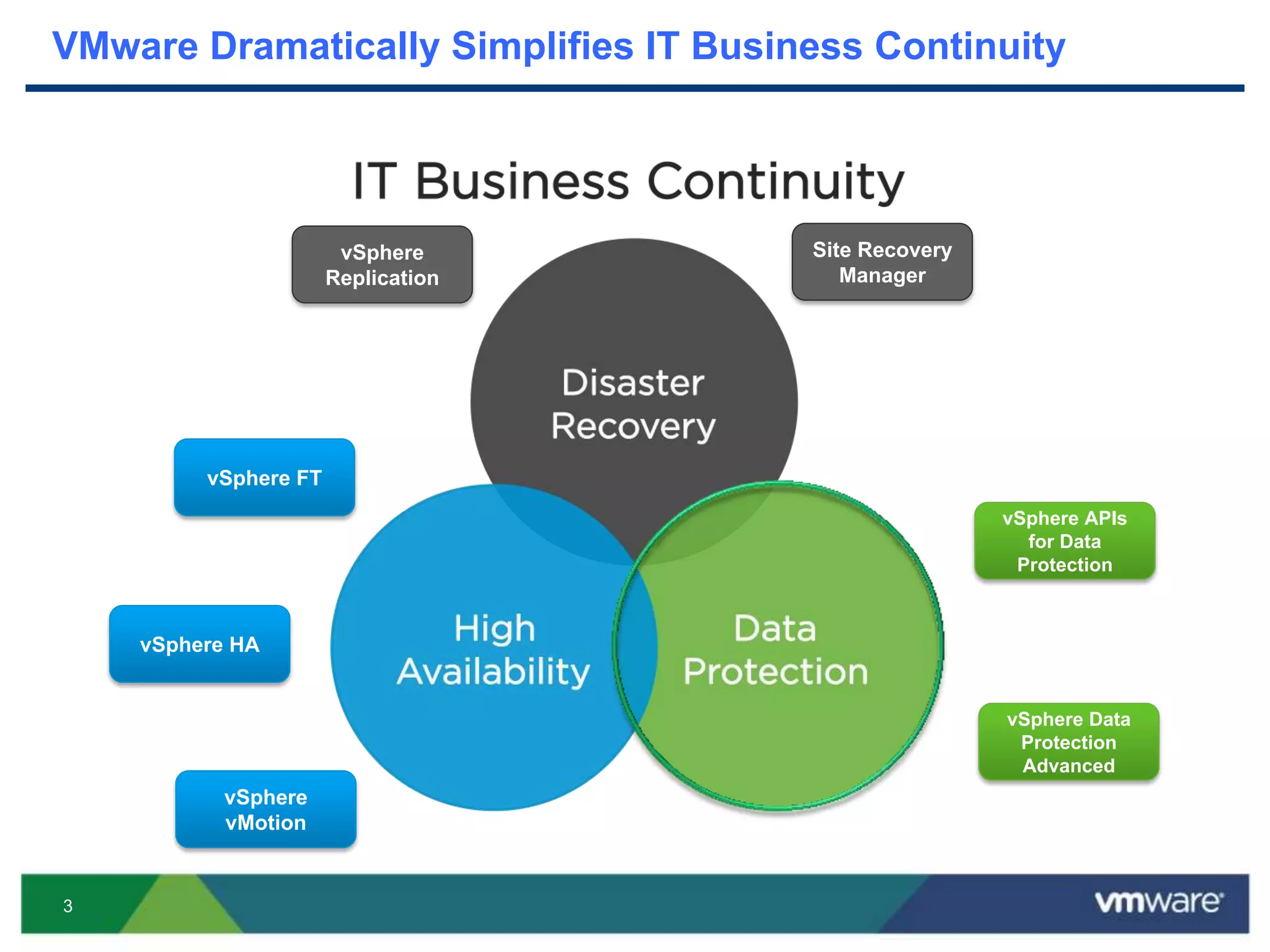
VMware Dramatically Simplifies IT Business Continuity
vSphere HA
vSphere FT
vSphere
Replication
Site Recovery
Manager
vSphere
vMotion
vSphere APIs
for Data
Protection
vSphere Data
Protection
Advanced
4
VMware vSphere Data Protection (VDP) Advanced
Built on proven EMC Avamar™ technology
Minimize backup data storage requirements
Easy, wizard-driven set-up and management
Agent-less virtual machine backup and restore
Agents for granular tier-1 application protection
Backup and recovery for VMware, from VMware
5
What’s New
6
What’s New with VDP Advanced – Scale
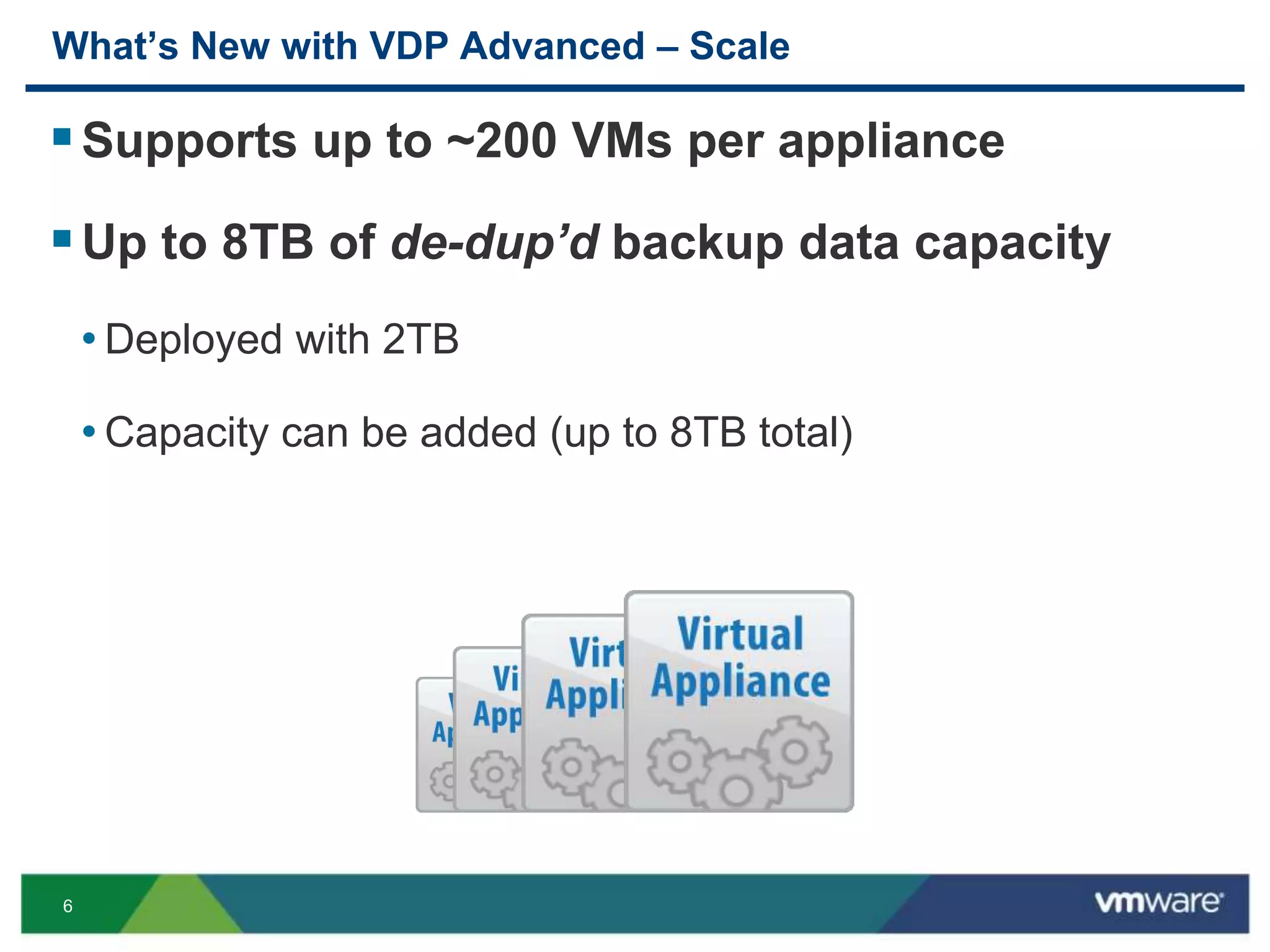
Supports up to ~200 VMs per appliance
Up to 8TB of de-dup’d backup data capacity
• Deployed with 2TB
• Capacity can be added (up to 8TB total)
7
What’s New with VDP Advanced – Applications
Tier 1 Application Agents – App-level backup
for Microsoft Exchange and SQL Server
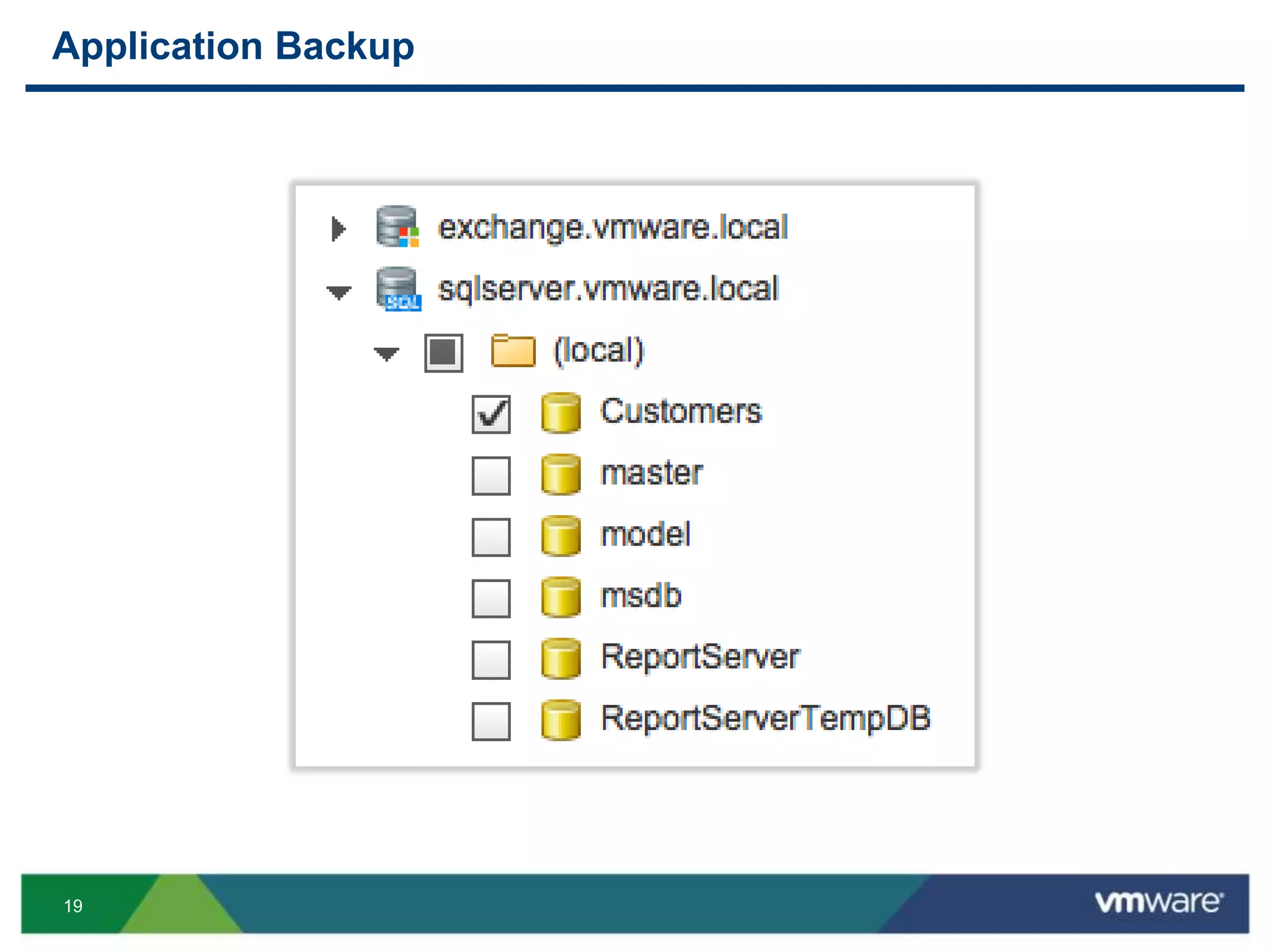
• Select individual databases for backup and restore
• Application-consistent backup and restore
• Higher level of de-duplication than image-level backup
8
What’s New with VDP Advanced – Upgrade
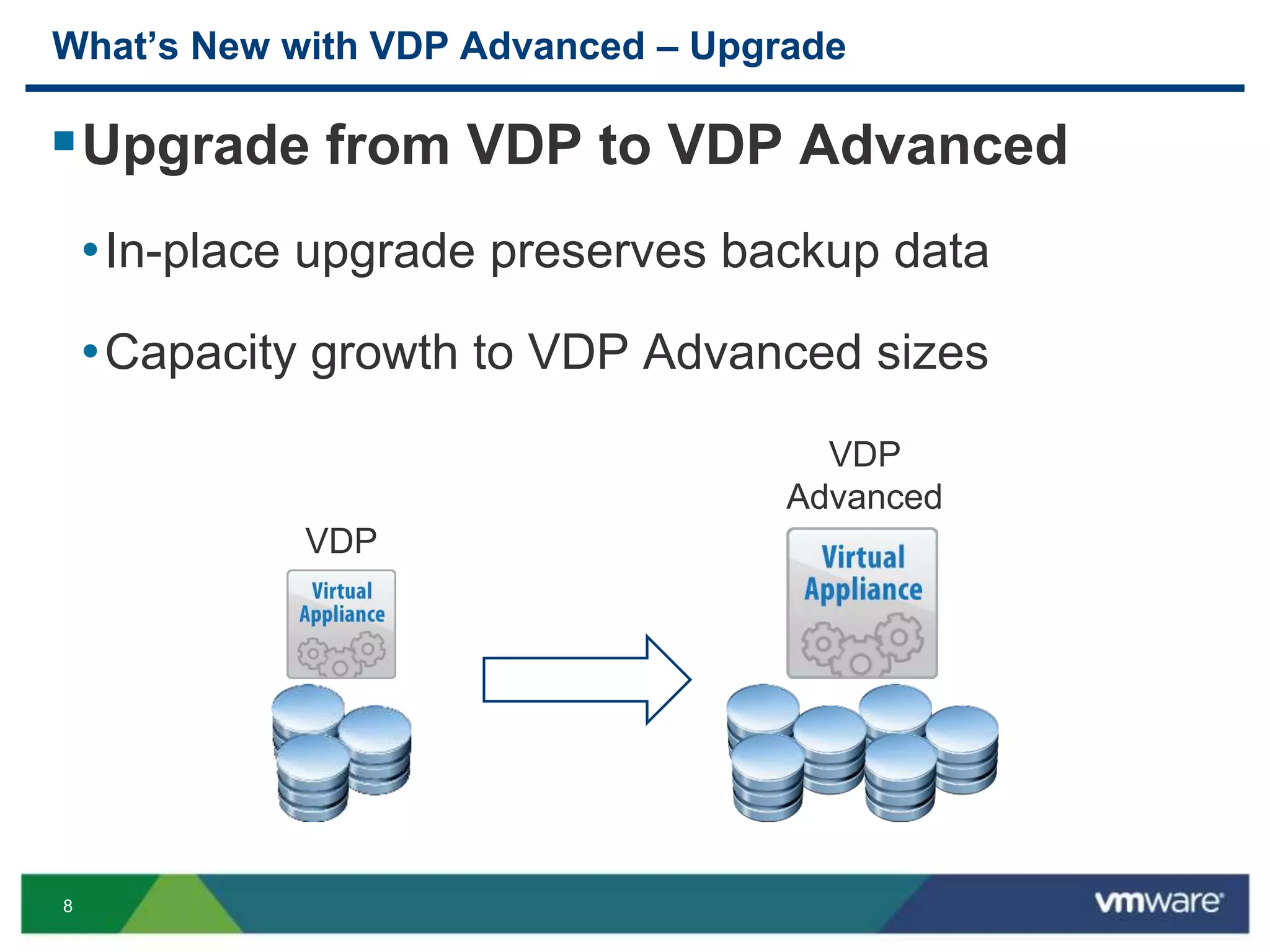
Upgrade from VDP to VDP Advanced
•In-place upgrade preserves backup data
•Capacity growth to VDP Advanced sizes
VDP
VDP
Advanced
9
Versions and Packaging
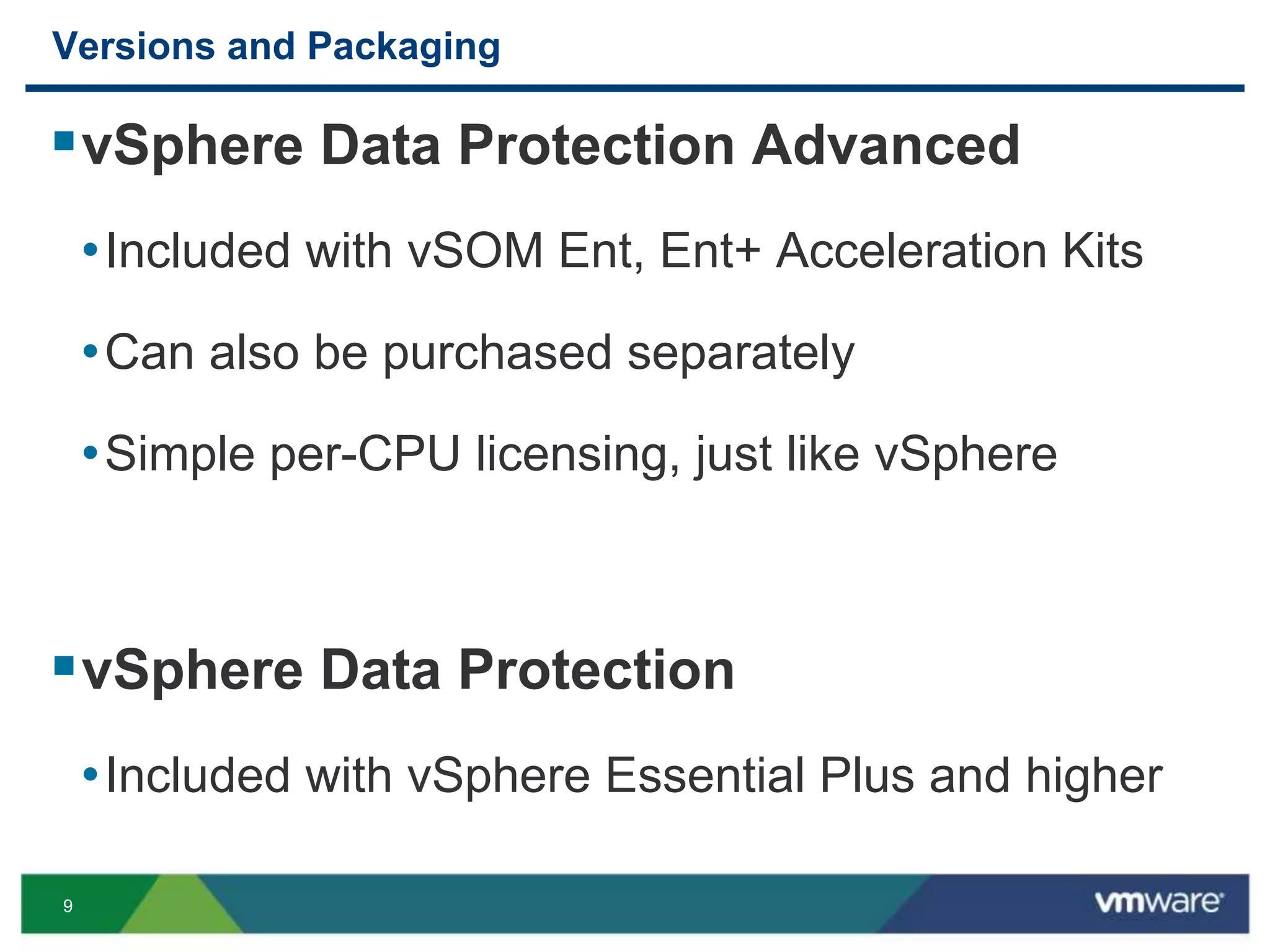
vSphere Data Protection Advanced
•Included with vSOM Ent, Ent+ Acceleration Kits
•Can also be purchased separately
•Simple per-CPU licensing, just like vSphere
vSphere Data Protection
•Included with vSphere Essential Plus and higher
10
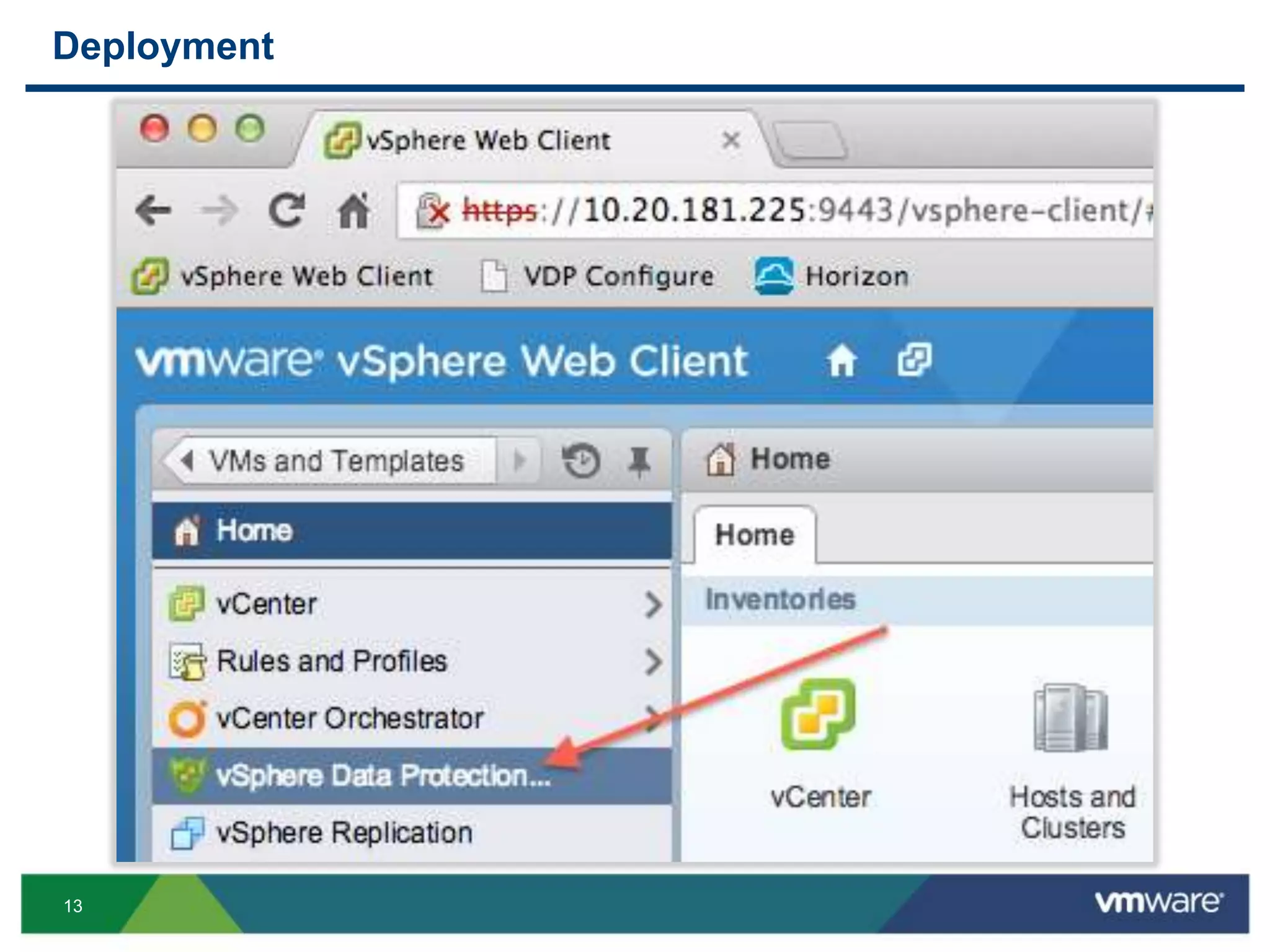
Deployment
11
Deployment
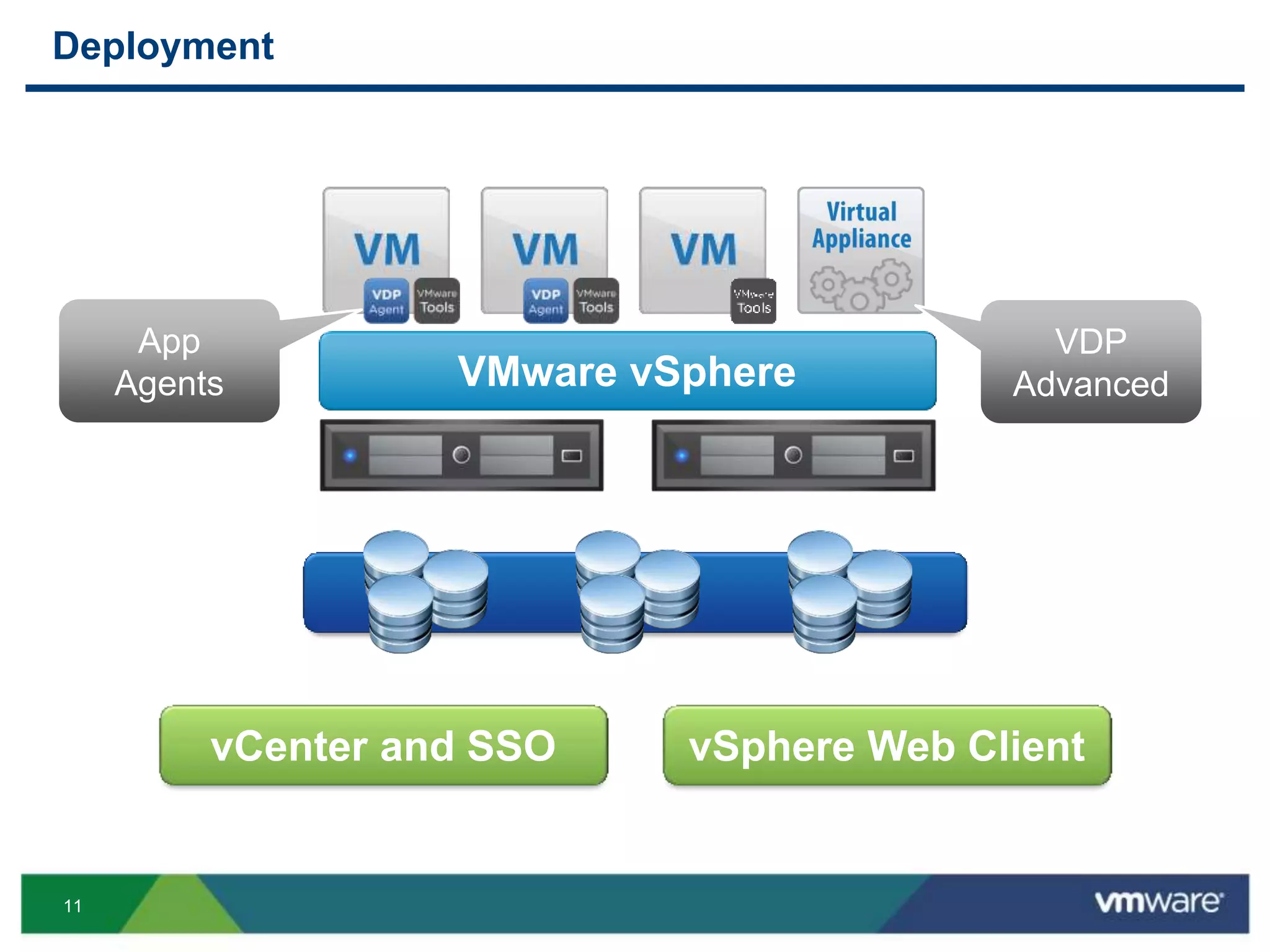
VMware vSphere
vCenter and SSO vSphere Web Client
App
Agents
VDP
Advanced
12
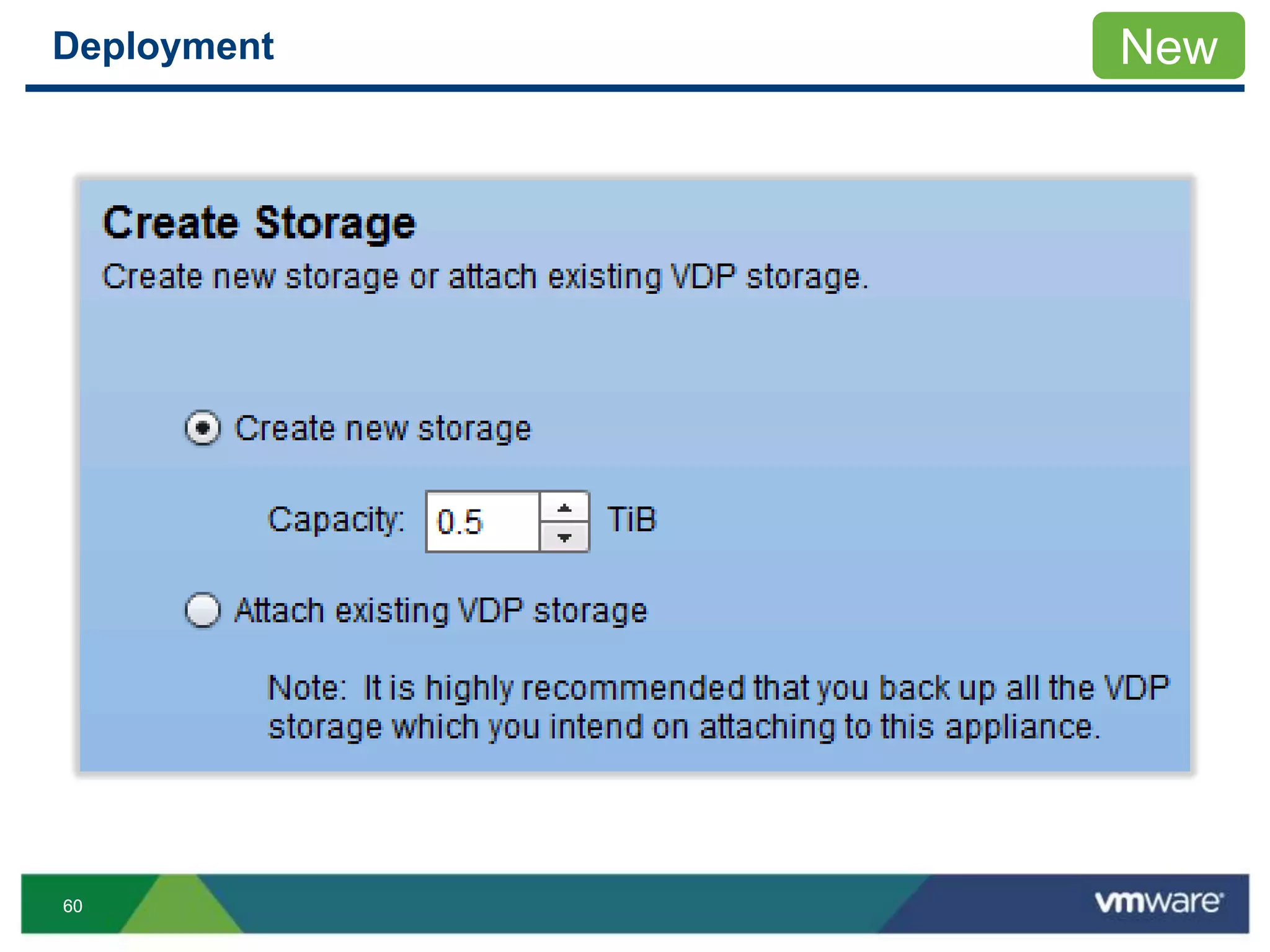
Deployment
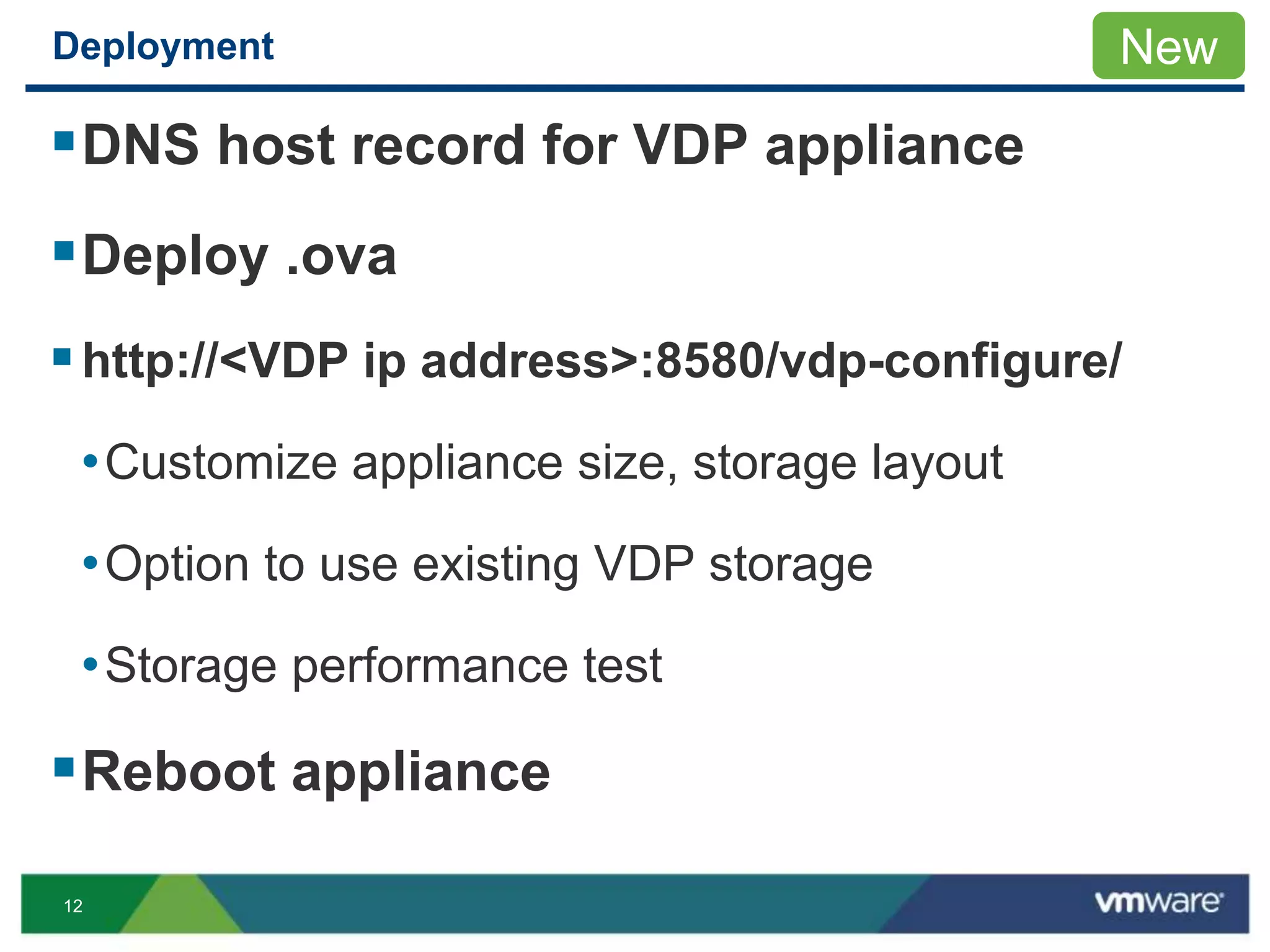
DNS host record for VDP appliance
Deploy .ova
http://<VDP ip address>:8580/vdp-configure/
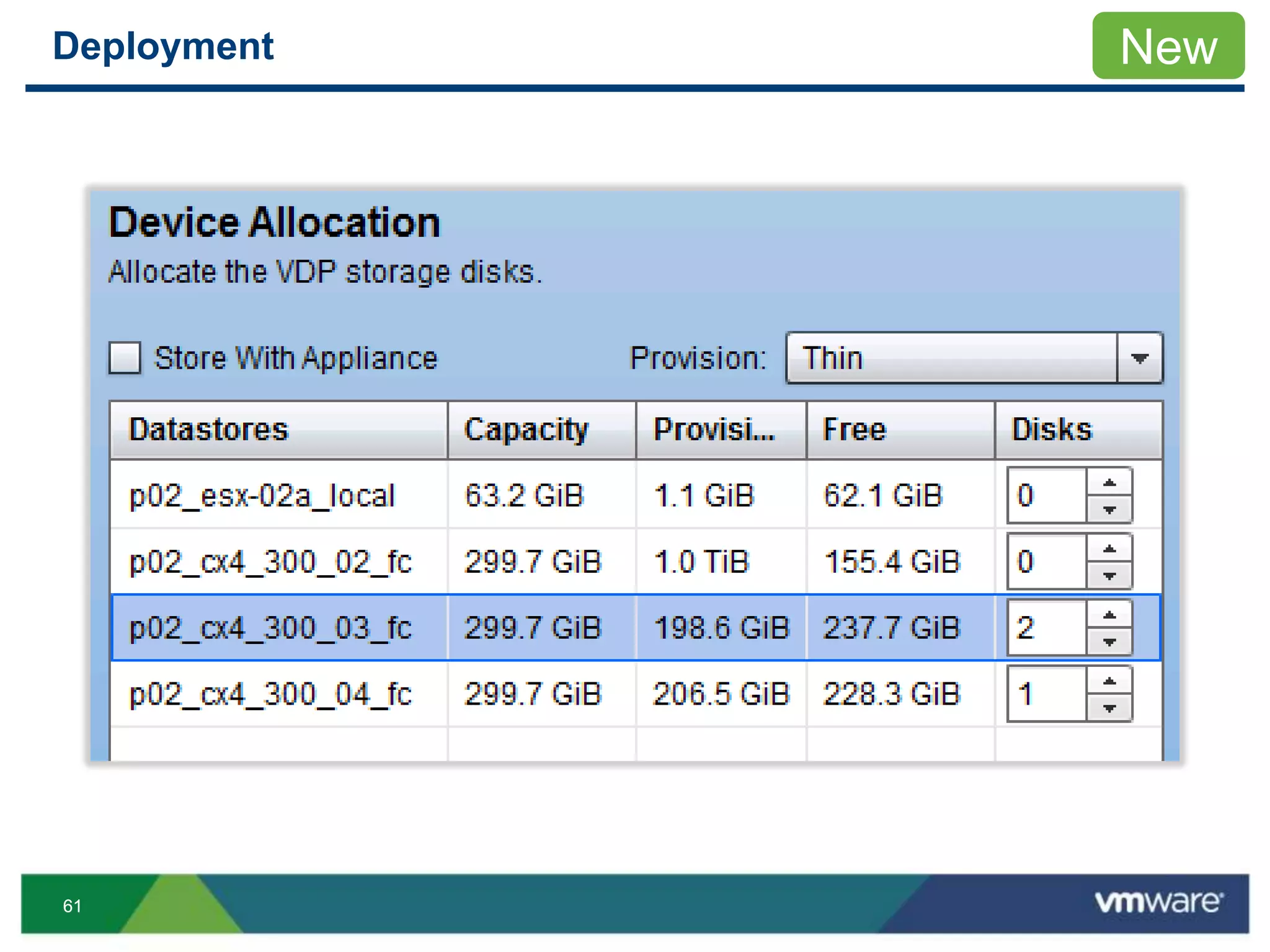
•Customize appliance size, storage layout
•Option to use existing VDP storage
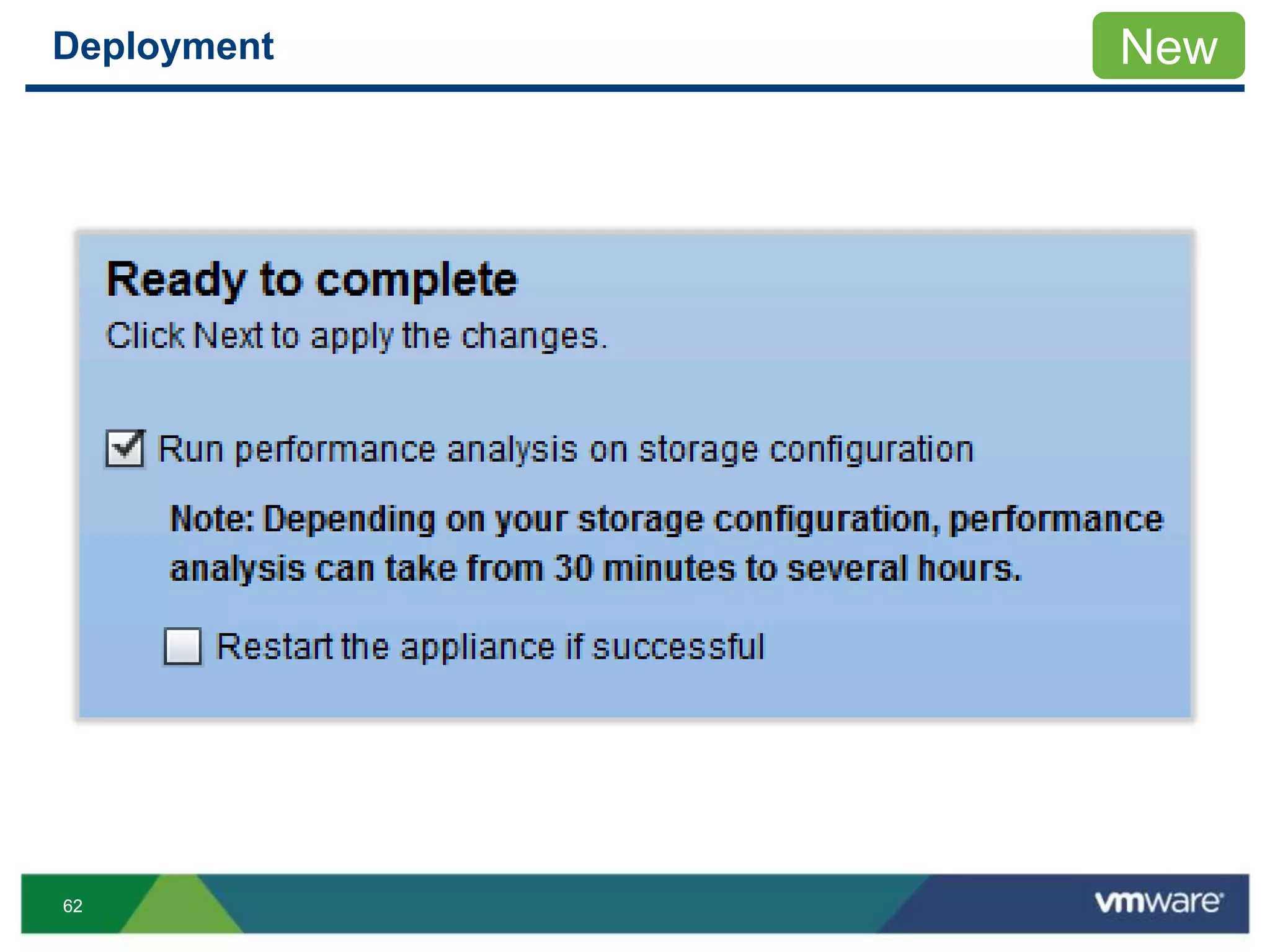
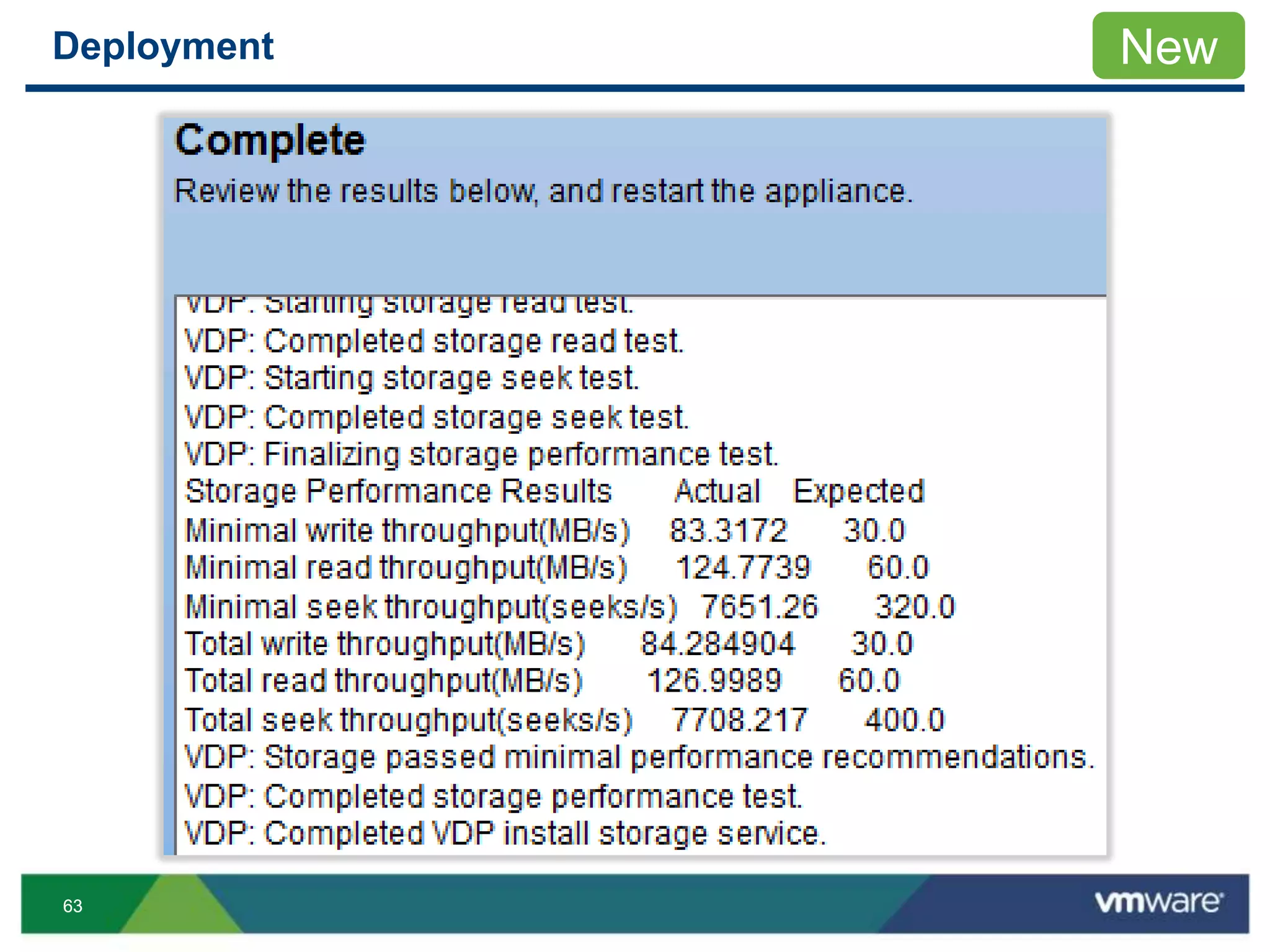
•Storage performance test
Reboot appliance
New
13
Deployment
14
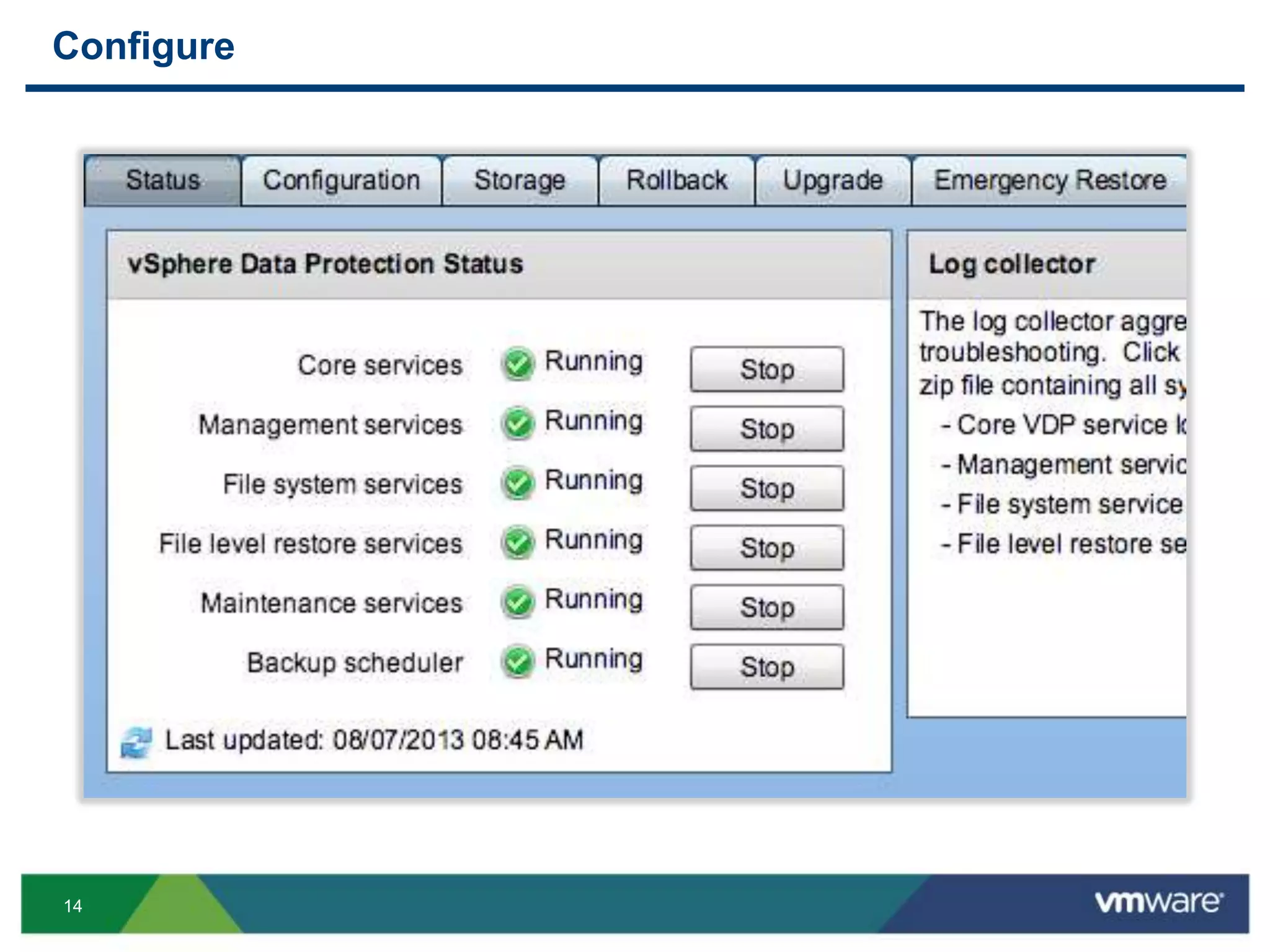
Configure
15
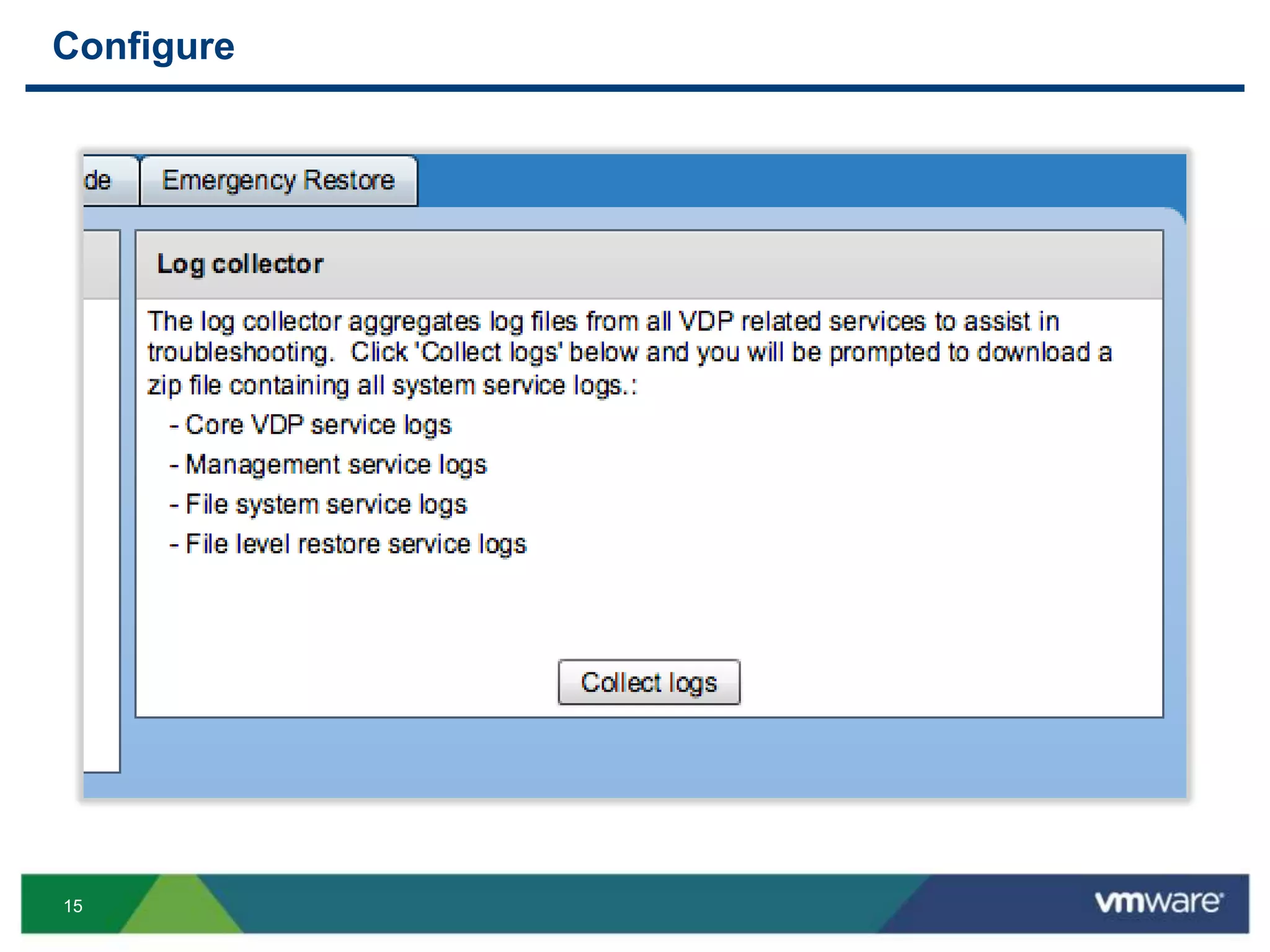
Configure
16
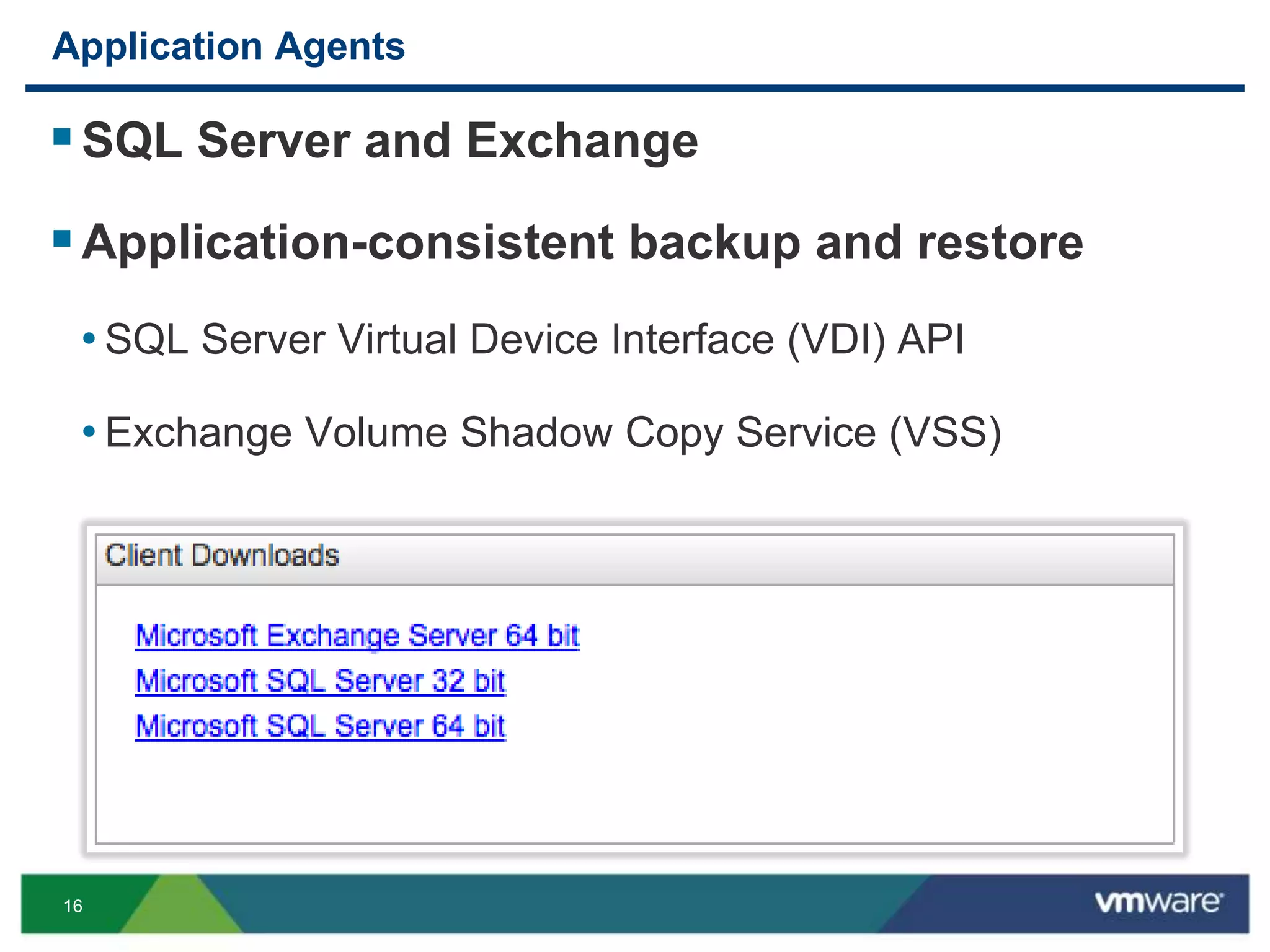
Application Agents
SQL Server and Exchange
Application-consistent backup and restore
• SQL Server Virtual Device Interface (VDI) API
• Exchange Volume Shadow Copy Service (VSS)
17
Backup
18
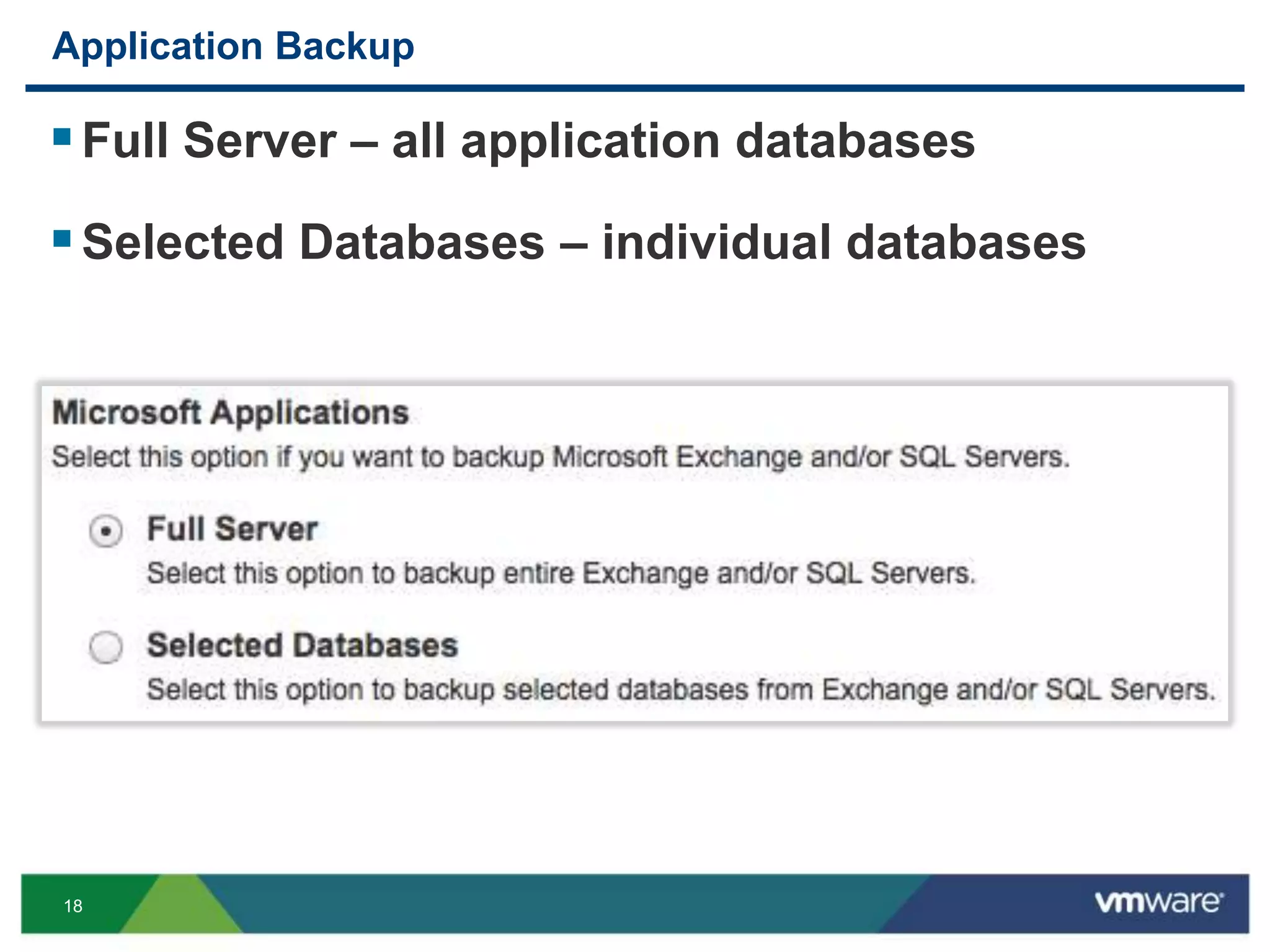
Application Backup
Full Server – all application databases
Selected Databases – individual databases
19
Application Backup
20
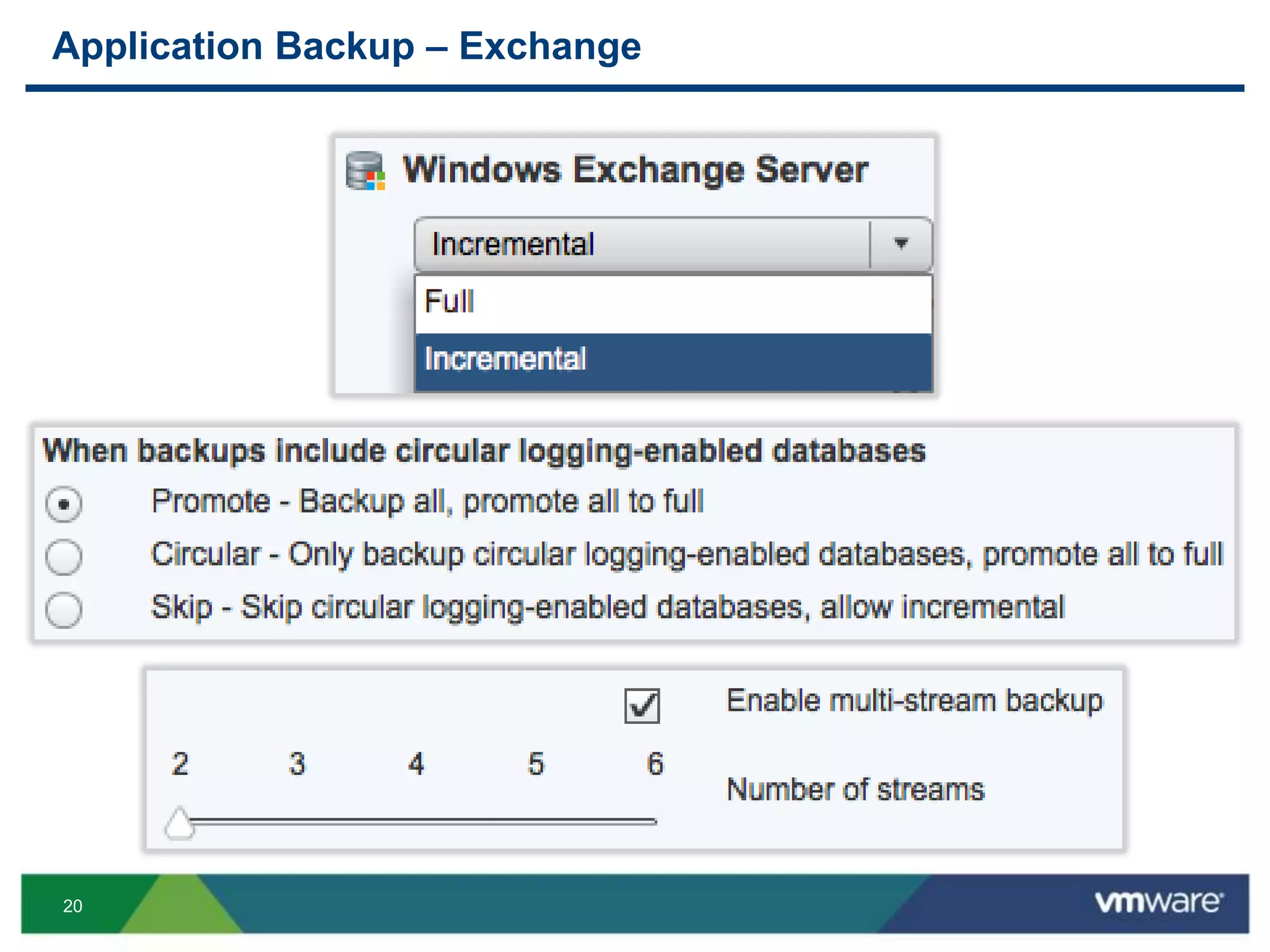
Application Backup – Exchange
21
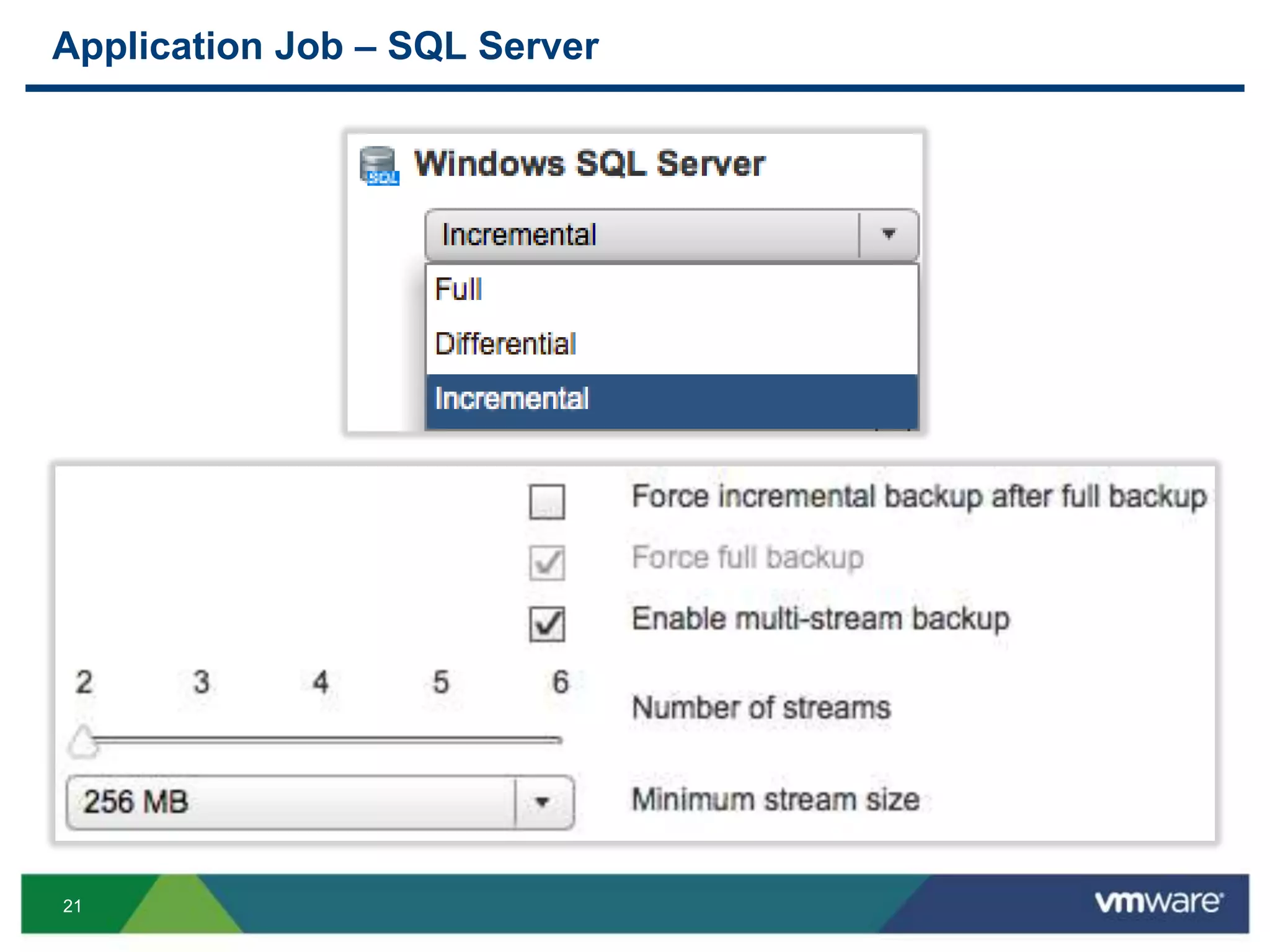
Application Job – SQL Server
22
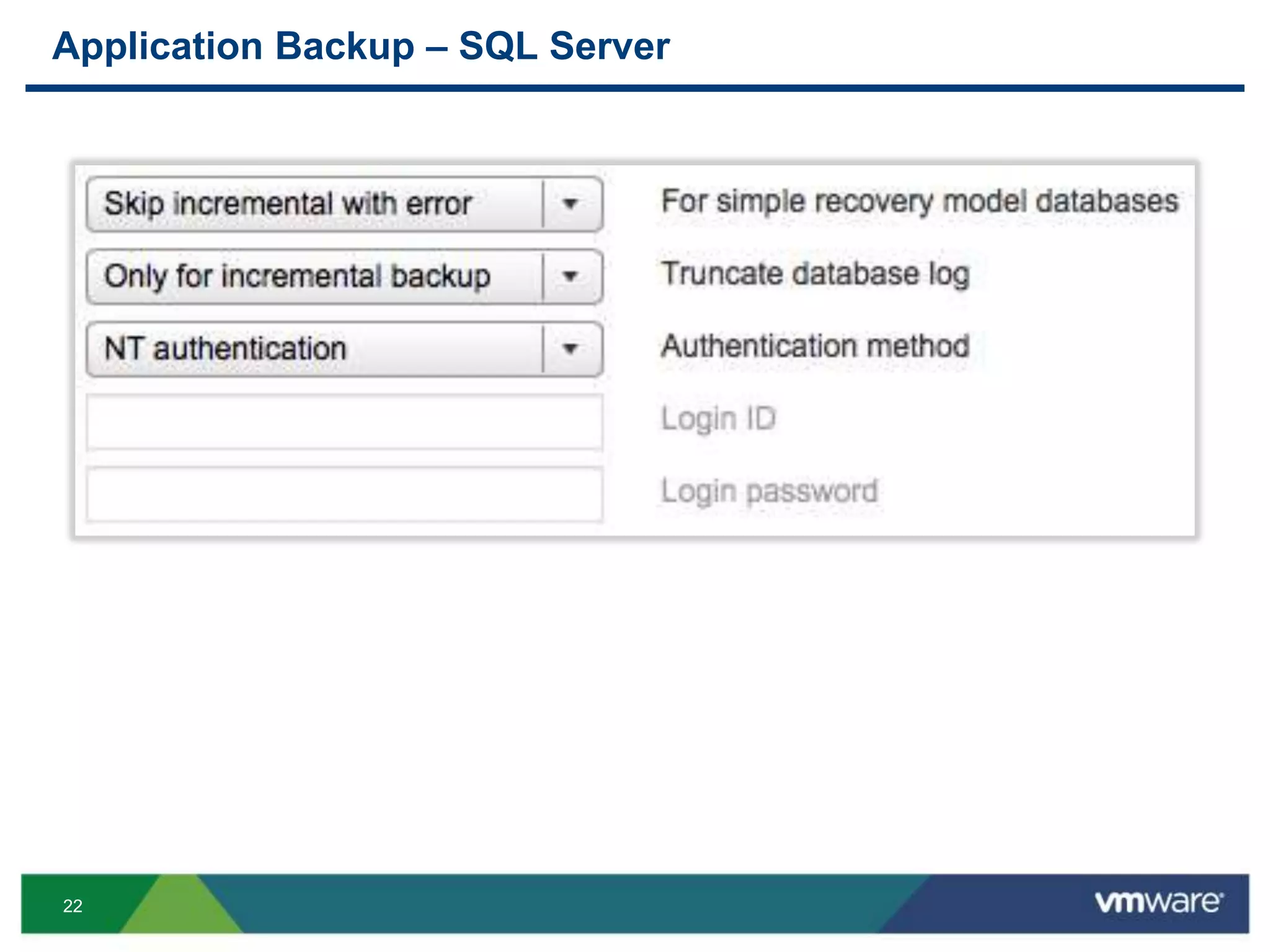
Application Backup – SQL Server
23
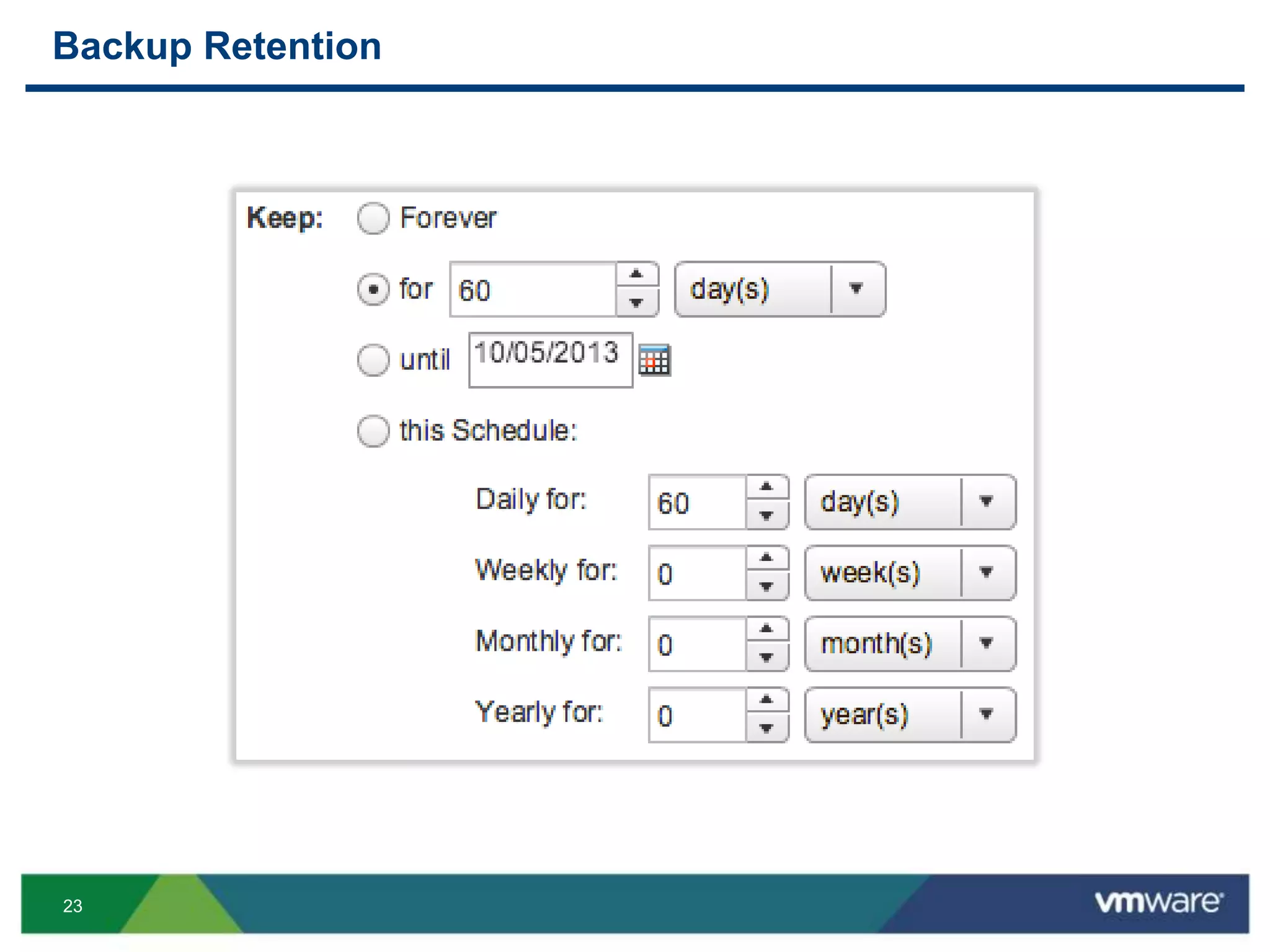
Backup Retention
24
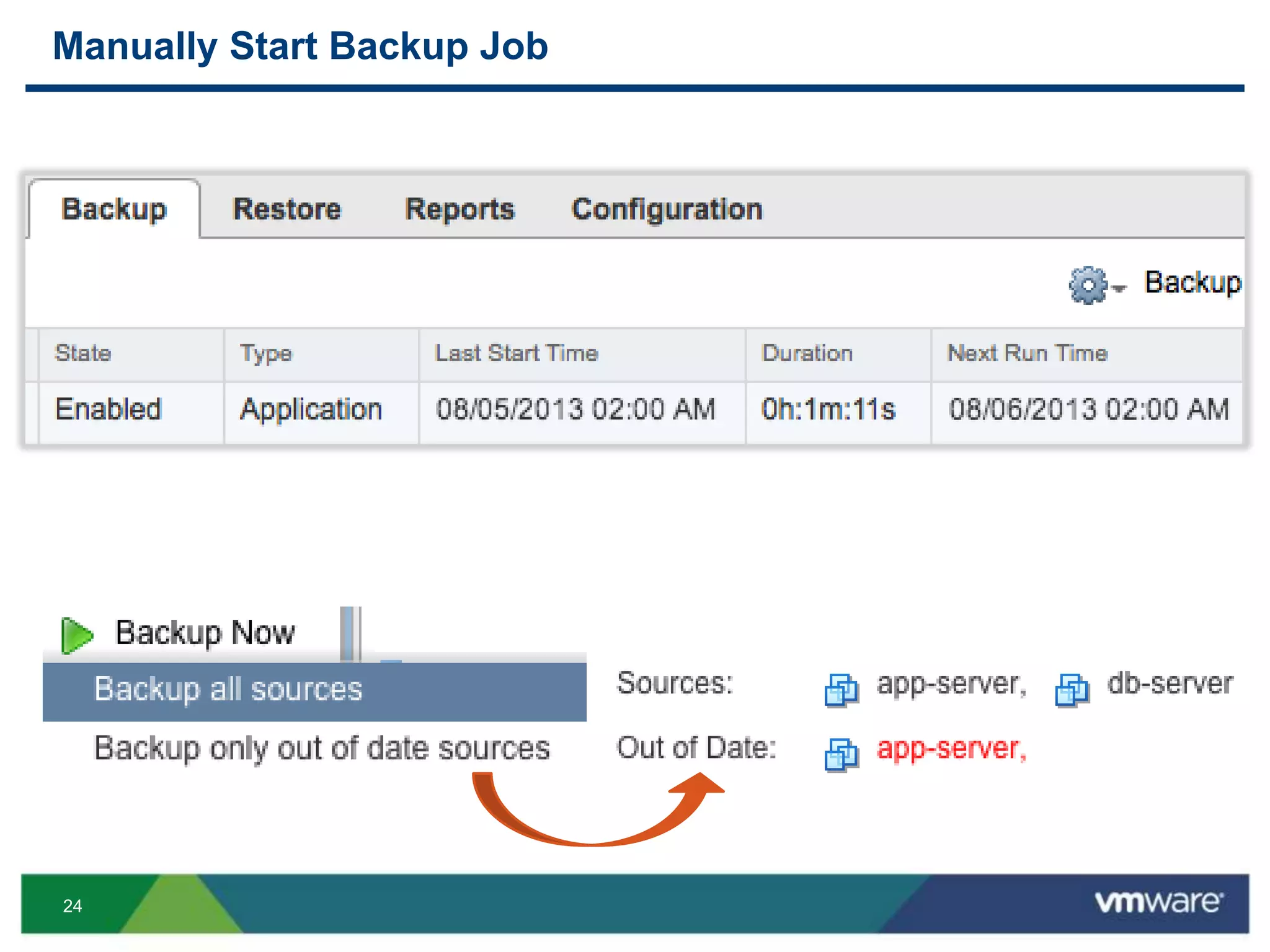
Manually Start Backup Job
25
Restore
26
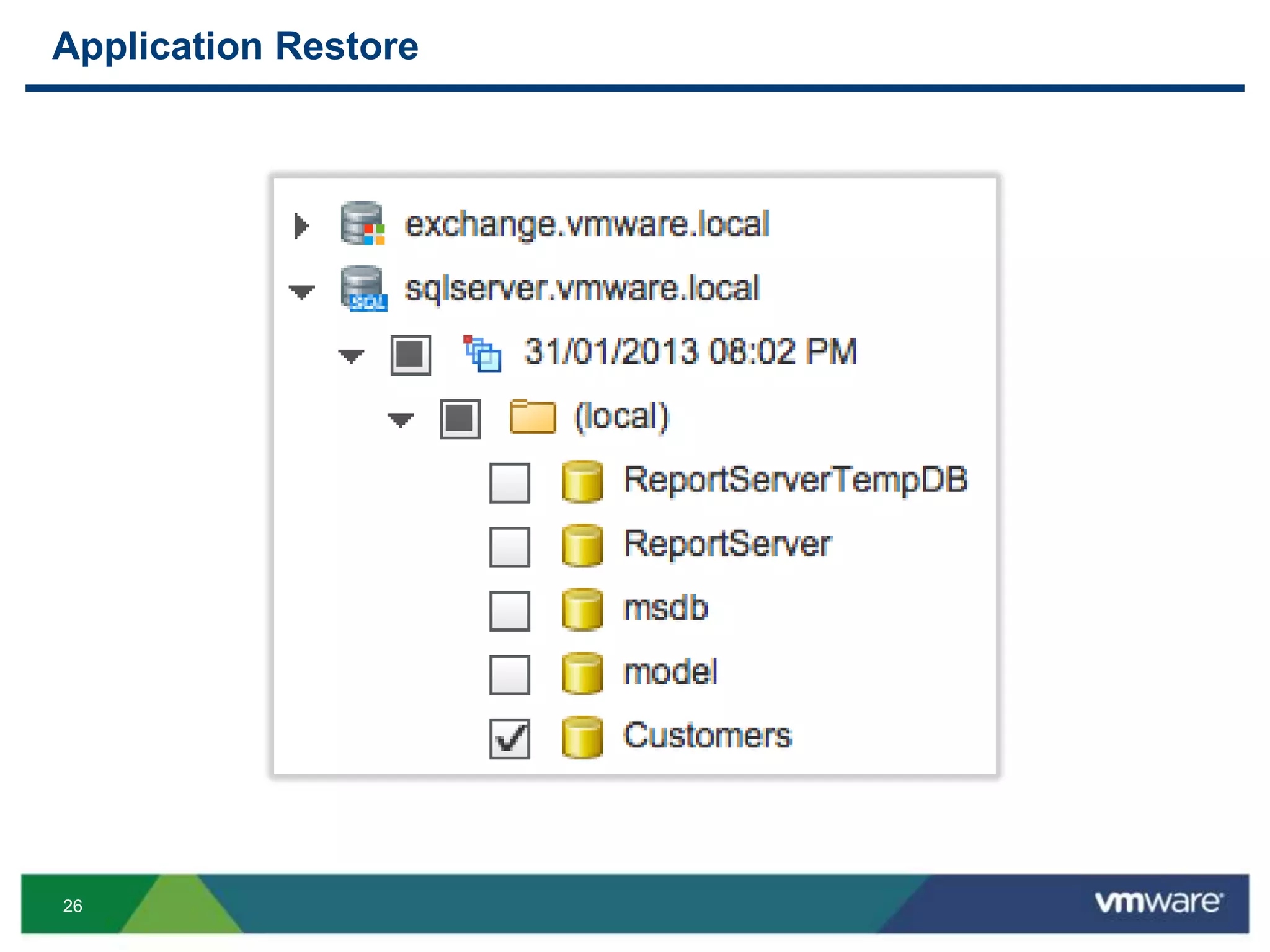
Application Restore
27
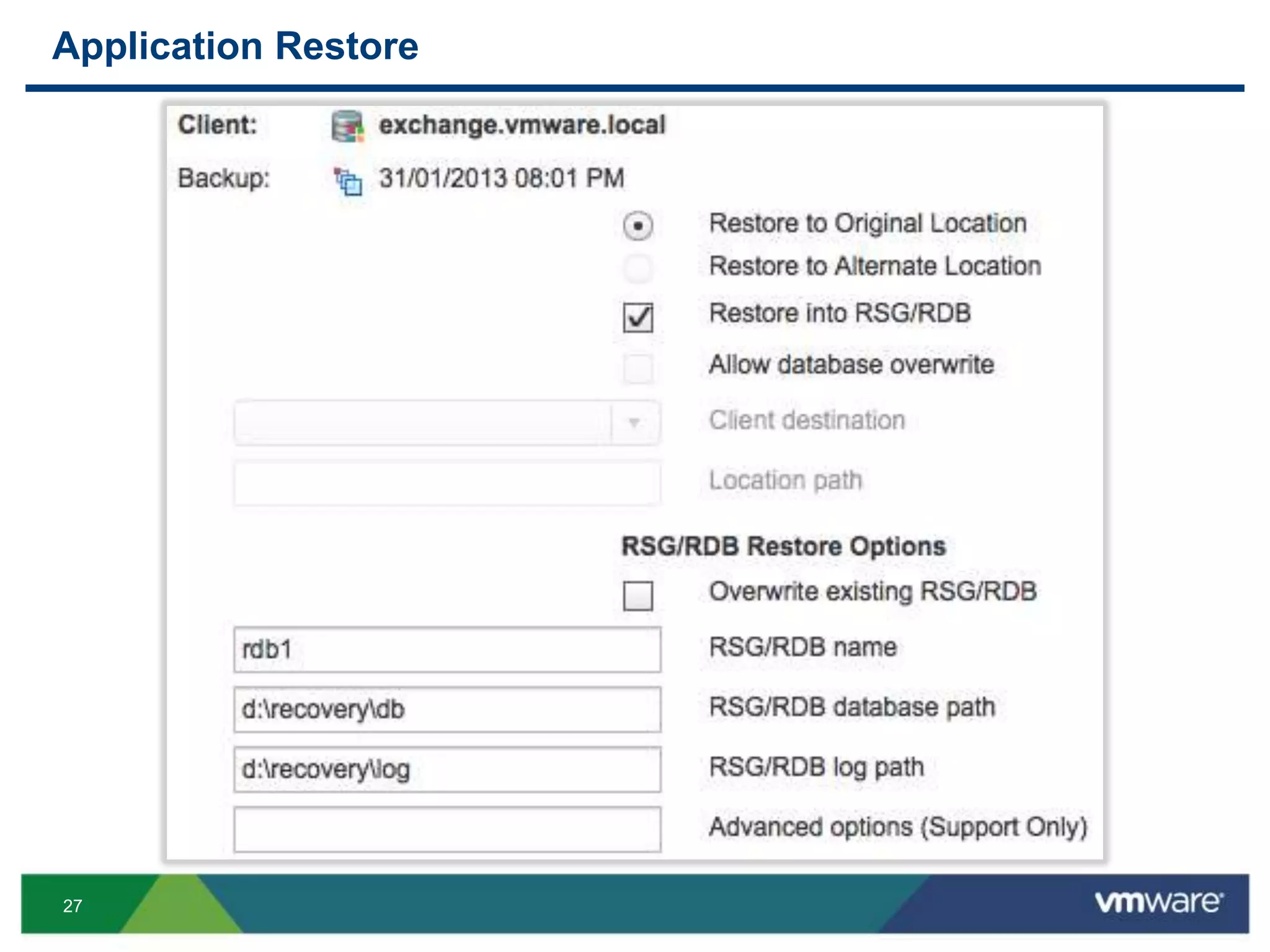
Application Restore
28
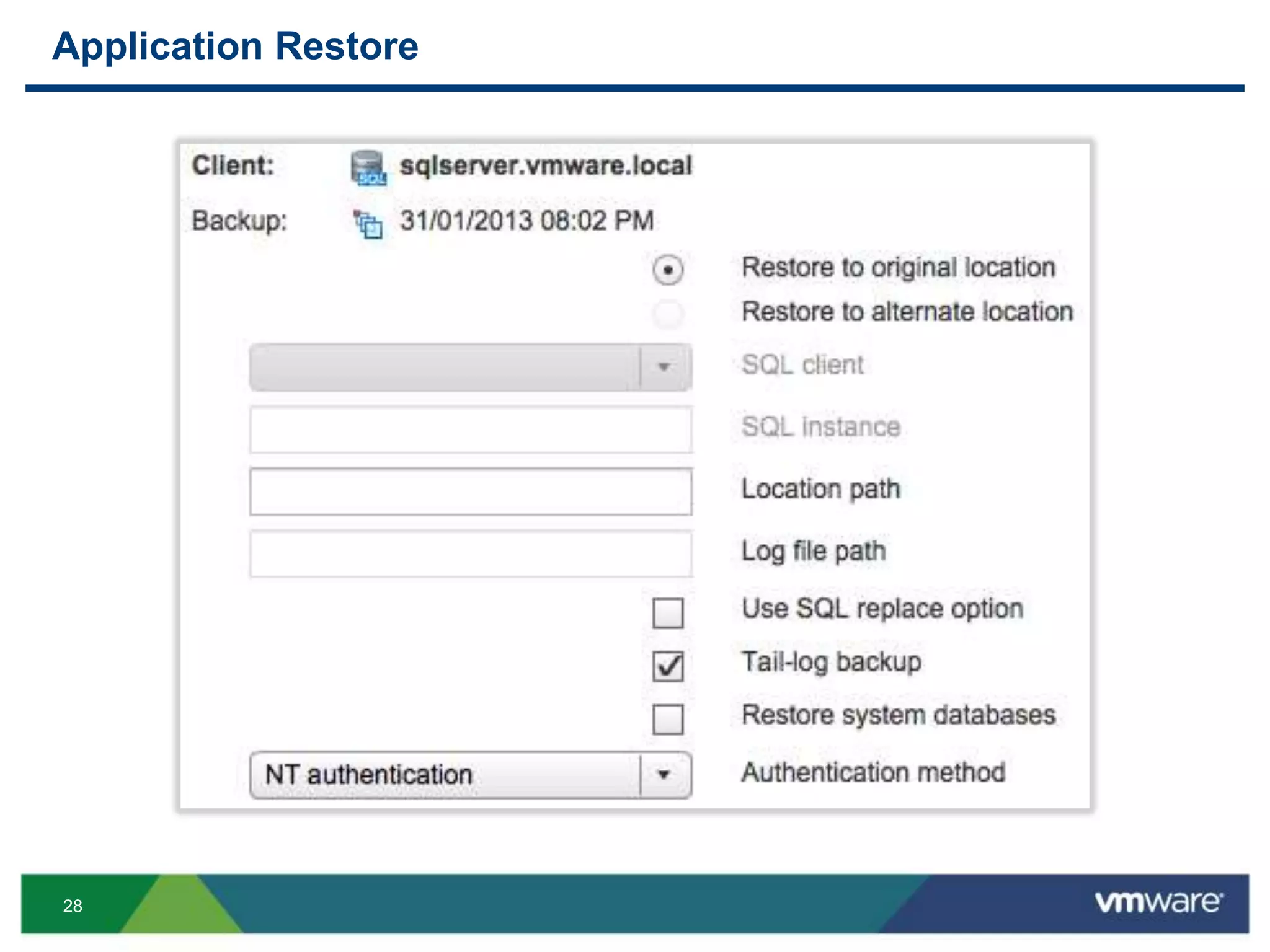
Application Restore
29
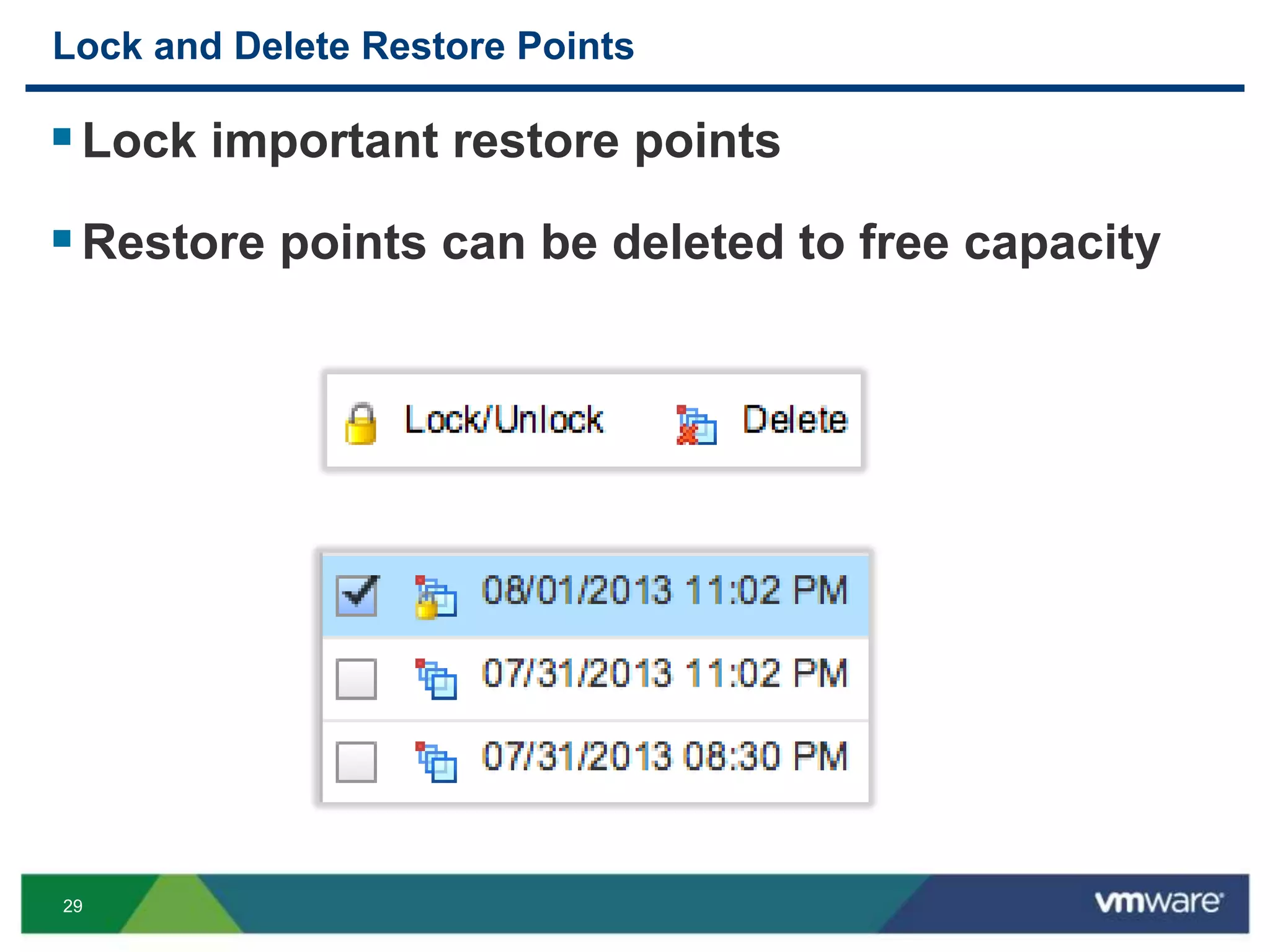
Lock and Delete Restore Points
Lock important restore points
Restore points can be deleted to free capacity
30
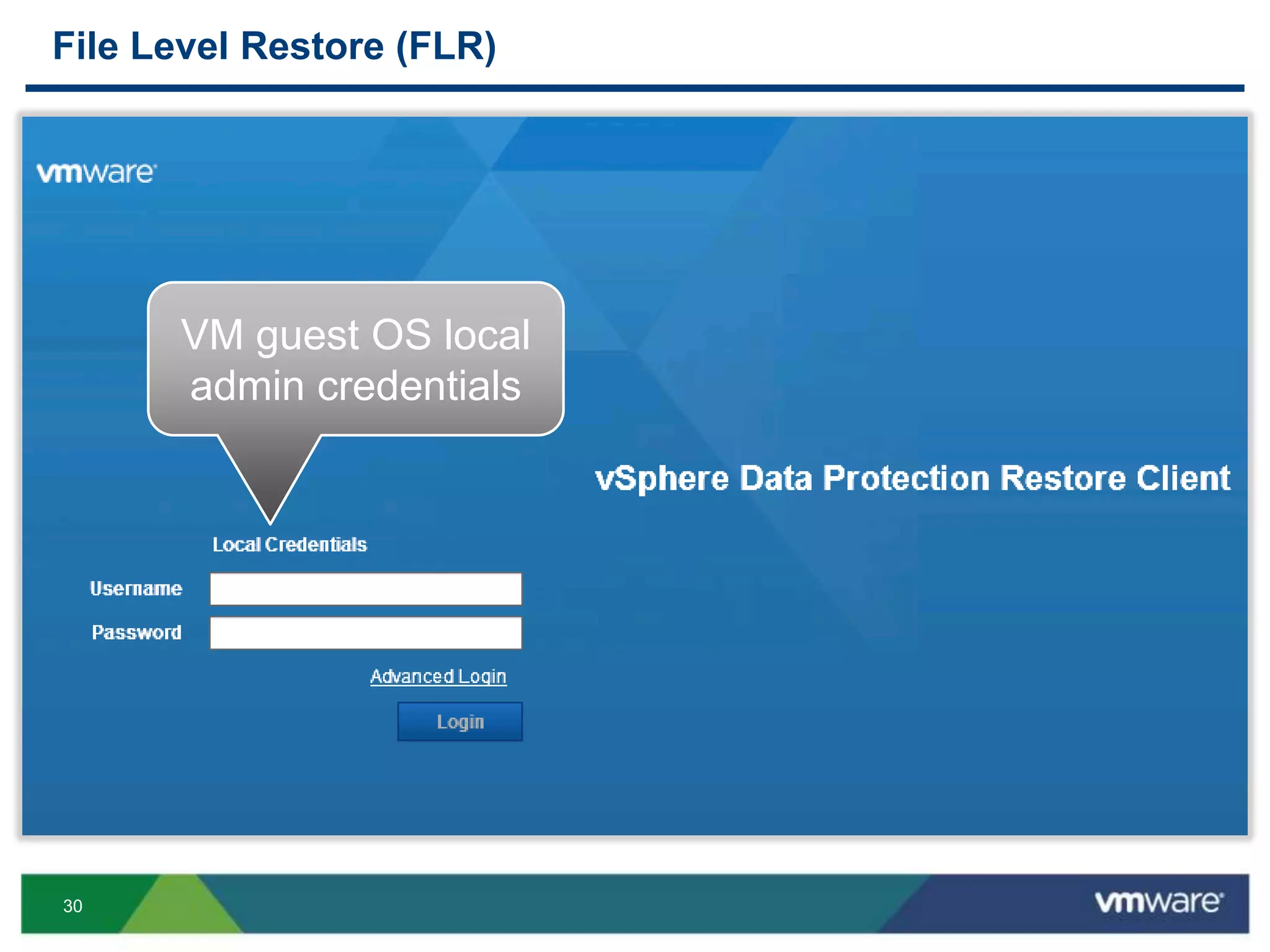
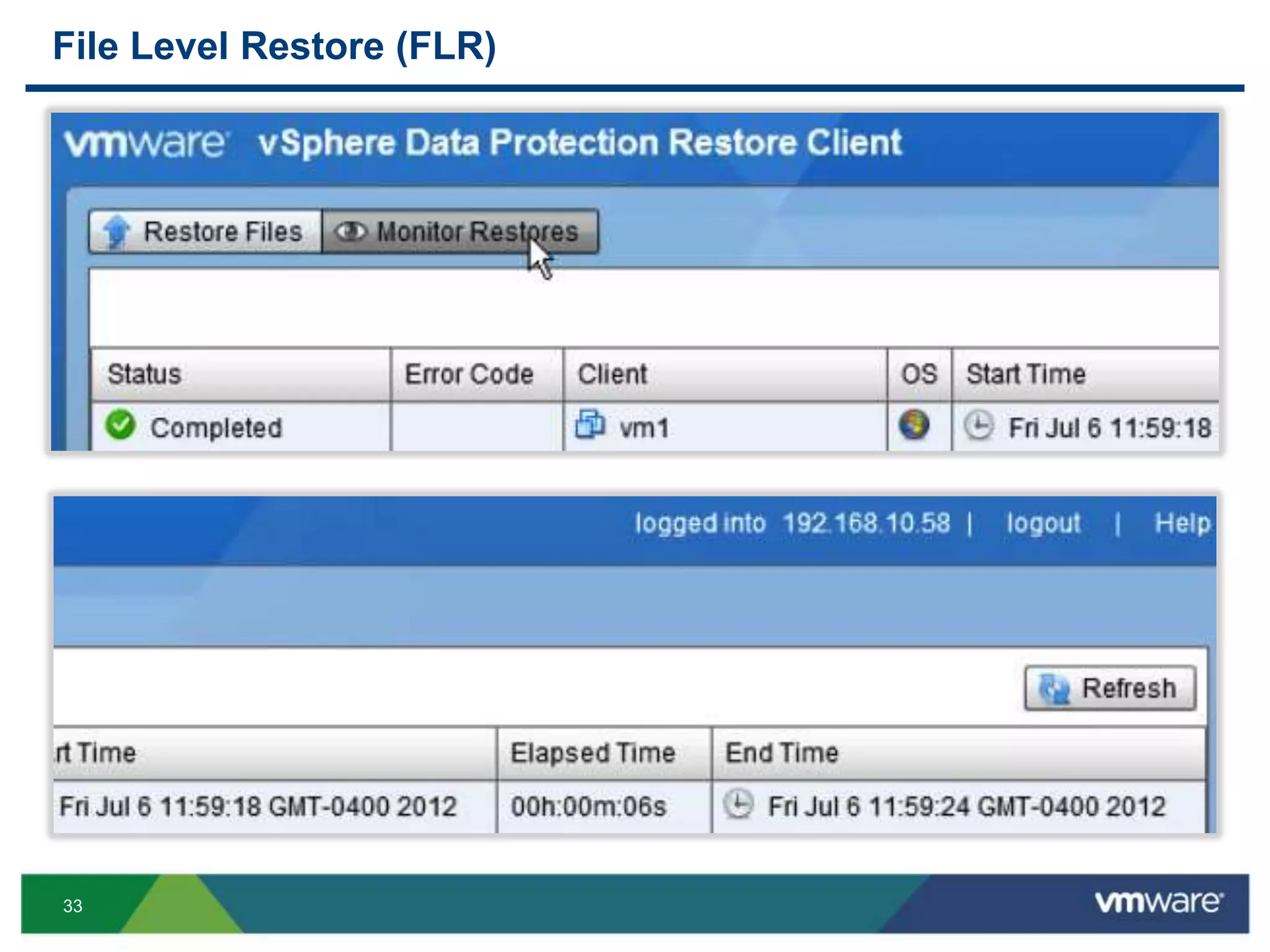
File Level Restore (FLR)
VM guest OS local
admin credentials
31
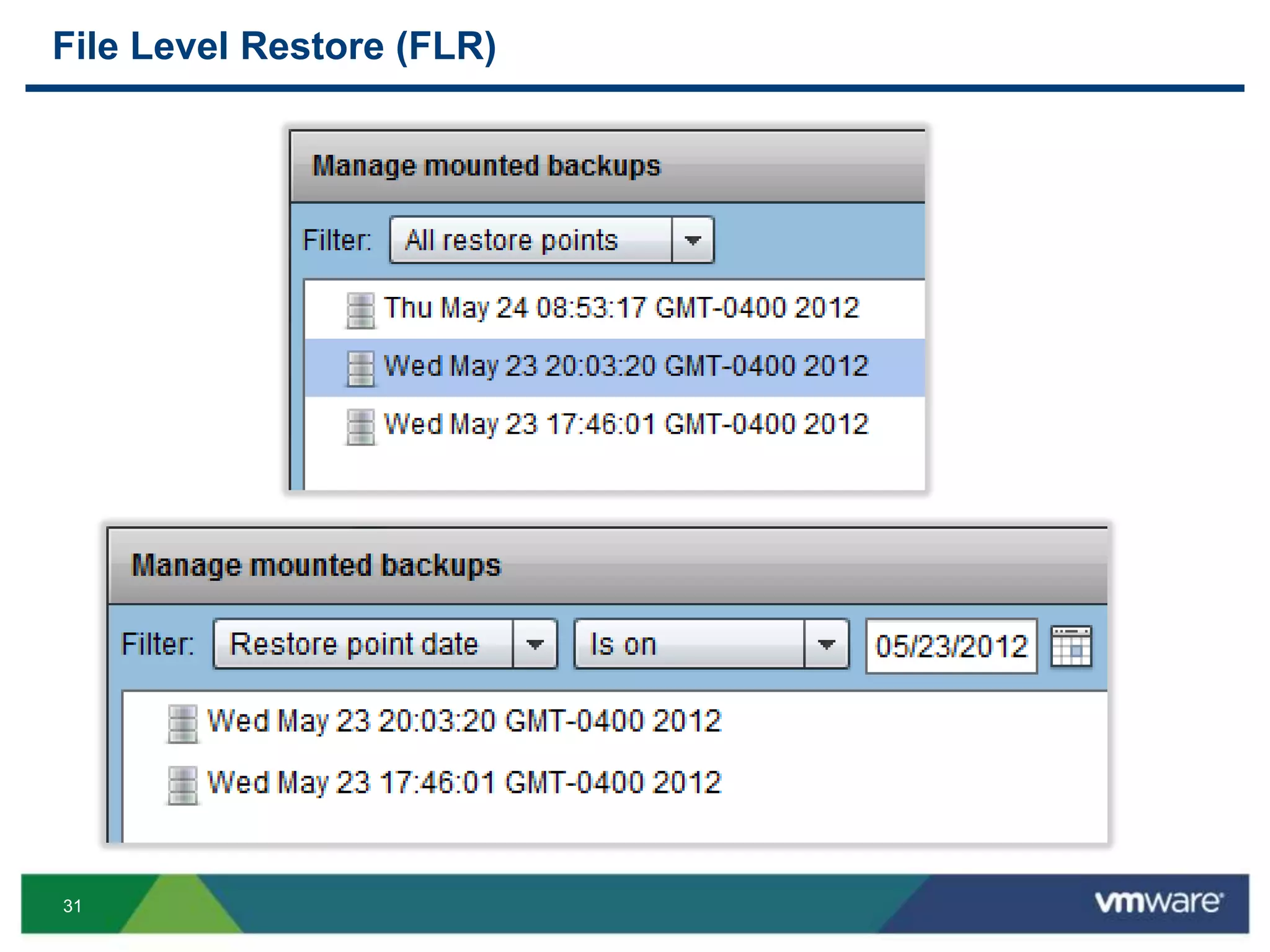
File Level Restore (FLR)
32
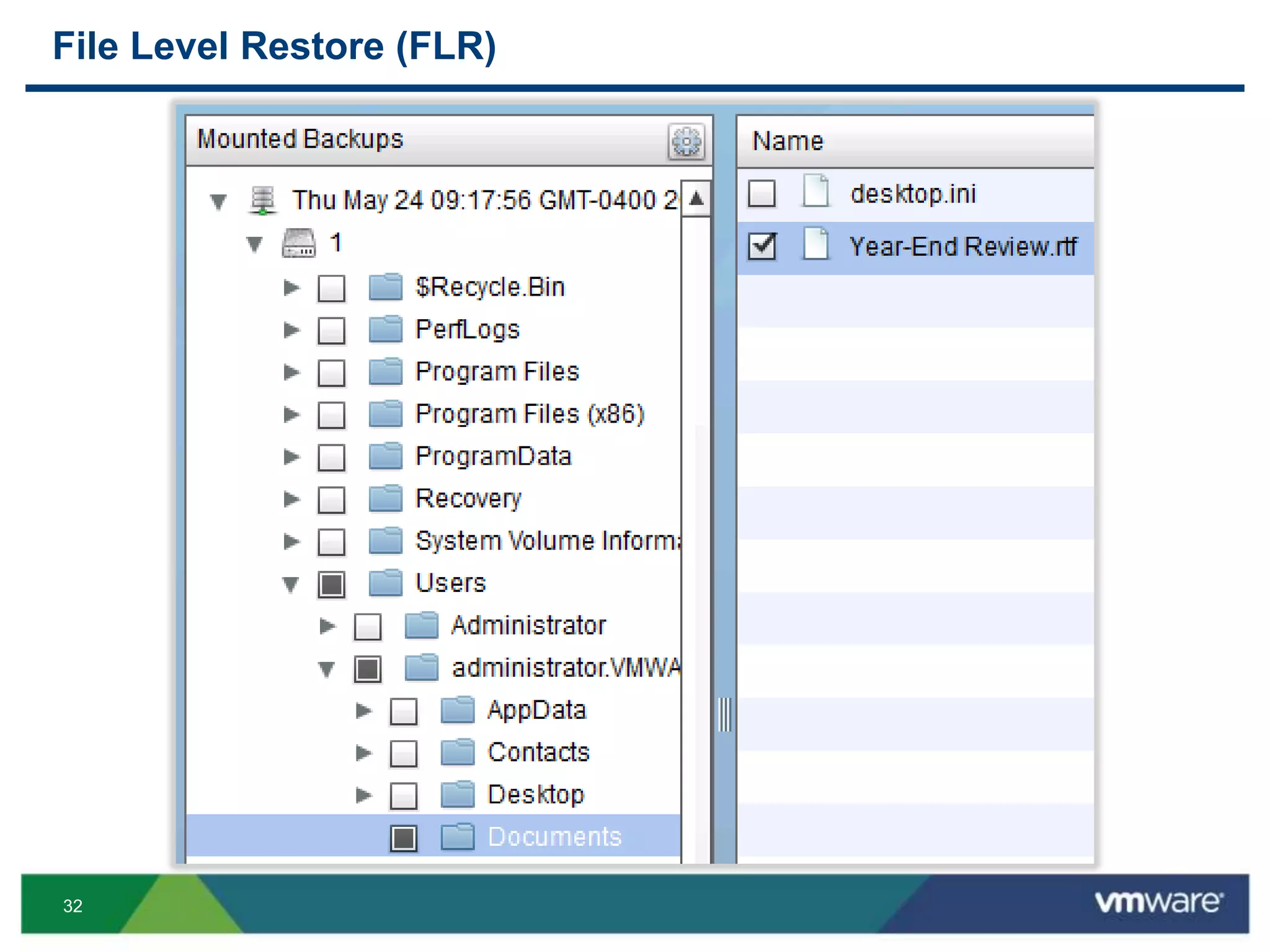
File Level Restore (FLR)
33
File Level Restore (FLR)
34
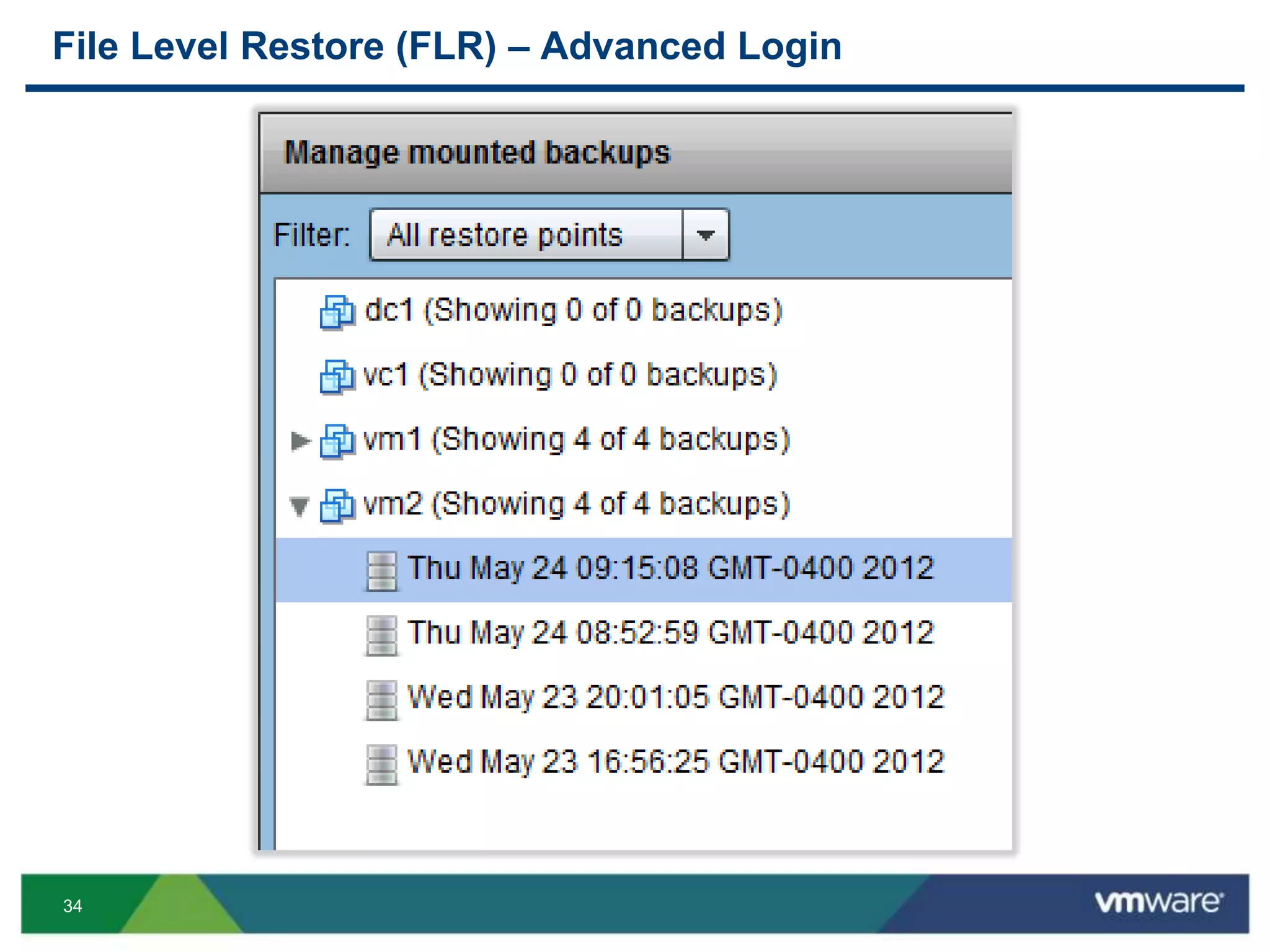
File Level Restore (FLR) – Advanced Login
35
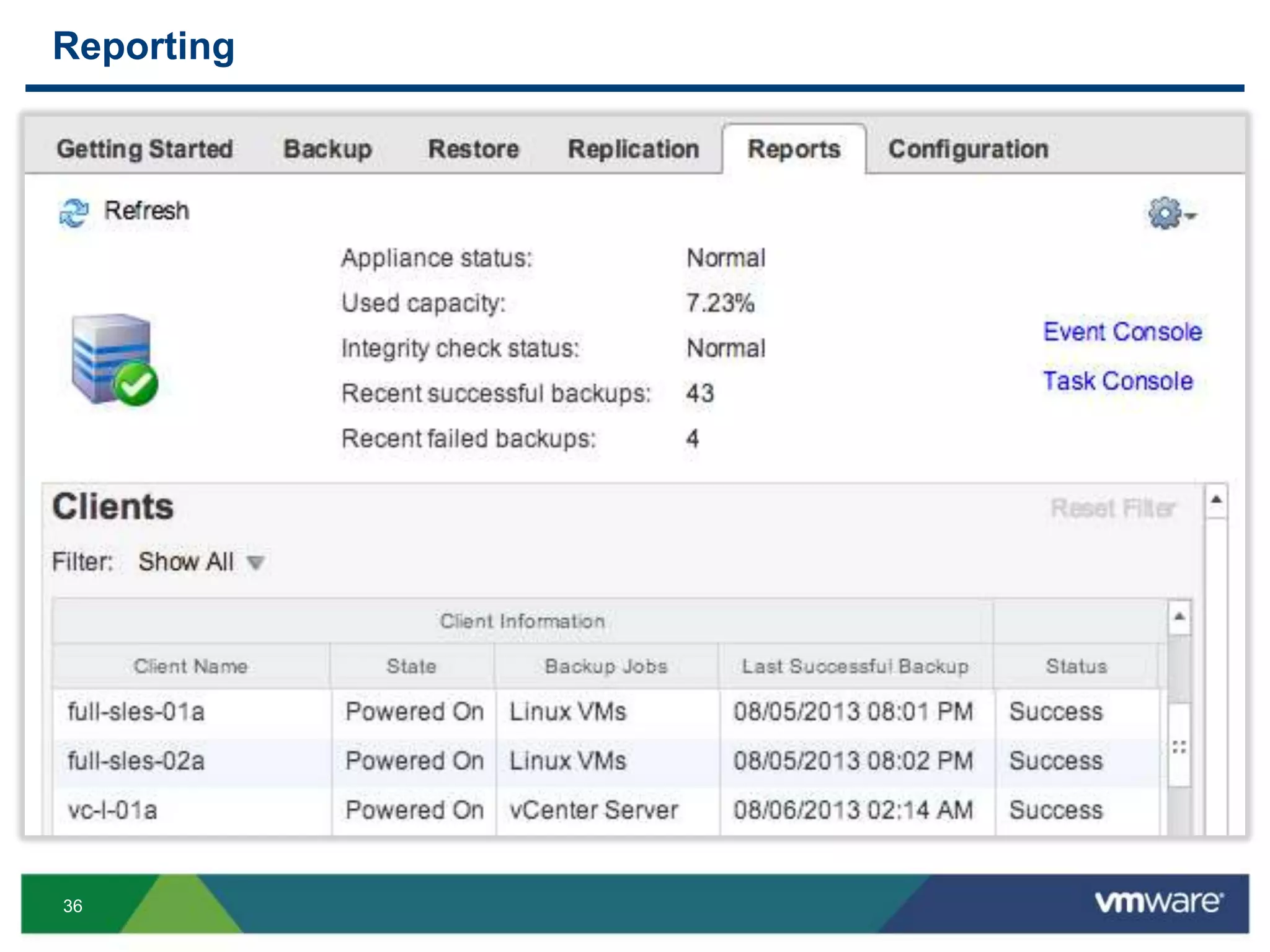
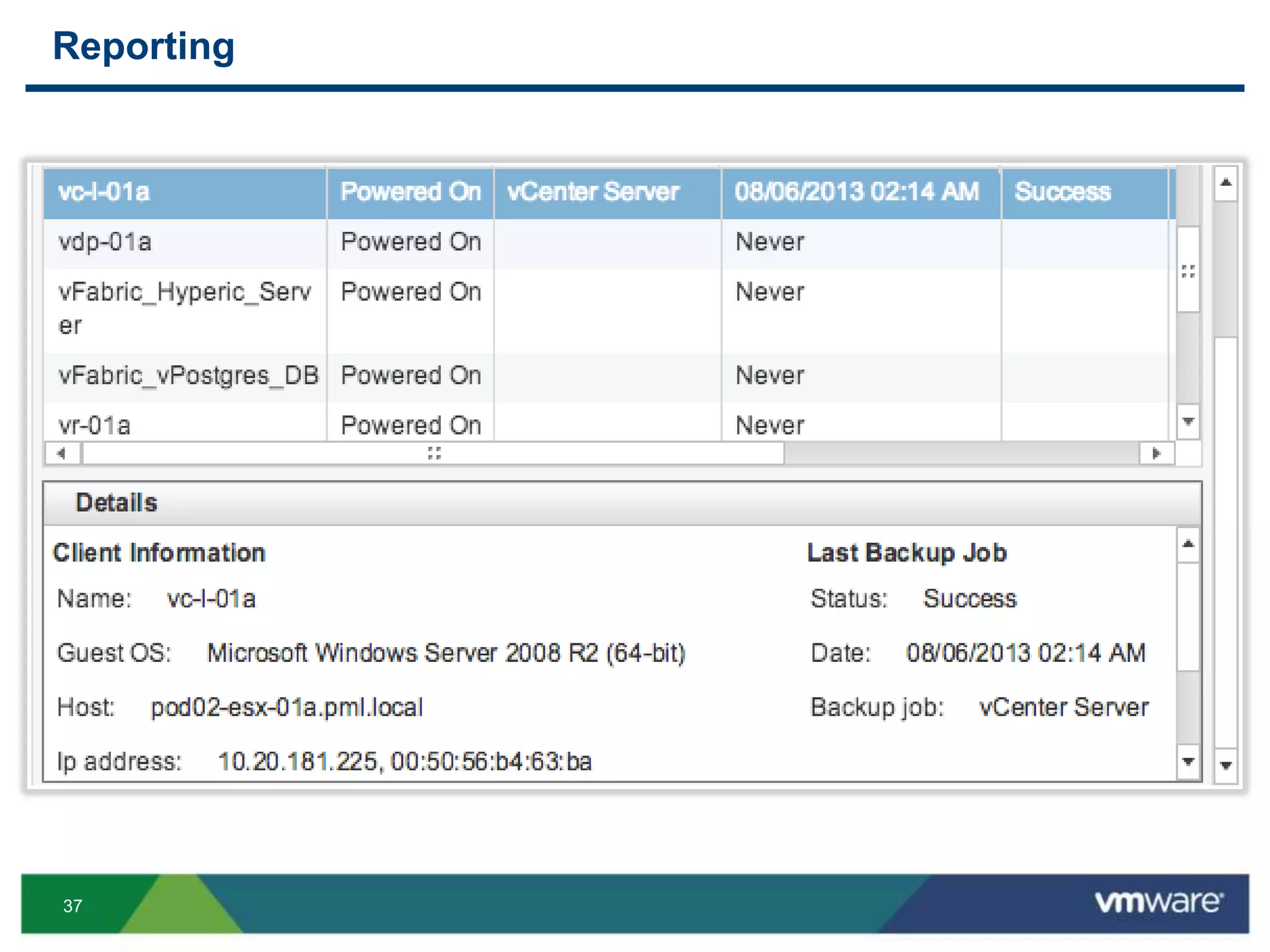
Reporting
36
Reporting
37
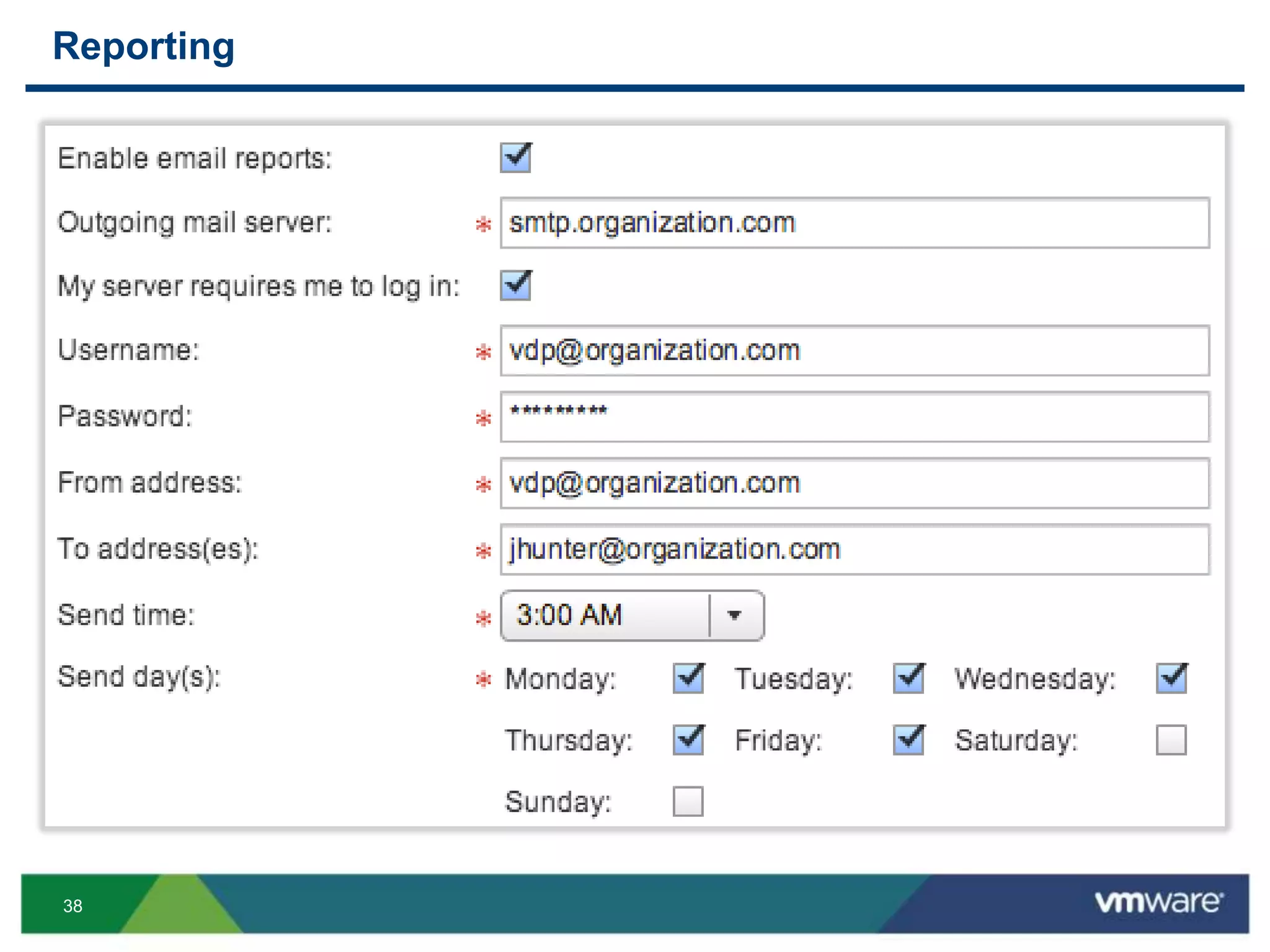
Reporting
38
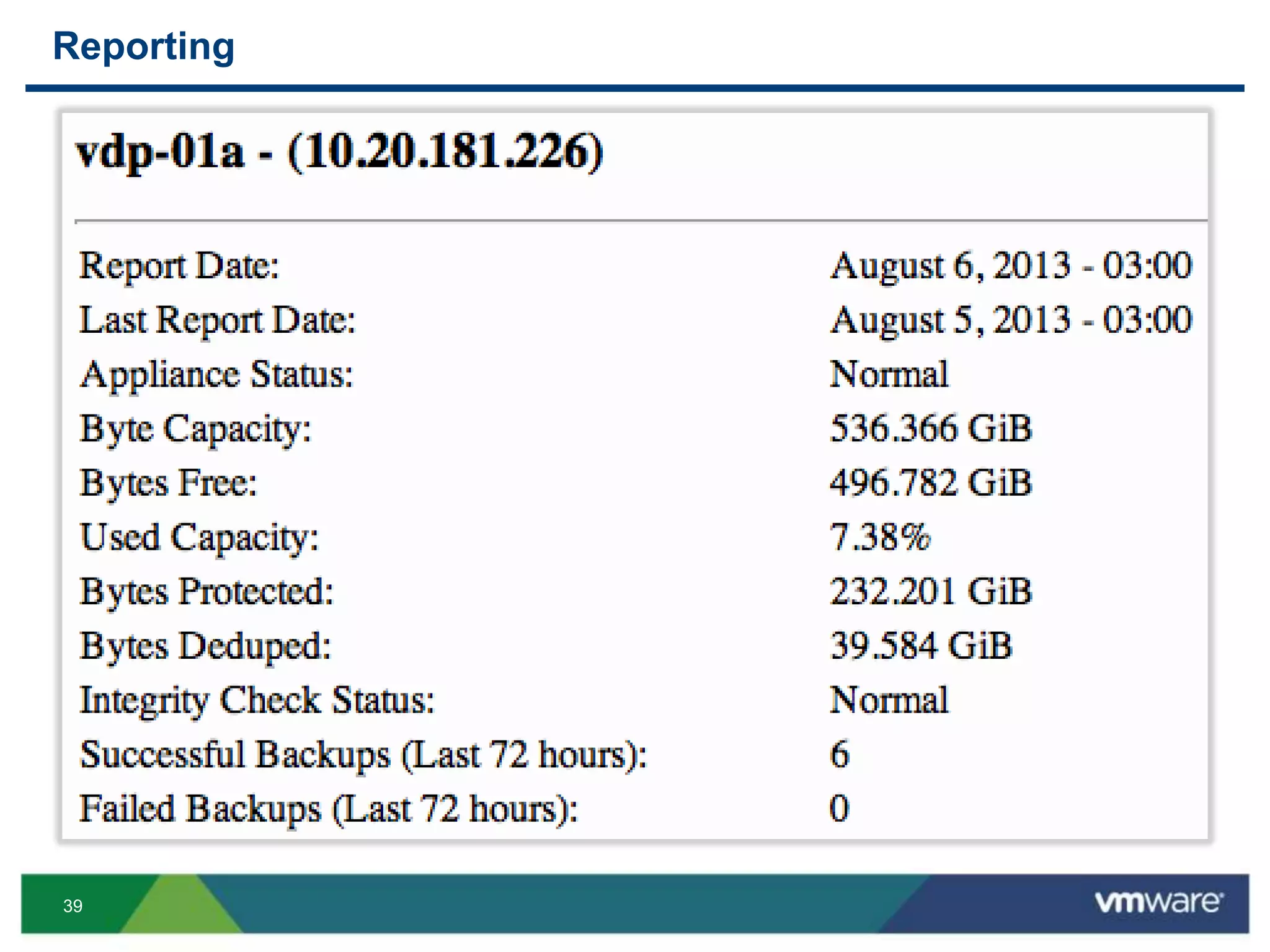
Reporting
39
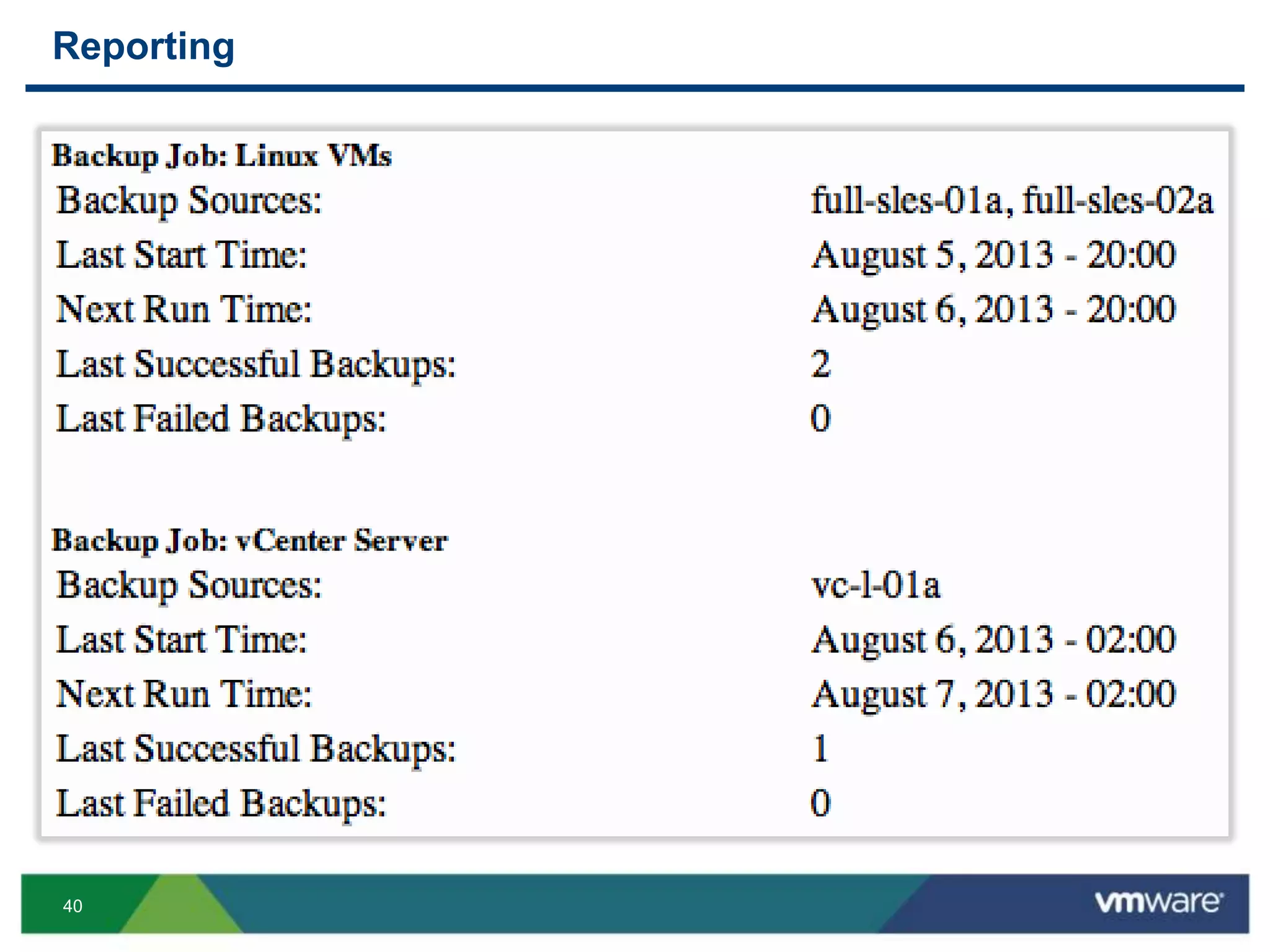
Reporting
40
Reporting
41
“Under The Hood”
42
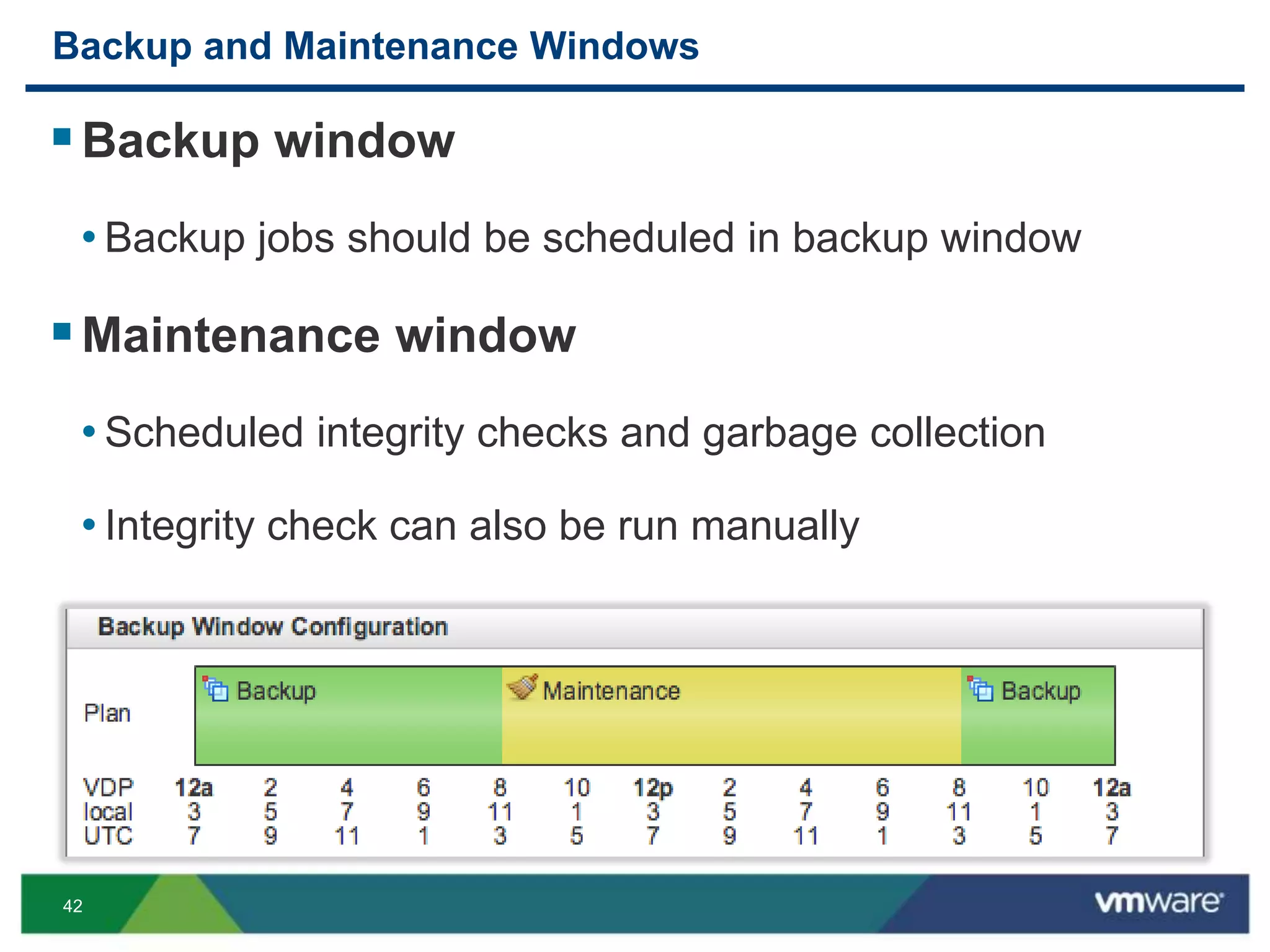
Backup and Maintenance Windows
Backup window
• Backup jobs should be scheduled in backup window
Maintenance window
• Scheduled integrity checks and garbage collection
• Integrity check can also be run manually
43
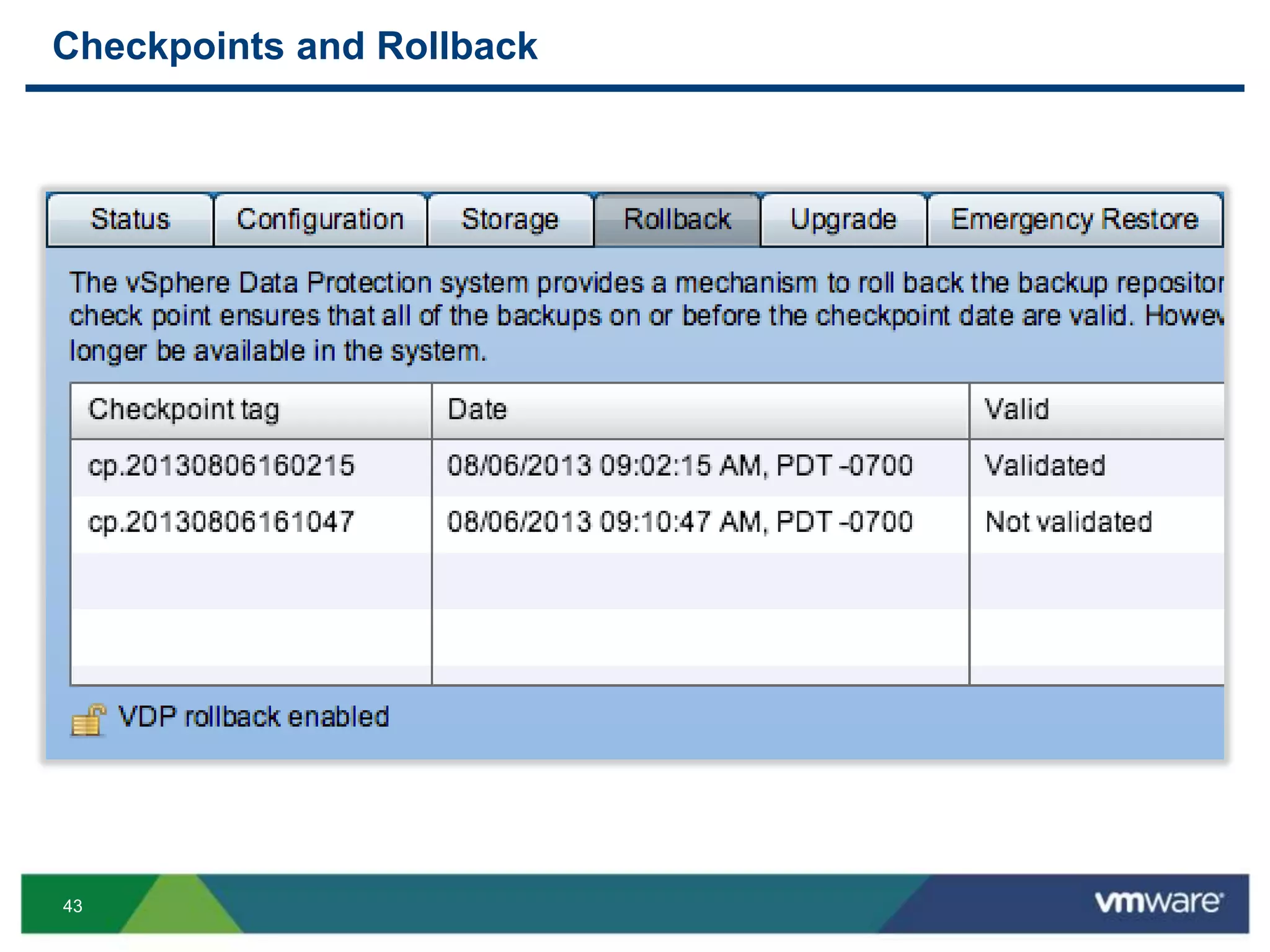
Checkpoints and Rollback
44
VDP Backup Technologies
Efficient backup mechanism
• vStorage API for Data Protection (VADP)
• Changed Block Tracking (CBT) – backup and restore
• Avamar variable-length segment size algorithm
• De-duplication across all VMs in VDP appliance
• SCSI hot-add avoids copying .vmdk across network
• Attaches .vmdk directly to appliance after snapshot
• Uses NBD if unable to utilize SCSI hot-add
45
Recommendations
46
Recommendations
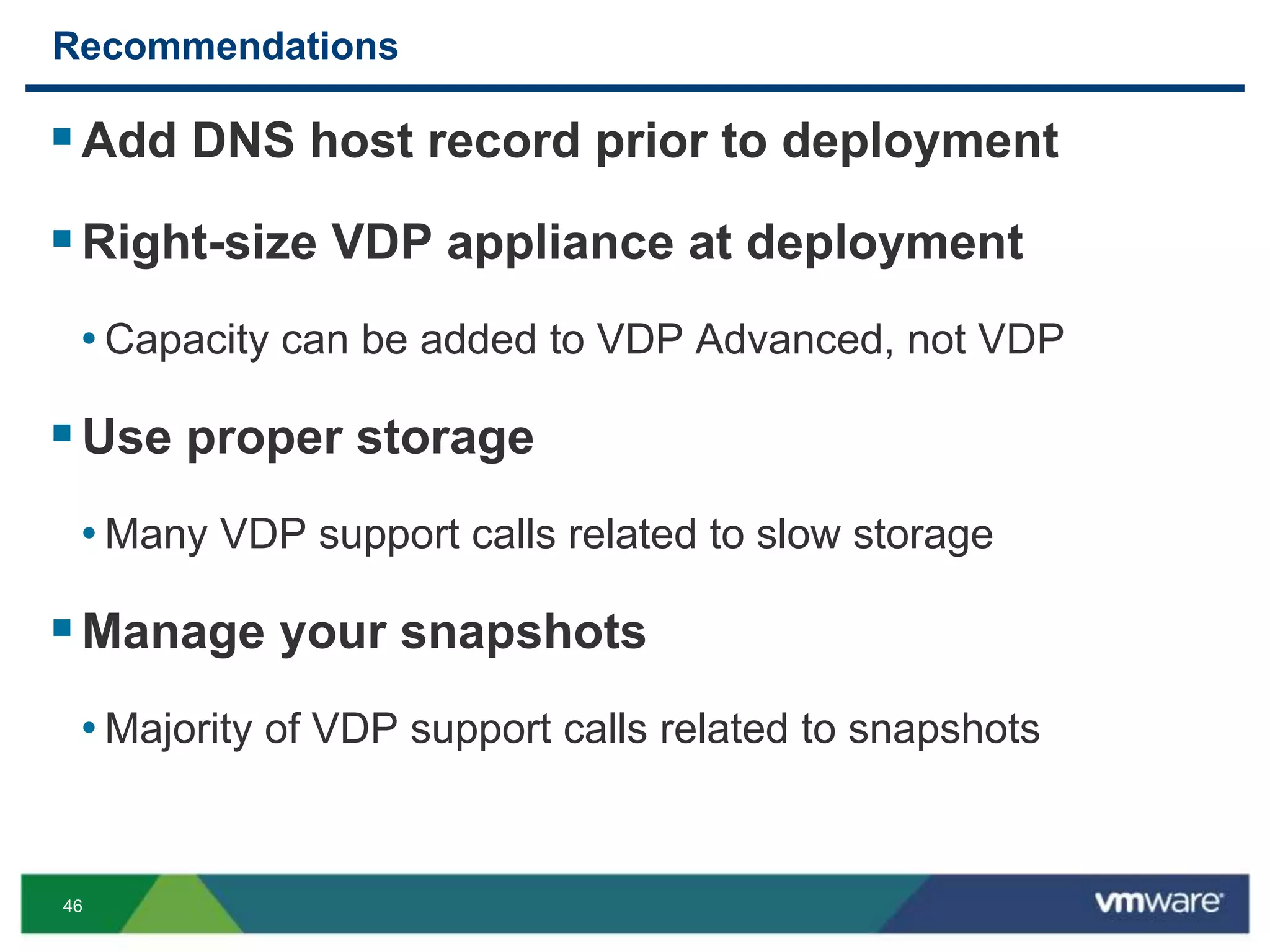
Add DNS host record prior to deployment
Right-size VDP appliance at deployment
• Capacity can be added to VDP Advanced, not VDP
Use proper storage
• Many VDP support calls related to slow storage
Manage your snapshots
• Majority of VDP support calls related to snapshots
47
Recommendations
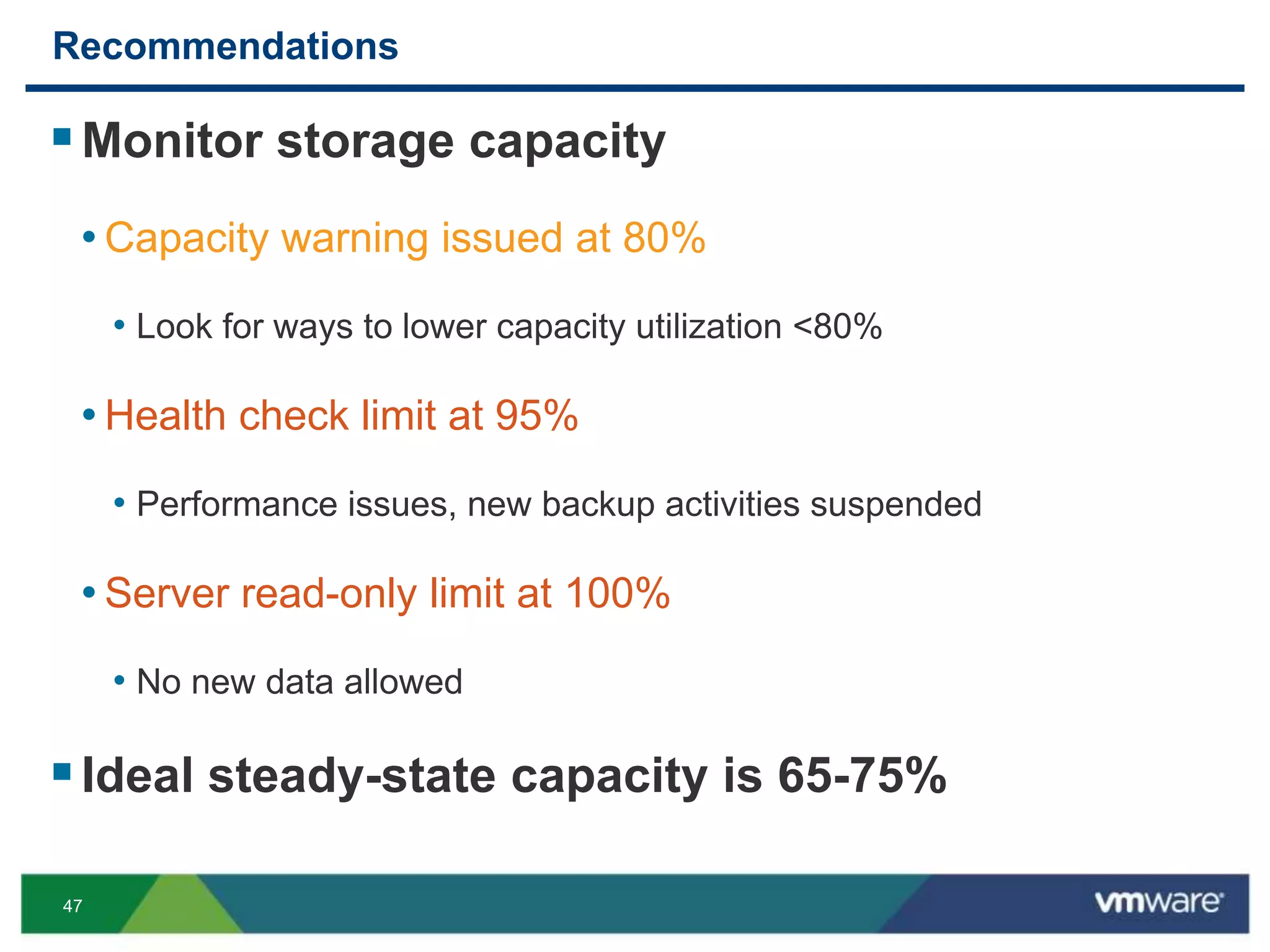
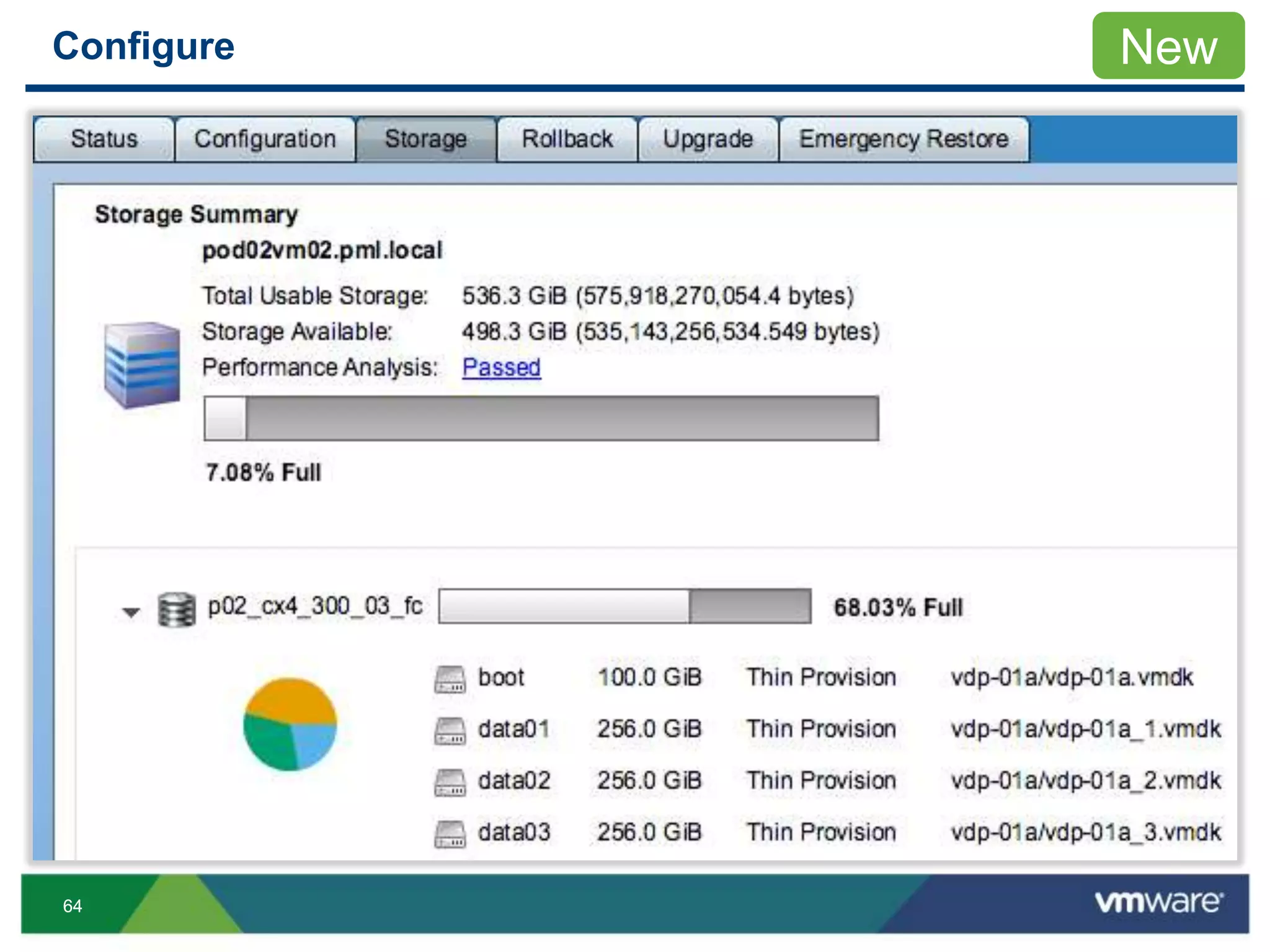
Monitor storage capacity
• Capacity warning issued at 80%
• Look for ways to lower capacity utilization <80%
• Health check limit at 95%
• Performance issues, new backup activities suspended
• Server read-only limit at 100%
• No new data allowed
Ideal steady-state capacity is 65-75%
48
Recommendations
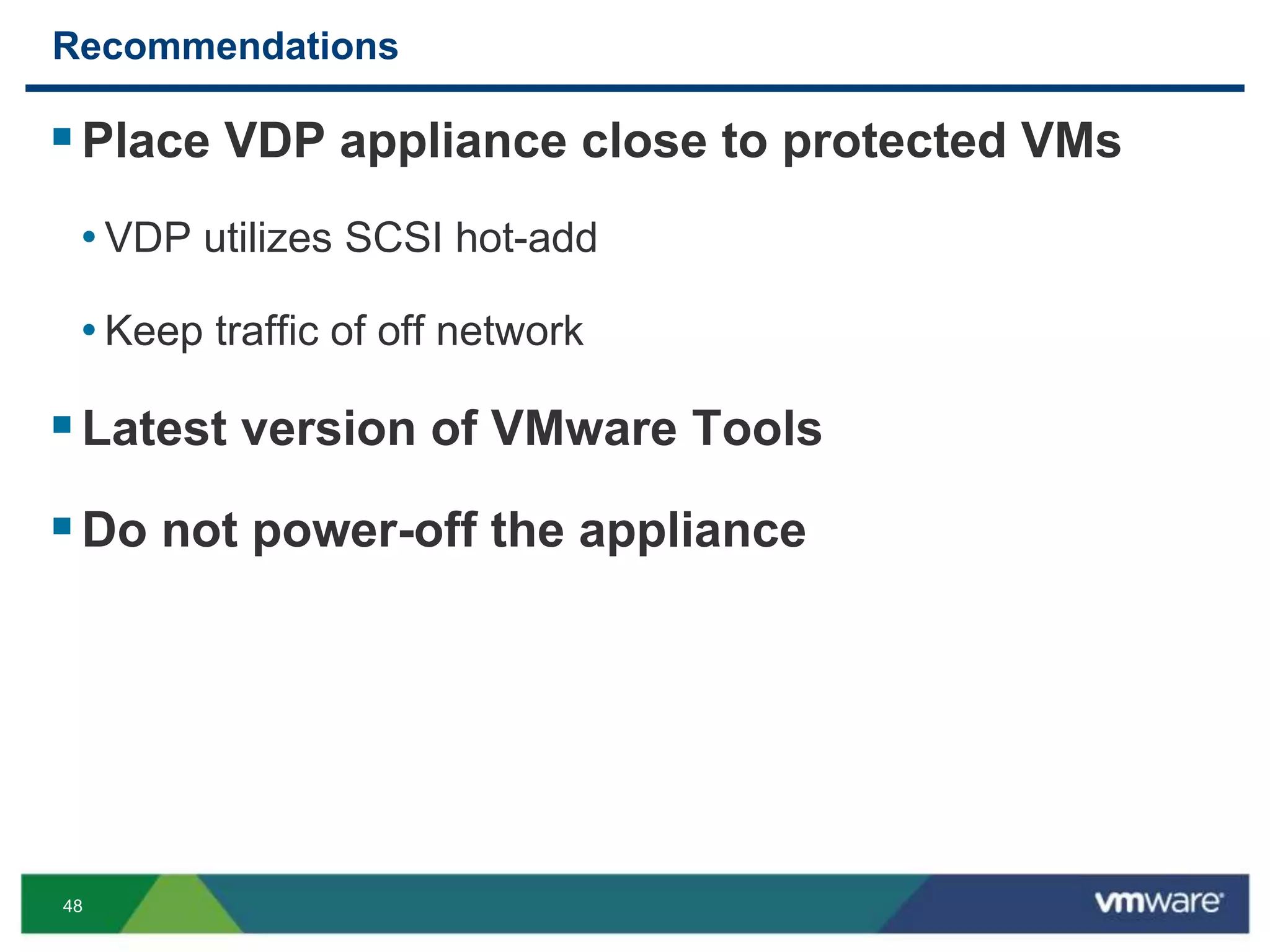
Place VDP appliance close to protected VMs
• VDP utilizes SCSI hot-add
• Keep traffic of off network
Latest version of VMware Tools
Do not power-off the appliance
49
Recommendations
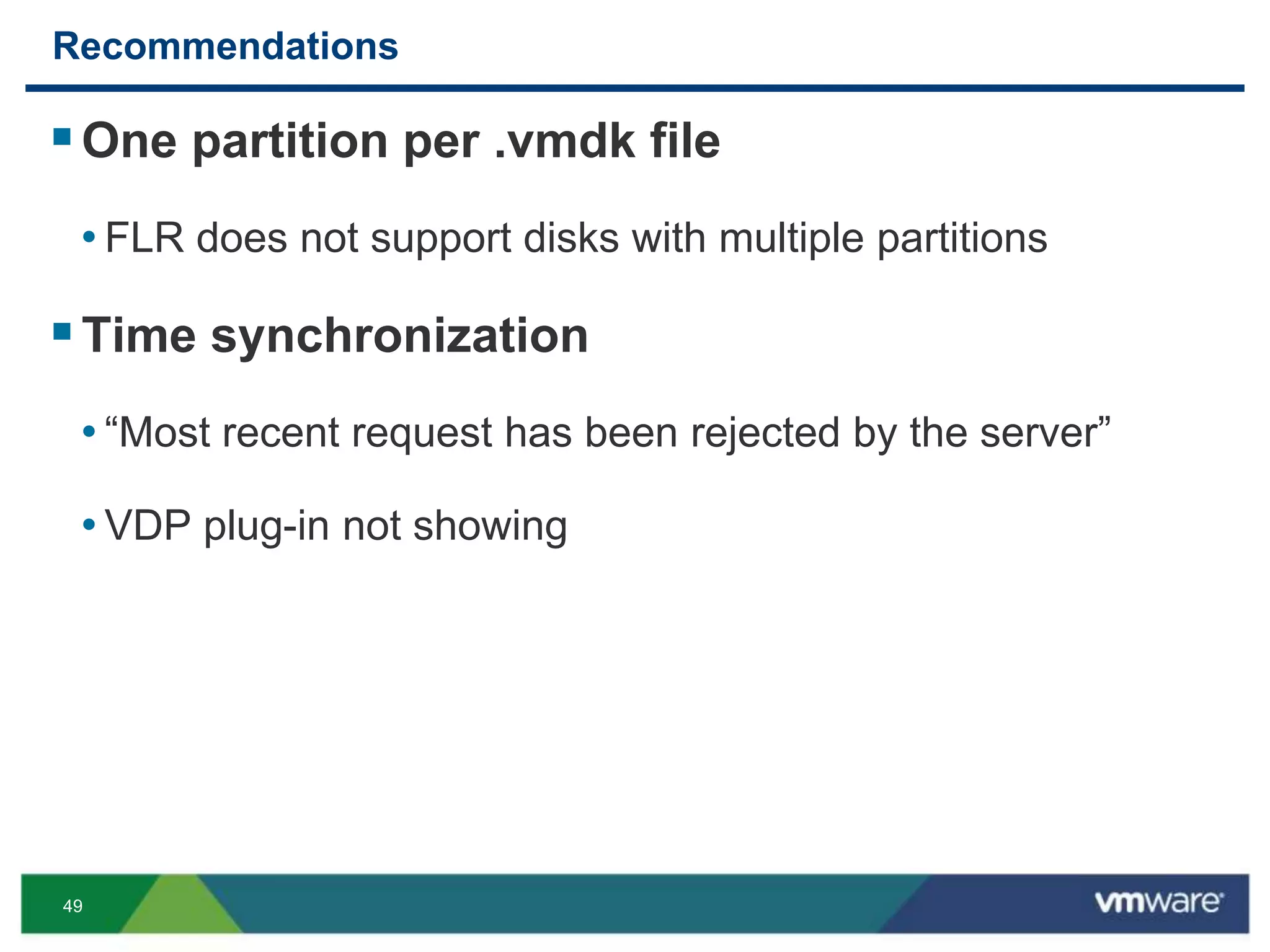
One partition per .vmdk file
• FLR does not support disks with multiple partitions
Time synchronization
• “Most recent request has been rejected by the server”
• VDP plug-in not showing
50
Recommendations
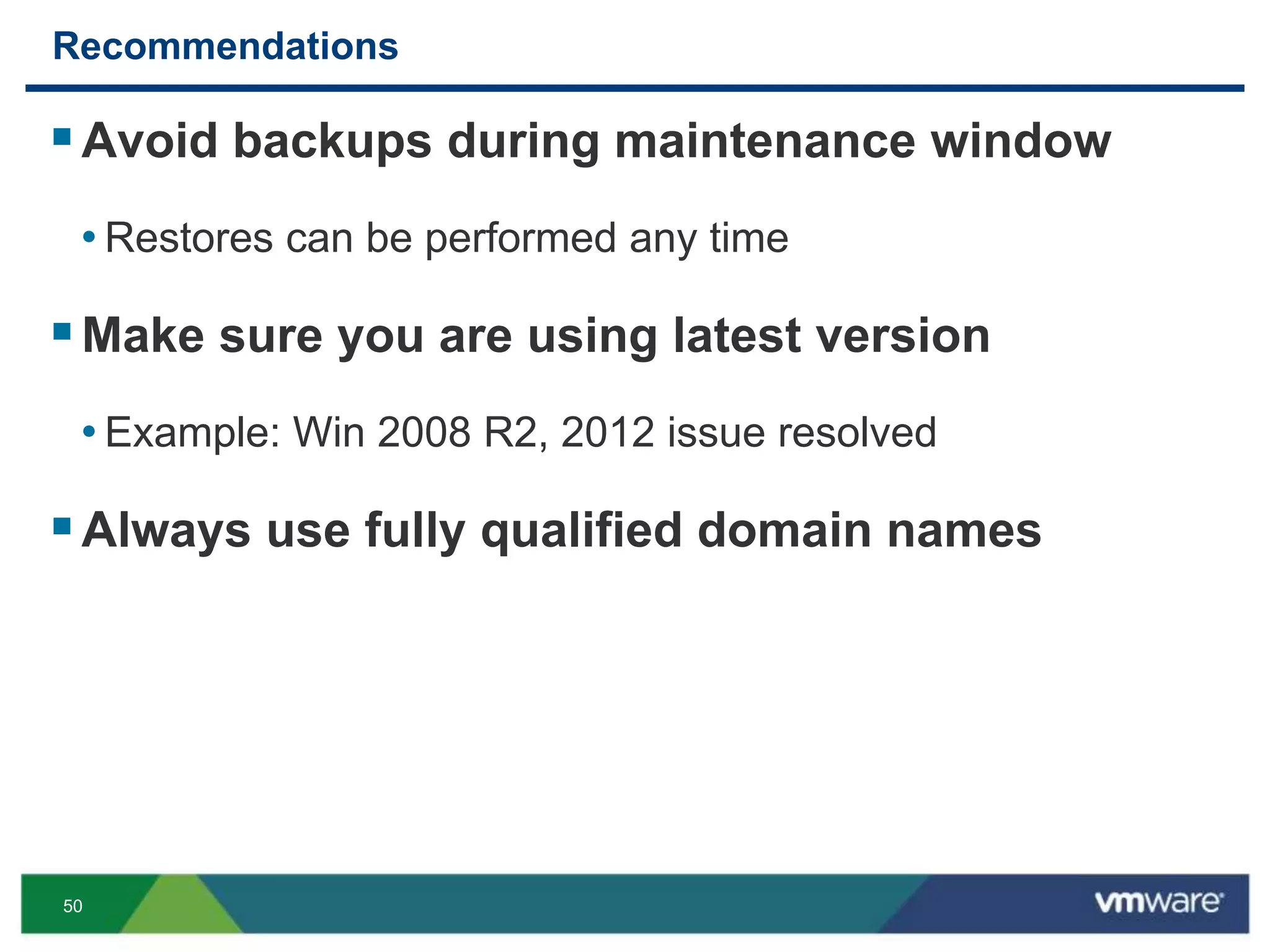
Avoid backups during maintenance window
• Restores can be performed any time
Make sure you are using latest version
• Example: Win 2008 R2, 2012 issue resolved
Always use fully qualified domain names
51
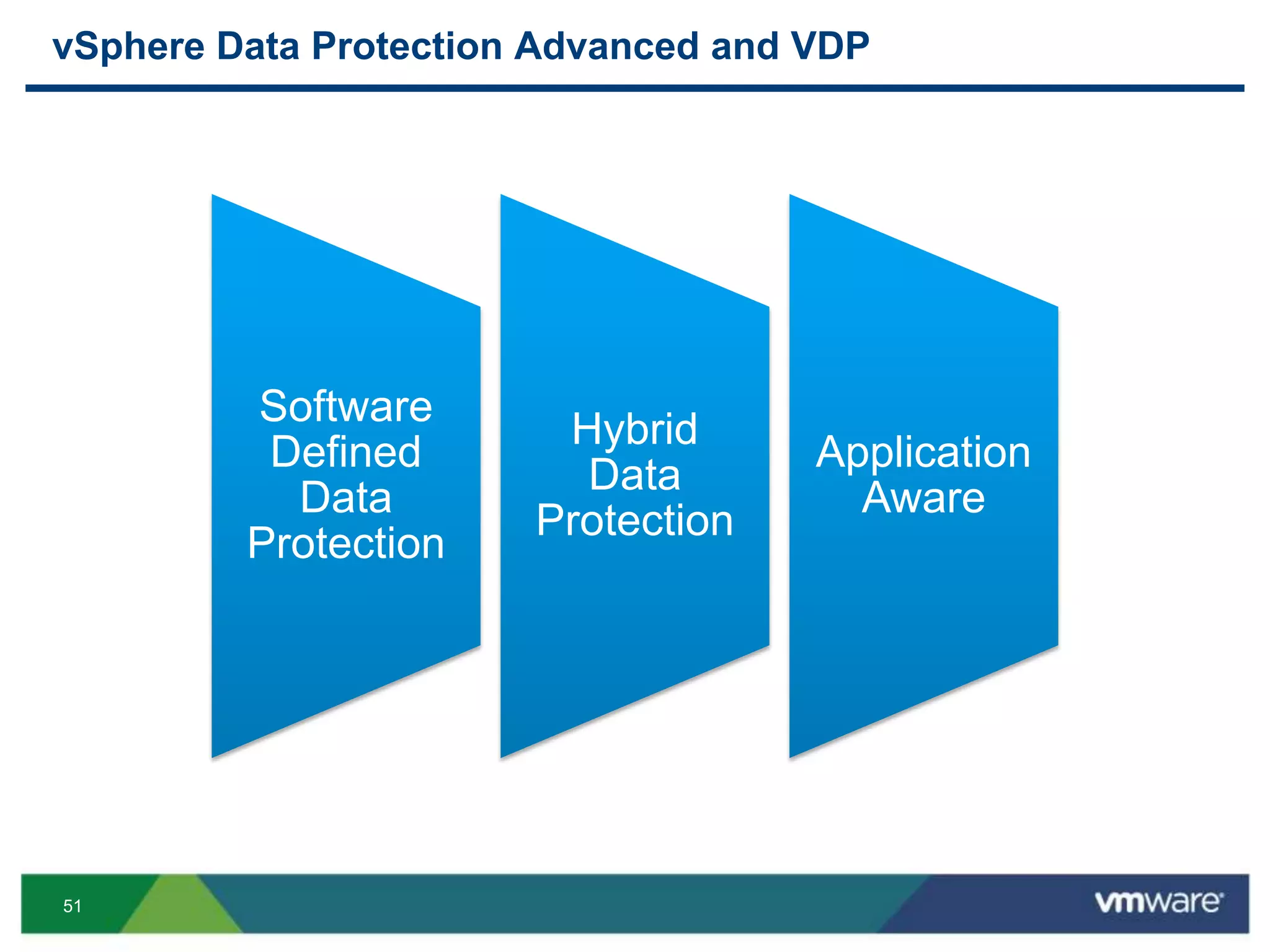
vSphere Data Protection Advanced and VDP
Software
Defined
Data
Protection
Hybrid
Data
Protection
Application
Aware
52
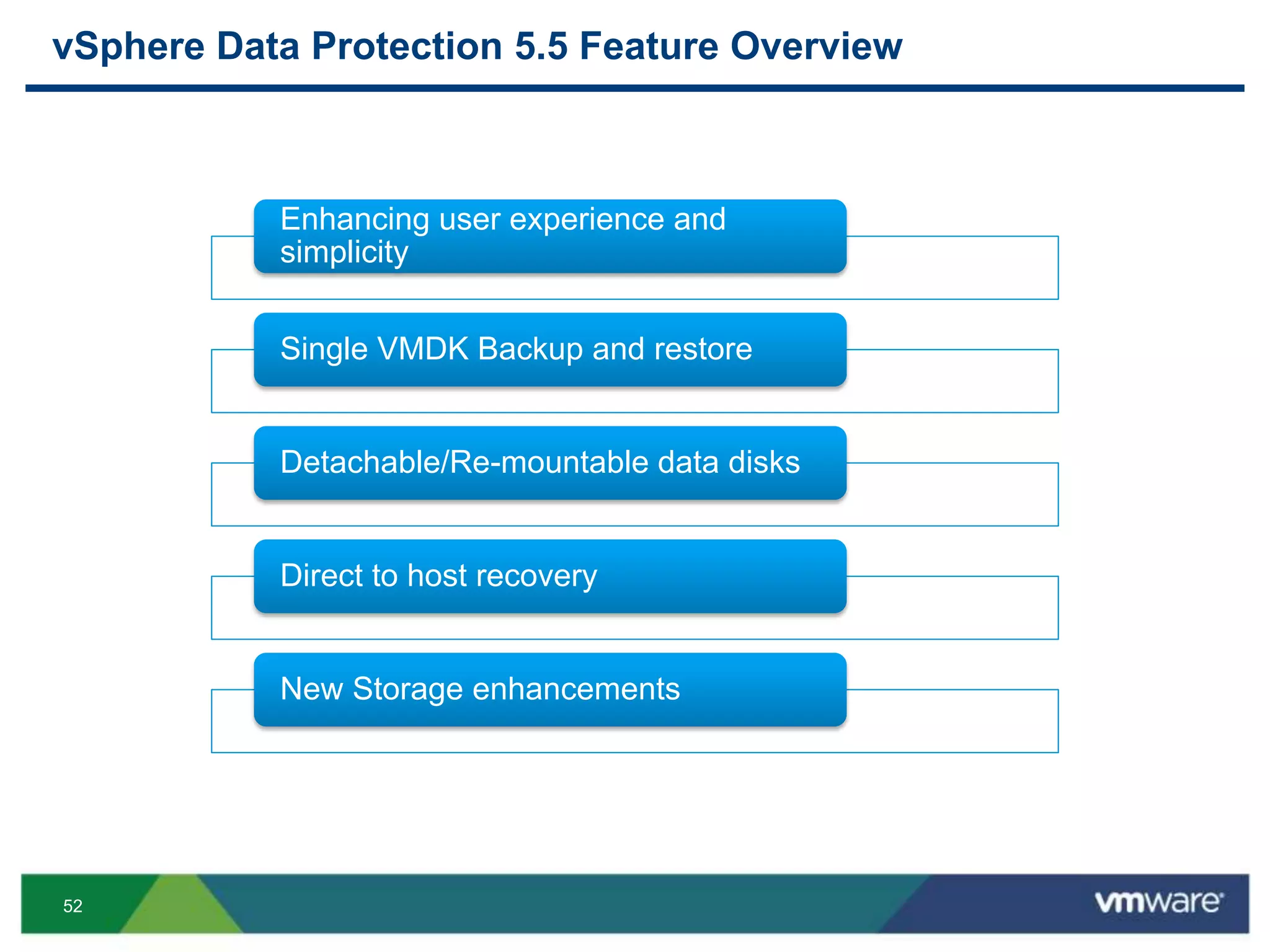
vSphere Data Protection 5.5 Feature Overview
Enhancing user experience and
simplicity
Single VMDK Backup and restore
Detachable/Re-mountable data disks
Direct to host recovery
New Storage enhancements
53
Demo
54
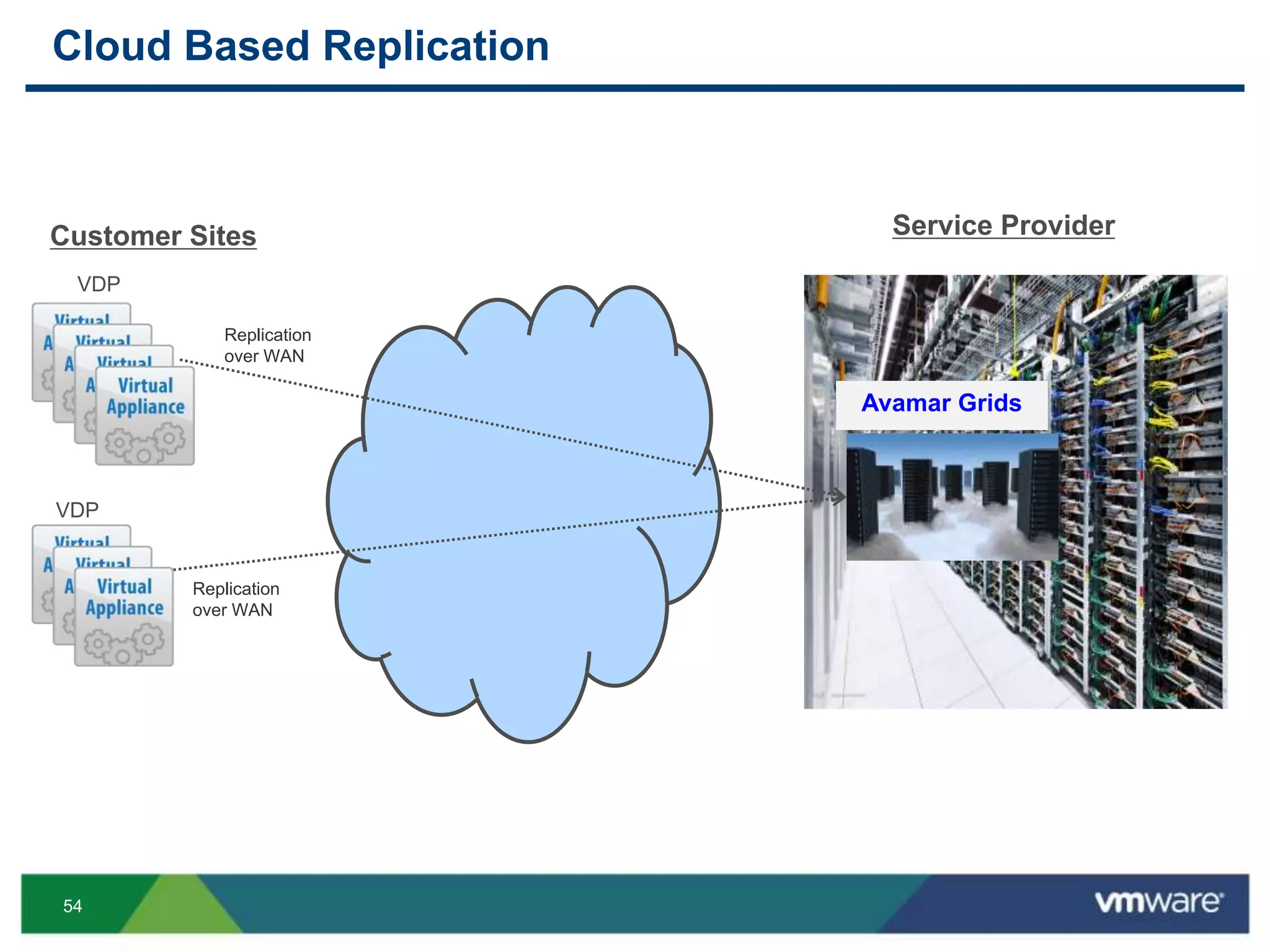
Cloud Based Replication
VDP
Service ProviderCustomer Sites
VDP
Avamar Grids
Replication
over WAN
Replication
over WAN
55
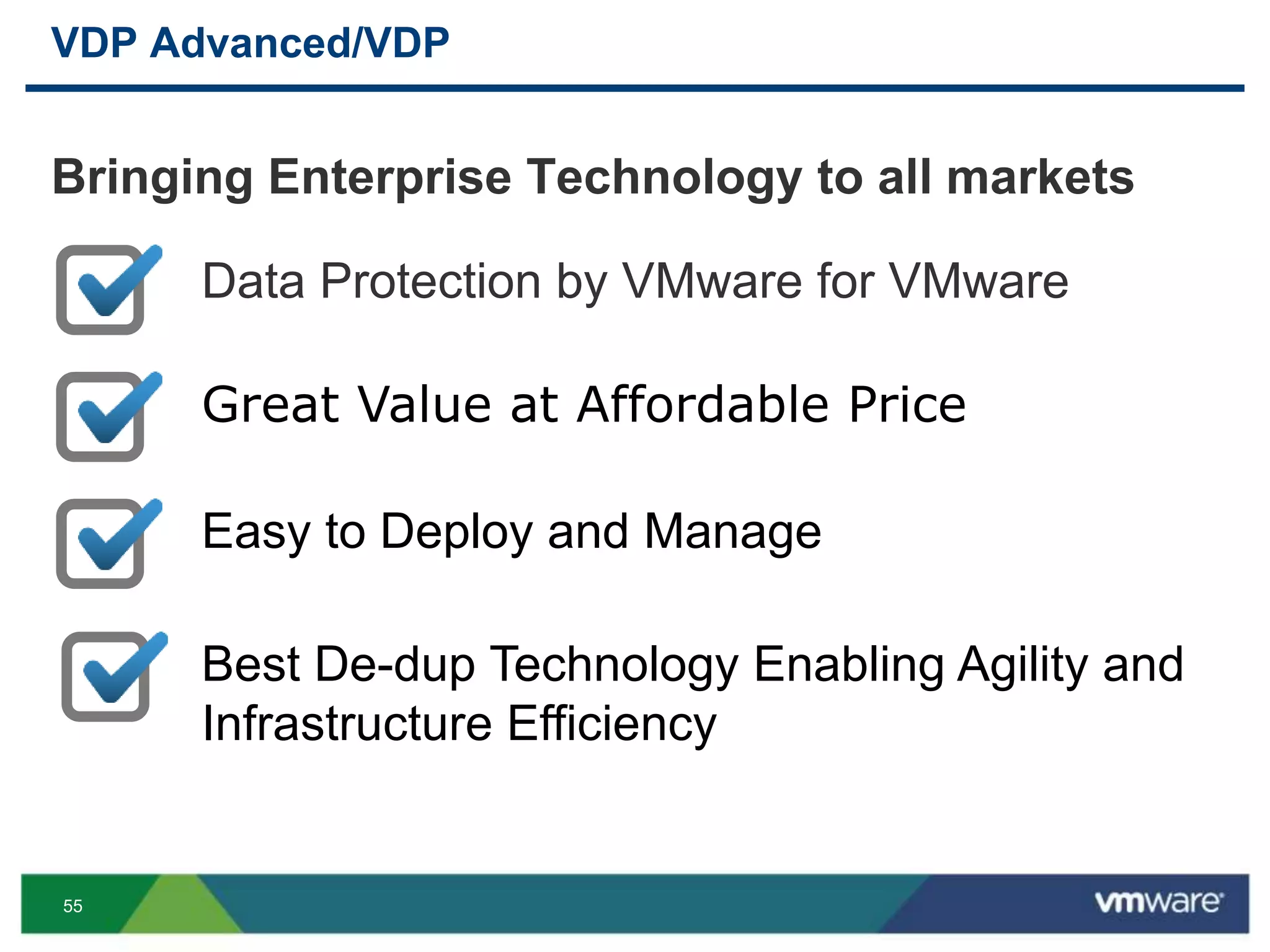
Bringing Enterprise Technology to all markets
VDP Advanced/VDP
Data Protection by VMware for VMware
Great Value at Affordable Price
Easy to Deploy and Manage
Best De-dup Technology Enabling Agility and
Infrastructure Efficiency
56
More VDP Advanced at VMworld
VMware Support (GSS) session
• BCO4756 Technical Deep Dive and Troubleshooting
Demos
• VMware BCDR booth on show floor
BCDR sessions
• BCO5160 Part 1
• BCO5162 Part 2
57
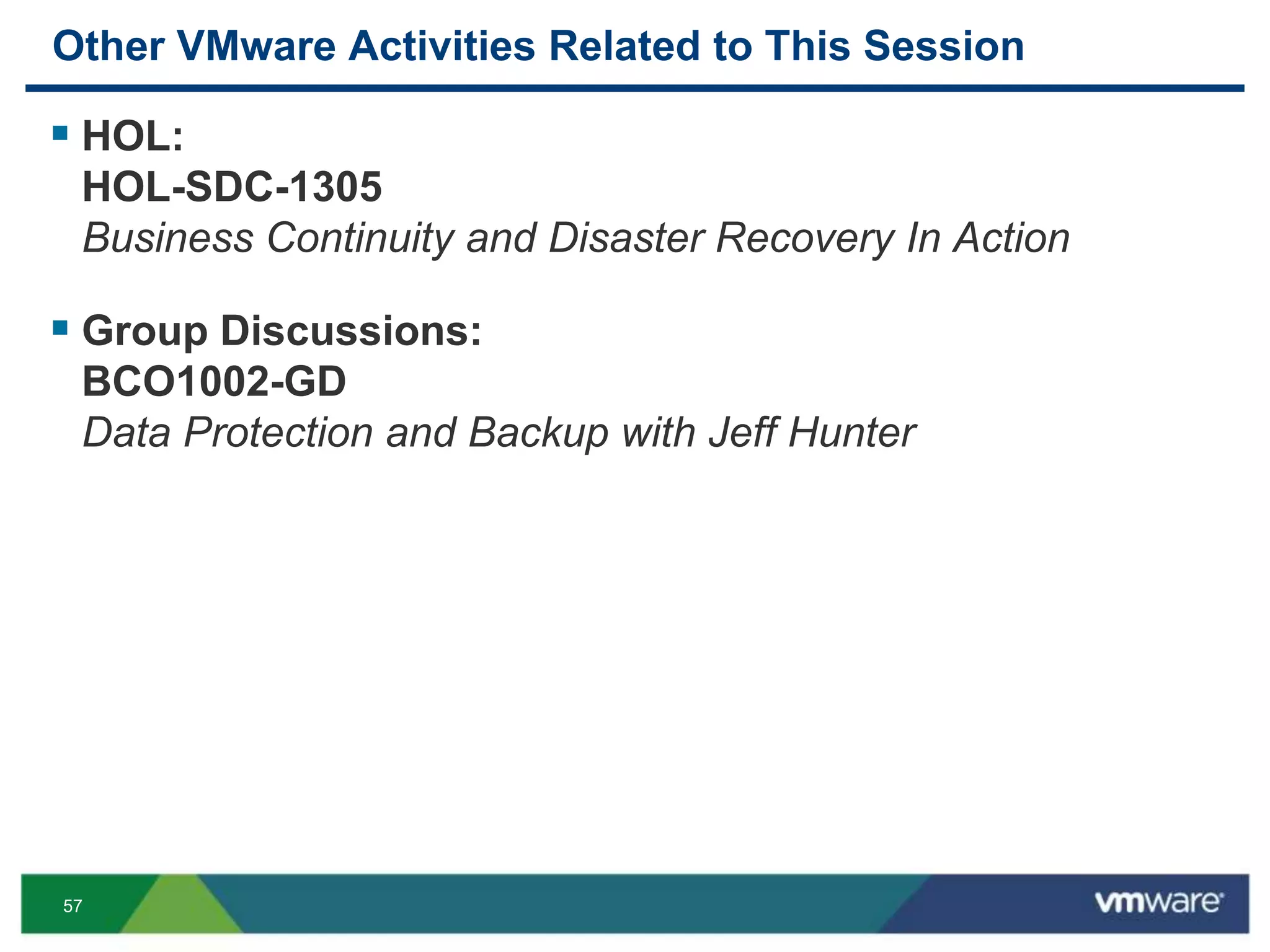
Other VMware Activities Related to This Session
 HOL:
HOL-SDC-1305
Business Continuity and Disaster Recovery In Action
 Group Discussions:
BCO1002-GD
Data Protection and Backup with Jeff Hunter
THANK YOU
6060
Deployment New
6161
Deployment New
6262
Deployment New
6363
Deployment New
6464
Configure New
6565
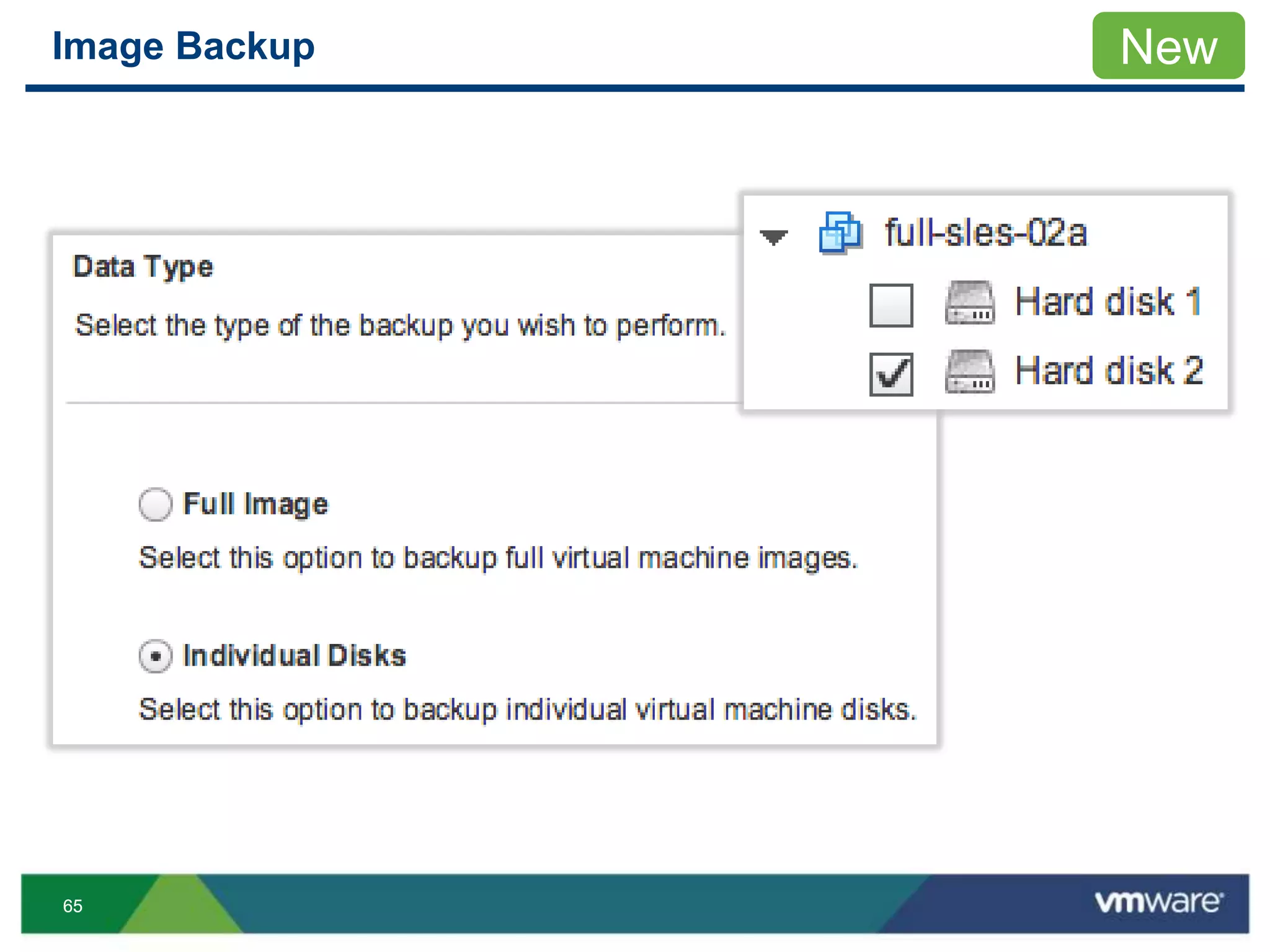
Image Backup New
6666
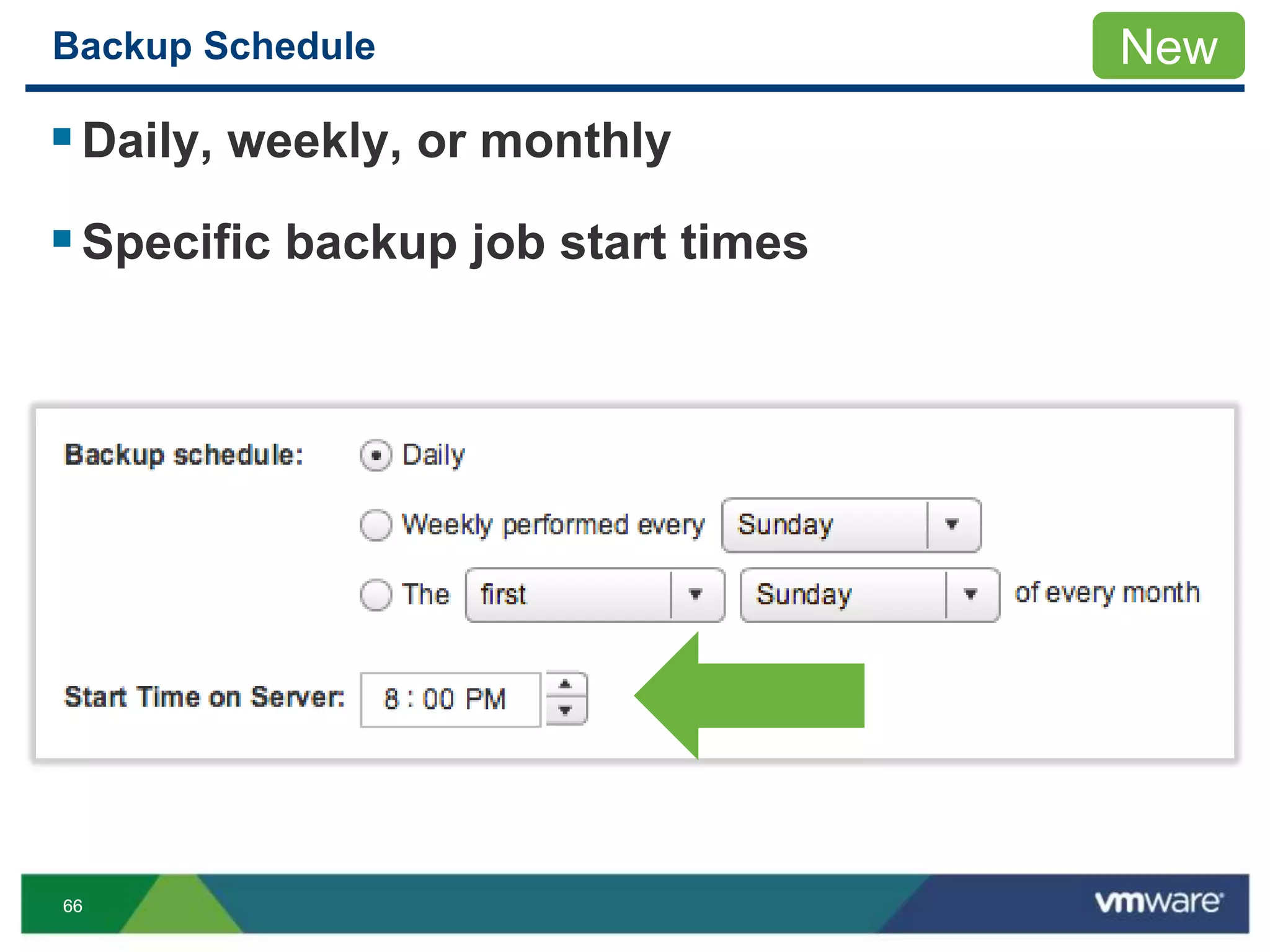
Backup Schedule
Daily, weekly, or monthly
Specific backup job start times
New
6767
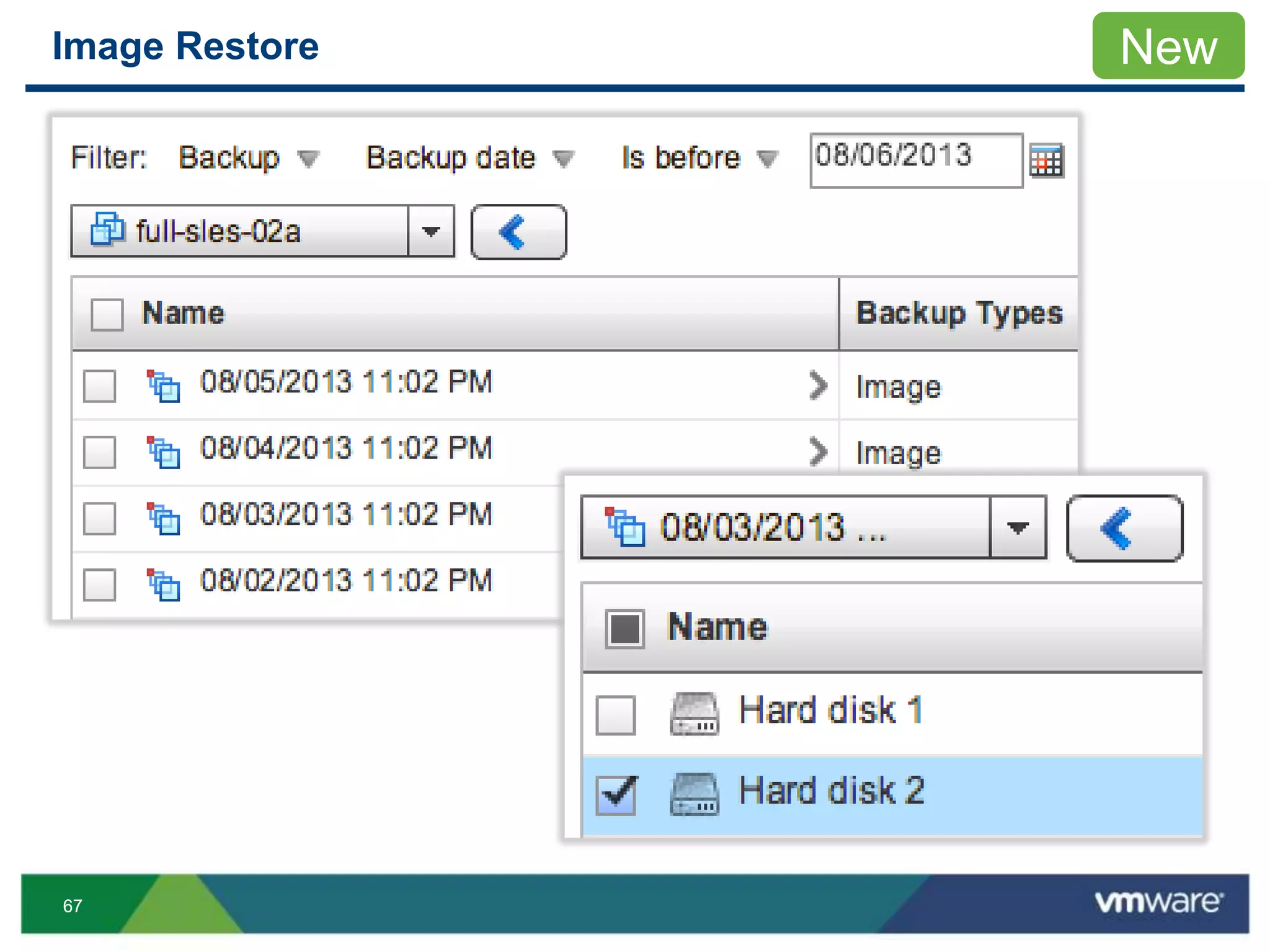
Image Restore New
6868
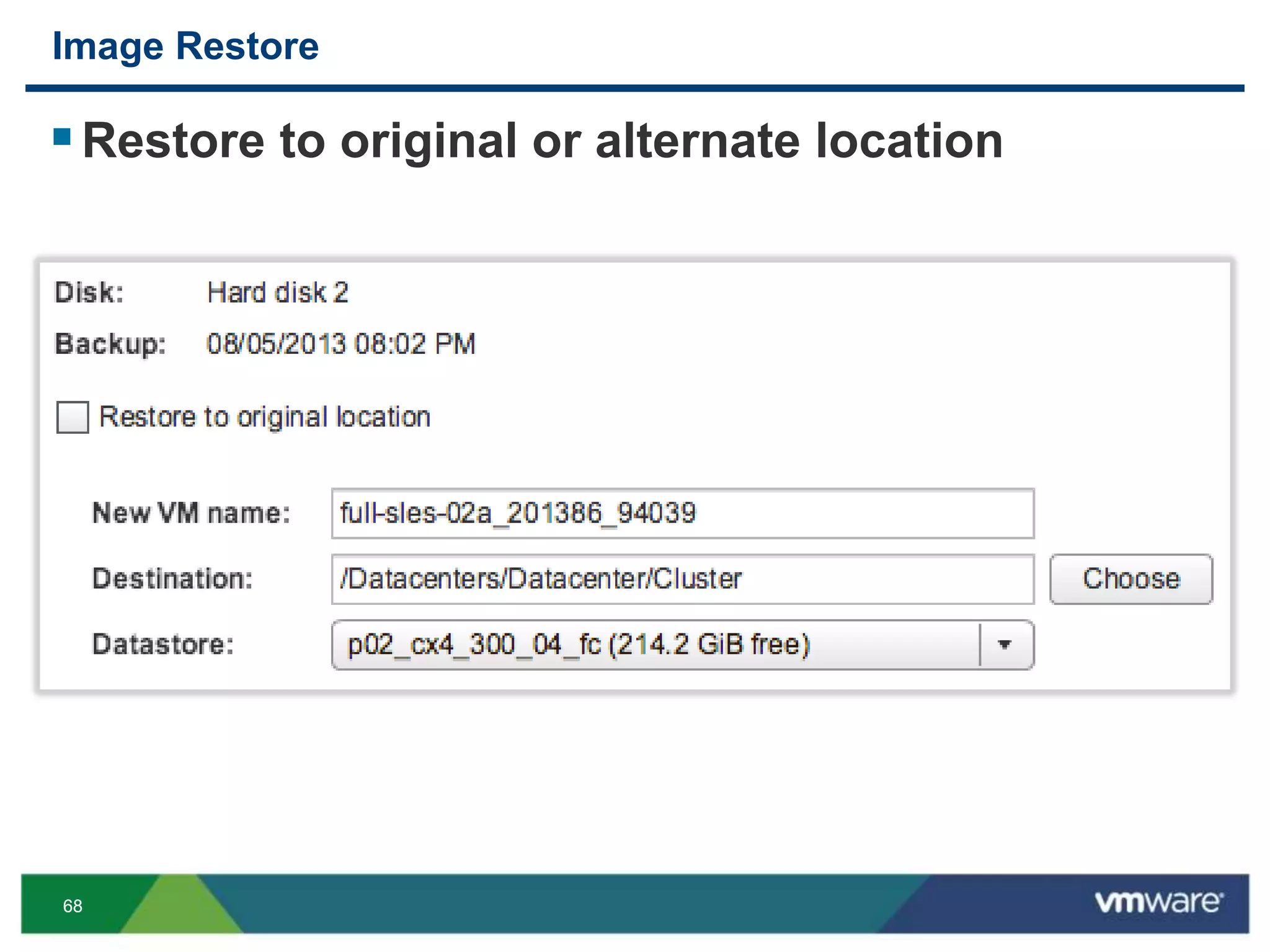
Image Restore
Restore to original or alternate location
6969
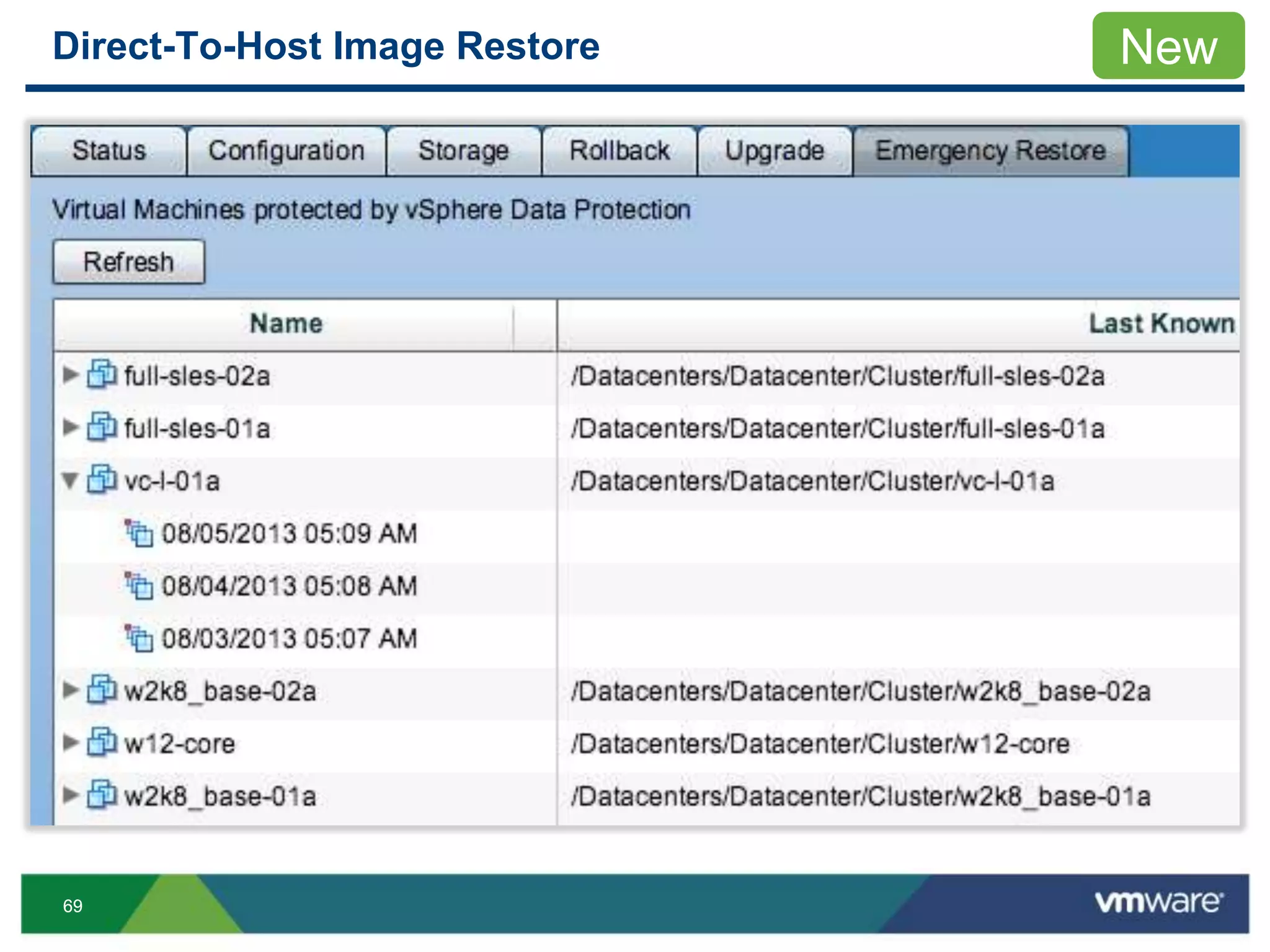
Direct-To-Host Image Restore New
7070
Replication
New
7171
Replication
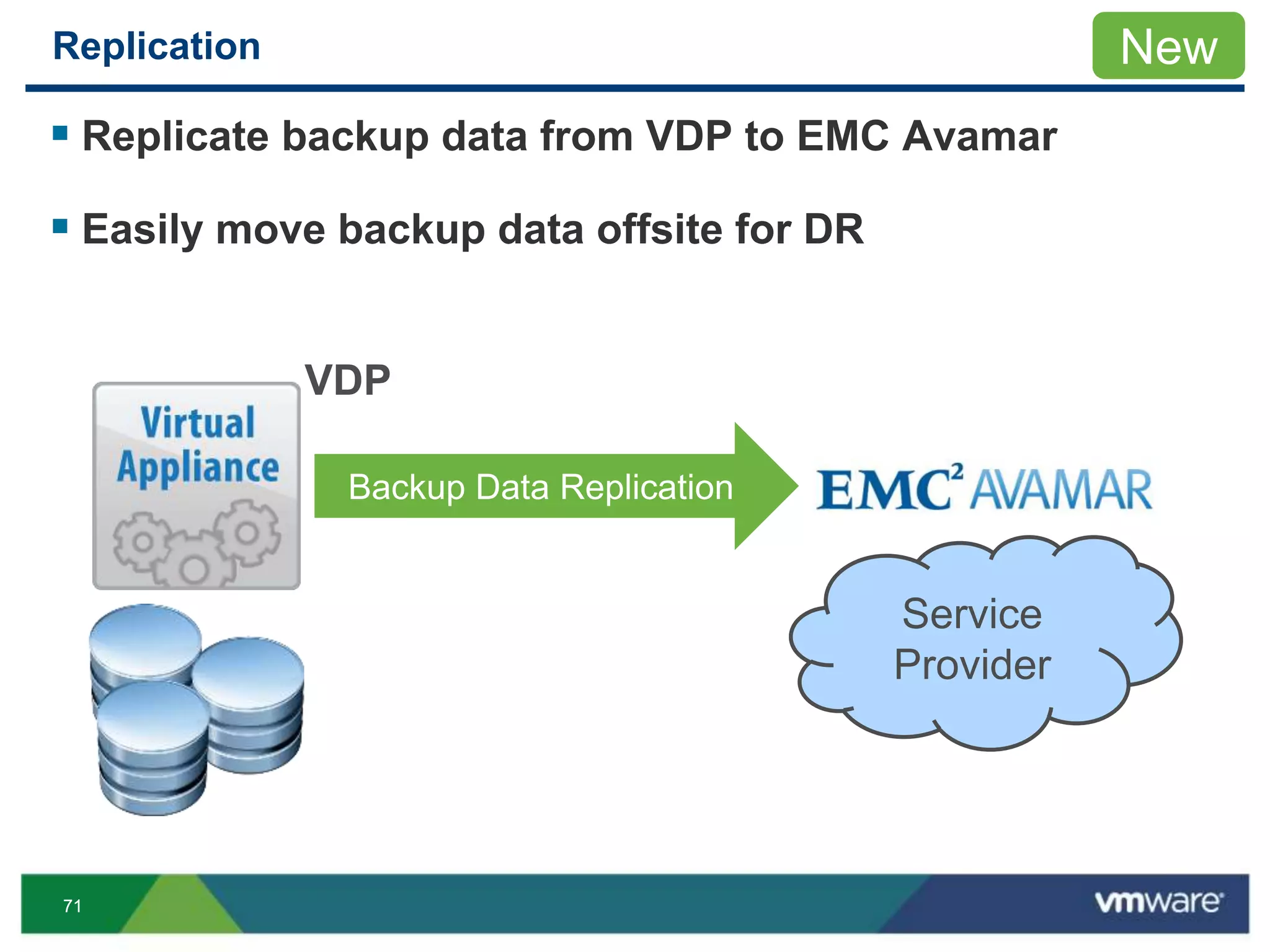
 Replicate backup data from VDP to EMC Avamar
 Easily move backup data offsite for DR
New
Service
Provider
Backup Data Replication
VDP
7272
Replication
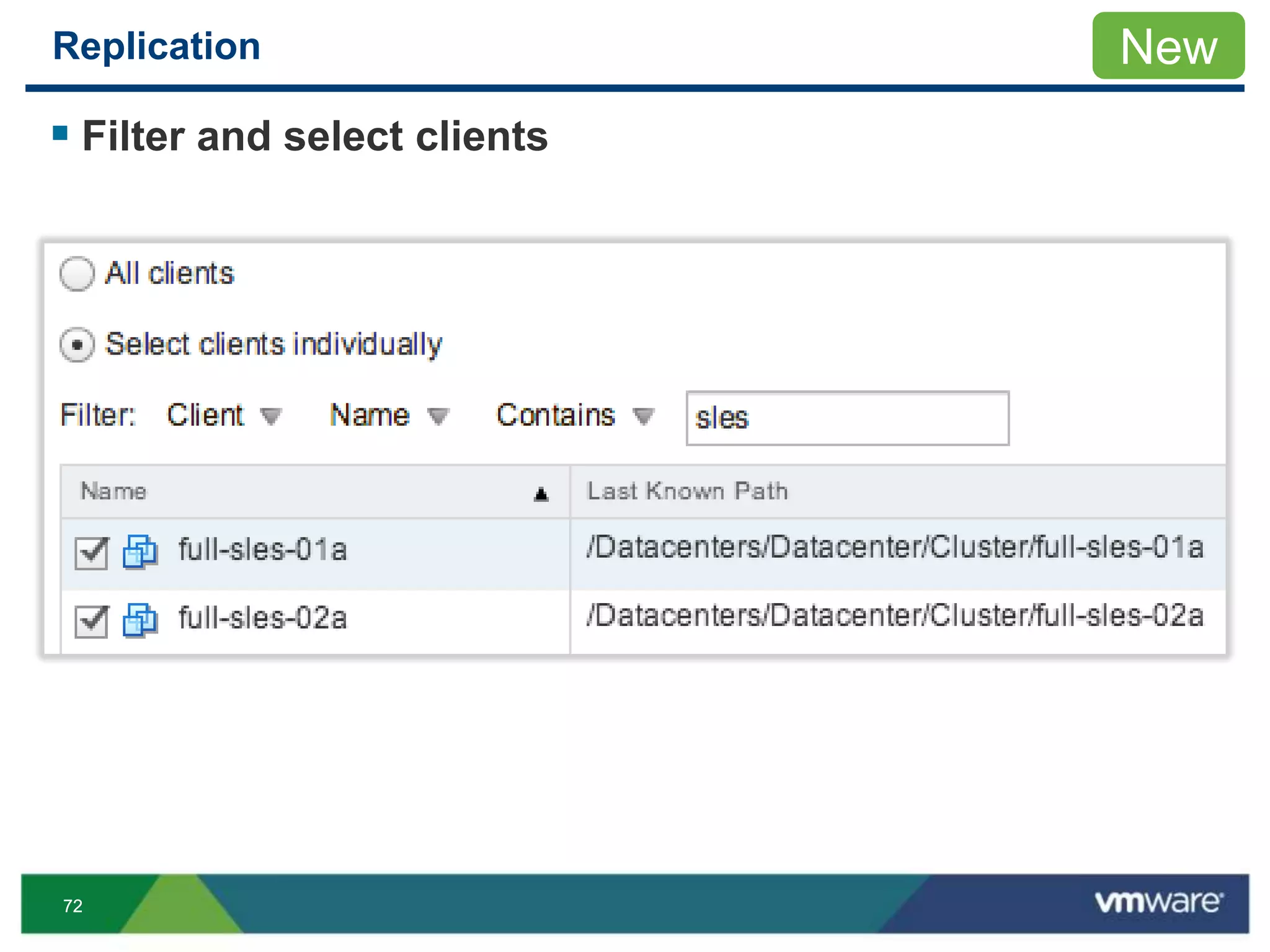
 Filter and select clients
New
7373
Replication
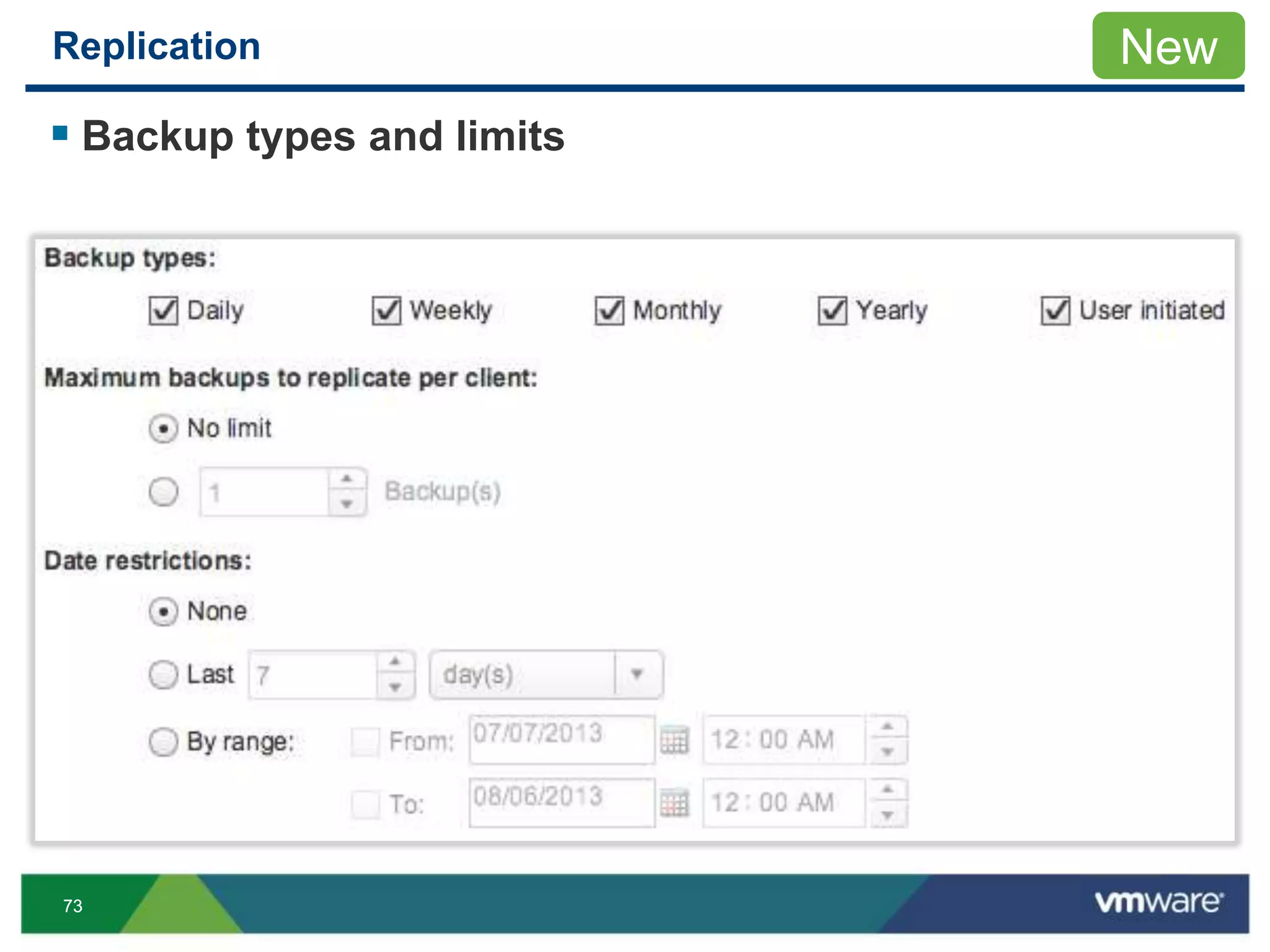
 Backup types and limits
New
7474
Replication
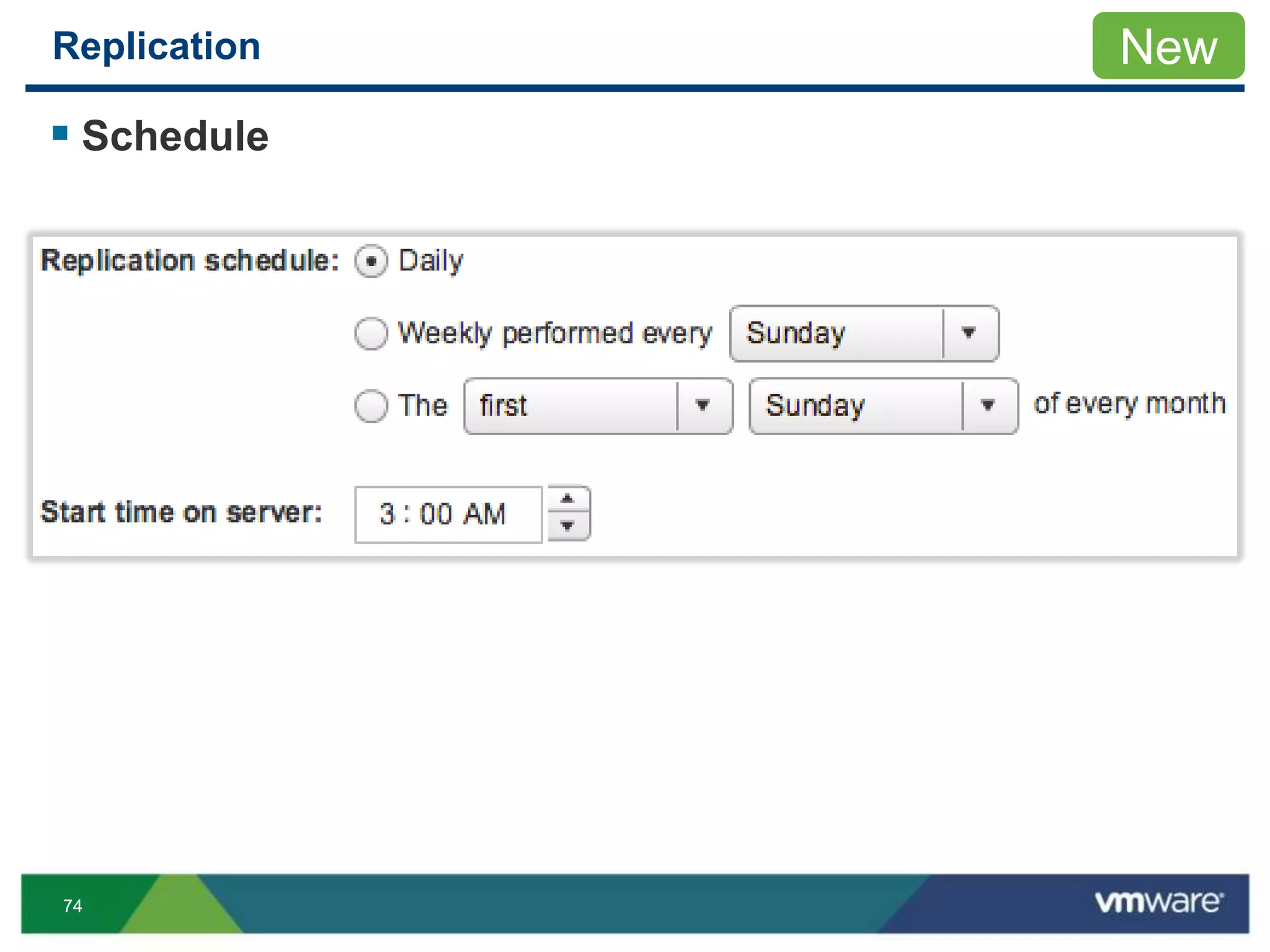
 Schedule
New
7575
Replication
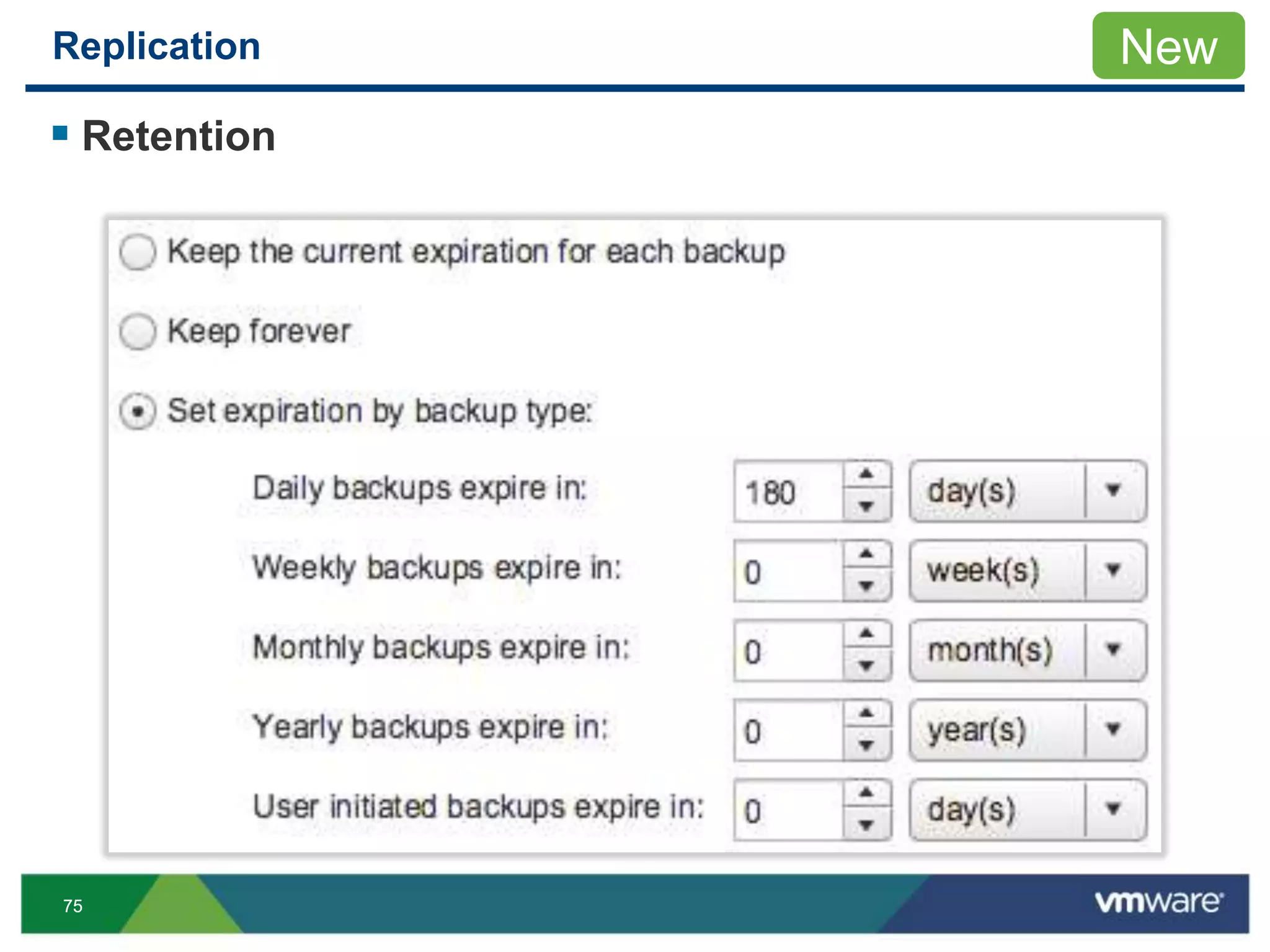
 Retention
New
7676
Replication
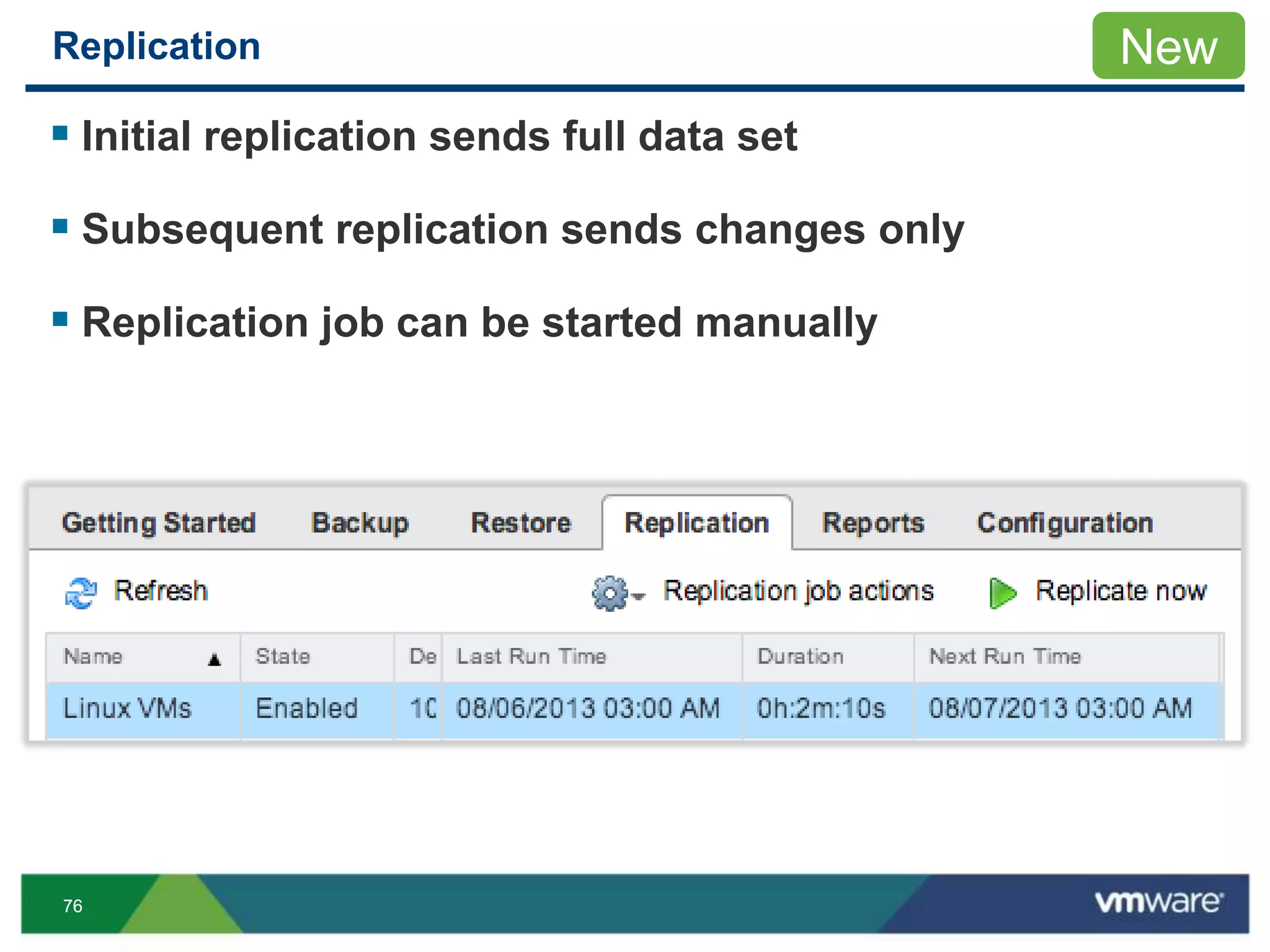
 Initial replication sends full data set
 Subsequent replication sends changes only
 Replication job can be started manually
New
7777
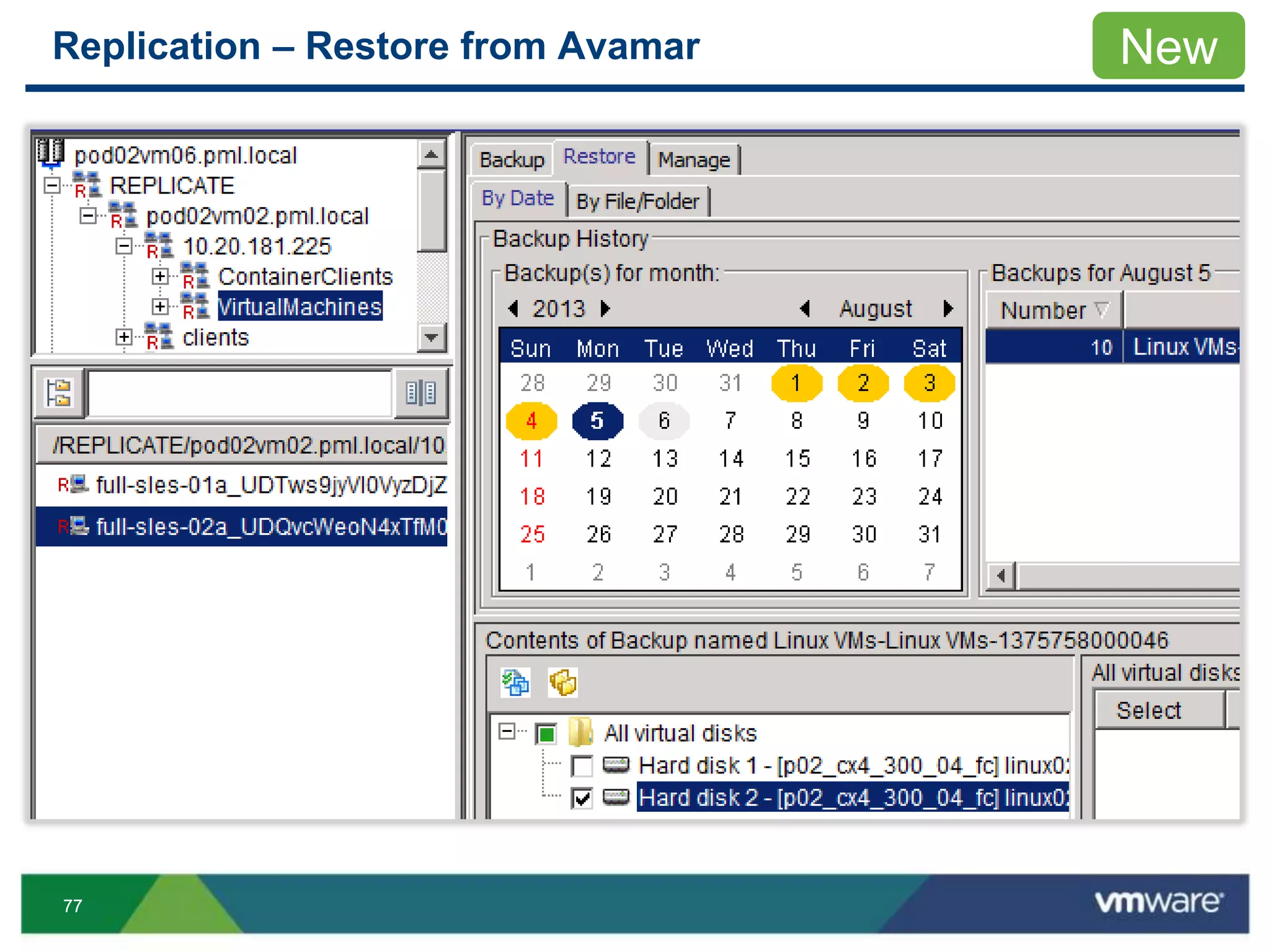
Replication – Restore from Avamar New
7878
Recommendations
Schedule replication when activity is low
• Avoid replication when running backups, maintenance

VMworld 2013: VMware vSphere High Availability - What's New and Best Practices