Enforcing a vSphere Cluster Design
with PowerCLI Automation
Duncan Epping, VMware, Inc
Chris Wahl, Rubrik
INF8036
#INF8036
• This presentation may contain product features that are currently under development.
• This overview of new technology represents no commitment from VMware to deliver these
features in any generally available product.
• Features are subject to change, and must not be included in contracts, purchase orders, or
sales agreements of any kind.
• Technical feasibility and market demand will affect final delivery.
• Pricing and packaging for any new technologies or features discussed or presented have not
been determined.
Disclaimer
CONFIDENTIAL 2
3
Enforcing a vSphere Cluster Design
Using PowerCLI Automation
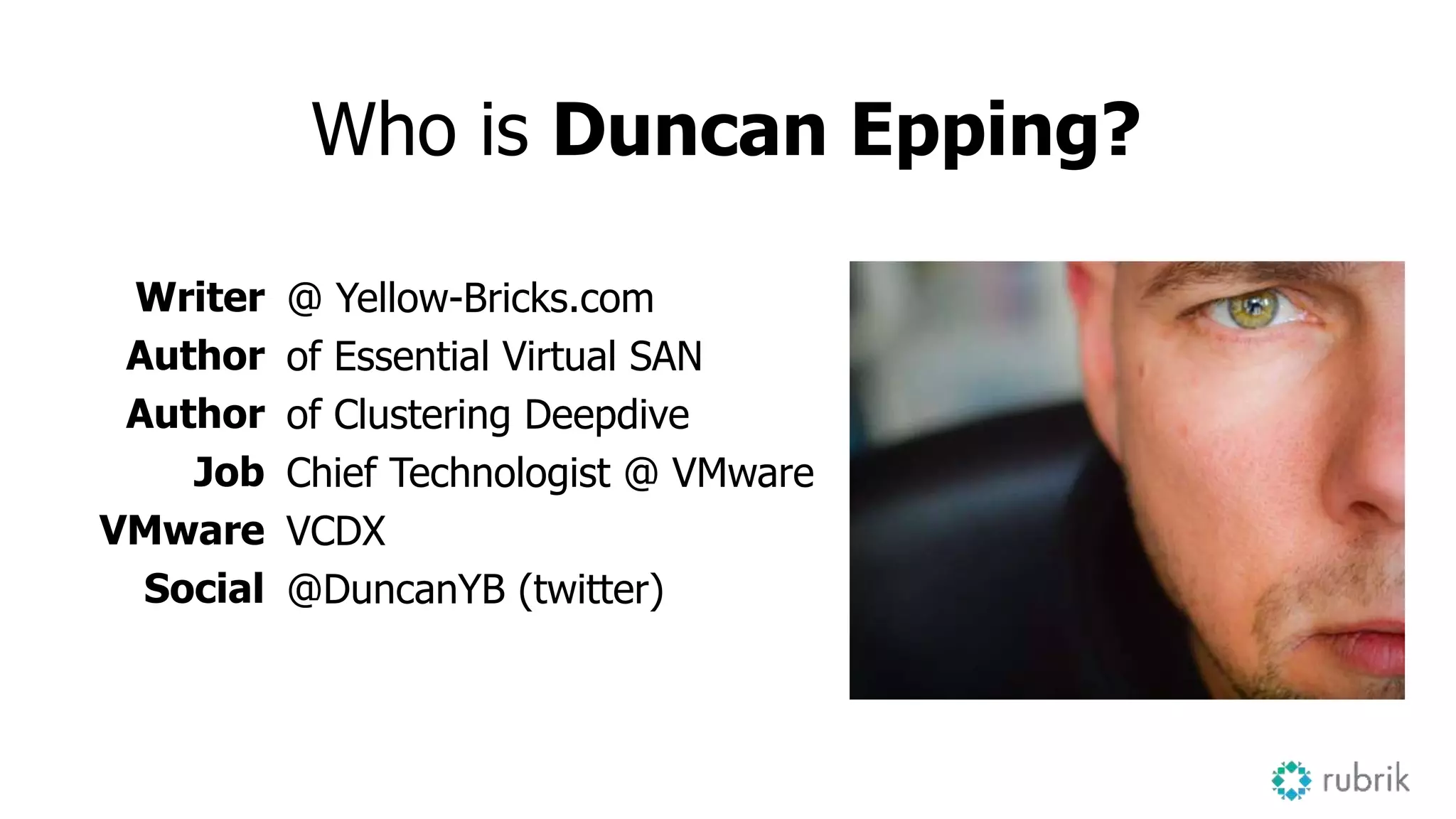
Who is Duncan Epping?
Writer
Author
Author
Job
VMware
Social
@ Yellow-Bricks.com
of Essential Virtual SAN
of Clustering Deepdive
Chief Technologist @ VMware
VCDX
@DuncanYB (twitter)
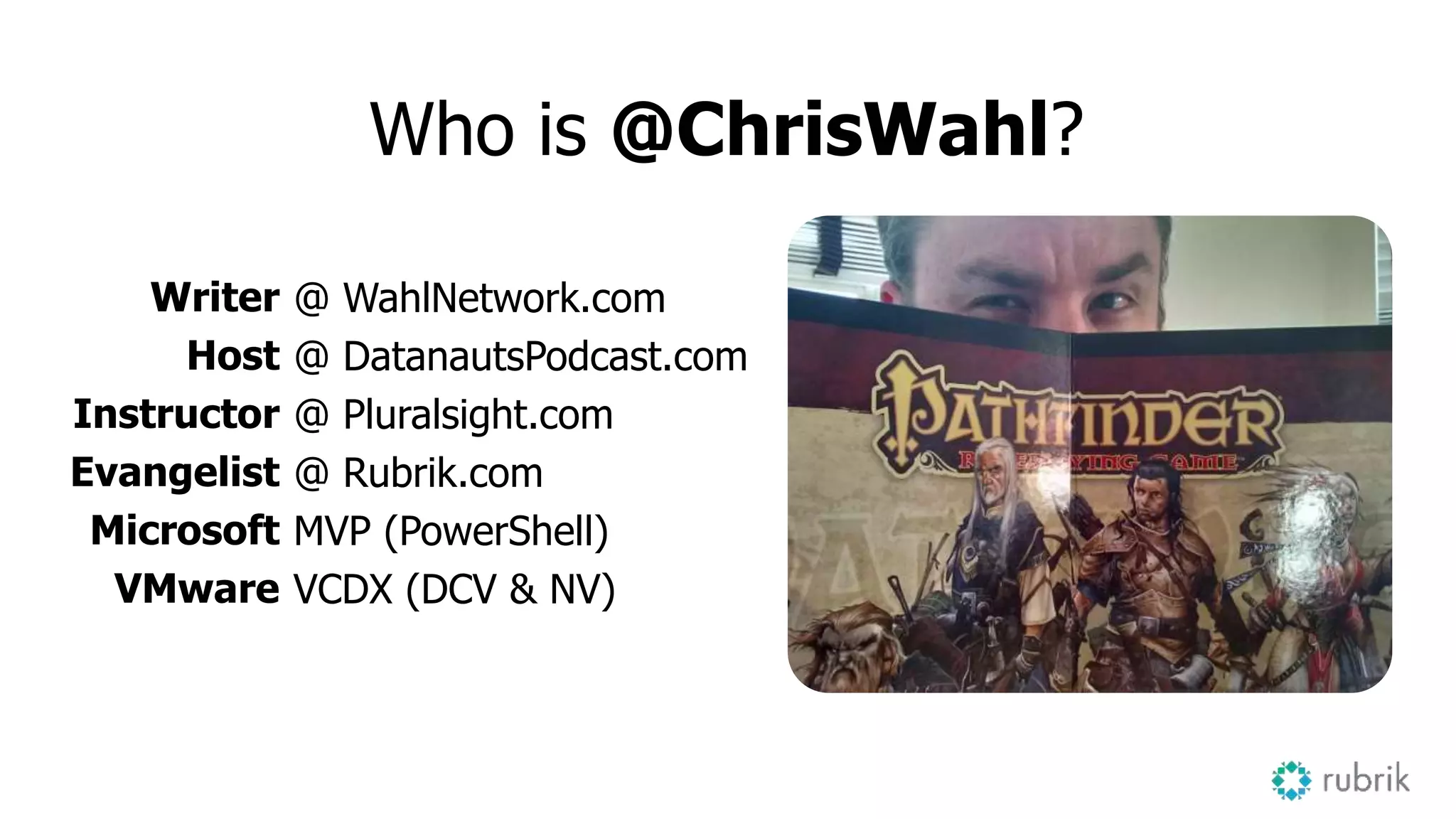
Who is @ChrisWahl?
Writer
Host
Instructor
Evangelist
Microsoft
VMware
@ WahlNetwork.com
@ DatanautsPodcast.com
@ Pluralsight.com
@ Rubrik.com
MVP (PowerShell)
VCDX (DCV & NV)
6
Agenda
• vSphere Cluster Design Basics
• Crafting Declarative Configurations
• Infrastructure as Code
• An Introduction to the Vester project
vSphere Cluster Design
7
Architecture Methodology
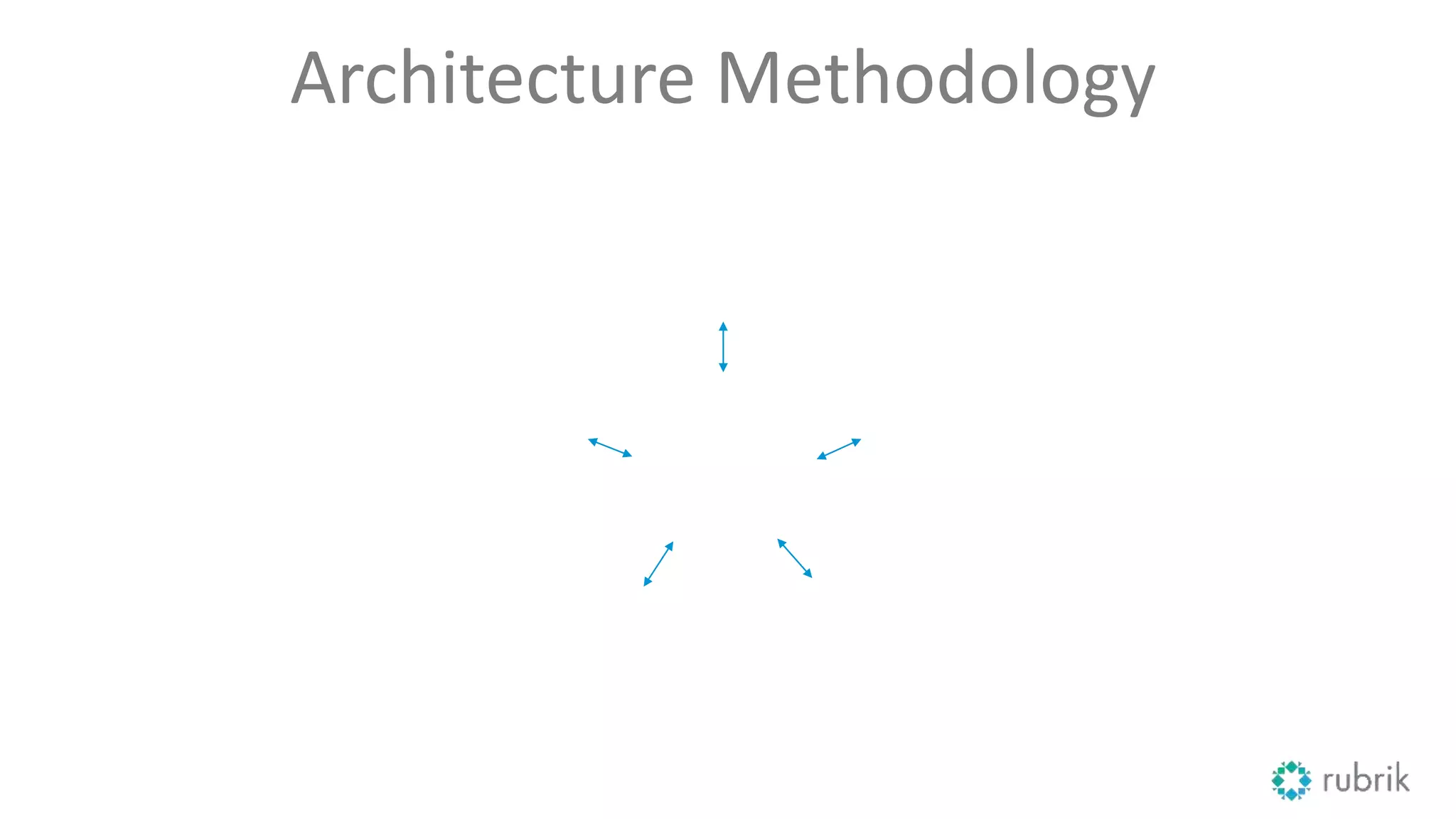
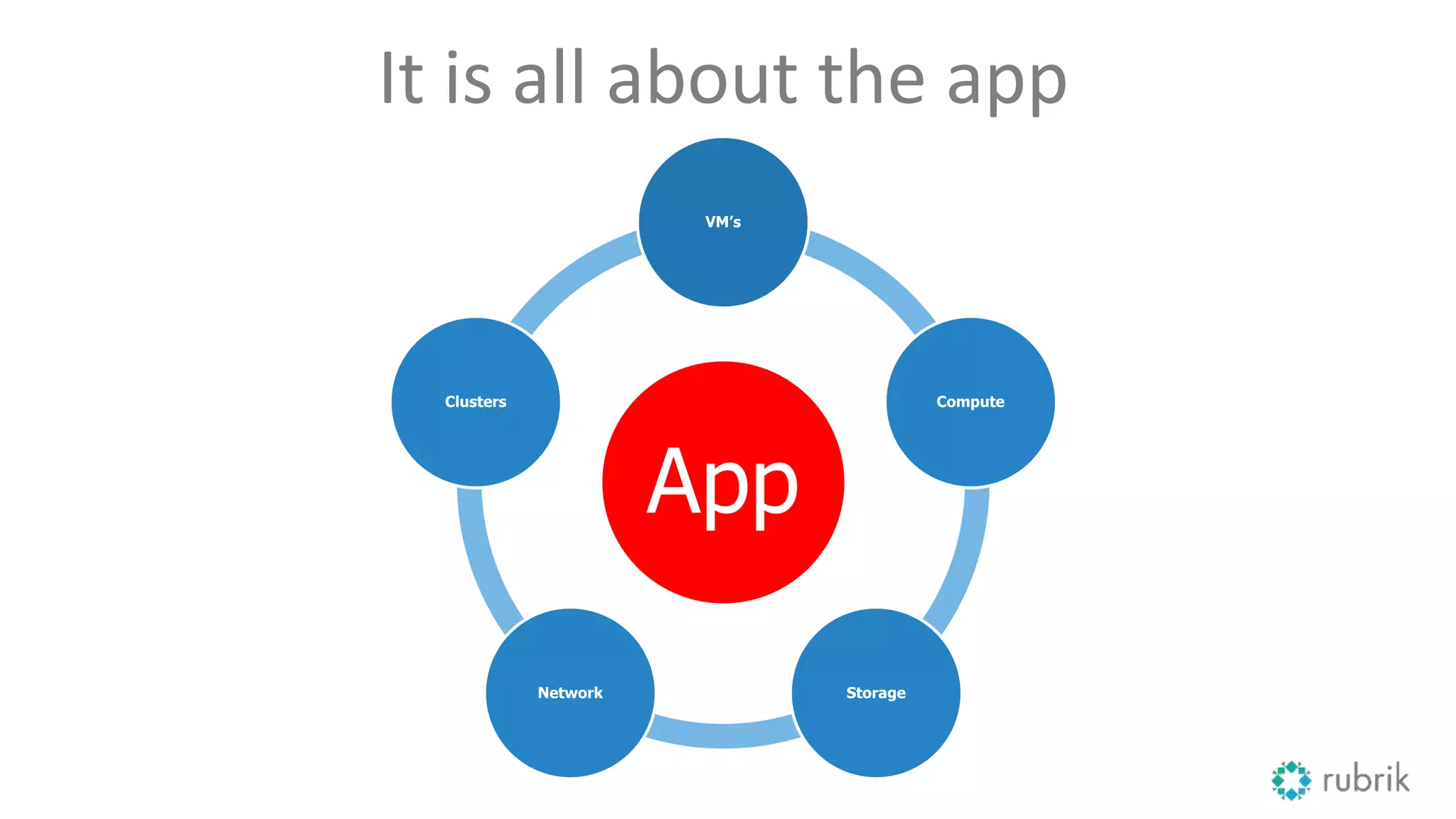
It is all about the app
App
VM’s
Compute
StorageNetwork
Clusters
What are the things we need to think about?
Consistency is the key to success
• Compute
– DNS / NTP / TPS
• Storage
– Protocol / Limits / Resiliency
• Networking
– vMotion / Management / Storage / VMs
• vSphere HA and DRS
11
Brief intro to vSphere Clusters
vSphere HA Basics
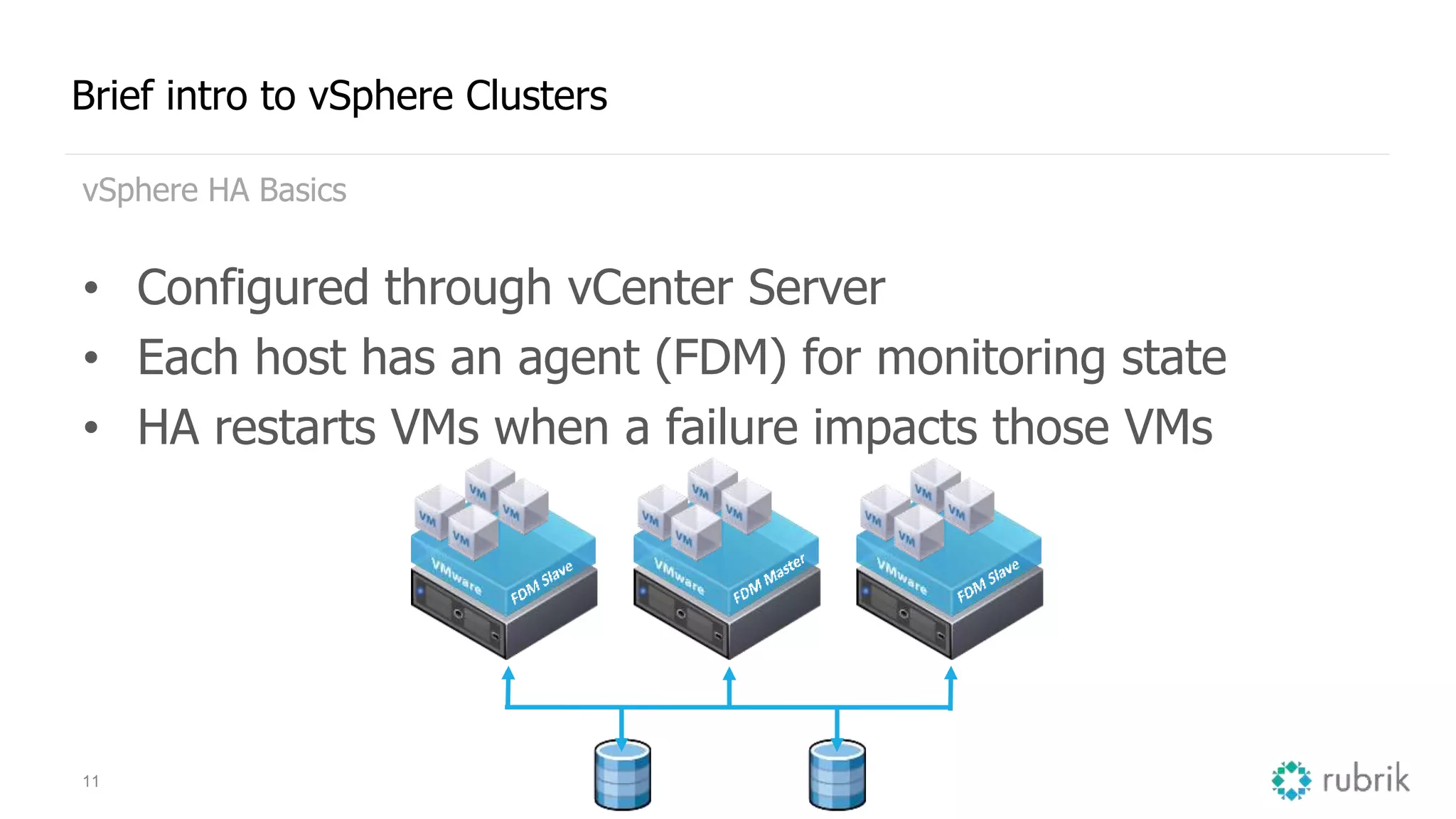
• Configured through vCenter Server
• Each host has an agent (FDM) for monitoring state
• HA restarts VMs when a failure impacts those VMs
12
Brief intro to vSphere Clusters
vSphere HA Specifics
• One of the hosts is elected as master
• Heartbeats via network and storage
– Management network (or)
– VSAN network (if VSAN is enabled)
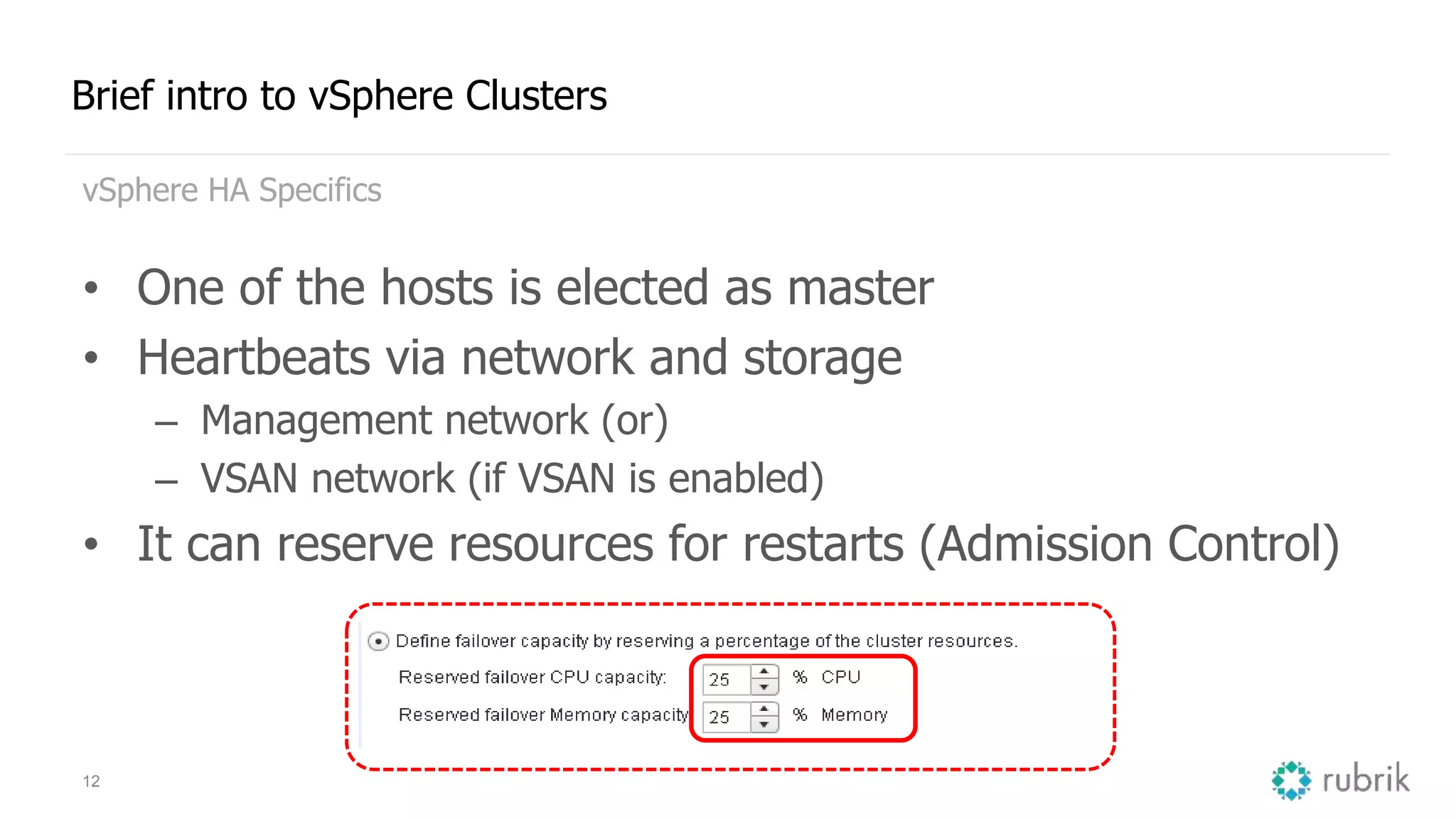
• It can reserve resources for restarts (Admission Control)
13
Brief intro to vSphere Clusters
vSphere DRS Basics
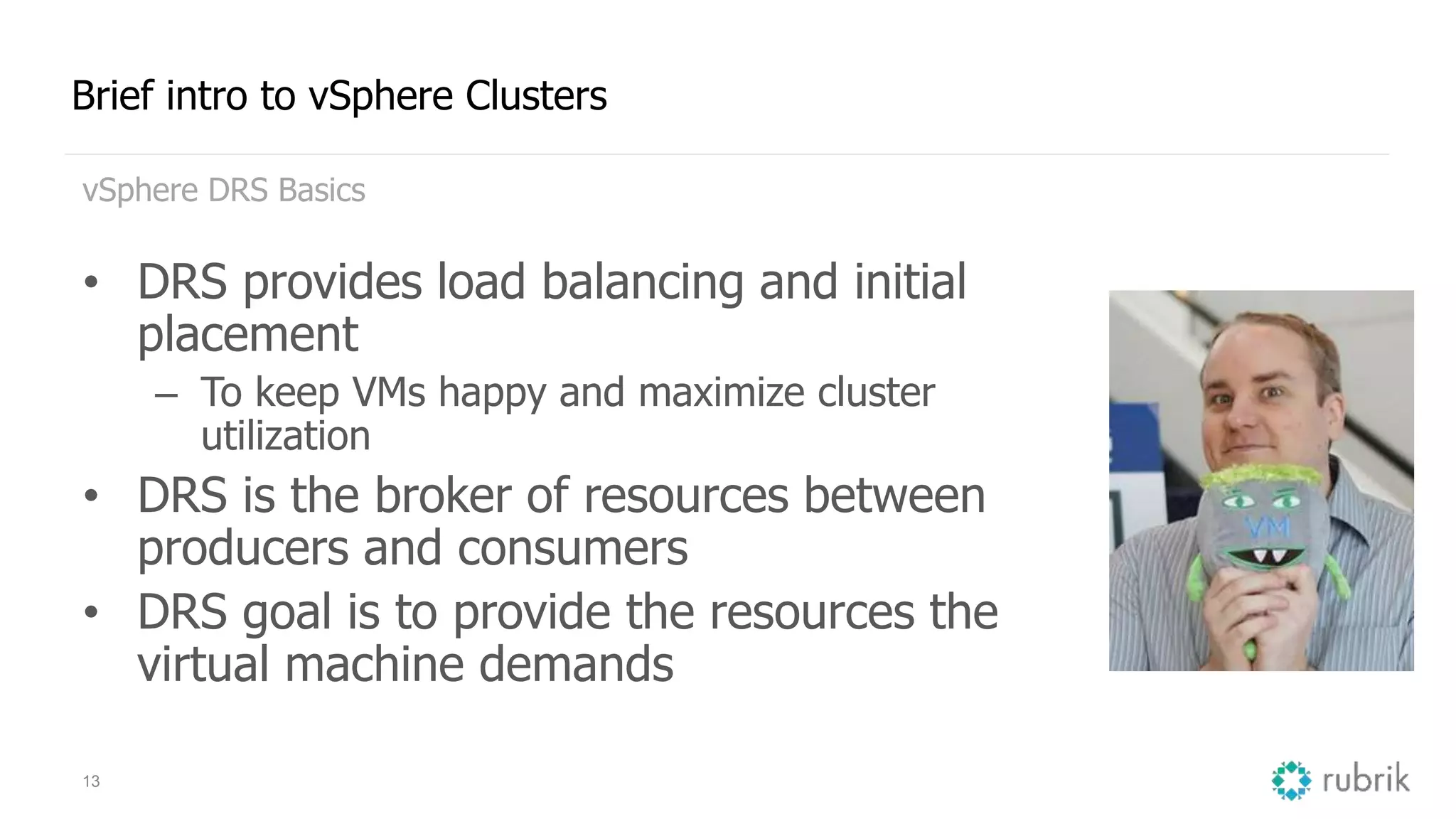
• DRS provides load balancing and initial
placement
– To keep VMs happy and maximize cluster
utilization
• DRS is the broker of resources between
producers and consumers
• DRS goal is to provide the resources the
virtual machine demands
14
Brief intro to vSphere Clusters
vSphere DRS Specifics
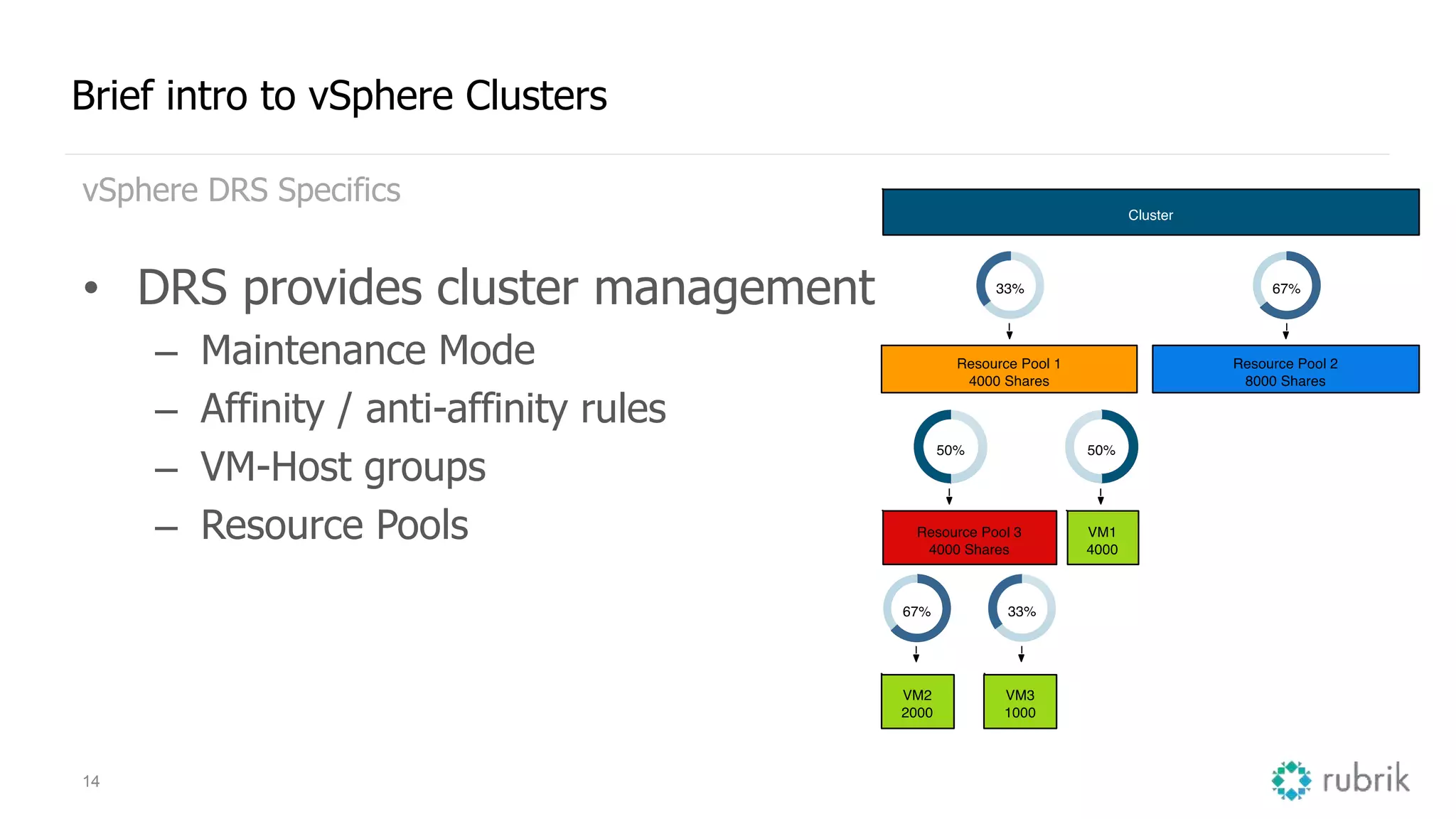
• DRS provides cluster management
– Maintenance Mode
– Affinity / anti-affinity rules
– VM-Host groups
– Resource Pools
15
And then there is compute
Many things to think about during install / config
• Gateway / DNS
• NTP
• NUMA
• Syslog + Scratch Partition
• TPS enabled or disabled?
– If enabled, how?
• Security?
– Lock down enabled?
16
Storage, you got an hour or two?
iSCSI, FC, NFS, FCoE or maybe VSAN
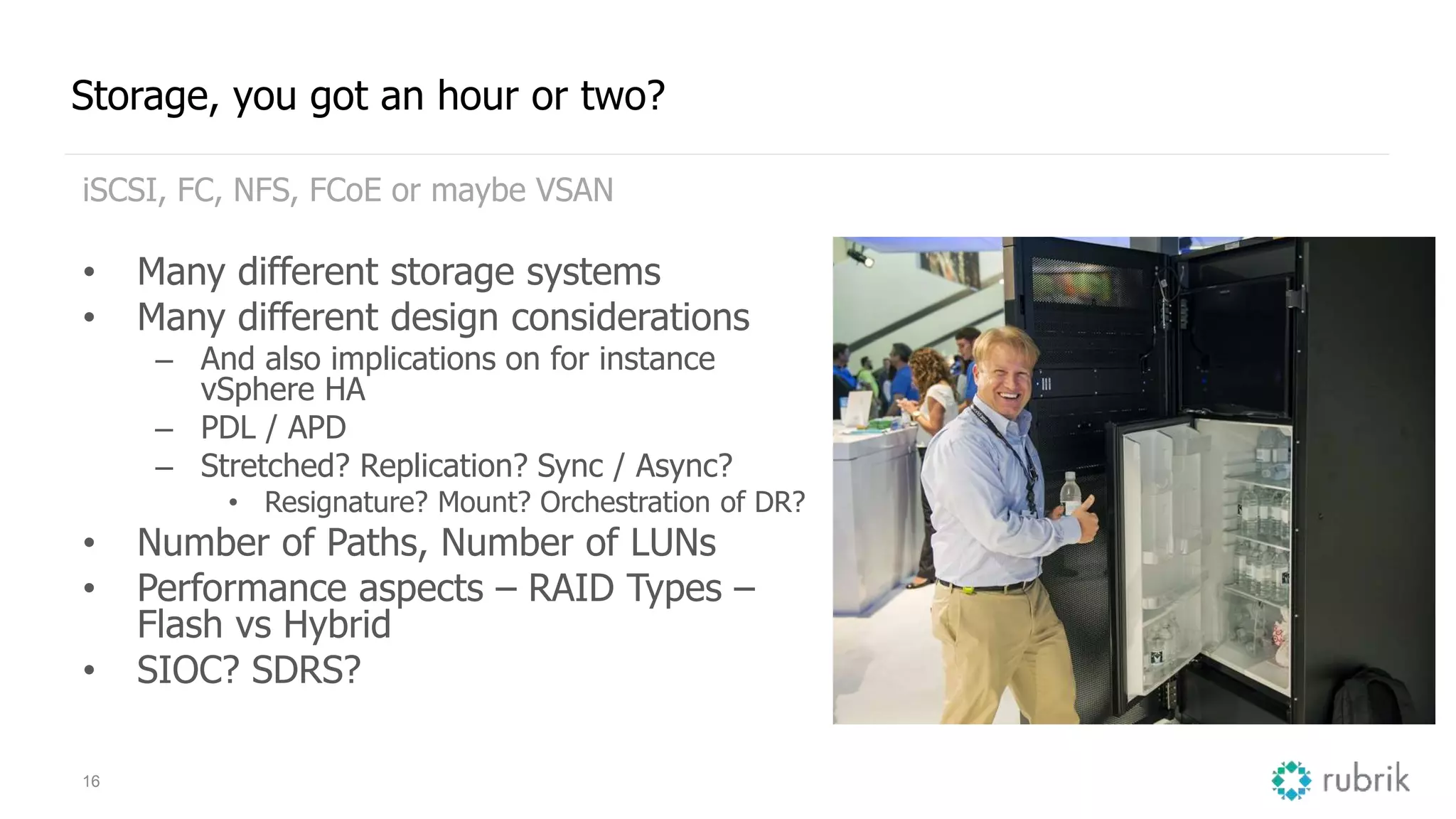
• Many different storage systems
• Many different design considerations
– And also implications on for instance
vSphere HA
– PDL / APD
– Stretched? Replication? Sync / Async?
• Resignature? Mount? Orchestration of DR?
• Number of Paths, Number of LUNs
• Performance aspects – RAID Types –
Flash vs Hybrid
• SIOC? SDRS?
17
It is always the network
Yes, we usually do blame others… Reality is, many issues arise from
inconsistency...
• Distributed Switch vs normal vSwitch?
• Consistency in configuration of
network segments
– VLANs / Portgroups
– MTU (end to end)
• Load Balancing
– Load based teaming
– Virtual Port ID
– IP Hash / LACP
Crafting Declarative Configurations
19
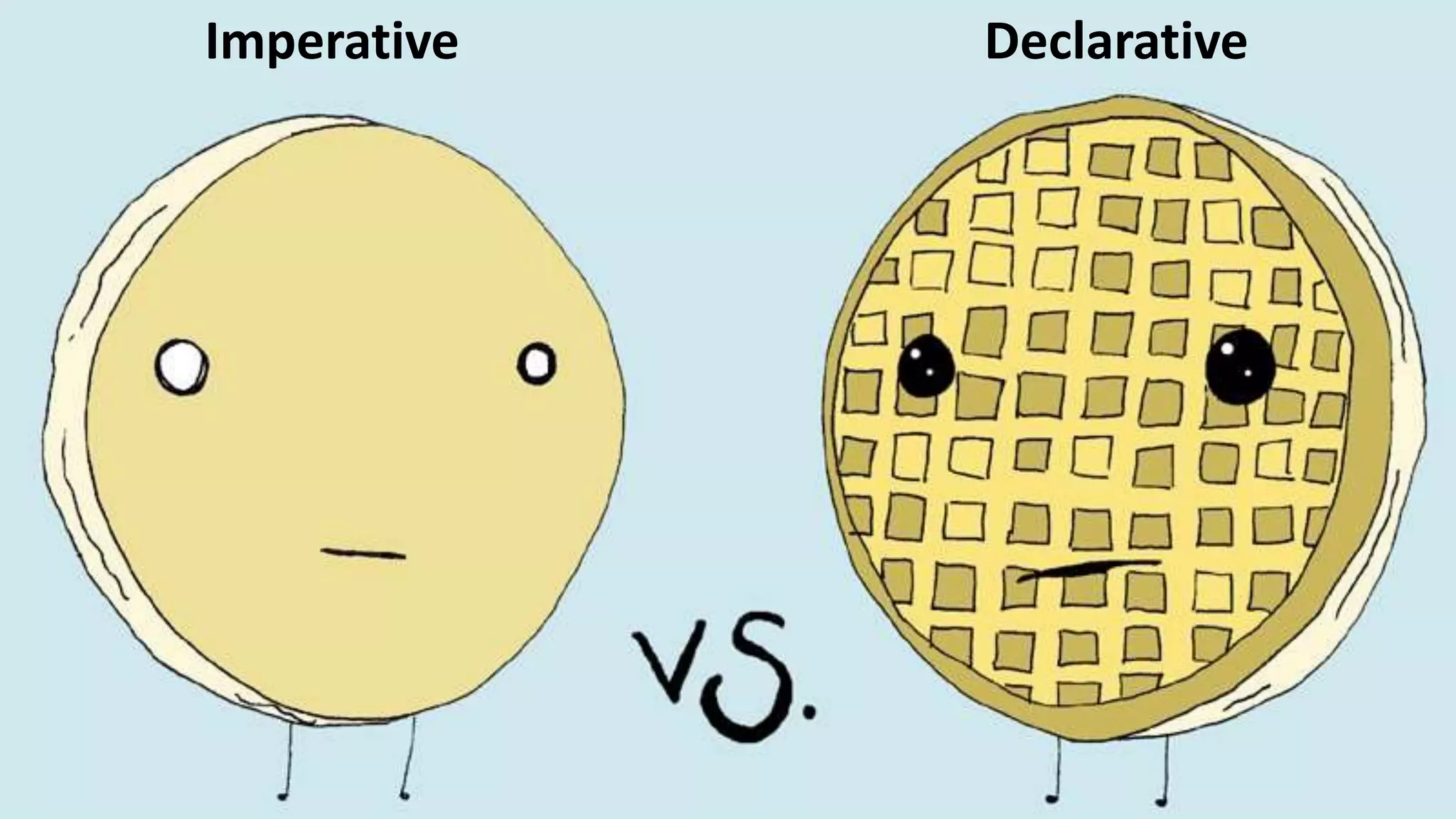
Imperative Declarative
Where’s the Value?
22
Avoids Building by Hand
statements become actionable
23
Repeatable Processes
consistency is your friend
24
Force Multiplier
the entire team is now empowered
25
Annihilate Tribal Knowledge
documentation is stale upon creation
configurations are self documenting
Infrastructure as Code
28
Abstract End State from Configuration
don’t store declarative configuration inside the endpoint
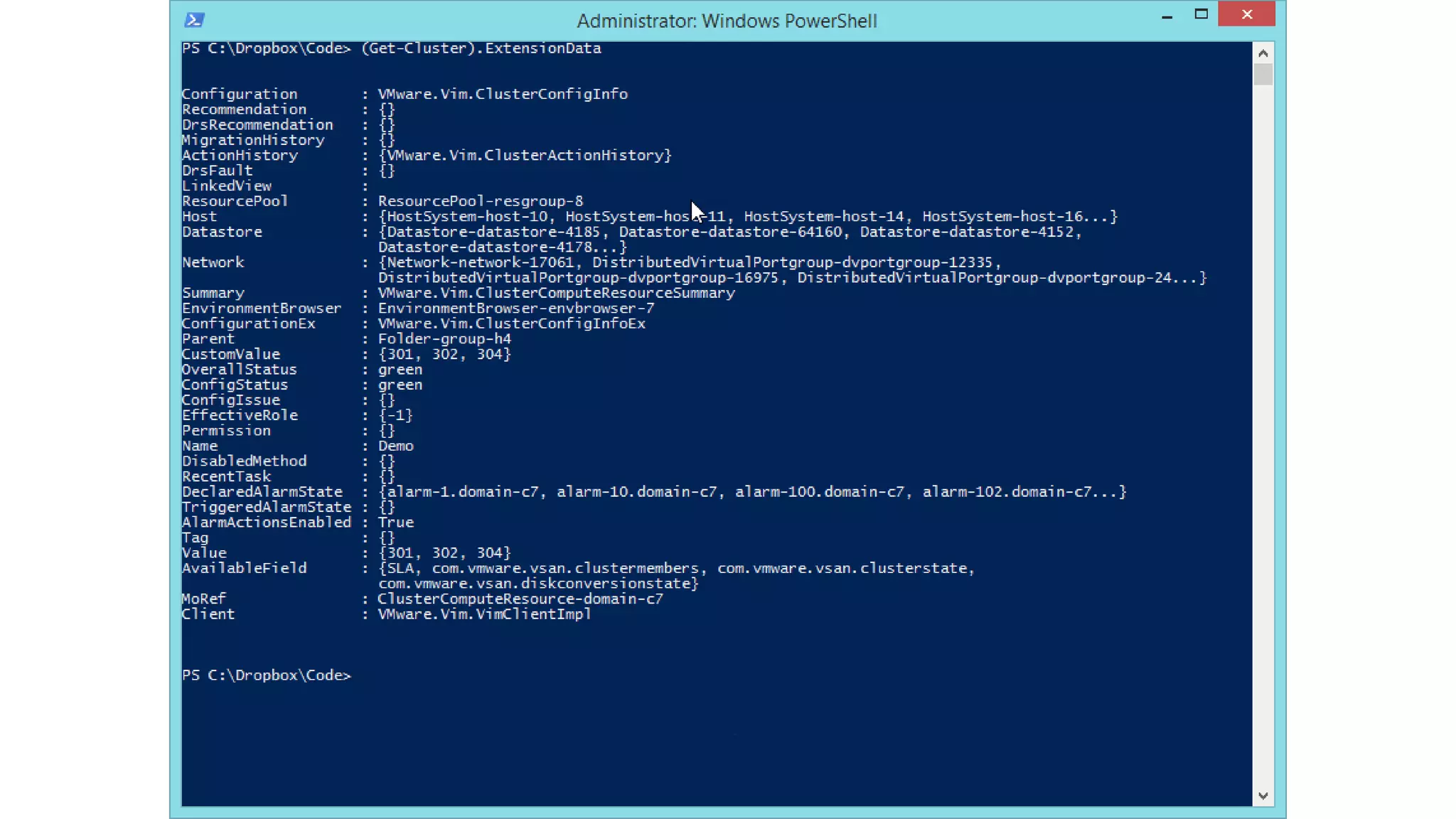
Where do Objects Live?
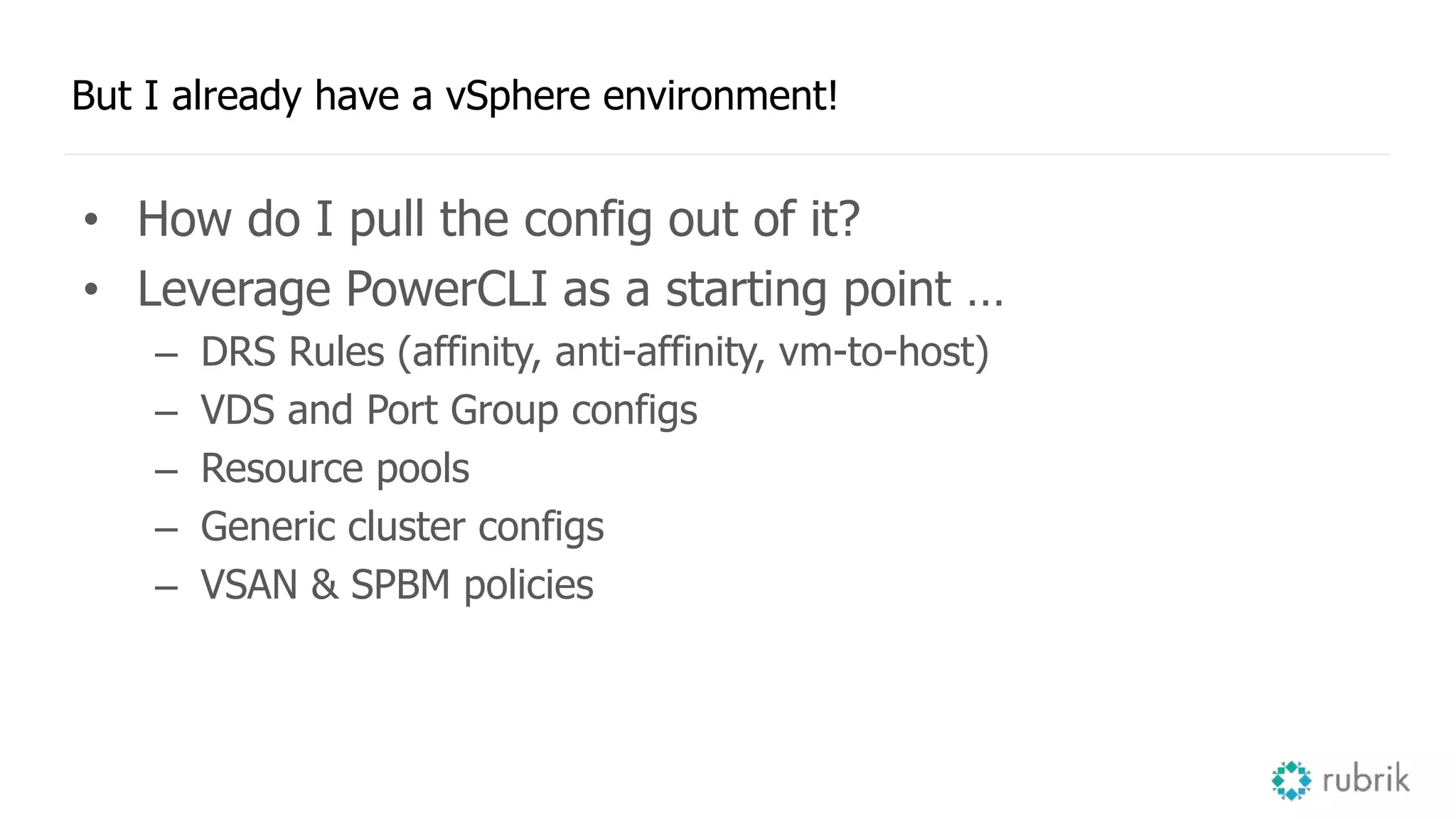
But I already have a vSphere environment!
• How do I pull the config out of it?
• Leverage PowerCLI as a starting point …
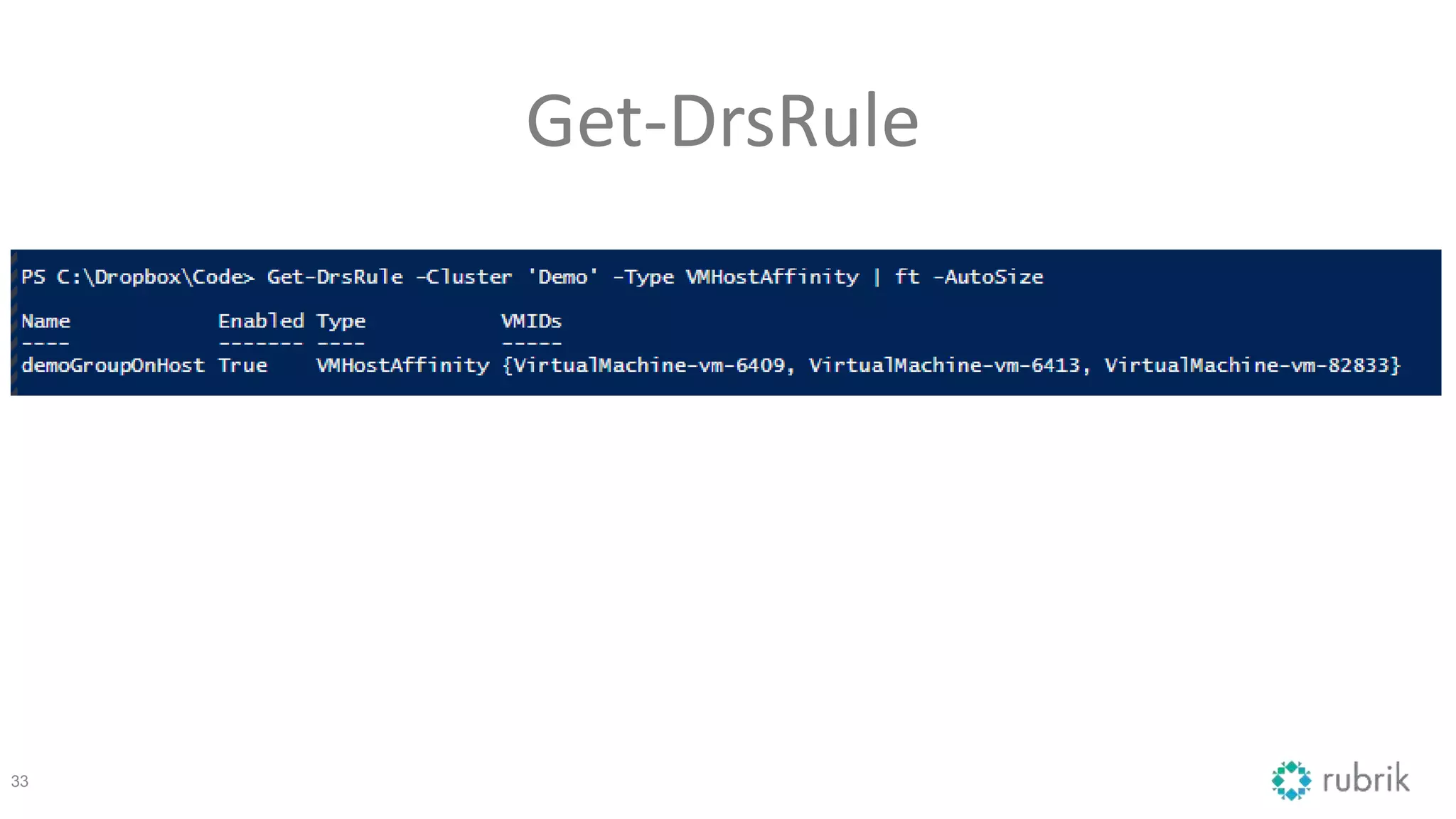
– DRS Rules (affinity, anti-affinity, vm-to-host)
– VDS and Port Group configs
– Resource pools
– Generic cluster configs
– VSAN & SPBM policies
Get-DrsRule
33
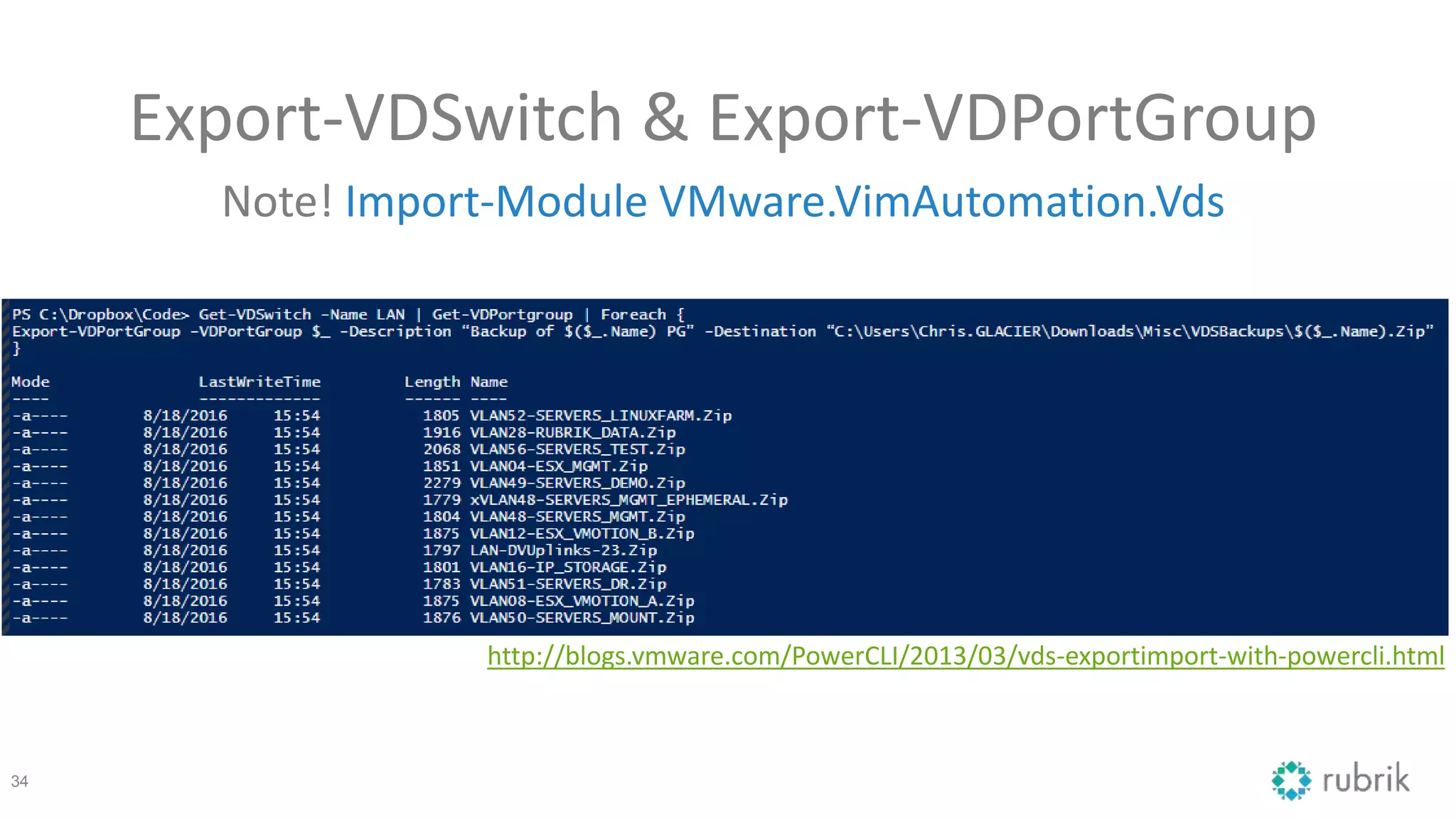
Export-VDSwitch & Export-VDPortGroup
Note! Import-Module VMware.VimAutomation.Vds
34
http://blogs.vmware.com/PowerCLI/2013/03/vds-exportimport-with-powercli.html
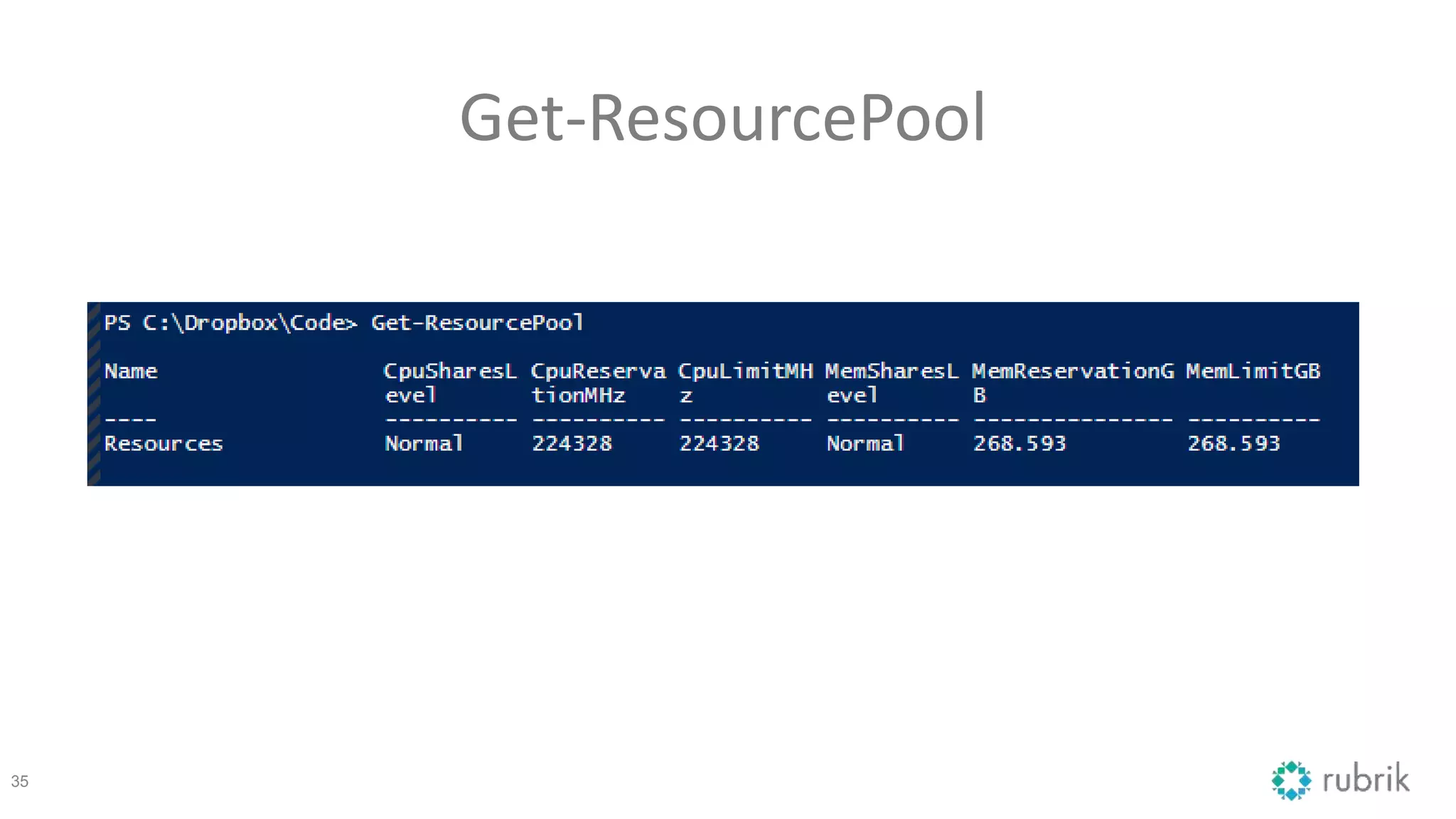
Get-ResourcePool
35
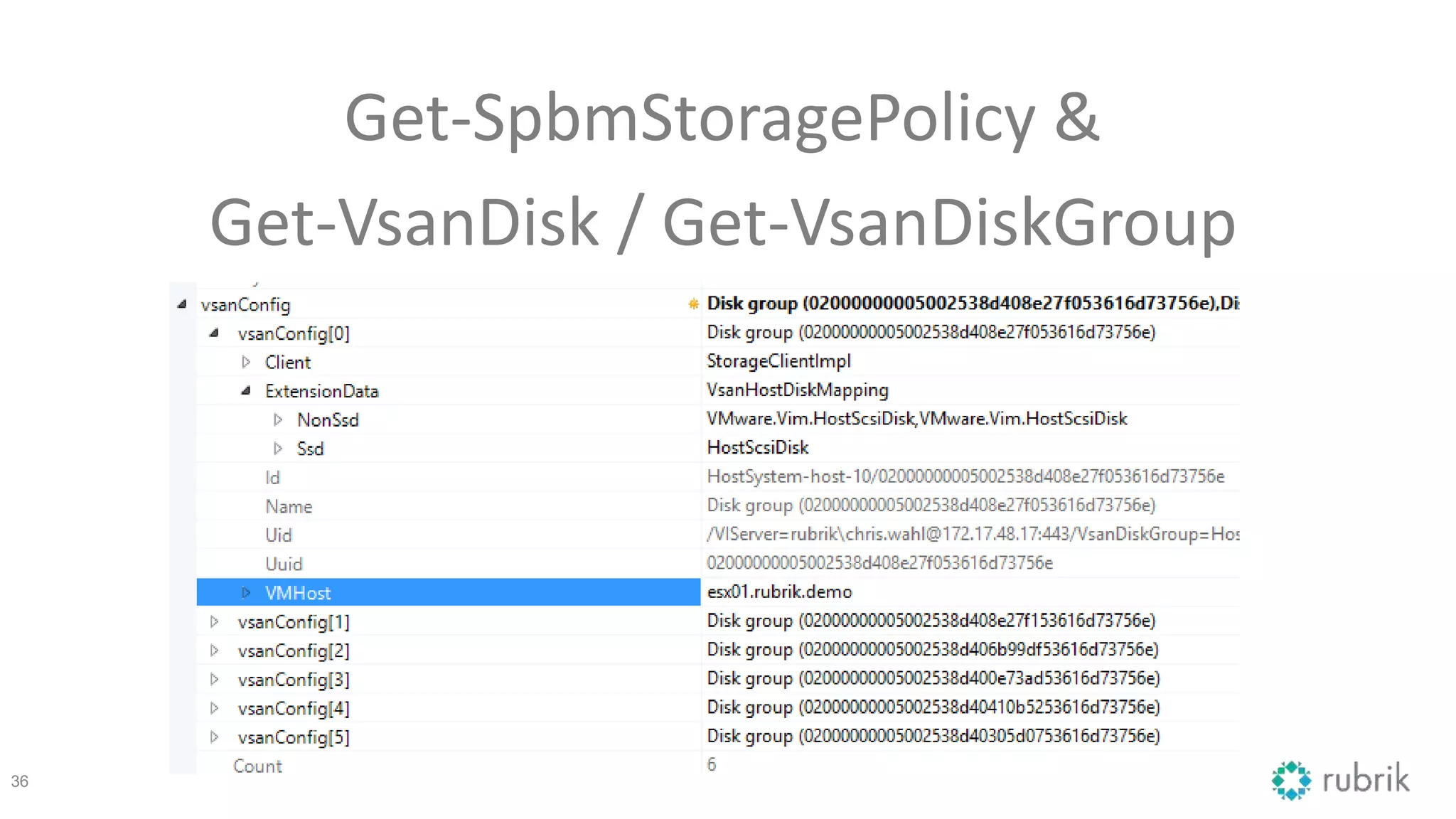
Get-SpbmStoragePolicy &
Get-VsanDisk / Get-VsanDiskGroup
36
37
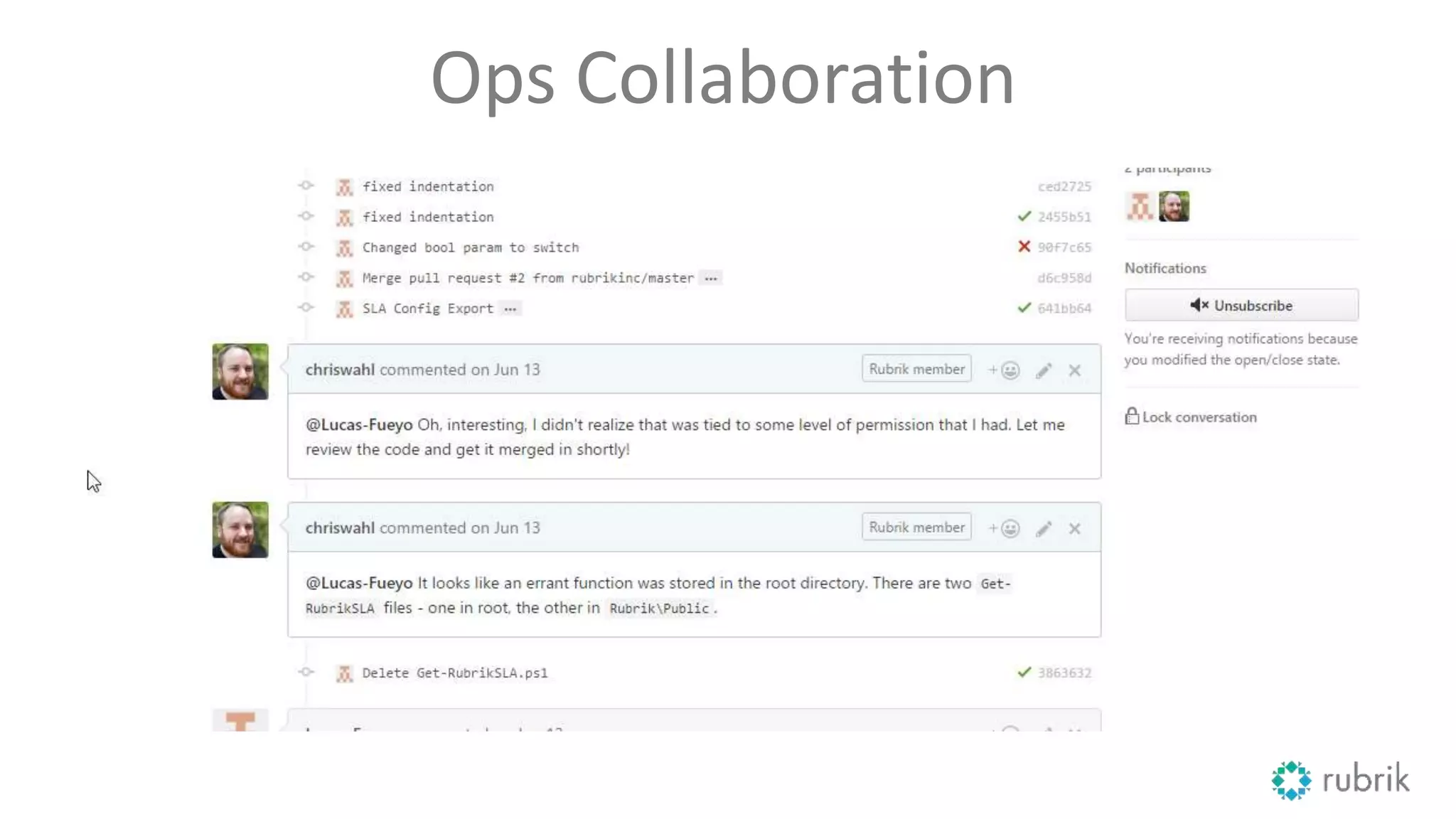
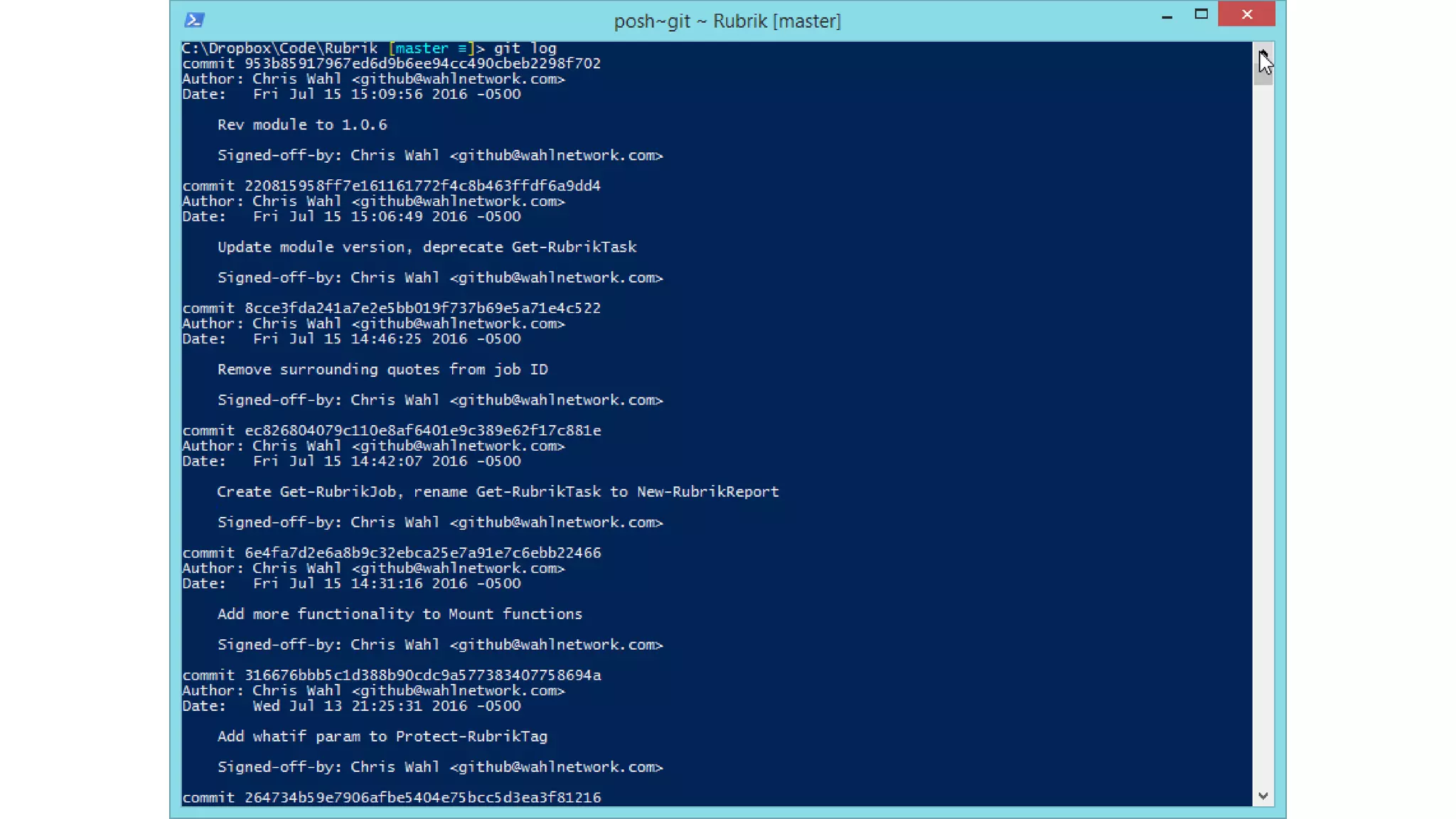
Conversational Configuration
tracking, logging, and implementation in a single system
Ops Collaboration
40
Gathering Objects with PowerCLI
• Get information on the cluster
– HA, NTP, SSH, DRS, DNS, so forth
• Compare with declarative configuration
• Inspect results
– Validate always
– Remediate optional
• Report metrics
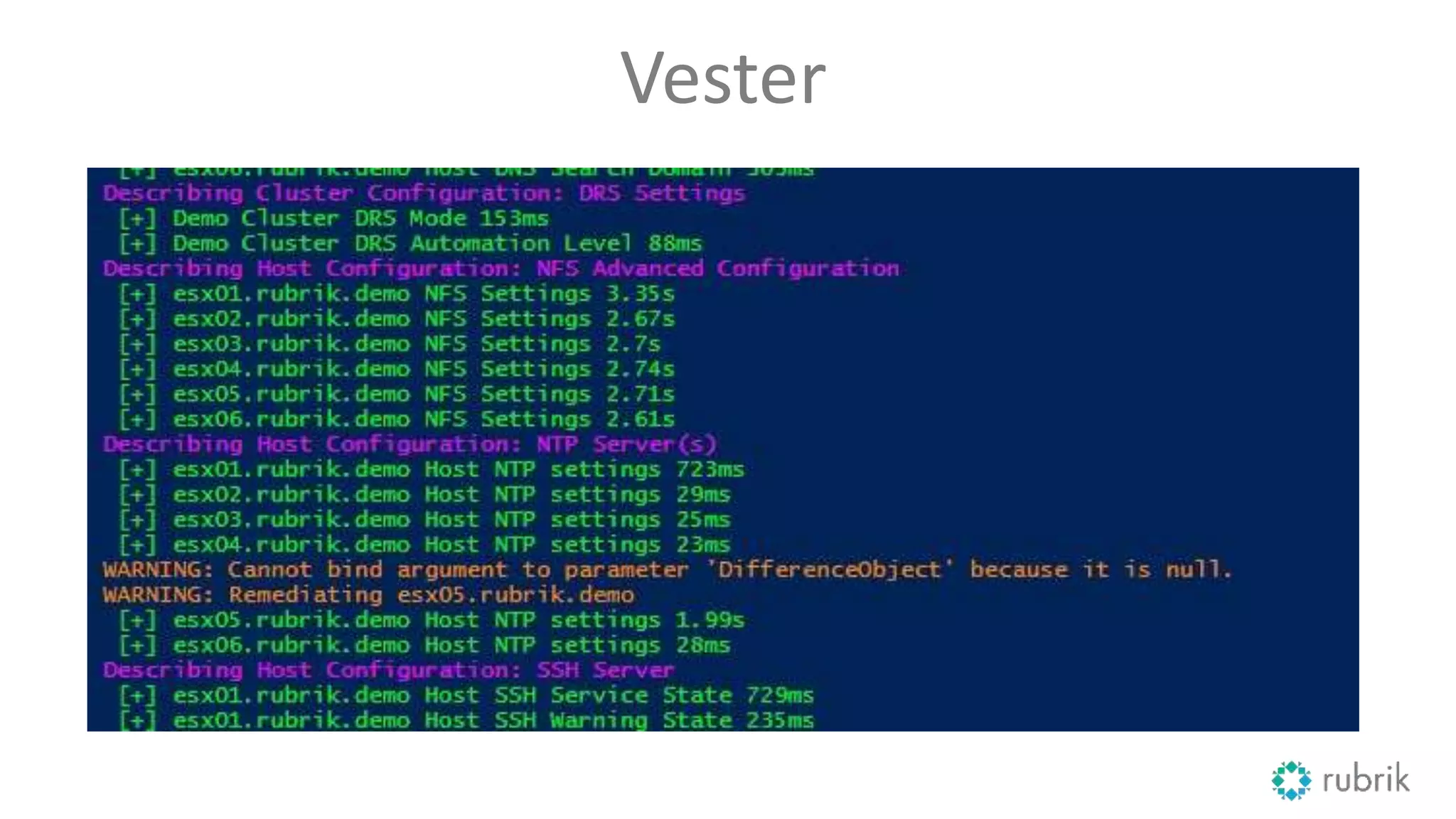
Vester
43
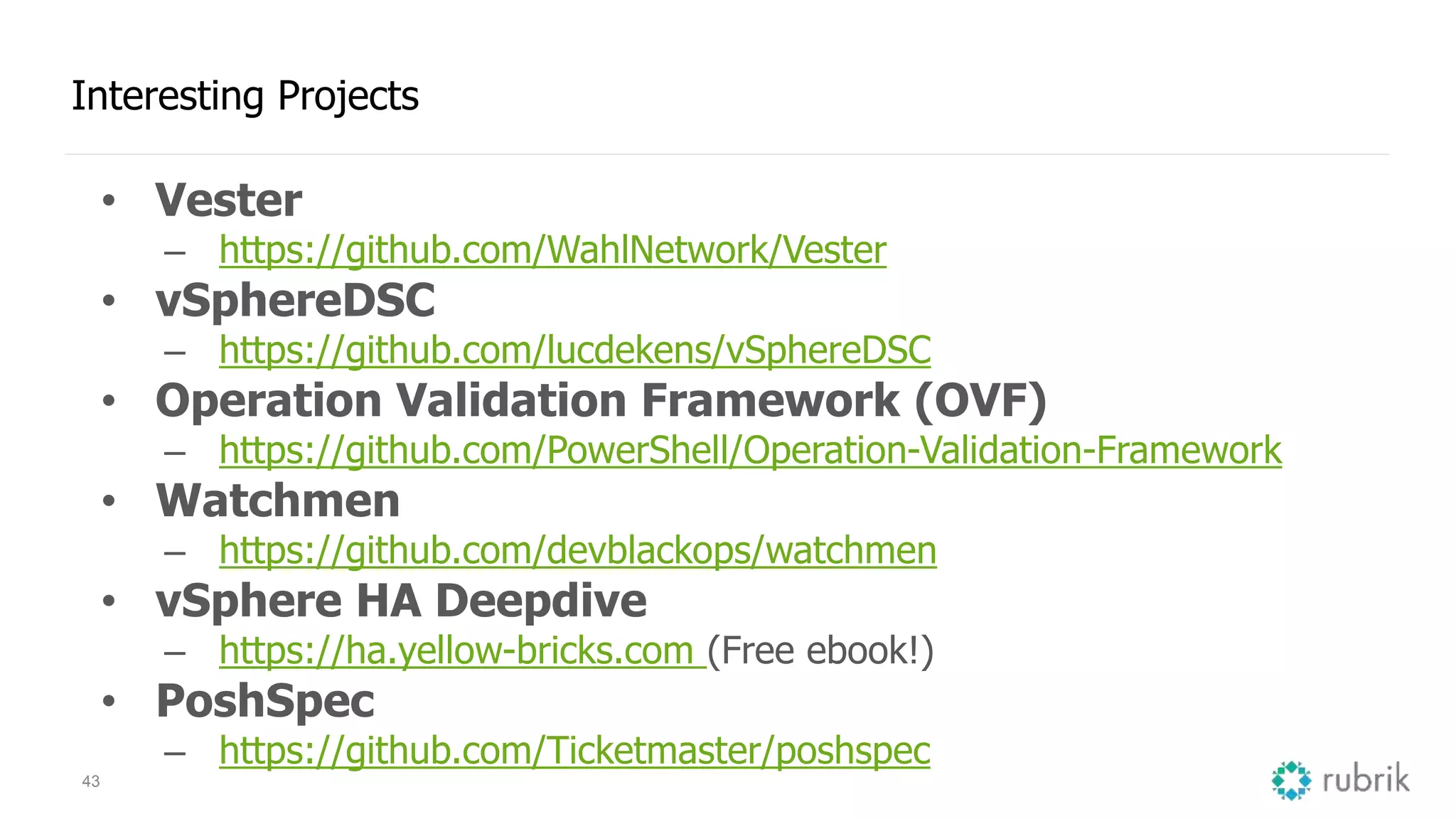
Interesting Projects
• Vester
– https://github.com/WahlNetwork/Vester
• vSphereDSC
– https://github.com/lucdekens/vSphereDSC
• Operation Validation Framework (OVF)
– https://github.com/PowerShell/Operation-Validation-Framework
• Watchmen
– https://github.com/devblackops/watchmen
• vSphere HA Deepdive
– https://ha.yellow-bricks.com (Free ebook!)
• PoshSpec
– https://github.com/Ticketmaster/poshspec
Thank you!
Duncan Epping – Chief Technologist, VMware
Chris Wahl – Technical Evangelist, Rubrik
VMworld 2016: Enforcing a vSphere Cluster Design with PowerCLI Automation

VMworld 2016: Enforcing a vSphere Cluster Design with PowerCLI Automation

  • 1.
    Enforcing a vSphereCluster Design with PowerCLI Automation Duncan Epping, VMware, Inc Chris Wahl, Rubrik INF8036 #INF8036
  • 2.
    • This presentationmay contain product features that are currently under development. • This overview of new technology represents no commitment from VMware to deliver these features in any generally available product. • Features are subject to change, and must not be included in contracts, purchase orders, or sales agreements of any kind. • Technical feasibility and market demand will affect final delivery. • Pricing and packaging for any new technologies or features discussed or presented have not been determined. Disclaimer CONFIDENTIAL 2
  • 3.
    3 Enforcing a vSphereCluster Design Using PowerCLI Automation
  • 4.
    Who is DuncanEpping? Writer Author Author Job VMware Social @ Yellow-Bricks.com of Essential Virtual SAN of Clustering Deepdive Chief Technologist @ VMware VCDX @DuncanYB (twitter)
  • 5.
    Who is @ChrisWahl? Writer Host Instructor Evangelist Microsoft VMware @WahlNetwork.com @ DatanautsPodcast.com @ Pluralsight.com @ Rubrik.com MVP (PowerShell) VCDX (DCV & NV)
  • 6.
    6 Agenda • vSphere ClusterDesign Basics • Crafting Declarative Configurations • Infrastructure as Code • An Introduction to the Vester project
  • 7.
  • 8.
  • 9.
    It is allabout the app App VM’s Compute StorageNetwork Clusters
  • 10.
    What are thethings we need to think about? Consistency is the key to success • Compute – DNS / NTP / TPS • Storage – Protocol / Limits / Resiliency • Networking – vMotion / Management / Storage / VMs • vSphere HA and DRS
  • 11.
    11 Brief intro tovSphere Clusters vSphere HA Basics • Configured through vCenter Server • Each host has an agent (FDM) for monitoring state • HA restarts VMs when a failure impacts those VMs
  • 12.
    12 Brief intro tovSphere Clusters vSphere HA Specifics • One of the hosts is elected as master • Heartbeats via network and storage – Management network (or) – VSAN network (if VSAN is enabled) • It can reserve resources for restarts (Admission Control)
  • 13.
    13 Brief intro tovSphere Clusters vSphere DRS Basics • DRS provides load balancing and initial placement – To keep VMs happy and maximize cluster utilization • DRS is the broker of resources between producers and consumers • DRS goal is to provide the resources the virtual machine demands
  • 14.
    14 Brief intro tovSphere Clusters vSphere DRS Specifics • DRS provides cluster management – Maintenance Mode – Affinity / anti-affinity rules – VM-Host groups – Resource Pools
  • 15.
    15 And then thereis compute Many things to think about during install / config • Gateway / DNS • NTP • NUMA • Syslog + Scratch Partition • TPS enabled or disabled? – If enabled, how? • Security? – Lock down enabled?
  • 16.
    16 Storage, you gotan hour or two? iSCSI, FC, NFS, FCoE or maybe VSAN • Many different storage systems • Many different design considerations – And also implications on for instance vSphere HA – PDL / APD – Stretched? Replication? Sync / Async? • Resignature? Mount? Orchestration of DR? • Number of Paths, Number of LUNs • Performance aspects – RAID Types – Flash vs Hybrid • SIOC? SDRS?
  • 17.
    17 It is alwaysthe network Yes, we usually do blame others… Reality is, many issues arise from inconsistency... • Distributed Switch vs normal vSwitch? • Consistency in configuration of network segments – VLANs / Portgroups – MTU (end to end) • Load Balancing – Load based teaming – Virtual Port ID – IP Hash / LACP
  • 18.
  • 19.
  • 21.
  • 22.
    22 Avoids Building byHand statements become actionable
  • 23.
  • 24.
    24 Force Multiplier the entireteam is now empowered
  • 25.
    25 Annihilate Tribal Knowledge documentationis stale upon creation configurations are self documenting
  • 26.
  • 28.
    28 Abstract End Statefrom Configuration don’t store declarative configuration inside the endpoint
  • 29.
  • 32.
    But I alreadyhave a vSphere environment! • How do I pull the config out of it? • Leverage PowerCLI as a starting point … – DRS Rules (affinity, anti-affinity, vm-to-host) – VDS and Port Group configs – Resource pools – Generic cluster configs – VSAN & SPBM policies
  • 33.
  • 34.
    Export-VDSwitch & Export-VDPortGroup Note!Import-Module VMware.VimAutomation.Vds 34 http://blogs.vmware.com/PowerCLI/2013/03/vds-exportimport-with-powercli.html
  • 35.
  • 36.
  • 37.
    37 Conversational Configuration tracking, logging,and implementation in a single system
  • 38.
  • 40.
    40 Gathering Objects withPowerCLI • Get information on the cluster – HA, NTP, SSH, DRS, DNS, so forth • Compare with declarative configuration • Inspect results – Validate always – Remediate optional • Report metrics
  • 41.
  • 43.
    43 Interesting Projects • Vester –https://github.com/WahlNetwork/Vester • vSphereDSC – https://github.com/lucdekens/vSphereDSC • Operation Validation Framework (OVF) – https://github.com/PowerShell/Operation-Validation-Framework • Watchmen – https://github.com/devblackops/watchmen • vSphere HA Deepdive – https://ha.yellow-bricks.com (Free ebook!) • PoshSpec – https://github.com/Ticketmaster/poshspec
  • 44.
    Thank you! Duncan Epping– Chief Technologist, VMware Chris Wahl – Technical Evangelist, Rubrik