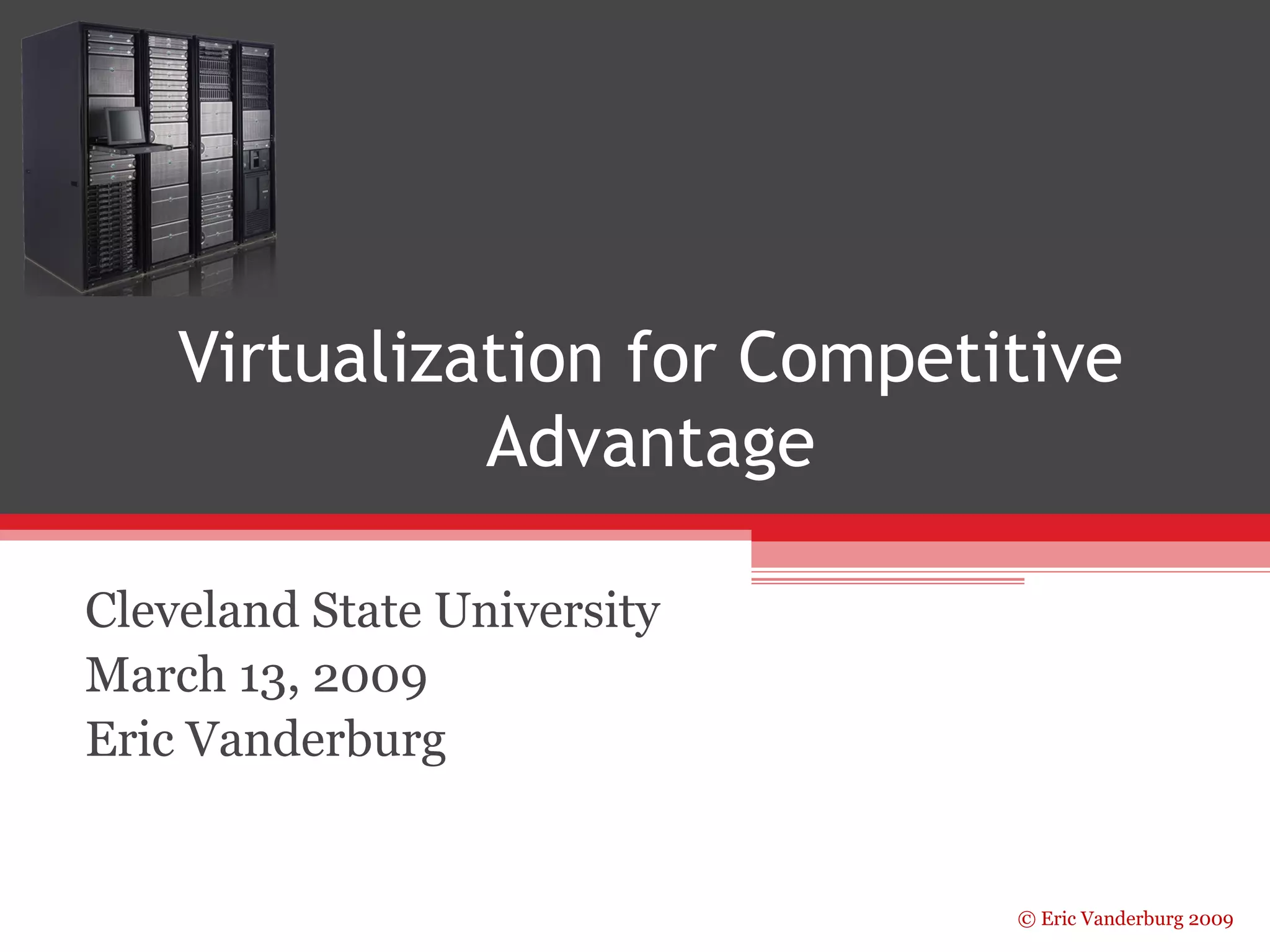
Virtualization for Competitive 
© Eric Vanderburg 2009 
Advantage 
Cleveland State University 
March 13, 2009 
Eric Vanderburg
About the Presenter 
• Network Operations Manager at JurInnov, ltd. 
• Adjunct Professor of CIS at LCCC 
• Vatterott College Board Member 
• Working on Doctorate in Information Assurance 
• Over 15 vendor certifications 
• Served as an expert witness 
• 10+ years in IT 
• Given presentations around the world 
© Eric Vanderburg 2009
© Eric Vanderburg 2009 
Overview 
• Terminology 
• Virtualization benefits 
• Challenges 
• Options
Terminology 
• Virtual Machine – a computer that resides on 
another operating system consuming a portion 
of the available resources 
• Hypervisor – Software that virtual machines run 
on top of 
• Virtualization ambiguity… 
© Eric Vanderburg 2009
© Eric Vanderburg 2009 
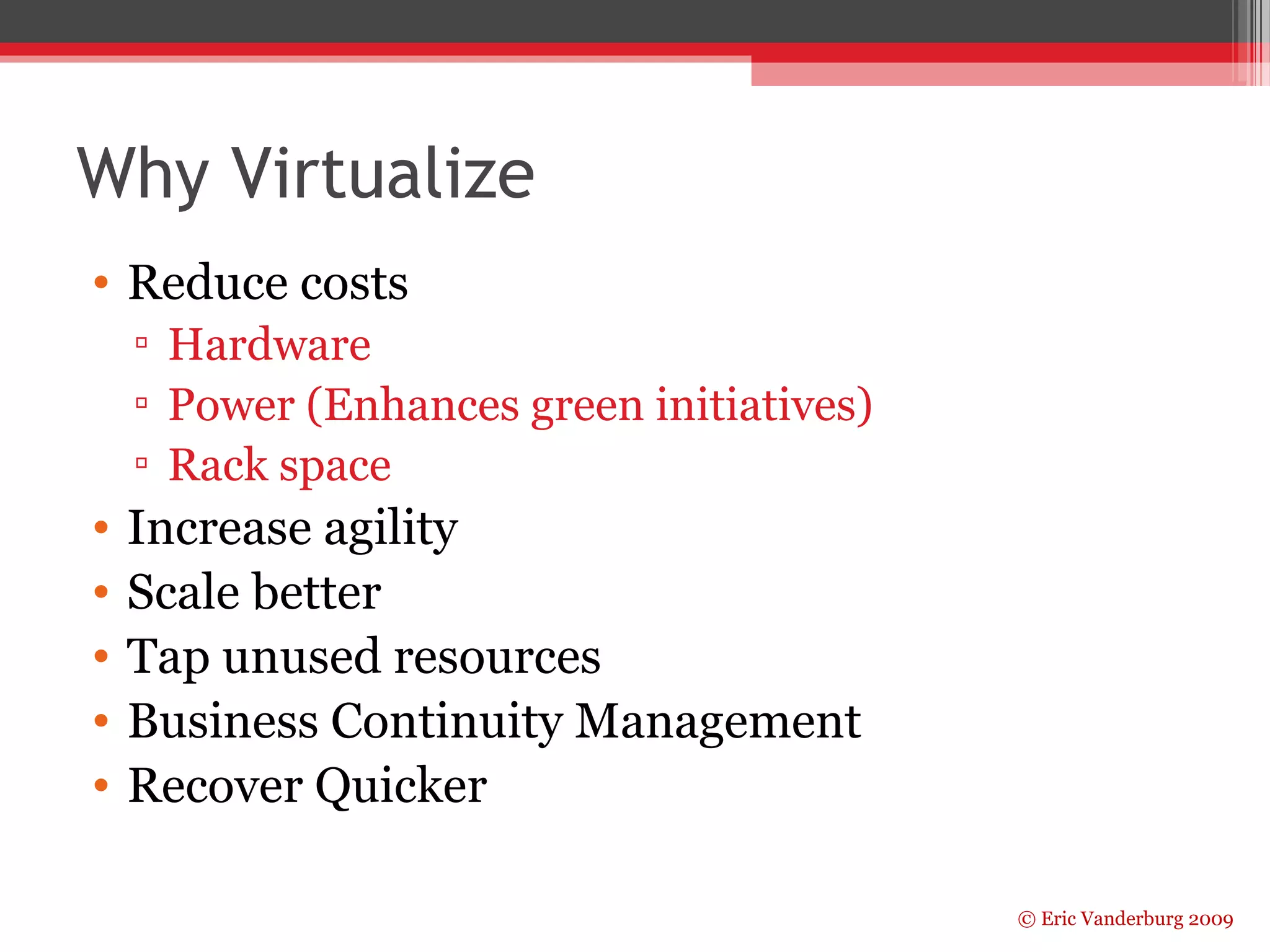
Why Virtualize 
• Reduce costs 
▫ Hardware 
▫ Power (Enhances green initiatives) 
▫ Rack space 
• Increase agility 
• Scale better 
• Tap unused resources 
• Business Continuity Management 
• Recover Quicker
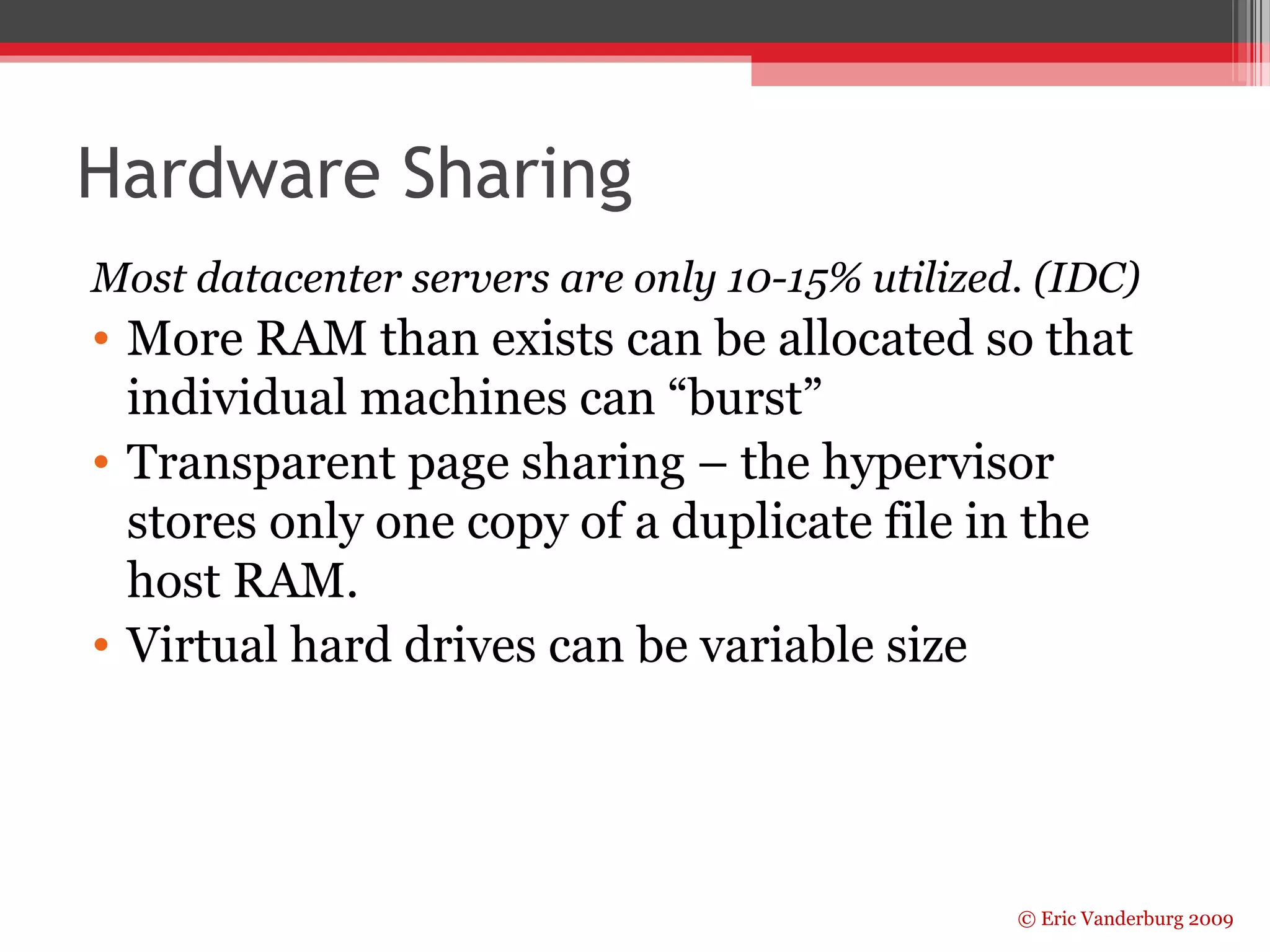
Hardware Sharing 
Most datacenter servers are only 10-15% utilized. (IDC) 
• More RAM than exists can be allocated so that 
individual machines can “burst” 
• Transparent page sharing – the hypervisor 
stores only one copy of a duplicate file in the 
host RAM. 
• Virtual hard drives can be variable size 
© Eric Vanderburg 2009
© Eric Vanderburg 2009 
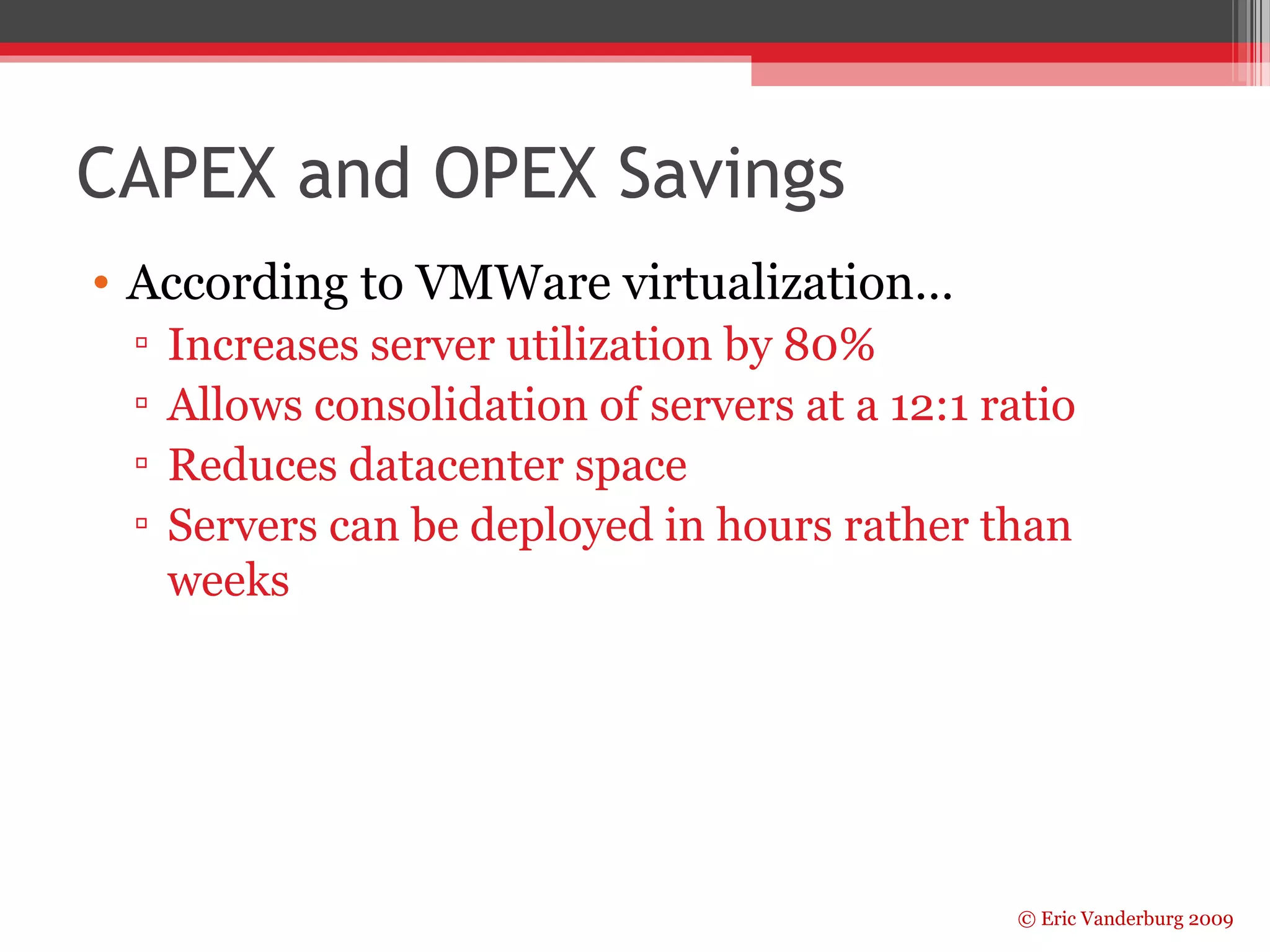
CAPEX and OPEX Savings 
• According to VMWare virtualization… 
▫ Increases server utilization by 80% 
▫ Allows consolidation of servers at a 12:1 ratio 
▫ Reduces datacenter space 
▫ Servers can be deployed in hours rather than 
weeks
© Eric Vanderburg 2009 
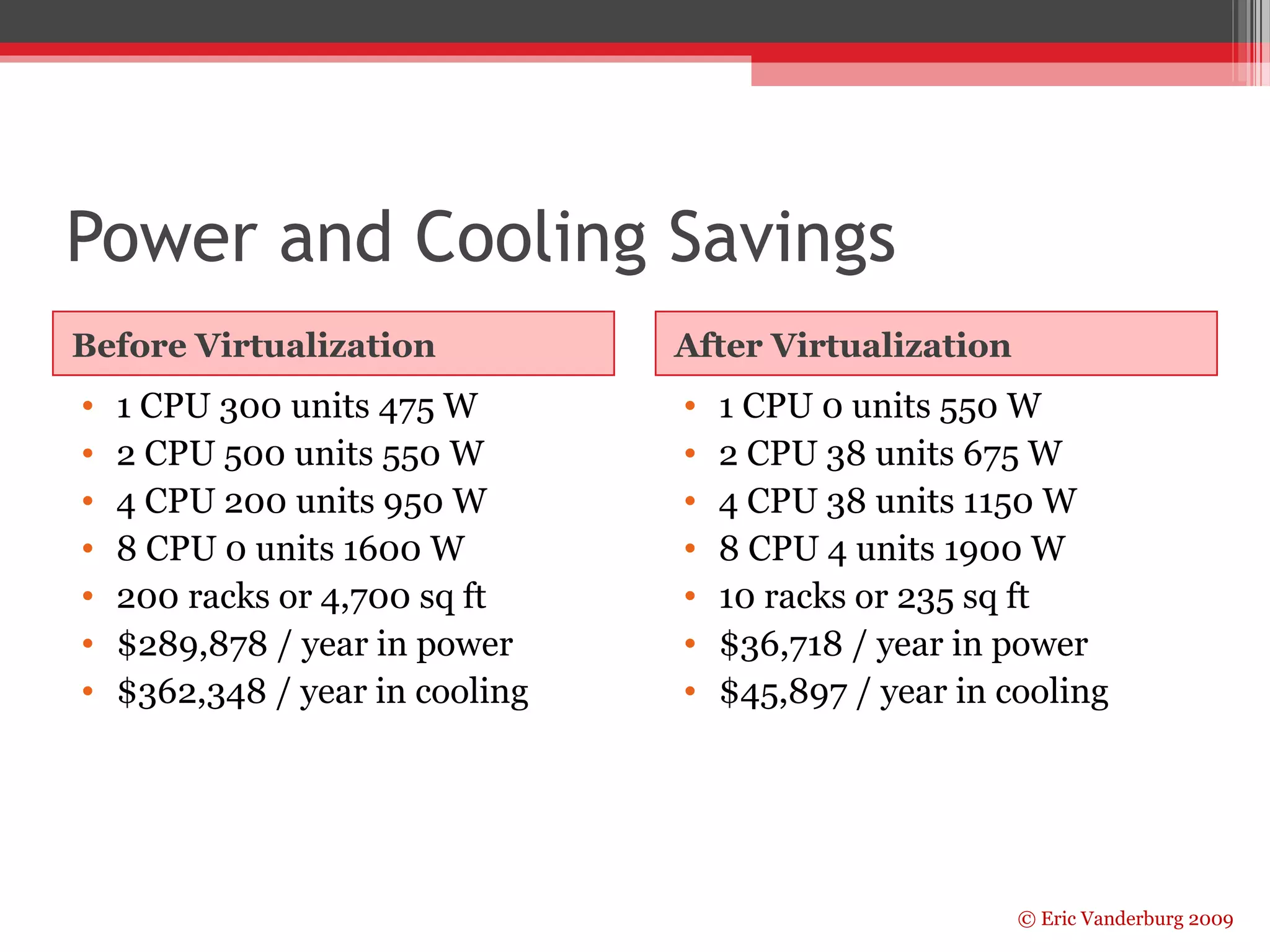
Power and Cooling Savings 
Before Virtualization After Virtualization 
• 1 CPU 300 units 475 W 
• 2 CPU 500 units 550 W 
• 4 CPU 200 units 950 W 
• 8 CPU 0 units 1600 W 
• 200 racks or 4,700 sq ft 
• $289,878 / year in power 
• $362,348 / year in cooling 
• 1 CPU 0 units 550 W 
• 2 CPU 38 units 675 W 
• 4 CPU 38 units 1150 W 
• 8 CPU 4 units 1900 W 
• 10 racks or 235 sq ft 
• $36,718 / year in power 
• $45,897 / year in cooling
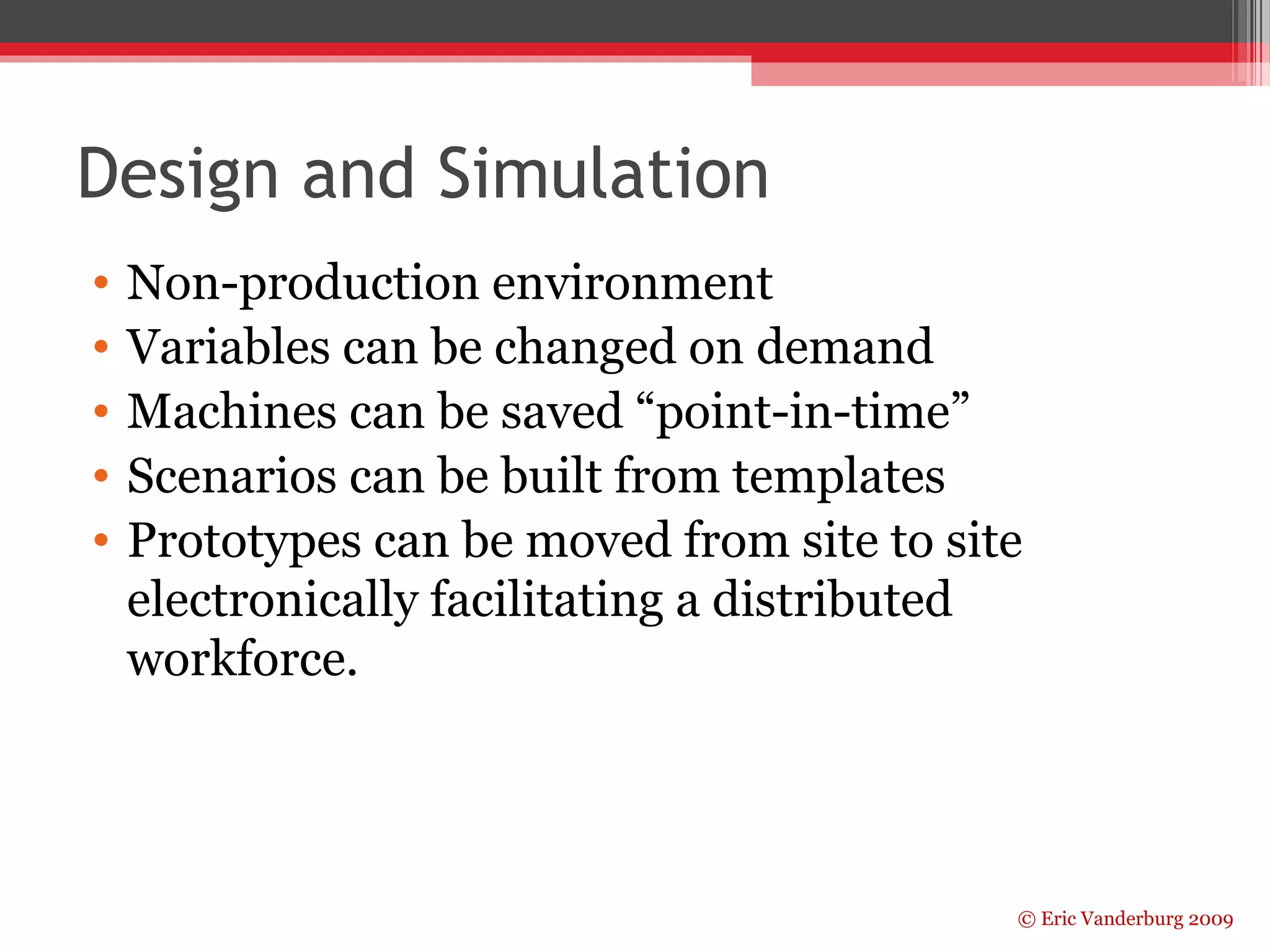
Design and Simulation 
• Non-production environment 
• Variables can be changed on demand 
• Machines can be saved “point-in-time” 
• Scenarios can be built from templates 
• Prototypes can be moved from site to site 
electronically facilitating a distributed 
workforce. 
© Eric Vanderburg 2009
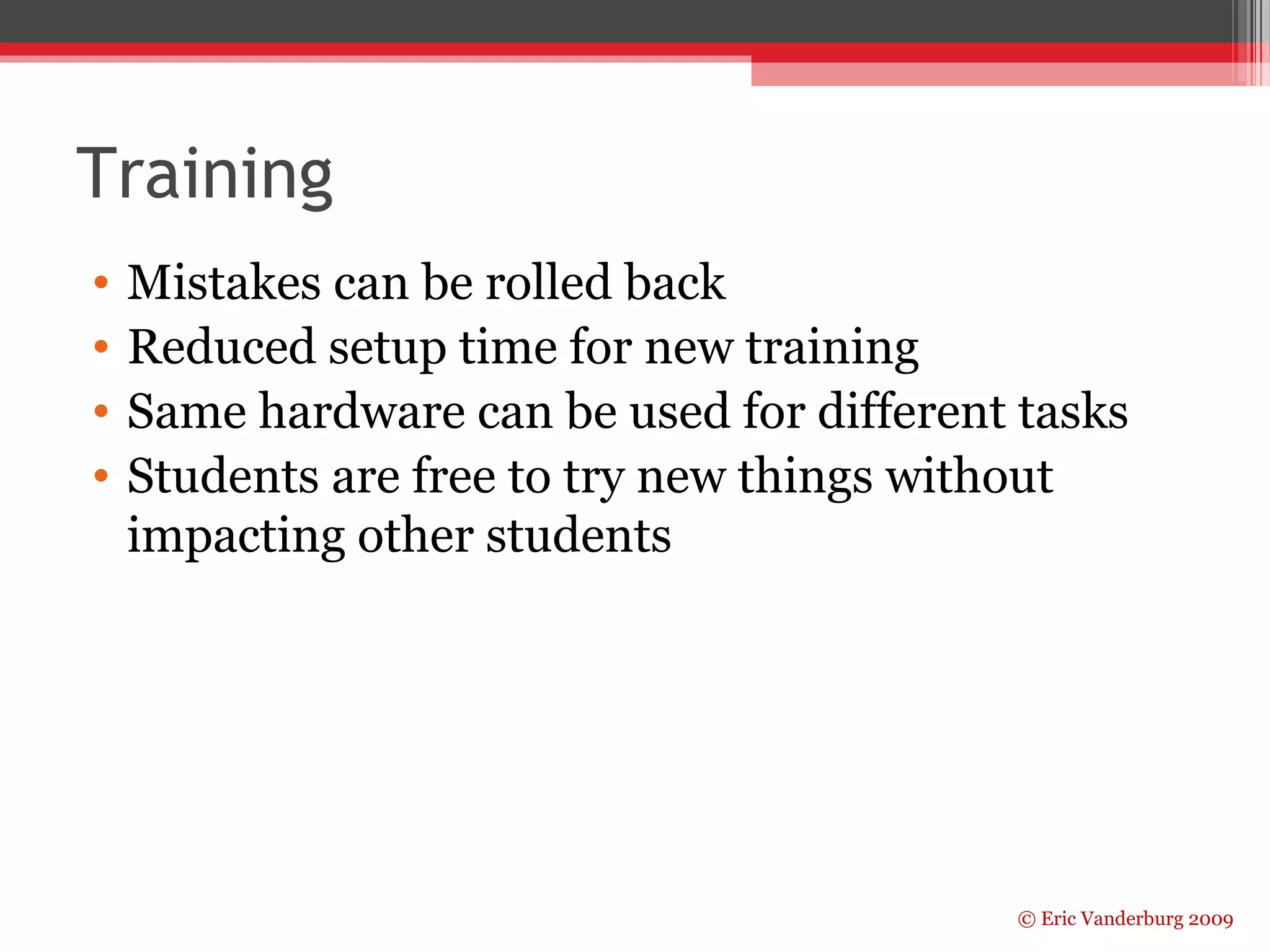
Training 
• Mistakes can be rolled back 
• Reduced setup time for new training 
• Same hardware can be used for different tasks 
• Students are free to try new things without 
impacting other students 
© Eric Vanderburg 2009
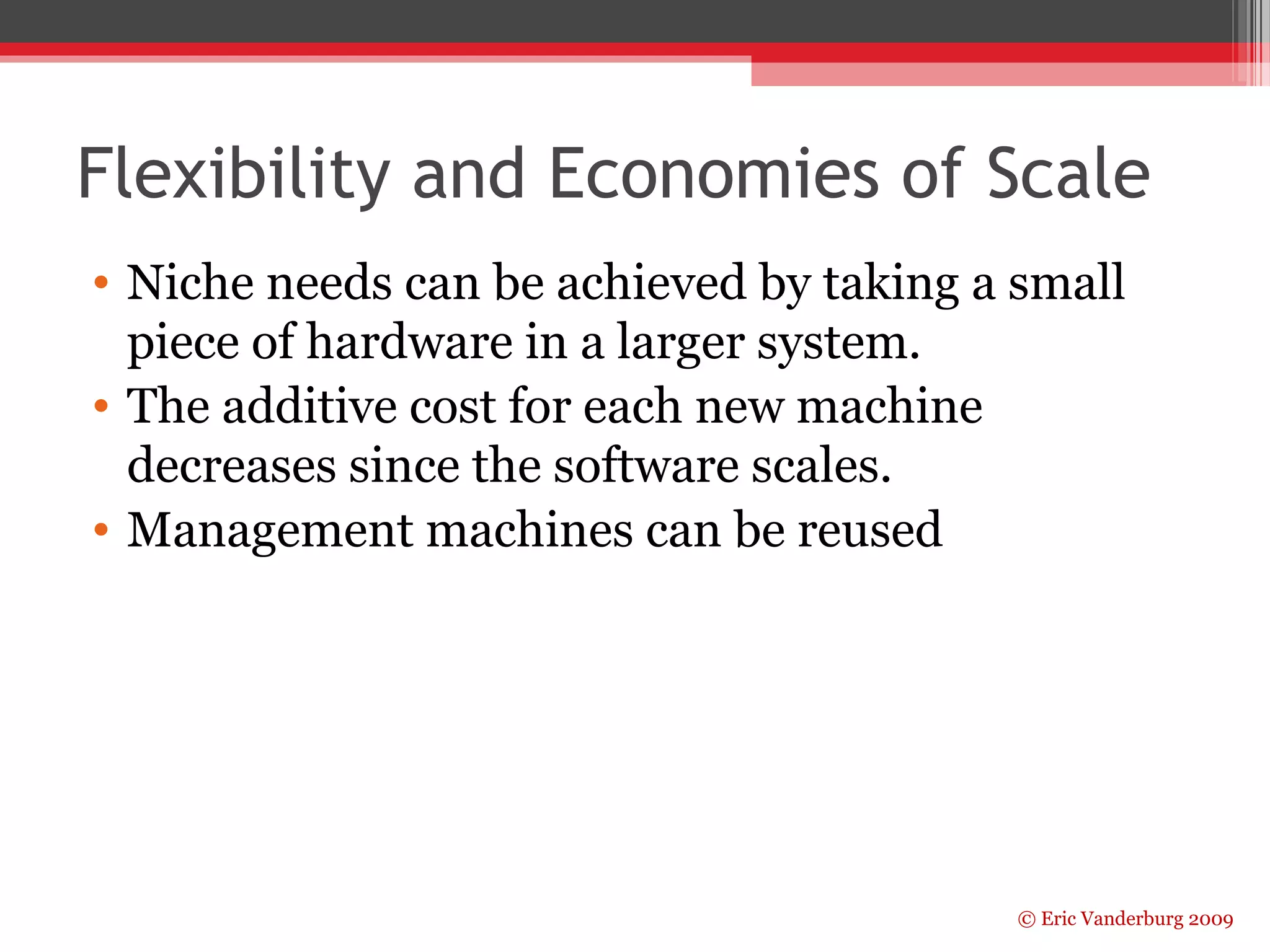
Flexibility and Economies of Scale 
• Niche needs can be achieved by taking a small 
piece of hardware in a larger system. 
• The additive cost for each new machine 
decreases since the software scales. 
• Management machines can be reused 
© Eric Vanderburg 2009
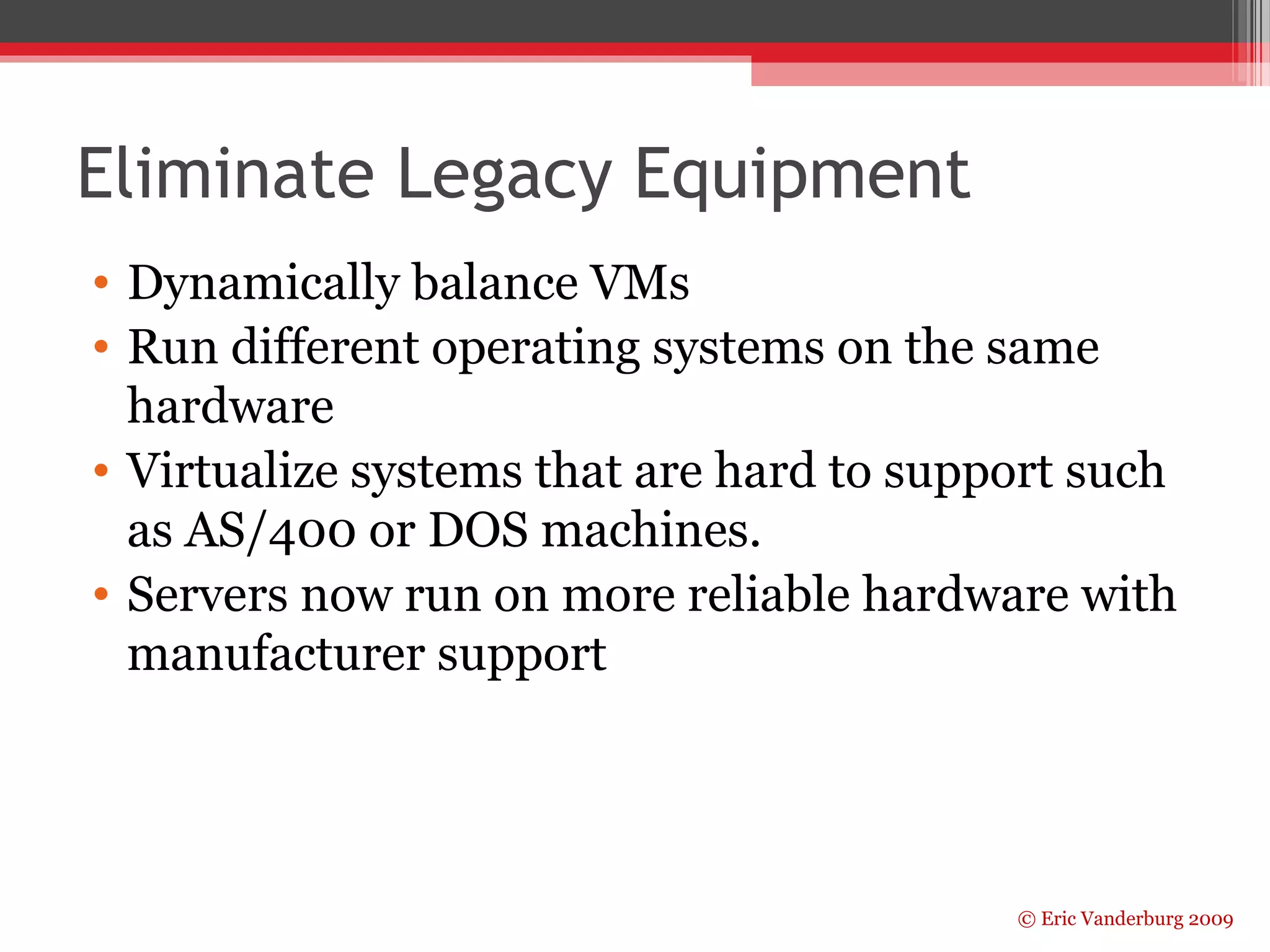
Eliminate Legacy Equipment 
• Dynamically balance VMs 
• Run different operating systems on the same 
hardware 
• Virtualize systems that are hard to support such 
as AS/400 or DOS machines. 
• Servers now run on more reliable hardware with 
manufacturer support 
© Eric Vanderburg 2009
Business Continuity Management 
• Disaster recovery sites can be brought up much 
faster 
• Disaster recovery sites can utilize different 
hardware to host the same virtualized systems 
© Eric Vanderburg 2009
Challenges 
44% who said they had deployed server virtualization 
technology were unable to declare their deployment a success. 
Inability to quantify ROI was a key factor in their reticence to 
definitively claim positive results. (Information Week) 
•Management 
▫ It is easier to lose track of virtual machines when 
virtualization is implemented at a large scale. 
Procedures and controls, especially change 
controls, are necessary to protect resources and 
licensing. 
▫ Viewing virtual machines as free 
▫ Employing experienced virtualization 
professionals 
© Eric Vanderburg 2009
© Eric Vanderburg 2009 
Challenges 
• Technical 
▫ Servers need to be prioritized and balanced 
▫ VLAN management crosses hardware (switches, routers) 
and software (Hypervisors) 
▫ Shared storage is necessary 
▫ “The single largest outlay for virtualization is shared storage” 
(Java World) 
• Security and Risk 
▫ Consolidation of resources also increases the impact of 
resource unavailability 
▫ Virtual machines could be transferred 
 Secure  less secure - less secure hypervisor giving 
unauthorized access 
 Less secure  secure – backdoors, viruses, or lax machine 
policies existing in a secure site 
▫ Hypervisors make tempting targets
© Eric Vanderburg 2009 
Products 
• VMWare ESX 
▫ Offers Vmotion to move machines between servers 
▫ Single software application for all VM tools – virtual center 
▫ Mature product (10 years) 
• Microsoft Hyper-V 
▫ Server 2008 with Hyper-V has a larger HCL 
▫ Requires 3rd party replication to do VM failover 
▫ Better than previous Virtual Server platforms because Server 2008 can 
run in core mode using fewer resources 
• Xen (open source) 
▫ Flexible HCL on top of Linux 
▫ Complex to administer 
• Parallels for Mac OSX 
• Virtual PC 
• FastScale Composer – lifecycle management for VMs, prompts 
when a machine is about to expire, tracks usage, reporting…
© Eric Vanderburg 2009 
Contact info 
evanderburg@gmail.com 
http://scholarlyportal.com 
http://www.jurinnov.com

Virtualization for competitive advantage - Eric Vanderburg

  • 1.
    Virtualization for Competitive © Eric Vanderburg 2009 Advantage Cleveland State University March 13, 2009 Eric Vanderburg
  • 2.
    About the Presenter • Network Operations Manager at JurInnov, ltd. • Adjunct Professor of CIS at LCCC • Vatterott College Board Member • Working on Doctorate in Information Assurance • Over 15 vendor certifications • Served as an expert witness • 10+ years in IT • Given presentations around the world © Eric Vanderburg 2009
  • 3.
    © Eric Vanderburg2009 Overview • Terminology • Virtualization benefits • Challenges • Options
  • 4.
    Terminology • VirtualMachine – a computer that resides on another operating system consuming a portion of the available resources • Hypervisor – Software that virtual machines run on top of • Virtualization ambiguity… © Eric Vanderburg 2009
  • 5.
    © Eric Vanderburg2009 Why Virtualize • Reduce costs ▫ Hardware ▫ Power (Enhances green initiatives) ▫ Rack space • Increase agility • Scale better • Tap unused resources • Business Continuity Management • Recover Quicker
  • 6.
    Hardware Sharing Mostdatacenter servers are only 10-15% utilized. (IDC) • More RAM than exists can be allocated so that individual machines can “burst” • Transparent page sharing – the hypervisor stores only one copy of a duplicate file in the host RAM. • Virtual hard drives can be variable size © Eric Vanderburg 2009
  • 7.
    © Eric Vanderburg2009 CAPEX and OPEX Savings • According to VMWare virtualization… ▫ Increases server utilization by 80% ▫ Allows consolidation of servers at a 12:1 ratio ▫ Reduces datacenter space ▫ Servers can be deployed in hours rather than weeks
  • 8.
    © Eric Vanderburg2009 Power and Cooling Savings Before Virtualization After Virtualization • 1 CPU 300 units 475 W • 2 CPU 500 units 550 W • 4 CPU 200 units 950 W • 8 CPU 0 units 1600 W • 200 racks or 4,700 sq ft • $289,878 / year in power • $362,348 / year in cooling • 1 CPU 0 units 550 W • 2 CPU 38 units 675 W • 4 CPU 38 units 1150 W • 8 CPU 4 units 1900 W • 10 racks or 235 sq ft • $36,718 / year in power • $45,897 / year in cooling
  • 9.
    Design and Simulation • Non-production environment • Variables can be changed on demand • Machines can be saved “point-in-time” • Scenarios can be built from templates • Prototypes can be moved from site to site electronically facilitating a distributed workforce. © Eric Vanderburg 2009
  • 10.
    Training • Mistakescan be rolled back • Reduced setup time for new training • Same hardware can be used for different tasks • Students are free to try new things without impacting other students © Eric Vanderburg 2009
  • 11.
    Flexibility and Economiesof Scale • Niche needs can be achieved by taking a small piece of hardware in a larger system. • The additive cost for each new machine decreases since the software scales. • Management machines can be reused © Eric Vanderburg 2009
  • 12.
    Eliminate Legacy Equipment • Dynamically balance VMs • Run different operating systems on the same hardware • Virtualize systems that are hard to support such as AS/400 or DOS machines. • Servers now run on more reliable hardware with manufacturer support © Eric Vanderburg 2009
  • 13.
    Business Continuity Management • Disaster recovery sites can be brought up much faster • Disaster recovery sites can utilize different hardware to host the same virtualized systems © Eric Vanderburg 2009
  • 14.
    Challenges 44% whosaid they had deployed server virtualization technology were unable to declare their deployment a success. Inability to quantify ROI was a key factor in their reticence to definitively claim positive results. (Information Week) •Management ▫ It is easier to lose track of virtual machines when virtualization is implemented at a large scale. Procedures and controls, especially change controls, are necessary to protect resources and licensing. ▫ Viewing virtual machines as free ▫ Employing experienced virtualization professionals © Eric Vanderburg 2009
  • 15.
    © Eric Vanderburg2009 Challenges • Technical ▫ Servers need to be prioritized and balanced ▫ VLAN management crosses hardware (switches, routers) and software (Hypervisors) ▫ Shared storage is necessary ▫ “The single largest outlay for virtualization is shared storage” (Java World) • Security and Risk ▫ Consolidation of resources also increases the impact of resource unavailability ▫ Virtual machines could be transferred  Secure  less secure - less secure hypervisor giving unauthorized access  Less secure  secure – backdoors, viruses, or lax machine policies existing in a secure site ▫ Hypervisors make tempting targets
  • 16.
    © Eric Vanderburg2009 Products • VMWare ESX ▫ Offers Vmotion to move machines between servers ▫ Single software application for all VM tools – virtual center ▫ Mature product (10 years) • Microsoft Hyper-V ▫ Server 2008 with Hyper-V has a larger HCL ▫ Requires 3rd party replication to do VM failover ▫ Better than previous Virtual Server platforms because Server 2008 can run in core mode using fewer resources • Xen (open source) ▫ Flexible HCL on top of Linux ▫ Complex to administer • Parallels for Mac OSX • Virtual PC • FastScale Composer – lifecycle management for VMs, prompts when a machine is about to expire, tracks usage, reporting…
  • 17.
    © Eric Vanderburg2009 Contact info evanderburg@gmail.com http://scholarlyportal.com http://www.jurinnov.com