

User Experience Design for Learning
Julie Dirksen – Usable Learning
ASTD ICE 2014
UsableLearning©2014
Outline
 What is User Experience (UX)
 How it can influence the process
 How it can influence our practice
UsableLearning©2014
How do you define User Experience Design?
What is UX Design?
UsableLearning©2014
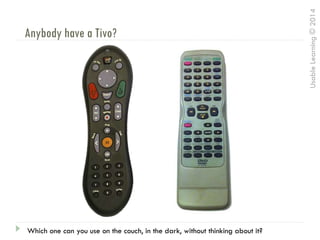
Anybody have a Tivo?
Which one can you use on the couch, in the dark, without thinking about it?
UsableLearning©2014
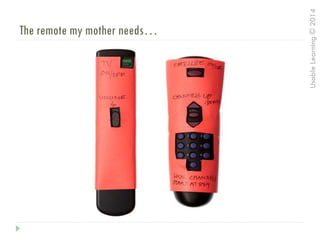
The remote my mother needs…
UsableLearning©2014
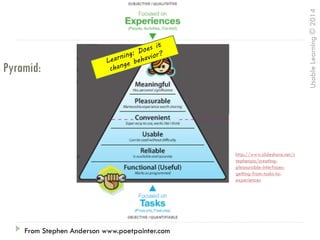
Pyramid:
Stephen Anderson www.poetpainter.comFrom Stephen Anderson www.poetpainter.com
http://www.slideshare.net/s
tephenpa/creating-
pleasurable-interfaces-
getting-from-tasks-to-
experiences
UsableLearning©2014
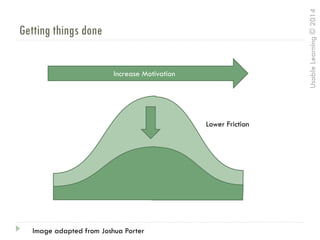
Getting things done
Increase Motivation
Lower Friction
Image adapted from Joshua Porter
UsableLearning©2014
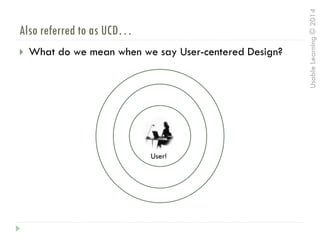
Also referred to as UCD…
 What do we mean when we say User-centered Design?
User!
UsableLearning©2014
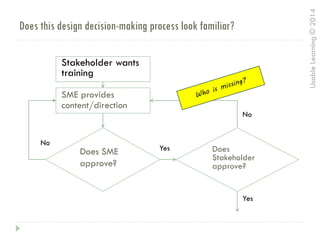
Does this design decision-making process look familiar?
Stakeholder wants
training
SME provides
content/direction
Does
Stakeholder
approve?
Does SME
approve?
No
Yes
No
Yes
UsableLearning©2014
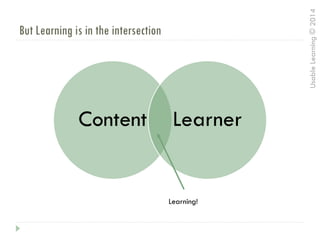
But Learning is in the intersection
Content Learner
Learning!
UsableLearning©2014
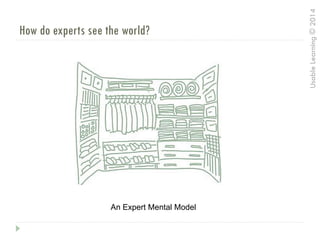
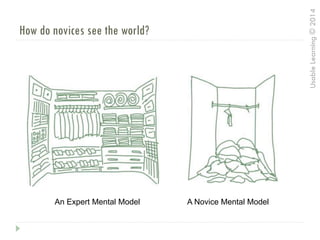
How do experts see the world?
An Expert Mental Model
UsableLearning©2014
A Novice Mental ModelAn Expert Mental Model
How do novices see the world?
UsableLearning©2014
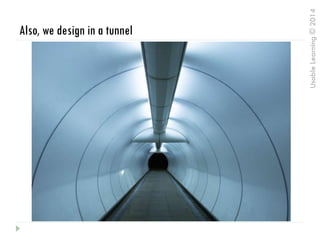
Also, we design in a tunnel
UsableLearning©2014
And we fill in gaps
UsableLearning©2014
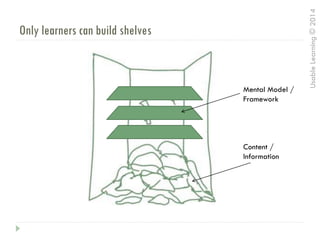
Only learners can build shelves
Content /
Information
Mental Model /
Framework
UsableLearning©2014
User Needs
How do you do
analysis right now?
UsableLearning©2014
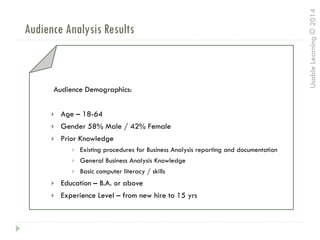
Audience Analysis Results
Audience Demographics:
 Age – 18-64
 Gender 58% Male / 42% Female
 Prior Knowledge
 Existing procedures for Business Analysis reporting and documentation
 General Business Analysis Knowledge
 Basic computer literacy / skills
 Education – B.A. or above
 Experience Level – from new hire to 15 yrs
UsableLearning©2014
Analysis Methods from UX
 Contextual Inquiry (Job Shadowing)
 Persona Development
 User Journey Mapping
UsableLearning©2014
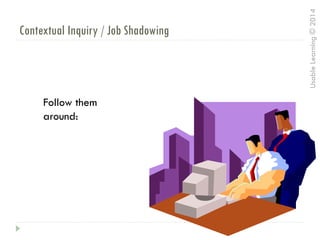
Contextual Inquiry / Job Shadowing
Follow them
around:
UsableLearning©2014
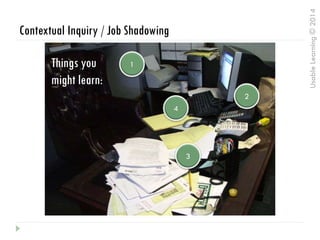
Contextual Inquiry / Job Shadowing
1
2
3
4
Things you
might learn:
UsableLearning©2014
Why is Context Important?
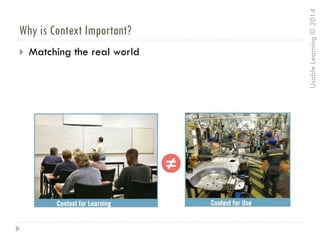
 Matching the real world
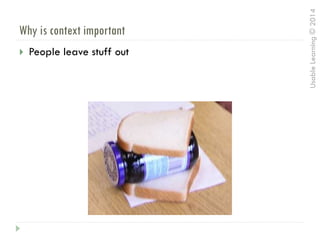
 People leave stuff out
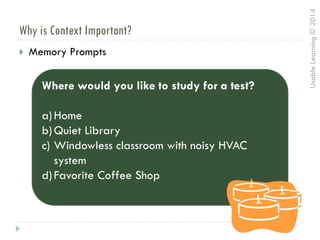
 Memory Prompts
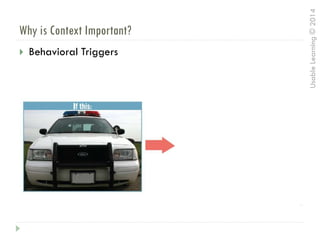
 Behavioral Triggers
UsableLearning©2014
Why is Context Important?
 Matching the real world
UsableLearning©2014
Why is context important
 People leave stuff out
UsableLearning©2014
Why is Context Important?
 Memory Prompts
Where would you like to study for a test?
a)Home
b)Quiet Library
c) Windowless classroom with noisy HVAC
system
d)Favorite Coffee Shop
UsableLearning©2014
Why is Context Important?
 Behavioral Triggers
UsableLearning©2014
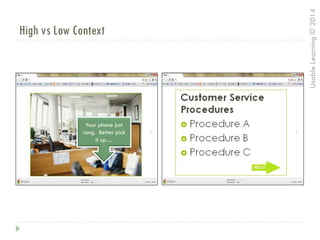
High vs Low Context
Your phone just
rang. Better pick
it up…
UsableLearning©2014
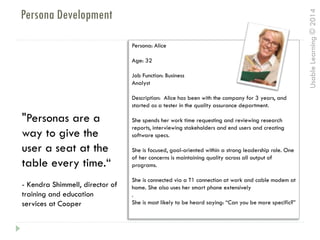
Persona Development
Persona: Alice
Age: 32
Job Function: Business
Analyst
Description: Alice has been with the company for 3 years, and
started as a tester in the quality assurance department.
She spends her work time requesting and reviewing research
reports, interviewing stakeholders and end users and creating
software specs.
She is focused, goal-oriented within a strong leadership role. One
of her concerns is maintaining quality across all output of
programs.
She is connected via a T1 connection at work and cable modem at
home. She also uses her smart phone extensively
.
She is most likely to be heard saying: “Can you be more specific?”
"Personas are a
way to give the
user a seat at the
table every time.“
- Kendra Shimmell, director of
training and education
services at Cooper
UsableLearning©2014
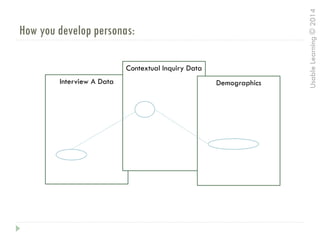
How you develop personas:
Interview A Data
Contextual Inquiry Data
Demographics
UsableLearning©2014
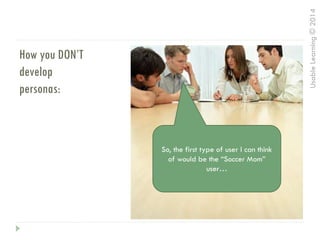
How you DON’T
develop
personas:
So, the first type of user I can think
of would be the “Soccer Mom”
user…
UsableLearning©2014
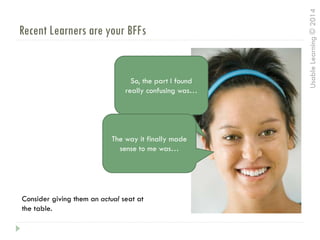
Recent Learners are your BFFs
So, the part I found
really confusing was…
Consider giving them an actual seat at
the table.
The way it finally made
sense to me was…
UsableLearning©2014
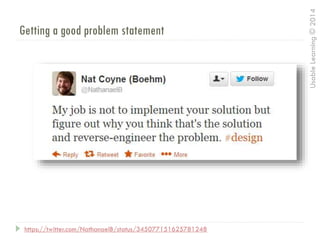
Getting a good problem statement
https://twitter.com/NathanaelB/status/345077151625781248
UsableLearning©2014
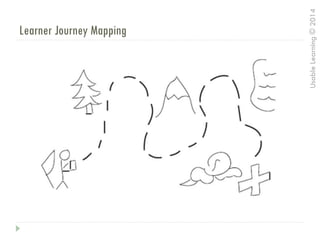
Learner Journey Mapping
UsableLearning©2014
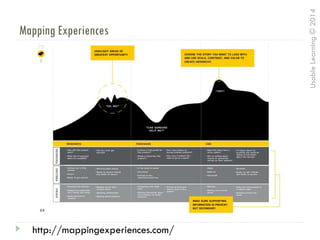
Mapping Experiences
http://mappingexperiences.com/
UsableLearning©2014
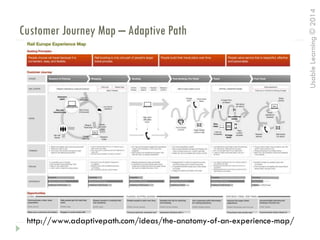
Customer Journey Map – Adaptive Path
http://www.adaptivepath.com/ideas/the-anatomy-of-an-experience-map/
UsableLearning©2014
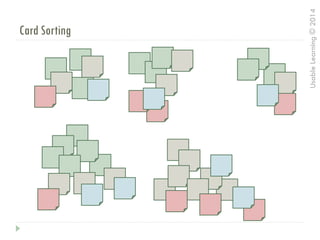
Card Sorting
UsableLearning©2014
Prototyping!
“Storyboarding about interactivity is
like dancing about architecture.”
- Shameless paraphrasing
UsableLearning©2014
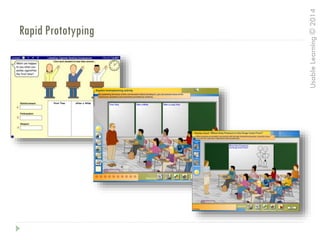
Rapid Prototyping
UsableLearning©2014
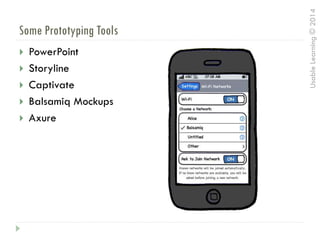
Some Prototyping Tools
 PowerPoint
 Storyline
 Captivate
 Balsamiq Mockups
 Axure
UsableLearning©2014
Image by Gluemoon cc license http://www.flickr.com/photos/gluemoon/90804324/sizes/l/in/photostream/
Biggest Rule of All
Test your
designs
UsableLearning©2014
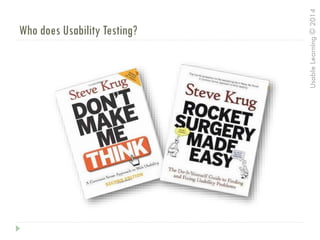
Who does Usability Testing?
UsableLearning©2014
What Usability Testing ISN’T:
 UAT – User Acceptance Testing
 Focus Groups
 Demos
 Sending the link out for feedback
 Quality Assurance Testing
UsableLearning©2014
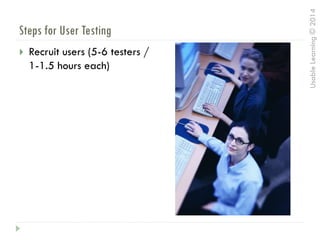
Steps for User Testing
 Recruit users (5-6 testers /
1-1.5 hours each)
UsableLearning©2014
Steps for User Testing
 Write a script
 Let you know why you are here
 Testing the application – not you
 You can’t do anything wrong
 I probably won’t help you
because we want to see how
people use the course when
they are alone
 Talk aloud while you go through
it
Script:
UsableLearning©2014
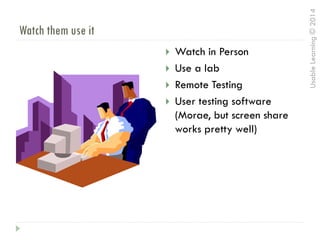
Watch them use it
 Watch in Person
 Use a lab
 Remote Testing
 User testing software
(Morae, but screen share
works pretty well)
UsableLearning©2014
Document the Results
 User Testing Summary Report
 Design Recommendations
 Rinse and Repeat
UsableLearning©2014
How many of you are doing user testing?
Are you doing user
testing?
What have you found
out?
UsableLearning©2014
Case 1: The Close Button
UsableLearning©2014
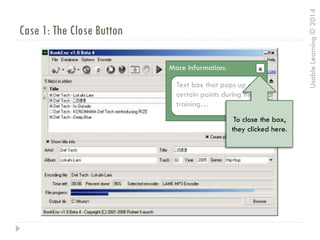
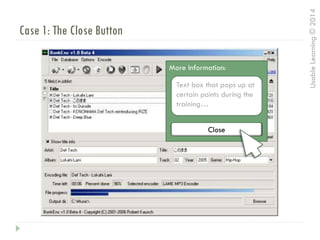
Case 1: The Close Button
xMore Information:
Text box that pops up at
certain points during the
training…
x
To close the box,
they clicked here.
UsableLearning©2014
Case 1: The Close Button
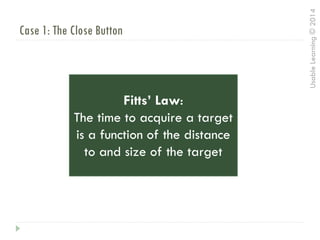
Fitts’ Law:
The time to acquire a target
is a function of the distance
to and size of the target
UsableLearning©2014
Case 1: The Close Button
xMore Information:
Text box that pops up at
certain points during the
training…
Close
UsableLearning©2014
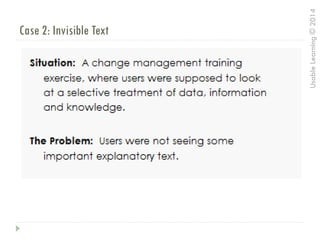
Case 2: Invisible Text
UsableLearning©2014
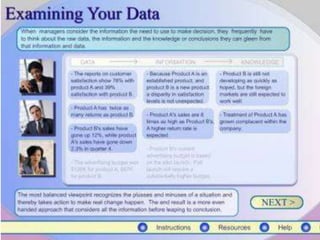
Case 2: Invisible Text
UsableLearning©2014
Case 2: Invisible Text
UsableLearning©2014
Case 2: Invisible Text
UsableLearning©2014
Case 2: Invisible Text
UsableLearning©2014
Case 2: Invisible Text
UsableLearning©2014
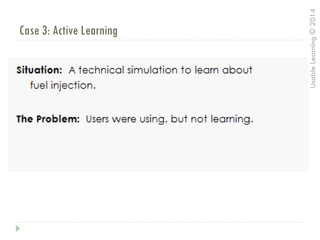
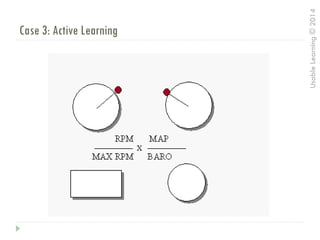
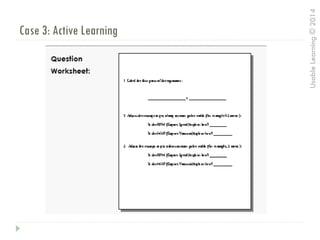
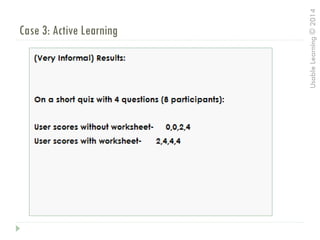
Case 3: Active Learning
UsableLearning©2014
Case 3: Active Learning
UsableLearning©2014
Case 3: Active Learning
UsableLearning©2014
Case 3: Active Learning
UsableLearning©2014
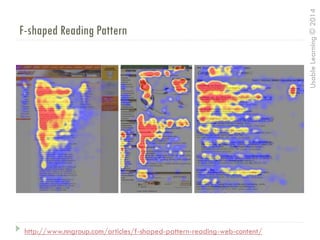
F-shaped Reading Pattern
http://www.nngroup.com/articles/f-shaped-pattern-reading-web-content/
UsableLearning©2014
Enough about Process
 Here’s what I think is the real importance of UX for
Learning and Development…
UsableLearning©2014
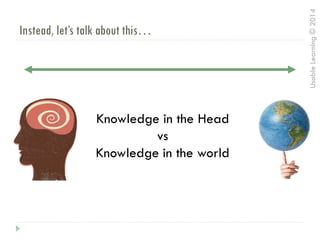
Instead, let’s talk about this…
Knowledge in the Head
vs
Knowledge in the world
UsableLearning©2014
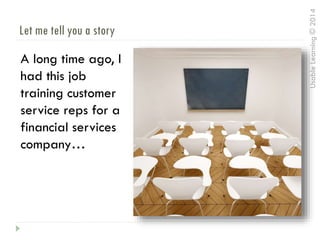
Let me tell you a story
A long time ago, I
had this job
training customer
service reps for a
financial services
company…
UsableLearning©2014
It was not a great job…
You know how the
stock art of for
customer service
always shows the
rep smiling?
UsableLearning©2014
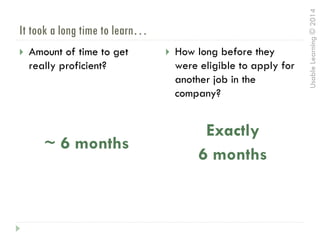
It took a long time to learn…
 Amount of time to get
really proficient?
~ 6 months
 How long before they
were eligible to apply for
another job in the
company?
Exactly
6 months
UsableLearning©2014
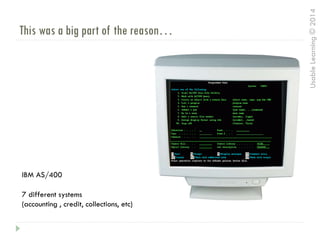
This was a big part of the reason…
IBM AS/400
7 different systems
(accounting , credit, collections, etc)
UsableLearning©2014
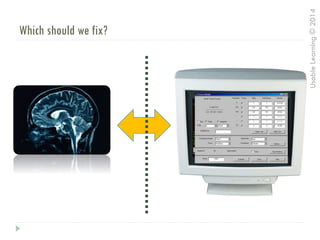
Which should we fix?
UsableLearning©2014
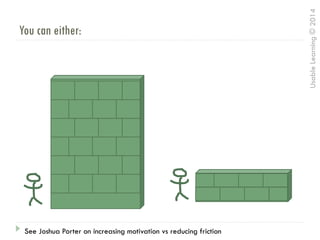
You can either:
See Joshua Porter on increasing motivation vs reducing friction
UsableLearning©2014
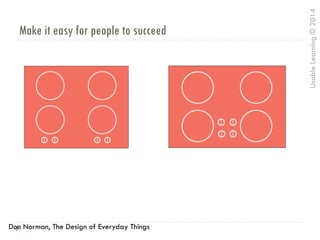
Make it easy for people to succeed
Don Norman, The Design of Everyday Things
UsableLearning©2014
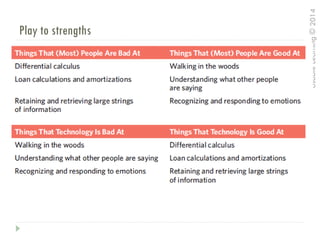
Play to strengths
UsableLearning©2014
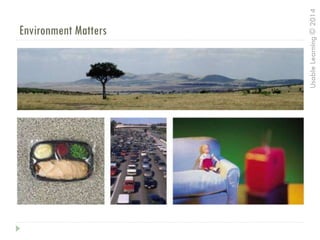
Environment Matters
UsableLearning©2014
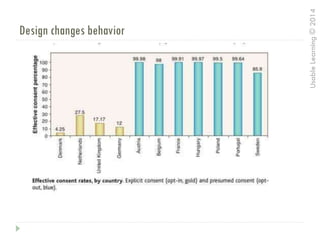
Design changes behavior
UsableLearning©2014
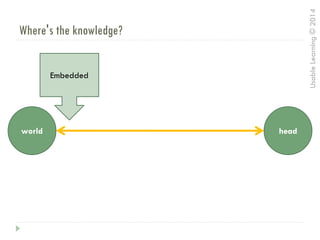
Where's the knowledge?
world head
Embedded
UsableLearning©2014
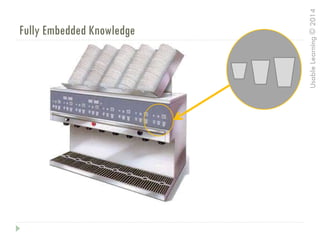
Fully Embedded Knowledge
UsableLearning©2014
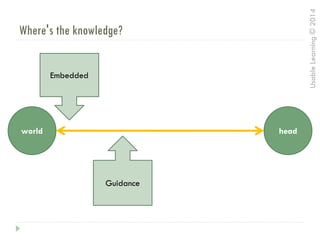
Where's the knowledge?
world head
Embedded
Guidance
UsableLearning©2014
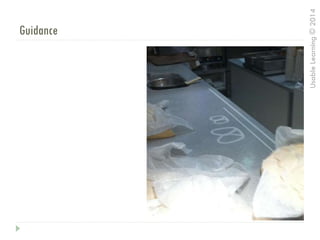
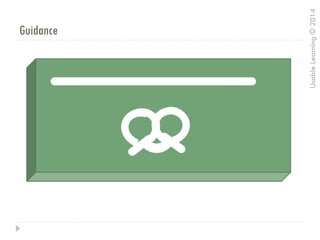
Guidance
UsableLearning©2014
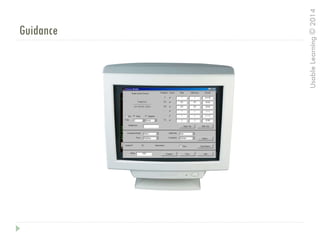
Guidance
UsableLearning©2014
Guidance
UsableLearning©2014
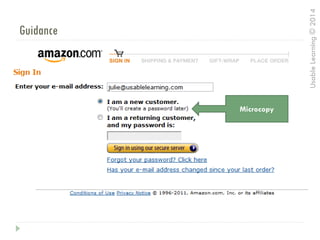
Guidance
Microcopy
UsableLearning©2014
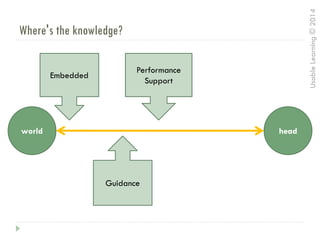
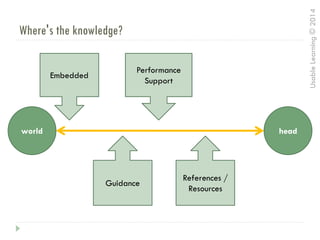
Where's the knowledge?
world head
Embedded
Guidance
Performance
Support
UsableLearning©2014
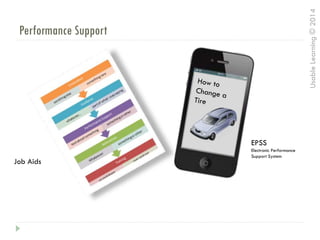
Performance Support
Job Aids
EPSS
Electronic Performance
Support System
UsableLearning©2014
Where's the knowledge?
world head
Embedded
Guidance
Performance
Support
References /
Resources
UsableLearning©2014
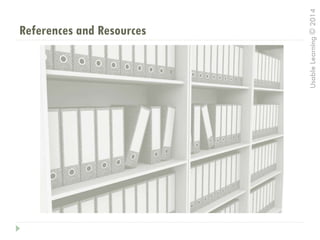
References and Resources
UsableLearning©2014
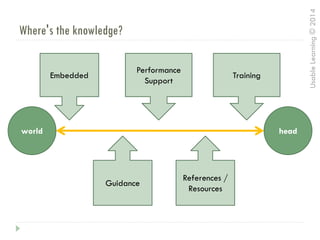
Where's the knowledge?
world head
Embedded
Guidance
Performance
Support
References /
Resources
Training
UsableLearning©2014
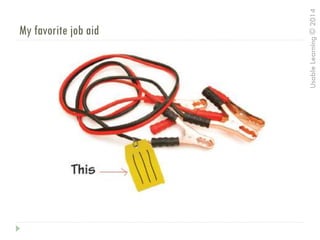
My favorite job aid
UsableLearning©2014
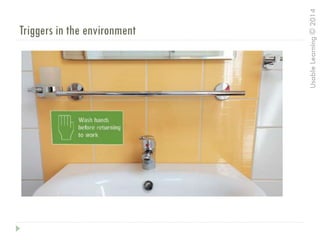
Triggers in the environment
UsableLearning©2014
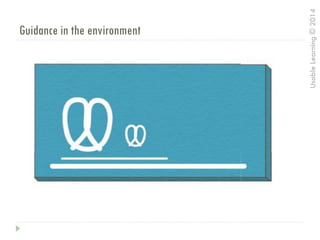
Guidance in the environment
UsableLearning©2014
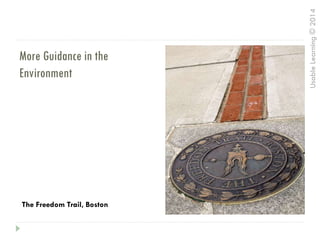
More Guidance in the
Environment
The Freedom Trail, Boston
UsableLearning©2014
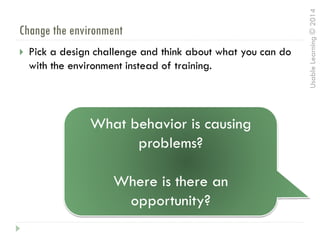
Change the environment
 Pick a design challenge and think about what you can do
with the environment instead of training.
What behavior is causing
problems?
Where is there an
opportunity?
UsableLearning©2014
Questions?
Julie Dirksen
julie@usablelearning.com
Twitter: usablelearning
Design For How People Learn
designforhowpeoplelearn.com

UX for Learning Design