Understanding
User Experience

Lynne Jessica Polischuik
Interlink Conference—Vancouver, BC
June 2012

@lynneux www.lynneux.com
My journey to ‘UX’?
Originally, I did a lot of this…
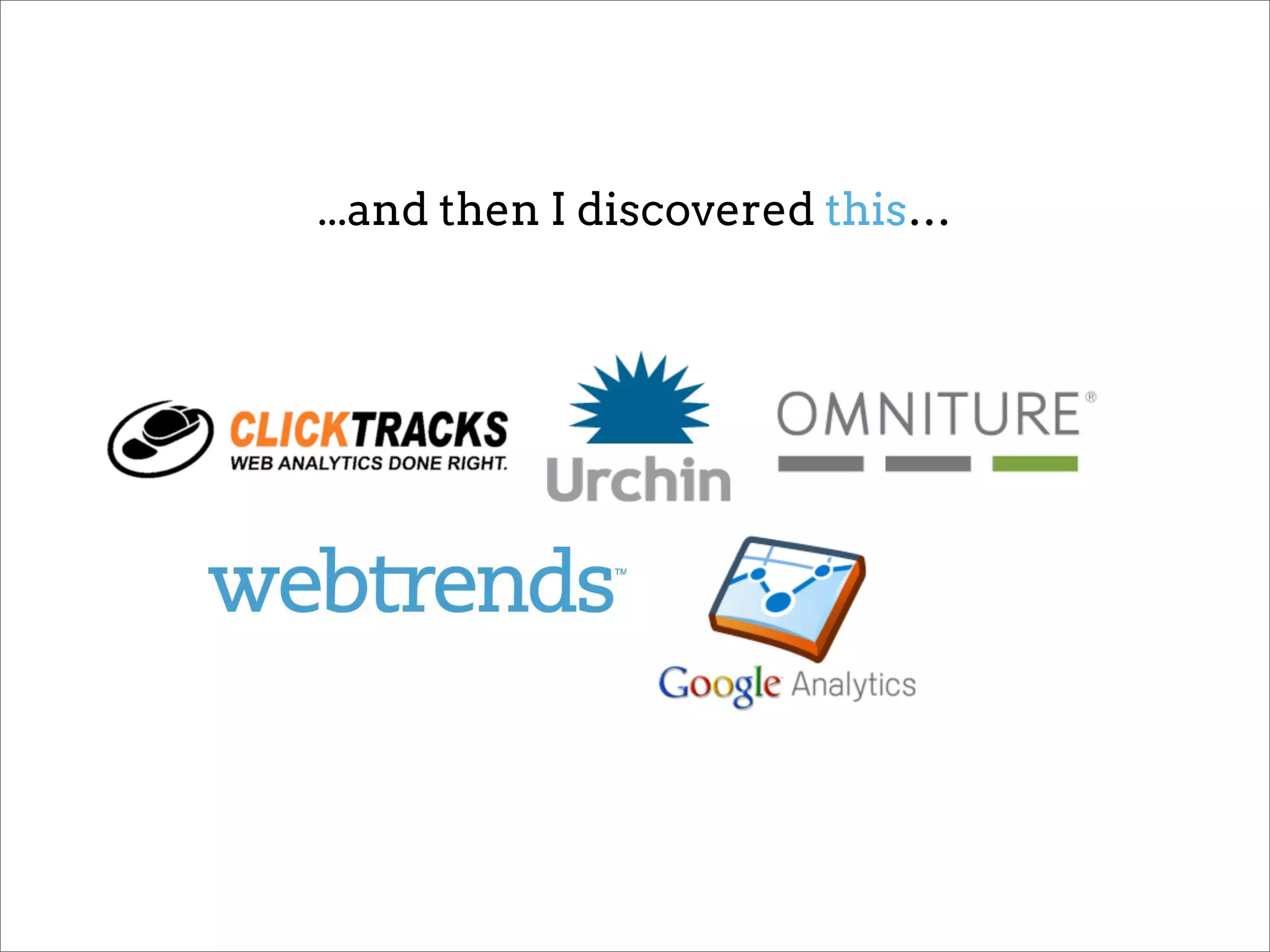
...and then I discovered this…
…before I finally realized it was really all about this.
What is
‘User Experience Design’?
“As my career
progresses I'm less
clear on what design
is, and more clear on
what it does.”
~@sarafrisk
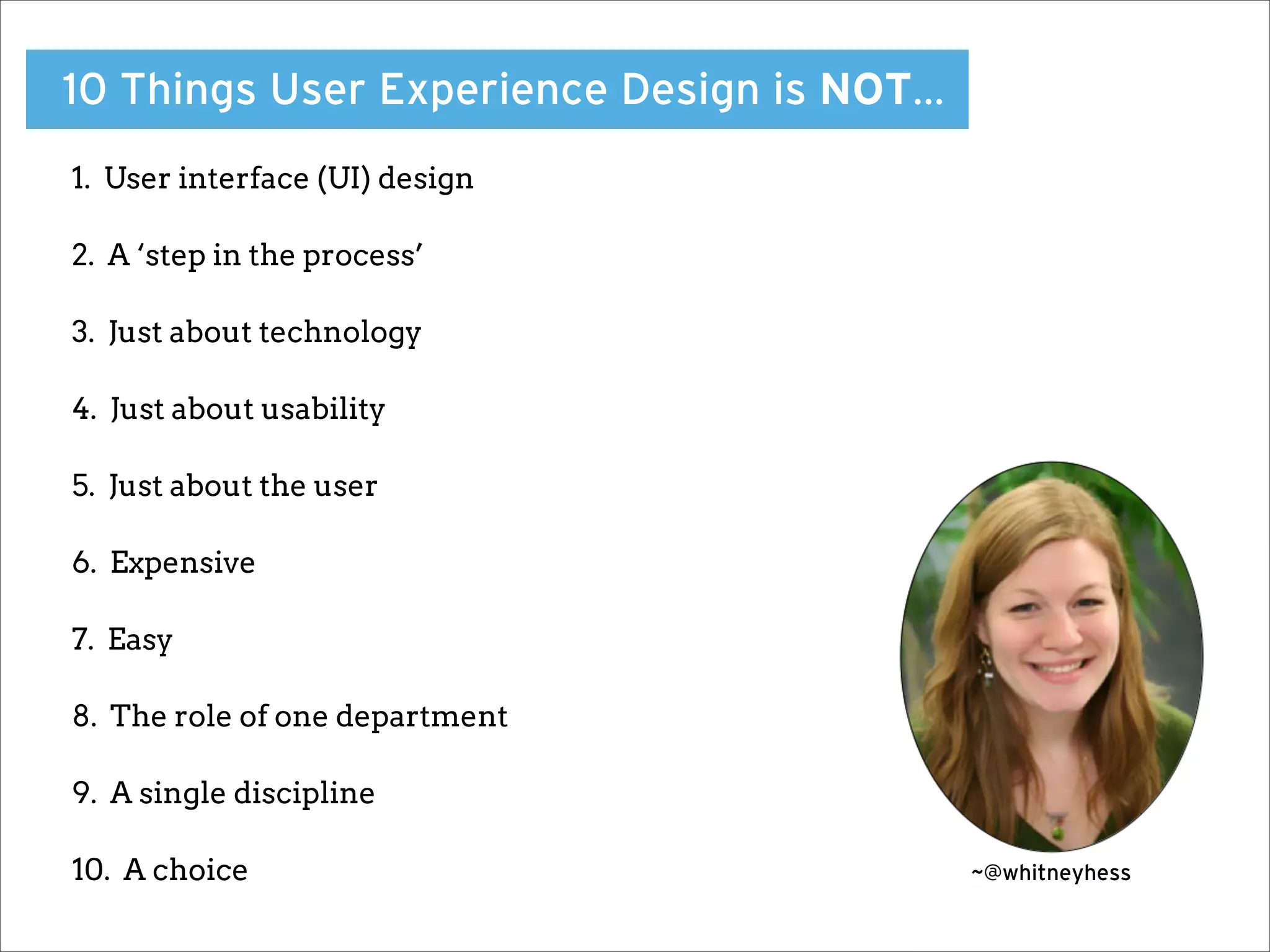
10 Things User Experience Design is NOT…
1. User interface (UI) design

2. A ‘step in the process’

3. Just about technology

4. Just about usability

5. Just about the user

6. Expensive

7. Easy

8. The role of one department

9. A single discipline

10. A choice                               ~@whitneyhess
User Experience Design
is a challenge because
there really are no
‘best practices’.

There isn’t one perfect process or
ideal set of tools.
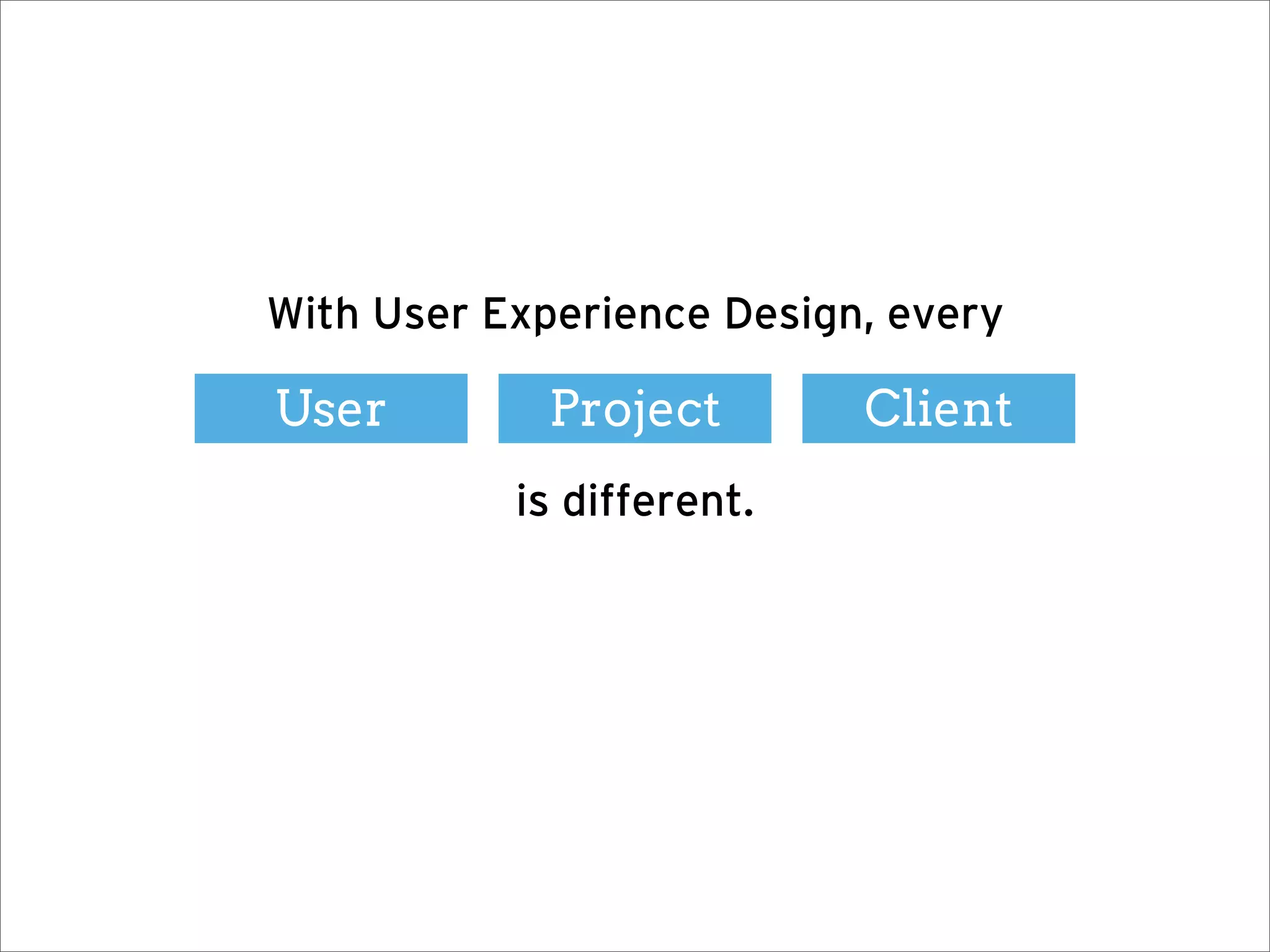
With User Experience Design, every

User         Project       Client
           is different.
‘Practice’ or ‘Process’ will also vary depending
                on your situation.

  Consultant?     Freelance?      In-house?
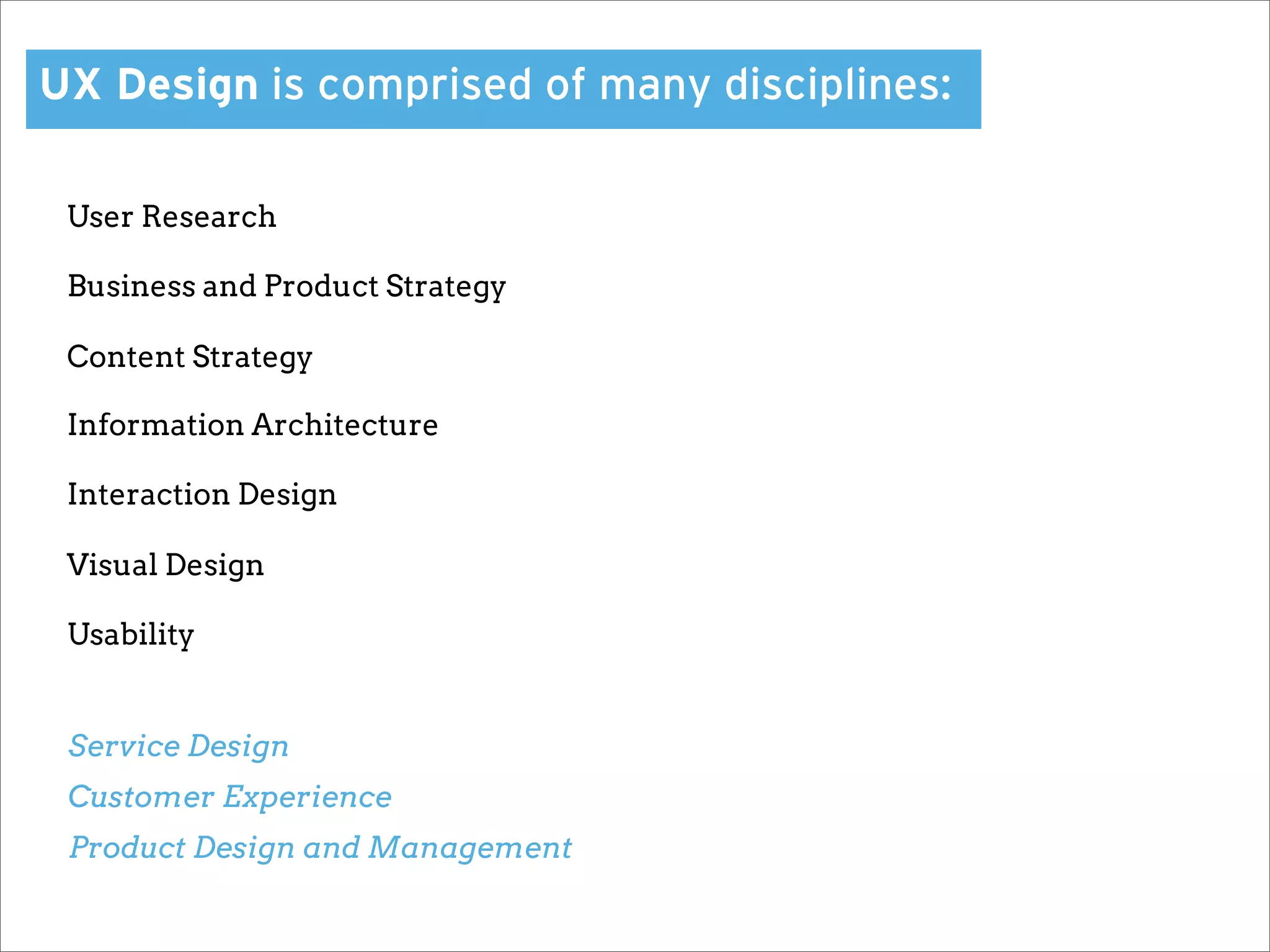
UX Design is comprised of many disciplines:

 User Research

 Business and Product Strategy

 Content Strategy

 Information Architecture

 Interaction Design

 Visual Design

 Usability


 Service Design
 Customer Experience
 Product Design and Management
“How can I be
all of those things?!”
The short answer?


You can’t.
You want to be a
‘UX Practitioner’?
Empathize

Communicate
One thing will remain a constant:
The need to facilitate understanding between
      your users and your organization.
Facilitate Understanding
Listen to your users

Learn about your users

Tell their stories
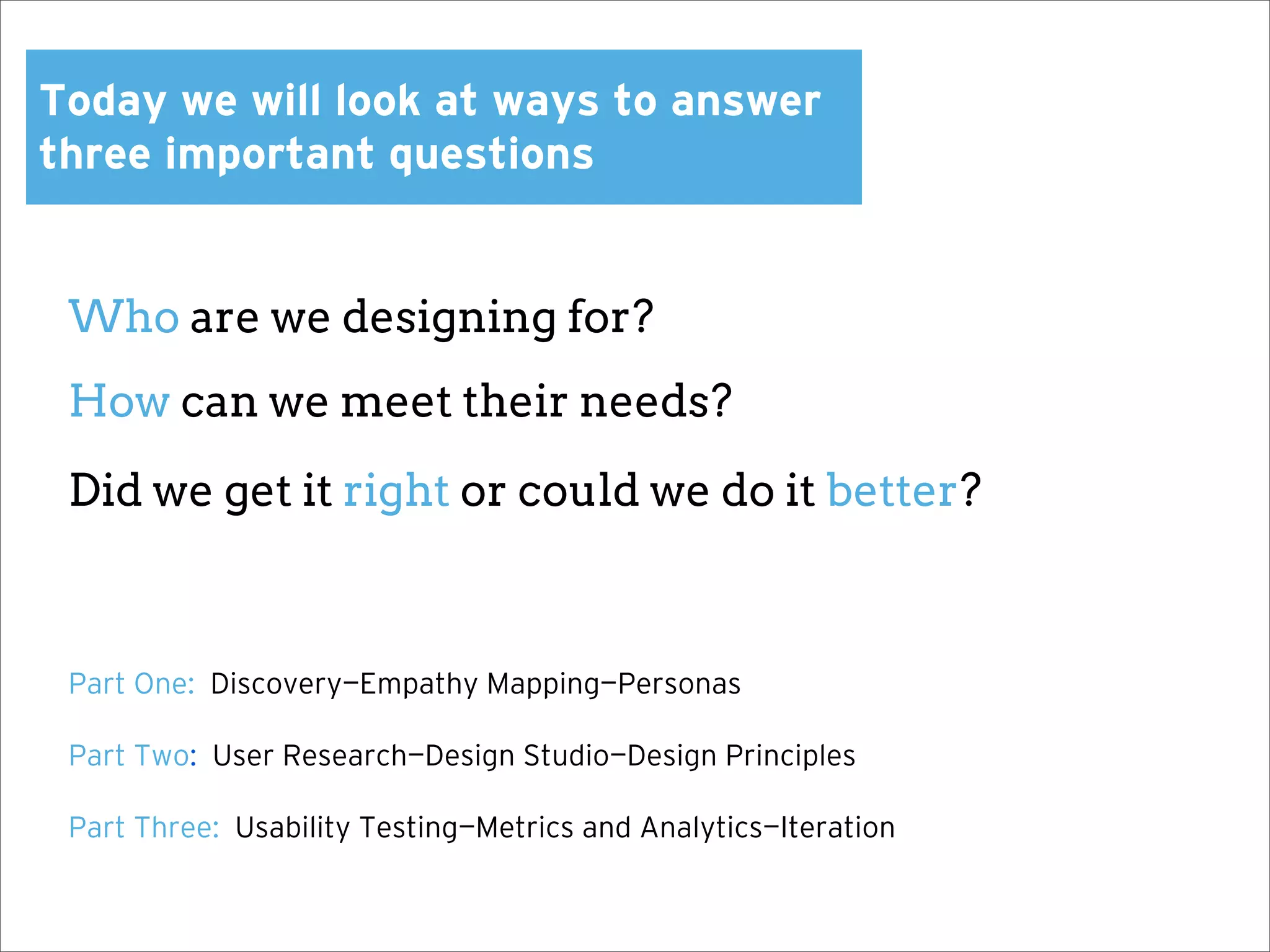
Today we will look at ways to answer
three important questions


 Who are we designing for?
 How can we meet their needs?

 Did we get it right or could we do it better?


 Part One: Discovery—Empathy Mapping—Personas

 Part Two: User Research—Design Studio—Design Principles

 Part Three: Usability Testing—Metrics and Analytics—Iteration
Discovery
Discovery is key to successful design projects.


Determine key stakeholders and what their roles are


Get a clear understanding of vision and existing strategy


Determine what is already known about their audience


Gain domain and subject matter knowledge, ‘learn the vernacular’


Begin to flesh out user/audience profiles and scenarios
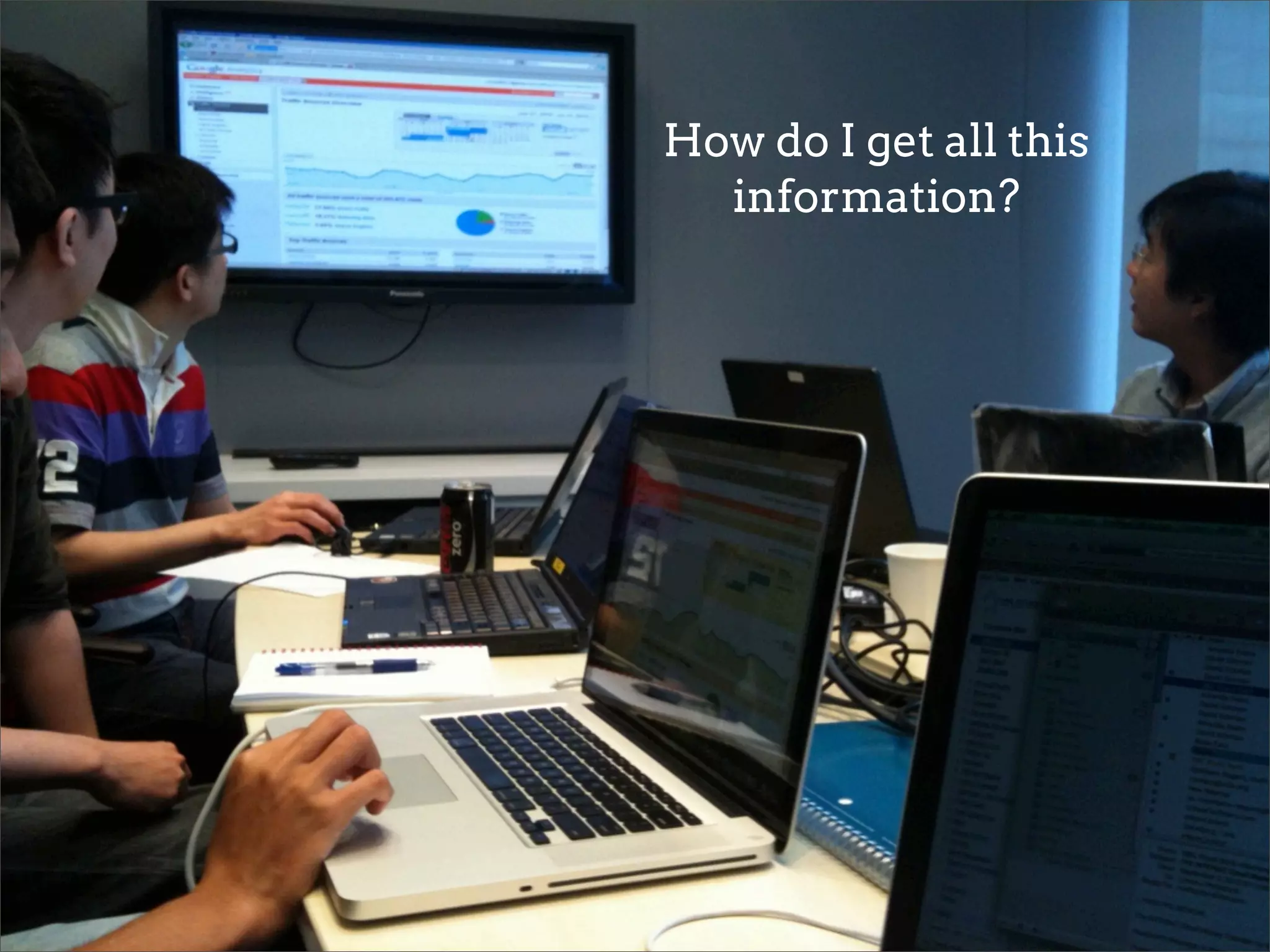
How do I get all this
  information?
Discovery activities that will get you what you need:


Kick-off meeting with design and stakeholder team


One-on-one interviews with individual stakeholders


Review web analytics or internal metrics data that is available


Review support or help desk tickets and customer inquiries


Review any existing user or market research that has been completed
Who is a ‘stakeholder’?


 CEO and executive team, but also:


 Sales and marketing managers


 Support team and members of operations staff


 Technical lead and IT or development team members
Executives help provide vision
and strategy, but you want to talk
to any people on the team who
engage directly with existing and
prospective users.
It is also key to engage all members of the team in

this process as you want ownership of successful

user experience to be organization-wide.
Empathy Mapping
Empathy Mapping helps to contextualize data:


 Takes abstract information and places it in a ‘human’ context


 Helps to sketch out potential scenarios for use of product or service


 Lays the foundation for more formal ‘personas’ the team can refer to as they
 research further and design


 Let’s make one!
Personas
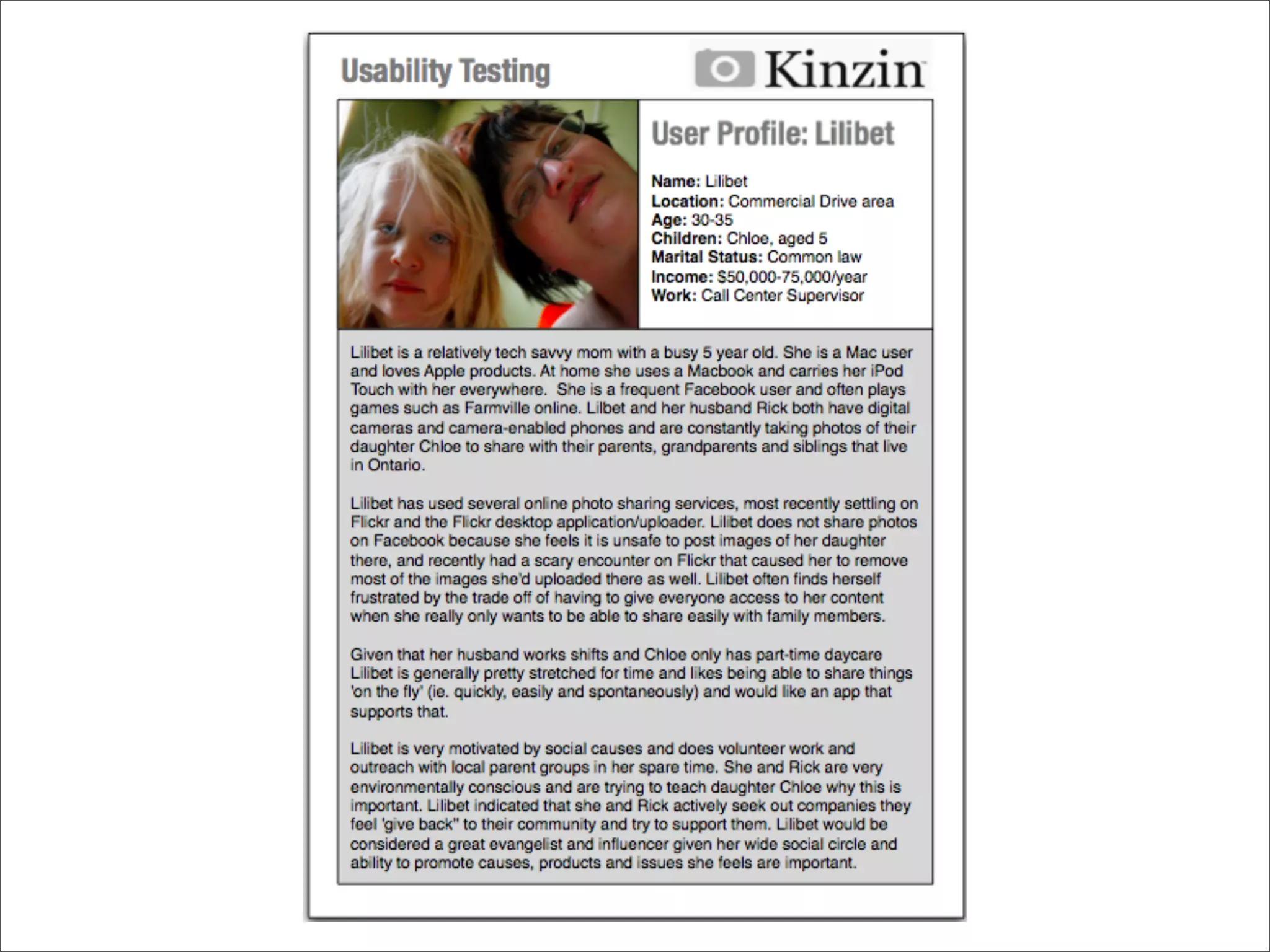
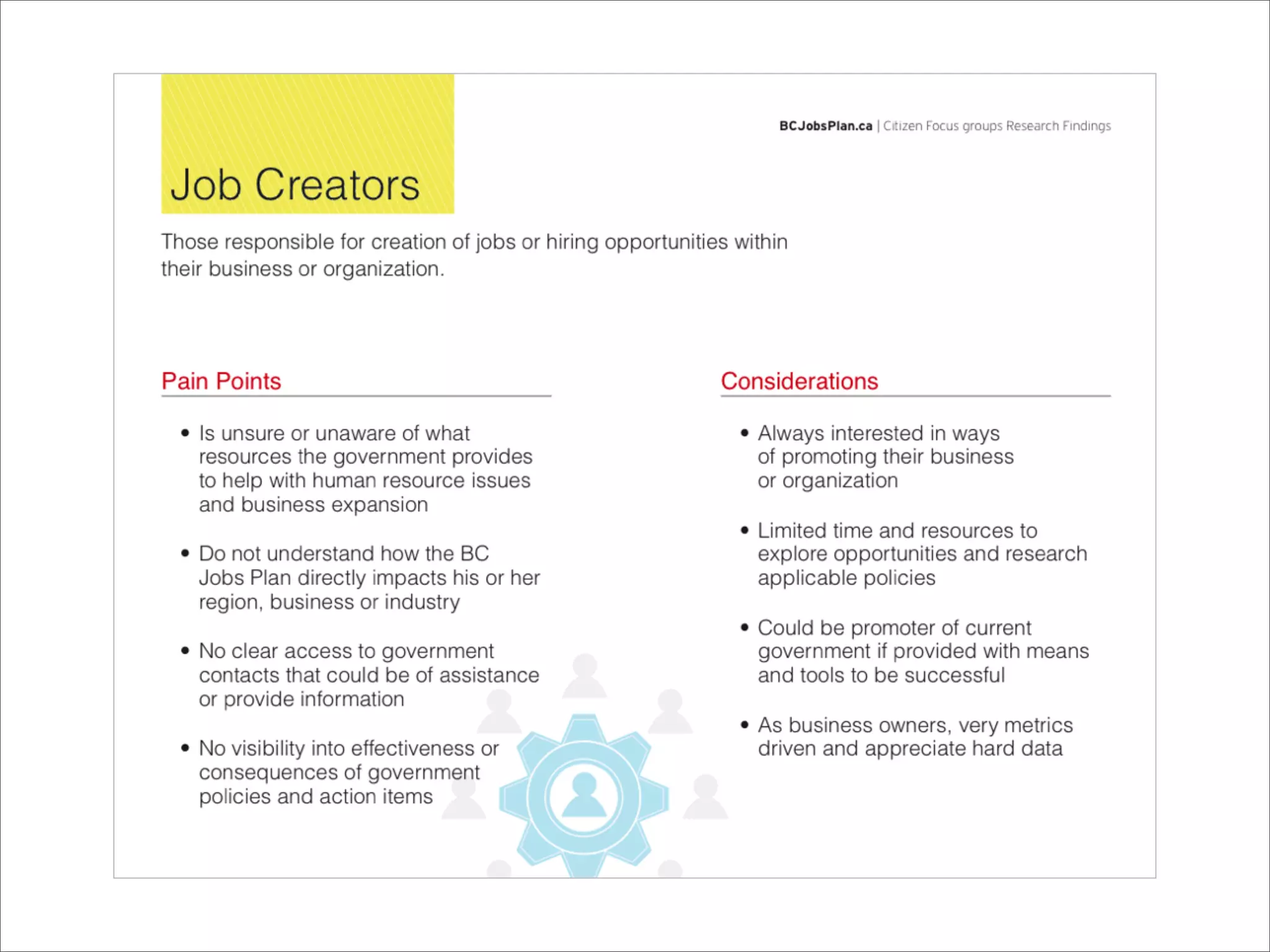
Personas provide a ‘snapshot’ or profile of your user.


 Using your empathy maps, you can flesh out more formal ‘user stories’
 and identifiable characters


 Enables the entire organization to envision and understand the user,
 and their needs, motivations and behaviours


 Provides a reference point for further research, design principles
 and through ongoing iteration


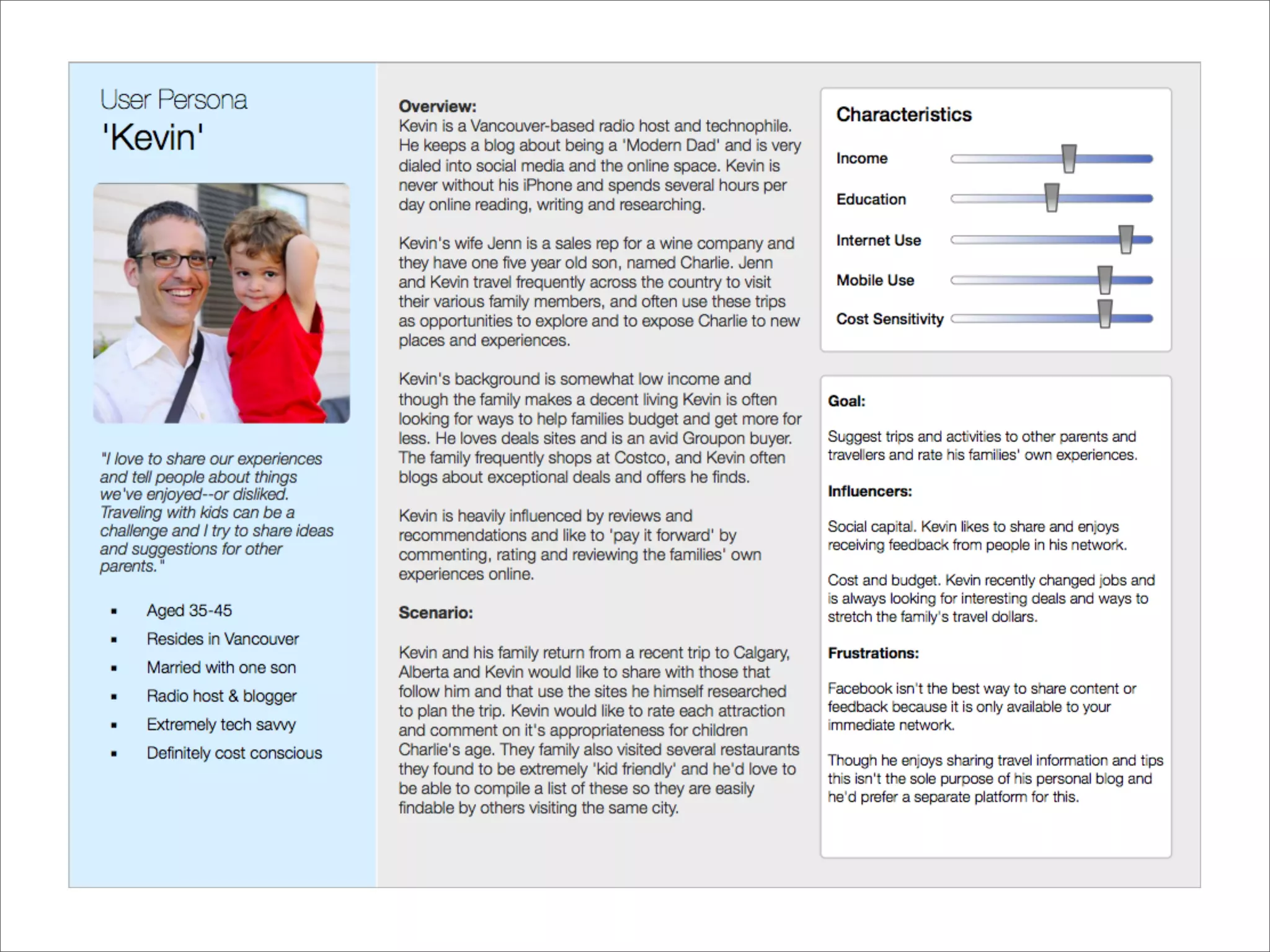
 Some examples of personas and profiles:
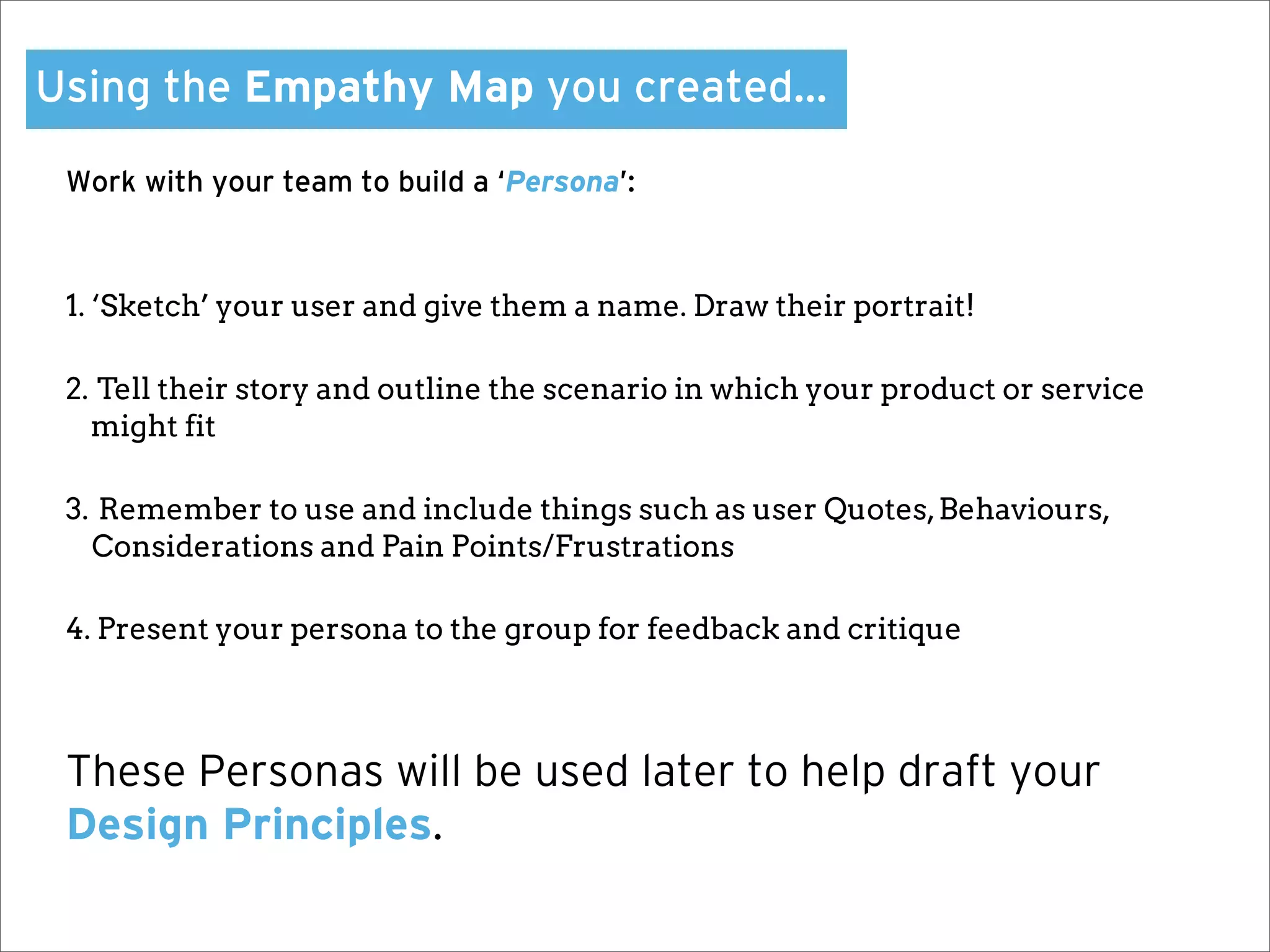
Using the Empathy Map you created…

 Work with your team to build a ‘Persona’:


 1. ‘Sketch’ your user and give them a name. Draw their portrait!

 2. Tell their story and outline the scenario in which your product or service
   might fit

 3. Remember to use and include things such as user Quotes, Behaviours,
   Considerations and Pain Points/Frustrations

 4. Present your persona to the group for feedback and critique


 These Personas will be used later to help draft your
 Design Principles.
User Research
User Research is perhaps the most important
      part of user experience design.


     It is also typically the hardest sell.
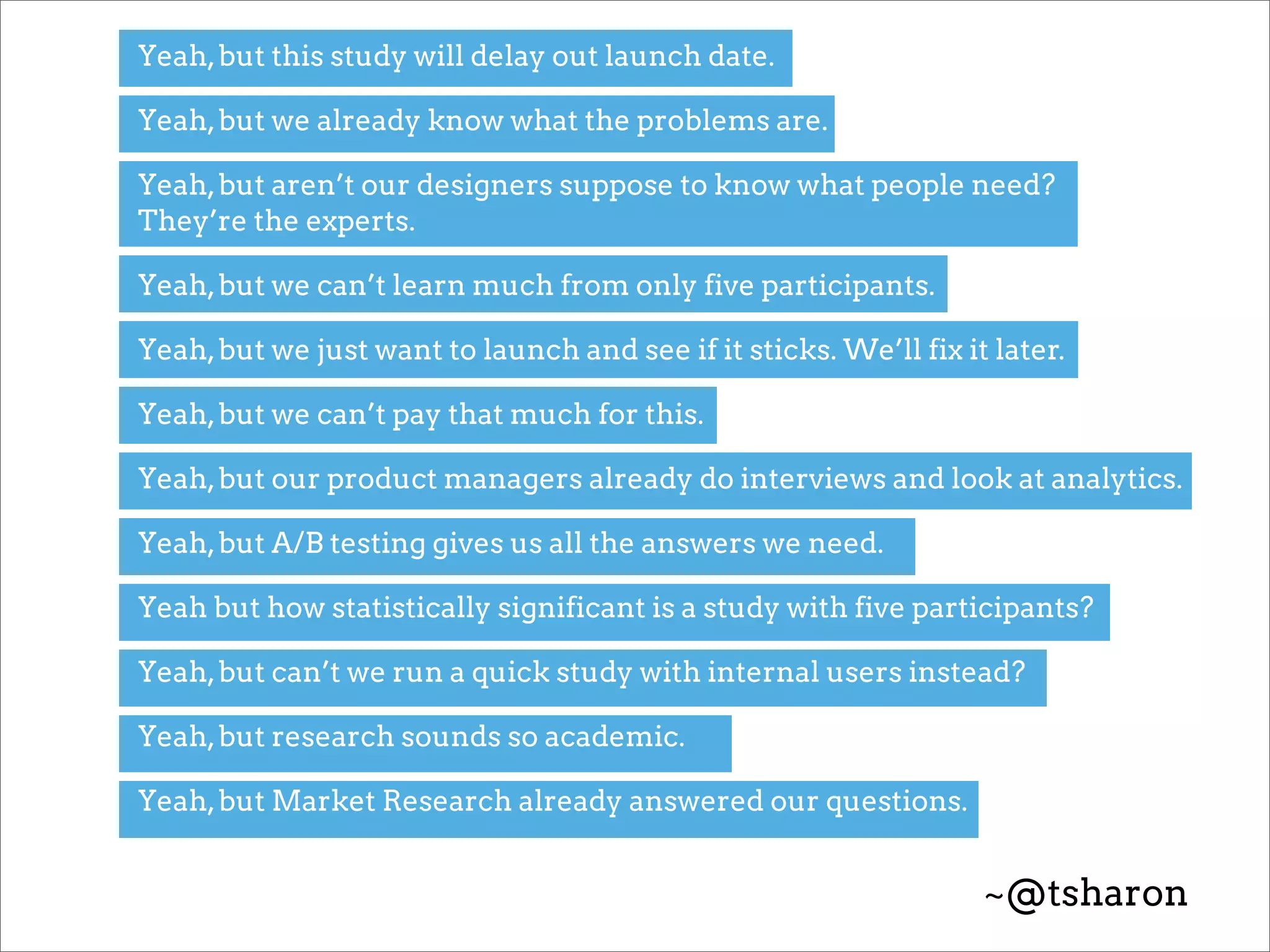
Yeah, but this study will delay out launch date.

Yeah, but we already know what the problems are.

Yeah, but aren’t our designers suppose to know what people need?
They’re the experts.

Yeah, but we can’t learn much from only five participants.

Yeah, but we just want to launch and see if it sticks. We’ll fix it later.

Yeah, but we can’t pay that much for this.

Yeah, but our product managers already do interviews and look at analytics.

Yeah, but A/B testing gives us all the answers we need.

Yeah but how statistically significant is a study with five participants?

Yeah, but can’t we run a quick study with internal users instead?

Yeah, but research sounds so academic.

Yeah, but Market Research already answered our questions.


                                                                   ~@tsharon
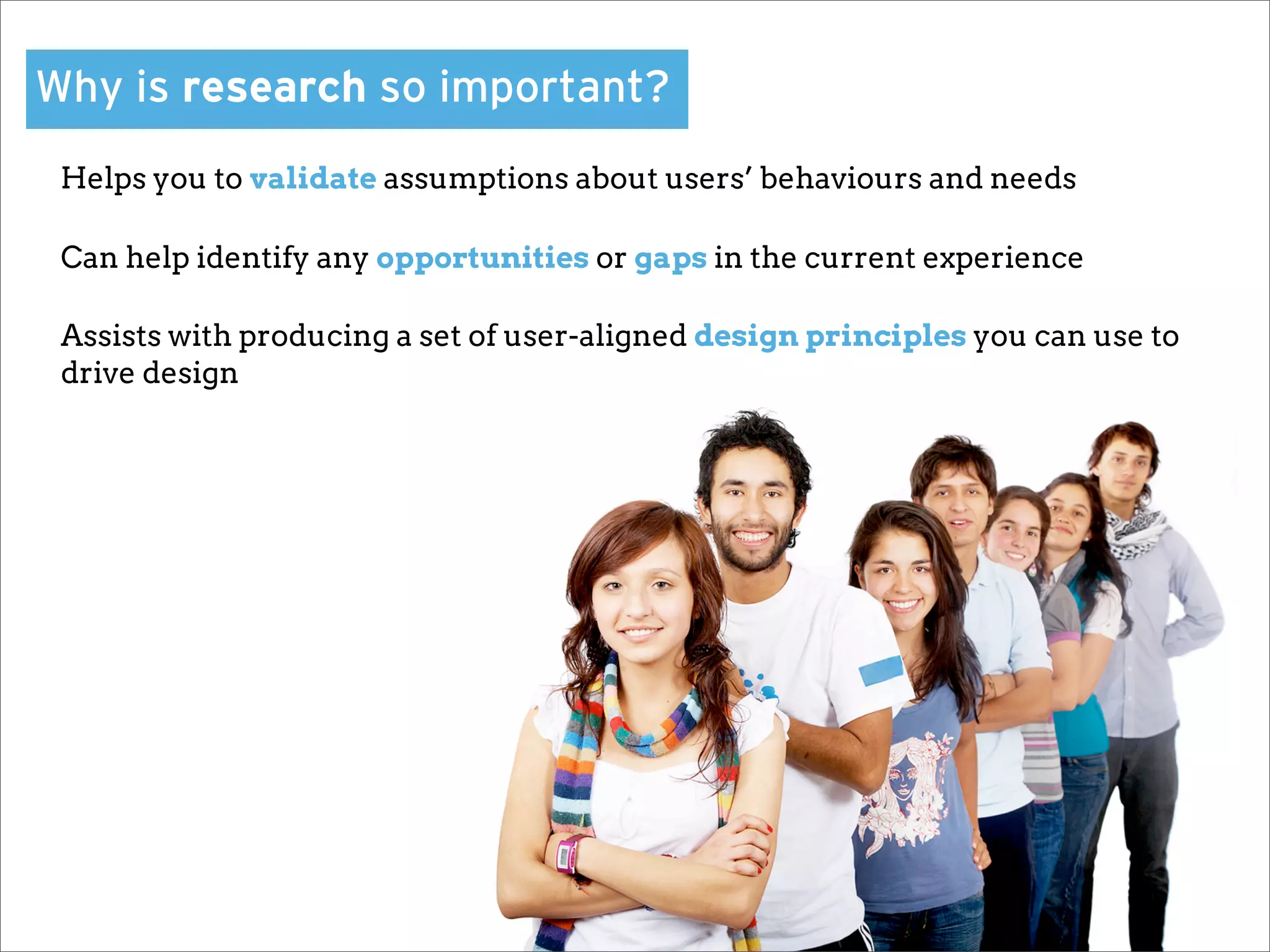
Why is research so important?
 Helps you to validate assumptions about users’ behaviours and needs

 Can help identify any opportunities or gaps in the current experience

 Assists with producing a set of user-aligned design principles you can use to
 drive design
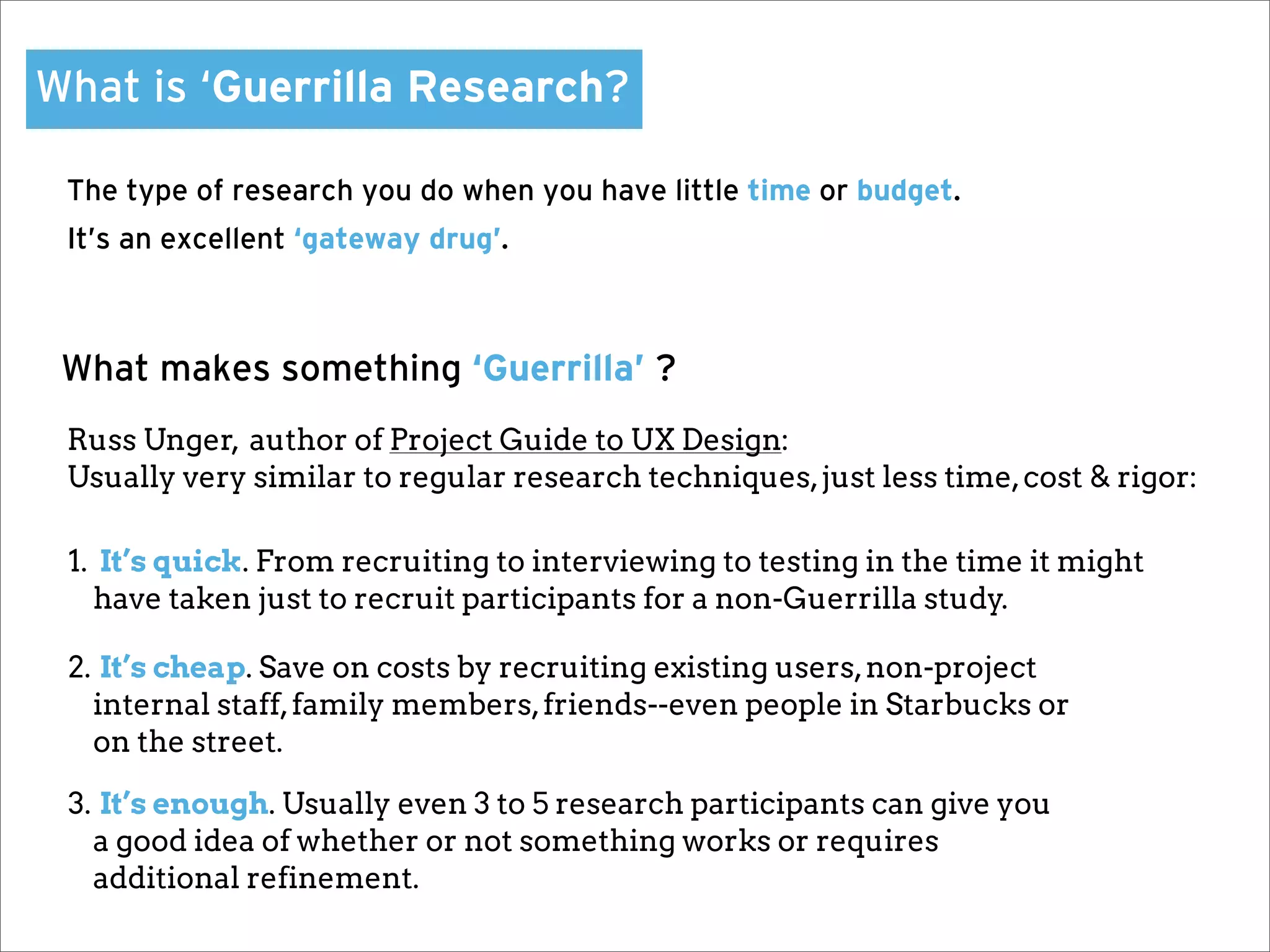
What is ‘Guerrilla Research?

 The type of research you do when you have little time or budget.
 It’s an excellent ‘gateway drug’.


 What makes something ‘Guerrilla’ ?
 Russ Unger, author of Project Guide to UX Design:
 Usually very similar to regular research techniques, just less time, cost & rigor:

 1. It’s quick. From recruiting to interviewing to testing in the time it might
   have taken just to recruit participants for a non-Guerrilla study.

 2. It’s cheap. Save on costs by recruiting existing users, non-project
   internal staff, family members, friends--even people in Starbucks or
   on the street.

 3. It’s enough. Usually even 3 to 5 research participants can give you
   a good idea of whether or not something works or requires
   additional refinement.
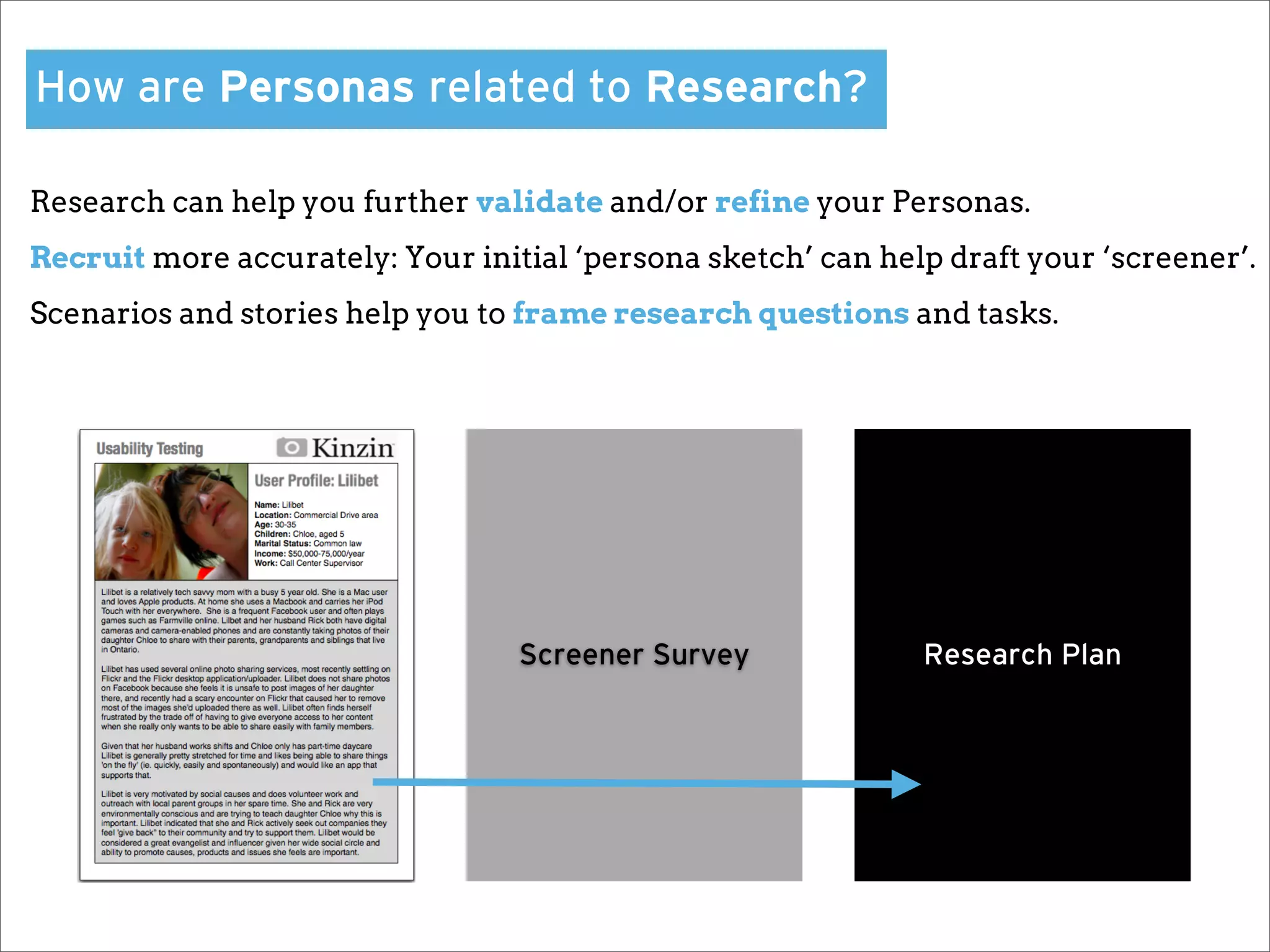
How are Personas related to Research?

Research can help you further validate and/or refine your Personas.
Recruit more accurately: Your initial ‘persona sketch’ can help draft your ‘screener’.
Scenarios and stories help you to frame research questions and tasks.


                                  Screener Survey             Research Plan
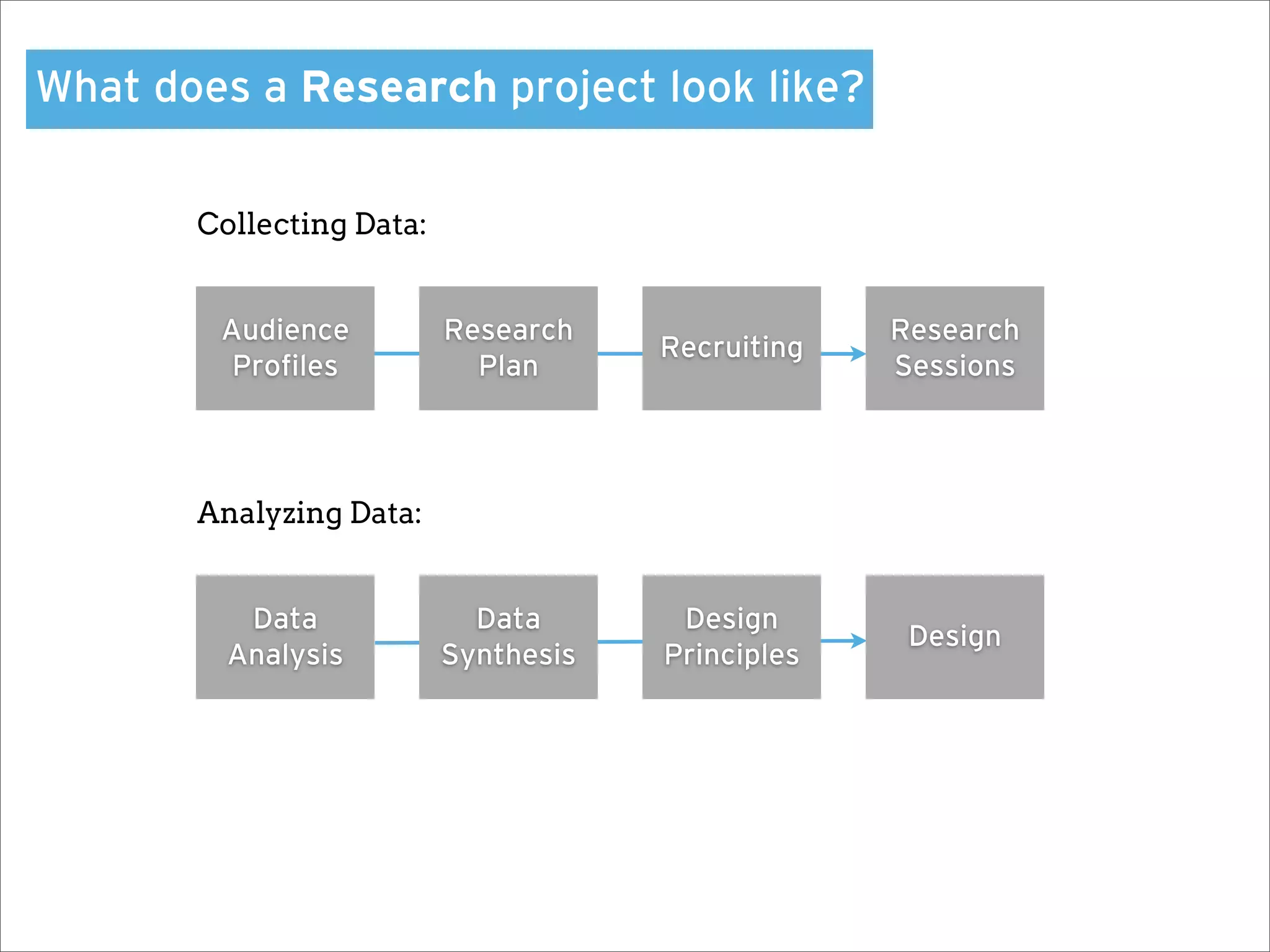
What does a Research project look like?

       Collecting Data:


        Audience          Research                 Research
        Personas                      Recruiting
         Profiles            Plan                   Sessions


       Analyzing Data:


          Data              Data       Design
                                                    Design
         Analysis         Synthesis   Principles
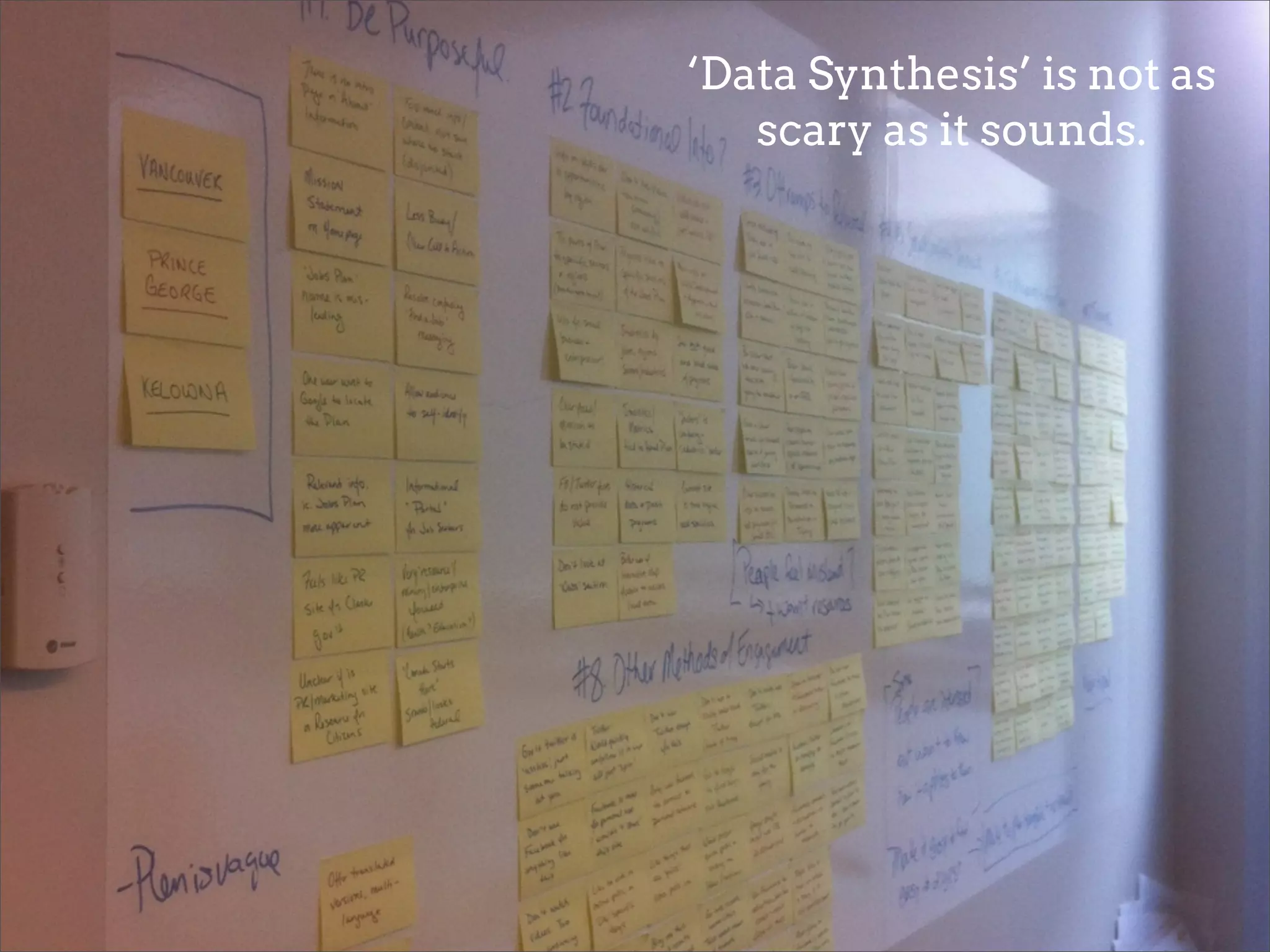
‘Data Synthesis’ is not as
   scary as it sounds.
Design Principles
Design Principles are the main pillars of your

design. They are core actions or behaviours it

may need to support, or overall considerations

  that should be carried through the design.
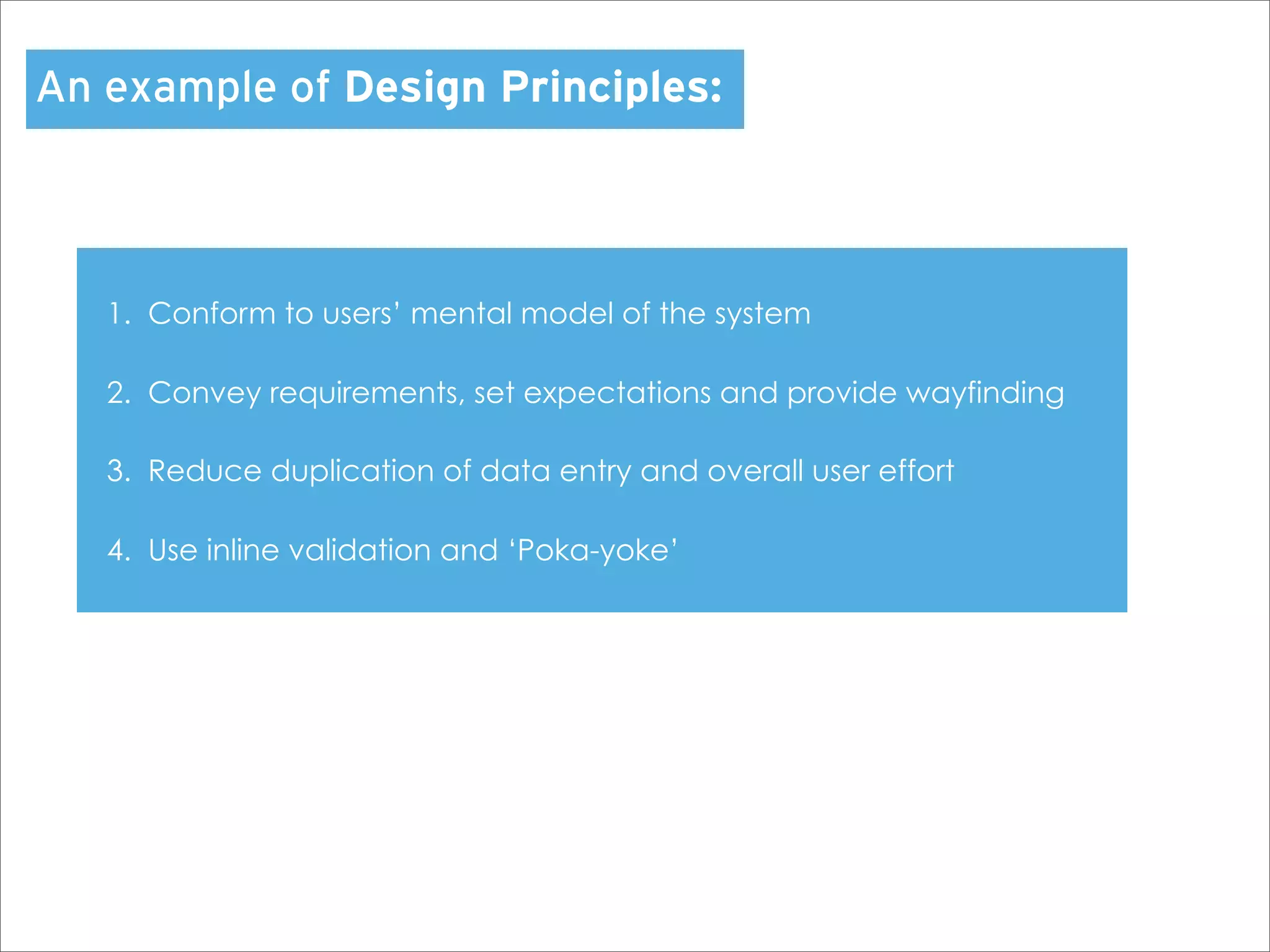
An example of Design Principles:


   1. Conform to users’ mental model of the system

   2. Convey requirements, set expectations and provide wayfinding

   3. Reduce duplication of data entry and overall user effort

   4. Use inline validation and ‘Poka-yoke’
Mini Design Studio
Design Studio is a great way to involve your

 entire team or organization in the design

  process. It should not be confused with

          ‘design by committee’.
Using the Personas you created…

 You will work with your team to develop a set of Design Principles.


 1. Individually, sketch out some features and design ideas for your concept.


 2. Pair off with another team mate and present your sketches to each other.
   Critique and keep the best ideas from each design, combining them into
   one large sketch.


 3.Get back into your group of four, and have each pair present their design.


 4. Working together as a group, combine the best ideas from each sketch
   into one large sketch that you can present to the other groups for critique.


 Go!
Usability Testing
Surprise!
You just made a wireframe.
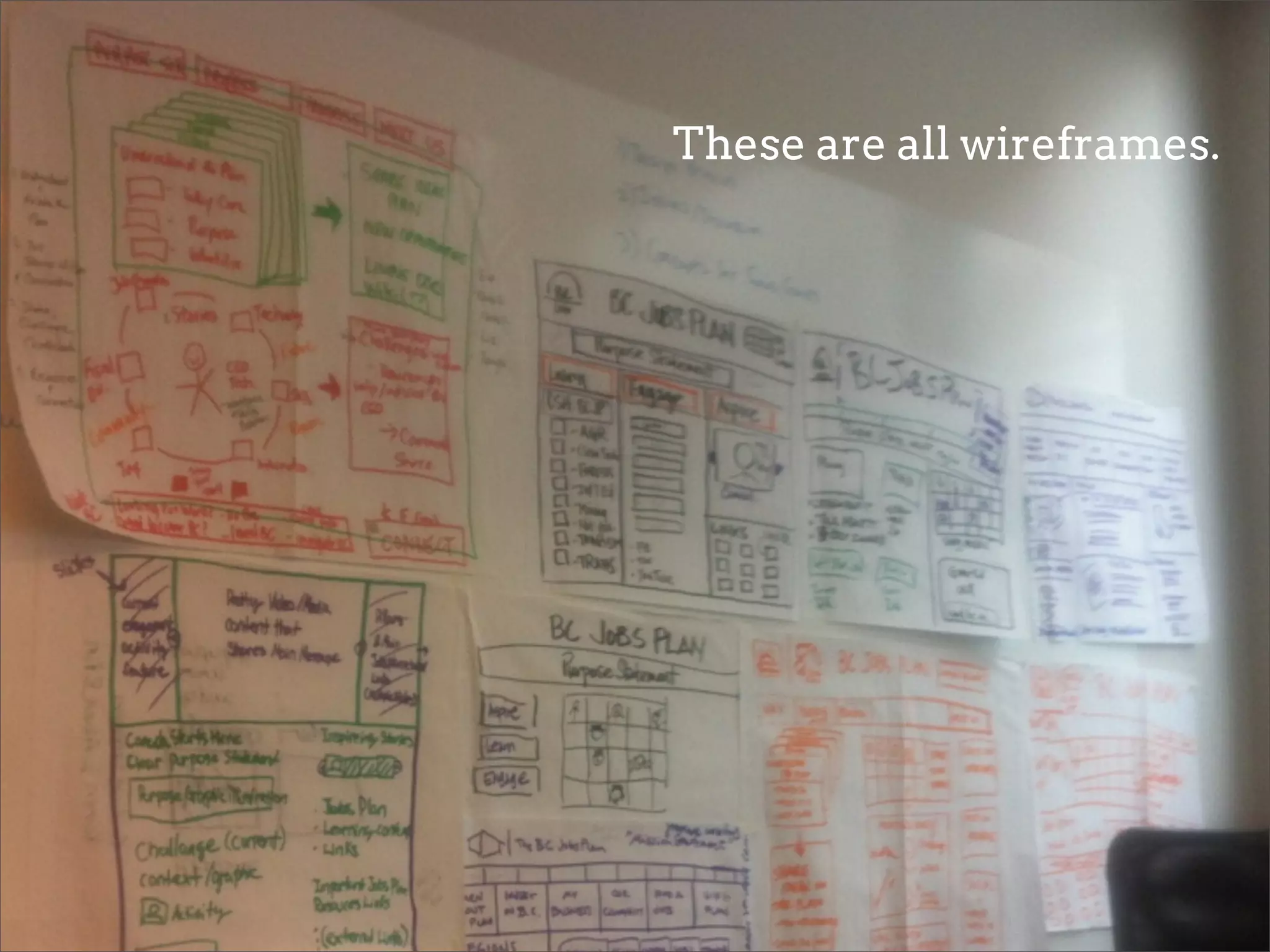
These are all wireframes.
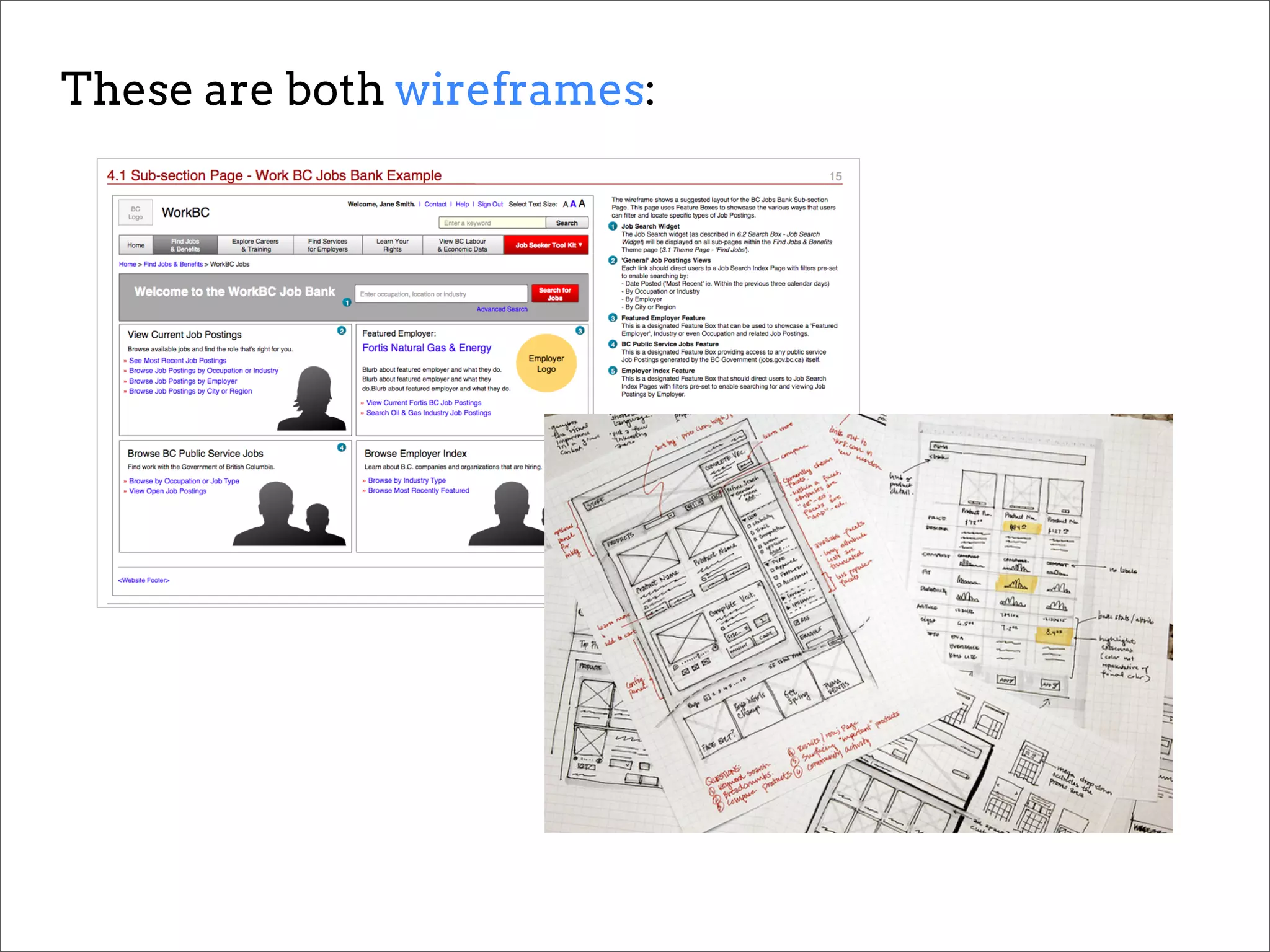
These are both wireframes:
                                The net results of a
                             successful Design Studio.
Prototypes don’t need to be formal or fancy.

Prototypes can range from pencil sketches to fully mocked and annotated
‘wireframes’.

As long as your design is communicated you can put it in front of users for
feedback.

Test early and often! Better to get several rounds of feedback then wait.
Conduct ‘Guerrilla Testing’:
1. Put even a paper prototype in front of someone

2. Don’t explain what they should be doing, just ask them to look

3. Ask how they feel about the design, and allow them talk through it
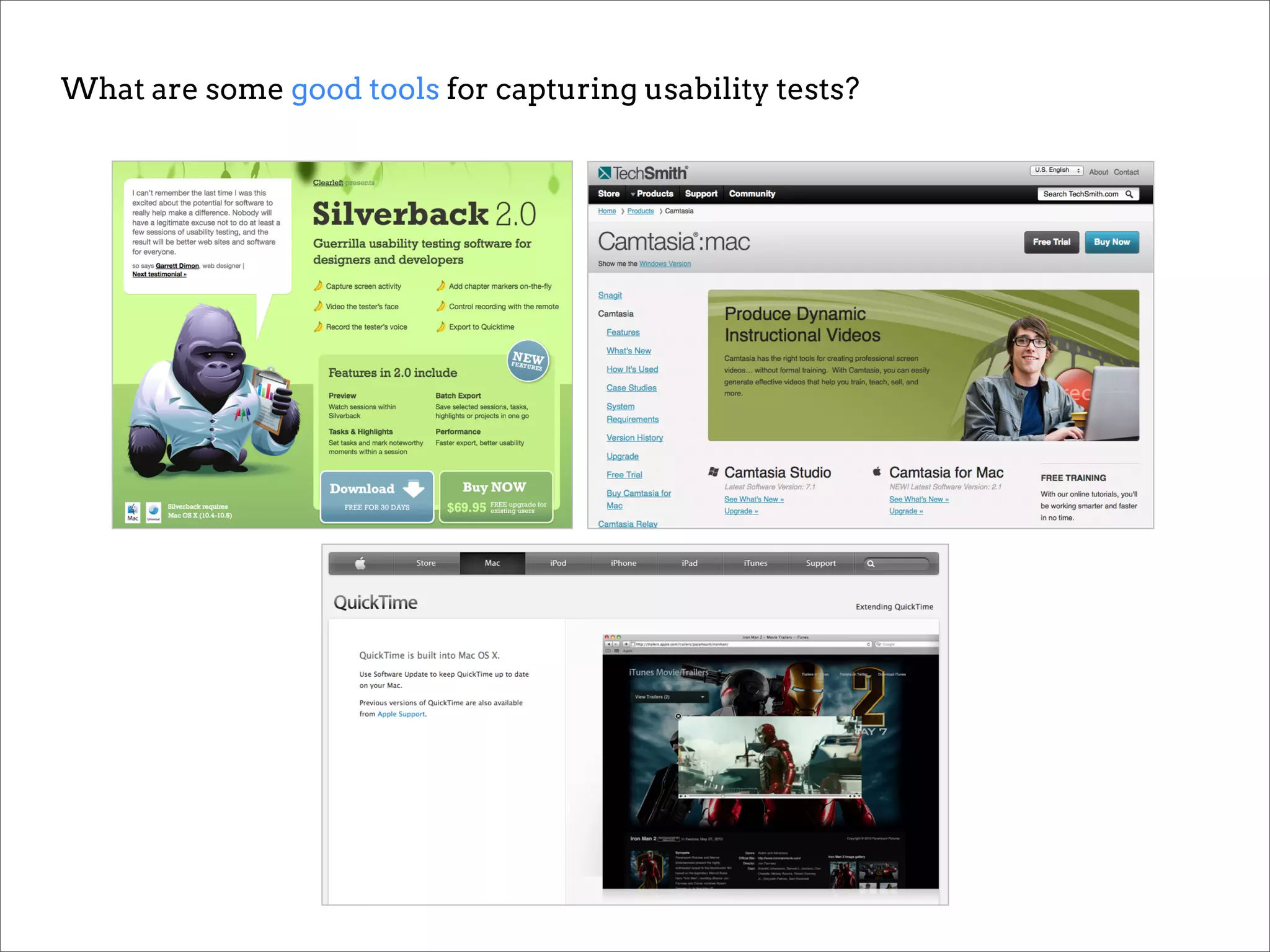
What are some good tools for capturing usability tests?
Are online usability testing tools worth it?

Moderated remote testing using Skype or GoToMeeting can be effective.

Automated online testing using tools such as UserTesting.com are less so.
Drawbacks of online tools:
You can’t see the users’ facial expressions or body language.
If you are using an unmoderated tool, you can’t probe or ask follow up questions.


Benefits of online tools:
Testing remotely enables you to test a large number of users without the
associated travel costs. Very good value.
Can provide fast, inexpensive, high-level feedback. Good way of grabbing low-
hanging fruit with minimal effort.
Metrics & Analytics
You need to know if what you’ve done is
working, and you need to prove the value of
               your work.
        Accountability = Credibility
The $12,000,000 form field?
Become familiar with web analytics tools and data.
Iterate
Once your design is live, implement a cycle of
  continuous iteration and improvement.
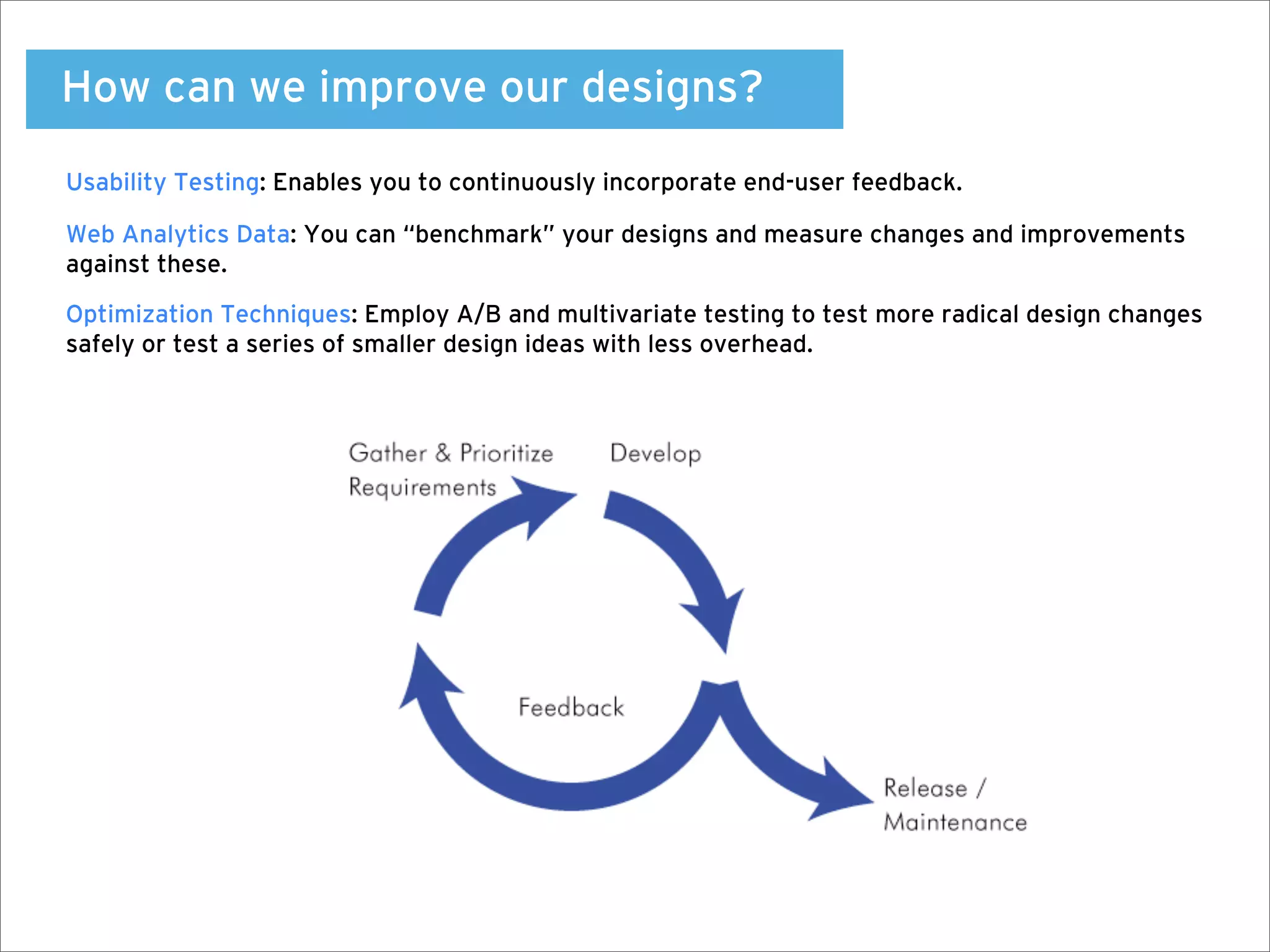
How can we improve our designs?
Usability Testing: Enables you to continuously incorporate end-user feedback.

Web Analytics Data: You can “benchmark” your designs and measure changes and improvements
against these.

Optimization Techniques: Employ A/B and multivariate testing to test more radical design changes
safely or test a series of smaller design ideas with less overhead.
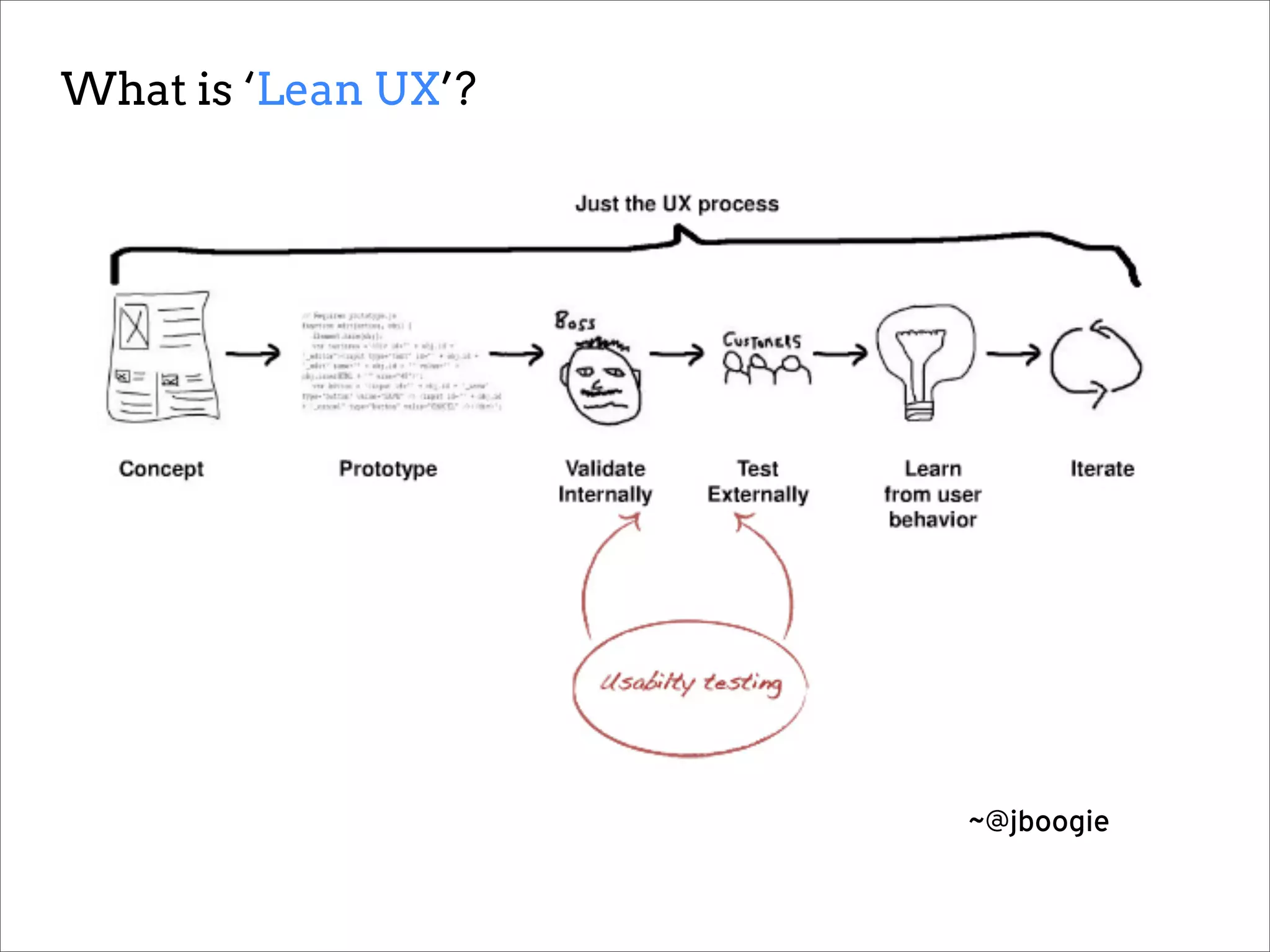
What is ‘Lean UX’?


                     ~@jboogie
Thank you!

Full resource guide available at:

www.analyticsforux.com/interlink-resources

References:
'10 Most Common Misconceptions About User Experience Design' - By Whitney Hess - http://www.slideshare.net/whitneyhess/10-most-
common-misconceptions-about-user-experience-design

'Getting Guerrilla With It' - UXMag Article No, 620, February 15, 2011 - By Russ Unger and Todd Zaki Warfel - http://uxmag.com/articles/getting-
guerrilla-with-it

'Lean UX: Getting Out of the Deliverables Business' - Smashing Magazine, March 7, 2011 - By Jeff Gothelf - http://
uxdesign.smashingmagazine.com/2011/03/07/lean-ux-getting-out-of-the-deliverables-business/

Understanding User Experience Workshop - Interlink Conference 2012

  • 1.
    Understanding User Experience Lynne JessicaPolischuik Interlink Conference—Vancouver, BC June 2012 @lynneux www.lynneux.com
  • 2.
    My journey to‘UX’?
  • 3.
    Originally, I dida lot of this…
  • 4.
    ...and then Idiscovered this…
  • 5.
    …before I finallyrealized it was really all about this.
  • 6.
  • 7.
    “As my career progressesI'm less clear on what design is, and more clear on what it does.” ~@sarafrisk
  • 8.
    10 Things UserExperience Design is NOT… 1. User interface (UI) design 2. A ‘step in the process’ 3. Just about technology 4. Just about usability 5. Just about the user 6. Expensive 7. Easy 8. The role of one department 9. A single discipline 10. A choice ~@whitneyhess
  • 9.
    User Experience Design isa challenge because there really are no ‘best practices’. There isn’t one perfect process or ideal set of tools.
  • 10.
    With User ExperienceDesign, every User Project Client is different.
  • 11.
    ‘Practice’ or ‘Process’will also vary depending on your situation. Consultant? Freelance? In-house?
  • 12.
    UX Design iscomprised of many disciplines: User Research Business and Product Strategy Content Strategy Information Architecture Interaction Design Visual Design Usability Service Design Customer Experience Product Design and Management
  • 13.
    “How can Ibe all of those things?!”
  • 14.
  • 15.
    You want tobe a ‘UX Practitioner’?
  • 16.
  • 17.
    One thing willremain a constant: The need to facilitate understanding between your users and your organization.
  • 18.
  • 19.
    Listen to yourusers Learn about your users Tell their stories
  • 20.
    Today we willlook at ways to answer three important questions Who are we designing for? How can we meet their needs? Did we get it right or could we do it better? Part One: Discovery—Empathy Mapping—Personas Part Two: User Research—Design Studio—Design Principles Part Three: Usability Testing—Metrics and Analytics—Iteration
  • 21.
  • 22.
    Discovery is keyto successful design projects. Determine key stakeholders and what their roles are Get a clear understanding of vision and existing strategy Determine what is already known about their audience Gain domain and subject matter knowledge, ‘learn the vernacular’ Begin to flesh out user/audience profiles and scenarios
  • 23.
    How do Iget all this information?
  • 24.
    Discovery activities thatwill get you what you need: Kick-off meeting with design and stakeholder team One-on-one interviews with individual stakeholders Review web analytics or internal metrics data that is available Review support or help desk tickets and customer inquiries Review any existing user or market research that has been completed
  • 25.
    Who is a‘stakeholder’? CEO and executive team, but also: Sales and marketing managers Support team and members of operations staff Technical lead and IT or development team members
  • 26.
    Executives help providevision and strategy, but you want to talk to any people on the team who engage directly with existing and prospective users.
  • 27.
    It is alsokey to engage all members of the team in this process as you want ownership of successful user experience to be organization-wide.
  • 28.
  • 29.
    Empathy Mapping helpsto contextualize data: Takes abstract information and places it in a ‘human’ context Helps to sketch out potential scenarios for use of product or service Lays the foundation for more formal ‘personas’ the team can refer to as they research further and design Let’s make one!
  • 30.
  • 31.
    Personas provide a‘snapshot’ or profile of your user. Using your empathy maps, you can flesh out more formal ‘user stories’ and identifiable characters Enables the entire organization to envision and understand the user, and their needs, motivations and behaviours Provides a reference point for further research, design principles and through ongoing iteration Some examples of personas and profiles:
  • 35.
    Using the EmpathyMap you created… Work with your team to build a ‘Persona’: 1. ‘Sketch’ your user and give them a name. Draw their portrait! 2. Tell their story and outline the scenario in which your product or service might fit 3. Remember to use and include things such as user Quotes, Behaviours, Considerations and Pain Points/Frustrations 4. Present your persona to the group for feedback and critique These Personas will be used later to help draft your Design Principles.
  • 36.
  • 37.
    User Research isperhaps the most important part of user experience design. It is also typically the hardest sell.
  • 38.
    Yeah, but thisstudy will delay out launch date. Yeah, but we already know what the problems are. Yeah, but aren’t our designers suppose to know what people need? They’re the experts. Yeah, but we can’t learn much from only five participants. Yeah, but we just want to launch and see if it sticks. We’ll fix it later. Yeah, but we can’t pay that much for this. Yeah, but our product managers already do interviews and look at analytics. Yeah, but A/B testing gives us all the answers we need. Yeah but how statistically significant is a study with five participants? Yeah, but can’t we run a quick study with internal users instead? Yeah, but research sounds so academic. Yeah, but Market Research already answered our questions. ~@tsharon
  • 39.
    Why is researchso important? Helps you to validate assumptions about users’ behaviours and needs Can help identify any opportunities or gaps in the current experience Assists with producing a set of user-aligned design principles you can use to drive design
  • 40.
    What is ‘GuerrillaResearch? The type of research you do when you have little time or budget. It’s an excellent ‘gateway drug’. What makes something ‘Guerrilla’ ? Russ Unger, author of Project Guide to UX Design: Usually very similar to regular research techniques, just less time, cost & rigor: 1. It’s quick. From recruiting to interviewing to testing in the time it might have taken just to recruit participants for a non-Guerrilla study. 2. It’s cheap. Save on costs by recruiting existing users, non-project internal staff, family members, friends--even people in Starbucks or on the street. 3. It’s enough. Usually even 3 to 5 research participants can give you a good idea of whether or not something works or requires additional refinement.
  • 41.
    How are Personasrelated to Research? Research can help you further validate and/or refine your Personas. Recruit more accurately: Your initial ‘persona sketch’ can help draft your ‘screener’. Scenarios and stories help you to frame research questions and tasks. Screener Survey Research Plan
  • 42.
    What does aResearch project look like? Collecting Data: Audience Research Research Personas Recruiting Profiles Plan Sessions Analyzing Data: Data Data Design Design Analysis Synthesis Principles
  • 43.
    ‘Data Synthesis’ isnot as scary as it sounds.
  • 44.
  • 45.
    Design Principles arethe main pillars of your design. They are core actions or behaviours it may need to support, or overall considerations that should be carried through the design.
  • 46.
    An example ofDesign Principles: 1. Conform to users’ mental model of the system 2. Convey requirements, set expectations and provide wayfinding 3. Reduce duplication of data entry and overall user effort 4. Use inline validation and ‘Poka-yoke’
  • 47.
  • 48.
    Design Studio isa great way to involve your entire team or organization in the design process. It should not be confused with ‘design by committee’.
  • 49.
    Using the Personasyou created… You will work with your team to develop a set of Design Principles. 1. Individually, sketch out some features and design ideas for your concept. 2. Pair off with another team mate and present your sketches to each other. Critique and keep the best ideas from each design, combining them into one large sketch. 3.Get back into your group of four, and have each pair present their design. 4. Working together as a group, combine the best ideas from each sketch into one large sketch that you can present to the other groups for critique. Go!
  • 50.
  • 51.
  • 52.
    These are allwireframes.
  • 53.
    These are bothwireframes: The net results of a successful Design Studio.
  • 54.
    Prototypes don’t needto be formal or fancy. Prototypes can range from pencil sketches to fully mocked and annotated ‘wireframes’. As long as your design is communicated you can put it in front of users for feedback. Test early and often! Better to get several rounds of feedback then wait.
  • 55.
    Conduct ‘Guerrilla Testing’: 1.Put even a paper prototype in front of someone 2. Don’t explain what they should be doing, just ask them to look 3. Ask how they feel about the design, and allow them talk through it
  • 56.
    What are somegood tools for capturing usability tests?
  • 57.
    Are online usabilitytesting tools worth it? Moderated remote testing using Skype or GoToMeeting can be effective. Automated online testing using tools such as UserTesting.com are less so.
  • 58.
    Drawbacks of onlinetools: You can’t see the users’ facial expressions or body language. If you are using an unmoderated tool, you can’t probe or ask follow up questions. Benefits of online tools: Testing remotely enables you to test a large number of users without the associated travel costs. Very good value. Can provide fast, inexpensive, high-level feedback. Good way of grabbing low- hanging fruit with minimal effort.
  • 59.
  • 60.
    You need toknow if what you’ve done is working, and you need to prove the value of your work. Accountability = Credibility
  • 61.
  • 62.
    Become familiar withweb analytics tools and data.
  • 63.
  • 64.
    Once your designis live, implement a cycle of continuous iteration and improvement.
  • 65.
    How can weimprove our designs? Usability Testing: Enables you to continuously incorporate end-user feedback. Web Analytics Data: You can “benchmark” your designs and measure changes and improvements against these. Optimization Techniques: Employ A/B and multivariate testing to test more radical design changes safely or test a series of smaller design ideas with less overhead.
  • 66.
    What is ‘LeanUX’? ~@jboogie
  • 67.
    Thank you! Full resourceguide available at: www.analyticsforux.com/interlink-resources References: '10 Most Common Misconceptions About User Experience Design' - By Whitney Hess - http://www.slideshare.net/whitneyhess/10-most- common-misconceptions-about-user-experience-design 'Getting Guerrilla With It' - UXMag Article No, 620, February 15, 2011 - By Russ Unger and Todd Zaki Warfel - http://uxmag.com/articles/getting- guerrilla-with-it 'Lean UX: Getting Out of the Deliverables Business' - Smashing Magazine, March 7, 2011 - By Jeff Gothelf - http:// uxdesign.smashingmagazine.com/2011/03/07/lean-ux-getting-out-of-the-deliverables-business/