USABILITY TESTING HOW TO’s
For small teams & little budgets

Evgenia (Jenny) Grinblo
& www.eventhandler.co.uk
London, UK Oct 24, 2013

(This is Henrik)
USABILITY TESTING: INTRODUCTION

2

Hello, I’m...
Evgenia (Jenny) Grinblo
User Experience Specialist
Future Workshops, London
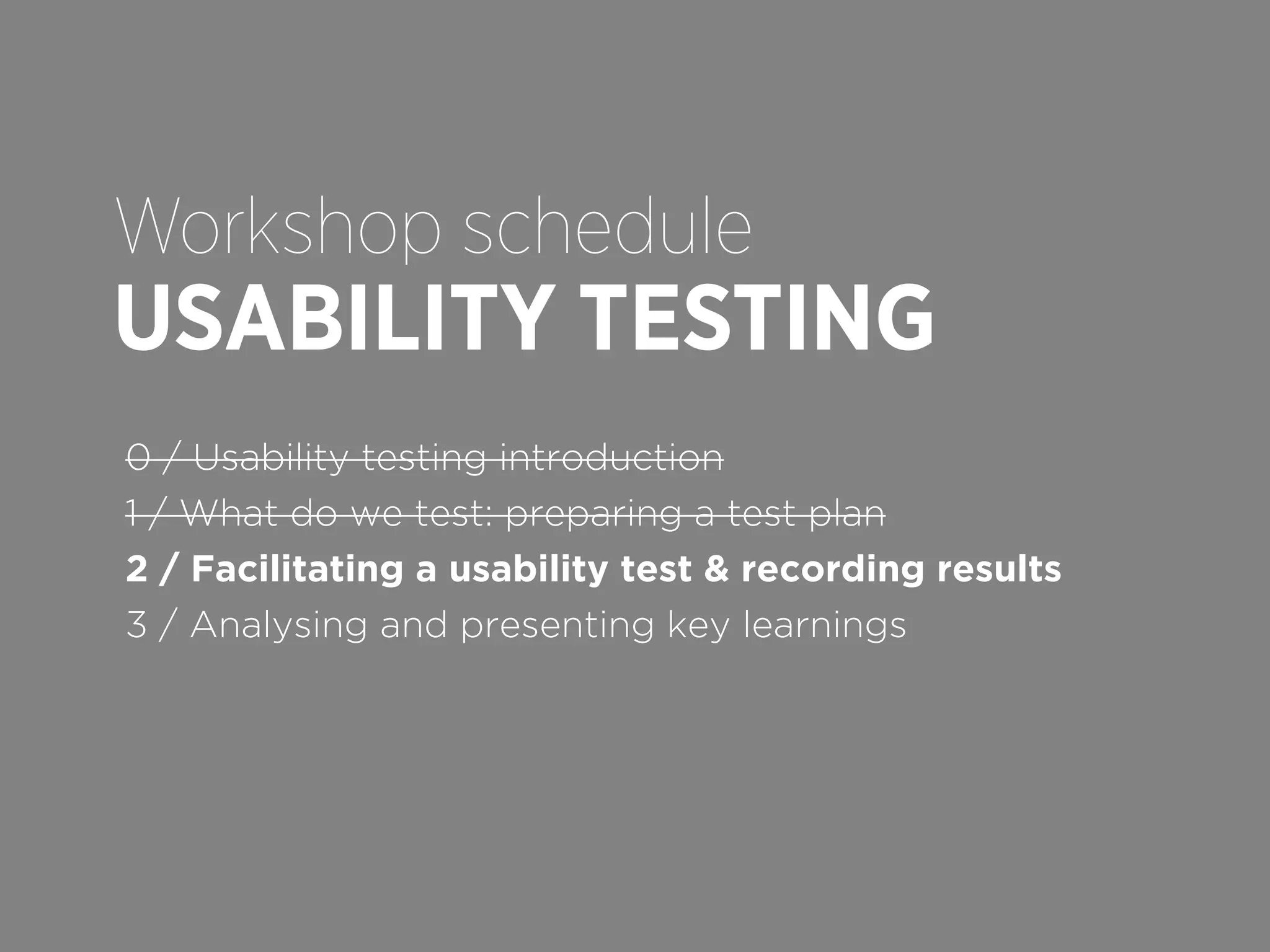
Workshop schedule

USABILITY TESTING
0 / Usability testing introduction
1 / What do we test: preparing a test plan
2 / Facilitating a usability test & recording results
3 / Analysing and presenting key learnings
USABILITY TESTING: INTRODUCTION

How to run a £3000 fool-proof test

✓
✓
✓
✓

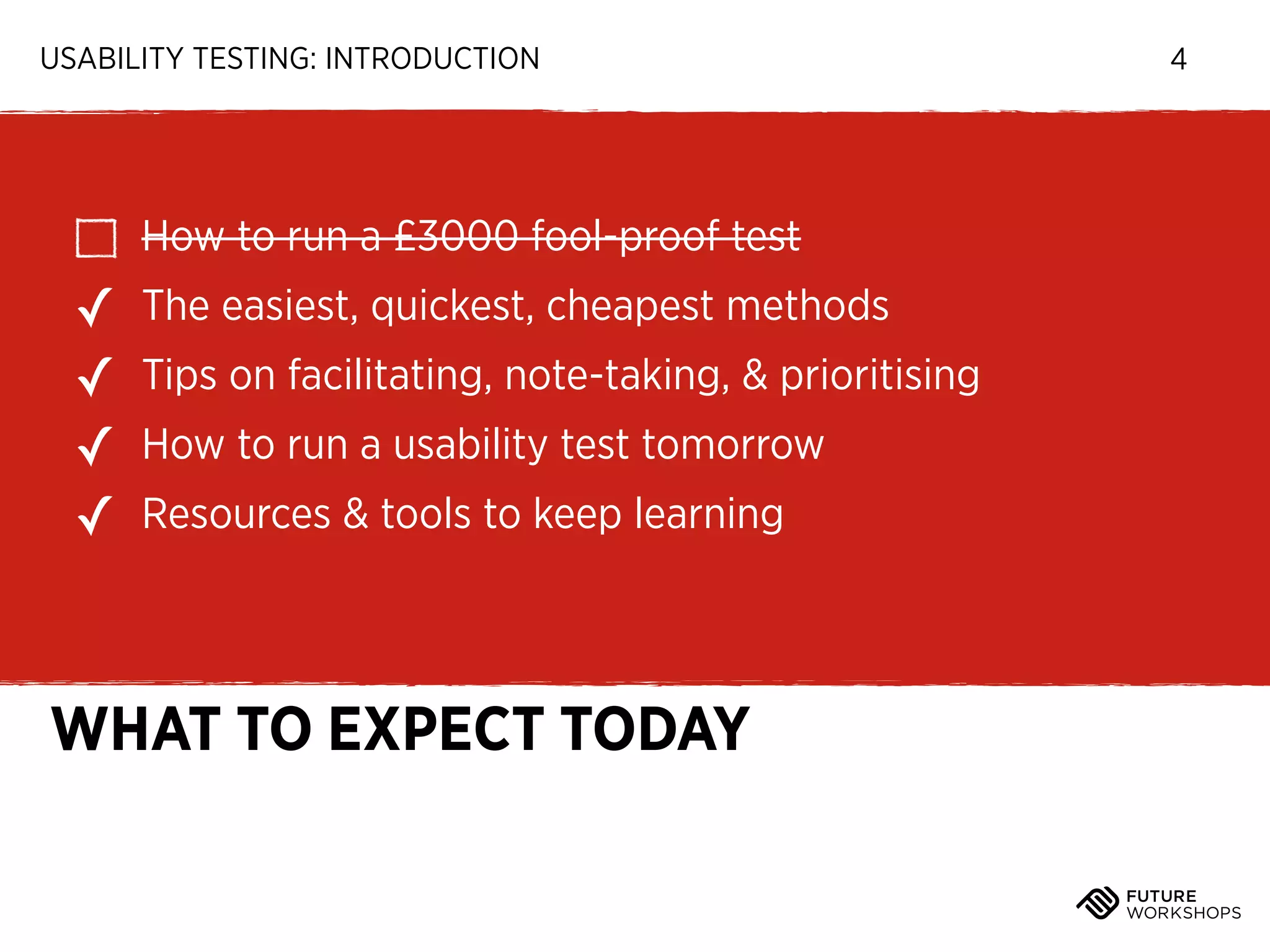
The easiest, quickest, cheapest methods
Tips on facilitating, note-taking, & prioritising
How to run a usability test tomorrow
Resources & tools to keep learning

WHAT TO EXPECT TODAY

4
USABILITY TESTING: INTRODUCTION

What is usability testing
& why do it?

5
USABILITY TESTING: INTRODUCTION

6

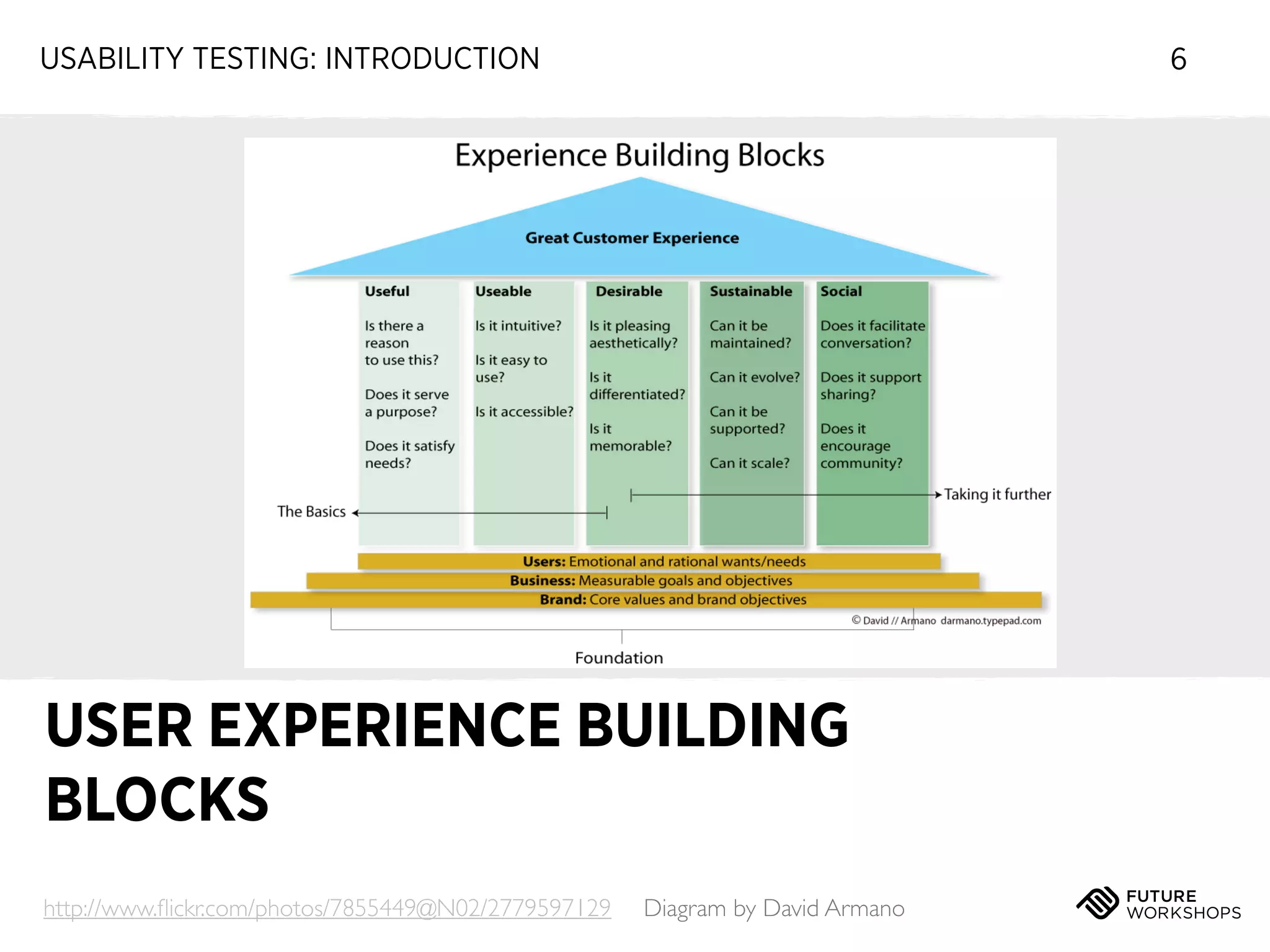
USER EXPERIENCE BUILDING
BLOCKS
http://www.flickr.com/photos/7855449@N02/2779597129

Diagram by David Armano
USABILITY TESTING: INTRODUCTION

7

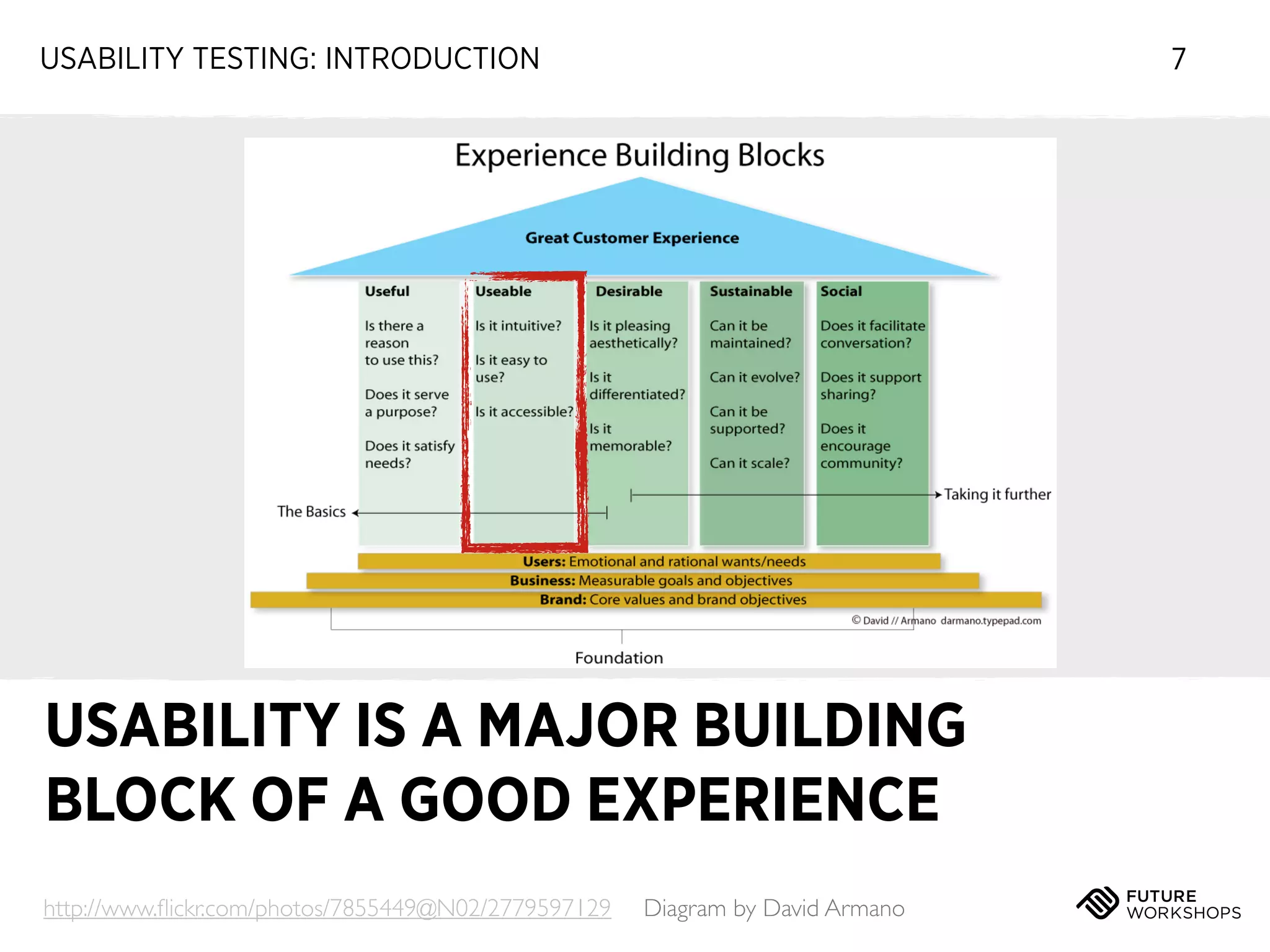
USABILITY IS A MAJOR BUILDING
BLOCK OF A GOOD EXPERIENCE
http://www.flickr.com/photos/7855449@N02/2779597129

Diagram by David Armano
USABILITY TESTING: INTRODUCTION

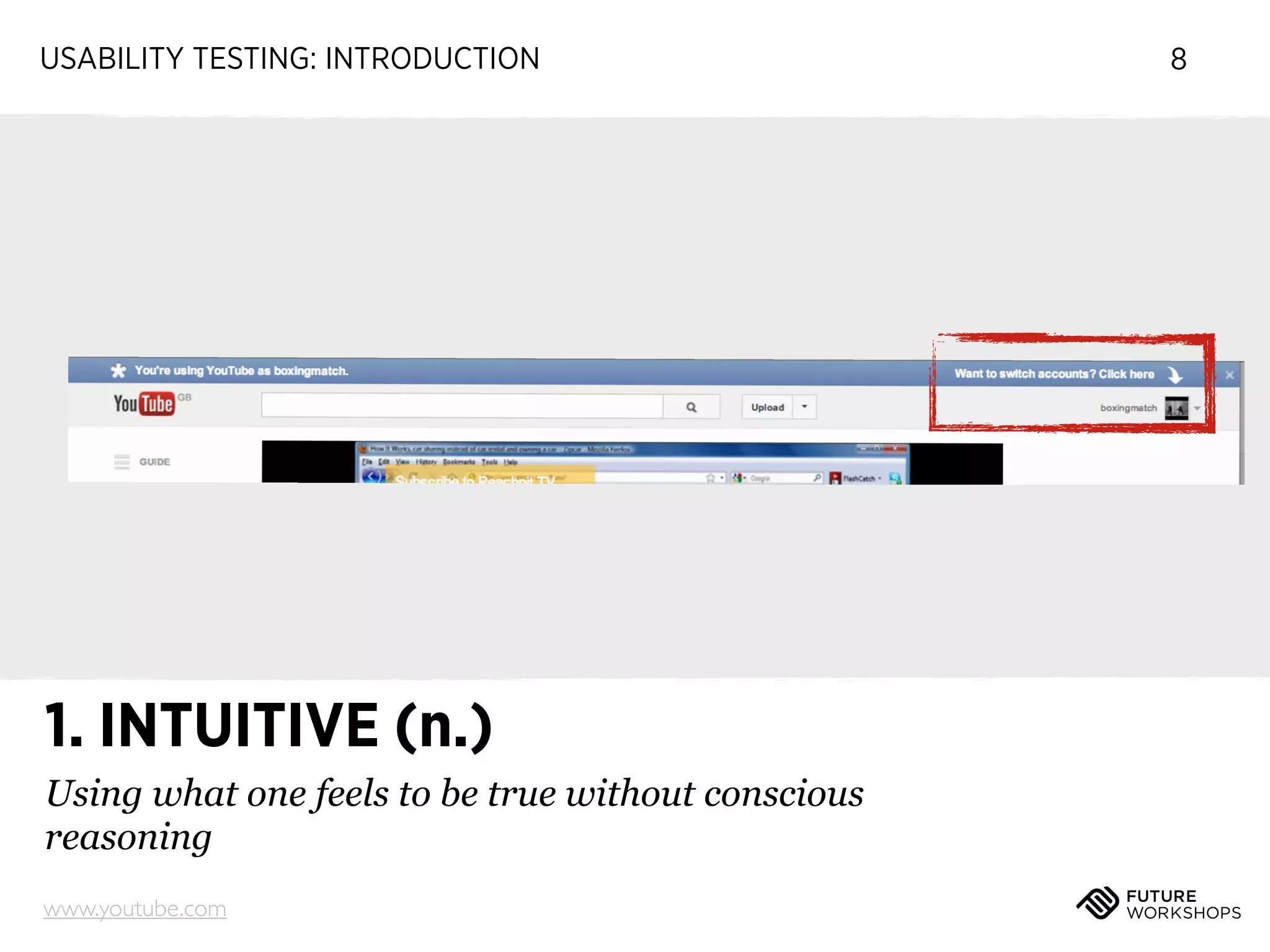
1. INTUITIVE (n.)
Using what one feels to be true without conscious
reasoning
www.youtube.com

8
USABILITY TESTING: INTRODUCTION

NEEDING INSTRUCTIONS
MEANS SOMETHING CAN BE
MADE MORE SIMPLE

9
USABILITY TESTING: INTRODUCTION

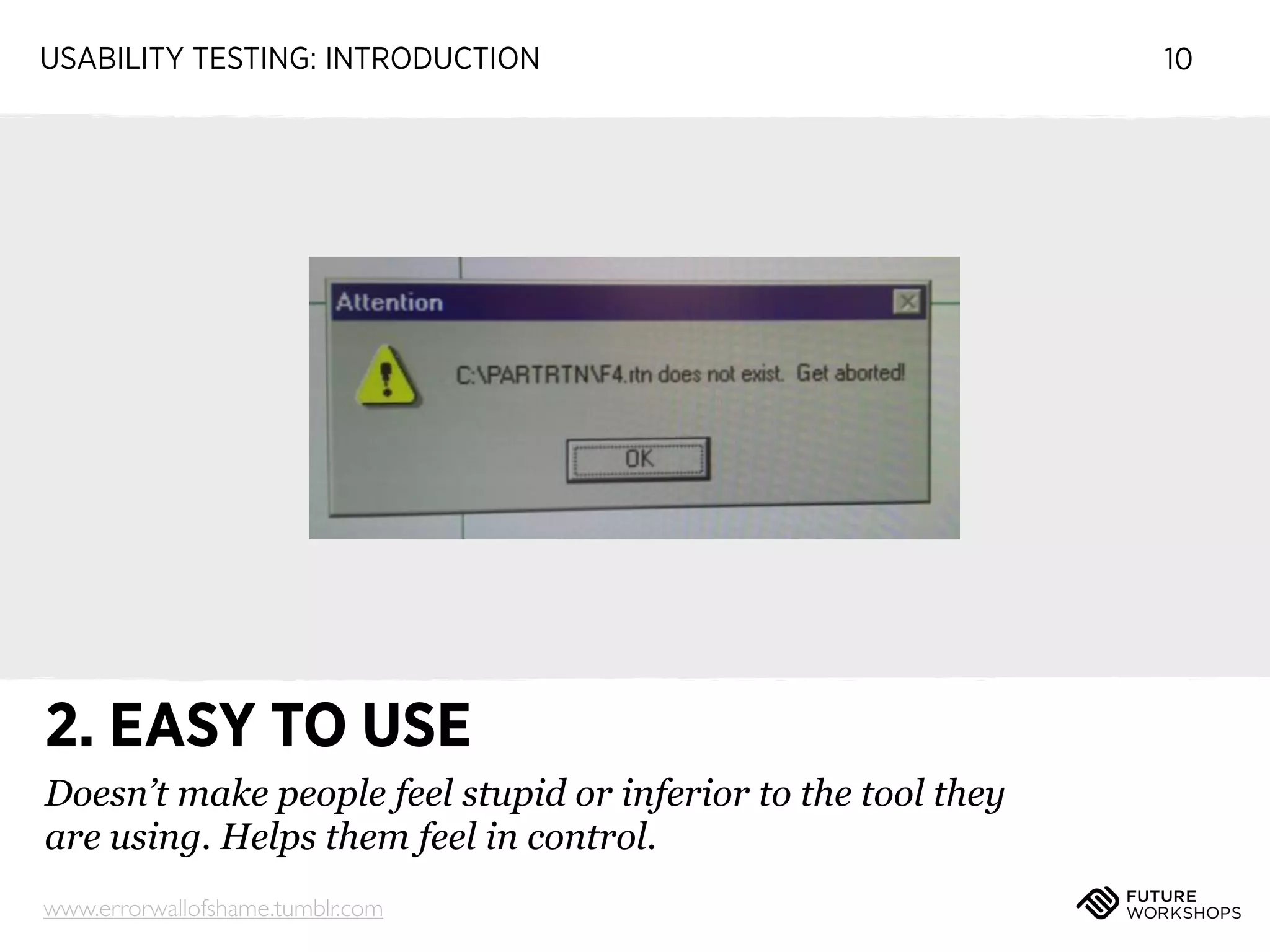
2. EASY TO USE
Doesn’t make people feel stupid or inferior to the tool they
are using. Helps them feel in control.
www.errorwallofshame.tumblr.com

10
USABILITY TESTING: INTRODUCTION

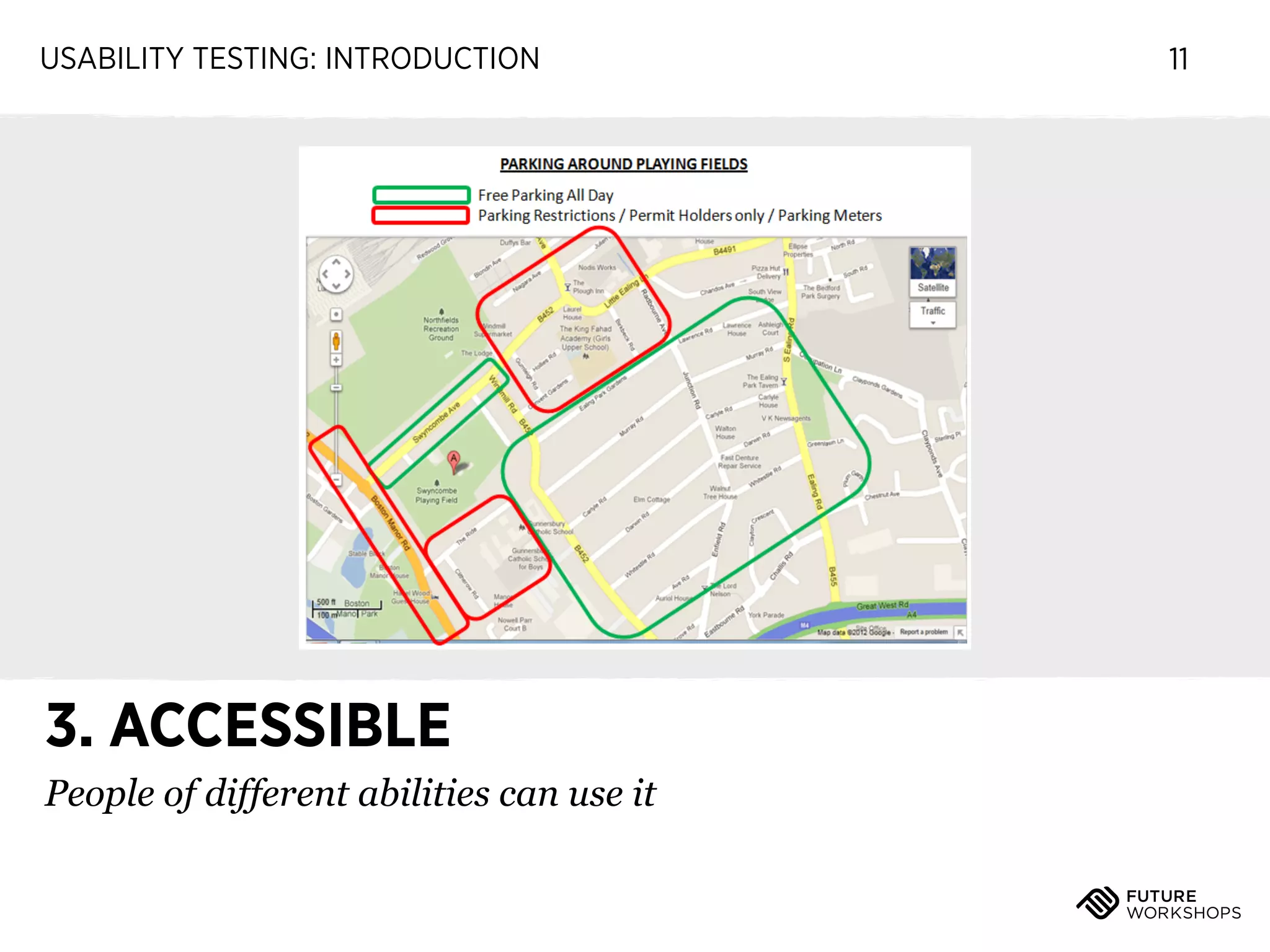
3. ACCESSIBLE
People of different abilities can use it

11
USABILITY TESTING: INTRODUCTION

12

YOU CAN’T DIFFERENTIATE IF
THE EXPERIENCE IS BROKEN
EVERYONE DEEPLY UNDERSTANDS THE USERS

13

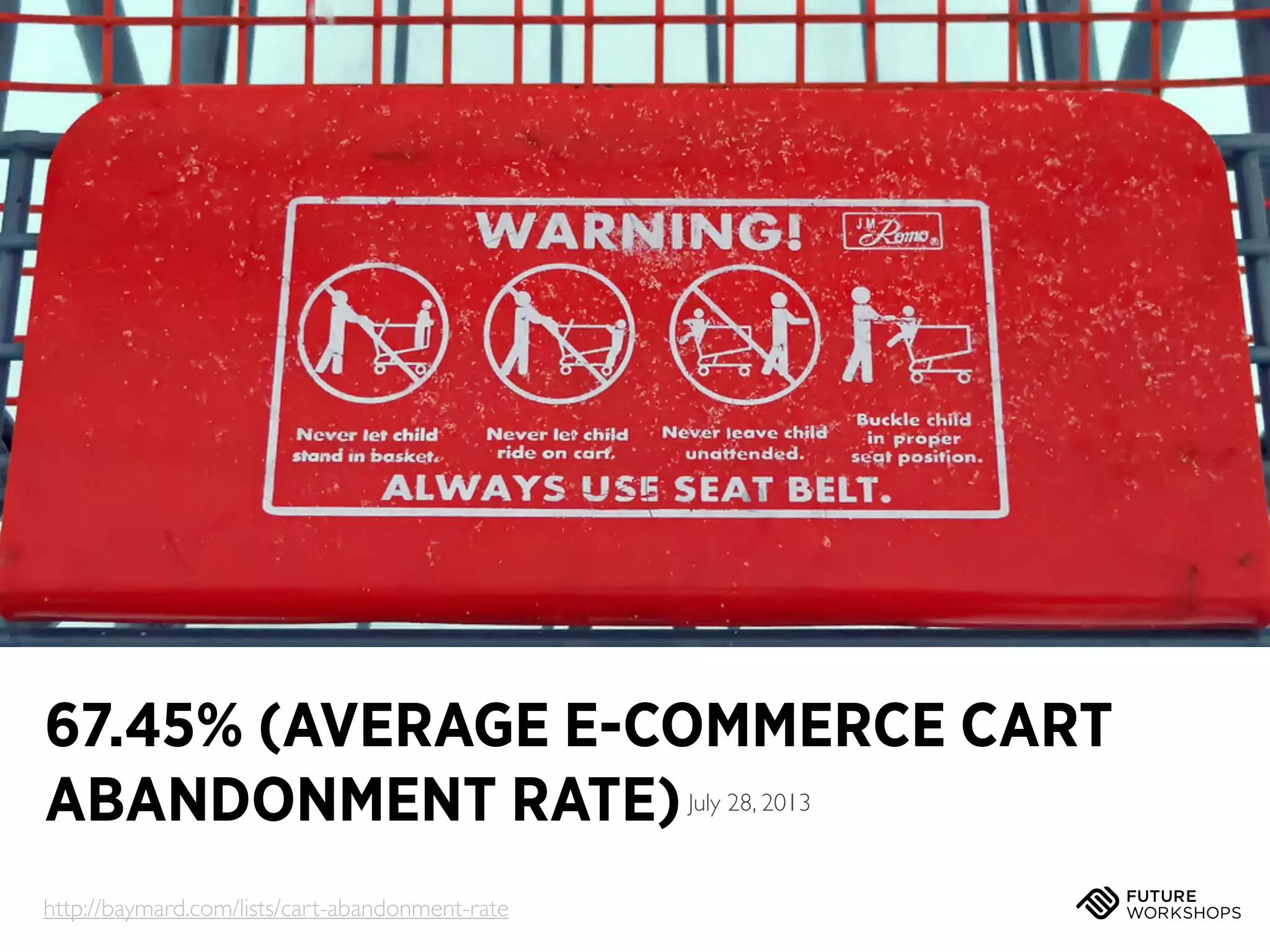
67.45% (AVERAGE E-COMMERCE CART
ABANDONMENT RATE)
July 28, 2013

http://baymard.com/lists/cart-abandonment-rate
USABILITY TESTING: INTRODUCTION

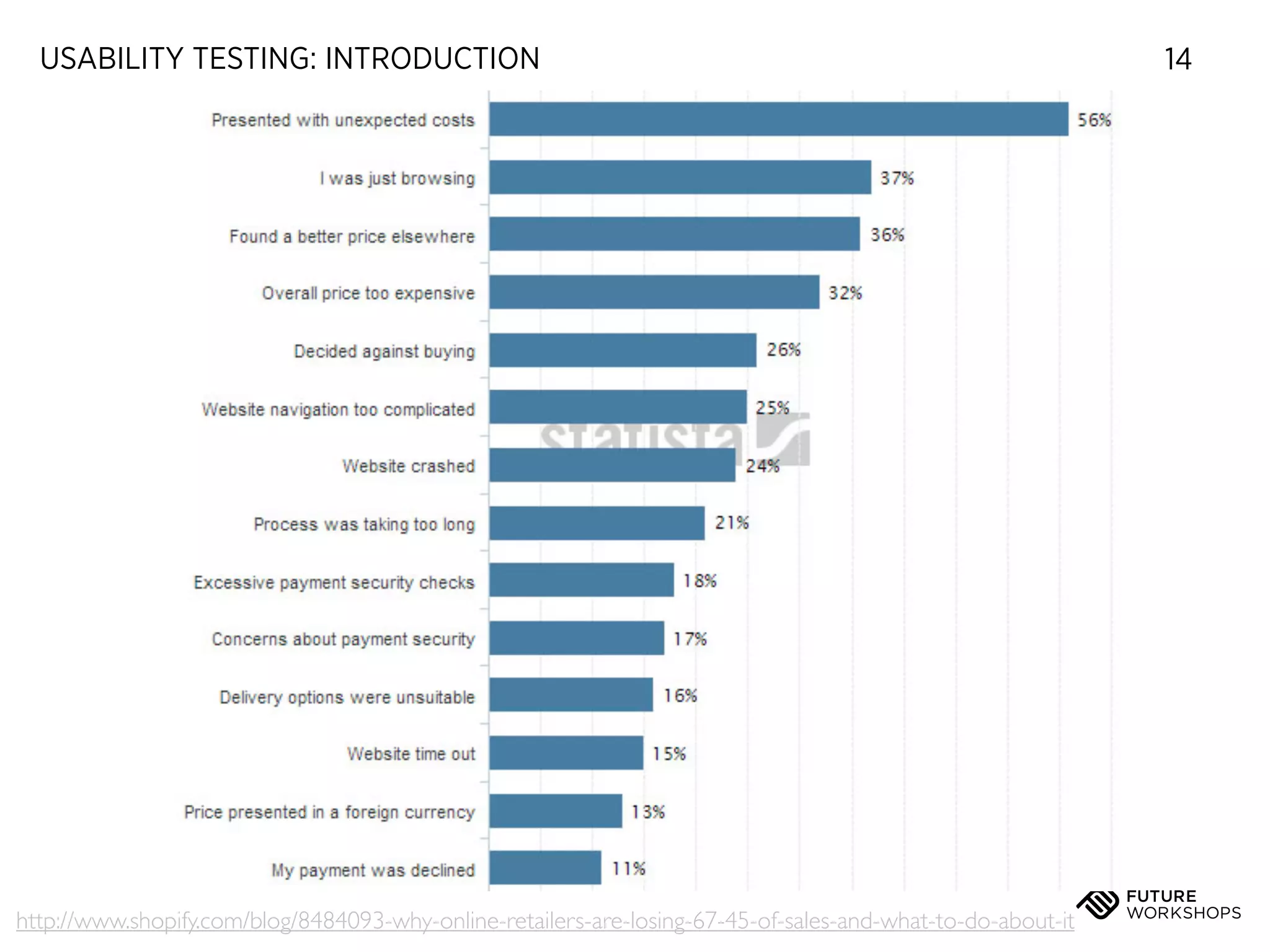
http://www.shopify.com/blog/8484093-why-online-retailers-are-losing-67-45-of-sales-and-what-to-do-about-it

14
USABILITY TESTING: INTRODUCTION

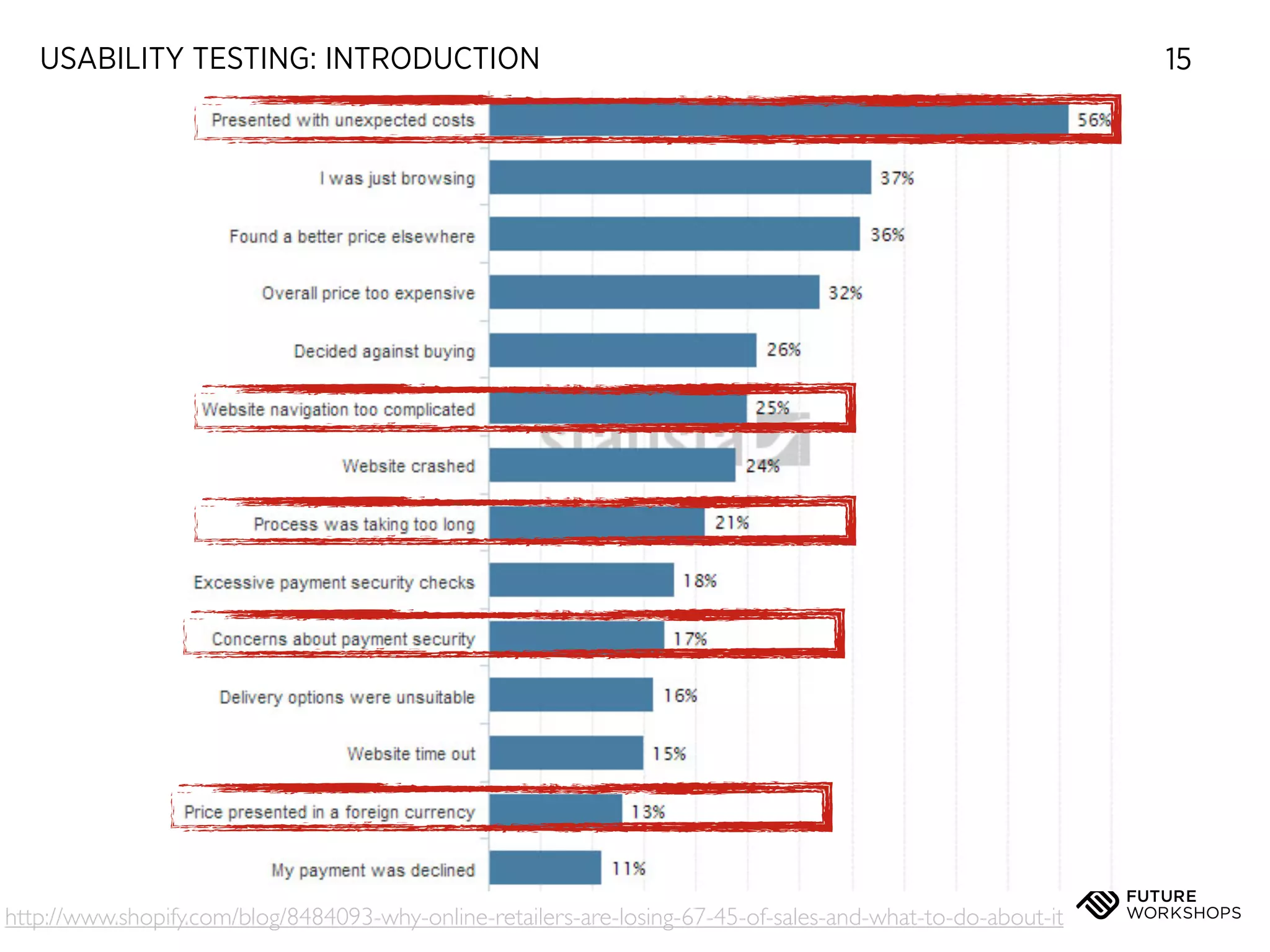
http://www.shopify.com/blog/8484093-why-online-retailers-are-losing-67-45-of-sales-and-what-to-do-about-it

15
USABILITY TESTING: INTRODUCTION

16

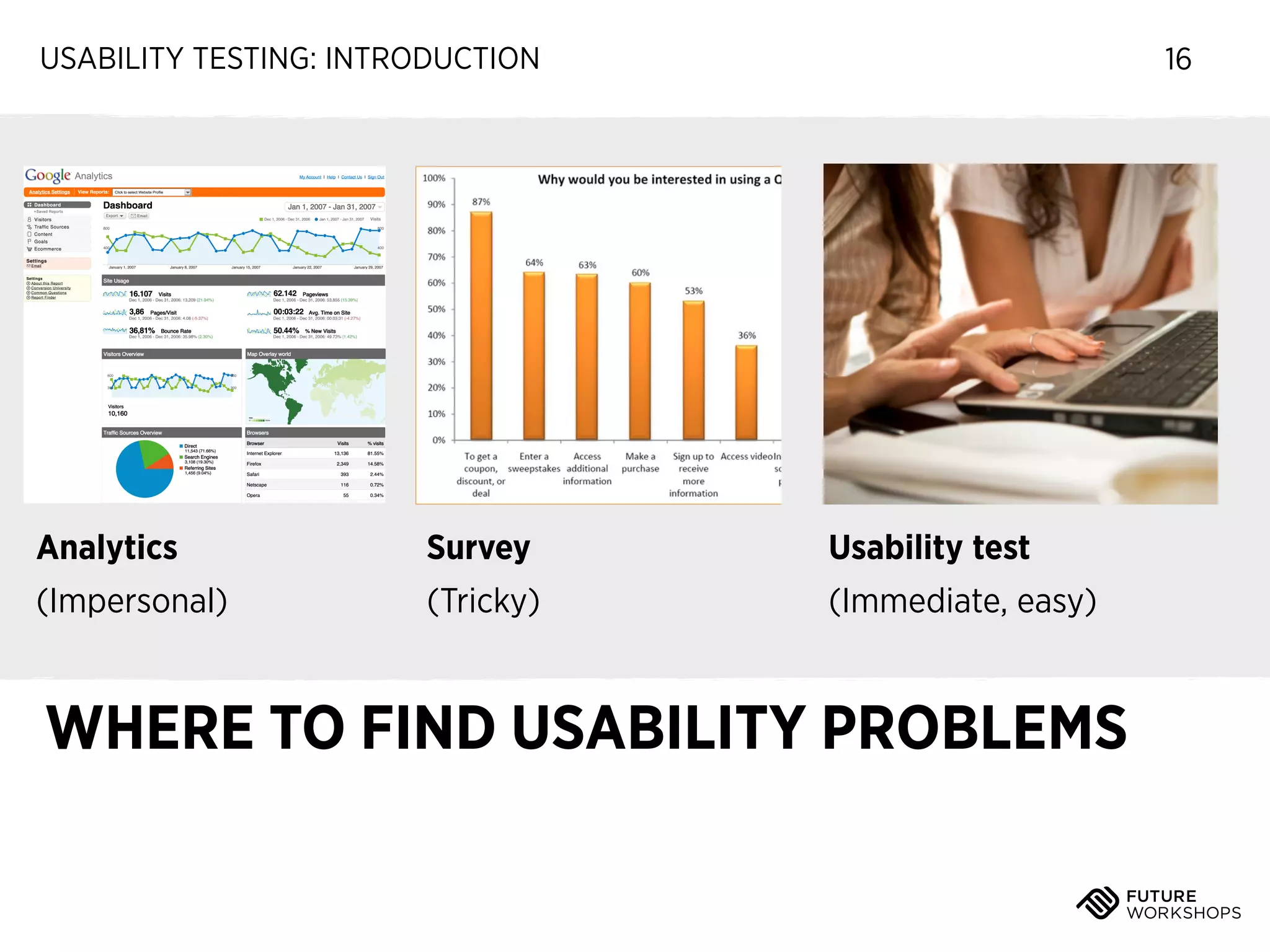
Analytics

Survey

Usability test

(Impersonal)

(Tricky)

(Immediate, easy)

WHERE TO FIND USABILITY PROBLEMS
USABILITY TESTING: INTRODUCTION

17

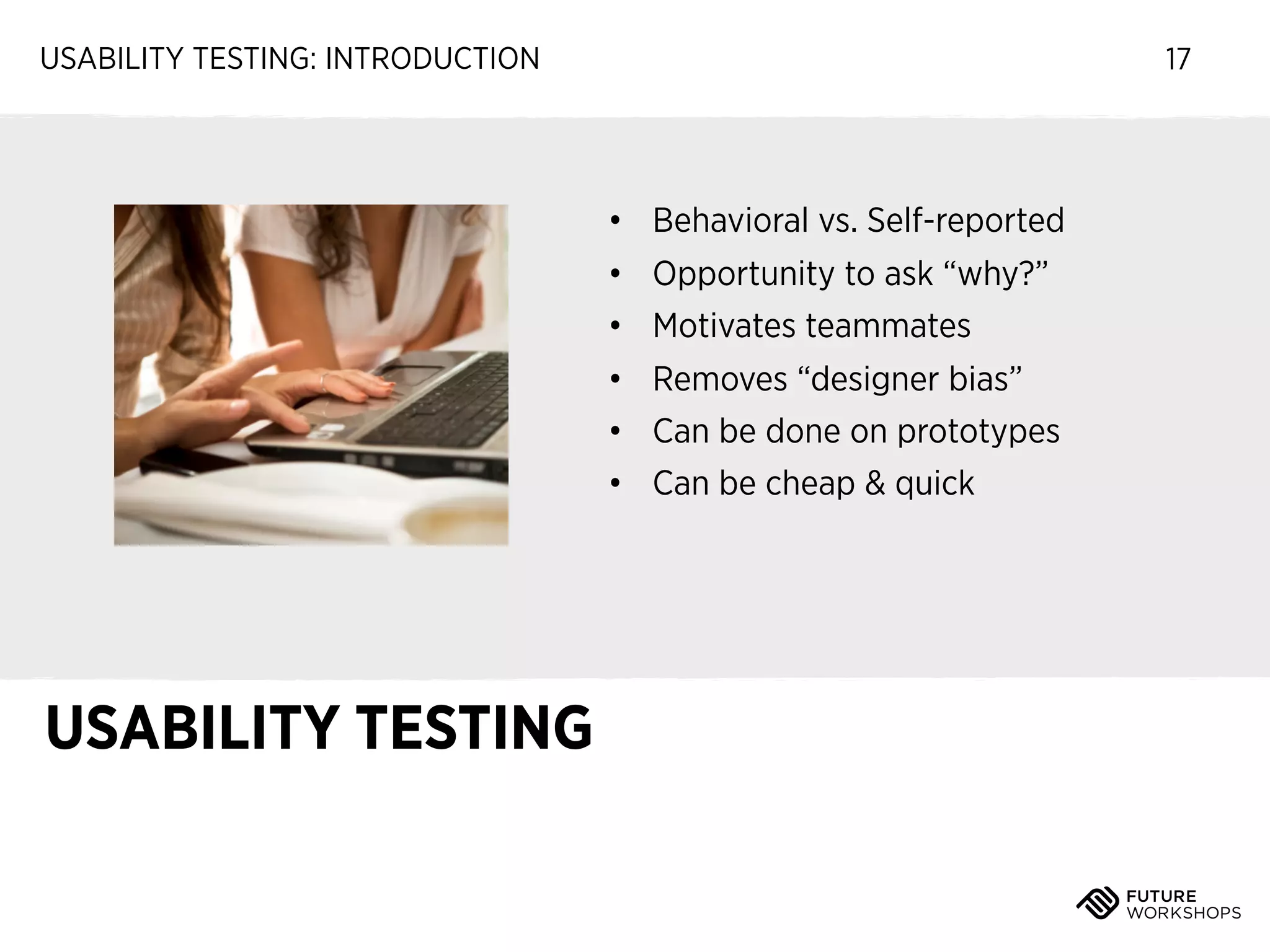
• Behavioral vs. Self-reported
• Opportunity to ask “why?”
• Motivates teammates
• Removes “designer bias”
• Can be done on prototypes
• Can be cheap & quick

USABILITY TESTING
USABILITY TESTING: INTRODUCTION

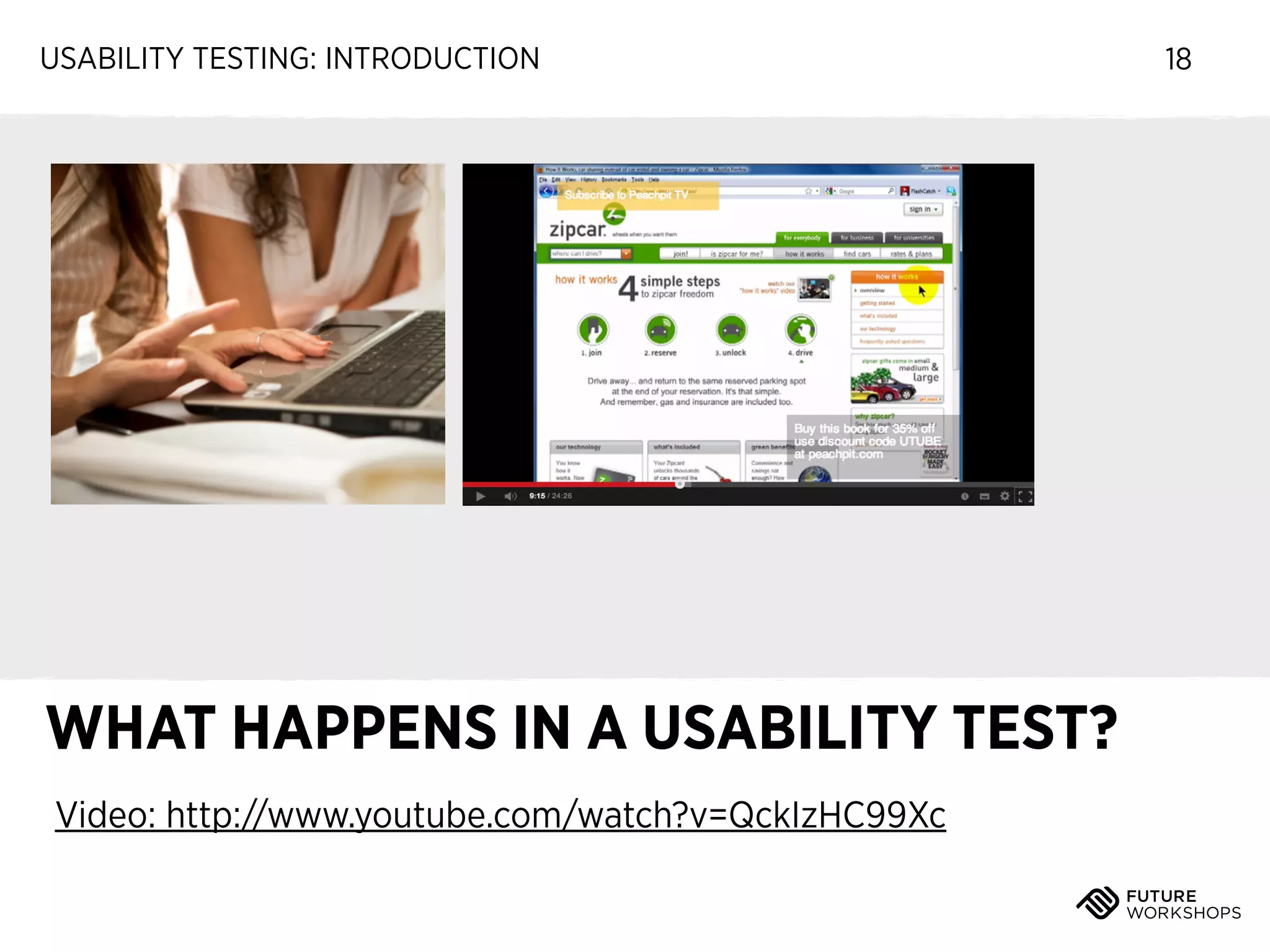
WHAT HAPPENS IN A USABILITY TEST?
Video: http://www.youtube.com/watch?v=QckIzHC99Xc

18
USABILITY TESTING: INTRODUCTION

TEST YOUR IDEAS
REGULARLY WITH REAL
PEOPLE

19
USABILITY TESTING: INTRODUCTION

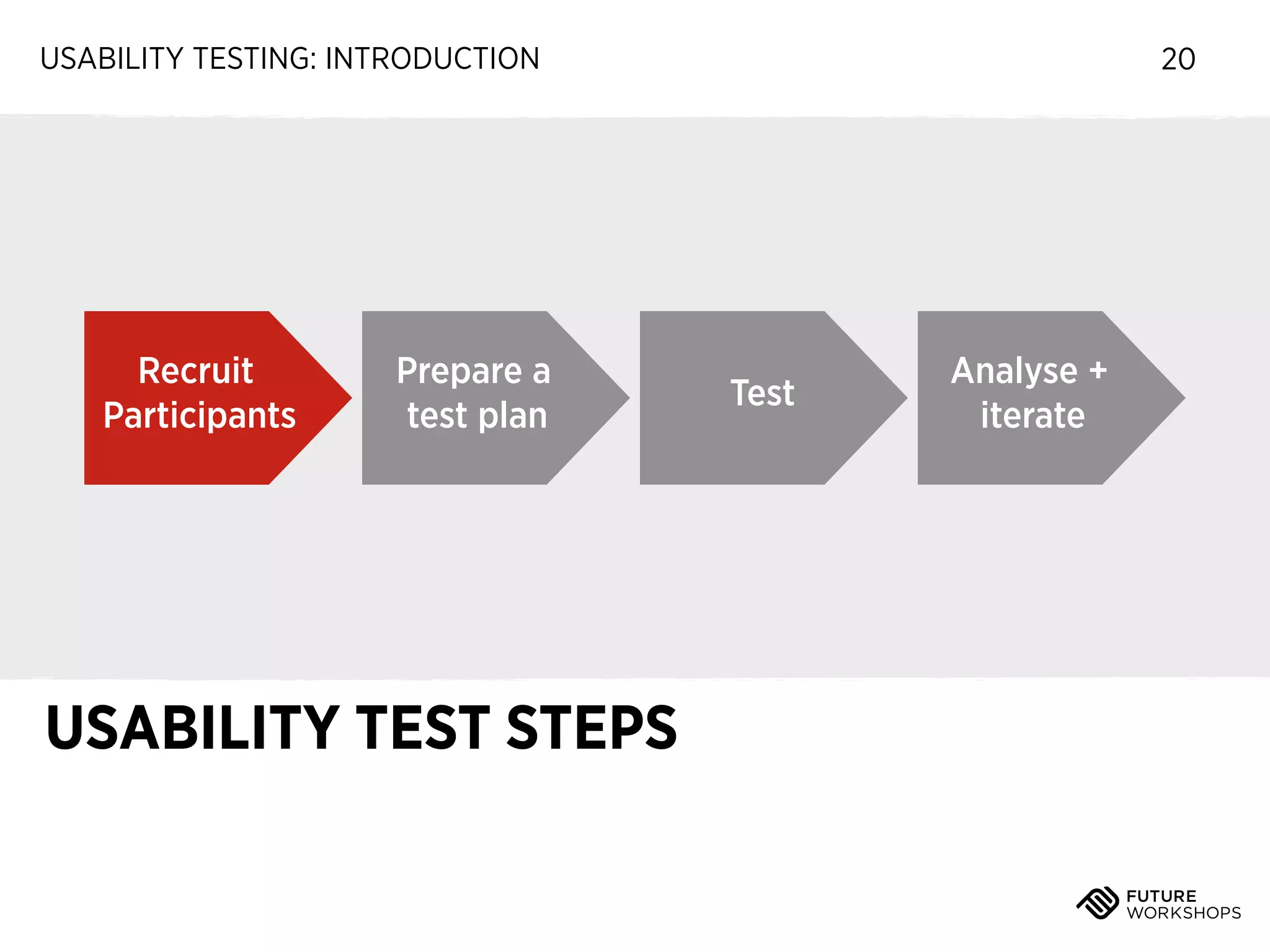
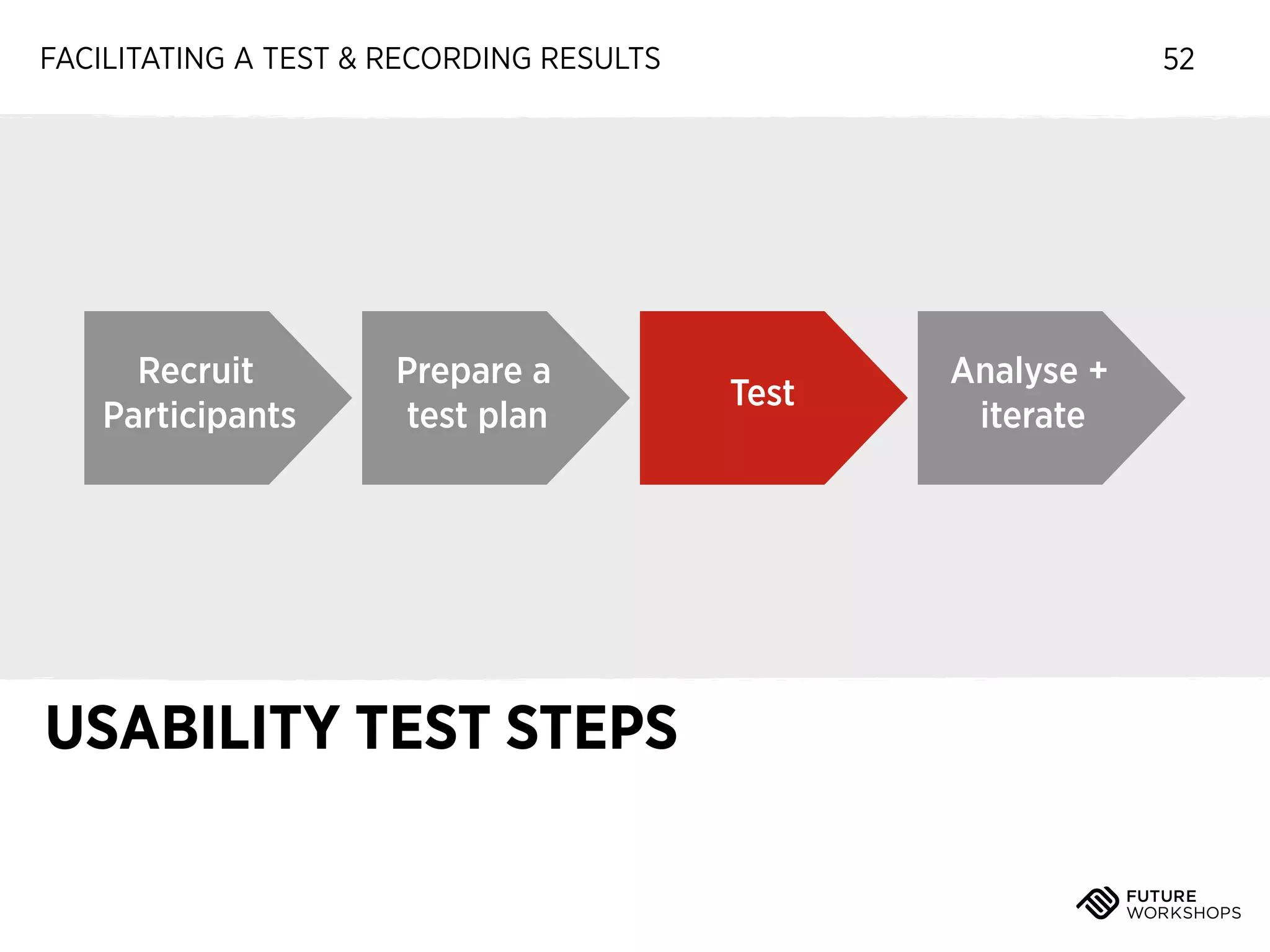
Recruit
Participants

Prepare a
test plan

USABILITY TEST STEPS

20

Test

Analyse +
iterate
USABILITY TESTING: INTRODUCTION

‣

Anyone who hasn’t seen the app

‣

Similar demographics to real users
(whenever possible)

WHO DO WE TEST WITH?

21
USABILITY TESTING: INTRODUCTION

WHERE DO WE FIND PARTICIPANTS?

22
USABILITY TESTING: INTRODUCTION

‣

Friends, family, colleagues

WHERE DO WE FIND PARTICIPANTS?

22
USABILITY TESTING: INTRODUCTION

‣

Friends, family, colleagues

‣

Social media followers

WHERE DO WE FIND PARTICIPANTS?

22
USABILITY TESTING: INTRODUCTION

‣

Friends, family, colleagues

‣

Social media followers

‣

Existing customers

WHERE DO WE FIND PARTICIPANTS?

22
USABILITY TESTING: INTRODUCTION

‣

Friends, family, colleagues

‣

Social media followers

‣

Existing customers

‣

Streets and coffee shops

WHERE DO WE FIND PARTICIPANTS?

22
USABILITY TESTING: INTRODUCTION

‣

Friends, family, colleagues

‣

Social media followers

‣

Existing customers

‣

Streets and coffee shops

‣

Recruitment agencies (<expensive!)

WHERE DO WE FIND PARTICIPANTS?

22
USABILITY TESTING: INTRODUCTION

23

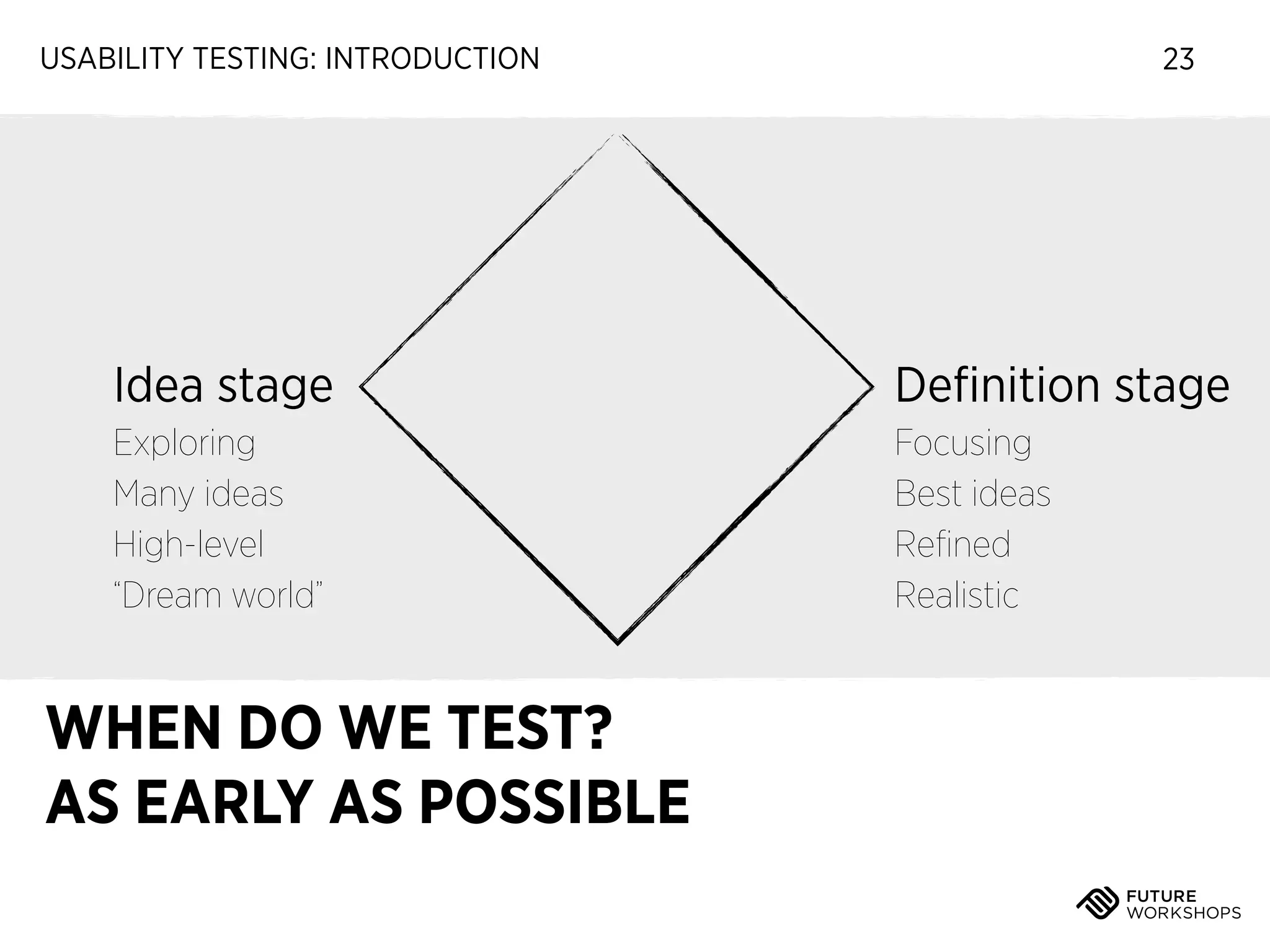
Idea stage

Definition stage

Exploring
Many ideas
High-level
“Dream world”

Focusing
Best ideas
Refined
Realistic

WHEN DO WE TEST?
AS EARLY AS POSSIBLE
USABILITY TESTING: INTRODUCTION

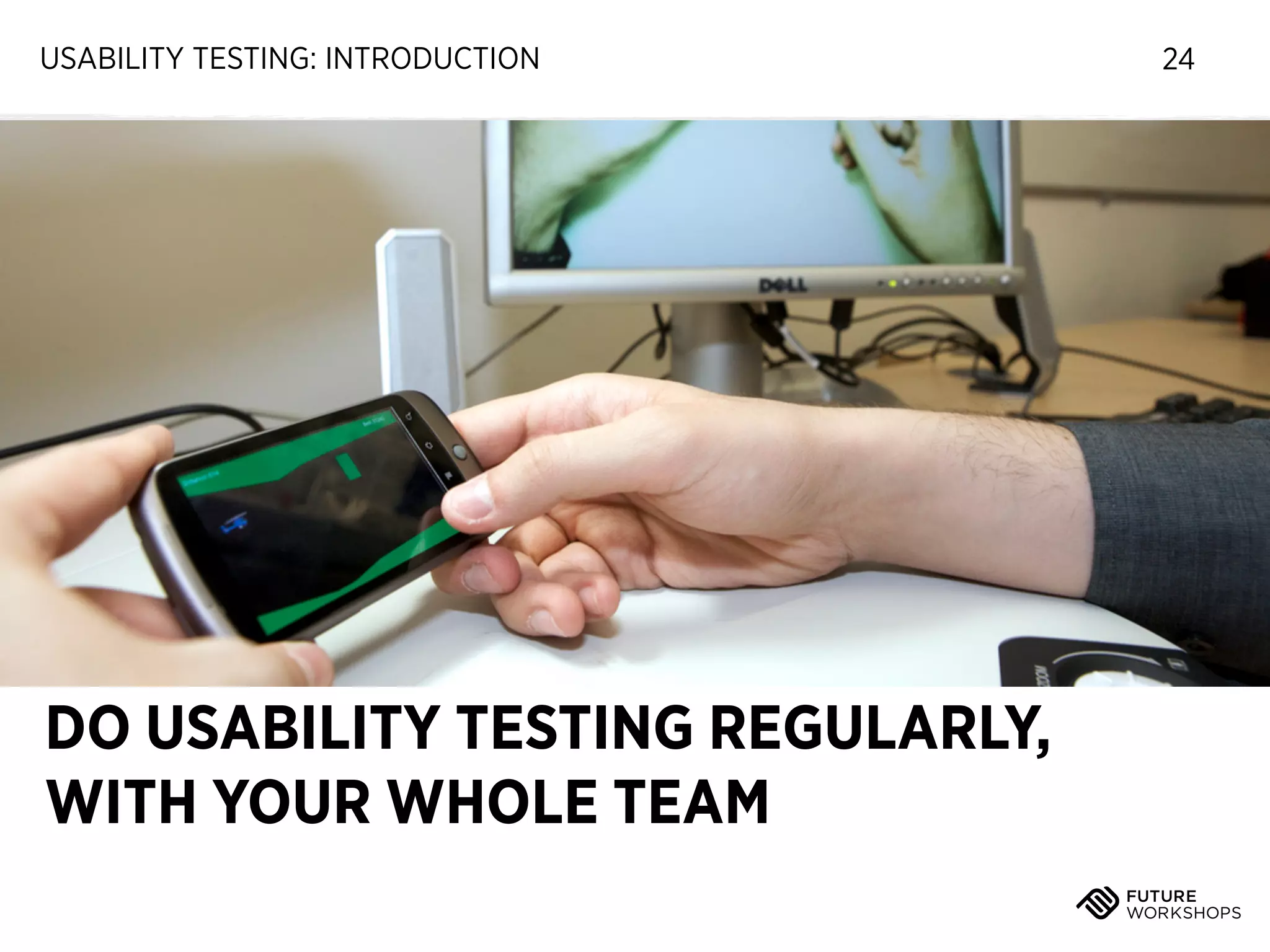
DO USABILITY TESTING REGULARLY,
WITH YOUR WHOLE TEAM

24
USABILITY TESTING: INTRODUCTION

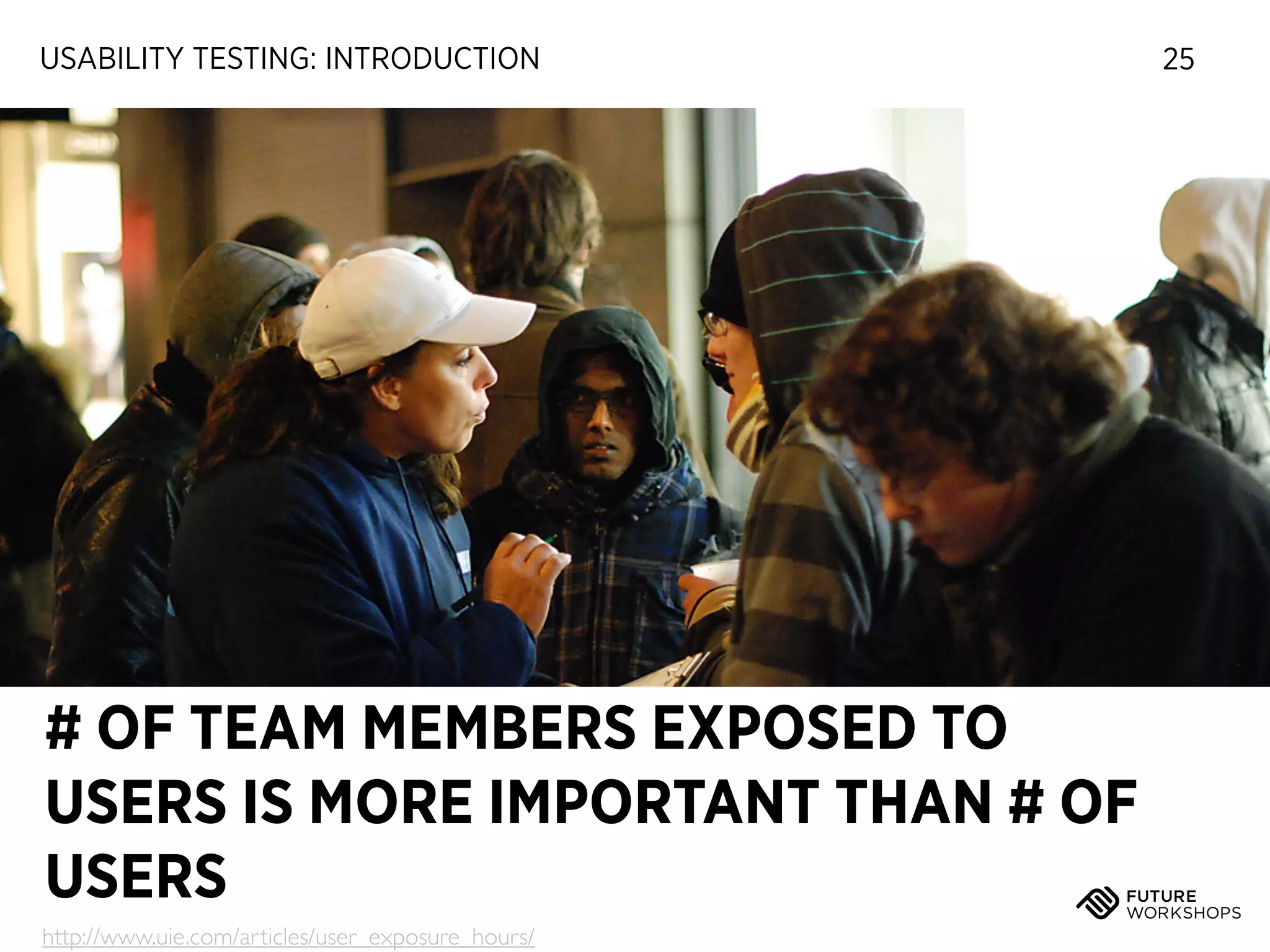
# OF TEAM MEMBERS EXPOSED TO
USERS IS MORE IMPORTANT THAN # OF
USERS
http://www.uie.com/articles/user_exposure_hours/

25
USABILITY TESTING: INTRODUCTION

26

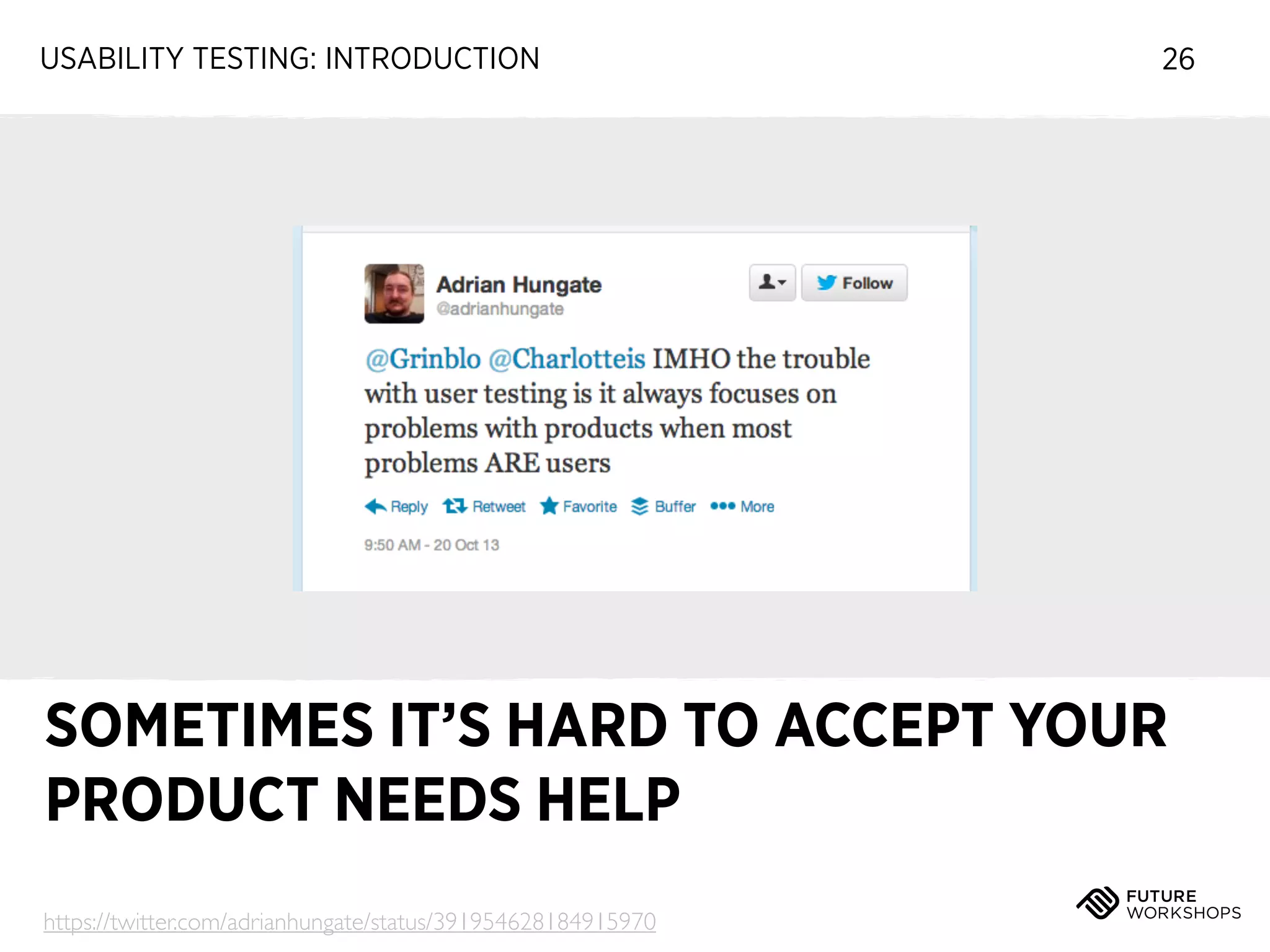
SOMETIMES IT’S HARD TO ACCEPT YOUR
PRODUCT NEEDS HELP
https://twitter.com/adrianhungate/status/391954628184915970
USABILITY TESTING: INTRODUCTION

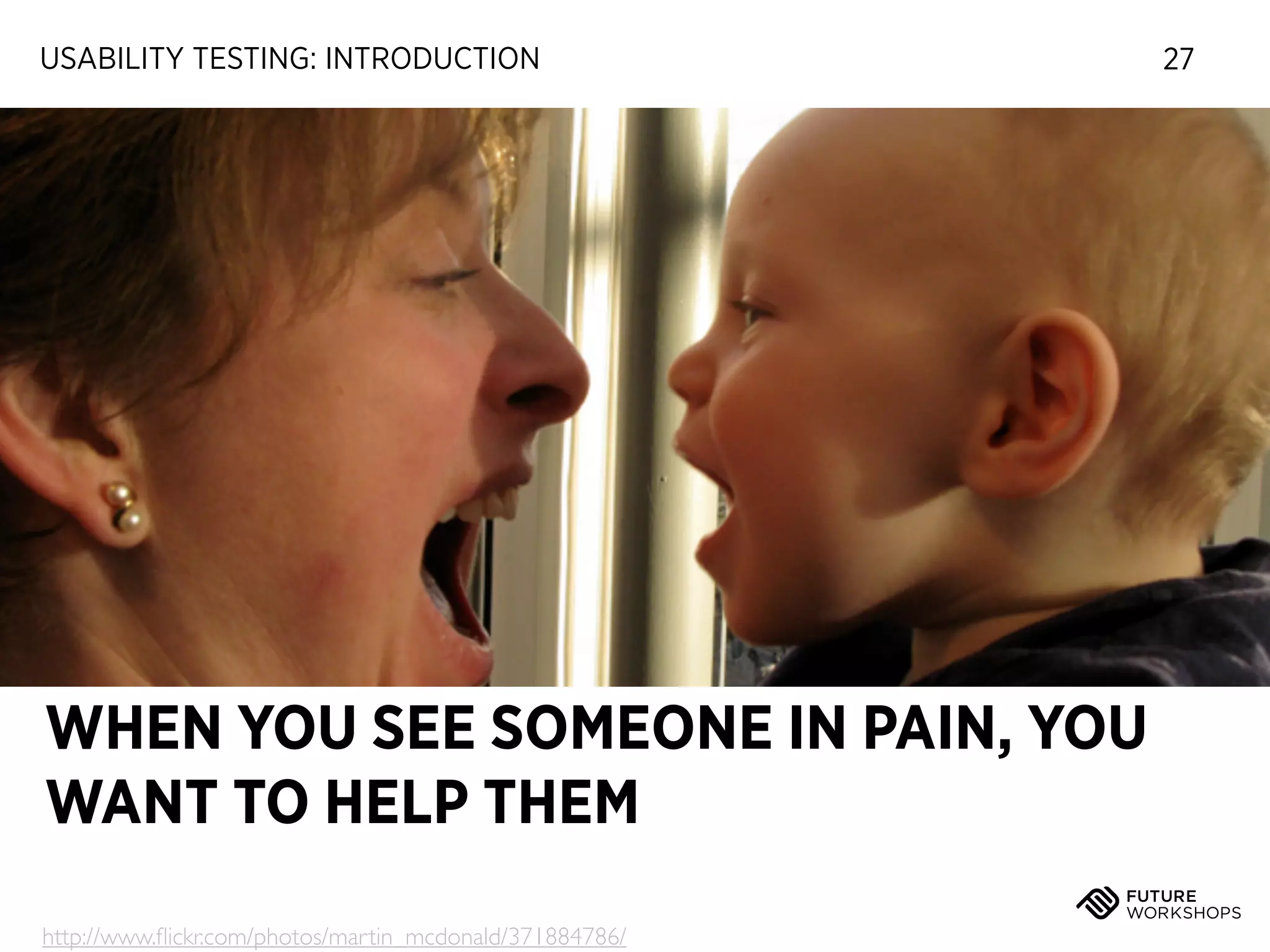
WHEN YOU SEE SOMEONE IN PAIN, YOU
WANT TO HELP THEM
http://www.flickr.com/photos/martin_mcdonald/371884786/

27
USABILITY TESTING: INTRODUCTION

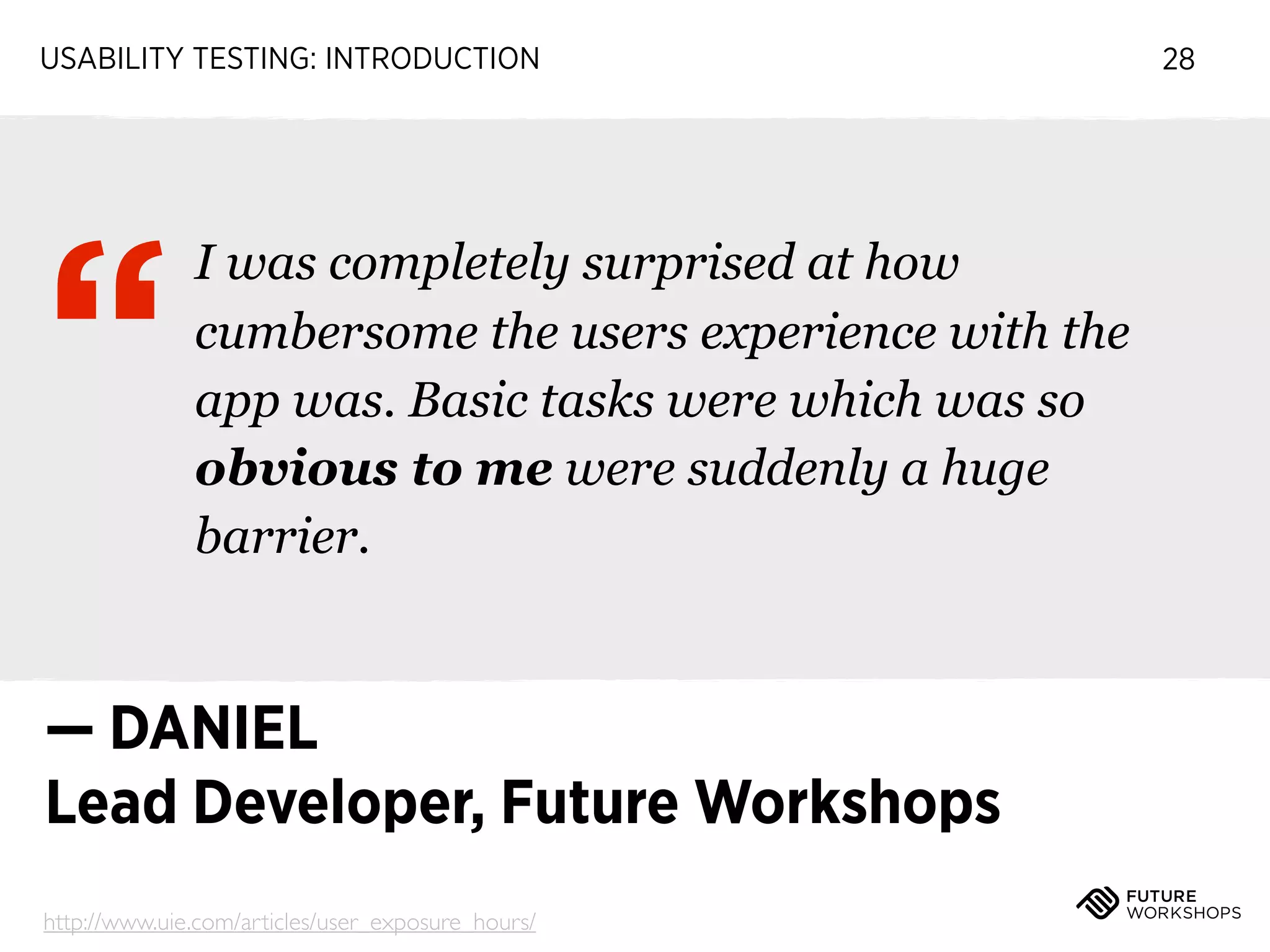
“

I was completely surprised at how
cumbersome the users experience with the
app was. Basic tasks were which was so
obvious to me were suddenly a huge
barrier.

— DANIEL
Lead Developer, Future Workshops
http://www.uie.com/articles/user_exposure_hours/

28
USABILITY TESTING: INTRODUCTION

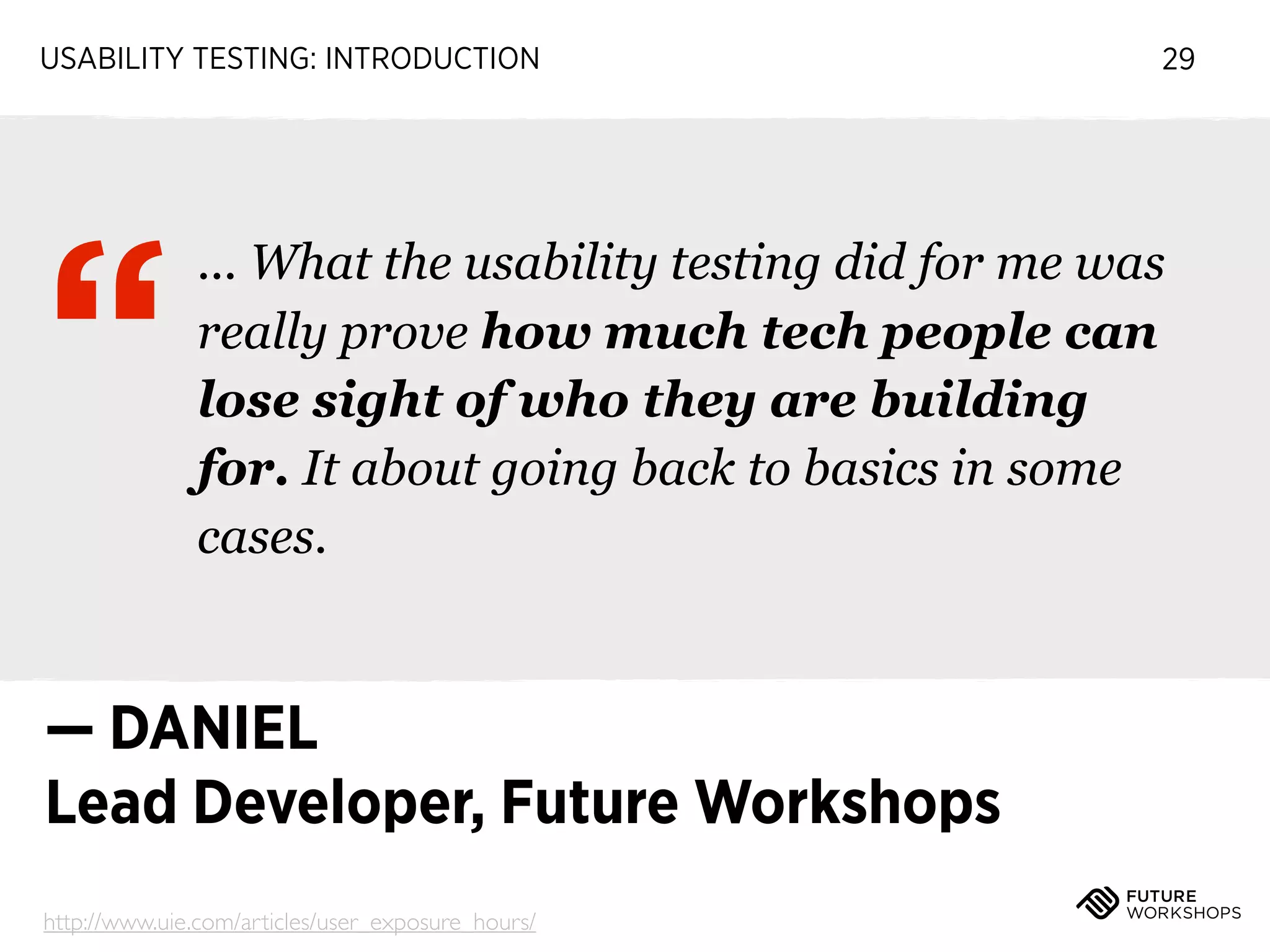
“

29

... What the usability testing did for me was
really prove how much tech people can
lose sight of who they are building
for. It about going back to basics in some
cases.

— DANIEL
Lead Developer, Future Workshops
http://www.uie.com/articles/user_exposure_hours/
USABILITY TESTING: INTRODUCTION

30

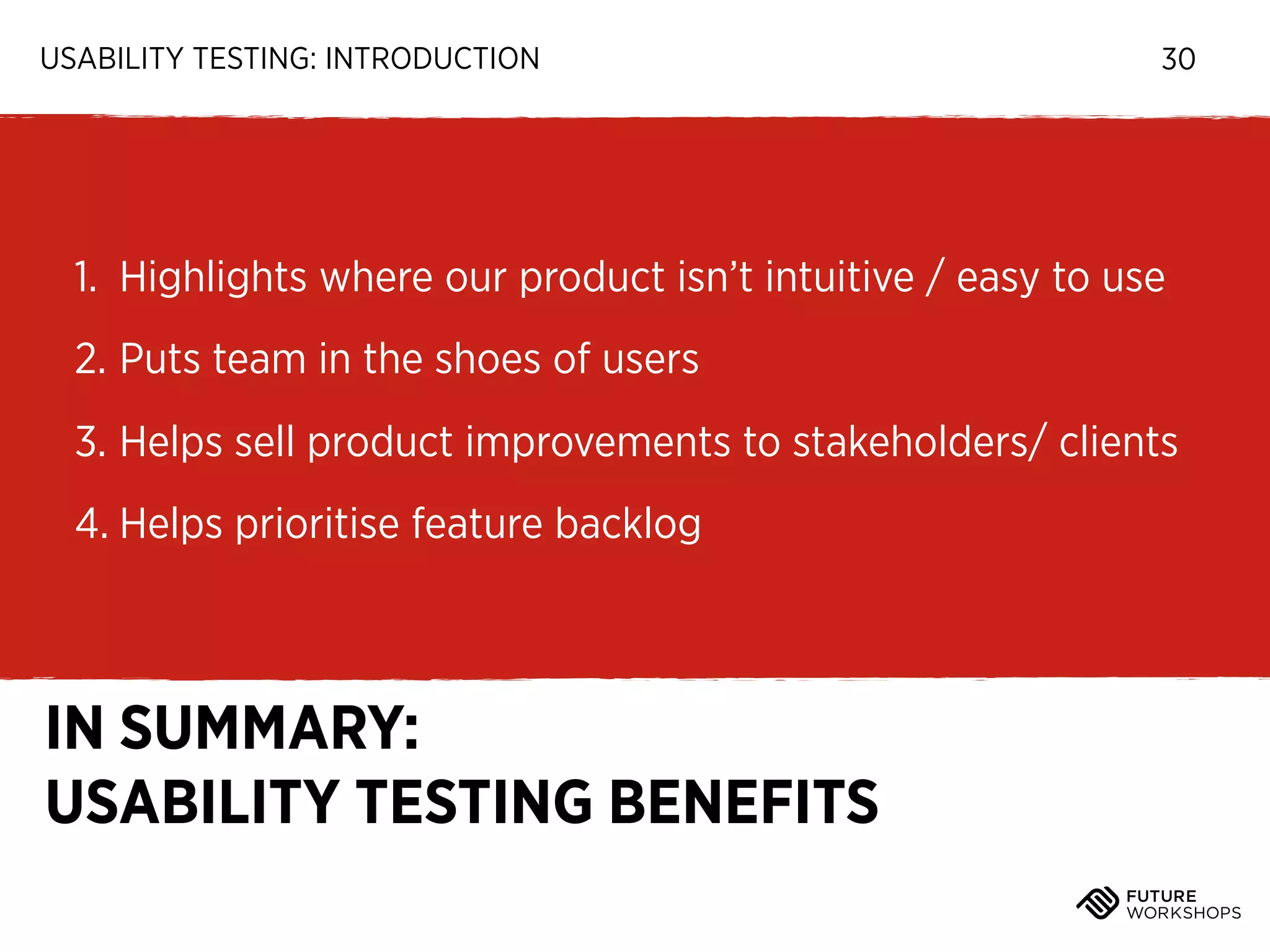
1. Highlights where our product isn’t intuitive / easy to use
2. Puts team in the shoes of users
3. Helps sell product improvements to stakeholders/ clients
4. Helps prioritise feature backlog

IN SUMMARY:
USABILITY TESTING BENEFITS
Time for a

5 minute break
Workshop schedule

USABILITY TESTING
0 / Usability testing introduction
1 / What do we test: preparing a test plan
2 / Facilitating a usability test & recording results
3 / Analysing and presenting key learnings
PREPARING A TEST PLAN

To run a test, you need
PREPARING A TEST PLAN

To run a test, you need
‣

Some representation of your product
PREPARING A TEST PLAN

To run a test, you need
‣

Some representation of your product

‣

Preferably interactive
PREPARING A TEST PLAN

To run a test, you need
‣

Some representation of your product

‣

Preferably interactive

‣

Doesn’t have to be finished
PREPARING A TEST PLAN

To run a test, you need
‣

Some representation of your product

‣

Preferably interactive

‣

Doesn’t have to be finished

‣

Or: competitor product!
PREPARING A TEST PLAN

To run a test, you need
‣

Some representation of your product

‣

Preferably interactive

‣

Doesn’t have to be finished

‣

Or: competitor product!

‣

Idea of what you want to test
PREPARING A TEST PLAN

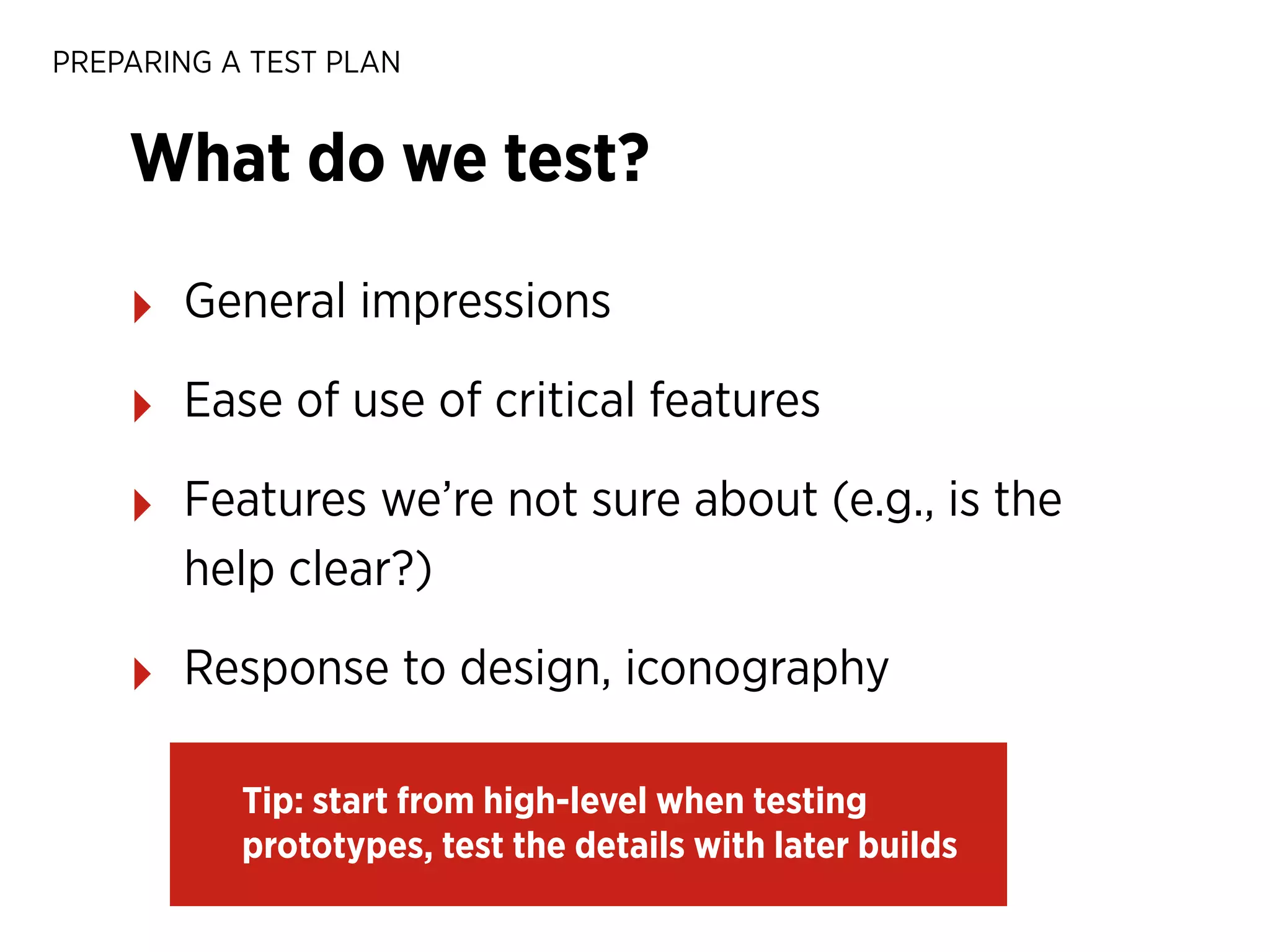
What do we test?
PREPARING A TEST PLAN

What do we test?
‣

General impressions
PREPARING A TEST PLAN

What do we test?
‣

General impressions

‣

Ease of use of critical features
PREPARING A TEST PLAN

What do we test?
‣

General impressions

‣

Ease of use of critical features

‣

Features we’re not sure about (e.g., is the
help clear?)
PREPARING A TEST PLAN

What do we test?
‣

General impressions

‣

Ease of use of critical features

‣

Features we’re not sure about (e.g., is the
help clear?)

‣

Response to design, iconography
PREPARING A TEST PLAN

What do we test?
‣

General impressions

‣

Ease of use of critical features

‣

Features we’re not sure about (e.g., is the
help clear?)

‣

Response to design, iconography
Tip: start from high-level when testing
prototypes, test the details with later builds
PREPARING A TEST PLAN

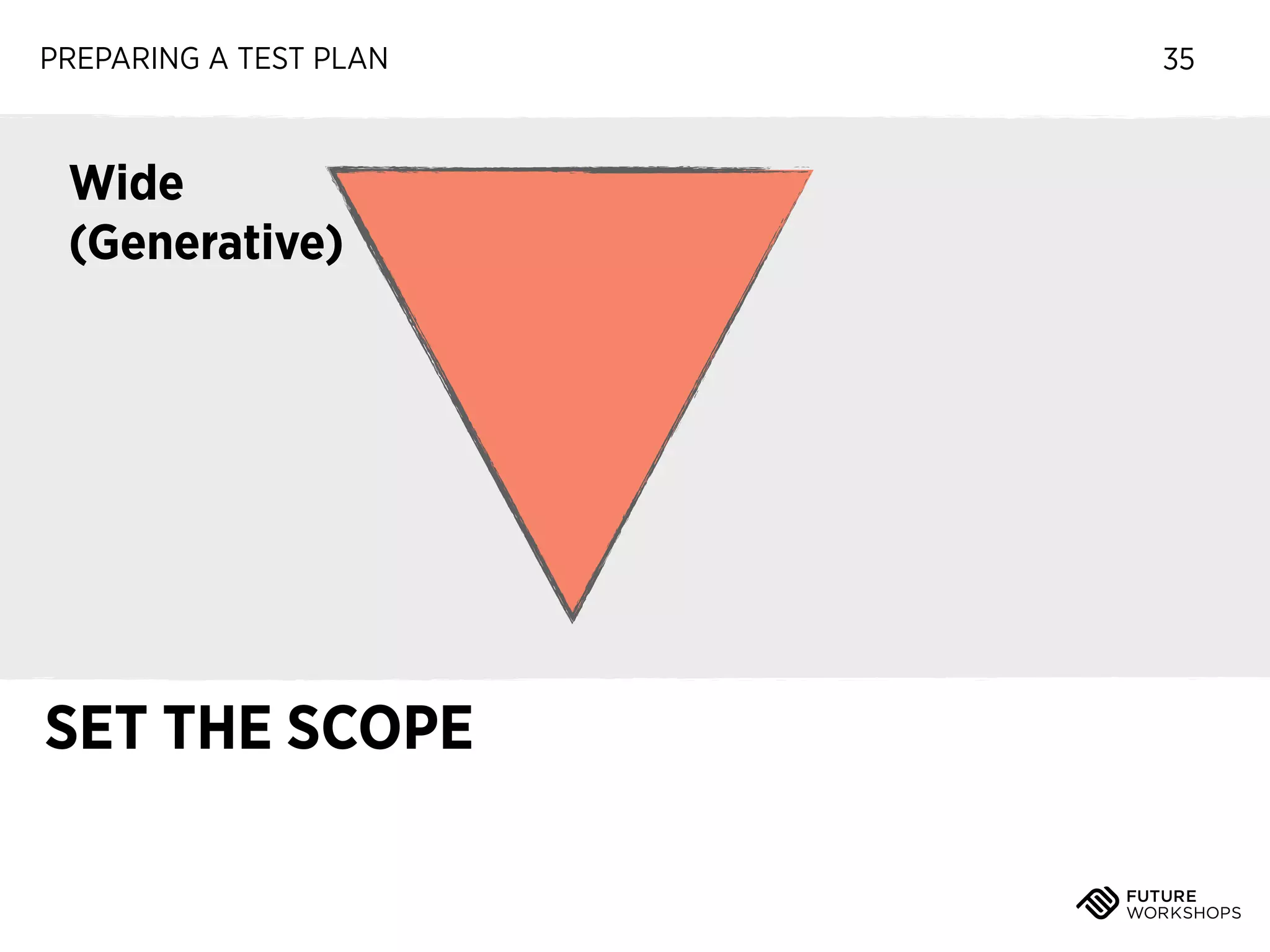
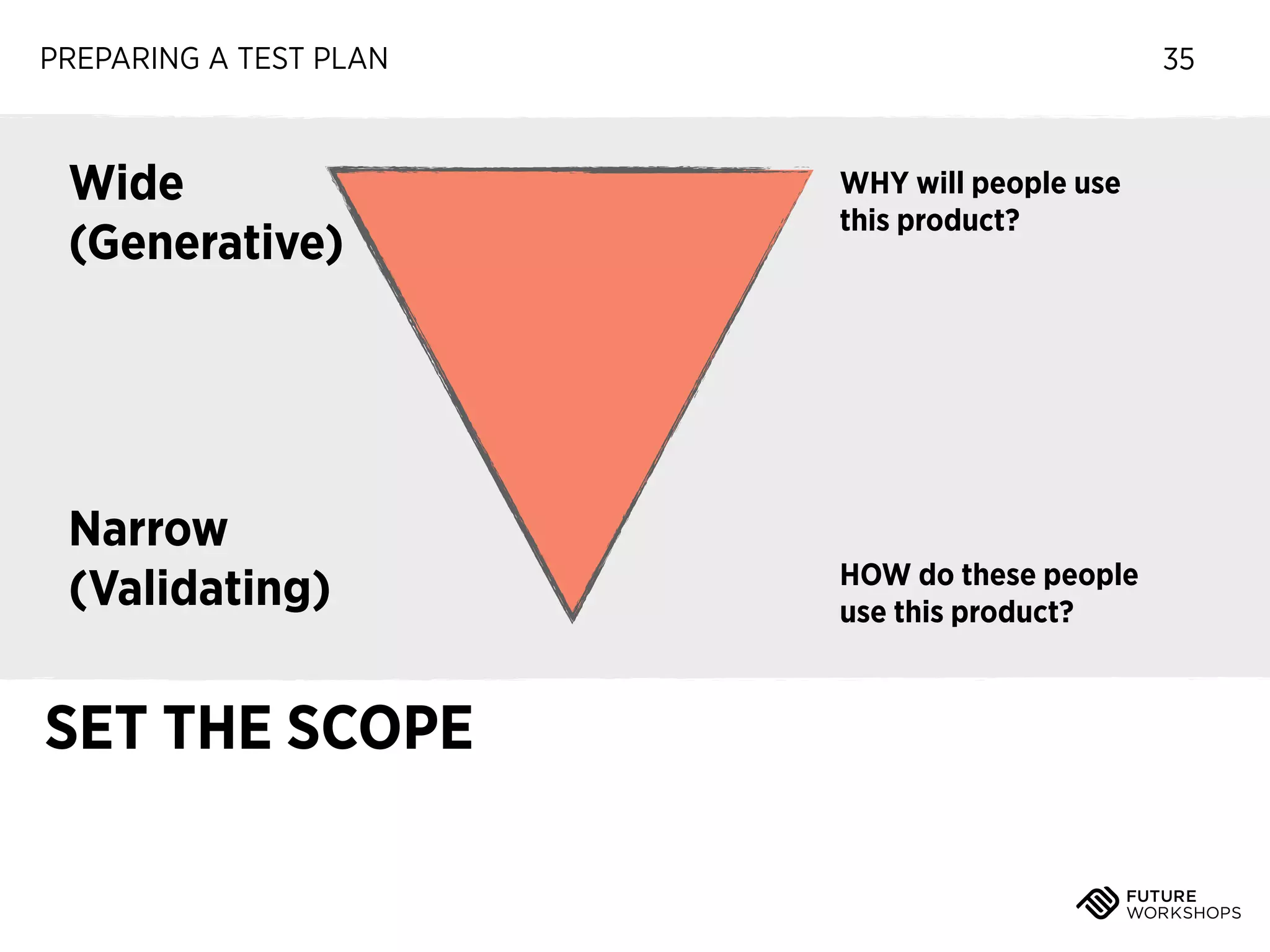
Wide
(Generative)

SET THE SCOPE

35
PREPARING A TEST PLAN

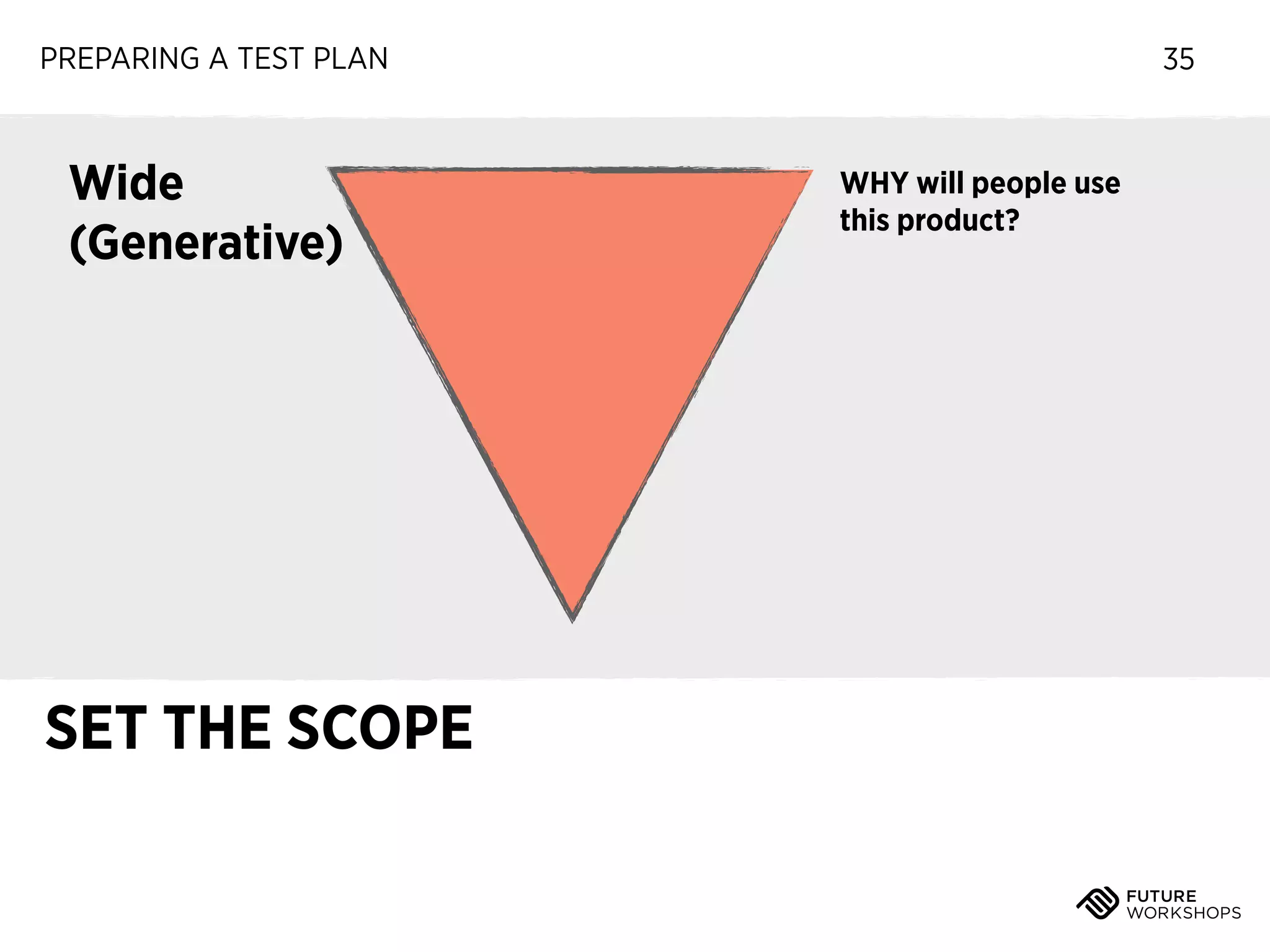
Wide
(Generative)

SET THE SCOPE

35

WHY will people use
this product?
PREPARING A TEST PLAN

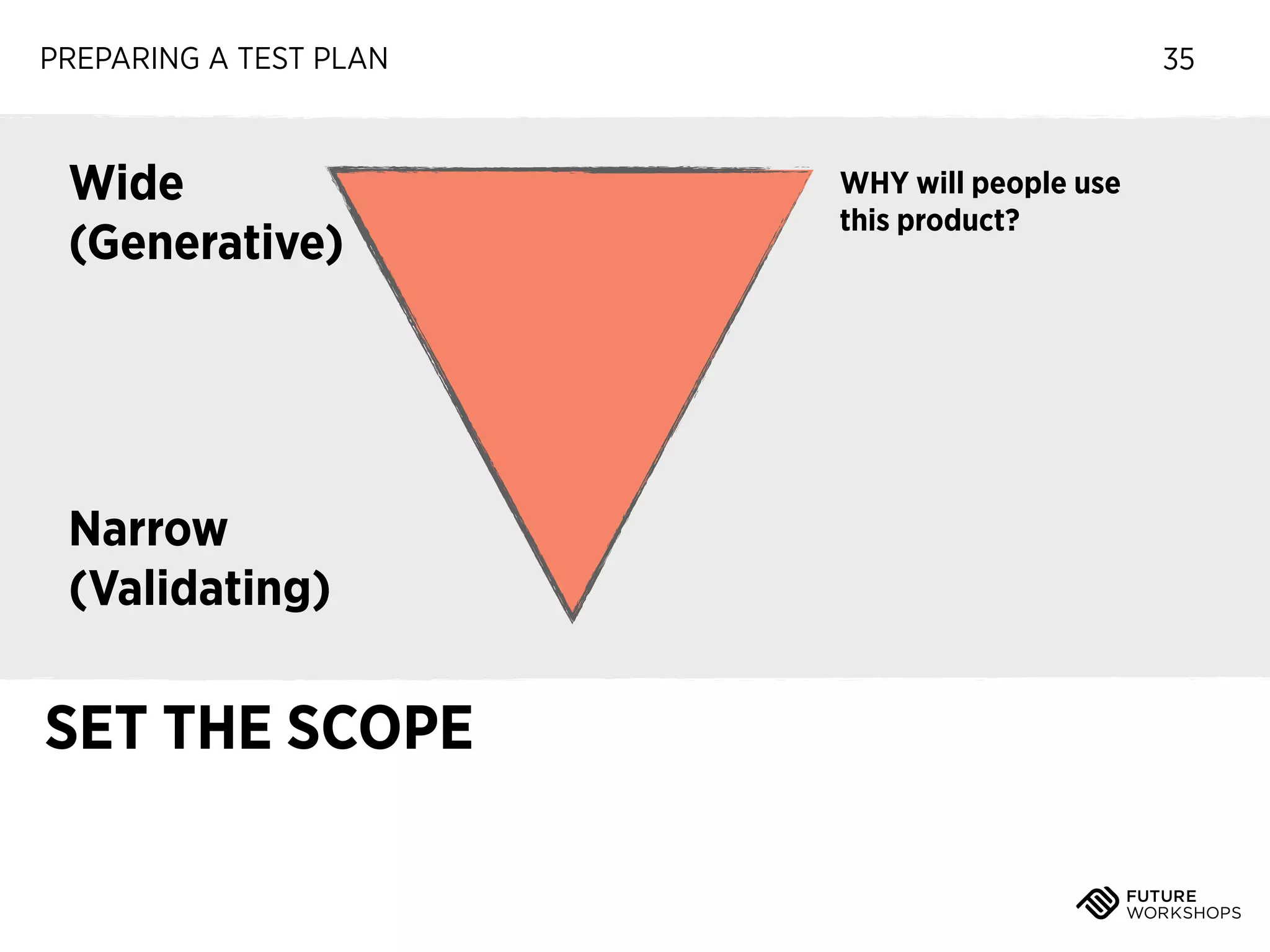
Wide
(Generative)

Narrow
(Validating)

SET THE SCOPE

35

WHY will people use
this product?
PREPARING A TEST PLAN

Wide
(Generative)

Narrow
(Validating)

SET THE SCOPE

35

WHY will people use
this product?

HOW do these people
use this product?
PREPARING A TEST PLAN

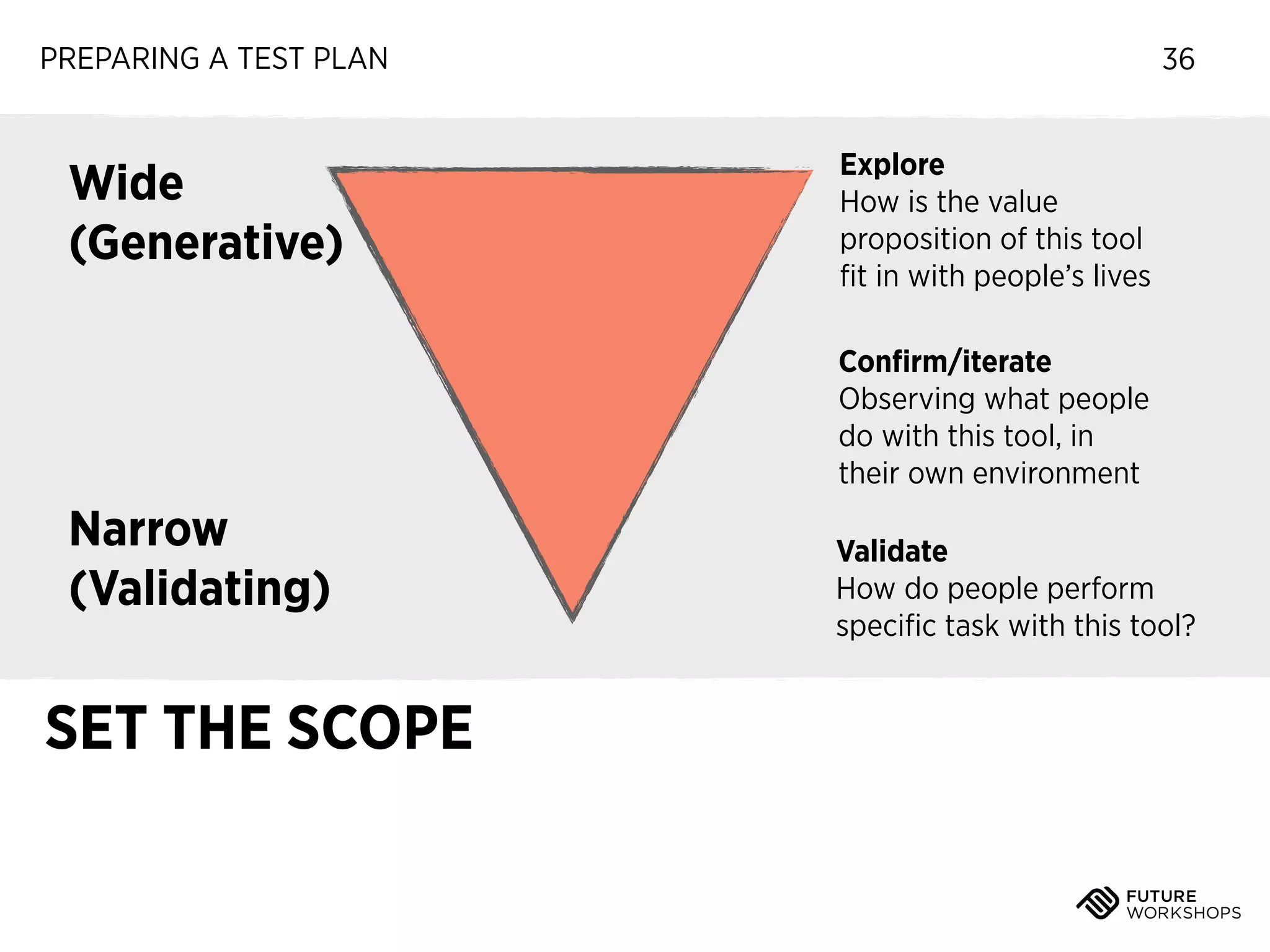
Wide
(Generative)

36
Explore
How is the value
proposition of this tool
fit in with people’s lives
Confirm/iterate
Observing what people
do with this tool, in
their own environment

Narrow
(Validating)

SET THE SCOPE

Validate
How do people perform
specific task with this tool?
PREPARING A TEST PLAN

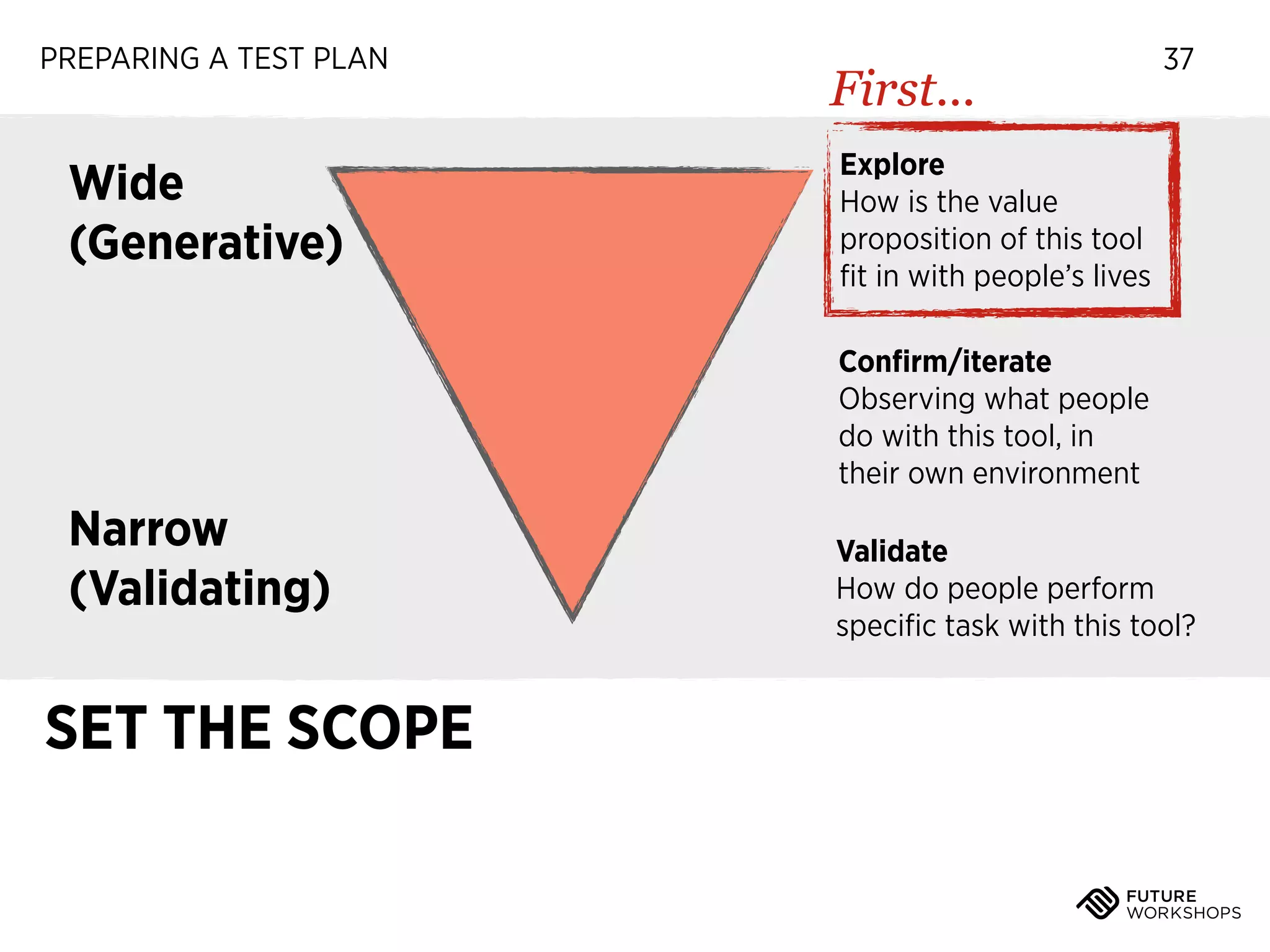
Wide
(Generative)

First...

37

Explore
How is the value
proposition of this tool
fit in with people’s lives
Confirm/iterate
Observing what people
do with this tool, in
their own environment

Narrow
(Validating)

SET THE SCOPE

Validate
How do people perform
specific task with this tool?
PREPARING A TEST PLAN

38

Ready?

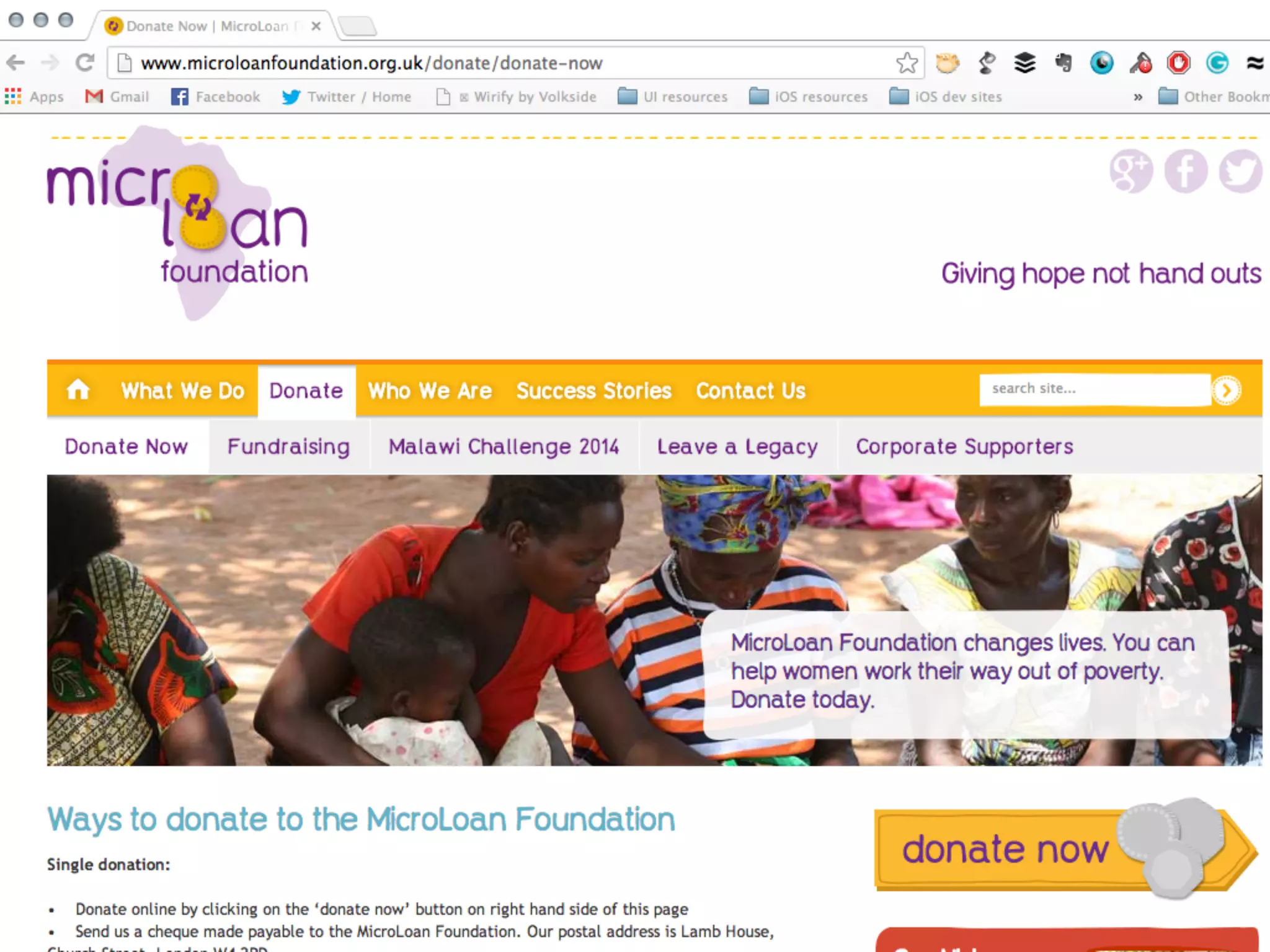
FIRST IMPRESSIONS: THE 5 SECOND
TEST
39
PREPARING A TEST PLAN

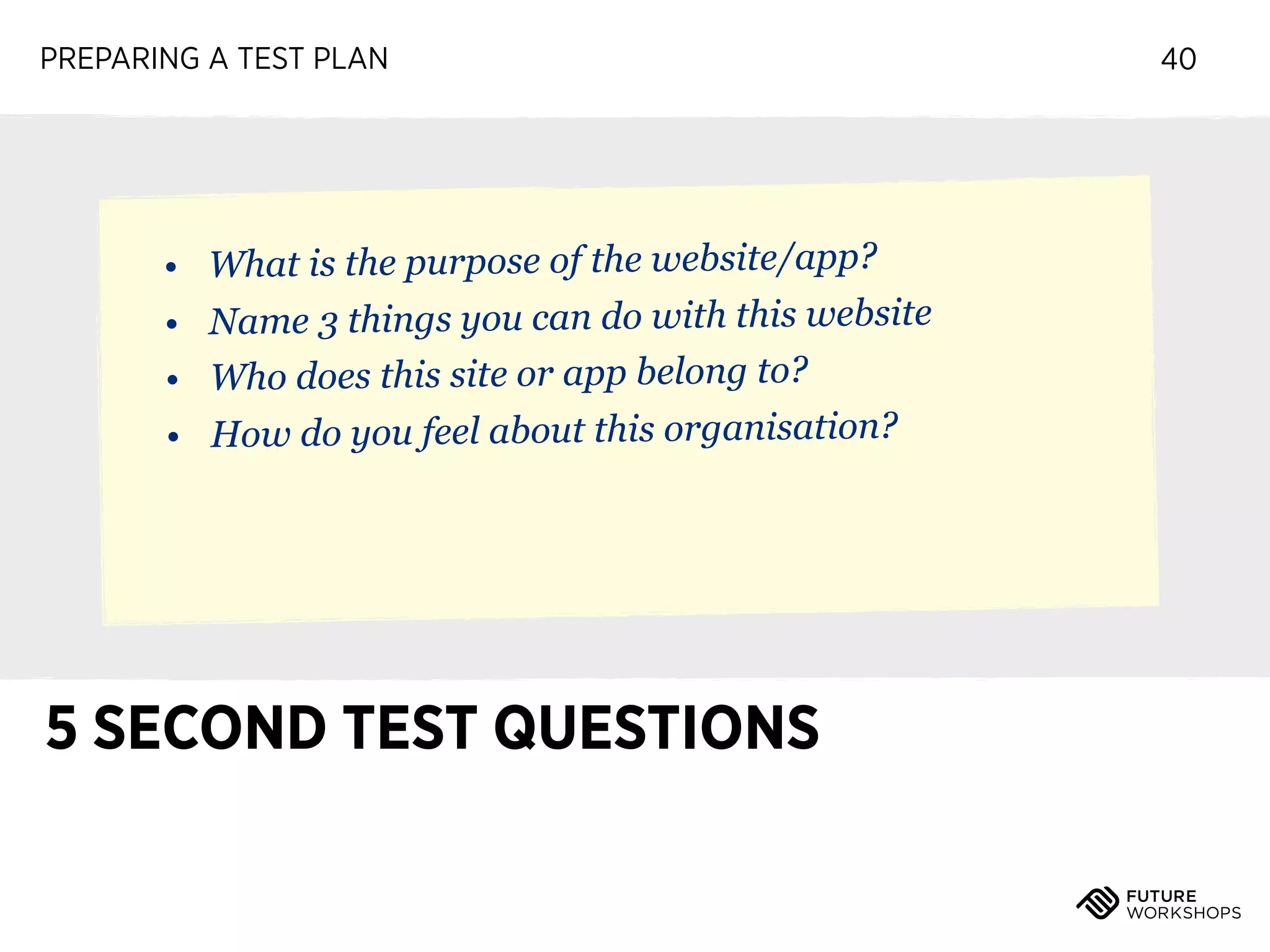
• What is the purpose of the website/app?
• Name 3 things you can do with this website
• Who does this site or app belong to?
• How do you feel about this organisation?

5 SECOND TEST QUESTIONS

40
PREPARING A TEST PLAN

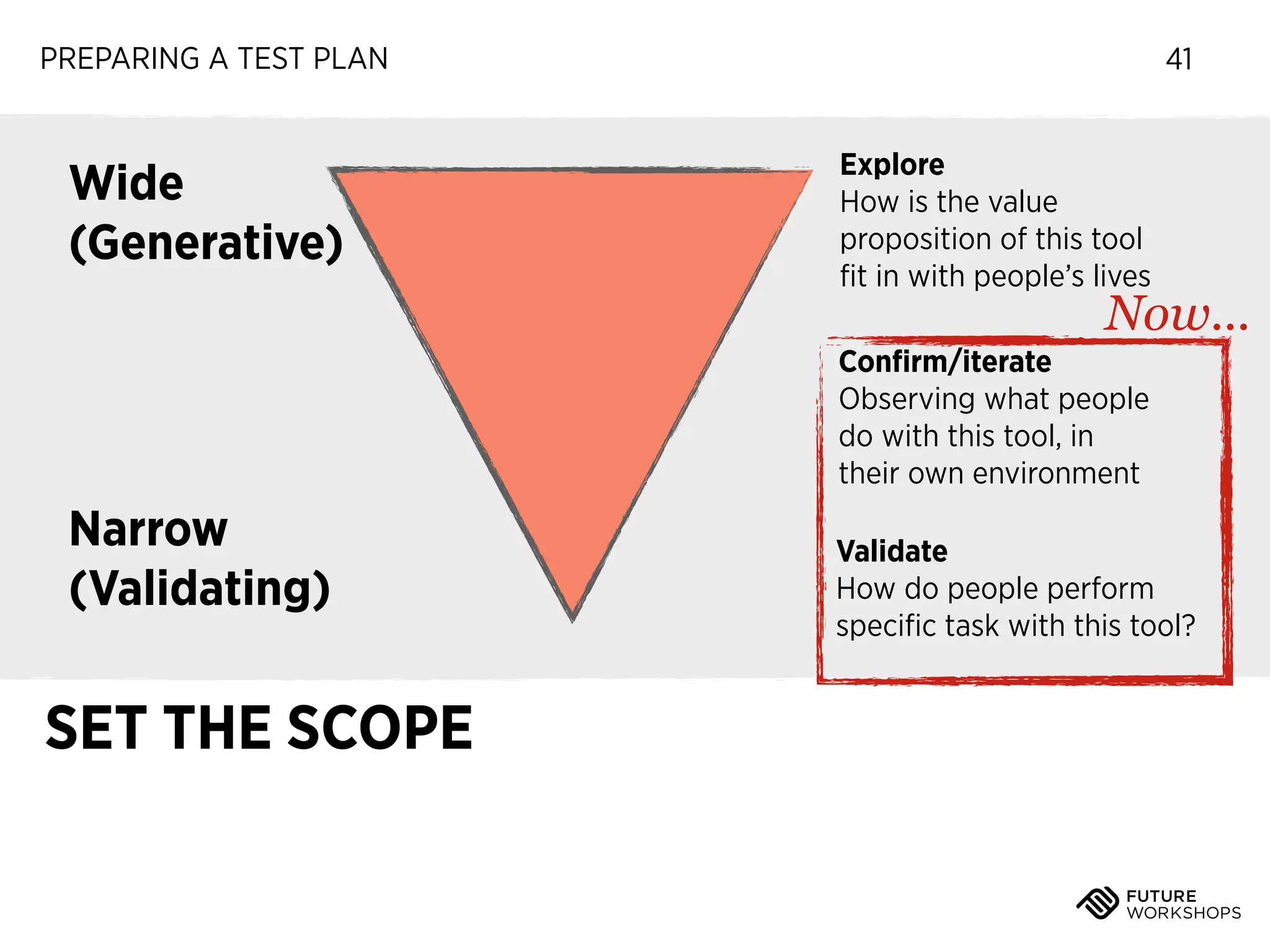
Wide
(Generative)

41
Explore
How is the value
proposition of this tool
fit in with people’s lives

Now...

Confirm/iterate
Observing what people
do with this tool, in
their own environment

Narrow
(Validating)

SET THE SCOPE

Validate
How do people perform
specific task with this tool?
PREPARING A TEST PLAN

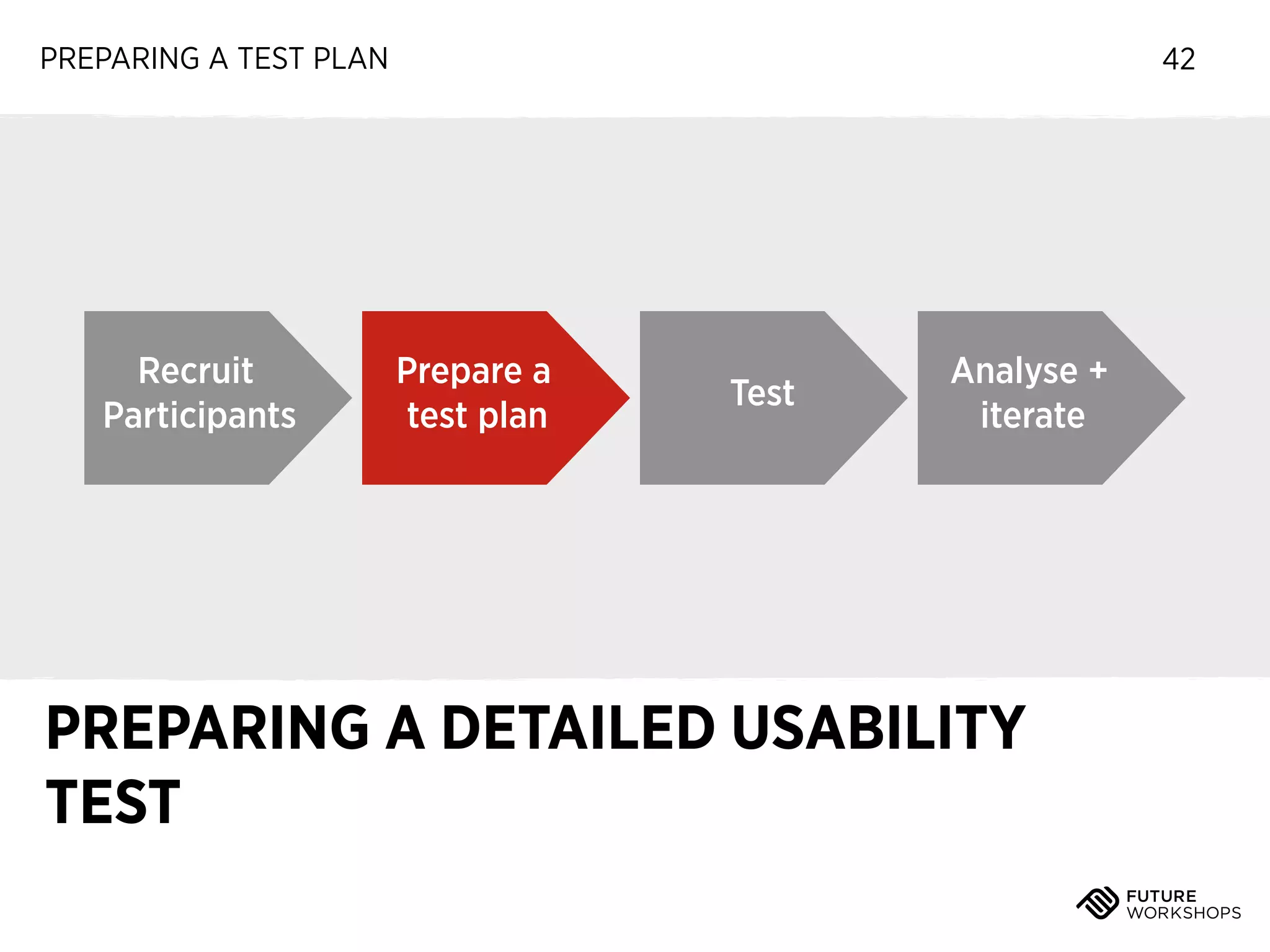
Recruit
Participants

42

Prepare a
test plan

Test

Analyse +
iterate

PREPARING A DETAILED USABILITY
TEST
USABILITY TESTING: INTRODUCTION

THE MORE DETAILED YOUR
ARTIFACT, THE MORE
DETAILED THE FEEDBACK

43
EXERCISE 1

Choose a product to test
Time: 10 minutes

‣

We are going to validate an existing,
finished product

‣

As a group, decide on a website or app to
test

‣

It can be your app - I must be able to
interact with it
Tip: avoid sites that require logging in (unless
you have a login to share)
EXERCISE 3

Show & Tell
PREPARING A TEST PLAN

Scenario Structure
PREPARING A TEST PLAN

Scenario Structure
‣

Your character
PREPARING A TEST PLAN

Scenario Structure
‣

Your character

‣

Your motivation
PREPARING A TEST PLAN

Scenario Structure
‣

Your character

‣

Your motivation

‣

What you need to do
PREPARING A TEST PLAN

Scenario Structure
‣

Your character

‣

Your motivation

‣

What you need to do

‣

Any details like login information, etc
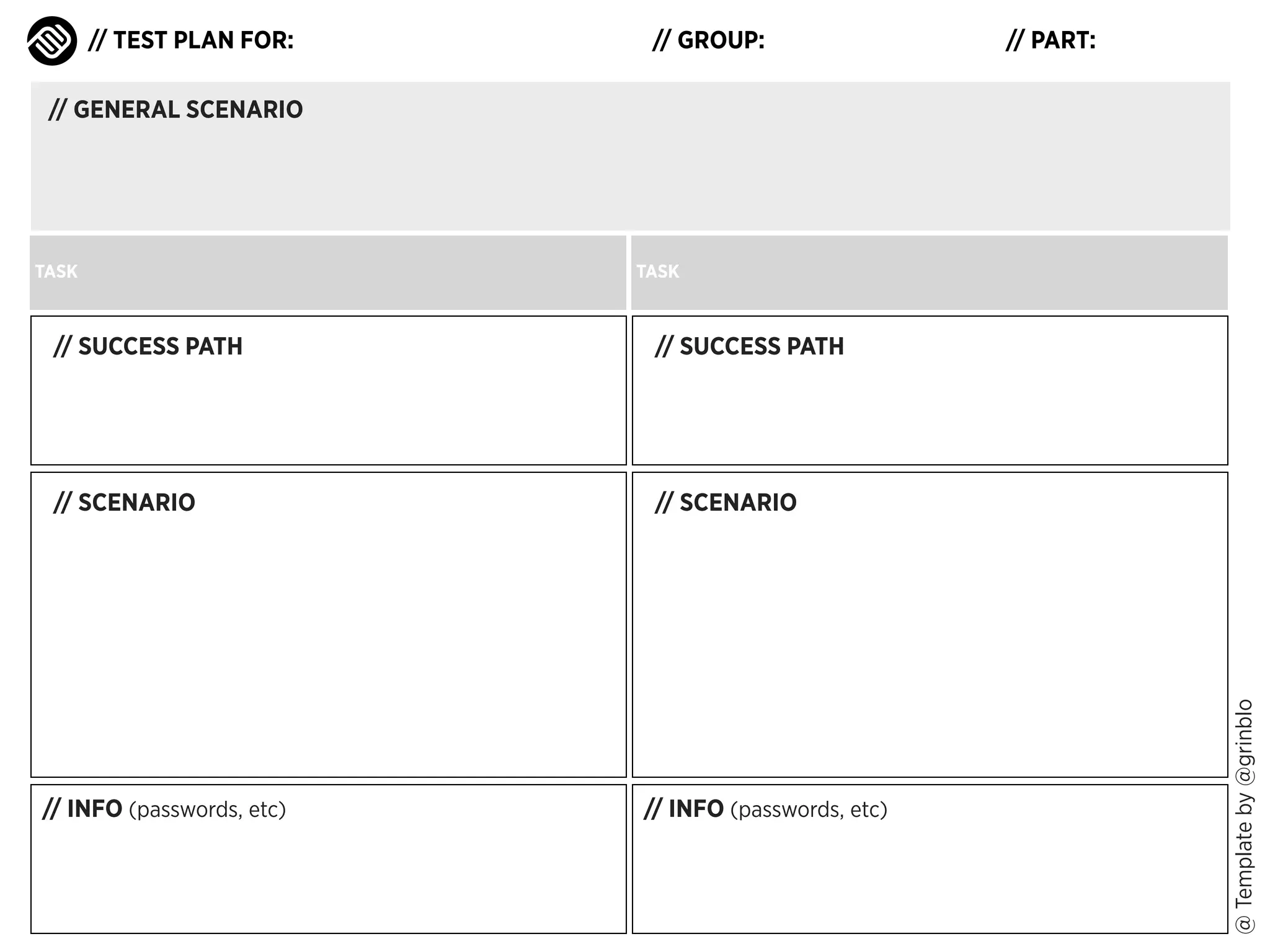
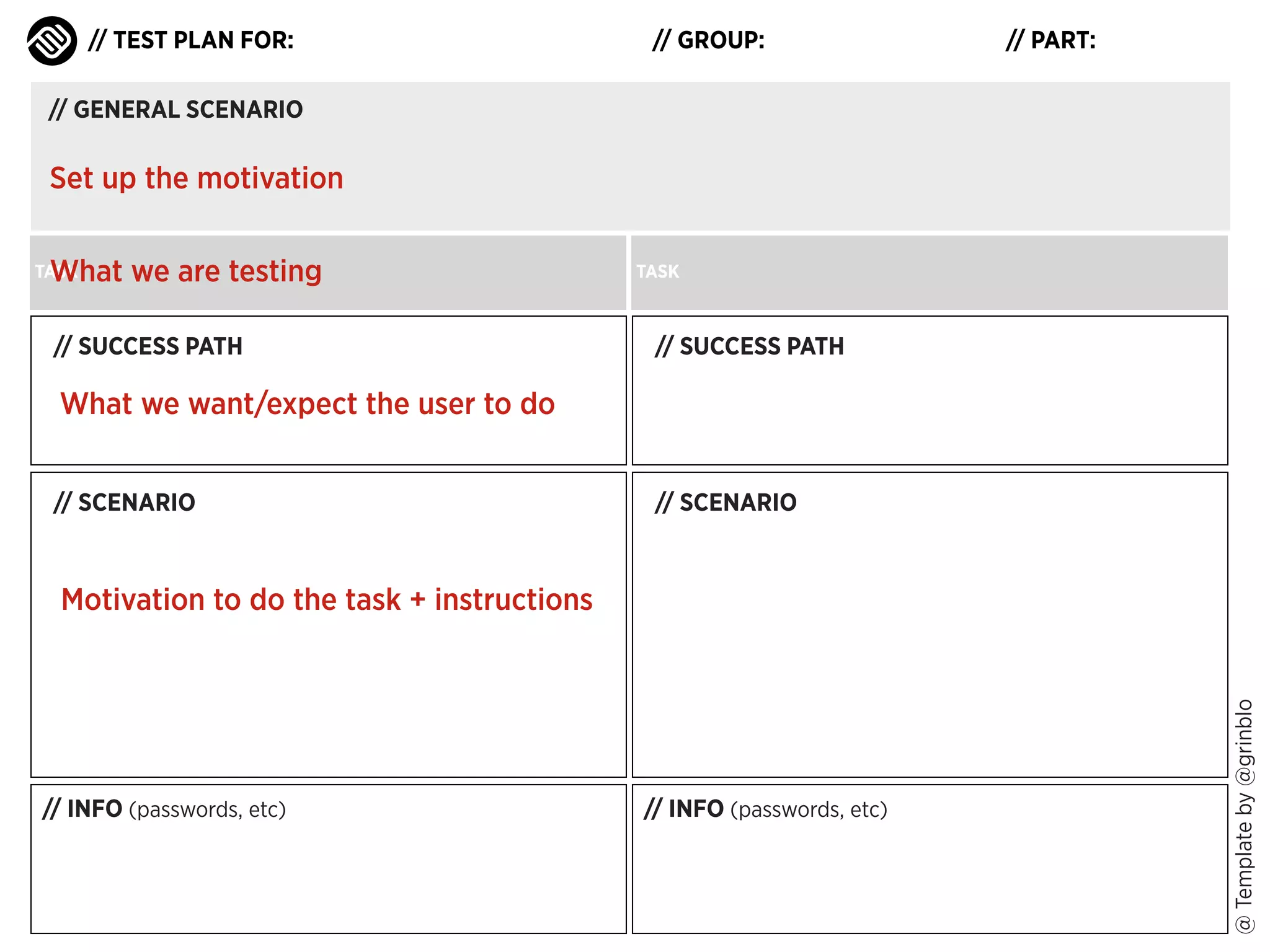
// TEST PLAN FOR:

// GROUP:

// PART:

// GENERAL SCENARIO

TASK

TASK

// SUCCESS PATH

// SCENARIO

// SCENARIO

// INFO (passwords, etc)

// INFO (passwords, etc)

@ Template by @grinblo

// SUCCESS PATH
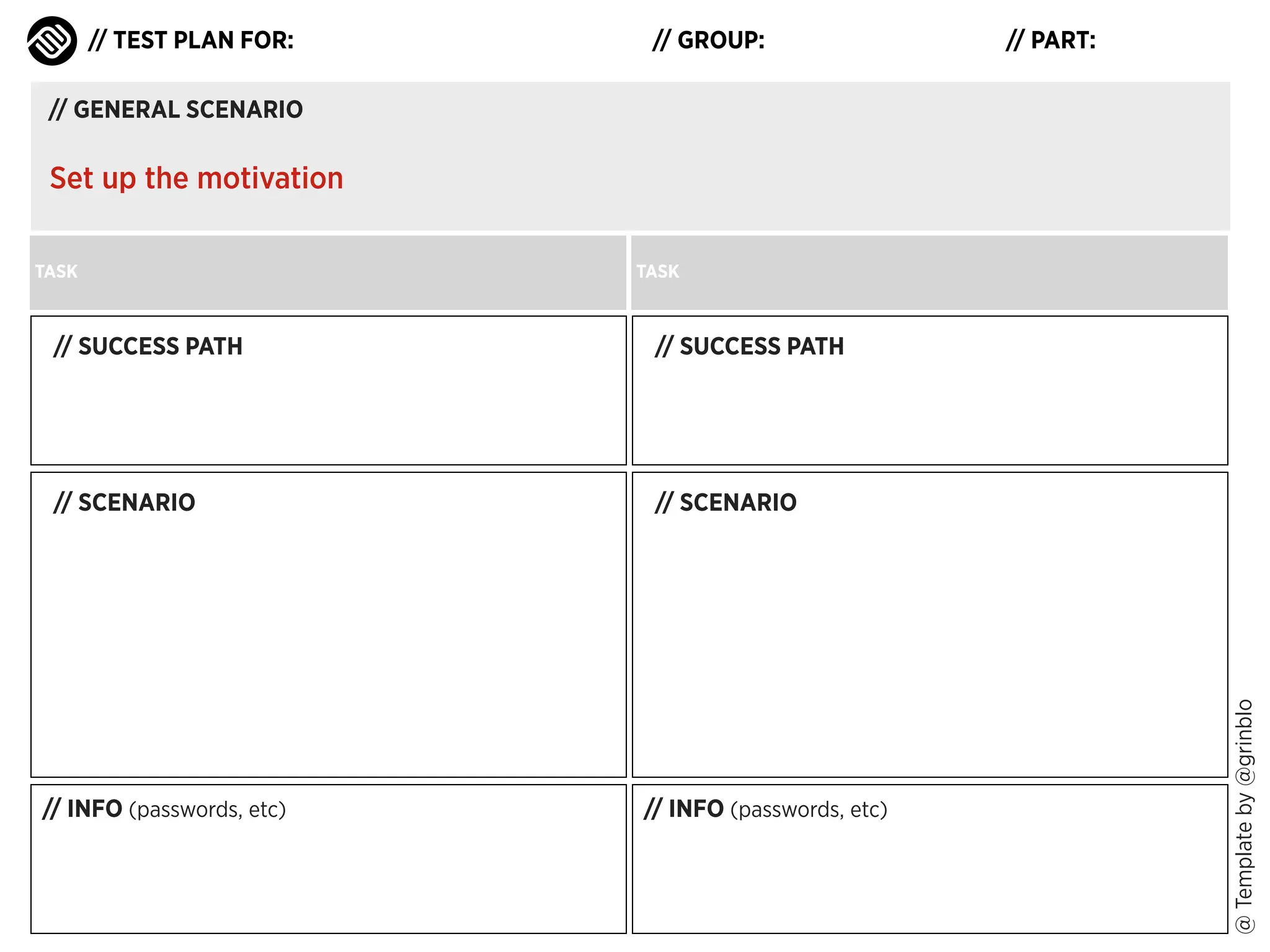
// TEST PLAN FOR:

// GROUP:

// PART:

// GENERAL SCENARIO

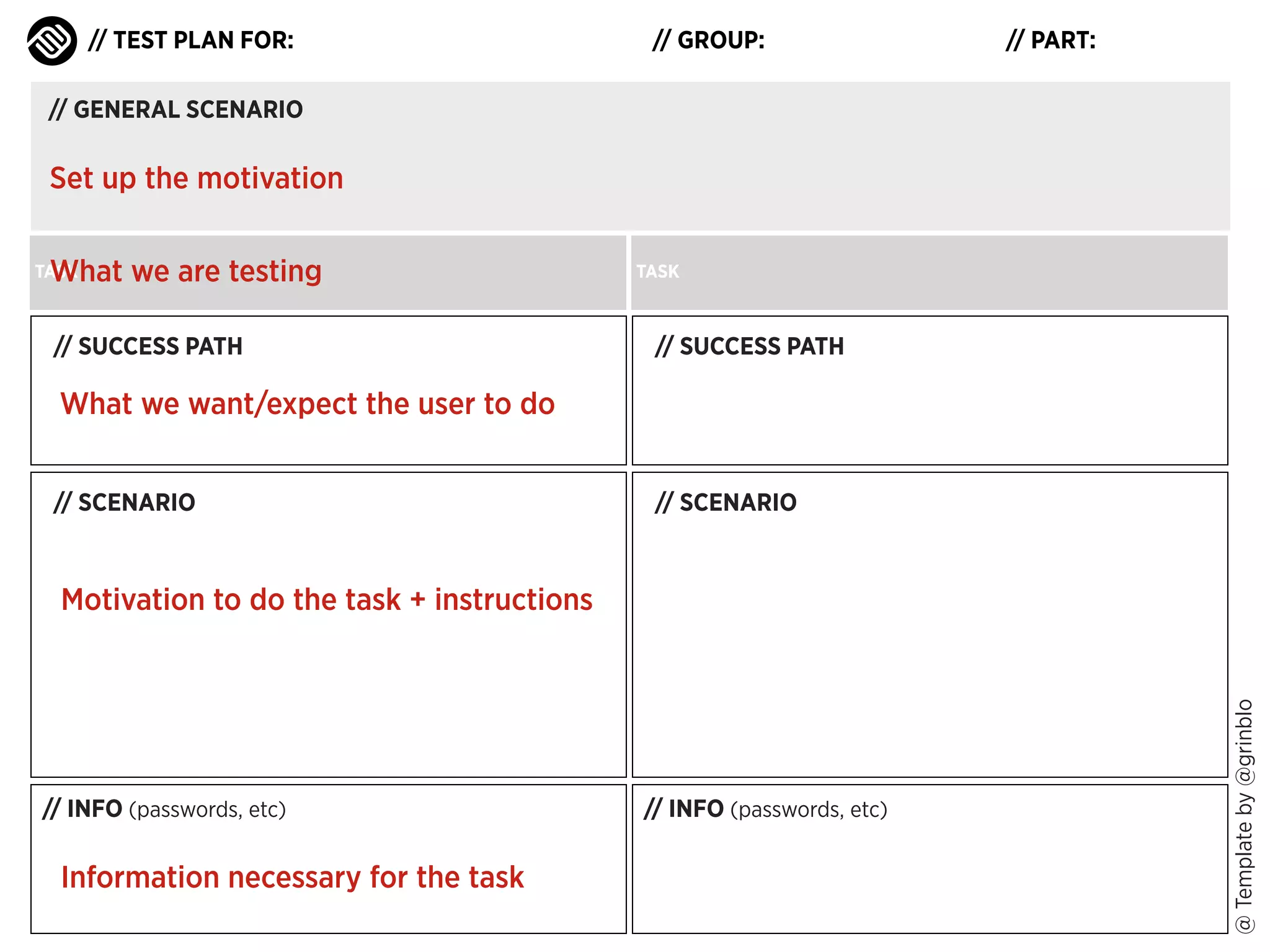
Set up the motivation
TASK

TASK

// SUCCESS PATH

// SCENARIO

// SCENARIO

// INFO (passwords, etc)

// INFO (passwords, etc)

@ Template by @grinblo

// SUCCESS PATH
// TEST PLAN FOR:

// GROUP:

// PART:

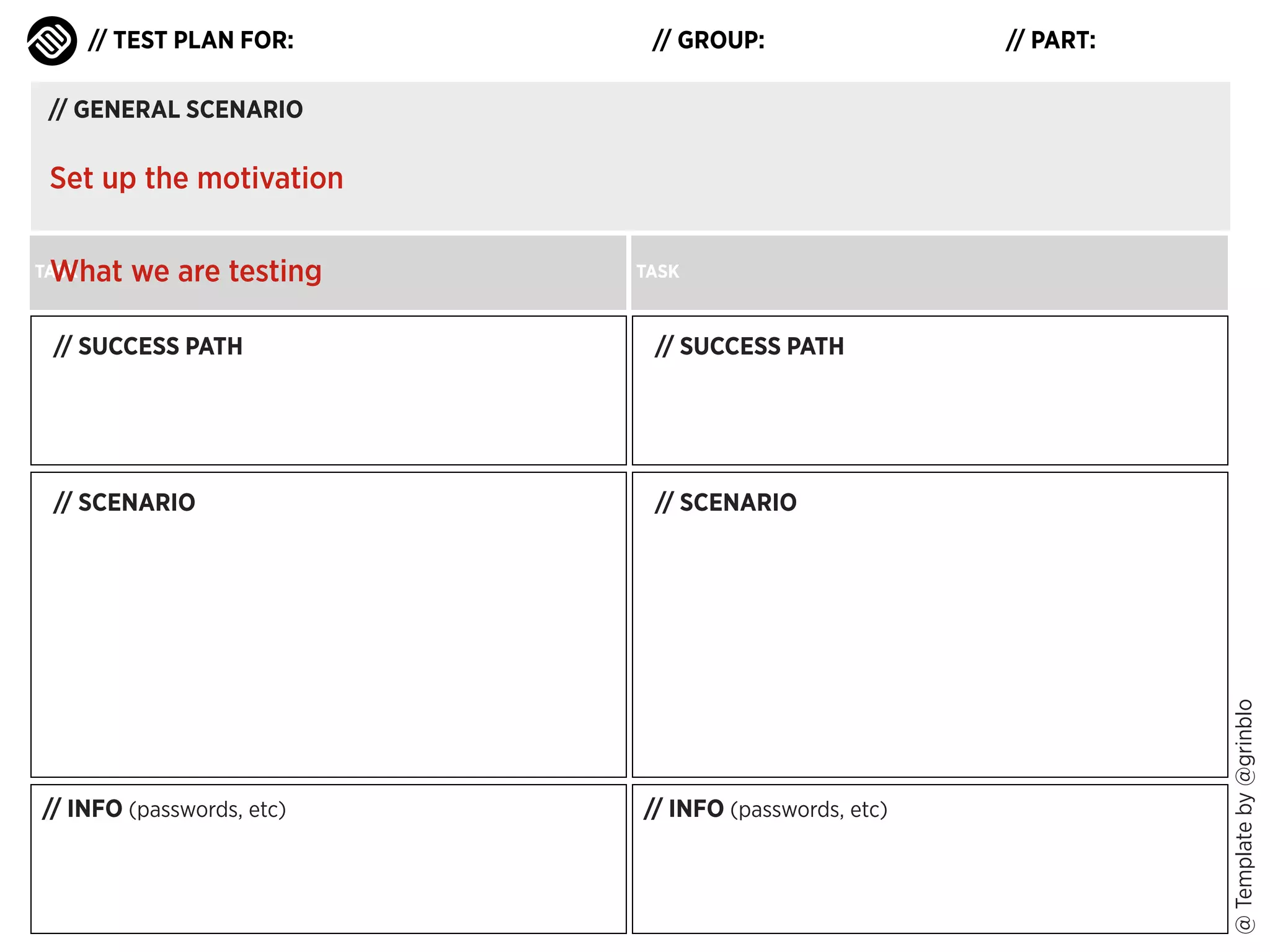
// GENERAL SCENARIO

Set up the motivation
What we are testing

TASK

TASK

// SUCCESS PATH

// SCENARIO

// SCENARIO

// INFO (passwords, etc)

// INFO (passwords, etc)

@ Template by @grinblo

// SUCCESS PATH
// TEST PLAN FOR:

// GROUP:

// PART:

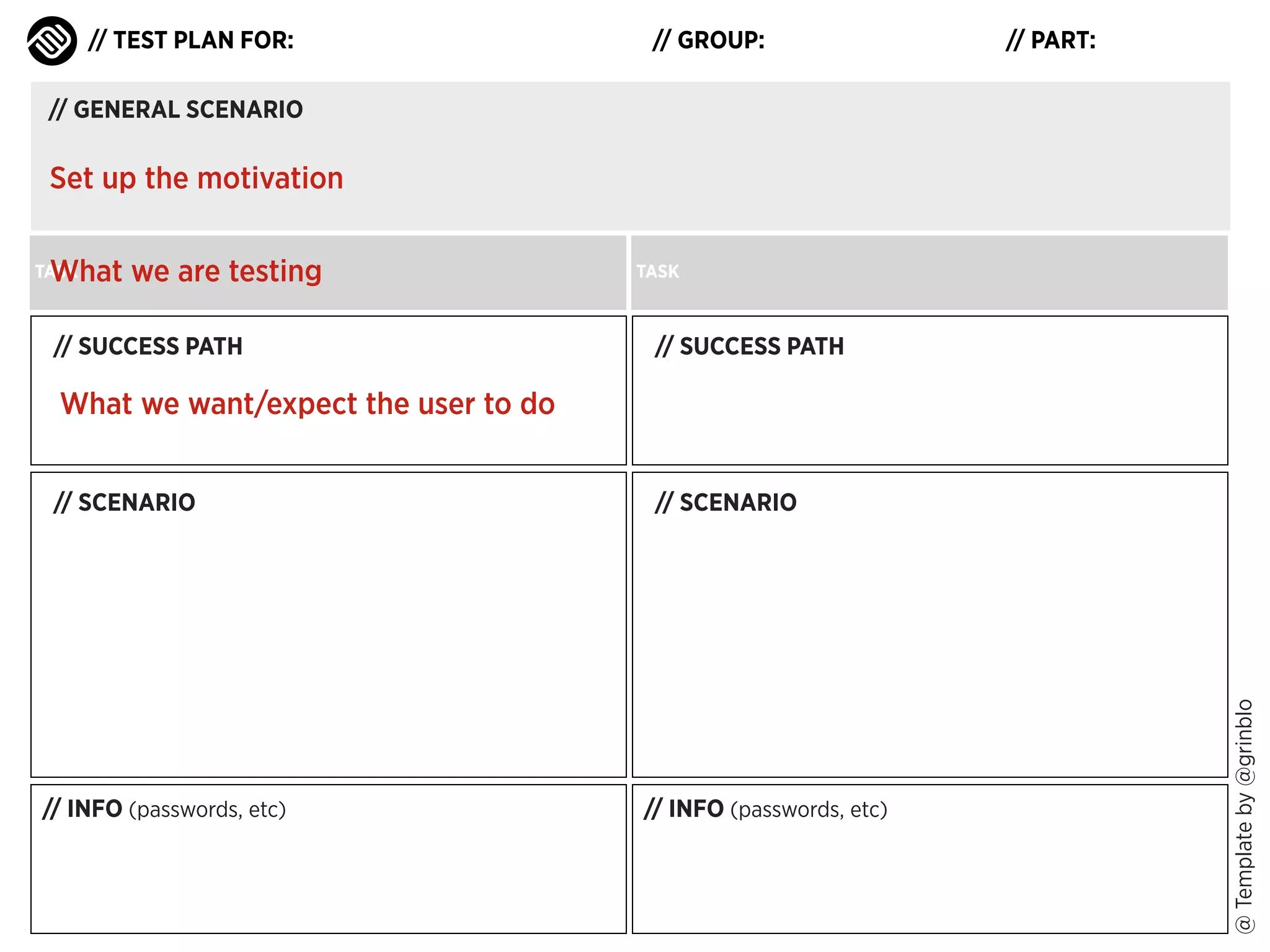
// GENERAL SCENARIO

Set up the motivation
What we are testing

TASK

// SUCCESS PATH

TASK

// SUCCESS PATH

What we want/expect the user to do

// INFO (passwords, etc)

// SCENARIO

// INFO (passwords, etc)

@ Template by @grinblo

// SCENARIO
// TEST PLAN FOR:

// GROUP:

// PART:

// GENERAL SCENARIO

Set up the motivation
What we are testing

TASK

// SUCCESS PATH

TASK

// SUCCESS PATH

What we want/expect the user to do
// SCENARIO

// SCENARIO

// INFO (passwords, etc)

// INFO (passwords, etc)

@ Template by @grinblo

Motivation to do the task + instructions
// TEST PLAN FOR:

// GROUP:

// PART:

// GENERAL SCENARIO

Set up the motivation
What we are testing

TASK

// SUCCESS PATH

TASK

// SUCCESS PATH

What we want/expect the user to do
// SCENARIO

// SCENARIO

// INFO (passwords, etc)

Information necessary for the task

// INFO (passwords, etc)

@ Template by @grinblo

Motivation to do the task + instructions
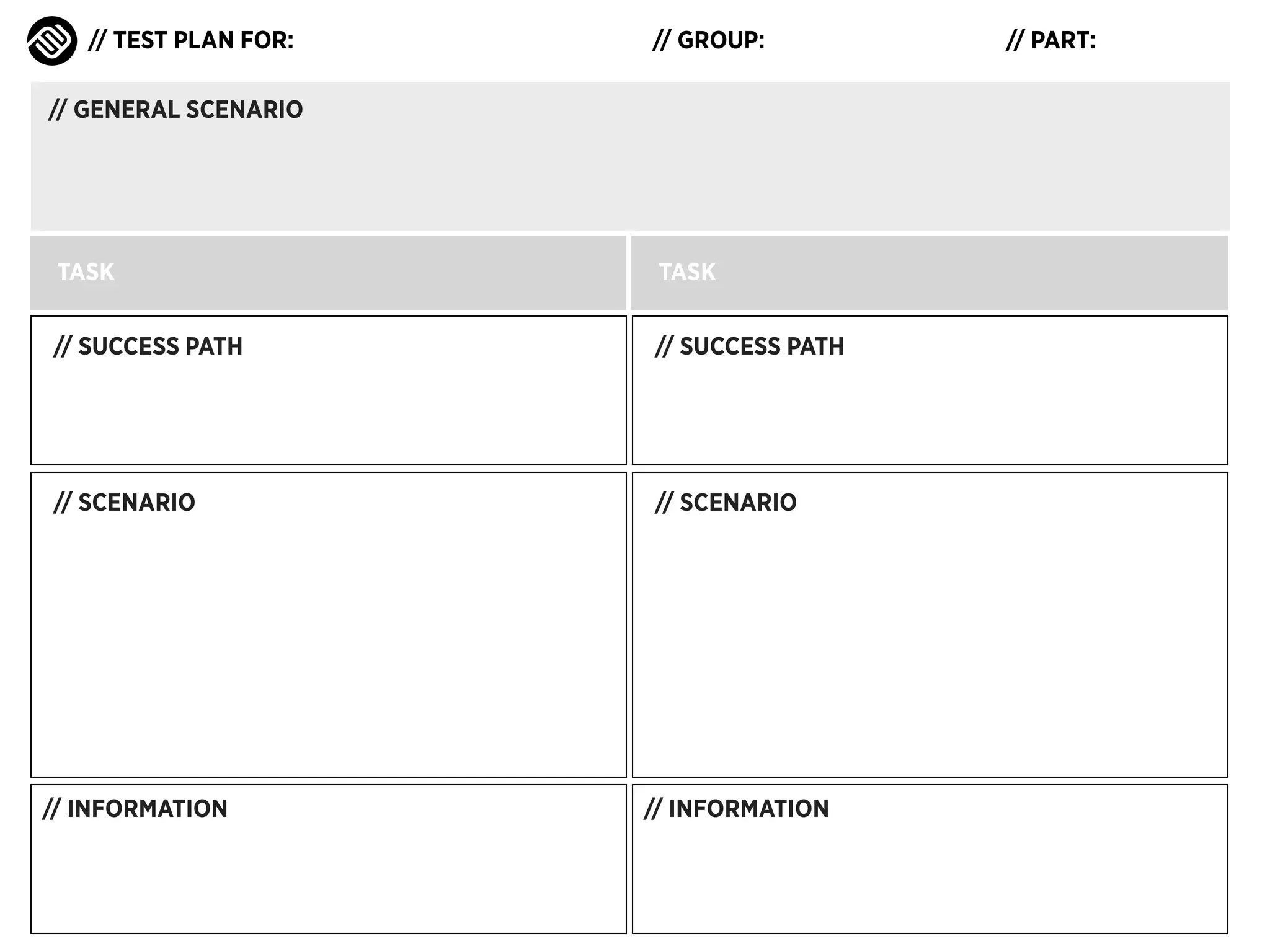
// TEST PLAN FOR:

// GROUP:

// GENERAL SCENARIO

TASK

TASK

// SUCCESS PATH

// SUCCESS PATH

// SCENARIO

// SCENARIO

// INFORMATION

// INFORMATION

// PART:
// TEST PLAN FOR:

// GROUP:

// PART:

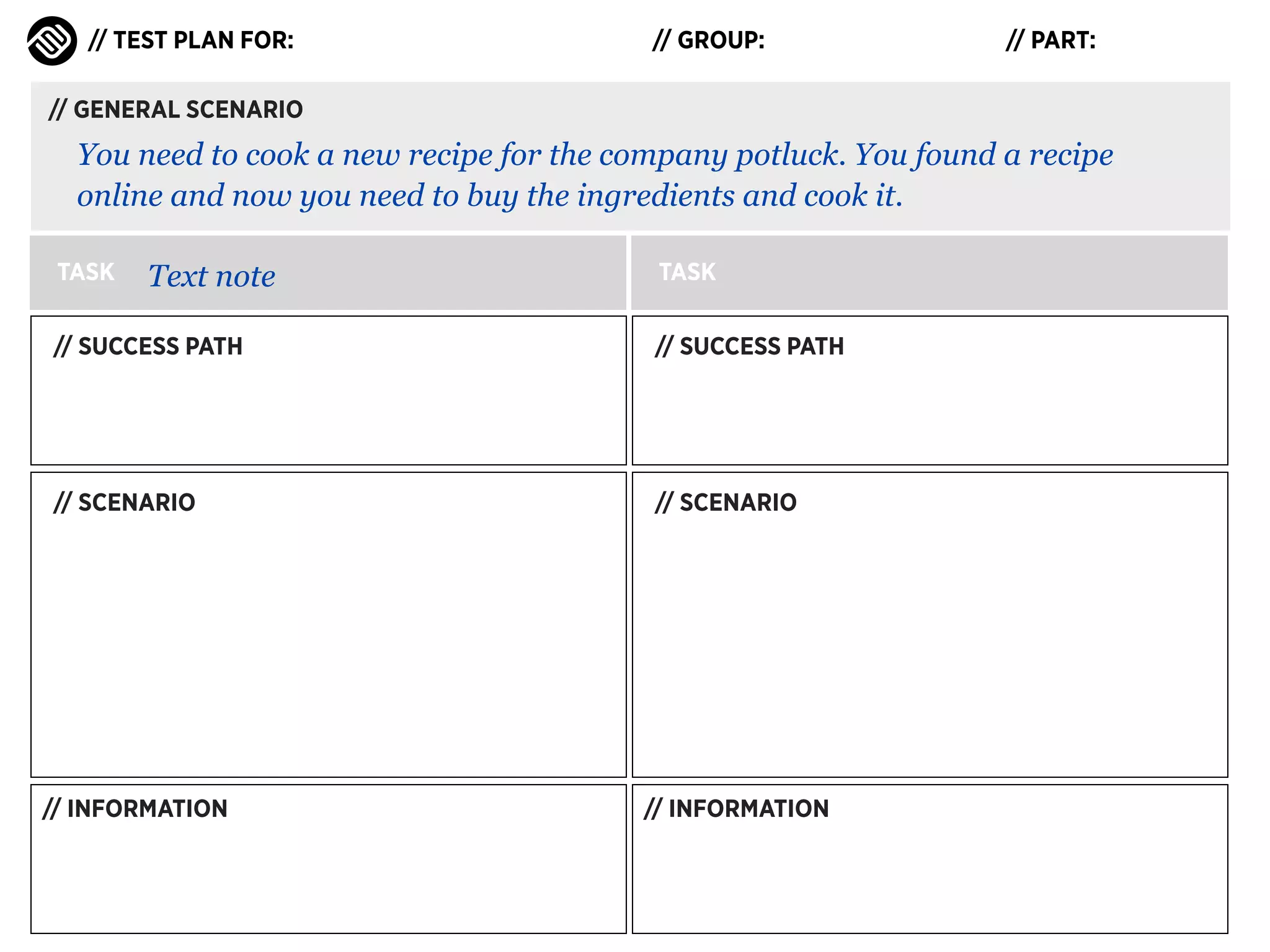
// GENERAL SCENARIO

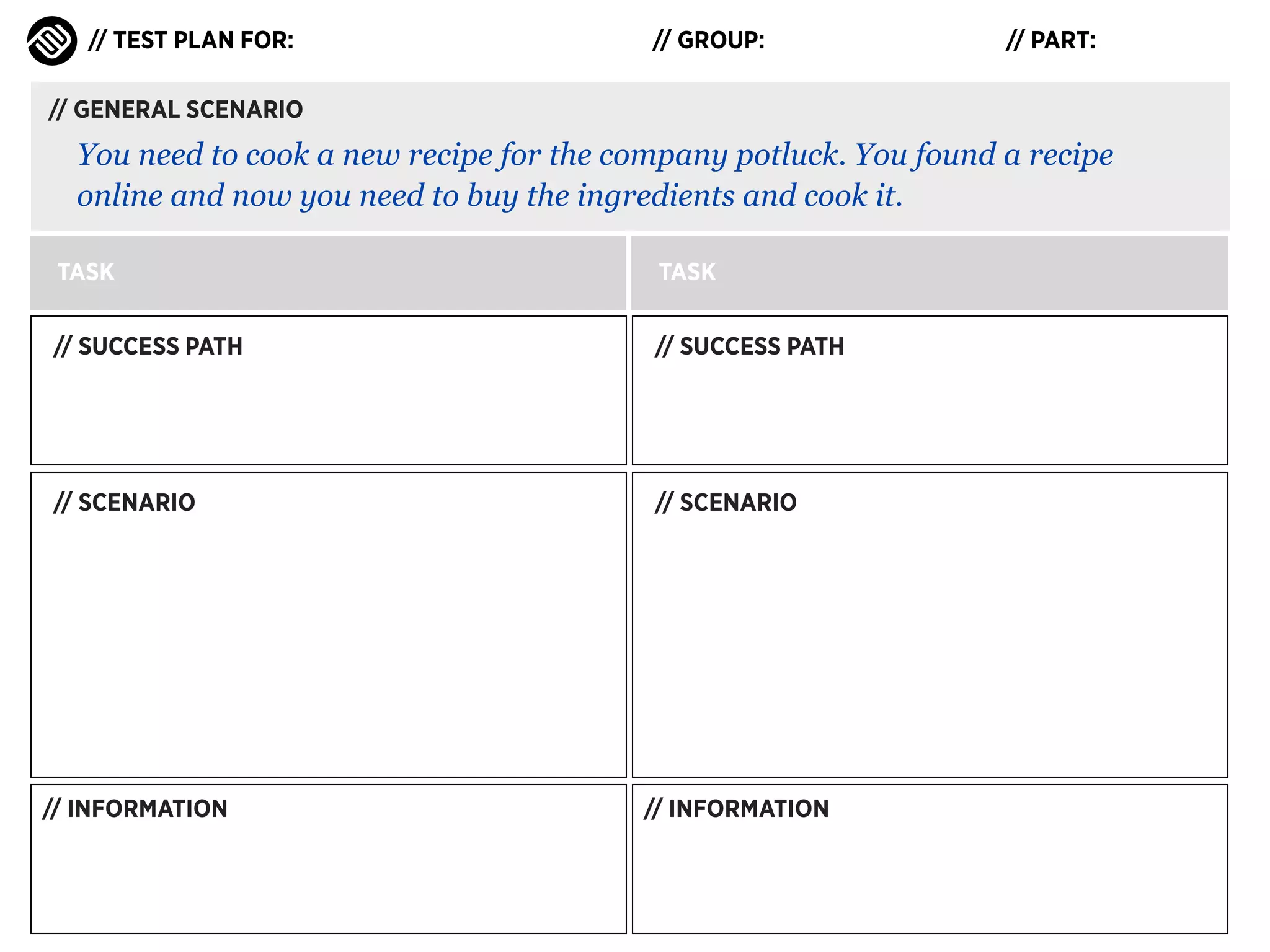
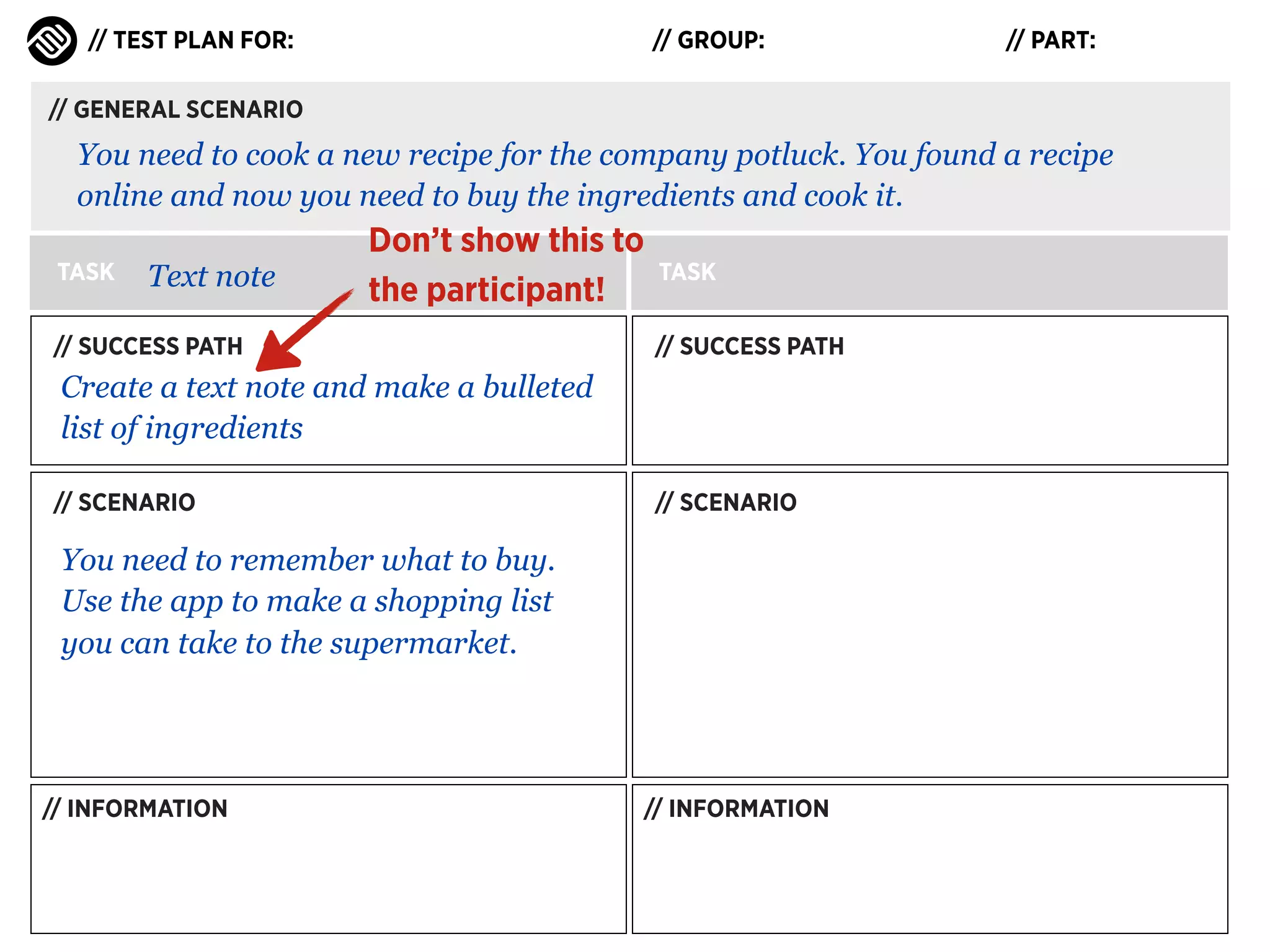
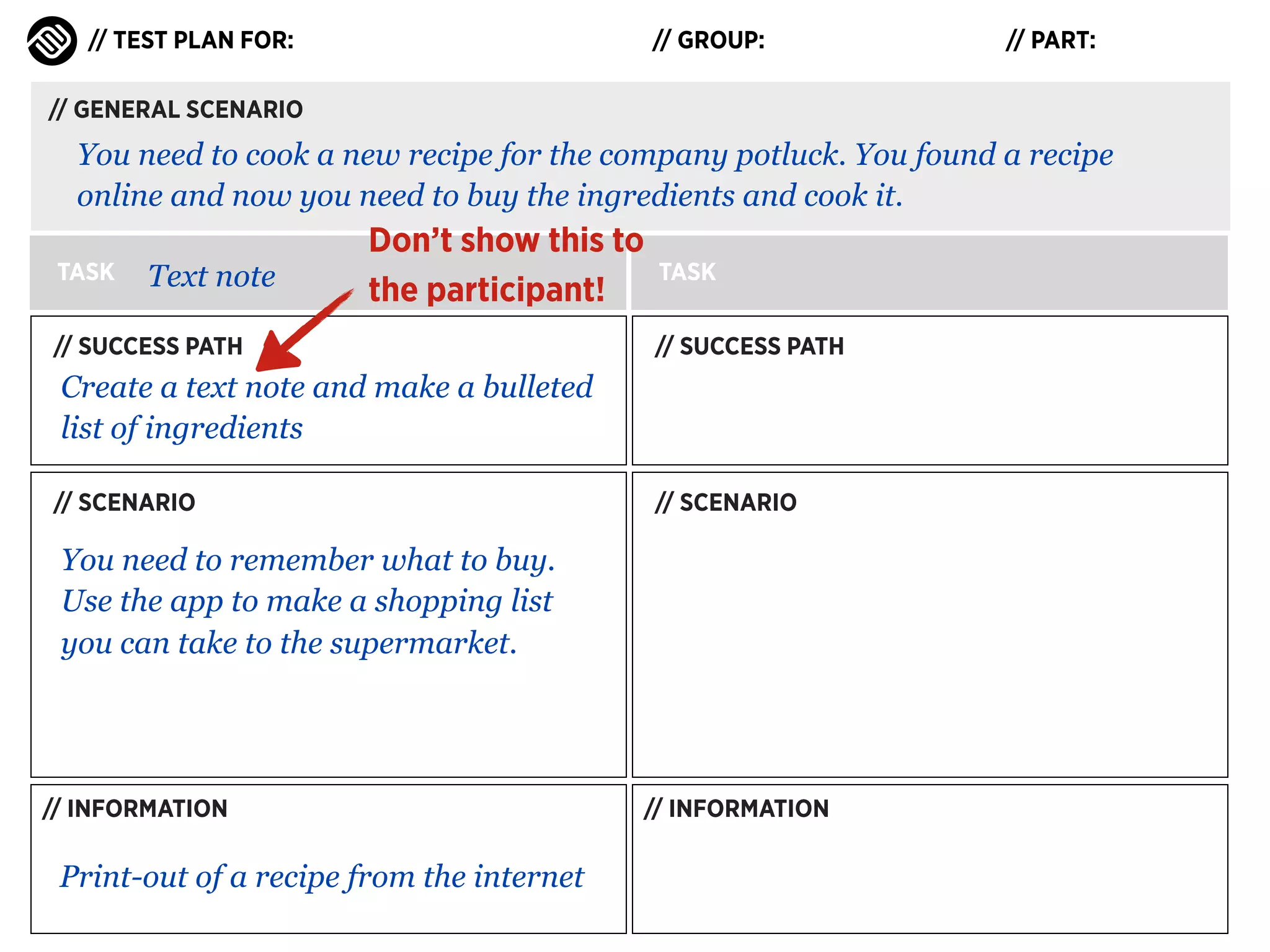
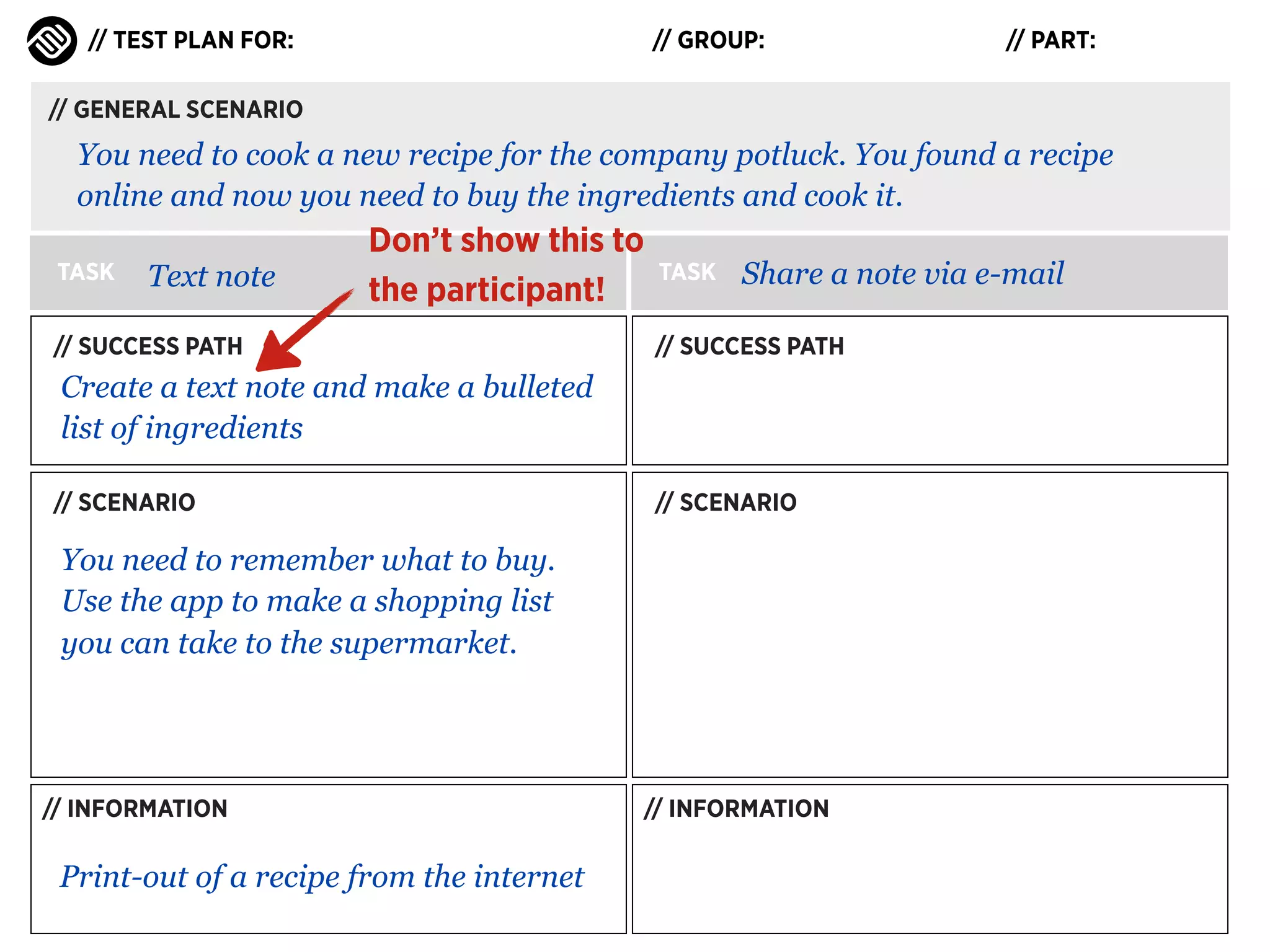
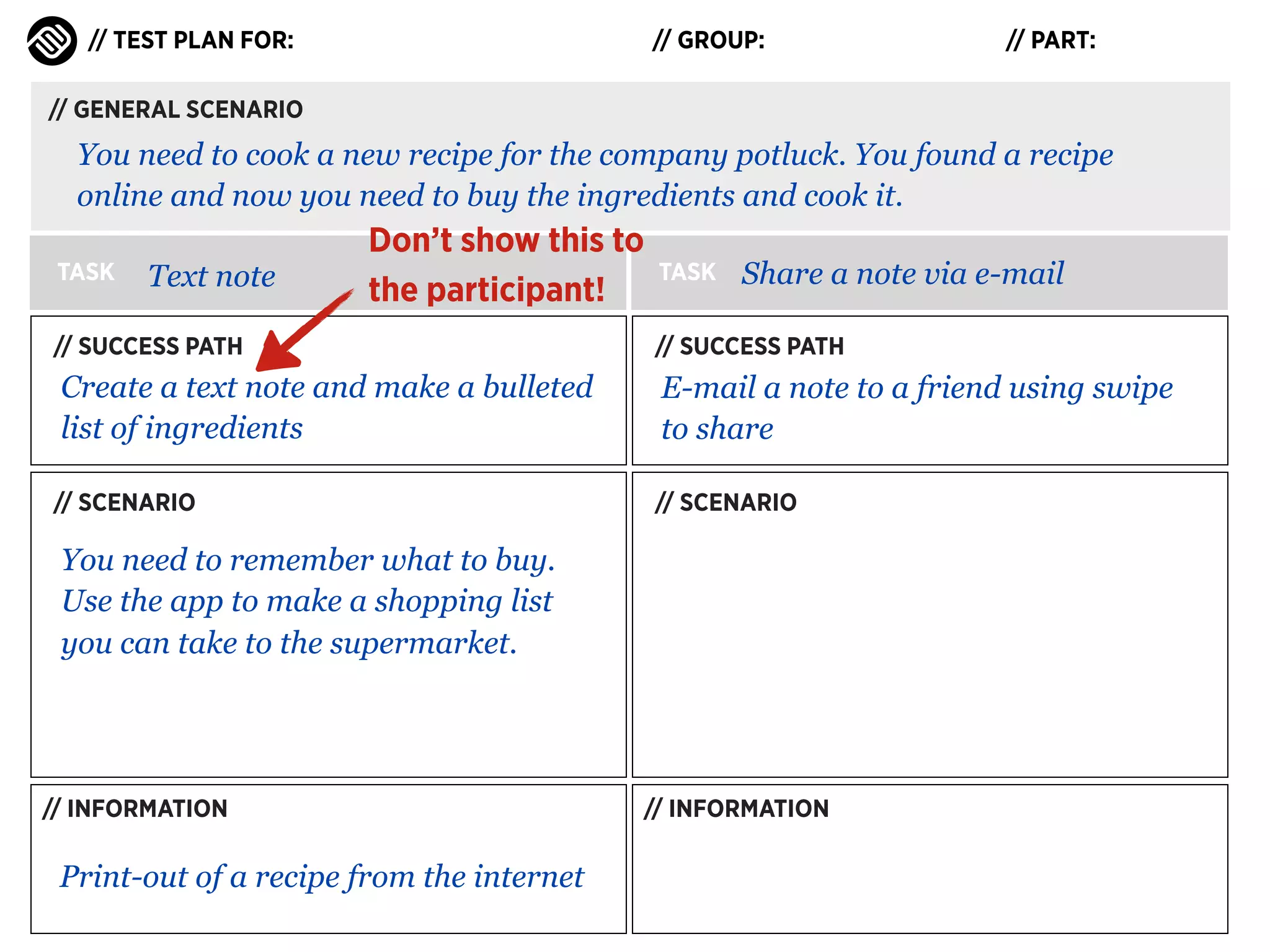
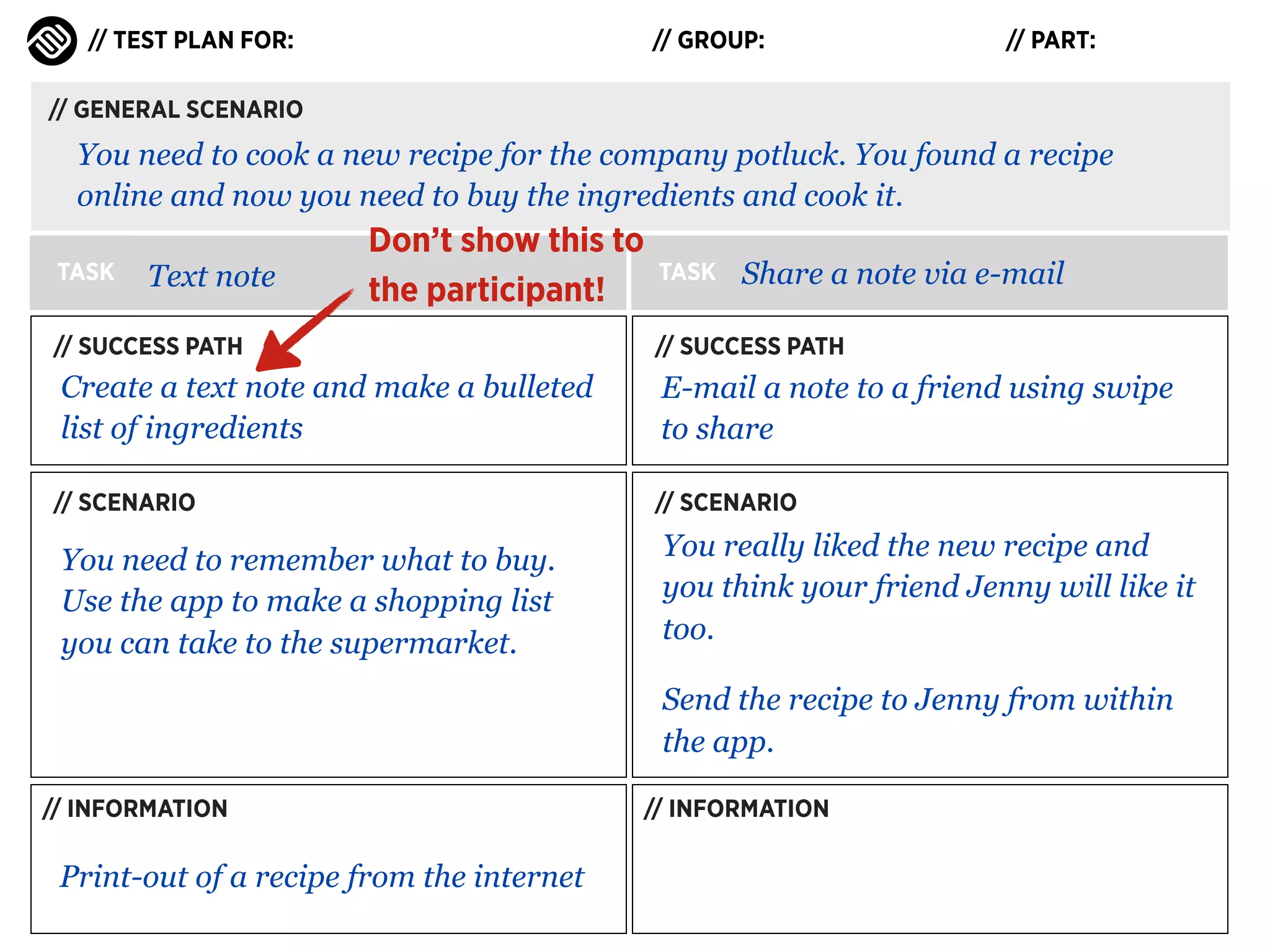
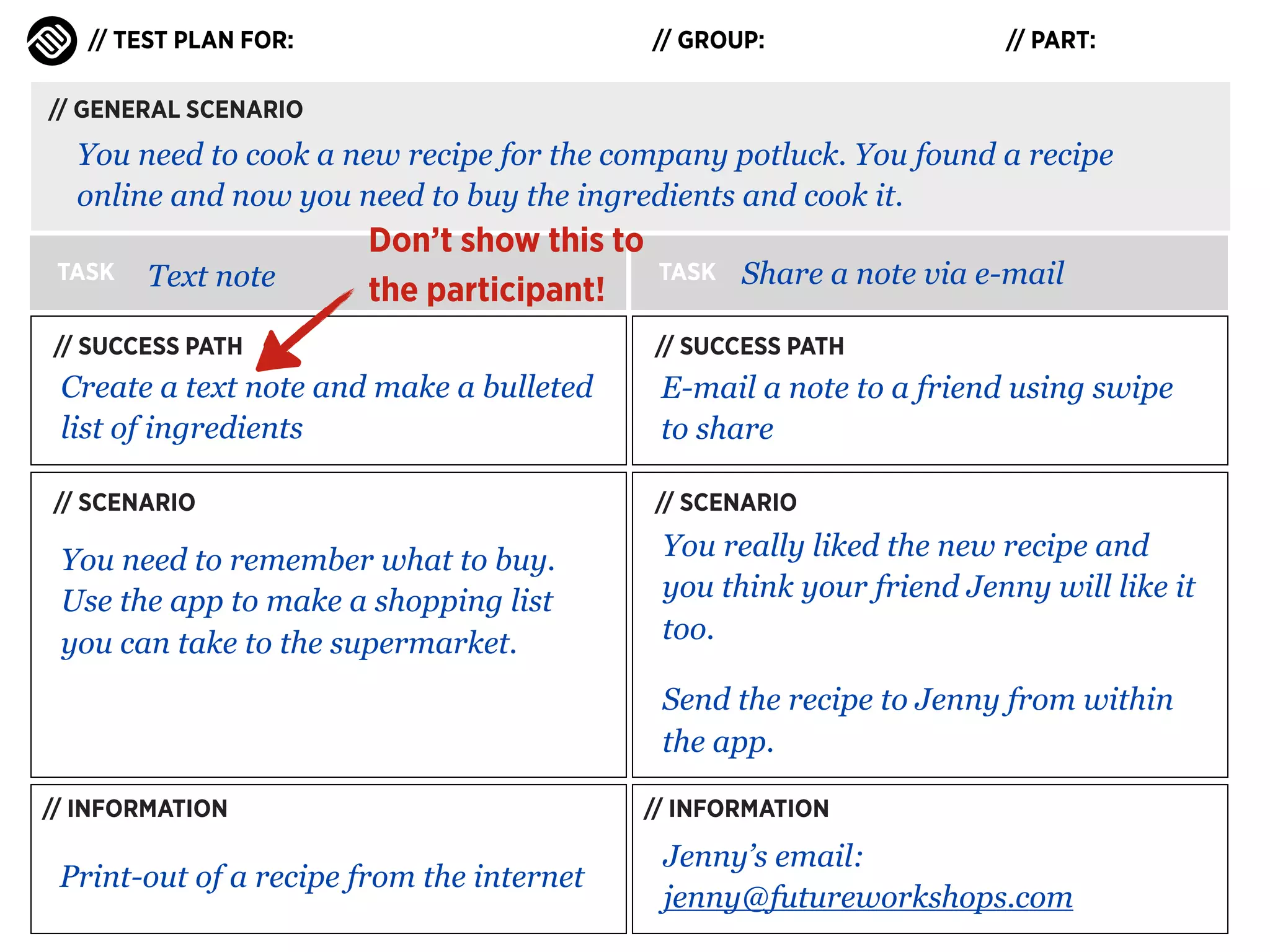
You need to cook a new recipe for the company potluck. You found a recipe
online and now you need to buy the ingredients and cook it.
TASK

TASK

// SUCCESS PATH

// SUCCESS PATH

// SCENARIO

// SCENARIO

// INFORMATION

// INFORMATION
// TEST PLAN FOR:

// GROUP:

// PART:

// GENERAL SCENARIO

You need to cook a new recipe for the company potluck. You found a recipe
online and now you need to buy the ingredients and cook it.
TASK

Text note

TASK

// SUCCESS PATH

// SUCCESS PATH

// SCENARIO

// SCENARIO

// INFORMATION

// INFORMATION
// TEST PLAN FOR:

// GROUP:

// PART:

// GENERAL SCENARIO

You need to cook a new recipe for the company potluck. You found a recipe
online and now you need to buy the ingredients and cook it.
TASK

Text note

// SUCCESS PATH

TASK
// SUCCESS PATH

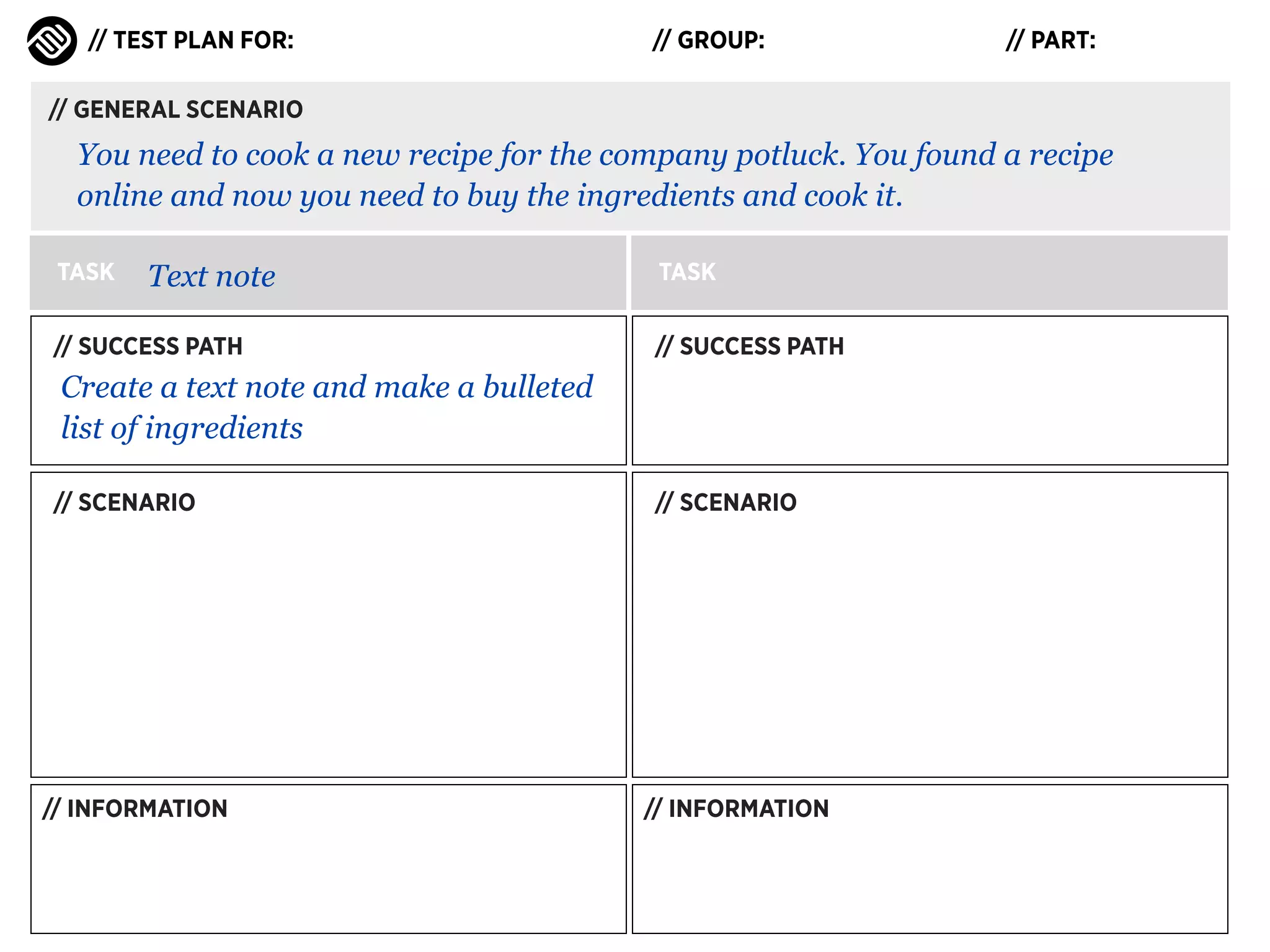
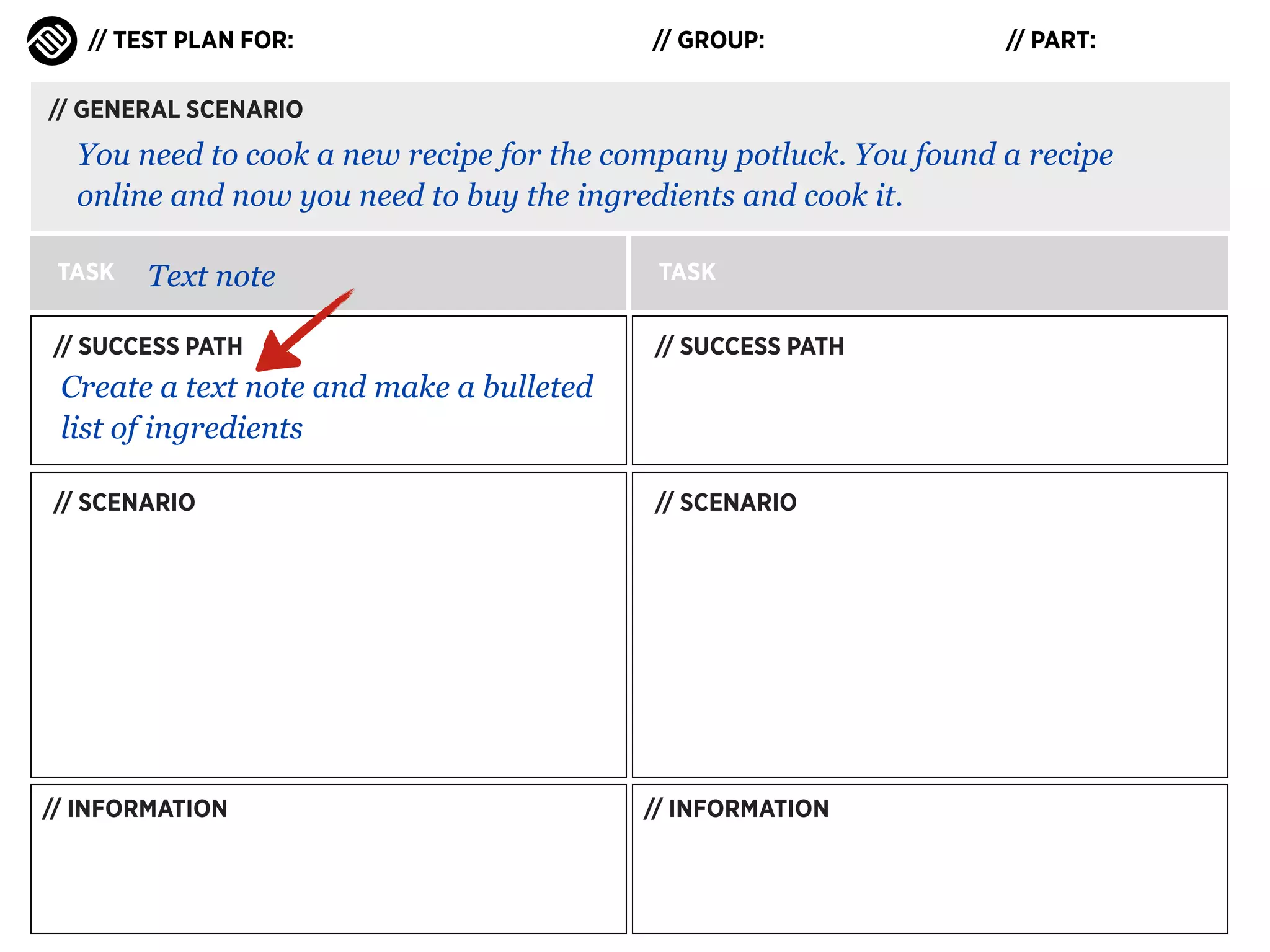
Create a text note and make a bulleted
list of ingredients
// SCENARIO

// INFORMATION

// SCENARIO

// INFORMATION
// TEST PLAN FOR:

// GROUP:

// PART:

// GENERAL SCENARIO

You need to cook a new recipe for the company potluck. You found a recipe
online and now you need to buy the ingredients and cook it.
TASK

Text note

// SUCCESS PATH

TASK
// SUCCESS PATH

Create a text note and make a bulleted
list of ingredients
// SCENARIO

// INFORMATION

// SCENARIO

// INFORMATION
// TEST PLAN FOR:

// GROUP:

// PART:

// GENERAL SCENARIO

You need to cook a new recipe for the company potluck. You found a recipe
online and now you need to buy the ingredients and cook it.
TASK

Text note

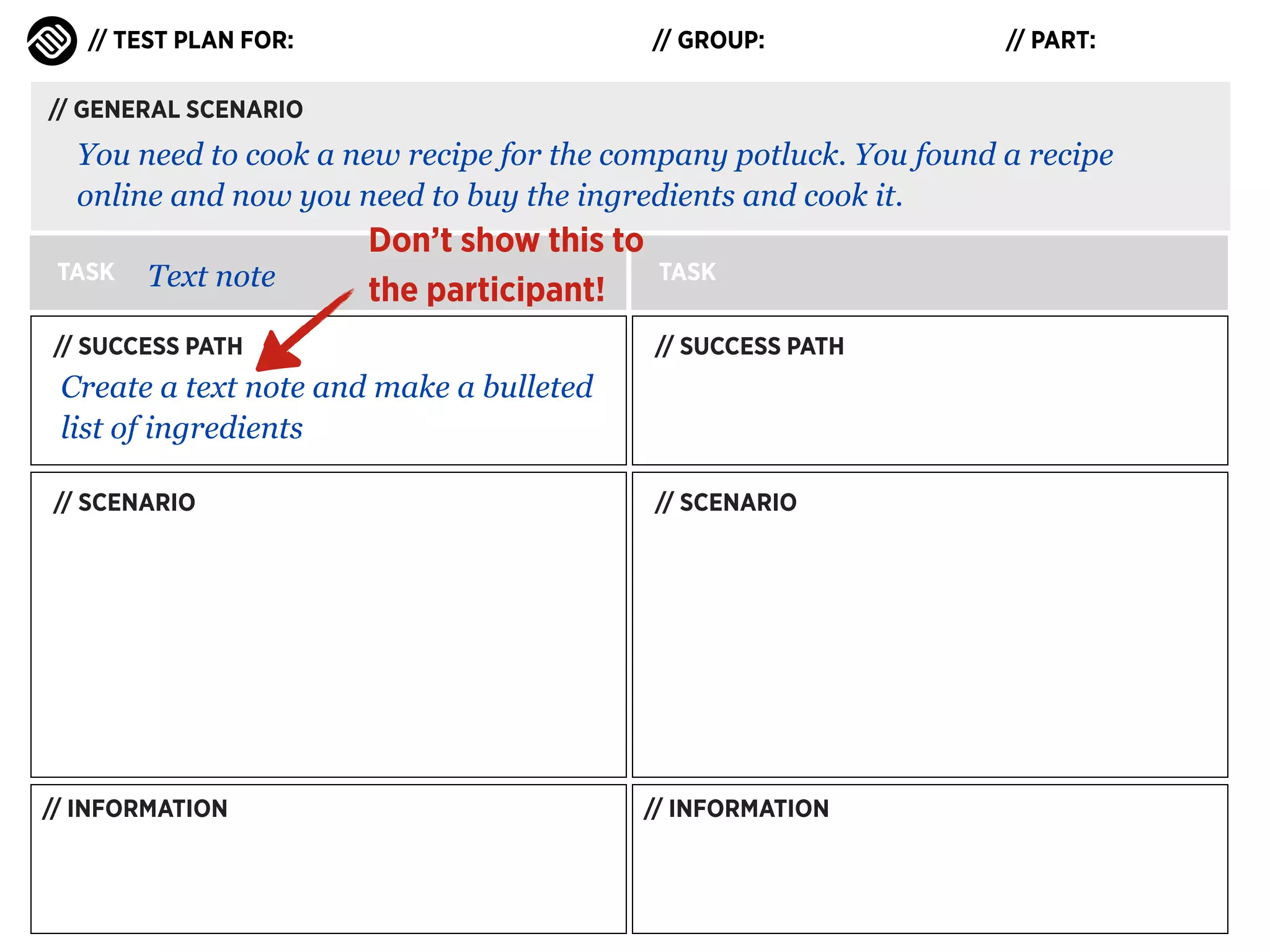
Don’t show this to
the participant!

// SUCCESS PATH

TASK
// SUCCESS PATH

Create a text note and make a bulleted
list of ingredients
// SCENARIO

// INFORMATION

// SCENARIO

// INFORMATION
// TEST PLAN FOR:

// GROUP:

// PART:

// GENERAL SCENARIO

You need to cook a new recipe for the company potluck. You found a recipe
online and now you need to buy the ingredients and cook it.
TASK

Text note

Don’t show this to
the participant!

// SUCCESS PATH

TASK
// SUCCESS PATH

Create a text note and make a bulleted
list of ingredients
// SCENARIO

// SCENARIO

You need to remember what to buy.
Use the app to make a shopping list
you can take to the supermarket.

// INFORMATION

// INFORMATION
// TEST PLAN FOR:

// GROUP:

// PART:

// GENERAL SCENARIO

You need to cook a new recipe for the company potluck. You found a recipe
online and now you need to buy the ingredients and cook it.
TASK

Text note

Don’t show this to
the participant!

// SUCCESS PATH

TASK
// SUCCESS PATH

Create a text note and make a bulleted
list of ingredients
// SCENARIO

// SCENARIO

You need to remember what to buy.
Use the app to make a shopping list
you can take to the supermarket.

// INFORMATION

Print-out of a recipe from the internet

// INFORMATION
// TEST PLAN FOR:

// GROUP:

// PART:

// GENERAL SCENARIO

You need to cook a new recipe for the company potluck. You found a recipe
online and now you need to buy the ingredients and cook it.
TASK

Text note

Don’t show this to
the participant!

// SUCCESS PATH

TASK

Share a note via e-mail

// SUCCESS PATH

Create a text note and make a bulleted
list of ingredients
// SCENARIO

// SCENARIO

You need to remember what to buy.
Use the app to make a shopping list
you can take to the supermarket.

// INFORMATION

Print-out of a recipe from the internet

// INFORMATION
// TEST PLAN FOR:

// GROUP:

// PART:

// GENERAL SCENARIO

You need to cook a new recipe for the company potluck. You found a recipe
online and now you need to buy the ingredients and cook it.
TASK

Text note

Don’t show this to
the participant!

TASK

Share a note via e-mail

// SUCCESS PATH

// SUCCESS PATH

Create a text note and make a bulleted
list of ingredients

E-mail a note to a friend using swipe
to share

// SCENARIO

// SCENARIO

You need to remember what to buy.
Use the app to make a shopping list
you can take to the supermarket.

// INFORMATION

Print-out of a recipe from the internet

// INFORMATION
// TEST PLAN FOR:

// GROUP:

// PART:

// GENERAL SCENARIO

You need to cook a new recipe for the company potluck. You found a recipe
online and now you need to buy the ingredients and cook it.
TASK

Text note

Don’t show this to
the participant!

TASK

Share a note via e-mail

// SUCCESS PATH

// SUCCESS PATH

Create a text note and make a bulleted
list of ingredients

E-mail a note to a friend using swipe
to share

// SCENARIO

// SCENARIO

You need to remember what to buy.
Use the app to make a shopping list
you can take to the supermarket.

You really liked the new recipe and
you think your friend Jenny will like it
too.
Send the recipe to Jenny from within
the app.

// INFORMATION

Print-out of a recipe from the internet

// INFORMATION
// TEST PLAN FOR:

// GROUP:

// PART:

// GENERAL SCENARIO

You need to cook a new recipe for the company potluck. You found a recipe
online and now you need to buy the ingredients and cook it.
TASK

Text note

Don’t show this to
the participant!

TASK

Share a note via e-mail

// SUCCESS PATH

// SUCCESS PATH

Create a text note and make a bulleted
list of ingredients

E-mail a note to a friend using swipe
to share

// SCENARIO

// SCENARIO

You need to remember what to buy.
Use the app to make a shopping list
you can take to the supermarket.

You really liked the new recipe and
you think your friend Jenny will like it
too.
Send the recipe to Jenny from within
the app.

// INFORMATION

Print-out of a recipe from the internet

// INFORMATION

Jenny’s email:
jenny@futureworkshops.com
PREPARING A TEST PLAN

Scenario Tips
PREPARING A TEST PLAN

Scenario Tips
‣

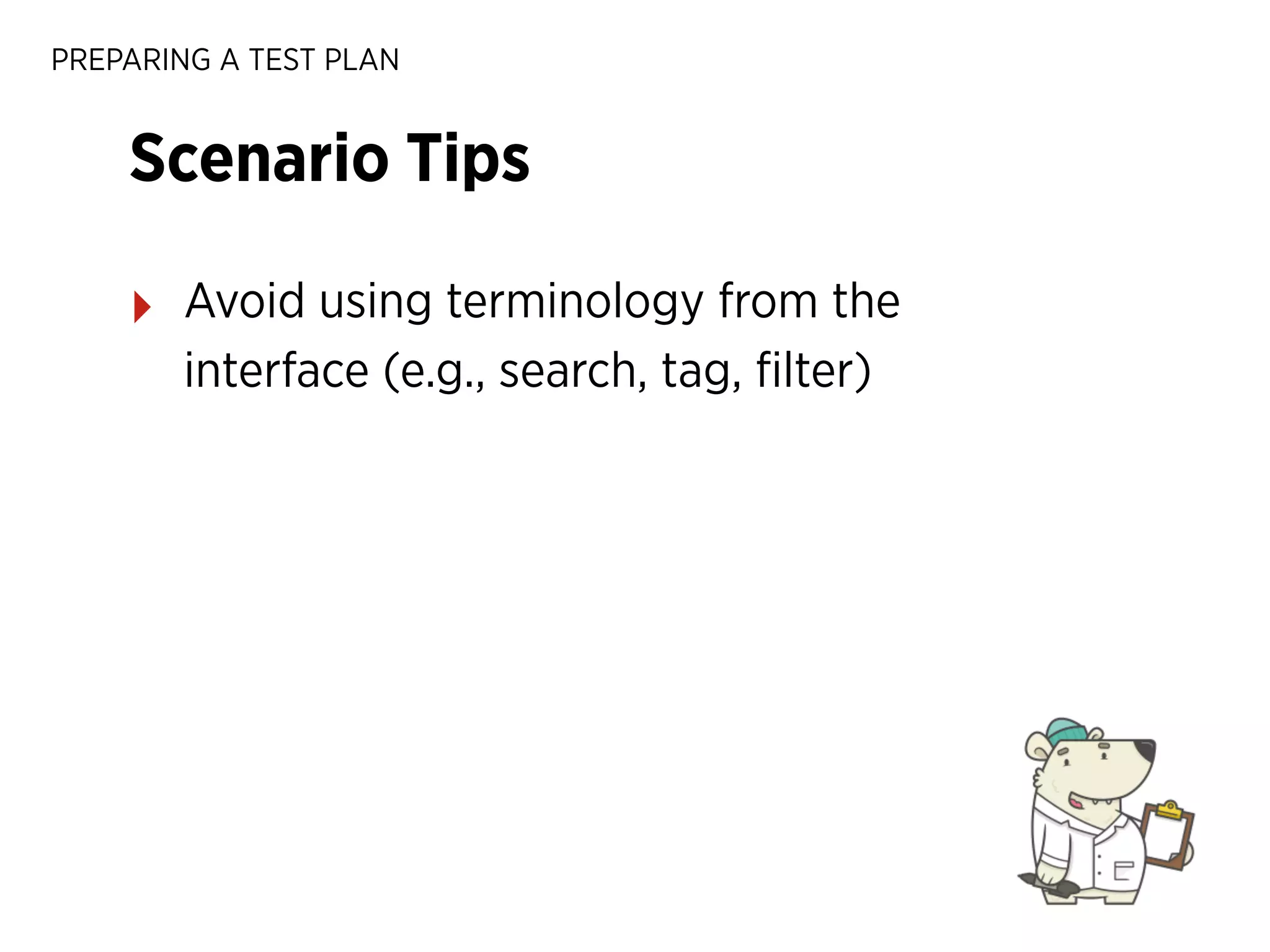
Avoid using terminology from the
interface (e.g., search, tag, filter)
PREPARING A TEST PLAN

Scenario Tips
‣

Avoid using terminology from the
interface (e.g., search, tag, filter)

‣

Scenarios can have steps (e.g., find a
recipe and add it to your collection)
PREPARING A TEST PLAN

Scenario Tips
‣

Avoid using terminology from the
interface (e.g., search, tag, filter)

‣

Scenarios can have steps (e.g., find a
recipe and add it to your collection)

‣

Escalate the difficulty as the test
progresses
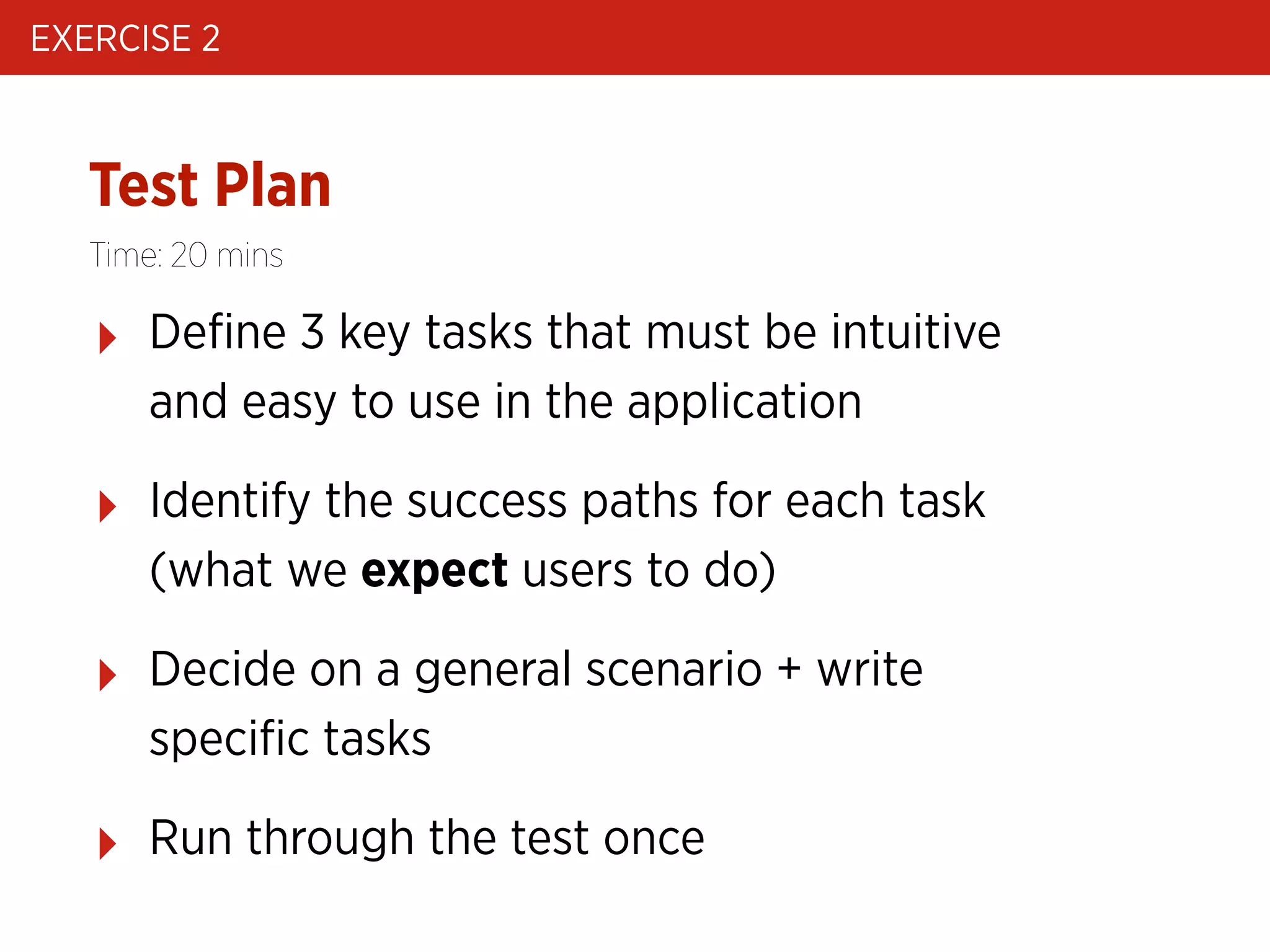
EXERCISE 2

Test Plan
Time: 20 mins

‣

Define 3 key tasks that must be intuitive
and easy to use in the application

‣

Identify the success paths for each task
(what we expect users to do)

‣

Decide on a general scenario + write
specific tasks

‣

Run through the test once
Workshop schedule

USABILITY TESTING
0 / Usability testing introduction
1 / What do we test: preparing a test plan
2 / Facilitating a usability test & recording results
3 / Analysing and presenting key learnings
FACILITATING A TEST & RECORDING RESULTS

Recruit
Participants

Prepare a
test plan

USABILITY TEST STEPS

52

Test

Analyse +
iterate
FACILITATING A TEST & RECORDING RESULTS

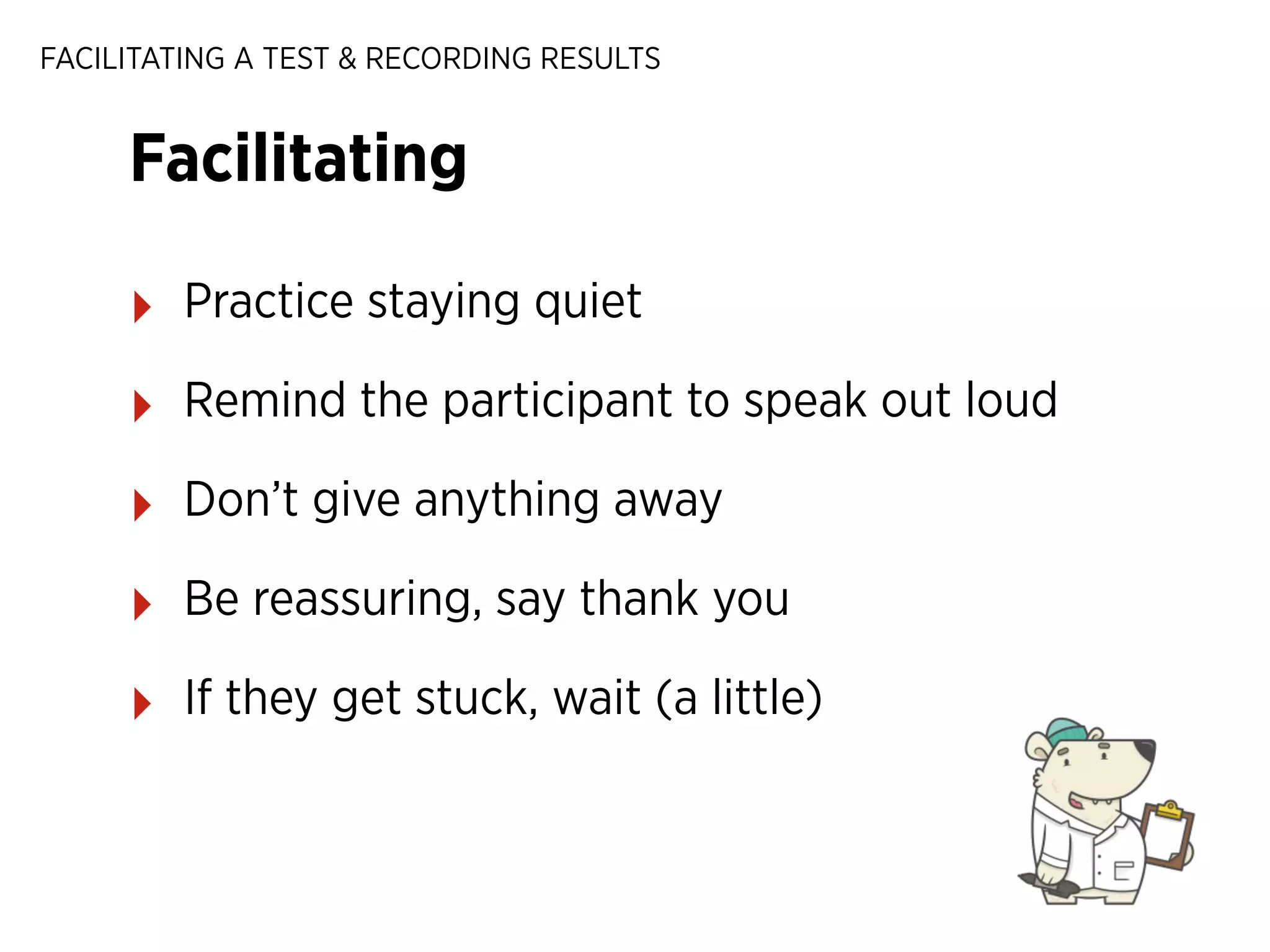
Facilitating
‣

Practice staying quiet

‣

Remind the participant to speak out loud

‣

Don’t give anything away

‣

Be reassuring, say thank you

‣

If they get stuck, wait (a little)
FACILITATING A TEST & RECORDING RESULTS

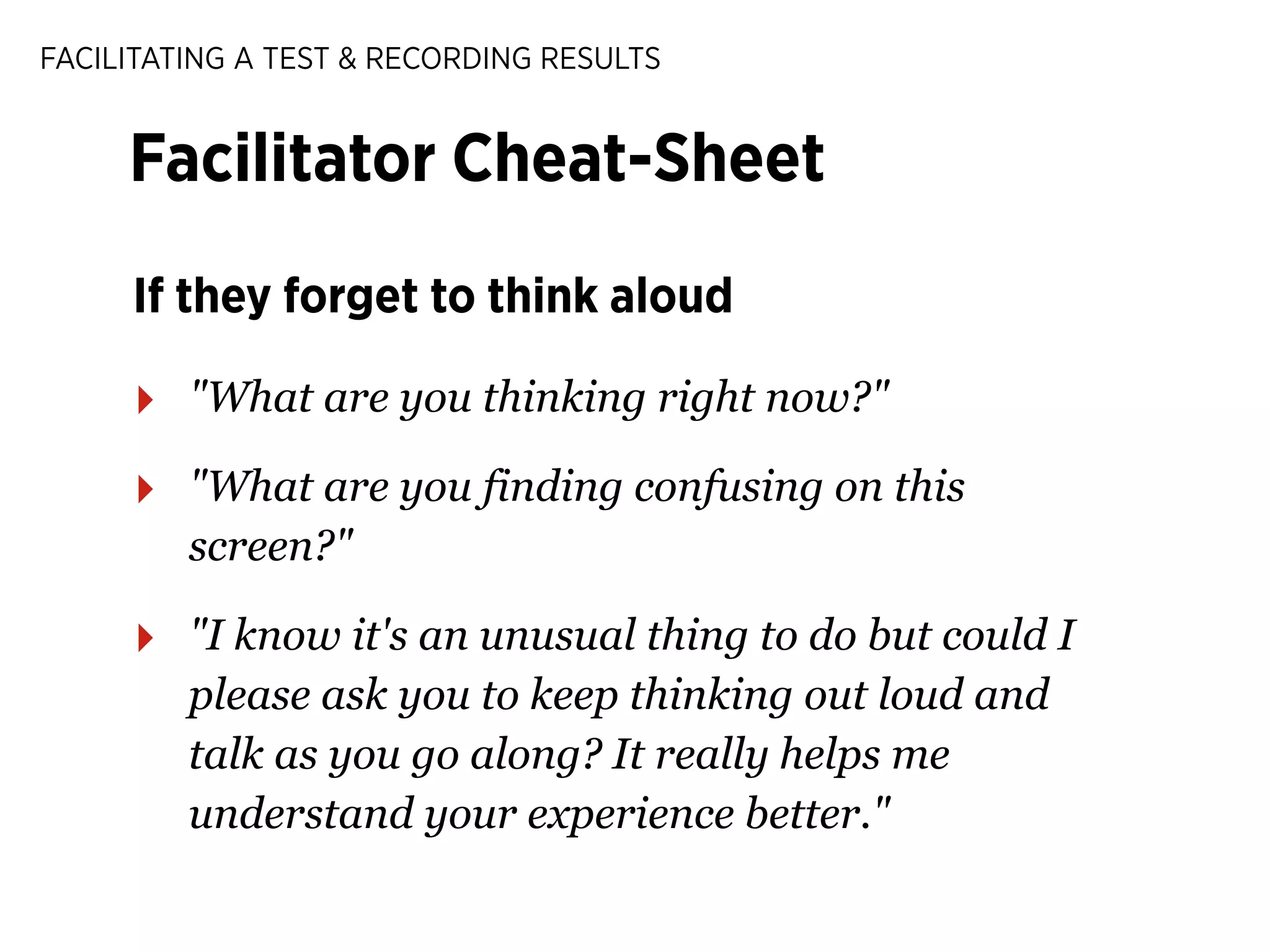
Facilitator Cheat-Sheet
If they forget to think aloud

‣

"What are you thinking right now?"

‣

"What are you finding confusing on this
screen?"

‣

"I know it's an unusual thing to do but could I
please ask you to keep thinking out loud and
talk as you go along? It really helps me
understand your experience better."
FACILITATING A TEST & RECORDING RESULTS

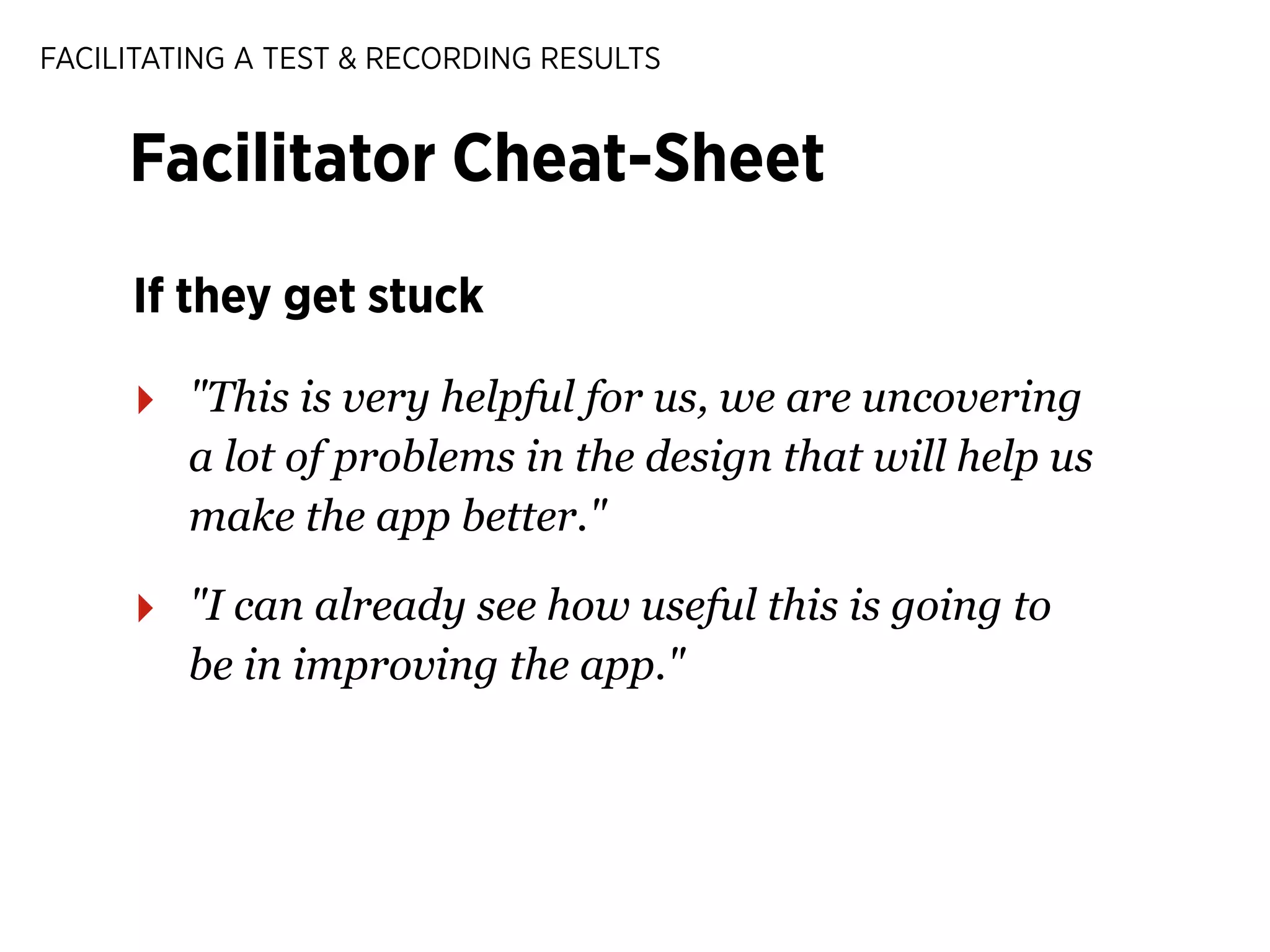
Facilitator Cheat-Sheet
If they get stuck

‣

"This is very helpful for us, we are uncovering
a lot of problems in the design that will help us
make the app better."

‣

"I can already see how useful this is going to
be in improving the app."
FACILITATING A TEST & RECORDING RESULTS

Facilitator Cheat-Sheet
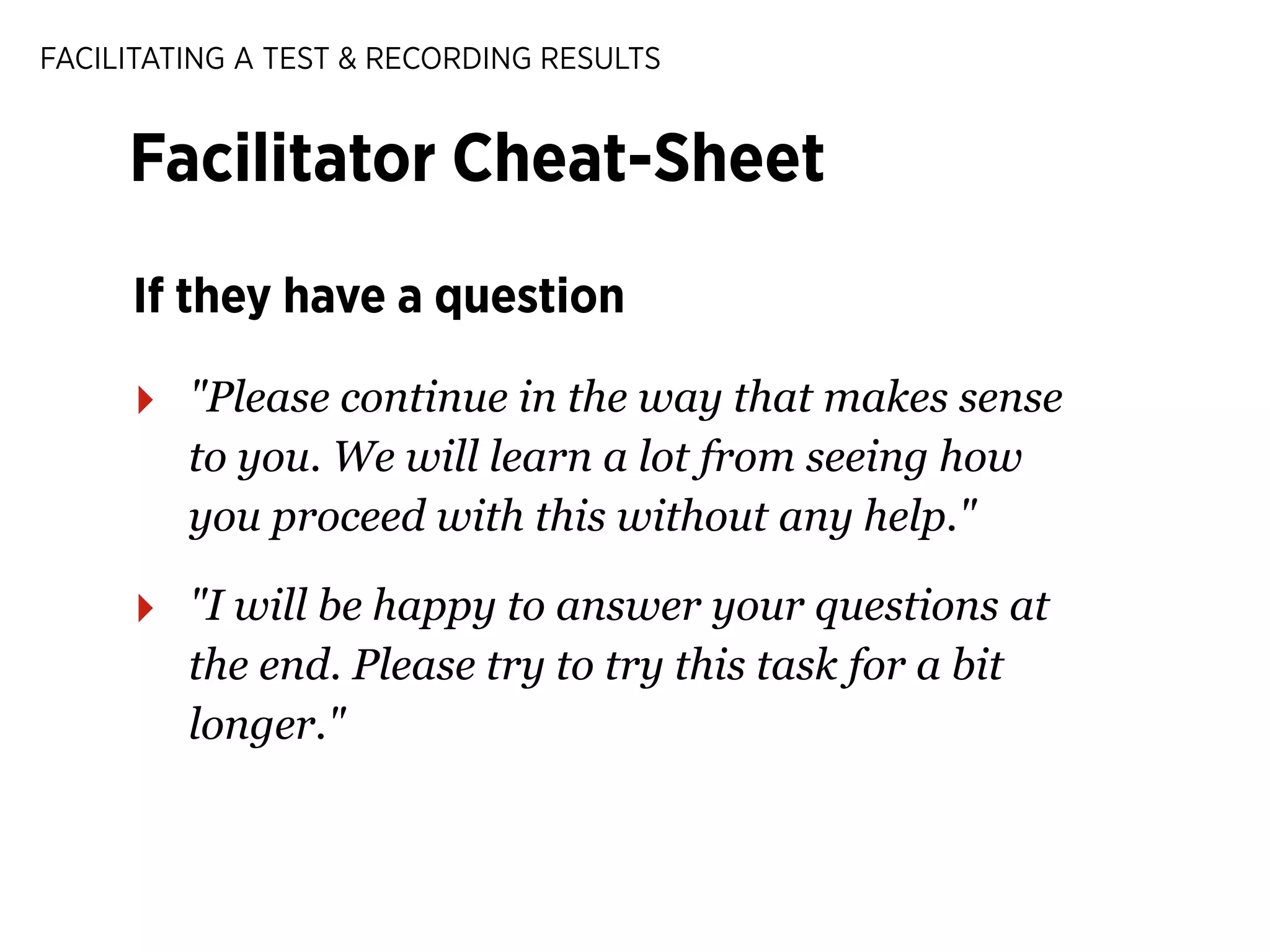
If they have a question

‣

"Please continue in the way that makes sense
to you. We will learn a lot from seeing how
you proceed with this without any help."

‣

"I will be happy to answer your questions at
the end. Please try to try this task for a bit
longer."
FACILITATING A TEST & RECORDING RESULTS

Facilitator Cheat-Sheet
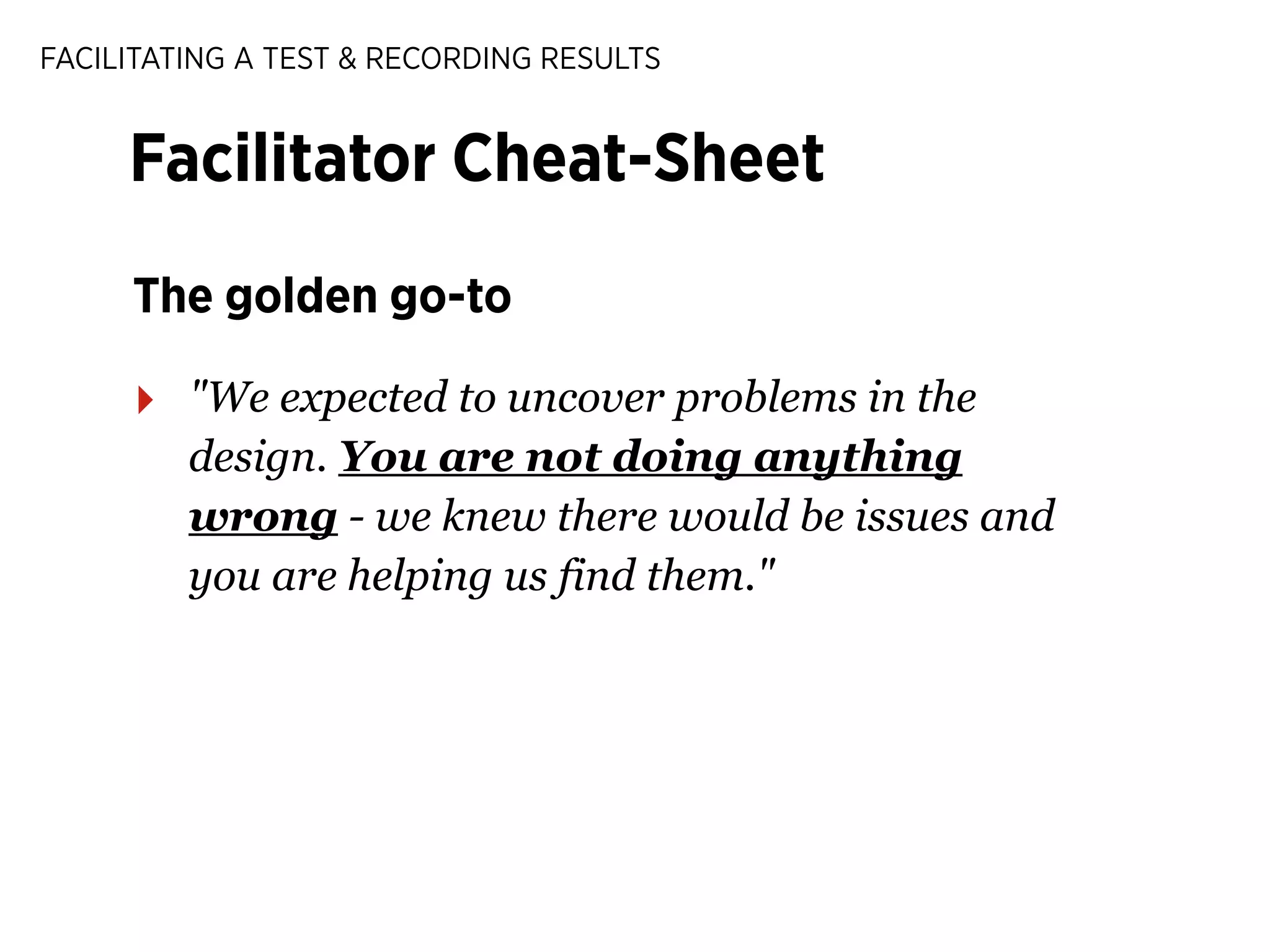
The golden go-to

‣

"We expected to uncover problems in the
design. You are not doing anything
wrong - we knew there would be issues and
you are helping us find them."
FACILITATING A TEST & RECORDING RESULTS

People will feel stupid.
Make them feel at ease.

58
FACILITATING A TEST & RECORDING RESULTS

Ways to record our findings
FACILITATING A TEST & RECORDING RESULTS

Ways to record our findings
From easy to complicated
FACILITATING A TEST & RECORDING RESULTS

Ways to record our findings
From easy to complicated

‣

Pair up with a note-taker
FACILITATING A TEST & RECORDING RESULTS

Ways to record our findings
From easy to complicated

‣

Pair up with a note-taker

‣

DIY recording equipment
FACILITATING A TEST & RECORDING RESULTS

Ways to record our findings
From easy to complicated

‣

Pair up with a note-taker

‣

DIY recording equipment

‣

Professional recording equipment
FACILITATING A TEST & RECORDING RESULTS

Ways to record our findings
From easy to complicated

‣

Pair up with a note-taker

‣

DIY recording equipment

‣

Professional recording equipment

‣

Live-stream to a group of stakeholders
FACILITATING A TEST & RECORDING RESULTS

Note-taking brings down 2
barriers to testing: time &
equipment
(But I’ll give you some tips on recording later!)

60
FACILITATING A TEST & RECORDING RESULTS

Note-taking tips
Only record what’s important

‣

If someone is really happy

‣

If someone is really frustrated

‣

If someone fails a task

‣

Write down short quotes if you can
FACILITATING A TEST & RECORDING RESULTS

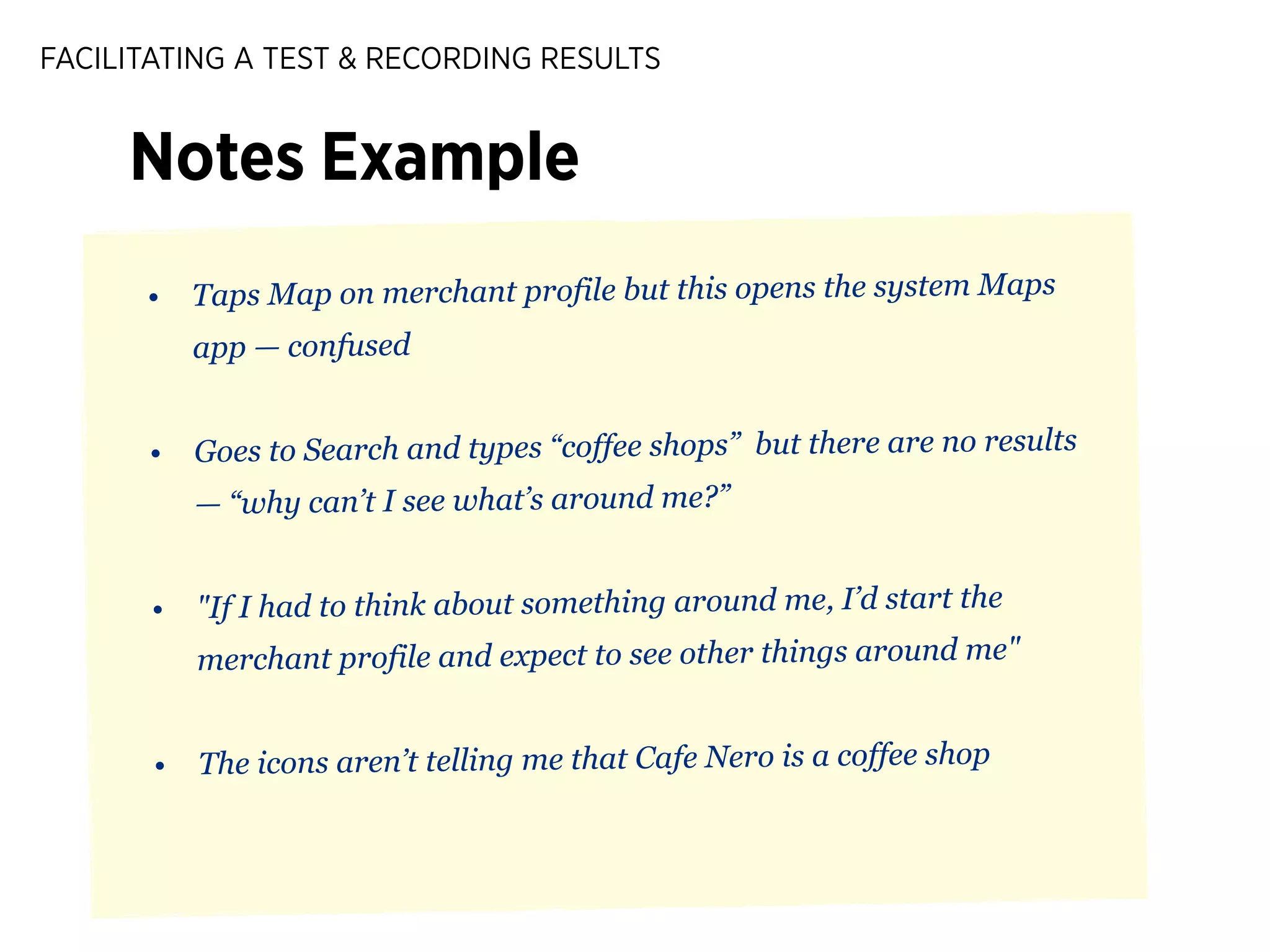
Notes Example
•

Taps Map on merchant profile but this opens the system Maps
app — confused

•

Goes to Search and types “coffee shops” but there are no results
— “why can’t I see what’s around me?”

•

"If I had to think about something around me, I’d start the
merchant profile and expect to see other things around me"

•

The icons aren’t telling me that Cafe Nero is a coffee shop
FACILITATING A TEST & RECORDING RESULTS

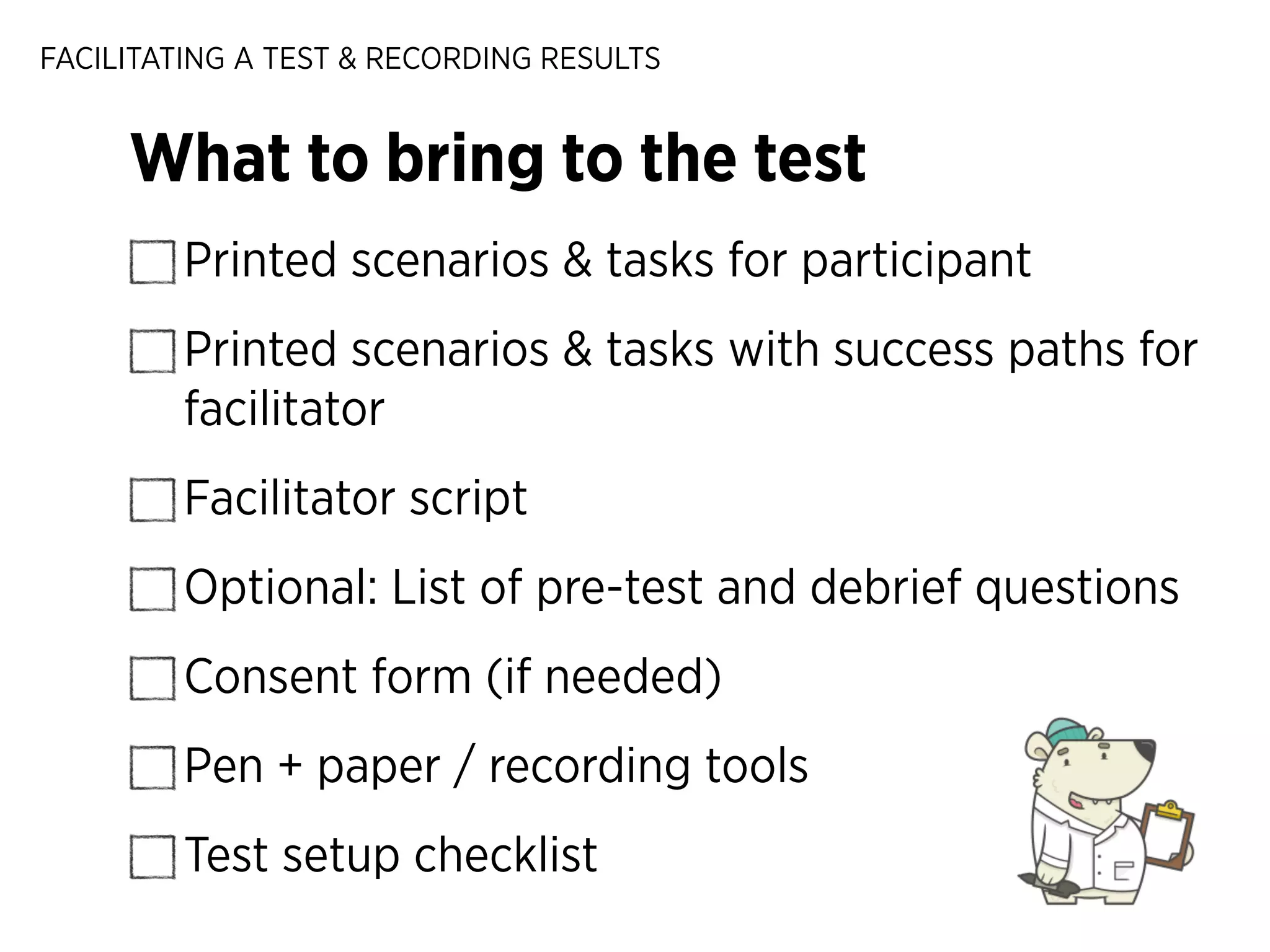
What to bring to the test
Printed scenarios & tasks for participant
Printed scenarios & tasks with success paths for
facilitator
Facilitator script
Optional: List of pre-test and debrief questions
Consent form (if needed)
Pen + paper / recording tools
Test setup checklist
FACILITATING A TEST & RECORDING RESULTS

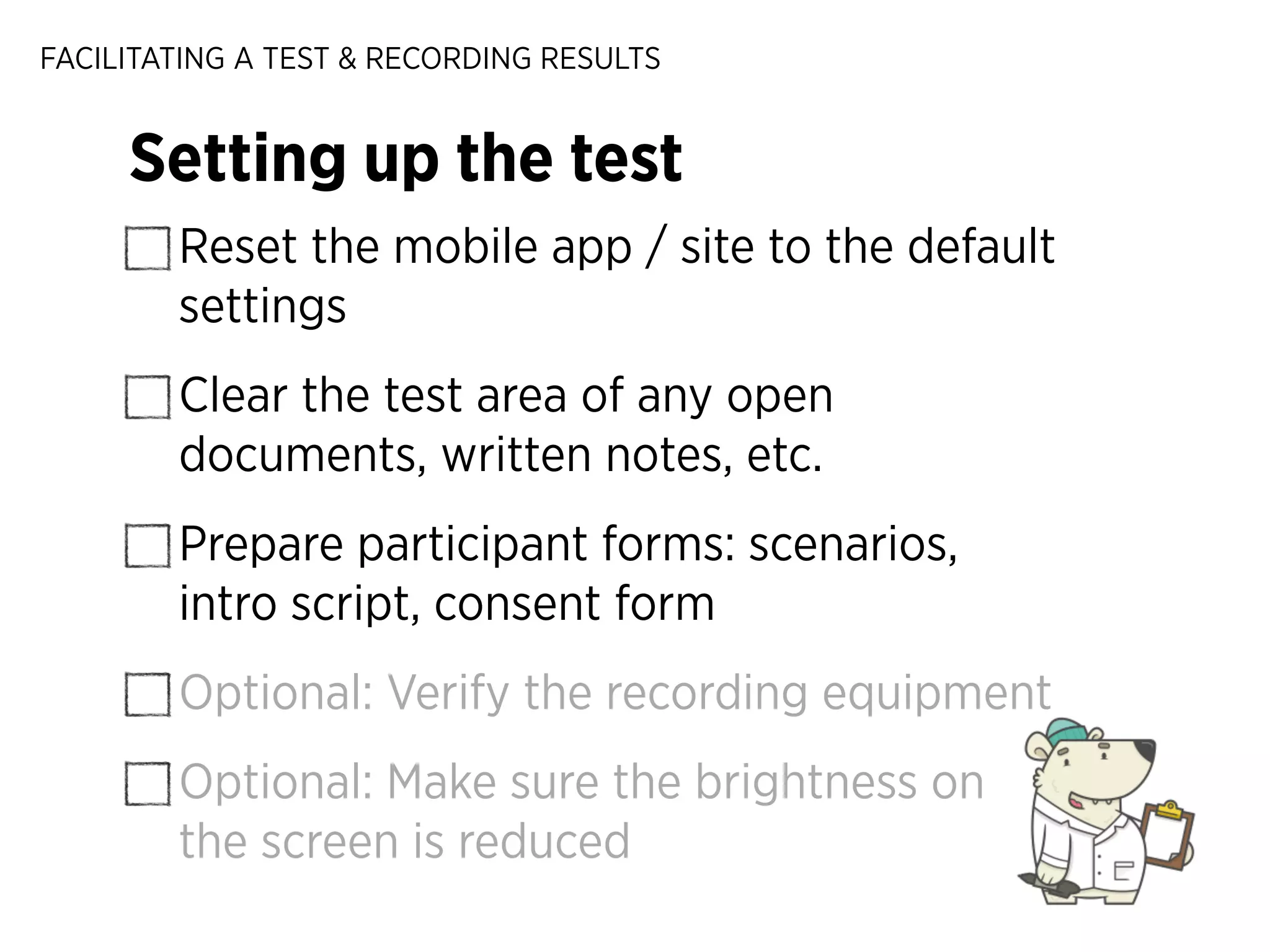
Setting up the test
Reset the mobile app / site to the default
settings
Clear the test area of any open
documents, written notes, etc.
Prepare participant forms: scenarios,
intro script, consent form
Optional: Verify the recording equipment
Optional: Make sure the brightness on
the screen is reduced
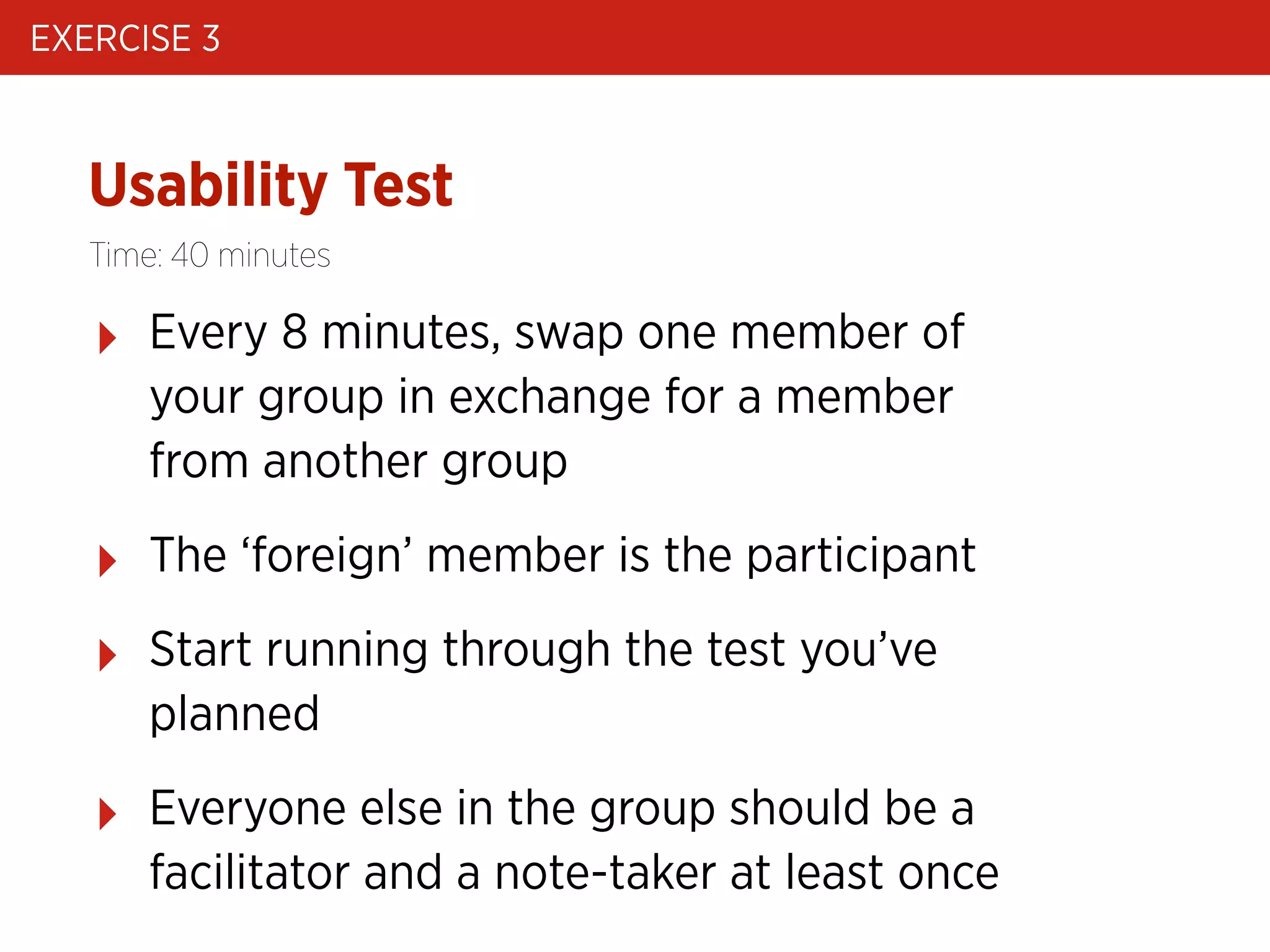
EXERCISE 3

Usability Test
Time: 40 minutes

‣

Every 8 minutes, swap one member of
your group in exchange for a member
from another group

‣

The ‘foreign’ member is the participant

‣

Start running through the test you’ve
planned

‣

Everyone else in the group should be a
facilitator and a note-taker at least once
EXERCISE 2

Show & Tell
Workshop schedule

USABILITY TESTING
0 / Usability testing introduction
1 / What do we test: preparing a test plan
2 / Facilitating a usability test & recording results
3 / Analysing and presenting key learnings
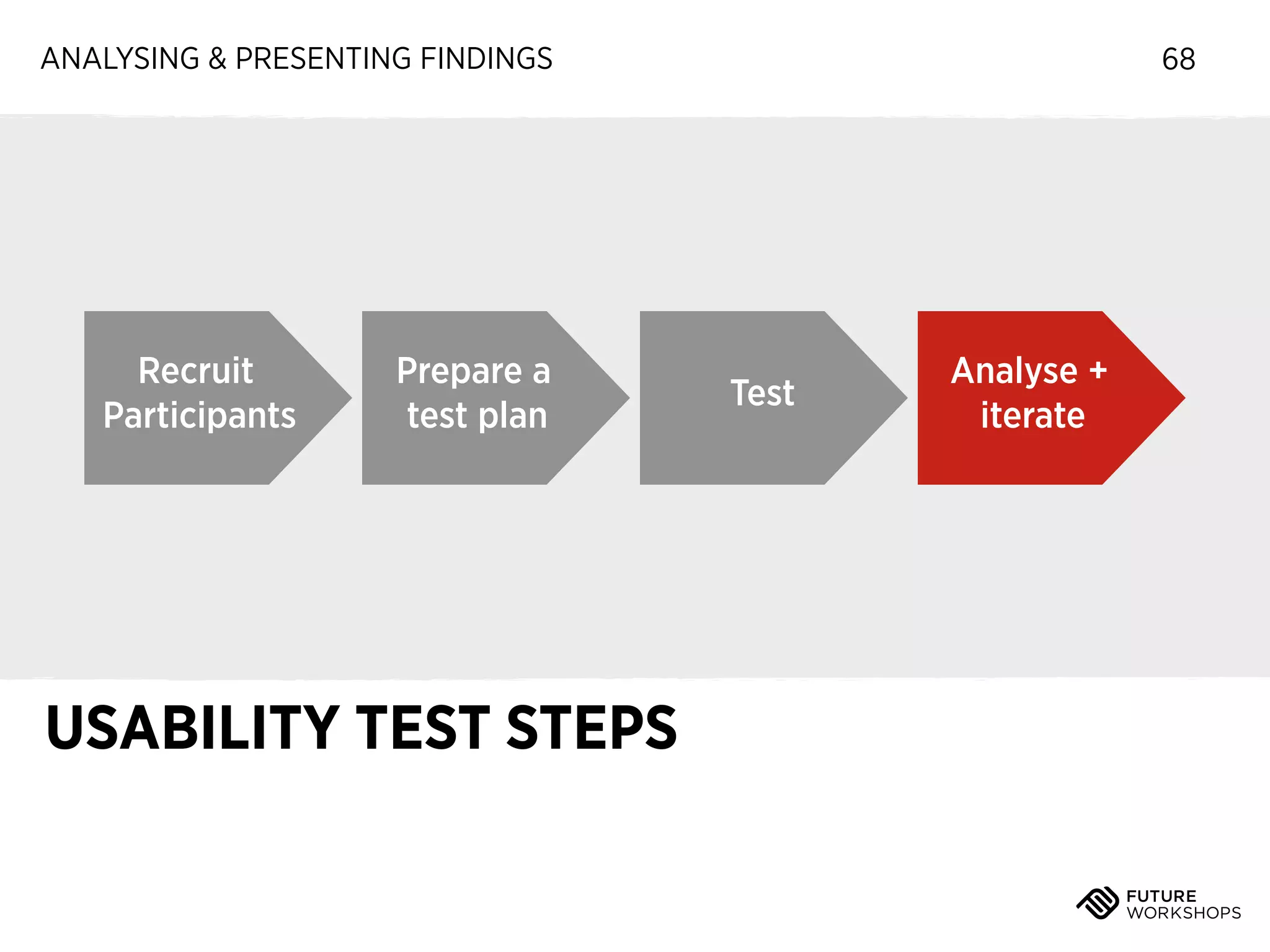
ANALYSING & PRESENTING FINDINGS

Recruit
Participants

Prepare a
test plan

USABILITY TEST STEPS

68

Test

Analyse +
iterate
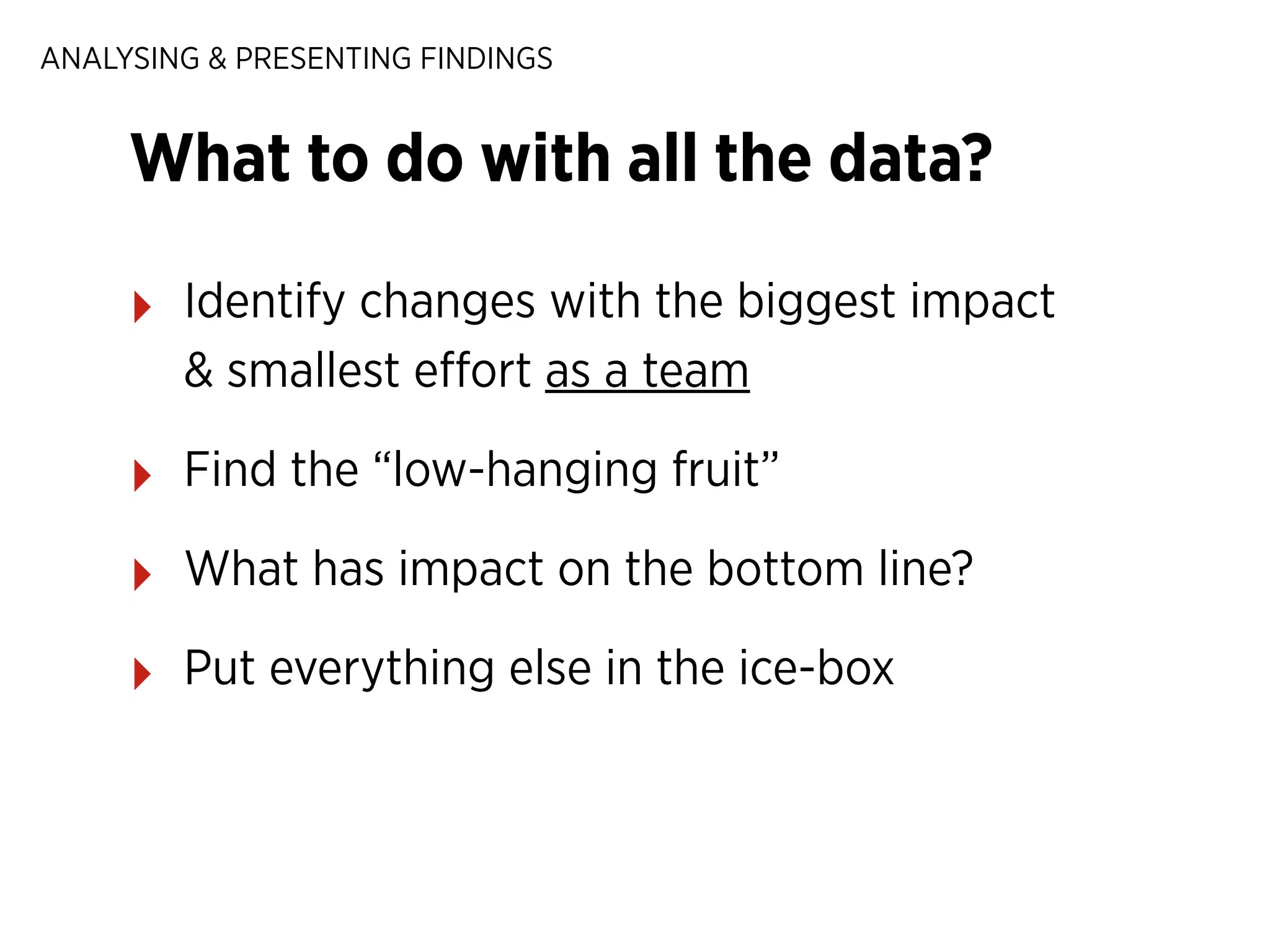
ANALYSING & PRESENTING FINDINGS

What to do with all the data?
‣

Identify changes with the biggest impact
& smallest effort as a team

‣

Find the “low-hanging fruit”

‣

What has impact on the bottom line?

‣

Put everything else in the ice-box
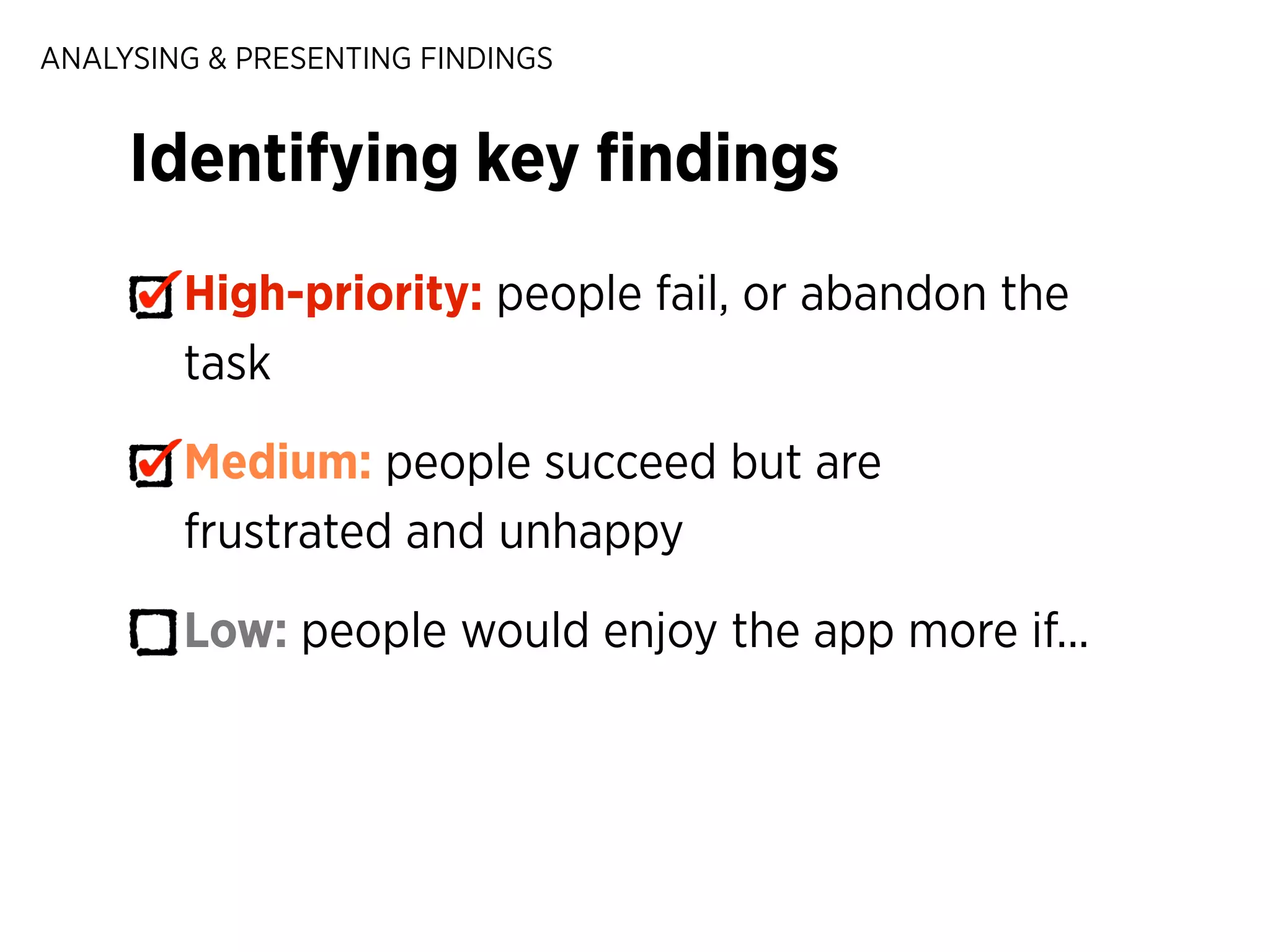
ANALYSING & PRESENTING FINDINGS

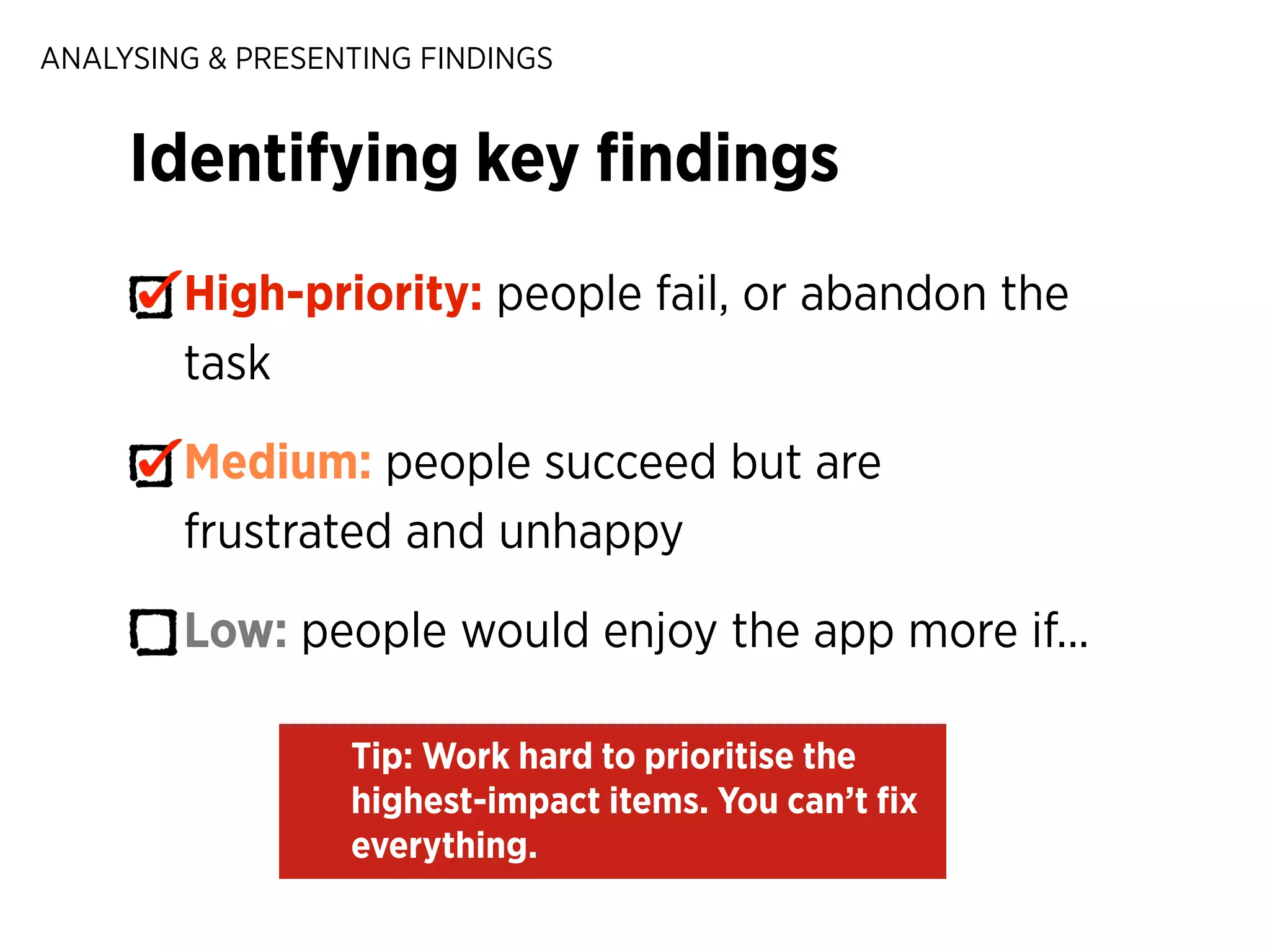
Identifying key findings
High-priority: people fail, or abandon the
task
Medium: people succeed but are
frustrated and unhappy
Low: people would enjoy the app more if...
ANALYSING & PRESENTING FINDINGS

Identifying key findings
High-priority: people fail, or abandon the
task
Medium: people succeed but are
frustrated and unhappy
Low: people would enjoy the app more if...
Tip: Work hard to prioritise the
highest-impact items. You can’t fix
everything.
ANALYSING & PRESENTING FINDINGS

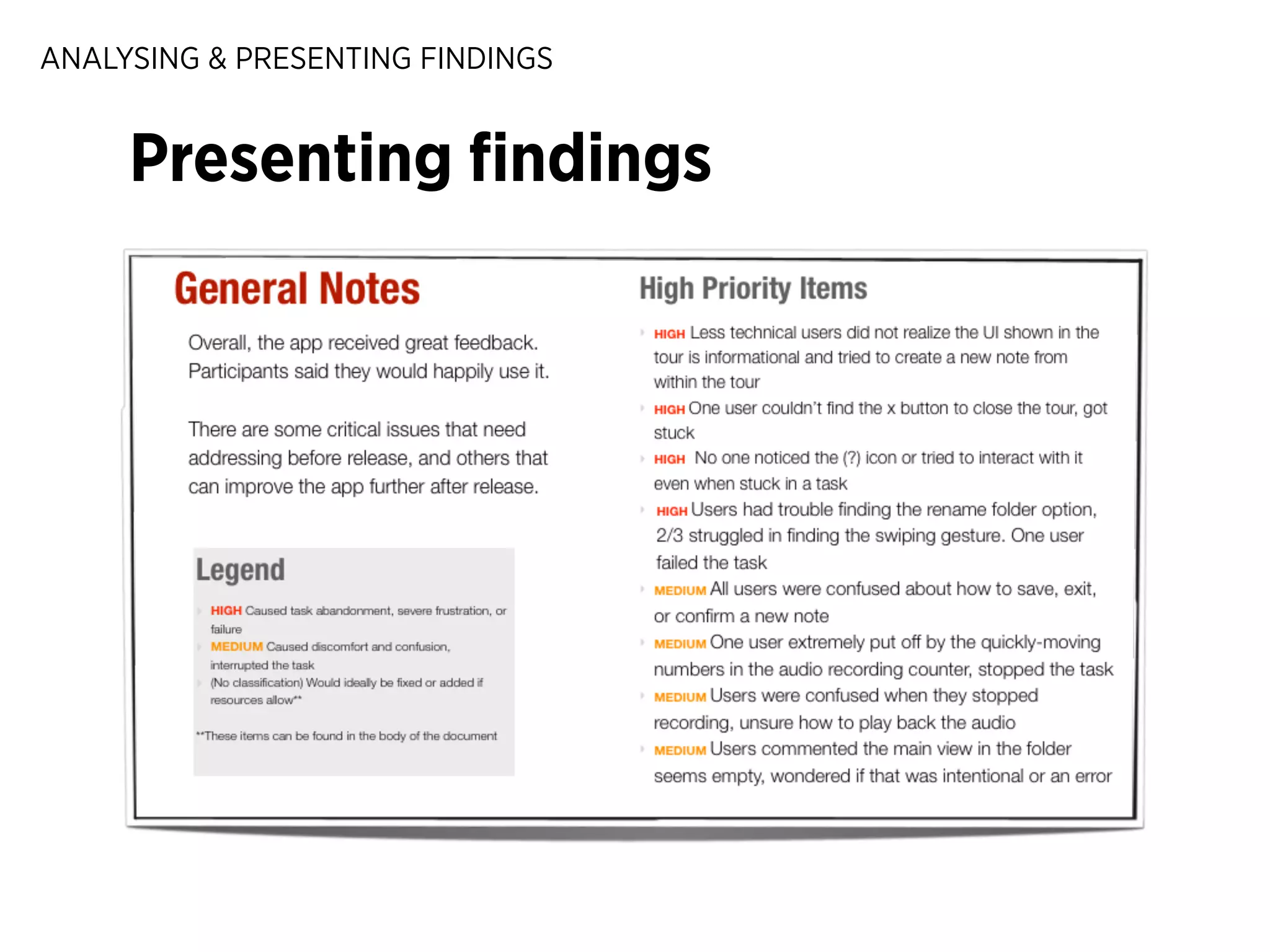
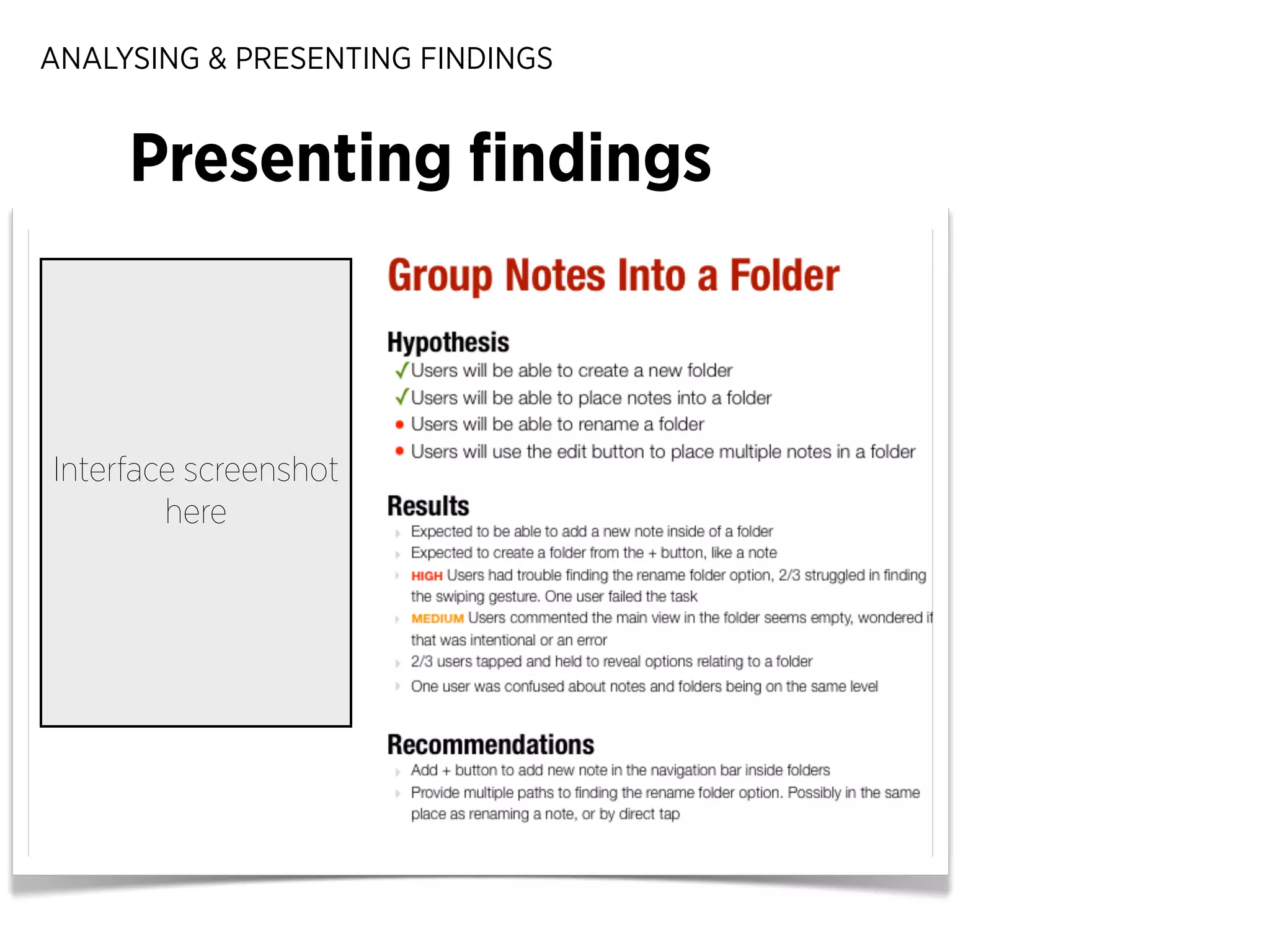
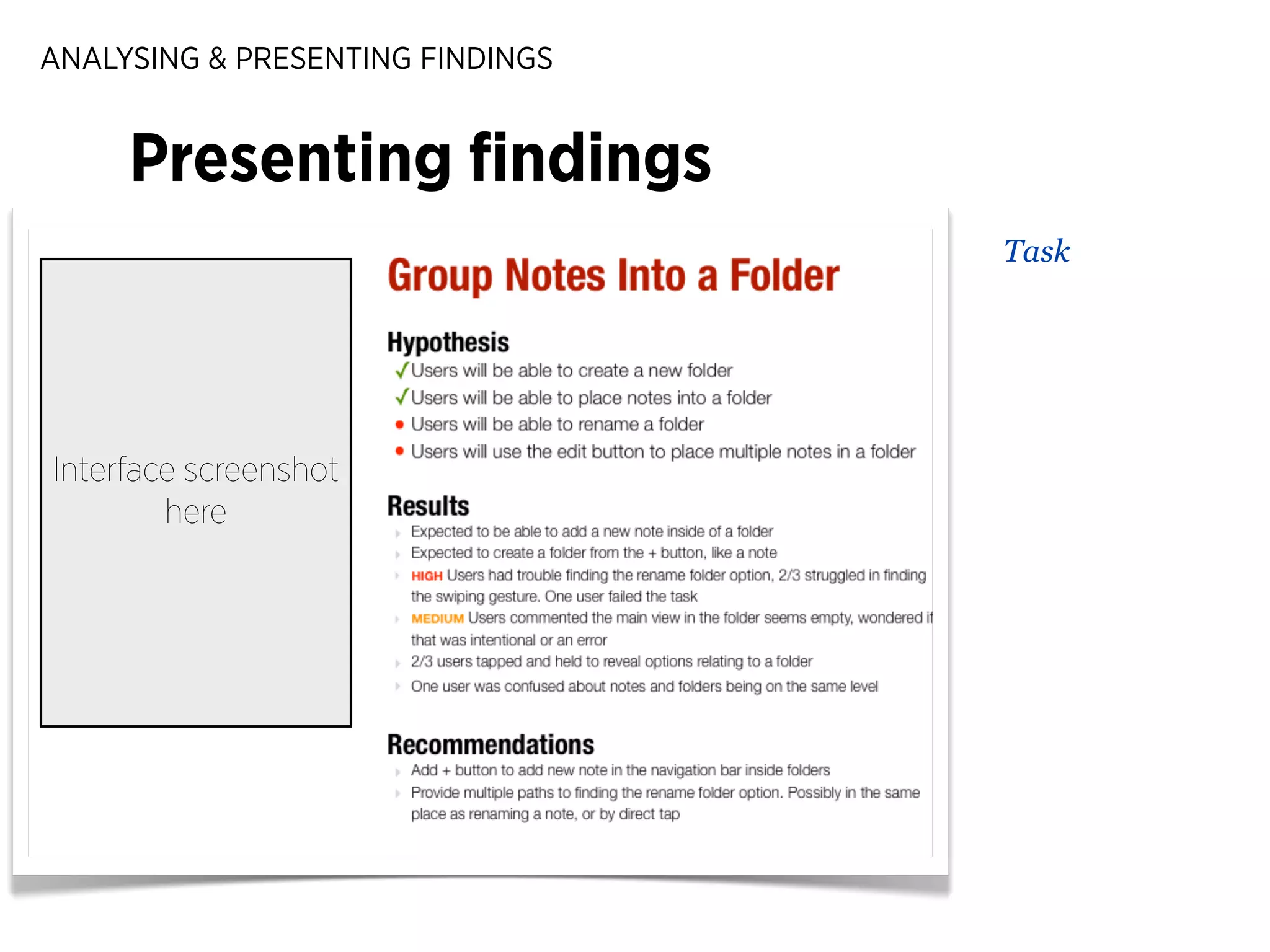
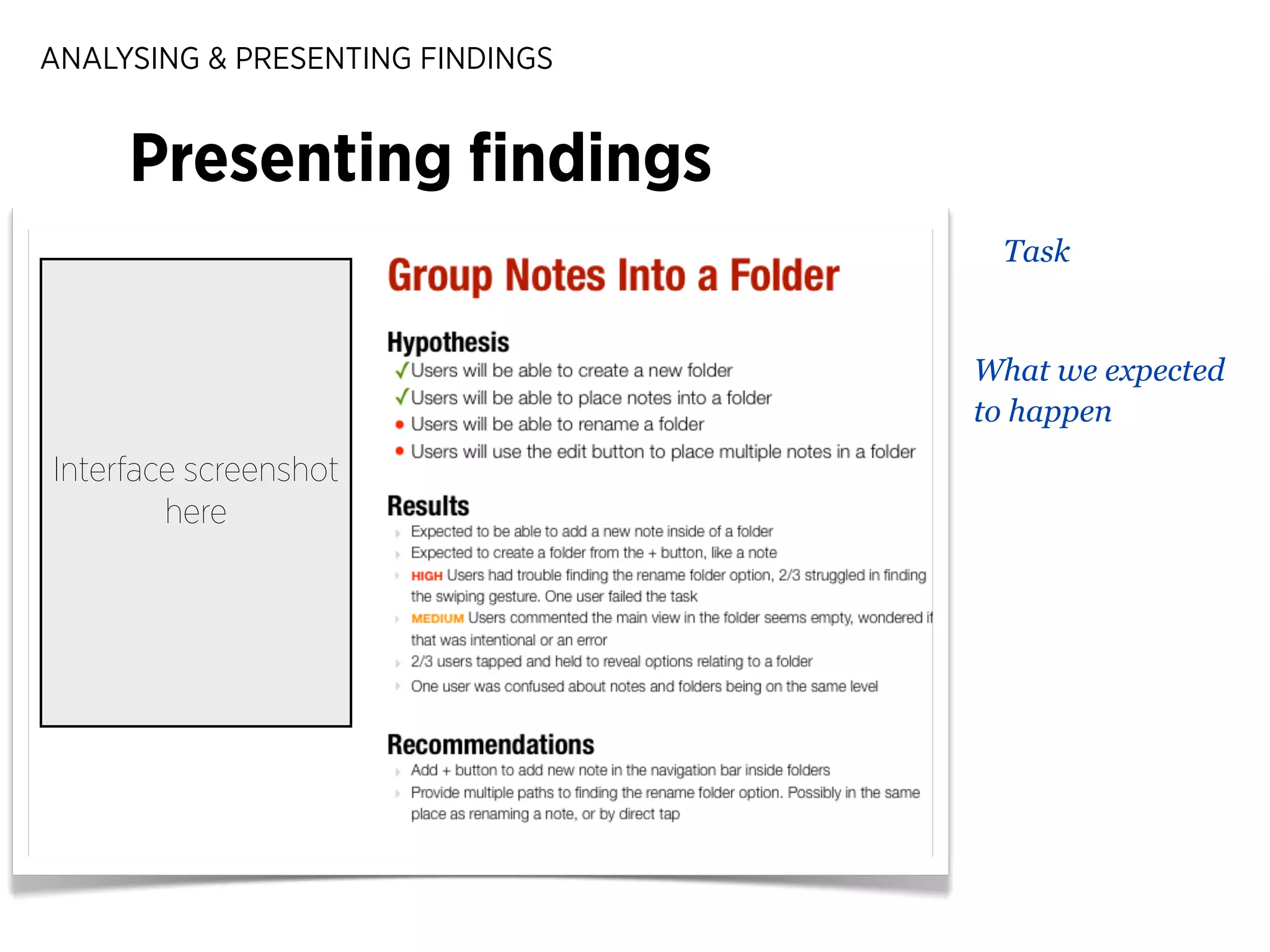
Presenting findings
ANALYSING & PRESENTING FINDINGS

Presenting findings

Interface screenshot
here
ANALYSING & PRESENTING FINDINGS

Presenting findings
Task

Interface screenshot
here
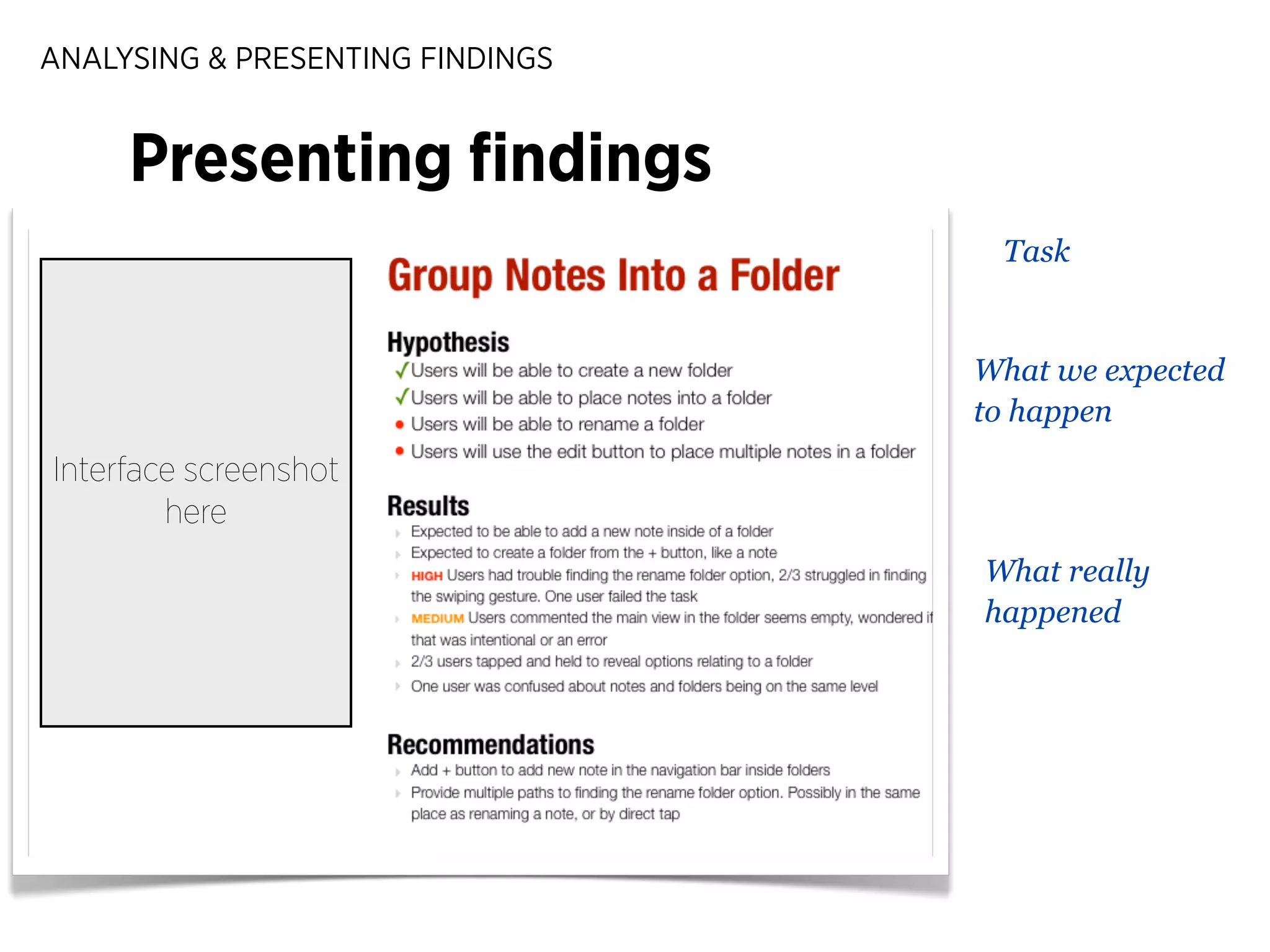
ANALYSING & PRESENTING FINDINGS

Presenting findings
Task

What we expected
to happen

Interface screenshot
here
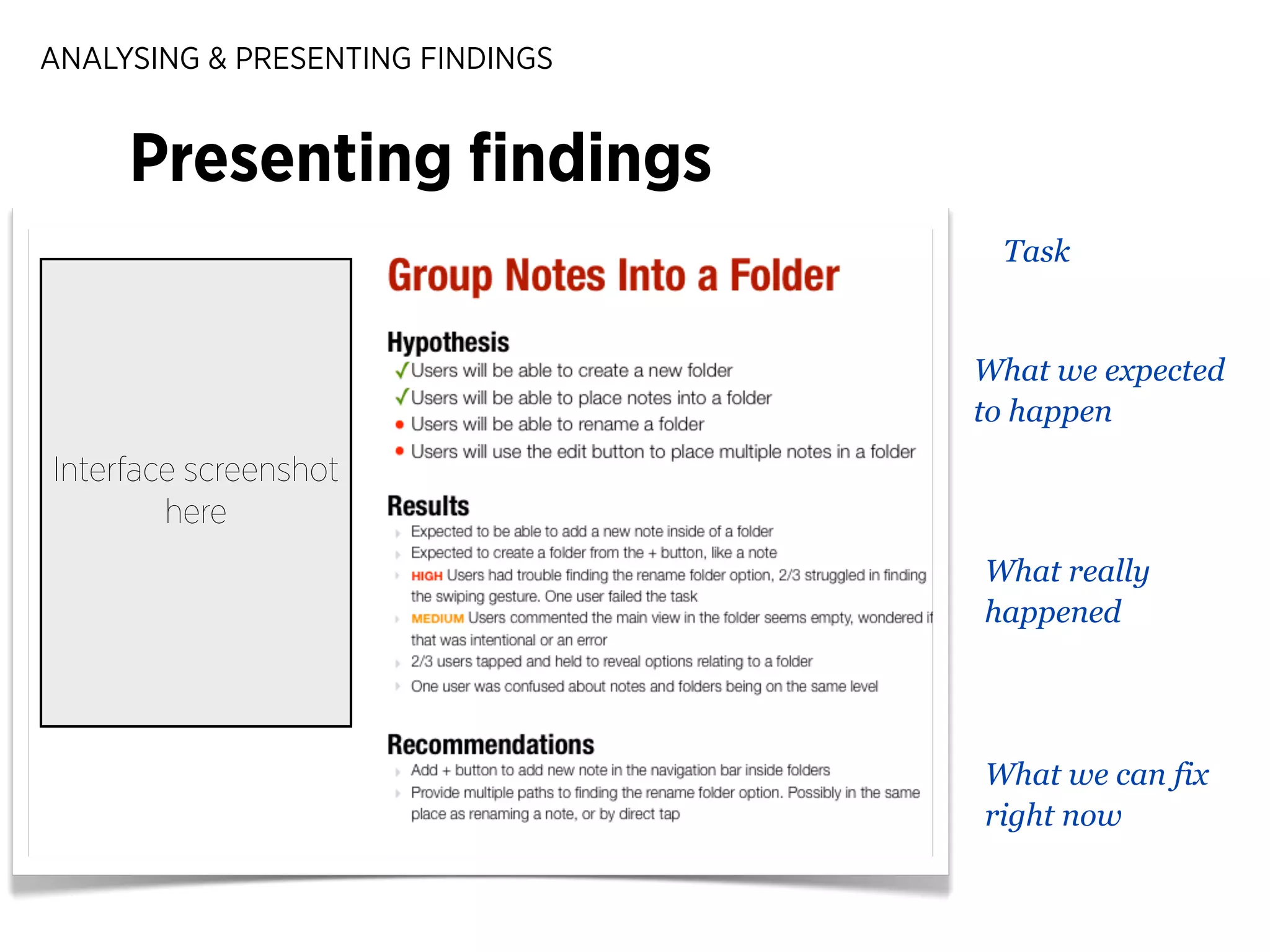
ANALYSING & PRESENTING FINDINGS

Presenting findings
Task

What we expected
to happen

Interface screenshot
here
What really
happened
ANALYSING & PRESENTING FINDINGS

Presenting findings
Task

What we expected
to happen

Interface screenshot
here
What really
happened

What we can fix
right now
EXERCISE 4

Identifying Key Findings
Time: 15 mins

‣

As a group, debrief on each person’s notes

‣

Find 2 high, 2 medium, and 2 low-priority
usability problems

‣

What will you fix first? Why?

‣

Jot down a quick summary of key findings
to present to the larger group
EXERCISE 3

Show & Tell
SUMMARY & CONCLUSION

Summary
SUMMARY & CONCLUSION

Summary
‣

Match your test artifact to your scope
SUMMARY & CONCLUSION

Summary
‣

Match your test artifact to your scope

‣

Plan realistic scenarios that don’t give
away the test purpose
SUMMARY & CONCLUSION

Summary
‣

Match your test artifact to your scope

‣

Plan realistic scenarios that don’t give
away the test purpose

‣

Be encouraging and open to feedback
SUMMARY & CONCLUSION

Summary
‣

Match your test artifact to your scope

‣

Plan realistic scenarios that don’t give
away the test purpose

‣

Be encouraging and open to feedback

‣

Record only what’s needed
SUMMARY & CONCLUSION

Summary
‣

Match your test artifact to your scope

‣

Plan realistic scenarios that don’t give
away the test purpose

‣

Be encouraging and open to feedback

‣

Record only what’s needed

‣

Prioritise findings for maximum
impact
SUMMARY & CONCLUSION

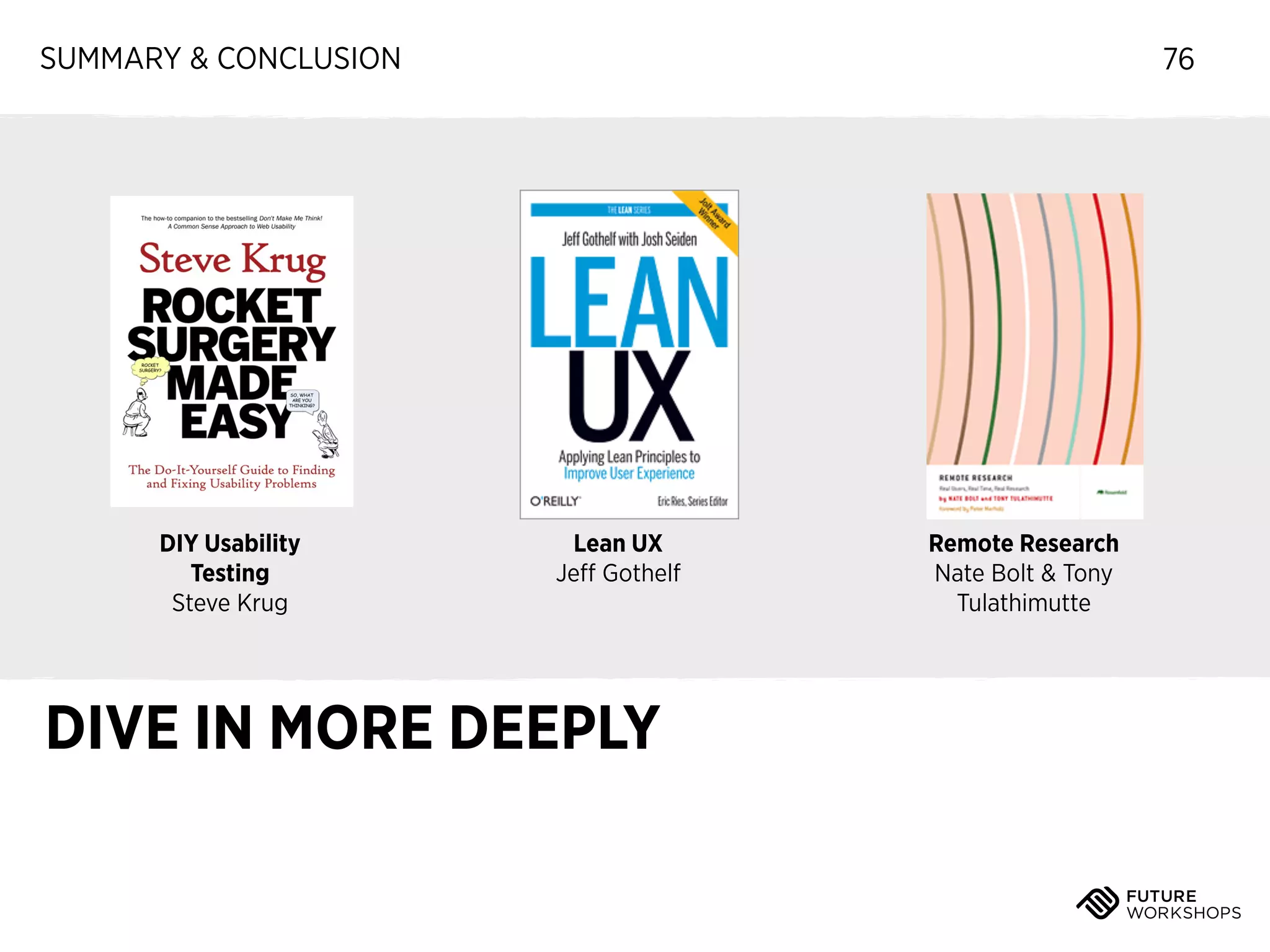
DIY Usability
Testing
Steve Krug

76

Lean UX
Jeff Gothelf

DIVE IN MORE DEEPLY

Remote Research
Nate Bolt & Tony
Tulathimutte
SUMMARY & CONCLUSION

“

Any intelligent fool can make things bigger
and more complex. It takes courage, and a
touch of genius, to move in the opposite
direction.
– Albert Einstein

A FINAL THOUGHT
http://www.humanfactors.com/ROIposter.asp

77
INTRODUCTION

Thank you!
Jenny@futureworkshops.com
www.grinblo.com
Twitter: @grinblo

78

Usability Testing How To's - EventHandler, London Oct 24th 2013

  • 1.
    USABILITY TESTING HOWTO’s For small teams & little budgets Evgenia (Jenny) Grinblo & www.eventhandler.co.uk London, UK Oct 24, 2013 (This is Henrik)
  • 2.
    USABILITY TESTING: INTRODUCTION 2 Hello,I’m... Evgenia (Jenny) Grinblo User Experience Specialist Future Workshops, London
  • 3.
    Workshop schedule USABILITY TESTING 0/ Usability testing introduction 1 / What do we test: preparing a test plan 2 / Facilitating a usability test & recording results 3 / Analysing and presenting key learnings
  • 4.
    USABILITY TESTING: INTRODUCTION Howto run a £3000 fool-proof test ✓ ✓ ✓ ✓ The easiest, quickest, cheapest methods Tips on facilitating, note-taking, & prioritising How to run a usability test tomorrow Resources & tools to keep learning WHAT TO EXPECT TODAY 4
  • 5.
    USABILITY TESTING: INTRODUCTION Whatis usability testing & why do it? 5
  • 6.
    USABILITY TESTING: INTRODUCTION 6 USEREXPERIENCE BUILDING BLOCKS http://www.flickr.com/photos/7855449@N02/2779597129 Diagram by David Armano
  • 7.
    USABILITY TESTING: INTRODUCTION 7 USABILITYIS A MAJOR BUILDING BLOCK OF A GOOD EXPERIENCE http://www.flickr.com/photos/7855449@N02/2779597129 Diagram by David Armano
  • 8.
    USABILITY TESTING: INTRODUCTION 1.INTUITIVE (n.) Using what one feels to be true without conscious reasoning www.youtube.com 8
  • 9.
    USABILITY TESTING: INTRODUCTION NEEDINGINSTRUCTIONS MEANS SOMETHING CAN BE MADE MORE SIMPLE 9
  • 10.
    USABILITY TESTING: INTRODUCTION 2.EASY TO USE Doesn’t make people feel stupid or inferior to the tool they are using. Helps them feel in control. www.errorwallofshame.tumblr.com 10
  • 11.
    USABILITY TESTING: INTRODUCTION 3.ACCESSIBLE People of different abilities can use it 11
  • 12.
    USABILITY TESTING: INTRODUCTION 12 YOUCAN’T DIFFERENTIATE IF THE EXPERIENCE IS BROKEN
  • 13.
    EVERYONE DEEPLY UNDERSTANDSTHE USERS 13 67.45% (AVERAGE E-COMMERCE CART ABANDONMENT RATE) July 28, 2013 http://baymard.com/lists/cart-abandonment-rate
  • 14.
  • 15.
  • 16.
    USABILITY TESTING: INTRODUCTION 16 Analytics Survey Usabilitytest (Impersonal) (Tricky) (Immediate, easy) WHERE TO FIND USABILITY PROBLEMS
  • 17.
    USABILITY TESTING: INTRODUCTION 17 •Behavioral vs. Self-reported • Opportunity to ask “why?” • Motivates teammates • Removes “designer bias” • Can be done on prototypes • Can be cheap & quick USABILITY TESTING
  • 18.
    USABILITY TESTING: INTRODUCTION WHATHAPPENS IN A USABILITY TEST? Video: http://www.youtube.com/watch?v=QckIzHC99Xc 18
  • 19.
    USABILITY TESTING: INTRODUCTION TESTYOUR IDEAS REGULARLY WITH REAL PEOPLE 19
  • 20.
    USABILITY TESTING: INTRODUCTION Recruit Participants Preparea test plan USABILITY TEST STEPS 20 Test Analyse + iterate
  • 21.
    USABILITY TESTING: INTRODUCTION ‣ Anyonewho hasn’t seen the app ‣ Similar demographics to real users (whenever possible) WHO DO WE TEST WITH? 21
  • 22.
    USABILITY TESTING: INTRODUCTION WHEREDO WE FIND PARTICIPANTS? 22
  • 23.
    USABILITY TESTING: INTRODUCTION ‣ Friends,family, colleagues WHERE DO WE FIND PARTICIPANTS? 22
  • 24.
    USABILITY TESTING: INTRODUCTION ‣ Friends,family, colleagues ‣ Social media followers WHERE DO WE FIND PARTICIPANTS? 22
  • 25.
    USABILITY TESTING: INTRODUCTION ‣ Friends,family, colleagues ‣ Social media followers ‣ Existing customers WHERE DO WE FIND PARTICIPANTS? 22
  • 26.
    USABILITY TESTING: INTRODUCTION ‣ Friends,family, colleagues ‣ Social media followers ‣ Existing customers ‣ Streets and coffee shops WHERE DO WE FIND PARTICIPANTS? 22
  • 27.
    USABILITY TESTING: INTRODUCTION ‣ Friends,family, colleagues ‣ Social media followers ‣ Existing customers ‣ Streets and coffee shops ‣ Recruitment agencies (<expensive!) WHERE DO WE FIND PARTICIPANTS? 22
  • 28.
    USABILITY TESTING: INTRODUCTION 23 Ideastage Definition stage Exploring Many ideas High-level “Dream world” Focusing Best ideas Refined Realistic WHEN DO WE TEST? AS EARLY AS POSSIBLE
  • 29.
    USABILITY TESTING: INTRODUCTION DOUSABILITY TESTING REGULARLY, WITH YOUR WHOLE TEAM 24
  • 30.
    USABILITY TESTING: INTRODUCTION #OF TEAM MEMBERS EXPOSED TO USERS IS MORE IMPORTANT THAN # OF USERS http://www.uie.com/articles/user_exposure_hours/ 25
  • 31.
    USABILITY TESTING: INTRODUCTION 26 SOMETIMESIT’S HARD TO ACCEPT YOUR PRODUCT NEEDS HELP https://twitter.com/adrianhungate/status/391954628184915970
  • 32.
    USABILITY TESTING: INTRODUCTION WHENYOU SEE SOMEONE IN PAIN, YOU WANT TO HELP THEM http://www.flickr.com/photos/martin_mcdonald/371884786/ 27
  • 33.
    USABILITY TESTING: INTRODUCTION “ Iwas completely surprised at how cumbersome the users experience with the app was. Basic tasks were which was so obvious to me were suddenly a huge barrier. — DANIEL Lead Developer, Future Workshops http://www.uie.com/articles/user_exposure_hours/ 28
  • 34.
    USABILITY TESTING: INTRODUCTION “ 29 ...What the usability testing did for me was really prove how much tech people can lose sight of who they are building for. It about going back to basics in some cases. — DANIEL Lead Developer, Future Workshops http://www.uie.com/articles/user_exposure_hours/
  • 35.
    USABILITY TESTING: INTRODUCTION 30 1.Highlights where our product isn’t intuitive / easy to use 2. Puts team in the shoes of users 3. Helps sell product improvements to stakeholders/ clients 4. Helps prioritise feature backlog IN SUMMARY: USABILITY TESTING BENEFITS
  • 36.
    Time for a 5minute break
  • 37.
    Workshop schedule USABILITY TESTING 0/ Usability testing introduction 1 / What do we test: preparing a test plan 2 / Facilitating a usability test & recording results 3 / Analysing and presenting key learnings
  • 38.
    PREPARING A TESTPLAN To run a test, you need
  • 39.
    PREPARING A TESTPLAN To run a test, you need ‣ Some representation of your product
  • 40.
    PREPARING A TESTPLAN To run a test, you need ‣ Some representation of your product ‣ Preferably interactive
  • 41.
    PREPARING A TESTPLAN To run a test, you need ‣ Some representation of your product ‣ Preferably interactive ‣ Doesn’t have to be finished
  • 42.
    PREPARING A TESTPLAN To run a test, you need ‣ Some representation of your product ‣ Preferably interactive ‣ Doesn’t have to be finished ‣ Or: competitor product!
  • 43.
    PREPARING A TESTPLAN To run a test, you need ‣ Some representation of your product ‣ Preferably interactive ‣ Doesn’t have to be finished ‣ Or: competitor product! ‣ Idea of what you want to test
  • 44.
    PREPARING A TESTPLAN What do we test?
  • 45.
    PREPARING A TESTPLAN What do we test? ‣ General impressions
  • 46.
    PREPARING A TESTPLAN What do we test? ‣ General impressions ‣ Ease of use of critical features
  • 47.
    PREPARING A TESTPLAN What do we test? ‣ General impressions ‣ Ease of use of critical features ‣ Features we’re not sure about (e.g., is the help clear?)
  • 48.
    PREPARING A TESTPLAN What do we test? ‣ General impressions ‣ Ease of use of critical features ‣ Features we’re not sure about (e.g., is the help clear?) ‣ Response to design, iconography
  • 49.
    PREPARING A TESTPLAN What do we test? ‣ General impressions ‣ Ease of use of critical features ‣ Features we’re not sure about (e.g., is the help clear?) ‣ Response to design, iconography Tip: start from high-level when testing prototypes, test the details with later builds
  • 50.
    PREPARING A TESTPLAN Wide (Generative) SET THE SCOPE 35
  • 51.
    PREPARING A TESTPLAN Wide (Generative) SET THE SCOPE 35 WHY will people use this product?
  • 52.
    PREPARING A TESTPLAN Wide (Generative) Narrow (Validating) SET THE SCOPE 35 WHY will people use this product?
  • 53.
    PREPARING A TESTPLAN Wide (Generative) Narrow (Validating) SET THE SCOPE 35 WHY will people use this product? HOW do these people use this product?
  • 54.
    PREPARING A TESTPLAN Wide (Generative) 36 Explore How is the value proposition of this tool fit in with people’s lives Confirm/iterate Observing what people do with this tool, in their own environment Narrow (Validating) SET THE SCOPE Validate How do people perform specific task with this tool?
  • 55.
    PREPARING A TESTPLAN Wide (Generative) First... 37 Explore How is the value proposition of this tool fit in with people’s lives Confirm/iterate Observing what people do with this tool, in their own environment Narrow (Validating) SET THE SCOPE Validate How do people perform specific task with this tool?
  • 56.
    PREPARING A TESTPLAN 38 Ready? FIRST IMPRESSIONS: THE 5 SECOND TEST
  • 57.
  • 58.
    PREPARING A TESTPLAN • What is the purpose of the website/app? • Name 3 things you can do with this website • Who does this site or app belong to? • How do you feel about this organisation? 5 SECOND TEST QUESTIONS 40
  • 59.
    PREPARING A TESTPLAN Wide (Generative) 41 Explore How is the value proposition of this tool fit in with people’s lives Now... Confirm/iterate Observing what people do with this tool, in their own environment Narrow (Validating) SET THE SCOPE Validate How do people perform specific task with this tool?
  • 60.
    PREPARING A TESTPLAN Recruit Participants 42 Prepare a test plan Test Analyse + iterate PREPARING A DETAILED USABILITY TEST
  • 61.
    USABILITY TESTING: INTRODUCTION THEMORE DETAILED YOUR ARTIFACT, THE MORE DETAILED THE FEEDBACK 43
  • 62.
    EXERCISE 1 Choose aproduct to test Time: 10 minutes ‣ We are going to validate an existing, finished product ‣ As a group, decide on a website or app to test ‣ It can be your app - I must be able to interact with it Tip: avoid sites that require logging in (unless you have a login to share)
  • 63.
  • 64.
    PREPARING A TESTPLAN Scenario Structure
  • 65.
    PREPARING A TESTPLAN Scenario Structure ‣ Your character
  • 66.
    PREPARING A TESTPLAN Scenario Structure ‣ Your character ‣ Your motivation
  • 67.
    PREPARING A TESTPLAN Scenario Structure ‣ Your character ‣ Your motivation ‣ What you need to do
  • 68.
    PREPARING A TESTPLAN Scenario Structure ‣ Your character ‣ Your motivation ‣ What you need to do ‣ Any details like login information, etc
  • 69.
    // TEST PLANFOR: // GROUP: // PART: // GENERAL SCENARIO TASK TASK // SUCCESS PATH // SCENARIO // SCENARIO // INFO (passwords, etc) // INFO (passwords, etc) @ Template by @grinblo // SUCCESS PATH
  • 70.
    // TEST PLANFOR: // GROUP: // PART: // GENERAL SCENARIO Set up the motivation TASK TASK // SUCCESS PATH // SCENARIO // SCENARIO // INFO (passwords, etc) // INFO (passwords, etc) @ Template by @grinblo // SUCCESS PATH
  • 71.
    // TEST PLANFOR: // GROUP: // PART: // GENERAL SCENARIO Set up the motivation What we are testing TASK TASK // SUCCESS PATH // SCENARIO // SCENARIO // INFO (passwords, etc) // INFO (passwords, etc) @ Template by @grinblo // SUCCESS PATH
  • 72.
    // TEST PLANFOR: // GROUP: // PART: // GENERAL SCENARIO Set up the motivation What we are testing TASK // SUCCESS PATH TASK // SUCCESS PATH What we want/expect the user to do // INFO (passwords, etc) // SCENARIO // INFO (passwords, etc) @ Template by @grinblo // SCENARIO
  • 73.
    // TEST PLANFOR: // GROUP: // PART: // GENERAL SCENARIO Set up the motivation What we are testing TASK // SUCCESS PATH TASK // SUCCESS PATH What we want/expect the user to do // SCENARIO // SCENARIO // INFO (passwords, etc) // INFO (passwords, etc) @ Template by @grinblo Motivation to do the task + instructions
  • 74.
    // TEST PLANFOR: // GROUP: // PART: // GENERAL SCENARIO Set up the motivation What we are testing TASK // SUCCESS PATH TASK // SUCCESS PATH What we want/expect the user to do // SCENARIO // SCENARIO // INFO (passwords, etc) Information necessary for the task // INFO (passwords, etc) @ Template by @grinblo Motivation to do the task + instructions
  • 75.
    // TEST PLANFOR: // GROUP: // GENERAL SCENARIO TASK TASK // SUCCESS PATH // SUCCESS PATH // SCENARIO // SCENARIO // INFORMATION // INFORMATION // PART:
  • 76.
    // TEST PLANFOR: // GROUP: // PART: // GENERAL SCENARIO You need to cook a new recipe for the company potluck. You found a recipe online and now you need to buy the ingredients and cook it. TASK TASK // SUCCESS PATH // SUCCESS PATH // SCENARIO // SCENARIO // INFORMATION // INFORMATION
  • 77.
    // TEST PLANFOR: // GROUP: // PART: // GENERAL SCENARIO You need to cook a new recipe for the company potluck. You found a recipe online and now you need to buy the ingredients and cook it. TASK Text note TASK // SUCCESS PATH // SUCCESS PATH // SCENARIO // SCENARIO // INFORMATION // INFORMATION
  • 78.
    // TEST PLANFOR: // GROUP: // PART: // GENERAL SCENARIO You need to cook a new recipe for the company potluck. You found a recipe online and now you need to buy the ingredients and cook it. TASK Text note // SUCCESS PATH TASK // SUCCESS PATH Create a text note and make a bulleted list of ingredients // SCENARIO // INFORMATION // SCENARIO // INFORMATION
  • 79.
    // TEST PLANFOR: // GROUP: // PART: // GENERAL SCENARIO You need to cook a new recipe for the company potluck. You found a recipe online and now you need to buy the ingredients and cook it. TASK Text note // SUCCESS PATH TASK // SUCCESS PATH Create a text note and make a bulleted list of ingredients // SCENARIO // INFORMATION // SCENARIO // INFORMATION
  • 80.
    // TEST PLANFOR: // GROUP: // PART: // GENERAL SCENARIO You need to cook a new recipe for the company potluck. You found a recipe online and now you need to buy the ingredients and cook it. TASK Text note Don’t show this to the participant! // SUCCESS PATH TASK // SUCCESS PATH Create a text note and make a bulleted list of ingredients // SCENARIO // INFORMATION // SCENARIO // INFORMATION
  • 81.
    // TEST PLANFOR: // GROUP: // PART: // GENERAL SCENARIO You need to cook a new recipe for the company potluck. You found a recipe online and now you need to buy the ingredients and cook it. TASK Text note Don’t show this to the participant! // SUCCESS PATH TASK // SUCCESS PATH Create a text note and make a bulleted list of ingredients // SCENARIO // SCENARIO You need to remember what to buy. Use the app to make a shopping list you can take to the supermarket. // INFORMATION // INFORMATION
  • 82.
    // TEST PLANFOR: // GROUP: // PART: // GENERAL SCENARIO You need to cook a new recipe for the company potluck. You found a recipe online and now you need to buy the ingredients and cook it. TASK Text note Don’t show this to the participant! // SUCCESS PATH TASK // SUCCESS PATH Create a text note and make a bulleted list of ingredients // SCENARIO // SCENARIO You need to remember what to buy. Use the app to make a shopping list you can take to the supermarket. // INFORMATION Print-out of a recipe from the internet // INFORMATION
  • 83.
    // TEST PLANFOR: // GROUP: // PART: // GENERAL SCENARIO You need to cook a new recipe for the company potluck. You found a recipe online and now you need to buy the ingredients and cook it. TASK Text note Don’t show this to the participant! // SUCCESS PATH TASK Share a note via e-mail // SUCCESS PATH Create a text note and make a bulleted list of ingredients // SCENARIO // SCENARIO You need to remember what to buy. Use the app to make a shopping list you can take to the supermarket. // INFORMATION Print-out of a recipe from the internet // INFORMATION
  • 84.
    // TEST PLANFOR: // GROUP: // PART: // GENERAL SCENARIO You need to cook a new recipe for the company potluck. You found a recipe online and now you need to buy the ingredients and cook it. TASK Text note Don’t show this to the participant! TASK Share a note via e-mail // SUCCESS PATH // SUCCESS PATH Create a text note and make a bulleted list of ingredients E-mail a note to a friend using swipe to share // SCENARIO // SCENARIO You need to remember what to buy. Use the app to make a shopping list you can take to the supermarket. // INFORMATION Print-out of a recipe from the internet // INFORMATION
  • 85.
    // TEST PLANFOR: // GROUP: // PART: // GENERAL SCENARIO You need to cook a new recipe for the company potluck. You found a recipe online and now you need to buy the ingredients and cook it. TASK Text note Don’t show this to the participant! TASK Share a note via e-mail // SUCCESS PATH // SUCCESS PATH Create a text note and make a bulleted list of ingredients E-mail a note to a friend using swipe to share // SCENARIO // SCENARIO You need to remember what to buy. Use the app to make a shopping list you can take to the supermarket. You really liked the new recipe and you think your friend Jenny will like it too. Send the recipe to Jenny from within the app. // INFORMATION Print-out of a recipe from the internet // INFORMATION
  • 86.
    // TEST PLANFOR: // GROUP: // PART: // GENERAL SCENARIO You need to cook a new recipe for the company potluck. You found a recipe online and now you need to buy the ingredients and cook it. TASK Text note Don’t show this to the participant! TASK Share a note via e-mail // SUCCESS PATH // SUCCESS PATH Create a text note and make a bulleted list of ingredients E-mail a note to a friend using swipe to share // SCENARIO // SCENARIO You need to remember what to buy. Use the app to make a shopping list you can take to the supermarket. You really liked the new recipe and you think your friend Jenny will like it too. Send the recipe to Jenny from within the app. // INFORMATION Print-out of a recipe from the internet // INFORMATION Jenny’s email: jenny@futureworkshops.com
  • 87.
    PREPARING A TESTPLAN Scenario Tips
  • 88.
    PREPARING A TESTPLAN Scenario Tips ‣ Avoid using terminology from the interface (e.g., search, tag, filter)
  • 89.
    PREPARING A TESTPLAN Scenario Tips ‣ Avoid using terminology from the interface (e.g., search, tag, filter) ‣ Scenarios can have steps (e.g., find a recipe and add it to your collection)
  • 90.
    PREPARING A TESTPLAN Scenario Tips ‣ Avoid using terminology from the interface (e.g., search, tag, filter) ‣ Scenarios can have steps (e.g., find a recipe and add it to your collection) ‣ Escalate the difficulty as the test progresses
  • 91.
    EXERCISE 2 Test Plan Time:20 mins ‣ Define 3 key tasks that must be intuitive and easy to use in the application ‣ Identify the success paths for each task (what we expect users to do) ‣ Decide on a general scenario + write specific tasks ‣ Run through the test once
  • 92.
    Workshop schedule USABILITY TESTING 0/ Usability testing introduction 1 / What do we test: preparing a test plan 2 / Facilitating a usability test & recording results 3 / Analysing and presenting key learnings
  • 93.
    FACILITATING A TEST& RECORDING RESULTS Recruit Participants Prepare a test plan USABILITY TEST STEPS 52 Test Analyse + iterate
  • 94.
    FACILITATING A TEST& RECORDING RESULTS Facilitating ‣ Practice staying quiet ‣ Remind the participant to speak out loud ‣ Don’t give anything away ‣ Be reassuring, say thank you ‣ If they get stuck, wait (a little)
  • 95.
    FACILITATING A TEST& RECORDING RESULTS Facilitator Cheat-Sheet If they forget to think aloud ‣ "What are you thinking right now?" ‣ "What are you finding confusing on this screen?" ‣ "I know it's an unusual thing to do but could I please ask you to keep thinking out loud and talk as you go along? It really helps me understand your experience better."
  • 96.
    FACILITATING A TEST& RECORDING RESULTS Facilitator Cheat-Sheet If they get stuck ‣ "This is very helpful for us, we are uncovering a lot of problems in the design that will help us make the app better." ‣ "I can already see how useful this is going to be in improving the app."
  • 97.
    FACILITATING A TEST& RECORDING RESULTS Facilitator Cheat-Sheet If they have a question ‣ "Please continue in the way that makes sense to you. We will learn a lot from seeing how you proceed with this without any help." ‣ "I will be happy to answer your questions at the end. Please try to try this task for a bit longer."
  • 98.
    FACILITATING A TEST& RECORDING RESULTS Facilitator Cheat-Sheet The golden go-to ‣ "We expected to uncover problems in the design. You are not doing anything wrong - we knew there would be issues and you are helping us find them."
  • 99.
    FACILITATING A TEST& RECORDING RESULTS People will feel stupid. Make them feel at ease. 58
  • 100.
    FACILITATING A TEST& RECORDING RESULTS Ways to record our findings
  • 101.
    FACILITATING A TEST& RECORDING RESULTS Ways to record our findings From easy to complicated
  • 102.
    FACILITATING A TEST& RECORDING RESULTS Ways to record our findings From easy to complicated ‣ Pair up with a note-taker
  • 103.
    FACILITATING A TEST& RECORDING RESULTS Ways to record our findings From easy to complicated ‣ Pair up with a note-taker ‣ DIY recording equipment
  • 104.
    FACILITATING A TEST& RECORDING RESULTS Ways to record our findings From easy to complicated ‣ Pair up with a note-taker ‣ DIY recording equipment ‣ Professional recording equipment
  • 105.
    FACILITATING A TEST& RECORDING RESULTS Ways to record our findings From easy to complicated ‣ Pair up with a note-taker ‣ DIY recording equipment ‣ Professional recording equipment ‣ Live-stream to a group of stakeholders
  • 106.
    FACILITATING A TEST& RECORDING RESULTS Note-taking brings down 2 barriers to testing: time & equipment (But I’ll give you some tips on recording later!) 60
  • 107.
    FACILITATING A TEST& RECORDING RESULTS Note-taking tips Only record what’s important ‣ If someone is really happy ‣ If someone is really frustrated ‣ If someone fails a task ‣ Write down short quotes if you can
  • 108.
    FACILITATING A TEST& RECORDING RESULTS Notes Example • Taps Map on merchant profile but this opens the system Maps app — confused • Goes to Search and types “coffee shops” but there are no results — “why can’t I see what’s around me?” • "If I had to think about something around me, I’d start the merchant profile and expect to see other things around me" • The icons aren’t telling me that Cafe Nero is a coffee shop
  • 109.
    FACILITATING A TEST& RECORDING RESULTS What to bring to the test Printed scenarios & tasks for participant Printed scenarios & tasks with success paths for facilitator Facilitator script Optional: List of pre-test and debrief questions Consent form (if needed) Pen + paper / recording tools Test setup checklist
  • 110.
    FACILITATING A TEST& RECORDING RESULTS Setting up the test Reset the mobile app / site to the default settings Clear the test area of any open documents, written notes, etc. Prepare participant forms: scenarios, intro script, consent form Optional: Verify the recording equipment Optional: Make sure the brightness on the screen is reduced
  • 111.
    EXERCISE 3 Usability Test Time:40 minutes ‣ Every 8 minutes, swap one member of your group in exchange for a member from another group ‣ The ‘foreign’ member is the participant ‣ Start running through the test you’ve planned ‣ Everyone else in the group should be a facilitator and a note-taker at least once
  • 112.
  • 113.
    Workshop schedule USABILITY TESTING 0/ Usability testing introduction 1 / What do we test: preparing a test plan 2 / Facilitating a usability test & recording results 3 / Analysing and presenting key learnings
  • 114.
    ANALYSING & PRESENTINGFINDINGS Recruit Participants Prepare a test plan USABILITY TEST STEPS 68 Test Analyse + iterate
  • 115.
    ANALYSING & PRESENTINGFINDINGS What to do with all the data? ‣ Identify changes with the biggest impact & smallest effort as a team ‣ Find the “low-hanging fruit” ‣ What has impact on the bottom line? ‣ Put everything else in the ice-box
  • 116.
    ANALYSING & PRESENTINGFINDINGS Identifying key findings High-priority: people fail, or abandon the task Medium: people succeed but are frustrated and unhappy Low: people would enjoy the app more if...
  • 117.
    ANALYSING & PRESENTINGFINDINGS Identifying key findings High-priority: people fail, or abandon the task Medium: people succeed but are frustrated and unhappy Low: people would enjoy the app more if... Tip: Work hard to prioritise the highest-impact items. You can’t fix everything.
  • 118.
    ANALYSING & PRESENTINGFINDINGS Presenting findings
  • 119.
    ANALYSING & PRESENTINGFINDINGS Presenting findings Interface screenshot here
  • 120.
    ANALYSING & PRESENTINGFINDINGS Presenting findings Task Interface screenshot here
  • 121.
    ANALYSING & PRESENTINGFINDINGS Presenting findings Task What we expected to happen Interface screenshot here
  • 122.
    ANALYSING & PRESENTINGFINDINGS Presenting findings Task What we expected to happen Interface screenshot here What really happened
  • 123.
    ANALYSING & PRESENTINGFINDINGS Presenting findings Task What we expected to happen Interface screenshot here What really happened What we can fix right now
  • 124.
    EXERCISE 4 Identifying KeyFindings Time: 15 mins ‣ As a group, debrief on each person’s notes ‣ Find 2 high, 2 medium, and 2 low-priority usability problems ‣ What will you fix first? Why? ‣ Jot down a quick summary of key findings to present to the larger group
  • 125.
  • 126.
  • 127.
    SUMMARY & CONCLUSION Summary ‣ Matchyour test artifact to your scope
  • 128.
    SUMMARY & CONCLUSION Summary ‣ Matchyour test artifact to your scope ‣ Plan realistic scenarios that don’t give away the test purpose
  • 129.
    SUMMARY & CONCLUSION Summary ‣ Matchyour test artifact to your scope ‣ Plan realistic scenarios that don’t give away the test purpose ‣ Be encouraging and open to feedback
  • 130.
    SUMMARY & CONCLUSION Summary ‣ Matchyour test artifact to your scope ‣ Plan realistic scenarios that don’t give away the test purpose ‣ Be encouraging and open to feedback ‣ Record only what’s needed
  • 131.
    SUMMARY & CONCLUSION Summary ‣ Matchyour test artifact to your scope ‣ Plan realistic scenarios that don’t give away the test purpose ‣ Be encouraging and open to feedback ‣ Record only what’s needed ‣ Prioritise findings for maximum impact
  • 132.
    SUMMARY & CONCLUSION DIYUsability Testing Steve Krug 76 Lean UX Jeff Gothelf DIVE IN MORE DEEPLY Remote Research Nate Bolt & Tony Tulathimutte
  • 133.
    SUMMARY & CONCLUSION “ Anyintelligent fool can make things bigger and more complex. It takes courage, and a touch of genius, to move in the opposite direction. – Albert Einstein A FINAL THOUGHT http://www.humanfactors.com/ROIposter.asp 77
  • 134.