Testing & User Research
Workshop
Photo Credit: kaboodle.com
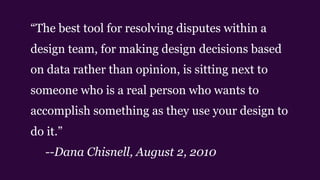
ā€œThe best tool for resolving disputes within a
design team, for making design decisions based
on data rather than opinion, is sitting next to
someone who is a real person who wants to
accomplish something as they use your design to
do it.ā€
--Dana Chisnell, August 2, 2010
Btw I’m Cyd Harrell
I’m UX Evangelist at Code for America

My favorite tools: empathy and duct tape
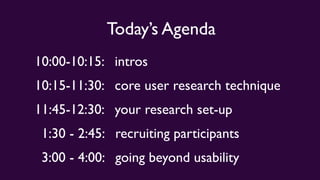
Today’s Agenda
10:00-10:15: intros
10:15-11:30: core user research technique
11:45-12:30: your research set-up
1:30 - 2:45: recruiting participants
3:00 - 4:00: going beyond usability
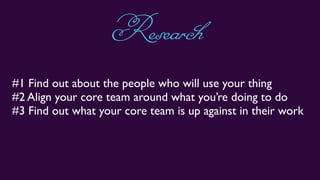
#1 Find out about the people who will use your thing
#2 Align your core team around what you’re doing to do
#3 Find out what your core team is up against in their work
Research
The hardest two things about research:
‣ providing the prompt
‣ collecting the response
OversimplificationAlert
The hardest two three things about research:
‣ providing the prompt
‣ collecting the response
‣ getting everyone to buy in
OversimplificationAlert
The hardest three four things:
‣ getting the right participants
‣ providing the prompt
‣ collecting the response
‣ getting everyone to buy in
OversimplificationAlert
o.k.soafewthingsarehard
Let’s jump right in
What’s the latest with UX Research?
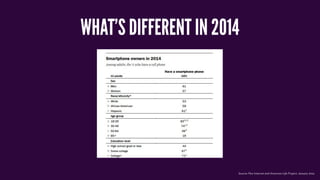
WHAT’S DIFFERENT IN 2014
Source: Pew Internet and American Life Project, January 2014
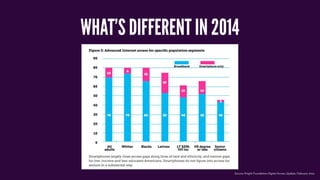
WHAT’S DIFFERENT IN 2014
Source: Knight Foundation Digital Access Update, February 2014
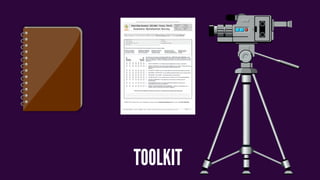
TOOLKIT
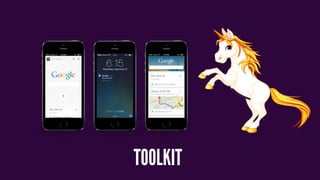
TOOLKIT
REMEMBER BE
graceful
When All Your
TECHNOLOGY
BREAKS
uximresearch.tumblr.com
Now we do a little experiment
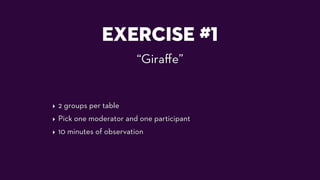
EXERCISE #1
ā€œGiraffeā€
‣ 2 groups per table
‣ Pick one moderator and one participant
‣ 10 minutes of observation
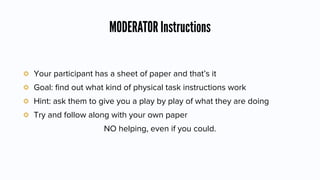
MODERATOR Instructions
Your participant has a sheet of paper and that’s it
Goal: find out what kind of physical task instructions work
Hint: ask them to give you a play by play of what they are doing
Try and follow along with your own paper
NO helping, even if you could.
It’s A RACE
You only have 10 minutes to do this max.
Surprises?
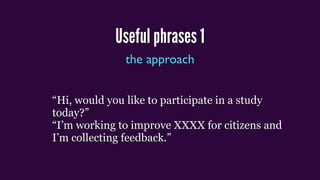
Useful phrases 1
the approach
ā€œHi, would you like to participate in a study
today?ā€
ā€œI’m working to improve XXXX for citizens and
I’m collecting feedback.ā€
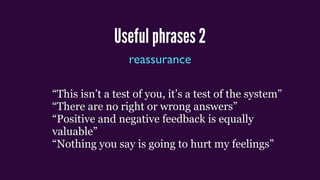
Useful phrases 2
reassurance
ā€œThis isn’t a test of you, it’s a test of the systemā€
ā€œThere are no right or wrong answersā€
ā€œPositive and negative feedback is equally
valuableā€
ā€œNothing you say is going to hurt my feelingsā€
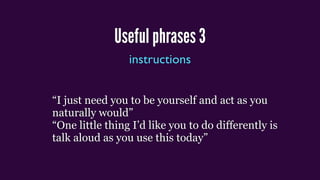
Useful phrases 3
instructions
ā€œI just need you to be yourself and act as you
naturally wouldā€
ā€œOne little thing I’d like you to do differently is
talk aloud as you use this todayā€
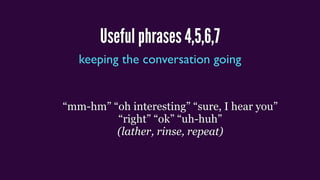
Useful phrases 4,5,6,7
keeping the conversation going
ā€œmm-hmā€ ā€œoh interestingā€ ā€œsure, I hear youā€
ā€œrightā€ ā€œokā€ ā€œuh-huhā€
(lather, rinse, repeat)

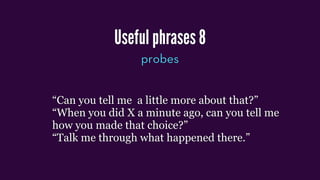
Useful phrases 8
probes
ā€œCan you tell me a little more about that?ā€
ā€œWhen you did X a minute ago, can you tell me
how you made that choice?ā€
ā€œTalk me through what happened there.ā€
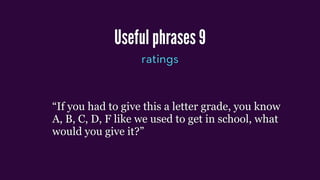
Useful phrases 9
ratings
ā€œIf you had to give this a letter grade, you know
A, B, C, D, F like we used to get in school, what
would you give it?ā€
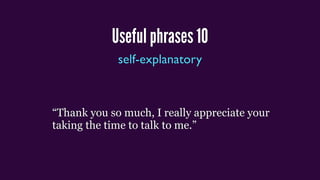
Useful phrases 10
self-explanatory
ā€œThank you so much, I really appreciate your
taking the time to talk to me.ā€
DESIGNINGUSER STUDIES
FIND THE RIGHT PARTICIPANTS
uximresearch.tumblr.com Photo Credit: Ed Yourdon
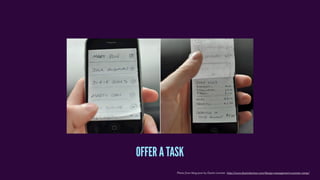
Photo from blog post by Dustin Larimer http://www.dustinlarimer.com/design-management-summer-camp/
OFFER A TASK
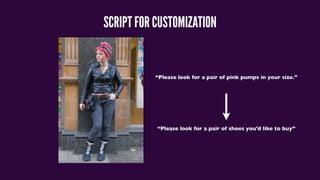
SCRIPT FOR CUSTOMIZATION
ā€œPlease look for a pair of pink pumps in your size.ā€
ā€œPlease look for a pair of shoes you’d like to buyā€
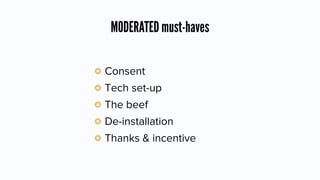
MODERATED must-haves
Consent
Tech set-up
The beef
De-installation
Thanks & incentive
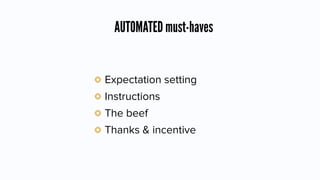
AUTOMATED must-haves
Expectation setting
Instructions
The beef
Thanks & incentive
Photo from blog post by Dustin Larimer http://www.dustinlarimer.com/design-management-summer-camp/
STREAM & RECORD WHAT HAPPENS.
BREAK
Photo Credit: Sorin Petcu
Testing & User Research
Part 2: your set-up
What’s New with ResearchTools?
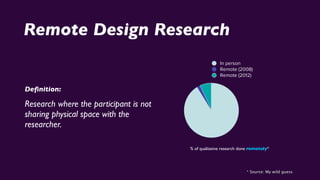
Remote Design Research
Definition:
Research where the participant is not
sharing physical space with the
researcher.
% of qualitative research done remotely*
* Source: My wild guess
In person
Remote (2008)
Remote (2012)
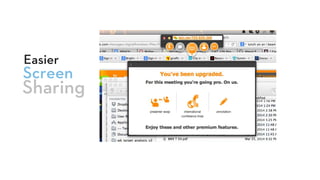
Screen
Easier
Sharing
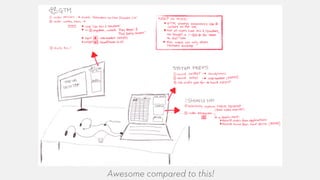
Awesome compared to this!
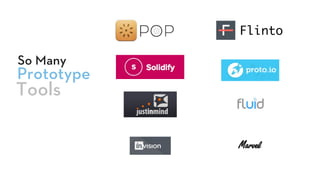
Prototype
So Many
Tools
Flinto
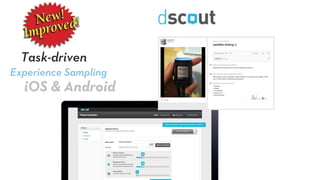
Experience Sampling
Task-driven
iOS & Android
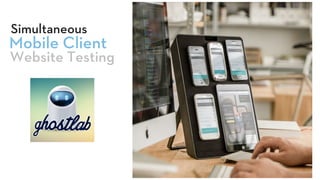
Mobile Client
Simultaneous
Website Testing
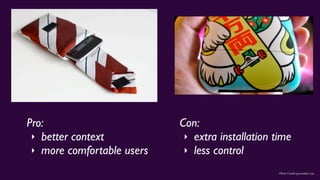
WHOSE DEVICE?
Photo Credit: groundsel, inju
Pro:
‣ better context
‣ more comfortable users
Con:
‣ extra installation time
‣ less control
Pro tips for working with users’ own phones:
‣ Have a backup iPhone and backup Android device on hand.
‣ Make a power strip part of your testing station
‣ Have chargers for all the phones you’re expecting
‣ Instruct participants to install necessary apps in advance, but leave time in case
they don’t
‣ Adjust the screen brightness before you start each session
Pro tips for offering lab devices:
‣ Have a backup iPhone and backup Android device on hand.
‣ Charge devices between every session.
‣ Remove passwords, lock screens, etc.
‣ Dry-run every aspect of the test, since you have the opportunity.
uximresearch.tumblr.com
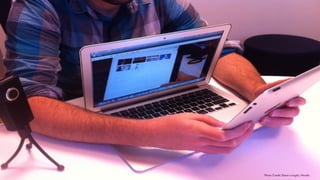
Physical Setup for MobileTests
Photo Credit: Diane Loviglio, Mozilla
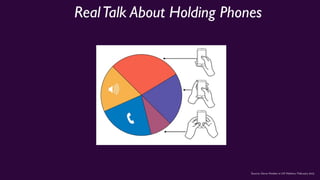
RealTalk About Holding Phones
Source: Steve Hoober in UX Matters, February 2013
TestTargets
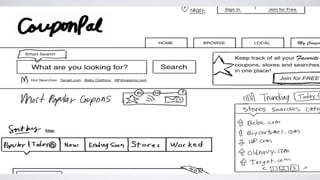
PROTOTYPES,WIREFRAMES, SKETCHES?
HECKYES.
Photo from blog post by Dustin Larimer http://www.dustinlarimer.com/design-management-summer-camp/
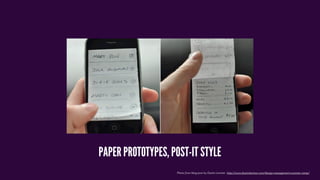
PAPER PROTOTYPES, POST-IT STYLE
Photo from UX Magazine article by Tania Lang
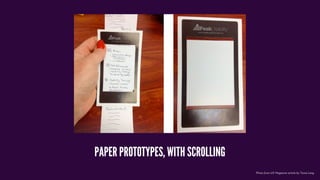
PAPER PROTOTYPES, WITH SCROLLING
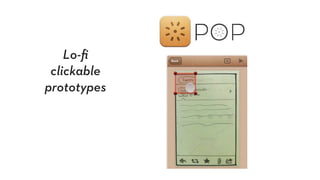
Lo-fi
clickable
prototypes
Photo from UX Magazine article by Tania Lang
Prototyping Apps for Higher Fidelity
Proto.io
Fluid
Flinto
PhoneGap
Photo from UX Magazine article by Tania Lang
Cool Hack:
Screenshots in an album or photostream
The hardest two things about research:
‣ providing the prompt
‣ collecting the response
InTheLab
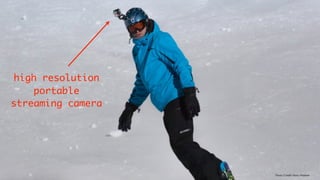
Photo Credit: Hans Makkee
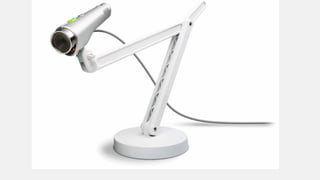
high resolution
portable
streaming camera
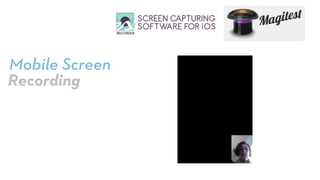
Mobile Screen
Recording
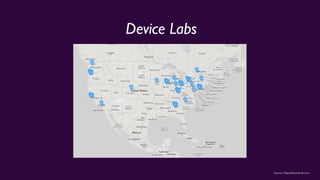
Source: OpenDeviceLab.com
Device Labs
uximresearch.tumblr.com
EXERCISE #2
ā€œRollYour Ownā€
‣ Share out
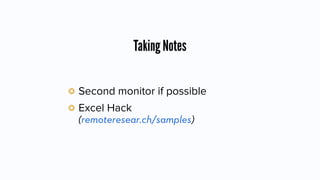
Taking Notes
Second monitor if possible
Excel Hack
(remoteresear.ch/samples)
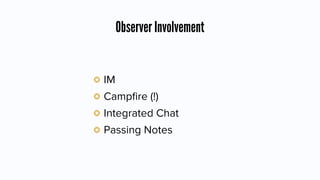
Observer Involvement
IM
Campfire (!)
Integrated Chat
Passing Notes
Questions?
Let’s do lunch
Testing & User Research
Part 3: recruiting participants
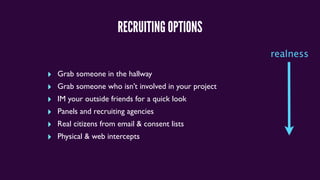
RECRUITING OPTIONS
‣ Grab someone in the hallway
‣ Grab someone who isn’t involved in your project
‣ IM your outside friends for a quick look
‣ Panels and recruiting agencies
‣ Real citizens from email & consent lists
‣ Physical & web intercepts
realness
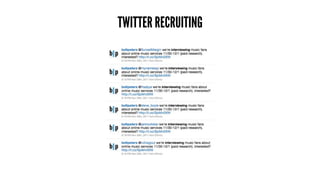
TWITTER RECRUITING
ANATOMY OF A RECRUITING TWEET
@person we’re interviewing [job or characteristic] about [topic] on [dates]
(paid research) -interested? [LINK]
I’m looking for [job or characteristic(s)] for a [research activity] on [dates]
incentive $X [LINK] please RT
Pro tip: edit your profile to mention ā€œUX Researcherā€ and ā€œCurrent Study:
Martian Lifeā€
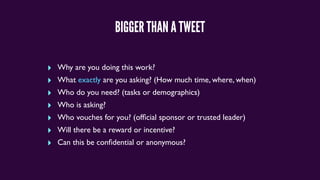
BIGGER THAN A TWEET
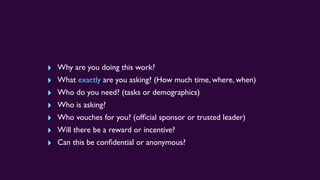
‣ Why are you doing this work?
‣ What exactly are you asking? (How much time, where, when)
‣ Who do you need? (tasks or demographics)
‣ Who is asking?
‣ Who vouches for you? (official sponsor or trusted leader)
‣ Will there be a reward or incentive?
‣ Can this be confidential or anonymous?
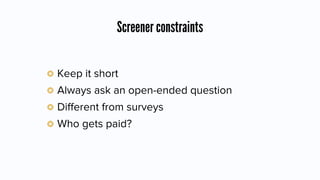
Screener constraints
Keep it short
Always ask an open-ended question
Different from surveys
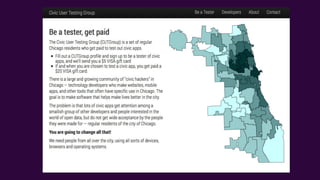
Who gets paid?
MOBILE FORMS ARE GETTING WAY BETTER!
PANELS
ā€œWhat happens when you let go of a balloon?ā€
PRO TIP: HOW TO FIND ACTUAL SPEAKERS OF A LANGUAGE:
ā€œ Qu'est-ce qui se passe quand vous lĆ¢chez un ballon? ā€
WHAT PARTICIPANTS WORRY ABOUT
Who are you and who sent you?
(can I trust you?)
Will participating affect my actual outcome?
Is this going to end up on
YouTube?
remoteresear.ch/samples
ā€œOnline Consentā€
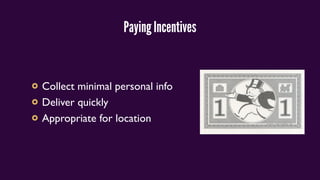
Paying Incentives
Collect minimal personal info
Deliver quickly
Appropriate for location
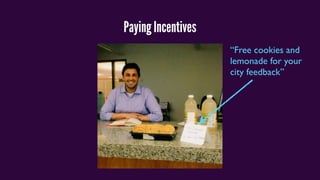
Paying Incentives
ā€œFree cookies and
lemonade for your
city feedbackā€
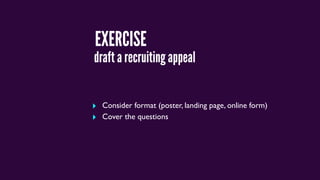
EXERCISE
‣ Consider format (poster, landing page, online form)
‣ Cover the questions
draft a recruiting appeal
‣ Why are you doing this work?
‣ What exactly are you asking? (How much time, where, when)
‣ Who do you need? (tasks or demographics)
‣ Who is asking?
‣ Who vouches for you? (official sponsor or trusted leader)
‣ Will there be a reward or incentive?
‣ Can this be confidential or anonymous?
share out
BREAK
Photo Credit: Mrs Magic
User Testing & Research
Part 4: going beyond usability
WHAT IF IT’S NOT USABILITY?
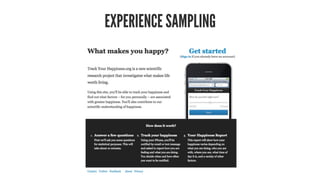
EXPERIENCE SAMPLING
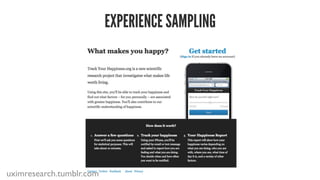
EXPERIENCE SAMPLING
uximresearch.tumblr.com
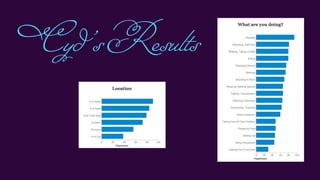
Cyd’sResults
Cyd’sResults
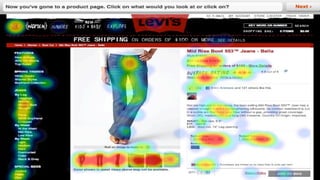
CONCEPT & NAVIGATION TESTING:
EXERCISE
UNMODERATED STUDIES
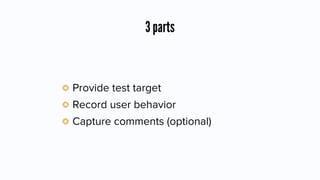
3 parts
Provide test target
Record user behavior
Capture comments (optional)
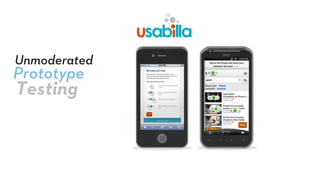
Prototype
Unmoderated
Testing
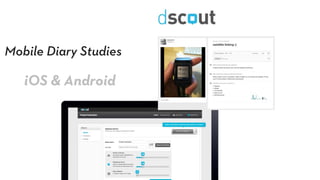
Mobile Diary Studies
iOS & Android
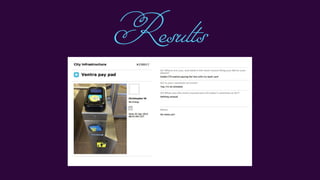
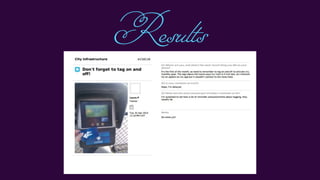
Results
Results
Results
CAPTURE WHAT HAPPENS.
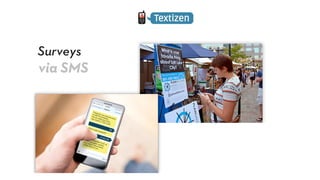
Surveys
via SMS
About getting buy-in
AFewWords
How ā€œTestingā€ Is Perceived
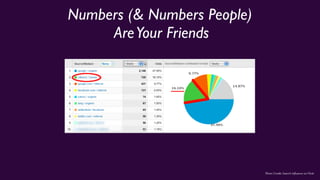
Numbers (& Numbers People)
AreYour Friends
Photo Credit: Search Influence on Flickr
Video Is Another Friend
Photo Credit: Search Influence on Flickr
Try asking for
One Day
$200
PeopleToWatch
Photo Credit: Search Influence on Flickr
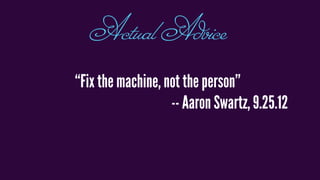
ā€œFix the machine, not the personā€
-- Aaron Swartz, 9.25.12
ActualAdvice
There’s always a way
Questions?
cyd@codeforamerica.org
@cydharrell
Thanks for coming.
Go run some awesome research.
Photo Credit: Wade Rockett on Flickr

Open Plans User Testing Workshop