Downloaded 20 times
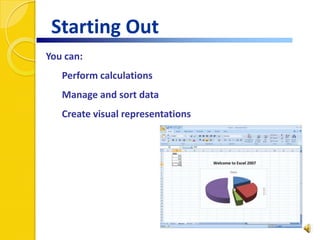
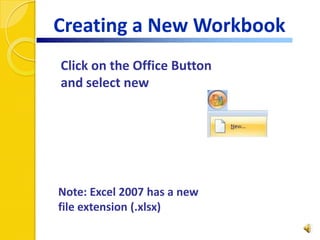
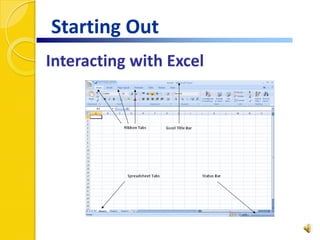
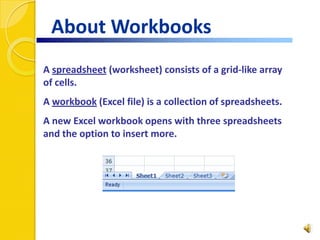
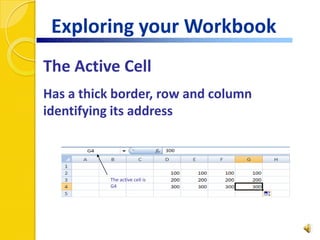
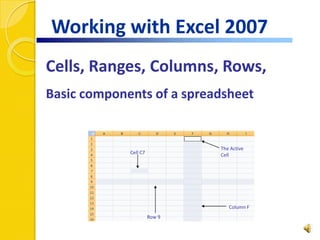
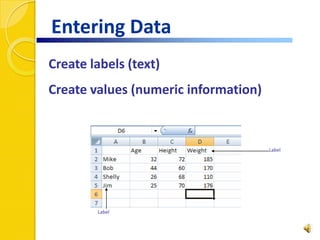
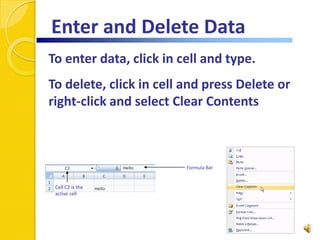
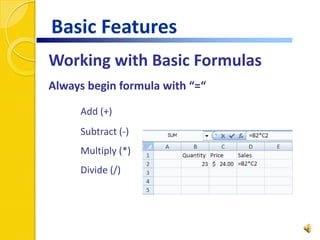
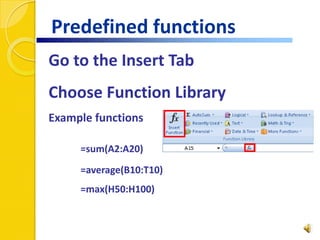
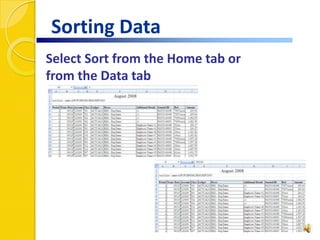
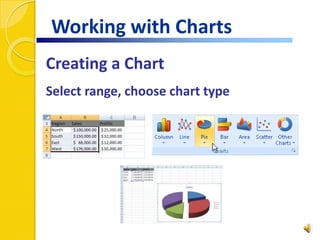
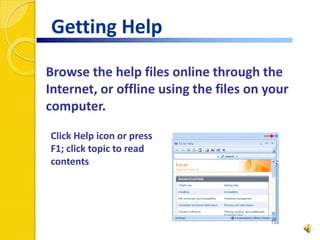

This document provides an introduction to using Excel 2007. It covers the basics of Excel including the ribbon interface, formatting cells, entering values and labels, basic calculations, sorting data, creating charts, and using online help. Excel is used to analyze, communicate, and manage information to help make informed decisions. A spreadsheet consists of a grid of cells organized into rows and columns. Formulas in Excel always begin with an equal sign and can perform calculations using addition, subtraction, multiplication, and division functions. Charts can be created by selecting a range of data and choosing a chart type.


