Mobile Learning Technologies for
communication, assessment and
            content.

           Session 1
Resources


mick@yumstudio.com.au
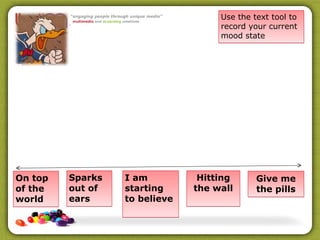
Use the text tool to
                                    record your current
                                    mood state


On top   Sparks   I am          Hitting      Give me
of the   out of   starting     the wall      the pills
world    ears     to believe
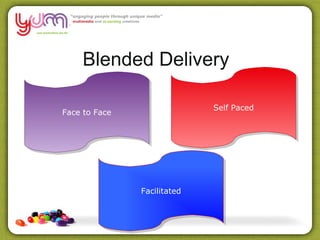
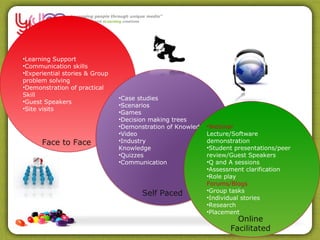
Blended Delivery

                             Self Paced
Face to Face


               Facilitated
•Learning Support
•Communication skills
•Experiential stories & Group
problem solving
•Demonstration of practical
Skill
                                •Case studies
•Guest Speakers
                                •Scenarios
•Site visits
                                •Games
                                •Decision making trees
                                •Demonstration of Knowledge•Webinar
                                •Video                     Lecture/Software
      Face to Face              •Industry                  demonstration
                                Knowledge                  •Student presentations/peer
                                •Quizzes                   review/Guest Speakers
                                •Communication             •Q and A sessions
                                                           •Assessment clarification
                                                           •Role play
                                                           Forums/Blogs
                                                           •Group tasks
                                        Self Paced
                                                           •Individual stories
                                                           •Research
                                                           •Placement
                                                                     Online
                                                                   Facilitated
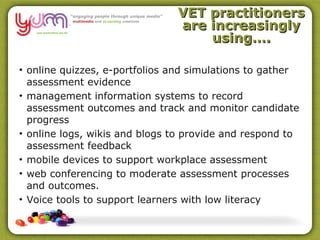
VET practitioners
                               are increasingly
                                   using….

• online quizzes, e-portfolios and simulations to gather
  assessment evidence
• management information systems to record
  assessment outcomes and track and monitor candidate
  progress
• online logs, wikis and blogs to provide and respond to
  assessment feedback
• mobile devices to support workplace assessment
• web conferencing to moderate assessment processes
  and outcomes.
• Voice tools to support learners with low literacy
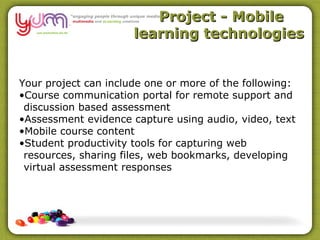
Project - Mobile
                      learning technologies


Your project can include one or more of the following:
•Course communication portal for remote support and
 discussion based assessment
•Assessment evidence capture using audio, video, text
•Mobile course content
•Student productivity tools for capturing web
 resources, sharing files, web bookmarks, developing
 virtual assessment responses
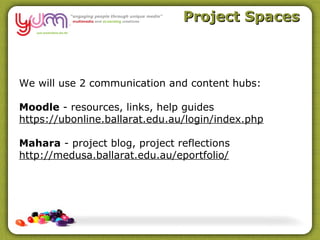
Project Spaces


We will use 2 communication and content hubs:

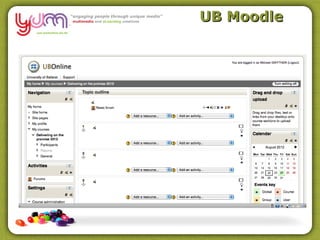
Moodle - resources, links, help guides
https://ubonline.ballarat.edu.au/login/index.php

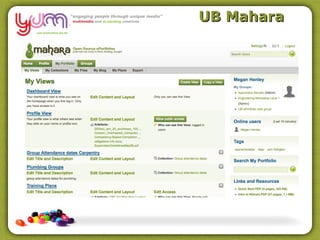
Mahara - project blog, project reflections
http://medusa.ballarat.edu.au/eportfolio/
UB Moodle
UB Mahara
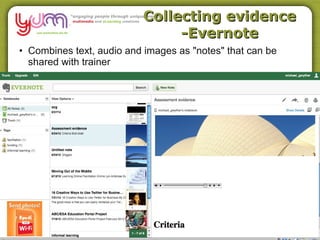
Collecting evidence
                               -Evernote
• Combines text, audio and images as "notes" that can be
  shared with trainer
iPadio


• ipadio combines the telephone with the
  blog to create an audio “phonecast”
  which is streamed Live to the Internet.

 You can phonecast from any phone,
 anywhere in the world - no need for a
 computer or even access to the Internet.

• Learner can call in their responses via
  phone call. iPadio then converts the
  audio into a blog post accessible online.
  No software or app is required by the
  caller.
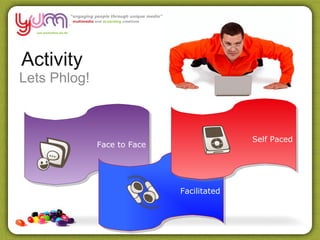
Activity
Lets Phlog!


                                           Self Paced
              Face to Face


                             Facilitated
Phlogging
                                              example
What is the biggest challenge you face in using blended delivery with
your learners? How can you overcome this?


• Use your mobile
• Call 1800-802569
• Enter registered number
  1161409317625 or 1161353317625
• Enter PIN – 5676
• Talk when prompted
• When finished access at
  http://www.ipadio.com/phlogs/MichaelGwyther/
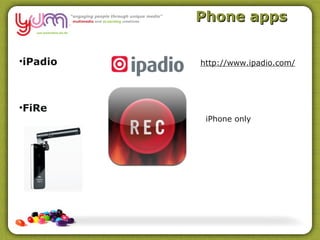
Phone apps


•iPadio   http://www.ipadio.com/


•FiRe
           iPhone only
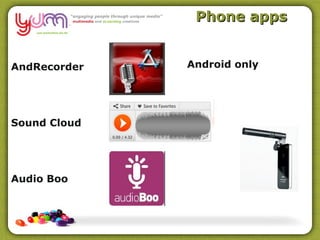
Phone apps


AndRecorder   Android only


Sound Cloud


Audio Boo
Hosted or cloud
                                audio

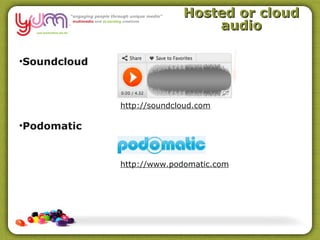
•Soundcloud


              http://soundcloud.com

•Podomatic


              http://www.podomatic.com
Activity
Sound Cloud


                                        Self Paced
           Face to Face


                          Facilitated
Sound Cloud


•Download the app from the Apple App store or Android
Marketplace
•Set up an account at http://soundcloud.com/ or
directly from the app
•Record a sound file directly into your app on your
phone. Answer your thoughts about “ways I can use
audio with students for assessment, group work or
content”….
•If you have Wi-Fi, upload to your account from the
phone
•Find the embed code on your account on the web
•Paste your sound file into a blog post in Mahara.
Activity
Project Plan


                                            Self Paced
               Face to Face


                              Facilitated
Project


Your project can include one or more of the following:
•Course communication portal for remote support and
 discussion based assessment
•Assessment evidence capture using audio, video, text
•Mobile course content
•Student productivity tools for capturing web
 resources, sharing files, web bookmarks, developing
 virtual assessment responses
Activity

In small groups with your teaching colleagues
brain storm possible projects within your team.

This will give you the opportunity to test a few
different approaches in your team.
Activity
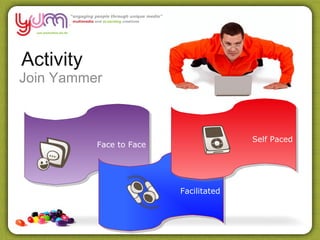
Join Yammer


                                        Self Paced
           Face to Face


                          Facilitated
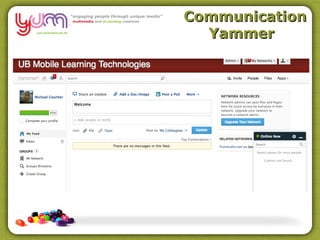
Communication
  Yammer
Dropbox


Dropbox is a file hosting system that offers
cloud storage and file synchronisation and
works on multiple operating systems and
mobile devices

https://www.dropbox.com/
Dropbox

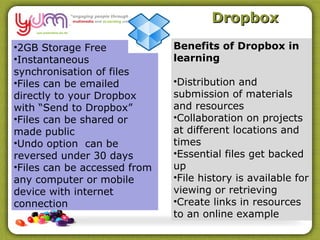
•2GB Storage Free             Benefits of Dropbox in
•Instantaneous                learning
synchronisation of files
•Files can be emailed         •Distribution and
directly to your Dropbox      submission of materials
with “Send to Dropbox”        and resources
•Files can be shared or       •Collaboration on projects
made public                   at different locations and
•Undo option can be           times
reversed under 30 days        •Essential files get backed
•Files can be accessed from   up
any computer or mobile        •File history is available for
device with internet          viewing or retrieving
connection                    •Create links in resources
                              to an online example

Ub session 1

  • 1.
    Mobile Learning Technologiesfor communication, assessment and content. Session 1
  • 2.
  • 3.
    Use the texttool to record your current mood state On top Sparks I am Hitting Give me of the out of starting the wall the pills world ears to believe
  • 4.
    Blended Delivery Self Paced Face to Face Facilitated
  • 5.
    •Learning Support •Communication skills •Experientialstories & Group problem solving •Demonstration of practical Skill •Case studies •Guest Speakers •Scenarios •Site visits •Games •Decision making trees •Demonstration of Knowledge•Webinar •Video Lecture/Software Face to Face •Industry demonstration Knowledge •Student presentations/peer •Quizzes review/Guest Speakers •Communication •Q and A sessions •Assessment clarification •Role play Forums/Blogs •Group tasks Self Paced •Individual stories •Research •Placement Online Facilitated
  • 6.
    VET practitioners are increasingly using…. • online quizzes, e-portfolios and simulations to gather assessment evidence • management information systems to record assessment outcomes and track and monitor candidate progress • online logs, wikis and blogs to provide and respond to assessment feedback • mobile devices to support workplace assessment • web conferencing to moderate assessment processes and outcomes. • Voice tools to support learners with low literacy
  • 7.
    Project - Mobile learning technologies Your project can include one or more of the following: •Course communication portal for remote support and discussion based assessment •Assessment evidence capture using audio, video, text •Mobile course content •Student productivity tools for capturing web resources, sharing files, web bookmarks, developing virtual assessment responses
  • 8.
    Project Spaces We willuse 2 communication and content hubs: Moodle - resources, links, help guides https://ubonline.ballarat.edu.au/login/index.php Mahara - project blog, project reflections http://medusa.ballarat.edu.au/eportfolio/
  • 9.
  • 10.
  • 11.
    Collecting evidence -Evernote • Combines text, audio and images as "notes" that can be shared with trainer
  • 12.
    iPadio • ipadio combinesthe telephone with the blog to create an audio “phonecast” which is streamed Live to the Internet. You can phonecast from any phone, anywhere in the world - no need for a computer or even access to the Internet. • Learner can call in their responses via phone call. iPadio then converts the audio into a blog post accessible online. No software or app is required by the caller.
  • 13.
    Activity Lets Phlog! Self Paced Face to Face Facilitated
  • 14.
    Phlogging example What is the biggest challenge you face in using blended delivery with your learners? How can you overcome this? • Use your mobile • Call 1800-802569 • Enter registered number 1161409317625 or 1161353317625 • Enter PIN – 5676 • Talk when prompted • When finished access at http://www.ipadio.com/phlogs/MichaelGwyther/
  • 15.
    Phone apps •iPadio http://www.ipadio.com/ •FiRe iPhone only
  • 16.
    Phone apps AndRecorder Android only Sound Cloud Audio Boo
  • 17.
    Hosted or cloud audio •Soundcloud http://soundcloud.com •Podomatic http://www.podomatic.com
  • 18.
    Activity Sound Cloud Self Paced Face to Face Facilitated
  • 19.
    Sound Cloud •Download theapp from the Apple App store or Android Marketplace •Set up an account at http://soundcloud.com/ or directly from the app •Record a sound file directly into your app on your phone. Answer your thoughts about “ways I can use audio with students for assessment, group work or content”…. •If you have Wi-Fi, upload to your account from the phone •Find the embed code on your account on the web •Paste your sound file into a blog post in Mahara.
  • 20.
    Activity Project Plan Self Paced Face to Face Facilitated
  • 21.
    Project Your project caninclude one or more of the following: •Course communication portal for remote support and discussion based assessment •Assessment evidence capture using audio, video, text •Mobile course content •Student productivity tools for capturing web resources, sharing files, web bookmarks, developing virtual assessment responses
  • 22.
    Activity In small groupswith your teaching colleagues brain storm possible projects within your team. This will give you the opportunity to test a few different approaches in your team.
  • 23.
    Activity Join Yammer Self Paced Face to Face Facilitated
  • 24.
  • 25.
    Dropbox Dropbox is afile hosting system that offers cloud storage and file synchronisation and works on multiple operating systems and mobile devices https://www.dropbox.com/
  • 26.
    Dropbox •2GB Storage Free Benefits of Dropbox in •Instantaneous learning synchronisation of files •Files can be emailed •Distribution and directly to your Dropbox submission of materials with “Send to Dropbox” and resources •Files can be shared or •Collaboration on projects made public at different locations and •Undo option can be times reversed under 30 days •Essential files get backed •Files can be accessed from up any computer or mobile •File history is available for device with internet viewing or retrieving connection •Create links in resources to an online example