


Mobile learning at CSU
       Increasing flexibility for our students


    Associate Professor Philip Uys              Tim Klapdor
          mLearn Project Sponsor     mLearn Project Manager
                 puys@csu.edu.au       tklapdor@csu.edu.au
Key tenetS of Mobile learning

 mLearning deals with the mobility of the learner
           anywhere, anytime
                       OR
      everywhere, all the time
         It also integrates the use of
      mobile devices to facilitate learning.
Mobile learning SUpportS:
• Personalised learning par excellence
• Authentic, situated, contingent and
  contextualised learning
• Emergent learning
• Social constructivist learning via direct
  communication and social media.
Mobile CreateS neW learning
and teaChing opportUnitieS:
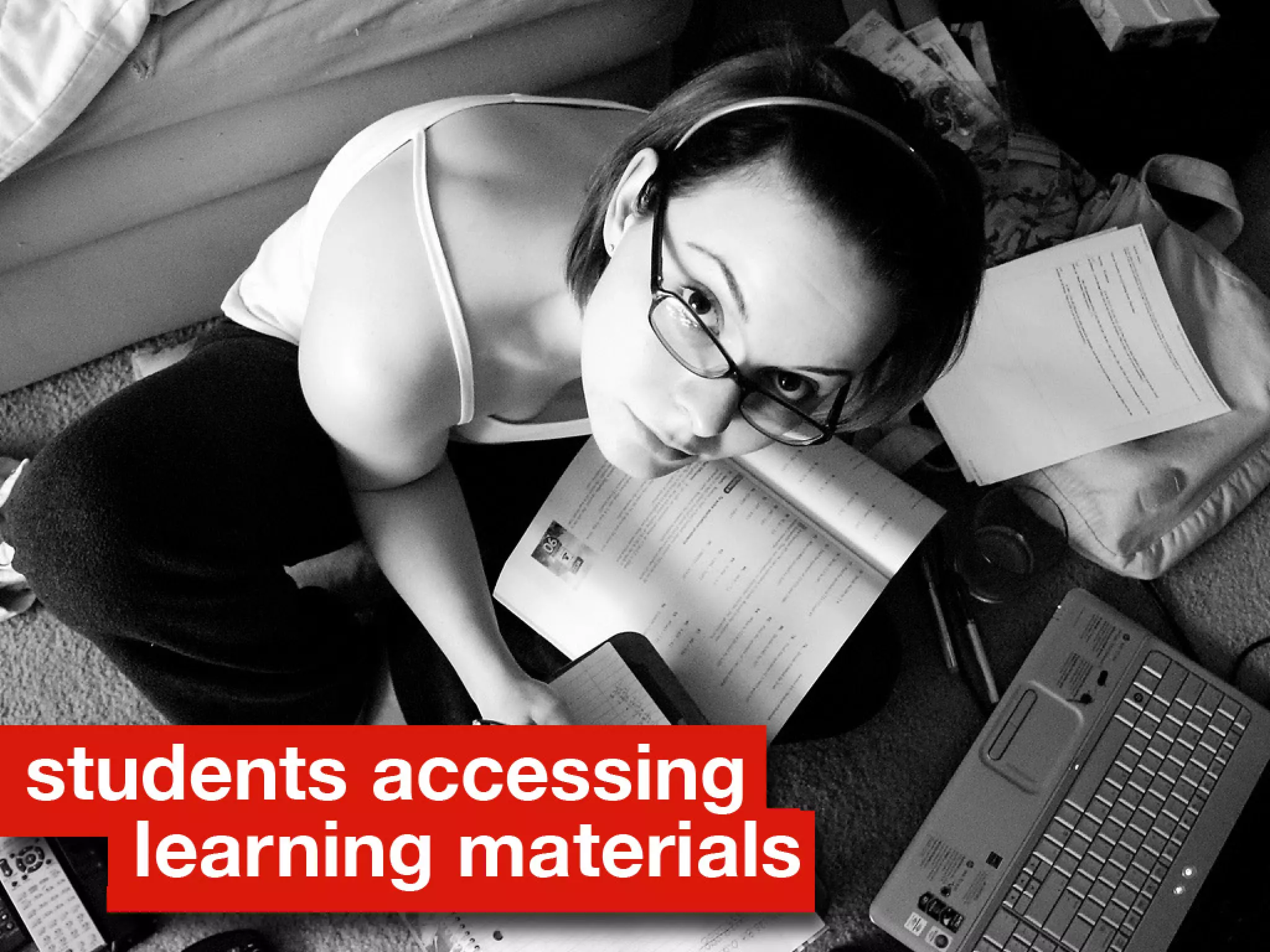
• Accessing learning materials
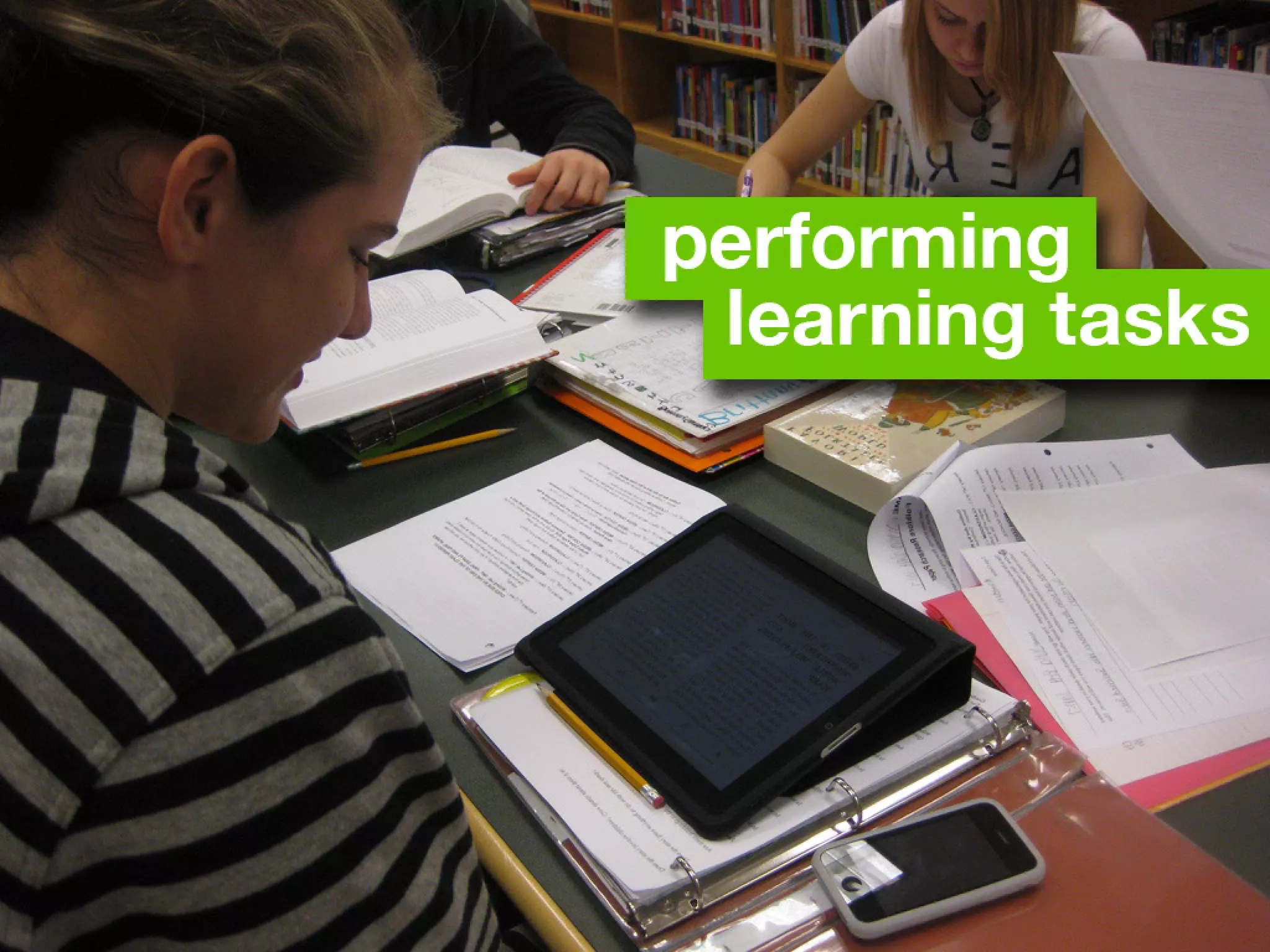
• Performing learning tasks
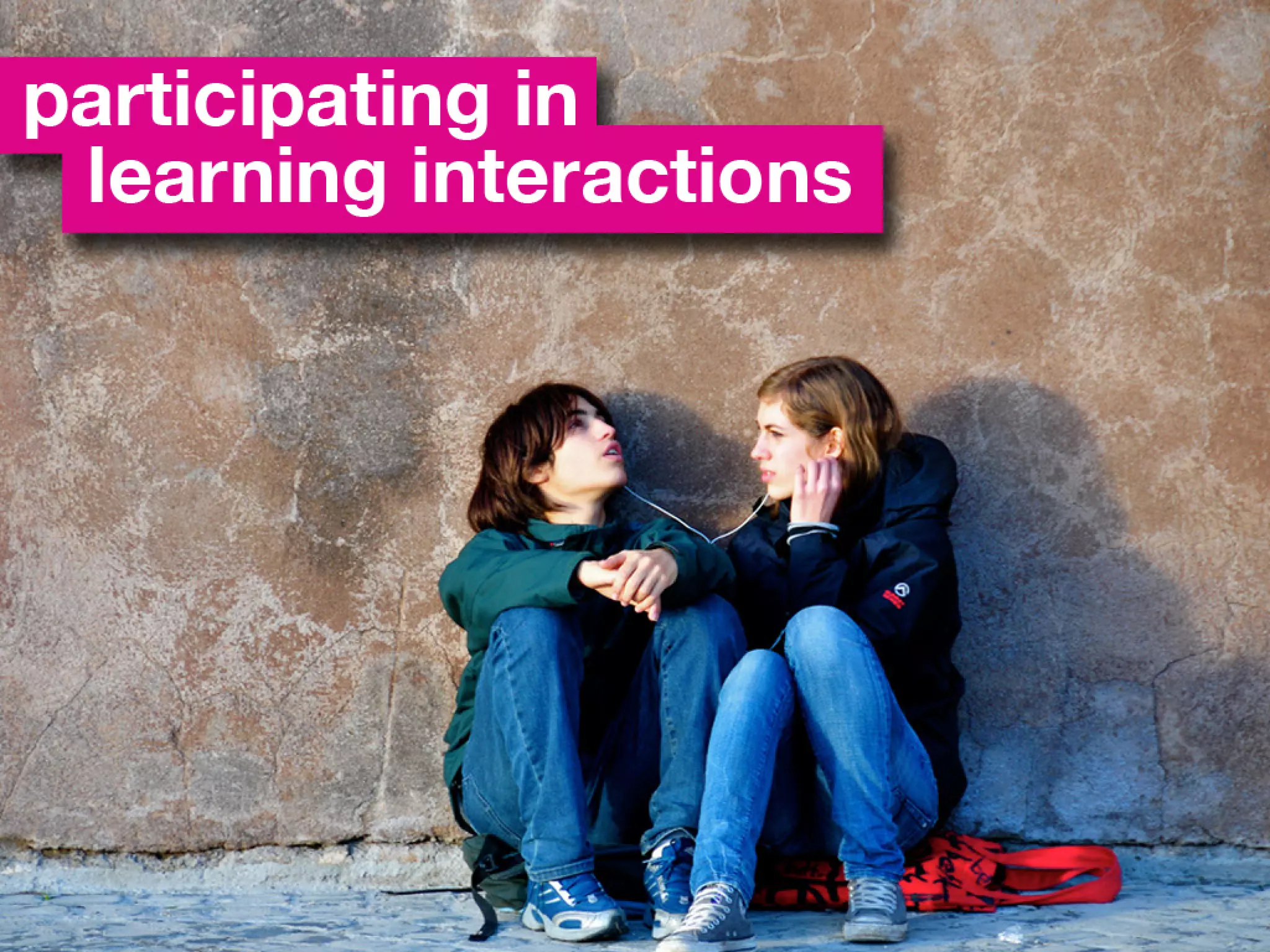
• Participating in learning interactions
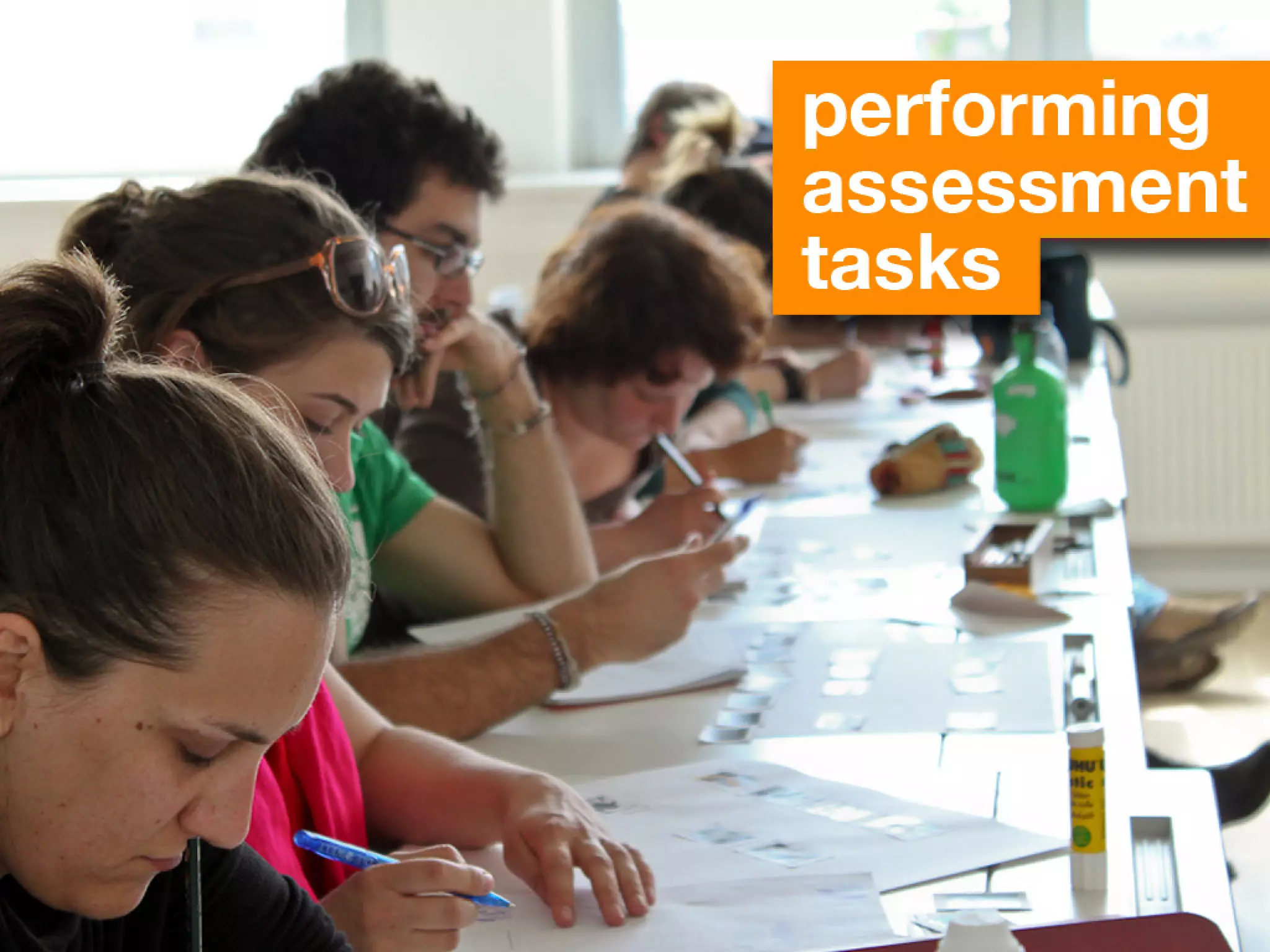
• Performing assessment tasks
• Evaluating teaching.
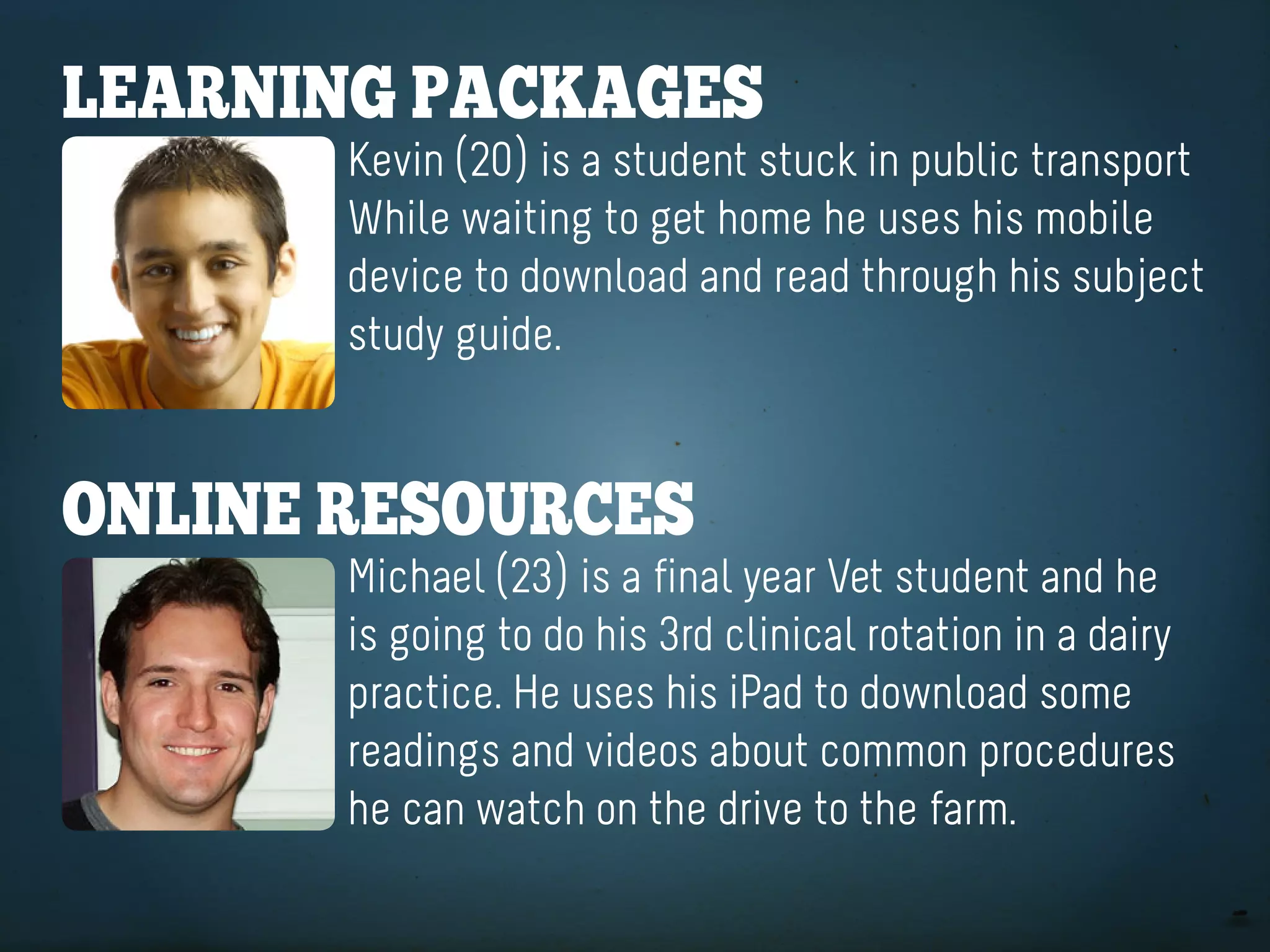
learning paCKageS
       Kevin (20) is a student stuck in public transport
       While waiting to get home he uses his mobile
       device to download and read through his subject
       study guide.


online reSoUrCeS
       Michael (23) is a final year Vet student and he
       is going to do his 3rd clinical rotation in a dairy
       practice. He uses his iPad to download some
       readings and videos about common procedures
       he can watch on the drive to the farm.
PORTABILITY
  3G COnneCTIOn
ACCeSSIBLe SYSTeMS
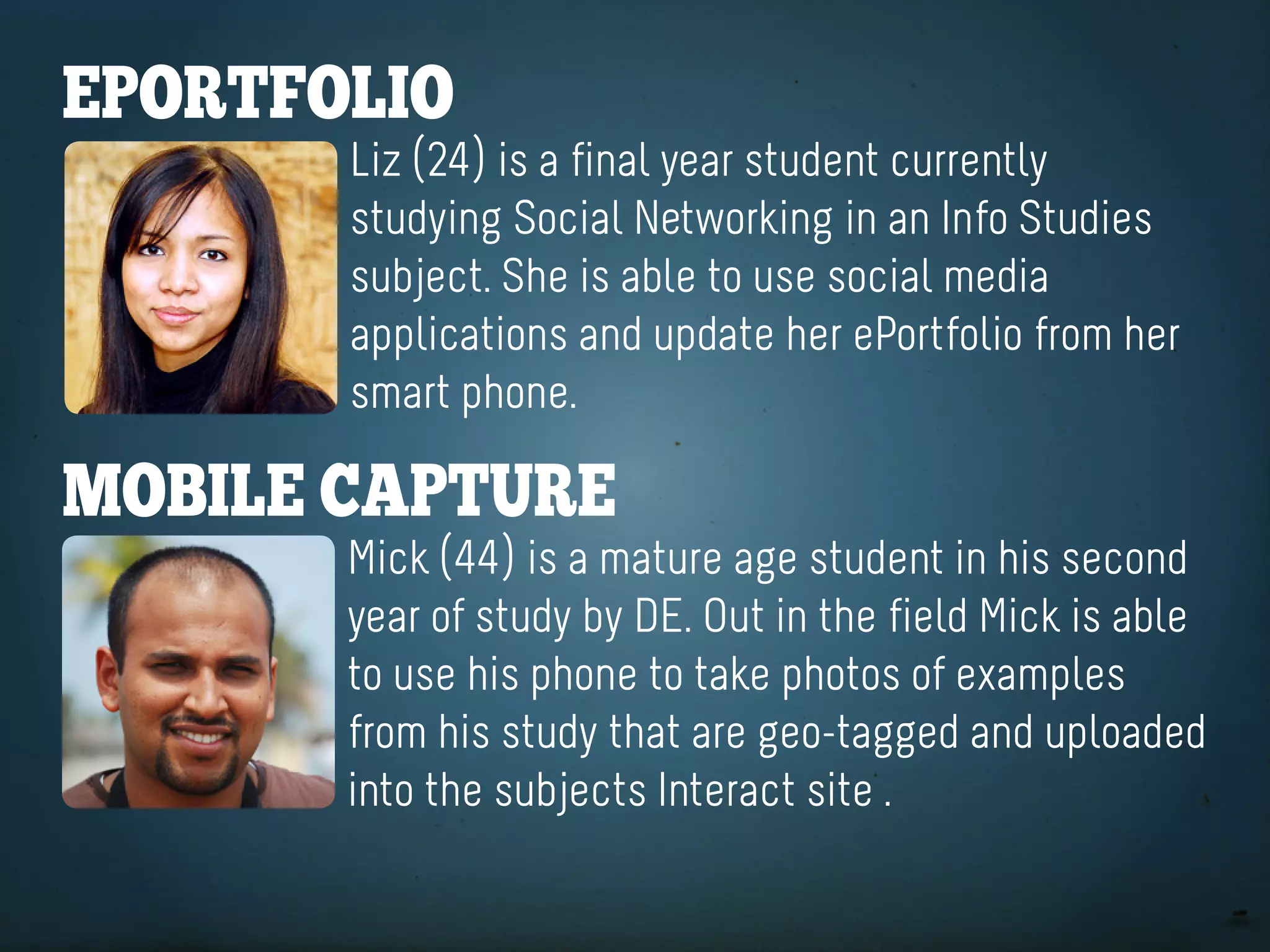
eportfolio
       Liz (24) is a final year student currently
       studying Social Networking in an Info Studies
       subject. She is able to use social media
       applications and update her ePortfolio from her
       smart phone.

Mobile CaptUre
       Mick (44) is a mature age student in his second
       year of study by DE. Out in the field Mick is able
       to use his phone to take photos of examples
       from his study that are geo-tagged and uploaded
       into the subjects Interact site .
USE of APPS
DEVICE CAPABILITIES:
   CAMERA & GPS
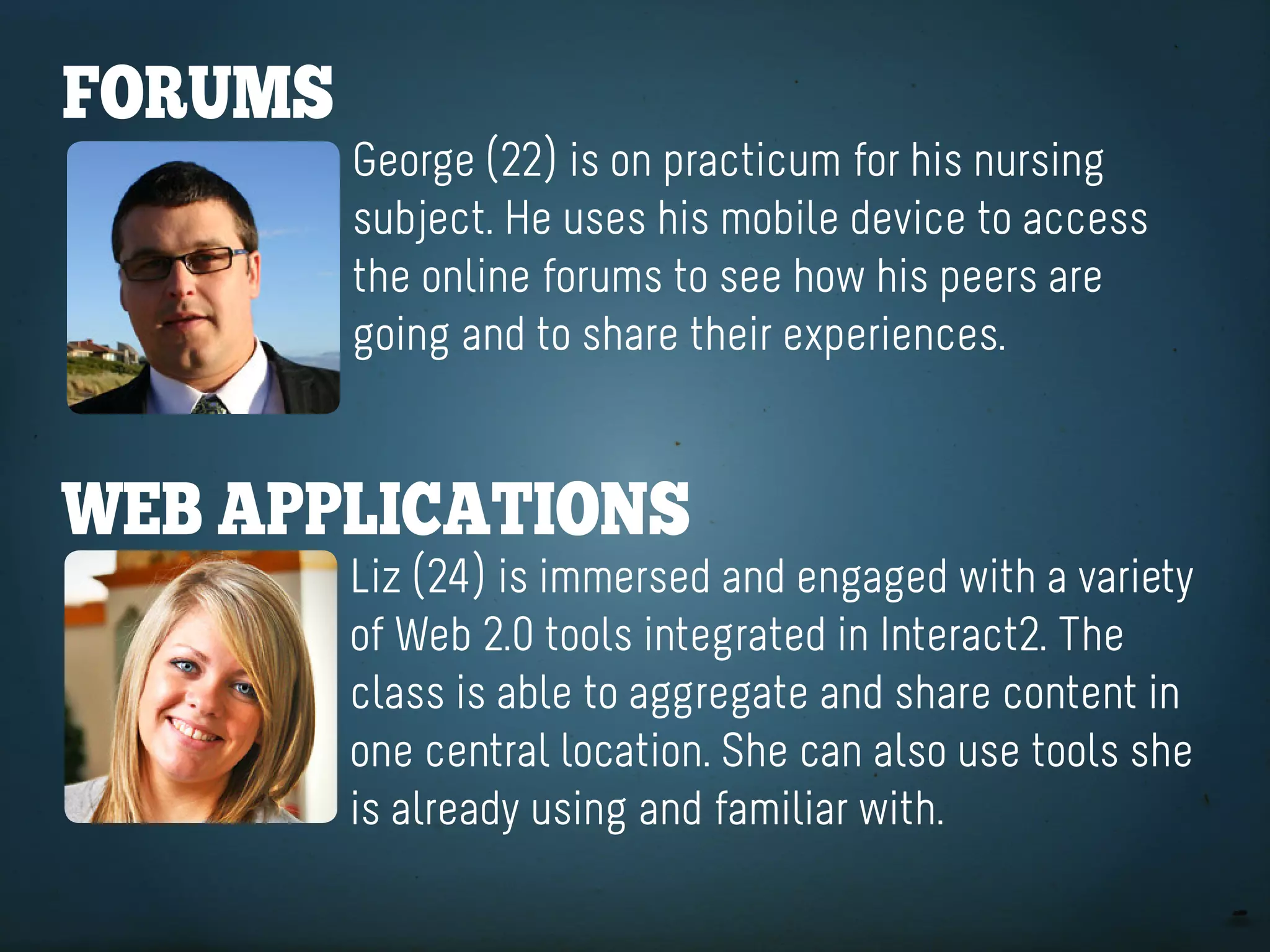
forUMS
         George (22) is on practicum for his nursing
         subject. He uses his mobile device to access
         the online forums to see how his peers are
         going and to share their experiences.


Web appliCationS
         Liz (24) is immersed and engaged with a variety
         of Web 2.0 tools integrated in Interact2. The
         class is able to aggregate and share content in
         one central location. She can also use tools she
         is already using and familiar with.
ON LOCATION
  INSTANTANEOUS
AGGREGATE & SHARE
USE EXISTING SkILLS
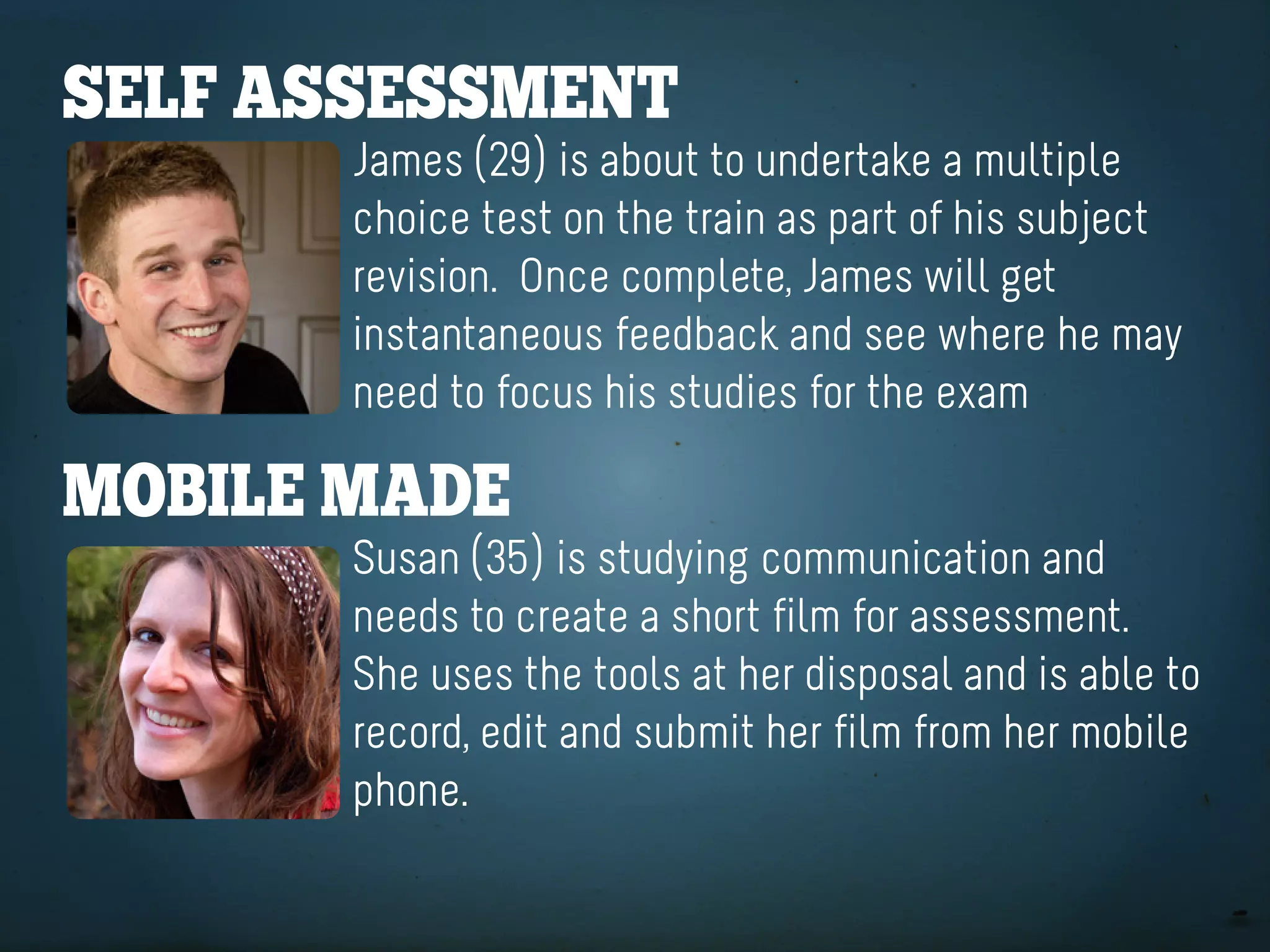
Self aSSeSSMent
       James (29) is about to undertake a multiple
       choice test on the train as part of his subject
       revision. Once complete, James will get
       instantaneous feedback and see where he may
       need to focus his studies for the exam

Mobile Made
       Susan (35) is studying communication and
       needs to create a short film for assessment.
       She uses the tools at her disposal and is able to
       record, edit and submit her film from her mobile
       phone.
ACCESS ANYWHERE
    UbiqUitY
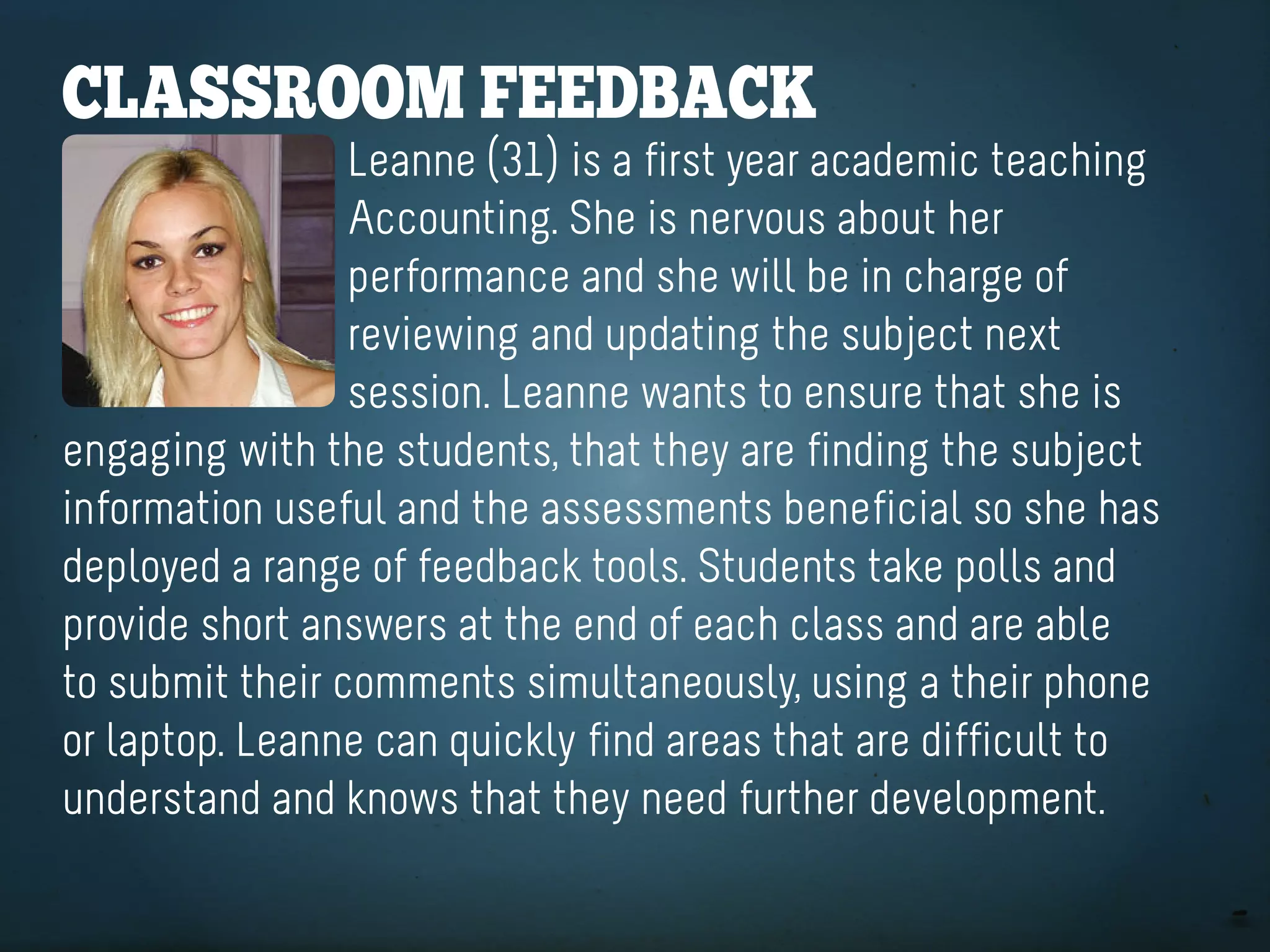
ClaSSrooM feedbaCK
                 Leanne (31) is a first year academic teaching
                 Accounting. She is nervous about her
                 performance and she will be in charge of
                 reviewing and updating the subject next
                 session. Leanne wants to ensure that she is
engaging with the students, that they are finding the subject
information useful and the assessments beneficial so she has
deployed a range of feedback tools. Students take polls and
provide short answers at the end of each class and are able
to submit their comments simultaneously, using a their phone
or laptop. Leanne can quickly find areas that are difficult to
understand and knows that they need further development.
AT HAND
INSTANTANEOUS
  INFORMATIVE
CHANGE & ADApT
Mlearn projeCt objeCtiveS:

       Improve access via mobile devices
           Leverage students mobility
Trial technologies to improve learning & teaching
         Increase student engagement
aCCeSS
Mobilising key services, applications, information
Mobility
Create new learning environments, create blended
 learning spaces, break away from the classroom,
    applications for DE and workplace learning
teChnology
Trial new ways to improve learning and teaching
to be more timely, interactive & informative and
        create new learning opportunities
engageMent
Create learning opportunities and resources that
                engage students
Mlearn taSKS:

             Mobilise Interact
       Mobilise Learning Resources
Trial devices in a range of learning contexts
   Mobilise the Online Evaluations tool
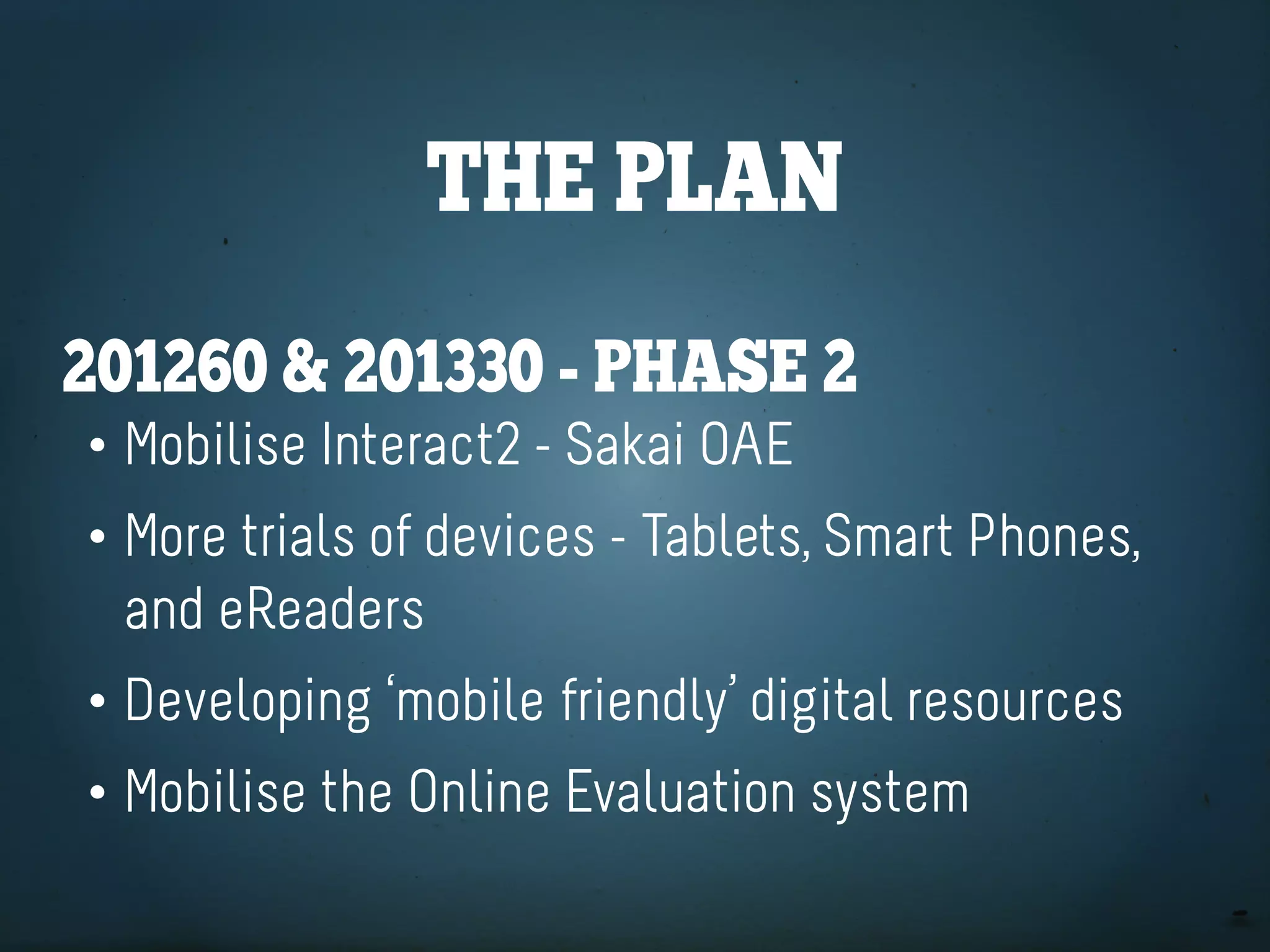
the plan
201230 SeSSion - the Sprint
• Mobilise current Interact tools - MSI
• Four trials in a range of learning contexts
the plan
201260 & 201330 - phaSe 2
• Mobilise Interact2 - Sakai OAE
• More trials of devices - Tablets, Smart Phones,
  and eReaders
• Developing ‘mobile friendly’ digital resources
• Mobilise the Online Evaluation system
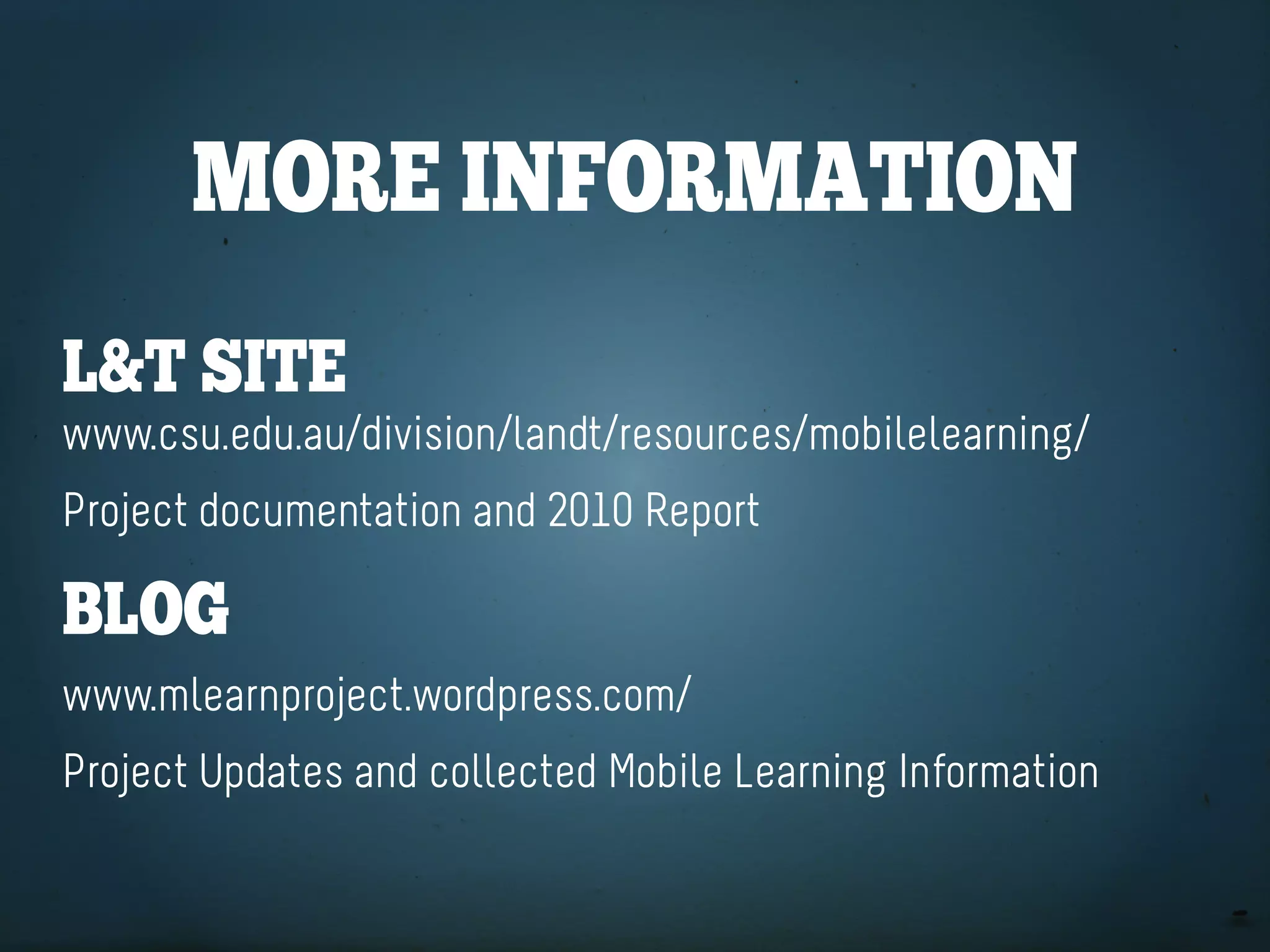
More inforMation
l&t Site
www.csu.edu.au/division/landt/resources/mobilelearning/
Project documentation and 2010 Report

blog
www.mlearnproject.wordpress.com/
Project Updates and collected Mobile Learning Information
ContaCt US
tiM Klapdor
tklapdor@csu.edu.au
twitter: timklapdor
aSSoCiate profeSSor philip UyS
puys@csu.edu.au
                      ... or find us on Yammer!

CSU Ed 2011

  • 1.
    Mobile learning atCSU Increasing flexibility for our students Associate Professor Philip Uys Tim Klapdor mLearn Project Sponsor mLearn Project Manager puys@csu.edu.au tklapdor@csu.edu.au
  • 2.
    Key tenetS ofMobile learning mLearning deals with the mobility of the learner anywhere, anytime OR everywhere, all the time It also integrates the use of mobile devices to facilitate learning.
  • 3.
    Mobile learning SUpportS: •Personalised learning par excellence • Authentic, situated, contingent and contextualised learning • Emergent learning • Social constructivist learning via direct communication and social media.
  • 4.
    Mobile CreateS neWlearning and teaChing opportUnitieS: • Accessing learning materials • Performing learning tasks • Participating in learning interactions • Performing assessment tasks • Evaluating teaching.
  • 6.
    learning paCKageS Kevin (20) is a student stuck in public transport While waiting to get home he uses his mobile device to download and read through his subject study guide. online reSoUrCeS Michael (23) is a final year Vet student and he is going to do his 3rd clinical rotation in a dairy practice. He uses his iPad to download some readings and videos about common procedures he can watch on the drive to the farm.
  • 7.
    PORTABILITY 3GCOnneCTIOn ACCeSSIBLe SYSTeMS
  • 9.
    eportfolio Liz (24) is a final year student currently studying Social Networking in an Info Studies subject. She is able to use social media applications and update her ePortfolio from her smart phone. Mobile CaptUre Mick (44) is a mature age student in his second year of study by DE. Out in the field Mick is able to use his phone to take photos of examples from his study that are geo-tagged and uploaded into the subjects Interact site .
  • 10.
    USE of APPS DEVICECAPABILITIES: CAMERA & GPS
  • 12.
    forUMS George (22) is on practicum for his nursing subject. He uses his mobile device to access the online forums to see how his peers are going and to share their experiences. Web appliCationS Liz (24) is immersed and engaged with a variety of Web 2.0 tools integrated in Interact2. The class is able to aggregate and share content in one central location. She can also use tools she is already using and familiar with.
  • 13.
    ON LOCATION INSTANTANEOUS AGGREGATE & SHARE USE EXISTING SkILLS
  • 15.
    Self aSSeSSMent James (29) is about to undertake a multiple choice test on the train as part of his subject revision. Once complete, James will get instantaneous feedback and see where he may need to focus his studies for the exam Mobile Made Susan (35) is studying communication and needs to create a short film for assessment. She uses the tools at her disposal and is able to record, edit and submit her film from her mobile phone.
  • 16.
  • 18.
    ClaSSrooM feedbaCK Leanne (31) is a first year academic teaching Accounting. She is nervous about her performance and she will be in charge of reviewing and updating the subject next session. Leanne wants to ensure that she is engaging with the students, that they are finding the subject information useful and the assessments beneficial so she has deployed a range of feedback tools. Students take polls and provide short answers at the end of each class and are able to submit their comments simultaneously, using a their phone or laptop. Leanne can quickly find areas that are difficult to understand and knows that they need further development.
  • 19.
    AT HAND INSTANTANEOUS INFORMATIVE CHANGE & ADApT
  • 21.
    Mlearn projeCt objeCtiveS: Improve access via mobile devices Leverage students mobility Trial technologies to improve learning & teaching Increase student engagement
  • 22.
    aCCeSS Mobilising key services,applications, information
  • 23.
    Mobility Create new learningenvironments, create blended learning spaces, break away from the classroom, applications for DE and workplace learning
  • 24.
    teChnology Trial new waysto improve learning and teaching to be more timely, interactive & informative and create new learning opportunities
  • 25.
    engageMent Create learning opportunitiesand resources that engage students
  • 26.
    Mlearn taSKS: Mobilise Interact Mobilise Learning Resources Trial devices in a range of learning contexts Mobilise the Online Evaluations tool
  • 27.
    the plan 201230 SeSSion- the Sprint • Mobilise current Interact tools - MSI • Four trials in a range of learning contexts
  • 28.
    the plan 201260 &201330 - phaSe 2 • Mobilise Interact2 - Sakai OAE • More trials of devices - Tablets, Smart Phones, and eReaders • Developing ‘mobile friendly’ digital resources • Mobilise the Online Evaluation system
  • 29.
    More inforMation l&t Site www.csu.edu.au/division/landt/resources/mobilelearning/ Projectdocumentation and 2010 Report blog www.mlearnproject.wordpress.com/ Project Updates and collected Mobile Learning Information
  • 30.
    ContaCt US tiM Klapdor tklapdor@csu.edu.au twitter:timklapdor aSSoCiate profeSSor philip UyS puys@csu.edu.au ... or find us on Yammer!