
MALWARE Different types of malware
Types of Malware Analysis
MALWARE
“Malware” is short for “malicious software”
computer programs designed to infiltrate and damage
computers without the user’s consent
“Malware” is the general term covering all the different
types of threats to your computer safety such as
viruses, spyware, worms, trojans, rootkits and so on
Today many experts believe the amount of malicious
software being released on the web might actually
surpass the release of valid software.
MALWARE SYMPTOMS
•Increased CPU usage
•Slow computer or web browser speeds
•Problems connecting to networks
•Freezing or crashing
•Modified or deleted files
•Appearance of strange files, programs, or desktop icons
•Programs running, turning off, or reconfiguring themselves (malware will often
reconfigure or turn off antivirus and firewall programs)
•Strange computer behavior
WHAT DIFFERENT TYPES OF
MALWARE ?
DIFFERENT TYPES OF MALWARE
1. Virus
2. Worm.
3. Trojan Horse.
4. Spyware.
5. Adware.
6. Ransomware.
7. Rootkits
8. Keyloggers
9. Bot Net
10. Bugs
DIFFERENT TYPES OF MALWARE
Viruses and worms – the
contagious threat
Trojans and Rootkits – the
masked threat
Spyware and keyloggers – the
financial threat
1.VIRUS
Viruses are designed to damage the target computer or device by
corrupting data, reformatting your hard disk, or completely shutting down
your system. They can also be used to steal information, harm computers
and networks, create botnets, steal money, render advertisements, and
more.
Computer viruses require human action to infect computers and mobile
devices and are often spread through email attachments and internet
downloads.
Eg : I love you
Nimnda
Tinba
Conficker
2.WORM
One of the most common types of malware, worms spread over computer
networks by exploiting operating system vulnerabilities. A worm is a
standalone program that replicates itself to infect other computers, without
requiring action from anyone.
Since they can spread fast, worms are often used to execute a payload—a
piece of code created to damage a system. Payloads can delete files on a
host system, encrypt data for a ransomware attack, steal information, delete
files, and create botnets.
eg: Morris Worm
Storm Worm
3.TROJAN HORSE
A Trojan horse, or “Trojan”, enters your system disguised as a normal,
harmless file or program designed to trick you into downloading and
installing malware.
As soon as you install a Trojan, you are giving cyber criminals access to
your system.
Through the Trojan horse, the cyber criminal can steal data, install more
malware, modify files, monitor user activity, destroy data, steal financial
information, conduct denial of service (DoS) attacks on targeted web
addresses, and more.
Trojan malware cannot replicate by itself; however, if combined with a
worm, the damage Trojans can have on users and systems is endless.
4.SPYWARE
Installed on your computer without your knowledge, spyware is designed to
track your browsing habits and internet activity.
 Spying capabilities can include activity monitoring, collecting keystrokes,
and harvesting of account information, logins, financial data, and more.
Spyware can spread by exploiting software vulnerabilities, bundling with
legitimate software, or in Trojans.
Eg: CoolWebSearch
Gator
Zlob
5.ADWARE
Adware is often known for being an aggressive advertising software that
puts unwanted advertising on your computer screen.
Malicious adware can collect data on you, redirect you to advertising sites,
and change your internet browser settings, your default browser and search
settings, and your homepage.
Legitimate adware does exist, but it will ask your permission first before
collecting data about you.
Eg: ClickDownloader
7search
6.RANSOMWARE
According to Cybersecurity Ventures, cybercrime is predicted to cost the world 6
trillion dollars annually by 2021.
Because ransomware generates so much money for cybercriminals, it is the type of
malware
Ransomware is a type of malware that holds your data captive and demands
payment to release the data back to you.
It restricts user access to the computer by either encrypting files on the hard drive or
locking down the system and displaying messages that are intended to force the
user to pay the attacker to release the restrictions and regain access to the
computer.
Once the attacker is paid, your system and data will usually go back to its original
state.
Eg : WannaCry, Locky, Bad Rabbit.
7.ROOTKITES
A root kit is software that gives malicious actors remote control of a victim’s
computer with full administrative privileges.
Rootkits can be injected into applications, kernels, hypervisors, or firmware.
They spread through phishing, malicious attachments, malicious
downloads, and compromised shared drives. Rootkits can also be used to
conceal other malware, such as keyloggers.
eg: Knark, Adore, Rkit and Da IOS
8.KEYLOGGERS
A keylogger is a type of spyware that monitors user activity.
Keyloggers have legitimate uses; businesses can use them to monitor
employee activity and families may use them to keep track of children’s
online behaviors.
when installed for malicious purposes, keyloggers can be used to steal
password data, banking information and other sensitive information.
Keyloggers can be inserted into a system through phishing, social
engineering or malicious downloads.
Eg: Software Keyloggers, hardware keyloggers
9.BOT/BOTNETS
A bot is a software application that performs automated tasks on
command.
They’re used for legitimate purposes, such as indexing search engines,
But when used for malicious purposes, they take the form of self-
propagating malware that can connect back to a central server.
Usually, bots are used in large numbers to create a botnet , which is a
network of bots used to launch broad remotely-controlled floods of attacks,
such as DDoS attacks. Botnets can become quite expansive.
eg: Mirai IoT botnet ranged from 800,000 to 2.5M computers.
10.BUG
 bug is an error, flaw or fault in a computer program or system that causes
it to produce an incorrect or unexpected result, or to behave in unintended
ways.
Most bugs arise from mistakes and errors made in either a
program's design or its source code, or in components and operating
systems used by such programs
A few are caused by compilers producing incorrect code. A program that
contains many bugs, and/or bugs that seriously interfere with its functionality,
is said to be buggy (defective)
TYPES OF MALWARE ANALYSIS
1.Static Analysis
2.Dynamic Analysis
3.Threat Analysis
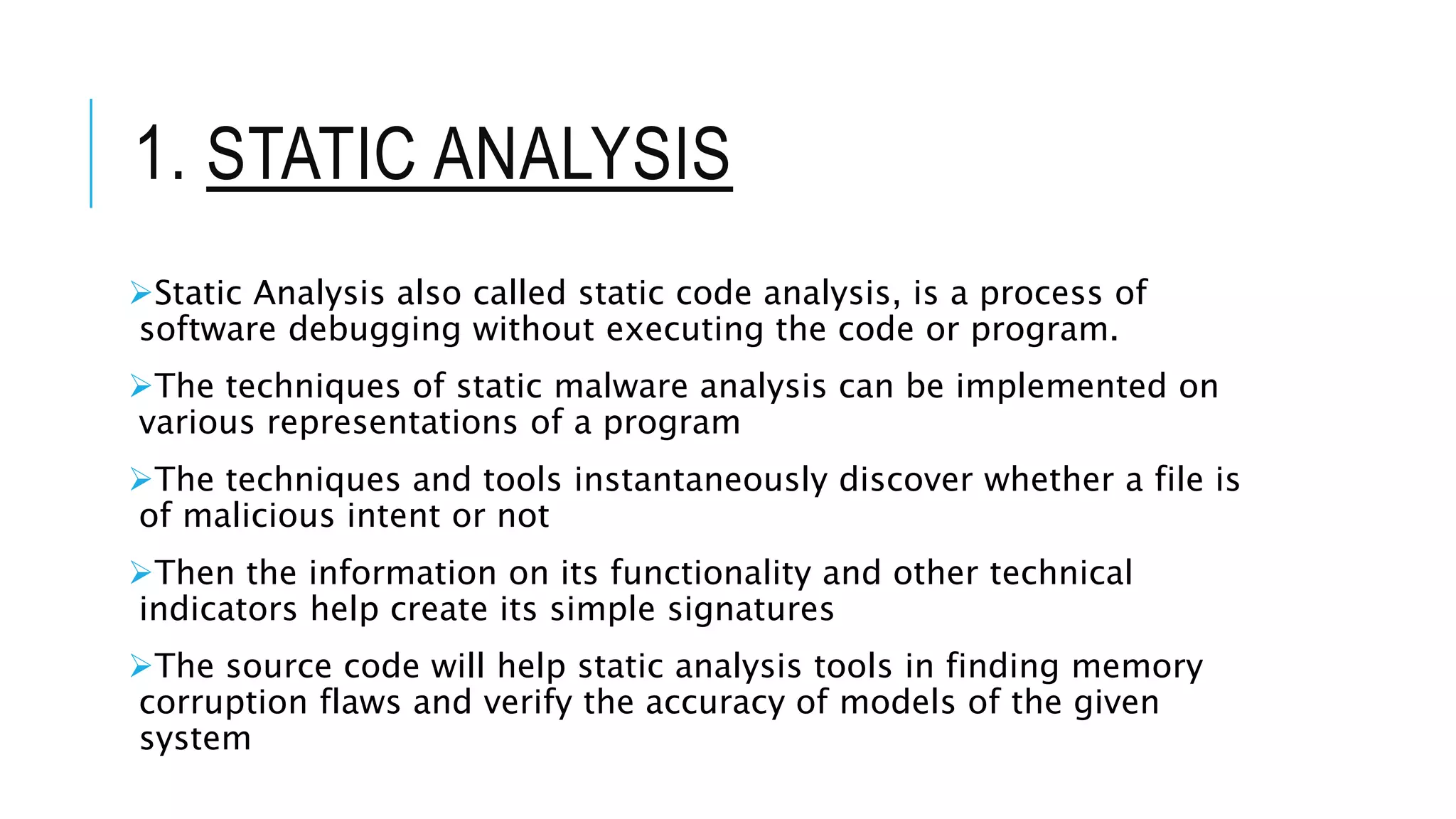
1. STATIC ANALYSIS
Static Analysis also called static code analysis, is a process of
software debugging without executing the code or program.
The techniques of static malware analysis can be implemented on
various representations of a program
The techniques and tools instantaneously discover whether a file is
of malicious intent or not
Then the information on its functionality and other technical
indicators help create its simple signatures
The source code will help static analysis tools in finding memory
corruption flaws and verify the accuracy of models of the given
system
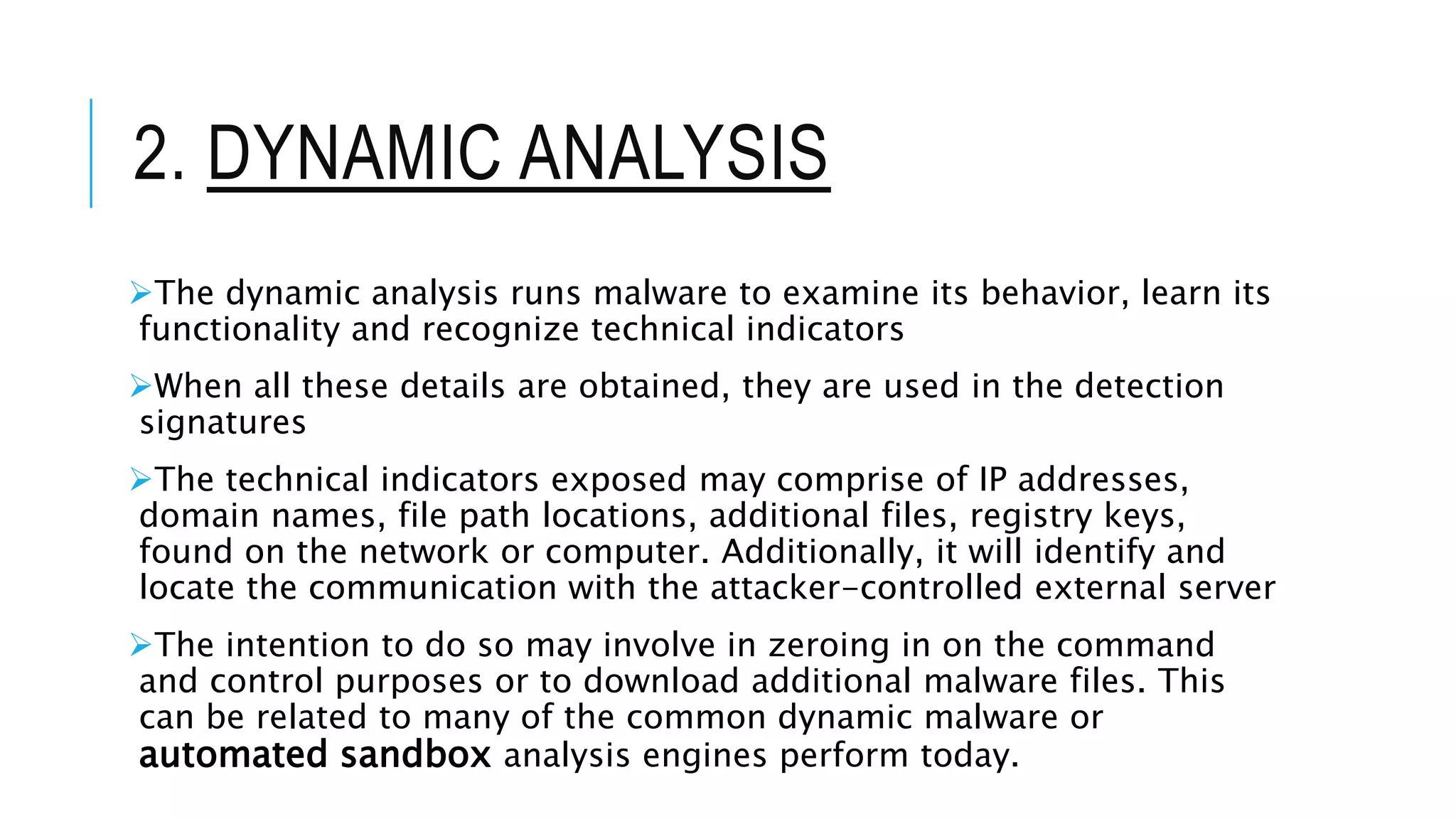
2. DYNAMIC ANALYSIS
The dynamic analysis runs malware to examine its behavior, learn its
functionality and recognize technical indicators
When all these details are obtained, they are used in the detection
signatures
The technical indicators exposed may comprise of IP addresses,
domain names, file path locations, additional files, registry keys,
found on the network or computer. Additionally, it will identify and
locate the communication with the attacker-controlled external server
The intention to do so may involve in zeroing in on the command
and control purposes or to download additional malware files. This
can be related to many of the common dynamic malware or
automated sandbox analysis engines perform today.
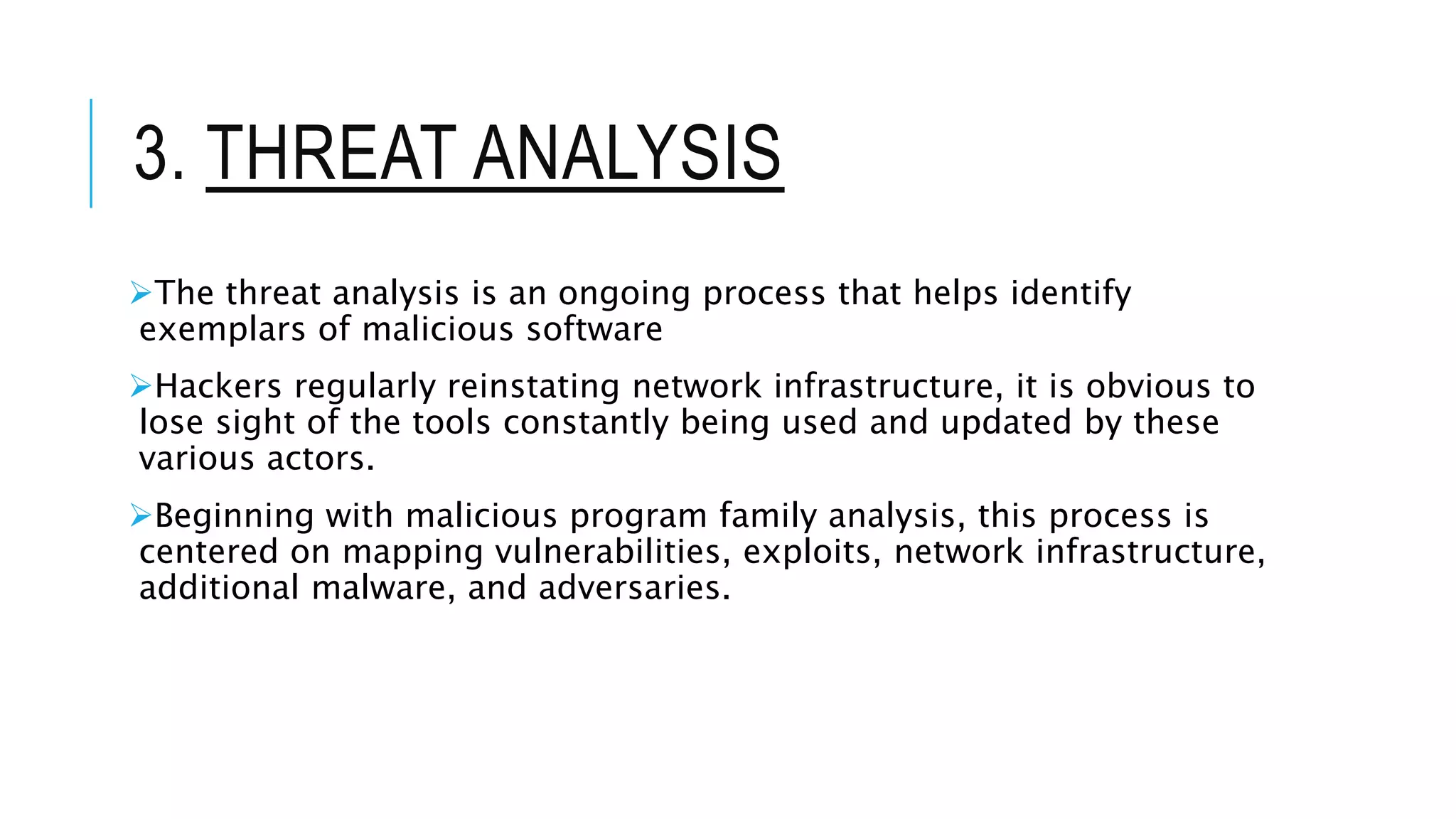
3. THREAT ANALYSIS
The threat analysis is an ongoing process that helps identify
exemplars of malicious software
Hackers regularly reinstating network infrastructure, it is obvious to
lose sight of the tools constantly being used and updated by these
various actors.
Beginning with malicious program family analysis, this process is
centered on mapping vulnerabilities, exploits, network infrastructure,
additional malware, and adversaries.
ANY QUERIES ?
THANK YOU !

Type of Malware and its different analysis and its types !

  • 1.
    MALWARE Different typesof malware Types of Malware Analysis
  • 2.
    MALWARE “Malware” is shortfor “malicious software” computer programs designed to infiltrate and damage computers without the user’s consent “Malware” is the general term covering all the different types of threats to your computer safety such as viruses, spyware, worms, trojans, rootkits and so on Today many experts believe the amount of malicious software being released on the web might actually surpass the release of valid software.
  • 3.
    MALWARE SYMPTOMS •Increased CPUusage •Slow computer or web browser speeds •Problems connecting to networks •Freezing or crashing •Modified or deleted files •Appearance of strange files, programs, or desktop icons •Programs running, turning off, or reconfiguring themselves (malware will often reconfigure or turn off antivirus and firewall programs) •Strange computer behavior
  • 4.
  • 5.
    DIFFERENT TYPES OFMALWARE 1. Virus 2. Worm. 3. Trojan Horse. 4. Spyware. 5. Adware. 6. Ransomware. 7. Rootkits 8. Keyloggers 9. Bot Net 10. Bugs
  • 6.
    DIFFERENT TYPES OFMALWARE Viruses and worms – the contagious threat Trojans and Rootkits – the masked threat Spyware and keyloggers – the financial threat
  • 7.
    1.VIRUS Viruses are designedto damage the target computer or device by corrupting data, reformatting your hard disk, or completely shutting down your system. They can also be used to steal information, harm computers and networks, create botnets, steal money, render advertisements, and more. Computer viruses require human action to infect computers and mobile devices and are often spread through email attachments and internet downloads. Eg : I love you Nimnda Tinba Conficker
  • 8.
    2.WORM One of themost common types of malware, worms spread over computer networks by exploiting operating system vulnerabilities. A worm is a standalone program that replicates itself to infect other computers, without requiring action from anyone. Since they can spread fast, worms are often used to execute a payload—a piece of code created to damage a system. Payloads can delete files on a host system, encrypt data for a ransomware attack, steal information, delete files, and create botnets. eg: Morris Worm Storm Worm
  • 9.
    3.TROJAN HORSE A Trojanhorse, or “Trojan”, enters your system disguised as a normal, harmless file or program designed to trick you into downloading and installing malware. As soon as you install a Trojan, you are giving cyber criminals access to your system. Through the Trojan horse, the cyber criminal can steal data, install more malware, modify files, monitor user activity, destroy data, steal financial information, conduct denial of service (DoS) attacks on targeted web addresses, and more. Trojan malware cannot replicate by itself; however, if combined with a worm, the damage Trojans can have on users and systems is endless.
  • 10.
    4.SPYWARE Installed on yourcomputer without your knowledge, spyware is designed to track your browsing habits and internet activity.  Spying capabilities can include activity monitoring, collecting keystrokes, and harvesting of account information, logins, financial data, and more. Spyware can spread by exploiting software vulnerabilities, bundling with legitimate software, or in Trojans. Eg: CoolWebSearch Gator Zlob
  • 11.
    5.ADWARE Adware is oftenknown for being an aggressive advertising software that puts unwanted advertising on your computer screen. Malicious adware can collect data on you, redirect you to advertising sites, and change your internet browser settings, your default browser and search settings, and your homepage. Legitimate adware does exist, but it will ask your permission first before collecting data about you. Eg: ClickDownloader 7search
  • 12.
    6.RANSOMWARE According to CybersecurityVentures, cybercrime is predicted to cost the world 6 trillion dollars annually by 2021. Because ransomware generates so much money for cybercriminals, it is the type of malware Ransomware is a type of malware that holds your data captive and demands payment to release the data back to you. It restricts user access to the computer by either encrypting files on the hard drive or locking down the system and displaying messages that are intended to force the user to pay the attacker to release the restrictions and regain access to the computer. Once the attacker is paid, your system and data will usually go back to its original state. Eg : WannaCry, Locky, Bad Rabbit.
  • 13.
    7.ROOTKITES A root kitis software that gives malicious actors remote control of a victim’s computer with full administrative privileges. Rootkits can be injected into applications, kernels, hypervisors, or firmware. They spread through phishing, malicious attachments, malicious downloads, and compromised shared drives. Rootkits can also be used to conceal other malware, such as keyloggers. eg: Knark, Adore, Rkit and Da IOS
  • 14.
    8.KEYLOGGERS A keylogger isa type of spyware that monitors user activity. Keyloggers have legitimate uses; businesses can use them to monitor employee activity and families may use them to keep track of children’s online behaviors. when installed for malicious purposes, keyloggers can be used to steal password data, banking information and other sensitive information. Keyloggers can be inserted into a system through phishing, social engineering or malicious downloads. Eg: Software Keyloggers, hardware keyloggers
  • 15.
    9.BOT/BOTNETS A bot isa software application that performs automated tasks on command. They’re used for legitimate purposes, such as indexing search engines, But when used for malicious purposes, they take the form of self- propagating malware that can connect back to a central server. Usually, bots are used in large numbers to create a botnet , which is a network of bots used to launch broad remotely-controlled floods of attacks, such as DDoS attacks. Botnets can become quite expansive. eg: Mirai IoT botnet ranged from 800,000 to 2.5M computers.
  • 16.
    10.BUG  bug isan error, flaw or fault in a computer program or system that causes it to produce an incorrect or unexpected result, or to behave in unintended ways. Most bugs arise from mistakes and errors made in either a program's design or its source code, or in components and operating systems used by such programs A few are caused by compilers producing incorrect code. A program that contains many bugs, and/or bugs that seriously interfere with its functionality, is said to be buggy (defective)
  • 17.
    TYPES OF MALWAREANALYSIS 1.Static Analysis 2.Dynamic Analysis 3.Threat Analysis
  • 18.
    1. STATIC ANALYSIS StaticAnalysis also called static code analysis, is a process of software debugging without executing the code or program. The techniques of static malware analysis can be implemented on various representations of a program The techniques and tools instantaneously discover whether a file is of malicious intent or not Then the information on its functionality and other technical indicators help create its simple signatures The source code will help static analysis tools in finding memory corruption flaws and verify the accuracy of models of the given system
  • 19.
    2. DYNAMIC ANALYSIS Thedynamic analysis runs malware to examine its behavior, learn its functionality and recognize technical indicators When all these details are obtained, they are used in the detection signatures The technical indicators exposed may comprise of IP addresses, domain names, file path locations, additional files, registry keys, found on the network or computer. Additionally, it will identify and locate the communication with the attacker-controlled external server The intention to do so may involve in zeroing in on the command and control purposes or to download additional malware files. This can be related to many of the common dynamic malware or automated sandbox analysis engines perform today.
  • 20.
    3. THREAT ANALYSIS Thethreat analysis is an ongoing process that helps identify exemplars of malicious software Hackers regularly reinstating network infrastructure, it is obvious to lose sight of the tools constantly being used and updated by these various actors. Beginning with malicious program family analysis, this process is centered on mapping vulnerabilities, exploits, network infrastructure, additional malware, and adversaries.
  • 21.
  • 22.