Downloaded 26 times








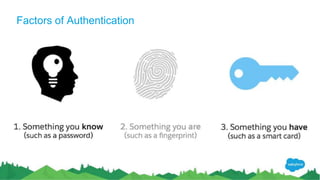

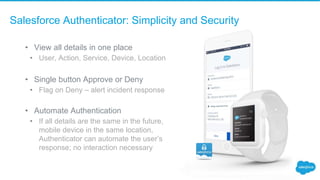


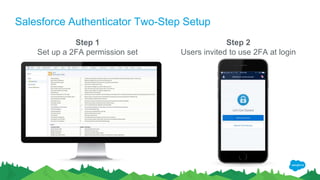



The document discusses two-factor authentication (2FA) and the Salesforce Authenticator app. It begins with an agenda and introduction to 2FA, explaining that 2FA provides an extra layer of security beyond a password. The bulk of the document then focuses on demonstrating the ease of setup of the Salesforce Authenticator app for 2FA, including a two-step setup process and features like viewing authentication requests and automating approvals. It concludes by noting additional security features and tools available for administrators.


![2 factor authentication 3 [compatibility mode]](https://cdn.slidesharecdn.com/ss_thumbnails/2factorauthentication3compatibilitymode-130513032050-phpapp01-thumbnail.jpg?width=640&height=640&fit=bounds)


