Feb 2014

Web
Application
Security
Presented to:

Introduction to common classes of security
faws and testing methodologies

ThoughtWorks Quito
Noche Geek

Cade Cairns
<cade@thoughtworks.com>
Outline

Intent:
•

•

•

•

Discuss common classes of web security
faws
Demonstrate tools that developers and
testers can use to harden web applications
Describe other ways to mitigate risks
Show what a professional tester (or attacker)
might do

2
About me

ThoughtWorks Canada
Software Developer

REcon Security Conference (http://recon.cx/)
Conference Organizer

Past:
SecurityFocus – threat analyst, software developer
IGSN – security analyst for gaming companies
Subgraph – software developer for Vega
(and various others)

3
Threat
evolution

As the web continues to evolve, so do the threats
Attack surface keeps increasing
Developers want features to enhance their web
application functionality, but that comes at a cost
Many more massive online services
Exploit markets now exist; value of vulnerabilities
increasing
Result: much higher motivation to break security

4
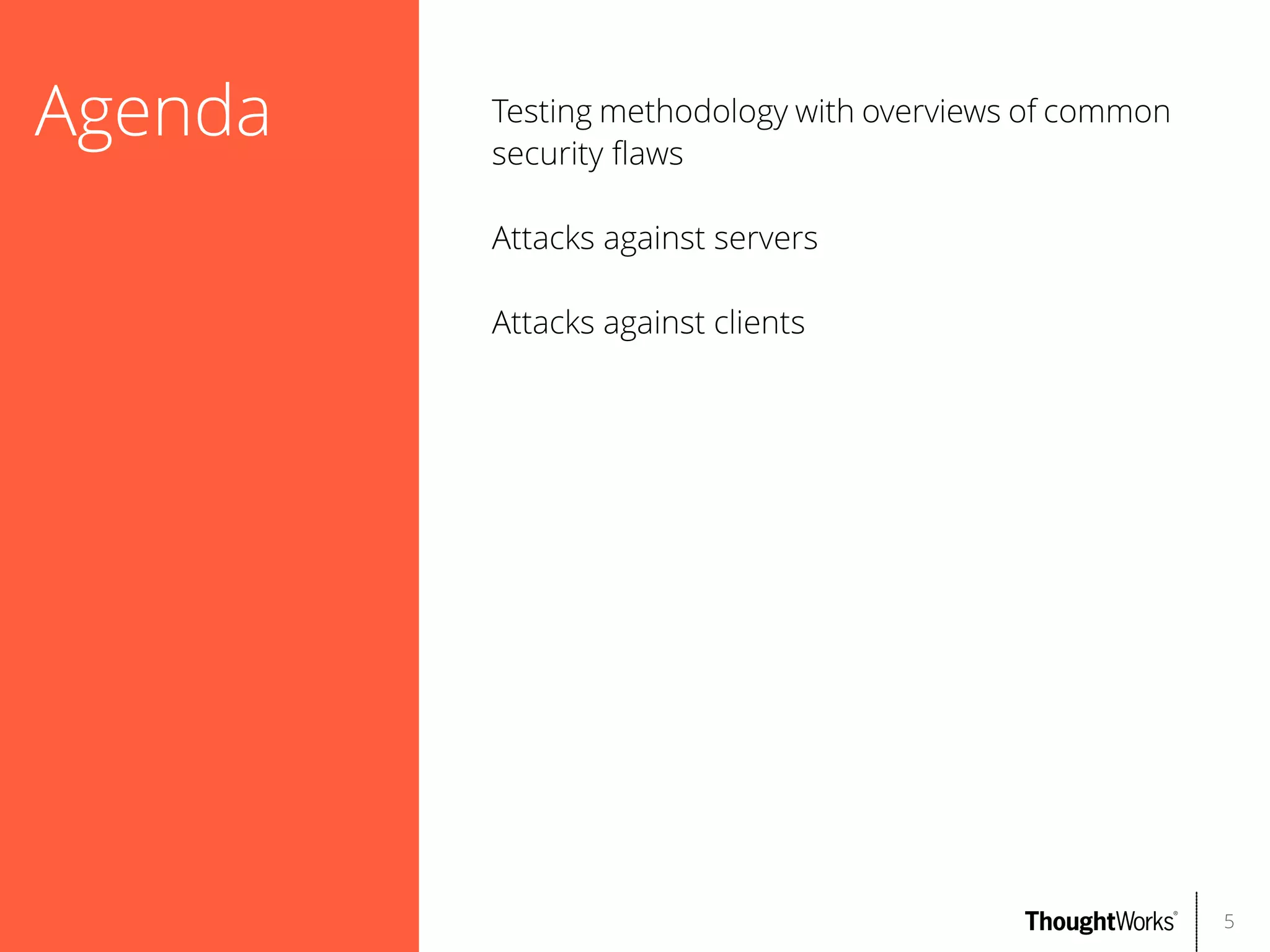
Agenda

Testing methodology with overviews of common
security faws
Attacks against servers
Attacks against clients

5
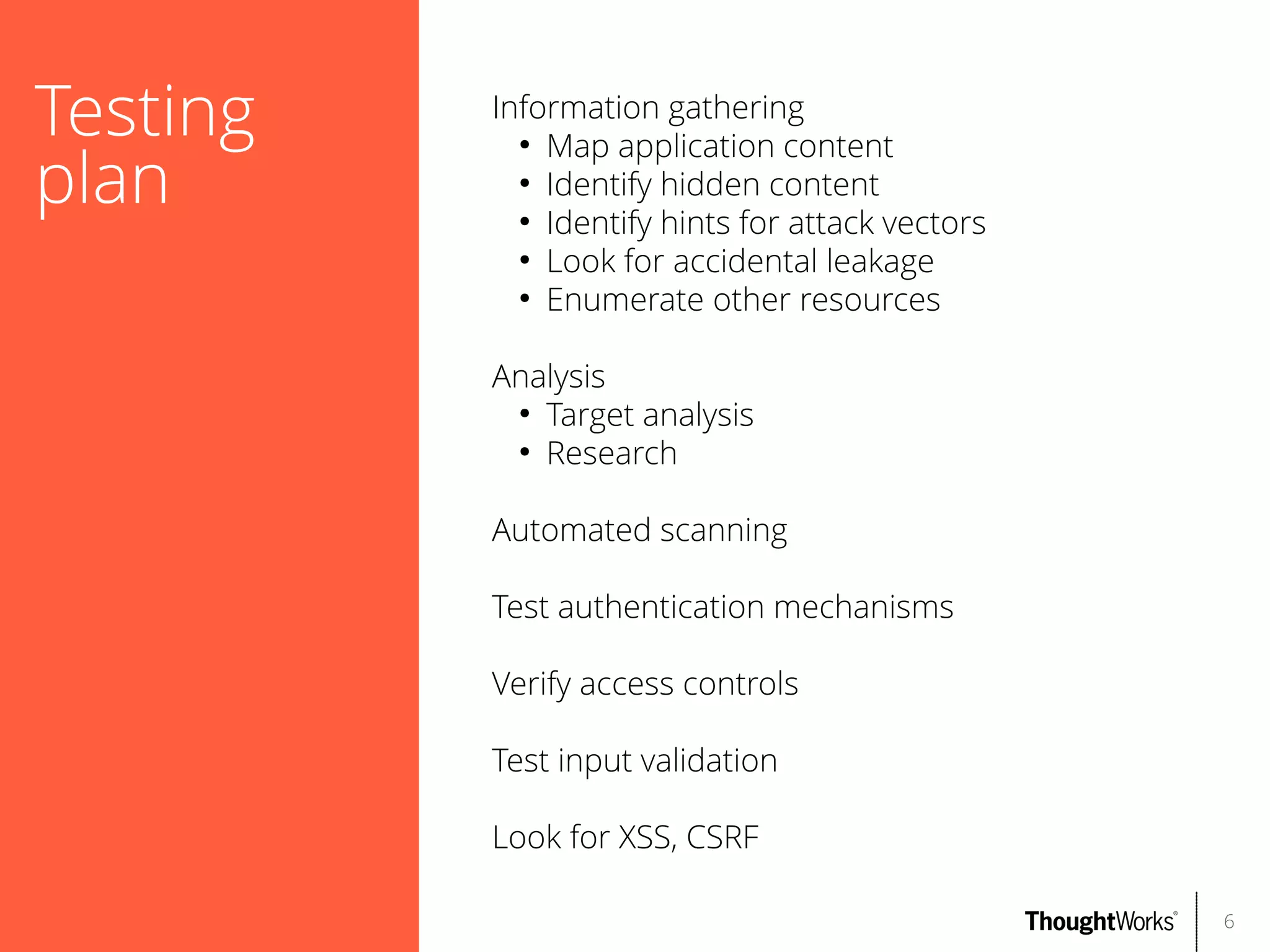
Testing
plan

Information gathering
●
Map application content
●
Identify hidden content
●
Identify hints for attack vectors
●
Look for accidental leakage
●
Enumerate other resources
Analysis
●
Target analysis
●
Research
Automated scanning
Test authentication mechanisms
Verify access controls
Test input validation
Look for XSS, CSRF
6
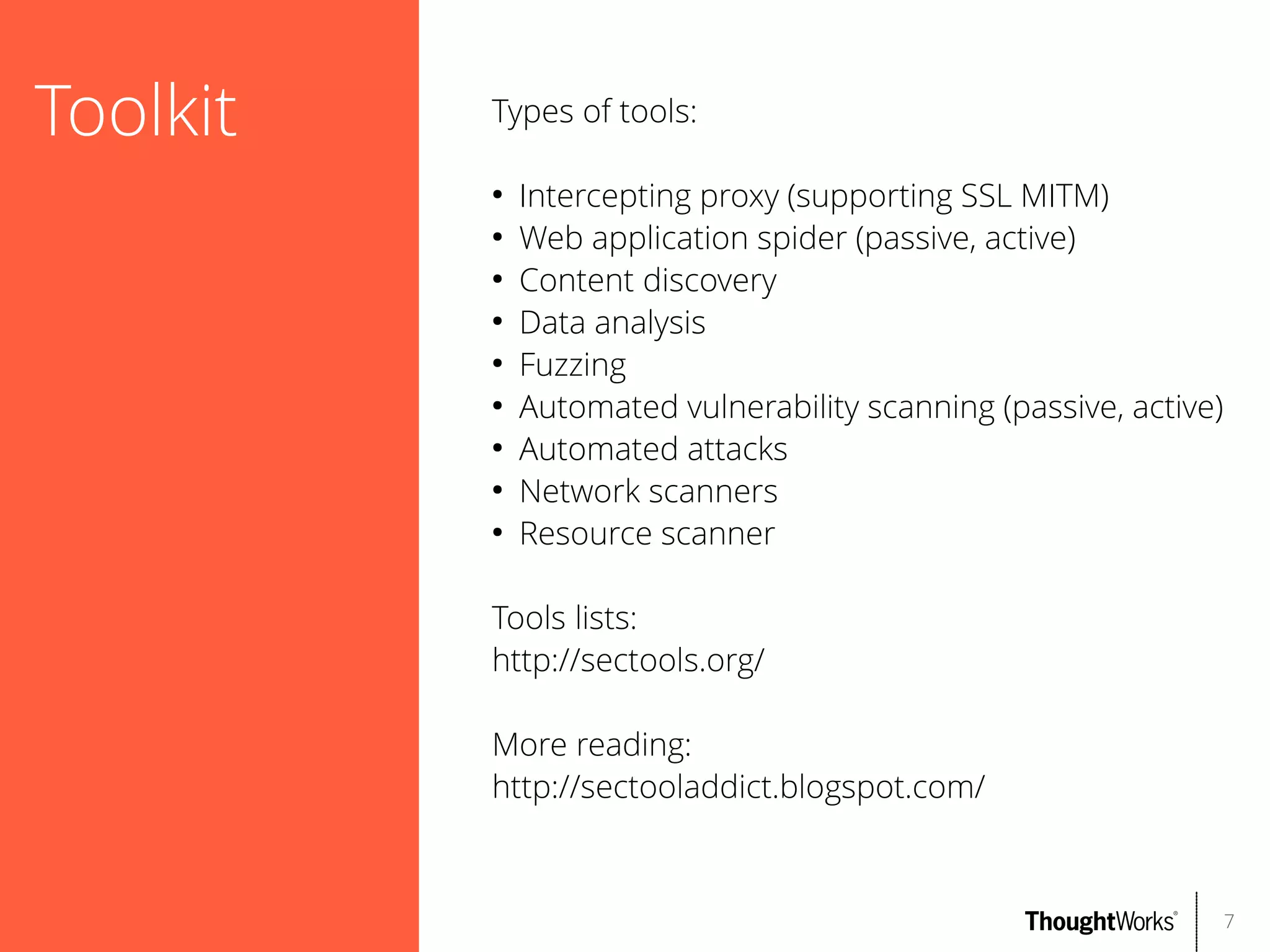
Toolkit

Types of tools:
●
●
●
●
●
●
●
●
●

Intercepting proxy (supporting SSL MITM)
Web application spider (passive, active)
Content discovery
Data analysis
Fuzzing
Automated vulnerability scanning (passive, active)
Automated attacks
Network scanners
Resource scanner

Tools lists:
http://sectools.org/
More reading:
http://sectooladdict.blogspot.com/

7
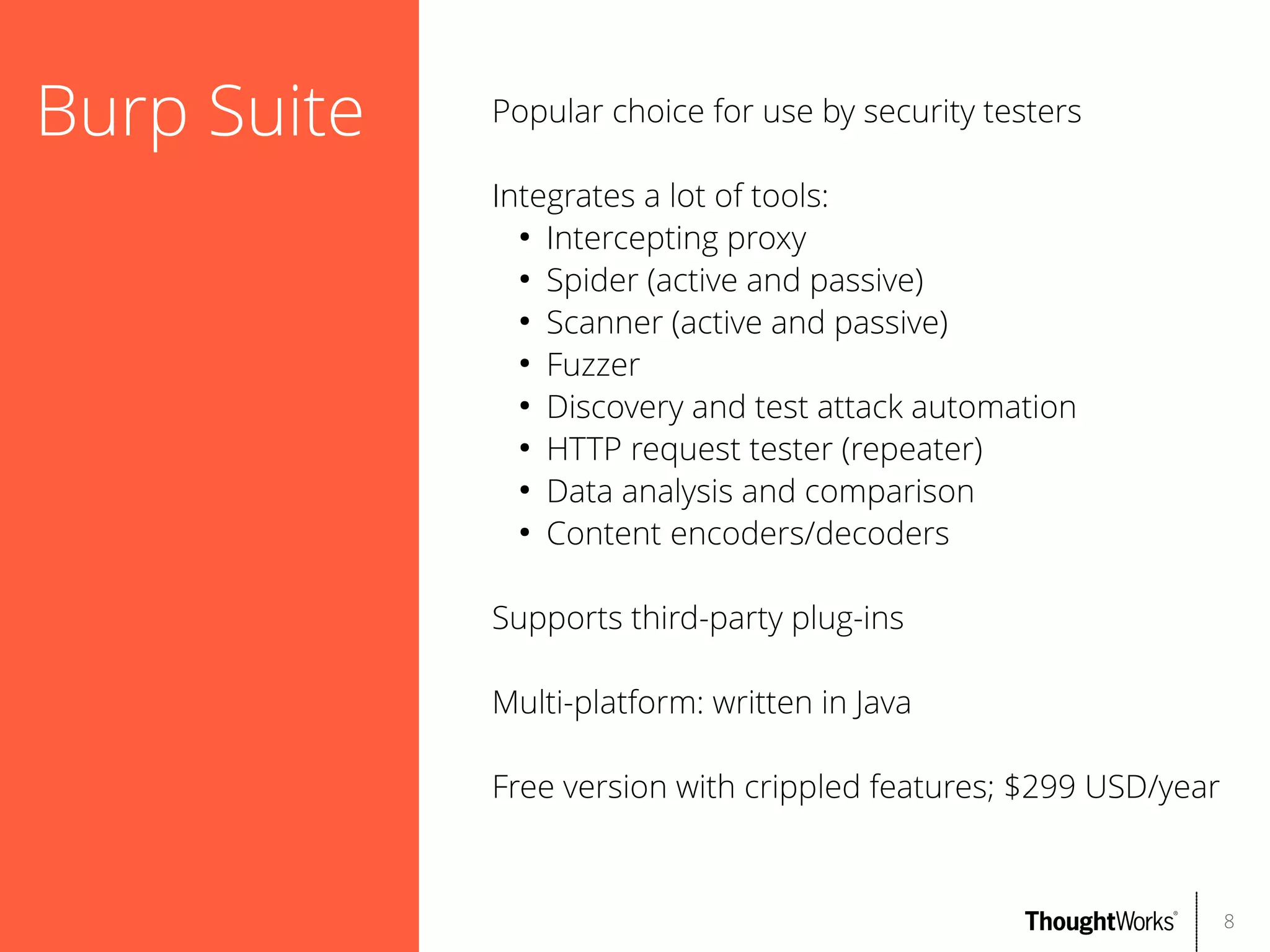
Burp Suite

Popular choice for use by security testers
Integrates a lot of tools:
●
Intercepting proxy
●
Spider (active and passive)
●
Scanner (active and passive)
●
Fuzzer
●
Discovery and test attack automation
●
HTTP request tester (repeater)
●
Data analysis and comparison
●
Content encoders/decoders
Supports third-party plug-ins
Multi-platform: written in Java
Free version with crippled features; $299 USD/year

8
OWASP Zed
Attack
Proxy (ZAP)

Highly-rated security tool [1]
Provides many useful functions:
●
Intercepting proxy
●
Spider (active and passive; supports Ajax)
●
Scanner (active and passive)
●
Fuzzer
●
File/directory brute forcer
Supports third-party add-ons; online marketplace
Multi-platform: Swing Java
Open source; Apache License 2.0
[1] http://www.toolswatch.org/2013/12/2013-top-security-tools-as-votedby-toolswatch-org-readers/

9
Subgraph
Vega

Software attempting to integrate more features
than Burp, for free
Has several useful features:
●
Intercepting proxy
●
Spider (active and passive)
●
Scanner (active and passive)
●
Well-designed probes for security faws
●
Scanner modules are written in Javascript;
easily extensible
Multi-platform: Eclipse RCP
Open source; Eclipse Public License 1.0

10
skipfsh

Web application security reconnaissance tool
Features:
●
Scanner (active)
●
Well-designed probes for security faws
●
Attempts to do non-disruptive checks
●
Brute force resource identifcation using a
dictionary: combinations of ${keyword}.$
{extension}
Multi-platform: Linux, FreeBSD, Mac OS X, Windows
Open source; Apache License 2.0

11
sqlmap

Simplifes detecting and exploiting SQL injection
faws
Features:
●
Detecting, exploiting SQL injection faws
●
Full support for many DBMSs
●
Supports multiple SQL injection techniques
●
Database fngerprinting
●
Fetching data from database
●
Executing arbitrary OS commands
Multi-platform: Python 2.6.x and 2.7.x
Open source; GPLv2

12
Nikto

Tool to identify dangerous applications, fles, and
confgurations
Features:
●
Large database of dangerous fles/web apps
●
Common web server misconfgurations
●
Fingerprinting web servers
Multi-platform: Perl
Open source; GPL

13
Kali Linux

Linux penetration testing distribution
Formerly known as BackTrack Linux
Contains most of the tools used in this
presentation and many more
Open source; various licenses

14
More tools

Some more helpful tools:
●
●
●
●

nmap
DNSenum
netcat
stunnel

15
Test target:
OWASP
BWA

OWASP BWA (Broken Web Applications)
Linux virtual machine running applications with
known vulnerabilities
Useful for learning about web application security
testing and testing tools
For this presentation, focus on testing WackoPicko,
which was used for the paper “Why Johnny Can't
Pentest: An Analysis of Black-box Web Vulnerability
Scanners”

16
Information
gathering

Step 1: mapping the application
Purpose:
●
Get a thorough view of the target
●
Identify common misconfgurations
●
Can reuse information later as you discover
problems
Methodology:
●
Passive spidering: explore visible content using
a security proxy tool
●
Map the application using multiple users
(privileged, non-privileged) if applicable
●
Check against public resources e.g. Google
●
Active spidering (if desired)
Tools:
●
Burp Proxy or ZAP Proxy
17
Demo
Mapping the application

18
Information
gathering

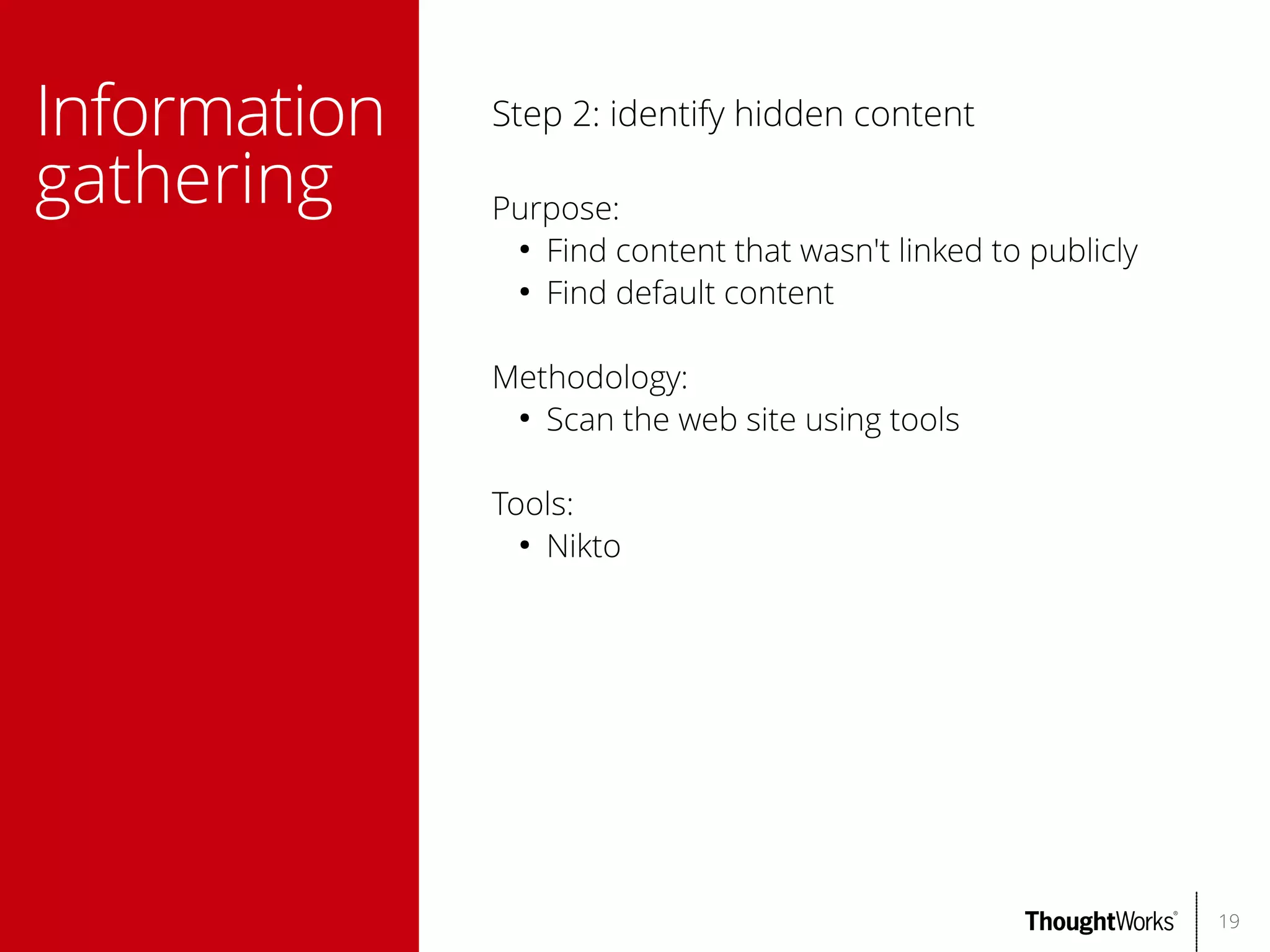
Step 2: identify hidden content
Purpose:
●
Find content that wasn't linked to publicly
●
Find default content
Methodology:
●
Scan the web site using tools
Tools:
●
Nikto

19
Demo
Identifying hidden content

20
Analysis

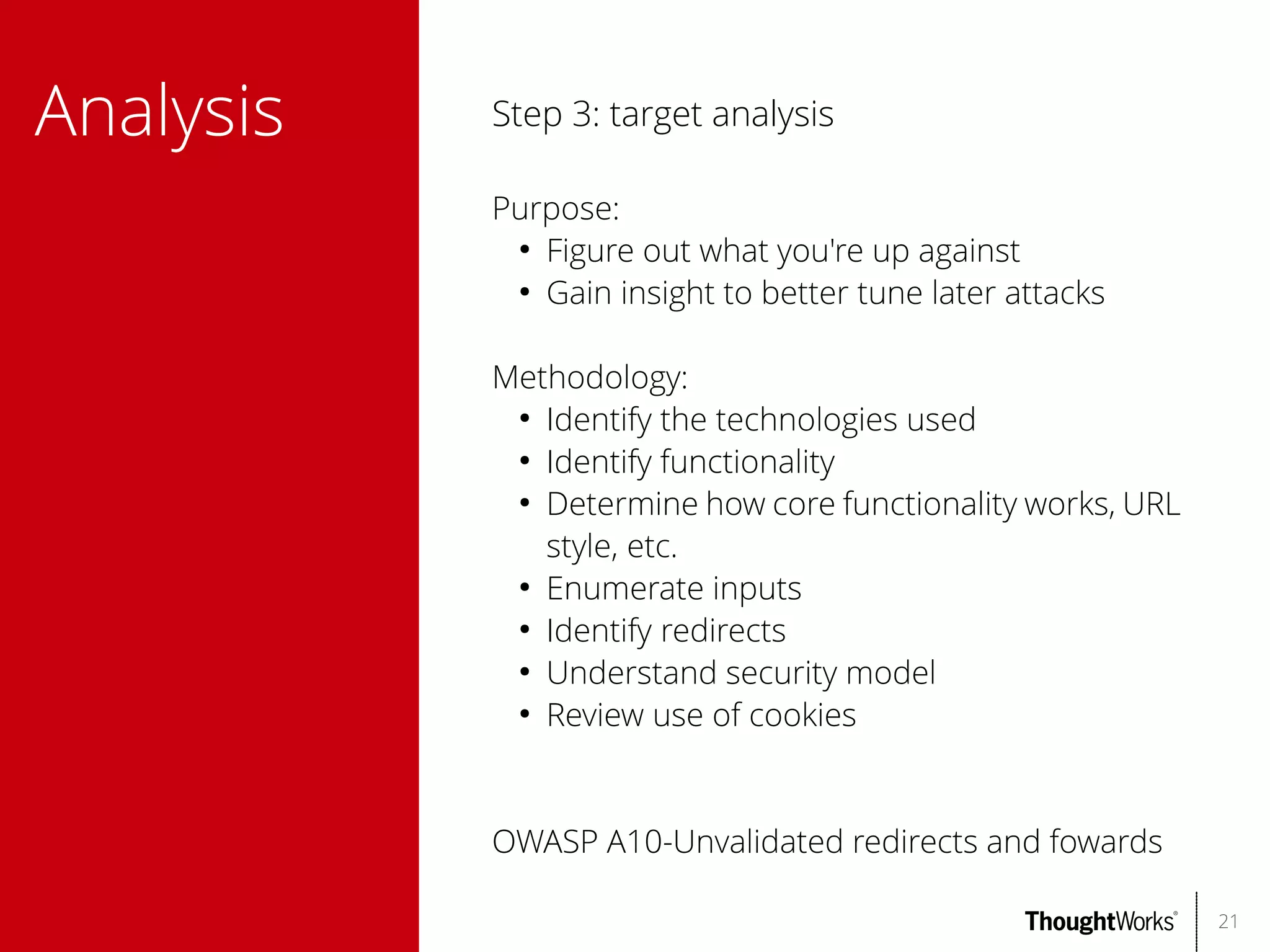
Step 3: target analysis
Purpose:
●
Figure out what you're up against
●
Gain insight to better tune later attacks
Methodology:
●
Identify the technologies used
●
Identify functionality
●
Determine how core functionality works, URL
style, etc.
●
Enumerate inputs
●
Identify redirects
●
Understand security model
●
Review use of cookies

OWASP A10-Unvalidated redirects and fowards
21
Analysis

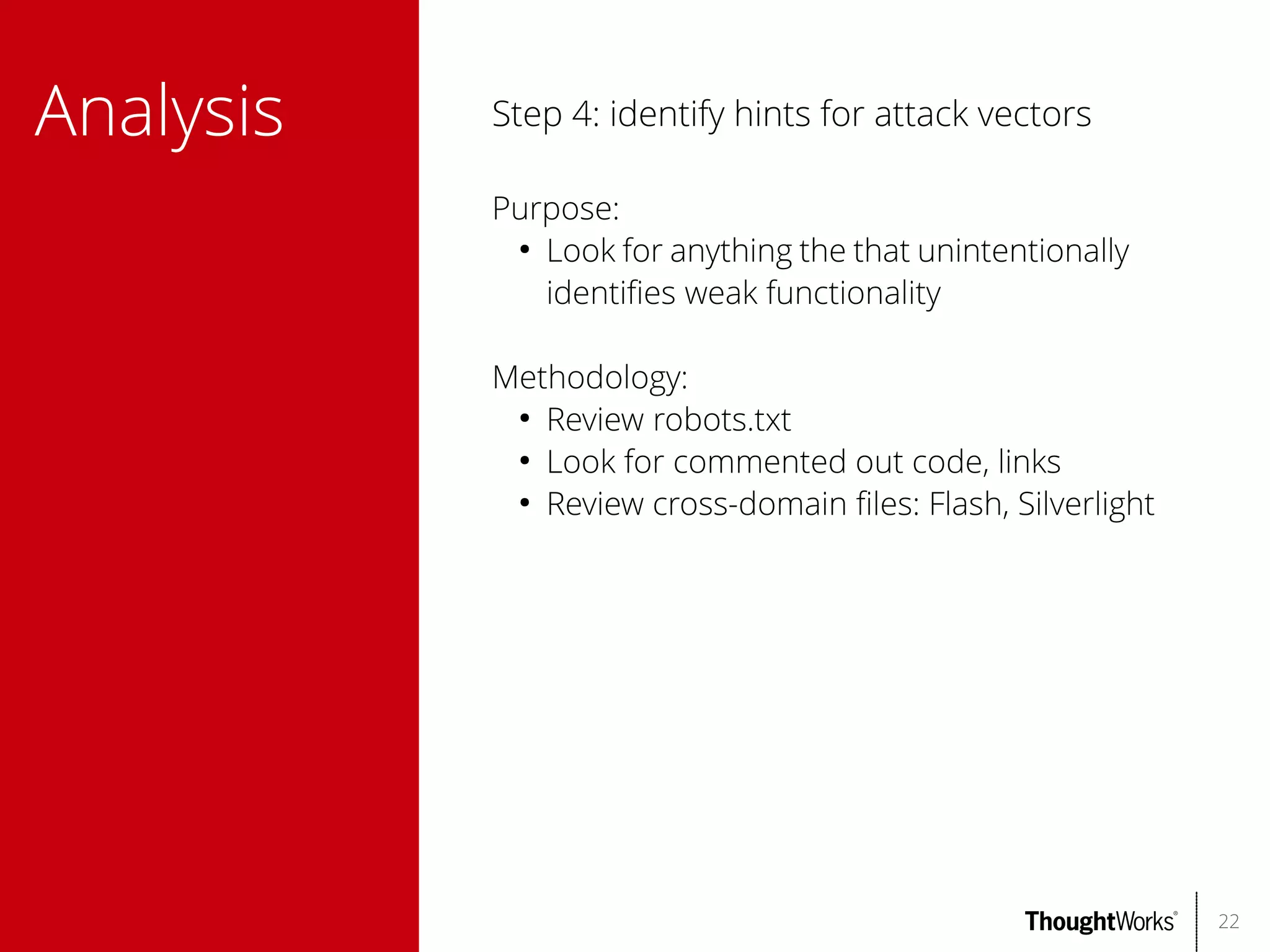
Step 4: identify hints for attack vectors
Purpose:
●
Look for anything the that unintentionally
identifes weak functionality
Methodology:
●
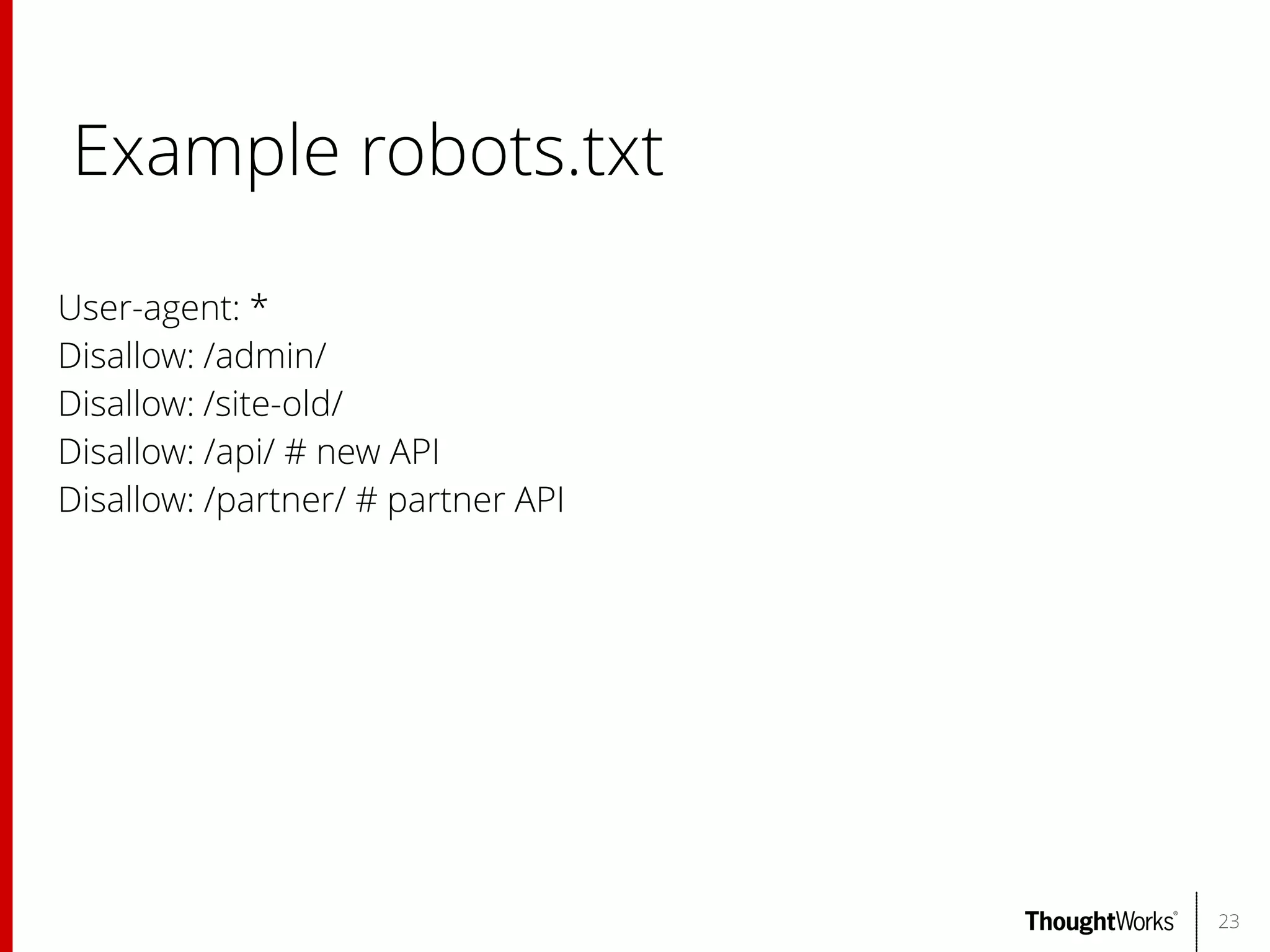
Review robots.txt
●
Look for commented out code, links
●
Review cross-domain fles: Flash, Silverlight

22
Example robots.txt
User-agent: *
Disallow: /admin/
Disallow: /site-old/
Disallow: /api/ # new API
Disallow: /partner/ # partner API

23
Analysis

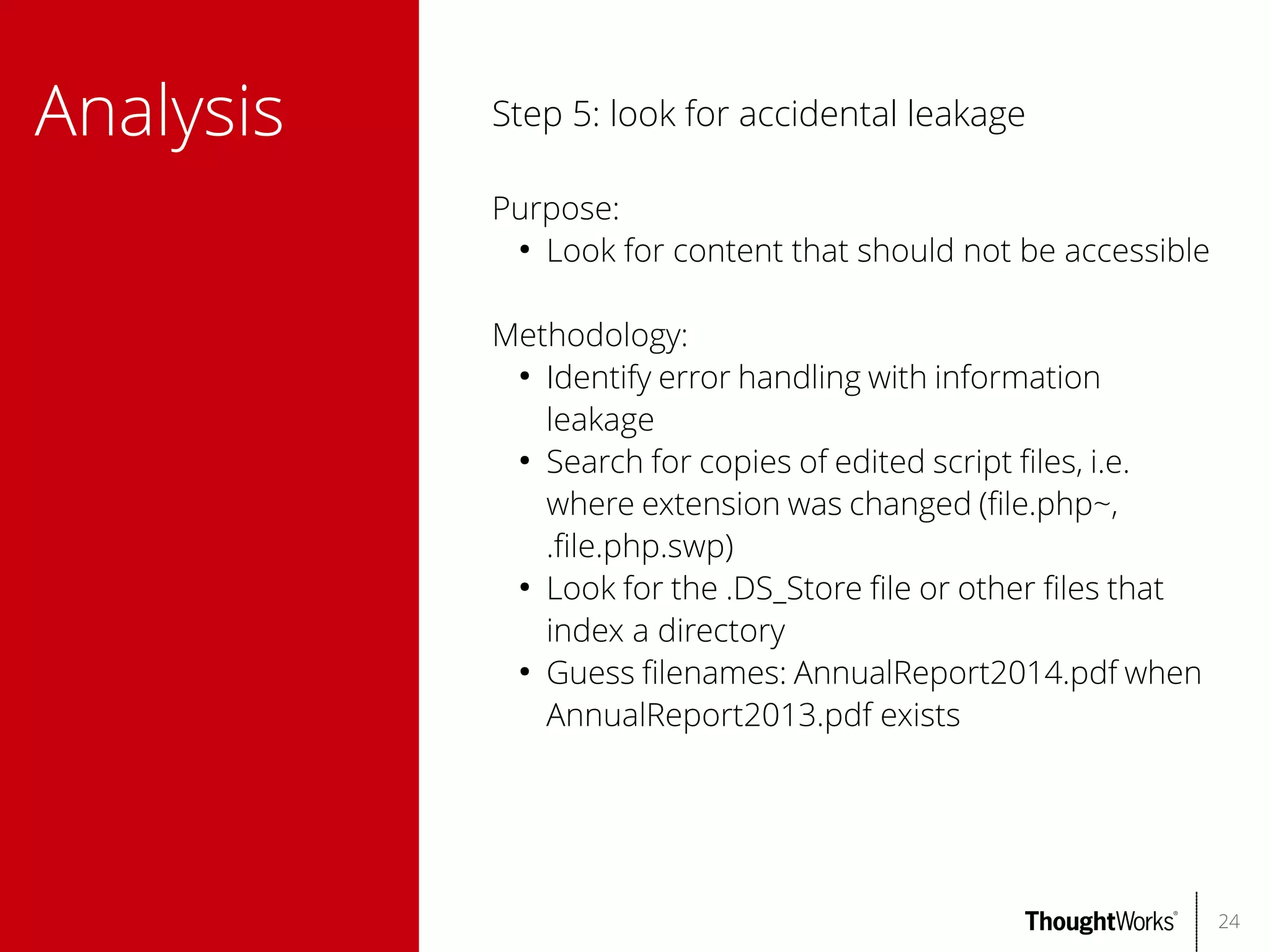
Step 5: look for accidental leakage
Purpose:
●
Look for content that should not be accessible
Methodology:
●
Identify error handling with information
leakage
●
Search for copies of edited script fles, i.e.
where extension was changed (fle.php~,
.fle.php.swp)
●
Look for the .DS_Store fle or other fles that
index a directory
●
Guess flenames: AnnualReport2014.pdf when
AnnualReport2013.pdf exists

24
Avoiding
leakage

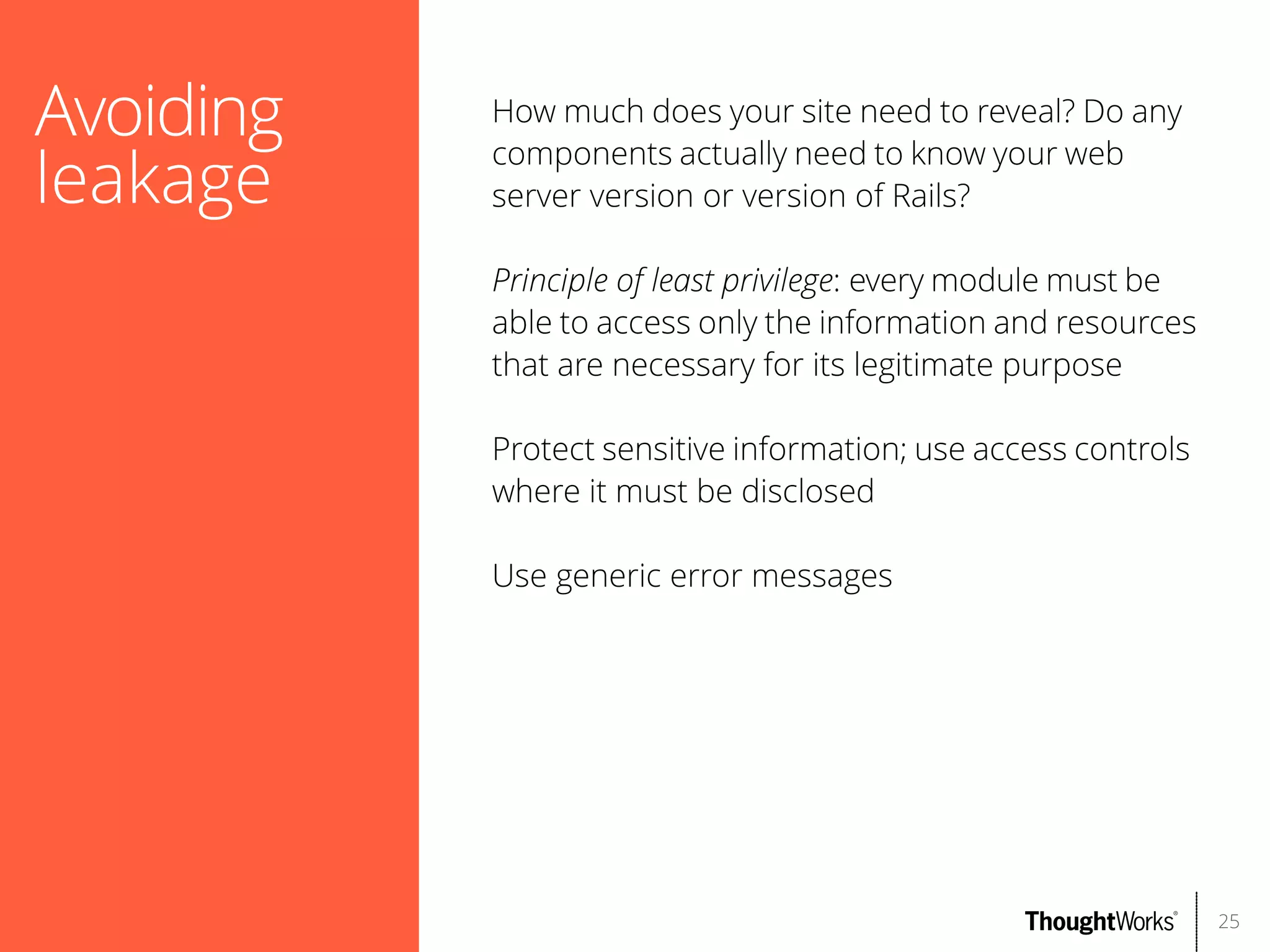
How much does your site need to reveal? Do any
components actually need to know your web
server version or version of Rails?
Principle of least privilege: every module must be
able to access only the information and resources
that are necessary for its legitimate purpose
Protect sensitive information; use access controls
where it must be disclosed
Use generic error messages

25
Information
gathering

Step 6: enumerate other resources
Purpose:
●
Look for other network resources – web sites,
etc.
Methodology:
●
Enumerate DNS hostnames, network blocks of
other systems
●
Identify other systems related to the target
Tools:
●
nmap
●
DNSenum

26
Automated
scanning

Step 7: scan the target for security faws
Warning: do not run an automated scanner in a
production environment!
Purpose:
●
Identify possible security faws in the target
web application
Caveats:
●
Scanners lack intuition and understanding of
requirements
●
Scanners cannot improvise
●
False positives and false negatives are common
Tools:
●
Vega
●
skipfsh
27
Demo
Automated scanning

28
Authentication

OWASP A2-Broken Authentication and Session
Management
Authentication is the main defense against
unauthorized access and typically core to security
Easy to make mistakes
Common types:
●
Form-based authentication
●
HTTP authentication (basic, digest, Windows)
●
Multifactor authentication
●
SSL certifcates
●
Authentication services

29
Authentication

Step 8: test authentication mechanisms
Methodology:
●
Test password quality
●
Attempt to enumerate usernames
●
Attempt to brute force passwords
●
Test account recovery function for
enumerated users
●
Examine cookies if 'remember me' option
exists
●
Verify credentials are submitted securely
●
If multi-phase athentication is used, test
for logic faws
Tools:
●
Web browser
●
Burp
30
Authentication

Most common passwords of 2013 [1]
1. 123456 (up 1)
2. password (down 1)
3. 12345678 (unchanged)
4. qwerty (up 1)
5. abc123 (down 1)
6. 123456789 (new)
7. 111111 (up 2)
8. 1234567 (up 5)
9. iloveyou (up 2)
10. adobe123 (new)
11. 123123 (up 5)
12. Admin (new)
13. 1234567890 (new)
14. letmein (down 7)
15. photoshop (new)
[1] http://splashdata.com/press/worstpasswords2013.htm
31
Authentication

Basic guidelines for safer authentication
●

●
●

●
●
●

●

●

Passwords should be of a minimum length and
contain a combination of alphabetic, numeric,
uppercase, lowercase characters
Don't limit the characters that can be used
Avoid verbose authentication failure messages:
use a single, generic error message
Consider requiring periodic password changes
Prevent brute force: lockout, CAPTCHAs
Don't use unsafe questions for forgotten
password
Don't generate predictable usernames or
passwords
Transmit credentials using HTTPS

32
Session
Management

Guidelines to prevent sessions of legitimate users
from being hijacked
●

●

●

●
●
●
●

Generate strong random tokens: do not use
predictable values or elements
Transmit session tokens using HTTPS; use the
'Secure' attribute when setting the cookie
Do not permit concurrent logins for the same
user; invalidate older sessions
Enforce inactivity timeouts
Do not expose session identifers in URLs
Invalidate session identifers during logout
Verify information e.g. user-agent is valid
throughout session

33
Session
Fixation

Attack where one person attempts to set another
person's session identifer
Example:
●
An airline includes session tokens in its URLs.
An authenticated user shares a URL with his
friend, allowing the friend to book a trip using
his credit card.
More guidelines:
●
Do not accept session identifers from GET or
POST query data
●
Assign a new session identifer when a user
logs in

34
Access
control

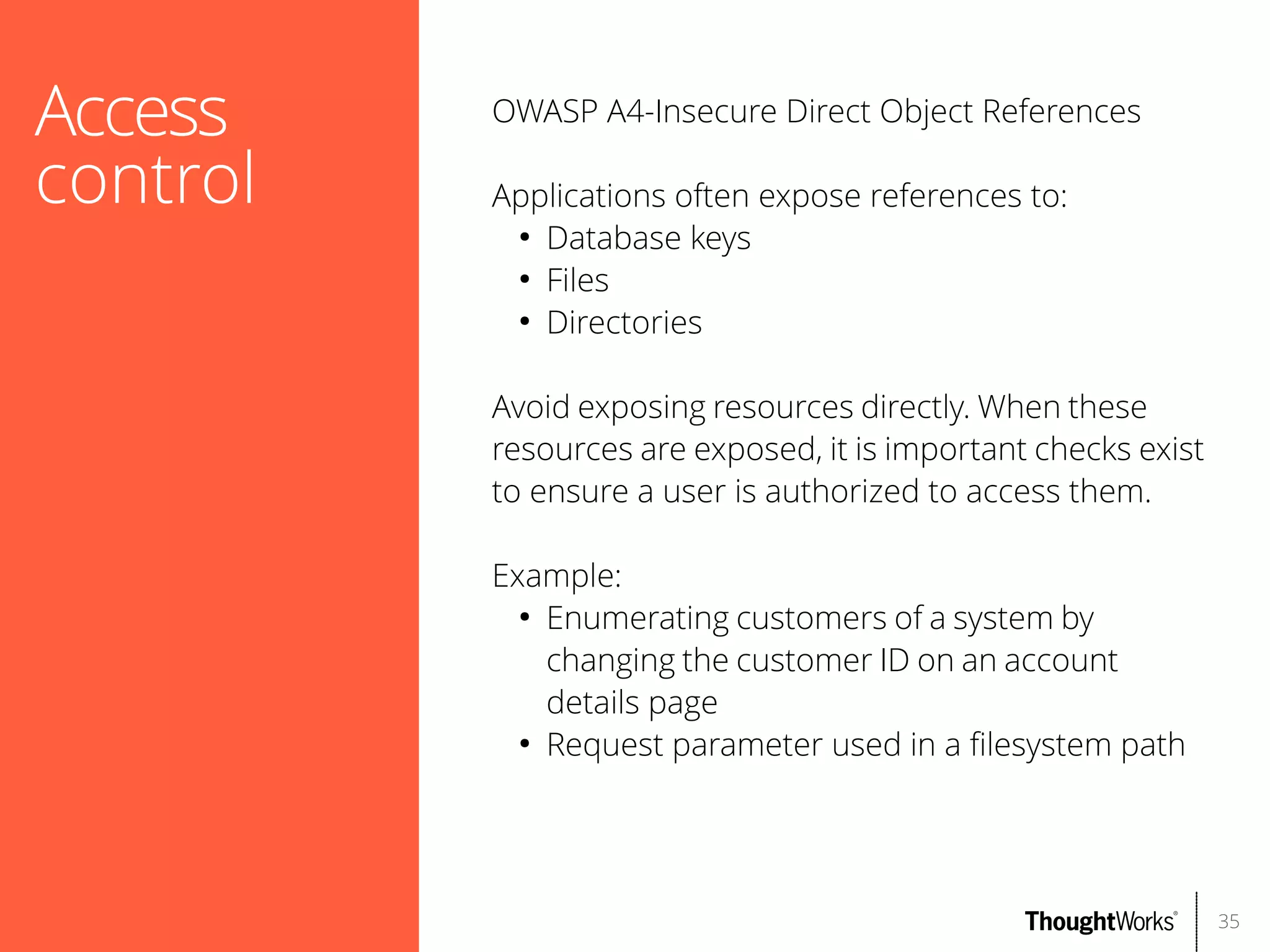
OWASP A4-Insecure Direct Object References
Applications often expose references to:
●
Database keys
●
Files
●
Directories
Avoid exposing resources directly. When these
resources are exposed, it is important checks exist
to ensure a user is authorized to access them.
Example:
●
Enumerating customers of a system by
changing the customer ID on an account
details page
●
Request parameter used in a flesystem path

35
Demo
Site map comparison

36
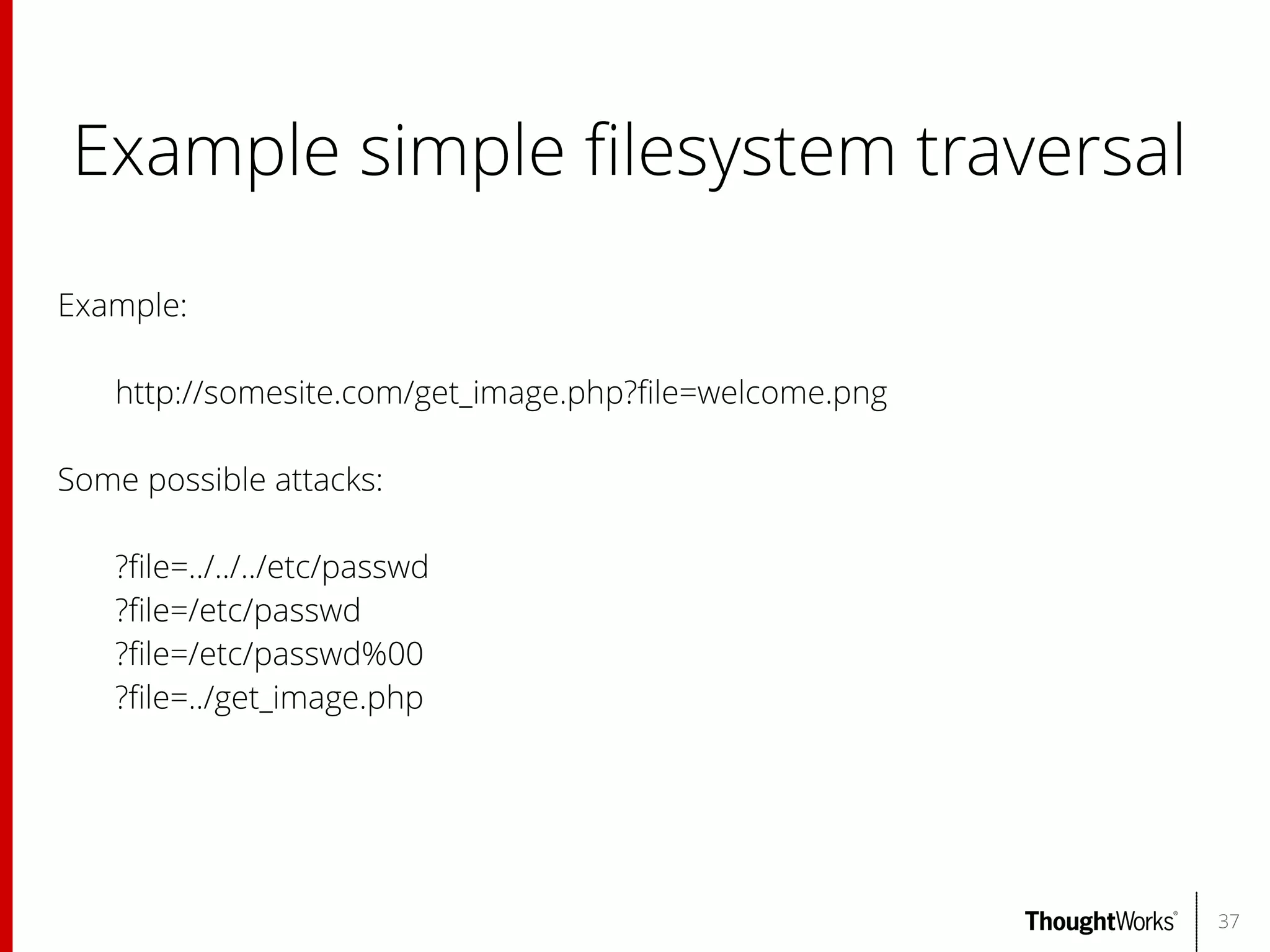
Example simple flesystem traversal
Example:
http://somesite.com/get_image.php?fle=welcome.png
Some possible attacks:
?fle=../../../etc/passwd
?fle=/etc/passwd
?fle=/etc/passwd%00
?fle=../get_image.php

37
Access
control

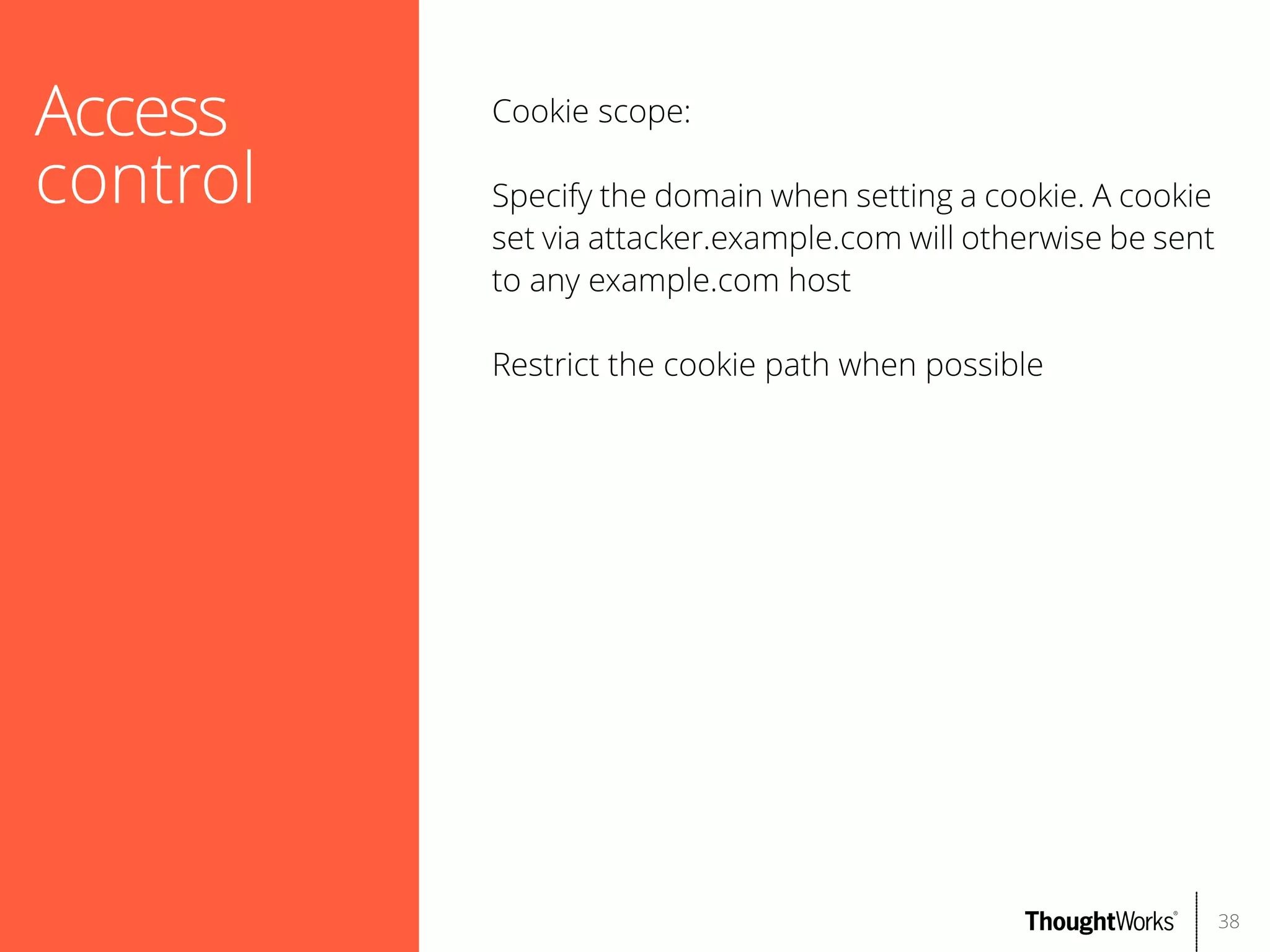
Cookie scope:
Specify the domain when setting a cookie. A cookie
set via attacker.example.com will otherwise be sent
to any example.com host
Restrict the cookie path when possible

38
Access
control

Step 9: verify access controls
Purpose:
●
Verify access controls are properly applied to
sensitive functionality
Methodology:
●
Map the site using a diferent user

39
Data
exposure

OWASP A6-Sensitive Data Exposure
Protect user data in transit:
●
Use HTTPS
●
https://www.ssllabs.com/ssltest/
Hardening data:
●
Encrypt sensitive data (ex. passwords, credit
cards)
●
Use strong encryption and rotate keys where
applicable
●
PBKDBF2 for salted passwords
Backups:
●
Make sure backups are protected

40
Verifying
client input

Assume all input from a client is malicious. Even if
the client is trusted, it may be under control of an
attacker
Do not use the client to relay sensitive parameters,
ex. price of an item in a shopping cart.
●
Users can see hidden input
●
Requests can be intercepted
●
Obfuscation isn't sufcient (e.g. ViewState)
●
Browser extensions can be decompiled or
debugged
Verify input on both the client side and server side
for usability, reliability
Attacks can come from surprising sources

41
Demo
Request manipulation

42
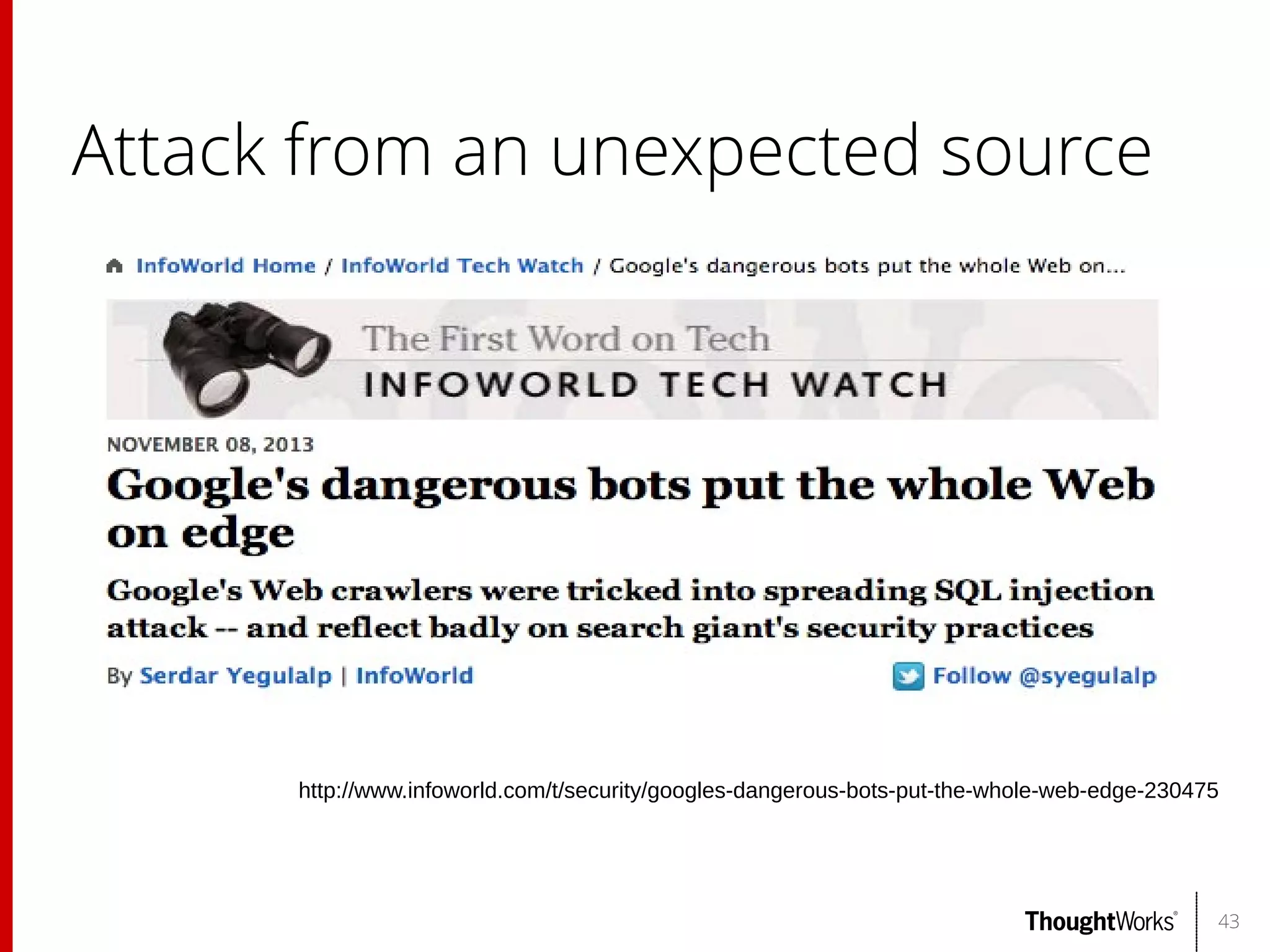
Attack from an unexpected source

http://www.infoworld.com/t/security/googles-dangerous-bots-put-the-whole-web-edge-230475

43
Injection

OWASP A1-Injection
There are many types of injection:
●
SQL injection
●
NoSQL injection
●
XPath injection
●
LDAP injection
●
SOAP injection
●
OS command injection
●
SMTP injection
●
Back-end request injection
Attackers can use these attacks to steal data,
execute arbitrary commands, or even to be
destructive
Mitigation:
●
Separate untrusted data from commands or
queries
44
SQL
Injection
(SQLi)

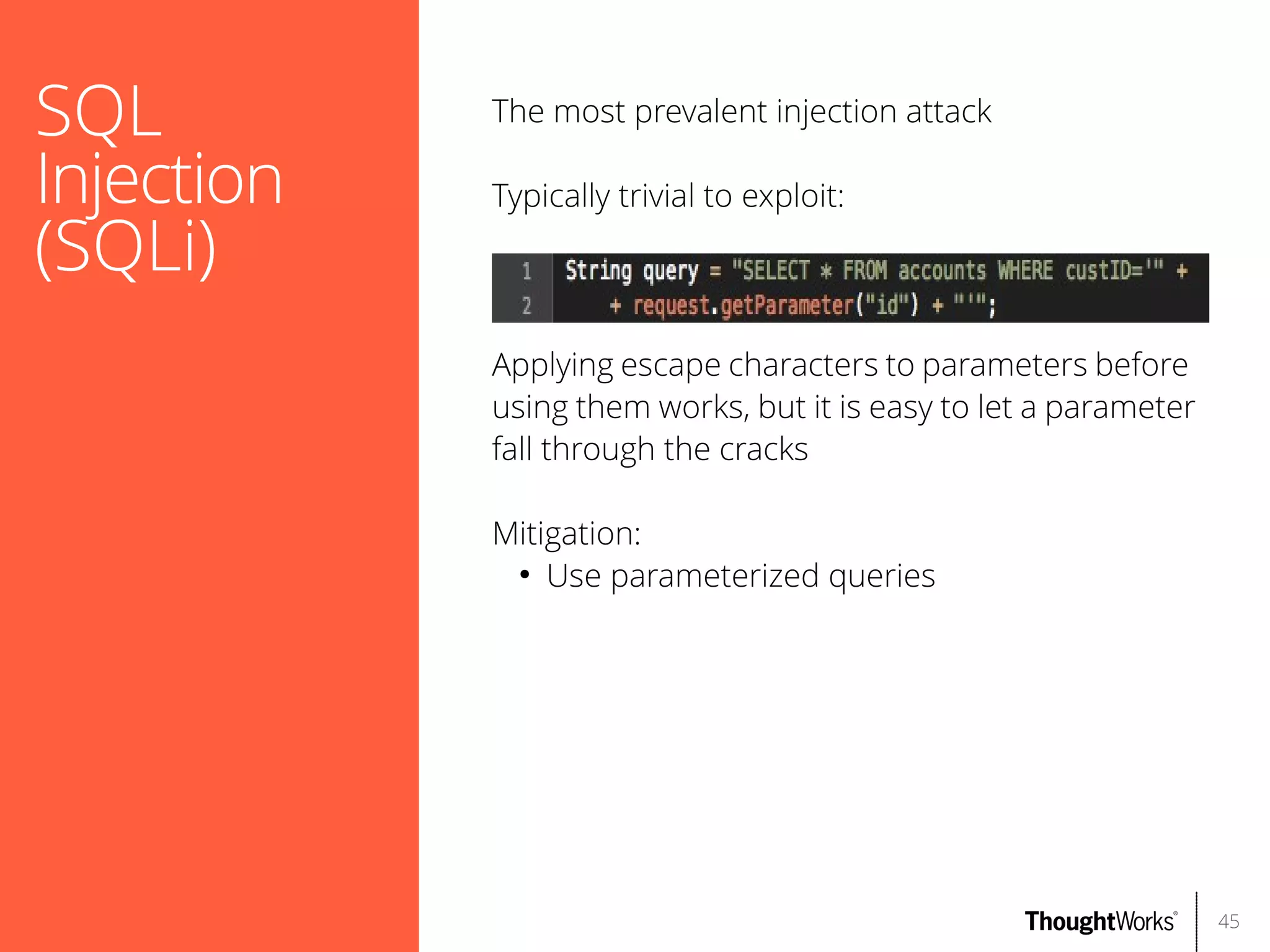
The most prevalent injection attack
Typically trivial to exploit:

Applying escape characters to parameters before
using them works, but it is easy to let a parameter
fall through the cracks
Mitigation:
●
Use parameterized queries

45
Demo
SQL injection

46
XSS

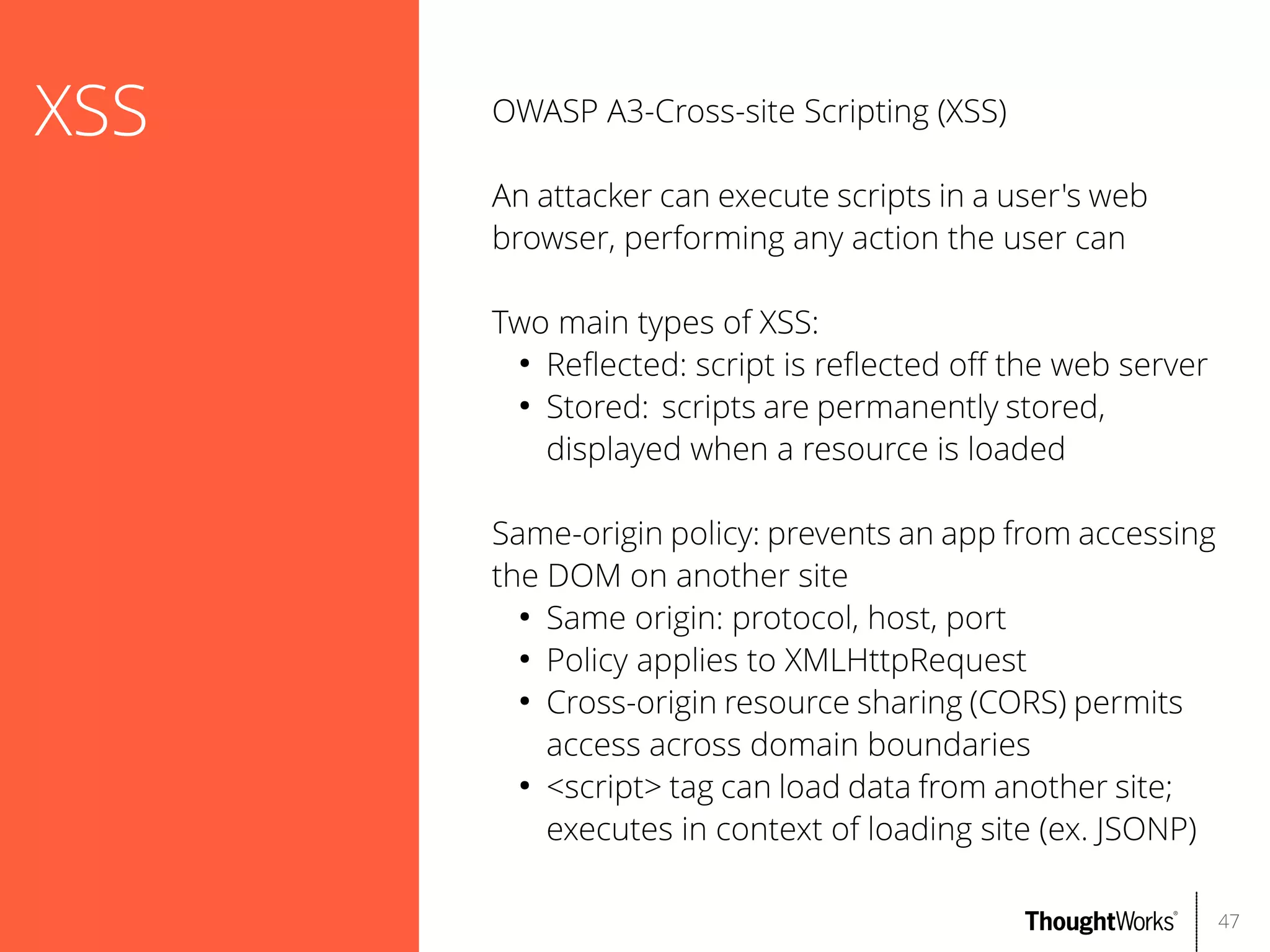
OWASP A3-Cross-site Scripting (XSS)
An attacker can execute scripts in a user's web
browser, performing any action the user can
Two main types of XSS:
●
Refected: script is refected of the web server
●
Stored: scripts are permanently stored,
displayed when a resource is loaded
Same-origin policy: prevents an app from accessing
the DOM on another site
●
Same origin: protocol, host, port
●
Policy applies to XMLHttpRequest
●
Cross-origin resource sharing (CORS) permits
access across domain boundaries
●
<script> tag can load data from another site;
executes in context of loading site (ex. JSONP)
47
XSS

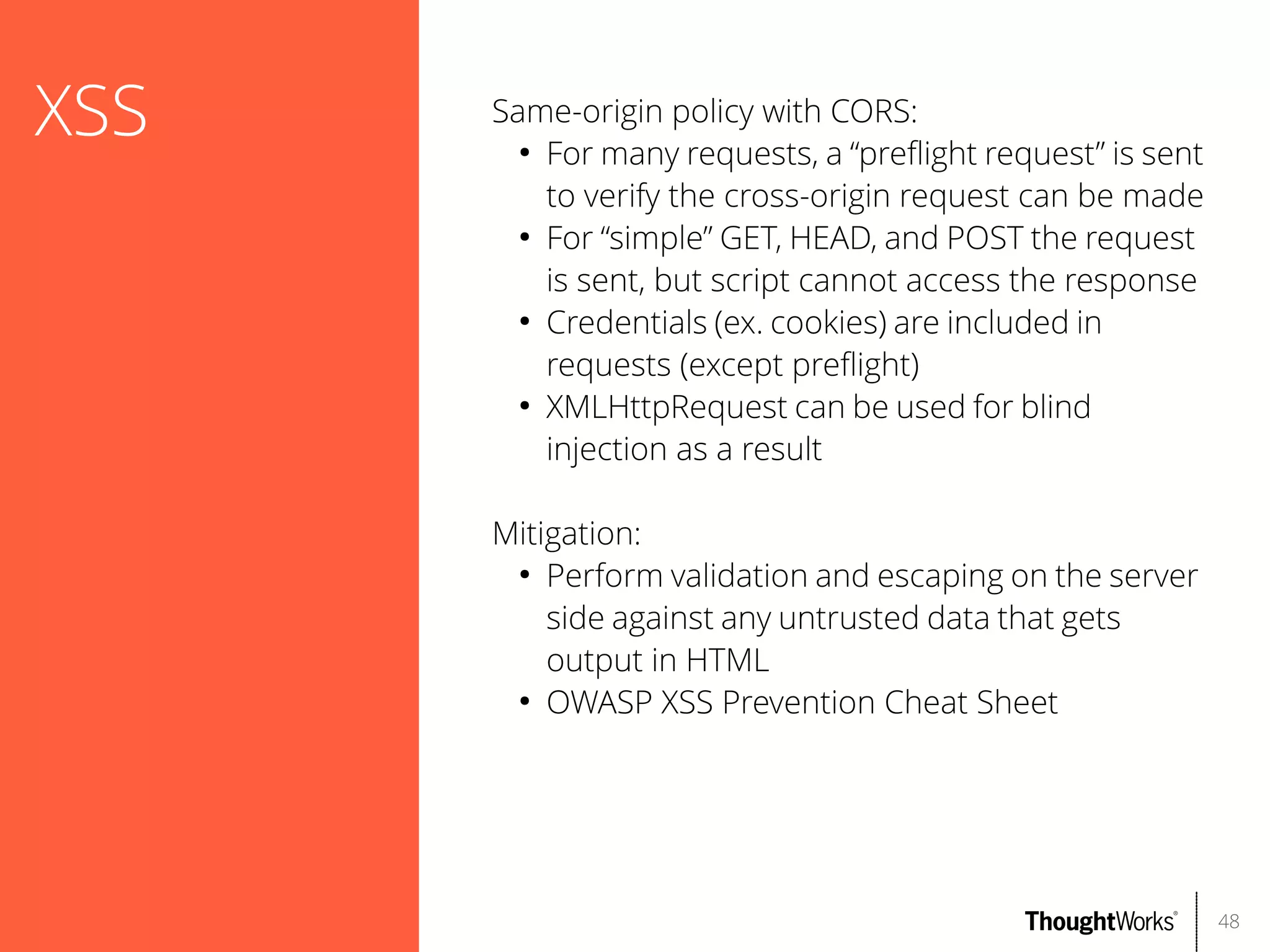
Same-origin policy with CORS:
●
For many requests, a “prefight request” is sent
to verify the cross-origin request can be made
●
For “simple” GET, HEAD, and POST the request
is sent, but script cannot access the response
●
Credentials (ex. cookies) are included in
requests (except prefight)
●
XMLHttpRequest can be used for blind
injection as a result
Mitigation:
●
Perform validation and escaping on the server
side against any untrusted data that gets
output in HTML
●
OWASP XSS Prevention Cheat Sheet

48
Demo
Cross-site scripting

49
CSRF

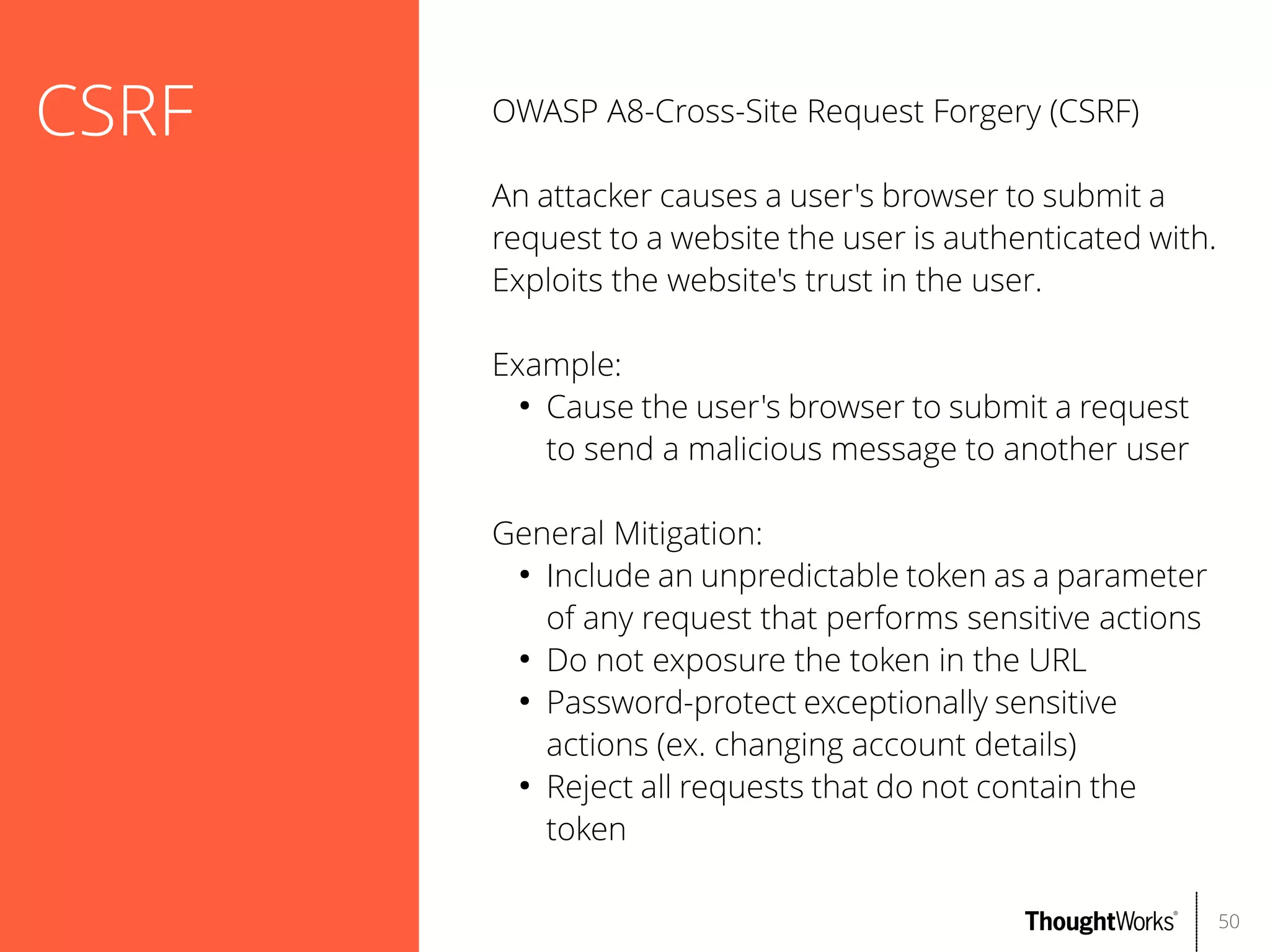
OWASP A8-Cross-Site Request Forgery (CSRF)
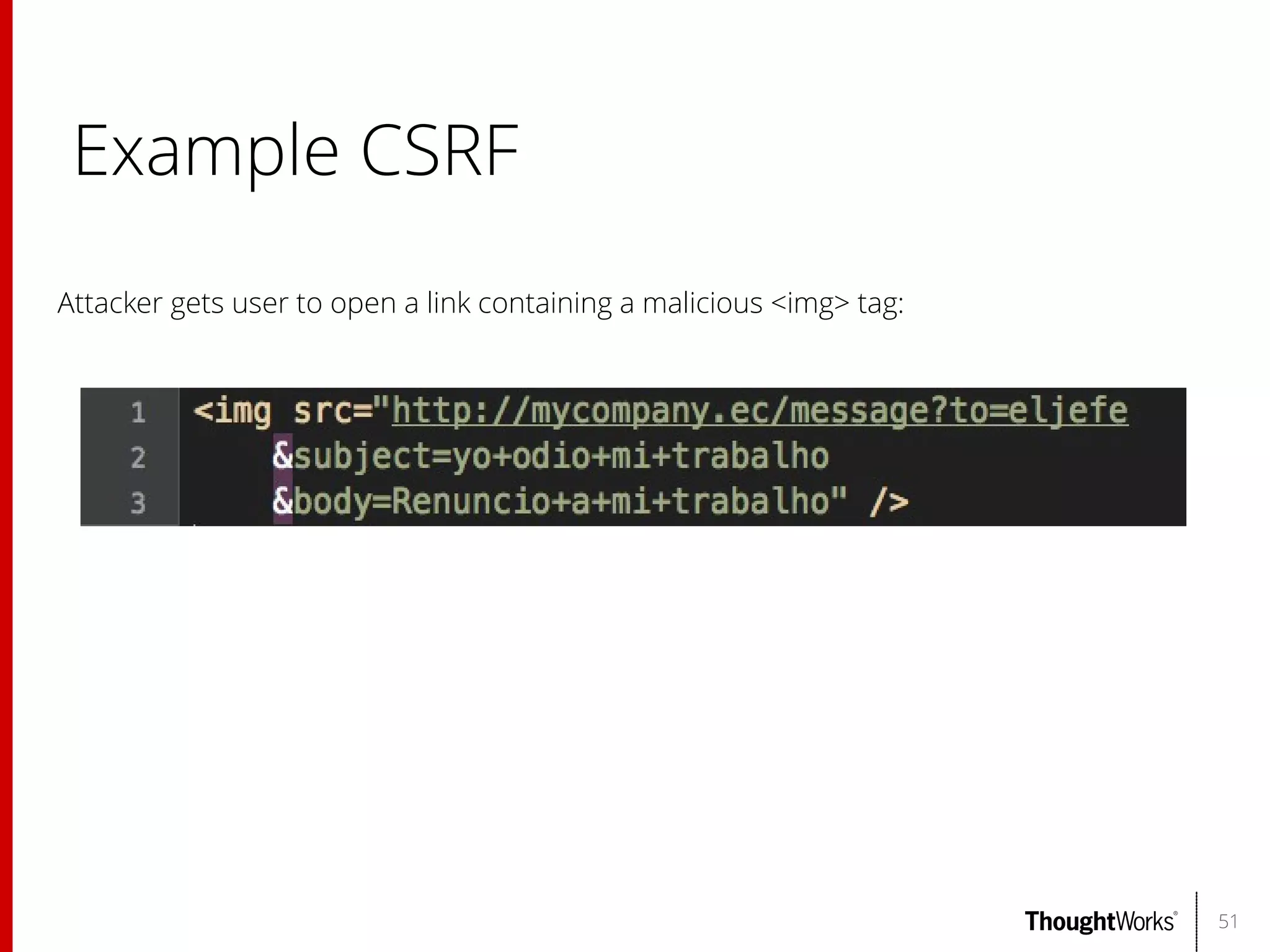
An attacker causes a user's browser to submit a
request to a website the user is authenticated with.
Exploits the website's trust in the user.
Example:
●
Cause the user's browser to submit a request
to send a malicious message to another user
General Mitigation:
●
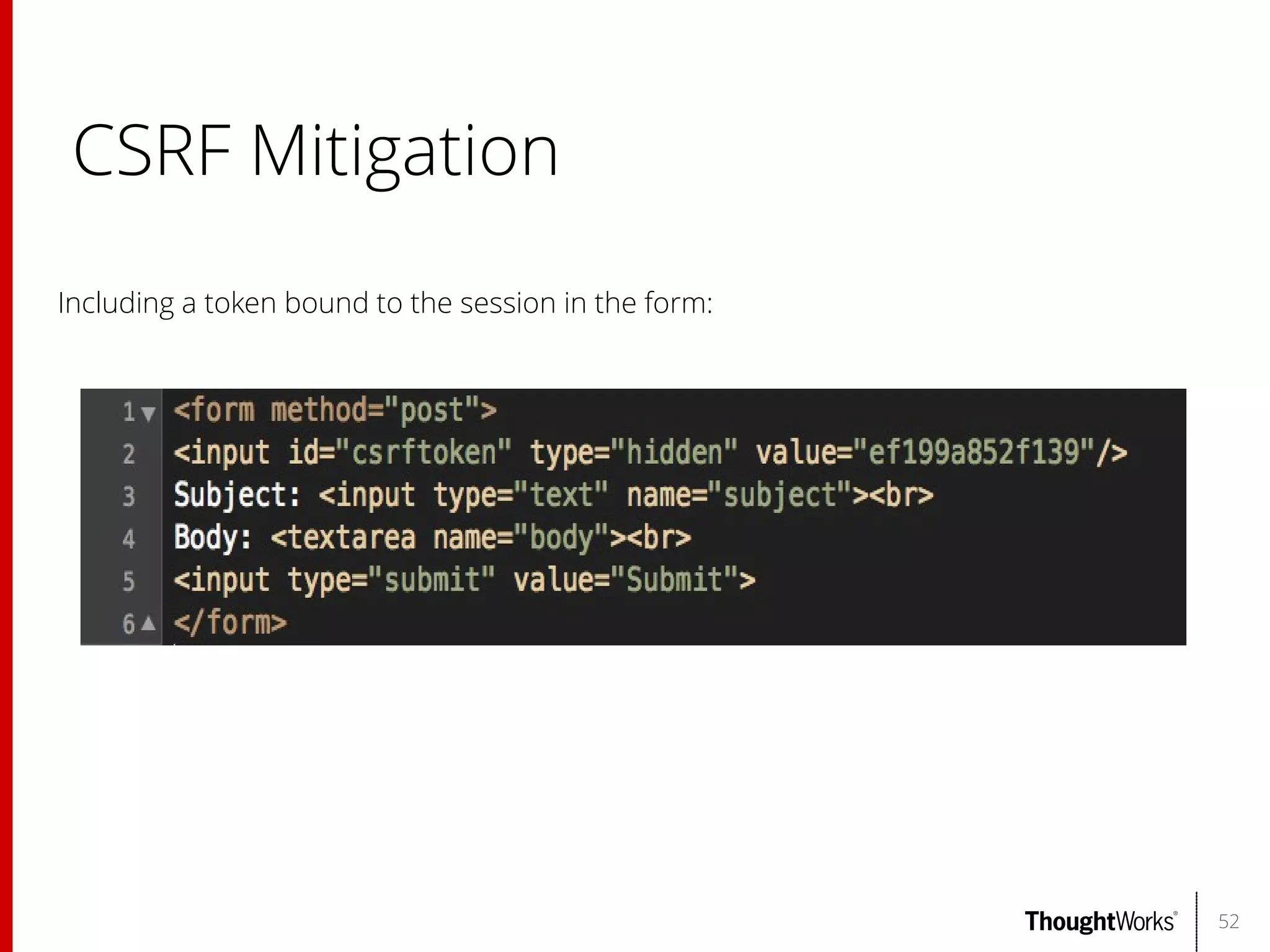
Include an unpredictable token as a parameter
of any request that performs sensitive actions
●
Do not exposure the token in the URL
●
Password-protect exceptionally sensitive
actions (ex. changing account details)
●
Reject all requests that do not contain the
token
50
Example CSRF
Attacker gets user to open a link containing a malicious <img> tag:

51
CSRF Mitigation
Including a token bound to the session in the form:

52
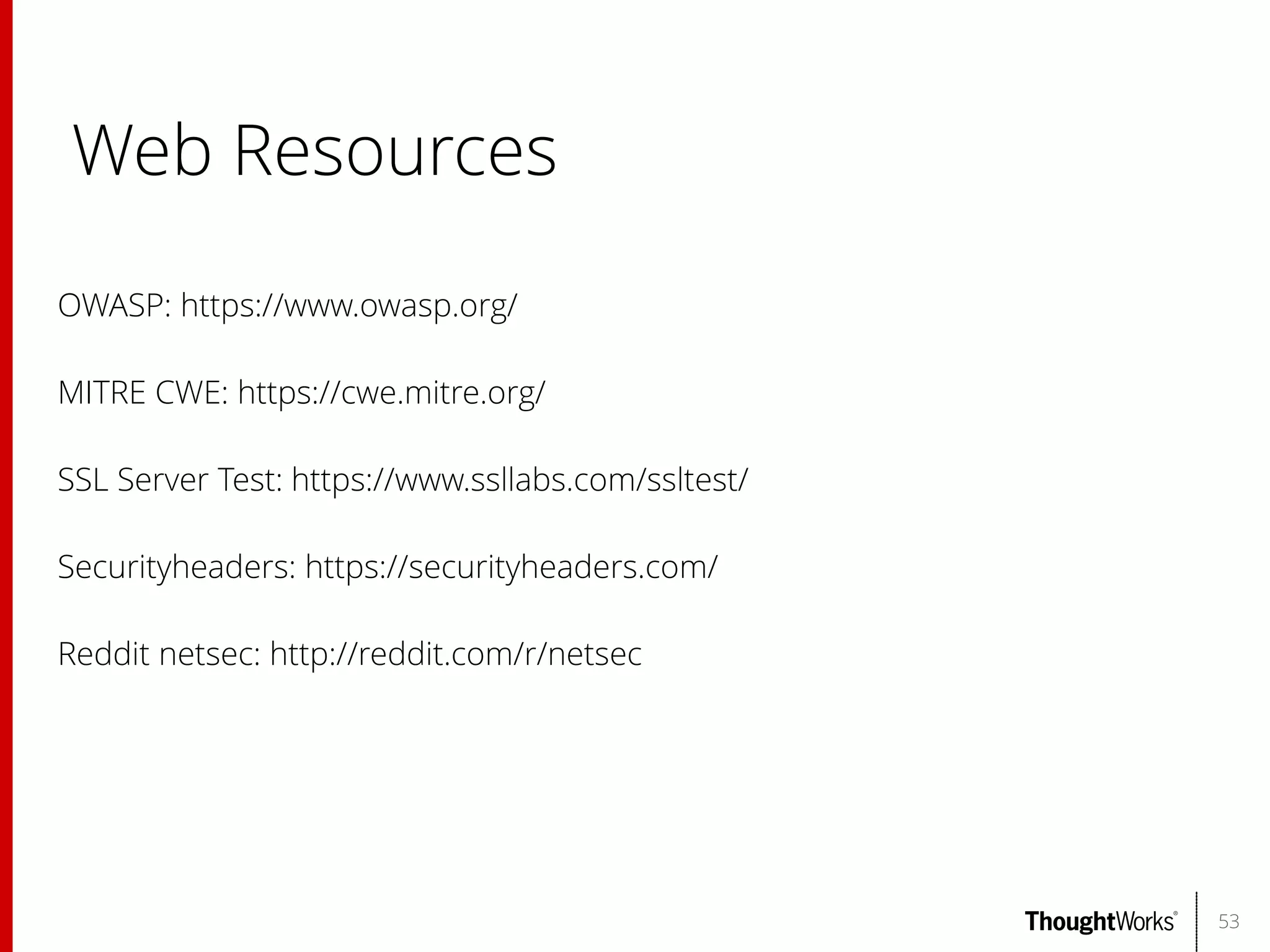
Web Resources
OWASP: https://www.owasp.org/
MITRE CWE: https://cwe.mitre.org/
SSL Server Test: https://www.ssllabs.com/ssltest/
Securityheaders: https://securityheaders.com/
Reddit netsec: http://reddit.com/r/netsec

53
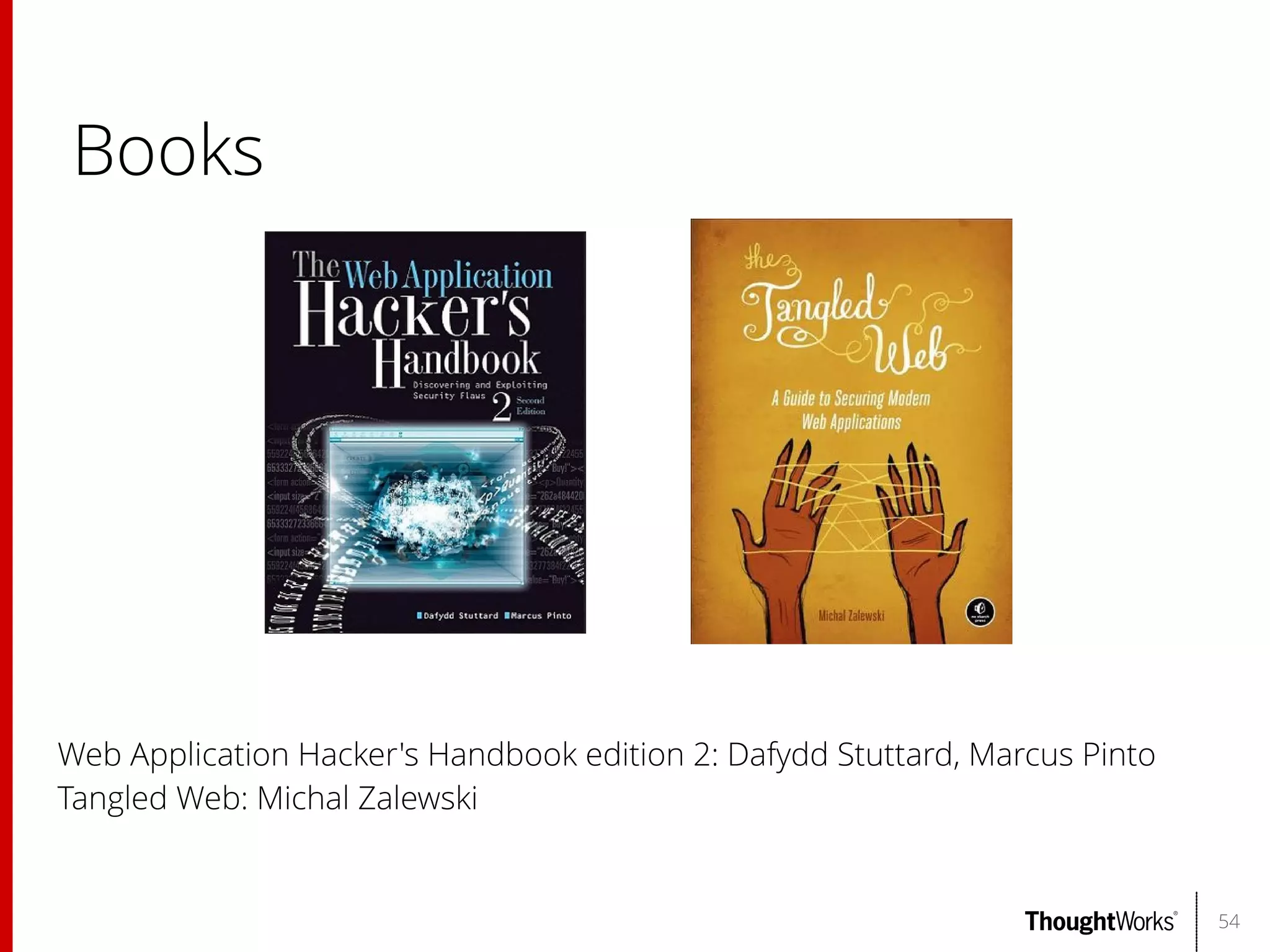
Books

Web Application Hacker's Handbook edition 2: Dafydd Stuttard, Marcus Pinto
Tangled Web: Michal Zalewski

54
Questions?

55

Web Application Security: Introduction to common classes of security flaws and testing methodologies

  • 1.
    Feb 2014 Web Application Security Presented to: Introductionto common classes of security faws and testing methodologies ThoughtWorks Quito Noche Geek Cade Cairns <cade@thoughtworks.com>
  • 2.
    Outline Intent: • • • • Discuss common classesof web security faws Demonstrate tools that developers and testers can use to harden web applications Describe other ways to mitigate risks Show what a professional tester (or attacker) might do 2
  • 3.
    About me ThoughtWorks Canada SoftwareDeveloper REcon Security Conference (http://recon.cx/) Conference Organizer Past: SecurityFocus – threat analyst, software developer IGSN – security analyst for gaming companies Subgraph – software developer for Vega (and various others) 3
  • 4.
    Threat evolution As the webcontinues to evolve, so do the threats Attack surface keeps increasing Developers want features to enhance their web application functionality, but that comes at a cost Many more massive online services Exploit markets now exist; value of vulnerabilities increasing Result: much higher motivation to break security 4
  • 5.
    Agenda Testing methodology withoverviews of common security faws Attacks against servers Attacks against clients 5
  • 6.
    Testing plan Information gathering ● Map applicationcontent ● Identify hidden content ● Identify hints for attack vectors ● Look for accidental leakage ● Enumerate other resources Analysis ● Target analysis ● Research Automated scanning Test authentication mechanisms Verify access controls Test input validation Look for XSS, CSRF 6
  • 7.
    Toolkit Types of tools: ● ● ● ● ● ● ● ● ● Interceptingproxy (supporting SSL MITM) Web application spider (passive, active) Content discovery Data analysis Fuzzing Automated vulnerability scanning (passive, active) Automated attacks Network scanners Resource scanner Tools lists: http://sectools.org/ More reading: http://sectooladdict.blogspot.com/ 7
  • 8.
    Burp Suite Popular choicefor use by security testers Integrates a lot of tools: ● Intercepting proxy ● Spider (active and passive) ● Scanner (active and passive) ● Fuzzer ● Discovery and test attack automation ● HTTP request tester (repeater) ● Data analysis and comparison ● Content encoders/decoders Supports third-party plug-ins Multi-platform: written in Java Free version with crippled features; $299 USD/year 8
  • 9.
    OWASP Zed Attack Proxy (ZAP) Highly-ratedsecurity tool [1] Provides many useful functions: ● Intercepting proxy ● Spider (active and passive; supports Ajax) ● Scanner (active and passive) ● Fuzzer ● File/directory brute forcer Supports third-party add-ons; online marketplace Multi-platform: Swing Java Open source; Apache License 2.0 [1] http://www.toolswatch.org/2013/12/2013-top-security-tools-as-votedby-toolswatch-org-readers/ 9
  • 10.
    Subgraph Vega Software attempting tointegrate more features than Burp, for free Has several useful features: ● Intercepting proxy ● Spider (active and passive) ● Scanner (active and passive) ● Well-designed probes for security faws ● Scanner modules are written in Javascript; easily extensible Multi-platform: Eclipse RCP Open source; Eclipse Public License 1.0 10
  • 11.
    skipfsh Web application securityreconnaissance tool Features: ● Scanner (active) ● Well-designed probes for security faws ● Attempts to do non-disruptive checks ● Brute force resource identifcation using a dictionary: combinations of ${keyword}.$ {extension} Multi-platform: Linux, FreeBSD, Mac OS X, Windows Open source; Apache License 2.0 11
  • 12.
    sqlmap Simplifes detecting andexploiting SQL injection faws Features: ● Detecting, exploiting SQL injection faws ● Full support for many DBMSs ● Supports multiple SQL injection techniques ● Database fngerprinting ● Fetching data from database ● Executing arbitrary OS commands Multi-platform: Python 2.6.x and 2.7.x Open source; GPLv2 12
  • 13.
    Nikto Tool to identifydangerous applications, fles, and confgurations Features: ● Large database of dangerous fles/web apps ● Common web server misconfgurations ● Fingerprinting web servers Multi-platform: Perl Open source; GPL 13
  • 14.
    Kali Linux Linux penetrationtesting distribution Formerly known as BackTrack Linux Contains most of the tools used in this presentation and many more Open source; various licenses 14
  • 15.
    More tools Some morehelpful tools: ● ● ● ● nmap DNSenum netcat stunnel 15
  • 16.
    Test target: OWASP BWA OWASP BWA(Broken Web Applications) Linux virtual machine running applications with known vulnerabilities Useful for learning about web application security testing and testing tools For this presentation, focus on testing WackoPicko, which was used for the paper “Why Johnny Can't Pentest: An Analysis of Black-box Web Vulnerability Scanners” 16
  • 17.
    Information gathering Step 1: mappingthe application Purpose: ● Get a thorough view of the target ● Identify common misconfgurations ● Can reuse information later as you discover problems Methodology: ● Passive spidering: explore visible content using a security proxy tool ● Map the application using multiple users (privileged, non-privileged) if applicable ● Check against public resources e.g. Google ● Active spidering (if desired) Tools: ● Burp Proxy or ZAP Proxy 17
  • 18.
  • 19.
    Information gathering Step 2: identifyhidden content Purpose: ● Find content that wasn't linked to publicly ● Find default content Methodology: ● Scan the web site using tools Tools: ● Nikto 19
  • 20.
  • 21.
    Analysis Step 3: targetanalysis Purpose: ● Figure out what you're up against ● Gain insight to better tune later attacks Methodology: ● Identify the technologies used ● Identify functionality ● Determine how core functionality works, URL style, etc. ● Enumerate inputs ● Identify redirects ● Understand security model ● Review use of cookies OWASP A10-Unvalidated redirects and fowards 21
  • 22.
    Analysis Step 4: identifyhints for attack vectors Purpose: ● Look for anything the that unintentionally identifes weak functionality Methodology: ● Review robots.txt ● Look for commented out code, links ● Review cross-domain fles: Flash, Silverlight 22
  • 23.
    Example robots.txt User-agent: * Disallow:/admin/ Disallow: /site-old/ Disallow: /api/ # new API Disallow: /partner/ # partner API 23
  • 24.
    Analysis Step 5: lookfor accidental leakage Purpose: ● Look for content that should not be accessible Methodology: ● Identify error handling with information leakage ● Search for copies of edited script fles, i.e. where extension was changed (fle.php~, .fle.php.swp) ● Look for the .DS_Store fle or other fles that index a directory ● Guess flenames: AnnualReport2014.pdf when AnnualReport2013.pdf exists 24
  • 25.
    Avoiding leakage How much doesyour site need to reveal? Do any components actually need to know your web server version or version of Rails? Principle of least privilege: every module must be able to access only the information and resources that are necessary for its legitimate purpose Protect sensitive information; use access controls where it must be disclosed Use generic error messages 25
  • 26.
    Information gathering Step 6: enumerateother resources Purpose: ● Look for other network resources – web sites, etc. Methodology: ● Enumerate DNS hostnames, network blocks of other systems ● Identify other systems related to the target Tools: ● nmap ● DNSenum 26
  • 27.
    Automated scanning Step 7: scanthe target for security faws Warning: do not run an automated scanner in a production environment! Purpose: ● Identify possible security faws in the target web application Caveats: ● Scanners lack intuition and understanding of requirements ● Scanners cannot improvise ● False positives and false negatives are common Tools: ● Vega ● skipfsh 27
  • 28.
  • 29.
    Authentication OWASP A2-Broken Authenticationand Session Management Authentication is the main defense against unauthorized access and typically core to security Easy to make mistakes Common types: ● Form-based authentication ● HTTP authentication (basic, digest, Windows) ● Multifactor authentication ● SSL certifcates ● Authentication services 29
  • 30.
    Authentication Step 8: testauthentication mechanisms Methodology: ● Test password quality ● Attempt to enumerate usernames ● Attempt to brute force passwords ● Test account recovery function for enumerated users ● Examine cookies if 'remember me' option exists ● Verify credentials are submitted securely ● If multi-phase athentication is used, test for logic faws Tools: ● Web browser ● Burp 30
  • 31.
    Authentication Most common passwordsof 2013 [1] 1. 123456 (up 1) 2. password (down 1) 3. 12345678 (unchanged) 4. qwerty (up 1) 5. abc123 (down 1) 6. 123456789 (new) 7. 111111 (up 2) 8. 1234567 (up 5) 9. iloveyou (up 2) 10. adobe123 (new) 11. 123123 (up 5) 12. Admin (new) 13. 1234567890 (new) 14. letmein (down 7) 15. photoshop (new) [1] http://splashdata.com/press/worstpasswords2013.htm 31
  • 32.
    Authentication Basic guidelines forsafer authentication ● ● ● ● ● ● ● ● Passwords should be of a minimum length and contain a combination of alphabetic, numeric, uppercase, lowercase characters Don't limit the characters that can be used Avoid verbose authentication failure messages: use a single, generic error message Consider requiring periodic password changes Prevent brute force: lockout, CAPTCHAs Don't use unsafe questions for forgotten password Don't generate predictable usernames or passwords Transmit credentials using HTTPS 32
  • 33.
    Session Management Guidelines to preventsessions of legitimate users from being hijacked ● ● ● ● ● ● ● Generate strong random tokens: do not use predictable values or elements Transmit session tokens using HTTPS; use the 'Secure' attribute when setting the cookie Do not permit concurrent logins for the same user; invalidate older sessions Enforce inactivity timeouts Do not expose session identifers in URLs Invalidate session identifers during logout Verify information e.g. user-agent is valid throughout session 33
  • 34.
    Session Fixation Attack where oneperson attempts to set another person's session identifer Example: ● An airline includes session tokens in its URLs. An authenticated user shares a URL with his friend, allowing the friend to book a trip using his credit card. More guidelines: ● Do not accept session identifers from GET or POST query data ● Assign a new session identifer when a user logs in 34
  • 35.
    Access control OWASP A4-Insecure DirectObject References Applications often expose references to: ● Database keys ● Files ● Directories Avoid exposing resources directly. When these resources are exposed, it is important checks exist to ensure a user is authorized to access them. Example: ● Enumerating customers of a system by changing the customer ID on an account details page ● Request parameter used in a flesystem path 35
  • 36.
  • 37.
    Example simple flesystemtraversal Example: http://somesite.com/get_image.php?fle=welcome.png Some possible attacks: ?fle=../../../etc/passwd ?fle=/etc/passwd ?fle=/etc/passwd%00 ?fle=../get_image.php 37
  • 38.
    Access control Cookie scope: Specify thedomain when setting a cookie. A cookie set via attacker.example.com will otherwise be sent to any example.com host Restrict the cookie path when possible 38
  • 39.
    Access control Step 9: verifyaccess controls Purpose: ● Verify access controls are properly applied to sensitive functionality Methodology: ● Map the site using a diferent user 39
  • 40.
    Data exposure OWASP A6-Sensitive DataExposure Protect user data in transit: ● Use HTTPS ● https://www.ssllabs.com/ssltest/ Hardening data: ● Encrypt sensitive data (ex. passwords, credit cards) ● Use strong encryption and rotate keys where applicable ● PBKDBF2 for salted passwords Backups: ● Make sure backups are protected 40
  • 41.
    Verifying client input Assume allinput from a client is malicious. Even if the client is trusted, it may be under control of an attacker Do not use the client to relay sensitive parameters, ex. price of an item in a shopping cart. ● Users can see hidden input ● Requests can be intercepted ● Obfuscation isn't sufcient (e.g. ViewState) ● Browser extensions can be decompiled or debugged Verify input on both the client side and server side for usability, reliability Attacks can come from surprising sources 41
  • 42.
  • 43.
    Attack from anunexpected source http://www.infoworld.com/t/security/googles-dangerous-bots-put-the-whole-web-edge-230475 43
  • 44.
    Injection OWASP A1-Injection There aremany types of injection: ● SQL injection ● NoSQL injection ● XPath injection ● LDAP injection ● SOAP injection ● OS command injection ● SMTP injection ● Back-end request injection Attackers can use these attacks to steal data, execute arbitrary commands, or even to be destructive Mitigation: ● Separate untrusted data from commands or queries 44
  • 45.
    SQL Injection (SQLi) The most prevalentinjection attack Typically trivial to exploit: Applying escape characters to parameters before using them works, but it is easy to let a parameter fall through the cracks Mitigation: ● Use parameterized queries 45
  • 46.
  • 47.
    XSS OWASP A3-Cross-site Scripting(XSS) An attacker can execute scripts in a user's web browser, performing any action the user can Two main types of XSS: ● Refected: script is refected of the web server ● Stored: scripts are permanently stored, displayed when a resource is loaded Same-origin policy: prevents an app from accessing the DOM on another site ● Same origin: protocol, host, port ● Policy applies to XMLHttpRequest ● Cross-origin resource sharing (CORS) permits access across domain boundaries ● <script> tag can load data from another site; executes in context of loading site (ex. JSONP) 47
  • 48.
    XSS Same-origin policy withCORS: ● For many requests, a “prefight request” is sent to verify the cross-origin request can be made ● For “simple” GET, HEAD, and POST the request is sent, but script cannot access the response ● Credentials (ex. cookies) are included in requests (except prefight) ● XMLHttpRequest can be used for blind injection as a result Mitigation: ● Perform validation and escaping on the server side against any untrusted data that gets output in HTML ● OWASP XSS Prevention Cheat Sheet 48
  • 49.
  • 50.
    CSRF OWASP A8-Cross-Site RequestForgery (CSRF) An attacker causes a user's browser to submit a request to a website the user is authenticated with. Exploits the website's trust in the user. Example: ● Cause the user's browser to submit a request to send a malicious message to another user General Mitigation: ● Include an unpredictable token as a parameter of any request that performs sensitive actions ● Do not exposure the token in the URL ● Password-protect exceptionally sensitive actions (ex. changing account details) ● Reject all requests that do not contain the token 50
  • 51.
    Example CSRF Attacker getsuser to open a link containing a malicious <img> tag: 51
  • 52.
    CSRF Mitigation Including atoken bound to the session in the form: 52
  • 53.
    Web Resources OWASP: https://www.owasp.org/ MITRECWE: https://cwe.mitre.org/ SSL Server Test: https://www.ssllabs.com/ssltest/ Securityheaders: https://securityheaders.com/ Reddit netsec: http://reddit.com/r/netsec 53
  • 54.
    Books Web Application Hacker'sHandbook edition 2: Dafydd Stuttard, Marcus Pinto Tangled Web: Michal Zalewski 54
  • 55.