Downloaded 51 times
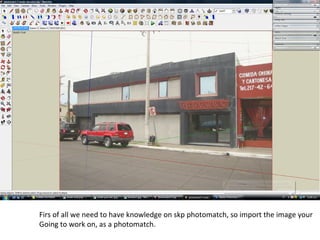
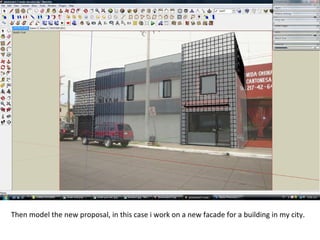


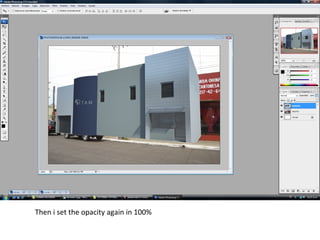


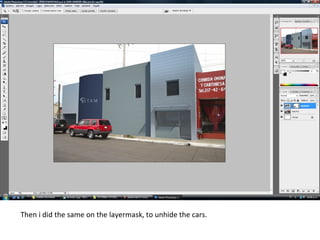
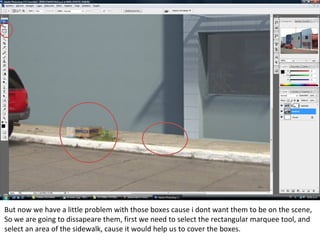


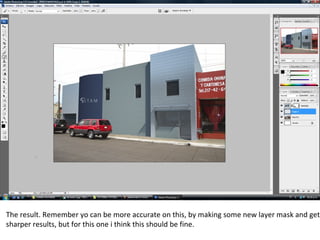


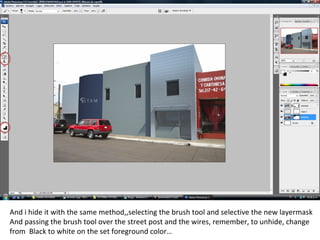


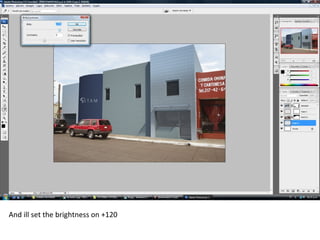


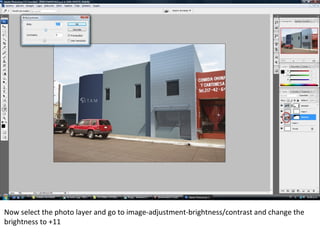


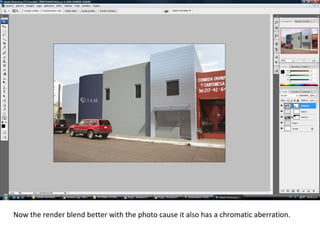

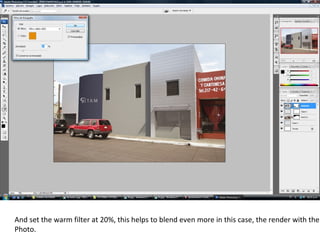


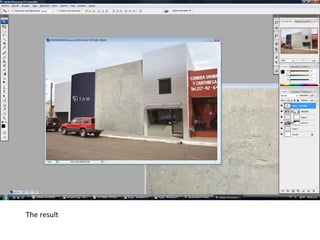


This tutorial shows how to blend a 3D render of a building facade with a real photo using Photoshop. Key steps include: 1) Importing the photo and 3D render into Photoshop. Scaling the render to match the photo. 2) Using layer masks and a brush tool to blend and hide parts of the render to make it look seamlessly connected to the photo. 3) Adjusting colors, brightness, and filters on layers to better match lighting and blend the render with the photo's style and quality.


