The Benefits and
Challenges of Being
Connected: Living,
Learning, and Teaching in
Virtual Spaces
Richard Beach, University of Minnesota,
rbeach@umn.edu handout on Google Docs
https://goo.gl/IfQt4
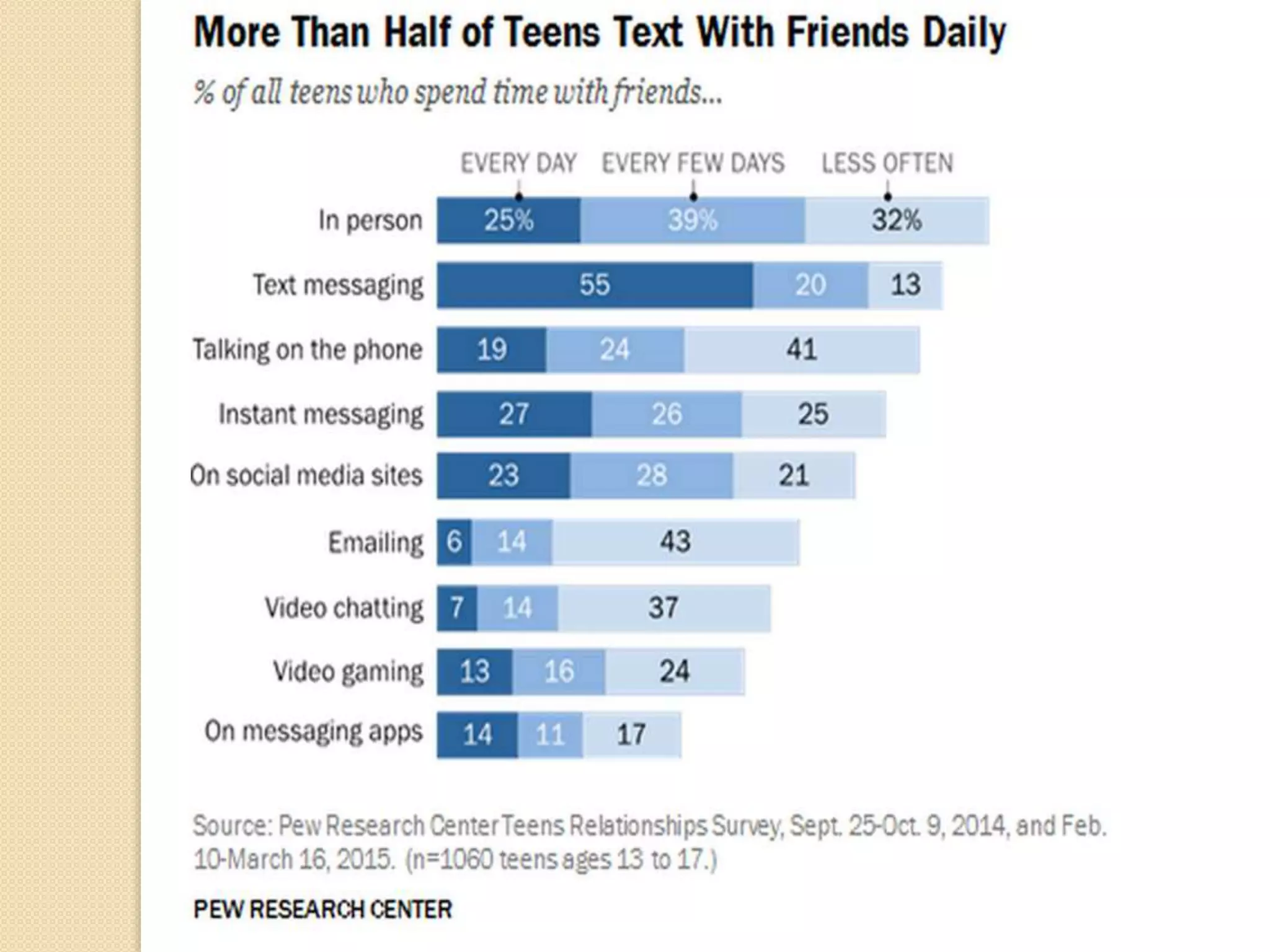
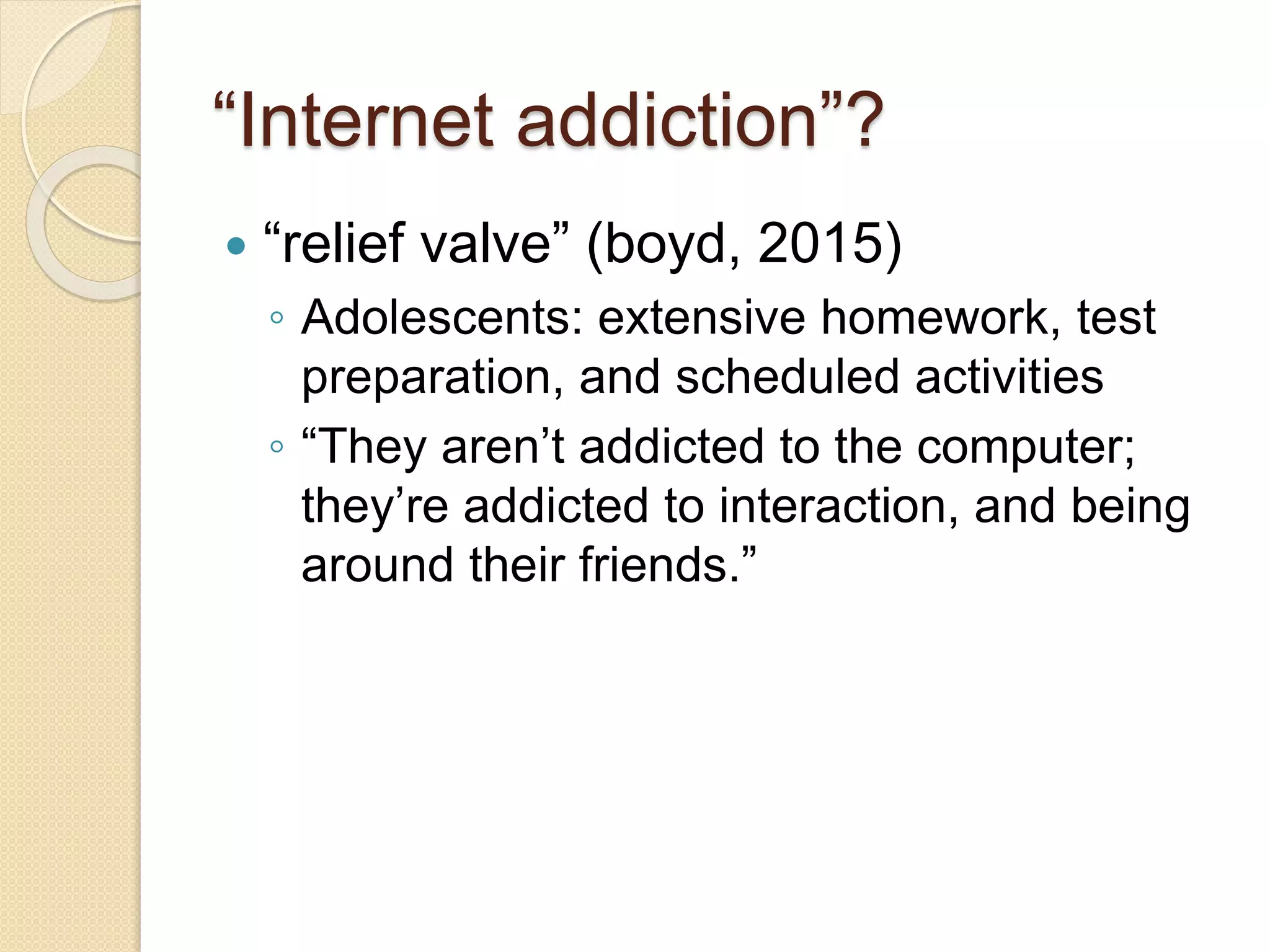
“Internet addiction”?
 “relief valve” (boyd, 2015)
◦ Adolescents: extensive homework, test
preparation, and scheduled activities
◦ “They aren’t addicted to the computer;
they’re addicted to interaction, and being
around their friends.”
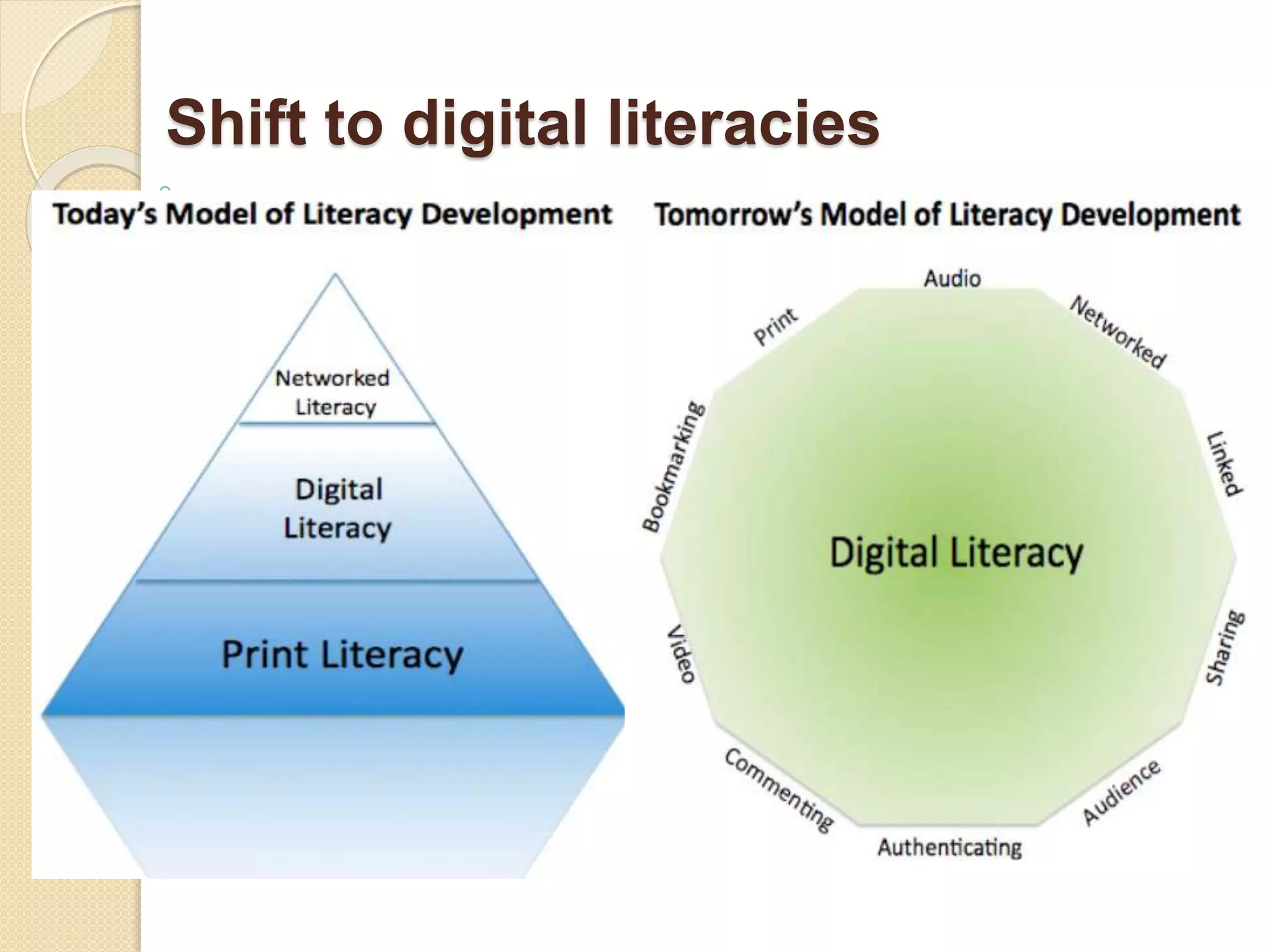
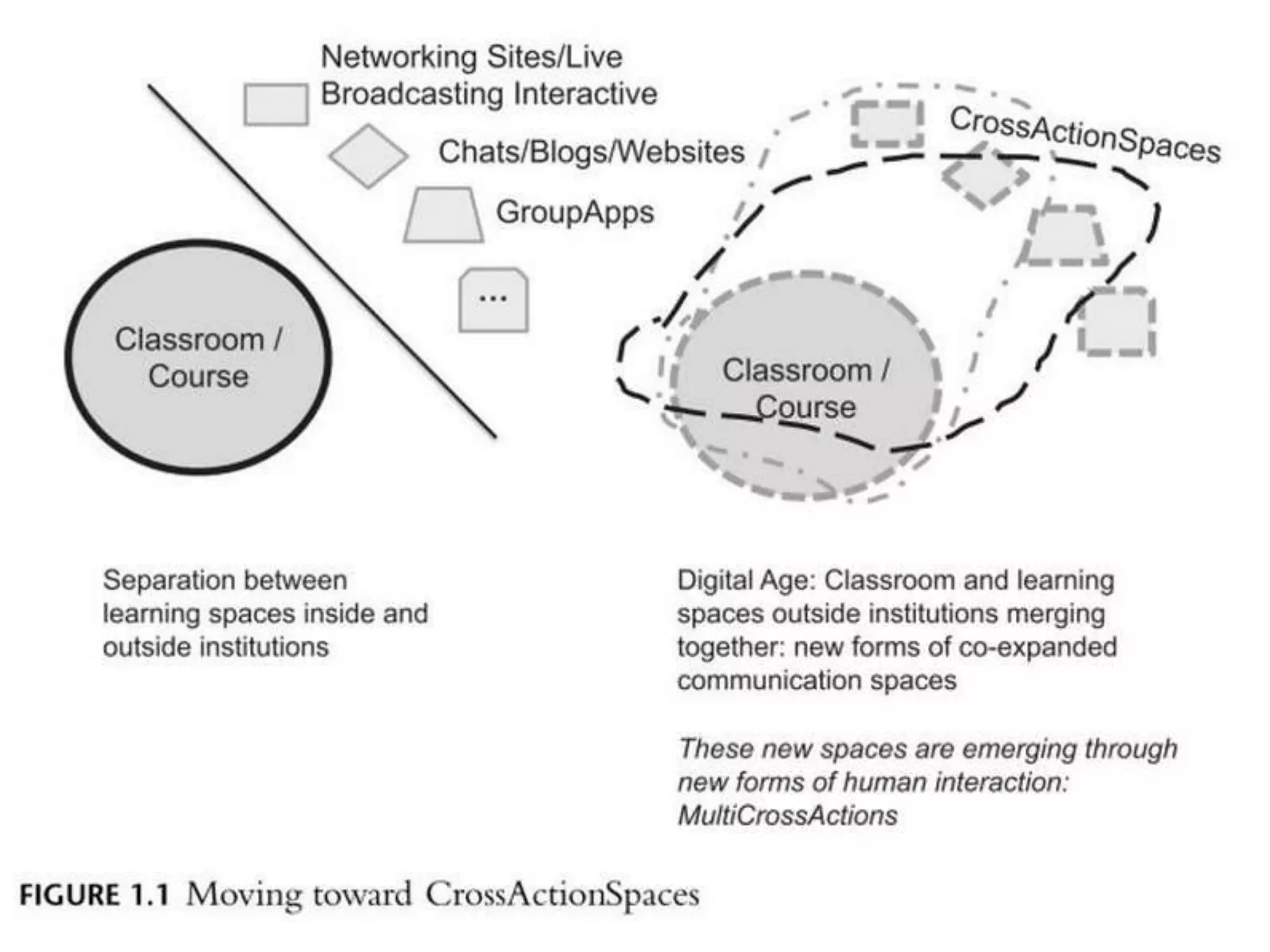
Shift to digital literacies
Being connected
Digital tools:
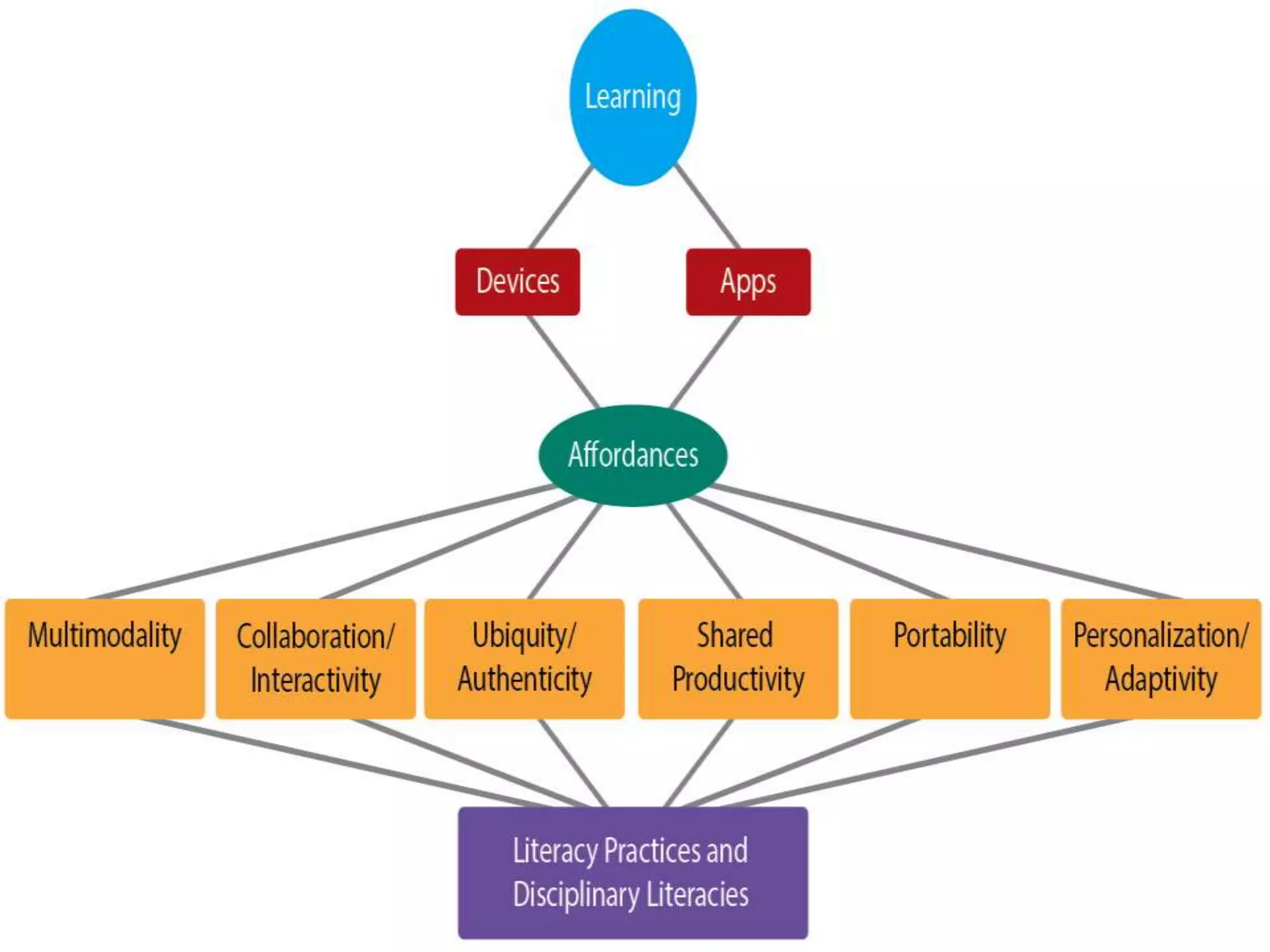
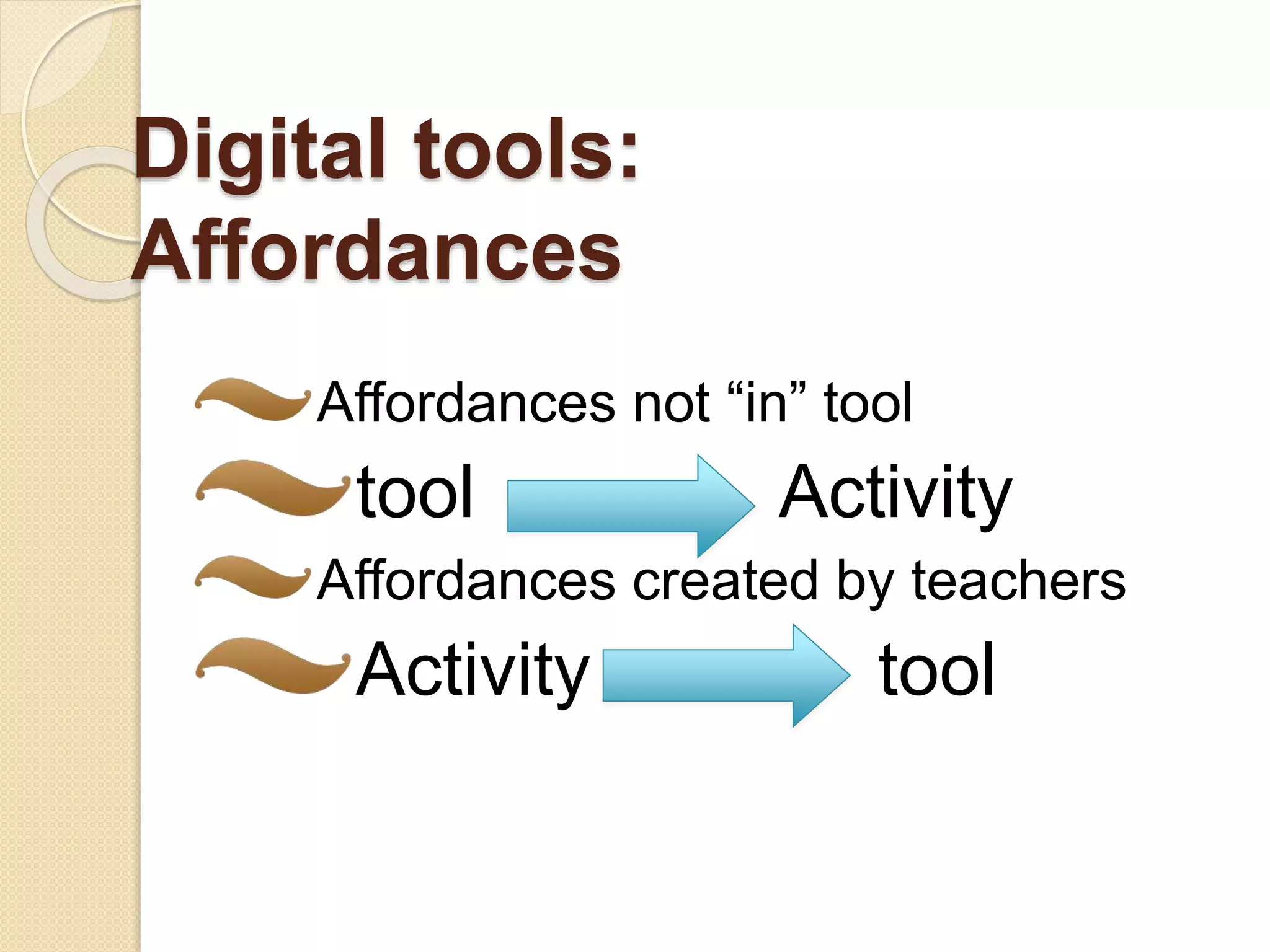
Affordances
Affordances not “in” tool
tool Activity
Affordances created by teachers
Activity tool
Types of tools/apps: Learning
 Replicant” apps
◦ reify ways of learning made possible by
other tools such as flash-cards or
calculator
 “Extender” apps
◦ “extend the learning experience in ways
not otherwise possible except through
app technology ((McLain, 2014, p. 196)
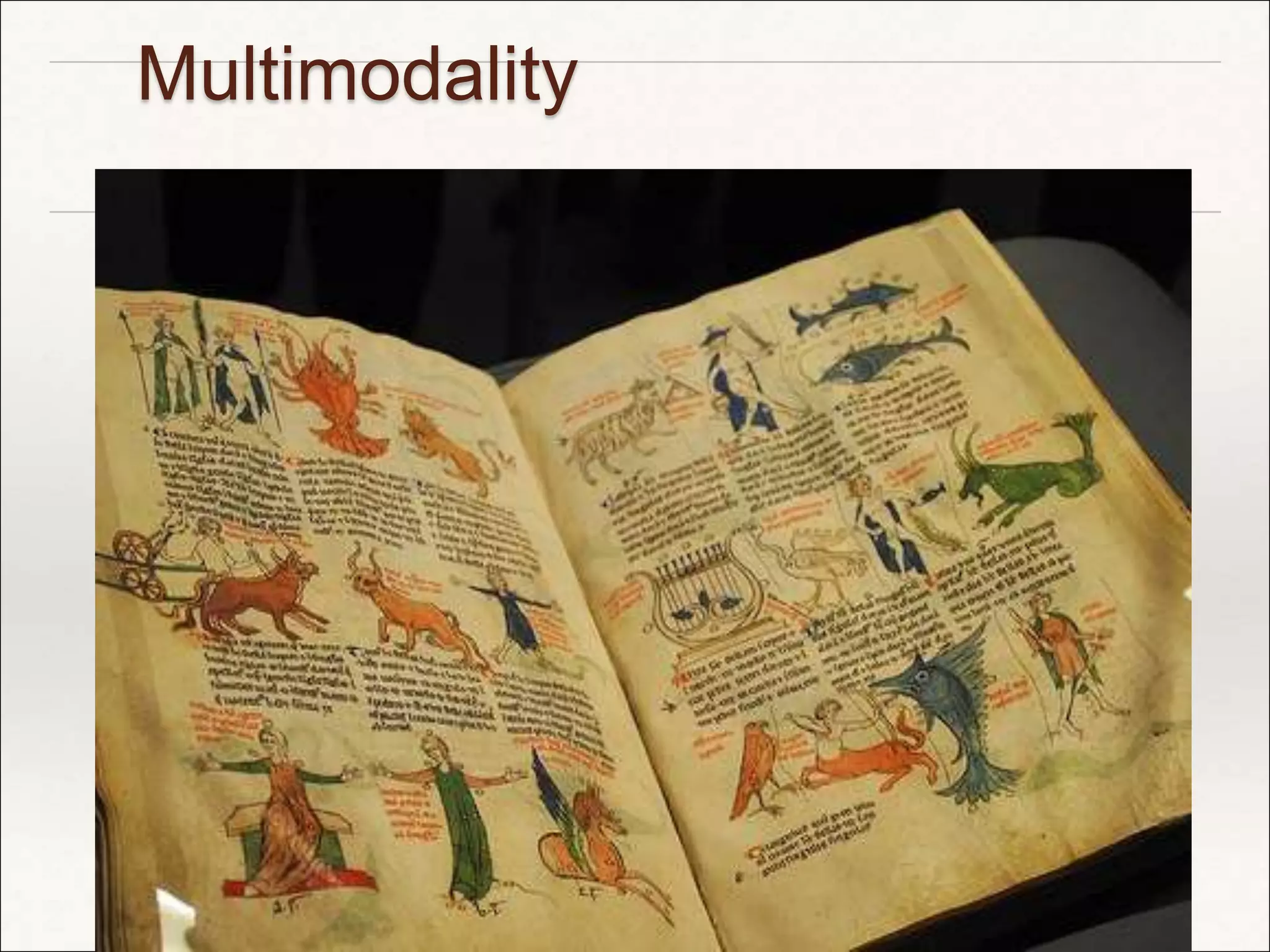
Multimodality
Multimodality: digital
images/video
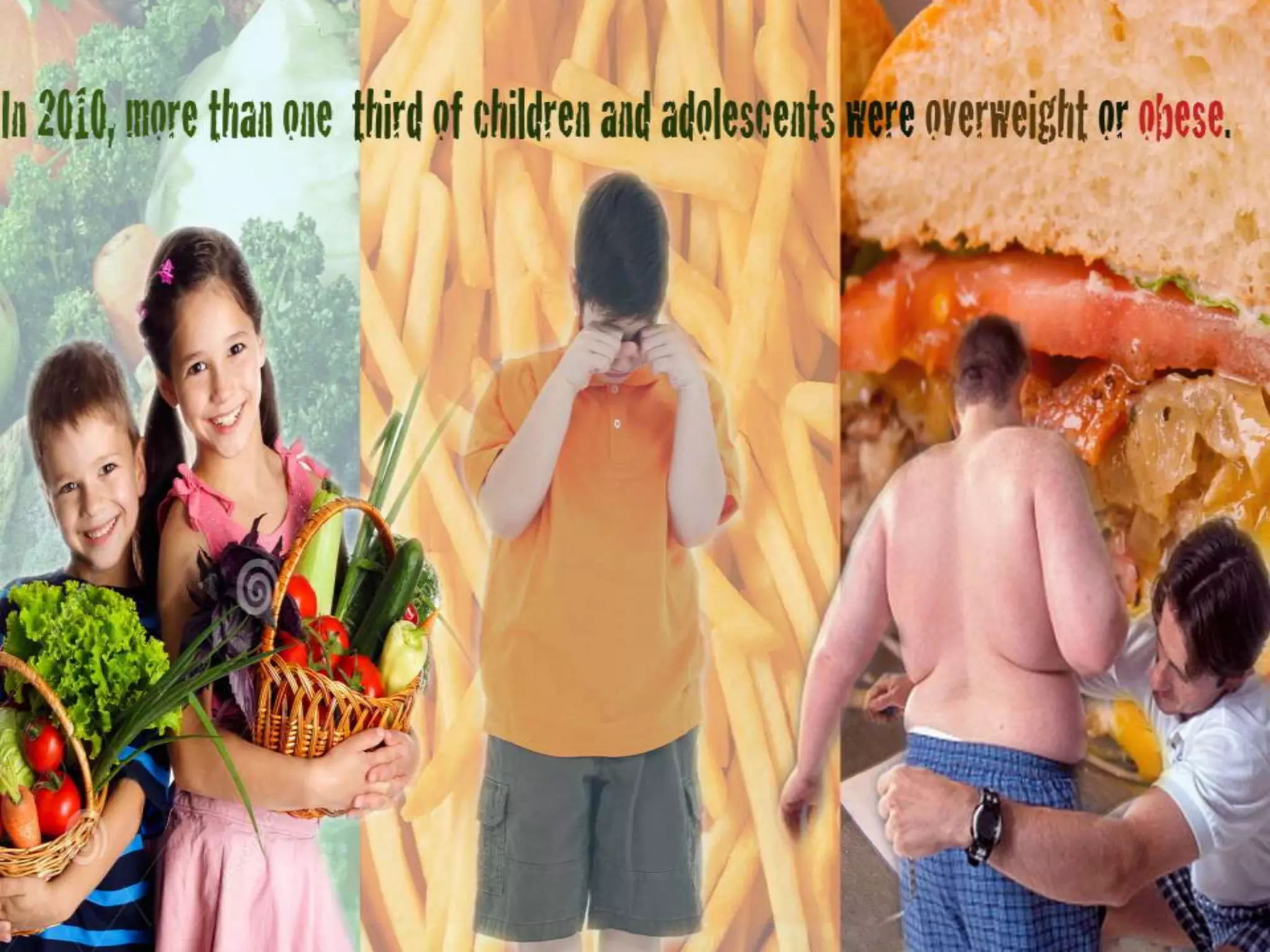
 Portraying problems/issues through
images and video
 Evoking emotions leading to “how-
come” questions about the status-quo
 Targeting groups to engage in civic
engagement challenging the status-
quo
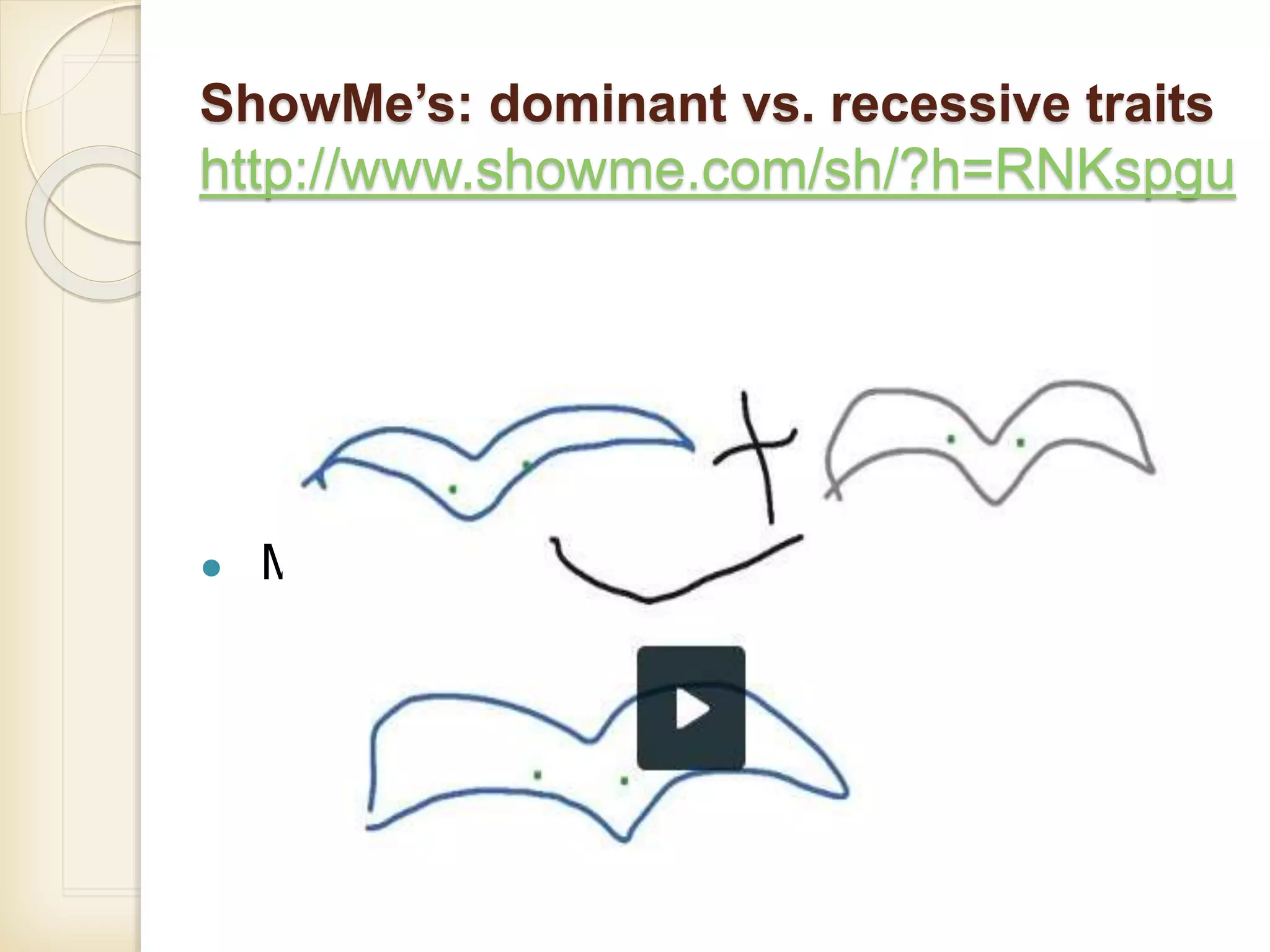
ShowMe’s: dominant vs. recessive traits
http://www.showme.com/sh/?h=RNKspgu
● Mother and father birds and baby bird
Critical Engagement:
Interaction: target audiences
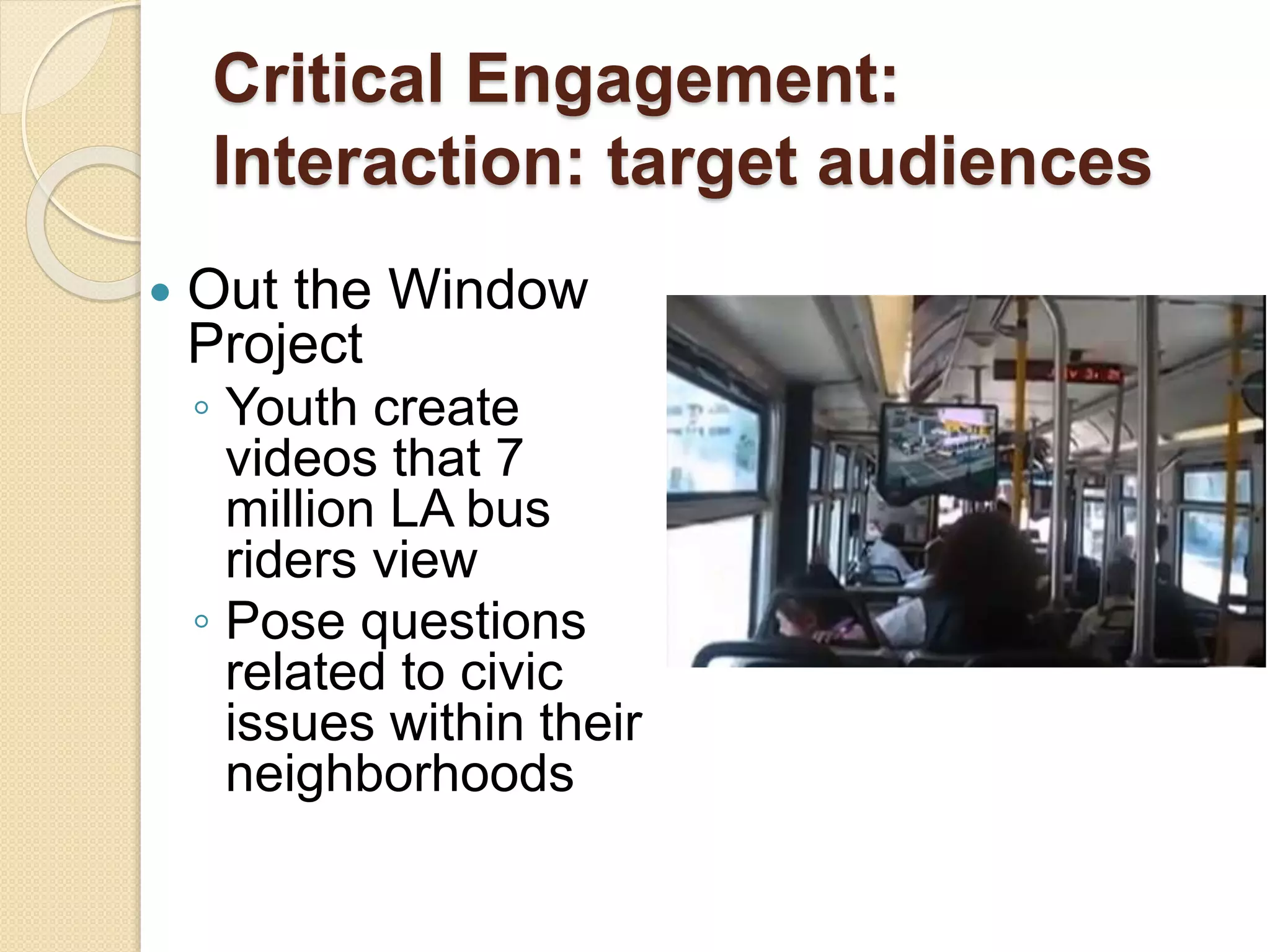
 Out the Window
Project
◦ Youth create
videos that 7
million LA bus
riders view
◦ Pose questions
related to civic
issues within their
neighborhoods
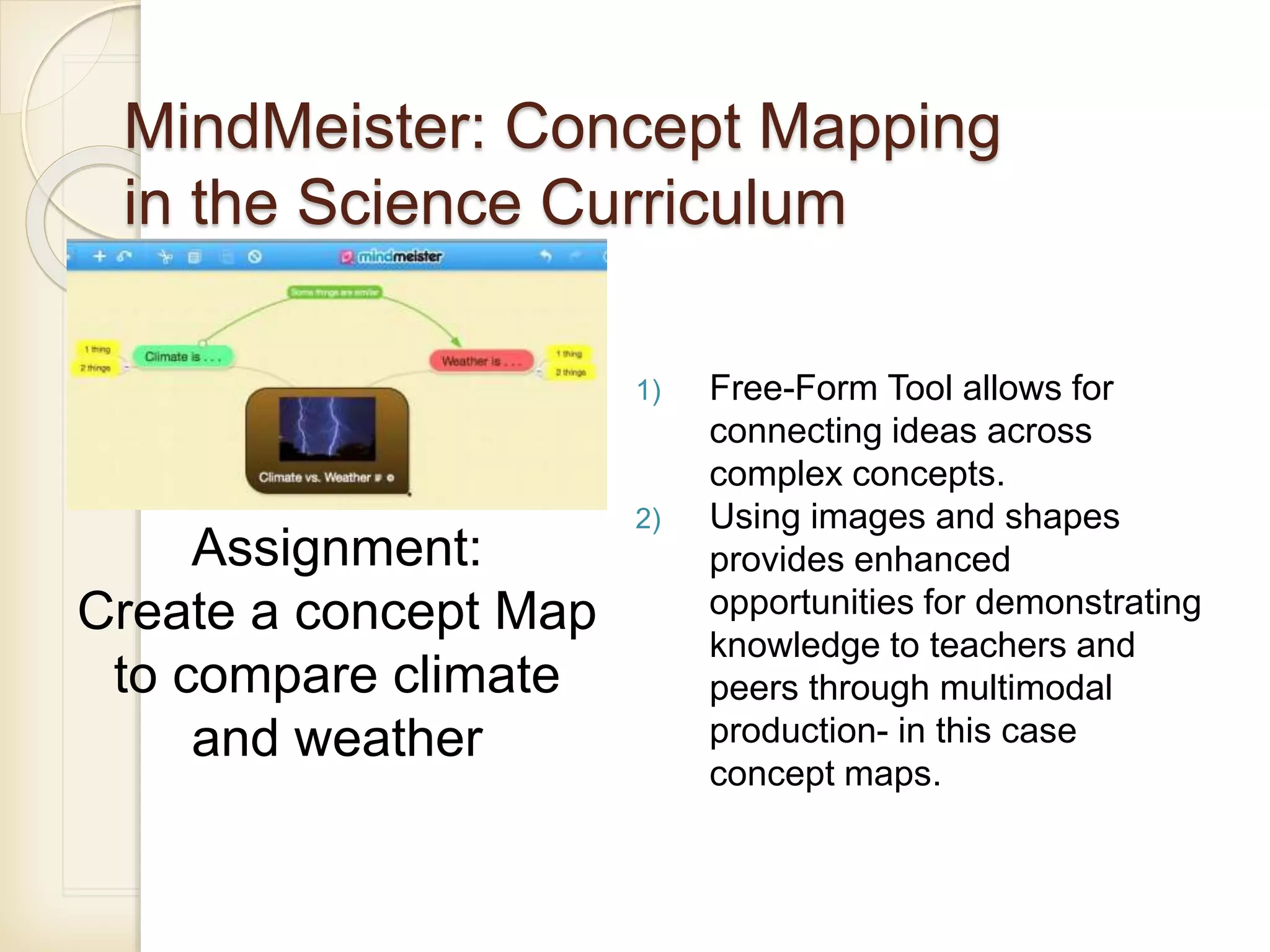
MindMeister: Concept Mapping
in the Science Curriculum
1) Free-Form Tool allows for
connecting ideas across
complex concepts.
2) Using images and shapes
provides enhanced
opportunities for demonstrating
knowledge to teachers and
peers through multimodal
production- in this case
concept maps.
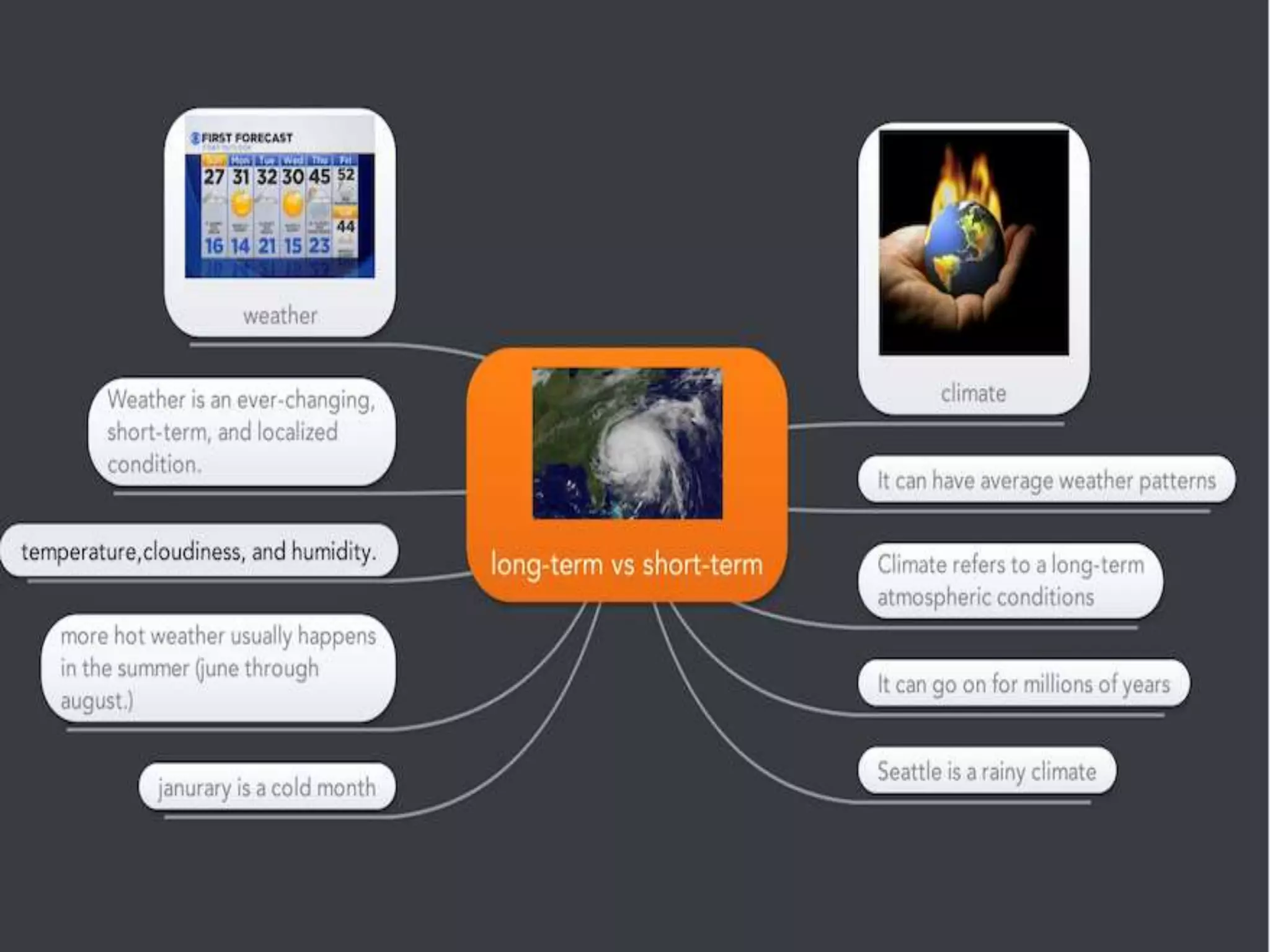
Assignment:
Create a concept Map
to compare climate
and weather
Interactivity/Collaboratio
n
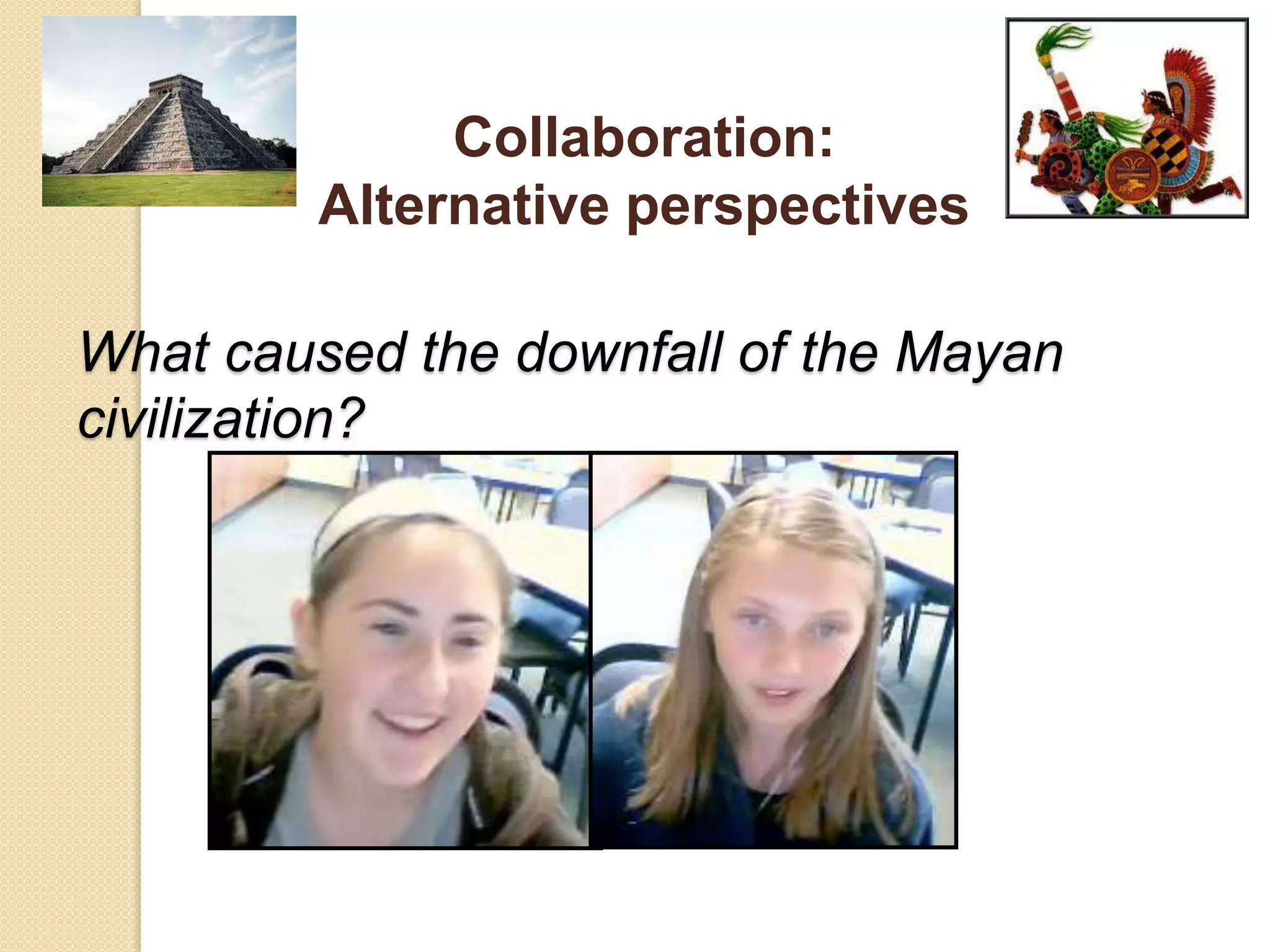
What caused the downfall of the Mayan
civilization?
Collaboration:
Alternative perspectives
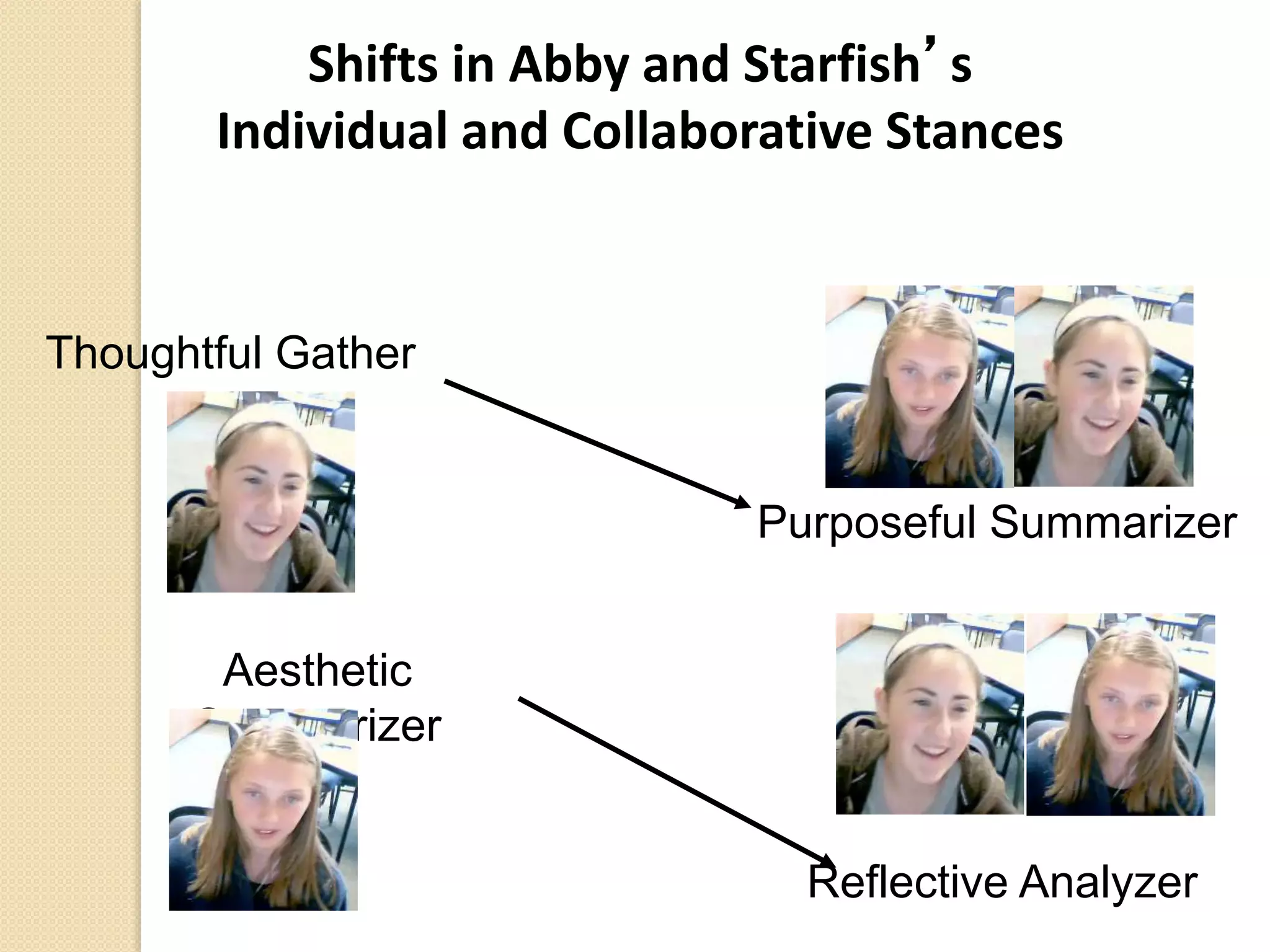
Shifts in Abby and Starfish’s
Individual and Collaborative Stances
Aesthetic
Summarizer
Thoughtful Gather
Purposeful Summarizer
Reflective Analyzer
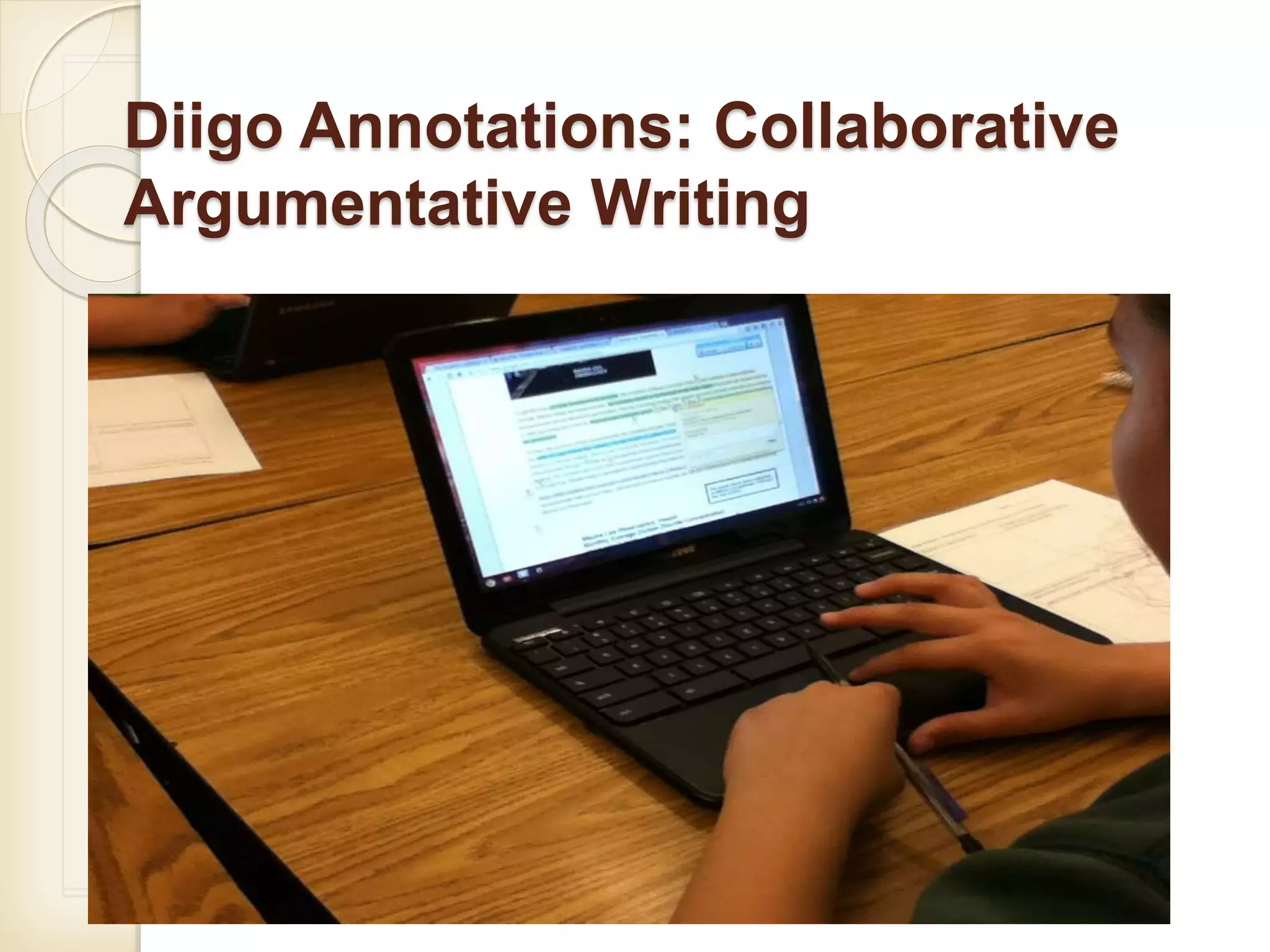
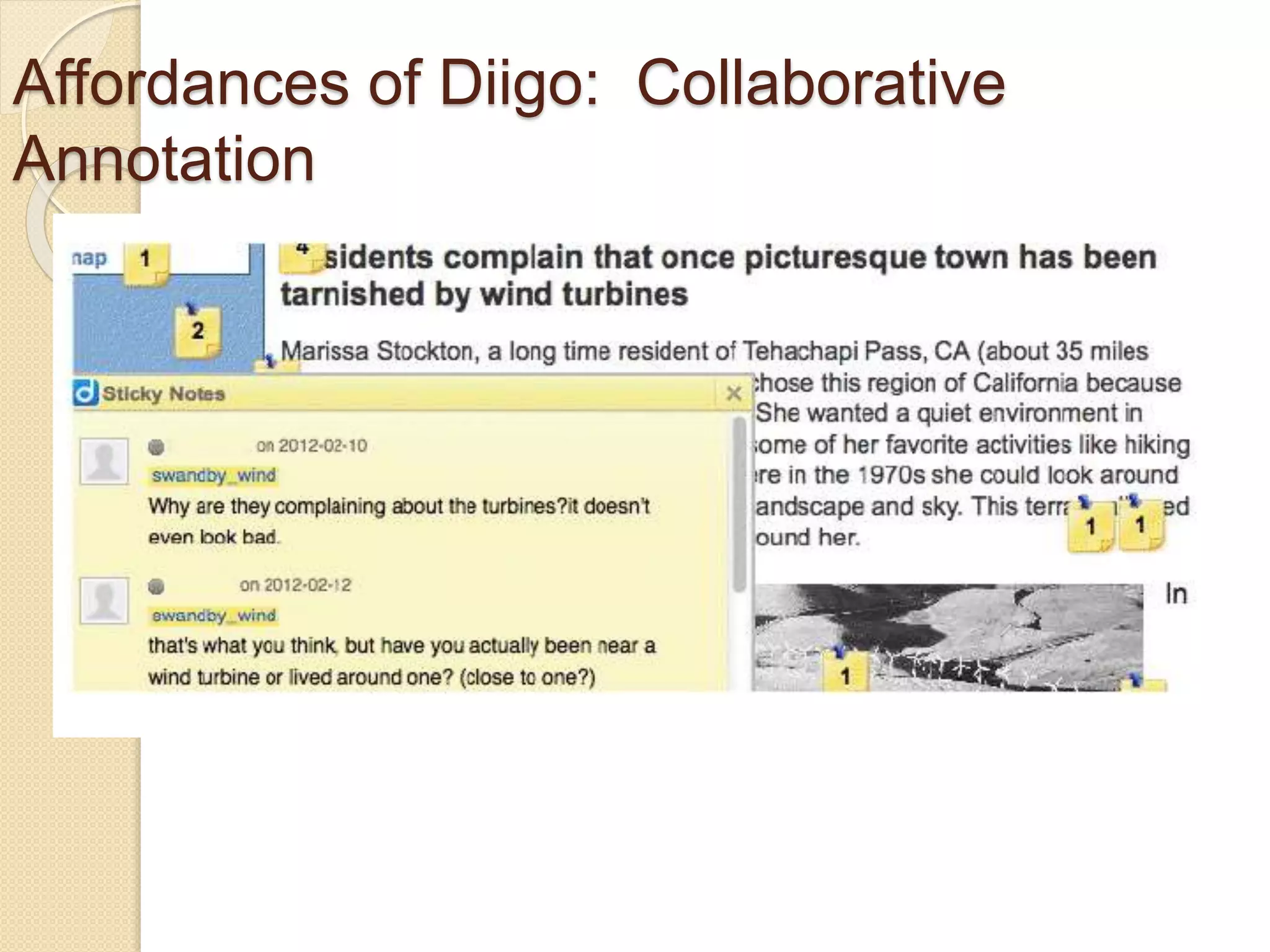
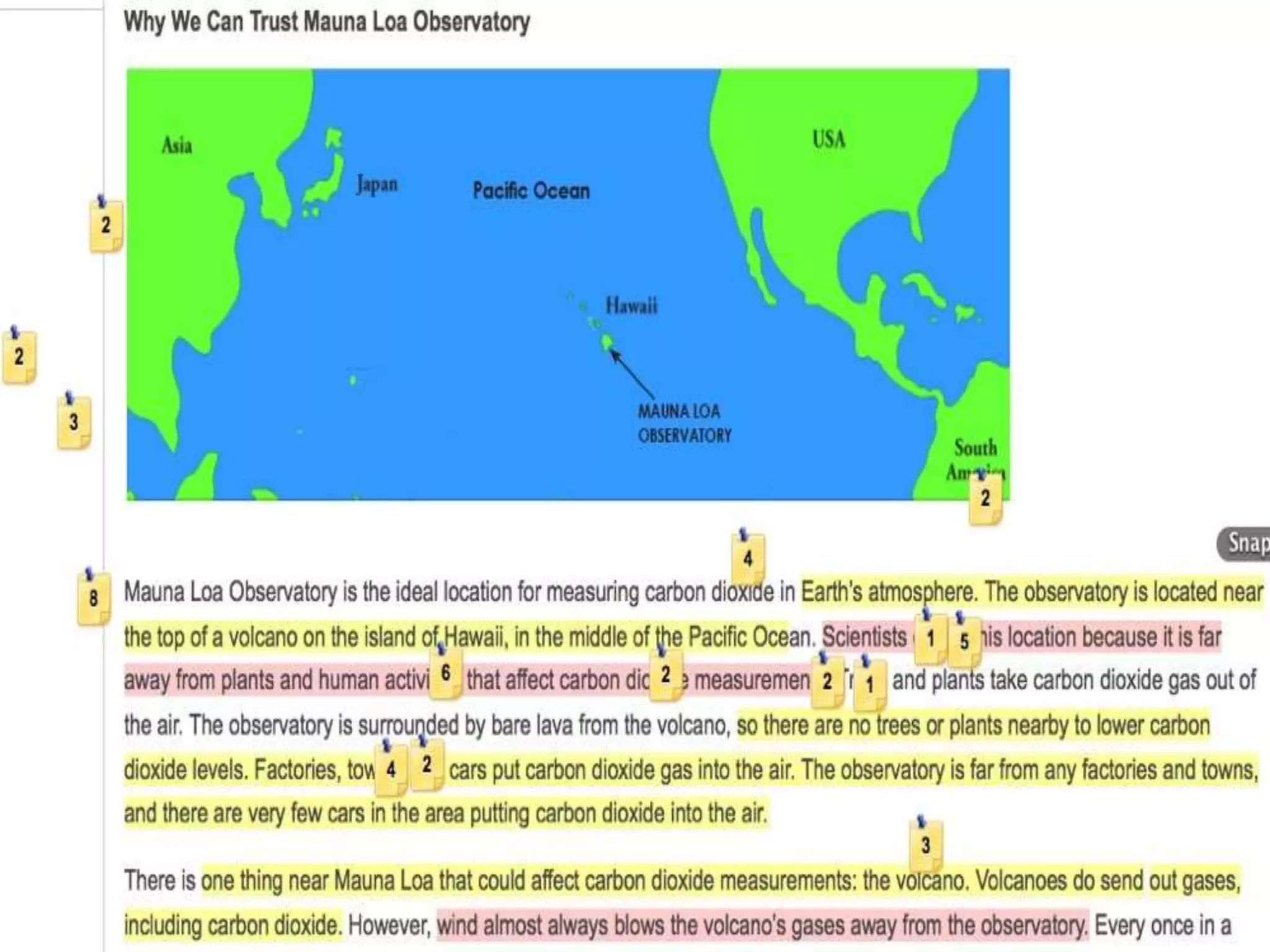
Diigo Annotations: Collaborative
Argumentative Writing
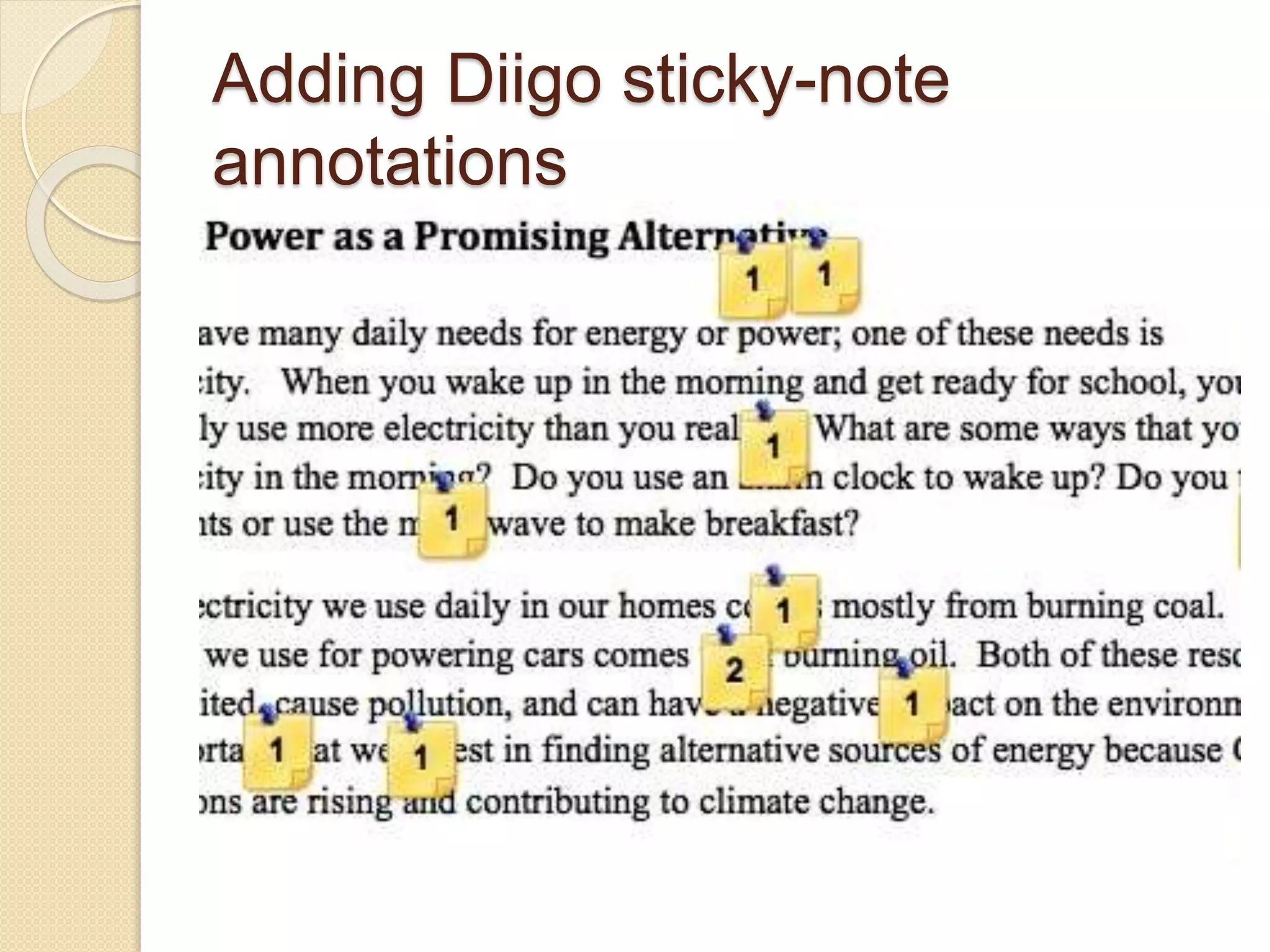
Adding Diigo sticky-note
annotations
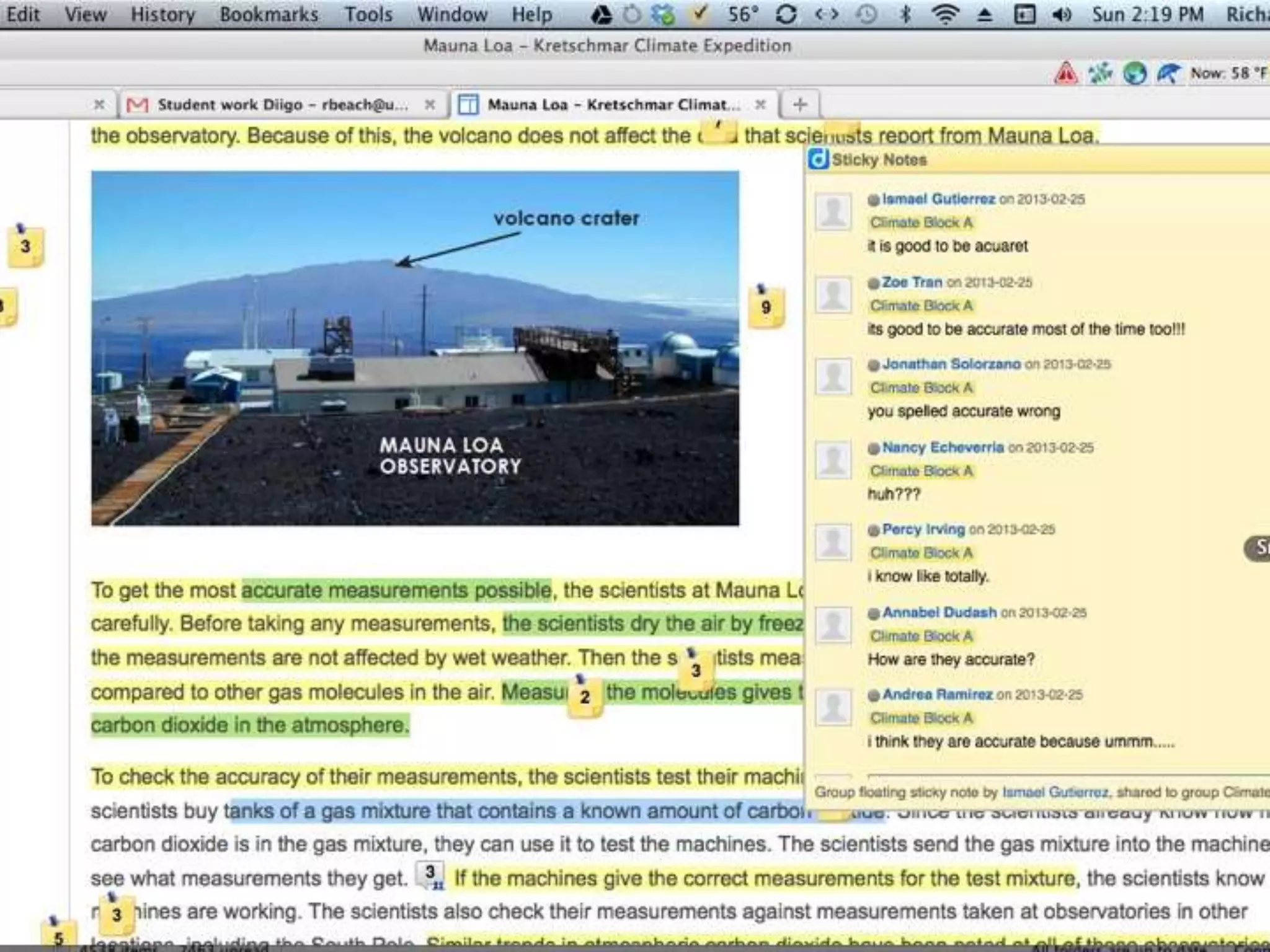
Affordances of Diigo: Collaborative
Annotation
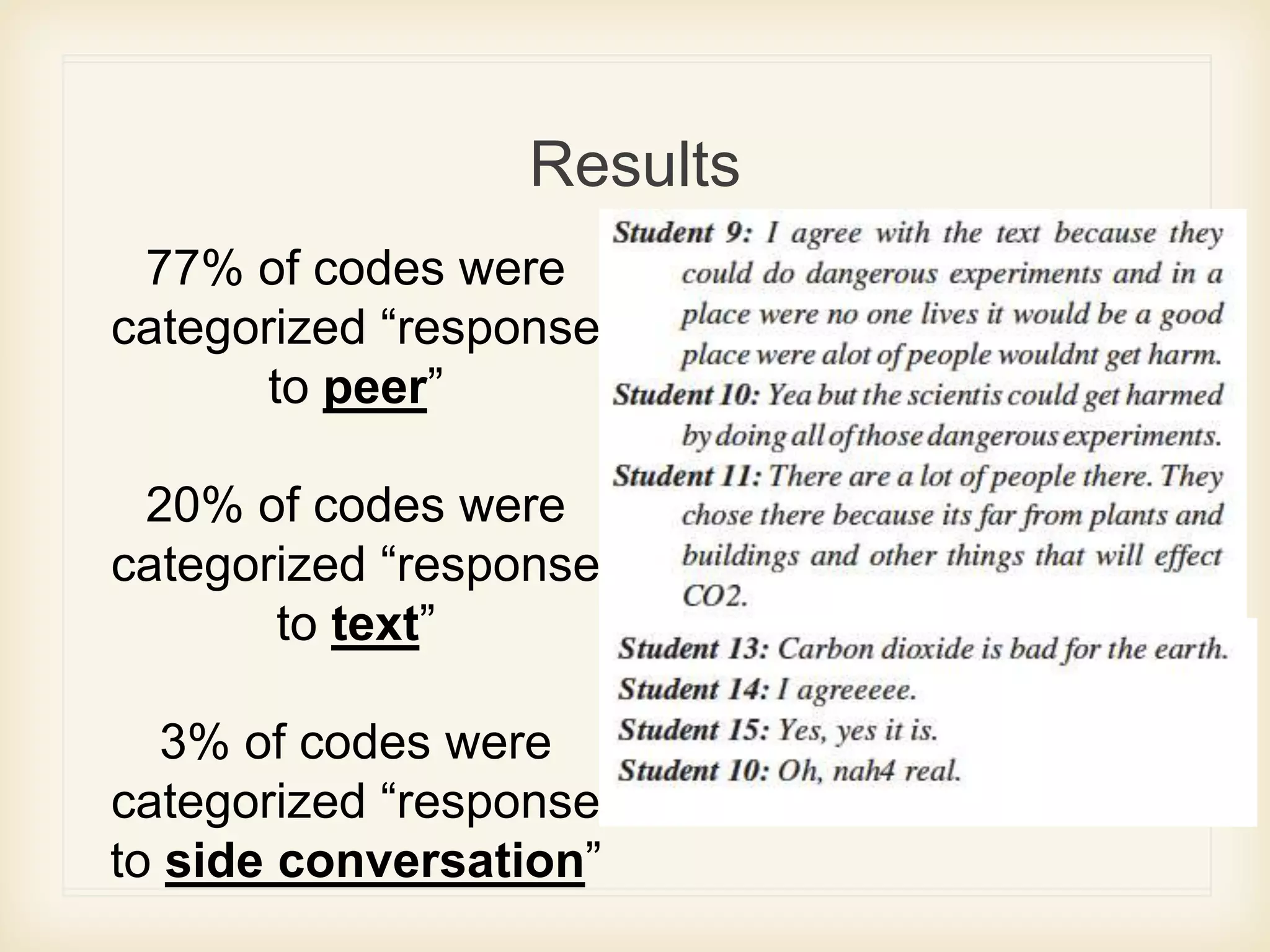
Results
77% of codes were
categorized “response
to peer”
20% of codes were
categorized “response
to text”
3% of codes were
categorized “response
to side conversation”
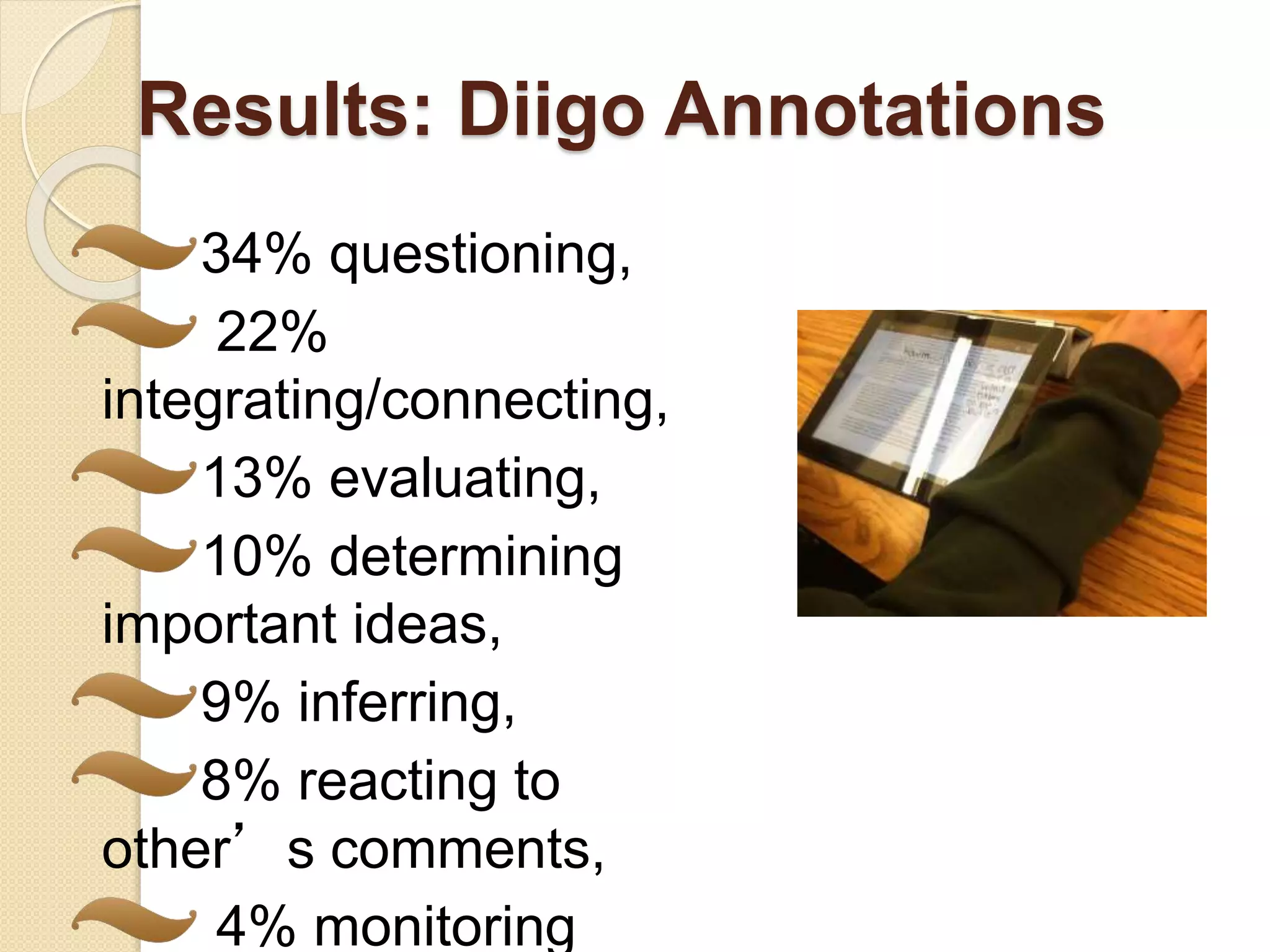
Results: Diigo Annotations
34% questioning,
22%
integrating/connecting,
13% evaluating,
10% determining
important ideas,
9% inferring,
8% reacting to
other’s comments,
4% monitoring
Affordances: Collaboration,
Visual: Student Voices
When you’re doing it on paper and pencil you’re just
learning from our own thoughts, on Diigo it is more
faster and better.
Easier. If it is on paper, you are not allowed to
collaborate. It’s online.
You can communicate with other people
Sometimes the people who you know they don’t
know the answer but if you post it online a lot of
people will be online then they will probably answer
for you.
Benefits: Annotations
More active, critical reading
Alternative perspectives
Alternative response
practices
Connectivist theory
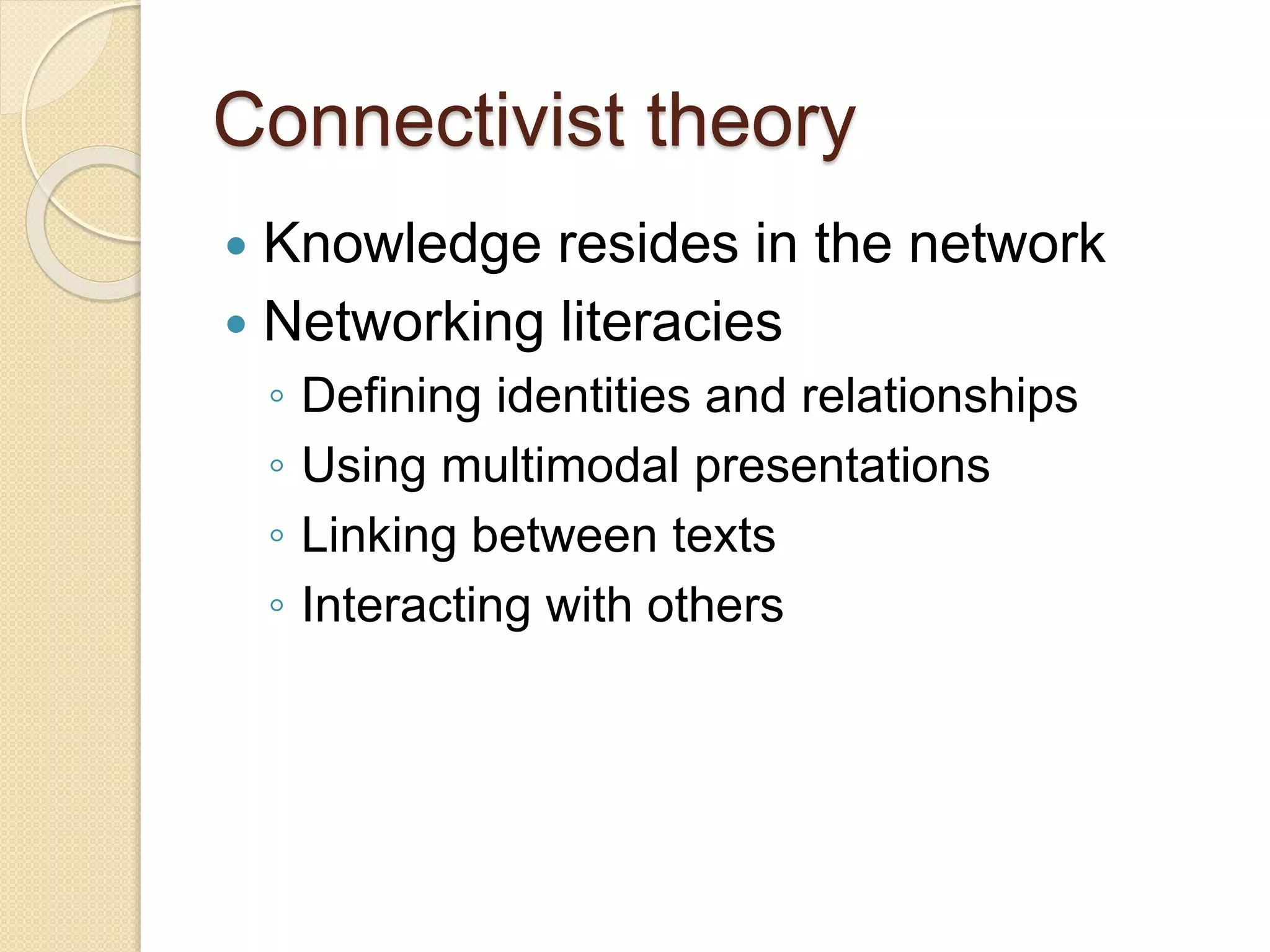
 Knowledge resides in the network
 Networking literacies
◦ Defining identities and relationships
◦ Using multimodal presentations
◦ Linking between texts
◦ Interacting with others
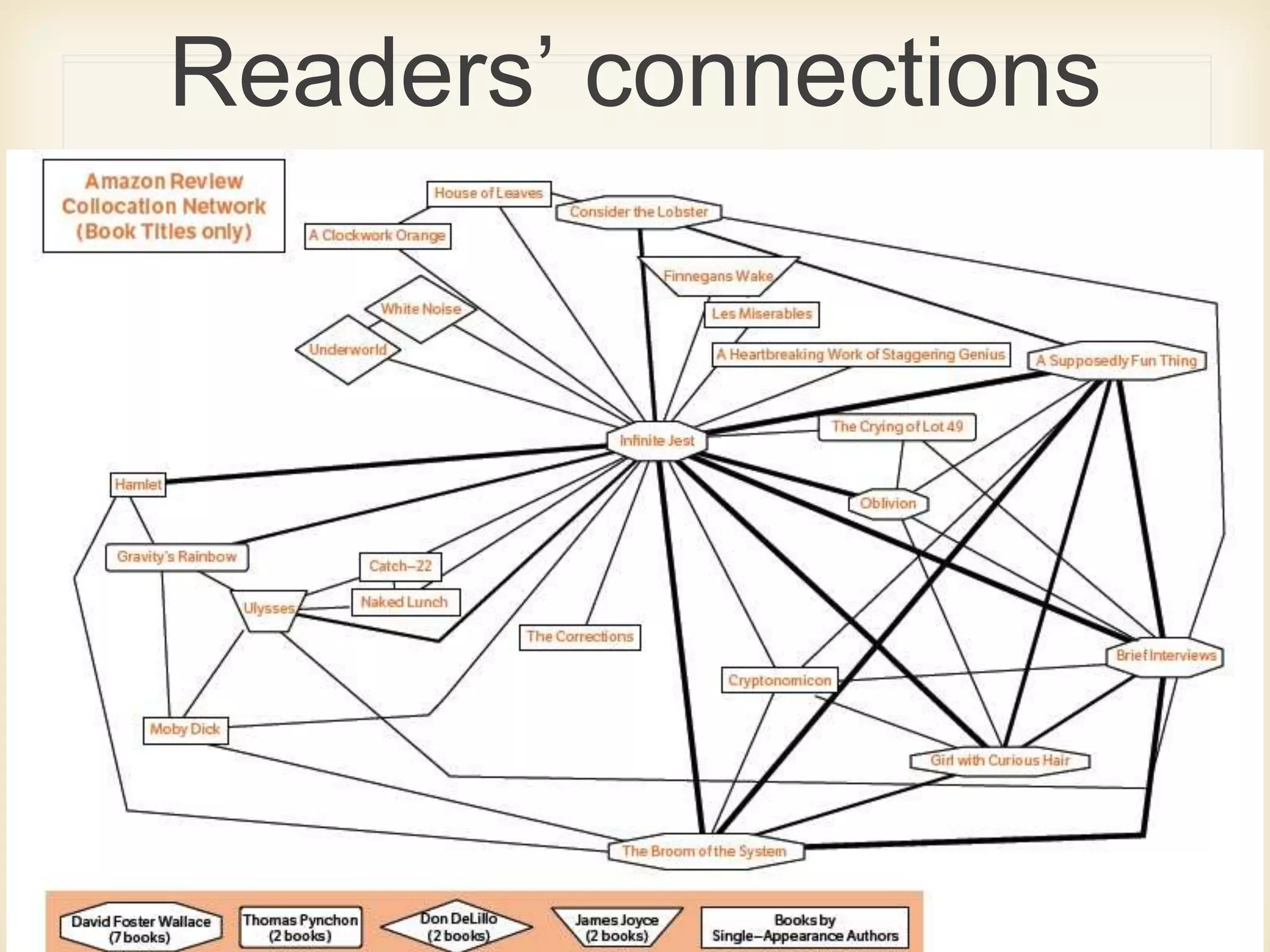
Intertextuality/recontextualization
 Connectivism (Stephen Downes):
 Knowledge is a network phenomenon, to
“know” something is to be organized in a
certain way, to exhibit patterns of
connectivity. To “learn” is to acquire
certain patterns. This is as true for a
community as it is for an individual.
Readers’ connections
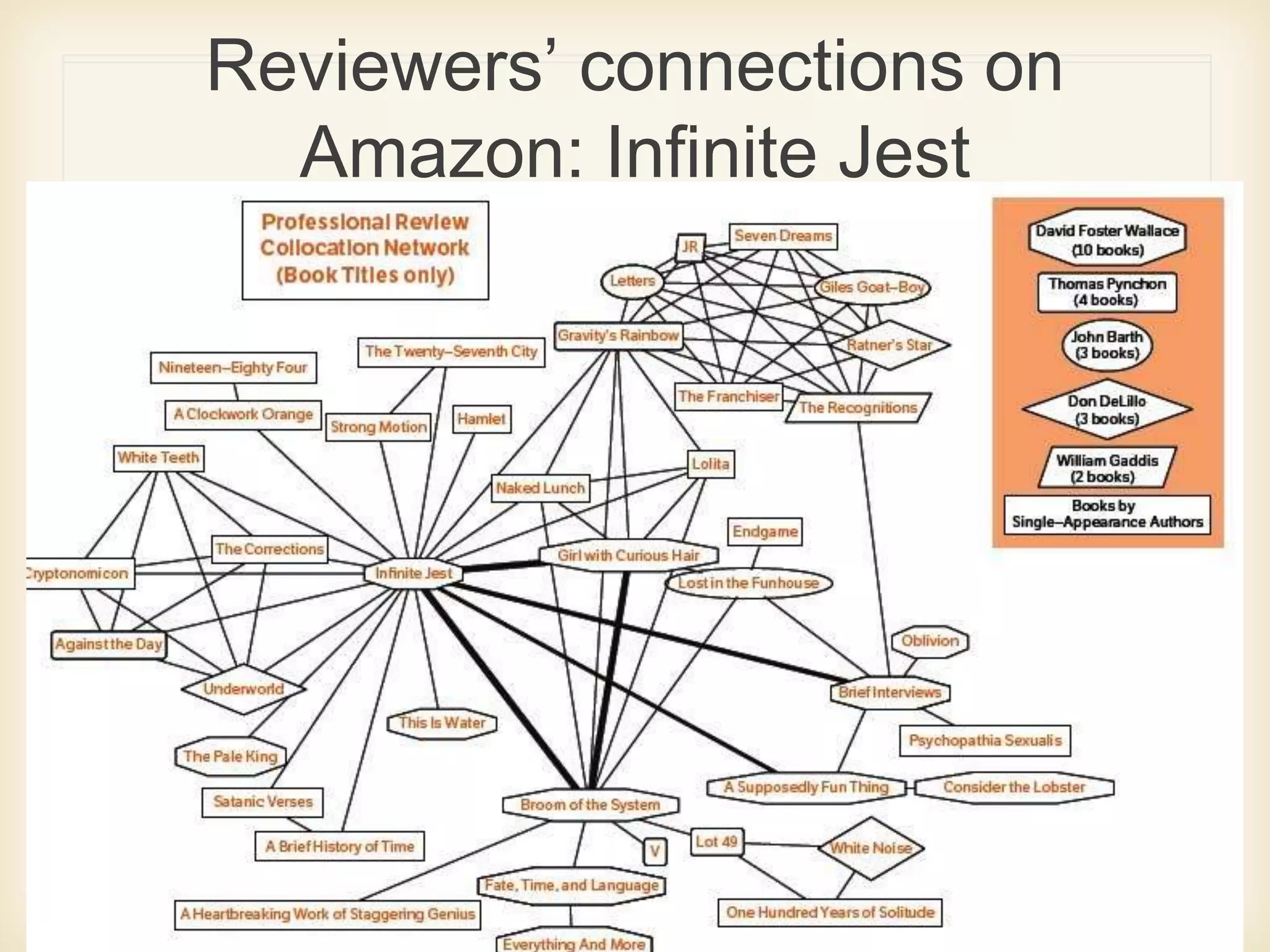
Reviewers’ connections on
Amazon: Infinite Jest
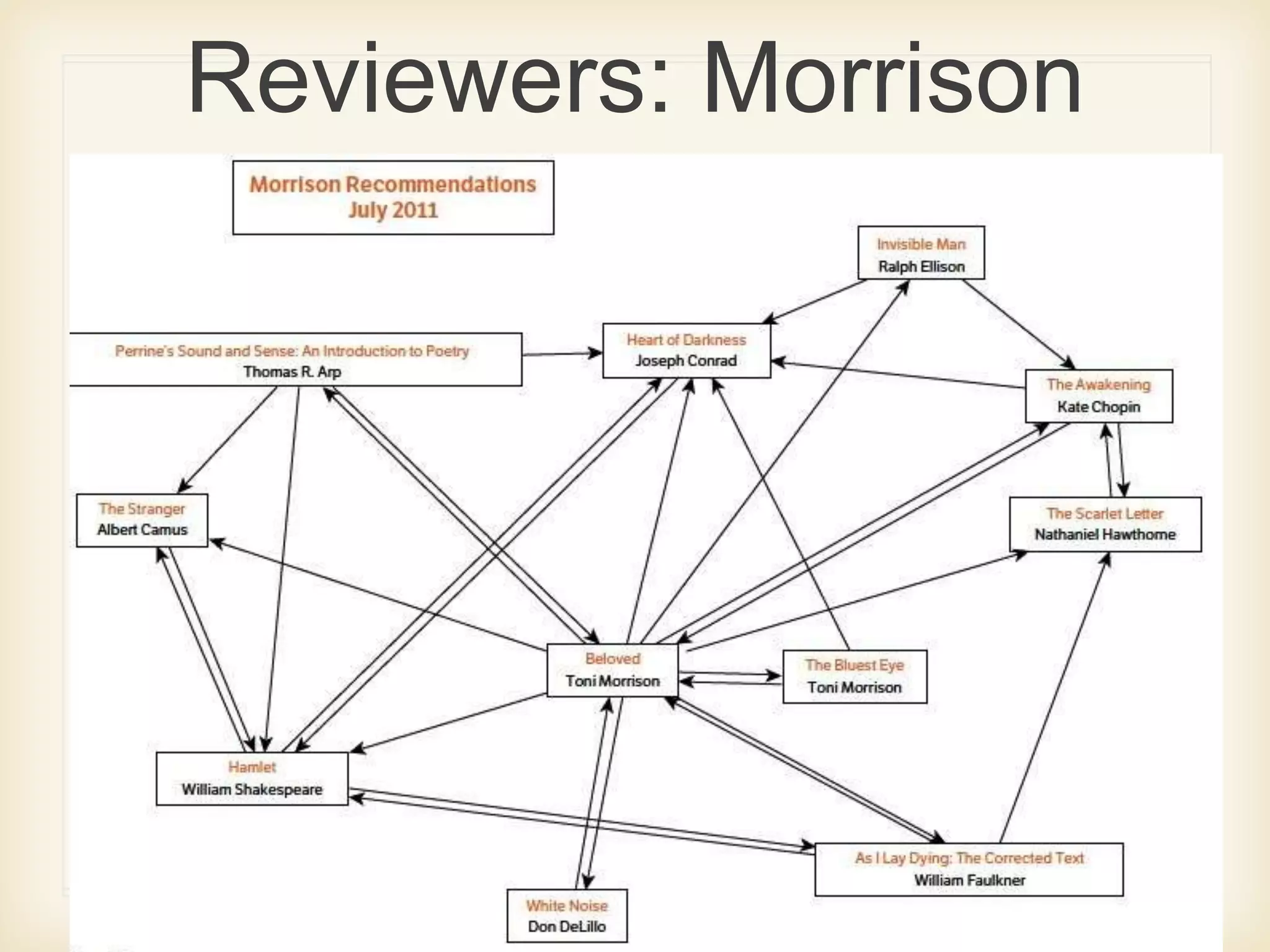
Reviewers: Morrison
connections
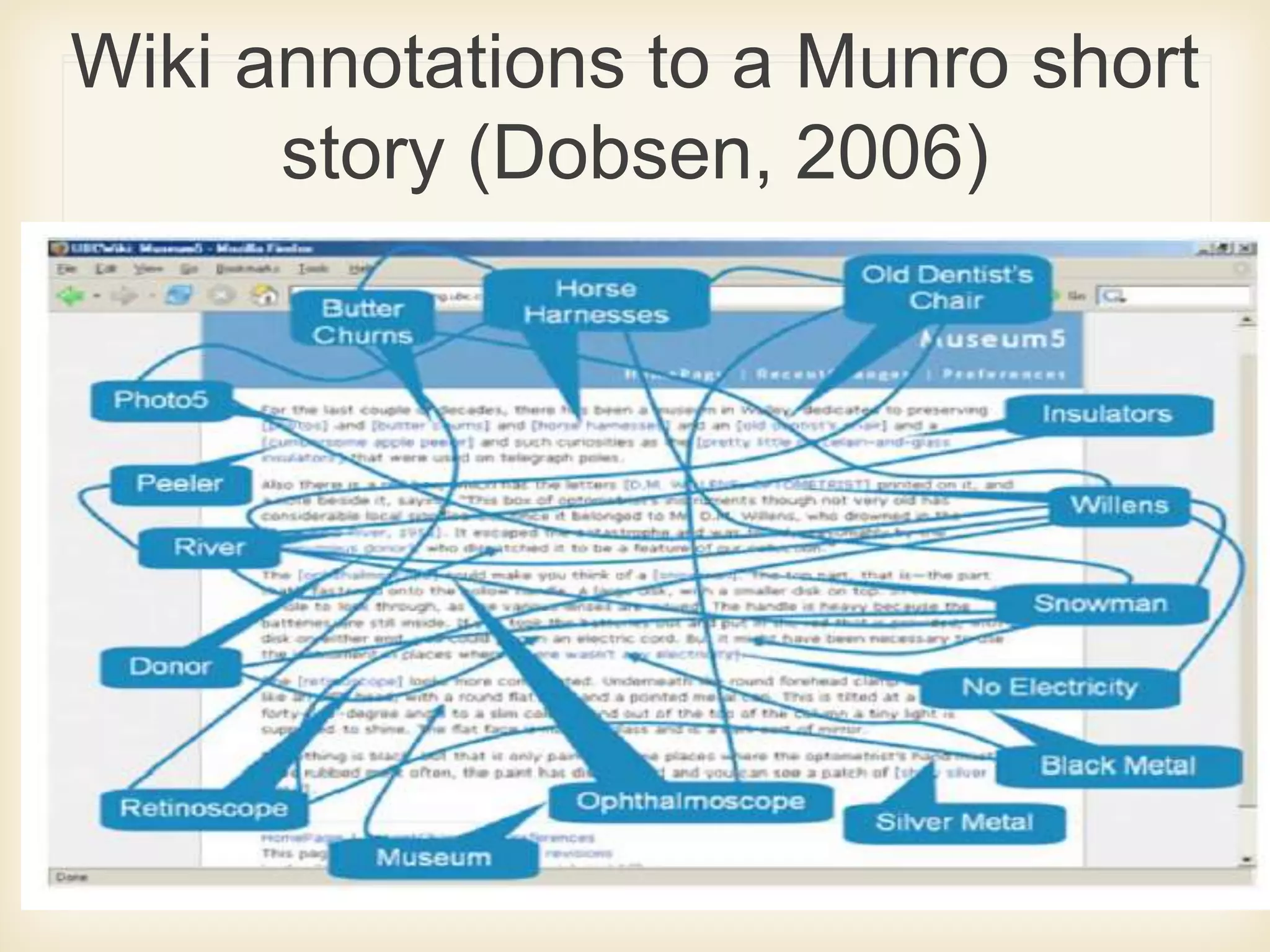
Wiki annotations to a Munro short
story (Dobsen, 2006)
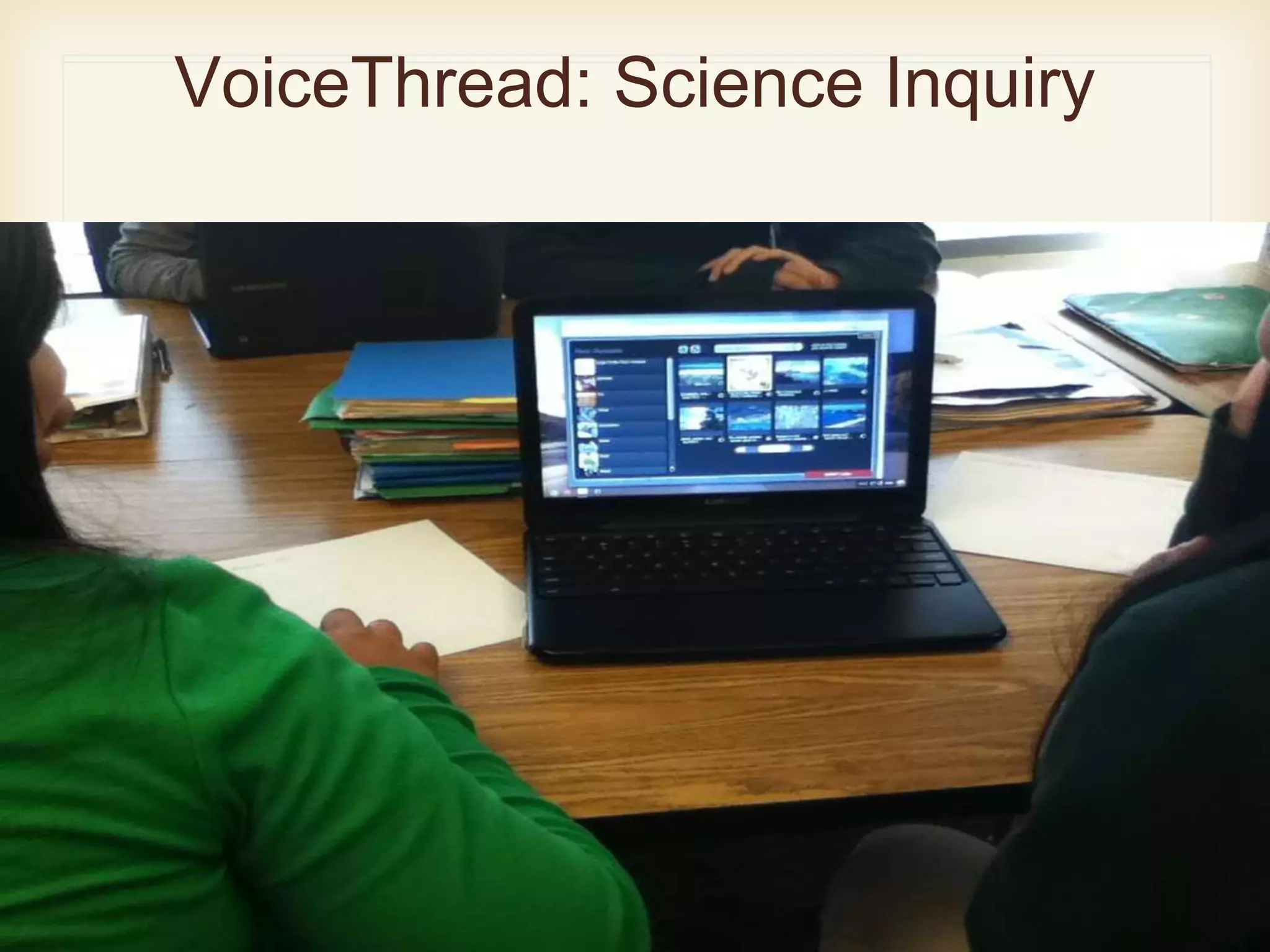
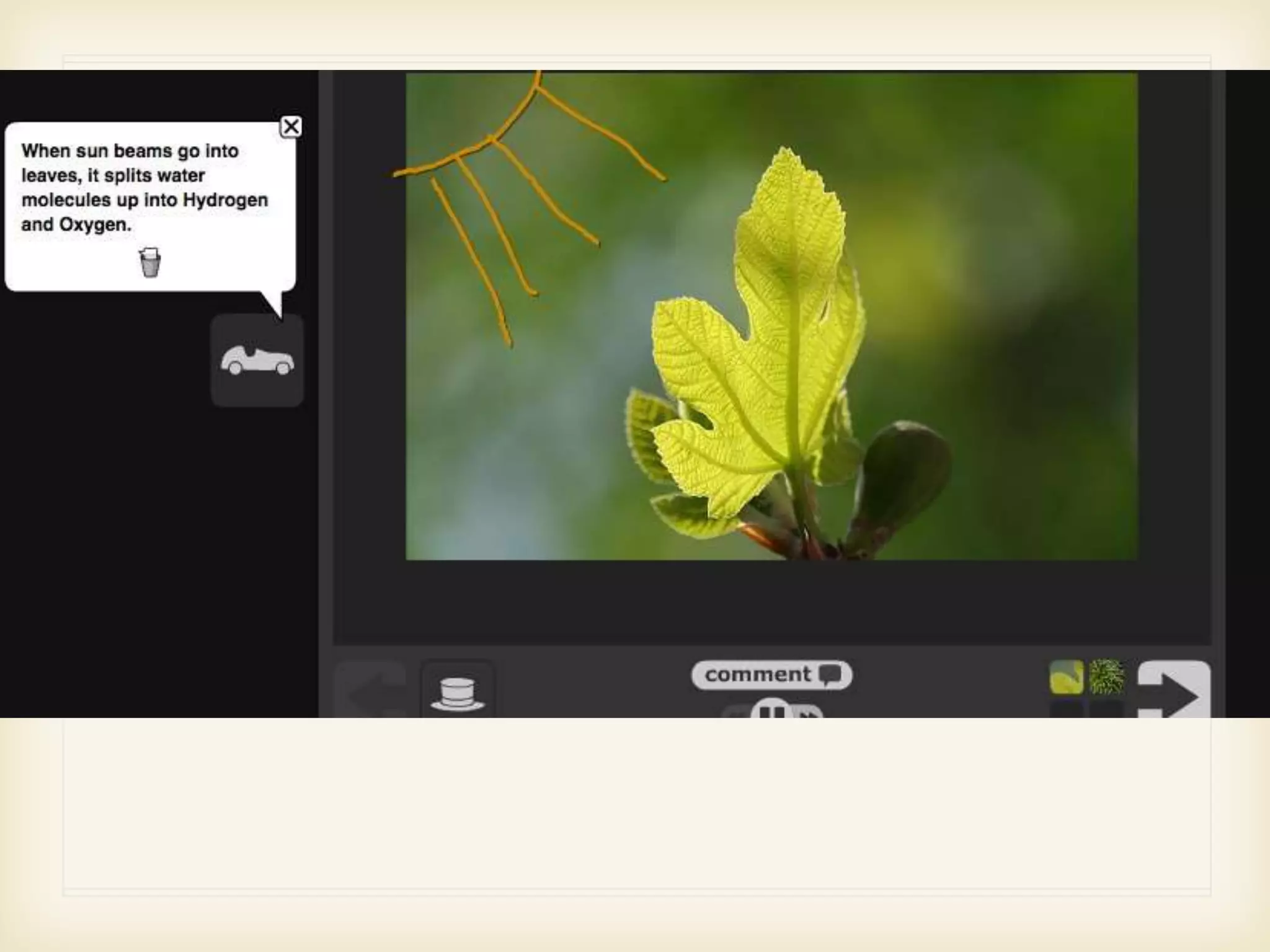
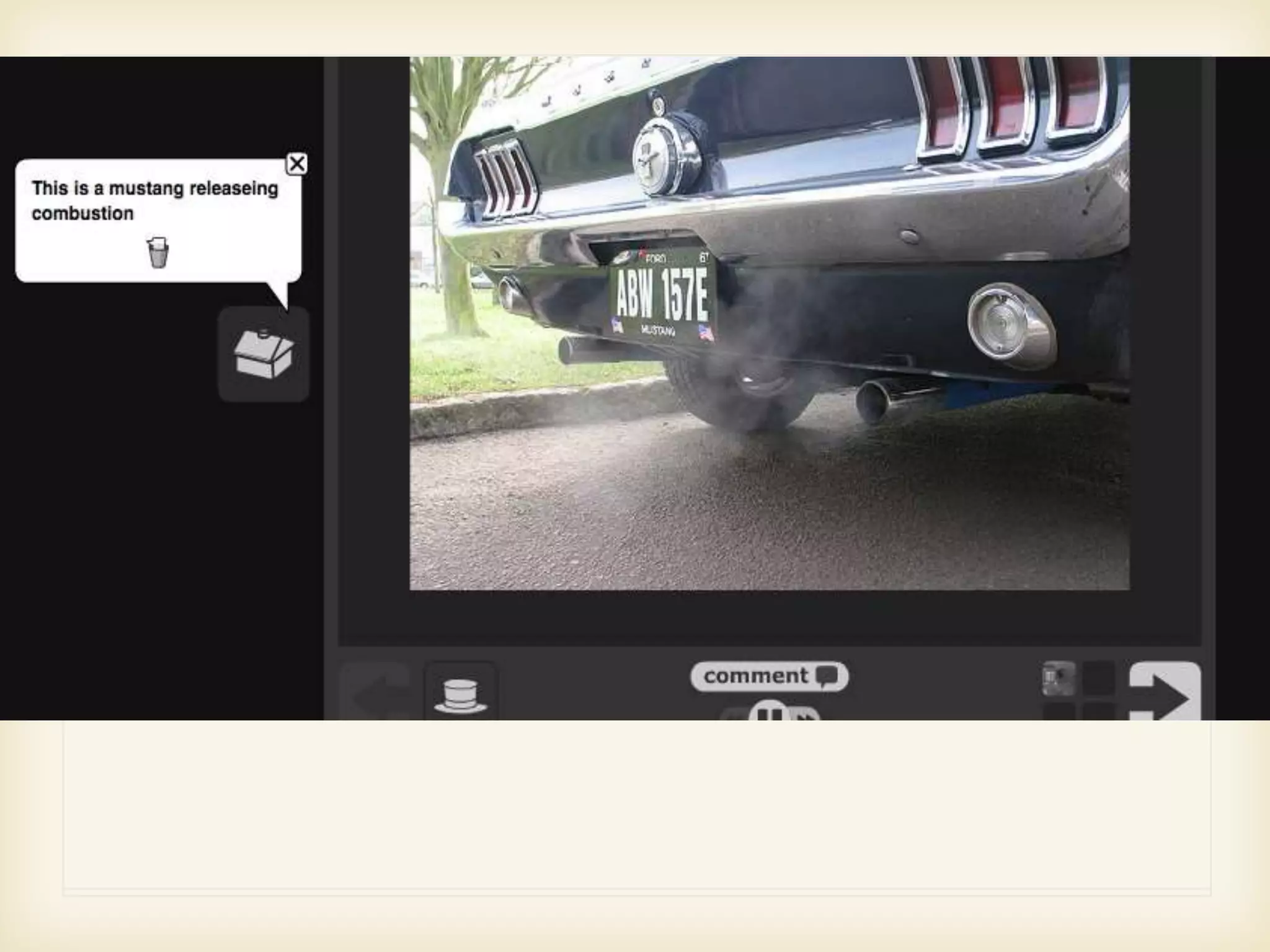
VoiceThread: Science Inquiry
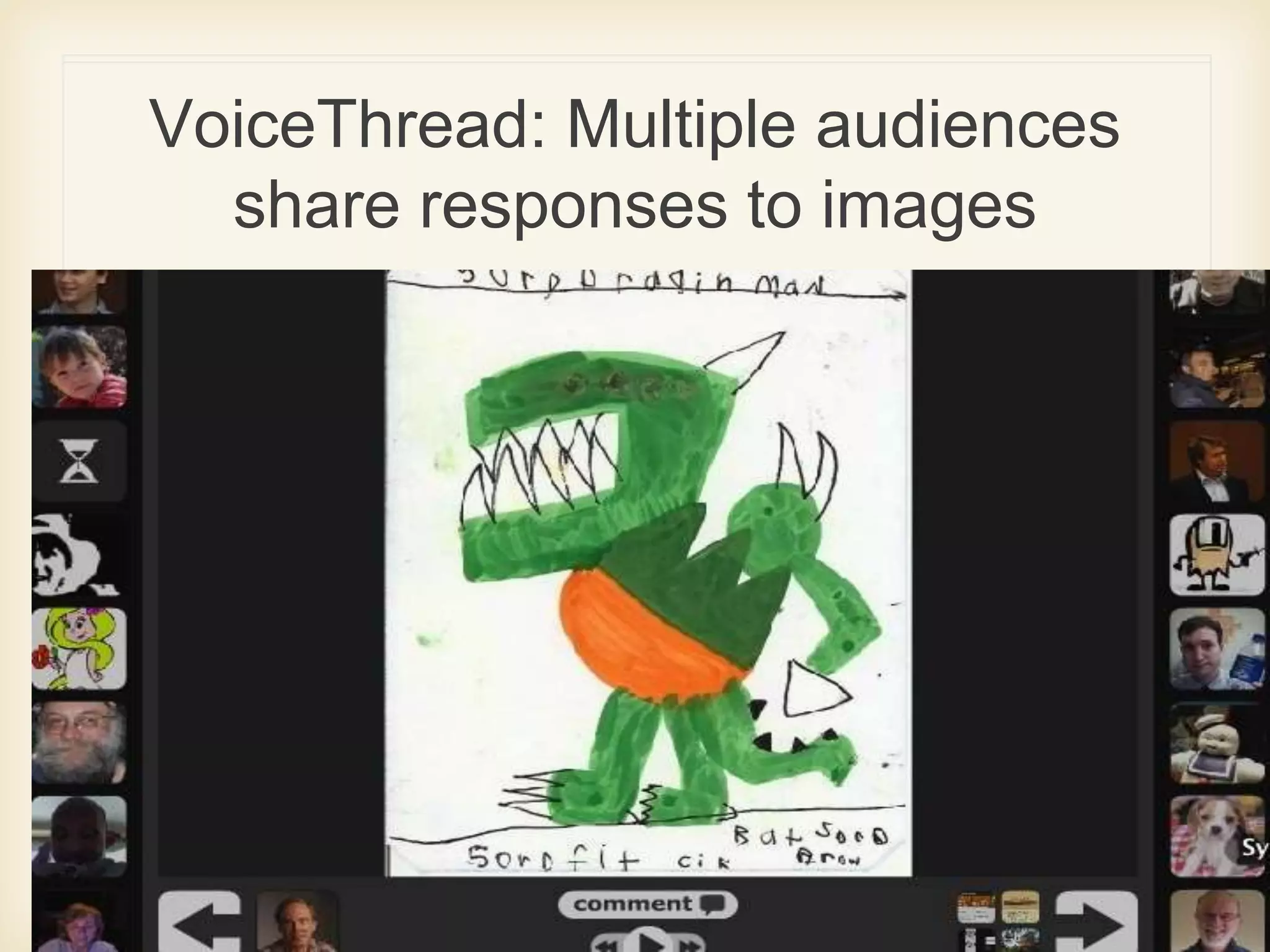
VoiceThread: Multiple audiences
share responses to images
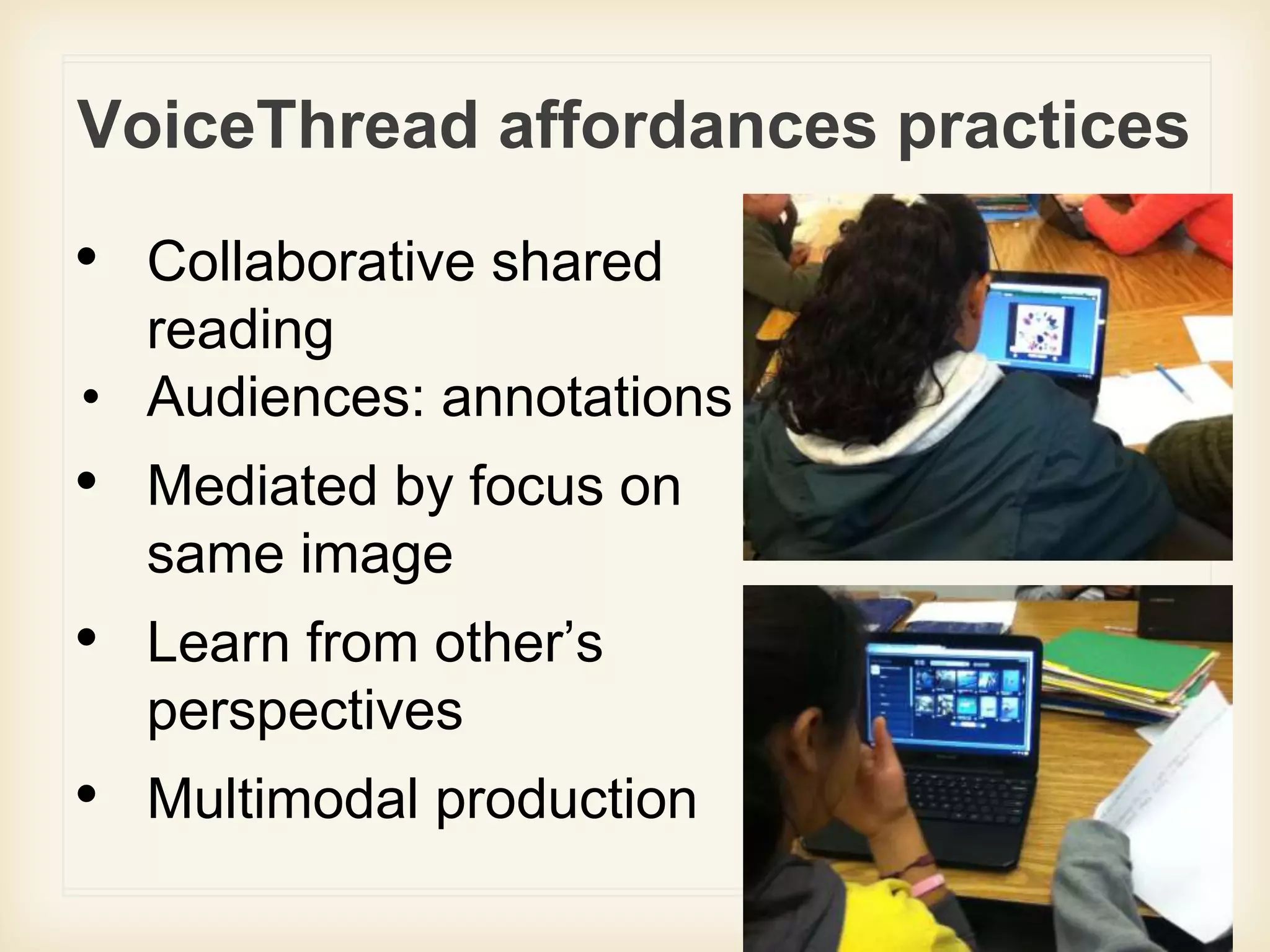
VoiceThread affordances practices
• Collaborative shared
reading
• Audiences: annotations
• Mediated by focus on
same image
• Learn from other’s
perspectives
• Multimodal production
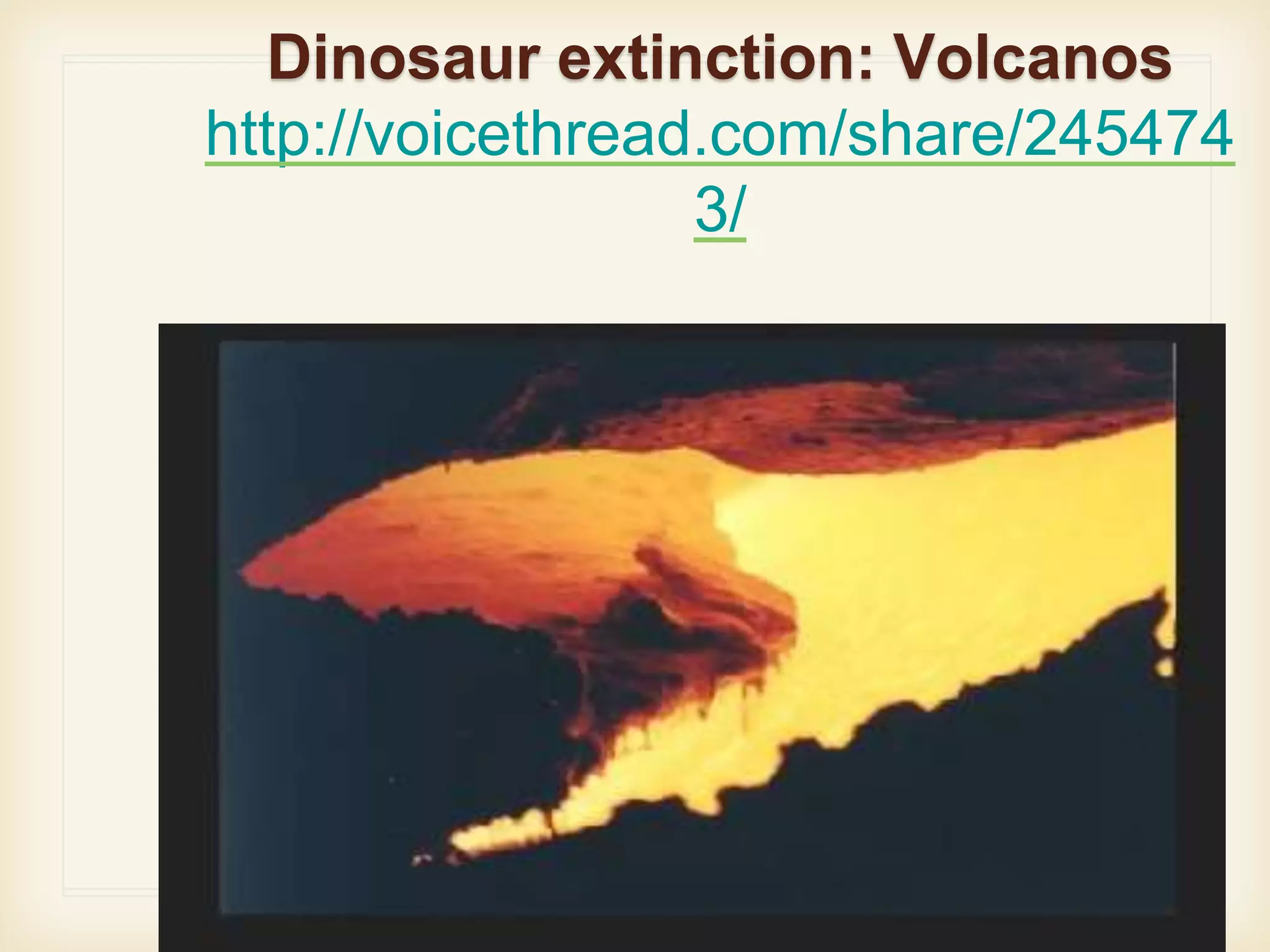
Dinosaur extinction: Volcanos
http://voicethread.com/share/245474
3/
● http://voicethread.com/share/2454743/
Dinosaur extinction: Supernovas
http://voicethread.com/share/254421
9/
● http://voicethread.com/share/2544219/
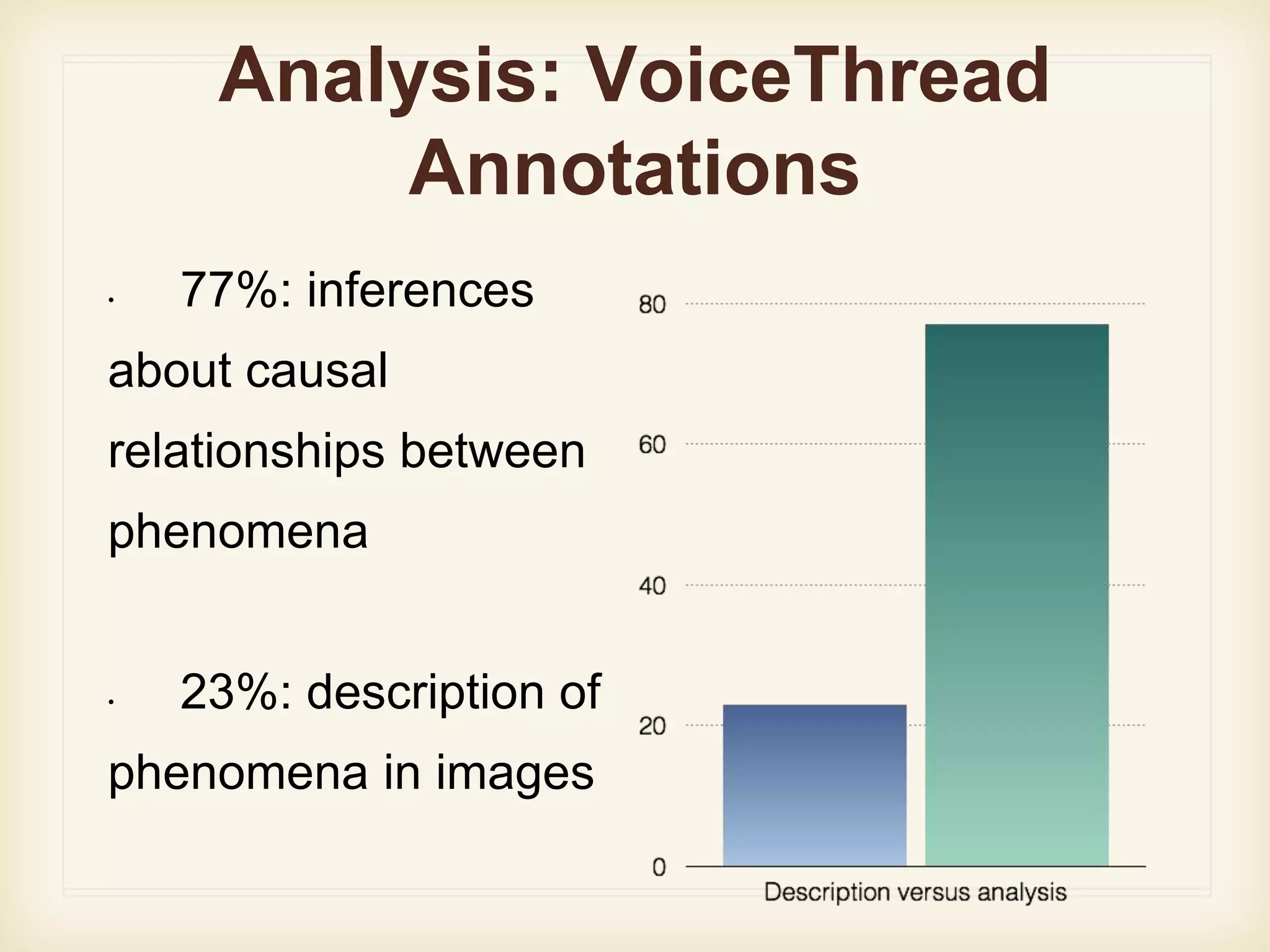
Analysis: VoiceThread
Annotations
• 77%: inferences
about causal
relationships between
phenomena
• 23%: description of
phenomena in images
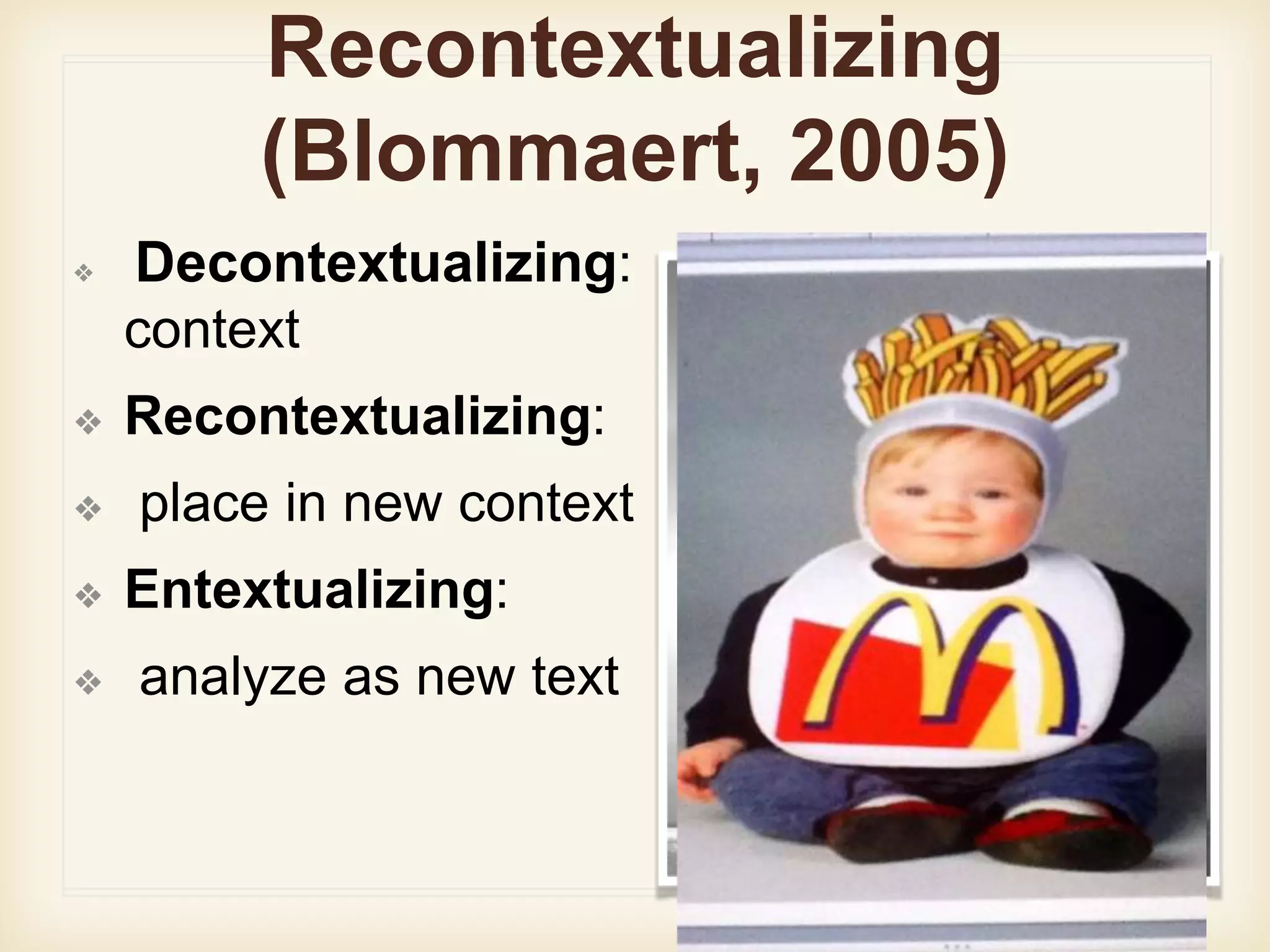
Recontextualizing
(Blommaert, 2005)
❖ Decontextualizing: removed from
context
❖ Recontextualizing:
❖ place in new context
❖ Entextualizing:
❖ analyze as new text
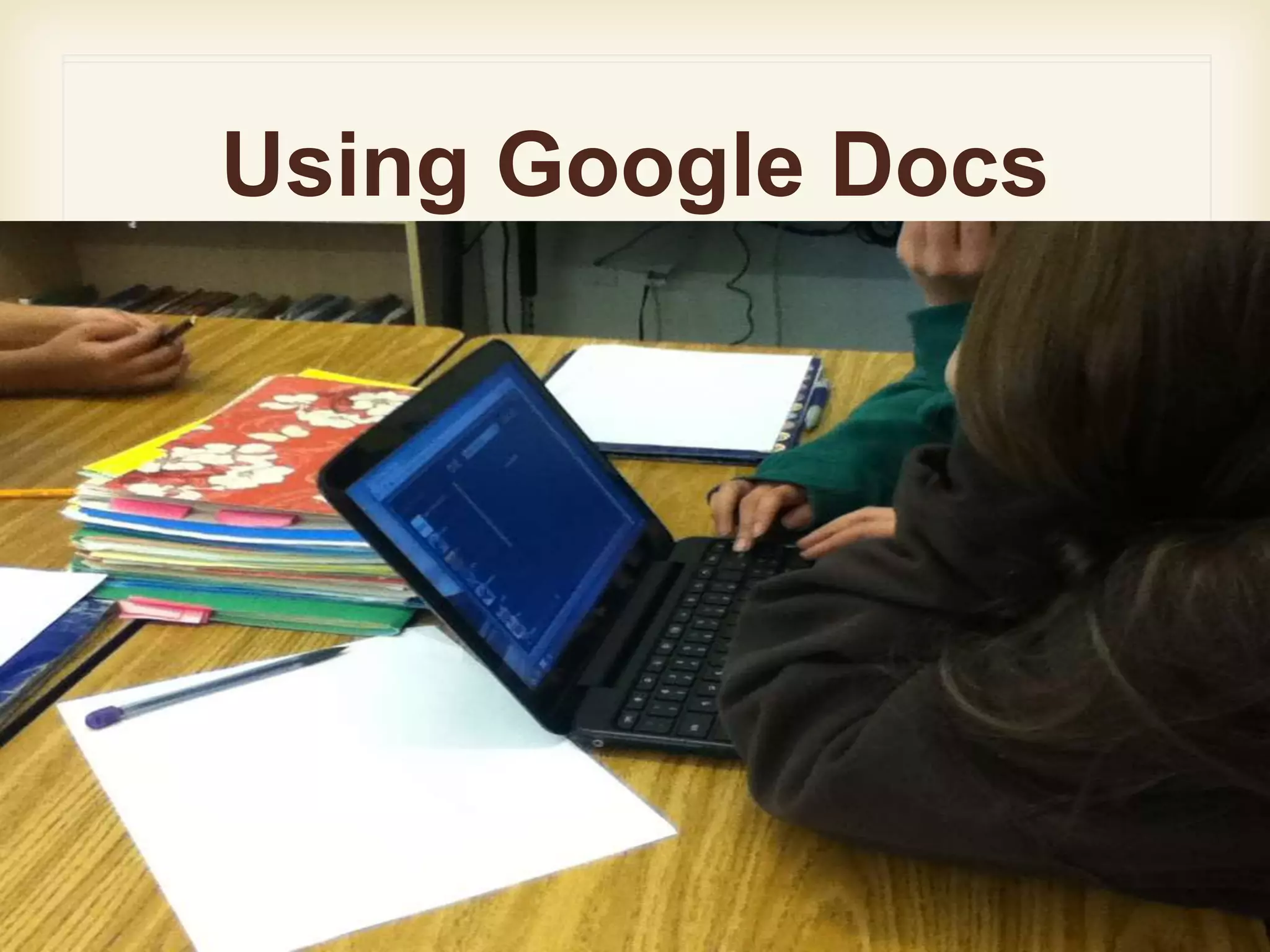
Using Google Docs
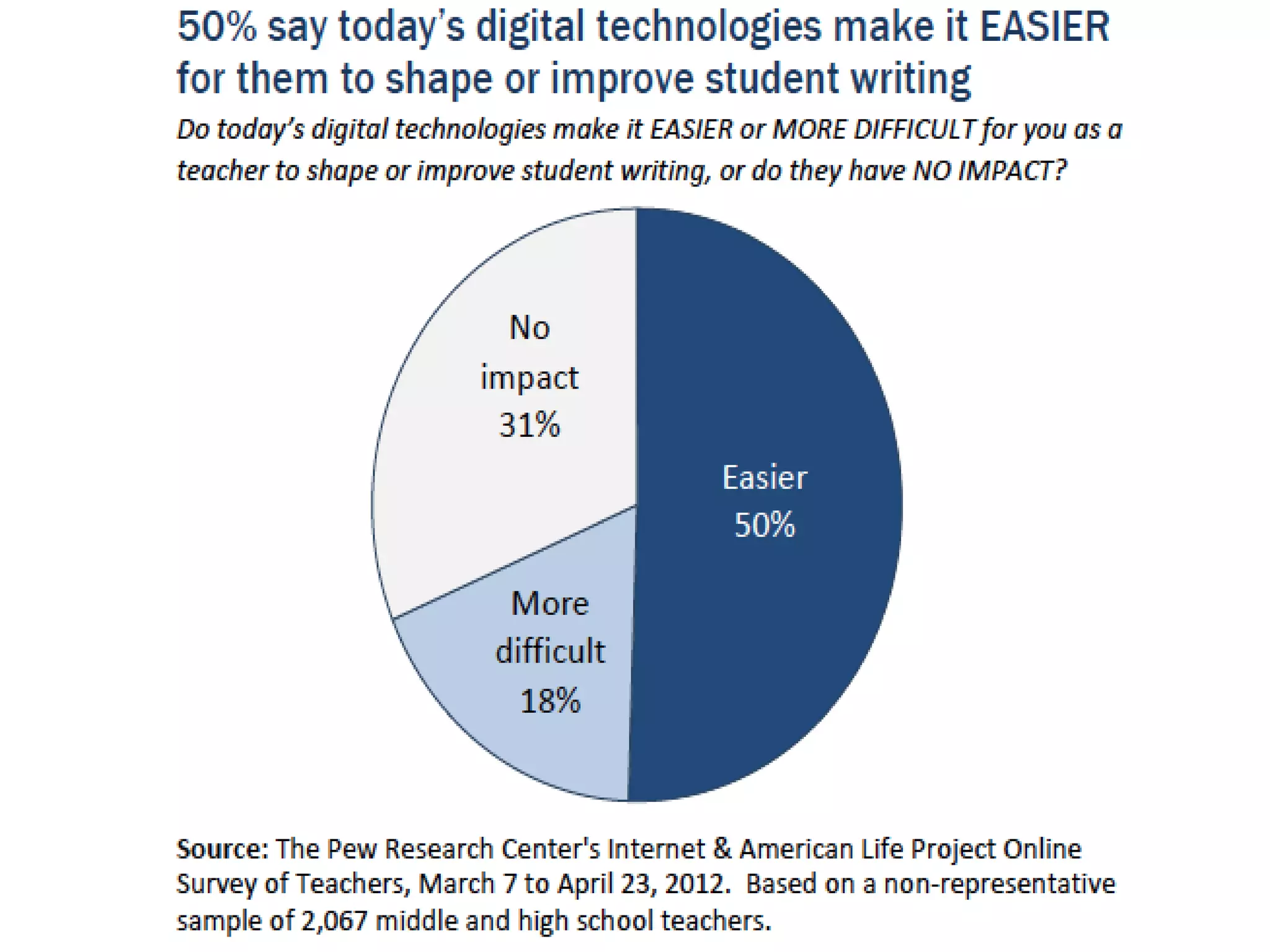
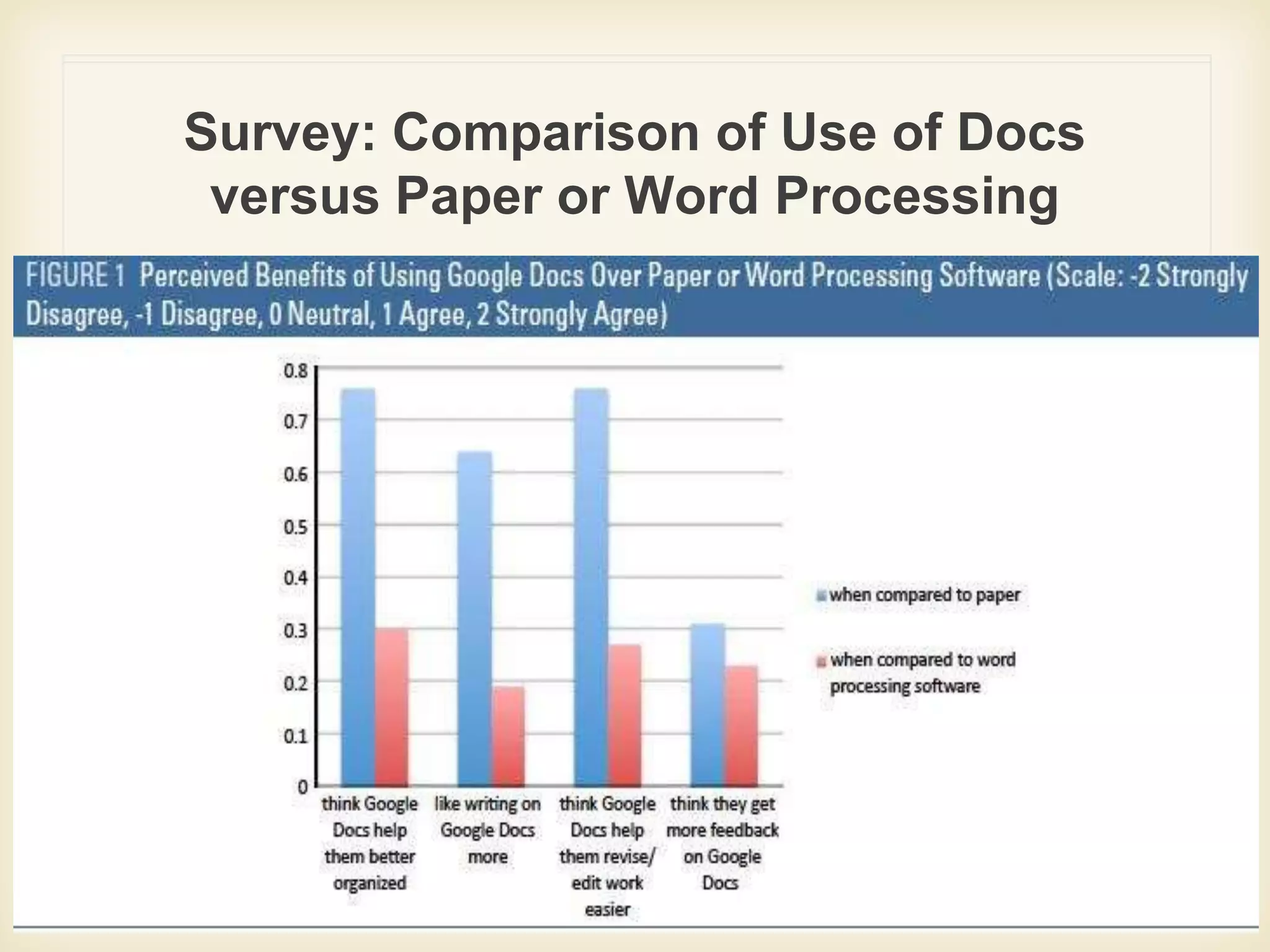
Survey: Comparison of Use of Docs
versus Paper or Word Processing
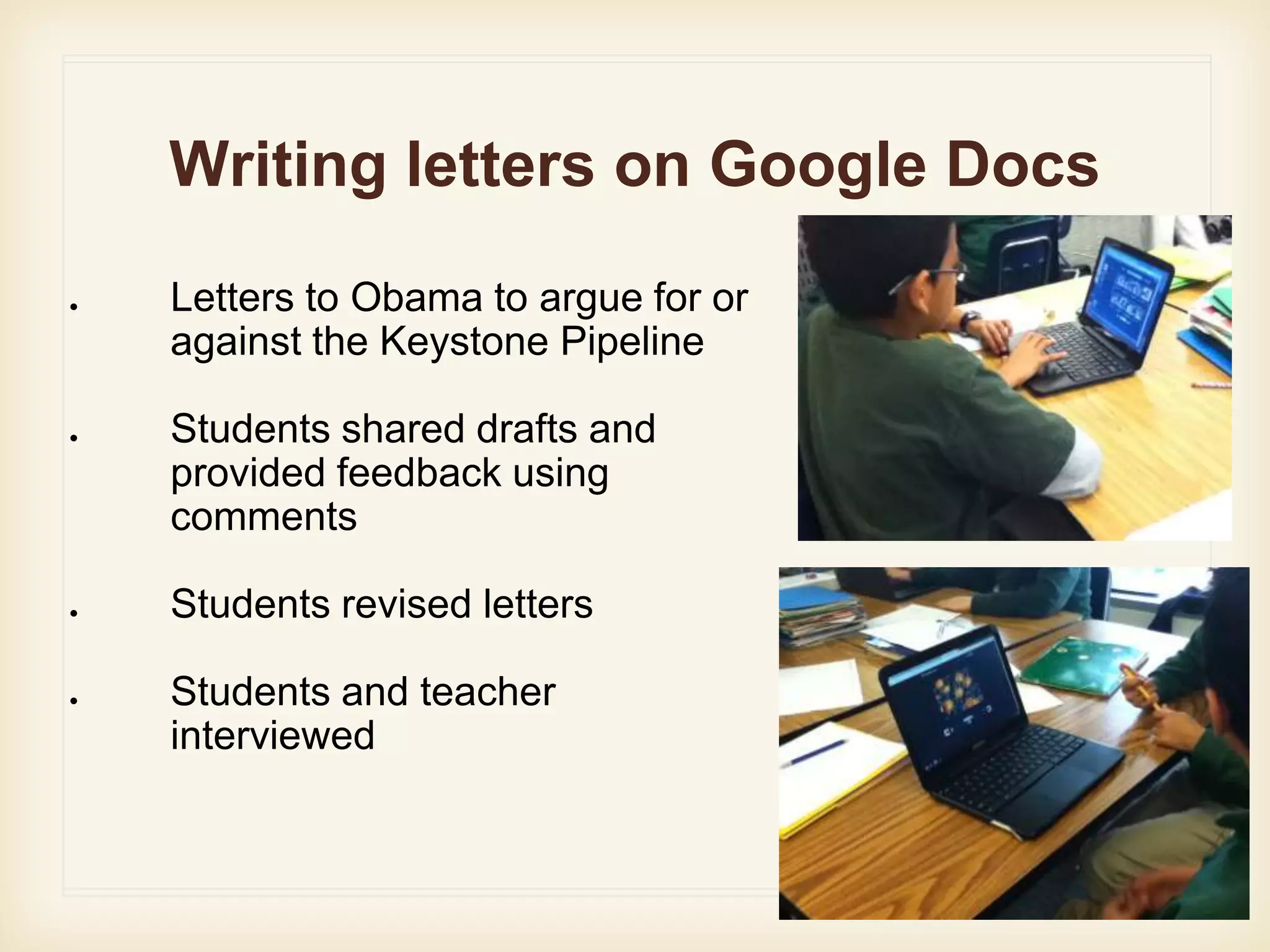
Writing letters on Google Docs
● Letters to Obama to argue for or
against the Keystone Pipeline
● Students shared drafts and
provided feedback using
comments
● Students revised letters
● Students and teacher
interviewed
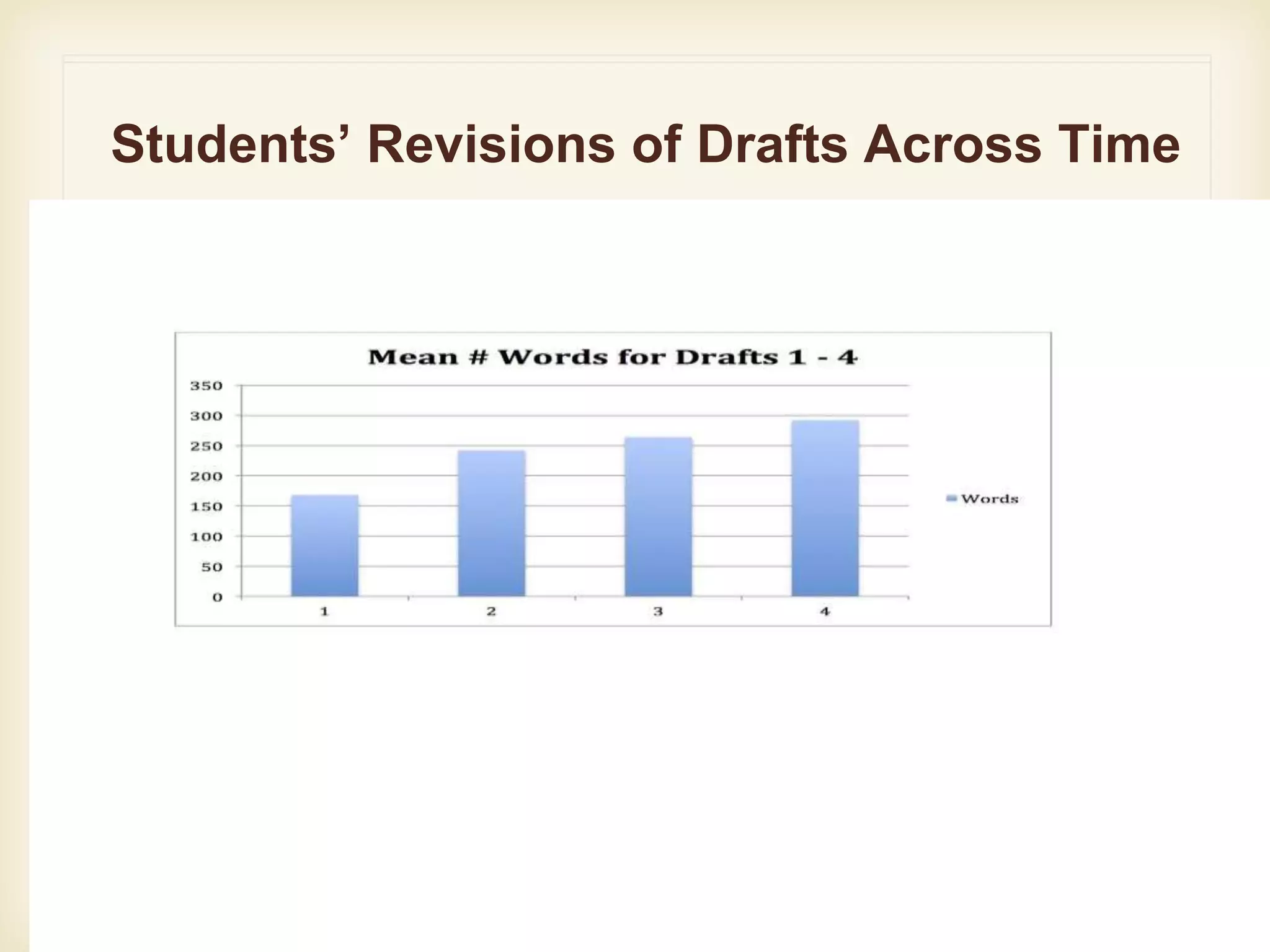
Students’ Revisions of Drafts Across Time
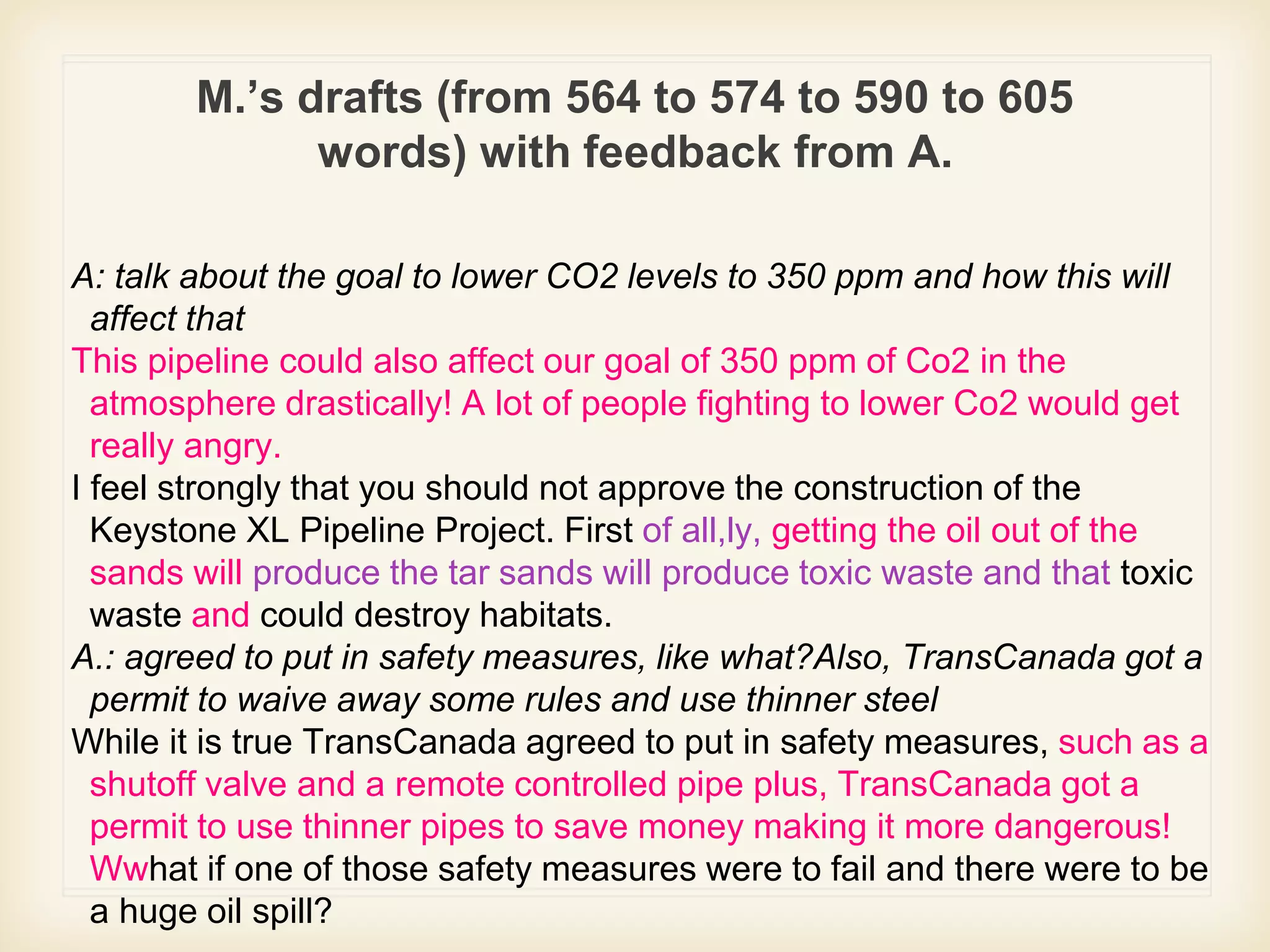
M.’s drafts (from 564 to 574 to 590 to 605
words) with feedback from A.
A: talk about the goal to lower CO2 levels to 350 ppm and how this will
affect that
This pipeline could also affect our goal of 350 ppm of Co2 in the
atmosphere drastically! A lot of people fighting to lower Co2 would get
really angry.
I feel strongly that you should not approve the construction of the
Keystone XL Pipeline Project. First of all,ly, getting the oil out of the
sands will produce the tar sands will produce toxic waste and that toxic
waste and could destroy habitats.
A.: agreed to put in safety measures, like what?Also, TransCanada got a
permit to waive away some rules and use thinner steel
While it is true TransCanada agreed to put in safety measures, such as a
shutoff valve and a remote controlled pipe plus, TransCanada got a
permit to use thinner pipes to save money making it more dangerous!
Wwhat if one of those safety measures were to fail and there were to be
a huge oil spill?
Organizing assignments with
Google Classrooms
• Using Google Classroom
• Using Goobric to create
online rubrics
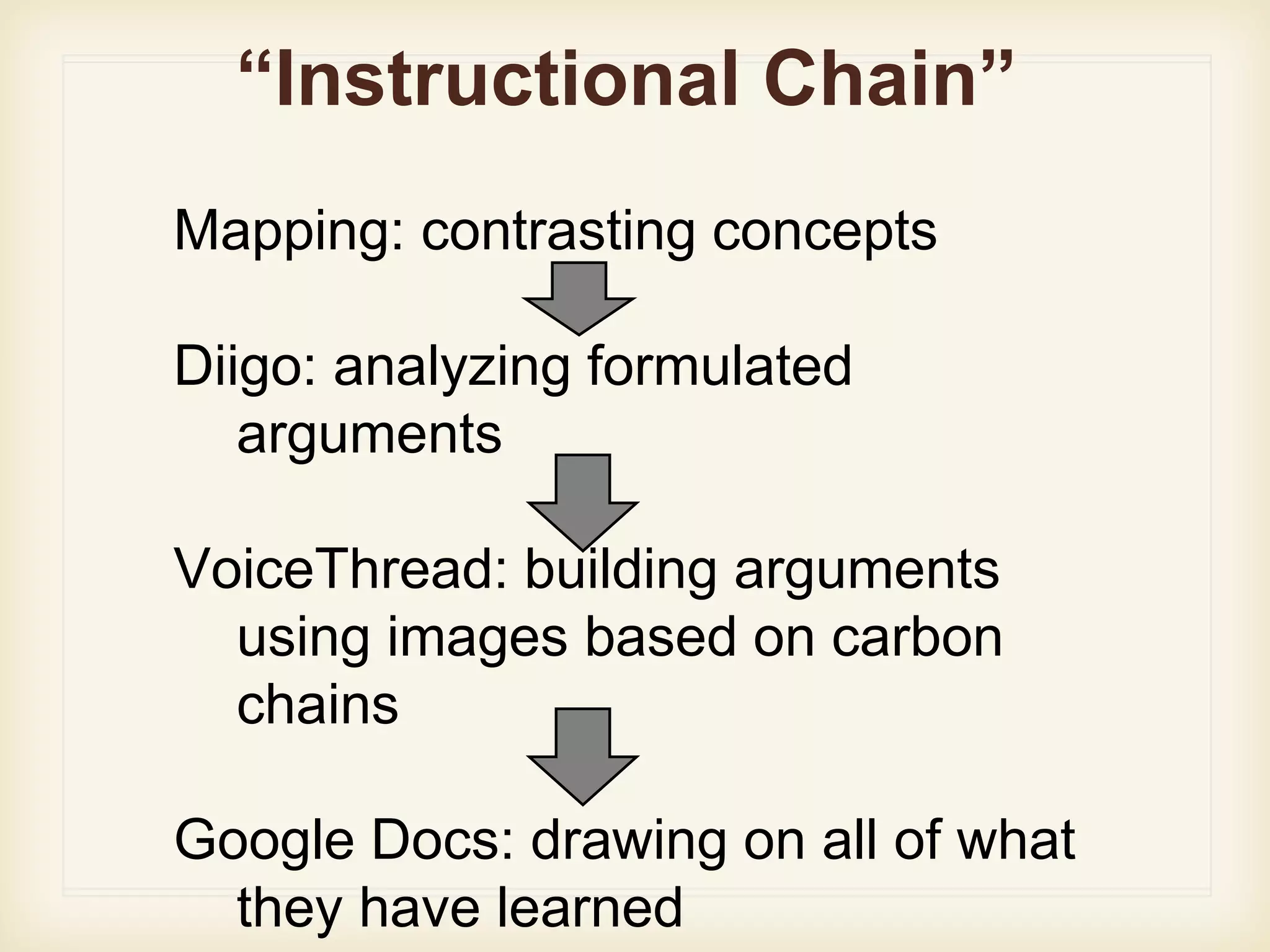
“Instructional Chain”
Mapping: contrasting concepts
Diigo: analyzing formulated
arguments
VoiceThread: building arguments
using images based on carbon
chains
Google Docs: drawing on all of what
they have learned
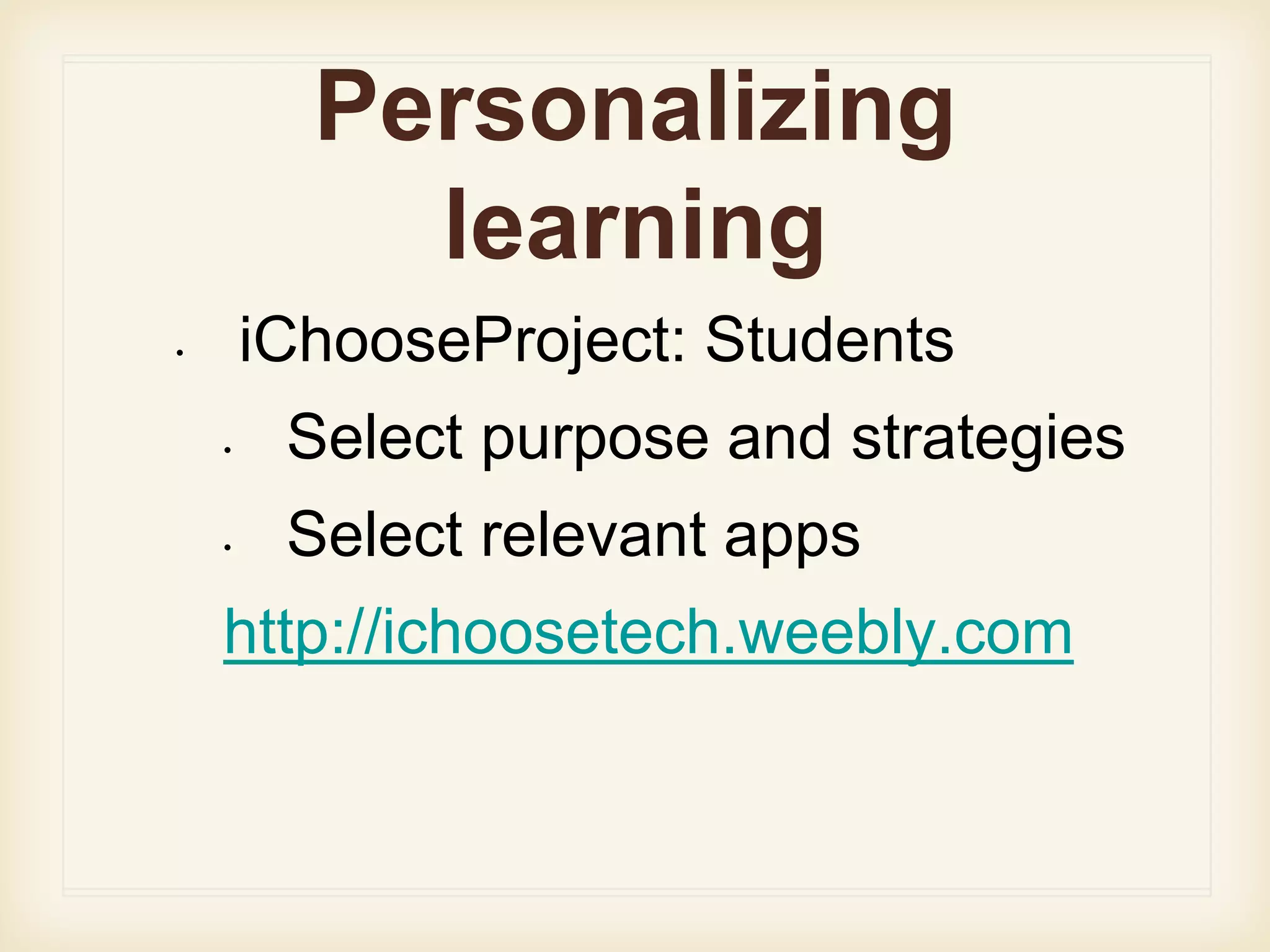
Personalizing
learning
• iChooseProject: Students
• Select purpose and strategies
• Select relevant apps
http://ichoosetech.weebly.com
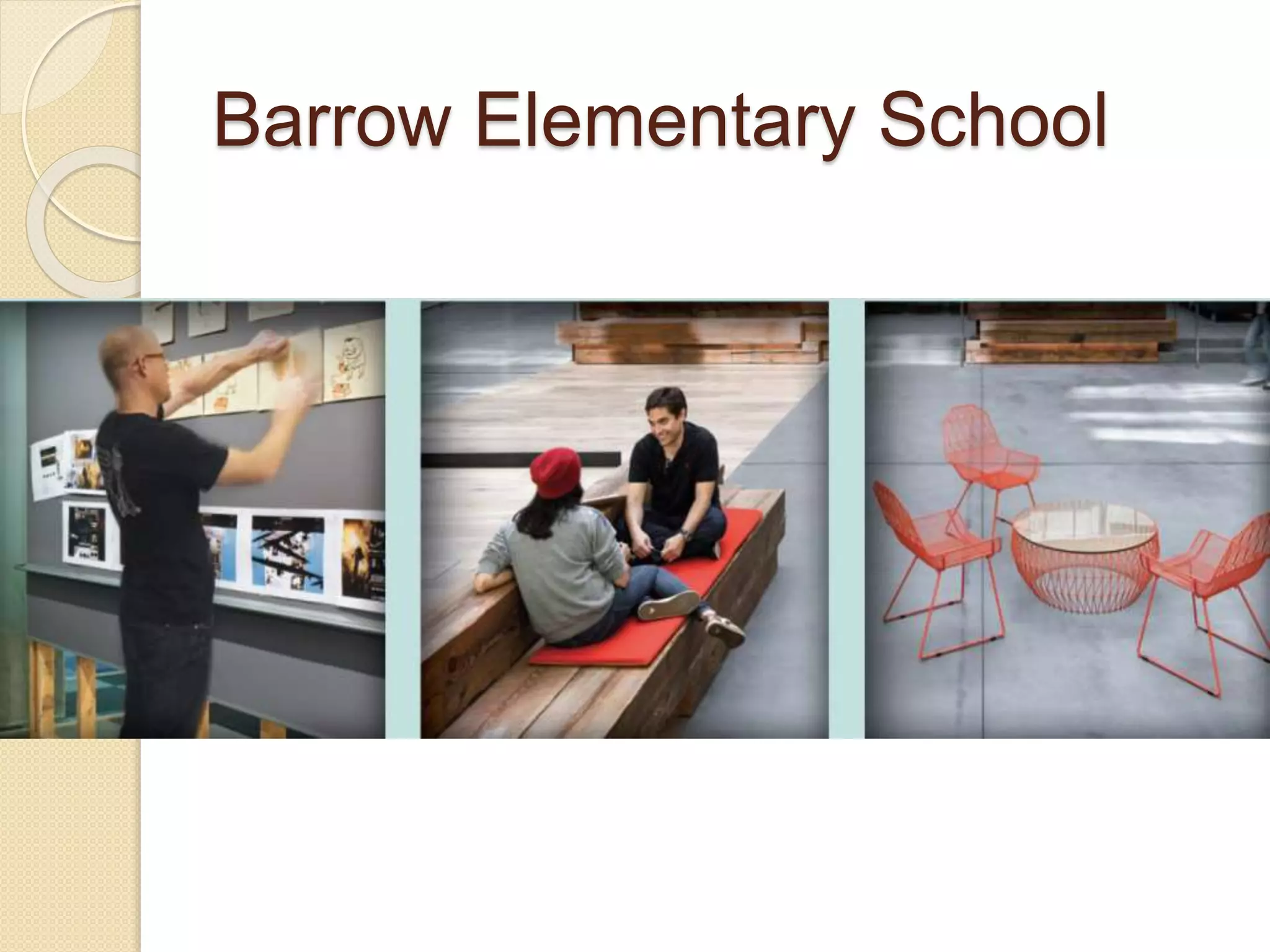
Barrow Elementary School
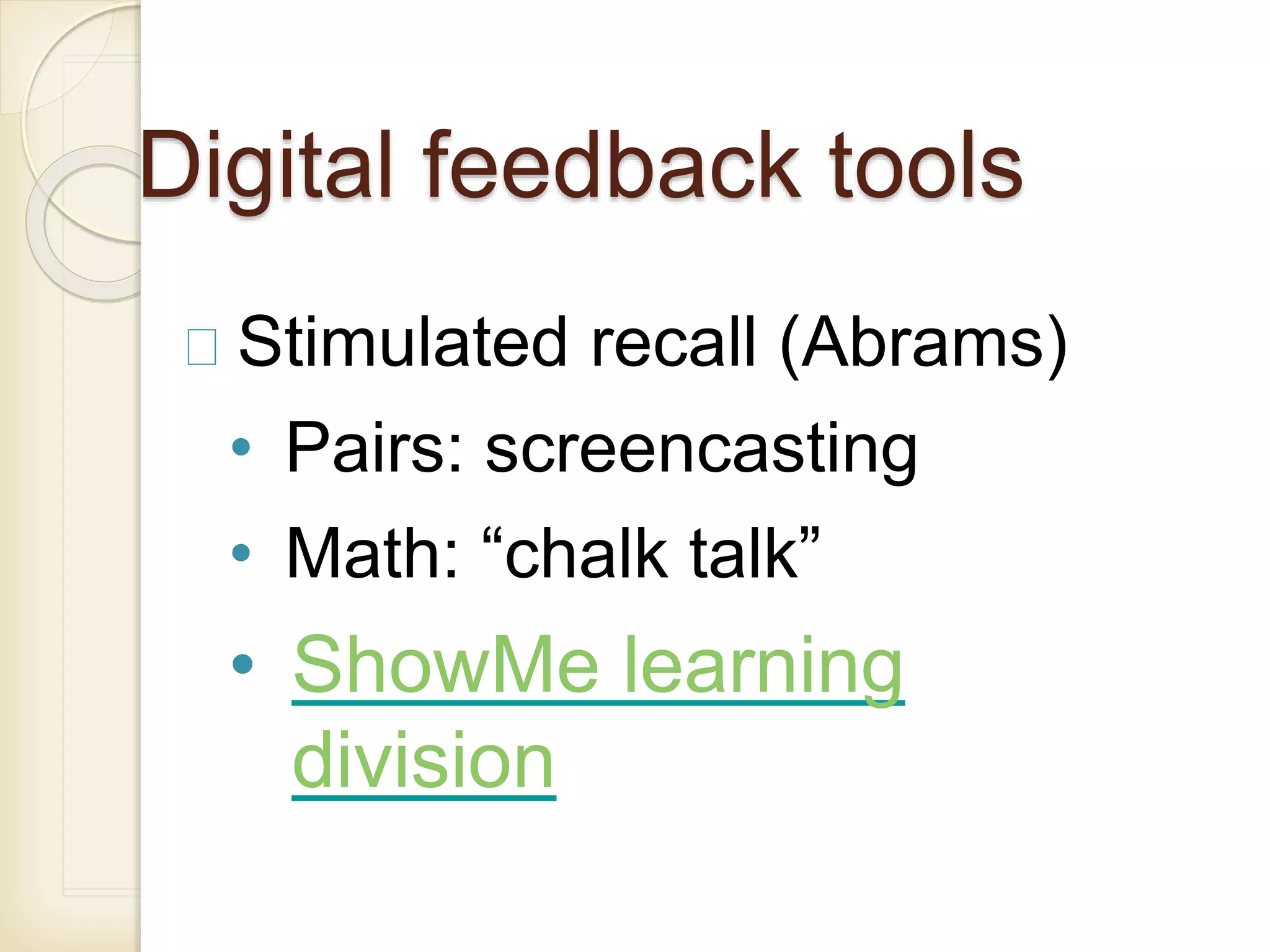
Digital feedback tools
Stimulated recall (Abrams)
• Pairs: screencasting
• Math: “chalk talk”
• ShowMe learning
division
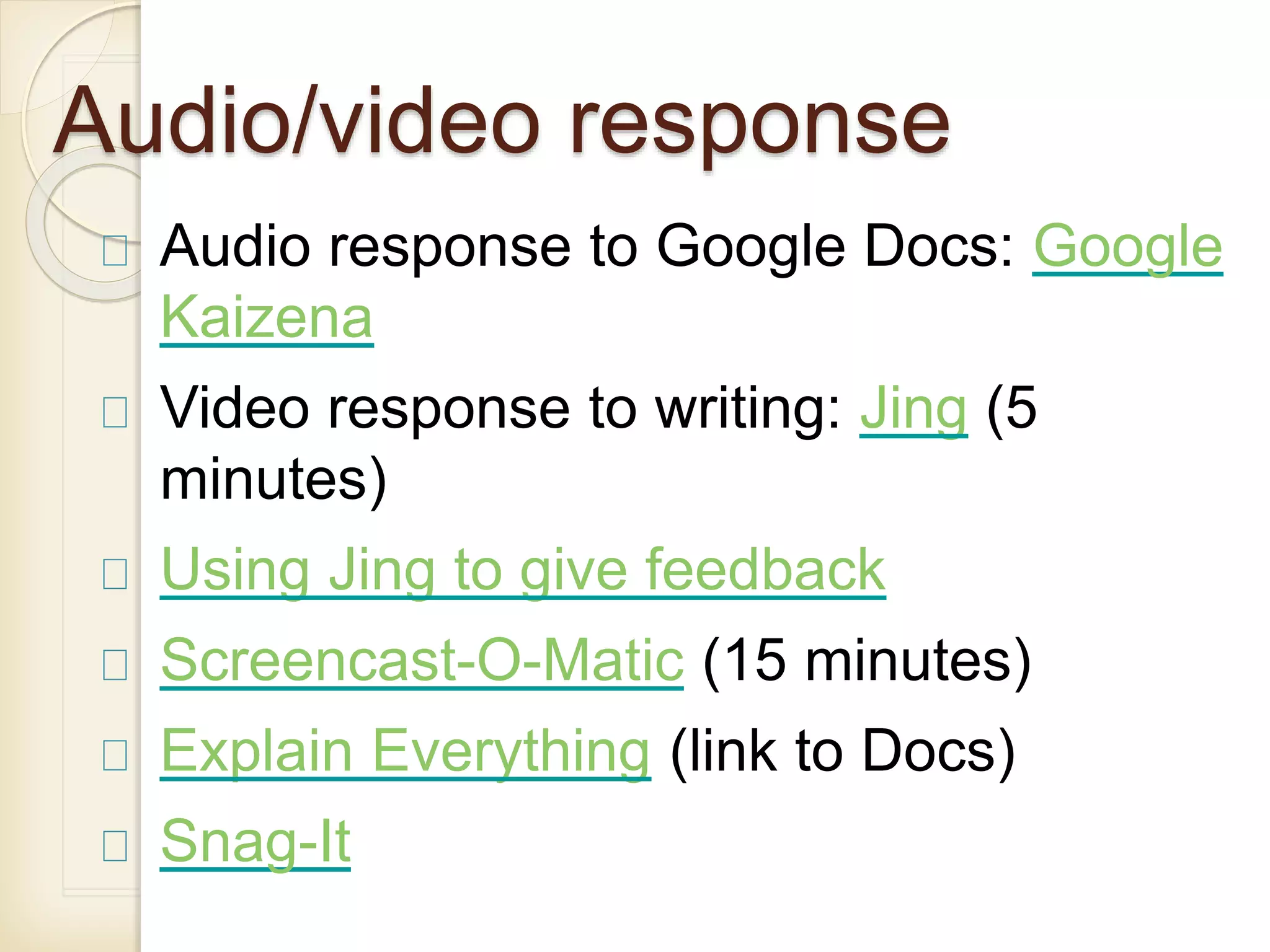
Audio/video response
Audio response to Google Docs: Google
Kaizena
Video response to writing: Jing (5
minutes)
Using Jing to give feedback
Screencast-O-Matic (15 minutes)
Explain Everything (link to Docs)
Snag-It
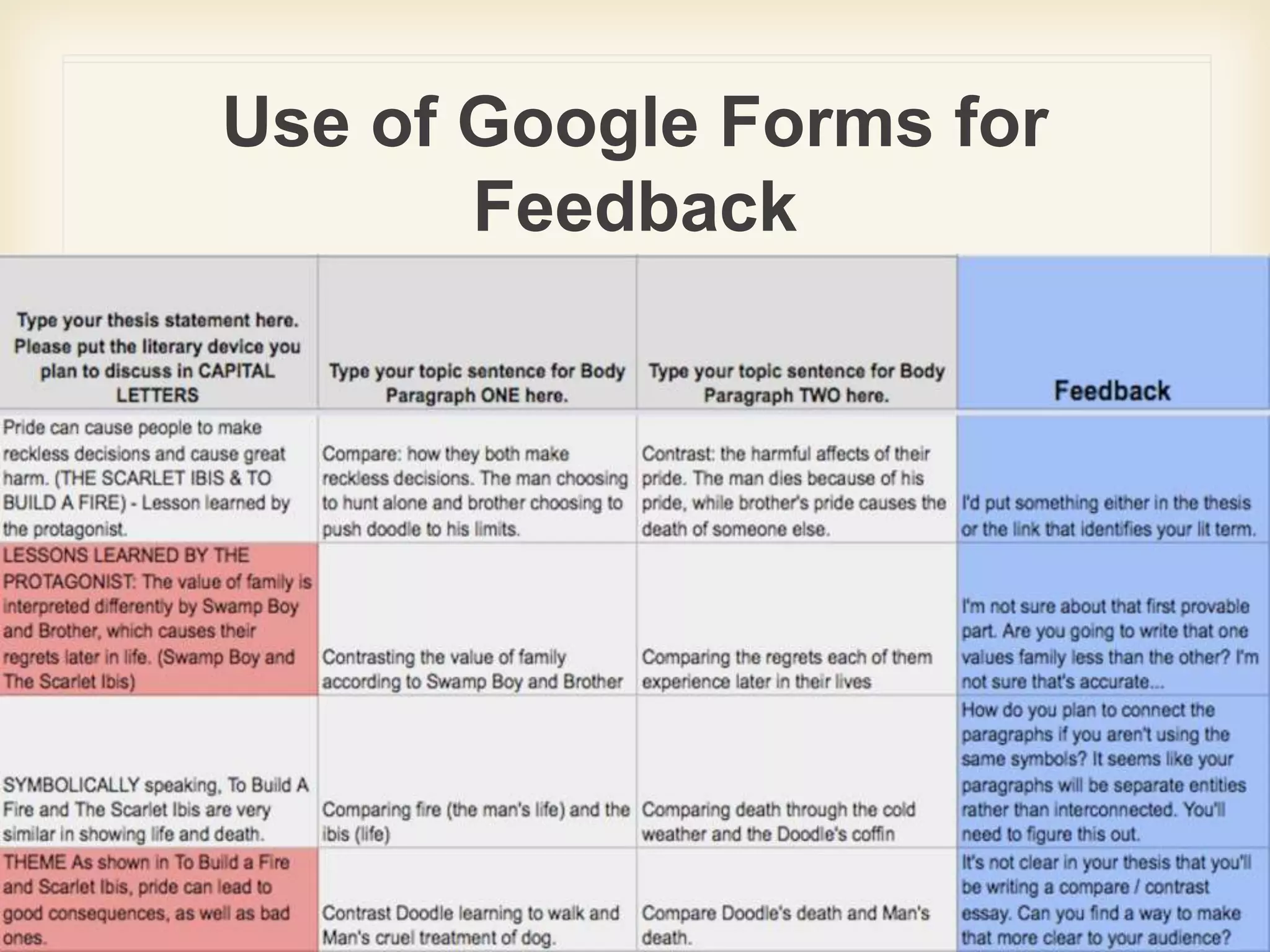
Use of Google Forms for
Feedback
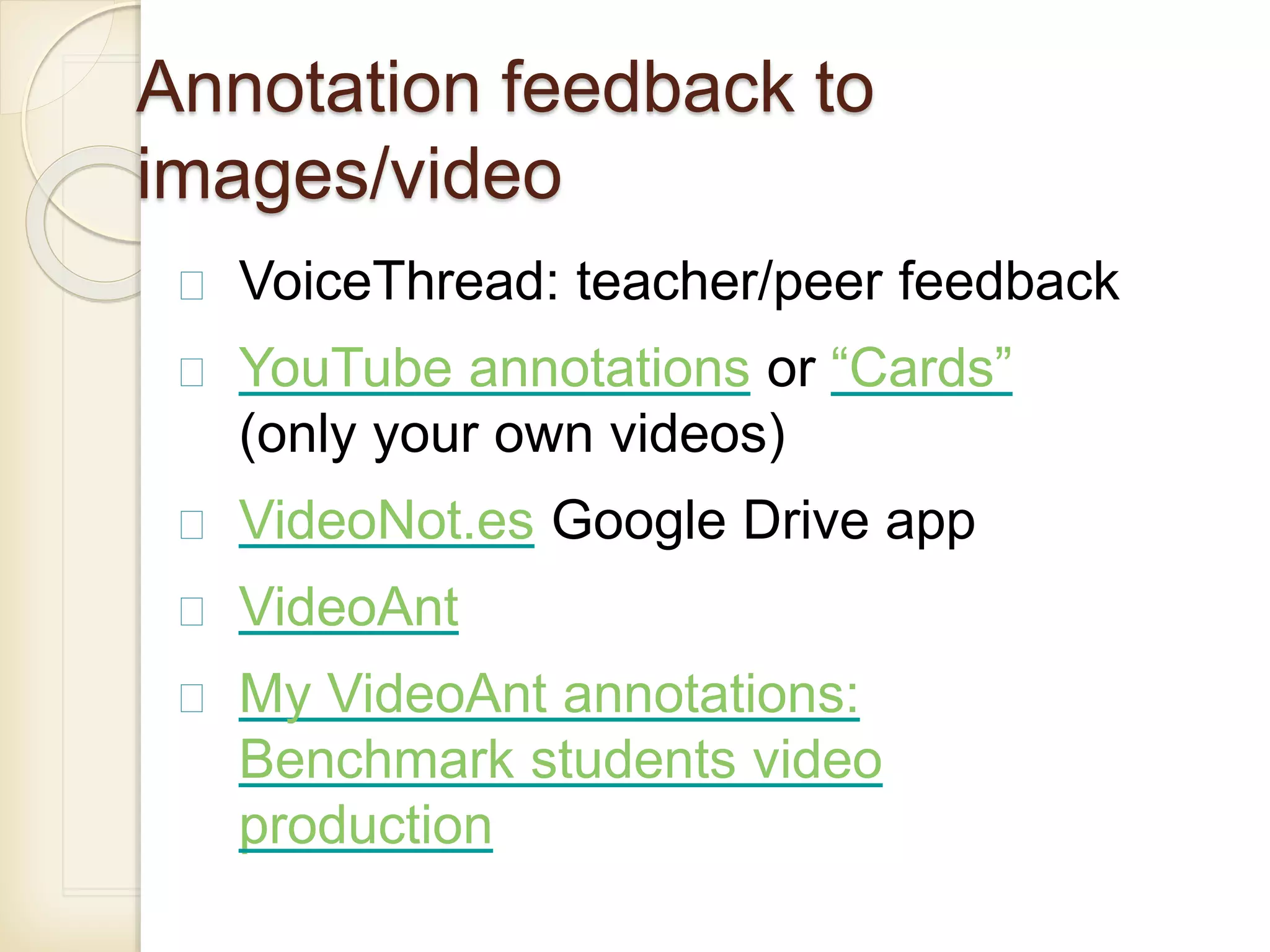
Annotation feedback to
images/video
VoiceThread: teacher/peer feedback
YouTube annotations or “Cards”
(only your own videos)
VideoNot.es Google Drive app
VideoAnt
My VideoAnt annotations:
Benchmark students video
production
iOS/Android Coaches Eye
Sports, oral presentations,
drama, music performance,
science experiments, etc.
Slow motion/freeze frame
Student records self-reflections
iOS 50% educators discount
for 20
e-portfolios
Process-based or storage e-
portfolios
Product-based or showcase
Use blogs, wikis, or websites
(Google Sites)
iOS: Three Ring, Easy Portfolio
Android: Three Ring, Easy Portfolio
Future research??
 Challenge: technological boosterism:
use of tools simply to engage
students.
 Need more focus on how affordances
foster critical inquiry even about the
role of technology itself in society
Handout on Google Docs
https://goo.gl/IfQt4x
The Benefits and Challenges of Being Connected: Living, Learning, and Teaching in Virtual Spaces

The Benefits and Challenges of Being Connected: Living, Learning, and Teaching in Virtual Spaces