Using iPad and iPhone Apps
for Learning with Literacy
Richard Beach, Professor
Emeritus, University of
Minnesota, rbeach@umn.edu

Google Docs Version of handout:
http://tinyurl.com/6oxcn7z
Using iPad and iPhone Apps for
Learning with Literacy Across the
Curriculum
Affordances of iPads/iPhones
   Touch:
    ◦ Intuitive navigation of texts and virtual
      worlds
   Portability/storage/ownership
    ◦ Personal learning device
 Social reading/writing
 Multimodality
 Collaboration/communication
Wikipedia apps
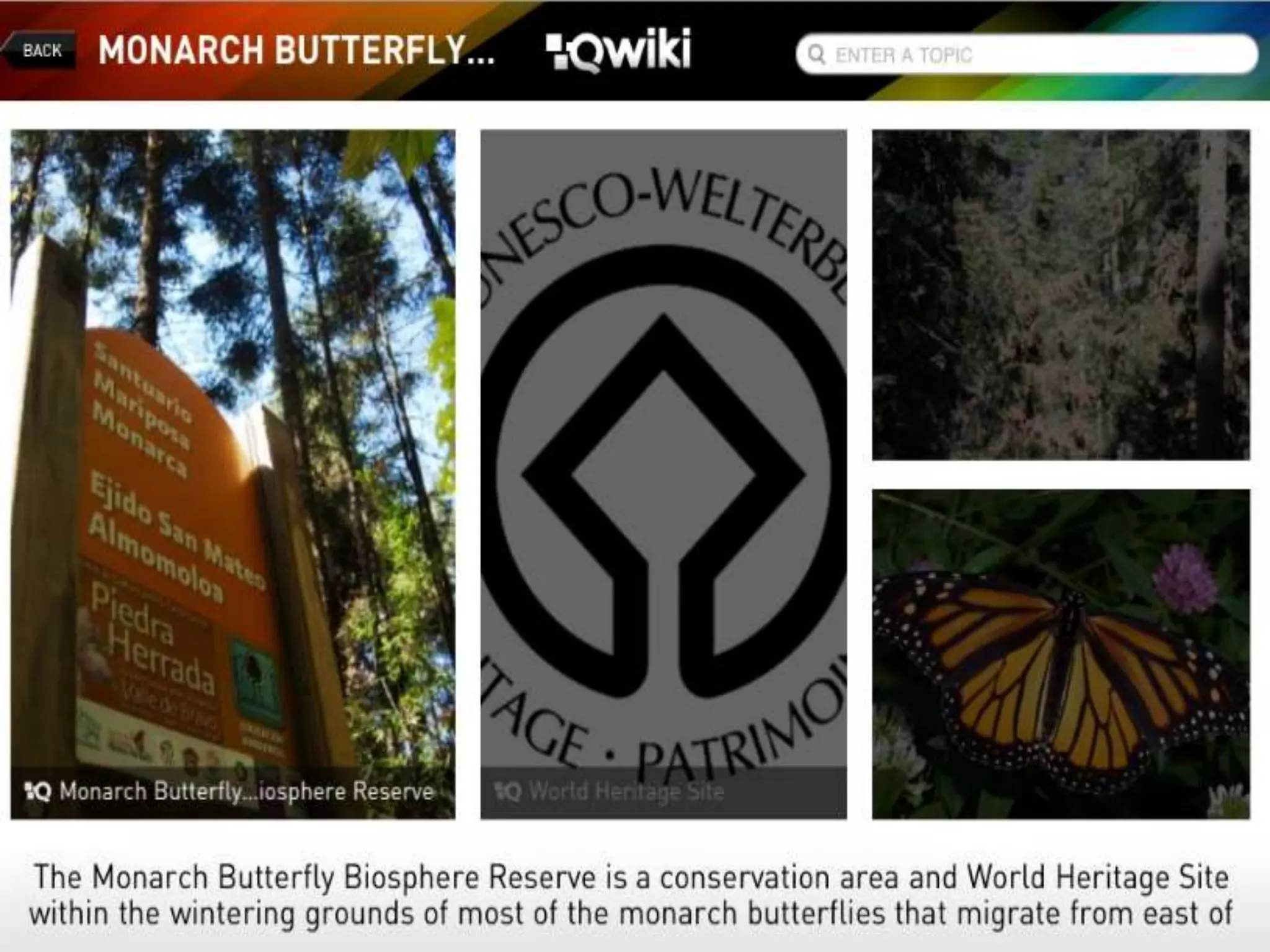
   Qwiki
    ◦ includes videos, images, graphs, and
      entries for millions of topics
 Articles for iPad
 Wikipedia Mobile
 Wikipanion Plus
 Simplepedia
 iWiki
Accessing/Analyzing
Information to Learn
   Search engine apps. Safari
    (bundled app), Google Search, Bing,
    Wolfram Alpha), Dolphin Browser,
    Opera Mini, Atomic Web Browser,
    Ask, Yahoo: Answers, Yahoo: Search,
    Shelfster, Knowtilus Pro (translates
    websites into 28 different languages)
News curation apps
   Pearltrees, Flipboard, Zinio, Flud,
    Google Currents, Evri, News360,
    LiveBinders
    http://tinyurl.com/7zpuhe5, Scoop.it!
    http://tinyurl.com/7ef7qjk,
    NetNewsWire (iPhone app, Fluent
    News Reader, Paper.li, and
Social bookmarking apps
   . Diigo, Evernote Web
    Clipper, Yahoo!
    Bookmarks, Xmarks, Mister Wong
    jogtheweb.png
    icyte.png, Licorize, symbaloo.png, fav
    able.png, scrible.png, Digg, Stumbleu
    pon
Purpose: Acquiring and
  subscribing to/sharing information
• Social Bookmarking and sharing
  links/tags
• Sharing links in class Diigo groups
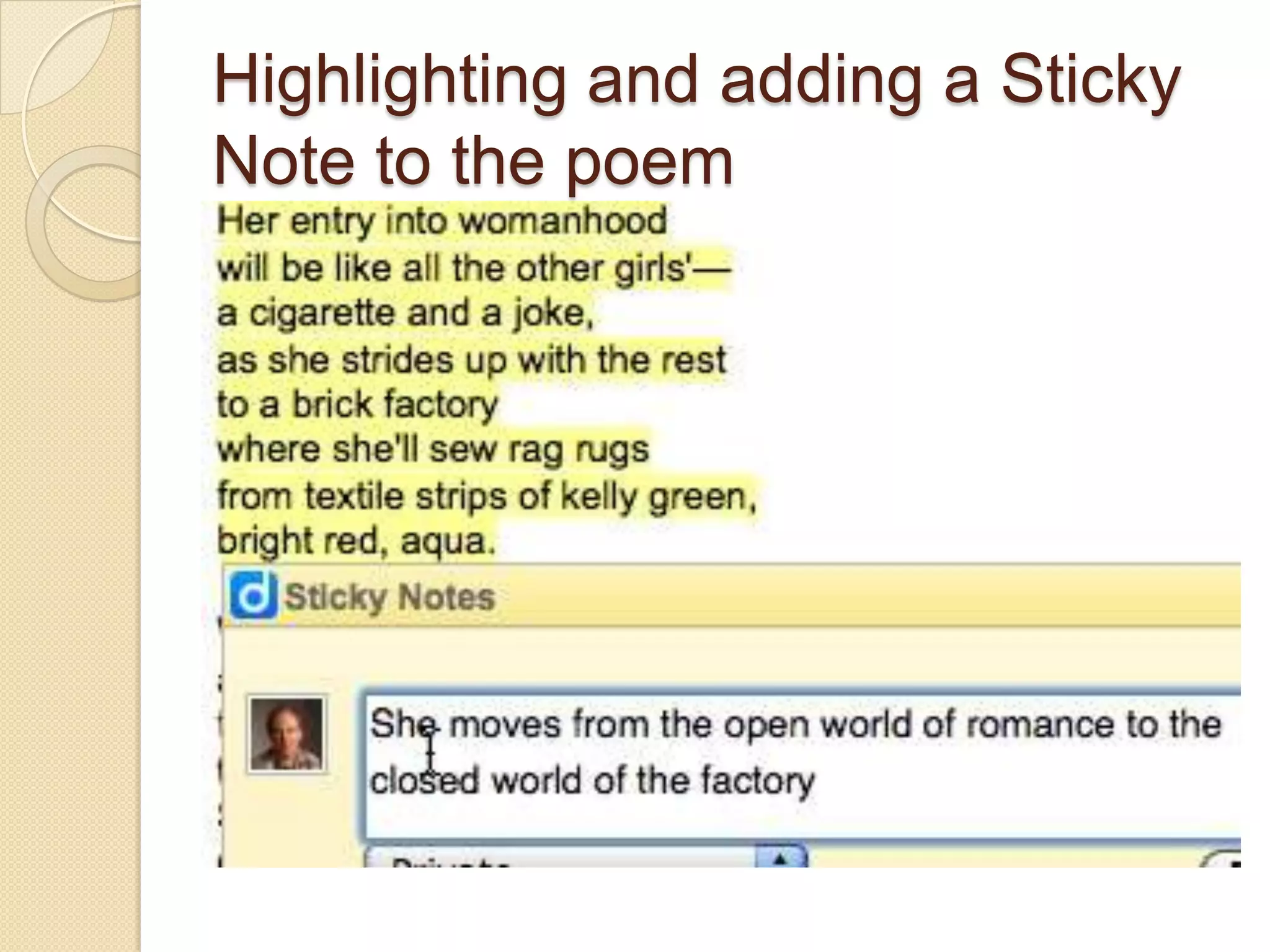
• Adding annotations to online literary
  texts for sharing responses to literature
Using Diigo for adding a sticky-
      note response
1. Add Diigo to your toolbar

2. Find an online text

3. Highlight sections of the text

4. Click on the icon to add a Sticky Note response

5. Have other students add their responses
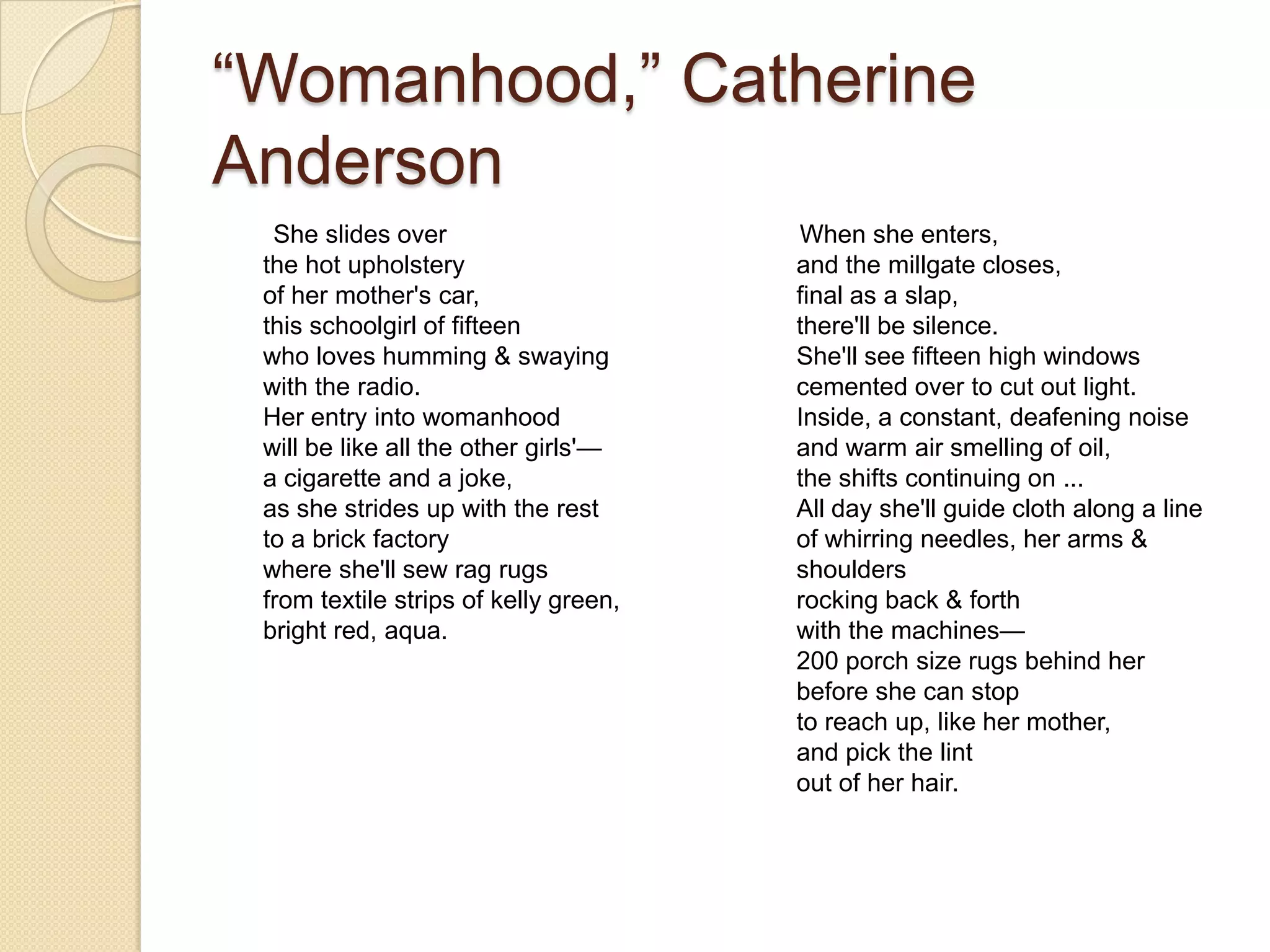
“Womanhood,” Catherine
Anderson
  She slides over                      When she enters,
 the hot upholstery                    and the millgate closes,
 of her mother's car,                  final as a slap,
 this schoolgirl of fifteen            there'll be silence.
 who loves humming & swaying           She'll see fifteen high windows
 with the radio.                       cemented over to cut out light.
 Her entry into womanhood              Inside, a constant, deafening noise
 will be like all the other girls'—    and warm air smelling of oil,
 a cigarette and a joke,               the shifts continuing on ...
 as she strides up with the rest       All day she'll guide cloth along a line
 to a brick factory                    of whirring needles, her arms &
 where she'll sew rag rugs             shoulders
 from textile strips of kelly green,   rocking back & forth
 bright red, aqua.                     with the machines—
                                       200 porch size rugs behind her
                                       before she can stop
                                       to reach up, like her mother,
                                       and pick the lint
                                       out of her hair.
Highlighting and adding a Sticky
Note to the poem
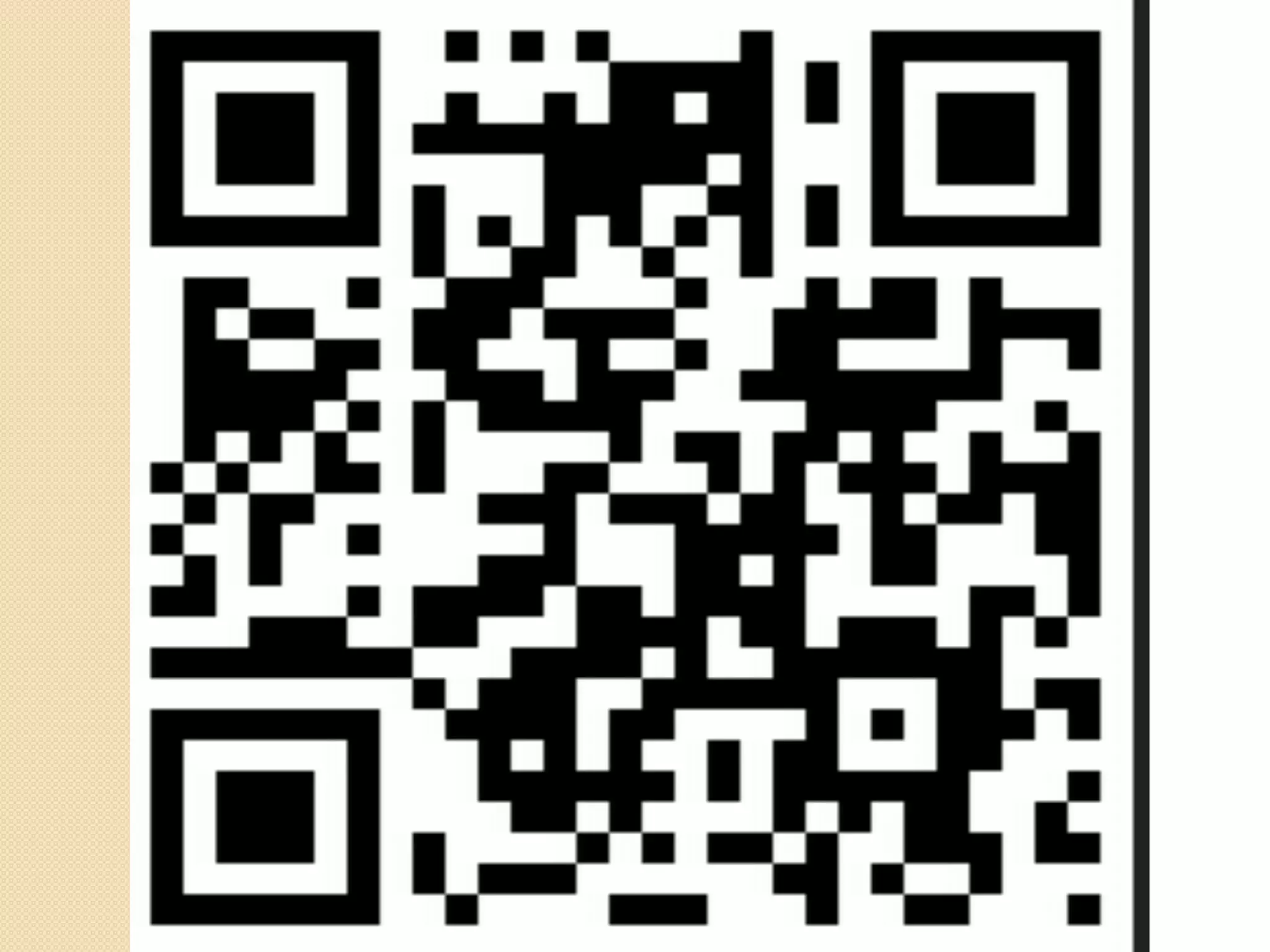
QR reader apps
 QR Reader, QR app, NeoReader,
  Scan, QR Scanner, i-nigma,
  Optiscan, ScanLife, Quickmark,
  RedLaser-Barcord Scanner and QR
  Reader, or Qrafter.
 Create QR code images by entering
  in a URL in a QR create site such as
  Qrafter, QRstuff.com, Kaywa, Tec-IT,
  QR-app
Comics apps
   Comixology Comics (for reading DC
    Comics, Marvel
    Comics, Image, Boom! Studio comics;
    Comics+, myComics, Comic, Comicbl
    endr HD, Comic Zeal Comic Reader
    Mini (iPhone only, ComicBookLover
    (for reading/organizing comics).
Digital mapping
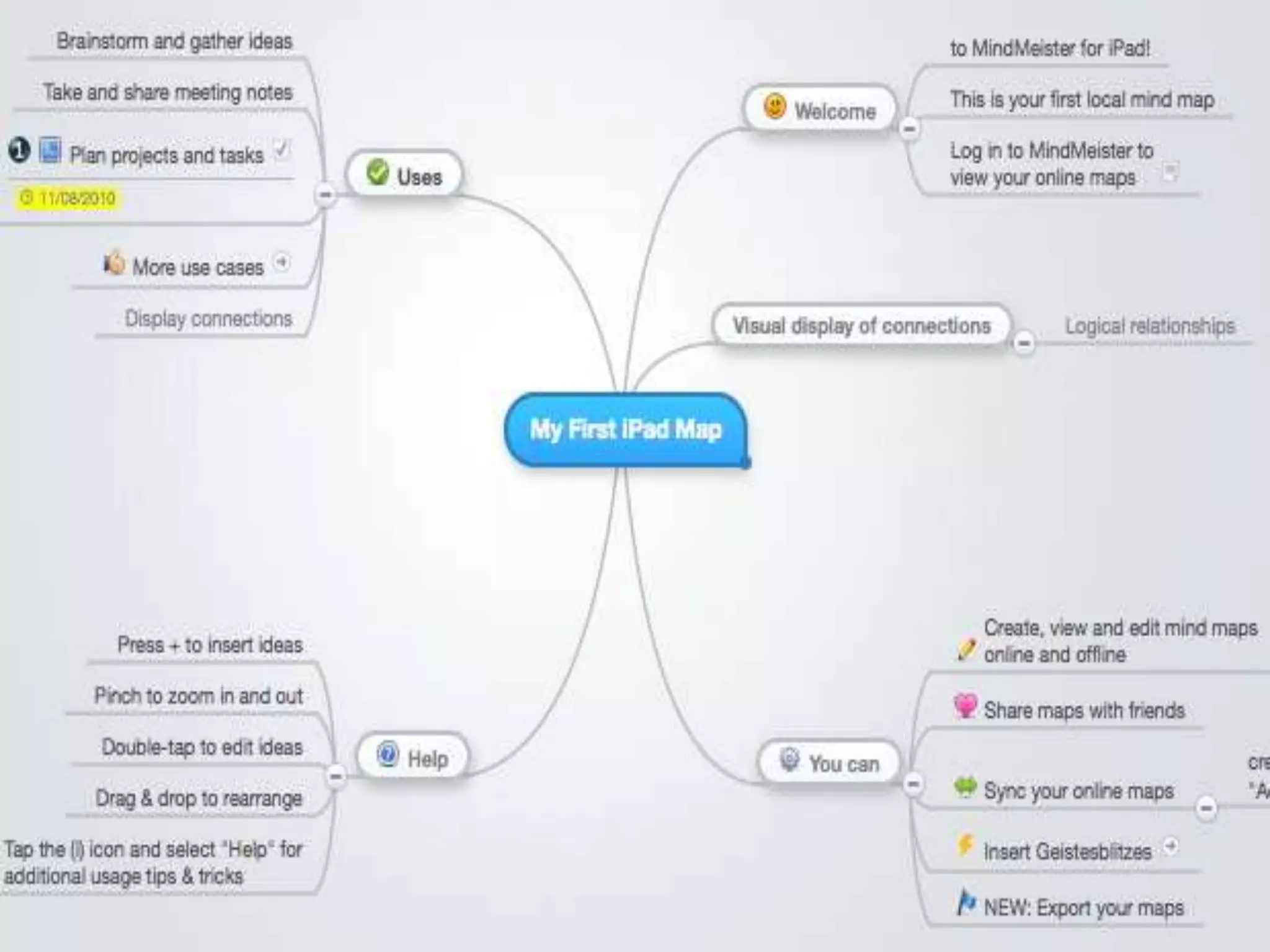
 iPad apps: iBrainstorm, MindMeister
  for Ipad,, Sundry Notes, Idea
  Sketch, Total
  Recall, inShare, iMindMap
  MindNode, iThoughtsHD, Popplet Lite
   http://tinyurl.com/3o6a3wy
 Hierarchical/logical relationships between
  key concepts
 Issues of definitions: “unhealthy” foods
Note-taking apps
   Notes (IOS
    apps), Evernote, Penultimate, Notes
    Plus, Simplenote, NyNoteIt, SoundNo
    te, SpringNote, Notability, UberNote,
    NotePad Pro PaperDesk
    LITE, SmartNote
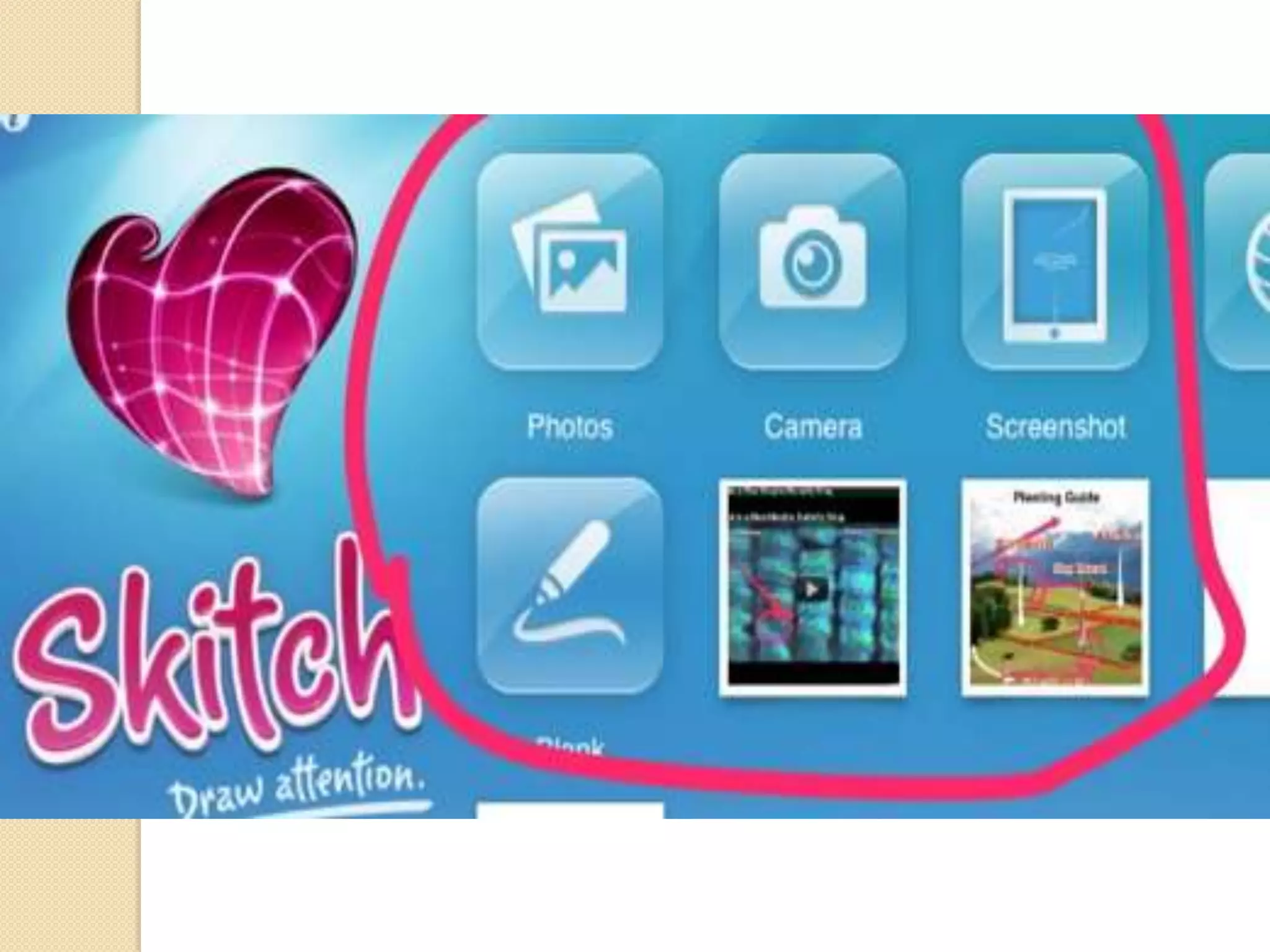
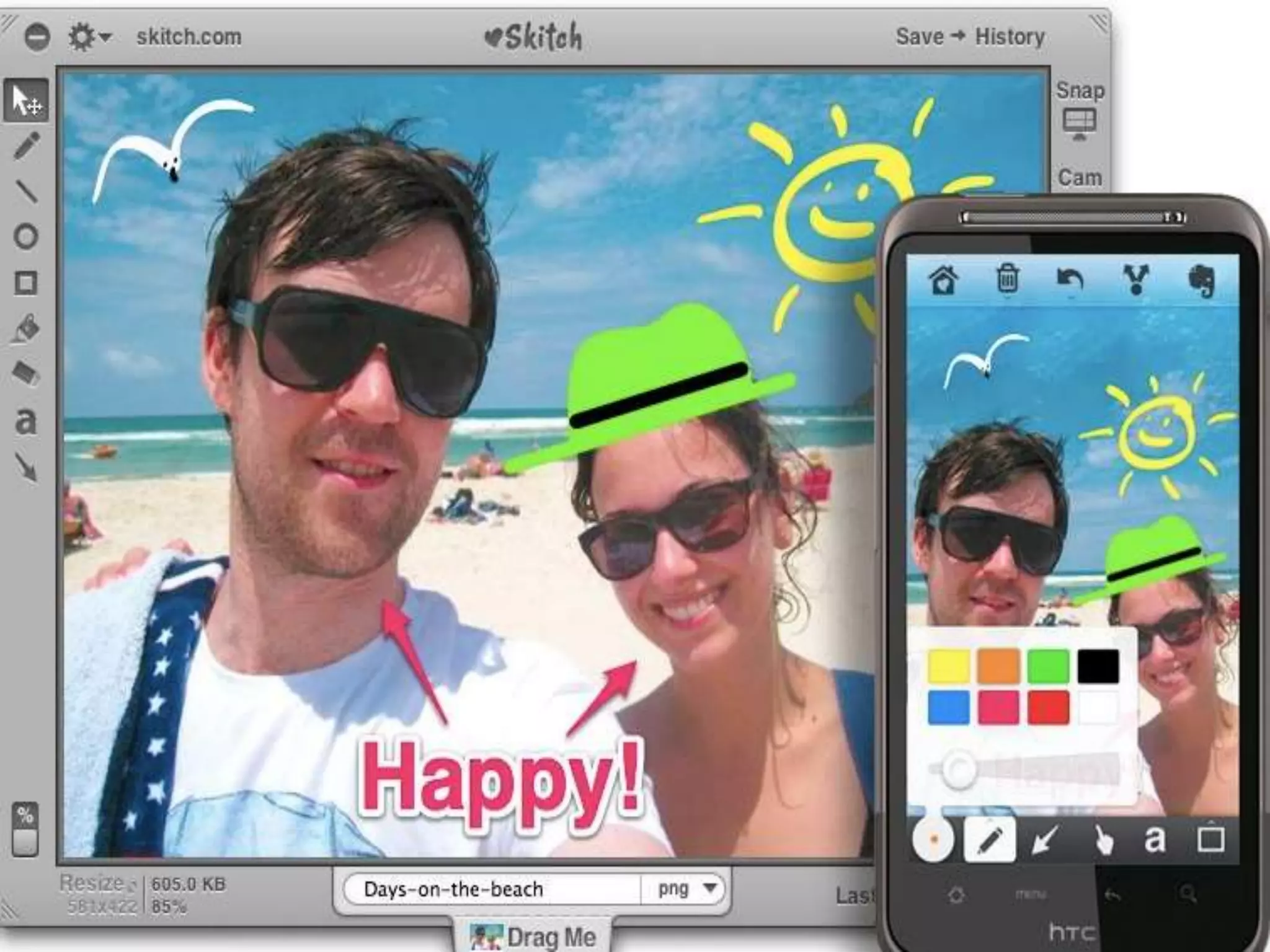
EverNote (and Skitch), Notes
Plus (Alison)
 Evernote use in schools
 Evernote for clipping webpages
 Skitch for visual annotations
 Notes Plus (handwriting)
Mind-mapping apps
   Inspiration, iBrainstorm, MindMeister
    for Ipad,, Sundry Notes, Mindjet for
    iPad, Idea Sketch, Total Recall,
    iMindMap, MindNode, iThoughtsHD,
    Popplet, SimpleMind+ for iPad,
    Maptini
Uses of mapping for
  responding to literature
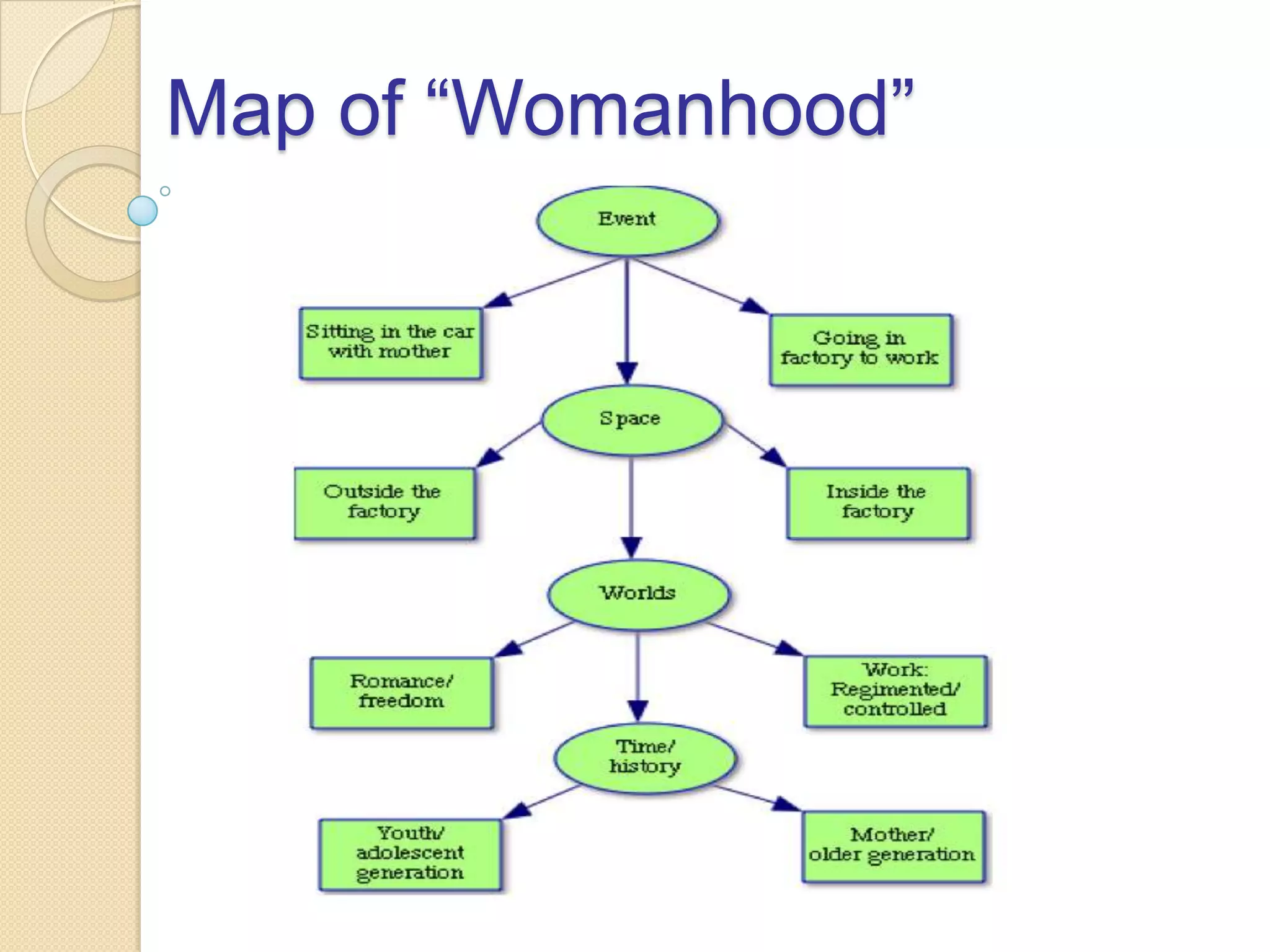
• Visually portray performances
  according to three units of analysis:
  o Events
    |
  o Spaces
    |
  o Social worlds/systems
Map of “Womanhood”
Blogging apps
 BlogPress or Blogsy to export their
  blog posts to
  Blogger, Wordpress, Posterous, Edm
  odo, Live Journal, Private
  Journal, KidBlog
 Tumblrita to export their posts to
  Tumblr
Twitter apps
   Twitter Apps such as
    Twitter, TweetCaster
    Tweetbot, Tweetdeck, Twitteriffic, Hoo
    tSuite
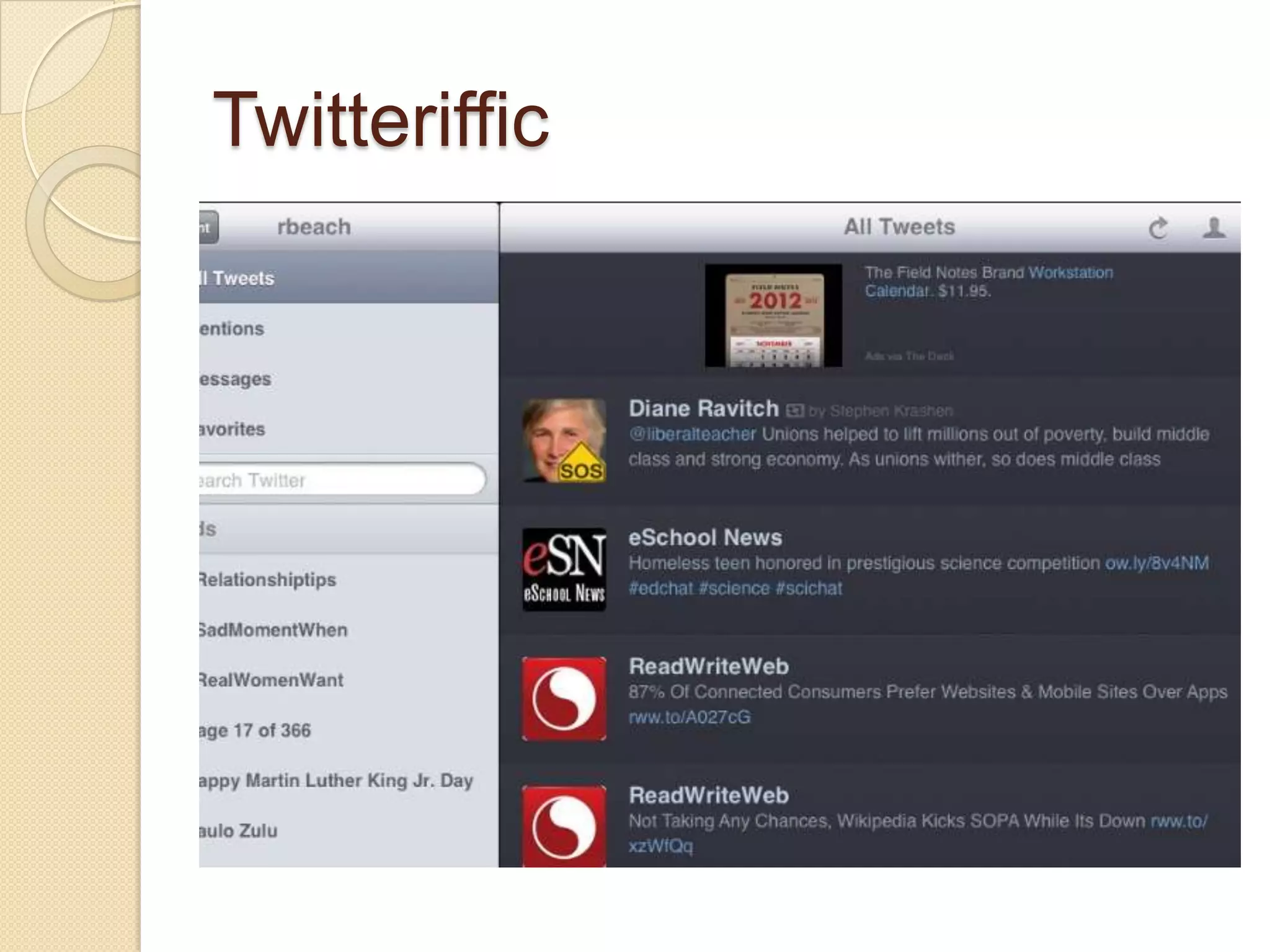
Twitteriffic
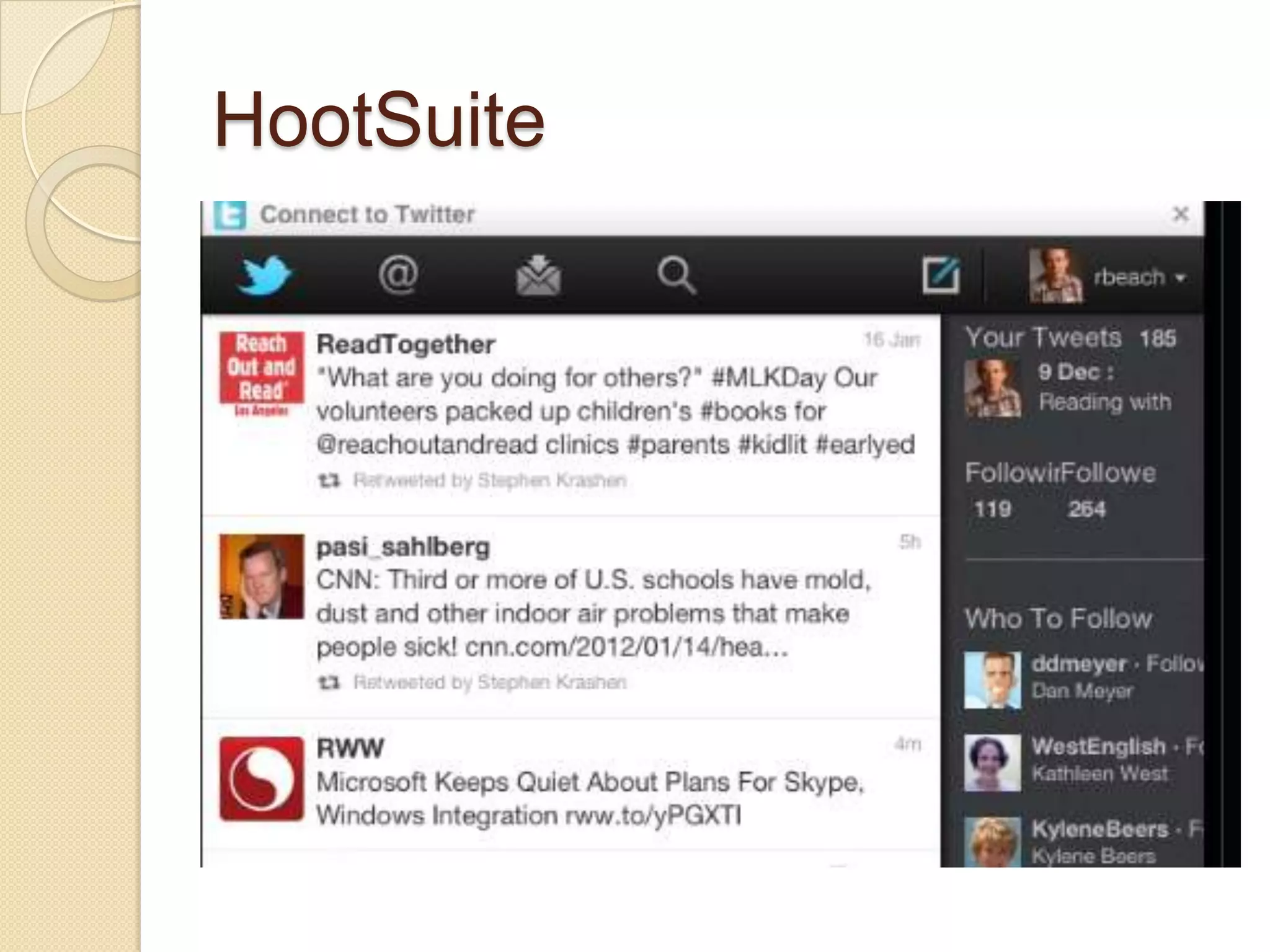
HootSuite
Extended writing apps
 Pages, IA Writer, My Writing Spot for
  iPad, PlainText, Manuscript for iPad,
  Notebooks, Clean Writer, Storyist
  iPad, DraftPad
 OnLive Desktop, DocumentsToGo
 CloudOn (Word, Excel, & PowerPoint
  editing)
Collaborative writing/data
collection: Google Docs forms
 5th graders: Weaver Lake
  School, Osseo, MN
 Data on parasite presence in
  Monarch butterflies
 49% had parasites
Story/children’s book writing
   StoryKit, Storyrobe, Book Creator,
    Bookemon Mobile, Picture Books,
    Writer's Studio, StoryPatch,
    Demibooks® Composer, StoryBuddy,
    My Story, MoglueBooks, myebook,
    StoryJumper (for younger students),
    Tikatok
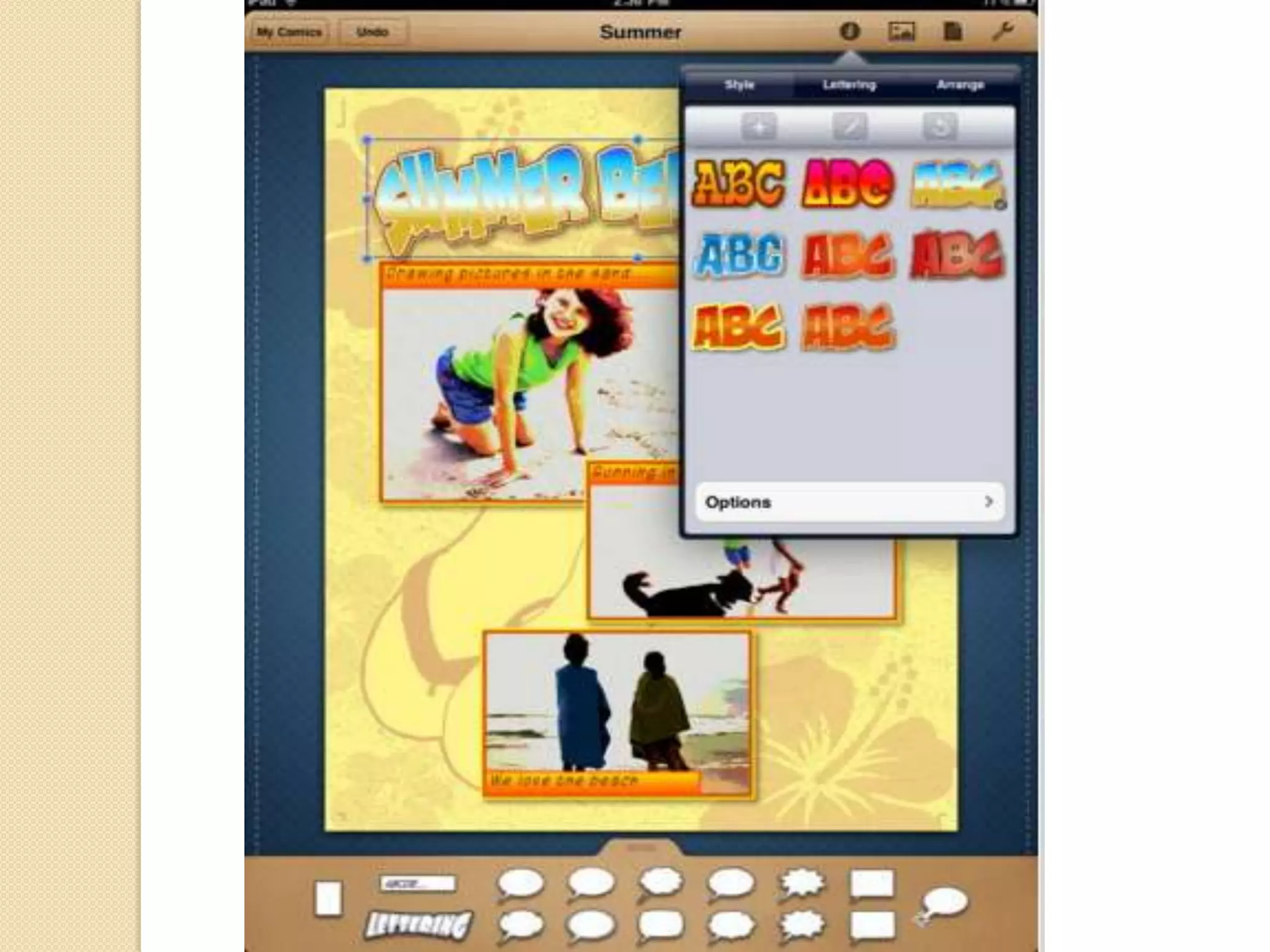
Comics/graphic novels
   Comic Life, Strip
    Designer, ComicStrip CS
    Shttp://tinyurl.com/6or7bvz, Comics
    Creator, PhotoComic, Comic Touch
    Lite
Dictionary/grammar apps
   Dictionary for iPad, Merriam-Webster
    Dictionary HD, WordWeb Dictionary
    Dictionary.com: Dictionary and
    Thesaurus, Advanced English Dictionary
    and Thesaurus
    ◦ Students can speak words for dictionary
      searches
   Grammar App HD, English
    Grammar, Grammar Up, Word Study &
    English Grammar, iGE Lite: the
    interactive Grammar of English from UCL
Apps for Sharing/Publishing
Writing
   ePub: Mac Pages (soon to be on iPad
    Pages)
   Apple Author (requires OS Lion): iBooks
   Dotepub or Inkling books
    ◦ Human Biology Inkling textbook
    MoGlue Books
    http://tinyurl.com/88pbgau
   ebooks for reading on eReaders by
    submitting properly formatted Word files
    to Smashwords.com, Bluefire Reader
    App, or Book Creator
Dictation apps
 Dragon Dictation/Search/Go
 Siri
 Remote Dictate
    ◦ dictate text that then appears on their PC
      Word or other word-processing
      application—transfer facilitated by the
      free, Air Mouse Server
   Google Translate
Voice search: Requires
vocabulary
 Google Search
 Siri iPhone 4S
 older IPhones: Voice Ask app
 http://tinyurl.com/72p3v35
 ChaCha
 Merriam Webster dictionary
 http://tinyurl.com/3zx9hu9
 Assessing information literacies
 TRAILS http://www.trails-9.org
Small-group discussions: CMS
platform options
   Pearson’s OpenClass (free; linked to
    Google Apps)
    ◦ http://www.joinopenclass.com/open/view/t
      1
   Edmodo (free; also an app)
    ◦ http://www.edmodo.com/
   Schoology
    ◦ https://www.schoology.com/home.php
   rcampus (cloud-based)
    ◦ http://www.rcampus.com/
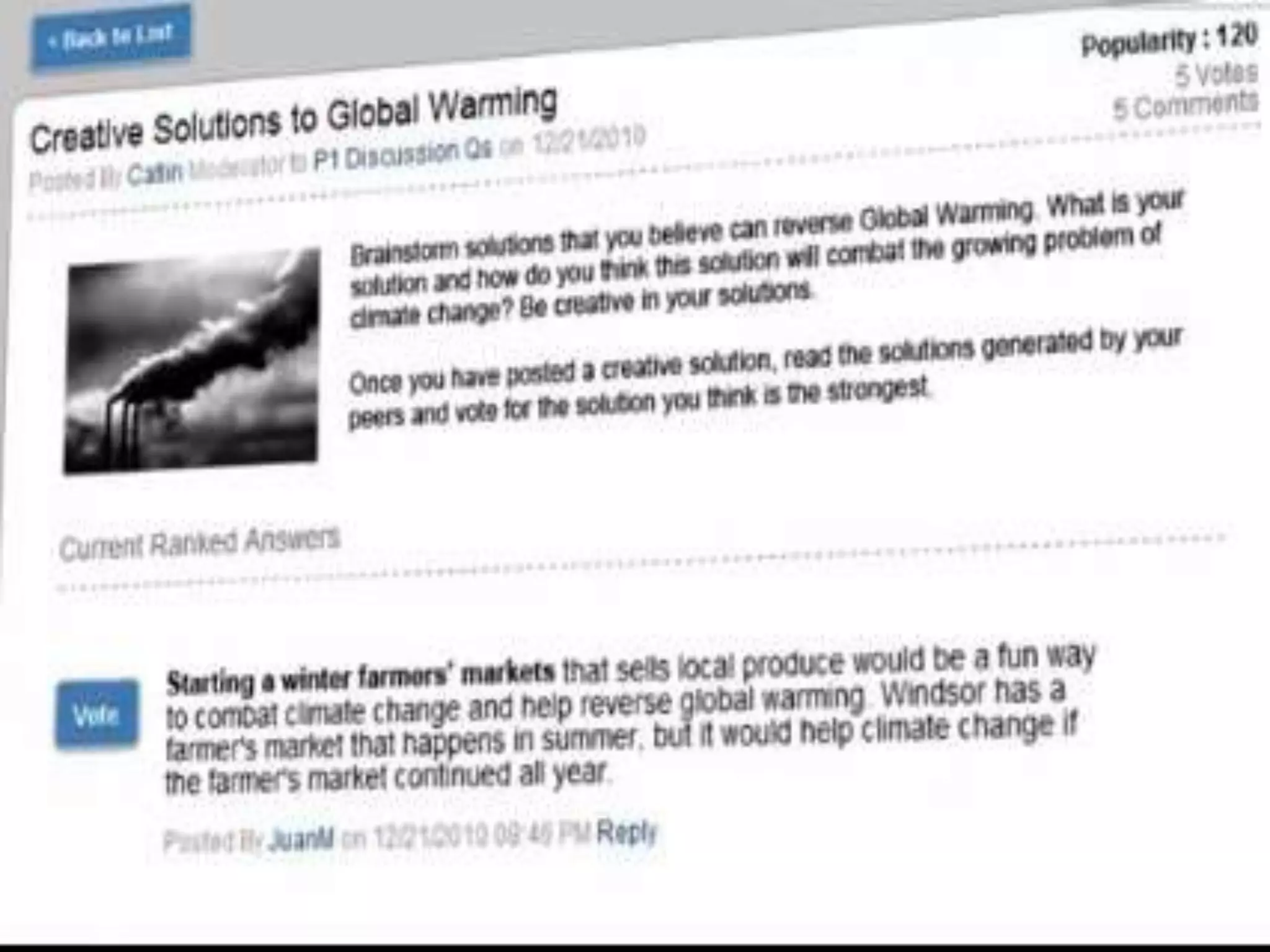
Collaborize Classroom
 Free platform for classroom
  discussions
 Web-based
 Extensive curriculum resources
 Focus on fostering students
  collaboration
 Professional development on leading
  discussions
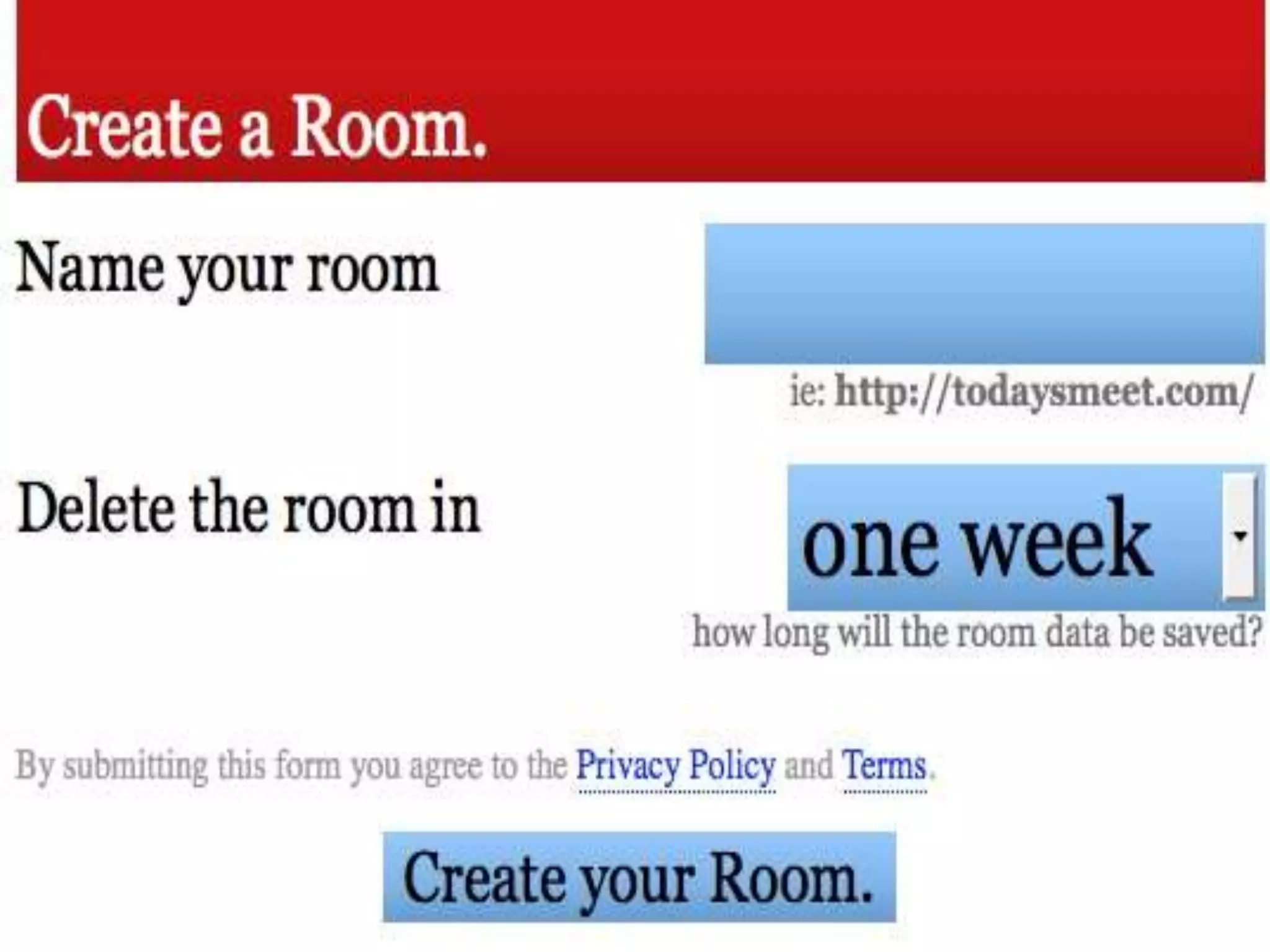
Backchannel apps
   TodaysMeet, Soapbox, Backchannel,
    Buro Zero Backchannel, Donahue,
    Read Chatz, or Present.ly
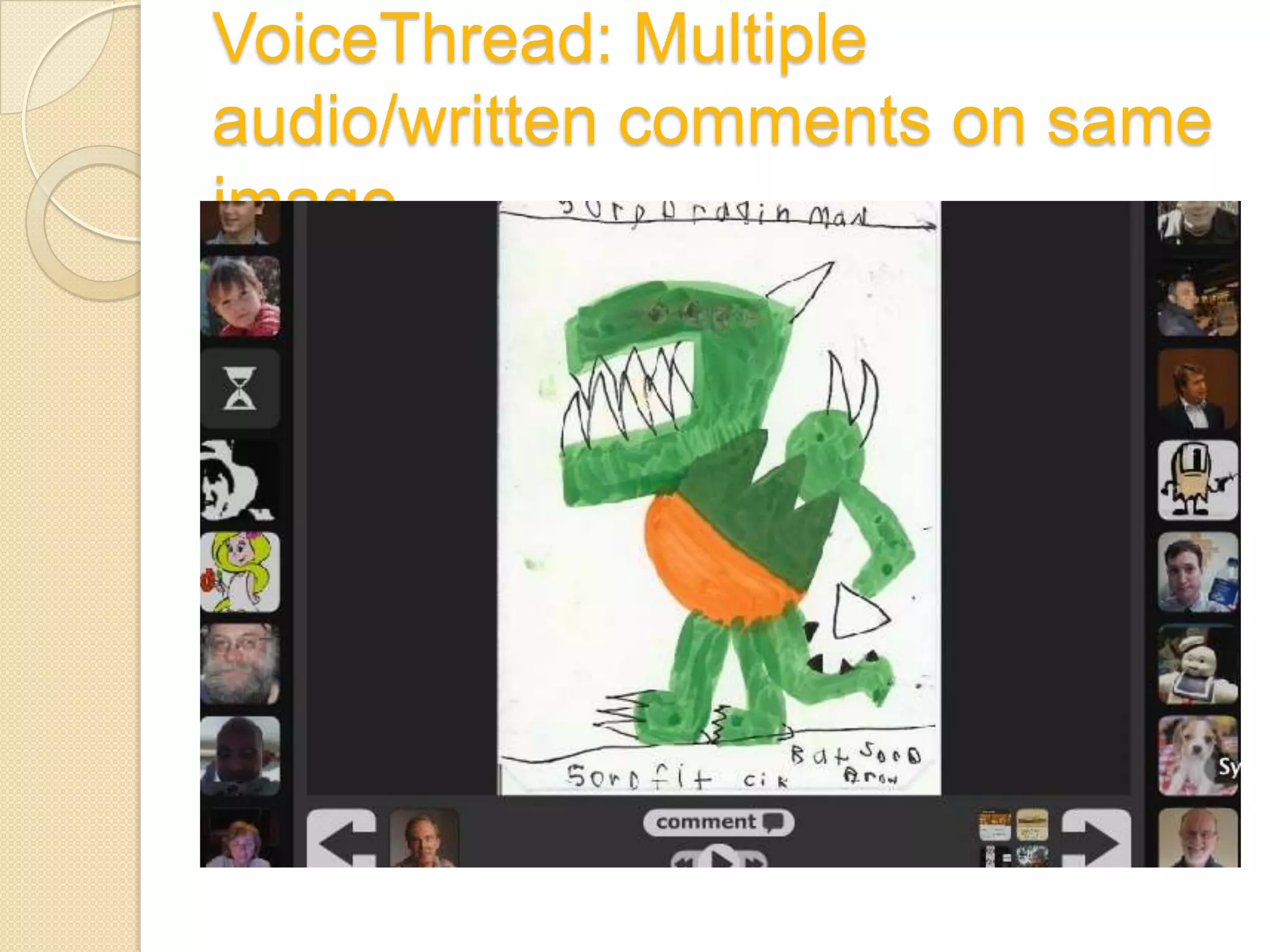
VoiceThread: Multiple
audio/written comments on same
image
Produce image tutorials for
peers: Doodles and audio voice-
over
 ShowMe, Explain
  Everything, VoiceThread.ed, Screenc
  homp, Educreations, Interactive
  Whiteboard, ReplayNote, Skitch
 Show Me: 5th grade science
 http://www.showme.com/sh/?h=RNKs
  pgu
 VoiceThead: Literary terms
 http://voicethread.com/?#u11815.b14
  28998.i7556980
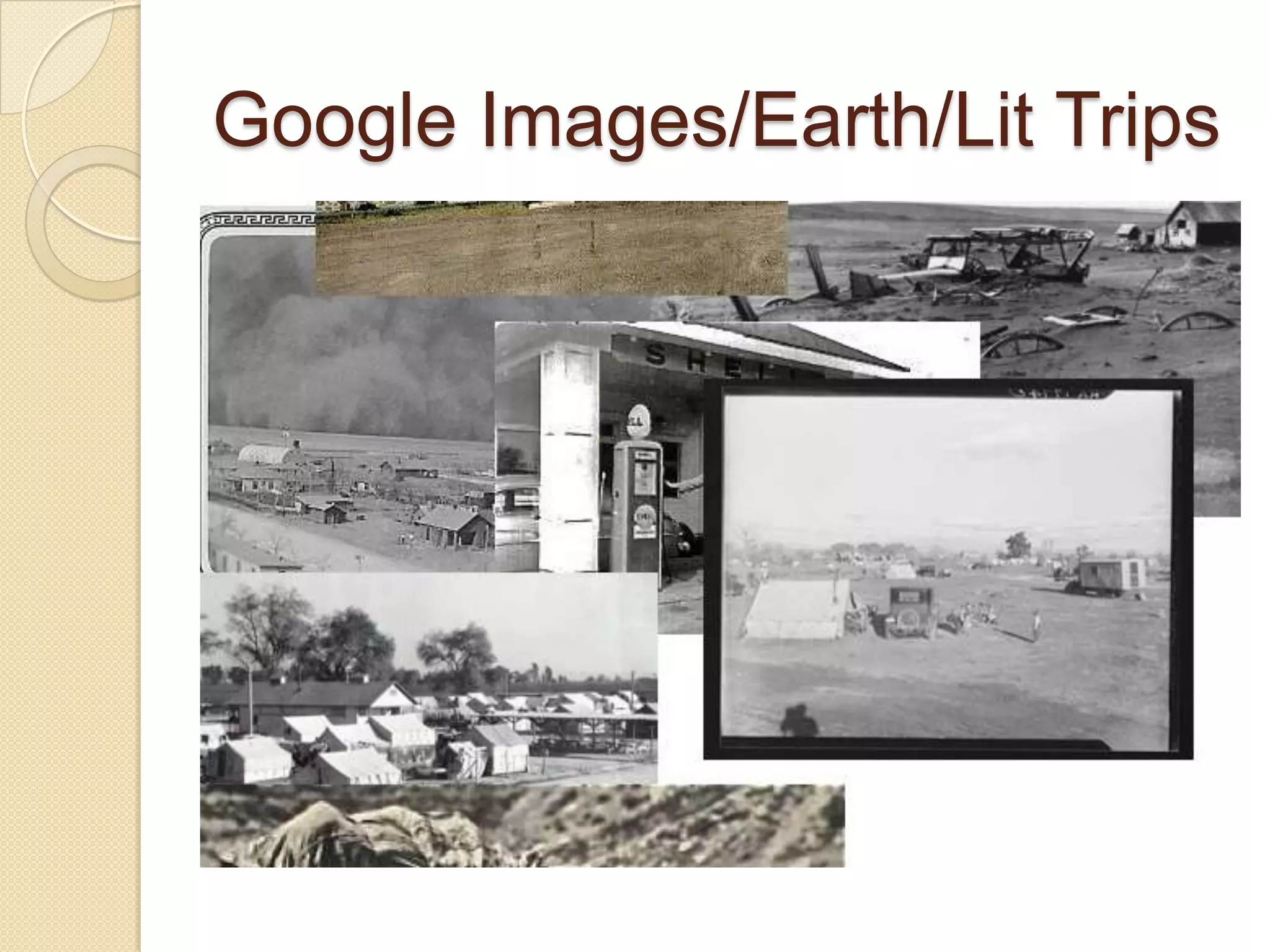
Google Images/Earth/Lit Trips
Video/audio conferencing
   iChat, Skype, Facetime, Google+
    Hangout, Adobe Connect, Blackboard
    Collaborate, Skype for iPhone and
    iPad, as well as a distinct Skype for
    iPad,), Share Board (up to 4 users),
    Fring: Video Calls + Chat (up to 4
    users), BT Chat HD, ooVoo Video
    Chat, Vtok: Google Talk Video, Chat
    for GoogleTalk
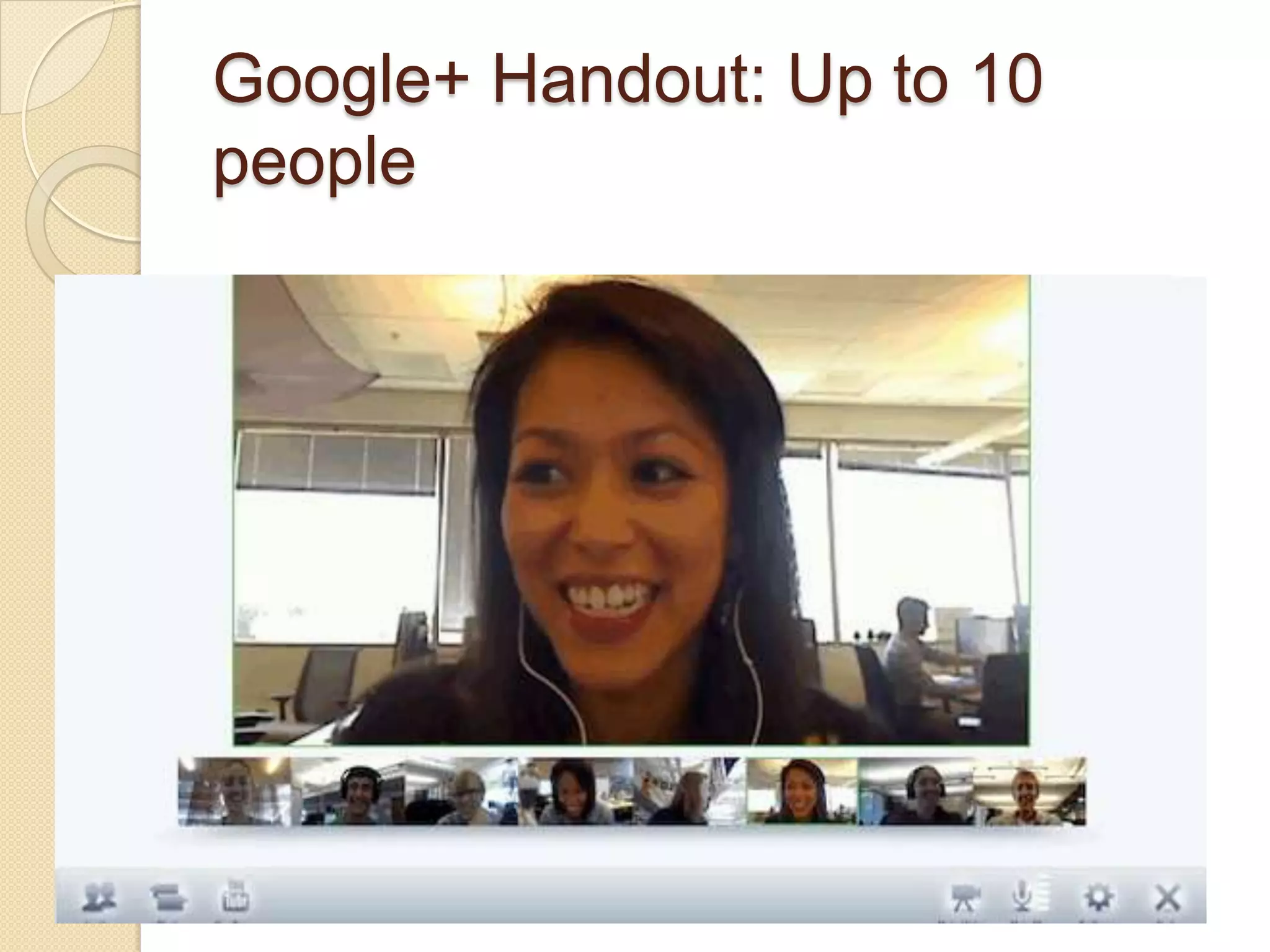
Google+ Handout: Up to 10
people
Teen texting: Pew Research
   63% text daily versus 39% cell
    phones, 35% face-to-face
    socializing, 29% social-networking
    messages, 22% IMing, and 6% emailing.
   The median number of texts sent daily
    was 60 in 2011. The heaviest texters
    (more than 100 texts a day) are also the
    heaviest talkers; 69% of heavy texters
    talk daily on their cell phones versus 46%
    of medium texters (those exchanging 21-
    100 texts a day)
Texting/message apps
 iMessage (iPad or iPhone), Messages
  (Mac), AK Messenger!, textPlus Free
  Texting + Group Text, Textie™
  Messaging, Textfree, TextNow + Voice
  - Free Texting and Calling, iPushIt,,
  Text Me!, gText
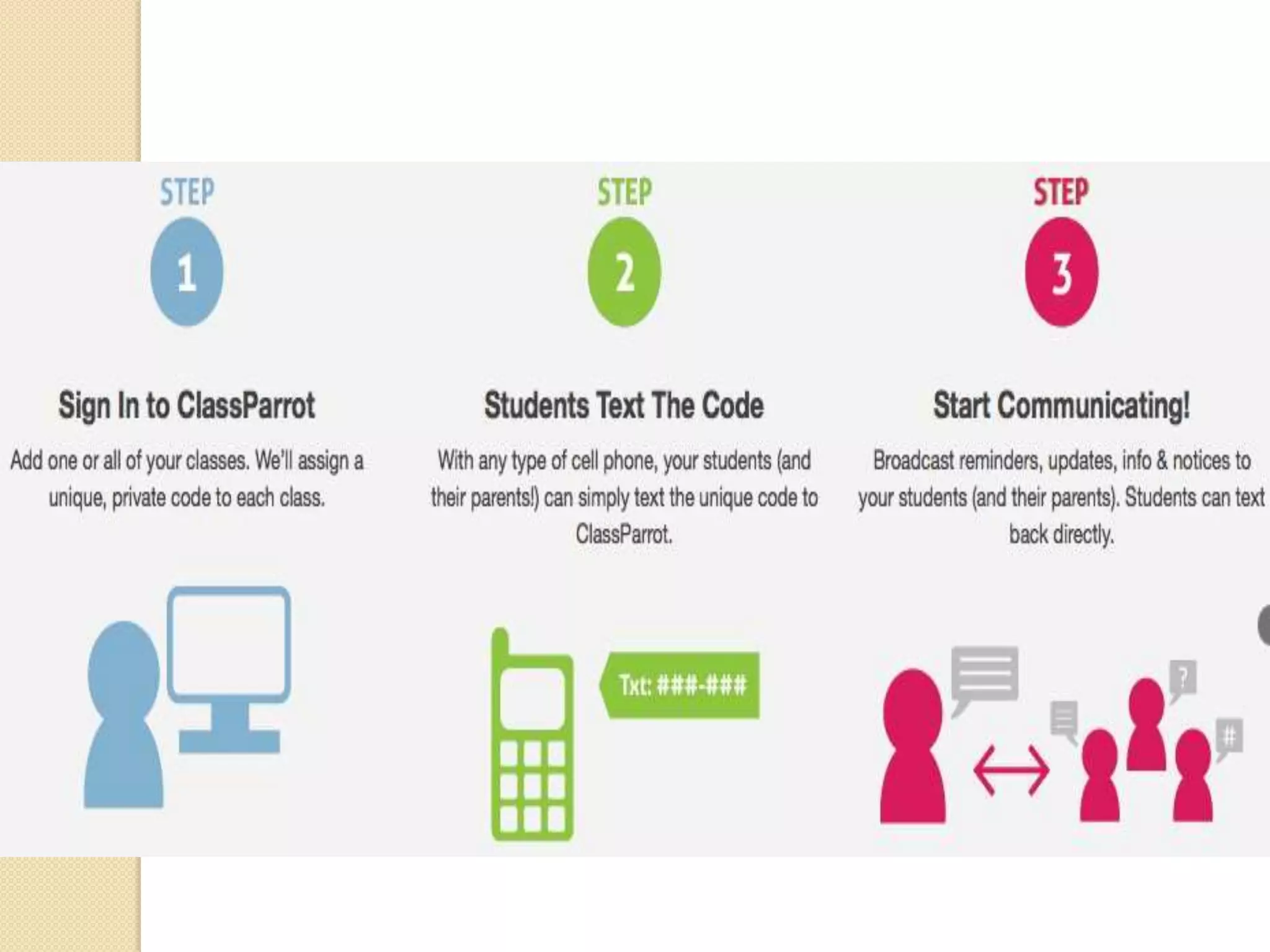
 Classroom-based texting systems:
  Class Parrot, Kikutext, WeTxt,
  Remind101, Sendhub, Class Pager
Text to speech apps
   vBookz (reads aloud books) vBookz PDF
    Voice Reader (reads aloud PDF files),
    Write & Say (reads aloud text in 52
    different voices (including a 3D avatar)
    and in 50 different languages), Speak it!
    (four different voices: American Male,
    American Female, British Male, British
    Female), Voice Reader Text to Speech
    (21 languages using 32 different voices,
    includes PDF files), Talk to Me (hear
    words spoken to them as they are
    writing)
Creating podcasts
   GarageBand,Voice Memos for
    iPad, SoundCloud (export into
    Garageband for editing)
Accessing videos
   YouTube EDU (free educational
    videos from universities, PBS, TED,
    and other educational sites), YouTube
    for Schools (students create/share
    videos), Google Videos, Vimeo,
    Redux, Yahoo Videos
Producing videos:
Scripts/storyboards.
 Celtx
  Script, ScriptWrite, Storyist, Storyboar
  d Composer
 2012 updated iMovie app: a
  storyboard feature for planning a
  video
 Recommend using Comics apps such
  as Comic Life for storyboards
Creating animation videos
 Animation Desk™ for iPad, Animation
  Studio, Toontastic, Puppet Pals
  HD, Sock Puppets, Animation
  Creator HD
  Lite, FlickmationLite, DoInk Animation
  & Drawing, iAnimator, Pop My Video
 videos made with iMotion
 http://www.youtube.com/watch?v=VT
  MCnn0gztA
Game apps
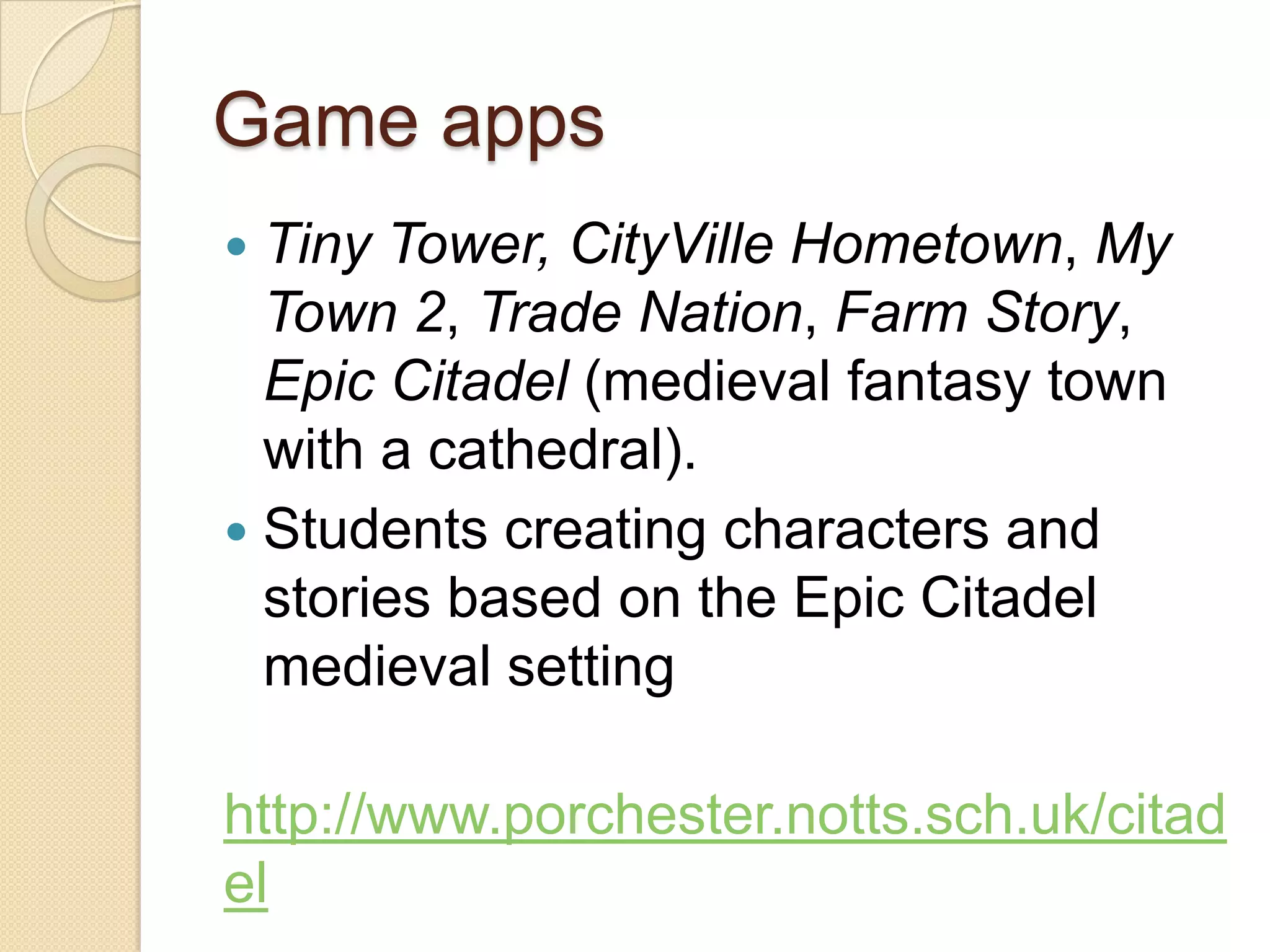
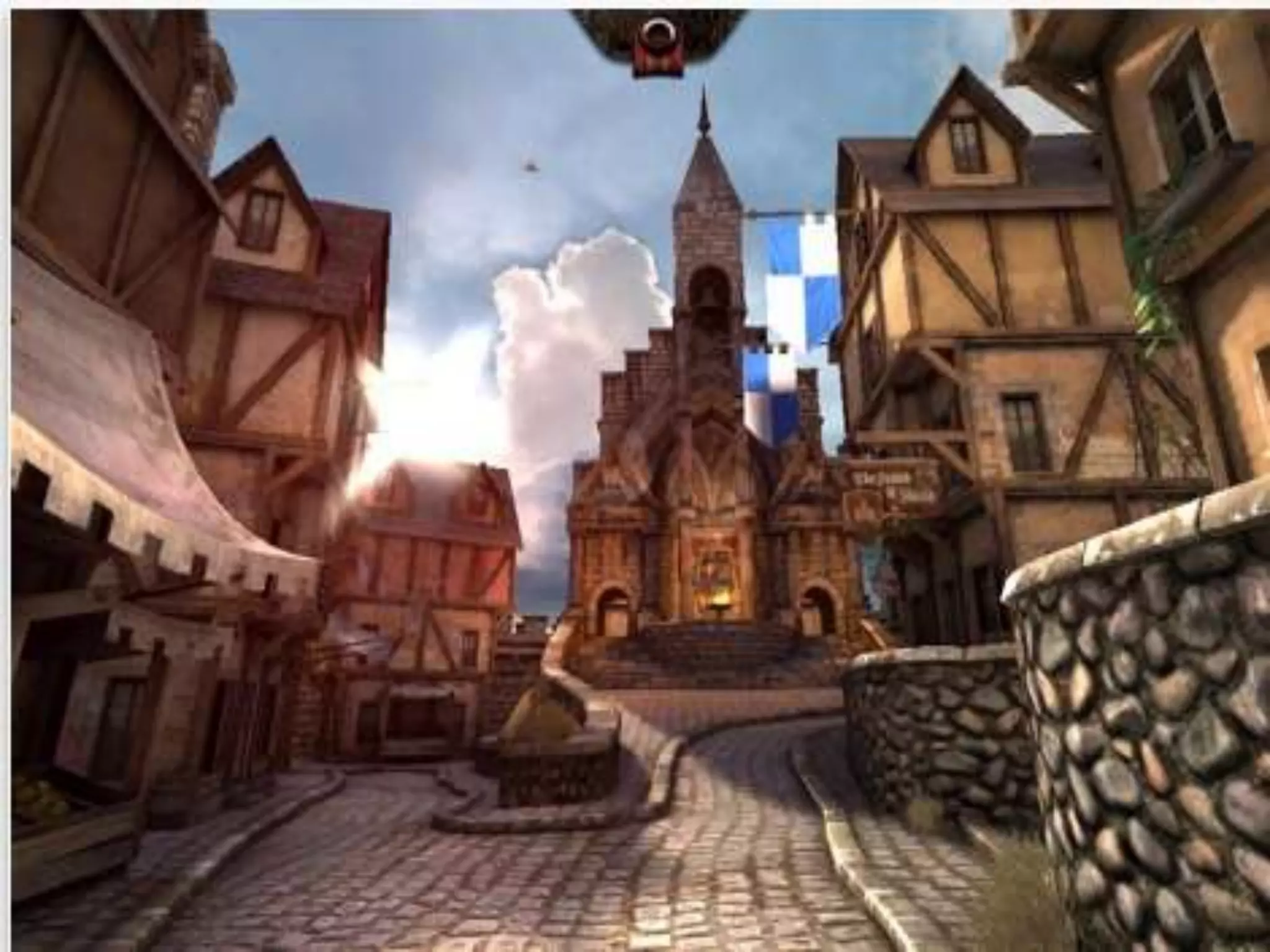
 Tiny Tower, CityVille Hometown, My
  Town 2, Trade Nation, Farm Story,
  Epic Citadel (medieval fantasy town
  with a cathedral).
 Students creating characters and
  stories based on the Epic Citadel
  medieval setting

http://www.porchester.notts.sch.uk/citad
el
Interactive fiction
 Zenonia series
 Terra-Eternal Chaos, Vanquish: The
  Oath of Brothers
 Rimelands series
 Fighting Fantasy series
 Gamebook Adventures series
 LEGO Harry Potter: Years 1-4
 Hunger Games: Girl on Fire
 Avatar
Role-play games (RPGs)
   Saturday Morning RPG
    ◦ a high school student must make
      decisions to cope with the threat of an evil
      villain to attempt to save the world, a
      game that draws on Saturday morning
      cartoons
   Surviving High School
    ◦ a new female high school student coping
      with getting to know students in her school
      or a male assuming the role as a member
      of the high school football team
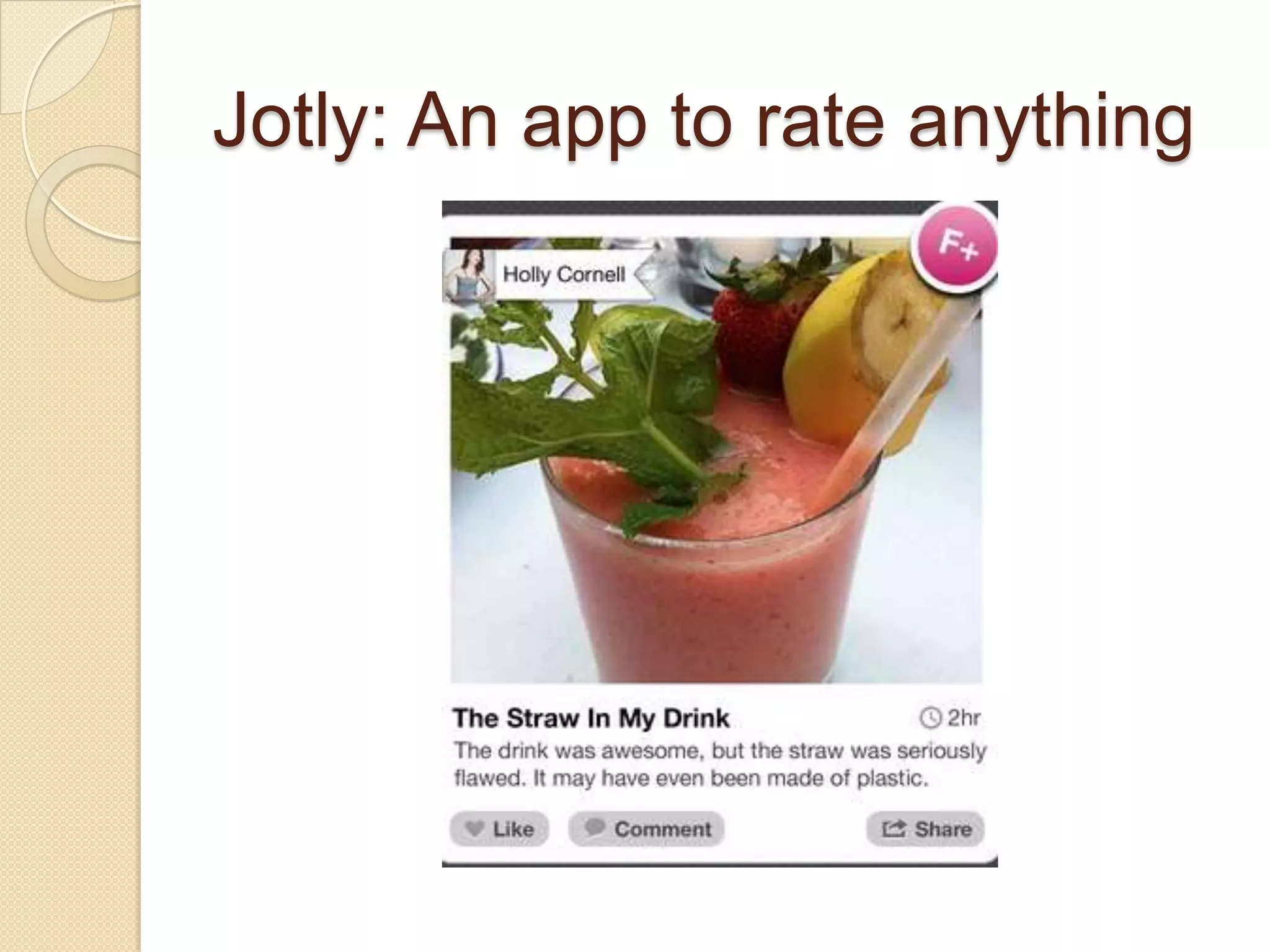
Jotly: An app to rate anything
Self-assessment forms
 Google Docs Forms
 iResponse
Screen-casting feedback
 Text/PPs/images:
  VoiceThread, ExplainEverything, Scre
  enchomp, ShowMe, Educreastions
 Video response to writing: Jing
 Speeches/drama: Formative
  Feedback for Learning
  http://formativefeedbackapp.blogspot.
  com
Open-ended feedback
 Essay Grader
 Easy Assessment
 Collaborize Classroom Pro
    ◦ student online discussion participation
Record keeping/grades
 The TeacherTool, Super Duper Data
  Tracker, Teacher's Assistant Pro:
  Track Student Behavior, Easy
  Assessment, TeacherPal, PowerTeac
  her Mobile, Gradekeeper, iHomework
 Students’ reading performance:
  Reading Log, Reading Record iPad
    ◦ recording changes in students reading
      scores over time.
e-Portfolio apps
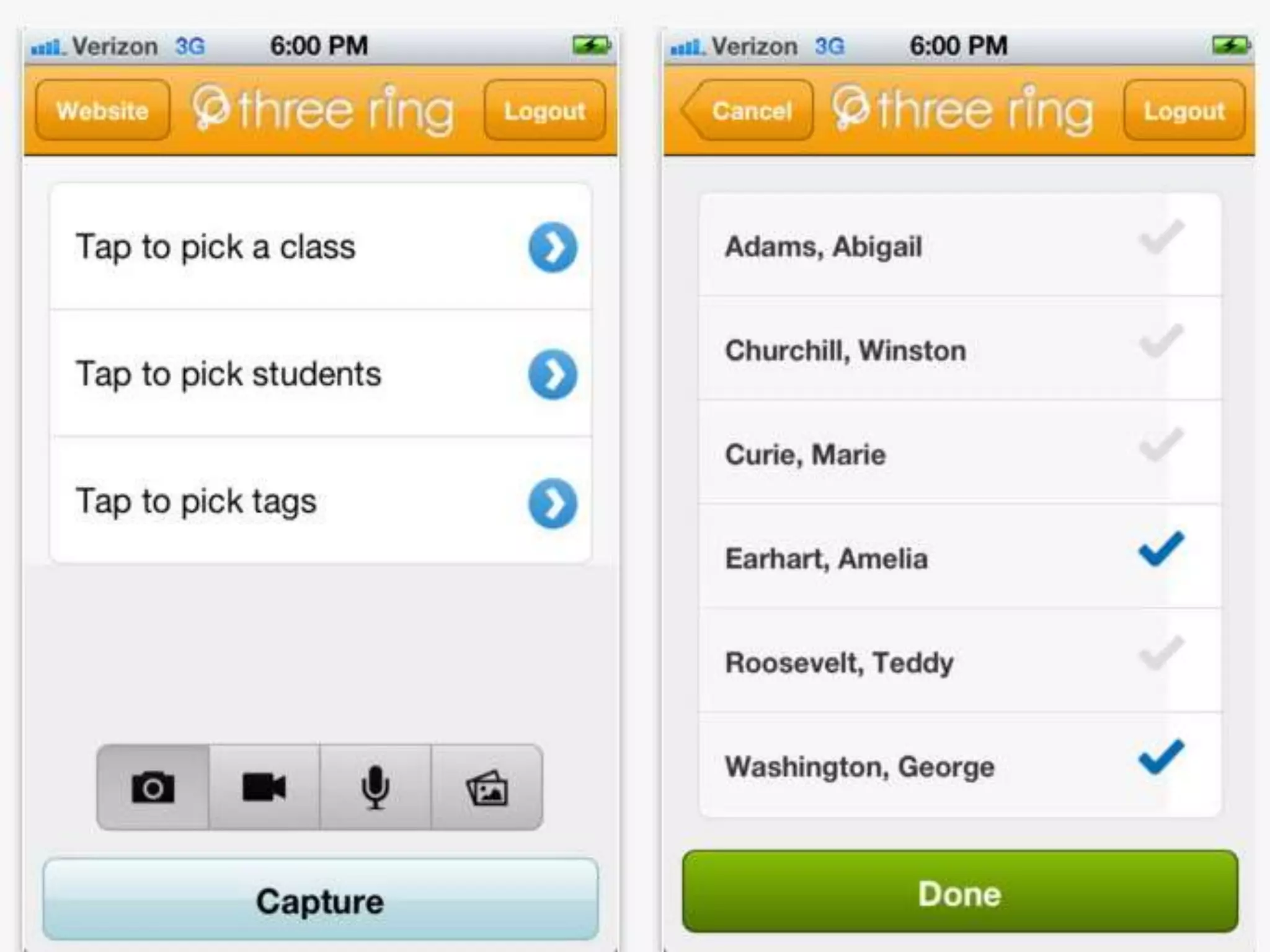
 Three Ring
 Teacher's Wire
 Use blogs, wikis, websites
ELA professional
development
 NCTE’s Connected Community
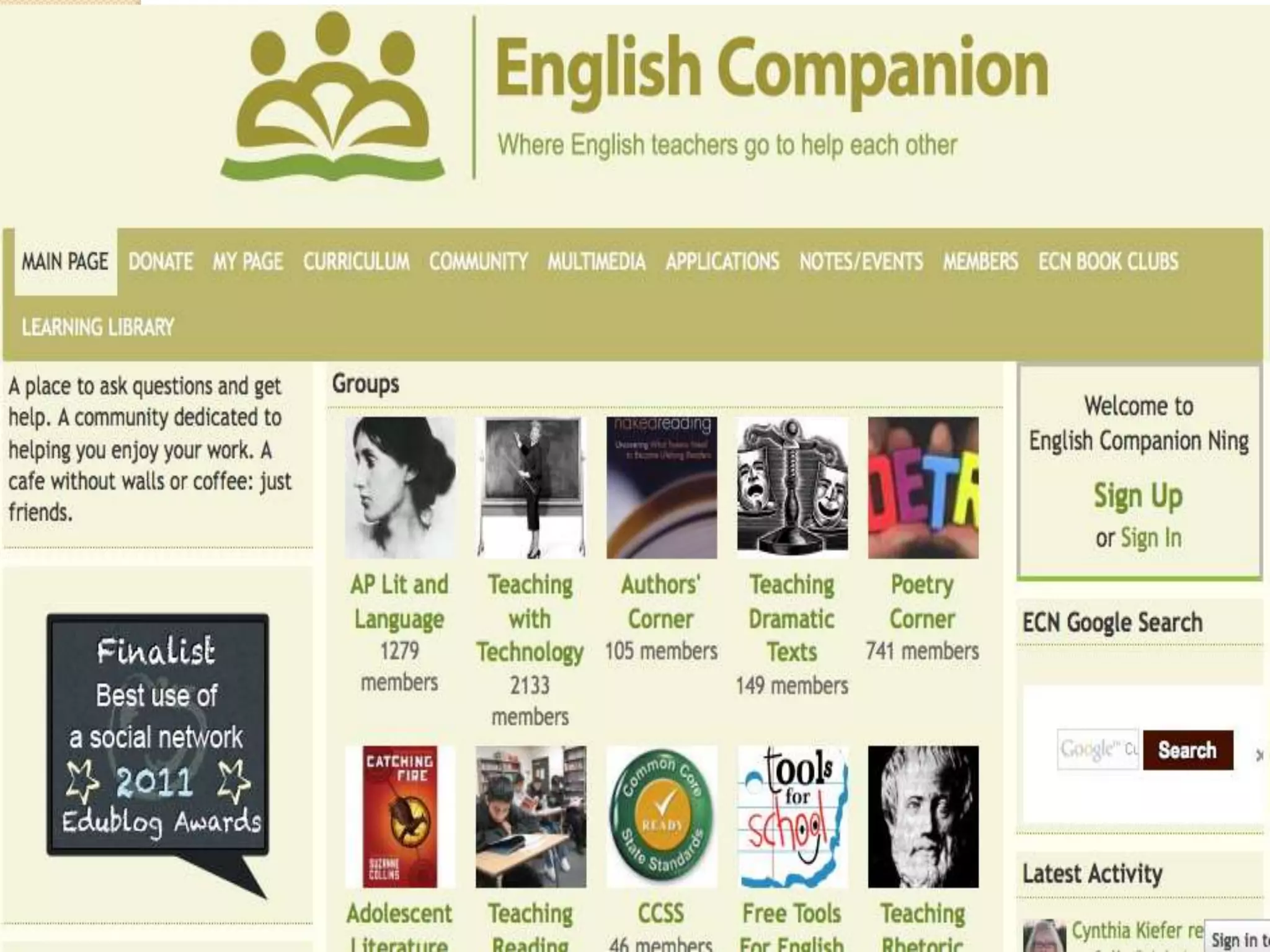
 English Companion Ning
 National Writing Project Connect/Digital
  Is
 Classroom 2.0
 Curriki
 IRA’s Engage
 ReadWriteThink
 School 2.0
 Sophia
 #EngChat (Twitter feeds)
App uses/recommendations
 EdReadch channel
  (MobileReach, MacReach)
 Appy Hours 4 U
    ◦ The TechChef4u app
 The iPad Show
 The Daily App Show
 TWIT channel
 Tech Chick Tips

Using iPad and iPhone Apps for Learning with Literature:MCTE 2012 Presentation, St. Cloud

  • 1.
    Using iPad andiPhone Apps for Learning with Literacy Richard Beach, Professor Emeritus, University of Minnesota, rbeach@umn.edu Google Docs Version of handout: http://tinyurl.com/6oxcn7z Using iPad and iPhone Apps for Learning with Literacy Across the Curriculum
  • 2.
    Affordances of iPads/iPhones  Touch: ◦ Intuitive navigation of texts and virtual worlds  Portability/storage/ownership ◦ Personal learning device  Social reading/writing  Multimodality  Collaboration/communication
  • 3.
    Wikipedia apps  Qwiki ◦ includes videos, images, graphs, and entries for millions of topics  Articles for iPad  Wikipedia Mobile  Wikipanion Plus  Simplepedia  iWiki
  • 5.
    Accessing/Analyzing Information to Learn  Search engine apps. Safari (bundled app), Google Search, Bing, Wolfram Alpha), Dolphin Browser, Opera Mini, Atomic Web Browser, Ask, Yahoo: Answers, Yahoo: Search, Shelfster, Knowtilus Pro (translates websites into 28 different languages)
  • 6.
    News curation apps  Pearltrees, Flipboard, Zinio, Flud, Google Currents, Evri, News360, LiveBinders http://tinyurl.com/7zpuhe5, Scoop.it! http://tinyurl.com/7ef7qjk, NetNewsWire (iPhone app, Fluent News Reader, Paper.li, and
  • 7.
    Social bookmarking apps  . Diigo, Evernote Web Clipper, Yahoo! Bookmarks, Xmarks, Mister Wong jogtheweb.png icyte.png, Licorize, symbaloo.png, fav able.png, scrible.png, Digg, Stumbleu pon
  • 8.
    Purpose: Acquiring and subscribing to/sharing information • Social Bookmarking and sharing links/tags • Sharing links in class Diigo groups • Adding annotations to online literary texts for sharing responses to literature
  • 9.
    Using Diigo foradding a sticky- note response 1. Add Diigo to your toolbar 2. Find an online text 3. Highlight sections of the text 4. Click on the icon to add a Sticky Note response 5. Have other students add their responses
  • 10.
    “Womanhood,” Catherine Anderson She slides over When she enters, the hot upholstery and the millgate closes, of her mother's car, final as a slap, this schoolgirl of fifteen there'll be silence. who loves humming & swaying She'll see fifteen high windows with the radio. cemented over to cut out light. Her entry into womanhood Inside, a constant, deafening noise will be like all the other girls'— and warm air smelling of oil, a cigarette and a joke, the shifts continuing on ... as she strides up with the rest All day she'll guide cloth along a line to a brick factory of whirring needles, her arms & where she'll sew rag rugs shoulders from textile strips of kelly green, rocking back & forth bright red, aqua. with the machines— 200 porch size rugs behind her before she can stop to reach up, like her mother, and pick the lint out of her hair.
  • 11.
    Highlighting and addinga Sticky Note to the poem
  • 12.
    QR reader apps QR Reader, QR app, NeoReader, Scan, QR Scanner, i-nigma, Optiscan, ScanLife, Quickmark, RedLaser-Barcord Scanner and QR Reader, or Qrafter.  Create QR code images by entering in a URL in a QR create site such as Qrafter, QRstuff.com, Kaywa, Tec-IT, QR-app
  • 14.
    Comics apps  Comixology Comics (for reading DC Comics, Marvel Comics, Image, Boom! Studio comics; Comics+, myComics, Comic, Comicbl endr HD, Comic Zeal Comic Reader Mini (iPhone only, ComicBookLover (for reading/organizing comics).
  • 15.
    Digital mapping  iPadapps: iBrainstorm, MindMeister for Ipad,, Sundry Notes, Idea Sketch, Total Recall, inShare, iMindMap MindNode, iThoughtsHD, Popplet Lite http://tinyurl.com/3o6a3wy  Hierarchical/logical relationships between key concepts  Issues of definitions: “unhealthy” foods
  • 16.
    Note-taking apps  Notes (IOS apps), Evernote, Penultimate, Notes Plus, Simplenote, NyNoteIt, SoundNo te, SpringNote, Notability, UberNote, NotePad Pro PaperDesk LITE, SmartNote
  • 17.
    EverNote (and Skitch),Notes Plus (Alison)  Evernote use in schools  Evernote for clipping webpages  Skitch for visual annotations  Notes Plus (handwriting)
  • 20.
    Mind-mapping apps  Inspiration, iBrainstorm, MindMeister for Ipad,, Sundry Notes, Mindjet for iPad, Idea Sketch, Total Recall, iMindMap, MindNode, iThoughtsHD, Popplet, SimpleMind+ for iPad, Maptini
  • 22.
    Uses of mappingfor responding to literature • Visually portray performances according to three units of analysis: o Events | o Spaces | o Social worlds/systems
  • 23.
  • 24.
    Blogging apps  BlogPressor Blogsy to export their blog posts to Blogger, Wordpress, Posterous, Edm odo, Live Journal, Private Journal, KidBlog  Tumblrita to export their posts to Tumblr
  • 25.
    Twitter apps  Twitter Apps such as Twitter, TweetCaster Tweetbot, Tweetdeck, Twitteriffic, Hoo tSuite
  • 26.
  • 27.
  • 28.
    Extended writing apps Pages, IA Writer, My Writing Spot for iPad, PlainText, Manuscript for iPad, Notebooks, Clean Writer, Storyist iPad, DraftPad  OnLive Desktop, DocumentsToGo  CloudOn (Word, Excel, & PowerPoint editing)
  • 29.
    Collaborative writing/data collection: GoogleDocs forms  5th graders: Weaver Lake School, Osseo, MN  Data on parasite presence in Monarch butterflies  49% had parasites
  • 30.
    Story/children’s book writing  StoryKit, Storyrobe, Book Creator, Bookemon Mobile, Picture Books, Writer's Studio, StoryPatch, Demibooks® Composer, StoryBuddy, My Story, MoglueBooks, myebook, StoryJumper (for younger students), Tikatok
  • 32.
    Comics/graphic novels  Comic Life, Strip Designer, ComicStrip CS Shttp://tinyurl.com/6or7bvz, Comics Creator, PhotoComic, Comic Touch Lite
  • 34.
    Dictionary/grammar apps  Dictionary for iPad, Merriam-Webster Dictionary HD, WordWeb Dictionary Dictionary.com: Dictionary and Thesaurus, Advanced English Dictionary and Thesaurus ◦ Students can speak words for dictionary searches  Grammar App HD, English Grammar, Grammar Up, Word Study & English Grammar, iGE Lite: the interactive Grammar of English from UCL
  • 35.
    Apps for Sharing/Publishing Writing  ePub: Mac Pages (soon to be on iPad Pages)  Apple Author (requires OS Lion): iBooks  Dotepub or Inkling books ◦ Human Biology Inkling textbook  MoGlue Books http://tinyurl.com/88pbgau  ebooks for reading on eReaders by submitting properly formatted Word files to Smashwords.com, Bluefire Reader App, or Book Creator
  • 36.
    Dictation apps  DragonDictation/Search/Go  Siri  Remote Dictate ◦ dictate text that then appears on their PC Word or other word-processing application—transfer facilitated by the free, Air Mouse Server  Google Translate
  • 37.
    Voice search: Requires vocabulary Google Search  Siri iPhone 4S  older IPhones: Voice Ask app  http://tinyurl.com/72p3v35  ChaCha  Merriam Webster dictionary  http://tinyurl.com/3zx9hu9  Assessing information literacies TRAILS http://www.trails-9.org
  • 38.
    Small-group discussions: CMS platformoptions  Pearson’s OpenClass (free; linked to Google Apps) ◦ http://www.joinopenclass.com/open/view/t 1  Edmodo (free; also an app) ◦ http://www.edmodo.com/  Schoology ◦ https://www.schoology.com/home.php  rcampus (cloud-based) ◦ http://www.rcampus.com/
  • 39.
    Collaborize Classroom  Freeplatform for classroom discussions  Web-based  Extensive curriculum resources  Focus on fostering students collaboration  Professional development on leading discussions
  • 42.
    Backchannel apps  TodaysMeet, Soapbox, Backchannel, Buro Zero Backchannel, Donahue, Read Chatz, or Present.ly
  • 44.
  • 45.
    Produce image tutorialsfor peers: Doodles and audio voice- over  ShowMe, Explain Everything, VoiceThread.ed, Screenc homp, Educreations, Interactive Whiteboard, ReplayNote, Skitch  Show Me: 5th grade science  http://www.showme.com/sh/?h=RNKs pgu  VoiceThead: Literary terms  http://voicethread.com/?#u11815.b14 28998.i7556980
  • 46.
  • 47.
    Video/audio conferencing  iChat, Skype, Facetime, Google+ Hangout, Adobe Connect, Blackboard Collaborate, Skype for iPhone and iPad, as well as a distinct Skype for iPad,), Share Board (up to 4 users), Fring: Video Calls + Chat (up to 4 users), BT Chat HD, ooVoo Video Chat, Vtok: Google Talk Video, Chat for GoogleTalk
  • 48.
    Google+ Handout: Upto 10 people
  • 49.
    Teen texting: PewResearch  63% text daily versus 39% cell phones, 35% face-to-face socializing, 29% social-networking messages, 22% IMing, and 6% emailing.  The median number of texts sent daily was 60 in 2011. The heaviest texters (more than 100 texts a day) are also the heaviest talkers; 69% of heavy texters talk daily on their cell phones versus 46% of medium texters (those exchanging 21- 100 texts a day)
  • 50.
    Texting/message apps  iMessage(iPad or iPhone), Messages (Mac), AK Messenger!, textPlus Free Texting + Group Text, Textie™ Messaging, Textfree, TextNow + Voice - Free Texting and Calling, iPushIt,, Text Me!, gText  Classroom-based texting systems: Class Parrot, Kikutext, WeTxt, Remind101, Sendhub, Class Pager
  • 52.
    Text to speechapps  vBookz (reads aloud books) vBookz PDF Voice Reader (reads aloud PDF files), Write & Say (reads aloud text in 52 different voices (including a 3D avatar) and in 50 different languages), Speak it! (four different voices: American Male, American Female, British Male, British Female), Voice Reader Text to Speech (21 languages using 32 different voices, includes PDF files), Talk to Me (hear words spoken to them as they are writing)
  • 53.
    Creating podcasts  GarageBand,Voice Memos for iPad, SoundCloud (export into Garageband for editing)
  • 54.
    Accessing videos  YouTube EDU (free educational videos from universities, PBS, TED, and other educational sites), YouTube for Schools (students create/share videos), Google Videos, Vimeo, Redux, Yahoo Videos
  • 55.
    Producing videos: Scripts/storyboards.  Celtx Script, ScriptWrite, Storyist, Storyboar d Composer  2012 updated iMovie app: a storyboard feature for planning a video  Recommend using Comics apps such as Comic Life for storyboards
  • 56.
    Creating animation videos Animation Desk™ for iPad, Animation Studio, Toontastic, Puppet Pals HD, Sock Puppets, Animation Creator HD Lite, FlickmationLite, DoInk Animation & Drawing, iAnimator, Pop My Video  videos made with iMotion  http://www.youtube.com/watch?v=VT MCnn0gztA
  • 58.
    Game apps  TinyTower, CityVille Hometown, My Town 2, Trade Nation, Farm Story, Epic Citadel (medieval fantasy town with a cathedral).  Students creating characters and stories based on the Epic Citadel medieval setting http://www.porchester.notts.sch.uk/citad el
  • 60.
    Interactive fiction  Zenoniaseries  Terra-Eternal Chaos, Vanquish: The Oath of Brothers  Rimelands series  Fighting Fantasy series  Gamebook Adventures series  LEGO Harry Potter: Years 1-4  Hunger Games: Girl on Fire  Avatar
  • 61.
    Role-play games (RPGs)  Saturday Morning RPG ◦ a high school student must make decisions to cope with the threat of an evil villain to attempt to save the world, a game that draws on Saturday morning cartoons  Surviving High School ◦ a new female high school student coping with getting to know students in her school or a male assuming the role as a member of the high school football team
  • 62.
    Jotly: An appto rate anything
  • 63.
    Self-assessment forms  GoogleDocs Forms  iResponse
  • 64.
    Screen-casting feedback  Text/PPs/images: VoiceThread, ExplainEverything, Scre enchomp, ShowMe, Educreastions  Video response to writing: Jing  Speeches/drama: Formative Feedback for Learning http://formativefeedbackapp.blogspot. com
  • 65.
    Open-ended feedback  EssayGrader  Easy Assessment  Collaborize Classroom Pro ◦ student online discussion participation
  • 66.
    Record keeping/grades  TheTeacherTool, Super Duper Data Tracker, Teacher's Assistant Pro: Track Student Behavior, Easy Assessment, TeacherPal, PowerTeac her Mobile, Gradekeeper, iHomework  Students’ reading performance: Reading Log, Reading Record iPad ◦ recording changes in students reading scores over time.
  • 67.
    e-Portfolio apps  ThreeRing  Teacher's Wire  Use blogs, wikis, websites
  • 69.
    ELA professional development  NCTE’sConnected Community  English Companion Ning  National Writing Project Connect/Digital Is  Classroom 2.0  Curriki  IRA’s Engage  ReadWriteThink  School 2.0  Sophia  #EngChat (Twitter feeds)
  • 71.
    App uses/recommendations  EdReadchchannel (MobileReach, MacReach)  Appy Hours 4 U ◦ The TechChef4u app  The iPad Show  The Daily App Show  TWIT channel  Tech Chick Tips