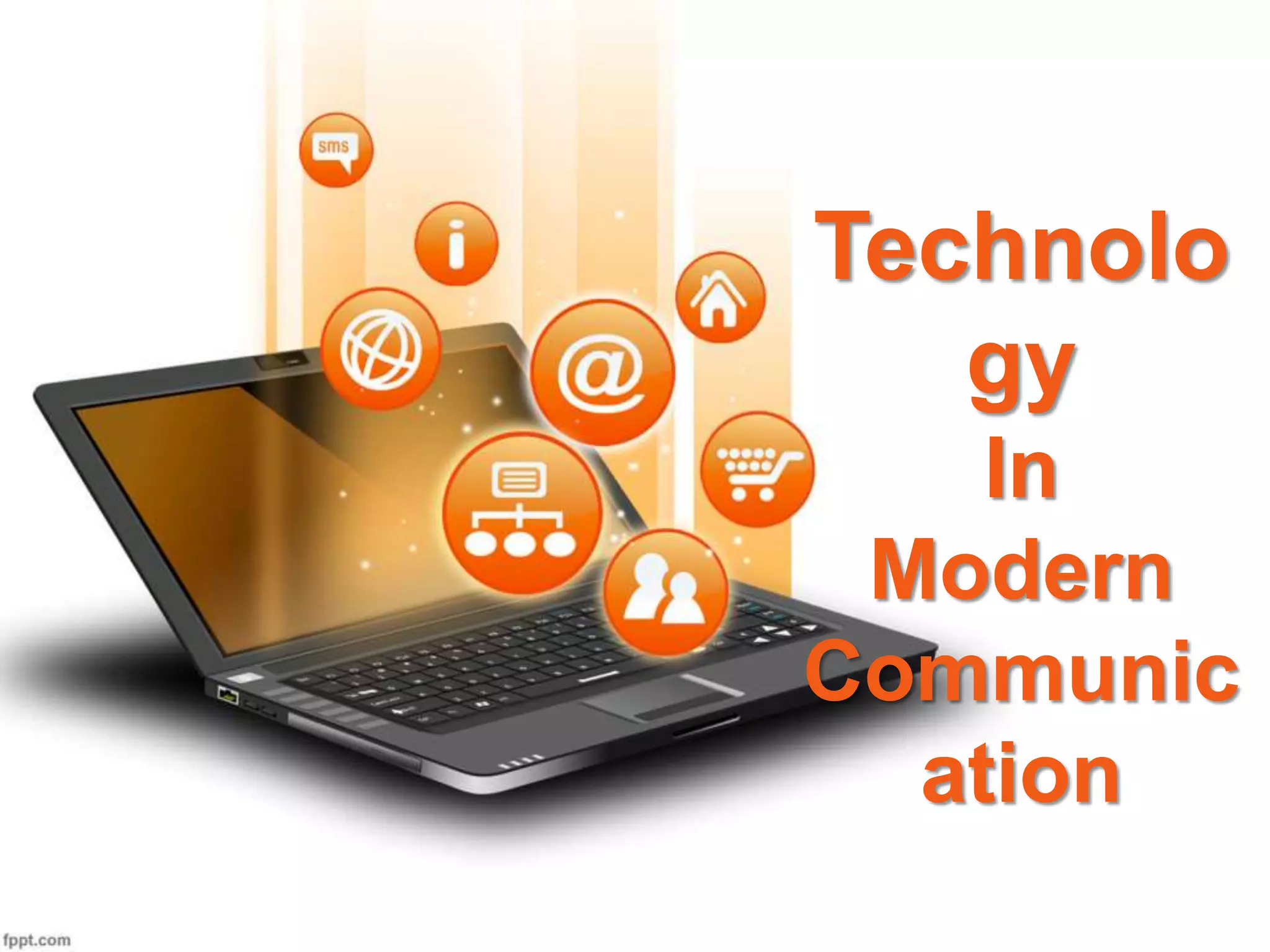
Technolo
gy
In
Modern
Communic
ation
Permanen
t
Teammat
1. Md. Mahbub Hussain
2. Sumi Akther
3. Muminul Haque Fahim
4. Kazi Md. Musharrof Hussain
5. Sarwar Ahmed
6. Md. Abid Hossain
Team Members
Contents
1. Electronic Communication (E-communication)
2. Electronic Commerce (E-commerce)
3. Electronic Commerce And Internet
4. Electronic Data Interchange (EDI)
5. The Benefits of Electronic Data Interchange
6. Pre-conditions for Wide Use of E-communication
7. Media of Computer Based Communication
8. Terminology of E-communication System
9. Terms Used in E-communication
10. How to Get Online
11. How to Plan Your Website
12. How to Create Accessible E-mail
13. How to Create Accessible Electronic Documents in
MS Word
1. Electronic Communication (E-communication)
E-communication or electronic communication refers to
the transfer of writing, signals, data, sound, images, signs
or intelligence sent via an electronic device. Some examples
of electronic communication are e-mail, blogs, voicemail,
websites, text messages, social media messaging and image
sharing.
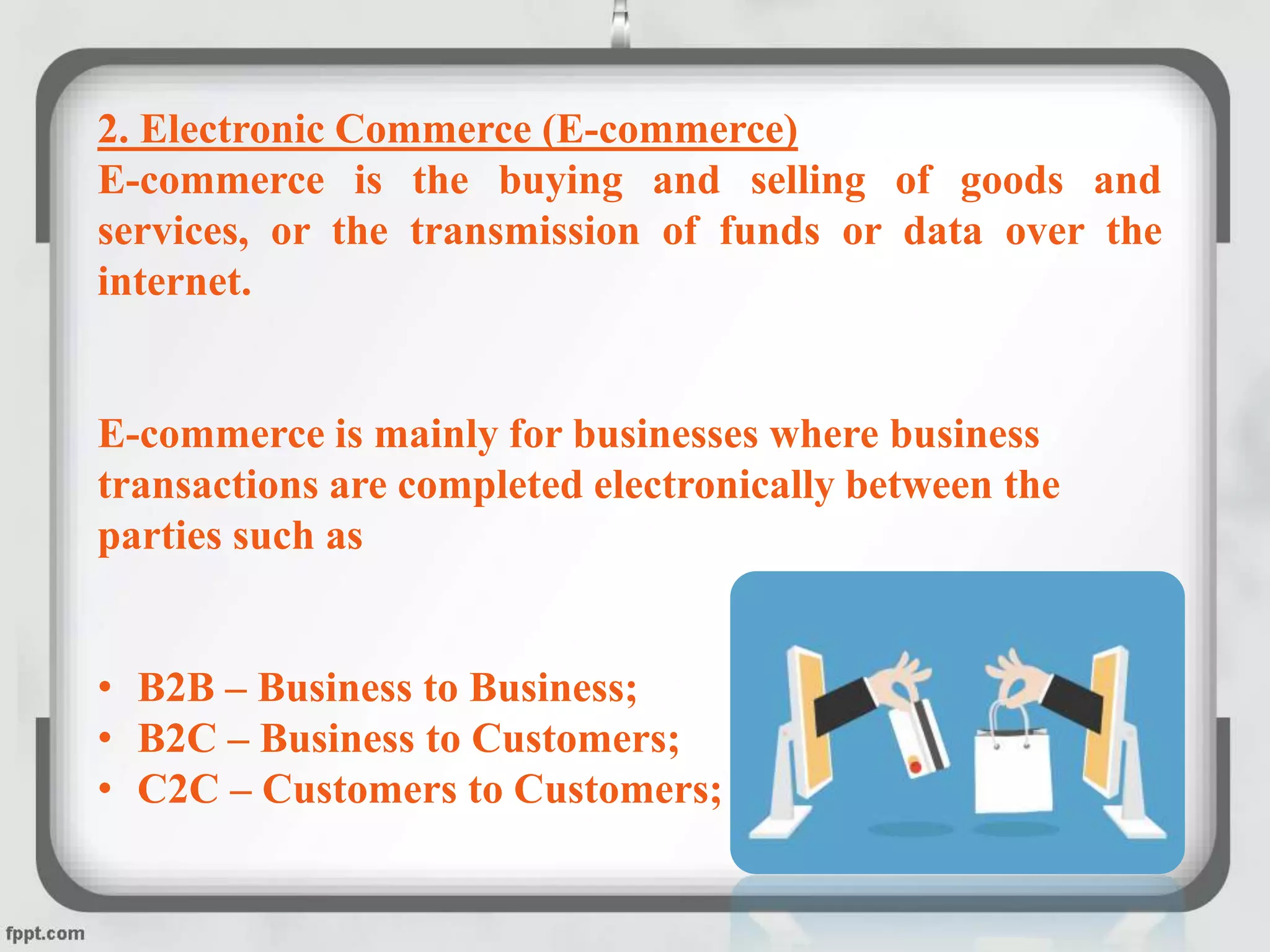
2. Electronic Commerce (E-commerce)
E-commerce is the buying and selling of goods and
services, or the transmission of funds or data over the
internet.
E-commerce is mainly for businesses where business
transactions are completed electronically between the
parties such as
• B2B – Business to Business;
• B2C – Business to Customers;
• C2C – Customers to Customers;
3. Electronic Commerce And Internet
Electronic commerce and communication over internet offers
remarkable market potential for today’s business. E-commerce is
expanding with a rapid speed. E-commerce is possible only because of
internet. Internet has geared up the speed of business.
Secure business over internet should fulfill the following:
1. Authentication, verifying the combines, or parties, executing the
transactions.
2. Integrity, ensuring that files and messages are not altered in
transit.
3. Privacy, with ability to scramble messages across an unsecured
network.
4. Access Control, determining who is given access to a system or
network as well as what and how much information is transferred.
5. Non-repudiation, preventing the companies from denying that
they did send or received the files.
4. Electronic Data Interchange (EDI)
Electronic data interchange (EDI) is an electronic
communication method that provides standards for exchanging
data via any electronic means.
EDI is based on:
 EDI Translation Software
 EDI Message Standard
 Computerized Communication System
 Data Communication System
5. The Benefits of Electronic Data Interchange
There are plenty of benefits of electronic data interchange.
Some of them are described below:
1. Faster document processing
2. More accurate transactional data
3. Reduced cycle times
4. Faster resolution of discrepencies
5. Reduce paper wastage
6. Improved security
7. Reduced costs
8. Increased competitiveness
6. Pre-conditions for Wide Use of E-communication
 Telephone Penetration
 Wiring Through Optical Fibers
 Cyber Laws
 Combating Illiteracy
 Providing Cyber Retail Networks
7. Media of Computer Based Communication
 Teleconferencing
 E-mail
 Voice-mail
 Mobile Phone
 Fax / Facsimile
8. Terminology of E-communication System
 Signal
 Transducer
 Attenuation
 Bandwidth
 Modulation
 Demodulation
 Repeater
9. Terms Used in E-communication
 Websites
 Static web pages Message boards and discussion forums
 News feeds – RSS
 Blogs
 Documents and forms
 Sound and video
 Plug-ins
 Email
 Email lists
 Newsletters
10. How to Get Online
Requirements:
 A computer
 A modem or wireless network
 An account with an Internet Service Provider (ISP)
 A browser
11. How to Plan Your Website
 Set your purpose and goals
 Determine Your Target Audience
 Create a budget
 Assign roles
 Create a content Structure your website
 Create a mock-up
 Start designing Test it out
 Maintain your site
12. How to Create Accessible E-mail
• Formatting email
a. Plain text
b. Rich text
c. HTML
• Accessibility issues
• Newsletters and standards
13. How to Create Accessible Electronic Documents in MS Word
 Use Headings
 Use Lists
 Identify Document Language
 Use Tables Wisely
 Understand How to Preserve Accessibility While Exporting to
PDF
HAVE A GOOD DAY !!!

Technology in Modern Communication

  • 1.
  • 2.
  • 3.
    1. Md. MahbubHussain 2. Sumi Akther 3. Muminul Haque Fahim 4. Kazi Md. Musharrof Hussain 5. Sarwar Ahmed 6. Md. Abid Hossain Team Members
  • 4.
    Contents 1. Electronic Communication(E-communication) 2. Electronic Commerce (E-commerce) 3. Electronic Commerce And Internet 4. Electronic Data Interchange (EDI) 5. The Benefits of Electronic Data Interchange 6. Pre-conditions for Wide Use of E-communication 7. Media of Computer Based Communication 8. Terminology of E-communication System 9. Terms Used in E-communication 10. How to Get Online 11. How to Plan Your Website 12. How to Create Accessible E-mail 13. How to Create Accessible Electronic Documents in MS Word
  • 5.
    1. Electronic Communication(E-communication) E-communication or electronic communication refers to the transfer of writing, signals, data, sound, images, signs or intelligence sent via an electronic device. Some examples of electronic communication are e-mail, blogs, voicemail, websites, text messages, social media messaging and image sharing.
  • 6.
    2. Electronic Commerce(E-commerce) E-commerce is the buying and selling of goods and services, or the transmission of funds or data over the internet. E-commerce is mainly for businesses where business transactions are completed electronically between the parties such as • B2B – Business to Business; • B2C – Business to Customers; • C2C – Customers to Customers;
  • 7.
    3. Electronic CommerceAnd Internet Electronic commerce and communication over internet offers remarkable market potential for today’s business. E-commerce is expanding with a rapid speed. E-commerce is possible only because of internet. Internet has geared up the speed of business. Secure business over internet should fulfill the following: 1. Authentication, verifying the combines, or parties, executing the transactions. 2. Integrity, ensuring that files and messages are not altered in transit. 3. Privacy, with ability to scramble messages across an unsecured network. 4. Access Control, determining who is given access to a system or network as well as what and how much information is transferred. 5. Non-repudiation, preventing the companies from denying that they did send or received the files.
  • 8.
    4. Electronic DataInterchange (EDI) Electronic data interchange (EDI) is an electronic communication method that provides standards for exchanging data via any electronic means. EDI is based on:  EDI Translation Software  EDI Message Standard  Computerized Communication System  Data Communication System
  • 9.
    5. The Benefitsof Electronic Data Interchange There are plenty of benefits of electronic data interchange. Some of them are described below: 1. Faster document processing 2. More accurate transactional data 3. Reduced cycle times 4. Faster resolution of discrepencies 5. Reduce paper wastage 6. Improved security 7. Reduced costs 8. Increased competitiveness
  • 10.
    6. Pre-conditions forWide Use of E-communication  Telephone Penetration  Wiring Through Optical Fibers  Cyber Laws  Combating Illiteracy  Providing Cyber Retail Networks
  • 11.
    7. Media ofComputer Based Communication  Teleconferencing  E-mail  Voice-mail  Mobile Phone  Fax / Facsimile
  • 12.
    8. Terminology ofE-communication System  Signal  Transducer  Attenuation  Bandwidth  Modulation  Demodulation  Repeater
  • 13.
    9. Terms Usedin E-communication  Websites  Static web pages Message boards and discussion forums  News feeds – RSS  Blogs  Documents and forms  Sound and video  Plug-ins  Email  Email lists  Newsletters
  • 14.
    10. How toGet Online Requirements:  A computer  A modem or wireless network  An account with an Internet Service Provider (ISP)  A browser
  • 15.
    11. How toPlan Your Website  Set your purpose and goals  Determine Your Target Audience  Create a budget  Assign roles  Create a content Structure your website  Create a mock-up  Start designing Test it out  Maintain your site
  • 16.
    12. How toCreate Accessible E-mail • Formatting email a. Plain text b. Rich text c. HTML • Accessibility issues • Newsletters and standards
  • 17.
    13. How toCreate Accessible Electronic Documents in MS Word  Use Headings  Use Lists  Identify Document Language  Use Tables Wisely  Understand How to Preserve Accessibility While Exporting to PDF
  • 18.
    HAVE A GOODDAY !!!