Tech Tools for Teachers
Tech Resources
• Kathy Schrock
http://www.schrockguide.net/
• Teachers With Apps
http://www.teacherswithapps.com/
• Karen Ogen
www.karenogen.com
• Pinterest
www.pinterest.com
Considerations for K-12
• Student Safety & Security
• http://www.thinkb4u.com/
• http://www.netsmartz.org/
• School & System Regulations
• Communication with Parents
Direct Instruction
• Glogster
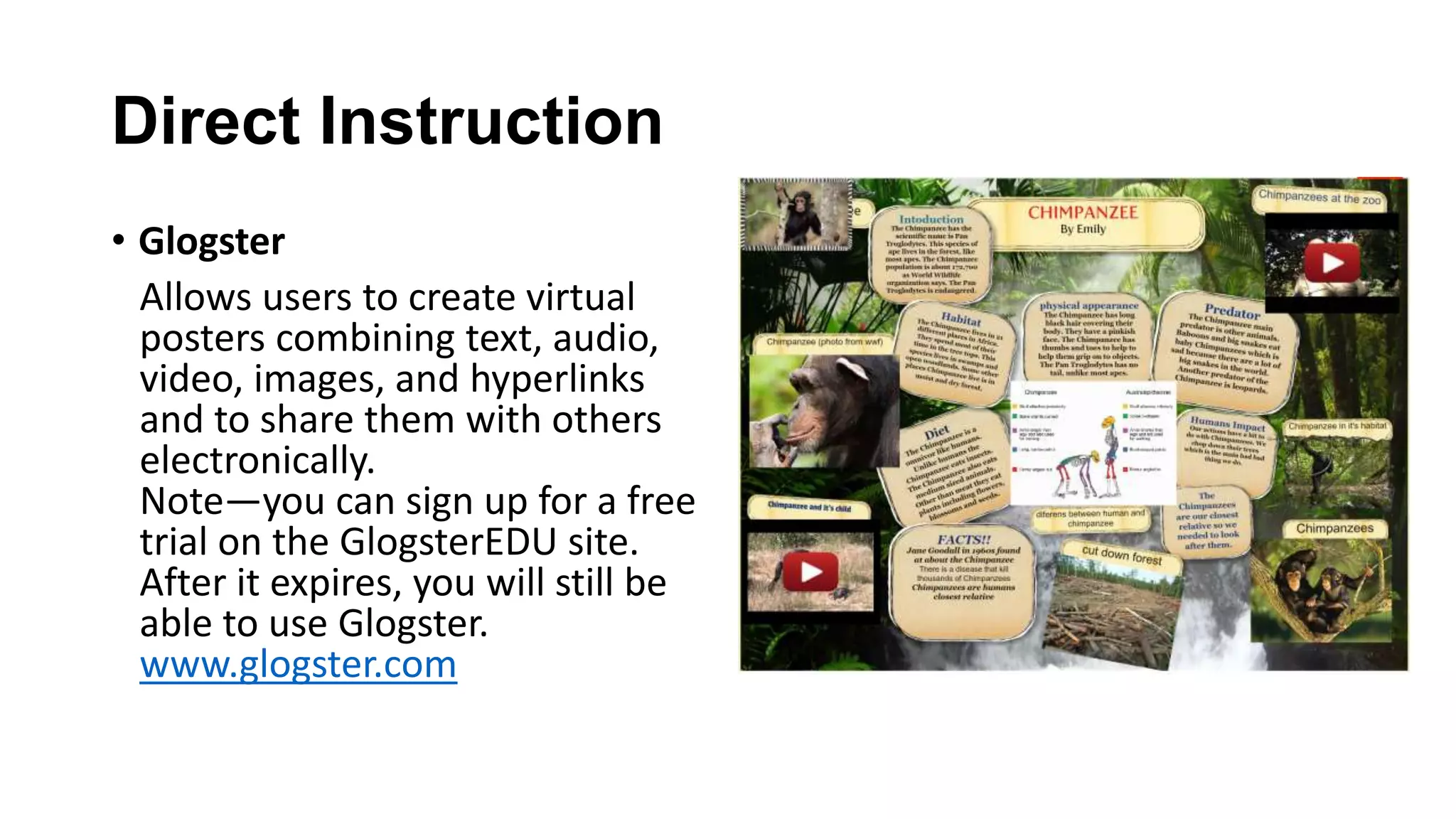
Allows users to create virtual
posters combining text, audio,
video, images, and hyperlinks
and to share them with others
electronically.
Note—you can sign up for a free
trial on the GlogsterEDU site.
After it expires, you will still be
able to use Glogster.
www.glogster.com
Direct Instruction
• Safeshare.TV
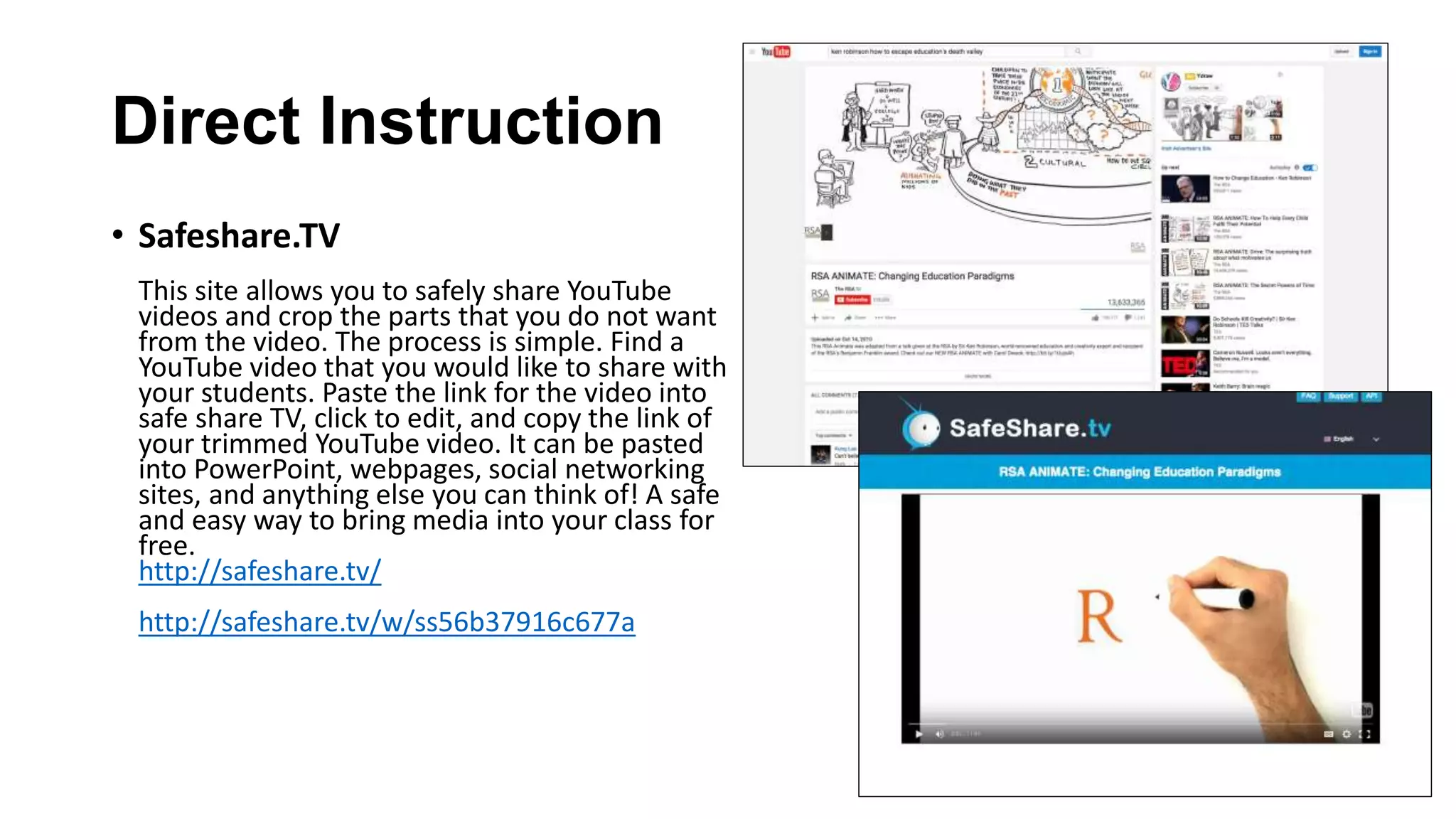
This site allows you to safely share YouTube
videos and crop the parts that you do not want
from the video. The process is simple. Find a
YouTube video that you would like to share with
your students. Paste the link for the video into
safe share TV, click to edit, and copy the link of
your trimmed YouTube video. It can be pasted
into PowerPoint, webpages, social networking
sites, and anything else you can think of! A safe
and easy way to bring media into your class for
free.
http://safeshare.tv/
http://safeshare.tv/w/ss56b37916c677a
Differentiation
• Newsela
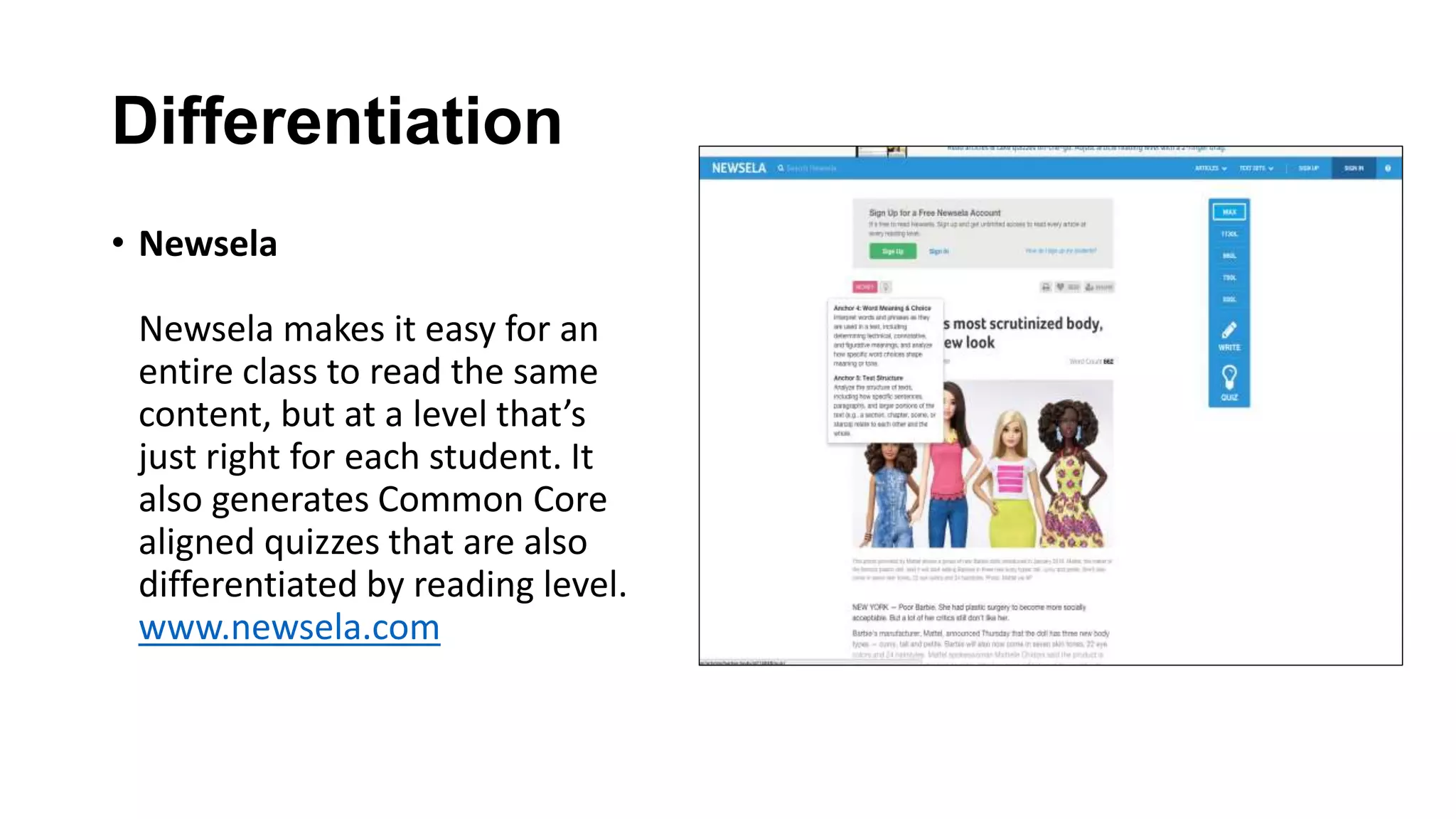
Newsela makes it easy for an
entire class to read the same
content, but at a level that’s
just right for each student. It
also generates Common Core
aligned quizzes that are also
differentiated by reading level.
www.newsela.com
Differentiation
• QR Codes
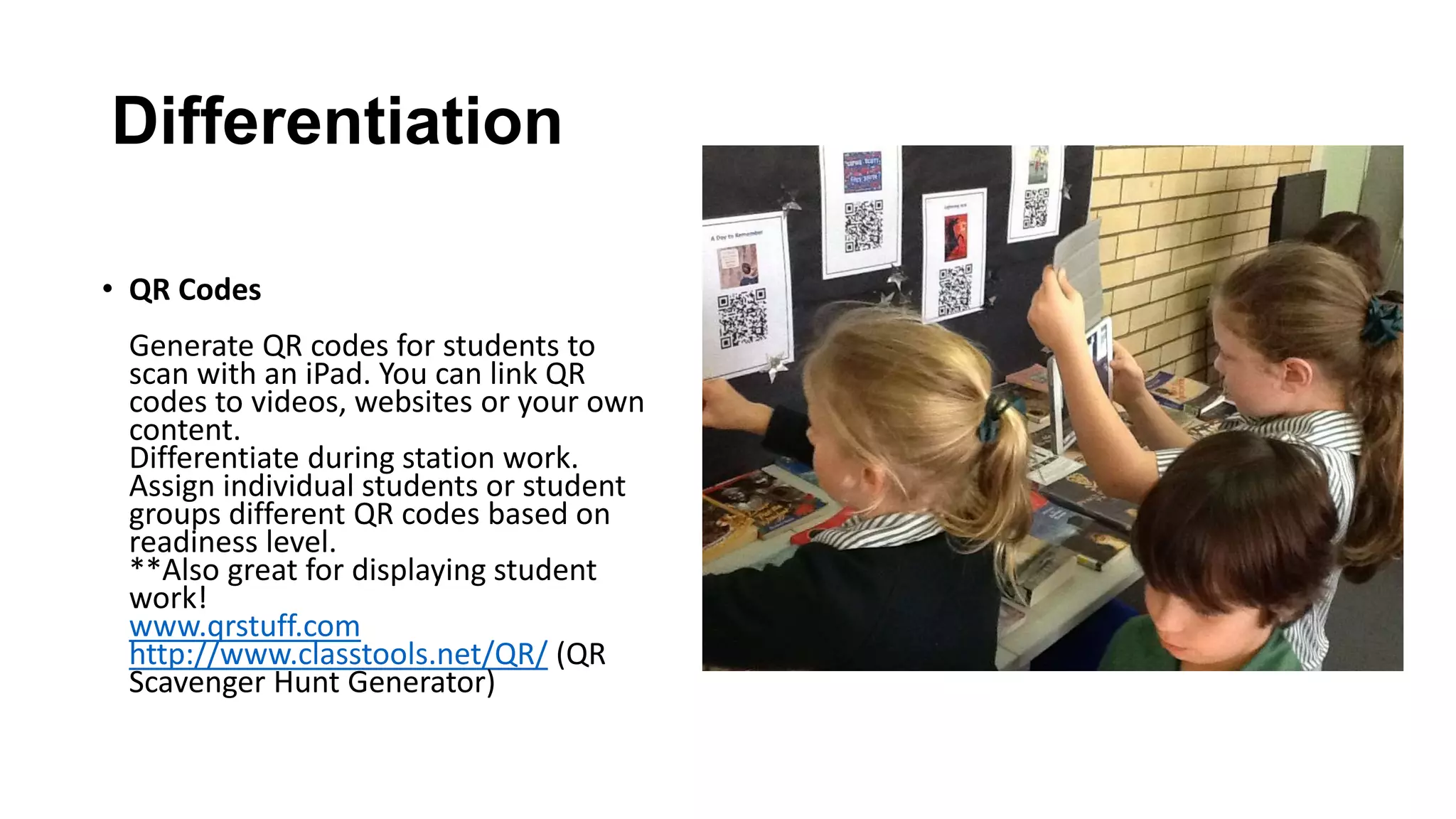
Generate QR codes for students to
scan with an iPad. You can link QR
codes to videos, websites or your own
content.
Differentiate during station work.
Assign individual students or student
groups different QR codes based on
readiness level.
**Also great for displaying student
work!
www.qrstuff.com
http://www.classtools.net/QR/ (QR
Scavenger Hunt Generator)
Interdisciplinary
• Google Cultural Institute
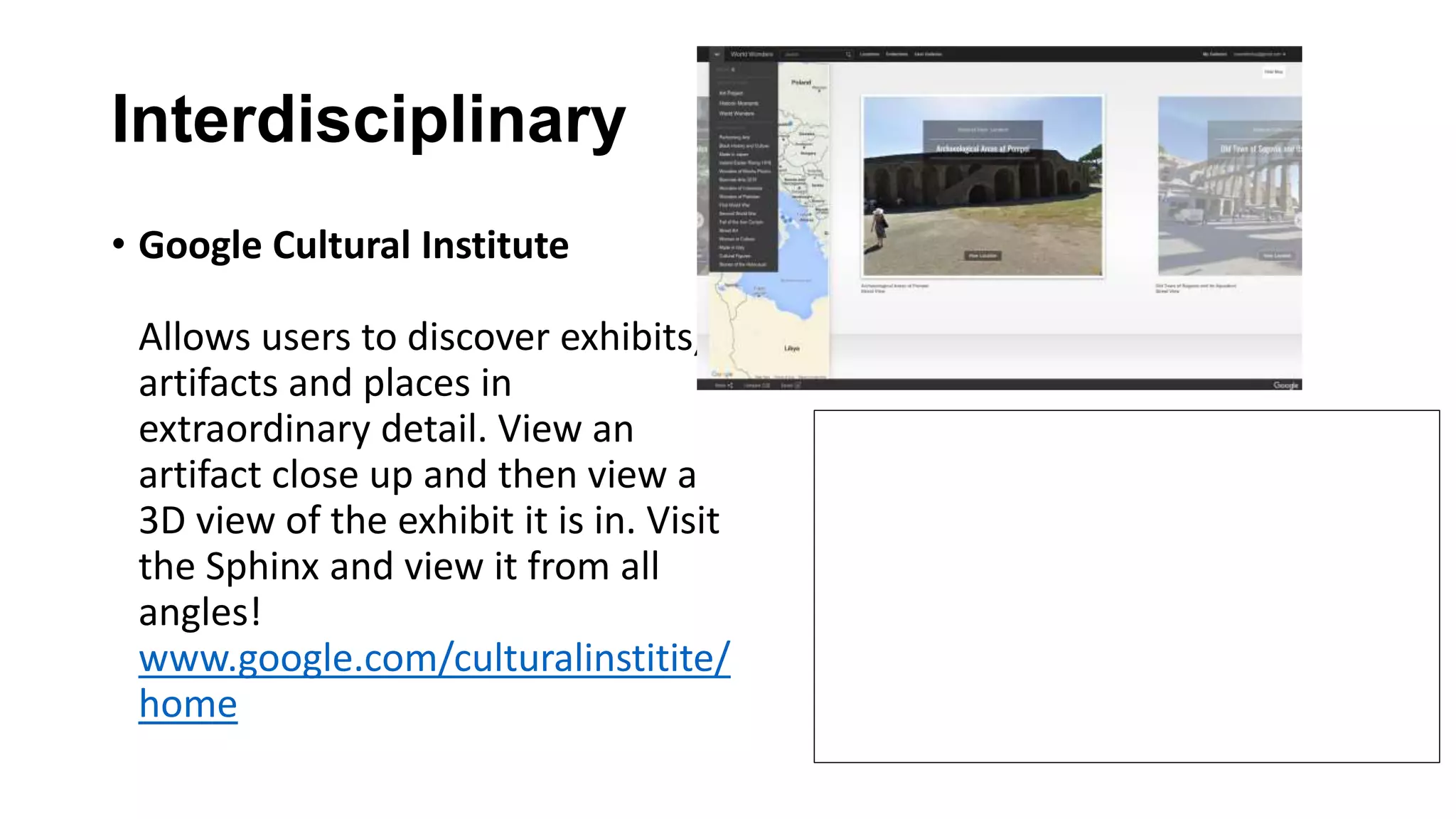
Allows users to discover exhibits,
artifacts and places in
extraordinary detail. View an
artifact close up and then view a
3D view of the exhibit it is in. Visit
the Sphinx and view it from all
angles!
www.google.com/culturalinstitite/
home
Interdisciplinary
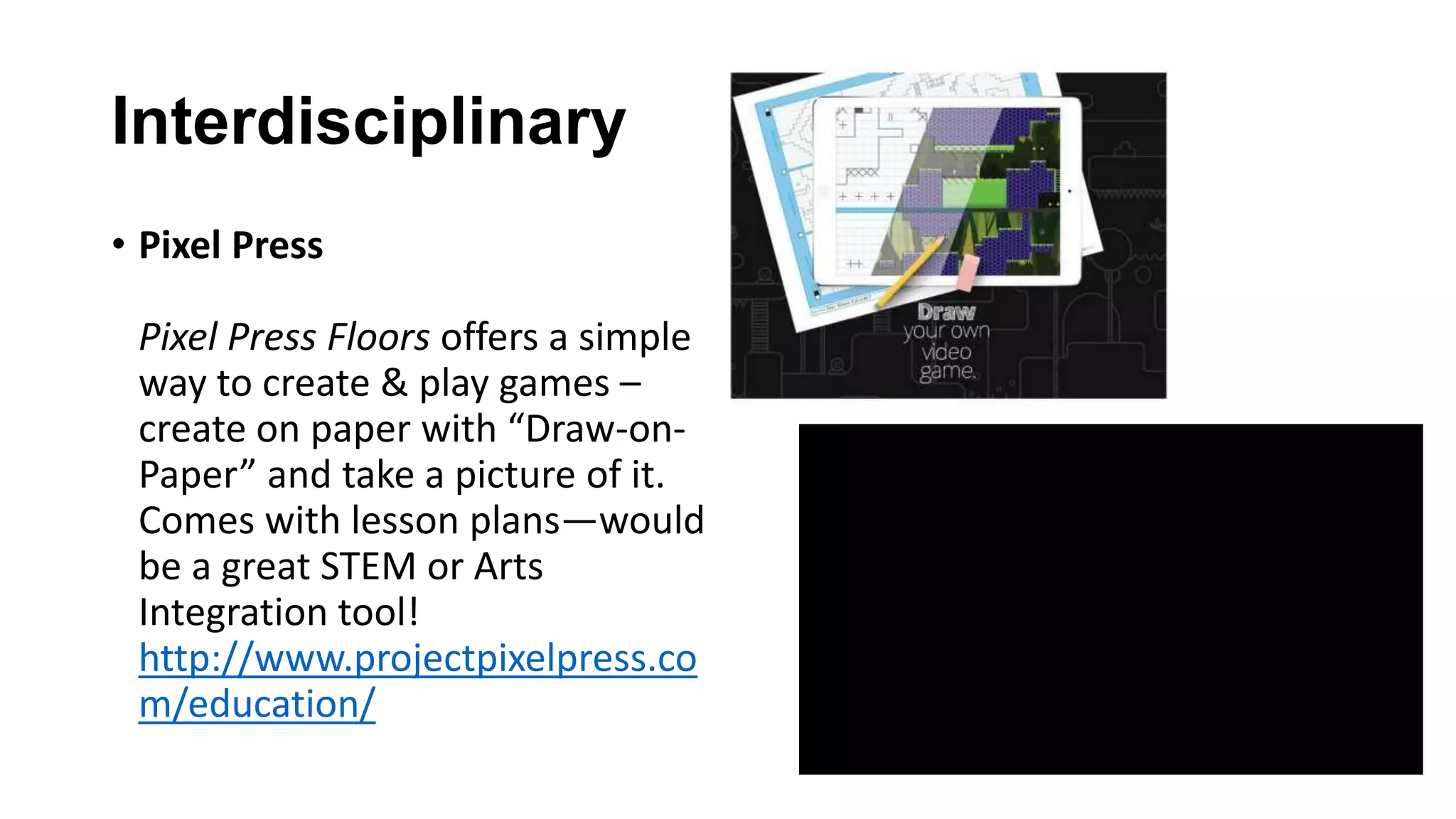
• Pixel Press
Pixel Press Floors offers a simple
way to create & play games –
create on paper with “Draw-on-
Paper” and take a picture of it.
Comes with lesson plans—would
be a great STEM or Arts
Integration tool!
http://www.projectpixelpress.co
m/education/
Assessment
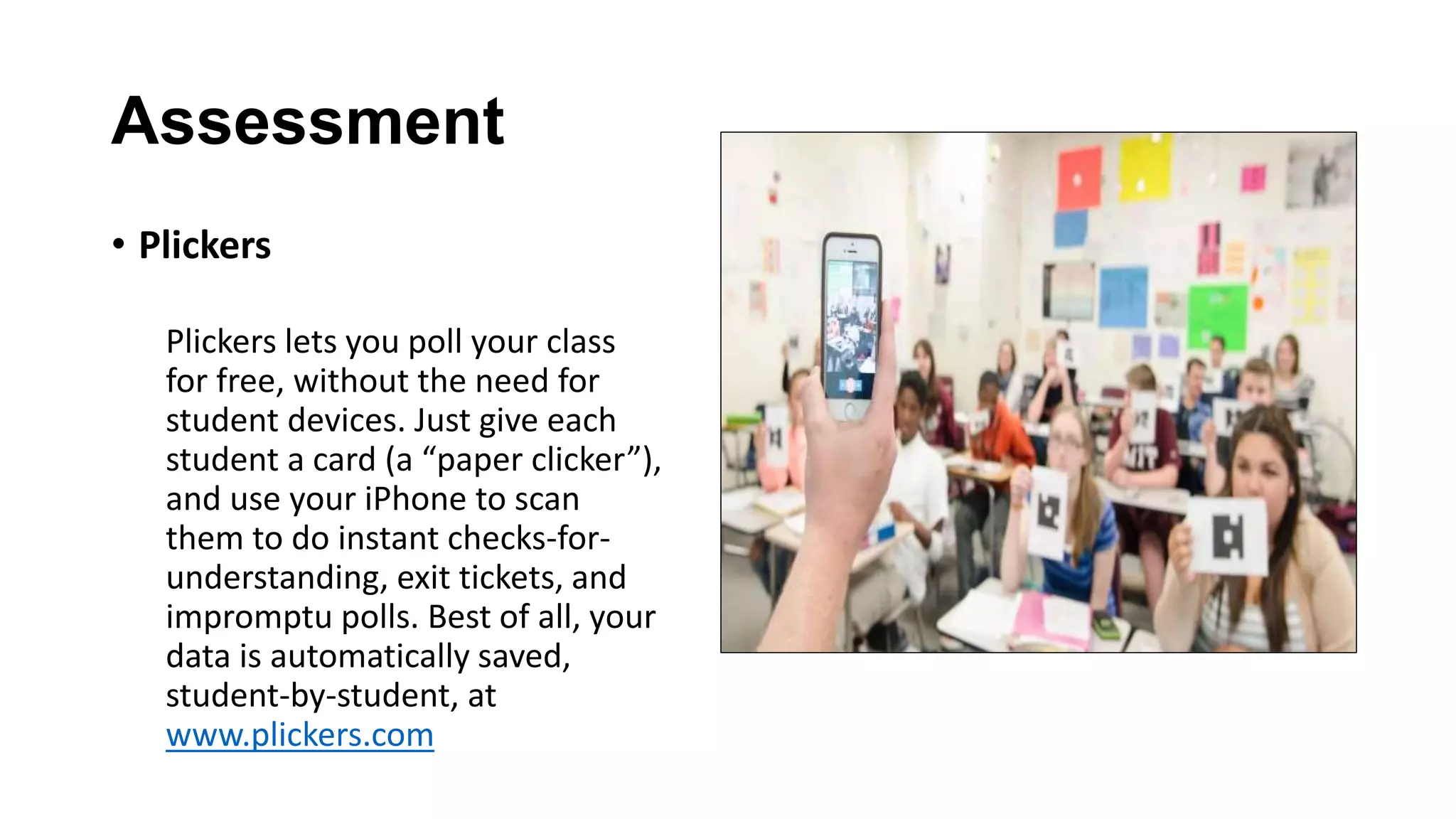
• Plickers
Plickers lets you poll your class
for free, without the need for
student devices. Just give each
student a card (a “paper clicker”),
and use your iPhone to scan
them to do instant checks-for-
understanding, exit tickets, and
impromptu polls. Best of all, your
data is automatically saved,
student-by-student, at
www.plickers.com
Assessment
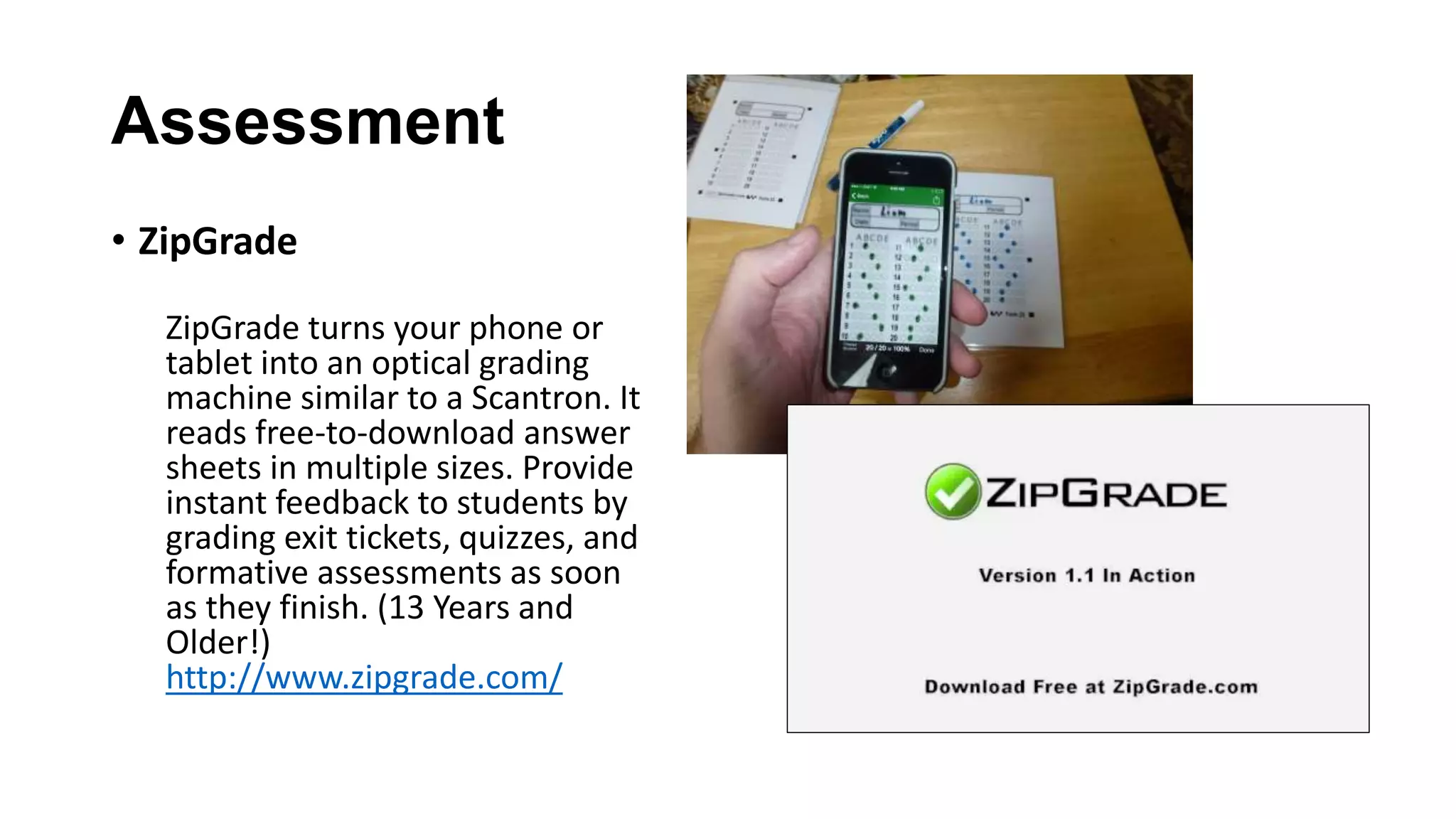
• ZipGrade
ZipGrade turns your phone or
tablet into an optical grading
machine similar to a Scantron. It
reads free-to-download answer
sheets in multiple sizes. Provide
instant feedback to students by
grading exit tickets, quizzes, and
formative assessments as soon
as they finish. (13 Years and
Older!)
http://www.zipgrade.com/
Lesson Planning
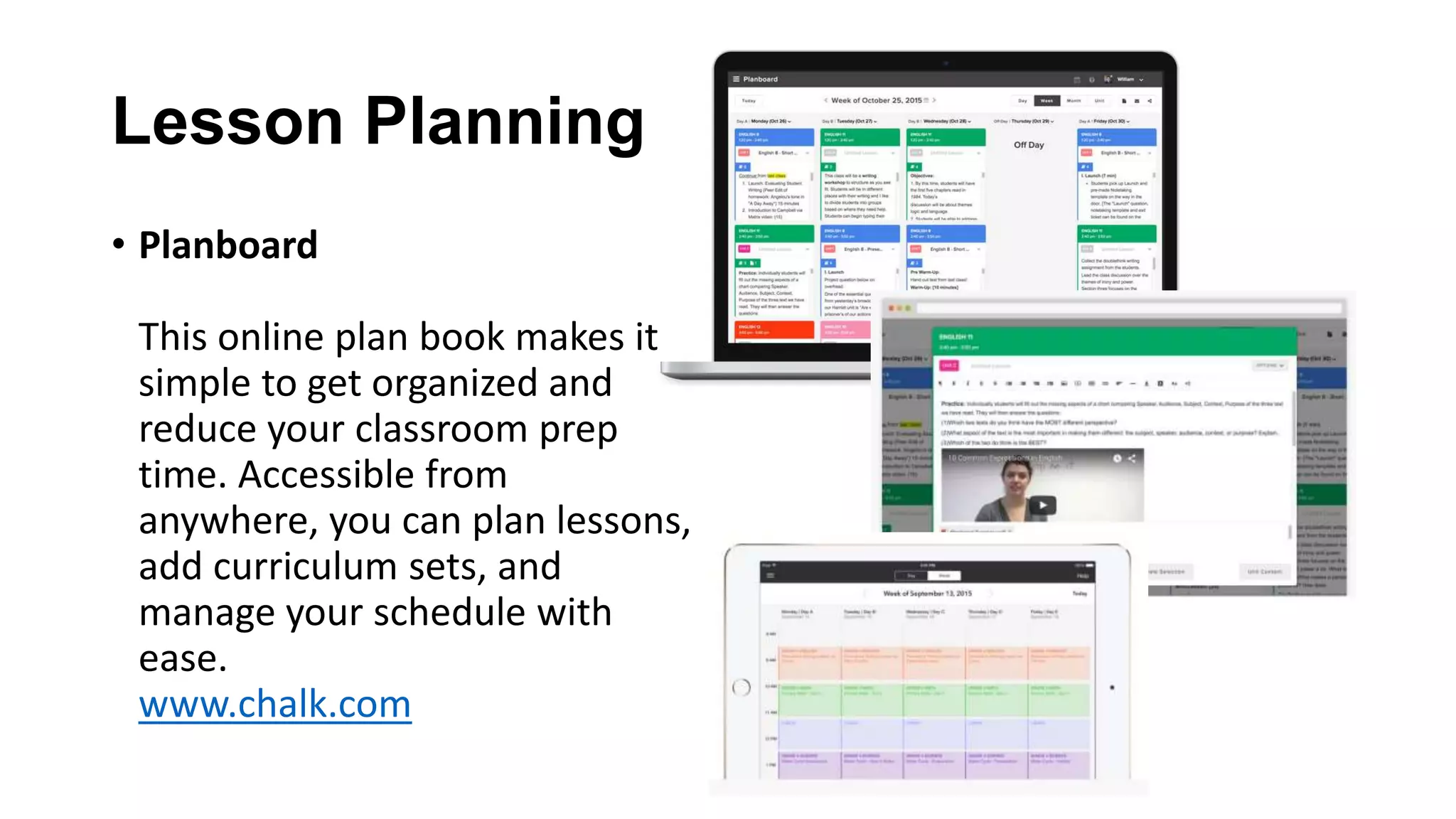
• Planboard
This online plan book makes it
simple to get organized and
reduce your classroom prep
time. Accessible from
anywhere, you can plan lessons,
add curriculum sets, and
manage your schedule with
ease.
www.chalk.com
Organization
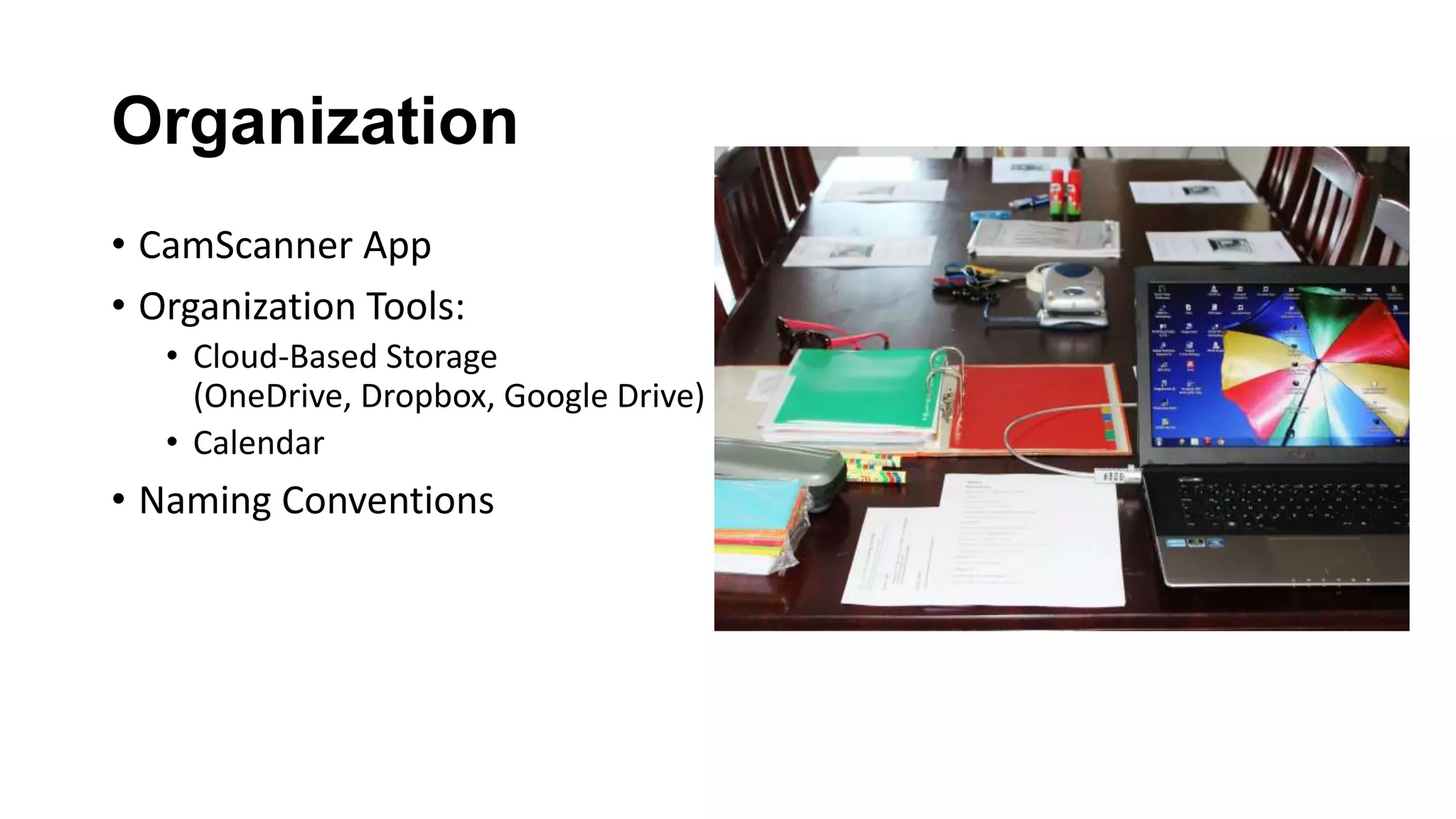
• CamScanner App
• Organization Tools:
• Cloud-Based Storage
(OneDrive, Dropbox, Google Drive)
• Calendar
• Naming Conventions
For Art
Teachers • Use your iPad to record your
lessons (especially your demos). If a
student is absent, hand them the
iPad and have them watch to catch
up. (You can also post the demos
online if your school has a system
like Blackboard, Moodle or Canvas)
and students can watch before
class.
For Theatre
Teachers
• Use the iPad’s camera to capture
students during rehearsal. Play the
rehearsal back for them to view and
engage in a critique. You can give
students who are not on stage the
iPad to record—especially good to
engage a student who needs
direction while not on stage.
• Use a sound effects app like Sound
Effects! by TMSoft. Create a
soundboard and allow students
who are not on stage to act as folley
artists to stay engaged during
improv exercises.
For Math
Teachers • Film demonstrations of how to
solve specific problems. Load these
to a Youtube channel (you can list
as private). Link QR codes to these
short videos. Print and post as an
interactive bulletin board for
students to gain extra practice and
to review before assessments.
For
Elementary
Teachers • List of children’s authors who will
Skype with classes for free:
http://www.katemessner.com/auth
ors-who-skype-with-classes-book-
clubs-for-free/

Tech resources for teachers

  • 1.
  • 2.
    Tech Resources • KathySchrock http://www.schrockguide.net/ • Teachers With Apps http://www.teacherswithapps.com/ • Karen Ogen www.karenogen.com • Pinterest www.pinterest.com
  • 3.
    Considerations for K-12 •Student Safety & Security • http://www.thinkb4u.com/ • http://www.netsmartz.org/ • School & System Regulations • Communication with Parents
  • 4.
    Direct Instruction • Glogster Allowsusers to create virtual posters combining text, audio, video, images, and hyperlinks and to share them with others electronically. Note—you can sign up for a free trial on the GlogsterEDU site. After it expires, you will still be able to use Glogster. www.glogster.com
  • 5.
    Direct Instruction • Safeshare.TV Thissite allows you to safely share YouTube videos and crop the parts that you do not want from the video. The process is simple. Find a YouTube video that you would like to share with your students. Paste the link for the video into safe share TV, click to edit, and copy the link of your trimmed YouTube video. It can be pasted into PowerPoint, webpages, social networking sites, and anything else you can think of! A safe and easy way to bring media into your class for free. http://safeshare.tv/ http://safeshare.tv/w/ss56b37916c677a
  • 6.
    Differentiation • Newsela Newsela makesit easy for an entire class to read the same content, but at a level that’s just right for each student. It also generates Common Core aligned quizzes that are also differentiated by reading level. www.newsela.com
  • 7.
    Differentiation • QR Codes GenerateQR codes for students to scan with an iPad. You can link QR codes to videos, websites or your own content. Differentiate during station work. Assign individual students or student groups different QR codes based on readiness level. **Also great for displaying student work! www.qrstuff.com http://www.classtools.net/QR/ (QR Scavenger Hunt Generator)
  • 8.
    Interdisciplinary • Google CulturalInstitute Allows users to discover exhibits, artifacts and places in extraordinary detail. View an artifact close up and then view a 3D view of the exhibit it is in. Visit the Sphinx and view it from all angles! www.google.com/culturalinstitite/ home
  • 9.
    Interdisciplinary • Pixel Press PixelPress Floors offers a simple way to create & play games – create on paper with “Draw-on- Paper” and take a picture of it. Comes with lesson plans—would be a great STEM or Arts Integration tool! http://www.projectpixelpress.co m/education/
  • 10.
    Assessment • Plickers Plickers letsyou poll your class for free, without the need for student devices. Just give each student a card (a “paper clicker”), and use your iPhone to scan them to do instant checks-for- understanding, exit tickets, and impromptu polls. Best of all, your data is automatically saved, student-by-student, at www.plickers.com
  • 11.
    Assessment • ZipGrade ZipGrade turnsyour phone or tablet into an optical grading machine similar to a Scantron. It reads free-to-download answer sheets in multiple sizes. Provide instant feedback to students by grading exit tickets, quizzes, and formative assessments as soon as they finish. (13 Years and Older!) http://www.zipgrade.com/
  • 12.
    Lesson Planning • Planboard Thisonline plan book makes it simple to get organized and reduce your classroom prep time. Accessible from anywhere, you can plan lessons, add curriculum sets, and manage your schedule with ease. www.chalk.com
  • 13.
    Organization • CamScanner App •Organization Tools: • Cloud-Based Storage (OneDrive, Dropbox, Google Drive) • Calendar • Naming Conventions
  • 14.
    For Art Teachers •Use your iPad to record your lessons (especially your demos). If a student is absent, hand them the iPad and have them watch to catch up. (You can also post the demos online if your school has a system like Blackboard, Moodle or Canvas) and students can watch before class.
  • 15.
    For Theatre Teachers • Usethe iPad’s camera to capture students during rehearsal. Play the rehearsal back for them to view and engage in a critique. You can give students who are not on stage the iPad to record—especially good to engage a student who needs direction while not on stage. • Use a sound effects app like Sound Effects! by TMSoft. Create a soundboard and allow students who are not on stage to act as folley artists to stay engaged during improv exercises.
  • 16.
    For Math Teachers •Film demonstrations of how to solve specific problems. Load these to a Youtube channel (you can list as private). Link QR codes to these short videos. Print and post as an interactive bulletin board for students to gain extra practice and to review before assessments.
  • 17.
    For Elementary Teachers • Listof children’s authors who will Skype with classes for free: http://www.katemessner.com/auth ors-who-skype-with-classes-book- clubs-for-free/