Why Bother Using the iPads? 
With so much work involved when trying to get the 
COW (Computer on Wheels) into the room, the iPads 
distributed and the internet to work, why bother?
Student Engagement 
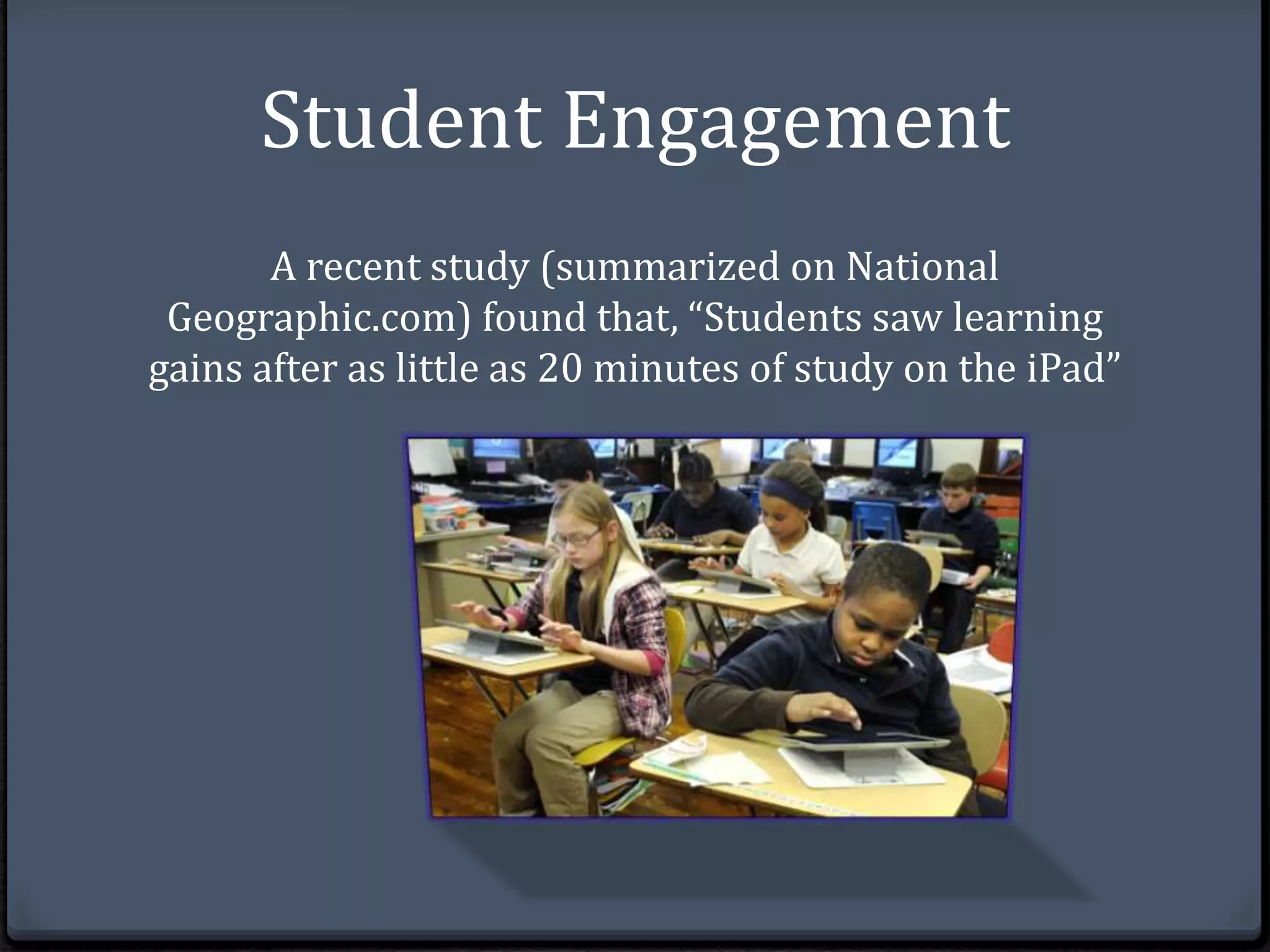
A recent study (summarized on National 
Geographic.com) found that, “Students saw learning 
gains after as little as 20 minutes of study on the iPad”
Improved Learning Outcomes 
‘The bottom line is that these iPads and similar 
tools actually do make a difference,” 
--Matthew Schneps, 
founding member of the Science Education Department 
at the Harvard-Smithsonian Center for Astrophysics in 
Massachusetts.
What can Apps do? 
Submit and Grade Student work: Edmodo is one of my 
favorite educational sites and apps as it can be used in so 
many different ways in the classroom. A teacher can 
create quizzes, grade assignments, create small learning 
communities and more. 
Build Background and Interest: Brainpop is an app that 
is expensive but valuable as it allows students to watch 
short animated videos and take comprehension quizzes 
afterward
Turn in Assignments: I’ve had success with edmodo but I 
prefer using google docs to have students turn in lengthier 
essays as its easy to make comments and mark up the document. 
Take Notes: The Evernote app allows students to take notes 
on any devise and access them From anywhere using a login. 
This ensures students will always have access to their notes and 
other assignments in progress. 
Share lectures: Keynote, part of iWork, lets teachers share 
lectures with students. Students can access lectures whenever 
they needed and were able to learn at the pace that suited them 
best.
Pull Students: The eClicker app is used to pull students on 
what they know and don't know and this information can be 
used to modify assignments or prompt further instruction. 
Project: The Reflector app allows teachers to display what they 
are doing on their ipad with students via the projector. This 
allows students to follow step by step instructions in real time 
which is very handy for learning new tricks and skills on the ipad 
or learning to use a new website. 
Here is a link to a site that explains 35 free apps 
http://www.scholastic.com/teachers/top-teaching/ 
2012/12/my-35-favorite-free-apps-teaching
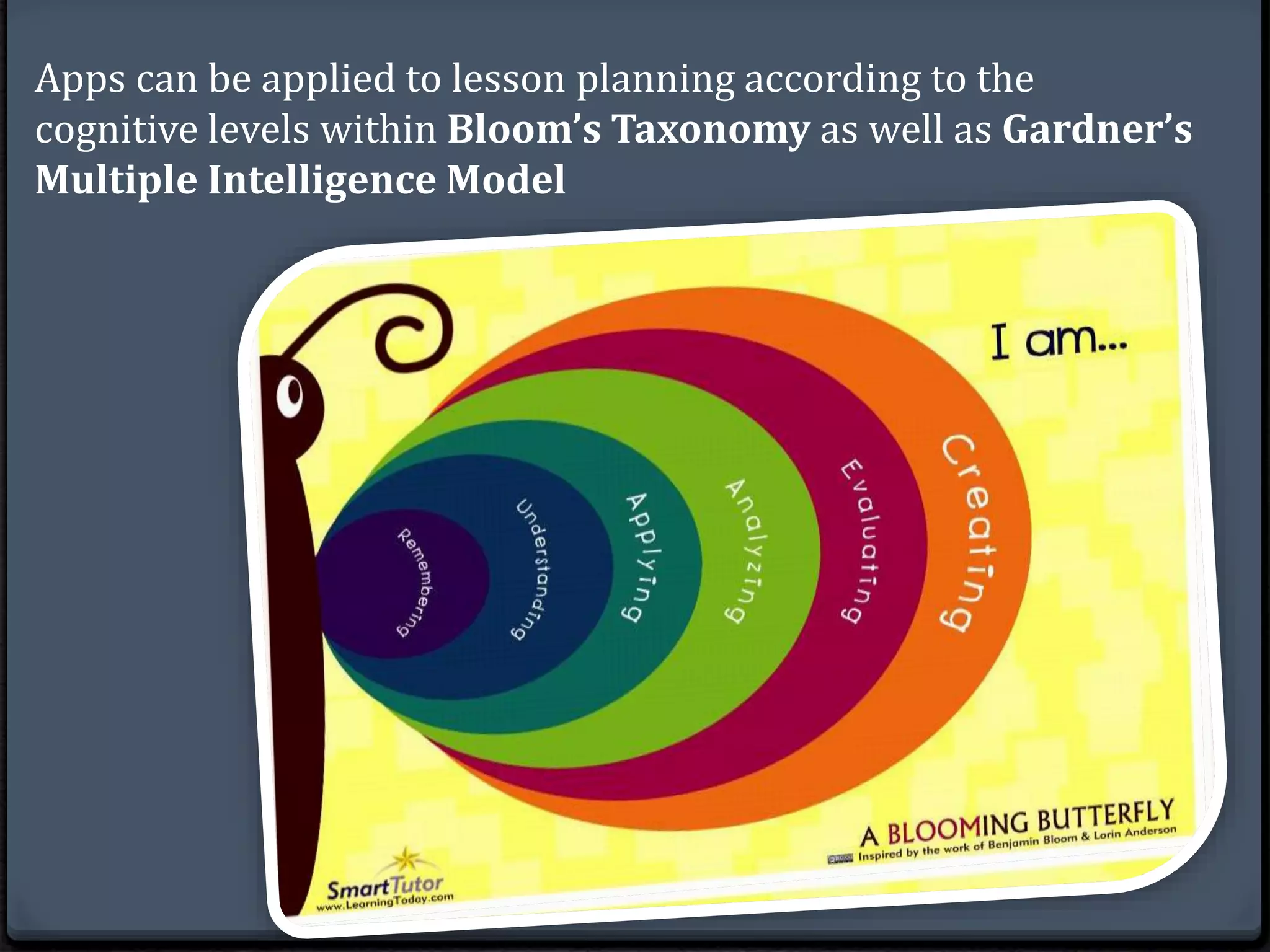
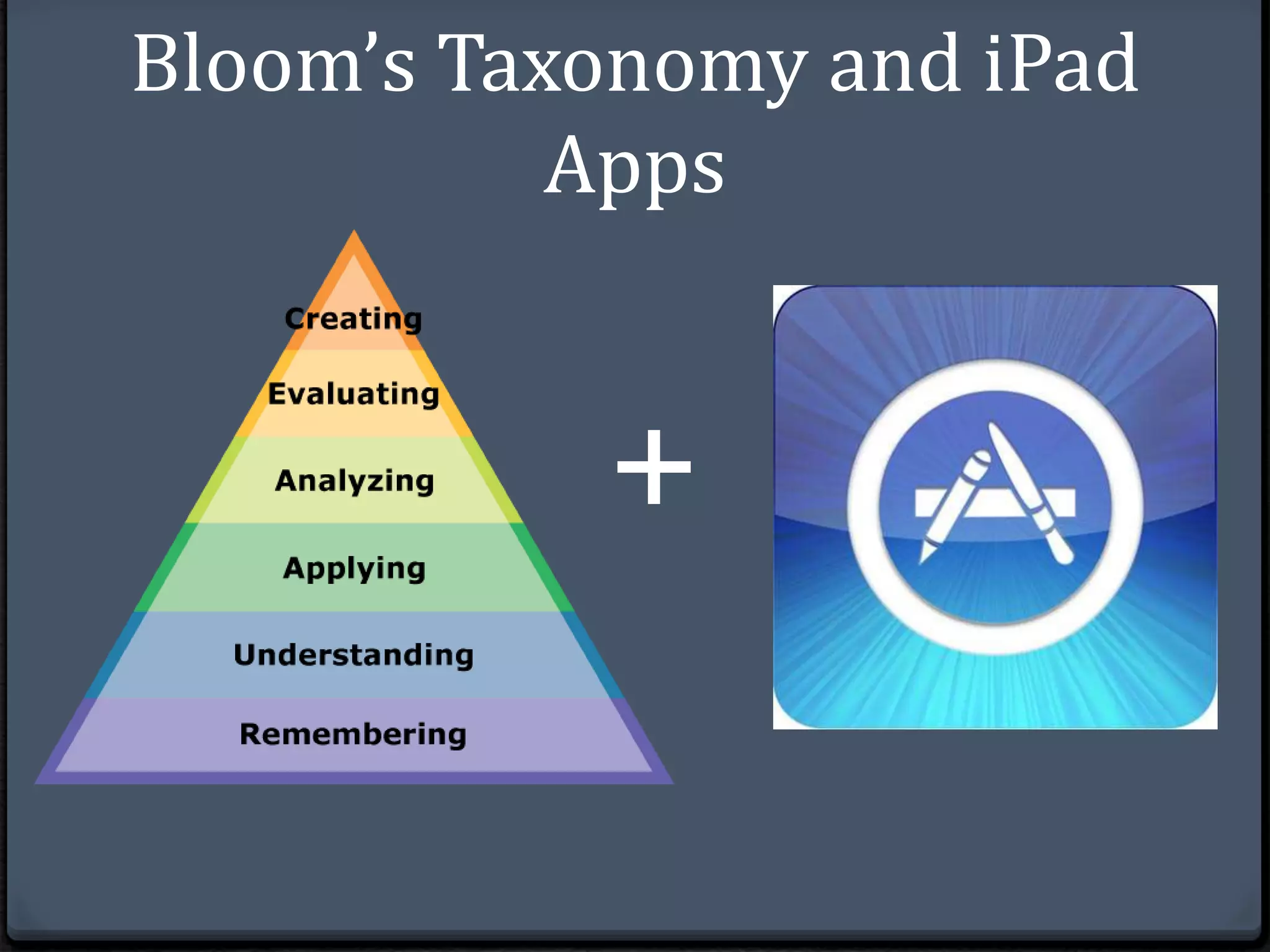
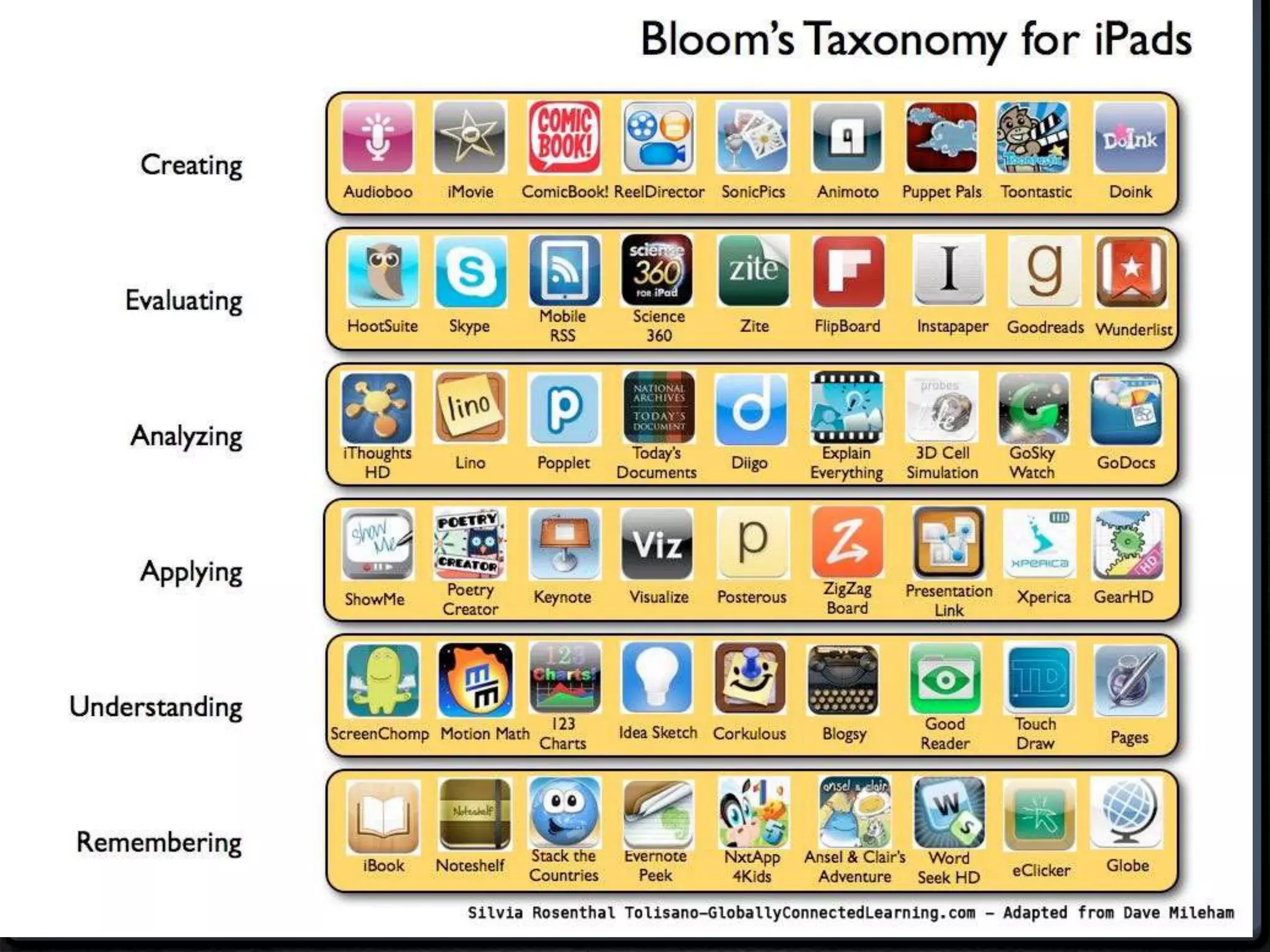
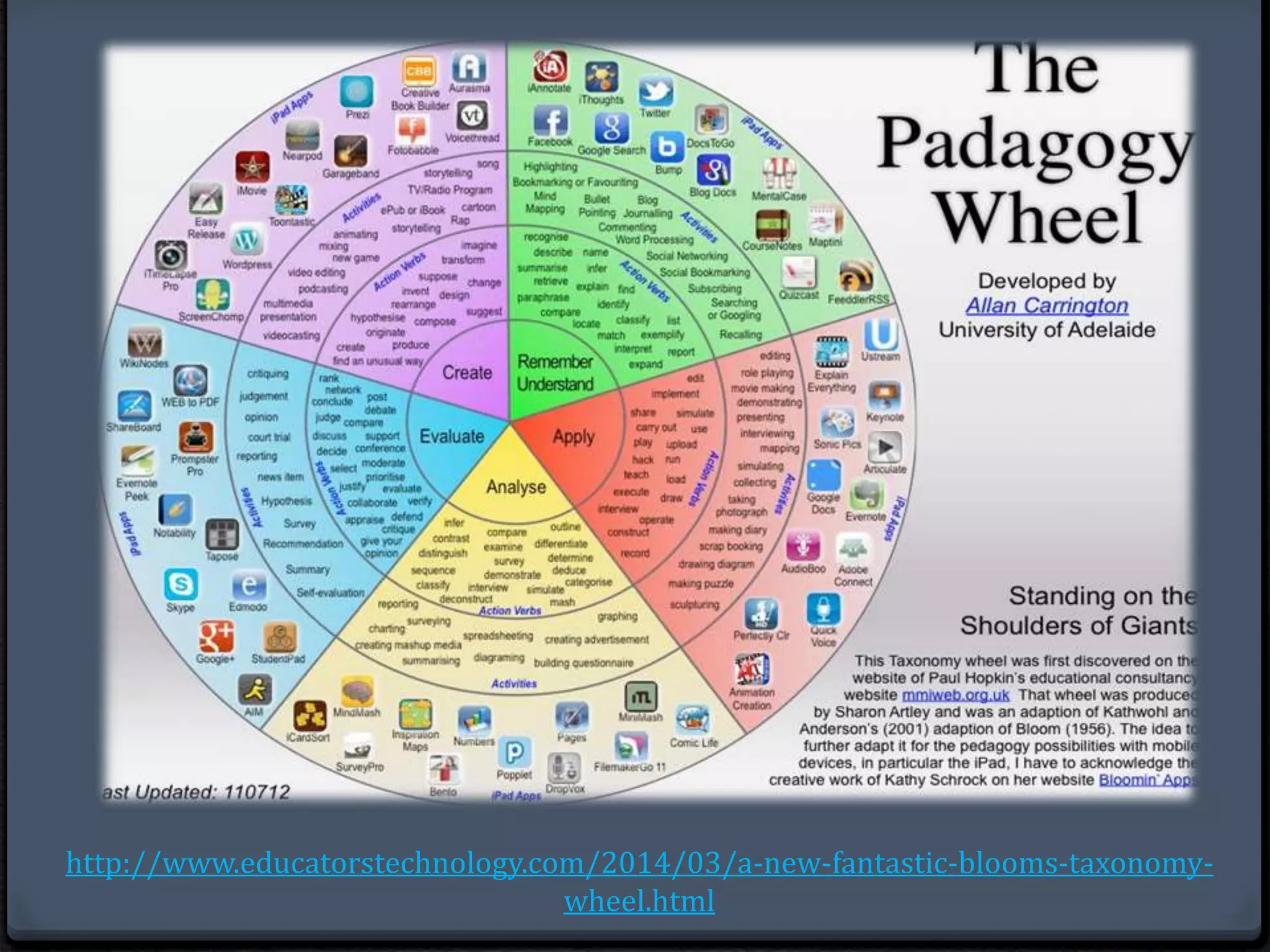
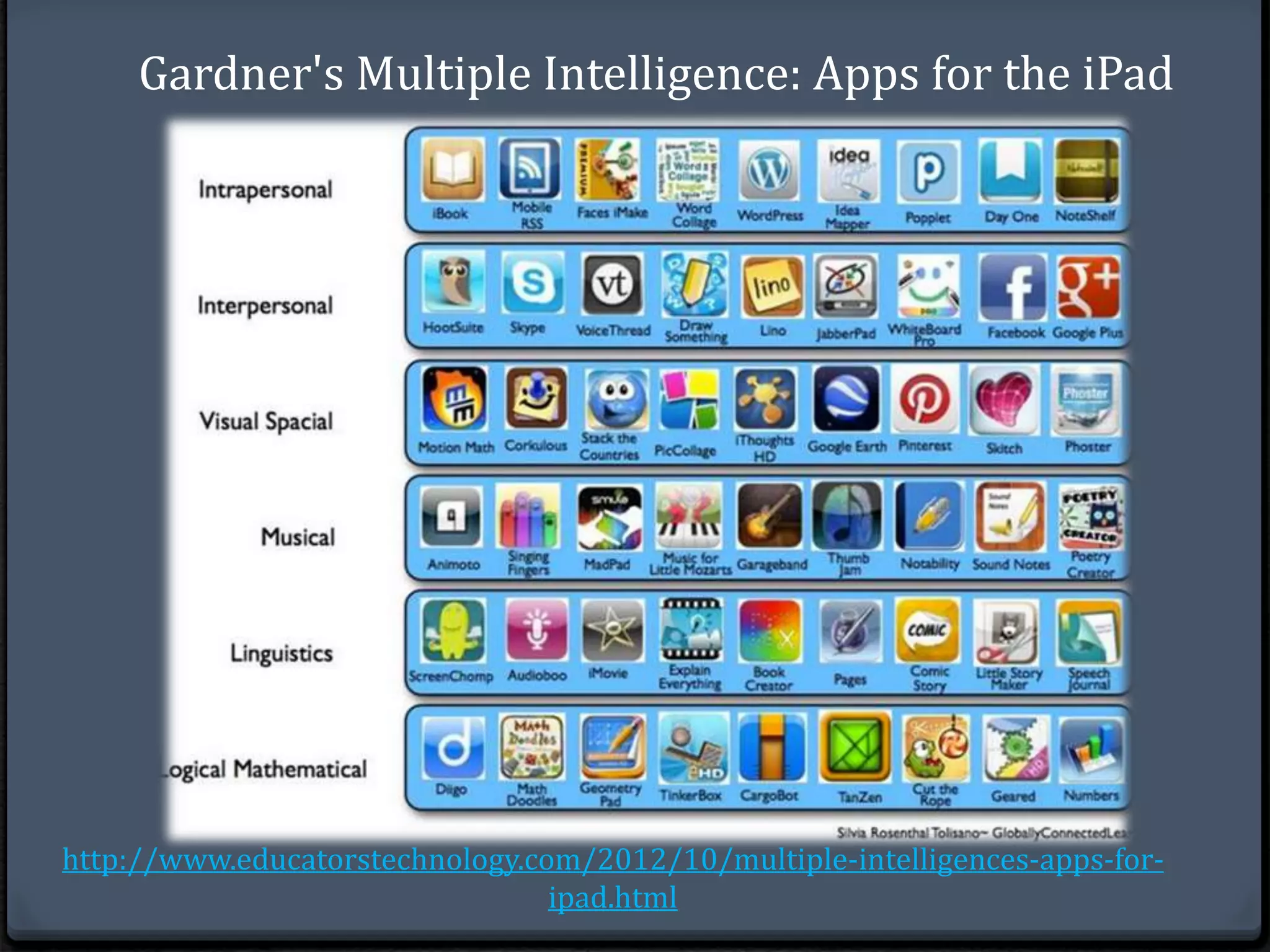
Apps can be applied to lesson planning according to the 
cognitive levels within Bloom’s Taxonomy as well as Gardner’s 
Multiple Intelligence Model
Bloom’s Taxonomy and iPad 
Apps 
+
http://www.educatorstechnology.com/2014/03/a-new-fantastic-blooms-taxonomy-wheel. 
html
Gardner's Multiple Intelligence: Apps for the iPad 
http://www.educatorstechnology.com/2012/10/multiple-intelligences-apps-for-ipad. 
html
Social Studies Apps 
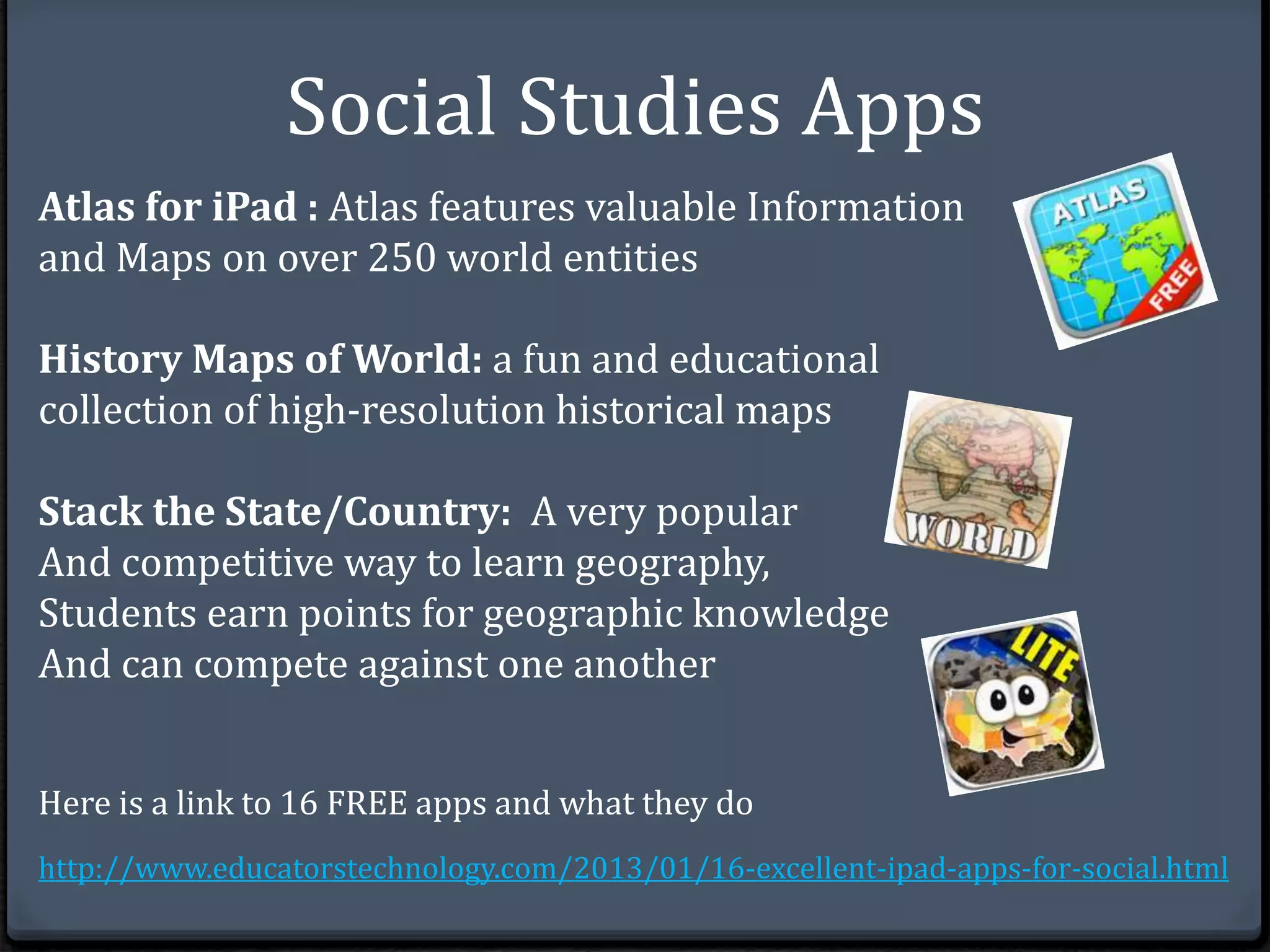
Atlas for iPad : Atlas features valuable Information 
and Maps on over 250 world entities 
History Maps of World: a fun and educational 
collection of high-resolution historical maps 
Stack the State/Country: A very popular 
And competitive way to learn geography, 
Students earn points for geographic knowledge 
And can compete against one another 
Here is a link to 16 FREE apps and what they do 
http://www.educatorstechnology.com/2013/01/16-excellent-ipad-apps-for-social.html
Not Feeling Confident About Using a 
Certain APP or Feature? 
Remember that youtube has thousands of video tutorials for 
just about every app or iPad feature you’d like to use. These 
can be helpful for both you and your students. Display the 
video on the overhead or post a link so they can view it 
individually from their iPad.
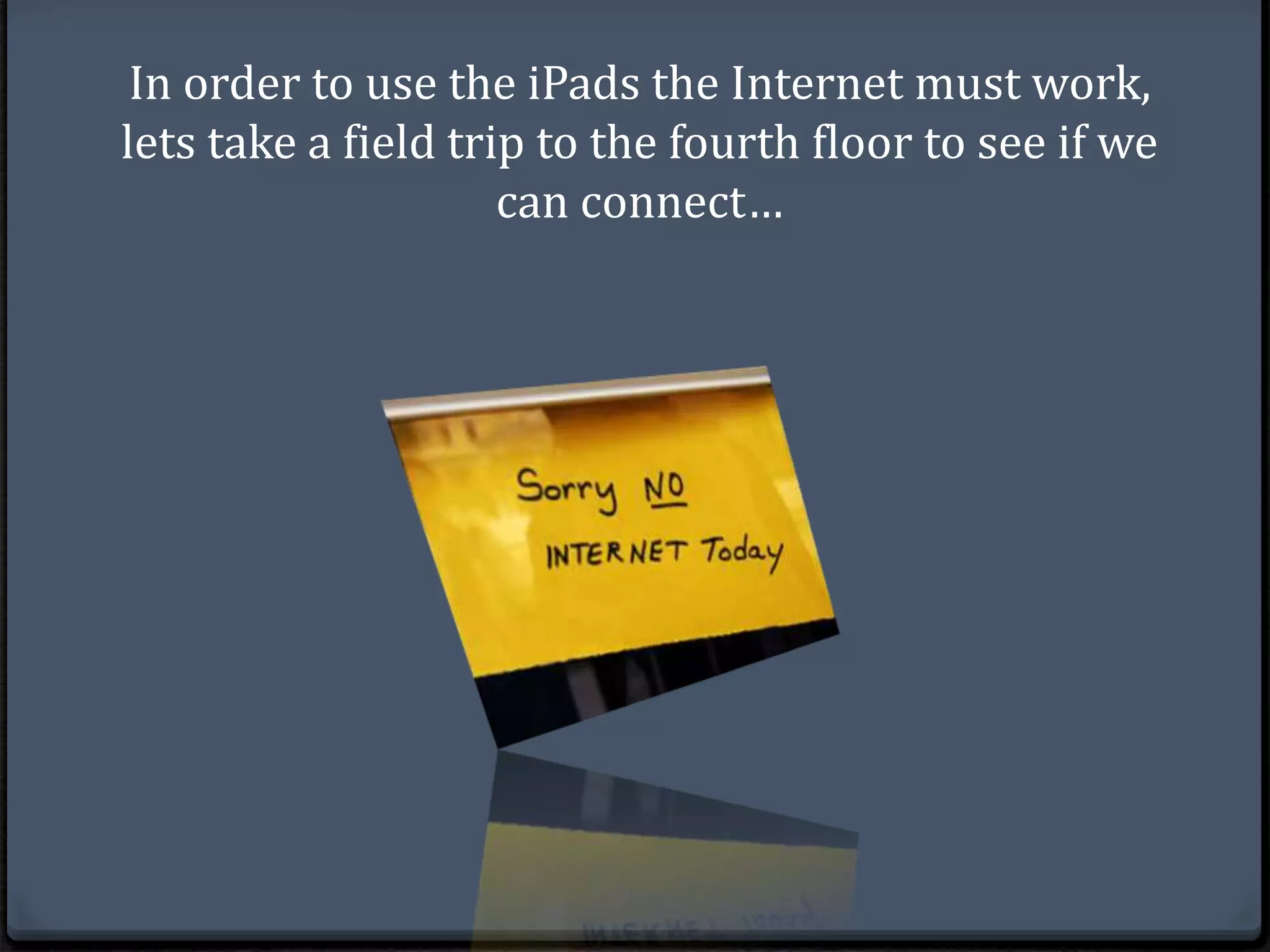
In order to use the iPads the Internet must work, 
lets take a field trip to the fourth floor to see if we 
can connect…

iPad Presentation for Middle Grades

  • 2.
    Why Bother Usingthe iPads? With so much work involved when trying to get the COW (Computer on Wheels) into the room, the iPads distributed and the internet to work, why bother?
  • 3.
    Student Engagement Arecent study (summarized on National Geographic.com) found that, “Students saw learning gains after as little as 20 minutes of study on the iPad”
  • 4.
    Improved Learning Outcomes ‘The bottom line is that these iPads and similar tools actually do make a difference,” --Matthew Schneps, founding member of the Science Education Department at the Harvard-Smithsonian Center for Astrophysics in Massachusetts.
  • 5.
    What can Appsdo? Submit and Grade Student work: Edmodo is one of my favorite educational sites and apps as it can be used in so many different ways in the classroom. A teacher can create quizzes, grade assignments, create small learning communities and more. Build Background and Interest: Brainpop is an app that is expensive but valuable as it allows students to watch short animated videos and take comprehension quizzes afterward
  • 6.
    Turn in Assignments:I’ve had success with edmodo but I prefer using google docs to have students turn in lengthier essays as its easy to make comments and mark up the document. Take Notes: The Evernote app allows students to take notes on any devise and access them From anywhere using a login. This ensures students will always have access to their notes and other assignments in progress. Share lectures: Keynote, part of iWork, lets teachers share lectures with students. Students can access lectures whenever they needed and were able to learn at the pace that suited them best.
  • 7.
    Pull Students: TheeClicker app is used to pull students on what they know and don't know and this information can be used to modify assignments or prompt further instruction. Project: The Reflector app allows teachers to display what they are doing on their ipad with students via the projector. This allows students to follow step by step instructions in real time which is very handy for learning new tricks and skills on the ipad or learning to use a new website. Here is a link to a site that explains 35 free apps http://www.scholastic.com/teachers/top-teaching/ 2012/12/my-35-favorite-free-apps-teaching
  • 8.
    Apps can beapplied to lesson planning according to the cognitive levels within Bloom’s Taxonomy as well as Gardner’s Multiple Intelligence Model
  • 9.
  • 11.
  • 12.
    Gardner's Multiple Intelligence:Apps for the iPad http://www.educatorstechnology.com/2012/10/multiple-intelligences-apps-for-ipad. html
  • 13.
    Social Studies Apps Atlas for iPad : Atlas features valuable Information and Maps on over 250 world entities History Maps of World: a fun and educational collection of high-resolution historical maps Stack the State/Country: A very popular And competitive way to learn geography, Students earn points for geographic knowledge And can compete against one another Here is a link to 16 FREE apps and what they do http://www.educatorstechnology.com/2013/01/16-excellent-ipad-apps-for-social.html
  • 14.
    Not Feeling ConfidentAbout Using a Certain APP or Feature? Remember that youtube has thousands of video tutorials for just about every app or iPad feature you’d like to use. These can be helpful for both you and your students. Display the video on the overhead or post a link so they can view it individually from their iPad.
  • 15.
    In order touse the iPads the Internet must work, lets take a field trip to the fourth floor to see if we can connect…

Editor's Notes

  • #2 Jesica de la O Assignment #11 CM501o