How to create a basic
Nearpod presentation.
Using Nearpod

Claire Eriksson ADWC - HCT
Create using a browser.
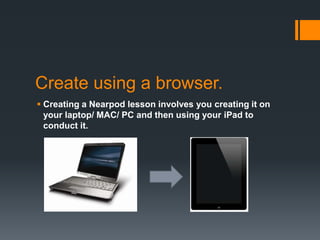
 Creating a Nearpod lesson involves you creating it on
  your laptop/ MAC/ PC and then using your iPad to
  conduct it.
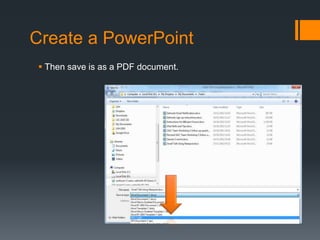
Create a PowerPoint
 Then save is as a PDF document.
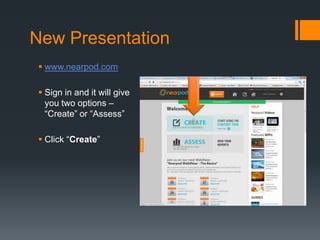
New Presentation
 www.nearpod.com

 Sign in and it will give
  you two options –
  “Create” or “Assess”

 Click “Create”
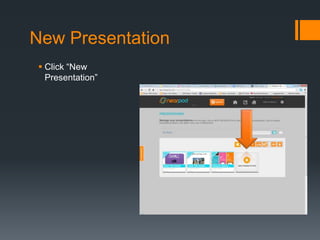
New Presentation
 Click “New
  Presentation”
Find a file
  Click “Find a file”
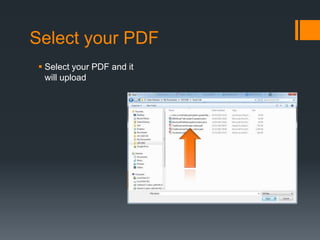
Select your PDF
 Select your PDF and it
  will upload
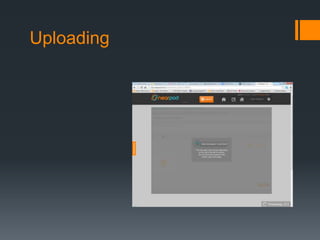
Uploading
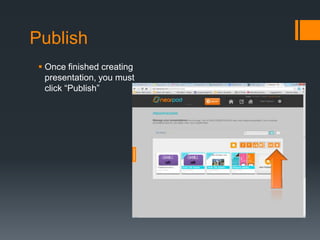
Publish
  Once finished creating
   presentation, you must
   click “Publish”
On your iPad
 Make sure you
  download the Nearpod
  app
On your iPad
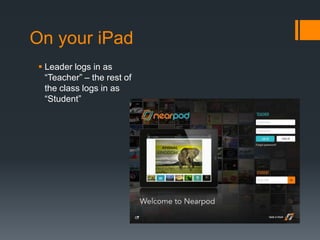
 Leader logs in as
  “Teacher” – the rest of
  the class logs in as
  “Student”
On your iPad
 Students will need the
  automatically
  generated pin
On your iPad
 Students will be prompted to enter names and
  IDs.

 Leader will have a class list of participants.

 Once this is complete, the presentation will begin.

How to create a basic nearpod presentation