Glenn HolmerGlenn Holmer 
Milwaukee GroupMilwaukee Linux Users Group 
June 2014June 14, 2014 
systemd: Linuxsystemd: the new init system for Linux
History
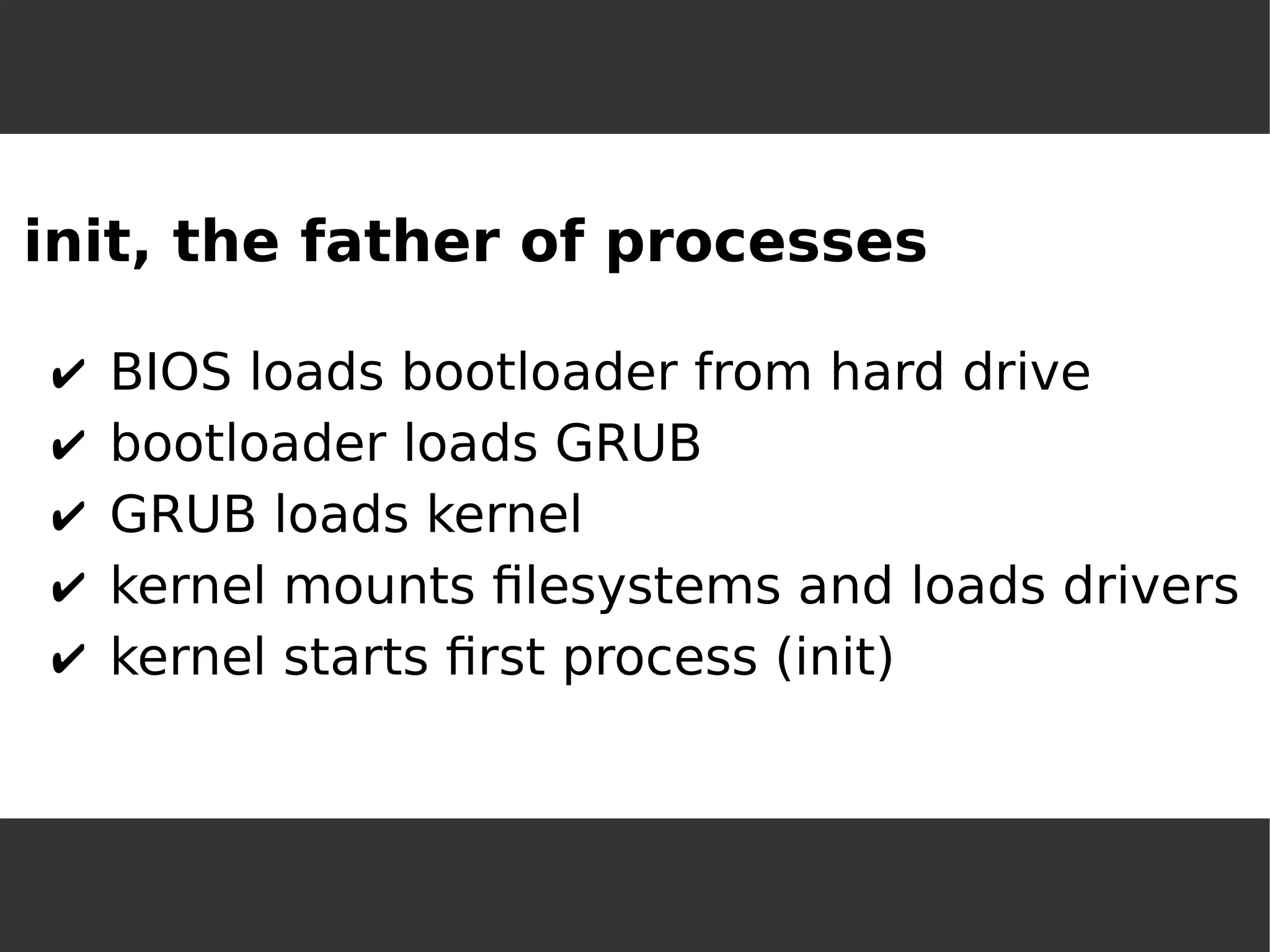
init, the father of processes 
✔BIOS loads bootloader from hard drive 
✔bootloader loads GRUB 
✔GRUB loads kernel 
✔kernel mounts filesystems and loads drivers 
✔kernel starts first process (init)
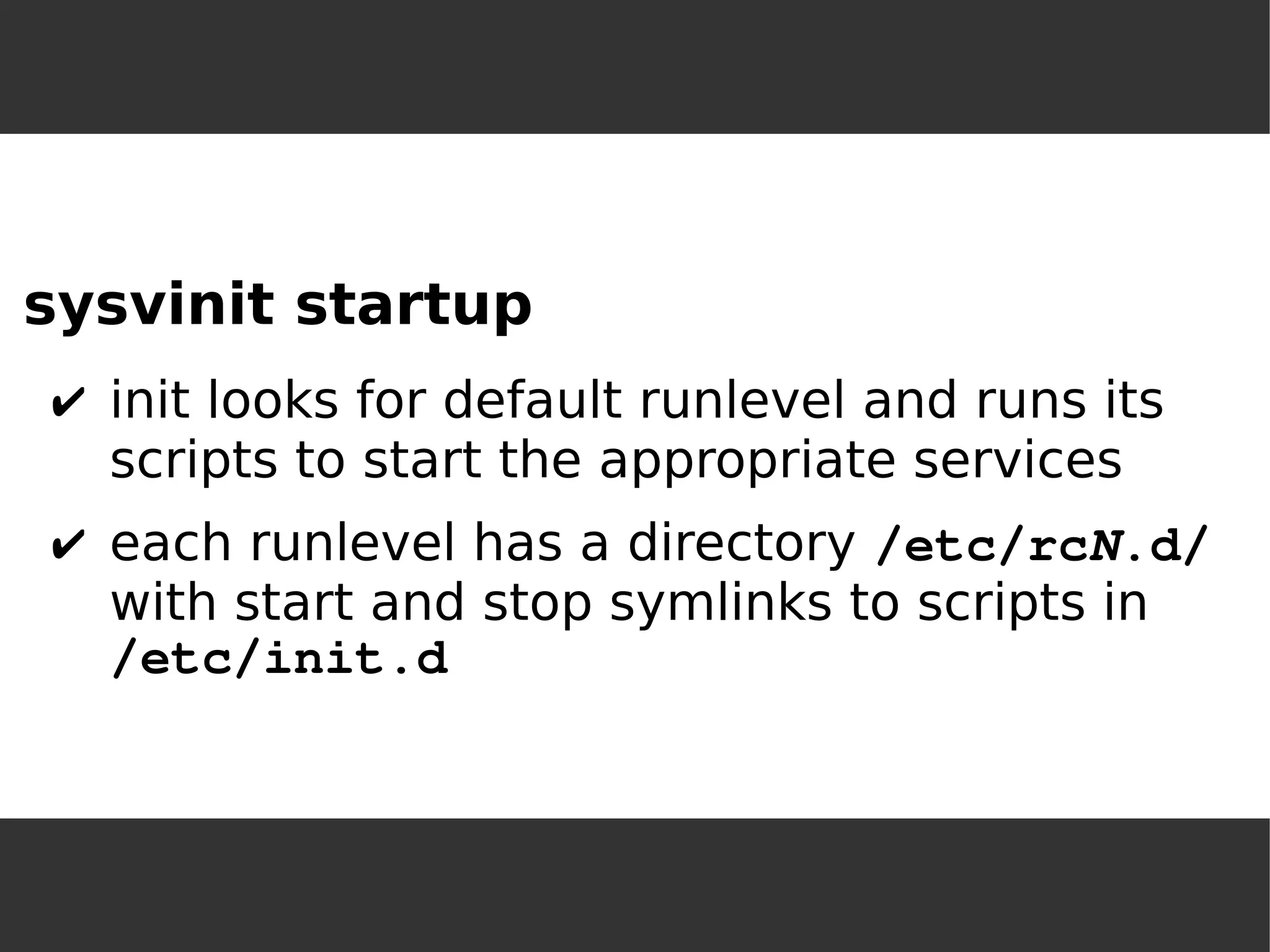
sysvinit startup 
✔init looks for default runlevel and runs its scripts to start the appropriate services 
✔each runlevel has a directory /etc/rcN.d/ with start and stop symlinks to scripts in /etc/init.d
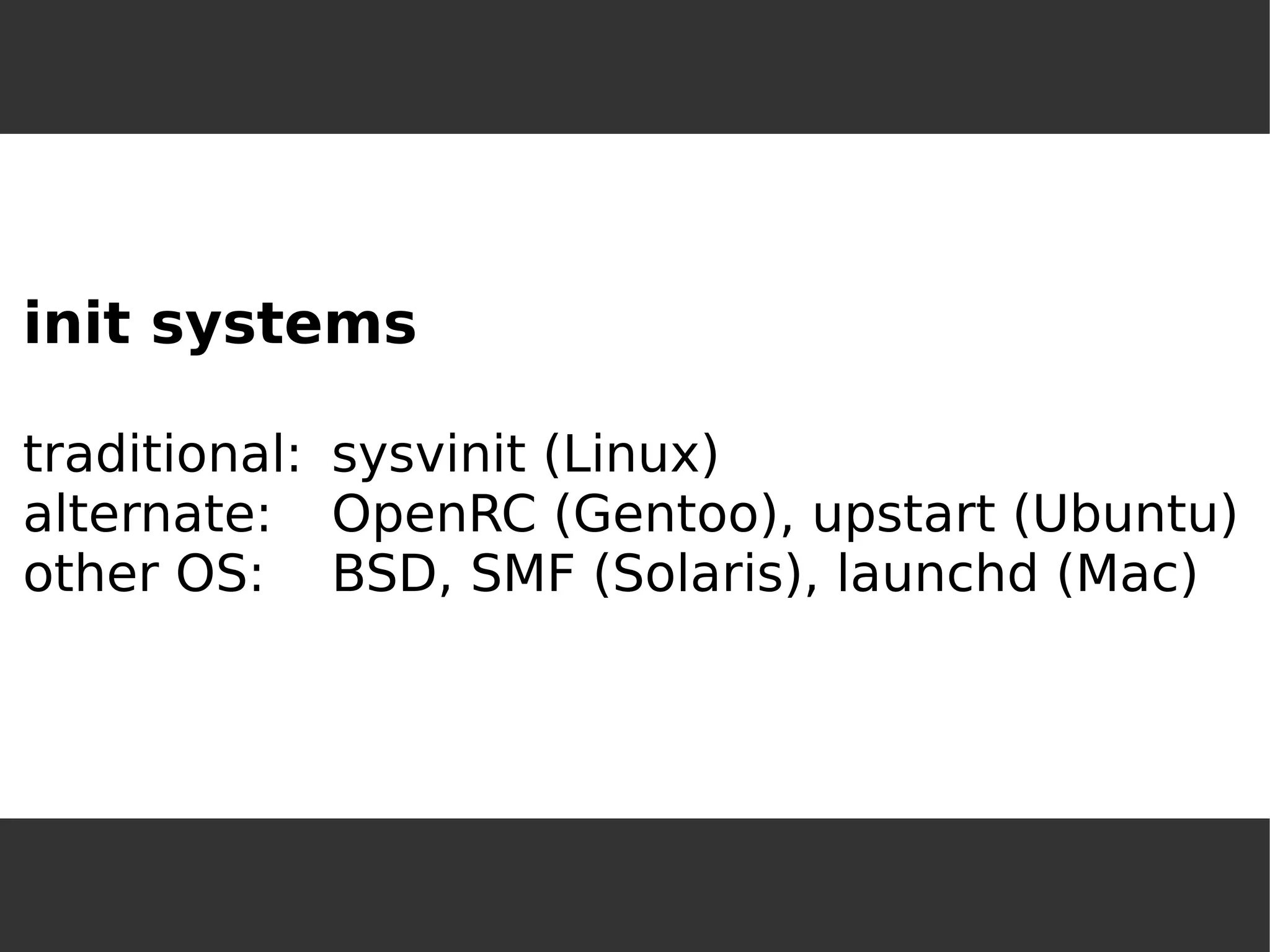
init systemstraditional:sysvinit (Linux) alternate:OpenRC (Gentoo), upstart (Ubuntu) other OS:BSD, SMF (Solaris), launchd (Mac)
What's wrong with sysvinit? synchronouseverything started at boot timecan't control double-forked child processes
What's better about systemd? asynchronousservices started only when needed (via socket) services run in cgroups
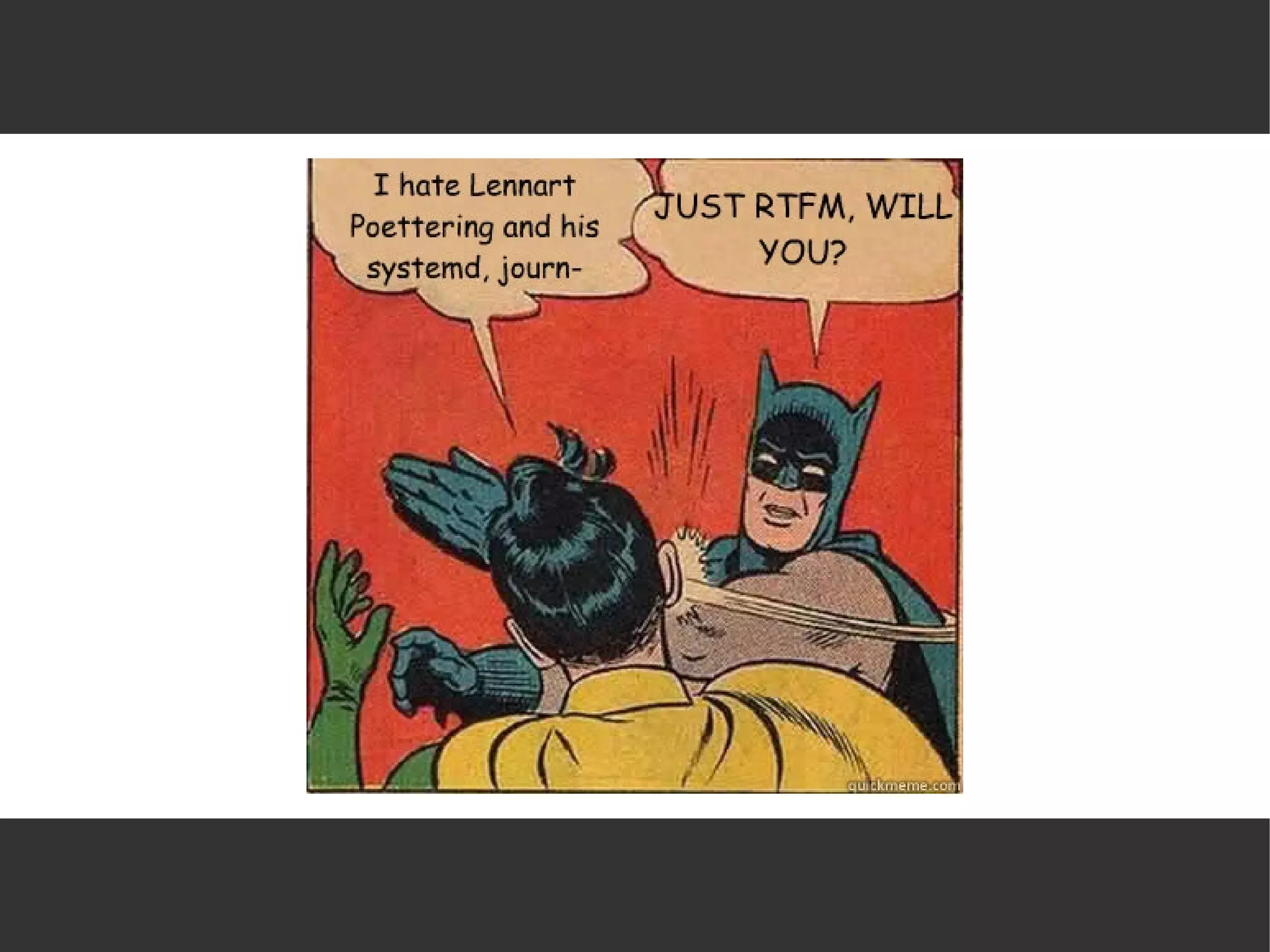
Why is systemd controversial? “do one thing and do it well” (feature creep) depends on dbus/kdbusLinux-specific (because of cgroups) binary log file (the journal) http://0pointer.de/blog/projects/the-biggest-myths.html
Why is systemd controversial? “do one thing and do it well” (feature creep) depends on dbus/kdbusLinux-specific (because of cgroups) binary log file (the journal) http://0pointer.de/blog/projects/the-biggest-myths.htmlpersonality conflicts...
systemd adoptionUbuntu:upstart 2006 (native init 2009) Fedora: upstart 2008, systemd 2011RHEL:RHEL 7 (just released) uses systemdSUSE:upstart option 2010, systemd 2011SLES:SLES 12 (Q3) will use systemdDebian:systemd 2014, Ubuntu will follow
Mechanics
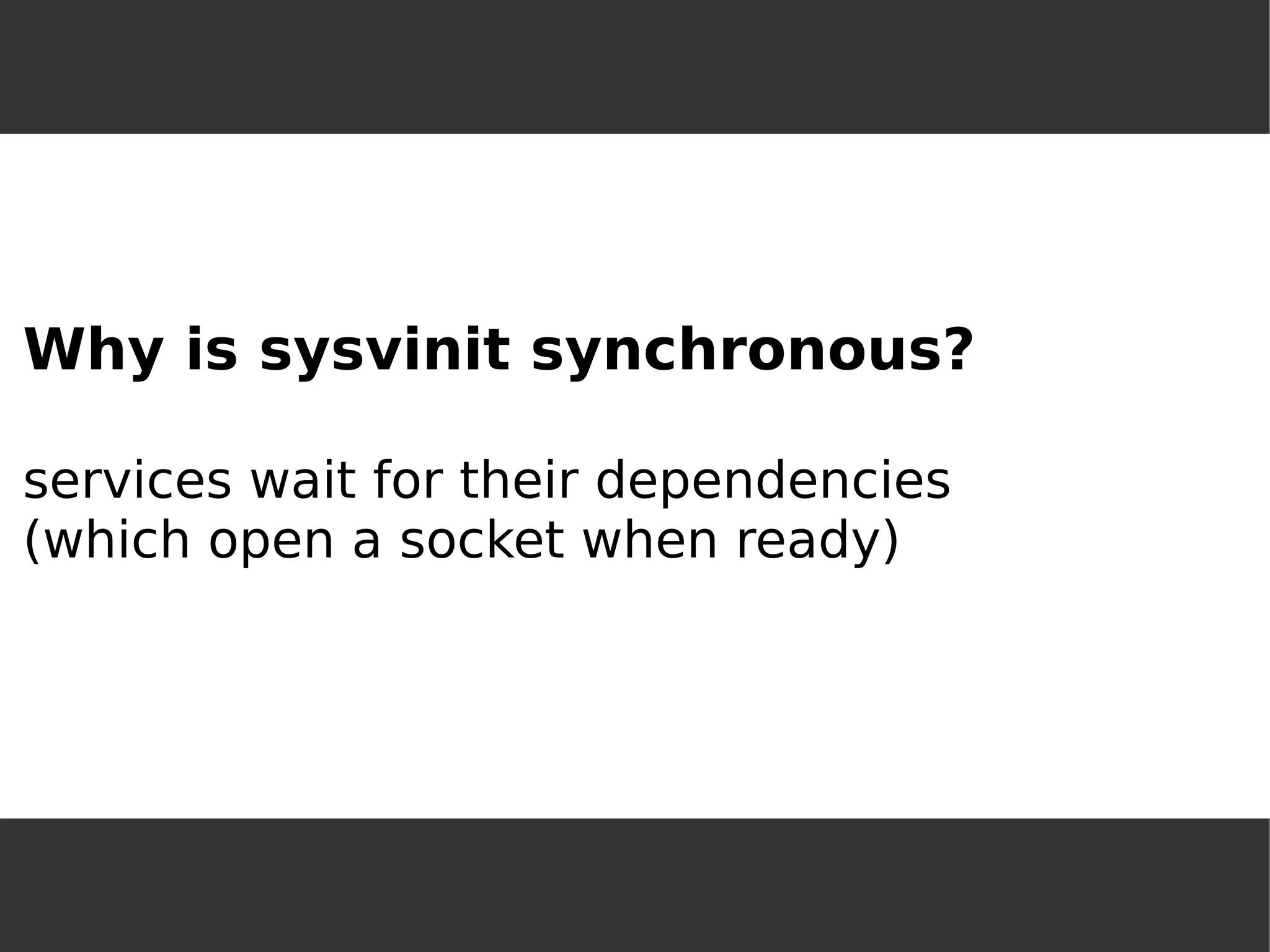
Why is sysvinit synchronous? services wait for their dependencies(which open a socket when ready)
Why not open the socket on startup? services with dependencies can start at oncesocket buffer holds messages until ready
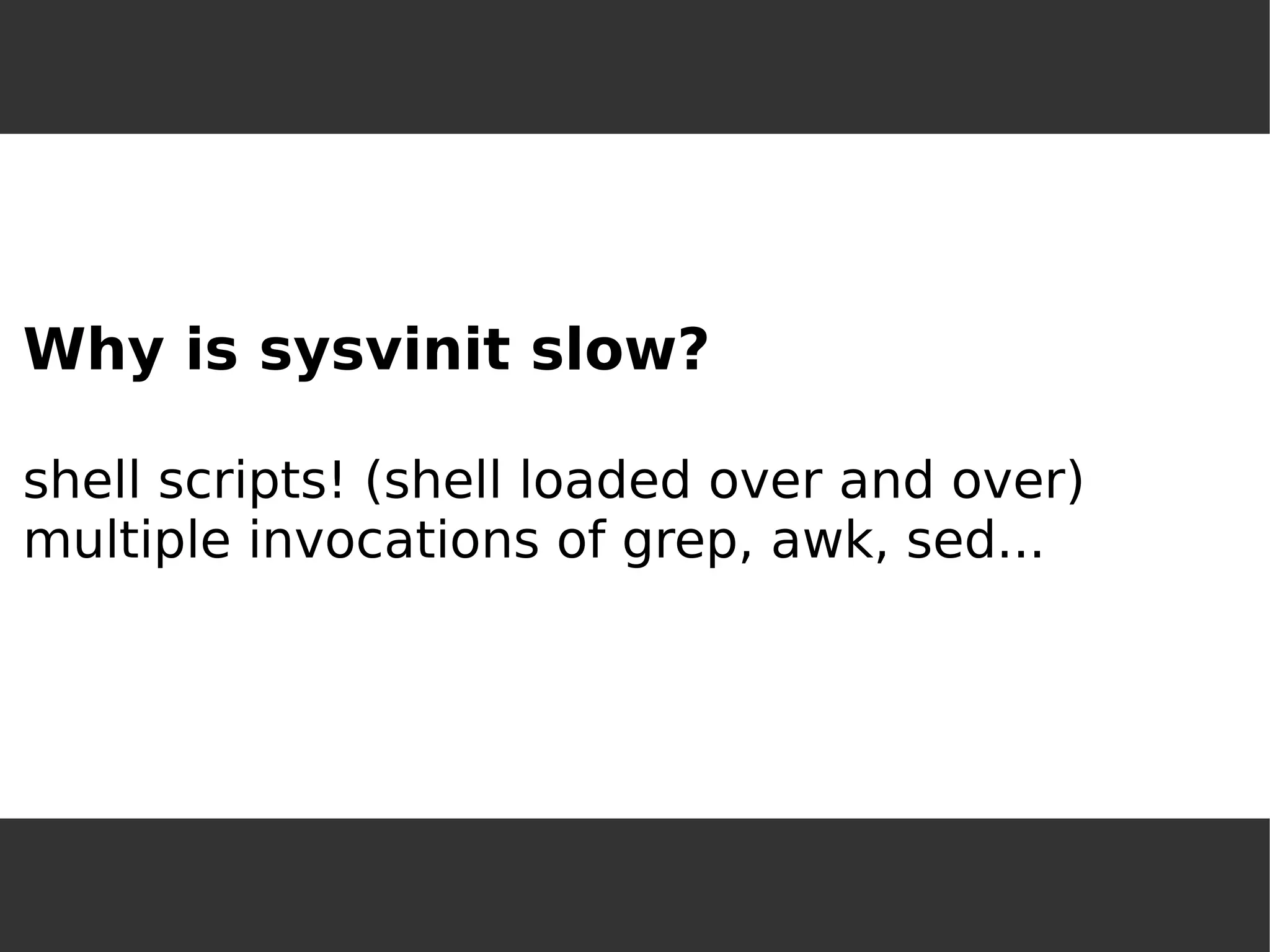
Why is sysvinit slow? shell scripts! (shell loaded over and over) multiple invocations of grep, awk, sed...
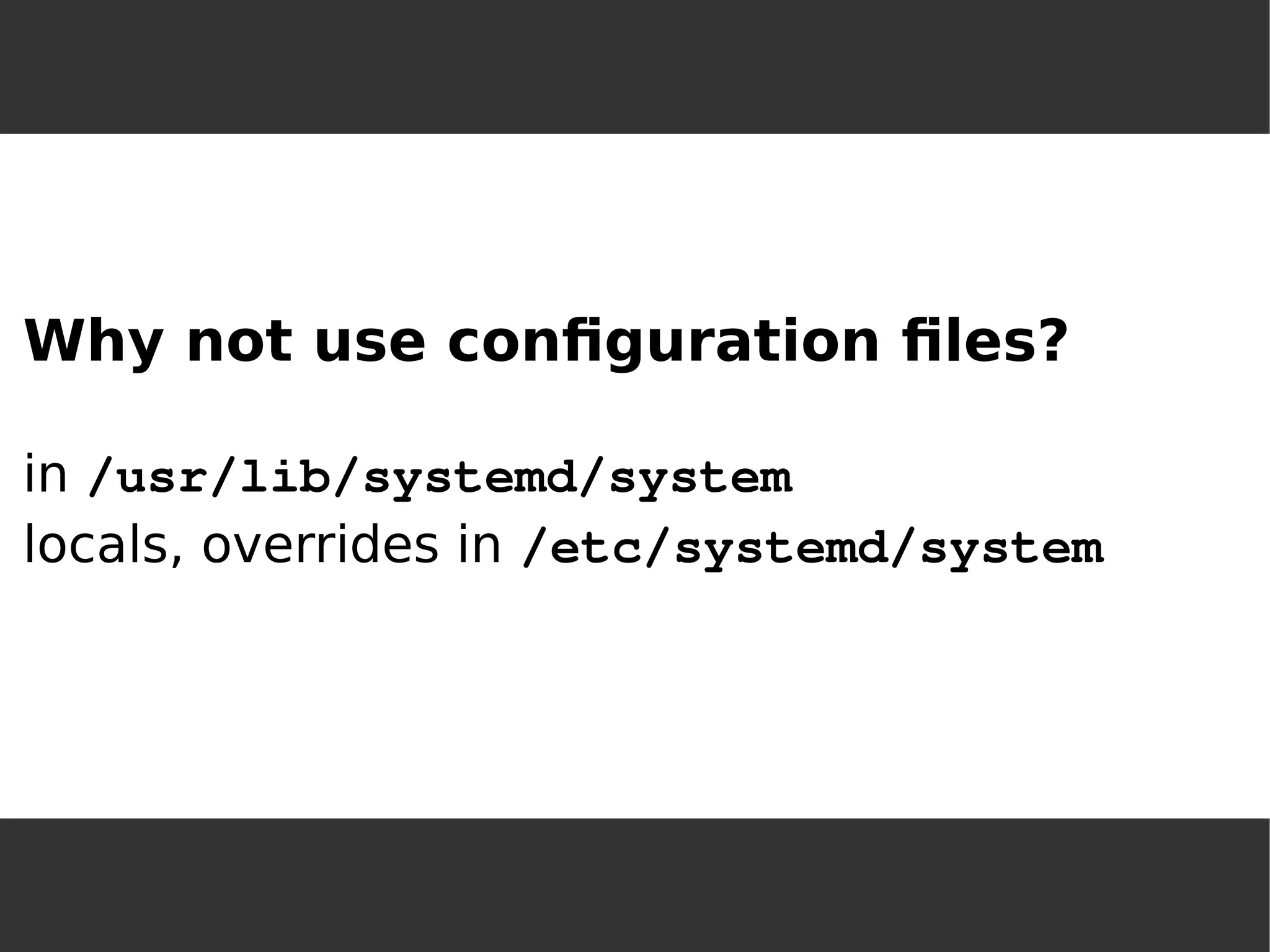
Why not use configuration files? in /usr/lib/systemd/systemlocals, overrides in /etc/systemd/system
[Unit] Description=PostgreSQL database serverAfter=network.target[Service] Type=forkingUser=postgresGroup=postgresEnvironment=PGPORT=5432Environment=PGDATA=/var/lib/pgsql/dataOOMScoreAdjust=-1000ExecStartPre=/usr/bin/postgresql-check-db-dir ${PGDATA} ExecStart=/usr/bin/pg_ctl start -D ${PGDATA} -s -o "-p ${PGPORT}" -w -t 300ExecStop=/usr/bin/pg_ctl stop -D ${PGDATA} -s -m fastExecReload=/usr/bin/pg_ctl reload -D ${PGDATA} -sTimeoutSec=300[Install] WantedBy=multi-user.target
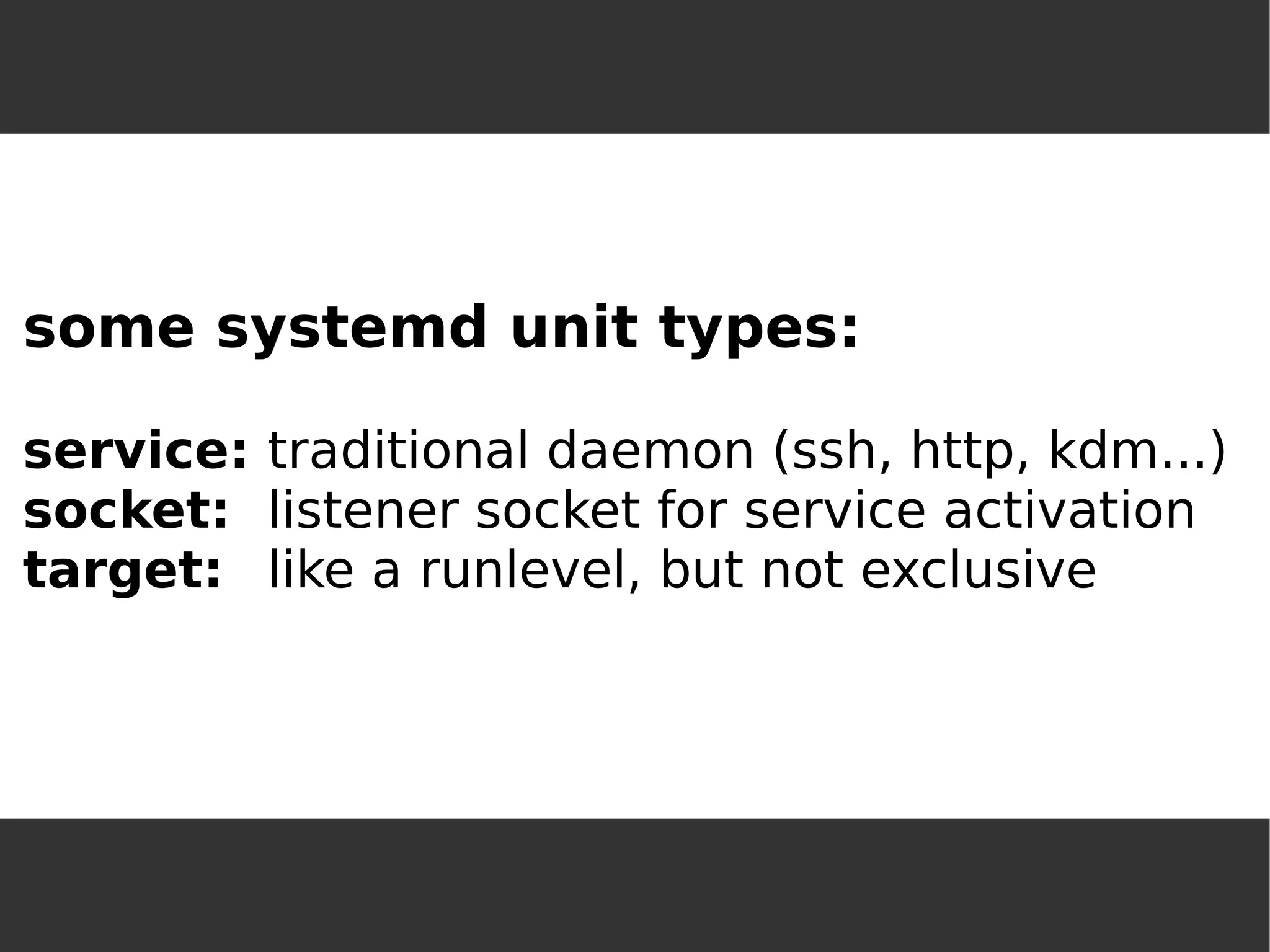
some systemd unit types: service:traditional daemon (ssh, http, kdm...) socket:listener socket for service activationtarget:like a runlevel, but not exclusive
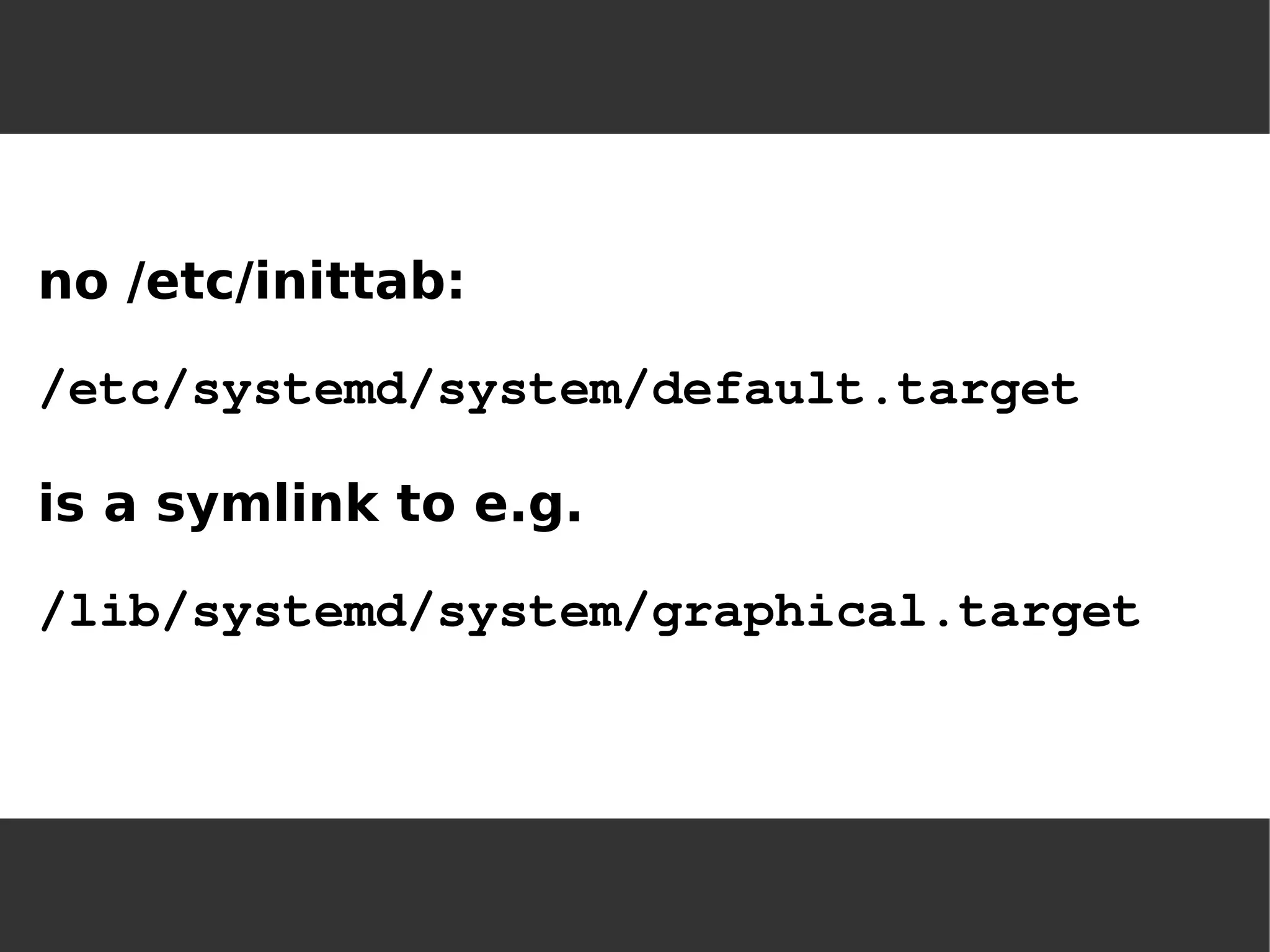
no /etc/inittab: 
/etc/systemd/system/default.target 
is a symlink to e.g. 
/lib/systemd/system/graphical.target
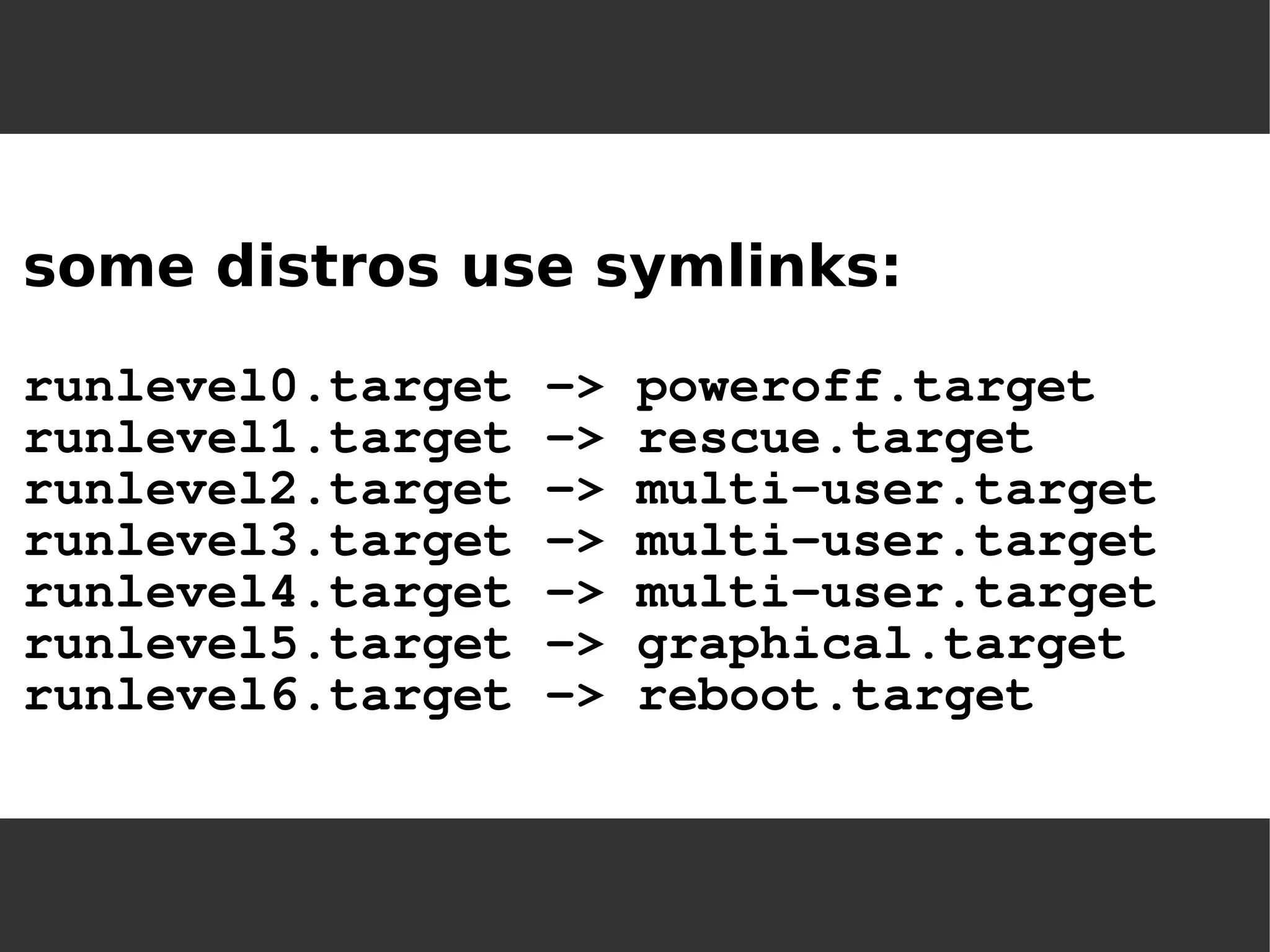
some distros use symlinks: runlevel0.target -> poweroff.targetrunlevel1.target -> rescue.targetrunlevel2.target -> multi-user.targetrunlevel3.target -> multi-user.targetrunlevel4.target -> multi-user.targetrunlevel5.target -> graphical.targetrunlevel6.target -> reboot.target
more unit types: slice:resource control via cgroups(can control CPU share, memory usage, IO bandwidth, device access) snapshot:saves current runtime state, can return to it with isolate(lost on reboot)
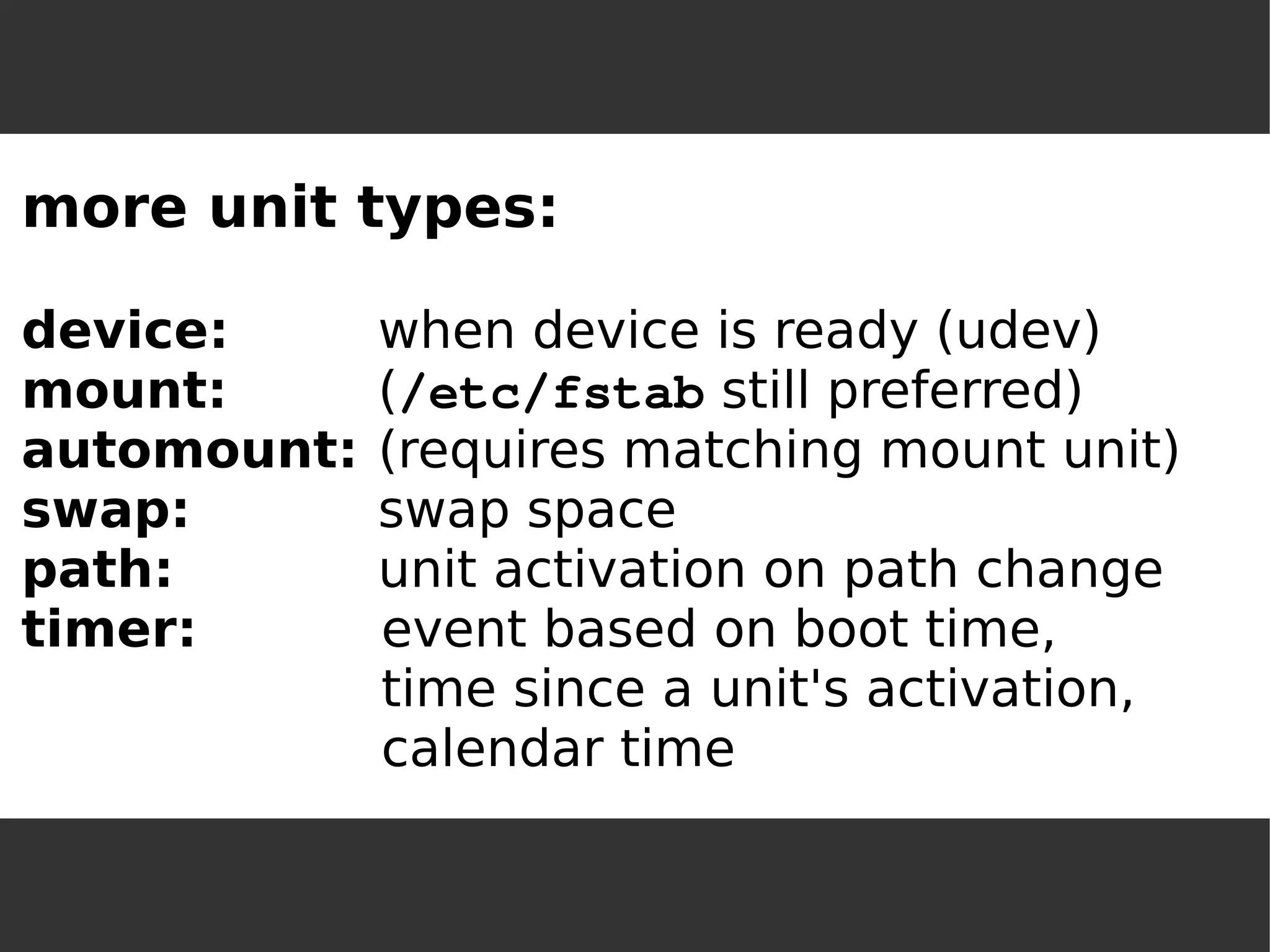
more unit types: device:when device is ready (udev) mount:(/etc/fstab still preferred) 
automount:(requires matching mount unit) 
swap:swap space 
path:unit activation on path change 
timer:event based on boot time, time since a unit's activation, calendar time
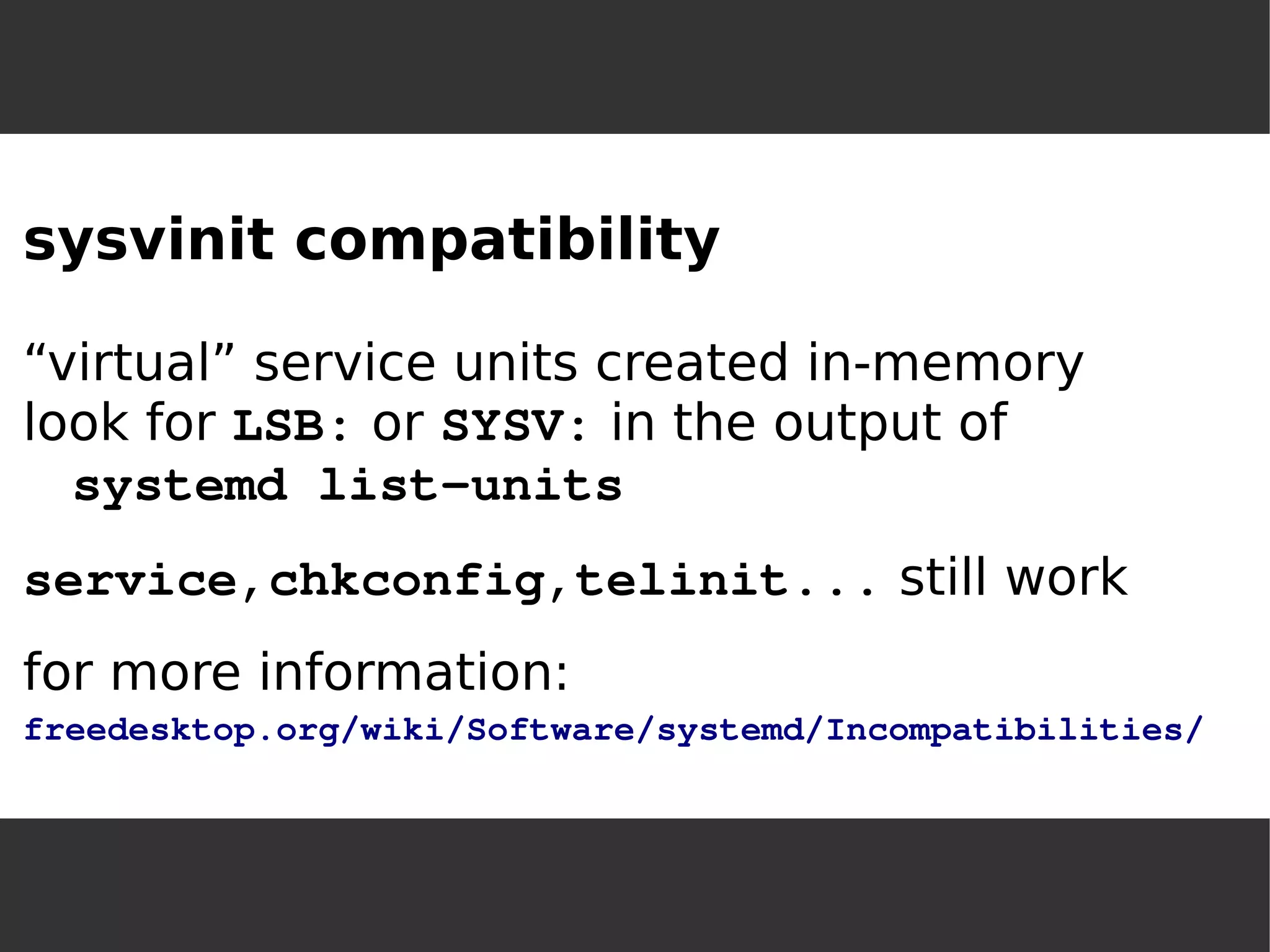
sysvinit compatibility“virtual” service units created in-memorylook for LSB: or SYSV: in the output of systemd list-unitsservice,chkconfig,telinit... still workfor more information: freedesktop.org/wiki/Software/systemd/Incompatibilities/
Usage
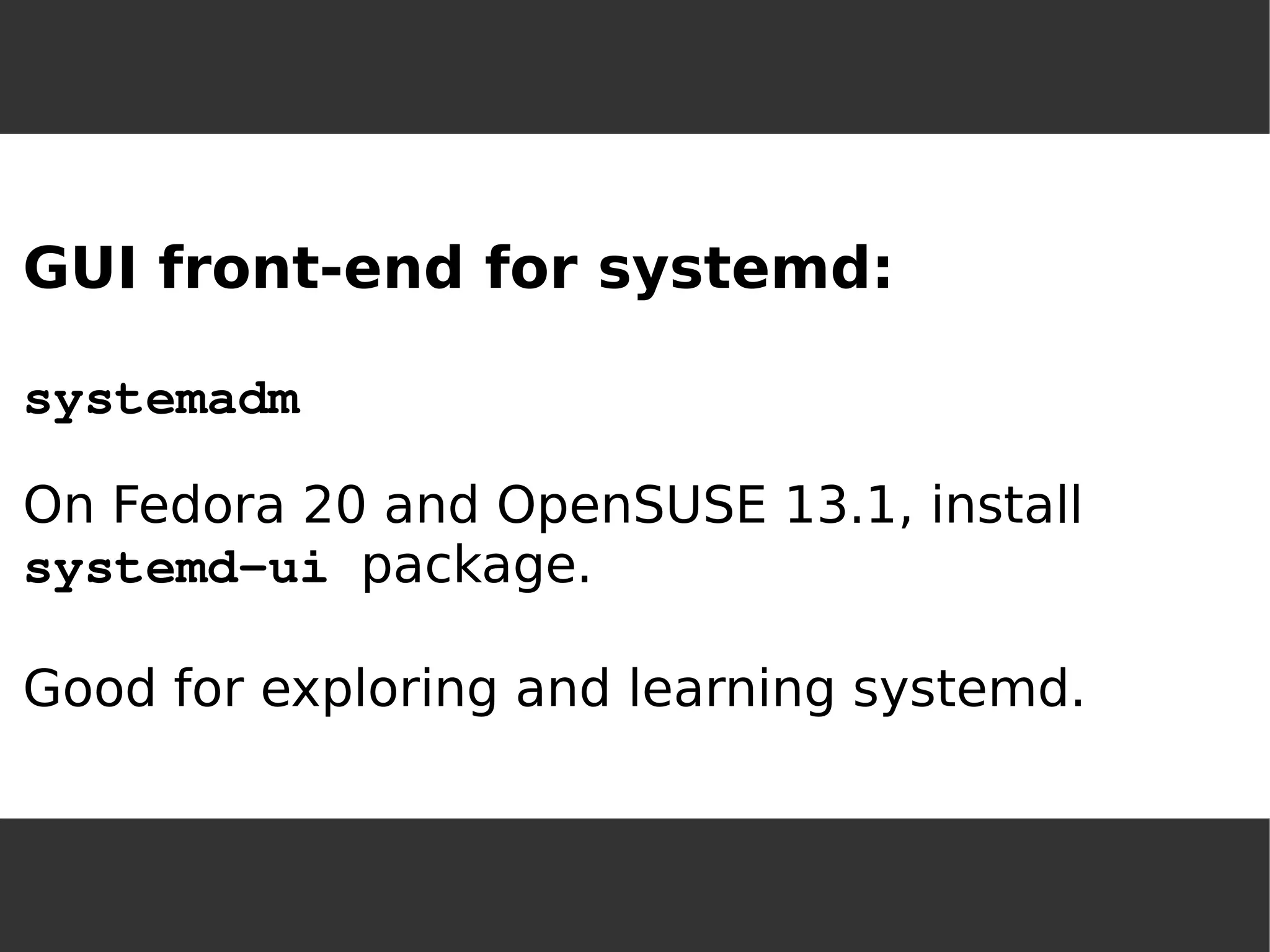
GUI front-end for systemd: systemadmOn Fedora 20 and OpenSUSE 13.1, installsystemd-ui package. Good for exploring and learning systemd.
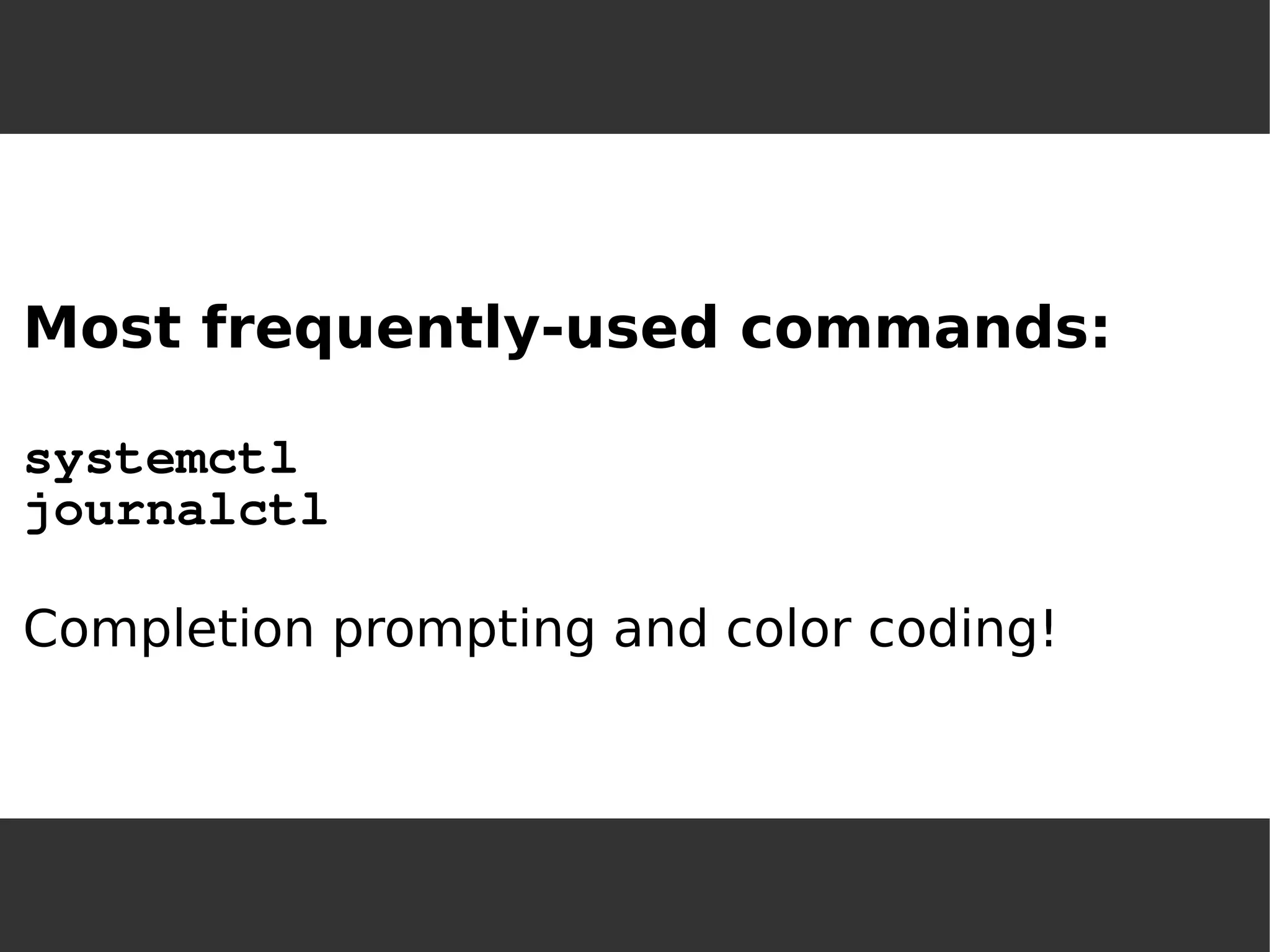
Most frequently-used commands: systemctljournalctlCompletion prompting and color coding!
systemctl [list-units] systemctl list-unit-filessystemctl -t servicesystemctl –-state failedsystemctl enable <servicename> systemctl start <servicename> systemctl status <servicename> systemctl daemon-reloadsystemctl halt
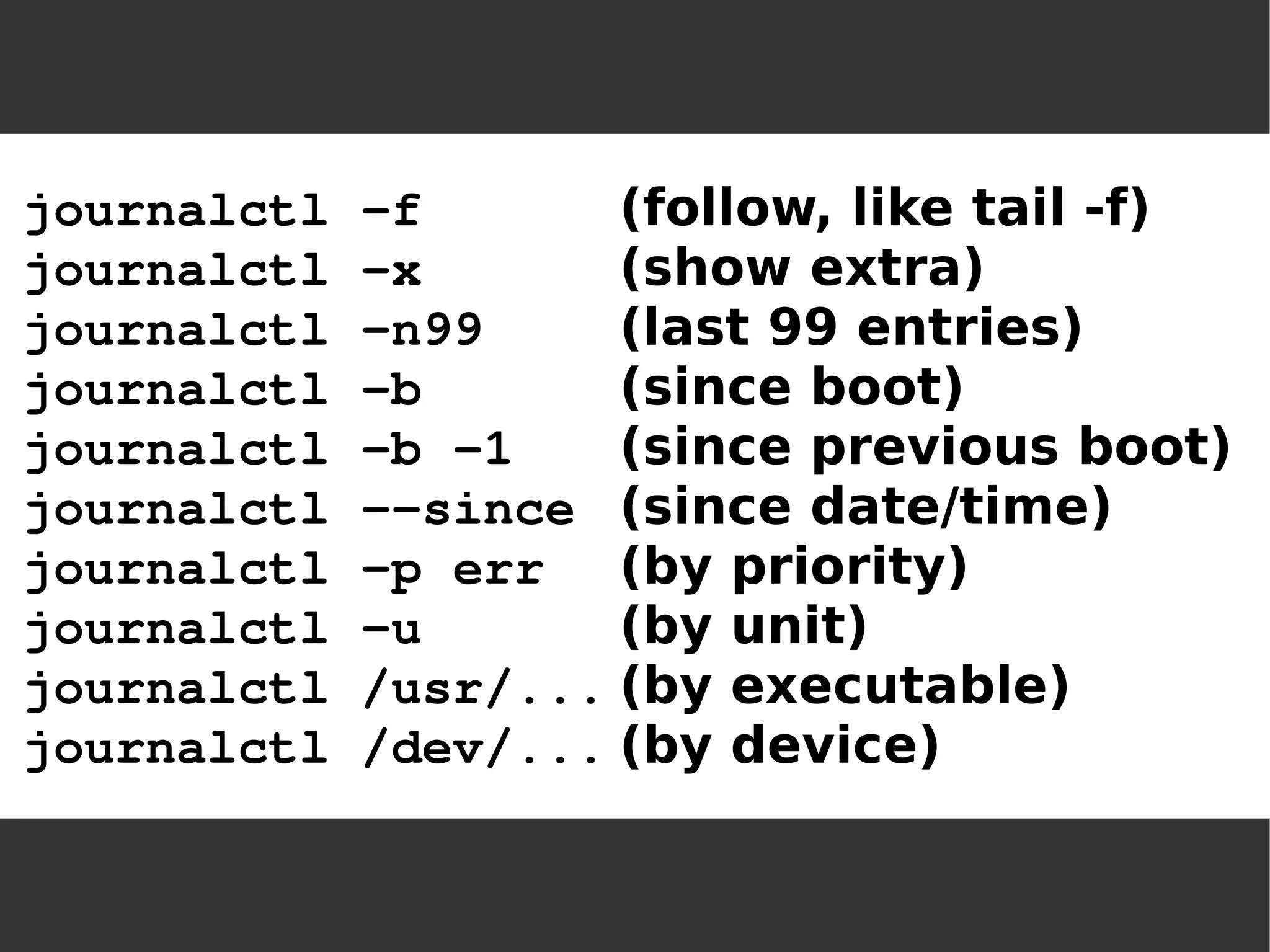
journalctl -f(follow, like tail -f) journalctl -x(show extra) journalctl -n99(last 99 entries) journalctl -b(since boot) journalctl -b -1(since previous boot) journalctl --since(since date/time) journalctl -p err(by priority) journalctl -u(by unit) journalctl /usr/...(by executable) journalctl /dev/...(by device)
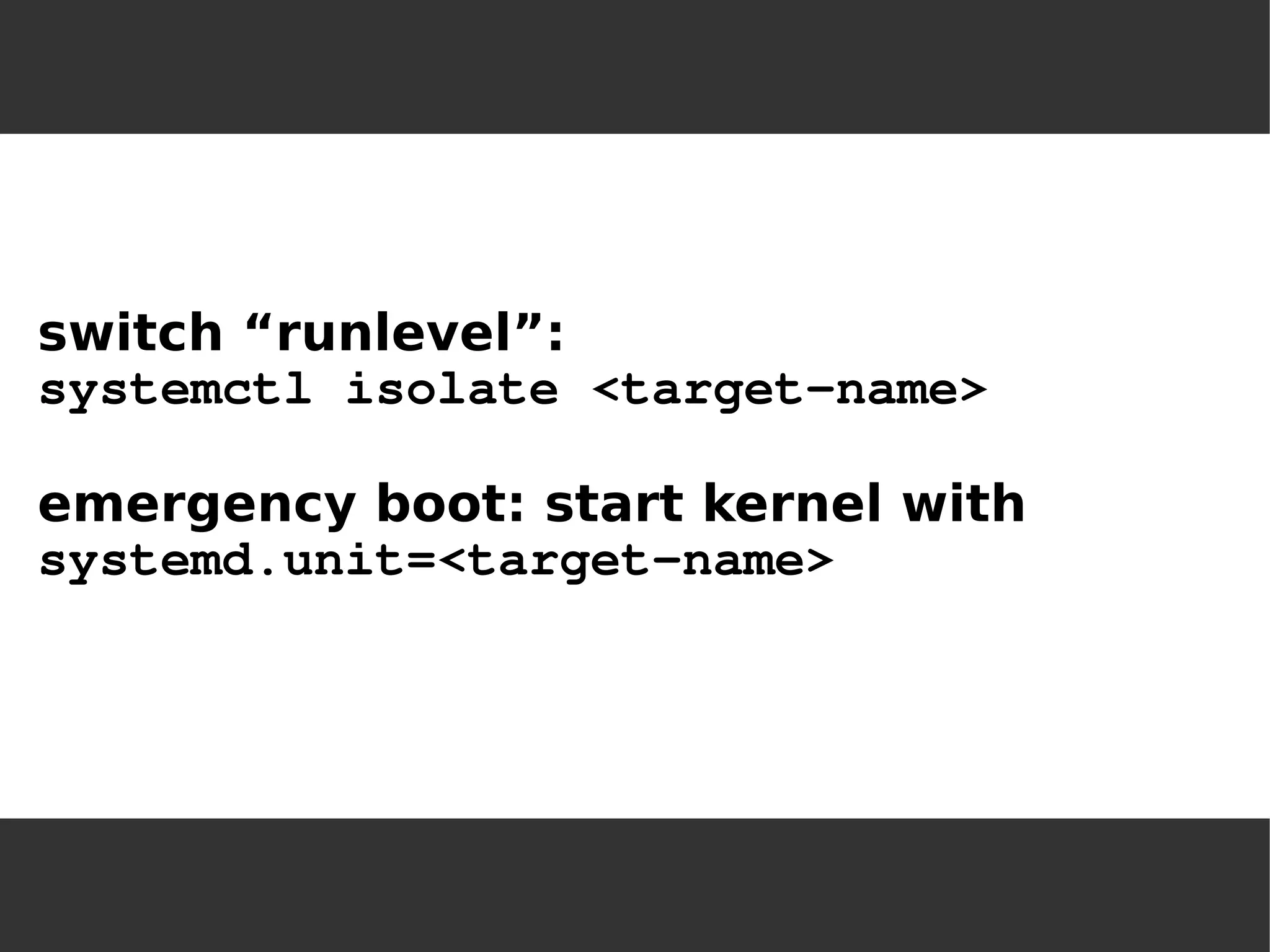
switch “runlevel”: 
systemctl isolate <target-name> 
emergency boot: start kernel with 
systemd.unit=<target-name>
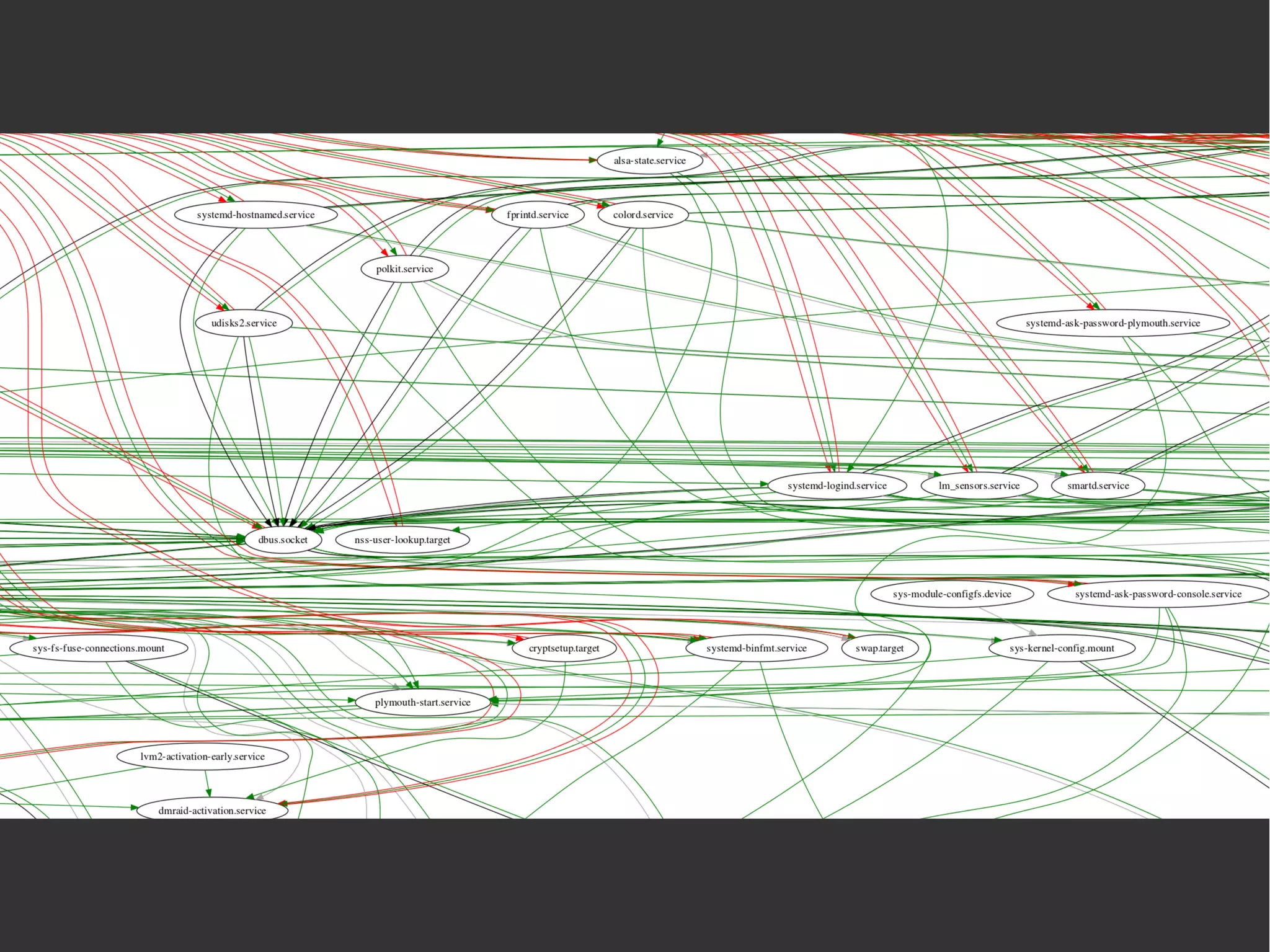
systemd diagnostics: systemd-cgls(“control group ls”) systemd-cgtop(“control group top”) systemd-analyzesystemd-analyze blamesystemd-analyze plot > filename.svgsystemd-analyze dot |  dot -Tsvg > systemd.svg
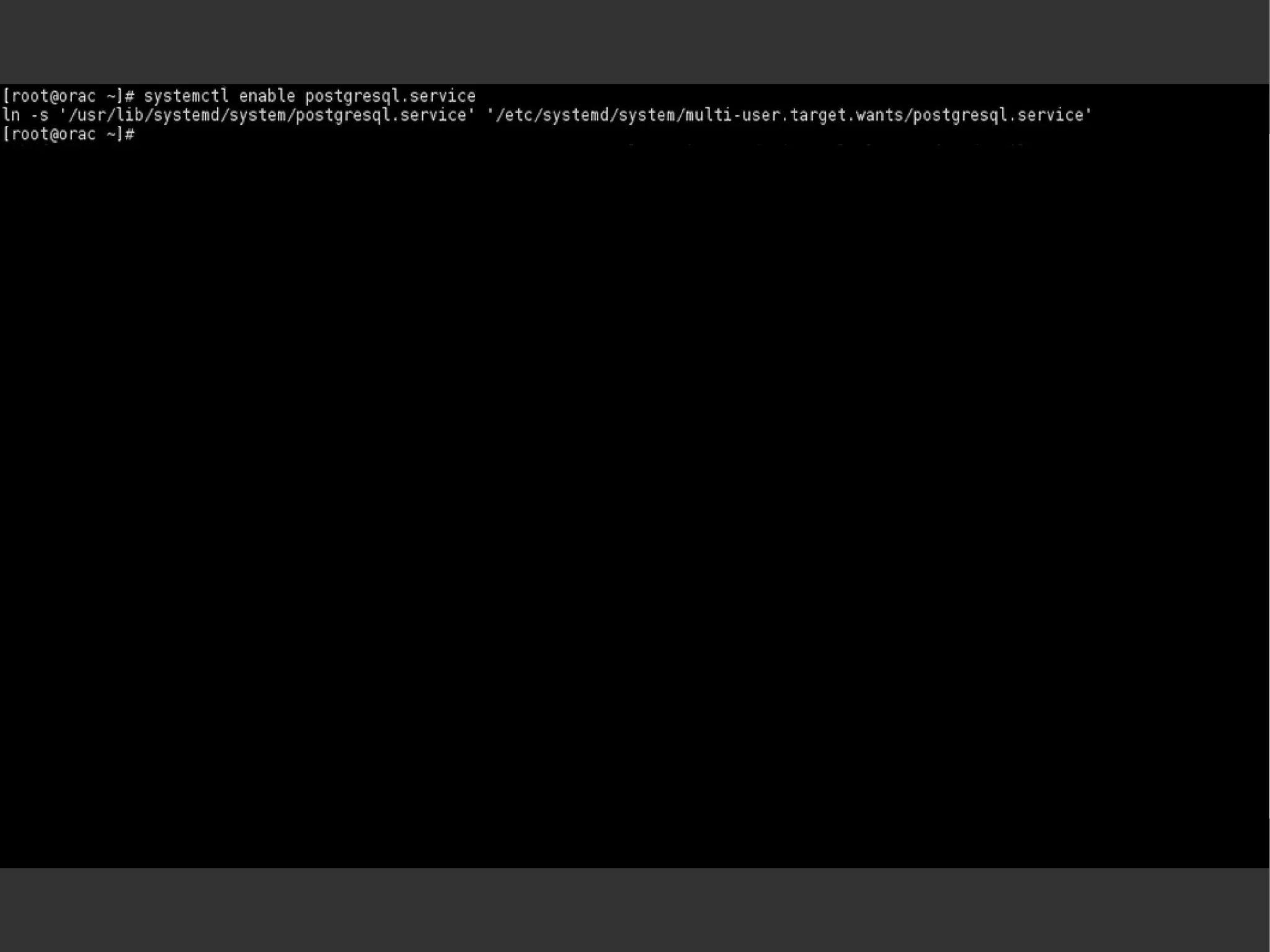
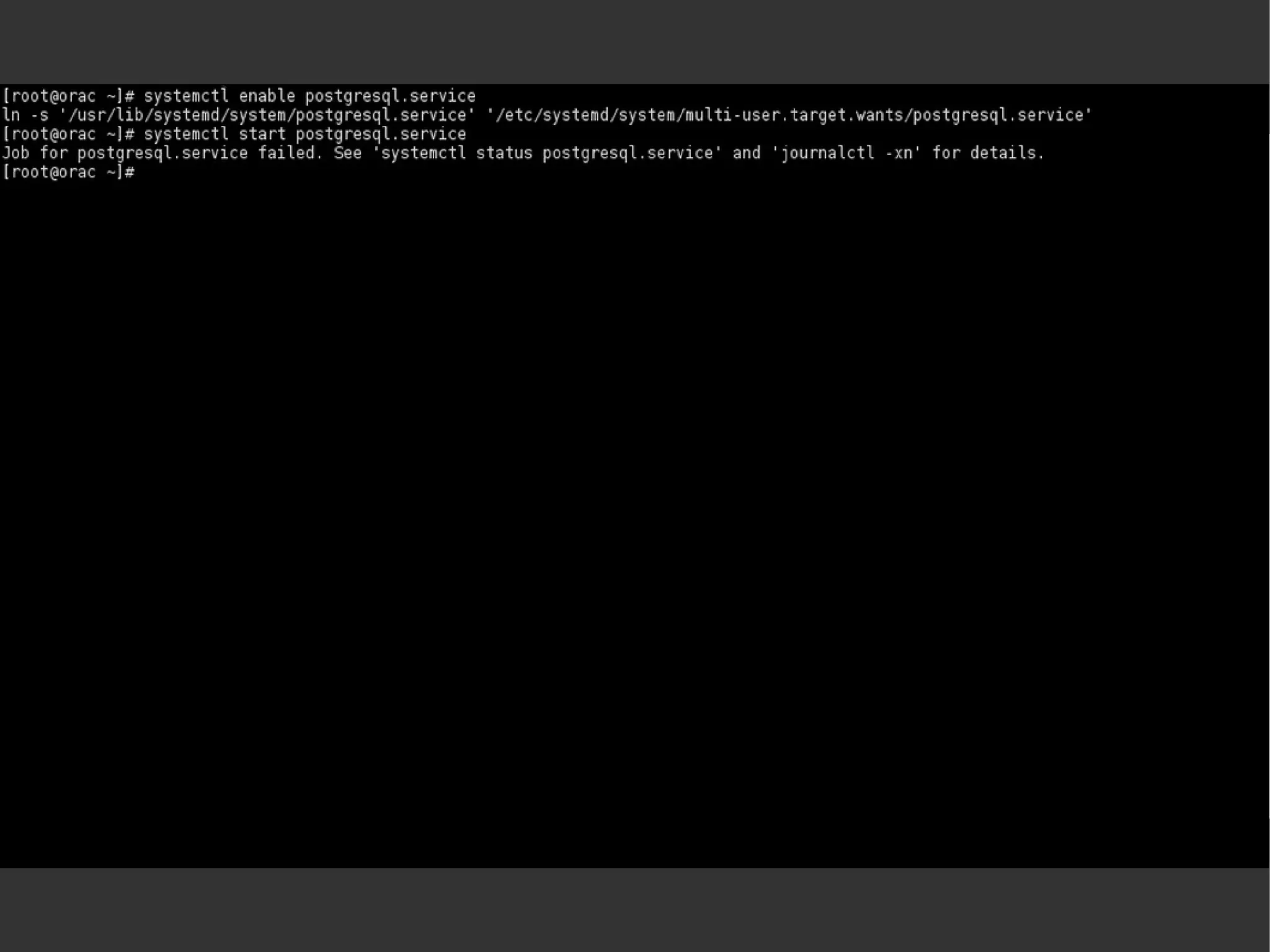
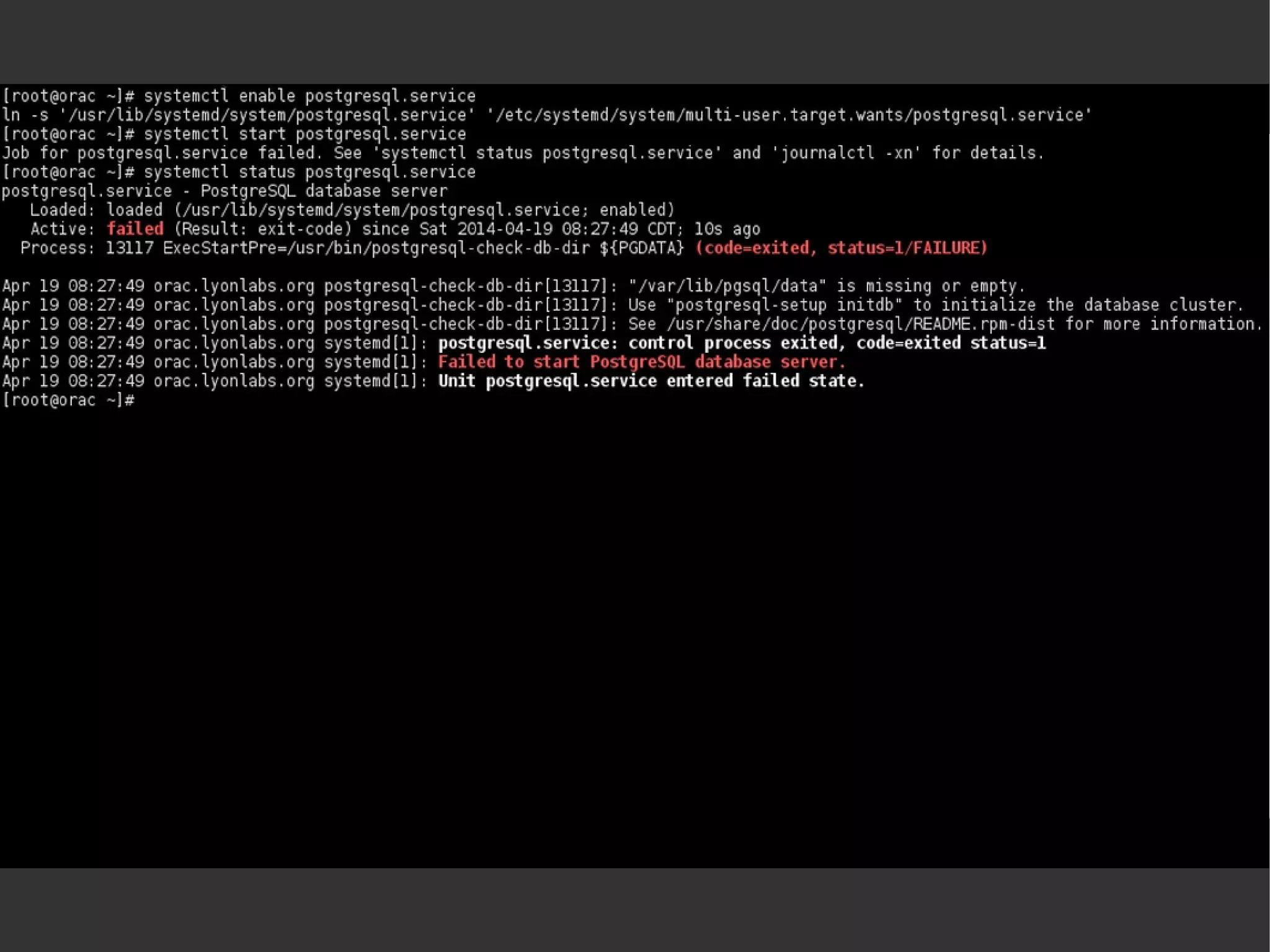
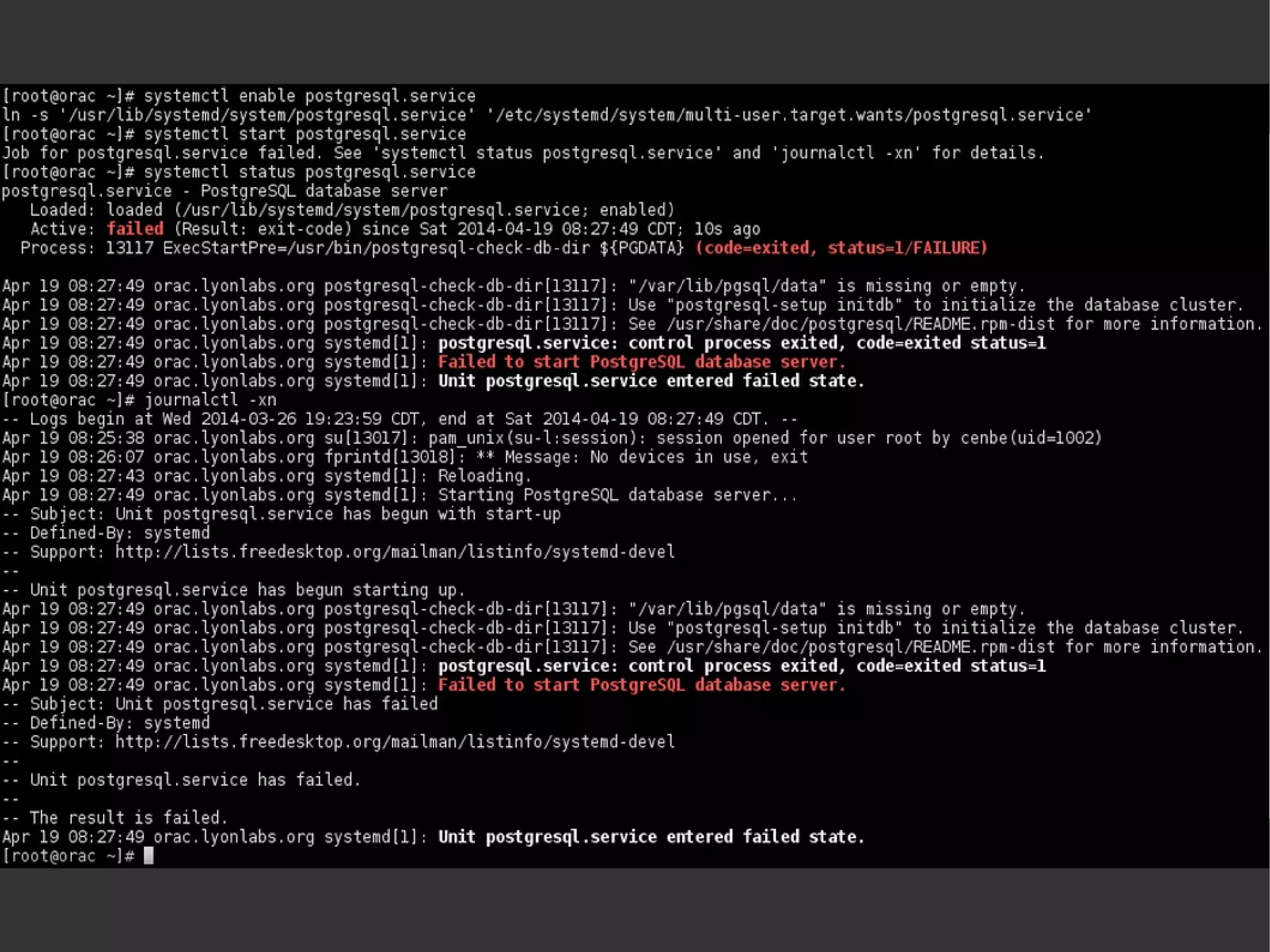
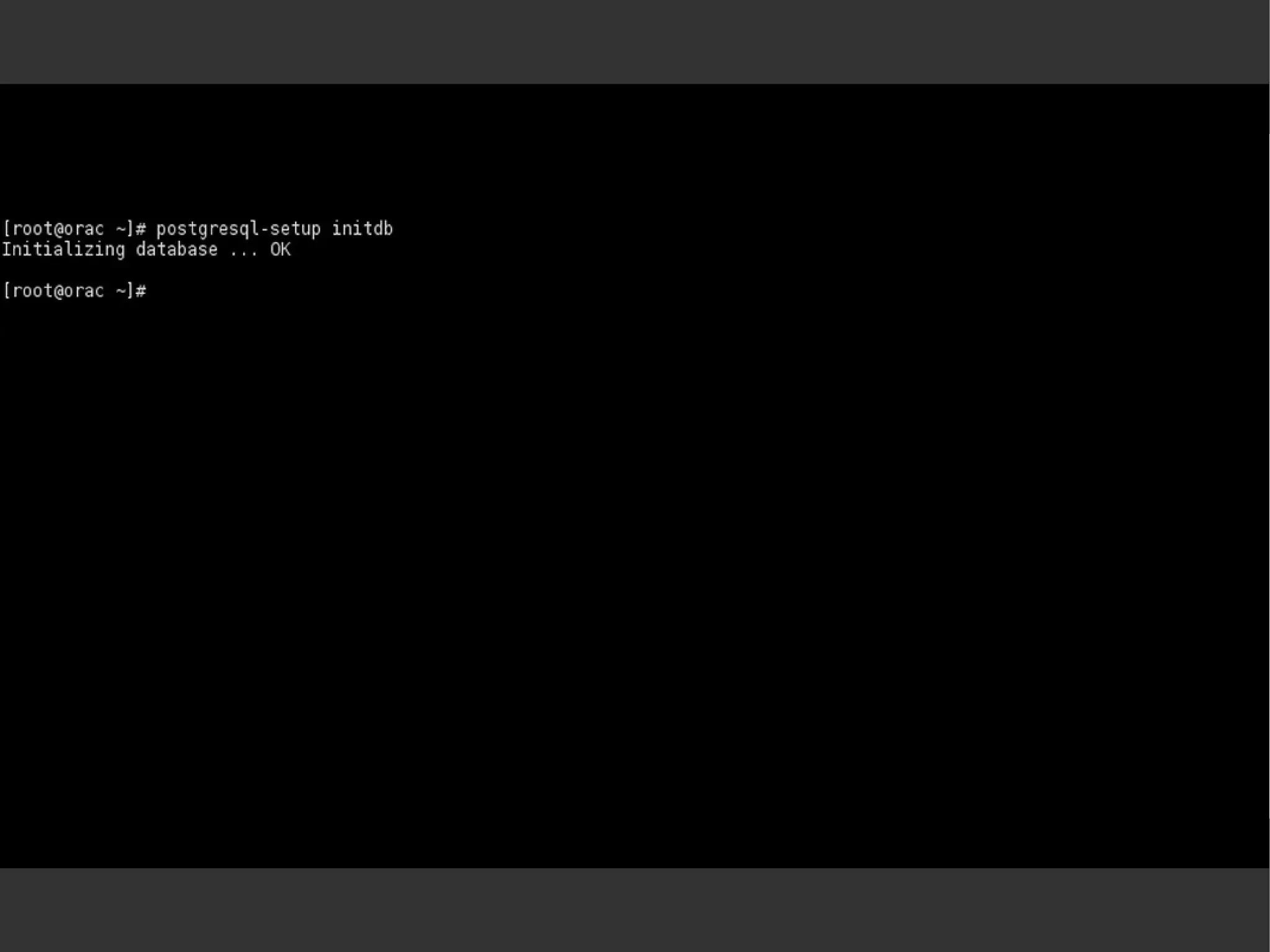
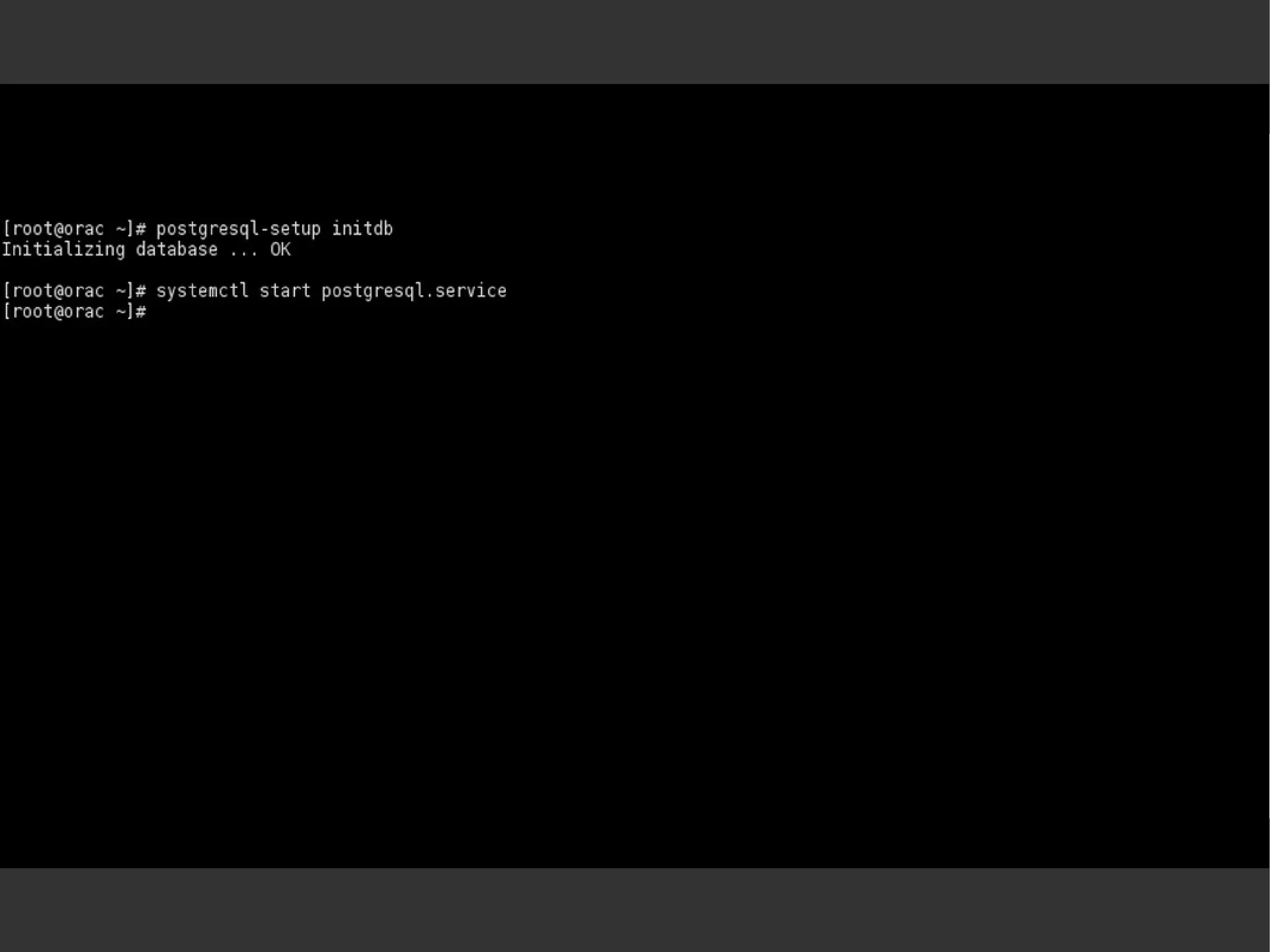
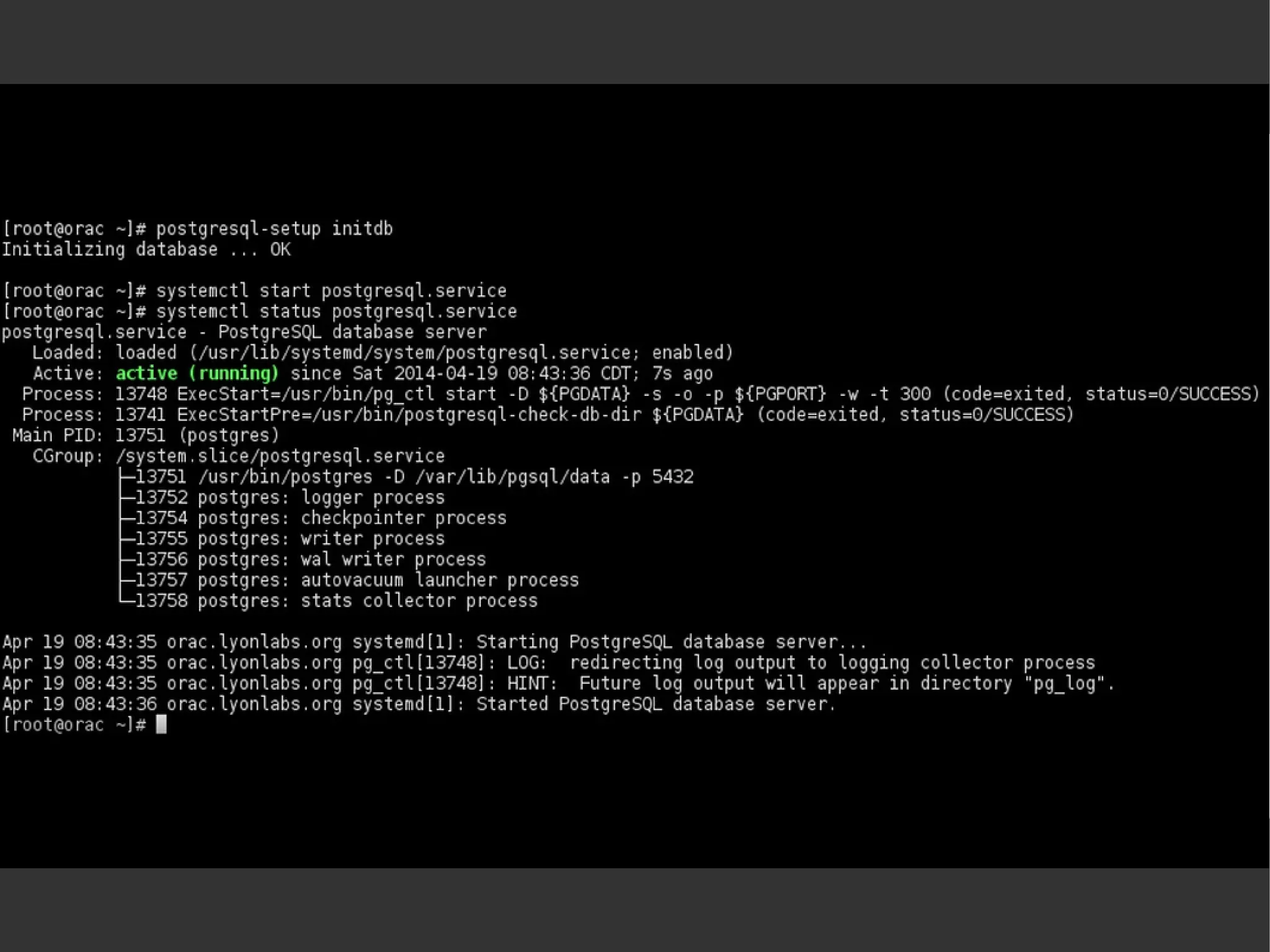
Example
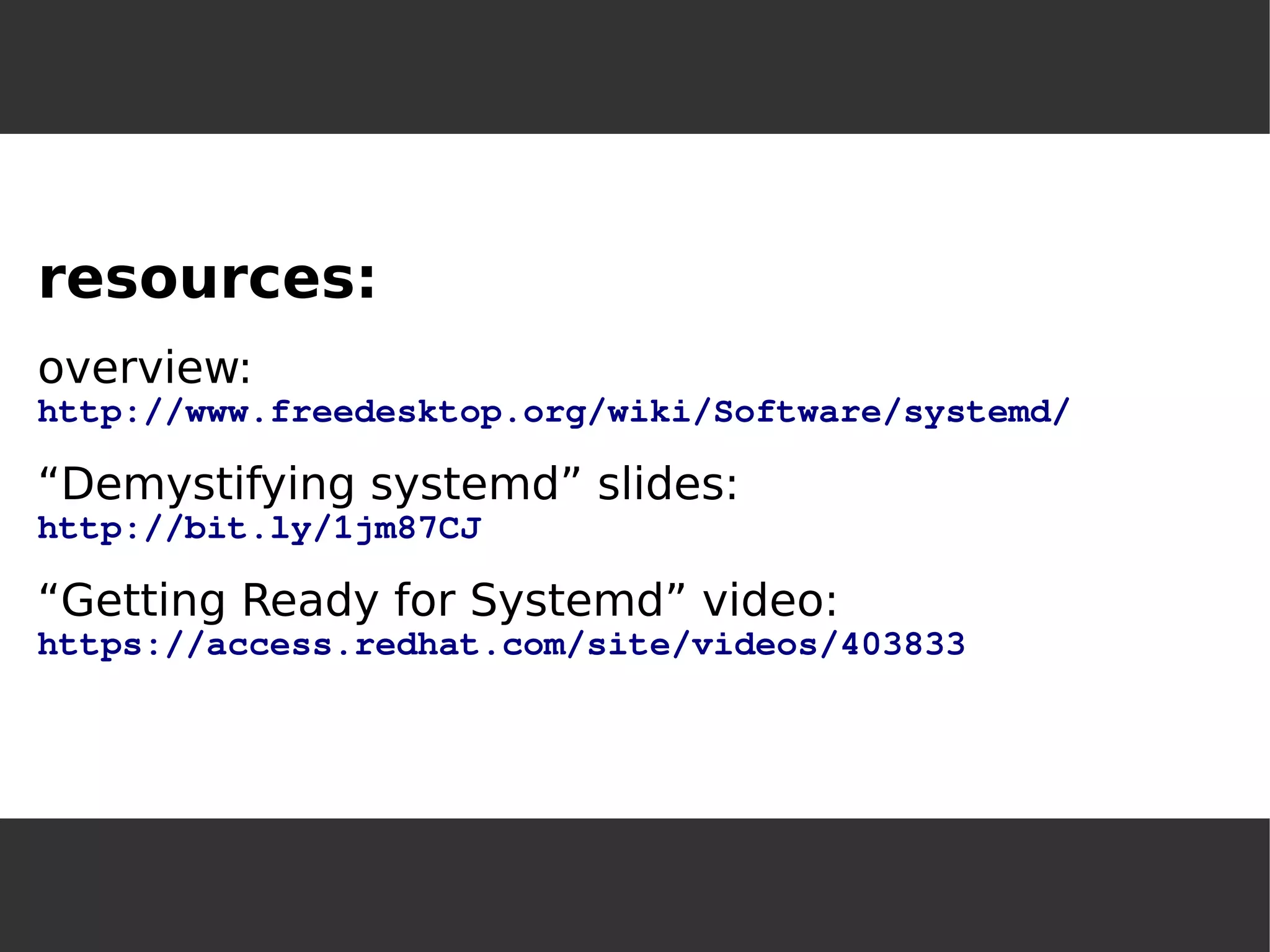
resources: 
overview: 
http://www.freedesktop.org/wiki/Software/systemd/ 
“Demystifying systemd” slides: 
http://bit.ly/1jm87CJ 
“Getting Ready for Systemd” video: 
https://access.redhat.com/site/videos/403833

Systemd mlug-20140614

  • 1.
    Glenn HolmerGlenn Holmer Milwaukee GroupMilwaukee Linux Users Group June 2014June 14, 2014 systemd: Linuxsystemd: the new init system for Linux
  • 2.
  • 3.
    init, the fatherof processes ✔BIOS loads bootloader from hard drive ✔bootloader loads GRUB ✔GRUB loads kernel ✔kernel mounts filesystems and loads drivers ✔kernel starts first process (init)
  • 4.
    sysvinit startup ✔initlooks for default runlevel and runs its scripts to start the appropriate services ✔each runlevel has a directory /etc/rcN.d/ with start and stop symlinks to scripts in /etc/init.d
  • 5.
    init systemstraditional:sysvinit (Linux)alternate:OpenRC (Gentoo), upstart (Ubuntu) other OS:BSD, SMF (Solaris), launchd (Mac)
  • 7.
    What's wrong withsysvinit? synchronouseverything started at boot timecan't control double-forked child processes
  • 8.
    What's better aboutsystemd? asynchronousservices started only when needed (via socket) services run in cgroups
  • 9.
    Why is systemdcontroversial? “do one thing and do it well” (feature creep) depends on dbus/kdbusLinux-specific (because of cgroups) binary log file (the journal) http://0pointer.de/blog/projects/the-biggest-myths.html
  • 10.
    Why is systemdcontroversial? “do one thing and do it well” (feature creep) depends on dbus/kdbusLinux-specific (because of cgroups) binary log file (the journal) http://0pointer.de/blog/projects/the-biggest-myths.htmlpersonality conflicts...
  • 12.
    systemd adoptionUbuntu:upstart 2006(native init 2009) Fedora: upstart 2008, systemd 2011RHEL:RHEL 7 (just released) uses systemdSUSE:upstart option 2010, systemd 2011SLES:SLES 12 (Q3) will use systemdDebian:systemd 2014, Ubuntu will follow
  • 13.
  • 14.
    Why is sysvinitsynchronous? services wait for their dependencies(which open a socket when ready)
  • 15.
    Why not openthe socket on startup? services with dependencies can start at oncesocket buffer holds messages until ready
  • 16.
    Why is sysvinitslow? shell scripts! (shell loaded over and over) multiple invocations of grep, awk, sed...
  • 17.
    Why not useconfiguration files? in /usr/lib/systemd/systemlocals, overrides in /etc/systemd/system
  • 18.
    [Unit] Description=PostgreSQL databaseserverAfter=network.target[Service] Type=forkingUser=postgresGroup=postgresEnvironment=PGPORT=5432Environment=PGDATA=/var/lib/pgsql/dataOOMScoreAdjust=-1000ExecStartPre=/usr/bin/postgresql-check-db-dir ${PGDATA} ExecStart=/usr/bin/pg_ctl start -D ${PGDATA} -s -o "-p ${PGPORT}" -w -t 300ExecStop=/usr/bin/pg_ctl stop -D ${PGDATA} -s -m fastExecReload=/usr/bin/pg_ctl reload -D ${PGDATA} -sTimeoutSec=300[Install] WantedBy=multi-user.target
  • 19.
    some systemd unittypes: service:traditional daemon (ssh, http, kdm...) socket:listener socket for service activationtarget:like a runlevel, but not exclusive
  • 20.
    no /etc/inittab: /etc/systemd/system/default.target is a symlink to e.g. /lib/systemd/system/graphical.target
  • 21.
    some distros usesymlinks: runlevel0.target -> poweroff.targetrunlevel1.target -> rescue.targetrunlevel2.target -> multi-user.targetrunlevel3.target -> multi-user.targetrunlevel4.target -> multi-user.targetrunlevel5.target -> graphical.targetrunlevel6.target -> reboot.target
  • 22.
    more unit types:slice:resource control via cgroups(can control CPU share, memory usage, IO bandwidth, device access) snapshot:saves current runtime state, can return to it with isolate(lost on reboot)
  • 23.
    more unit types:device:when device is ready (udev) mount:(/etc/fstab still preferred) automount:(requires matching mount unit) swap:swap space path:unit activation on path change timer:event based on boot time, time since a unit's activation, calendar time
  • 24.
    sysvinit compatibility“virtual” serviceunits created in-memorylook for LSB: or SYSV: in the output of systemd list-unitsservice,chkconfig,telinit... still workfor more information: freedesktop.org/wiki/Software/systemd/Incompatibilities/
  • 25.
  • 26.
    GUI front-end forsystemd: systemadmOn Fedora 20 and OpenSUSE 13.1, installsystemd-ui package. Good for exploring and learning systemd.
  • 28.
    Most frequently-used commands:systemctljournalctlCompletion prompting and color coding!
  • 29.
    systemctl [list-units] systemctllist-unit-filessystemctl -t servicesystemctl –-state failedsystemctl enable <servicename> systemctl start <servicename> systemctl status <servicename> systemctl daemon-reloadsystemctl halt
  • 30.
    journalctl -f(follow, liketail -f) journalctl -x(show extra) journalctl -n99(last 99 entries) journalctl -b(since boot) journalctl -b -1(since previous boot) journalctl --since(since date/time) journalctl -p err(by priority) journalctl -u(by unit) journalctl /usr/...(by executable) journalctl /dev/...(by device)
  • 31.
    switch “runlevel”: systemctlisolate <target-name> emergency boot: start kernel with systemd.unit=<target-name>
  • 32.
    systemd diagnostics: systemd-cgls(“controlgroup ls”) systemd-cgtop(“control group top”) systemd-analyzesystemd-analyze blamesystemd-analyze plot > filename.svgsystemd-analyze dot | dot -Tsvg > systemd.svg
  • 34.
  • 42.
    resources: overview: http://www.freedesktop.org/wiki/Software/systemd/ “Demystifying systemd” slides: http://bit.ly/1jm87CJ “Getting Ready for Systemd” video: https://access.redhat.com/site/videos/403833