Lets Talk about systemd
Name: Praveen Kumar
Contact: kumarpraveen [AT] fedoraproject DOT org
Date: 2015-07-11
1
Agenda
• What is systemd
• What capabilities it provides
• How to use systemd
• How a service file looks like
• Intro about systemd-nspawn
• Resources
Agenda
2
What is systemd
• Modular
• Asynchronous and concurrent
• Create snapshot
• features a fully language-agnostic API
... Much more
What is systemd
3
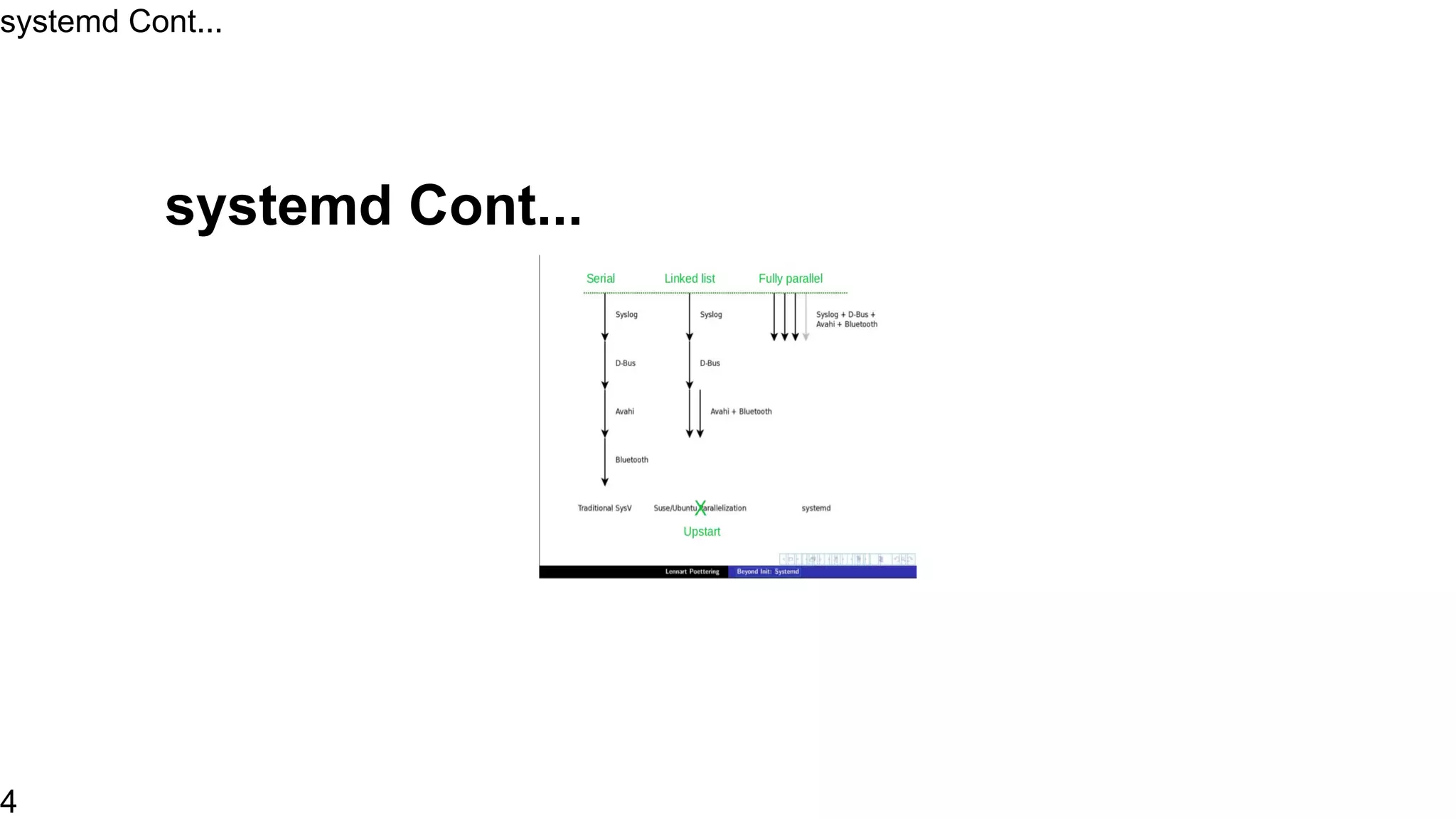
systemd Cont...
systemd Cont...
4
How to use systemd
• Default init system for CentOS
• List out units
• systemctl list-units
• List out services
• systemctl list-units --type service
• systemctl list-units --type service --all
How to use systemd
5
• systemctl list-unit-files --type=service
• ls /usr/lib/systemd/system/*.wants
How to use systemd
6
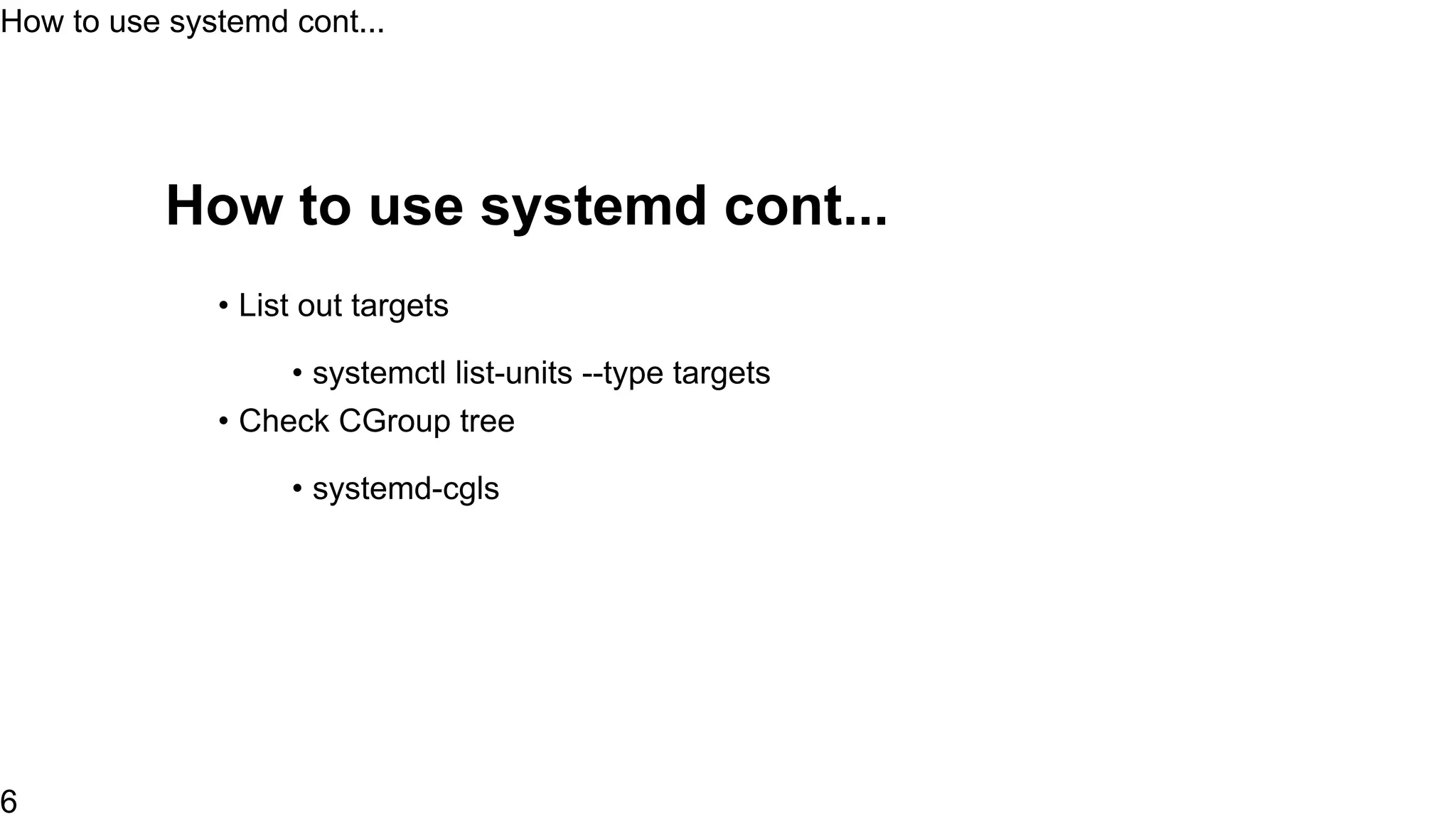
How to use systemd cont...
• List out targets
• systemctl list-units --type targets
• Check CGroup tree
• systemd-cgls
How to use systemd cont...
7
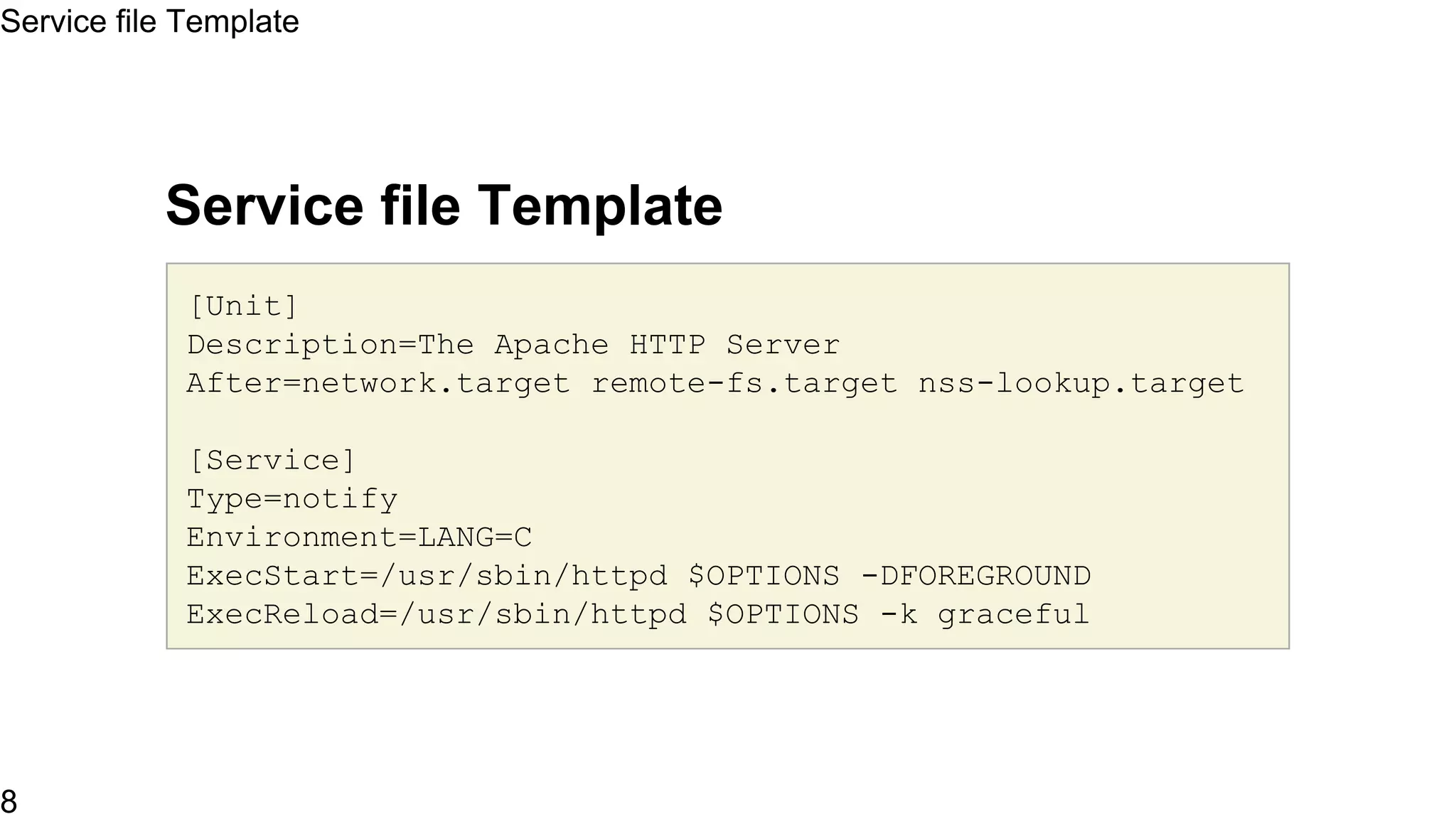
Service file Template
[Unit]
Description=The Apache HTTP Server
After=network.target remote-fs.target nss-lookup.target
[Service]
Type=notify
Environment=LANG=C
ExecStart=/usr/sbin/httpd $OPTIONS -DFOREGROUND
ExecReload=/usr/sbin/httpd $OPTIONS -k graceful
Service file Template
9
# Send SIGWINCH for graceful stop
KillSignal=SIGWINCH
KillMode=mixed
PrivateTmp=true
[Install]
WantedBy=multi-user.target
Service file Template
10
systemd snapshot
• Crate a snapshot of existing unit config
$ sudo systemctl snapshot test
$ sudo systemctl -all list-units | grep test
$ sudo systemctl show test
$ sudo systemctl isolate test.snapshot
$ sudo systemctl delete test
systemd snapshot
11
sysemd-nspawn
• systemd-nspawn is a small utility which is use to create light weight
containers
• Setup a container
$ sudo yum -y --nogpg --releasever=7 --installroot=/srv/mycontaine
install systemd passwd yum vim-minimal
sysemd-nspawn
12
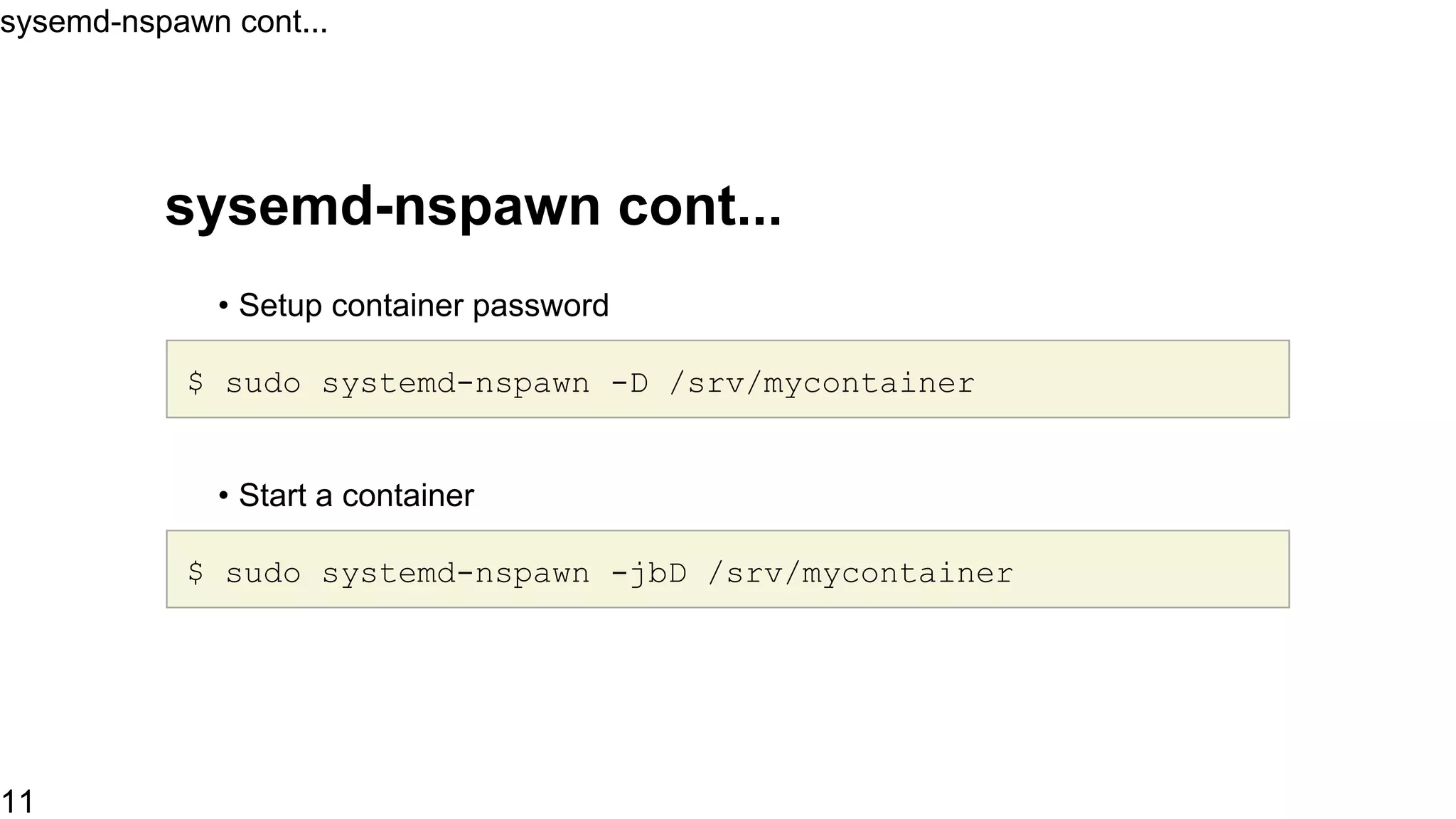
sysemd-nspawn cont...
• Setup container password
$ sudo systemd-nspawn -D /srv/mycontainer
• Start a container
$ sudo systemd-nspawn -jbD /srv/mycontainer
sysemd-nspawn cont...
13
Resources
• http://www.freedesktop.org/wiki/Software/systemd
• http://linux.xvx.cz/2014/06/systemd-cheatsheet.html
Resources
14
Thank You
Thank You
15

Basic of Systemd

  • 1.
    Lets Talk aboutsystemd Name: Praveen Kumar Contact: kumarpraveen [AT] fedoraproject DOT org Date: 2015-07-11 1
  • 2.
    Agenda • What issystemd • What capabilities it provides • How to use systemd • How a service file looks like • Intro about systemd-nspawn • Resources Agenda 2
  • 3.
    What is systemd •Modular • Asynchronous and concurrent • Create snapshot • features a fully language-agnostic API ... Much more What is systemd 3
  • 4.
  • 5.
    How to usesystemd • Default init system for CentOS • List out units • systemctl list-units • List out services • systemctl list-units --type service • systemctl list-units --type service --all How to use systemd 5
  • 6.
    • systemctl list-unit-files--type=service • ls /usr/lib/systemd/system/*.wants How to use systemd 6
  • 7.
    How to usesystemd cont... • List out targets • systemctl list-units --type targets • Check CGroup tree • systemd-cgls How to use systemd cont... 7
  • 8.
    Service file Template [Unit] Description=TheApache HTTP Server After=network.target remote-fs.target nss-lookup.target [Service] Type=notify Environment=LANG=C ExecStart=/usr/sbin/httpd $OPTIONS -DFOREGROUND ExecReload=/usr/sbin/httpd $OPTIONS -k graceful Service file Template 9
  • 9.
    # Send SIGWINCHfor graceful stop KillSignal=SIGWINCH KillMode=mixed PrivateTmp=true [Install] WantedBy=multi-user.target Service file Template 10
  • 10.
    systemd snapshot • Cratea snapshot of existing unit config $ sudo systemctl snapshot test $ sudo systemctl -all list-units | grep test $ sudo systemctl show test $ sudo systemctl isolate test.snapshot $ sudo systemctl delete test systemd snapshot 11
  • 11.
    sysemd-nspawn • systemd-nspawn isa small utility which is use to create light weight containers • Setup a container $ sudo yum -y --nogpg --releasever=7 --installroot=/srv/mycontaine install systemd passwd yum vim-minimal sysemd-nspawn 12
  • 12.
    sysemd-nspawn cont... • Setupcontainer password $ sudo systemd-nspawn -D /srv/mycontainer • Start a container $ sudo systemd-nspawn -jbD /srv/mycontainer sysemd-nspawn cont... 13
  • 13.
  • 14.