Linux Containers From Scratch 
Joshua Hoffman 
Velocity Europe 2014
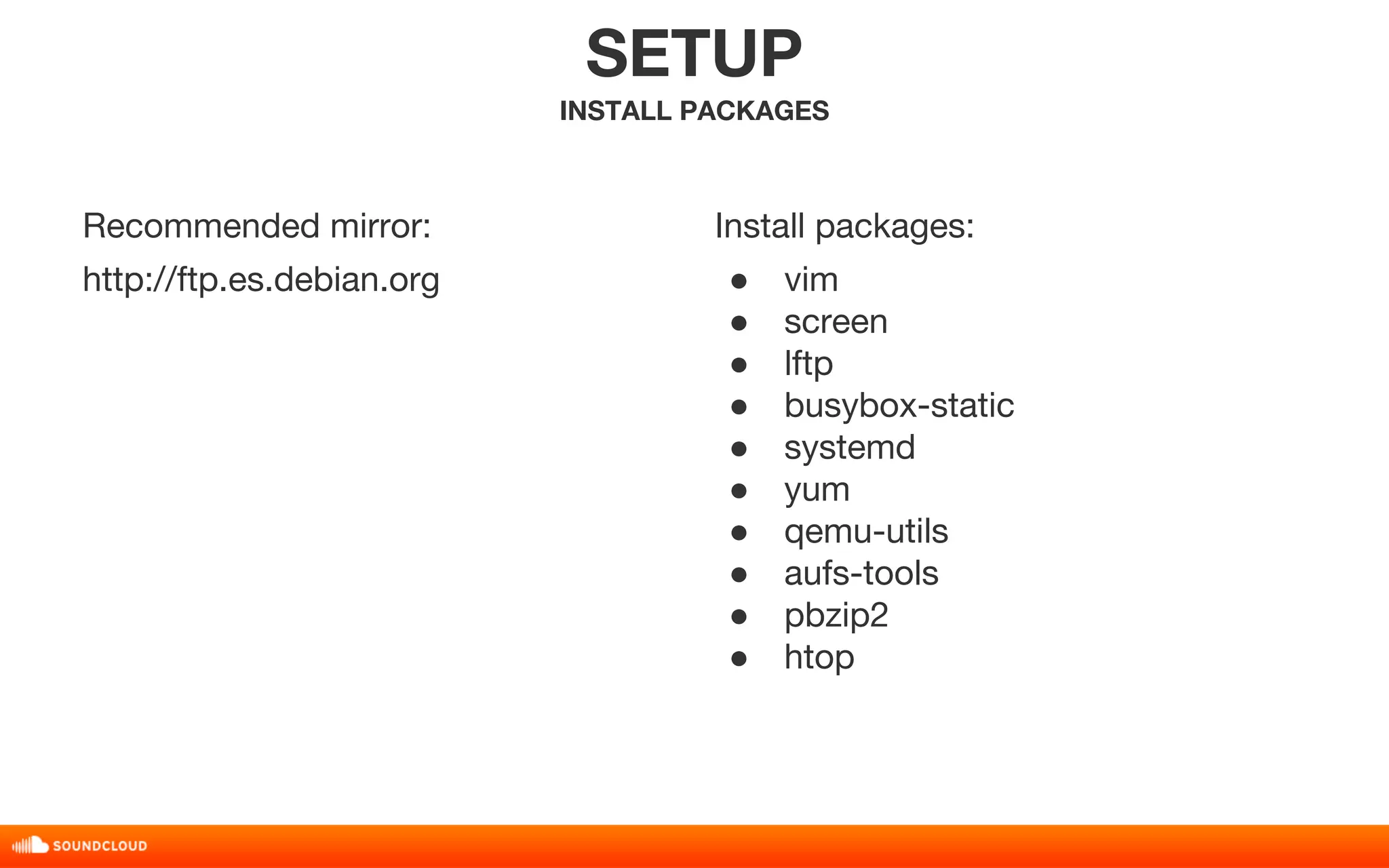
Recommended mirror: 
http://ftp.es.debian.org 
SETUP 
INSTALL PACKAGES 
Install packages: 
● vim 
● screen 
● lftp 
● busybox-static 
● systemd 
● yum 
● qemu-utils 
● aufs-tools 
● pbzip2 
● htop
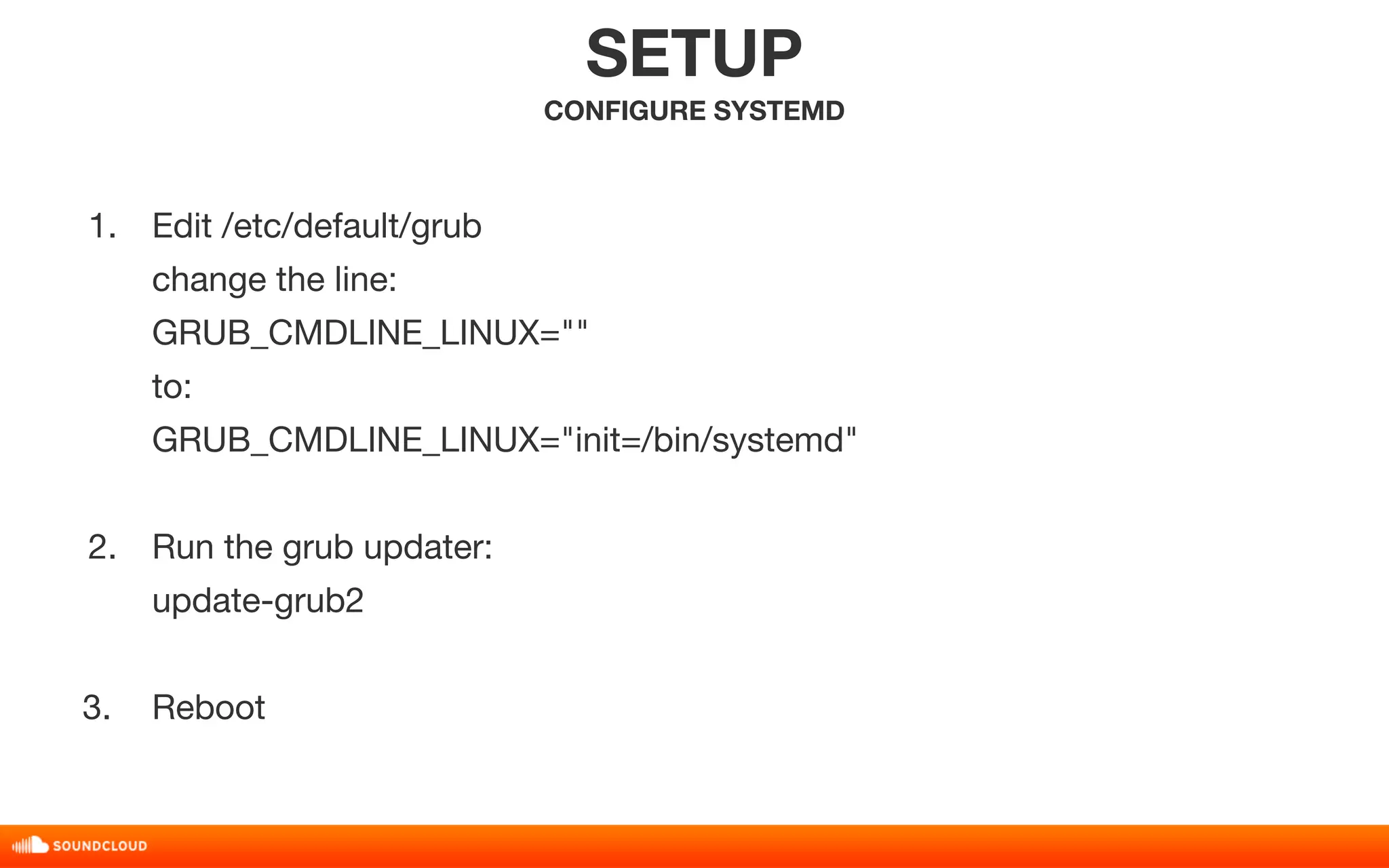
1. Edit /etc/default/grub 
change the line: 
GRUB_CMDLINE_LINUX="" 
to: 
GRUB_CMDLINE_LINUX="init=/bin/systemd" 
2. Run the grub updater: 
update-grub2 
3. Reboot 
SETUP 
CONFIGURE SYSTEMD
THE CLOUD 
LINUX CONTAINERS
THE CLOUD 
LINUX CONTAINERS 
FREE LUNCH
DO NOT EXIST
IDEAS 
NOT 
THINGS
PORTABILITY
ISOLATION
VIRTUAL 
MACHINE 
ENVIRONMENT
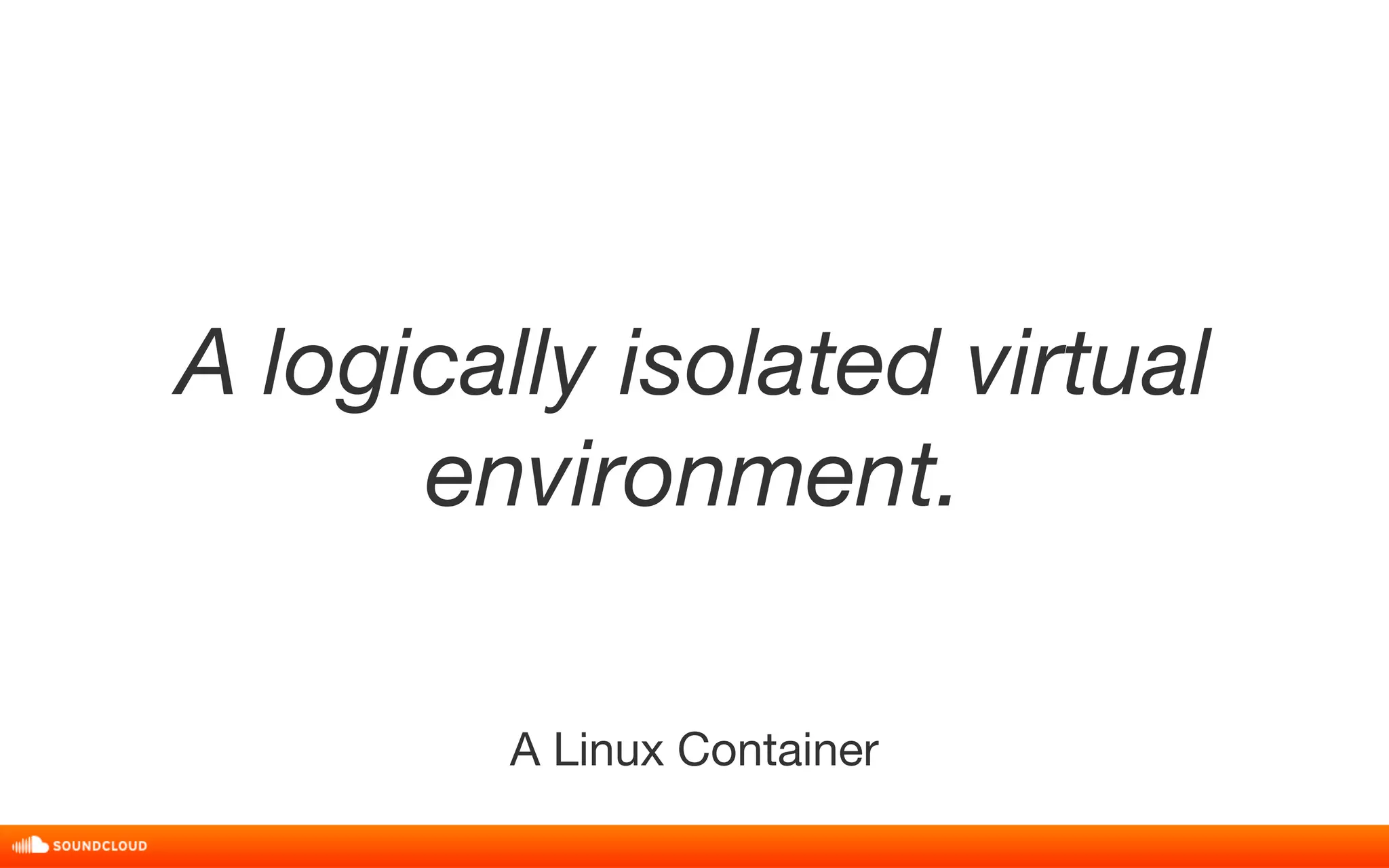
A logically isolated virtual 
environment. 
A Linux Container
FUNDAMENTALLY 
DIFFERENT THAN 
VIRTUAL MACHINES
TRANSPARENT
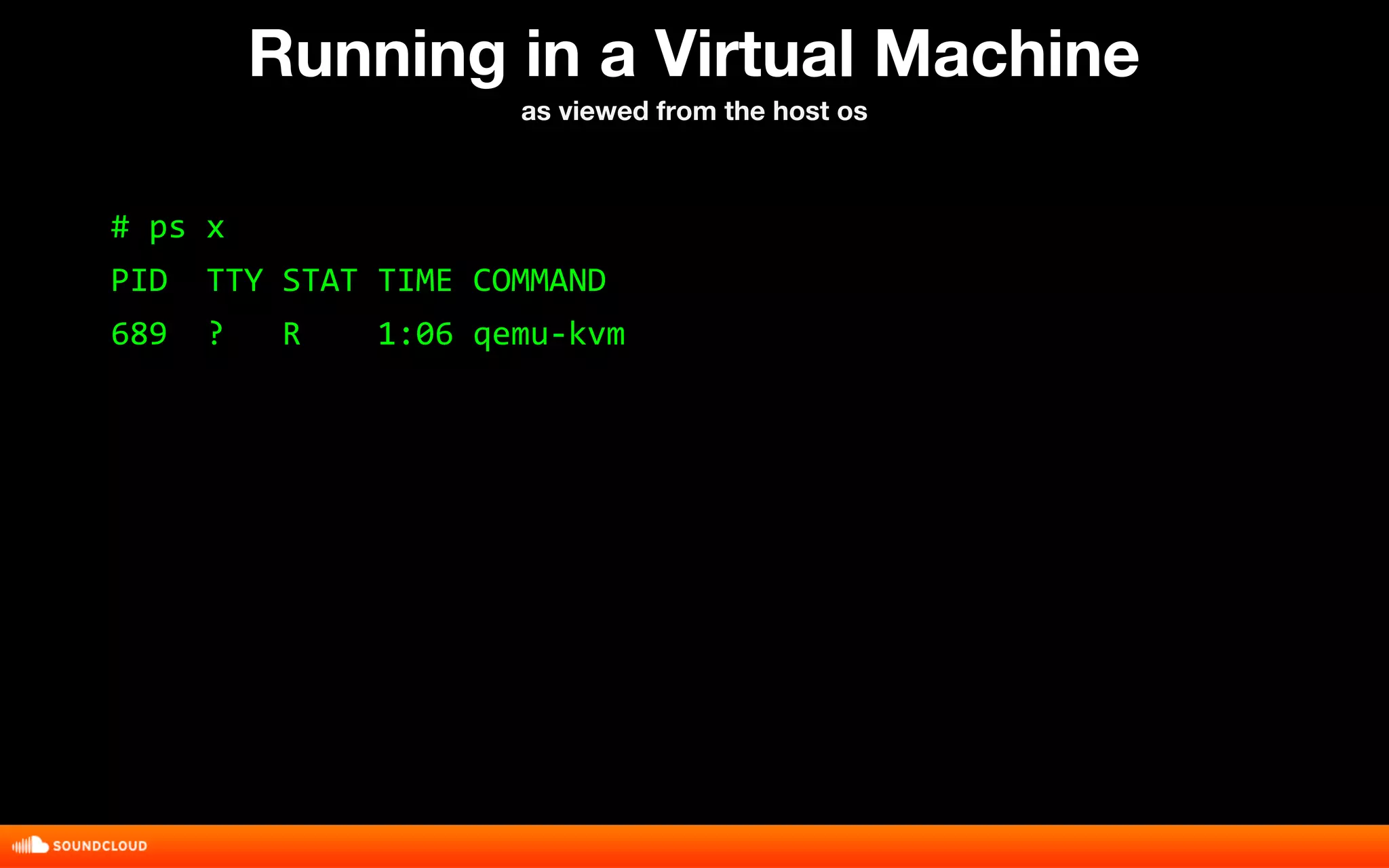
Running in a Virtual Machine 
as viewed from the host os 
# ps x 
PID TTY STAT TIME COMMAND 
689 ? R 1:06 qemu-kvm
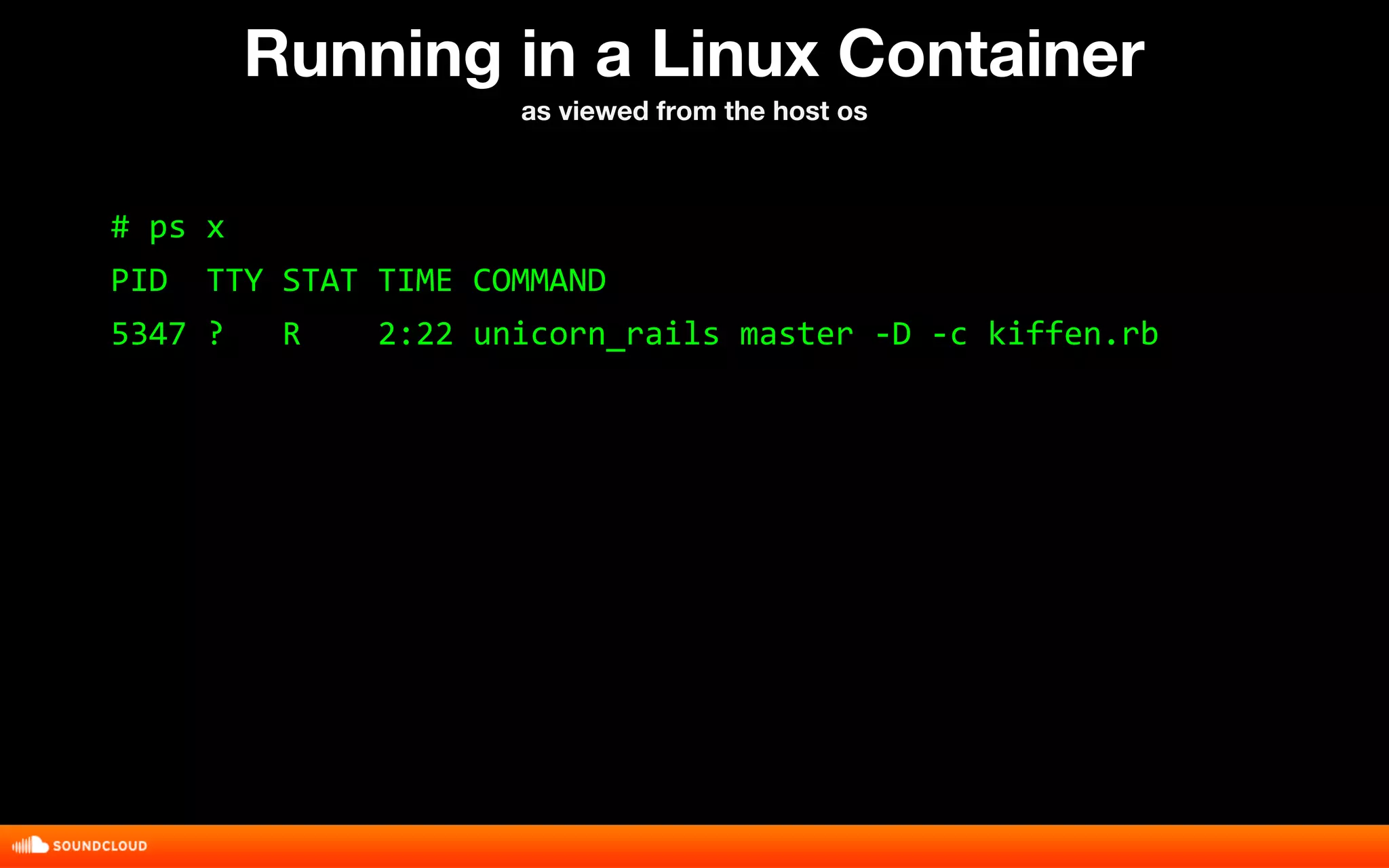
Running in a Linux Container 
as viewed from the host os 
# ps x 
PID TTY STAT TIME COMMAND 
5347 ? R 2:22 unicorn_rails master -D -c kiffen.rb
NAMESPACES
NAMESPACES: 
NETWORK
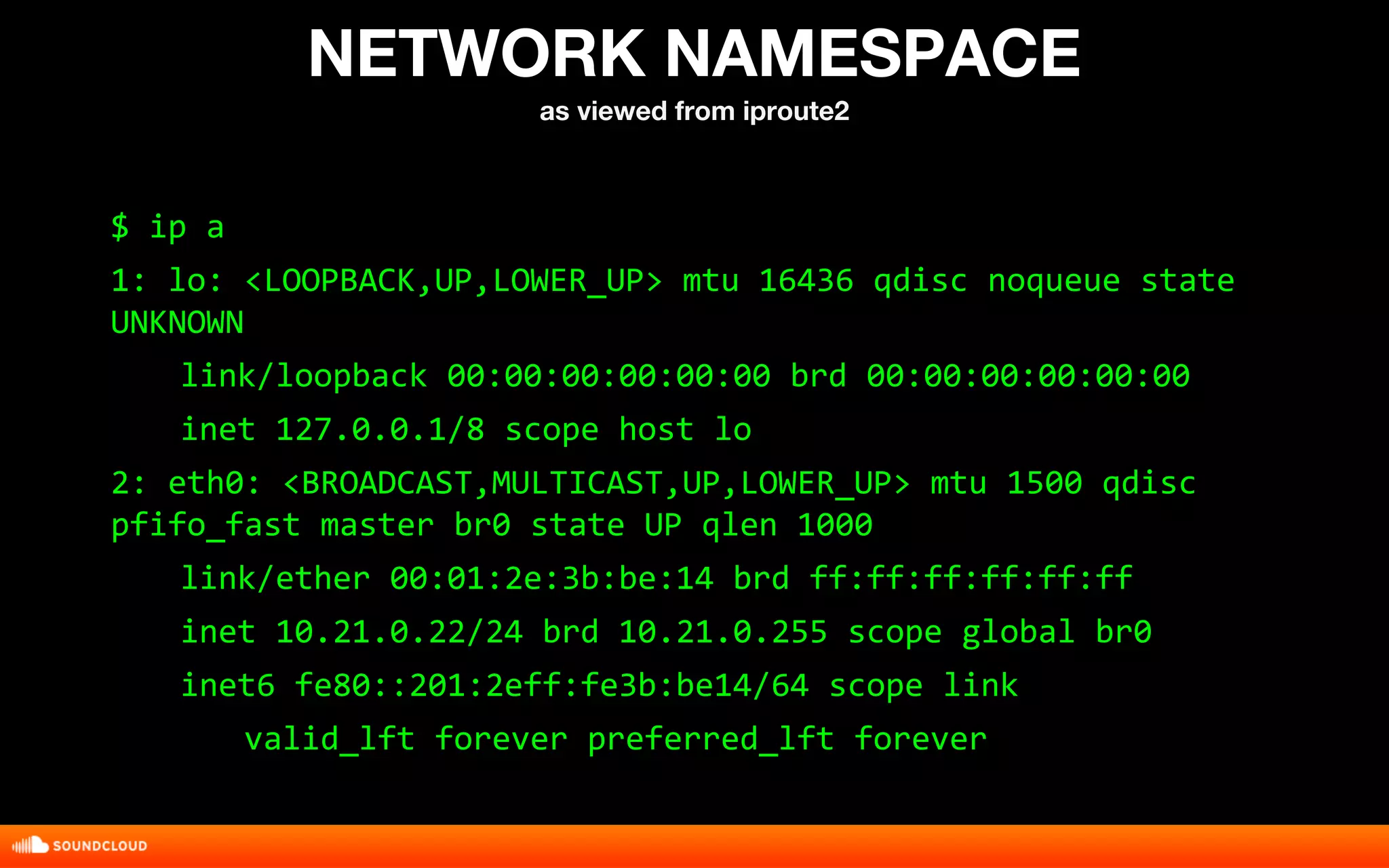
NETWORK NAMESPACE 
as viewed from iproute2 
$ ip a 
1: lo: <LOOPBACK,UP,LOWER_UP> mtu 16436 qdisc noqueue state 
UNKNOWN 
link/loopback 00:00:00:00:00:00 brd 00:00:00:00:00:00 
inet 127.0.0.1/8 scope host lo 
2: eth0: <BROADCAST,MULTICAST,UP,LOWER_UP> mtu 1500 qdisc 
pfifo_fast master br0 state UP qlen 1000 
link/ether 00:01:2e:3b:be:14 brd ff:ff:ff:ff:ff:ff 
inet 10.21.0.22/24 brd 10.21.0.255 scope global br0 
inet6 fe80::201:2eff:fe3b:be14/64 scope link 
valid_lft forever preferred_lft forever
NAMESPACES: 
MOUNT
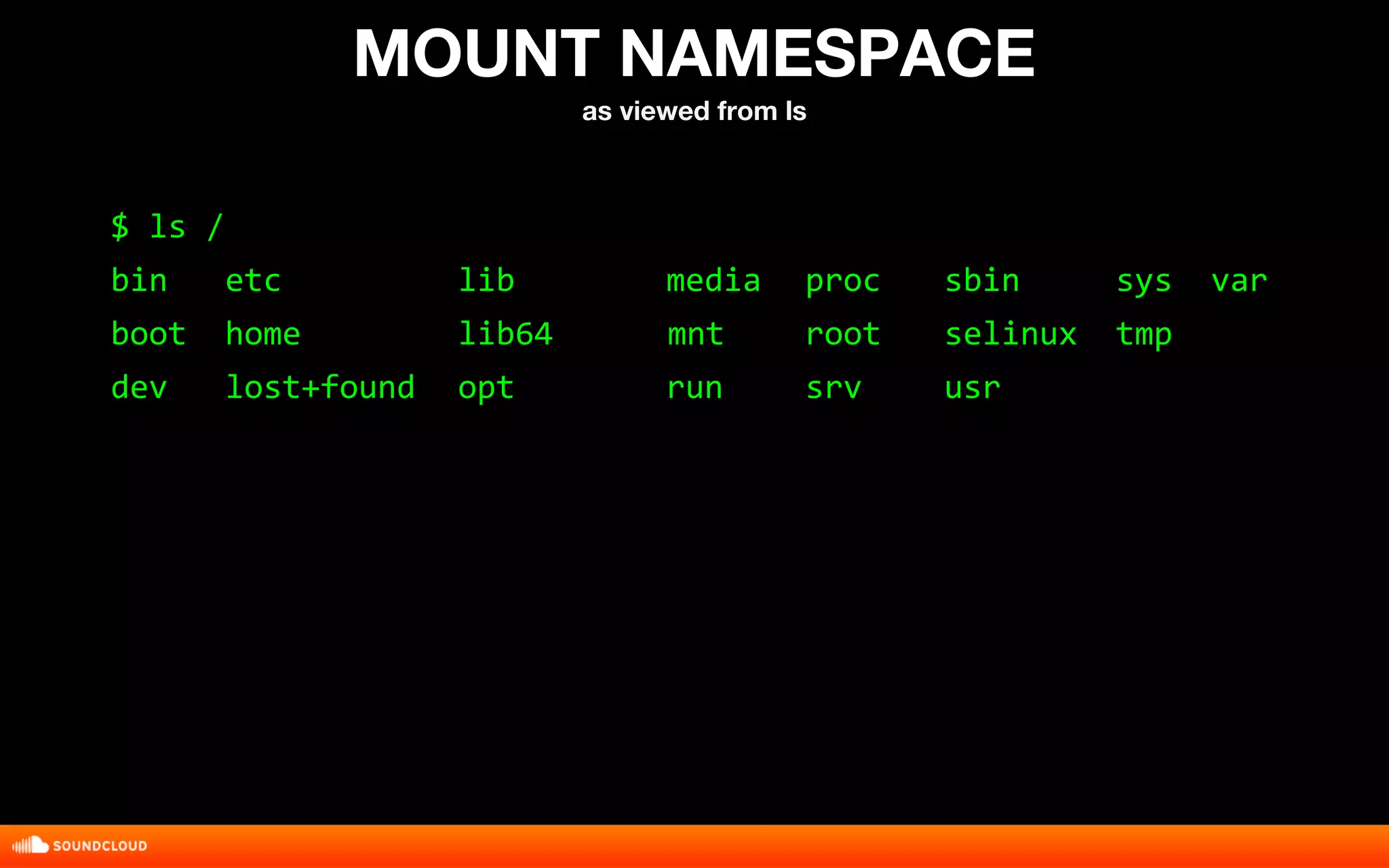
MOUNT NAMESPACE 
as viewed from ls 
$ ls / 
bin etc lib media proc sbin sys var 
boot home lib64 mnt root selinux tmp 
dev lost+found opt run srv usr
NAMESPACES: 
PID
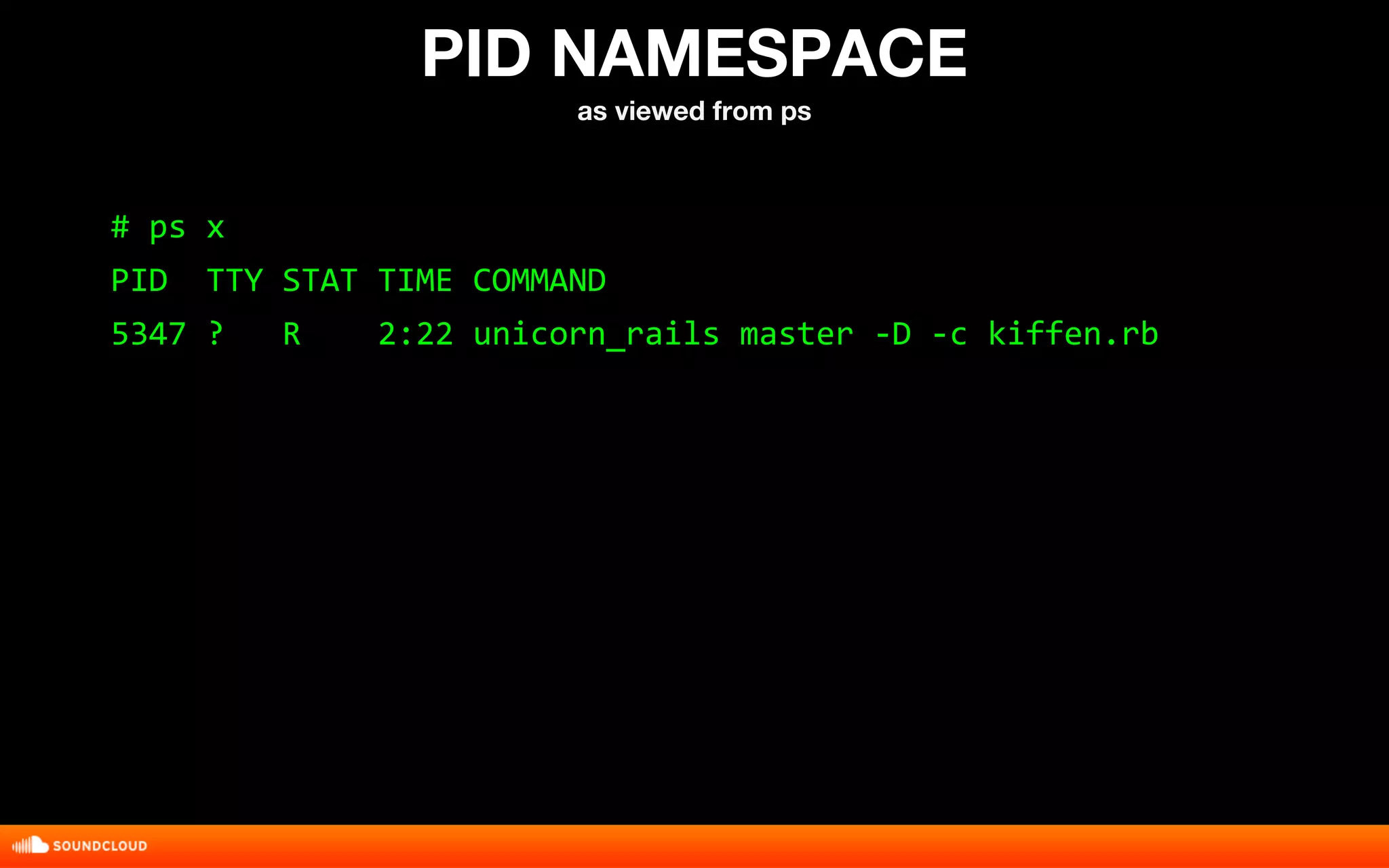
PID NAMESPACE 
as viewed from ps 
# ps x 
PID TTY STAT TIME COMMAND 
5347 ? R 2:22 unicorn_rails master -D -c kiffen.rb
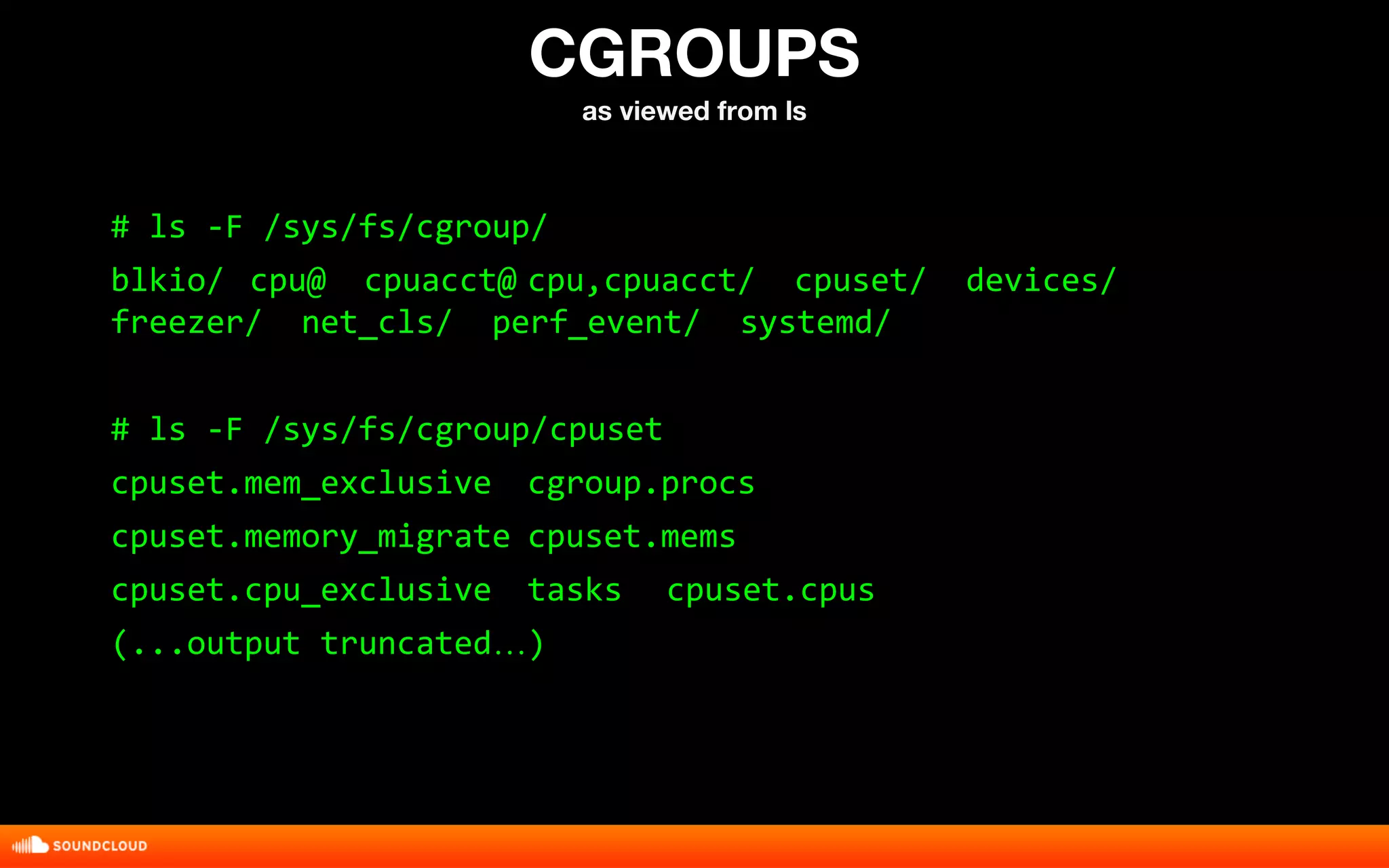
CGROUPS
CGROUPS 
as viewed from ls 
# ls -F /sys/fs/cgroup/ 
blkio/ cpu@ cpuacct@ cpu,cpuacct/ cpuset/ devices/ 
freezer/ net_cls/ perf_event/ systemd/ 
# ls -F /sys/fs/cgroup/cpuset 
cpuset.mem_exclusive cgroup.procs 
cpuset.memory_migrate cpuset.mems 
cpuset.cpu_exclusive tasks cpuset.cpus 
(...output truncated…)
DEMO: 
exploring containers 
with busybox
Minimal Busybox Container 
# mkdir -p {minimal,minimal/usr}/{bin,sbin,etc} 
# for x in $(busybox --list-full); do 
> ln -s /bin/sh minimal/$x; done 
# cp -f /bin/busybox minimal/bin/sh 
# touch minimal/etc/os-release
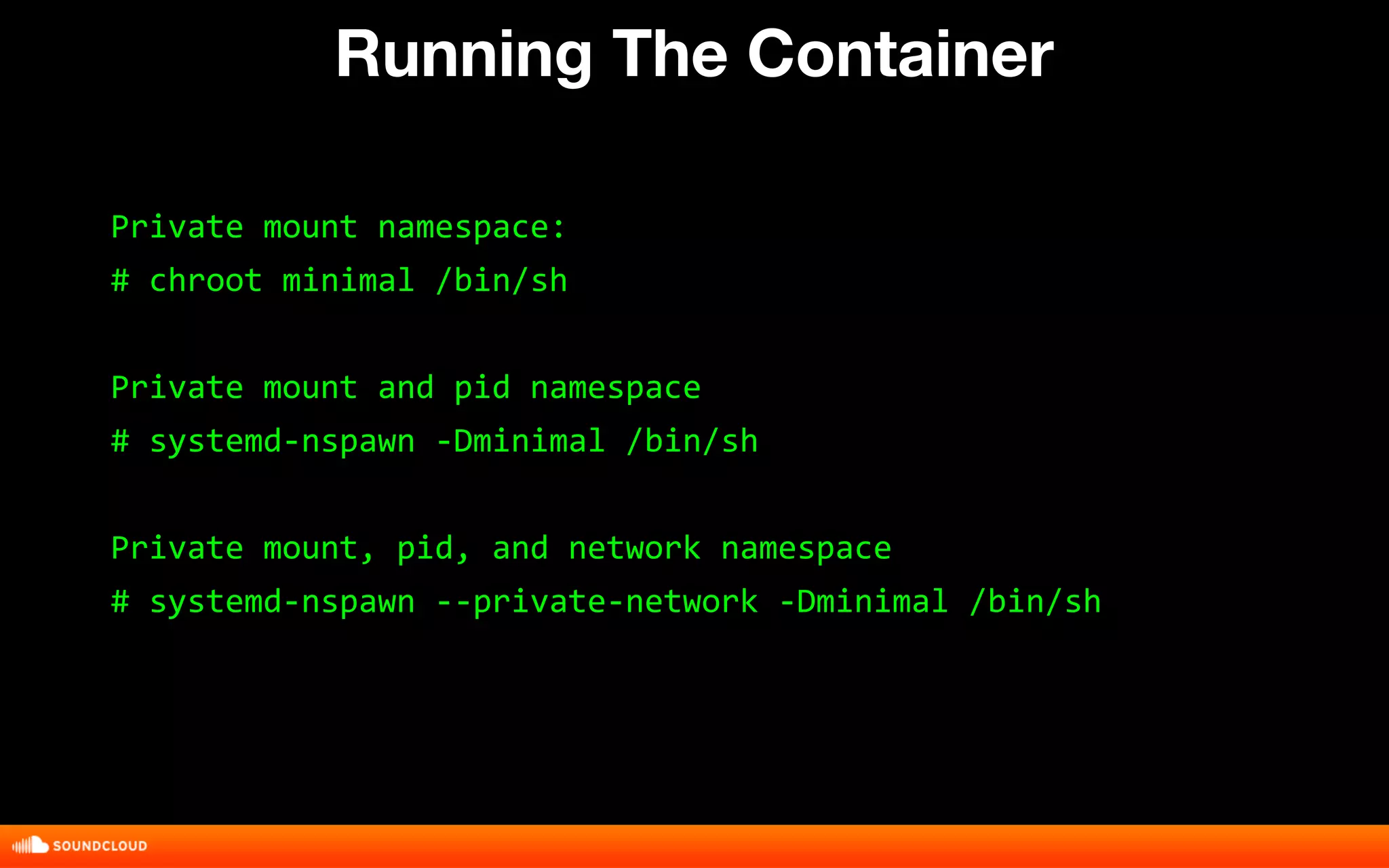
Running The Container 
Private mount namespace: 
# chroot minimal /bin/sh 
Private mount and pid namespace 
# systemd-nspawn -Dminimal /bin/sh 
Private mount, pid, and network namespace 
# systemd-nspawn --private-network -Dminimal /bin/sh
DEMO: 
building a container 
image with cpio
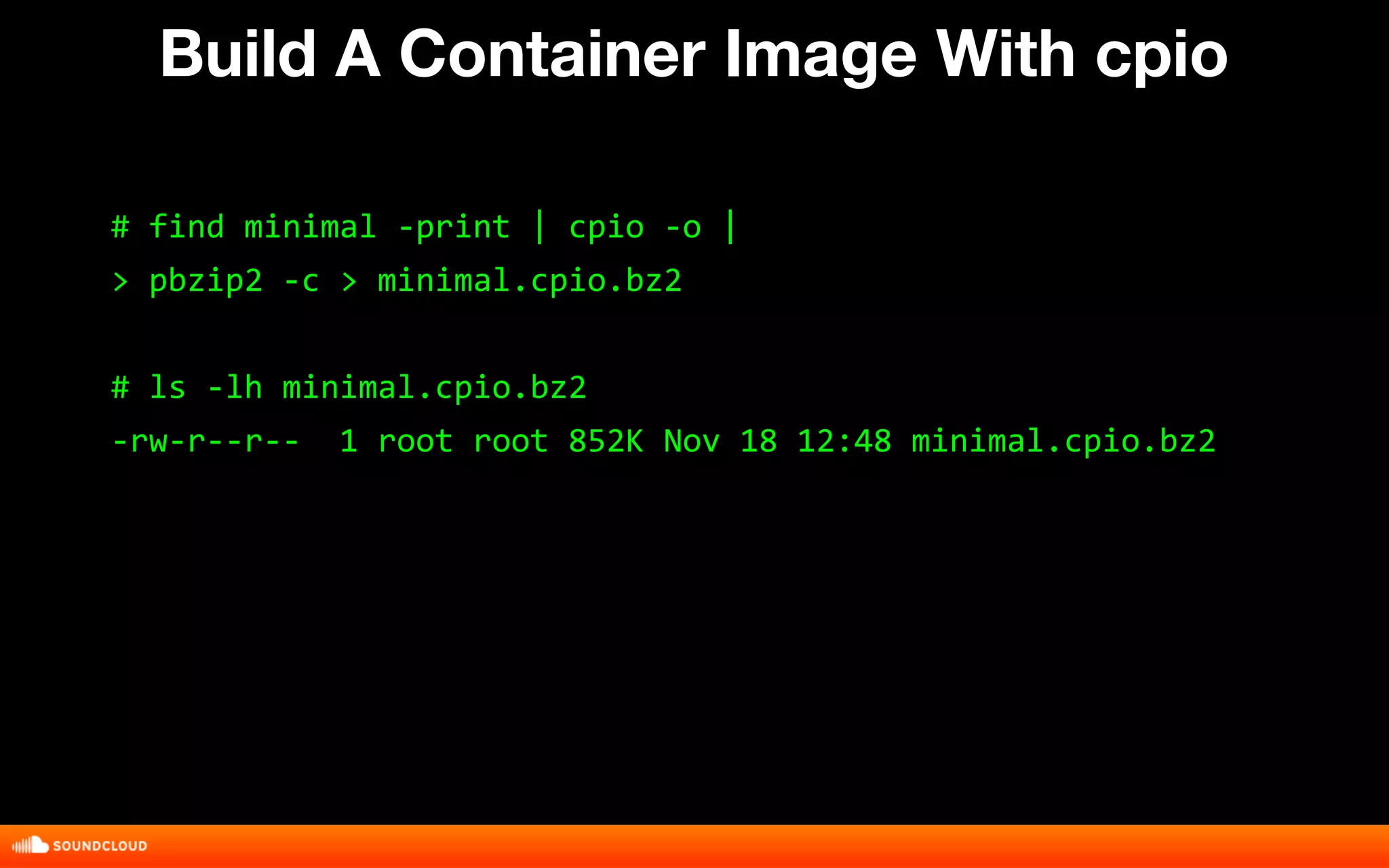
Build A Container Image With cpio 
# find minimal -print | cpio -o | 
> pbzip2 -c > minimal.cpio.bz2 
# ls -lh minimal.cpio.bz2 
-rw-r--r-- 1 root root 852K Nov 18 12:48 minimal.cpio.bz2
DEMO: 
limiting cpu access 
with cgroups
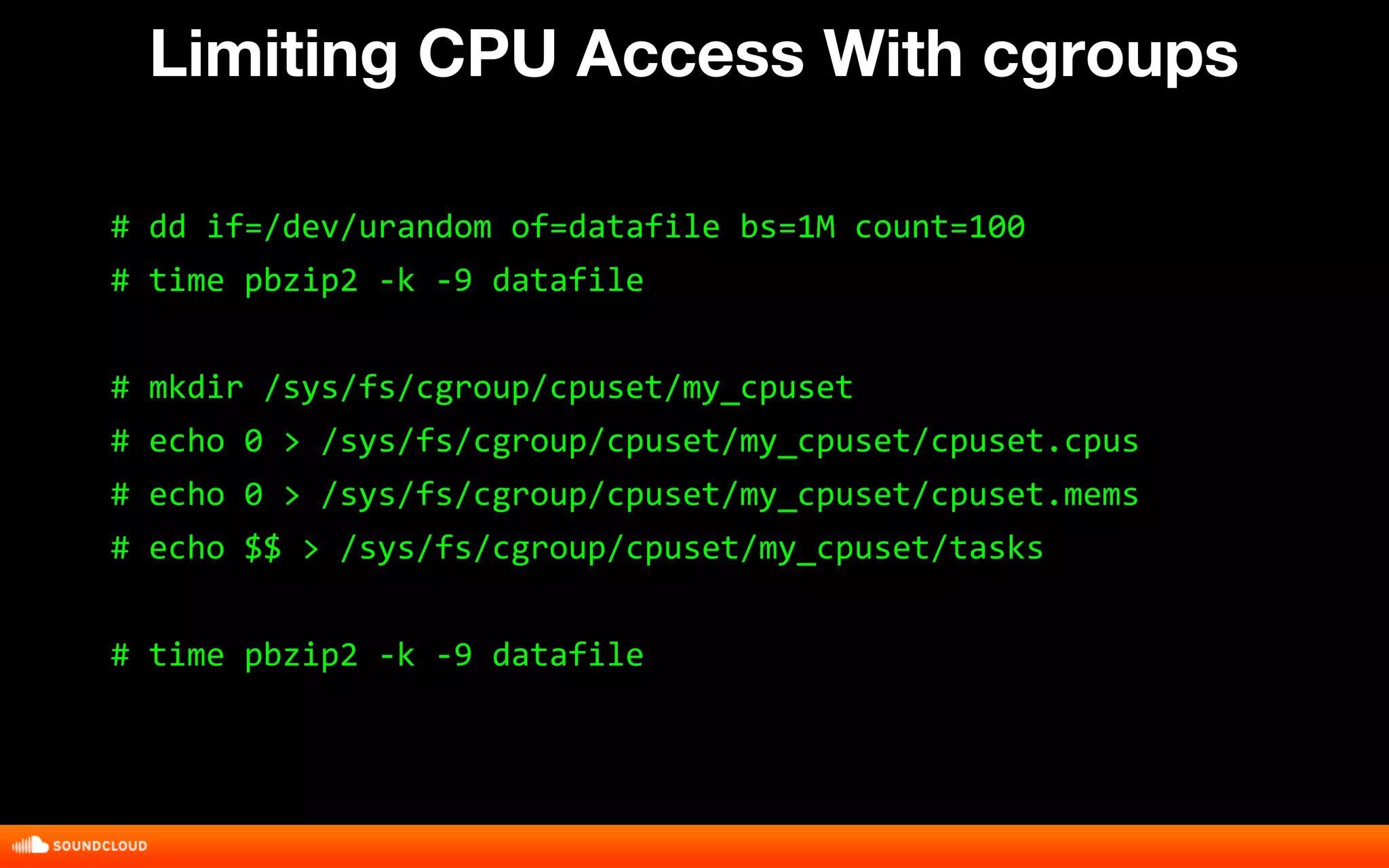
Limiting CPU Access With cgroups 
# dd if=/dev/urandom of=datafile bs=1M count=100 
# time pbzip2 -k -9 datafile 
# mkdir /sys/fs/cgroup/cpuset/my_cpuset 
# echo 0 > /sys/fs/cgroup/cpuset/my_cpuset/cpuset.cpus 
# echo 0 > /sys/fs/cgroup/cpuset/my_cpuset/cpuset.mems 
# echo $$ > /sys/fs/cgroup/cpuset/my_cpuset/tasks 
# time pbzip2 -k -9 datafile
DEMO: 
connect a container 
to the network
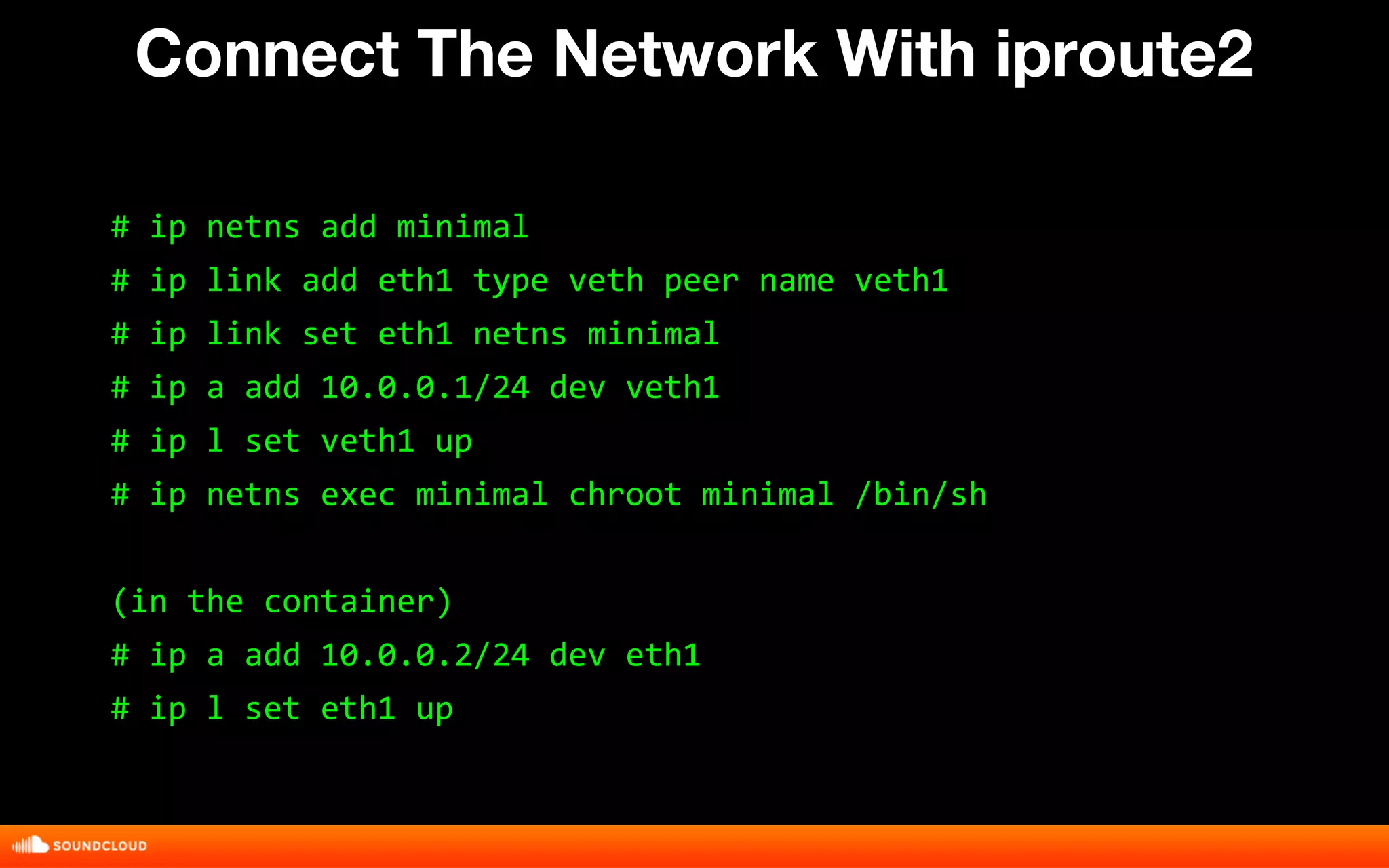
Connect The Network With iproute2 
# ip netns add minimal 
# ip link add eth1 type veth peer name veth1 
# ip link set eth1 netns minimal 
# ip a add 10.0.0.1/24 dev veth1 
# ip l set veth1 up 
# ip netns exec minimal chroot minimal /bin/sh 
(in the container) 
# ip a add 10.0.0.2/24 dev eth1 
# ip l set eth1 up
DEMO: 
installing a service 
stack with yum
SETUP 
CONFIGURE YUM 
Create a file called yum.conf with the following contents: 
[main] 
cachedir=/var/cache/yum 
keepcache=1 
debuglevel=2 
logfile=/var/log/yum.log 
exactarch=1 
obsoletes=1 
[base] 
name=CentOS-7 - Base 
#mirrorlist=http://mirrorlist.centos.org/?release=7&arch=x86_64&repo=os 
baseurl=http://192.168.56.1/centos/ 
gpgcheck=0 
enabled=1
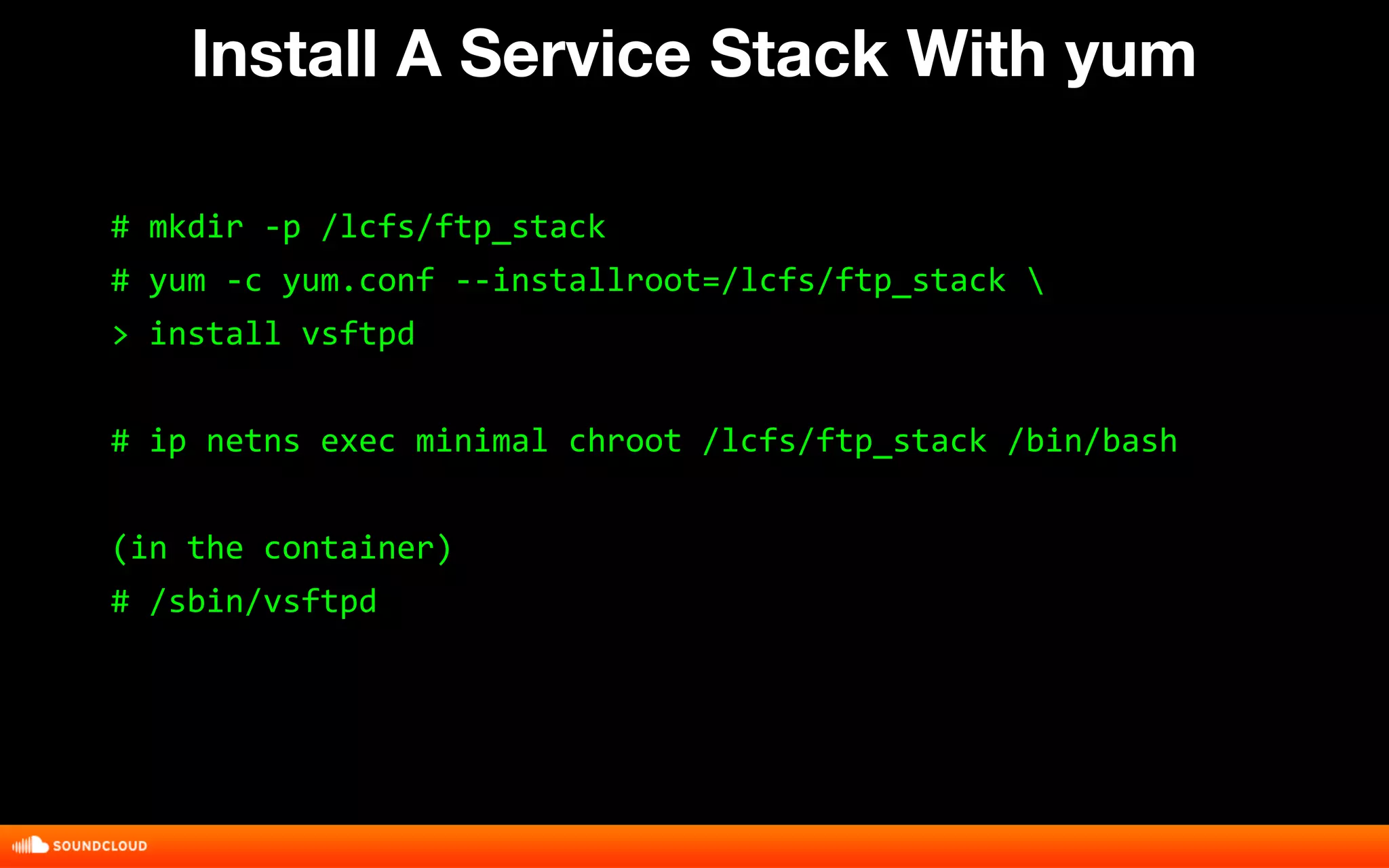
Install A Service Stack With yum 
# mkdir -p /lcfs/ftp_stack 
# yum -c yum.conf --installroot=/lcfs/ftp_stack  
> install vsftpd 
# ip netns exec minimal chroot /lcfs/ftp_stack /bin/bash 
(in the container) 
# /sbin/vsftpd
DEMO: 
splitting a container 
image into layers with 
aufs
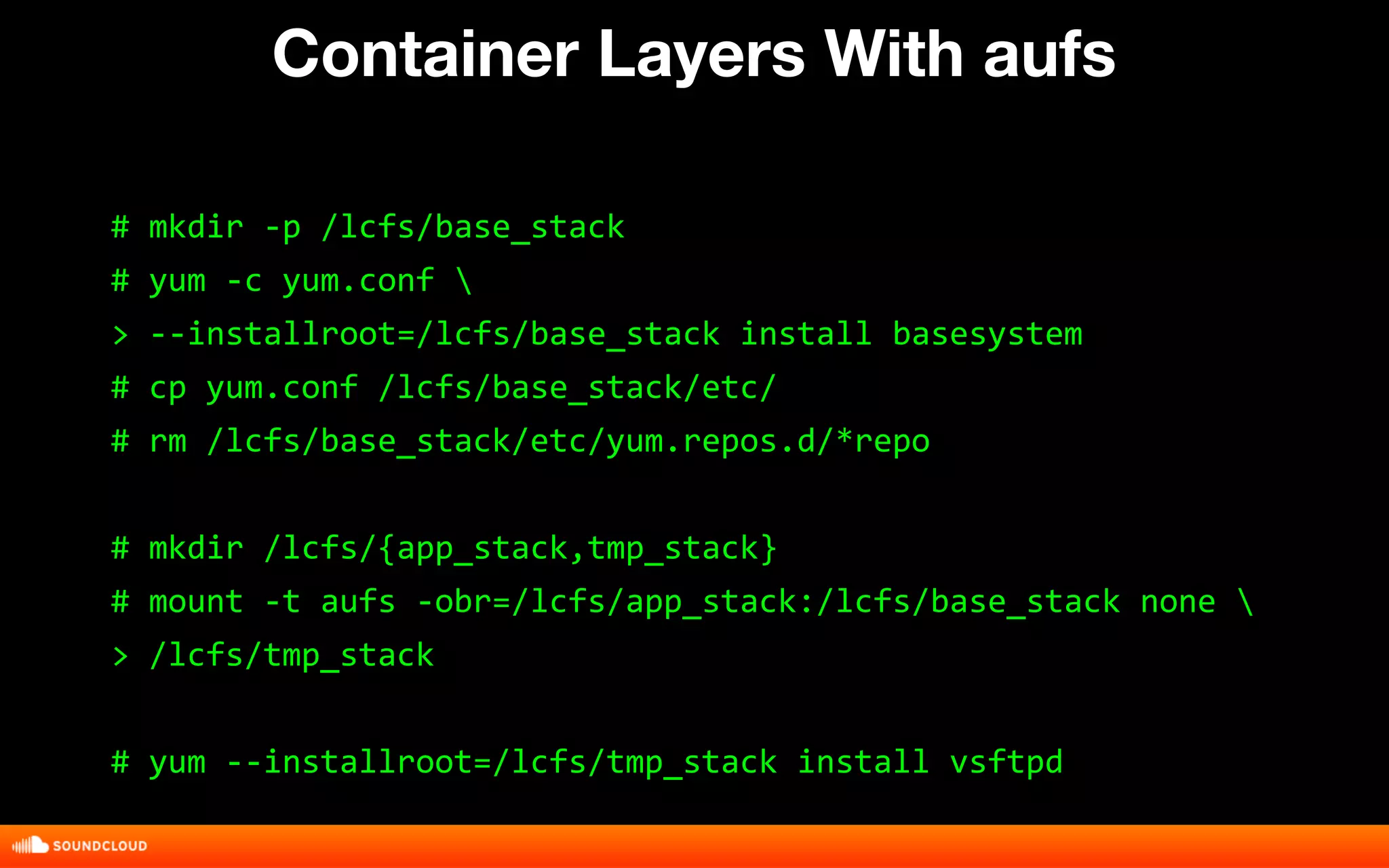
Container Layers With aufs 
# mkdir -p /lcfs/base_stack 
# yum -c yum.conf  
> --installroot=/lcfs/base_stack install basesystem 
# cp yum.conf /lcfs/base_stack/etc/ 
# rm /lcfs/base_stack/etc/yum.repos.d/*repo 
# mkdir /lcfs/{app_stack,tmp_stack} 
# mount -t aufs -obr=/lcfs/app_stack:/lcfs/base_stack none  
> /lcfs/tmp_stack 
# yum --installroot=/lcfs/tmp_stack install vsftpd
DEMO: 
install a full os with 
yum
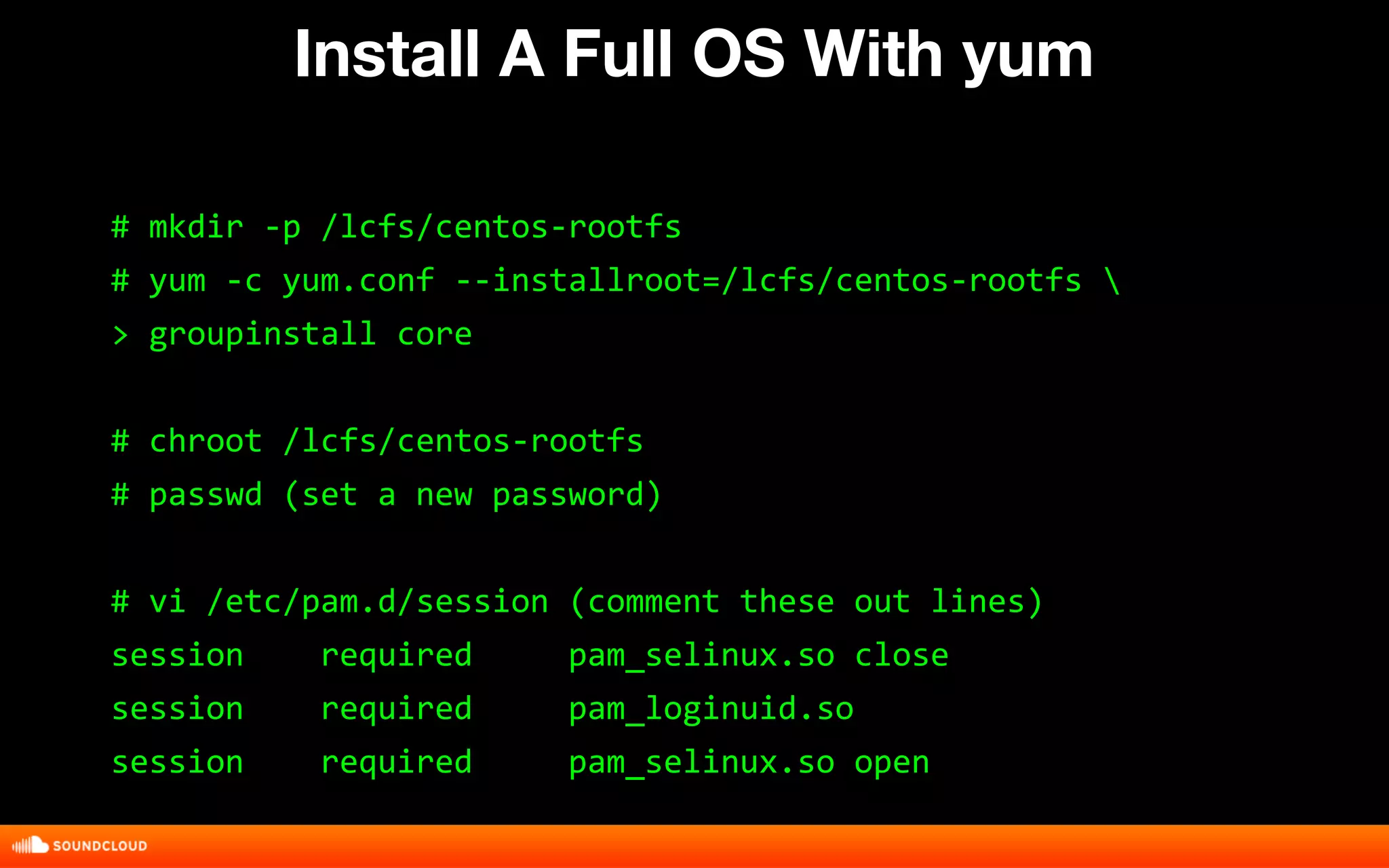
Install A Full OS With yum 
# mkdir -p /lcfs/centos-rootfs 
# yum -c yum.conf --installroot=/lcfs/centos-rootfs  
> groupinstall core 
# chroot /lcfs/centos-rootfs 
# passwd (set a new password) 
# vi /etc/pam.d/session (comment these out lines) 
session required pam_selinux.so close 
session required pam_loginuid.so 
session required pam_selinux.so open
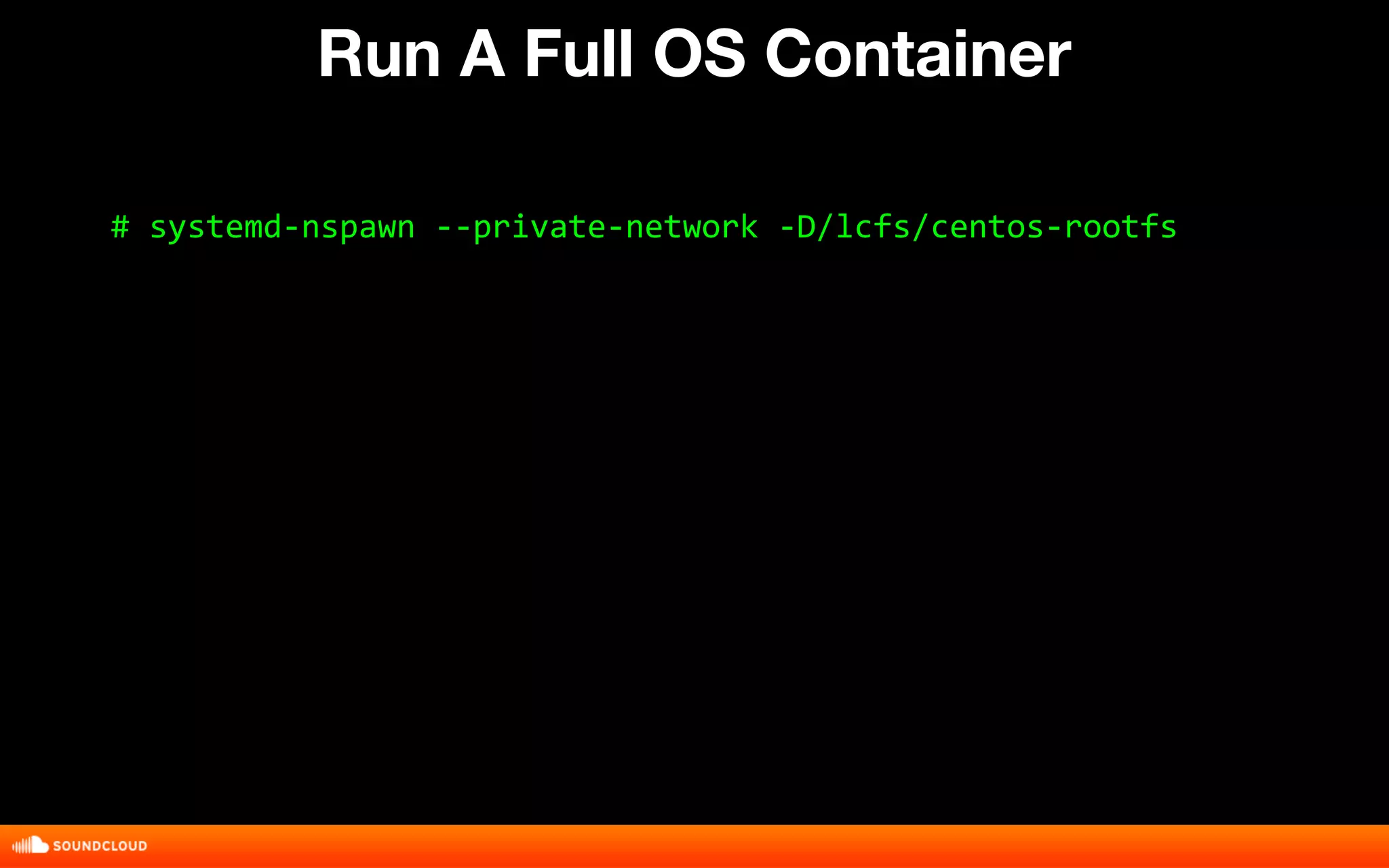
Run A Full OS Container 
# systemd-nspawn --private-network -D/lcfs/centos-rootfs
Linux Containers From Scratch

Linux Containers From Scratch

  • 1.
    Linux Containers FromScratch Joshua Hoffman Velocity Europe 2014
  • 2.
    Recommended mirror: http://ftp.es.debian.org SETUP INSTALL PACKAGES Install packages: ● vim ● screen ● lftp ● busybox-static ● systemd ● yum ● qemu-utils ● aufs-tools ● pbzip2 ● htop
  • 3.
    1. Edit /etc/default/grub change the line: GRUB_CMDLINE_LINUX="" to: GRUB_CMDLINE_LINUX="init=/bin/systemd" 2. Run the grub updater: update-grub2 3. Reboot SETUP CONFIGURE SYSTEMD
  • 4.
    THE CLOUD LINUXCONTAINERS
  • 5.
    THE CLOUD LINUXCONTAINERS FREE LUNCH
  • 6.
  • 7.
  • 8.
  • 9.
  • 10.
  • 11.
    A logically isolatedvirtual environment. A Linux Container
  • 12.
  • 13.
  • 14.
    Running in aVirtual Machine as viewed from the host os # ps x PID TTY STAT TIME COMMAND 689 ? R 1:06 qemu-kvm
  • 15.
    Running in aLinux Container as viewed from the host os # ps x PID TTY STAT TIME COMMAND 5347 ? R 2:22 unicorn_rails master -D -c kiffen.rb
  • 16.
  • 17.
  • 18.
    NETWORK NAMESPACE asviewed from iproute2 $ ip a 1: lo: <LOOPBACK,UP,LOWER_UP> mtu 16436 qdisc noqueue state UNKNOWN link/loopback 00:00:00:00:00:00 brd 00:00:00:00:00:00 inet 127.0.0.1/8 scope host lo 2: eth0: <BROADCAST,MULTICAST,UP,LOWER_UP> mtu 1500 qdisc pfifo_fast master br0 state UP qlen 1000 link/ether 00:01:2e:3b:be:14 brd ff:ff:ff:ff:ff:ff inet 10.21.0.22/24 brd 10.21.0.255 scope global br0 inet6 fe80::201:2eff:fe3b:be14/64 scope link valid_lft forever preferred_lft forever
  • 19.
  • 20.
    MOUNT NAMESPACE asviewed from ls $ ls / bin etc lib media proc sbin sys var boot home lib64 mnt root selinux tmp dev lost+found opt run srv usr
  • 21.
  • 22.
    PID NAMESPACE asviewed from ps # ps x PID TTY STAT TIME COMMAND 5347 ? R 2:22 unicorn_rails master -D -c kiffen.rb
  • 23.
  • 24.
    CGROUPS as viewedfrom ls # ls -F /sys/fs/cgroup/ blkio/ cpu@ cpuacct@ cpu,cpuacct/ cpuset/ devices/ freezer/ net_cls/ perf_event/ systemd/ # ls -F /sys/fs/cgroup/cpuset cpuset.mem_exclusive cgroup.procs cpuset.memory_migrate cpuset.mems cpuset.cpu_exclusive tasks cpuset.cpus (...output truncated…)
  • 25.
  • 26.
    Minimal Busybox Container # mkdir -p {minimal,minimal/usr}/{bin,sbin,etc} # for x in $(busybox --list-full); do > ln -s /bin/sh minimal/$x; done # cp -f /bin/busybox minimal/bin/sh # touch minimal/etc/os-release
  • 27.
    Running The Container Private mount namespace: # chroot minimal /bin/sh Private mount and pid namespace # systemd-nspawn -Dminimal /bin/sh Private mount, pid, and network namespace # systemd-nspawn --private-network -Dminimal /bin/sh
  • 28.
    DEMO: building acontainer image with cpio
  • 29.
    Build A ContainerImage With cpio # find minimal -print | cpio -o | > pbzip2 -c > minimal.cpio.bz2 # ls -lh minimal.cpio.bz2 -rw-r--r-- 1 root root 852K Nov 18 12:48 minimal.cpio.bz2
  • 30.
    DEMO: limiting cpuaccess with cgroups
  • 31.
    Limiting CPU AccessWith cgroups # dd if=/dev/urandom of=datafile bs=1M count=100 # time pbzip2 -k -9 datafile # mkdir /sys/fs/cgroup/cpuset/my_cpuset # echo 0 > /sys/fs/cgroup/cpuset/my_cpuset/cpuset.cpus # echo 0 > /sys/fs/cgroup/cpuset/my_cpuset/cpuset.mems # echo $$ > /sys/fs/cgroup/cpuset/my_cpuset/tasks # time pbzip2 -k -9 datafile
  • 32.
    DEMO: connect acontainer to the network
  • 33.
    Connect The NetworkWith iproute2 # ip netns add minimal # ip link add eth1 type veth peer name veth1 # ip link set eth1 netns minimal # ip a add 10.0.0.1/24 dev veth1 # ip l set veth1 up # ip netns exec minimal chroot minimal /bin/sh (in the container) # ip a add 10.0.0.2/24 dev eth1 # ip l set eth1 up
  • 34.
    DEMO: installing aservice stack with yum
  • 35.
    SETUP CONFIGURE YUM Create a file called yum.conf with the following contents: [main] cachedir=/var/cache/yum keepcache=1 debuglevel=2 logfile=/var/log/yum.log exactarch=1 obsoletes=1 [base] name=CentOS-7 - Base #mirrorlist=http://mirrorlist.centos.org/?release=7&arch=x86_64&repo=os baseurl=http://192.168.56.1/centos/ gpgcheck=0 enabled=1
  • 36.
    Install A ServiceStack With yum # mkdir -p /lcfs/ftp_stack # yum -c yum.conf --installroot=/lcfs/ftp_stack > install vsftpd # ip netns exec minimal chroot /lcfs/ftp_stack /bin/bash (in the container) # /sbin/vsftpd
  • 37.
    DEMO: splitting acontainer image into layers with aufs
  • 38.
    Container Layers Withaufs # mkdir -p /lcfs/base_stack # yum -c yum.conf > --installroot=/lcfs/base_stack install basesystem # cp yum.conf /lcfs/base_stack/etc/ # rm /lcfs/base_stack/etc/yum.repos.d/*repo # mkdir /lcfs/{app_stack,tmp_stack} # mount -t aufs -obr=/lcfs/app_stack:/lcfs/base_stack none > /lcfs/tmp_stack # yum --installroot=/lcfs/tmp_stack install vsftpd
  • 39.
    DEMO: install afull os with yum
  • 40.
    Install A FullOS With yum # mkdir -p /lcfs/centos-rootfs # yum -c yum.conf --installroot=/lcfs/centos-rootfs > groupinstall core # chroot /lcfs/centos-rootfs # passwd (set a new password) # vi /etc/pam.d/session (comment these out lines) session required pam_selinux.so close session required pam_loginuid.so session required pam_selinux.so open
  • 41.
    Run A FullOS Container # systemd-nspawn --private-network -D/lcfs/centos-rootfs