Synapse India Reviews on 
MOBILE AND TABLET 
COMPUTING 
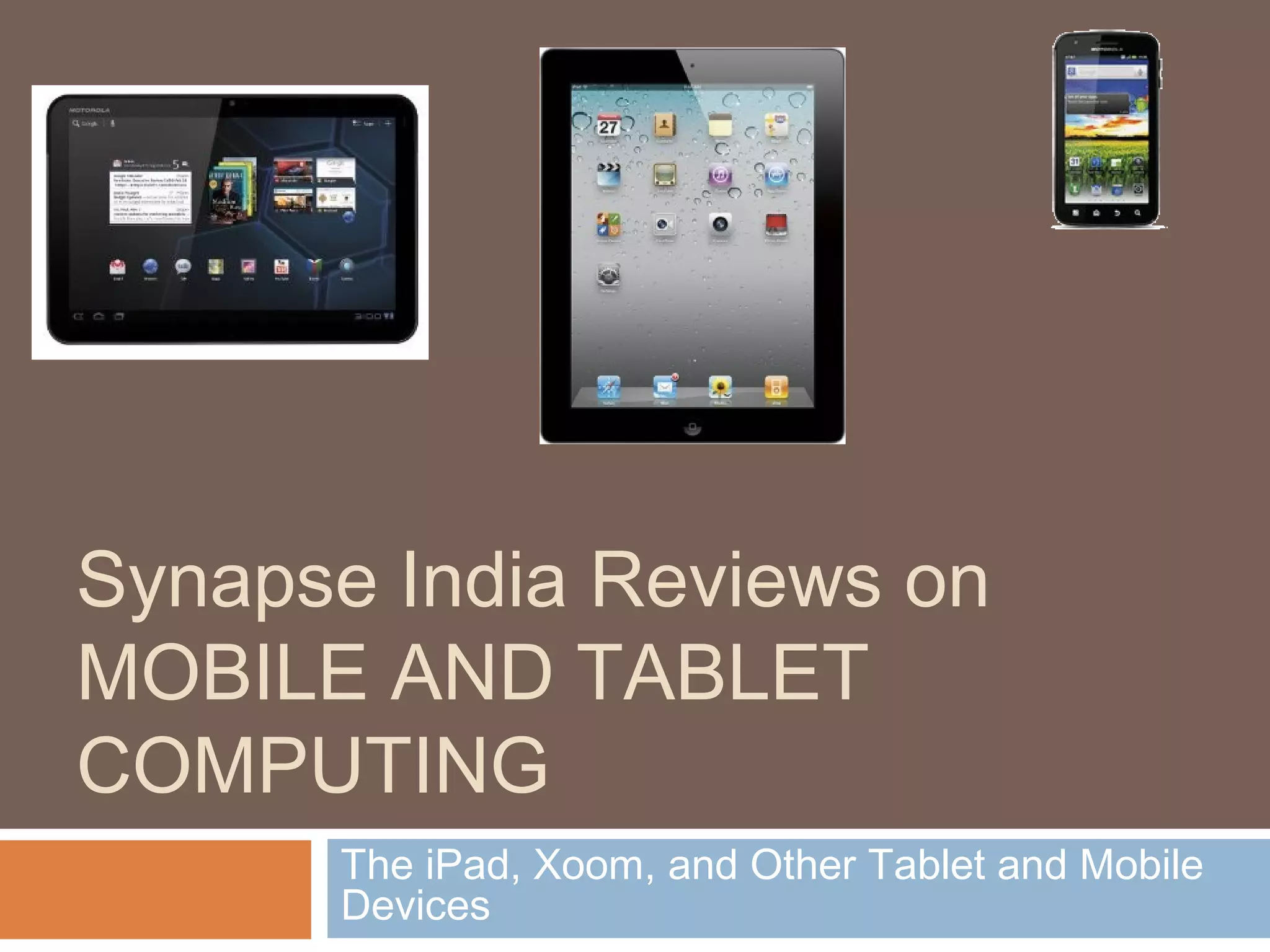
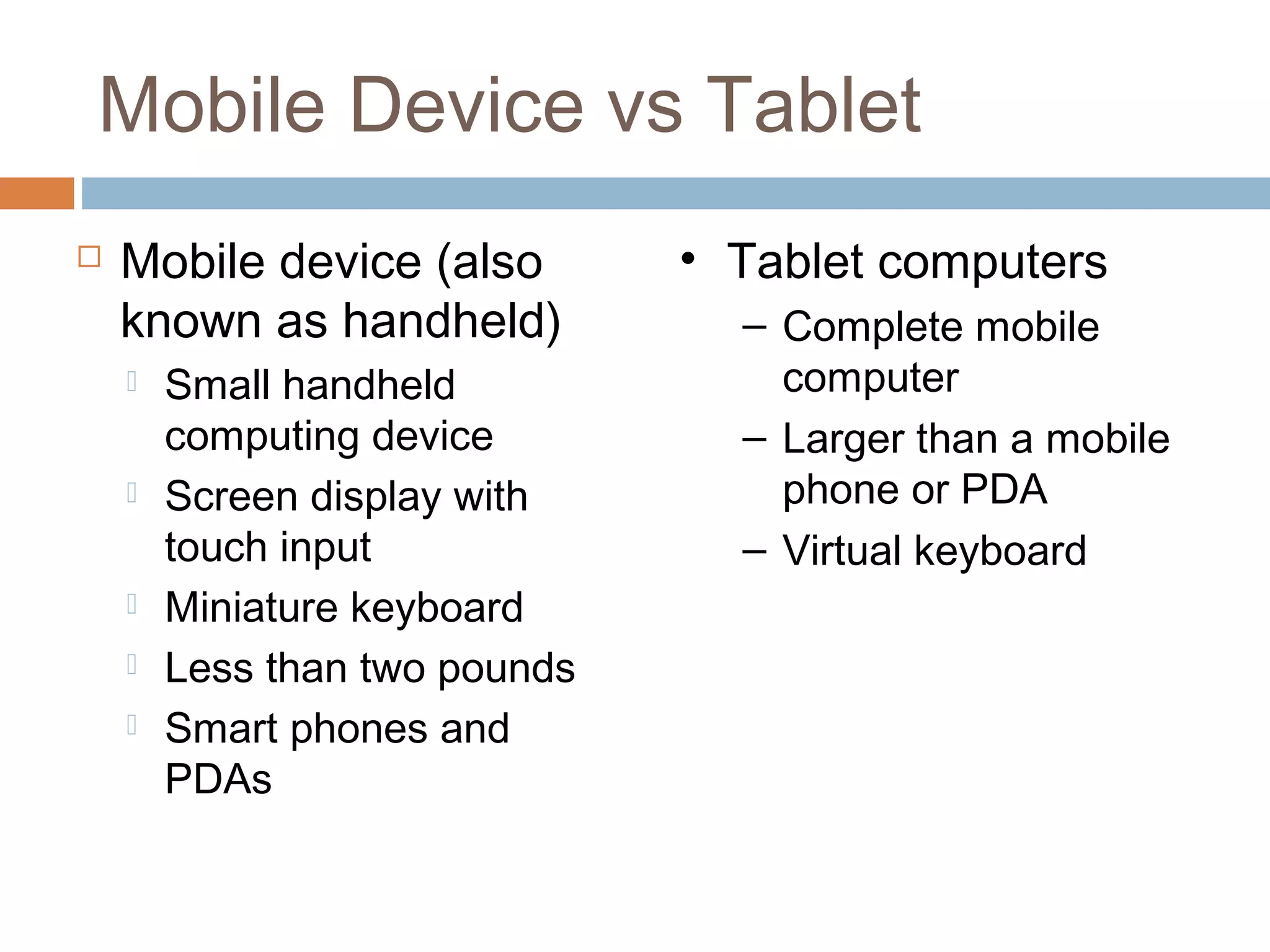
The iPad, Xoom, and Other Tablet and Mobile 
Devices
Mobile Device vs Tablet 
 Mobile device (also 
known as handheld) 
 Small handheld 
computing device 
 Screen display with 
touch input 
 Miniature keyboard 
 Less than two pounds 
 Smart phones and 
PDAs 
• Tablet computers 
– Complete mobile 
computer 
– Larger than a mobile 
phone or PDA 
– Virtual keyboard
Operating Systems 
 Apple’s iOS 
 Started for iPhone 
 Expanded to iPad 
 Google’s Android 
 Originally for smart phones 
 Found on more devices than any other OS 
 Android 2.2 
 Smaller devices (smart phones to 7 inch tablets) 
 Android 3.0 (Honeycomb) 
 Larger tablets (10 inch and more)
Other OS for Tablet 
Computers 
 Windows 
 Business oriented with active pen and handwriting 
recognition. 
 webOS 
 Initially developed by Palm 
 Used by HP’s tablet and Synergy technology 
 BlackBerry OS 
 Developed by RIM for BlackBerry PlayBook tablet 
 Based on OS found in on-board automobile systems 
and International Space Station 
 eReaders 
 eInk screen, weeks between charges, read in direct 
sunlight
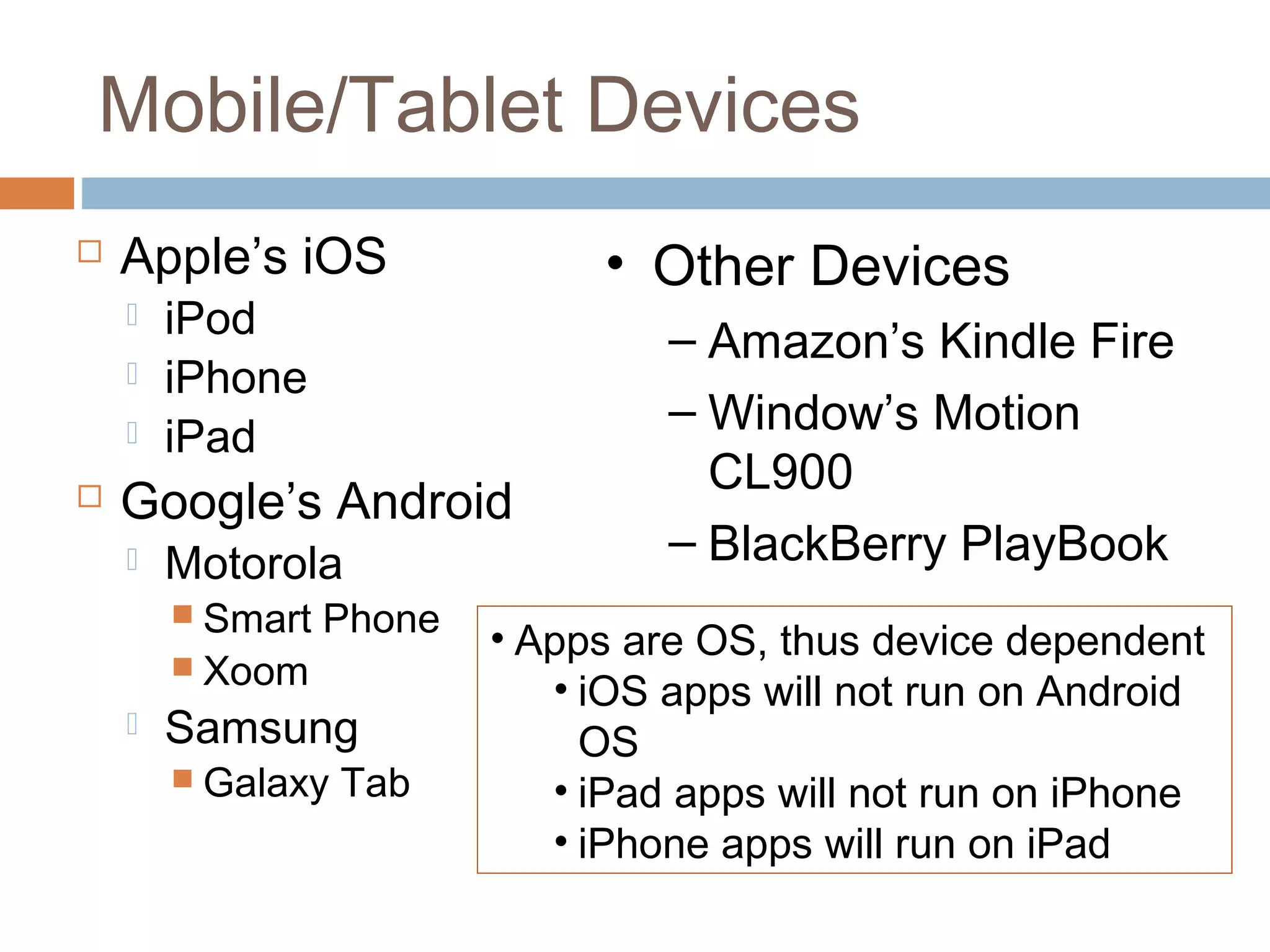
Mobile/Tablet Devices 
 Apple’s iOS 
 iPod 
 iPhone 
 iPad 
 Google’s Android 
 Motorola 
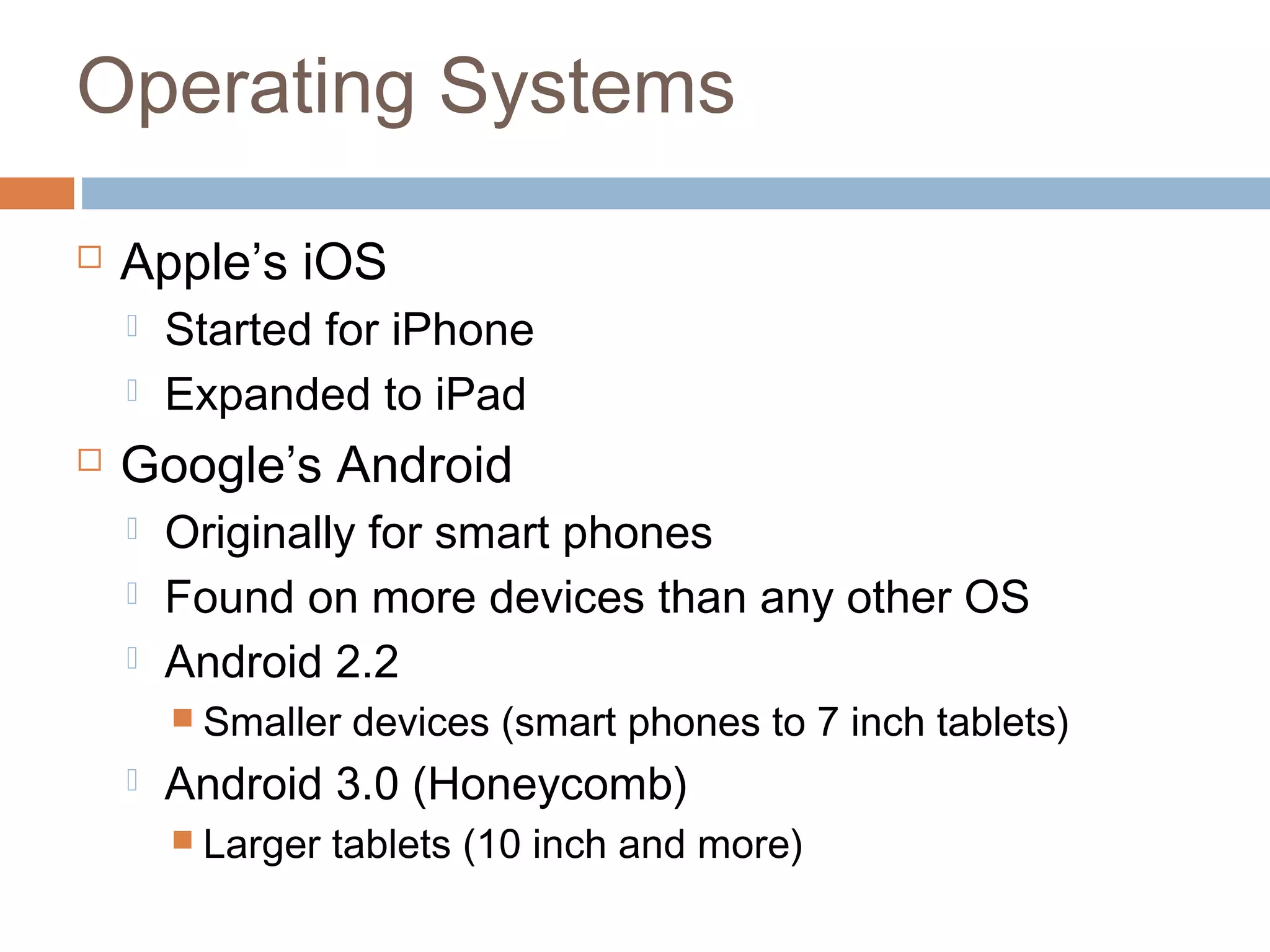
 Smart Phone 
 Xoom 
 Samsung 
 Galaxy Tab 
• Other Devices 
– Amazon’s Kindle Fire 
– Window’s Motion 
CL900 
– BlackBerry PlayBook 
• Apps are OS, thus device dependent 
• iOS apps will not run on Android 
OS 
• iPad apps will not run on iPhone 
• iPhone apps will run on iPad
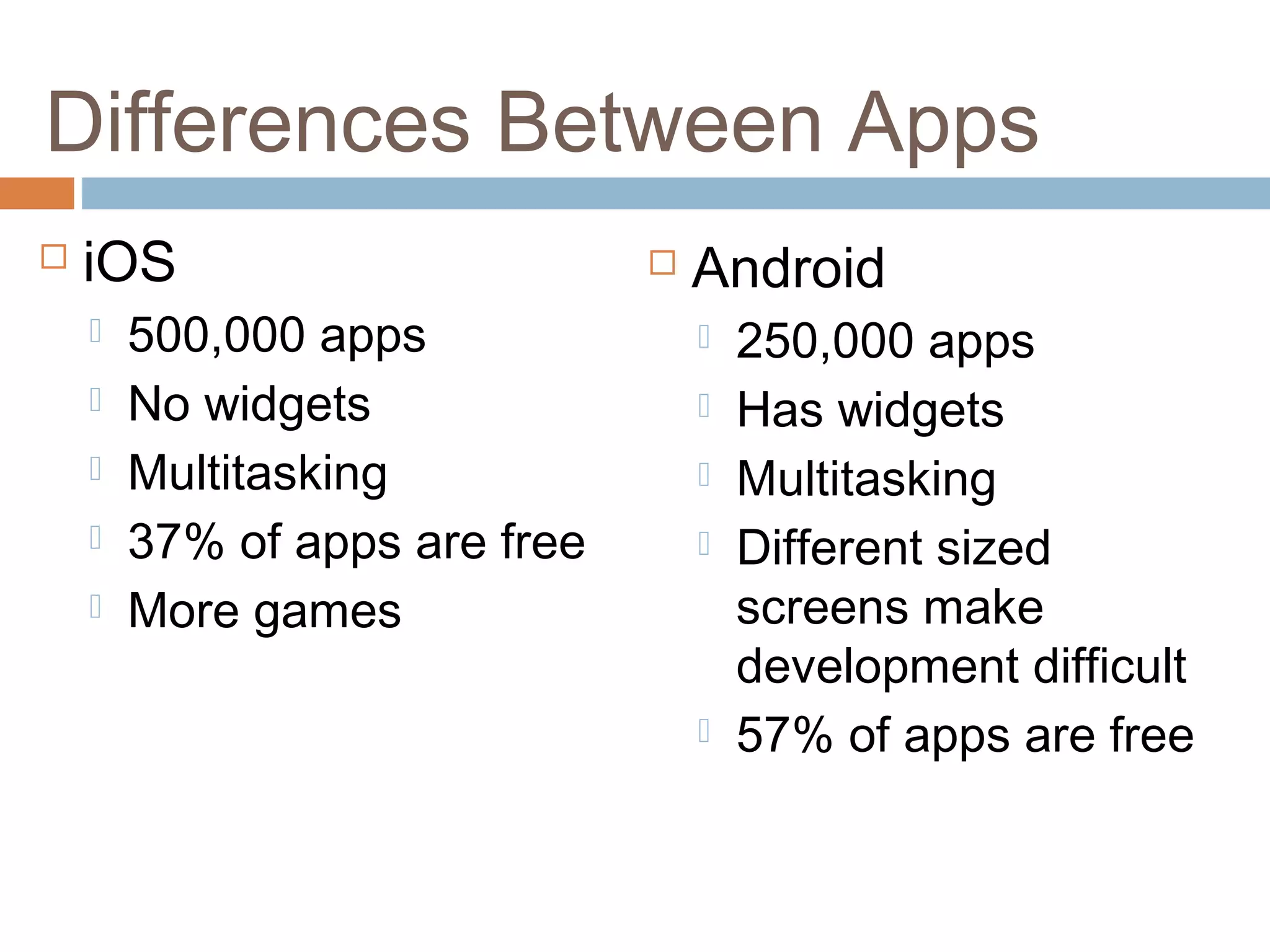
Differences Between Apps 
 iOS 
 500,000 apps 
 No widgets 
 Multitasking 
 37% of apps are free 
 More games 
 Android 
 250,000 apps 
 Has widgets 
 Multitasking 
 Different sized 
screens make 
development difficult 
 57% of apps are free
Apps (Education) 
 UNCP 
 Pine Needle 
 UNCP International Programs 
 Ted 
 HowStuffWorks 
 Science360 for iPad
Apps (Document Management) 
 Dropbox: on-line "cloud storage" that 
wirelessly synchronizes with you mobile 
devices. A great way to transfer documents 
from you computer to the mobile device. 
 iBooks: manages books, pdf files, and other 
text files 
 Kindle: eReader from Anazon 
 Nook: eReader from Barnes & Noble
Apps (Utilities) 
 Nightstand 
 Evernote 
 Bamboo Paper 
 Pcalc Lite 
 Units by TheMacBox 
 Skype 
 DataVault Password Manager 
 eWallet Password Manager
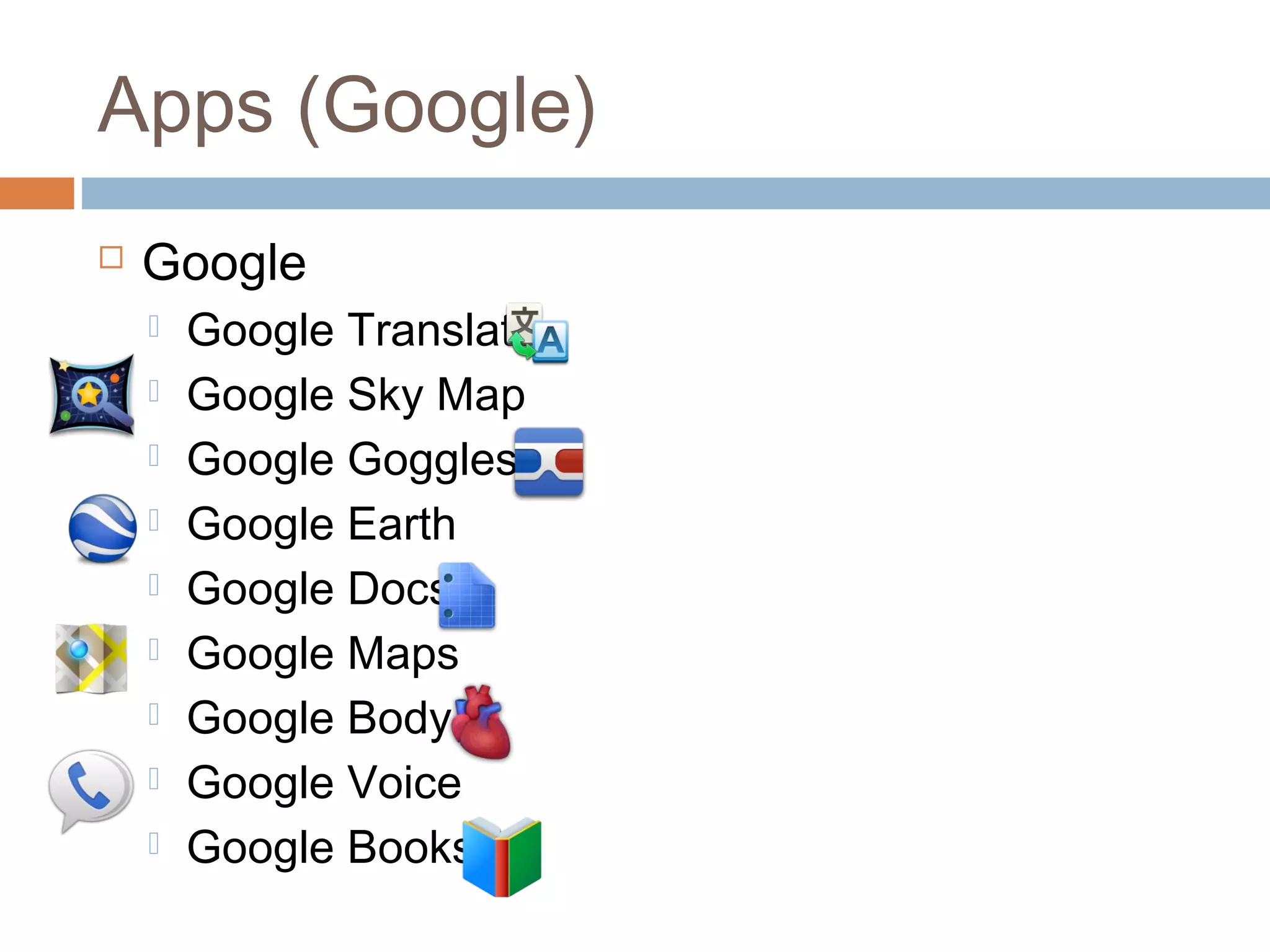
Apps (Google) 
 Google 
 Google Translate 
 Google Sky Map 
 Google Goggles 
 Google Earth 
 Google Docs 
 Google Maps 
 Google Body 
 Google Voice 
 Google Books

Synapse india reviews on mobile and tablet computing

  • 1.
    Synapse India Reviewson MOBILE AND TABLET COMPUTING The iPad, Xoom, and Other Tablet and Mobile Devices
  • 2.
    Mobile Device vsTablet  Mobile device (also known as handheld)  Small handheld computing device  Screen display with touch input  Miniature keyboard  Less than two pounds  Smart phones and PDAs • Tablet computers – Complete mobile computer – Larger than a mobile phone or PDA – Virtual keyboard
  • 3.
    Operating Systems Apple’s iOS  Started for iPhone  Expanded to iPad  Google’s Android  Originally for smart phones  Found on more devices than any other OS  Android 2.2  Smaller devices (smart phones to 7 inch tablets)  Android 3.0 (Honeycomb)  Larger tablets (10 inch and more)
  • 4.
    Other OS forTablet Computers  Windows  Business oriented with active pen and handwriting recognition.  webOS  Initially developed by Palm  Used by HP’s tablet and Synergy technology  BlackBerry OS  Developed by RIM for BlackBerry PlayBook tablet  Based on OS found in on-board automobile systems and International Space Station  eReaders  eInk screen, weeks between charges, read in direct sunlight
  • 5.
    Mobile/Tablet Devices Apple’s iOS  iPod  iPhone  iPad  Google’s Android  Motorola  Smart Phone  Xoom  Samsung  Galaxy Tab • Other Devices – Amazon’s Kindle Fire – Window’s Motion CL900 – BlackBerry PlayBook • Apps are OS, thus device dependent • iOS apps will not run on Android OS • iPad apps will not run on iPhone • iPhone apps will run on iPad
  • 6.
    Differences Between Apps  iOS  500,000 apps  No widgets  Multitasking  37% of apps are free  More games  Android  250,000 apps  Has widgets  Multitasking  Different sized screens make development difficult  57% of apps are free
  • 7.
    Apps (Education) UNCP  Pine Needle  UNCP International Programs  Ted  HowStuffWorks  Science360 for iPad
  • 8.
    Apps (Document Management)  Dropbox: on-line "cloud storage" that wirelessly synchronizes with you mobile devices. A great way to transfer documents from you computer to the mobile device.  iBooks: manages books, pdf files, and other text files  Kindle: eReader from Anazon  Nook: eReader from Barnes & Noble
  • 9.
    Apps (Utilities) Nightstand  Evernote  Bamboo Paper  Pcalc Lite  Units by TheMacBox  Skype  DataVault Password Manager  eWallet Password Manager
  • 10.
    Apps (Google) Google  Google Translate  Google Sky Map  Google Goggles  Google Earth  Google Docs  Google Maps  Google Body  Google Voice  Google Books