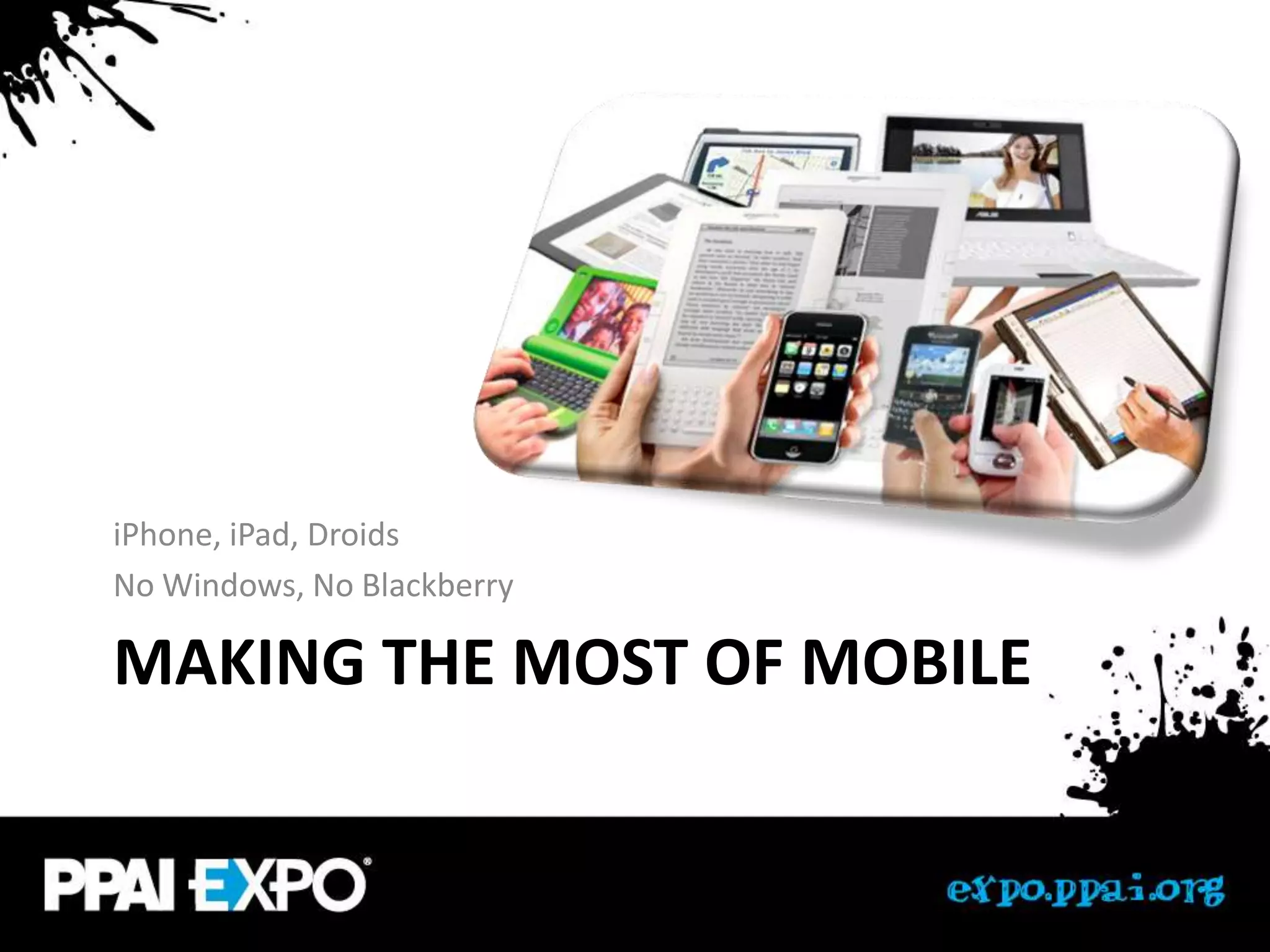
iPhone, iPad, Droids
No Windows, No Blackberry

MAKING THE MOST OF MOBILE
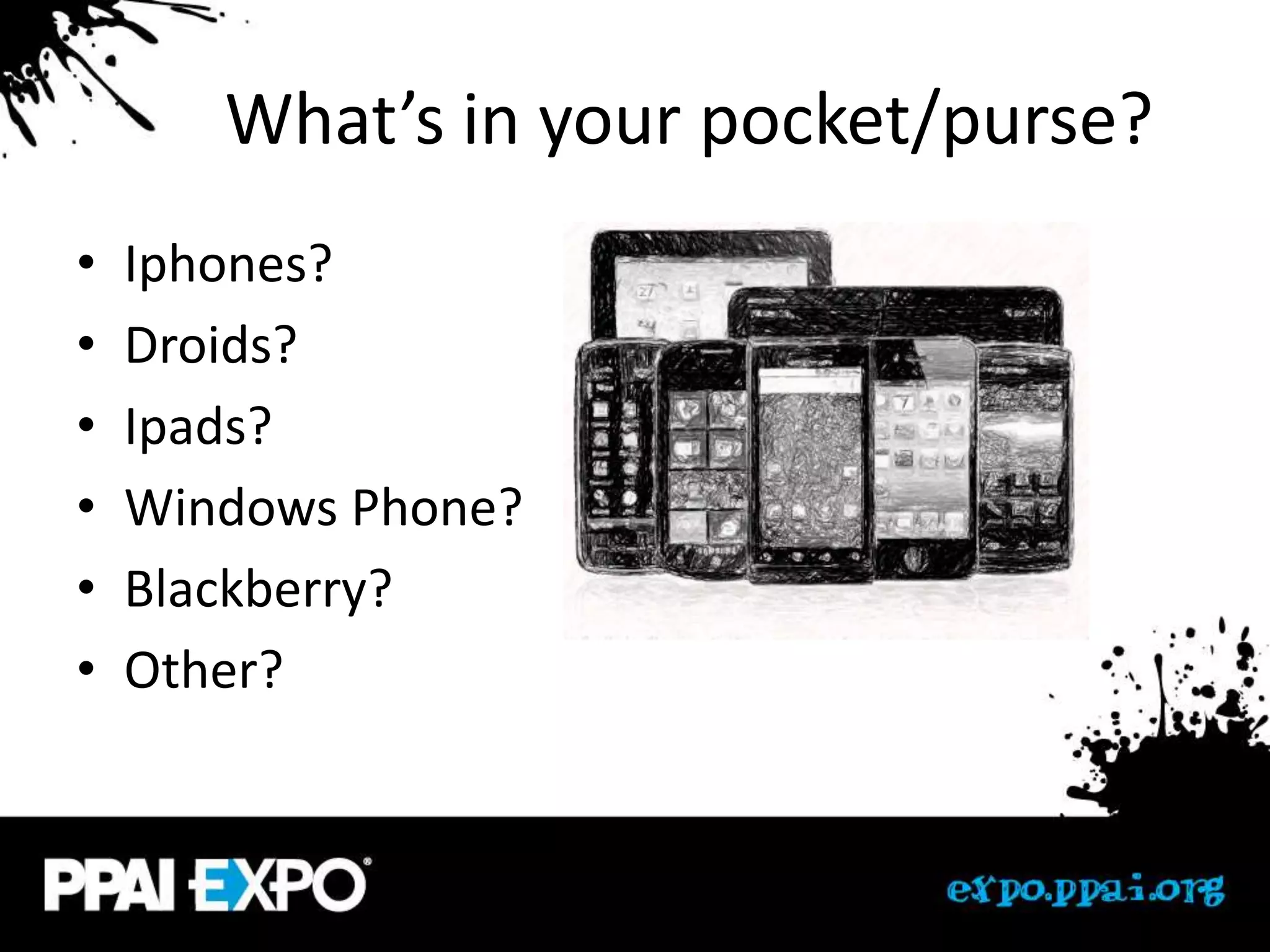
What’s in your pocket/purse?
•   Iphones?
•   Droids?
•   Ipads?
•   Windows Phone?
•   Blackberry?
•   Other?
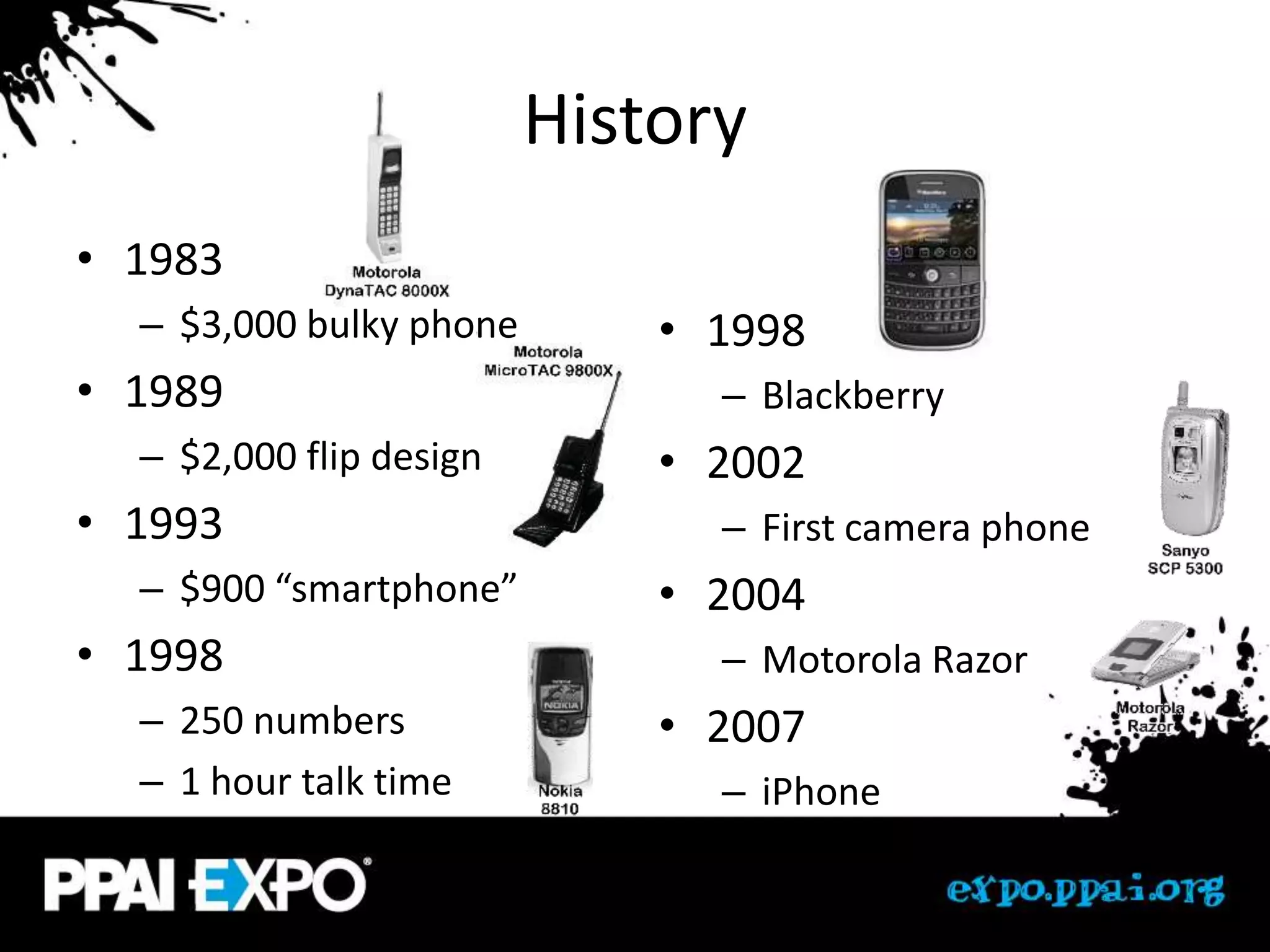
History
• 1983
  – $3,000 bulky phone       • 1998
• 1989                         – Blackberry
  – $2,000 flip design       • 2002
• 1993                         – First camera phone
  – $900 “smartphone”        • 2004
• 1998                         – Motorola Razor
  – 250 numbers              • 2007
  – 1 hour talk time           – iPhone
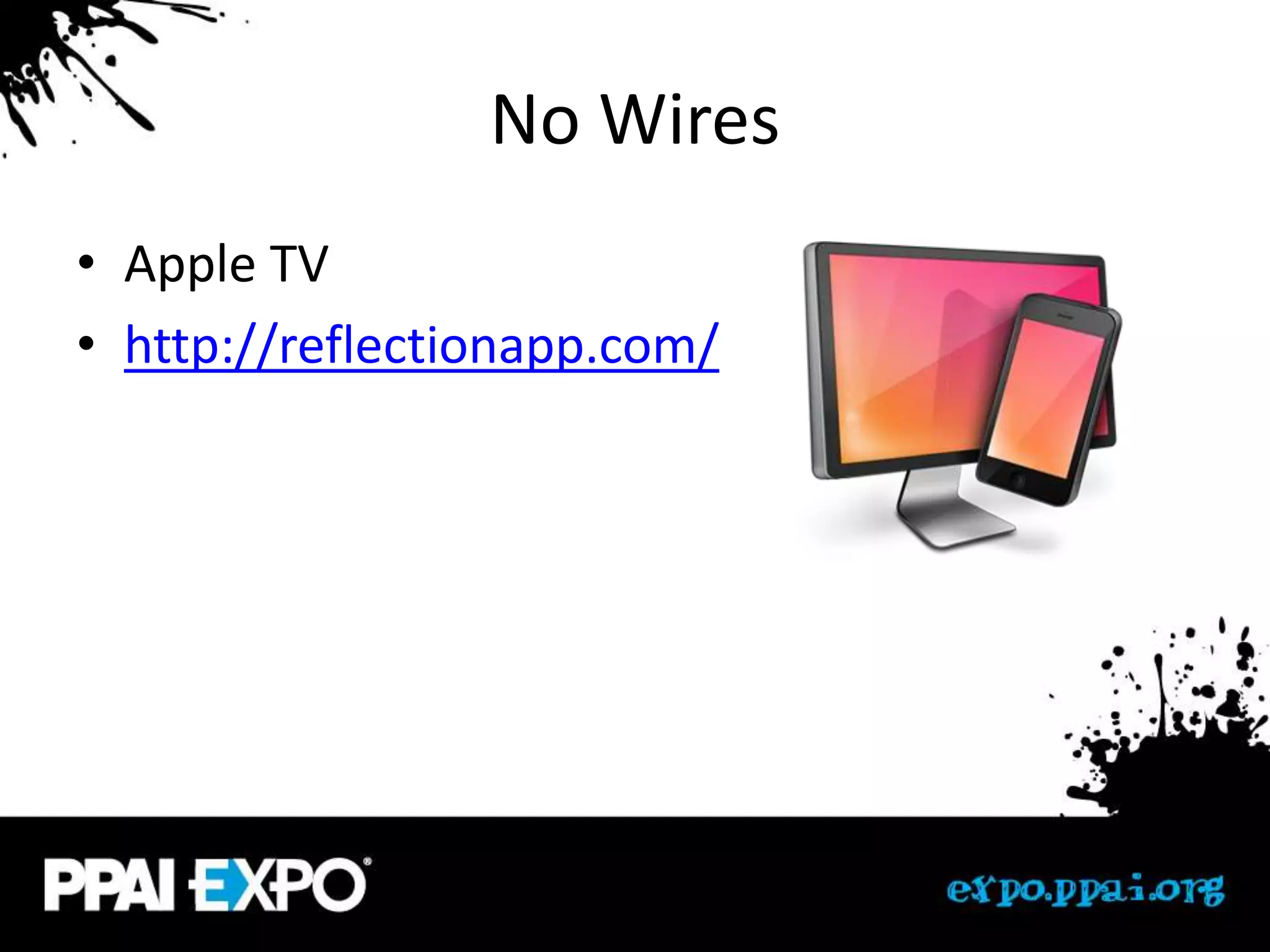
No Wires
• Apple TV
• http://reflectionapp.com/
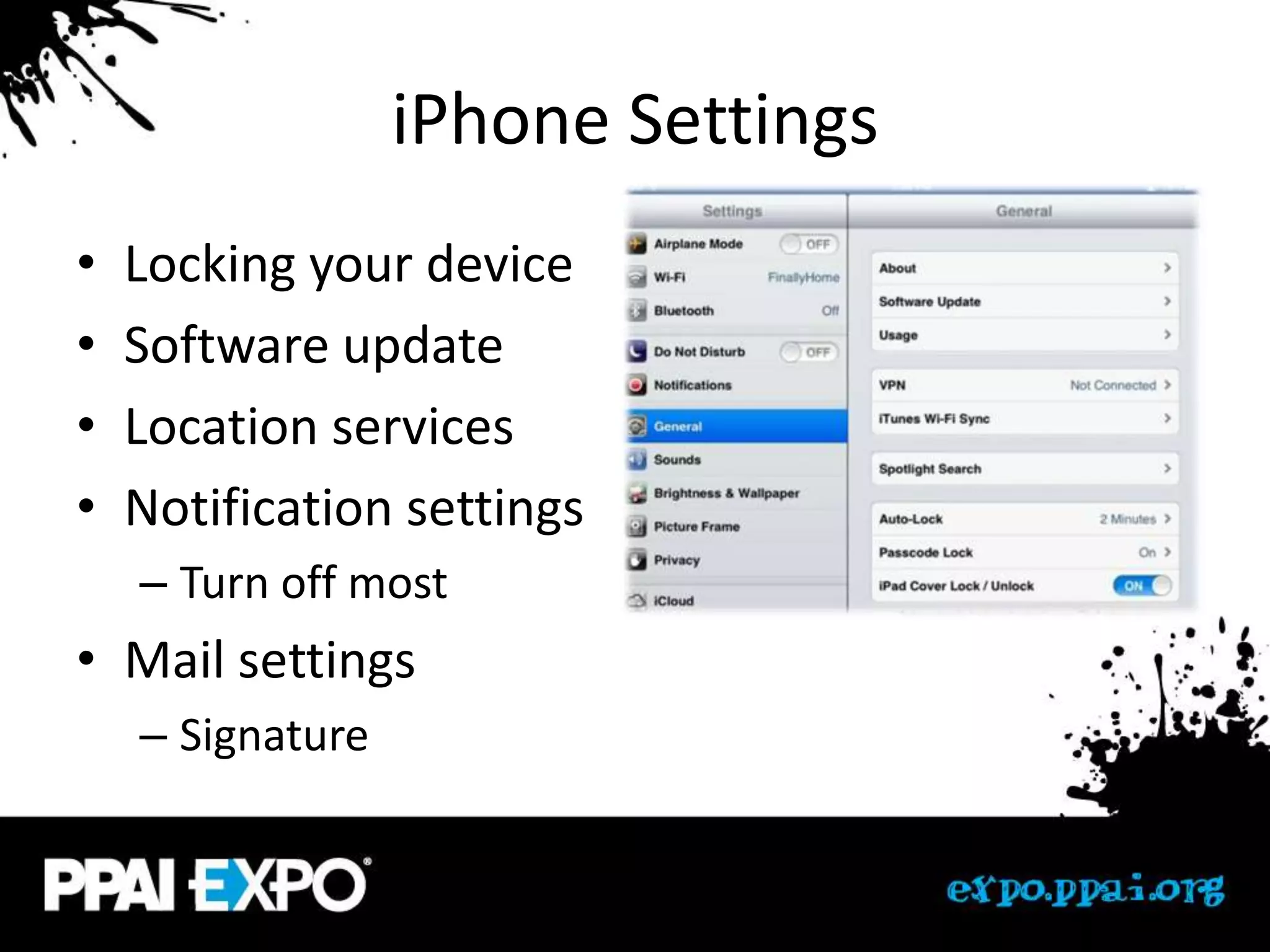
iPhone Settings
•   Locking your device
•   Software update
•   Location services
•   Notification settings
    – Turn off most
• Mail settings
    – Signature
Double tap home
• Swipe right
  – Control music
  – Brightness
  – Airplay
  – Volume
  – Auto-rotation
iPhone shortcuts
• Typing
    – Saving your email (the ham sandwich)
    – Saving passwords
•   Siri & speech to text
•   Search shortcut (swipe left to right)
•   Screen grab (home & power)
•   Hard reset (hold home & power)
•   Double tap home
•   Hold to delete/reorg
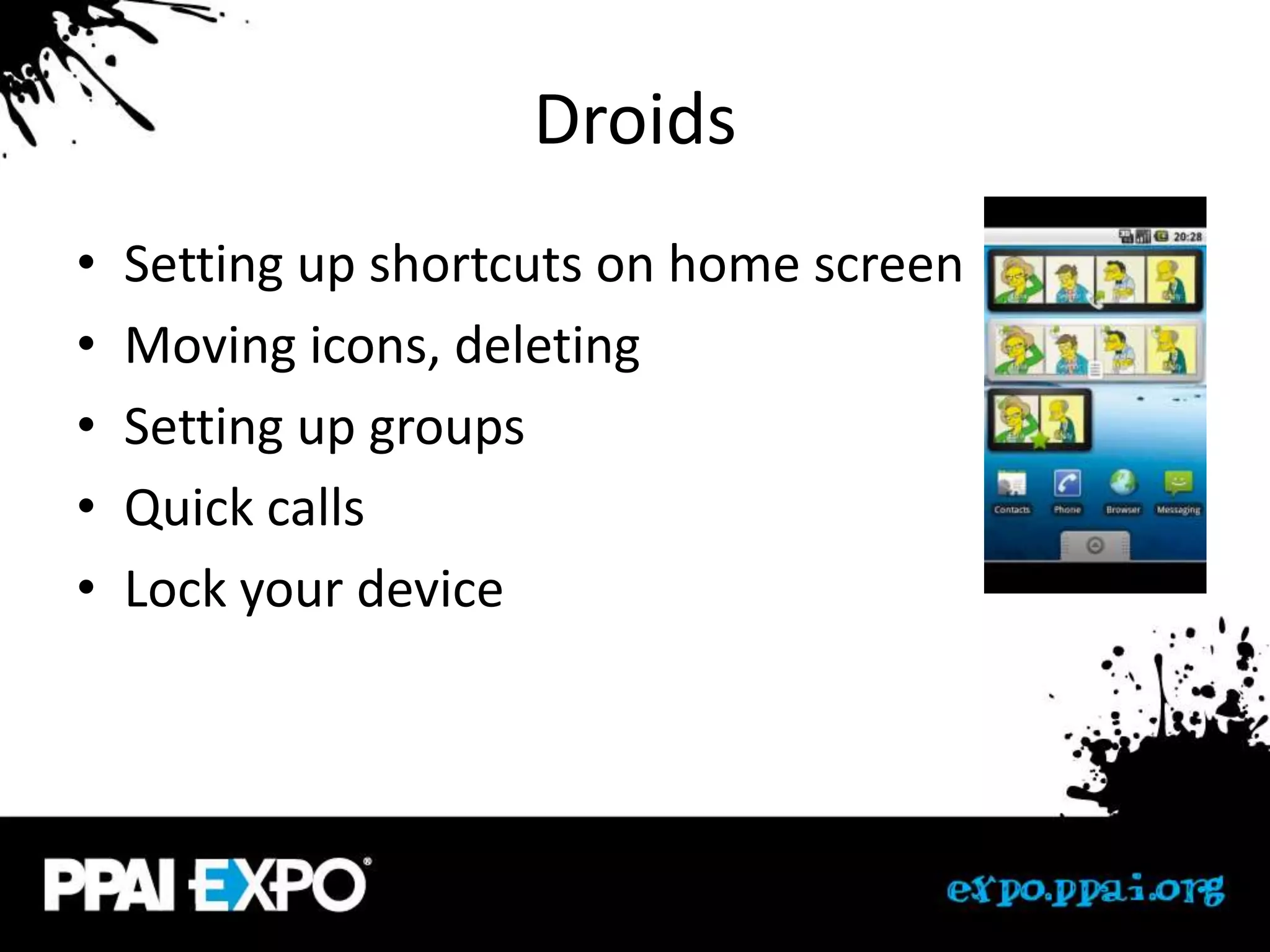
Droids
•   Setting up shortcuts on home screen
•   Moving icons, deleting
•   Setting up groups
•   Quick calls
•   Lock your device
Droid Awesomeness
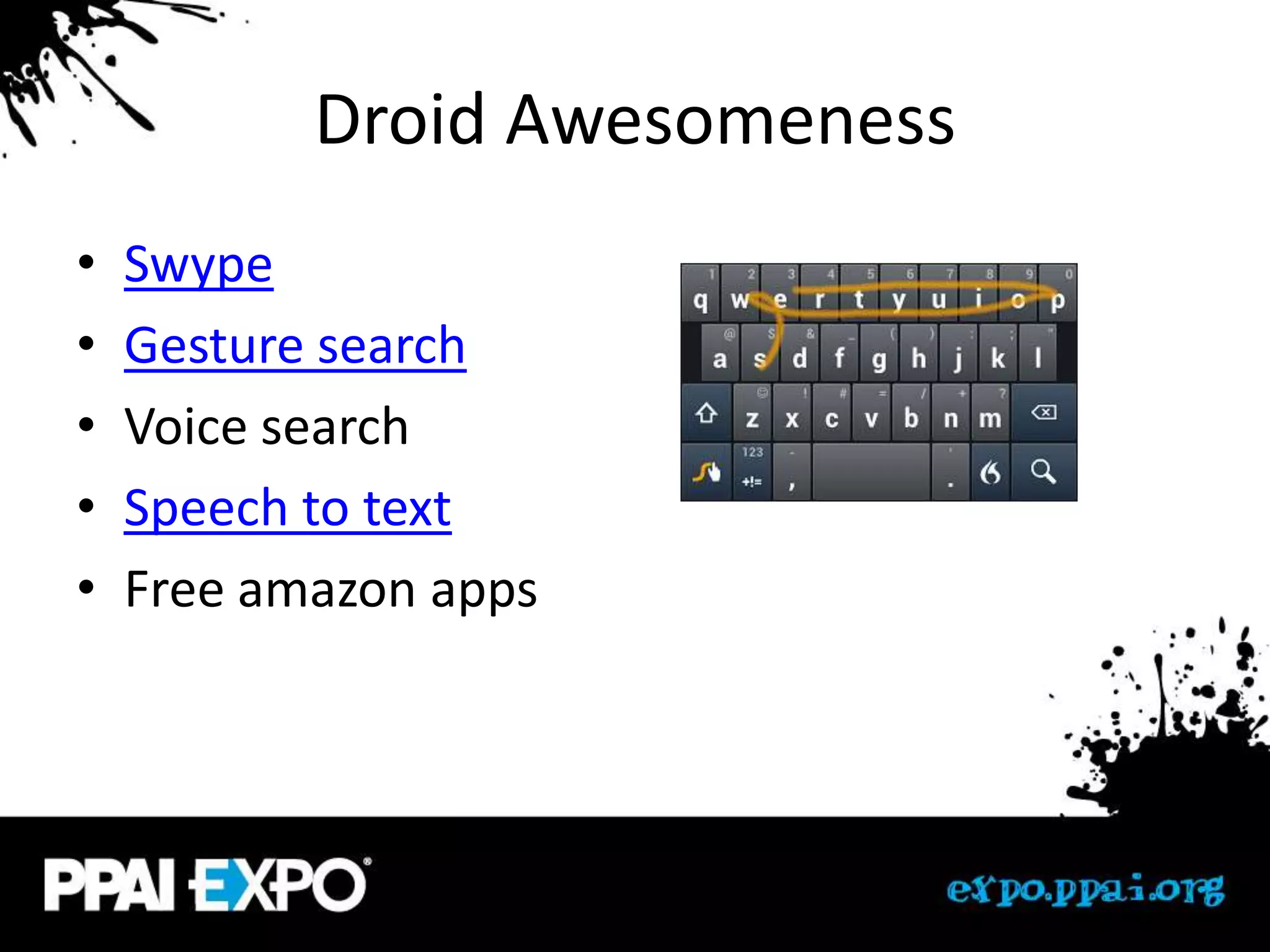
•   Swype
•   Gesture search
•   Voice search
•   Speech to text
•   Free amazon apps
General
•   Keeping your apps up to date
•   Bluetooth keyboard
•   Screen protectors
•   Covers
•   Warranty – Squaretrade ($99 2 years)
App Reccomendations
Google Voice
• Google voice (Google.com/voice)
  – Ring any phone
  – Pick your # and location
  – Access VM anywhere plus transcription
  – Personalized greetings
  – Free calls, low international rates
  – Block calls, auto spam blocking
Video Calling
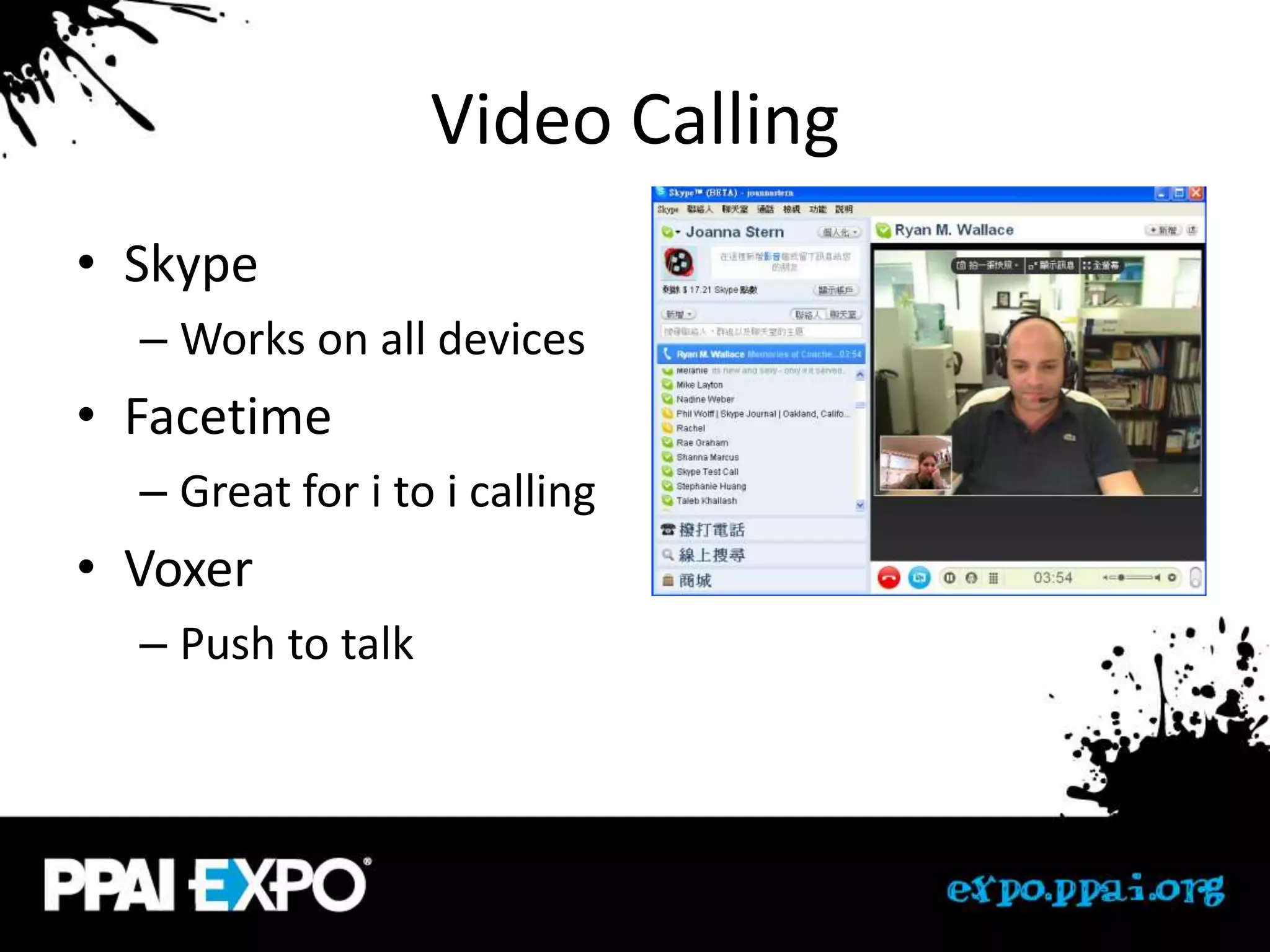
• Skype
  – Works on all devices
• Facetime
  – Great for i to i calling
• Voxer
  – Push to talk
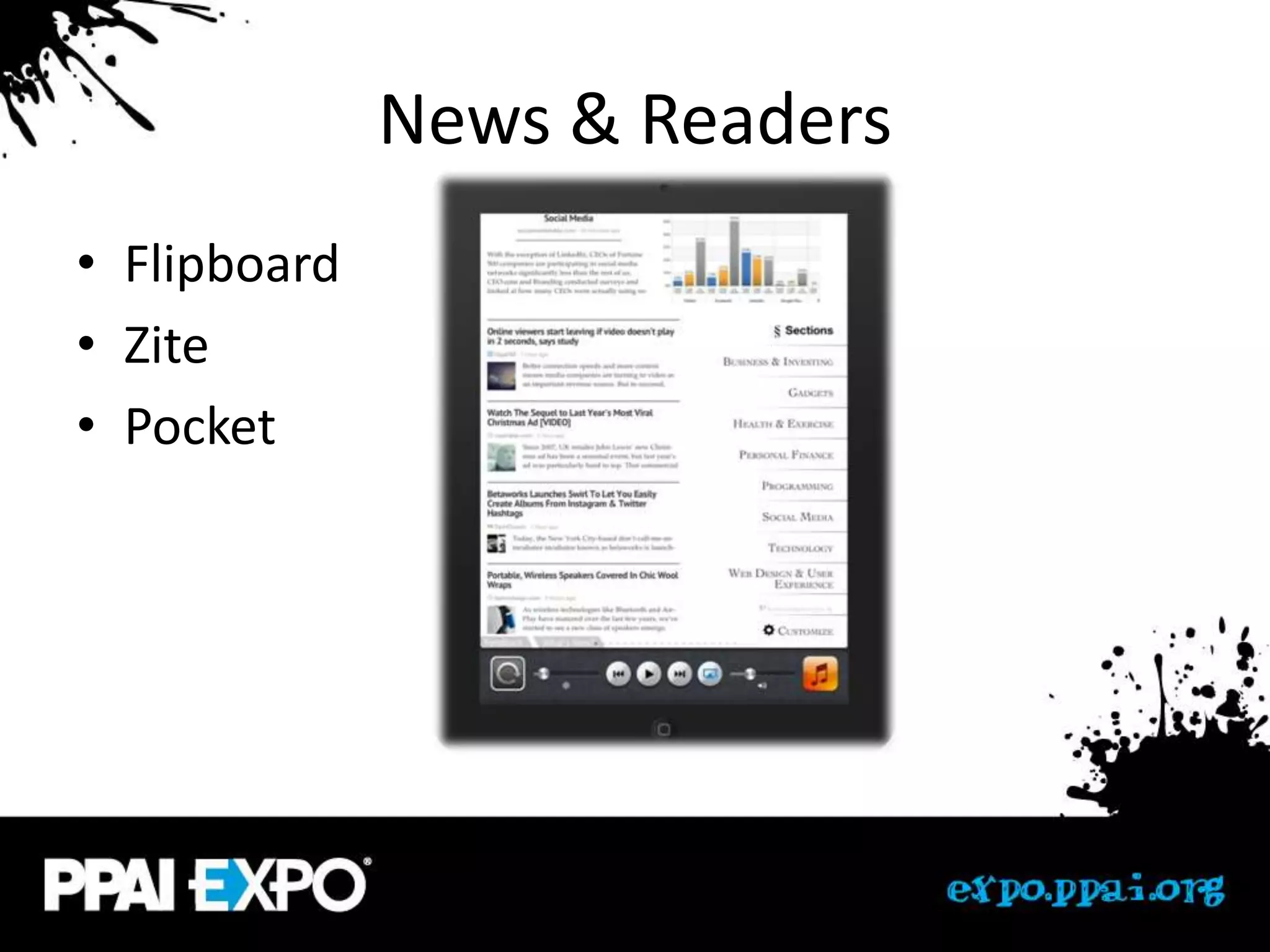
News & Readers
• Flipboard
• Zite
• Pocket
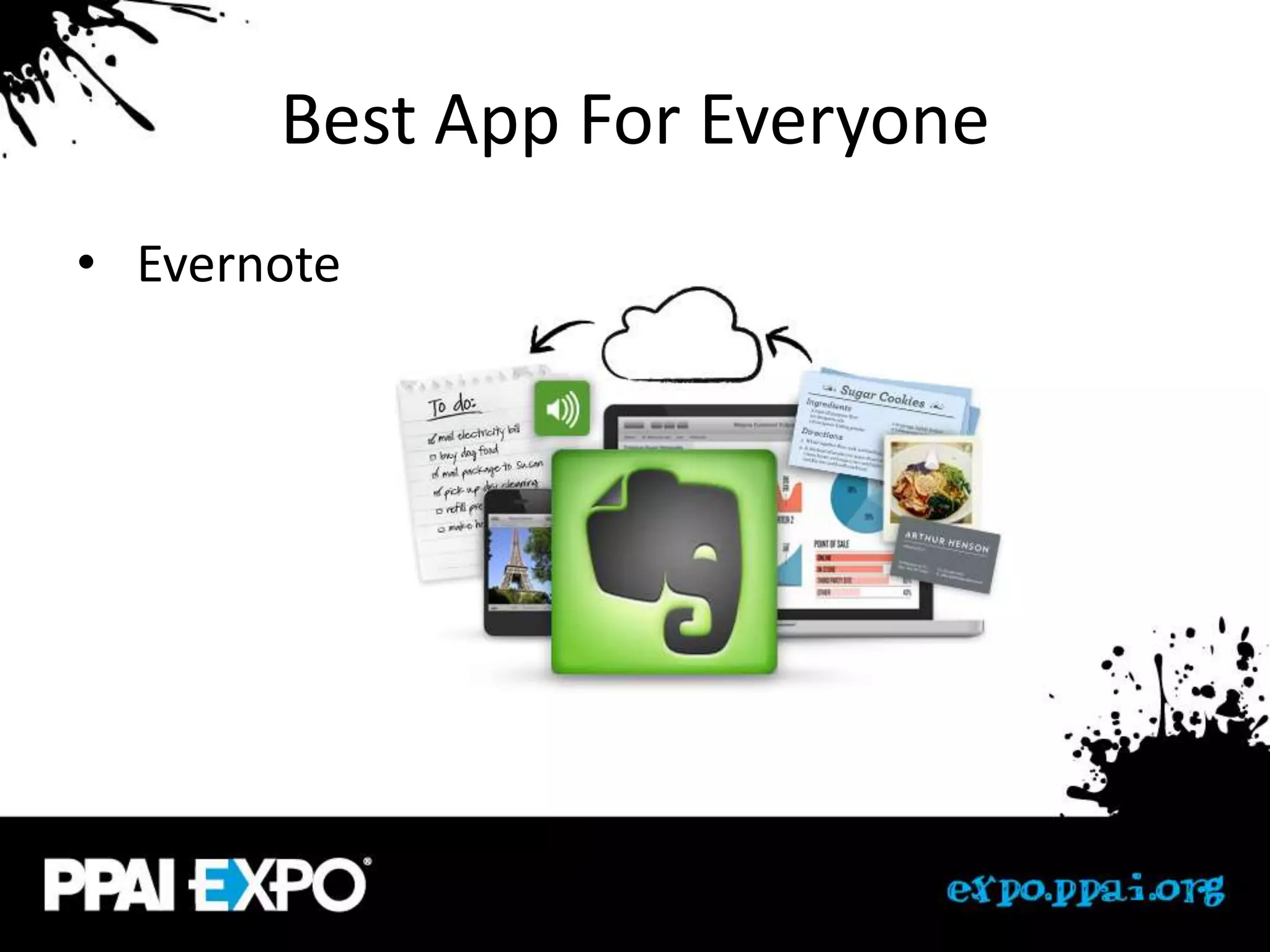
Best App For Everyone
• Evernote
Music
• Pandora
• Spotify
• Soundhound
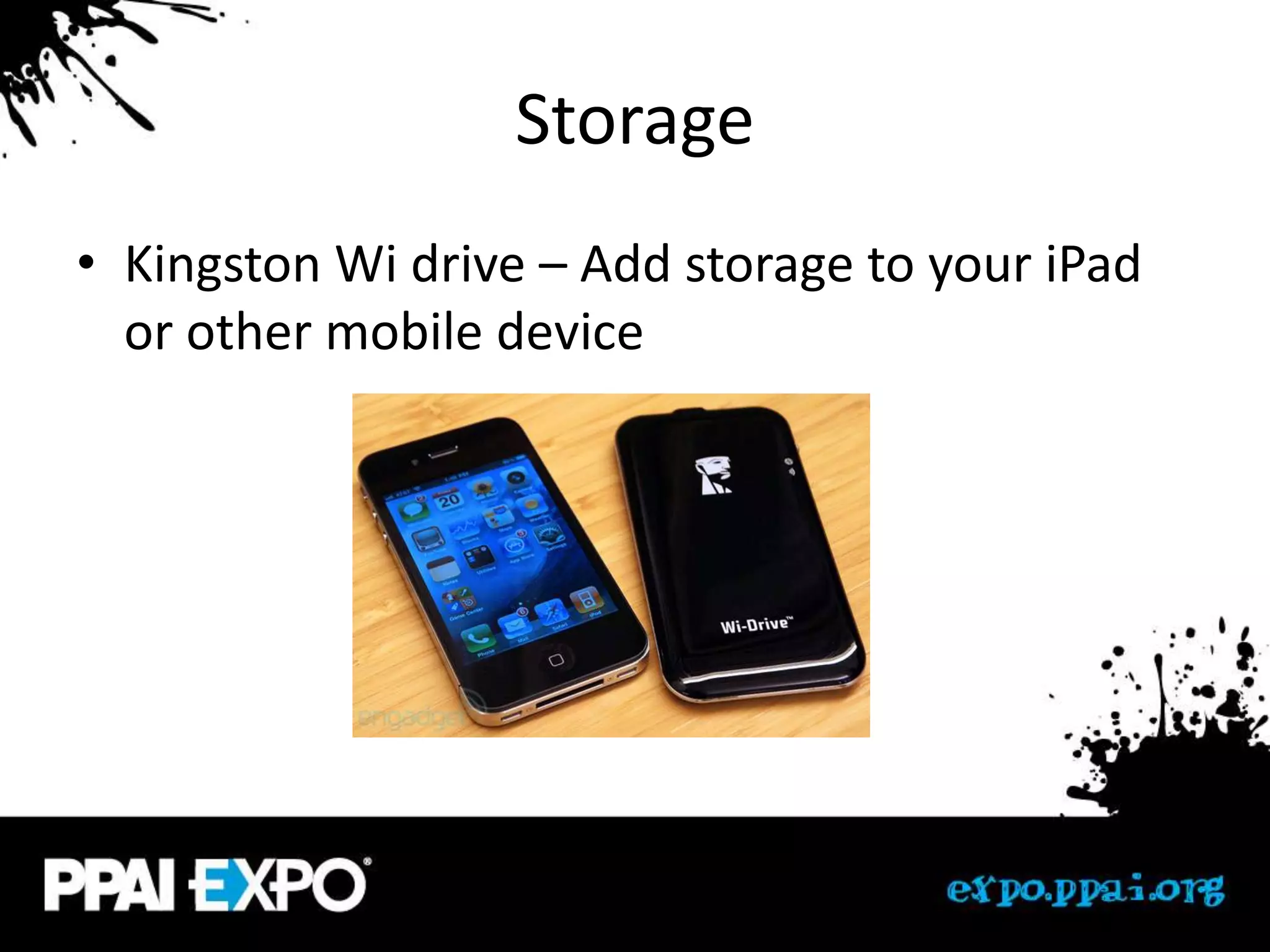
Storage
• Kingston Wi drive – Add storage to your iPad
  or other mobile device
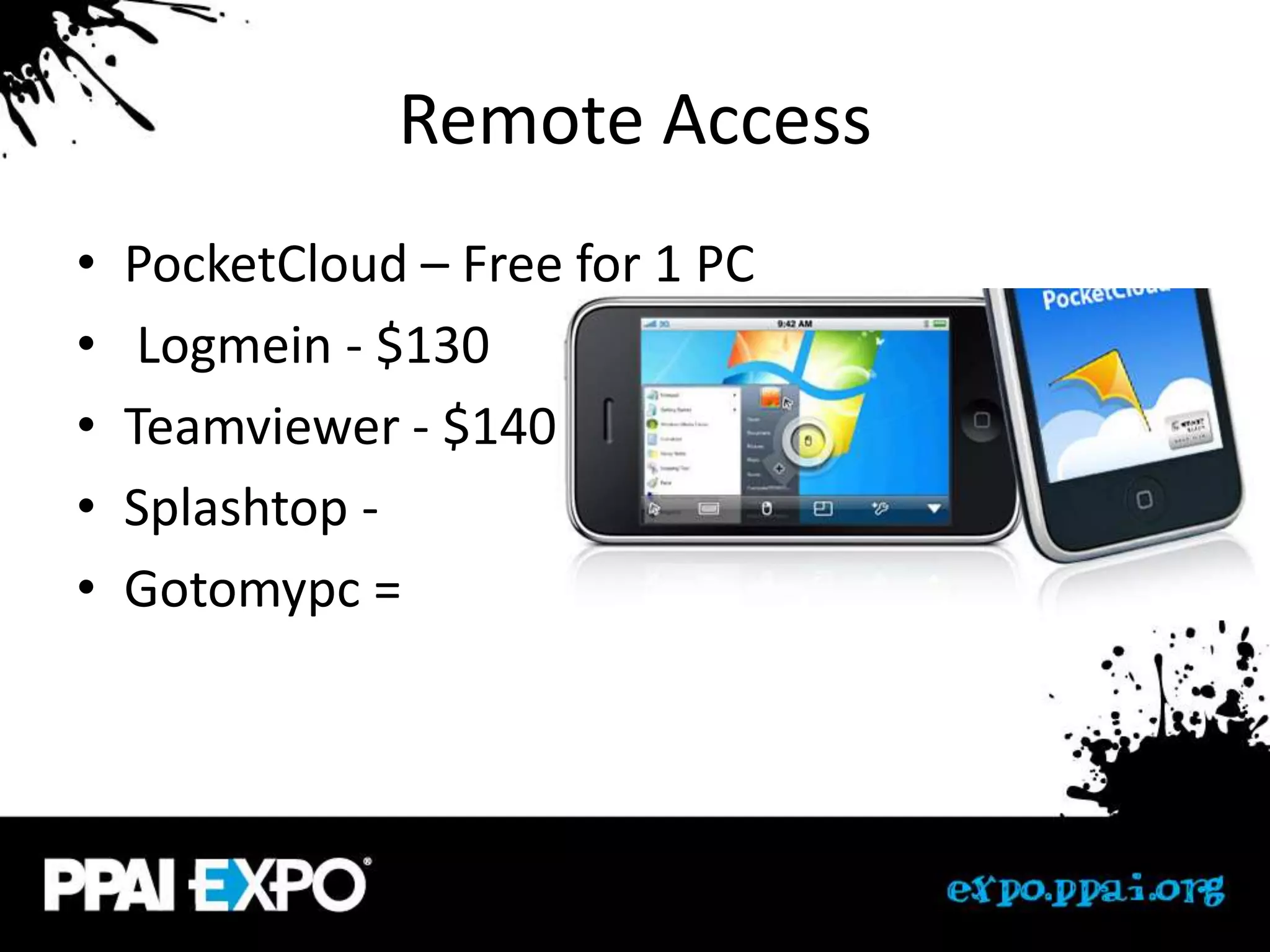
Remote Access
•   PocketCloud – Free for 1 PC
•    Logmein - $130
•   Teamviewer - $140
•   Splashtop -
•   Gotomypc =
Access Files Anywhere
• Dropbox
• SugarSync
• Box
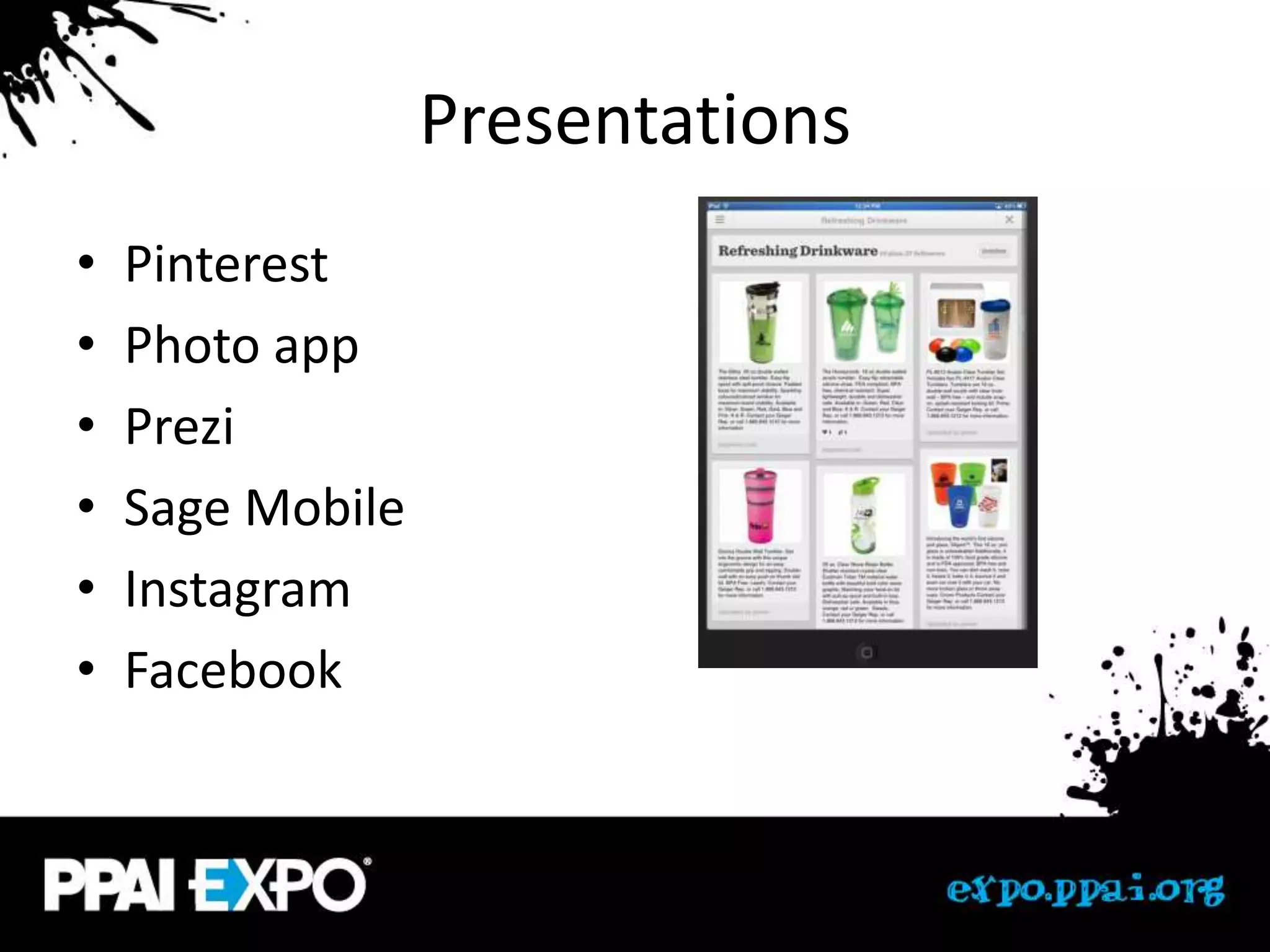
Presentations
•   Pinterest
•   Photo app
•   Prezi
•   Sage Mobile
•   Instagram
•   Facebook
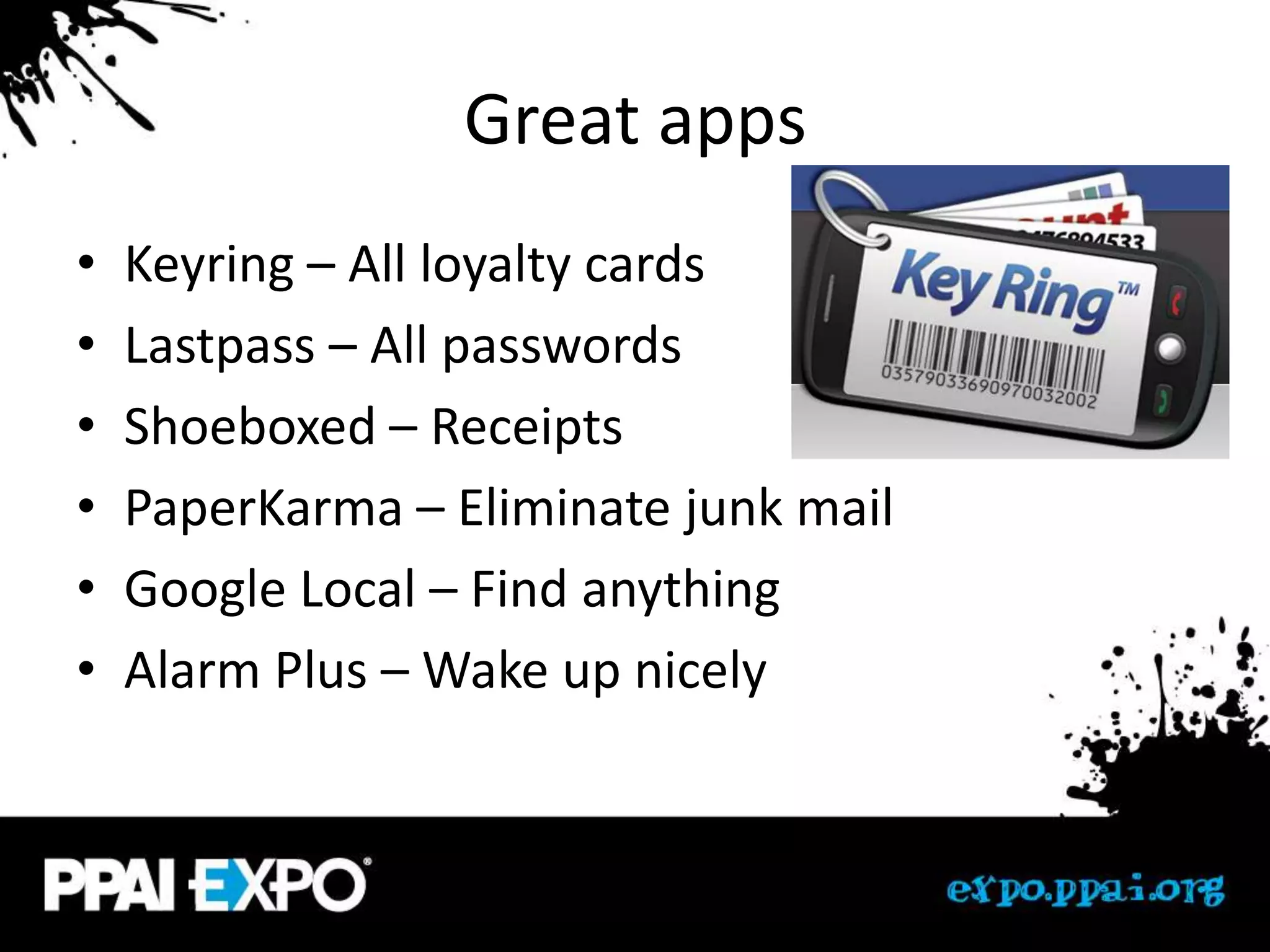
Great apps
•   Keyring – All loyalty cards
•   Lastpass – All passwords
•   Shoeboxed – Receipts
•   PaperKarma – Eliminate junk mail
•   Google Local – Find anything
•   Alarm Plus – Wake up nicely
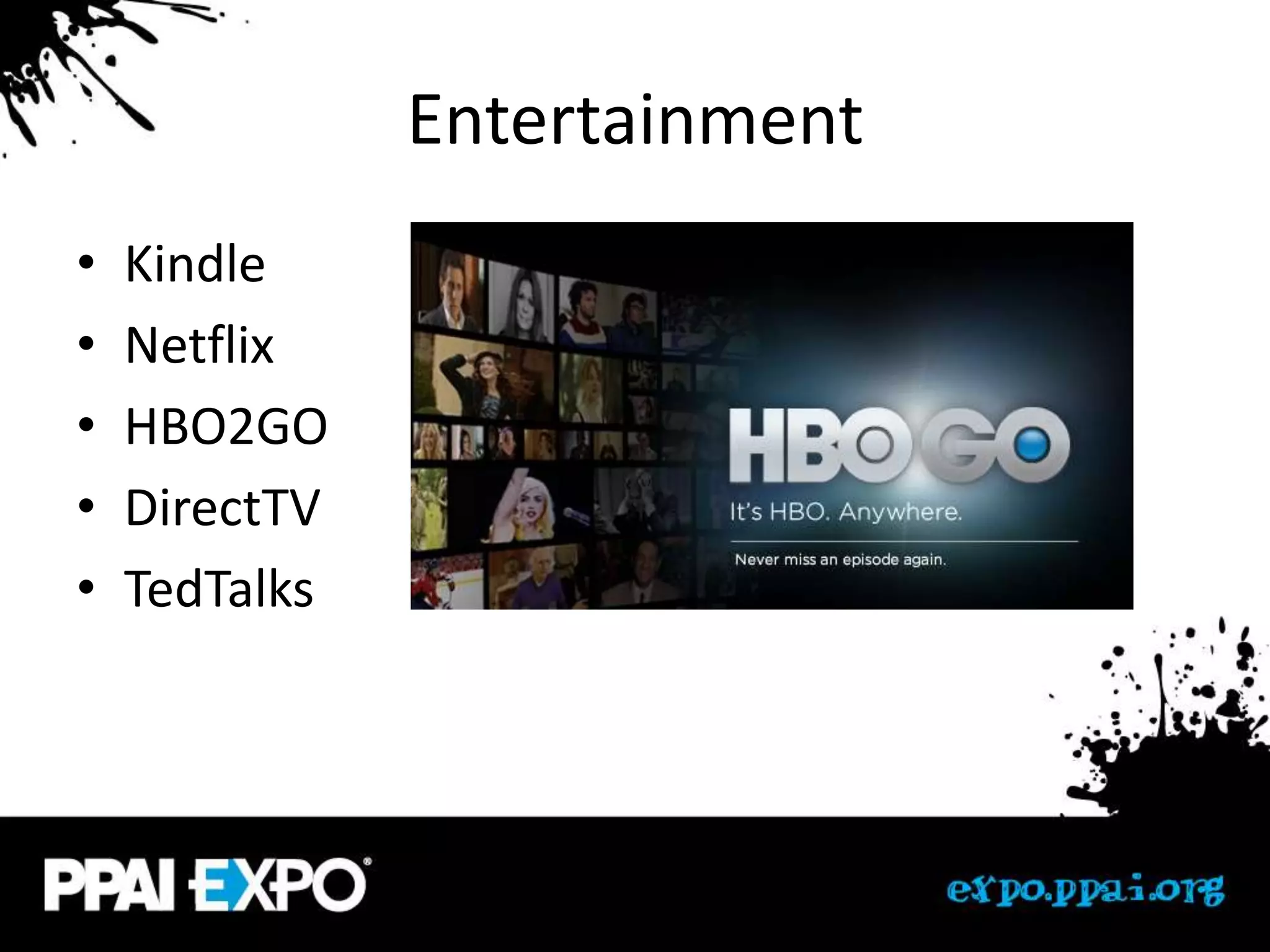
Entertainment
•   Kindle
•   Netflix
•   HBO2GO
•   DirectTV
•   TedTalks
Games
•   Sudoku Joy
•   Words With Friends
•   Scramble
•   Your favorites?
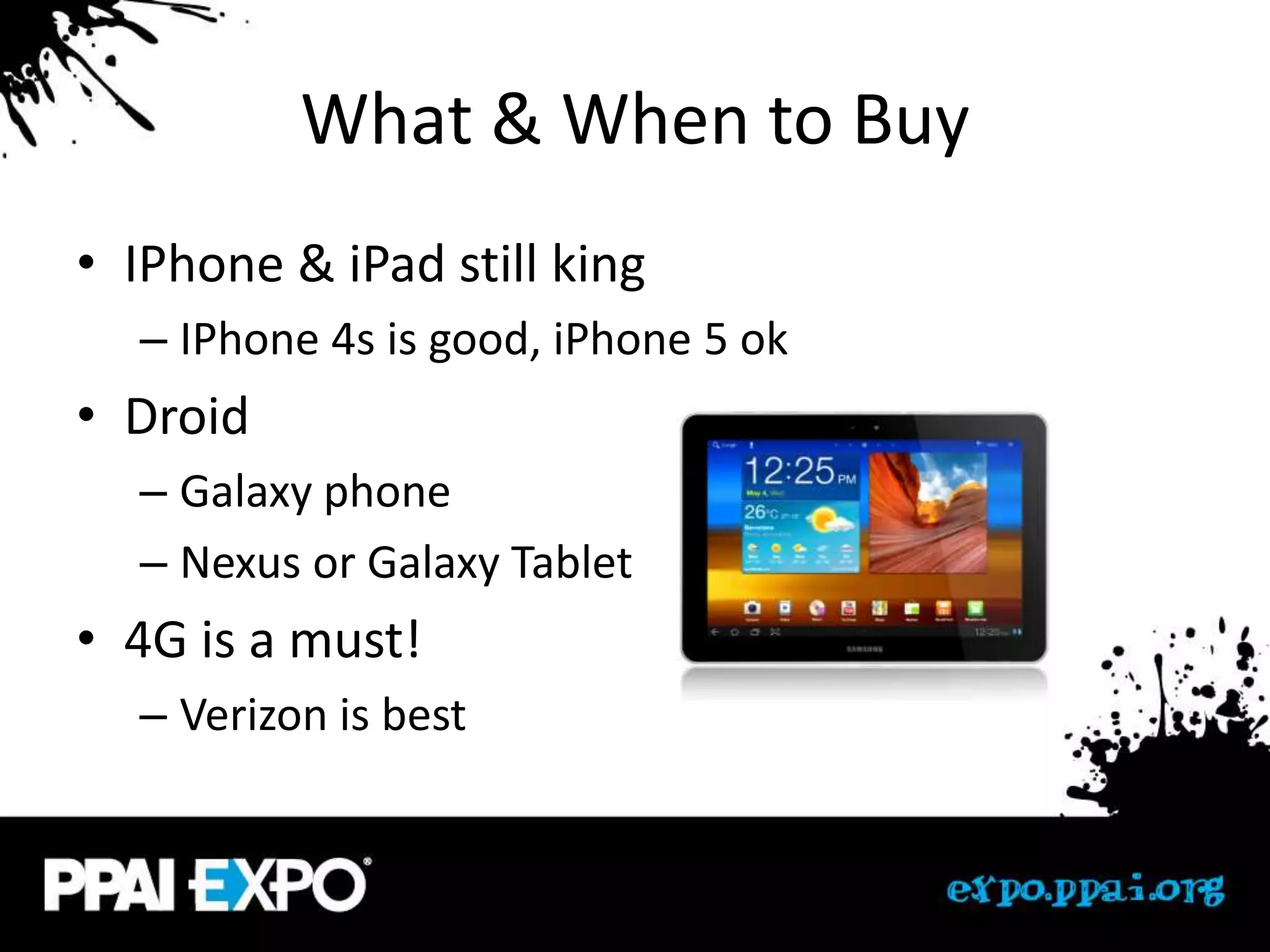
What & When to Buy
• IPhone & iPad still king
  – IPhone 4s is good, iPhone 5 ok
• Droid
  – Galaxy phone
  – Nexus or Galaxy Tablet
• 4G is a must!
  – Verizon is best
Q&A
• Questions
• Other suggestions

Making the most of Mobile Devices

  • 1.
    iPhone, iPad, Droids NoWindows, No Blackberry MAKING THE MOST OF MOBILE
  • 2.
    What’s in yourpocket/purse? • Iphones? • Droids? • Ipads? • Windows Phone? • Blackberry? • Other?
  • 3.
    History • 1983 – $3,000 bulky phone • 1998 • 1989 – Blackberry – $2,000 flip design • 2002 • 1993 – First camera phone – $900 “smartphone” • 2004 • 1998 – Motorola Razor – 250 numbers • 2007 – 1 hour talk time – iPhone
  • 4.
    No Wires • AppleTV • http://reflectionapp.com/
  • 5.
    iPhone Settings • Locking your device • Software update • Location services • Notification settings – Turn off most • Mail settings – Signature
  • 6.
    Double tap home •Swipe right – Control music – Brightness – Airplay – Volume – Auto-rotation
  • 7.
    iPhone shortcuts • Typing – Saving your email (the ham sandwich) – Saving passwords • Siri & speech to text • Search shortcut (swipe left to right) • Screen grab (home & power) • Hard reset (hold home & power) • Double tap home • Hold to delete/reorg
  • 8.
    Droids • Setting up shortcuts on home screen • Moving icons, deleting • Setting up groups • Quick calls • Lock your device
  • 9.
    Droid Awesomeness • Swype • Gesture search • Voice search • Speech to text • Free amazon apps
  • 10.
    General • Keeping your apps up to date • Bluetooth keyboard • Screen protectors • Covers • Warranty – Squaretrade ($99 2 years)
  • 11.
  • 12.
    Google Voice • Googlevoice (Google.com/voice) – Ring any phone – Pick your # and location – Access VM anywhere plus transcription – Personalized greetings – Free calls, low international rates – Block calls, auto spam blocking
  • 13.
    Video Calling • Skype – Works on all devices • Facetime – Great for i to i calling • Voxer – Push to talk
  • 14.
    News & Readers •Flipboard • Zite • Pocket
  • 15.
    Best App ForEveryone • Evernote
  • 16.
  • 17.
    Storage • Kingston Widrive – Add storage to your iPad or other mobile device
  • 18.
    Remote Access • PocketCloud – Free for 1 PC • Logmein - $130 • Teamviewer - $140 • Splashtop - • Gotomypc =
  • 19.
    Access Files Anywhere •Dropbox • SugarSync • Box
  • 20.
    Presentations • Pinterest • Photo app • Prezi • Sage Mobile • Instagram • Facebook
  • 21.
    Great apps • Keyring – All loyalty cards • Lastpass – All passwords • Shoeboxed – Receipts • PaperKarma – Eliminate junk mail • Google Local – Find anything • Alarm Plus – Wake up nicely
  • 22.
    Entertainment • Kindle • Netflix • HBO2GO • DirectTV • TedTalks
  • 23.
    Games • Sudoku Joy • Words With Friends • Scramble • Your favorites?
  • 24.
    What & Whento Buy • IPhone & iPad still king – IPhone 4s is good, iPhone 5 ok • Droid – Galaxy phone – Nexus or Galaxy Tablet • 4G is a must! – Verizon is best
  • 25.