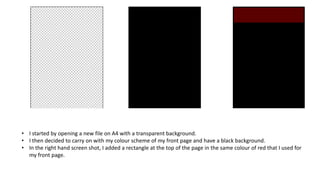
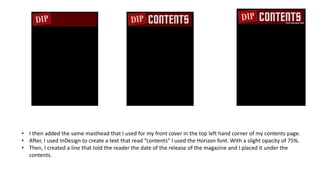
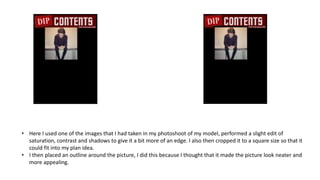
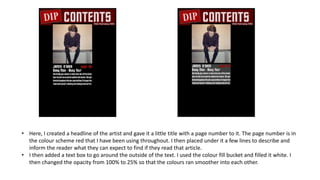
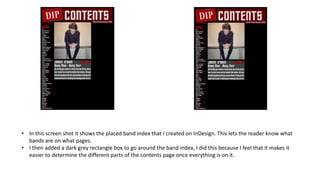
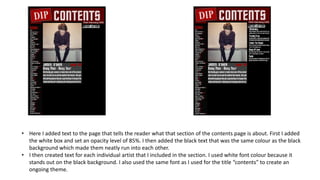
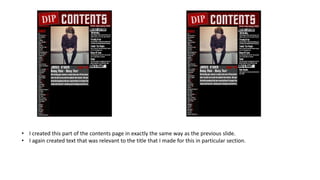
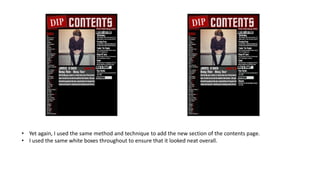
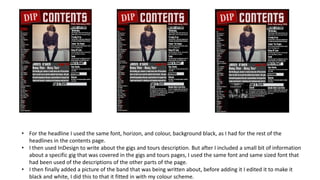
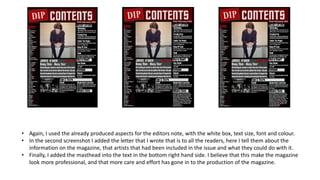
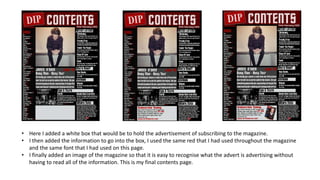
The document provides step-by-step instructions for creating a contents page for a magazine in InDesign. It describes adding various design elements like rectangles, text boxes, images, and headings in a consistent color scheme and font. Sections are organized with white boxes and headings describe the content on each page. Advertisements, special features, and contributor details are also included in the contents layout. The page was created to match the style and branding of the magazine's front cover for a cohesive look.