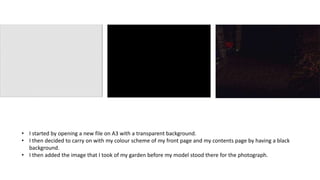
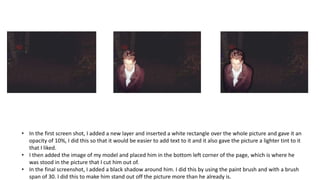
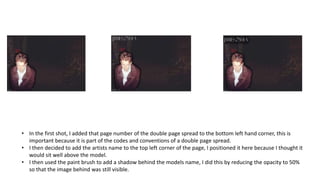
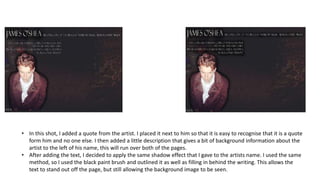
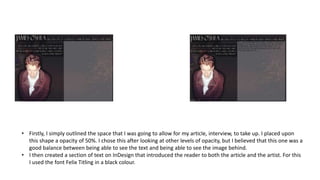
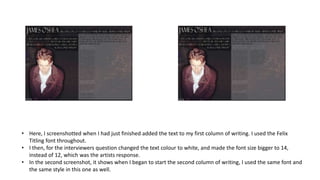
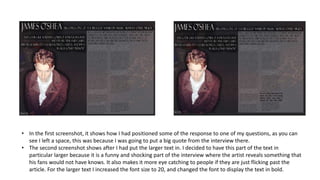
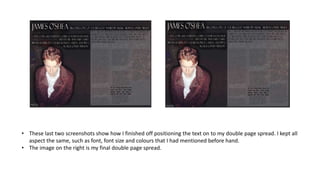
This document provides step-by-step instructions for creating a double page spread in InDesign. It describes adding images and text elements like page numbers, names, quotes and an article with questions and responses. Key steps include adding a light tint to images, outlining elements with shadows, and varying text size and bolding to draw attention to important quotes. Positioning of elements follows conventions like page numbers on the bottom and credits on the top. Text is laid out in two columns with consistent formatting and fonts throughout the spread.


![Final%20 magazine%20–%20double%20page%20spread[2]](https://cdn.slidesharecdn.com/ss_thumbnails/final20magazine2020double20page20spread2-120511045804-phpapp02-thumbnail.jpg?width=640&height=640&fit=bounds)


