Spyware is software designed to gather information covertly from users, often without their consent, and can take various forms such as system monitors, trojans, adware, and tracking cookies. Major spyware examples include Gator, Cydoor, and Ezula, which collect user data for advertising purposes and can degrade computer performance. Rootkits are another form of malicious software that allows attackers to maintain access and hide their activity within compromised systems.
Definition of Spyware
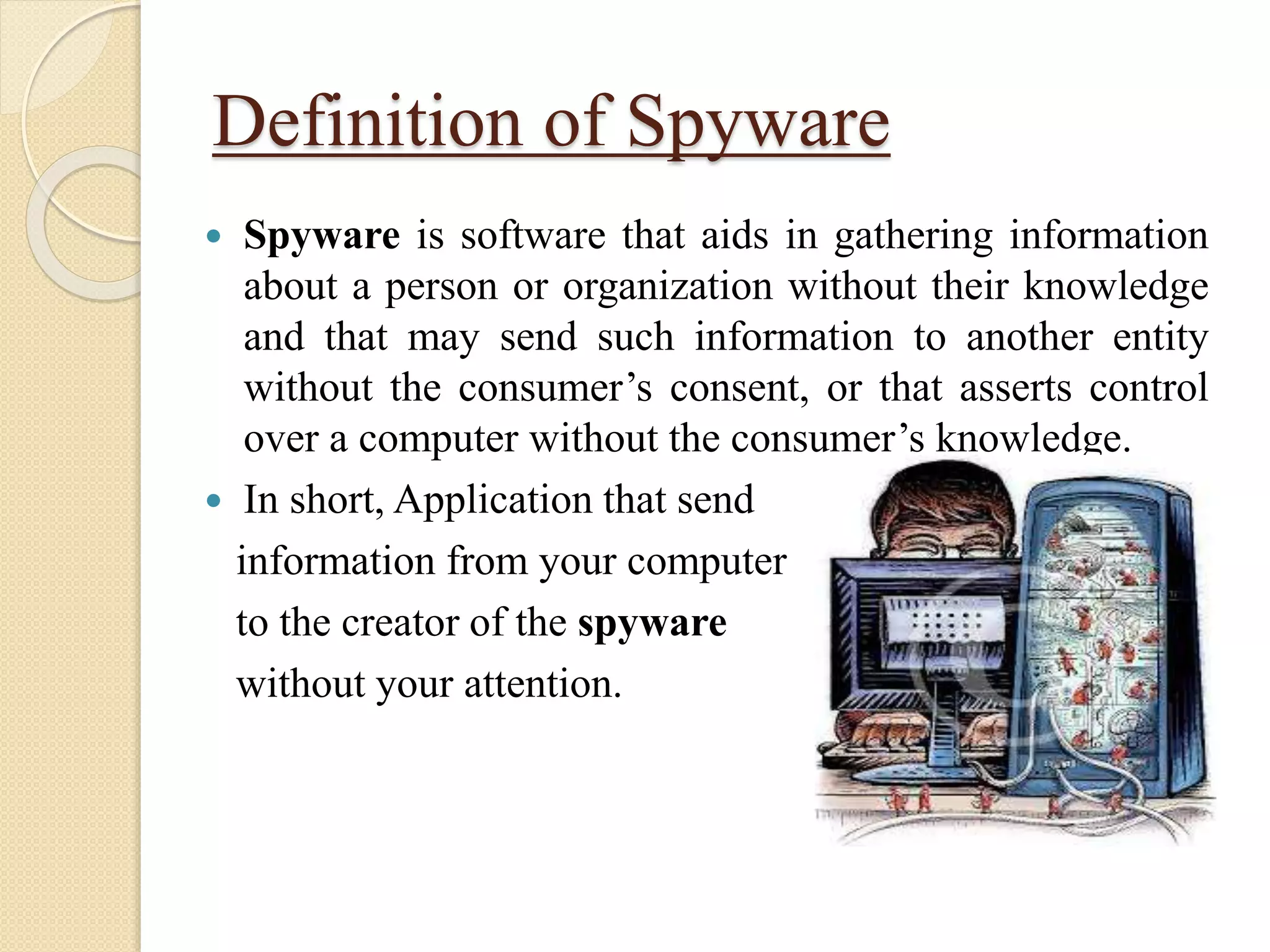
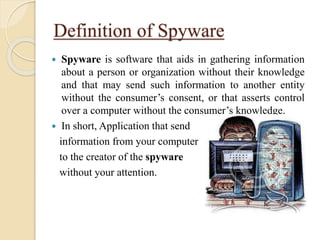
Spyware is software that aids in gathering information
about a person or organization without their knowledge
and that may send such information to another entity
without the consumer’s consent, or that asserts control
over a computer without the consumer’s knowledge.
In short, Application that send
information from your computer
to the creator of the spyware
without your attention.
2.
History of spyware
The first recorded use of the term Spyware occurred on
16 October 1995 in a Usenet post that poked fun at
Microsoft’s business model.
In 1999 Zone Labs used the term when they made a press
release for the Zone Alarm Personal Firewall
As of 2006, Spyware has become one of the preeminent
security threats to computer system running Microsoft
Windows operating system.
3.
Classification of Spyware
“Spyware” is mostly classified into four types:
1) System Monitors
2) Trojans
3) Adware
4) Tracking cookies
4.
1) System monitors
A system monitor is a hardware or software component
used to monitor resources and performance in a computer
system.
2) Trojans
Non-self-replicating type of malware program
Having some malicious code
when executed carries out action determined by the nature of
the Trojan
Typically causing loss or theft of data, and possible system
harm.
The Trojan often acts as a backdoor, contacting a controller
which can then have unauthorized access to the affected
computer.
5.
3) Adware
Adware,or advertising-supported software, is any
software package which automatically renders
advertisements in order to generate revenue for its author.
The advertisements may be in the users interface of the
software or on a screen presented to the user during the
installation process.
4) Tracking cookies
Tracking cookies are not viruses or malicious code.
Cookies are only text files and therefore cannot be
dangerous to your computer.
The main purpose of cookies is to identify users and
possibly prepare customized web pages for them.
6.
Gator, Cydoor, andeZula
These three are spyware programs
All three are “spybot” or “adware” class programs
They are typically packaged with popular free software.
They all send and retrieve information from remote
servers using the HTTP protocol.
7.
Gator
Gator isadware that collects and transmits information
about a user’s Web activity.
Goal is to
◦ Gather demographic information
◦ Generate a profile of the user’s interests for targeted
advertisements.
Gator can be installed on a user’s computer in several
ways.
◦ When a user installs one of several free software programs
produced by Claria Corporation (the company that produces
Gator), such as a free calendar application or a time
synchronization client.
8.
Cydoor
Cydoor displaystargeted pop-up advertisements whose
contents are dictated by the user’s browsing history.
User is connected to the Internet
◦ The Cydoor client pre-fetches advertisements from the Cydoor
servers.
◦ Displayed whenever the user runs an application that contains
Cydoor, whether the user is online or offline.
9.
eZula
eZula attachesitself to a client’s Web browser and
modifies incoming HTML to create links to advertisers
from specific keywords.
When a client is infected with eZula, these artificial
links are displayed and highlighted within rendered
HTML.
It is also known as Top Text, ContextPro or Hot Text.
10.
Effects of Spyware
Positive Effect
Spyware is mostly used for the purpose of tracking and
string internet users’ movements on the web and serving
up pop-up ads to internet users.
Negative Effect
A computer’s performance by installing additional
software, redirecting web browser searches, changing
computer setting, reducing connection speeds, changing
the homepage or even completely disrupting network
connection ability.
11.
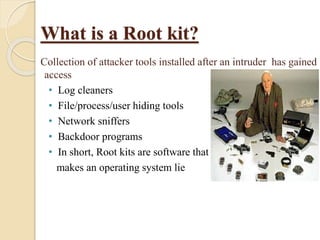
What is aRoot kit?
Collection of attacker tools installed after an intruder has gained
access
• Log cleaners
• File/process/user hiding tools
• Network sniffers
• Backdoor programs
• In short, Root kits are software that
makes an operating system lie
12.
Root kit Goals
1.Remove evidence of original attack and activity that led
to root kit installation
2. Hide future attacker activity (files, network connections,
processes) and prevent it from being logged
3. Enable future access to system by attacker
4. Install tools to widen scope of penetration
5. Secure system so other attackers can’t take control of
system from original attacker
13.
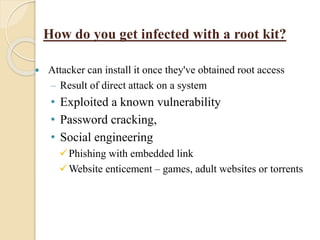
Attacker caninstall it once they've obtained root access
– Result of direct attack on a system
• Exploited a known vulnerability
• Password cracking,
• Social engineering
Phishing with embedded link
Website enticement – games, adult websites or torrents
How do you get infected with a root kit?
14.
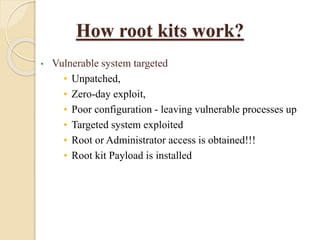
How root kitswork?
• Vulnerable system targeted
• Unpatched,
• Zero-day exploit,
• Poor configuration - leaving vulnerable processes up
• Targeted system exploited
• Root or Administrator access is obtained!!!
• Root kit Payload is installed
15.
Root kit Operations
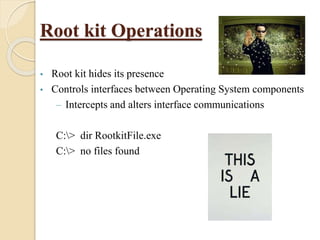
•Root kit hides its presence
• Controls interfaces between Operating System components
– Intercepts and alters interface communications
C:> dir RootkitFile.exe
C:> no files found
16.
Root kit Operations
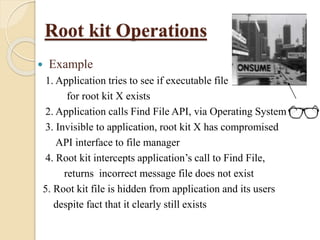
Example
1. Application tries to see if executable file
for root kit X exists
2. Application calls Find File API, via Operating System
3. Invisible to application, root kit X has compromised
API interface to file manager
4. Root kit intercepts application’s call to Find File,
returns incorrect message file does not exist
5. Root kit file is hidden from application and its users
despite fact that it clearly still exists
17.
Classification of Rootkits
“Root kits” are classified in two types,
• User Mode
• Kernel Mode
18.
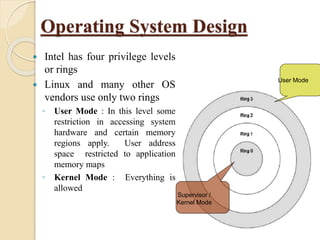
Operating System Design
Intel has four privilege levels
or rings
Linux and many other OS
vendors use only two rings
◦ User Mode : In this level some
restriction in accessing system
hardware and certain memory
regions apply. User address
space restricted to application
memory maps
◦ Kernel Mode : Everything is
allowed
Supervisor /
Kernel Mode
User Mode
19.
User Mode Rootkits
– Critical operating system components are replaced or
modified by attacker to create backdoors, hide on the
system
– Example Programs
•Linux Root Kit 5 (lrk5)
•T0rnKit for Linux, Solaris
•Other platform specific Root kits
–SunOS, AIX, SCO, Solaris
20.
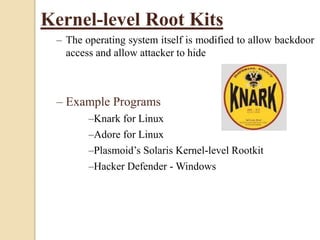
Kernel-level Root Kits
–The operating system itself is modified to allow backdoor
access and allow attacker to hide
– Example Programs
–Knark for Linux
–Adore for Linux
–Plasmoid’s Solaris Kernel-level Rootkit
–Hacker Defender - Windows