Downloaded 42 times


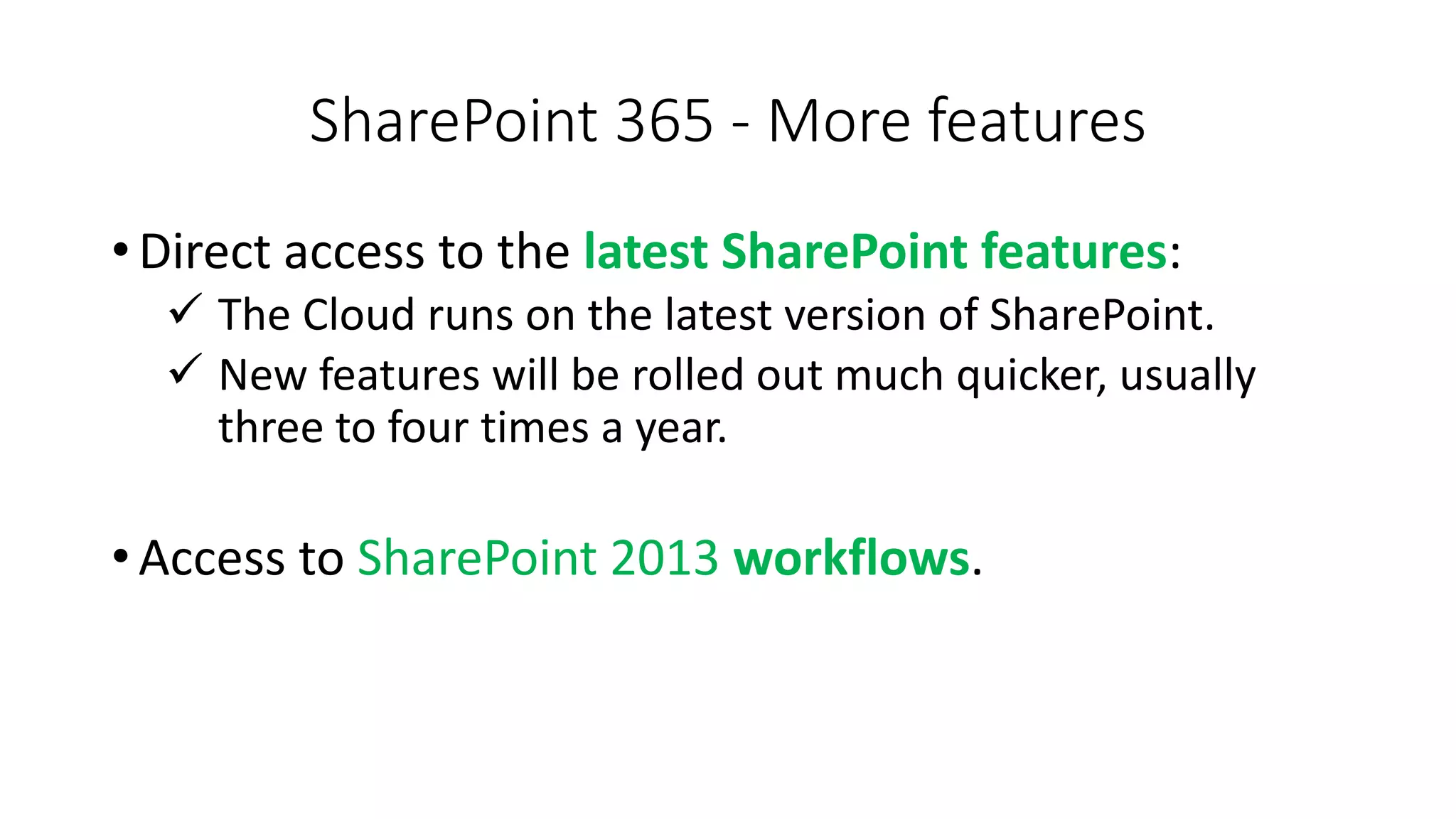


The document compares SharePoint Online (365) and SharePoint On-Premises. It outlines some key differences in their capabilities, pros and cons. Specifically, it discusses differences in site access, file sharing limits, integration with Office apps, and SharePoint Online providing more frequent feature updates and mobile access compared to the on-premises version. The goal is to help choose the right SharePoint platform for building sites and teams.
Explore SharePoint Online (365) and On-Premises to decide the best option for site creation.
List of top 8 features including collaboration, powerful search, scalability and content management.
Comparison of site access and file sharing capabilities: On-Premises vs. SharePoint Online (365).
Highlight features of SharePoint 365 including cloud benefits, updated features, and mobile accessibility.


![Vibe Coding vs. Spec-Driven Development [Free Meetup]](https://cdn.slidesharecdn.com/ss_thumbnails/vibecodingvsspecdrivendevelopment-251209105622-43f455e7-thumbnail.jpg?width=640&height=640&fit=bounds)


