
The Slippery Slope of SharePoint Migrations: 
What to Do to Come Out on Top 
Presenters: 
Adam Levithan, Ryan Patrick Tully 
& Jill Hannemann
Jill Hannemann 
@JHCherryBlossom 
Editor, 
Digital 
Workplace 
Today 
Director of 
Advisory 
Services 
10+ years in Knowledge 
Management 
SharePoint expertise: information 
architecture, records management, 
content migration, document 
management 
Culinary project: dinner rolls 
and focaccia breads 
About Me
About Me… 
Ryan Patrick Tully: 
I began my career in Information Technology with one 
of the largest Consumer Electronics Retailers over eight 
years ago. I started in SharePoint as anything more 
than an end-user by working Product Support with 
Axceler and graduating into Product Development. 
I am currently a Solutions Engineer representing the 
Metalogix brand with the entire portfolio of products 
offered in the realm of Migration, Administration, 
Protection, and Optimization in the SharePoint space.
Adam Levithan 
@collabadam 
AIIM & IT 
Unity 
Blogger 
Practice 
Lead, O365 
& SharePoint 
8+ years in Collaborative Systems 
SharePoint expertise: Out-of-the-box 
solutions, business process 
management, Governance, 
adoptions, information architecture 
Next Adventure: Finding a 
100 Mile Fundraising Bike 
Ride 
About Me
About Portal Solutions 
We deliver Digital 
Workplace Products 
and Solutions that help 
organizations share 
what they know and 
find what they need by 
connecting people, 
data, and content. 
5
WHY MIGRATIONS FAIL 
Not Scoping the Full 
Effort 
- 
Lack of Buy-In from 
Stakeholders 
- 
Content is Not Cleaned 
or Enhanced 
- 
Failure to Budget for All 
Activities 
-
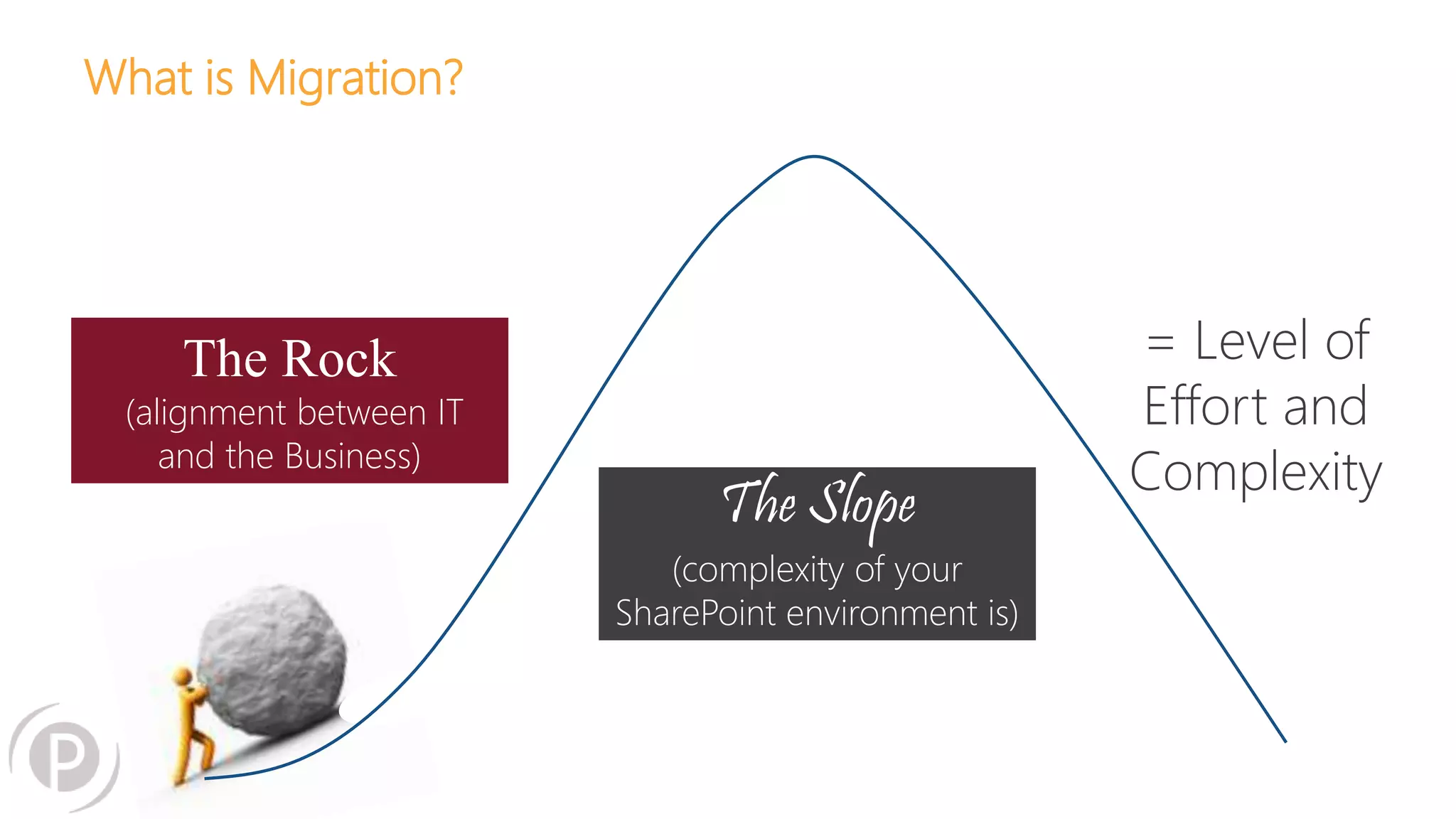
What is Migration? 
The Slope 
(complexity of your 
SharePoint environment is) 
= Level of 
Effort and 
Complexity 
The Rock 
(alignment between IT 
and the Business)
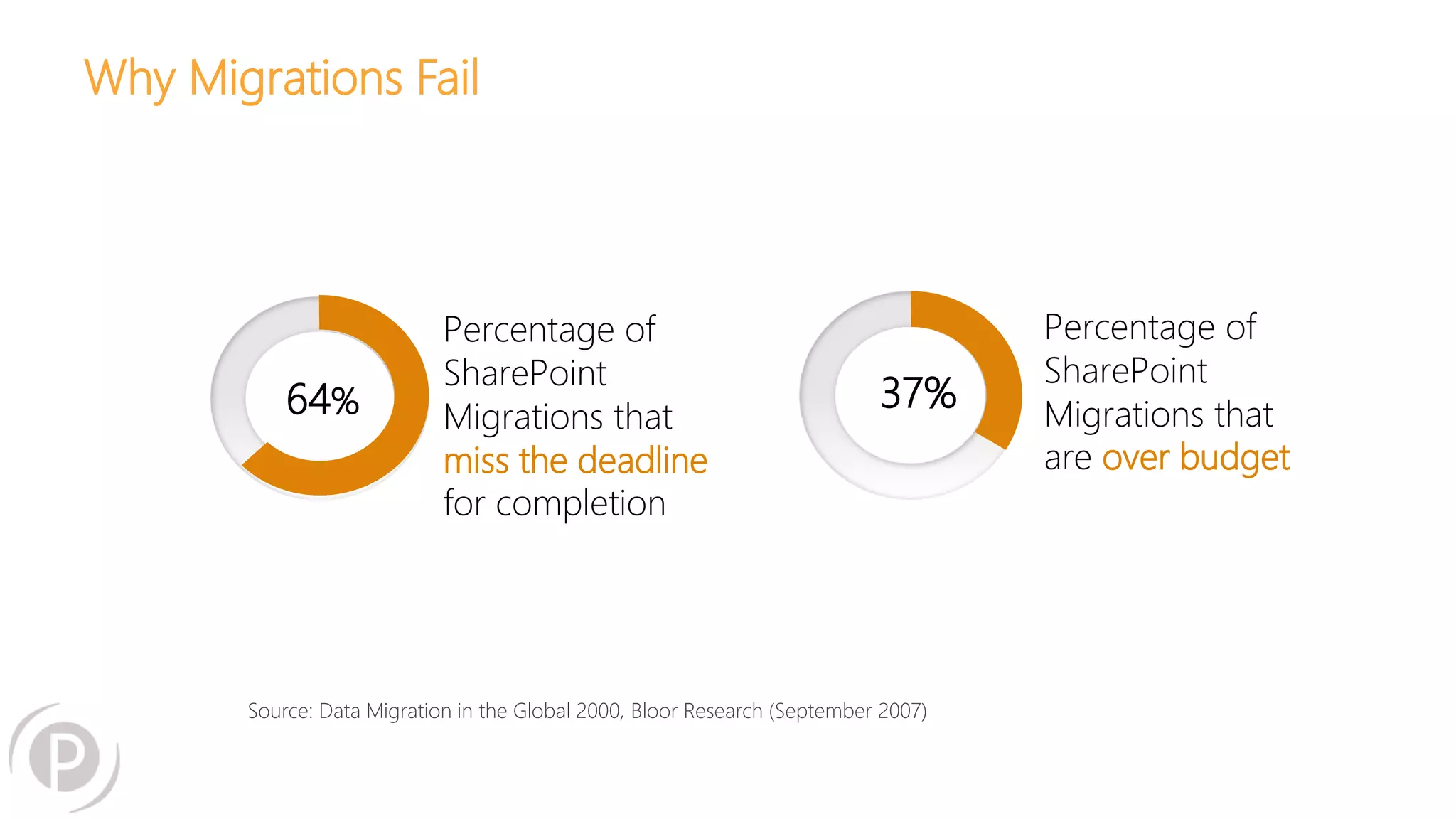
Why Migrations Fail 
64% 
Percentage of 
SharePoint 
Migrations that 
miss the deadline 
for completion 
Percentage of 
SharePoint 
Migrations that 
are over budget 
37% 
Source: Data Migration in the Global 2000, Bloor Research (September 2007)
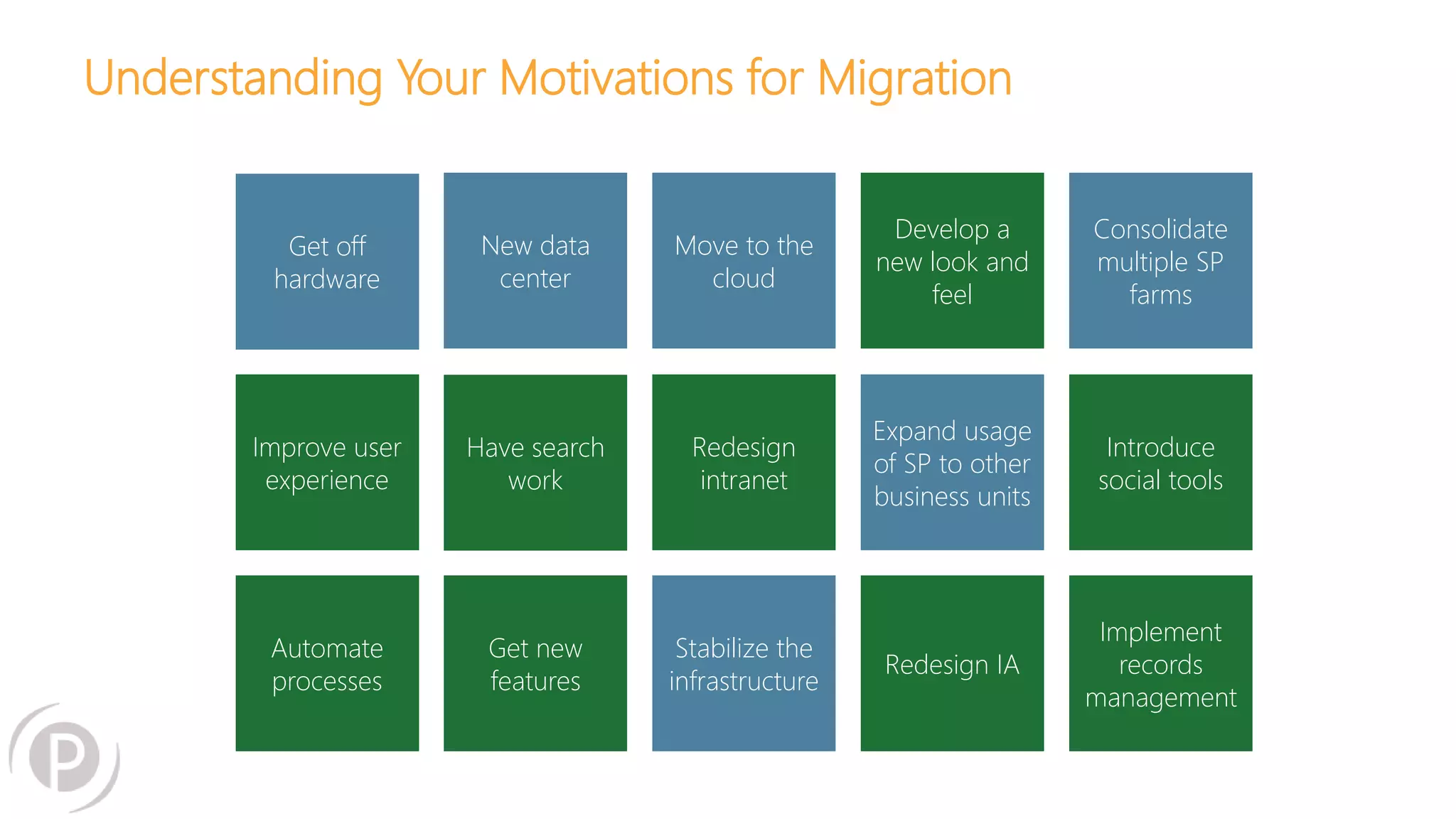
Understanding Your Motivations for Migration 
Get off 
hardware 
Move to the 
cloud 
Redesign 
intranet 
New data 
center 
Have search 
work 
Get new 
features 
Improve user 
experience 
Automate 
processes 
Stabilize the 
infrastructure 
Develop a 
new look and 
feel 
Expand usage 
of SP to other 
business units 
Redesign IA 
Consolidate 
multiple SP 
farms 
Introduce 
social tools 
Implement 
records 
management
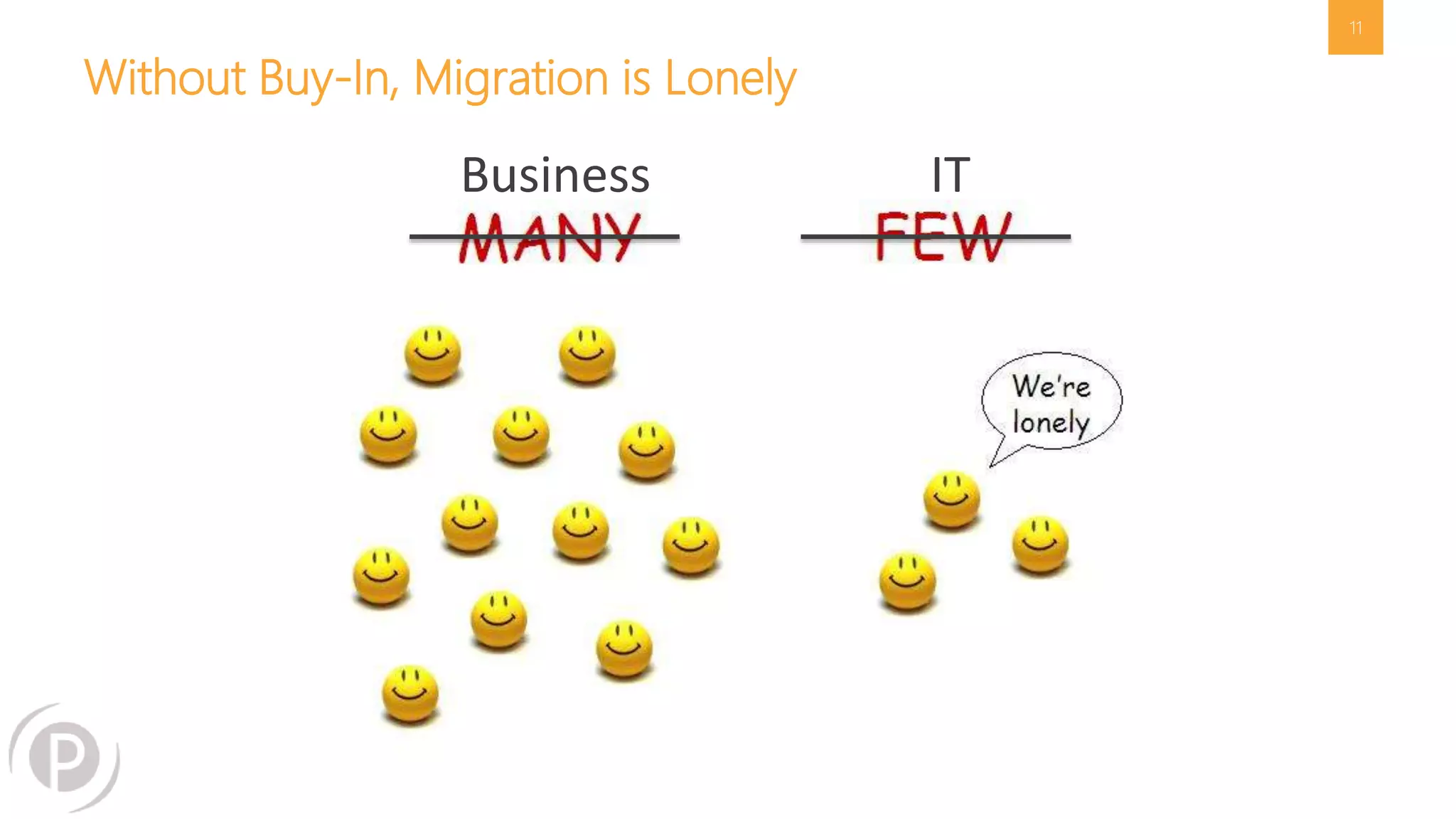
Without Buy-In, Migration is Lonely 
11 
Business IT
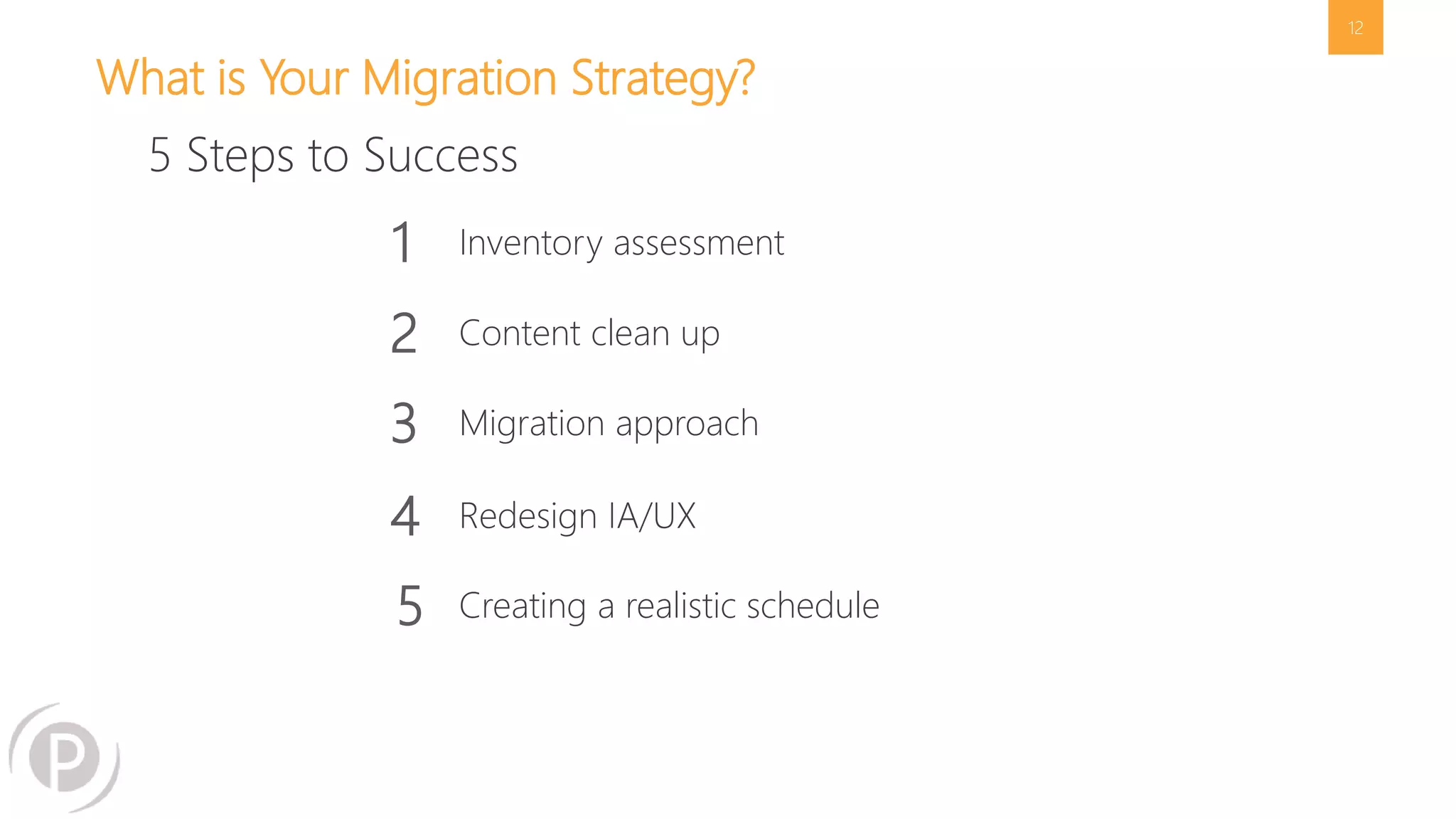
What is Your Migration Strategy? 
12 
5 Steps to Success 
1 Inventory assessment 
2 Content clean up 
3 Migration approach 
4 Redesign IA/UX 
5 Creating a realistic schedule
13 
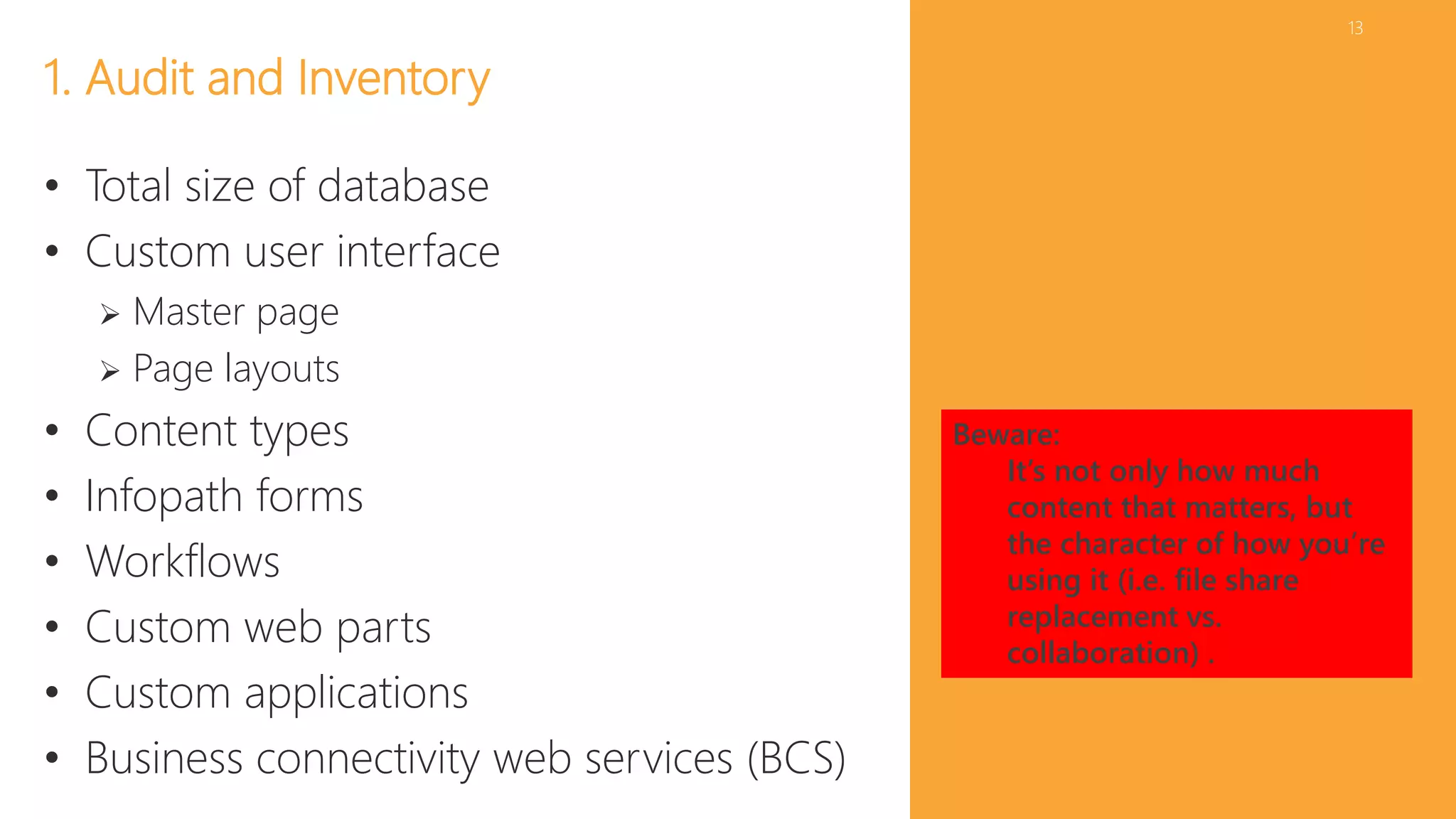
1. Audit and Inventory 
• Total size of database 
• Custom user interface 
 Master page 
 Page layouts 
• Content types 
• Infopath forms 
• Workflows 
• Custom web parts 
• Custom applications 
• Business connectivity web services (BCS) 
Beware: 
It’s not only how much 
content that matters, but 
the character of how you’re 
using it (i.e. file share 
replacement vs. 
collaboration) .
14 
Audit 
• Microsoft Pre-Upgrade Checkers 
 2007 C:>stsadm -o preupgradecheck 
 2010 Test-SPContentdatabase, Test-SPSite 
• Central Administration 
 Deployed Features 
 Services Configured 
• Database 
 Number & Size of content databases 
 Size of My Site database 
• Review Web.config for customizations 
• 2007 or 2010 see if usage is turned on 
and view latest reports
15 
• Metalogix Migration Expert 
• Tree Size Pro 
• Create a Script 
• Interns (Manual) 
Inventory Options
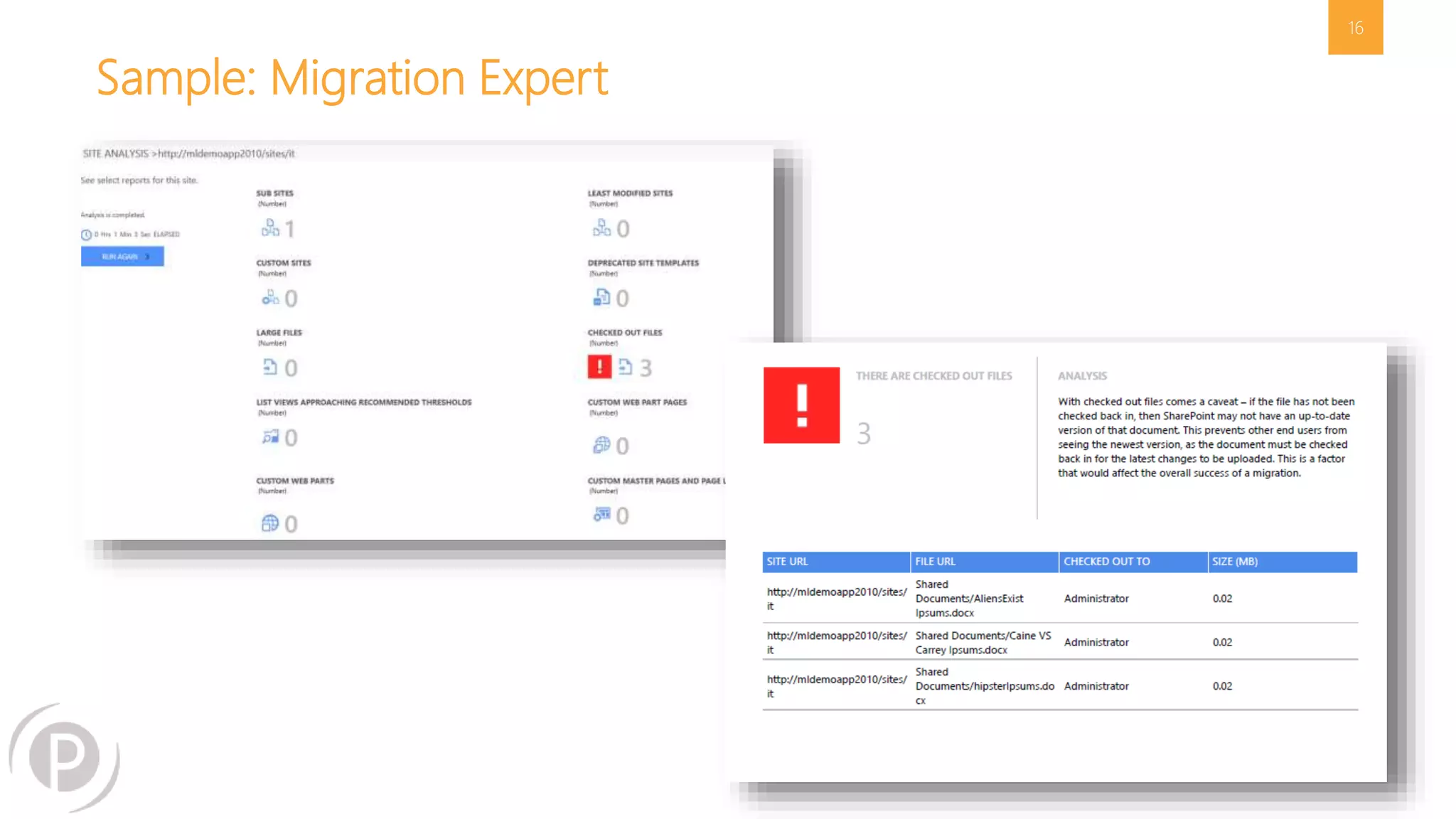
Sample: Migration Expert 
16
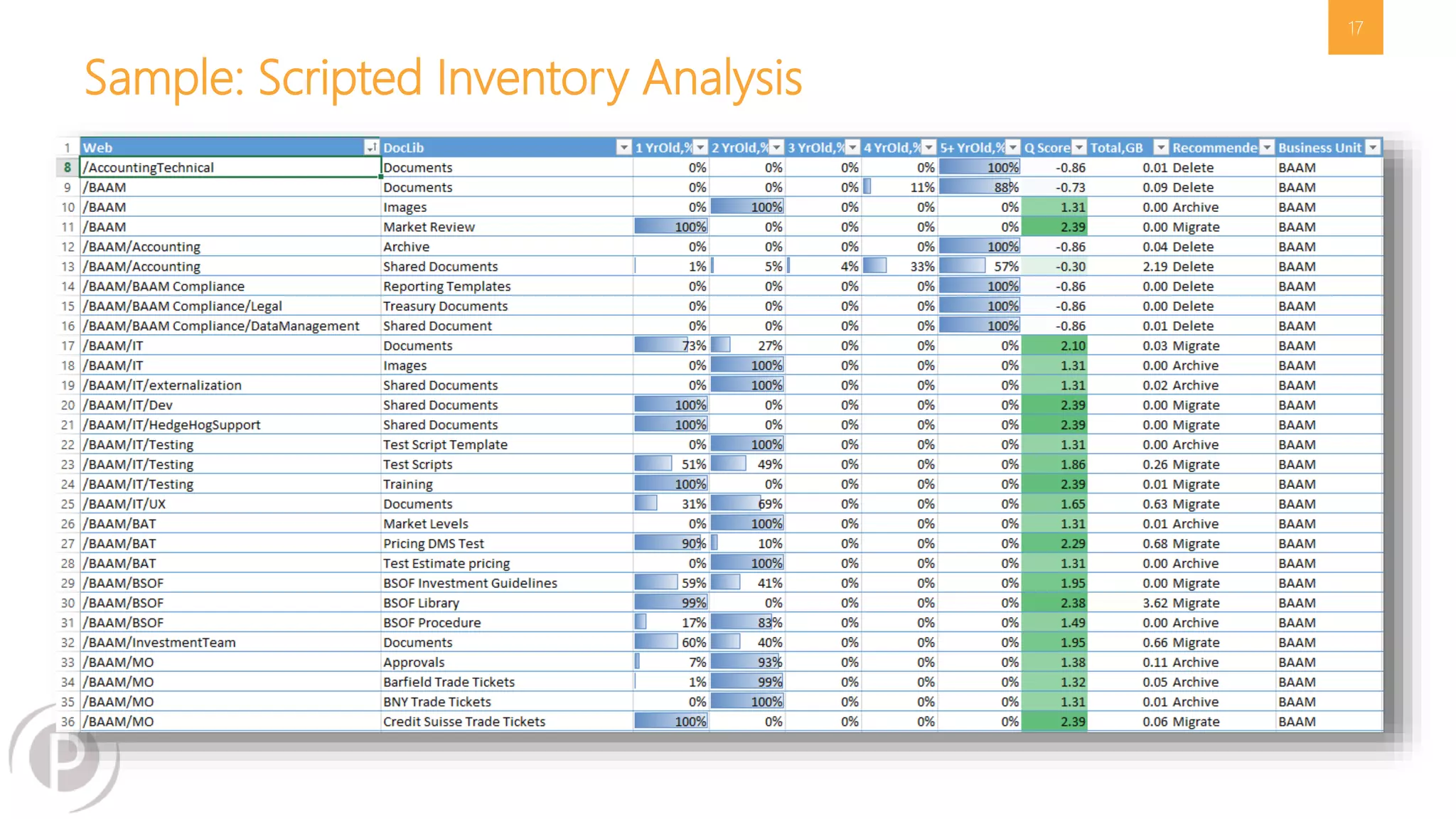
Sample: Scripted Inventory Analysis 
17
18 
“A survey of corporate CIOs and general counsels 
found that, typically, 69% of the data most 
organizations keep, can – and should – be deleted.” 
-Compliance, Governance and Oversight Counsel (CGOC) Summit
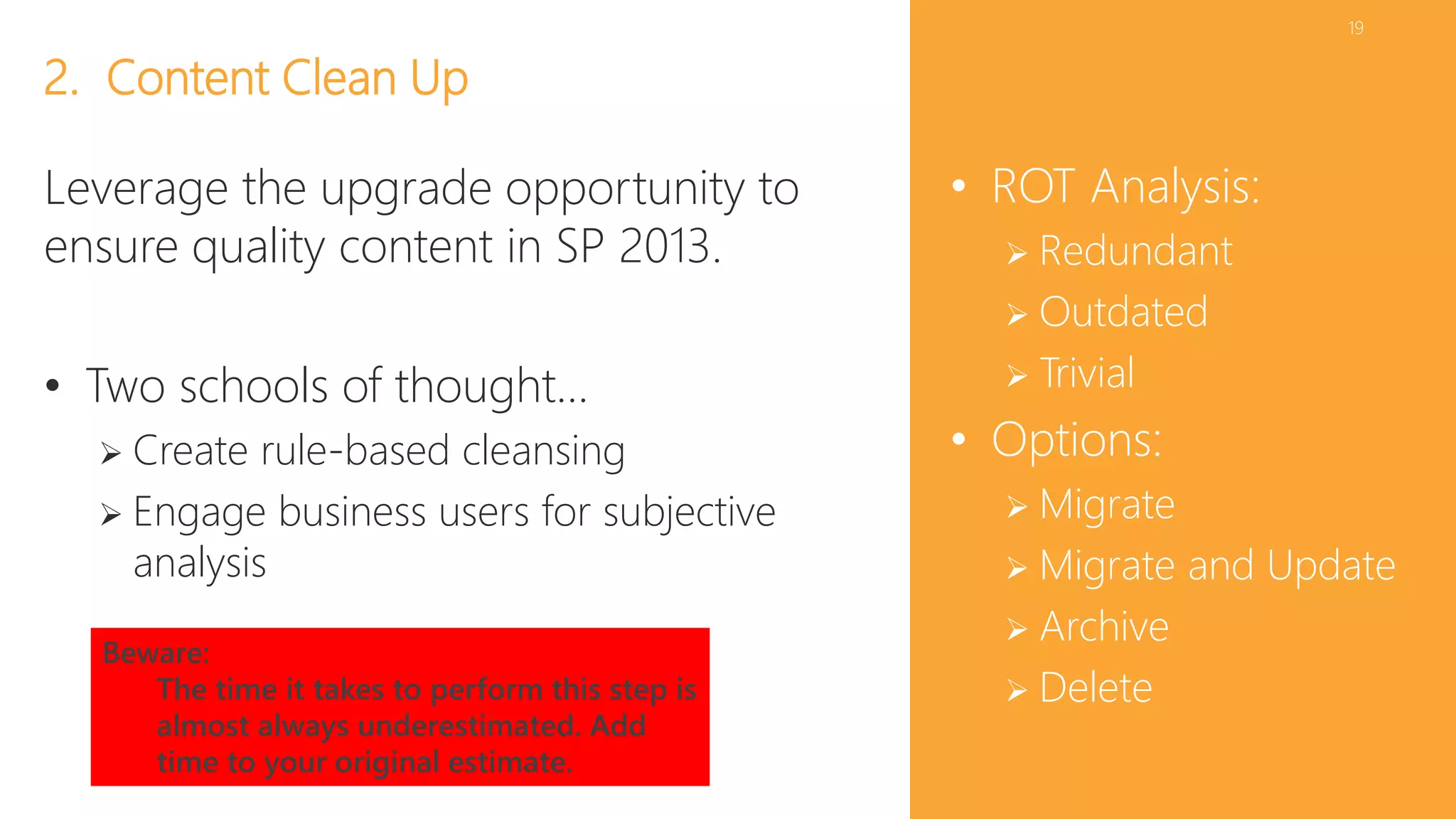
19 
• ROT Analysis: 
 Redundant 
 Outdated 
 Trivial 
• Options: 
 Migrate 
 Migrate and Update 
 Archive 
 Delete 
2. Content Clean Up 
Leverage the upgrade opportunity to 
ensure quality content in SP 2013. 
• Two schools of thought… 
 Create rule-based cleansing 
 Engage business users for subjective 
analysis 
Beware: 
The time it takes to perform this step is 
almost always underestimated. Add 
time to your original estimate.
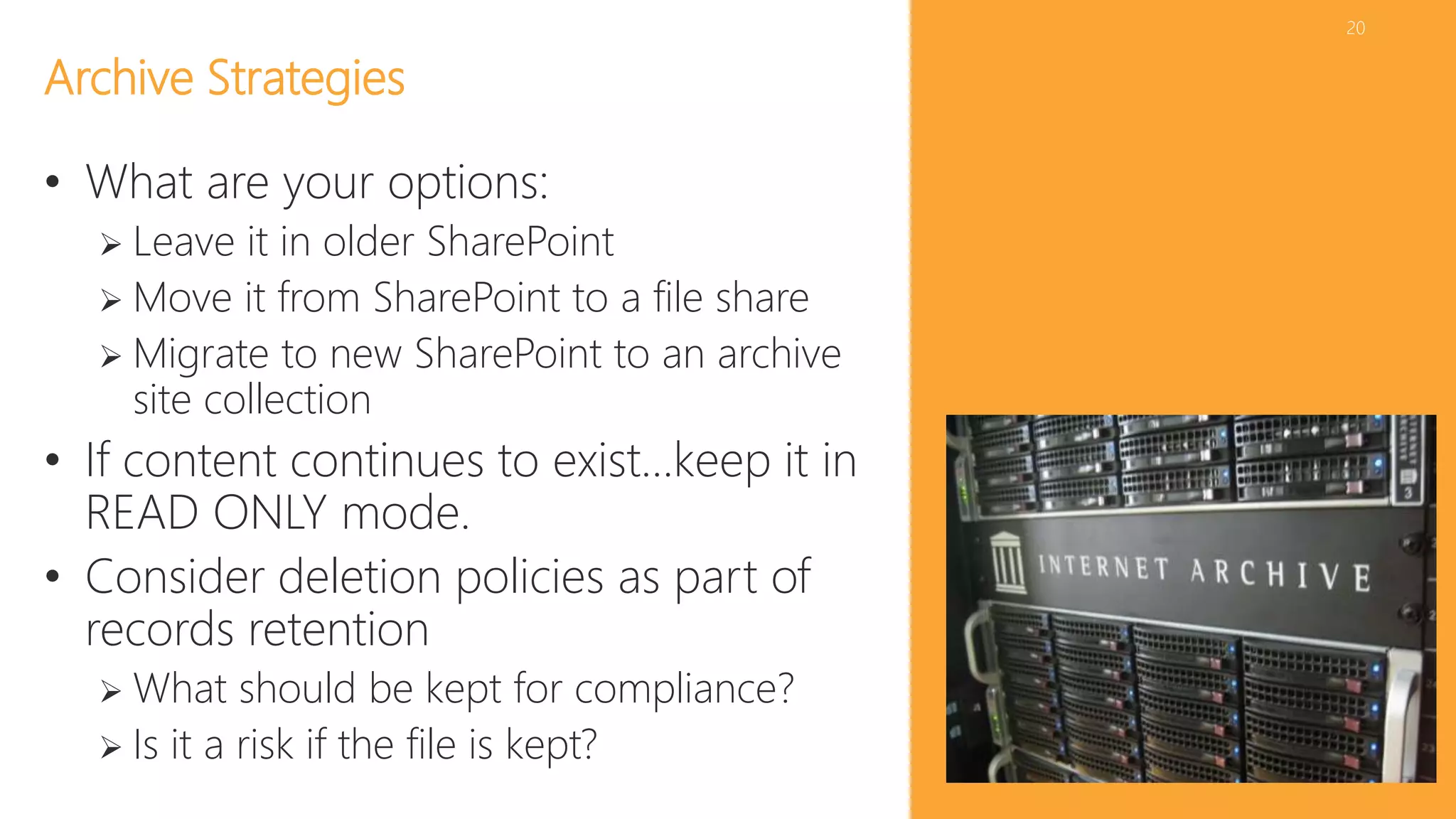
20 
Archive Strategies 
• What are your options: 
 Leave it in older SharePoint 
 Move it from SharePoint to a file share 
 Migrate to new SharePoint to an archive 
site collection 
• If content continues to exist…keep it in 
READ ONLY mode. 
• Consider deletion policies as part of 
records retention 
 What should be kept for compliance? 
 Is it a risk if the file is kept?
21 
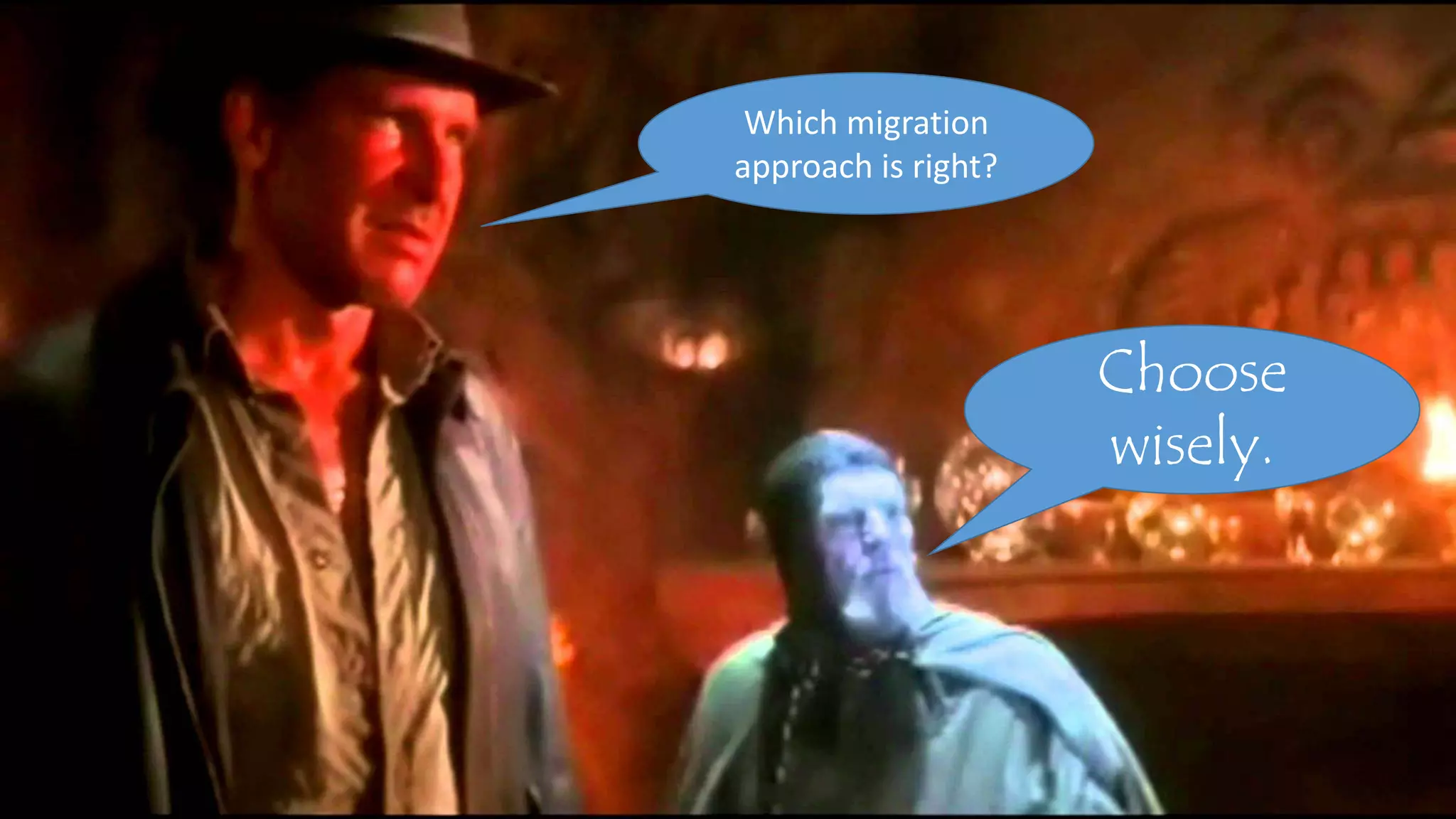
Choose 
wisely. 
Which migration 
approach is right?
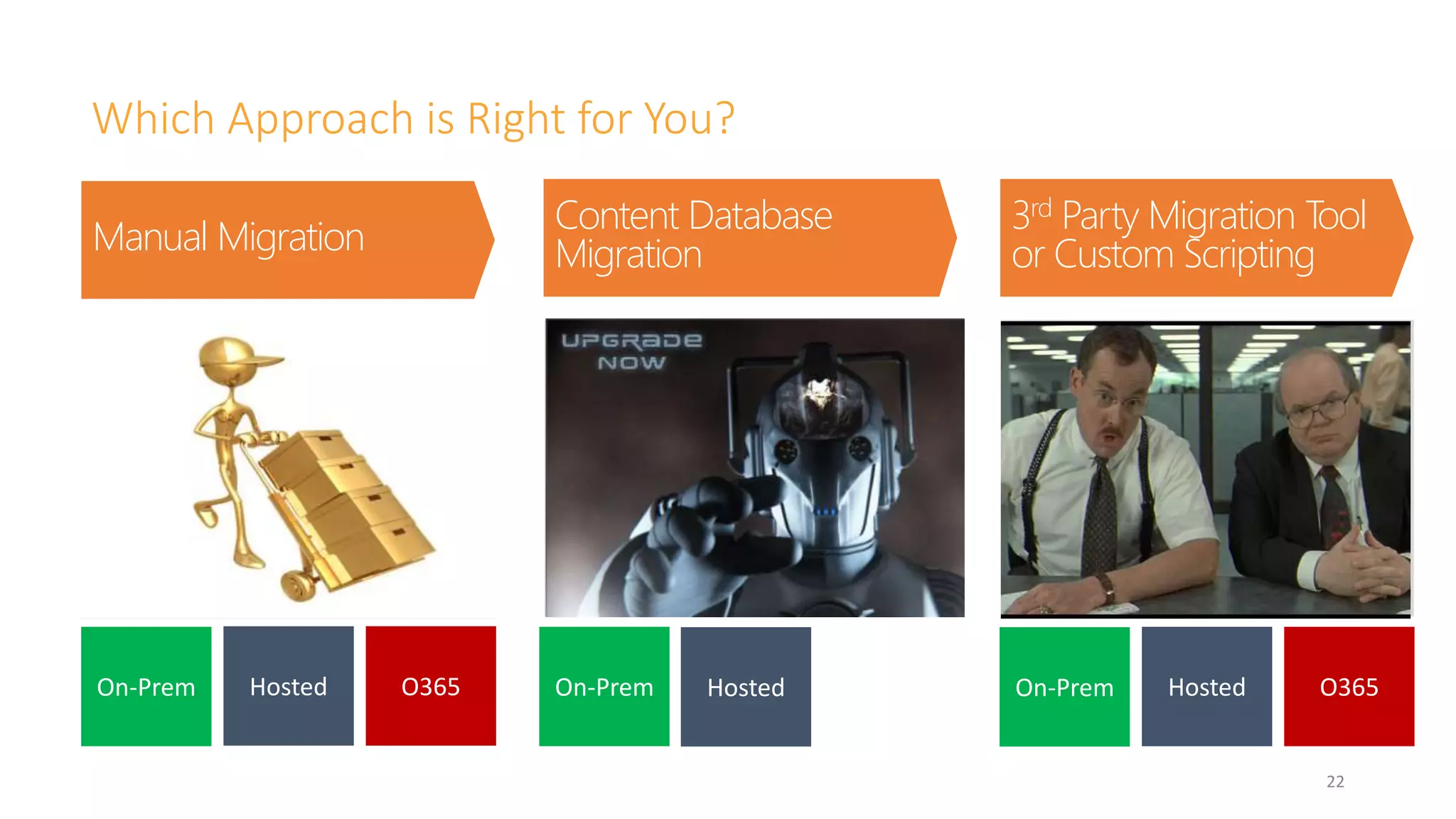
Which Approach is Right for You? 
22 
• SP to SP version upgrade 
(cannot migrate directly from 
2007-2013) 
• Few customizations 
• On-Prem to on-Prem 
• No IA rebuild required 
• Works for all types of 
migrations 
• SharePoint to SharePoint 
• Unstructured file repositories 
• Third party DMS 
• Only supported path to migrate 
to SP Online 
• Copy, paste, tag 
• Works in all situations 
• Extremely labor intensive 
Content Database 
Migration 
3rd Party Migration Tool 
Manual Migration or Custom Scripting 
On-Prem Hosted O365 On-Prem Hosted On-Prem Hosted O365
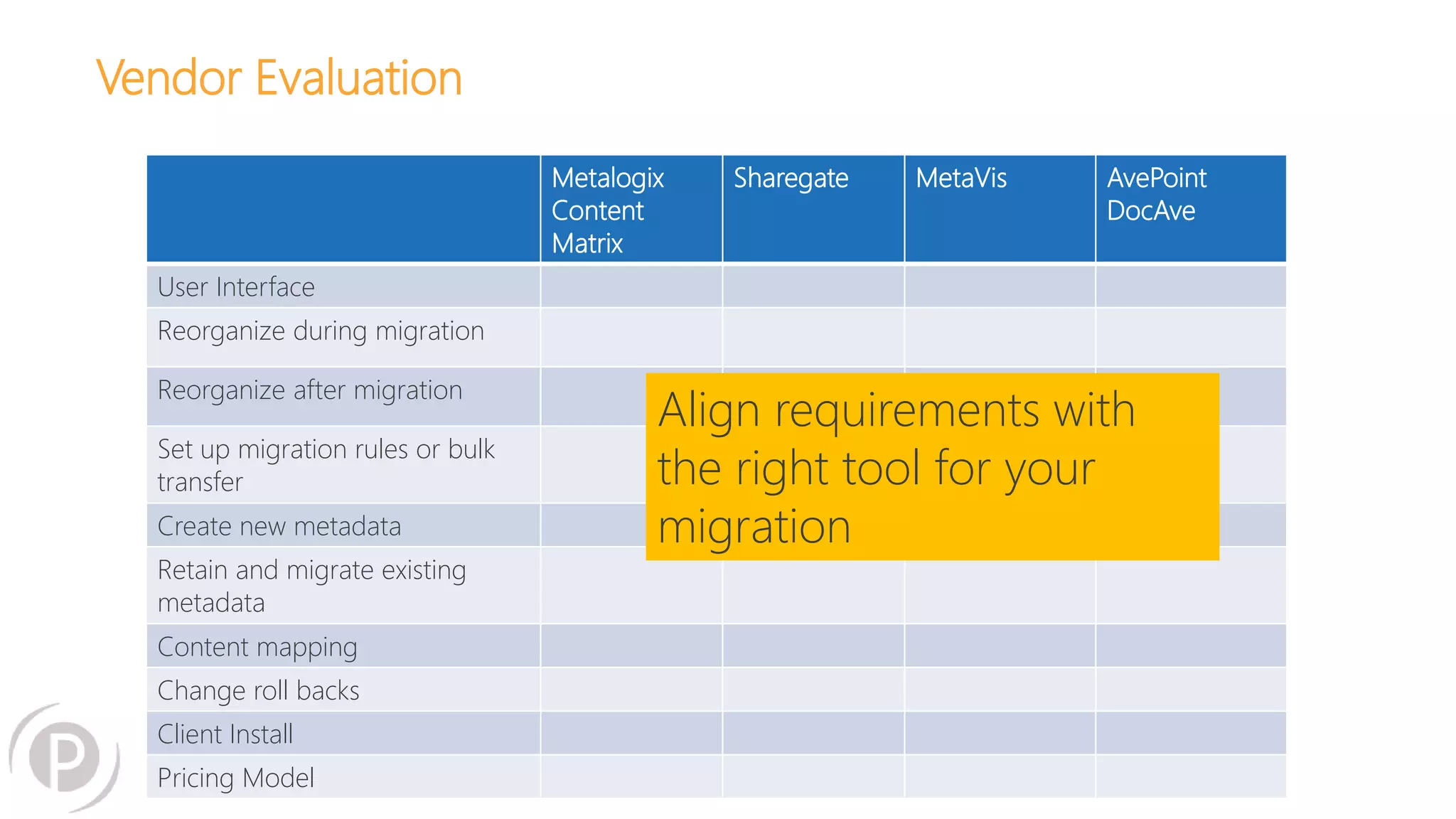
Vendor Evaluation 
Metalogix 
Content 
Matrix 
Sharegate MetaVis AvePoint 
DocAve 
User Interface 
Reorganize during migration 
Reorganize after migration 
Set up migration rules or bulk 
transfer 
Create new metadata 
Retain and migrate existing 
metadata 
Content mapping 
Change roll backs 
Client Install 
Pricing Model 
Align requirements with 
the right tool for your 
migration
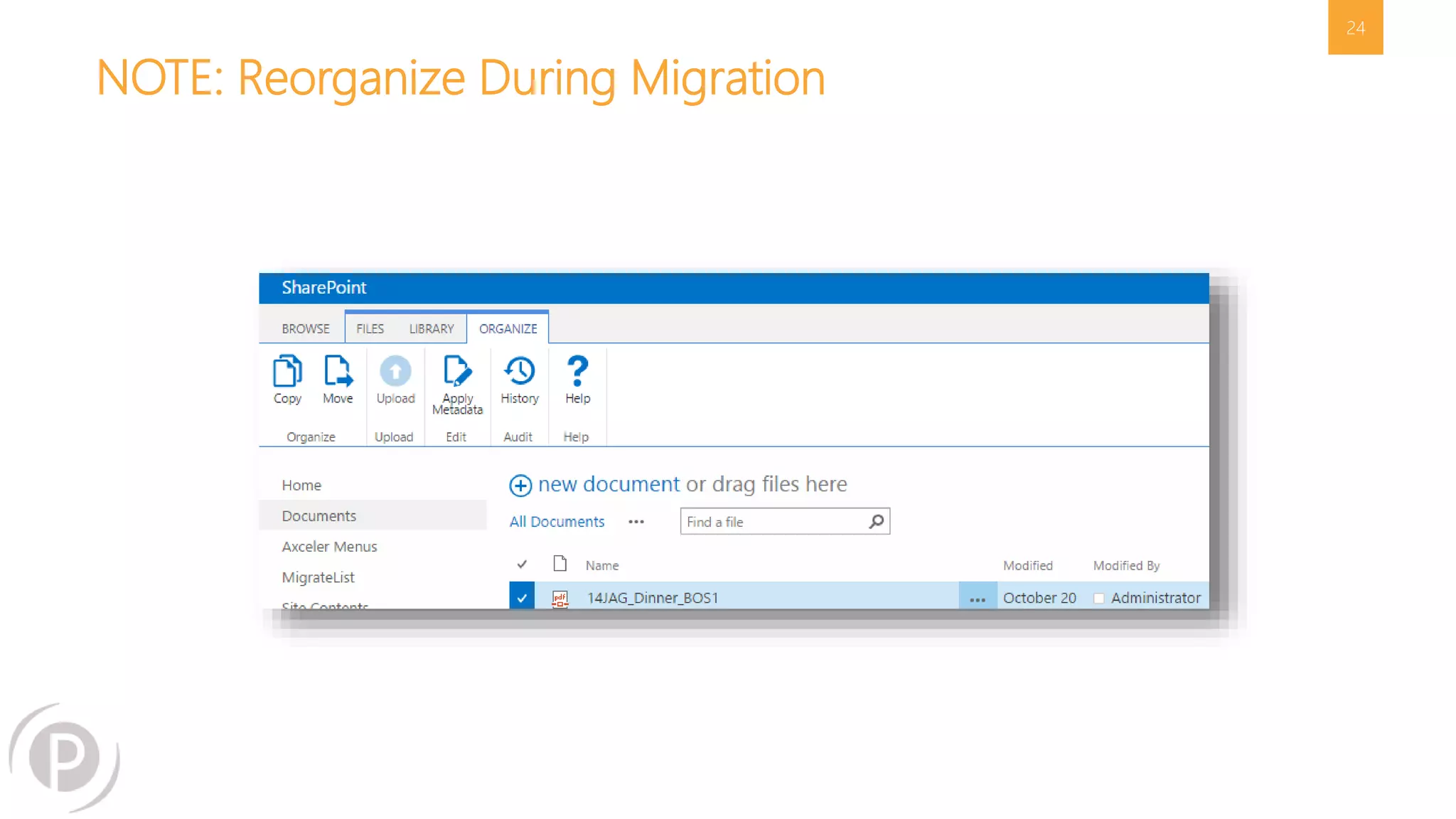
NOTE: Reorganize During Migration 
24
25 
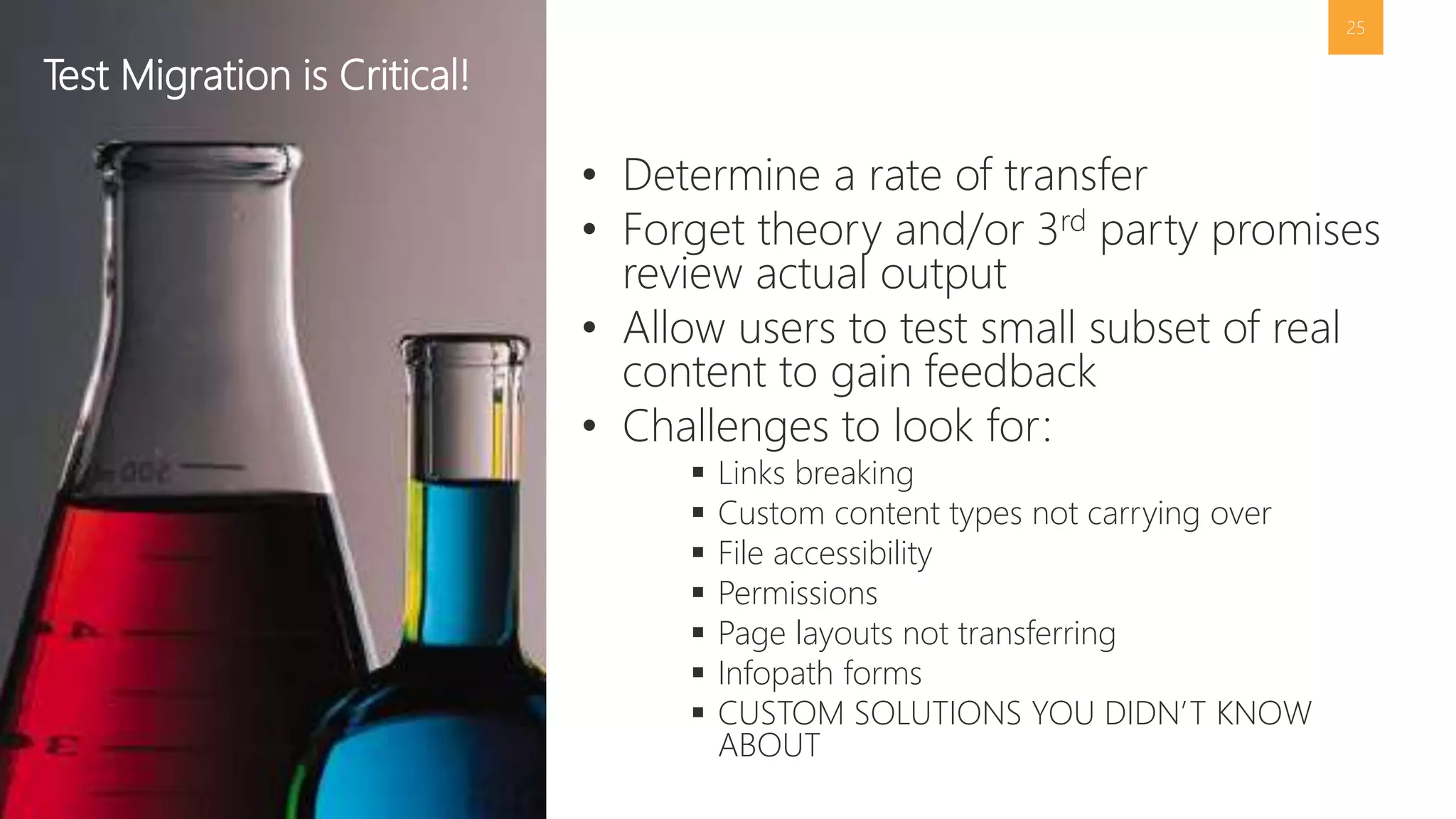
• Determine a rate of transfer 
• Forget theory and/or 3rd party promises 
review actual output 
• Allow users to test small subset of real 
content to gain feedback 
• Challenges to look for: 
 Links breaking 
 Custom content types not carrying over 
 File accessibility 
 Permissions 
 Page layouts not transferring 
 Infopath forms 
 CUSTOM SOLUTIONS YOU DIDN’T KNOW 
ABOUT 
Test Migration is Critical!
26 
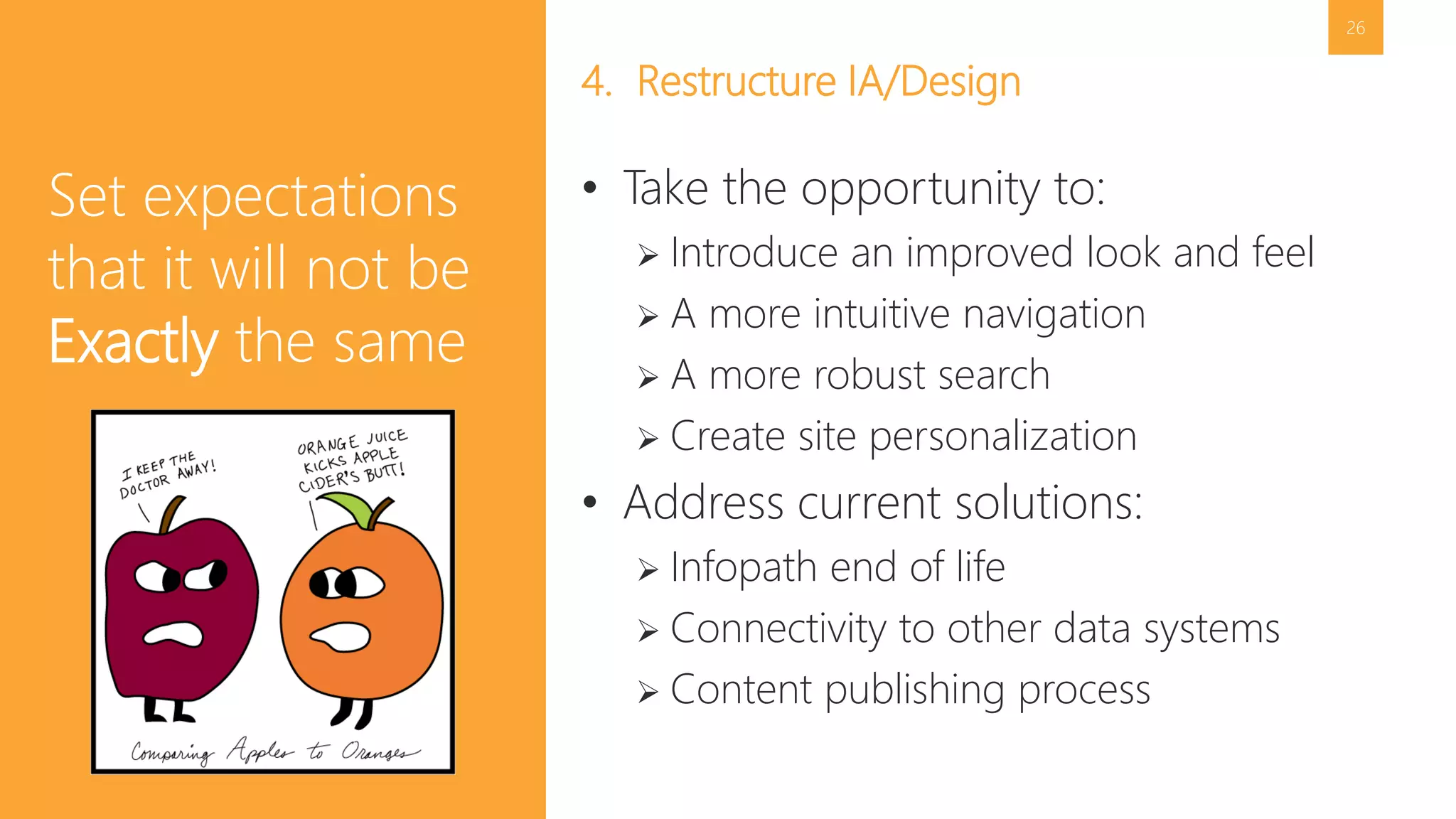
4. Restructure IA/Design 
• Take the opportunity to: 
 Introduce an improved look and feel 
 A more intuitive navigation 
 A more robust search 
 Create site personalization 
• Address current solutions: 
 Infopath end of life 
 Connectivity to other data systems 
 Content publishing process 
Set expectations 
that it will not be 
Exactly the same
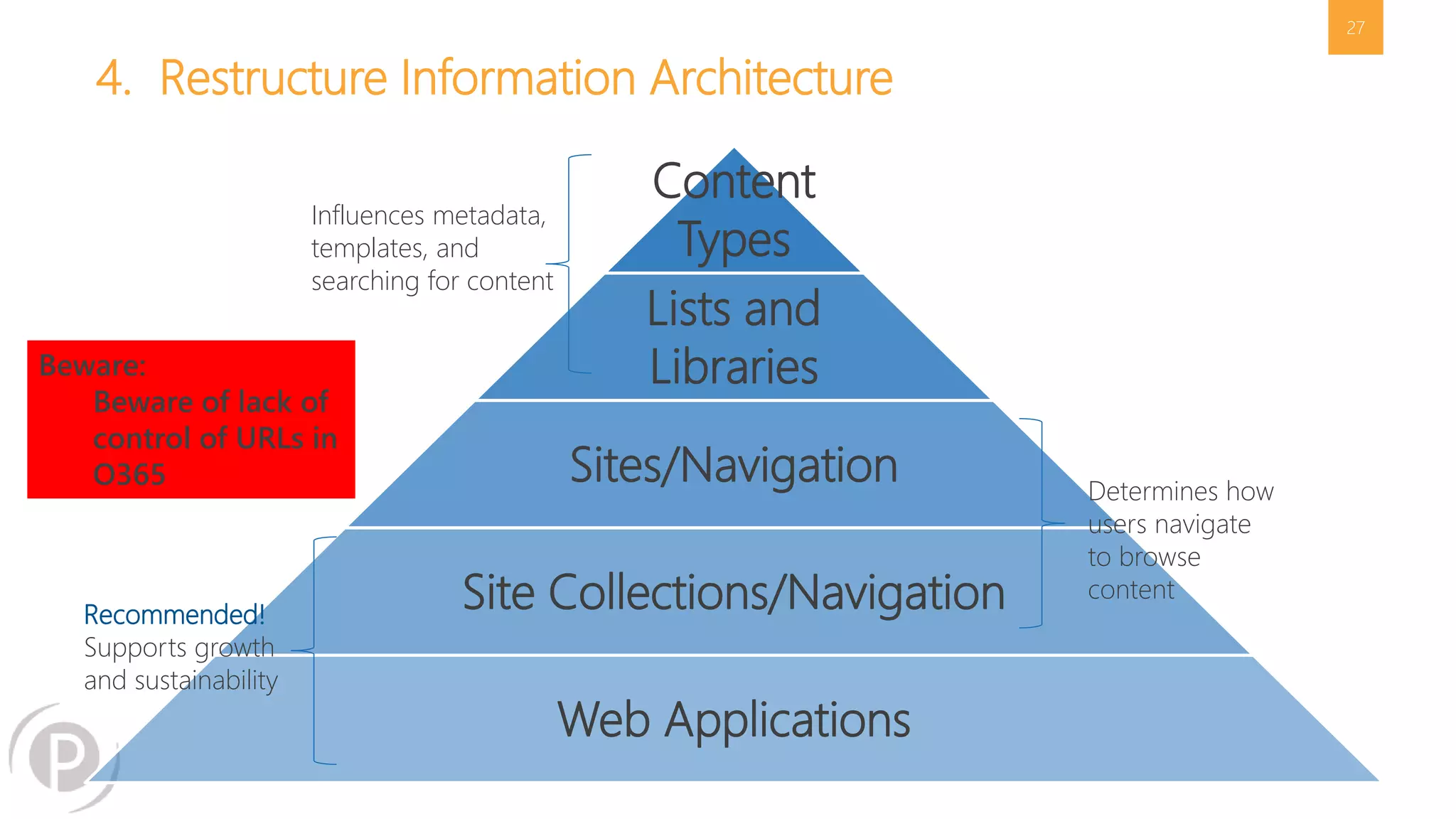
4. Restructure Information Architecture 
Content 
Types 
Lists and 
Libraries 
Sites/Navigation 
Site Collections/Navigation 
Web Applications 
27 
Recommended! 
Supports growth 
and sustainability 
Determines how 
users navigate 
to browse 
content 
Influences metadata, 
templates, and 
searching for content 
Beware: 
Beware of lack of 
control of URLs in 
O365
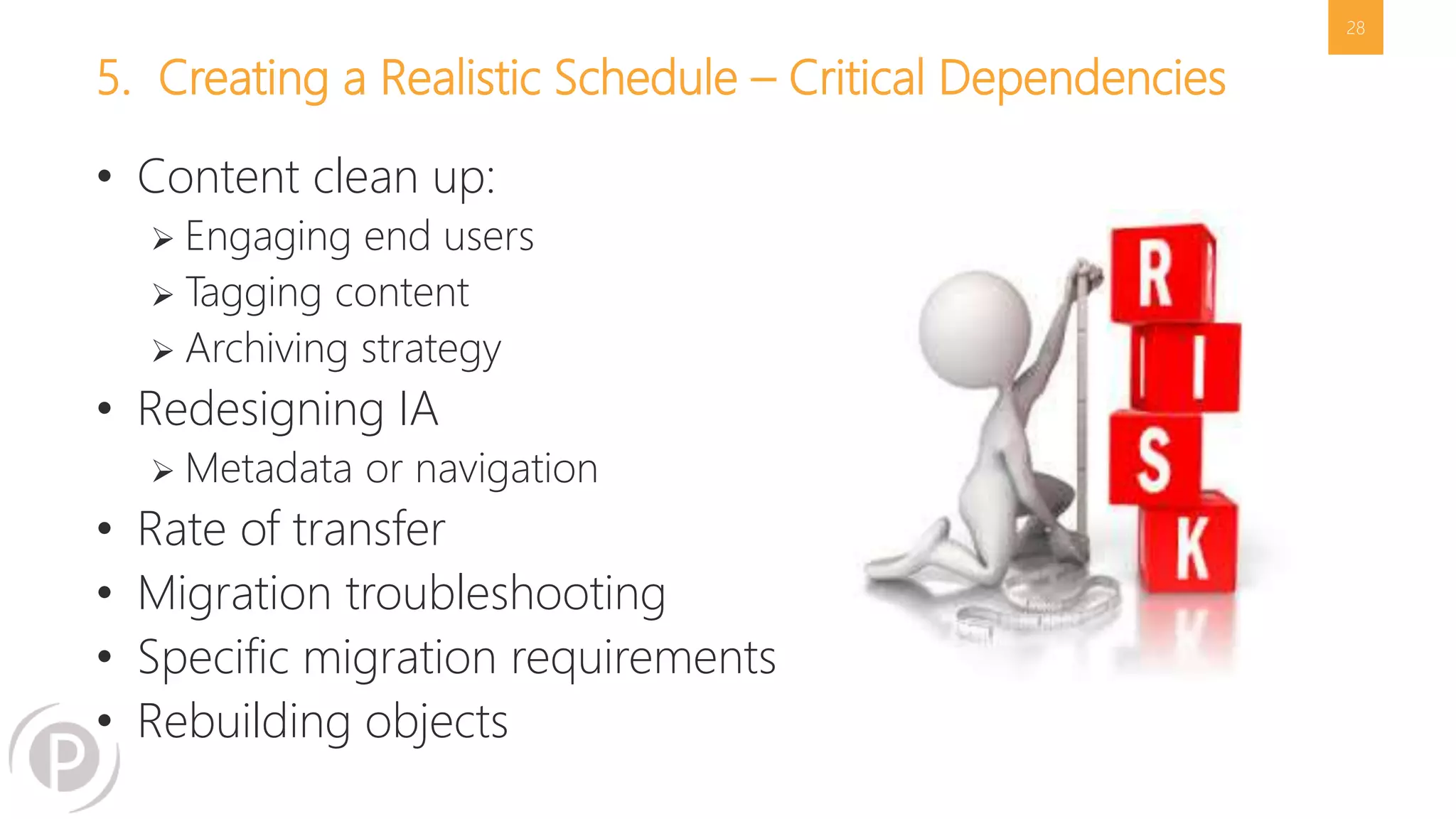
5. Creating a Realistic Schedule – Critical Dependencies 
• Content clean up: 
 Engaging end users 
 Tagging content 
 Archiving strategy 
• Redesigning IA 
 Metadata or navigation 
• Rate of transfer 
• Migration troubleshooting 
• Specific migration requirements 
• Rebuilding objects 
28
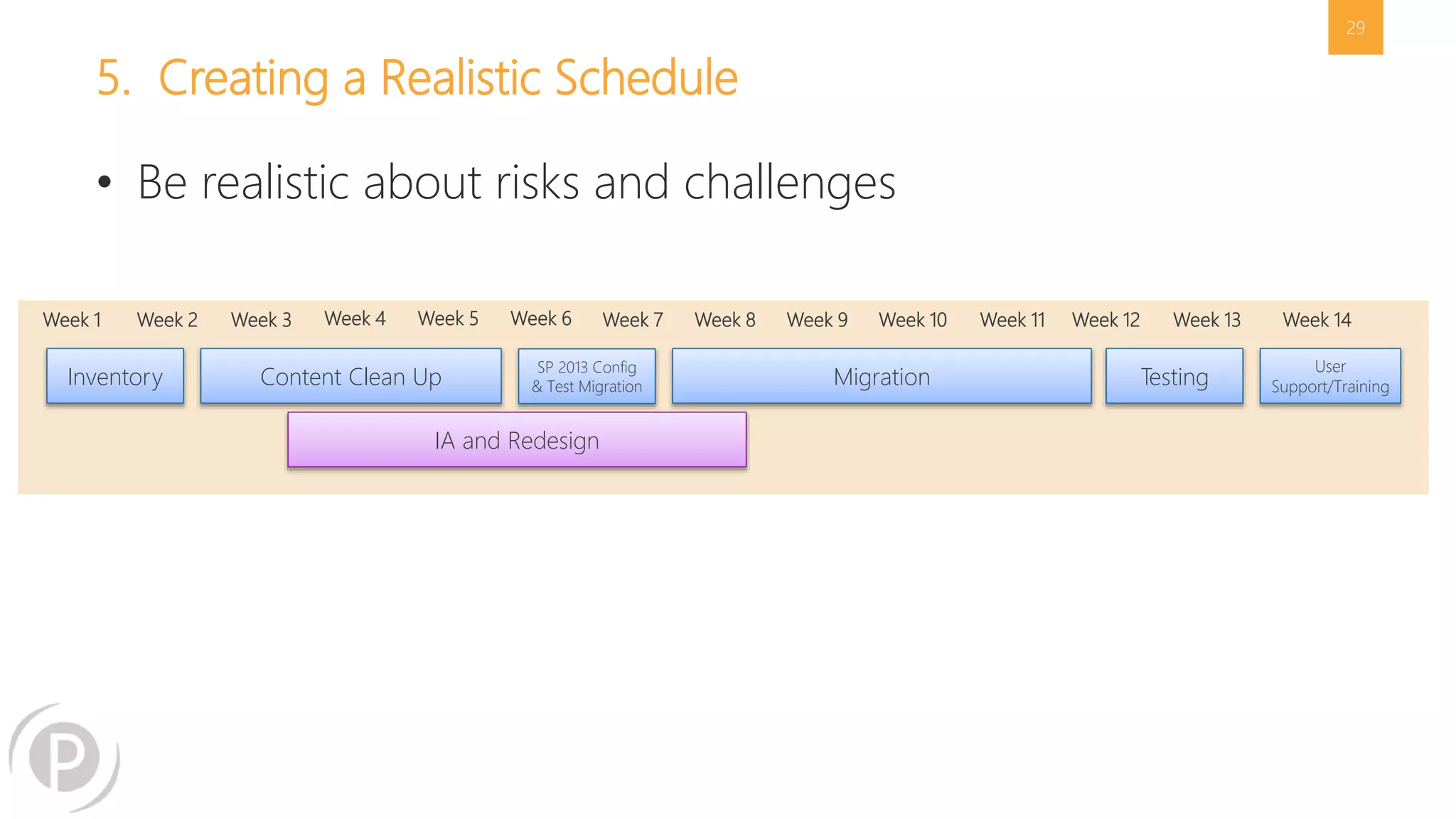
5. Creating a Realistic Schedule 
29 
• Be realistic about risks and challenges 
Week 1 Week 2 Week 3 Week 4 Week 5 Week 6 Week 7 Week 8 Week 9 Week 10 Week 11 Week 12 Week 13 Week 14 
Inventory Content Clean Up SP 2013 Config 
& Test Migration Migration 
IA and Redesign 
Testing User 
Support/Training
QUESTIONS
31 
Next Steps 
Get Your Free Migration 
Assessment 
It’s easy! Go to 
www.portalsolutions.net/migration-assessment 
to request your free migration assessment. 
Start preparing for 2015 now!
THANK YOU! GET IN TOUCH WITH US 
Twitter: 
@collabadam 
@JHCherryBlossom 
Email: 
alevithan@portalsolutions.net 
jhannemann@portalsolutions.net

Webinar: The Slippery Slope of Migrating to SharePoint Online or On-Premise

  • 1.
    The Slippery Slopeof SharePoint Migrations: What to Do to Come Out on Top Presenters: Adam Levithan, Ryan Patrick Tully & Jill Hannemann
  • 2.
    Jill Hannemann @JHCherryBlossom Editor, Digital Workplace Today Director of Advisory Services 10+ years in Knowledge Management SharePoint expertise: information architecture, records management, content migration, document management Culinary project: dinner rolls and focaccia breads About Me
  • 3.
    About Me… RyanPatrick Tully: I began my career in Information Technology with one of the largest Consumer Electronics Retailers over eight years ago. I started in SharePoint as anything more than an end-user by working Product Support with Axceler and graduating into Product Development. I am currently a Solutions Engineer representing the Metalogix brand with the entire portfolio of products offered in the realm of Migration, Administration, Protection, and Optimization in the SharePoint space.
  • 4.
    Adam Levithan @collabadam AIIM & IT Unity Blogger Practice Lead, O365 & SharePoint 8+ years in Collaborative Systems SharePoint expertise: Out-of-the-box solutions, business process management, Governance, adoptions, information architecture Next Adventure: Finding a 100 Mile Fundraising Bike Ride About Me
  • 5.
    About Portal Solutions We deliver Digital Workplace Products and Solutions that help organizations share what they know and find what they need by connecting people, data, and content. 5
  • 6.
    WHY MIGRATIONS FAIL Not Scoping the Full Effort - Lack of Buy-In from Stakeholders - Content is Not Cleaned or Enhanced - Failure to Budget for All Activities -
  • 7.
    What is Migration? The Slope (complexity of your SharePoint environment is) = Level of Effort and Complexity The Rock (alignment between IT and the Business)
  • 8.
    Why Migrations Fail 64% Percentage of SharePoint Migrations that miss the deadline for completion Percentage of SharePoint Migrations that are over budget 37% Source: Data Migration in the Global 2000, Bloor Research (September 2007)
  • 9.
    Understanding Your Motivationsfor Migration Get off hardware Move to the cloud Redesign intranet New data center Have search work Get new features Improve user experience Automate processes Stabilize the infrastructure Develop a new look and feel Expand usage of SP to other business units Redesign IA Consolidate multiple SP farms Introduce social tools Implement records management
  • 10.
    Without Buy-In, Migrationis Lonely 11 Business IT
  • 11.
    What is YourMigration Strategy? 12 5 Steps to Success 1 Inventory assessment 2 Content clean up 3 Migration approach 4 Redesign IA/UX 5 Creating a realistic schedule
  • 12.
    13 1. Auditand Inventory • Total size of database • Custom user interface  Master page  Page layouts • Content types • Infopath forms • Workflows • Custom web parts • Custom applications • Business connectivity web services (BCS) Beware: It’s not only how much content that matters, but the character of how you’re using it (i.e. file share replacement vs. collaboration) .
  • 13.
    14 Audit •Microsoft Pre-Upgrade Checkers  2007 C:>stsadm -o preupgradecheck  2010 Test-SPContentdatabase, Test-SPSite • Central Administration  Deployed Features  Services Configured • Database  Number & Size of content databases  Size of My Site database • Review Web.config for customizations • 2007 or 2010 see if usage is turned on and view latest reports
  • 14.
    15 • MetalogixMigration Expert • Tree Size Pro • Create a Script • Interns (Manual) Inventory Options
  • 15.
  • 16.
  • 17.
    18 “A surveyof corporate CIOs and general counsels found that, typically, 69% of the data most organizations keep, can – and should – be deleted.” -Compliance, Governance and Oversight Counsel (CGOC) Summit
  • 18.
    19 • ROTAnalysis:  Redundant  Outdated  Trivial • Options:  Migrate  Migrate and Update  Archive  Delete 2. Content Clean Up Leverage the upgrade opportunity to ensure quality content in SP 2013. • Two schools of thought…  Create rule-based cleansing  Engage business users for subjective analysis Beware: The time it takes to perform this step is almost always underestimated. Add time to your original estimate.
  • 19.
    20 Archive Strategies • What are your options:  Leave it in older SharePoint  Move it from SharePoint to a file share  Migrate to new SharePoint to an archive site collection • If content continues to exist…keep it in READ ONLY mode. • Consider deletion policies as part of records retention  What should be kept for compliance?  Is it a risk if the file is kept?
  • 20.
    21 Choose wisely. Which migration approach is right?
  • 21.
    Which Approach isRight for You? 22 • SP to SP version upgrade (cannot migrate directly from 2007-2013) • Few customizations • On-Prem to on-Prem • No IA rebuild required • Works for all types of migrations • SharePoint to SharePoint • Unstructured file repositories • Third party DMS • Only supported path to migrate to SP Online • Copy, paste, tag • Works in all situations • Extremely labor intensive Content Database Migration 3rd Party Migration Tool Manual Migration or Custom Scripting On-Prem Hosted O365 On-Prem Hosted On-Prem Hosted O365
  • 22.
    Vendor Evaluation Metalogix Content Matrix Sharegate MetaVis AvePoint DocAve User Interface Reorganize during migration Reorganize after migration Set up migration rules or bulk transfer Create new metadata Retain and migrate existing metadata Content mapping Change roll backs Client Install Pricing Model Align requirements with the right tool for your migration
  • 23.
  • 24.
    25 • Determinea rate of transfer • Forget theory and/or 3rd party promises review actual output • Allow users to test small subset of real content to gain feedback • Challenges to look for:  Links breaking  Custom content types not carrying over  File accessibility  Permissions  Page layouts not transferring  Infopath forms  CUSTOM SOLUTIONS YOU DIDN’T KNOW ABOUT Test Migration is Critical!
  • 25.
    26 4. RestructureIA/Design • Take the opportunity to:  Introduce an improved look and feel  A more intuitive navigation  A more robust search  Create site personalization • Address current solutions:  Infopath end of life  Connectivity to other data systems  Content publishing process Set expectations that it will not be Exactly the same
  • 26.
    4. Restructure InformationArchitecture Content Types Lists and Libraries Sites/Navigation Site Collections/Navigation Web Applications 27 Recommended! Supports growth and sustainability Determines how users navigate to browse content Influences metadata, templates, and searching for content Beware: Beware of lack of control of URLs in O365
  • 27.
    5. Creating aRealistic Schedule – Critical Dependencies • Content clean up:  Engaging end users  Tagging content  Archiving strategy • Redesigning IA  Metadata or navigation • Rate of transfer • Migration troubleshooting • Specific migration requirements • Rebuilding objects 28
  • 28.
    5. Creating aRealistic Schedule 29 • Be realistic about risks and challenges Week 1 Week 2 Week 3 Week 4 Week 5 Week 6 Week 7 Week 8 Week 9 Week 10 Week 11 Week 12 Week 13 Week 14 Inventory Content Clean Up SP 2013 Config & Test Migration Migration IA and Redesign Testing User Support/Training
  • 29.
  • 30.
    31 Next Steps Get Your Free Migration Assessment It’s easy! Go to www.portalsolutions.net/migration-assessment to request your free migration assessment. Start preparing for 2015 now!
  • 31.
    THANK YOU! GETIN TOUCH WITH US Twitter: @collabadam @JHCherryBlossom Email: alevithan@portalsolutions.net jhannemann@portalsolutions.net

Editor's Notes