Deep dive into the new features of
SharePoint Online & OneDrive for
business – PART 1
Jayanthi P | MCTS ,C# Corner MVP
SharePoint & Office 365 Developer
WHO AM I
 C# Corner MVP, Microsoft Certified Technology Specialist
 SharePoint Developer
 Specialized on SQL Server, Asp. Net, Dynamics CRM & Power BI
jayanthimcts@gmail.com@JayanthiArthi Jayanthi P
Jayanthi P
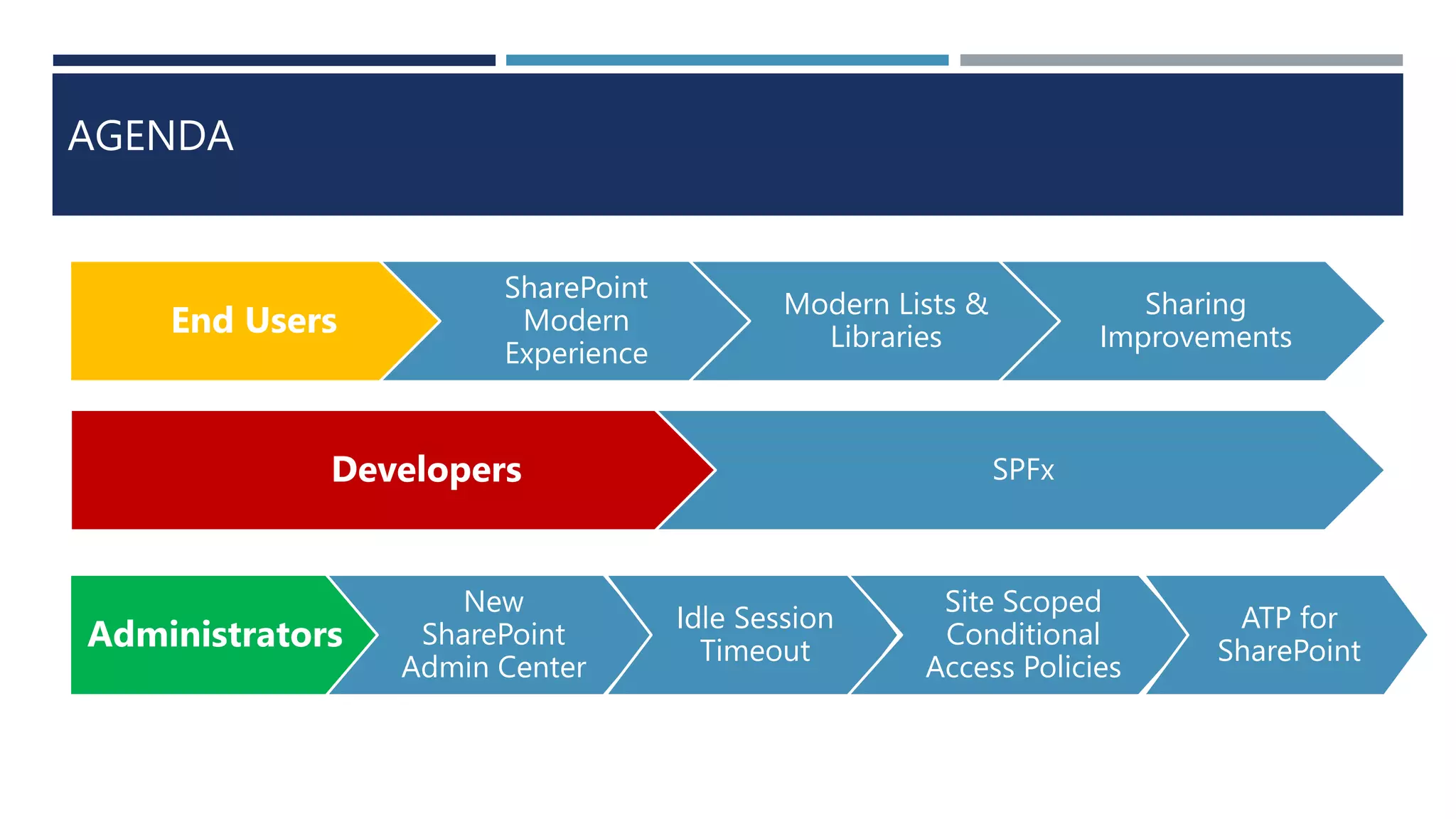
AGENDA
End Users
SharePoint
Modern
Experience
Modern Lists &
Libraries
Sharing
Improvements
Developers SPFx
Administrators
New
SharePoint
Admin Center
Idle Session
Timeout
Site Scoped
Conditional
Access Policies
ATP for
SharePoint
LETS GET STARTED
SHAREPOINT MODERN EXPERIENCE
WHAT
?
WHY
?
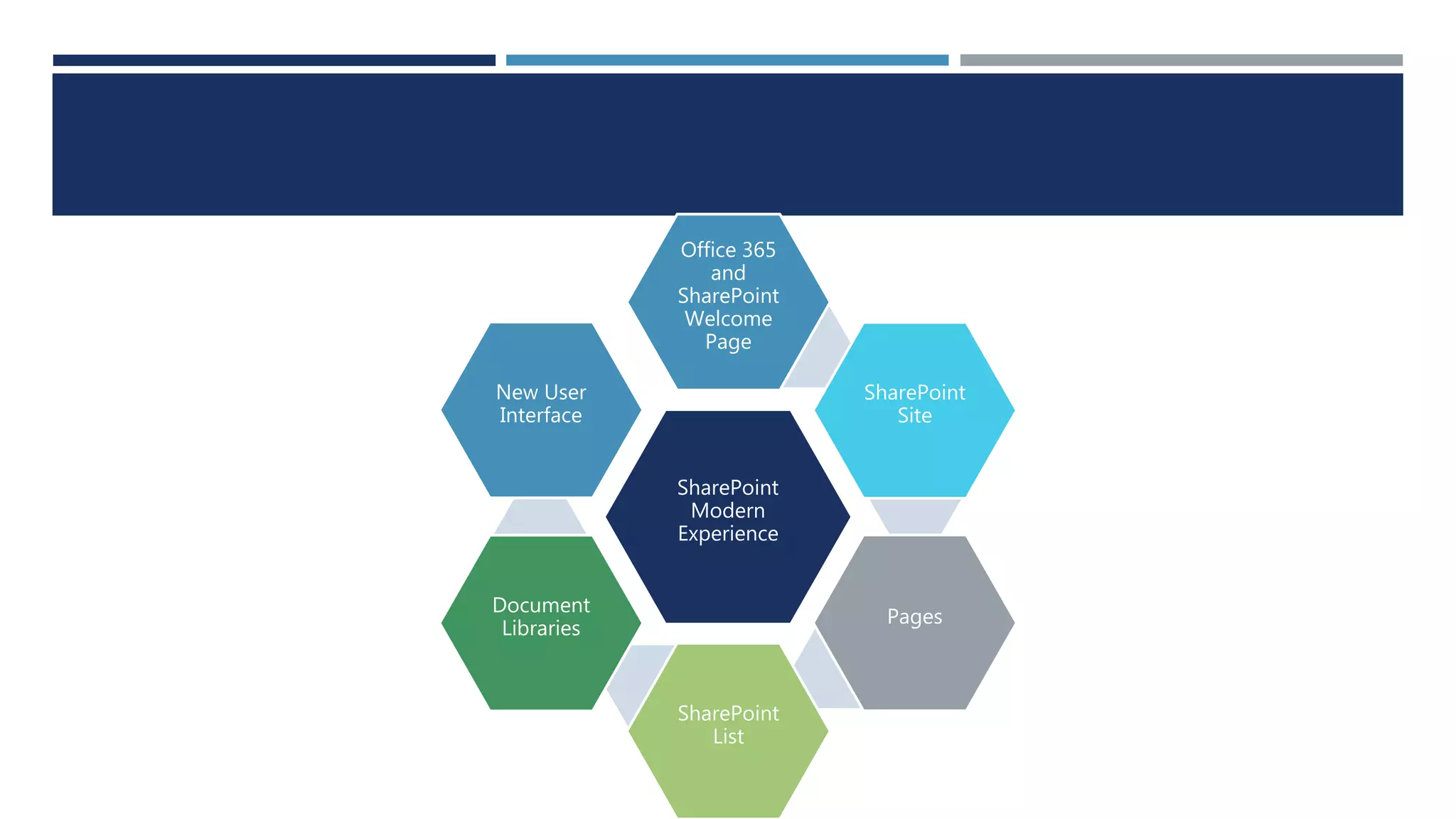
SharePoint
Modern
Experience
Office 365
and
SharePoint
Welcome
Page
SharePoint
Site
Pages
SharePoint
List
Document
Libraries
New User
Interface
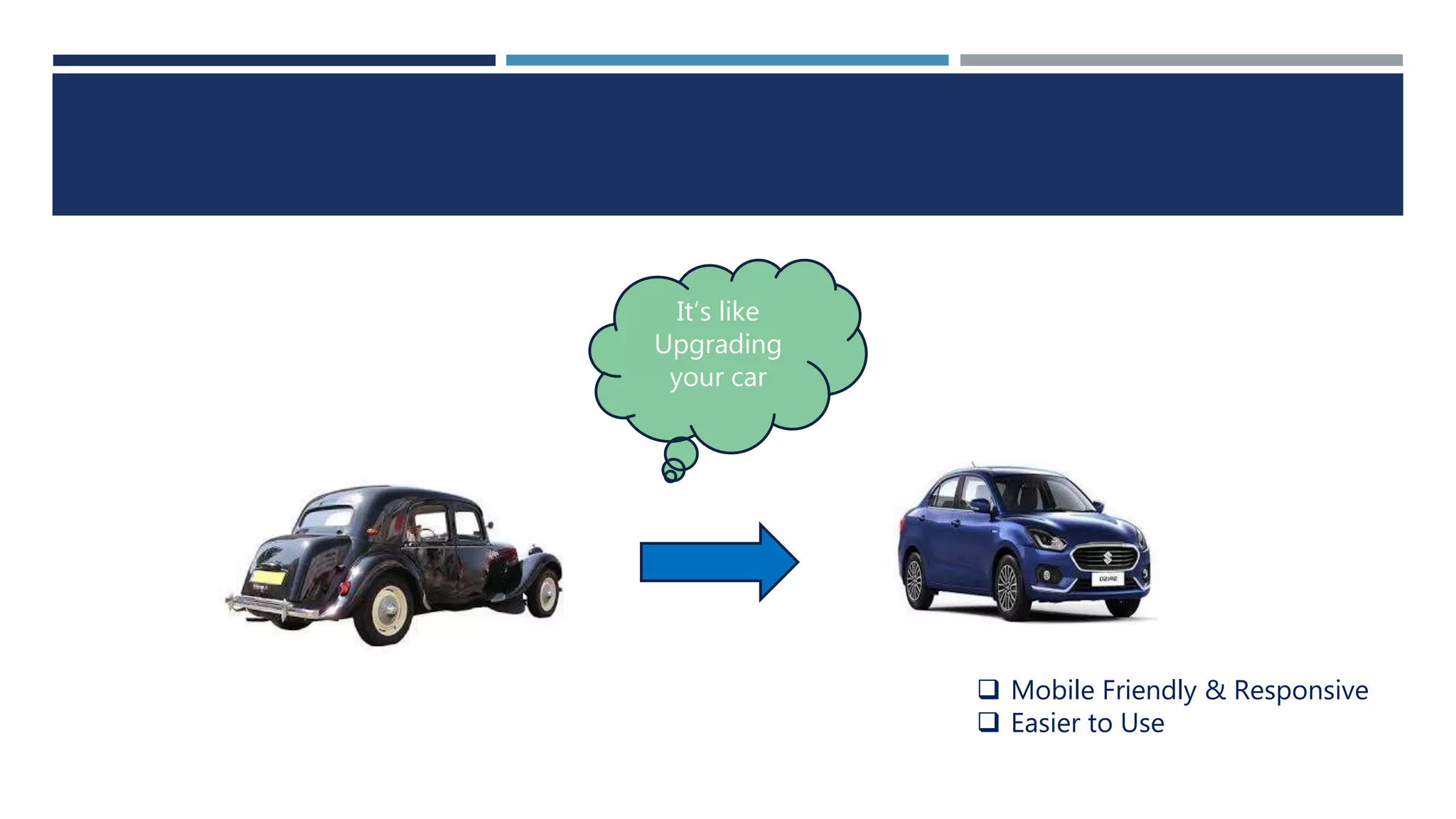
It’s like
Upgrading
your car
 Mobile Friendly & Responsive
 Easier to Use
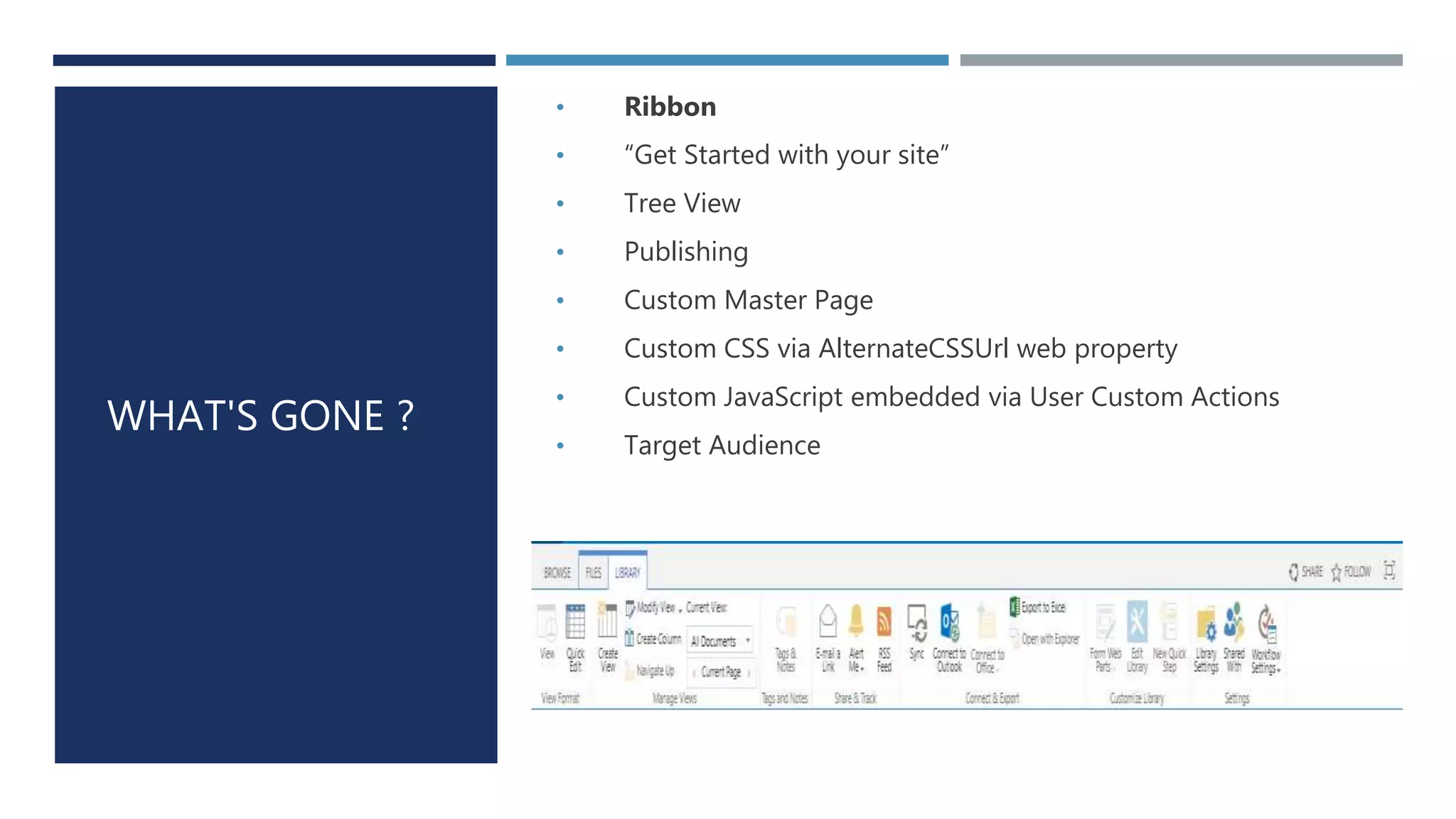
WHAT'S GONE ?
• Ribbon
• “Get Started with your site”
• Tree View
• Publishing
• Custom Master Page
• Custom CSS via AlternateCSSUrl web property
• Custom JavaScript embedded via User Custom Actions
• Target Audience
But its not about What’s Gone
SHAREPOINT CUSTOMIZATIONS
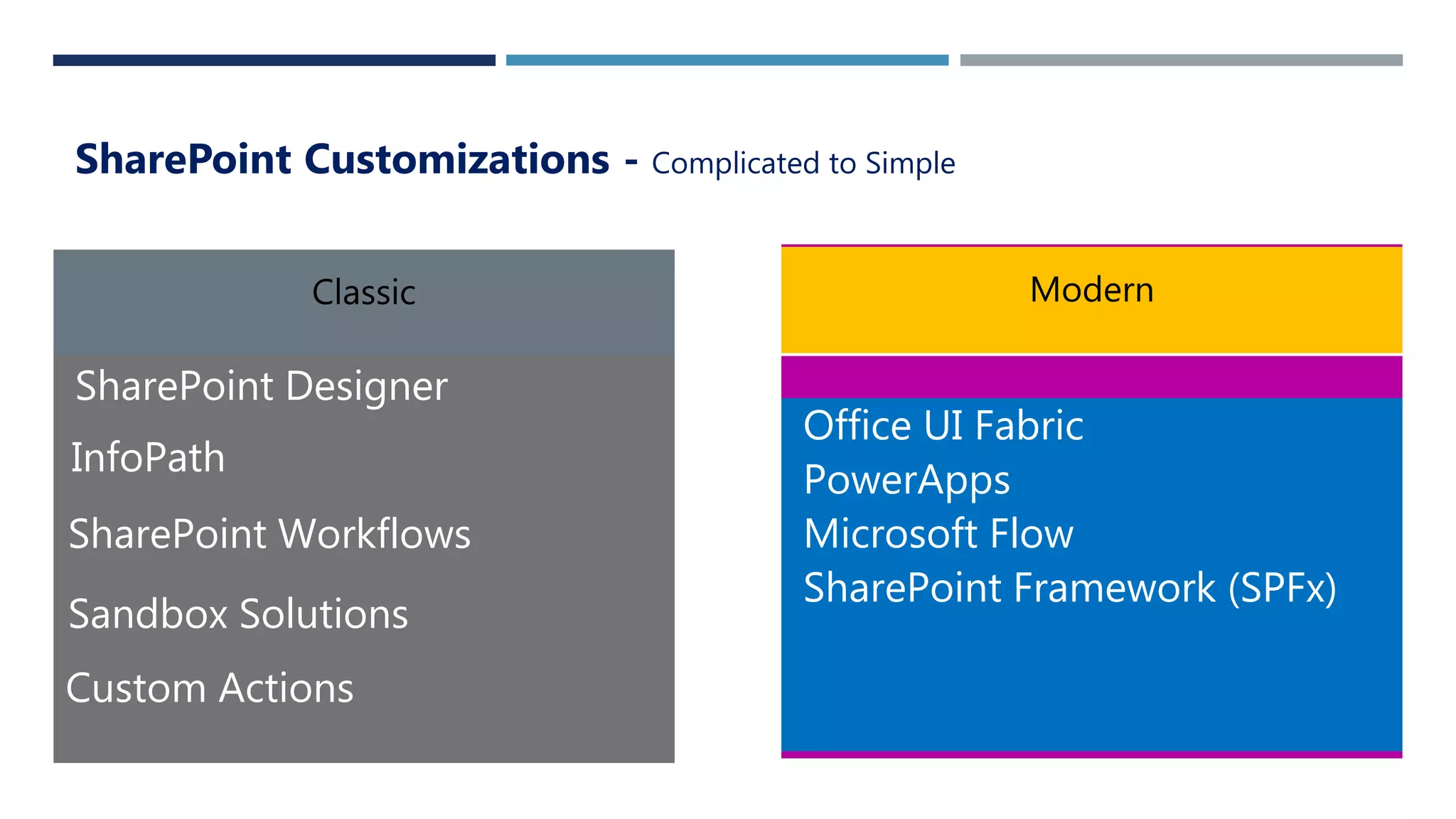
SharePoint Customizations - Complicated to Simple
SharePoint Designer
InfoPath
SharePoint Workflows
Sandbox Solutions
Office UI Fabric
PowerApps
Microsoft Flow
SharePoint Framework (SPFx)
Custom Actions
What I can do with Modern
Sites?
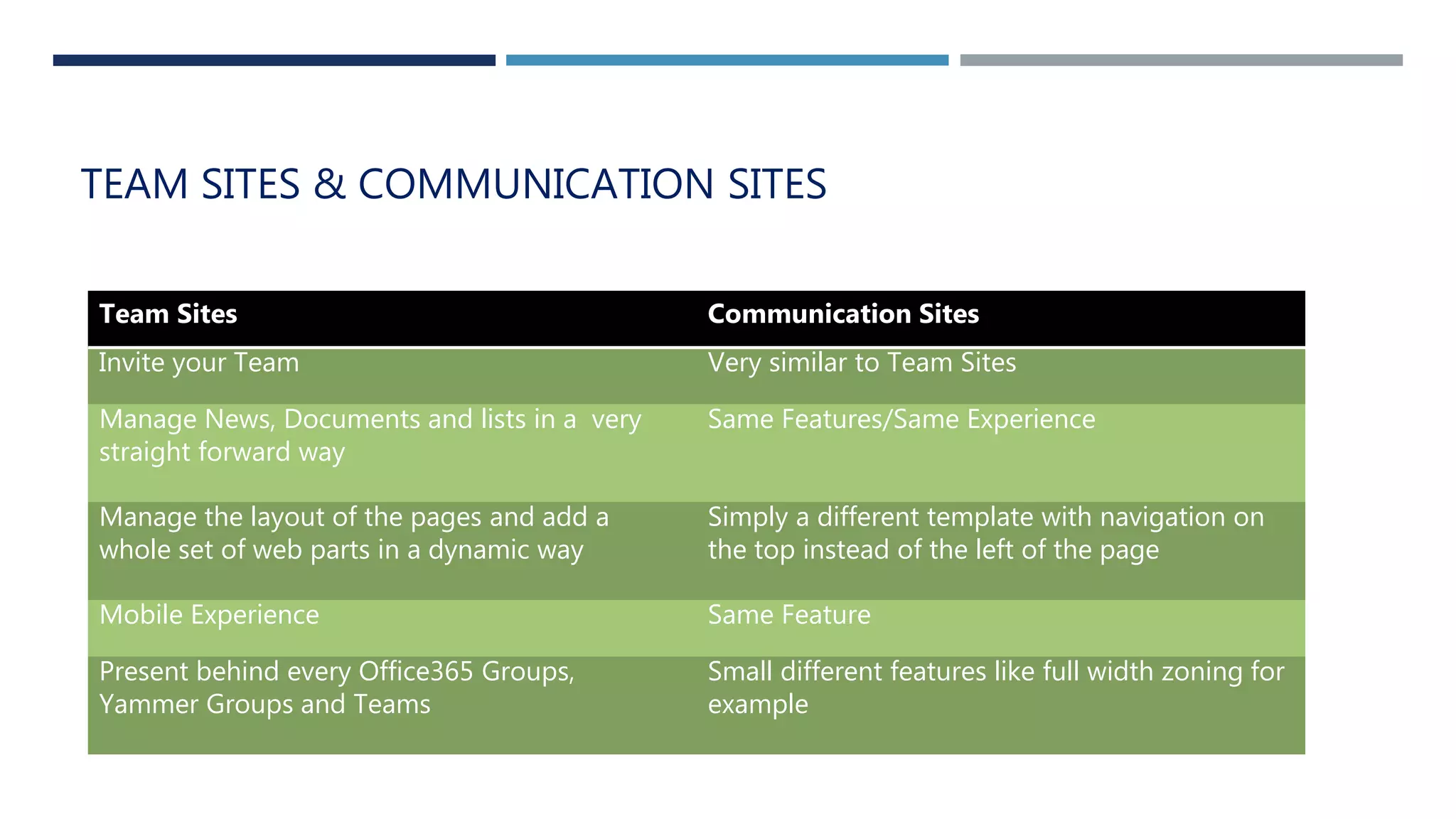
TEAM SITES & COMMUNICATION SITES
Team Sites Communication Sites
Invite your Team Very similar to Team Sites
Manage News, Documents and lists in a very
straight forward way
Same Features/Same Experience
Manage the layout of the pages and add a
whole set of web parts in a dynamic way
Simply a different template with navigation on
the top instead of the left of the page
Mobile Experience Same Feature
Present behind every Office365 Groups,
Yammer Groups and Teams
Small different features like full width zoning for
example
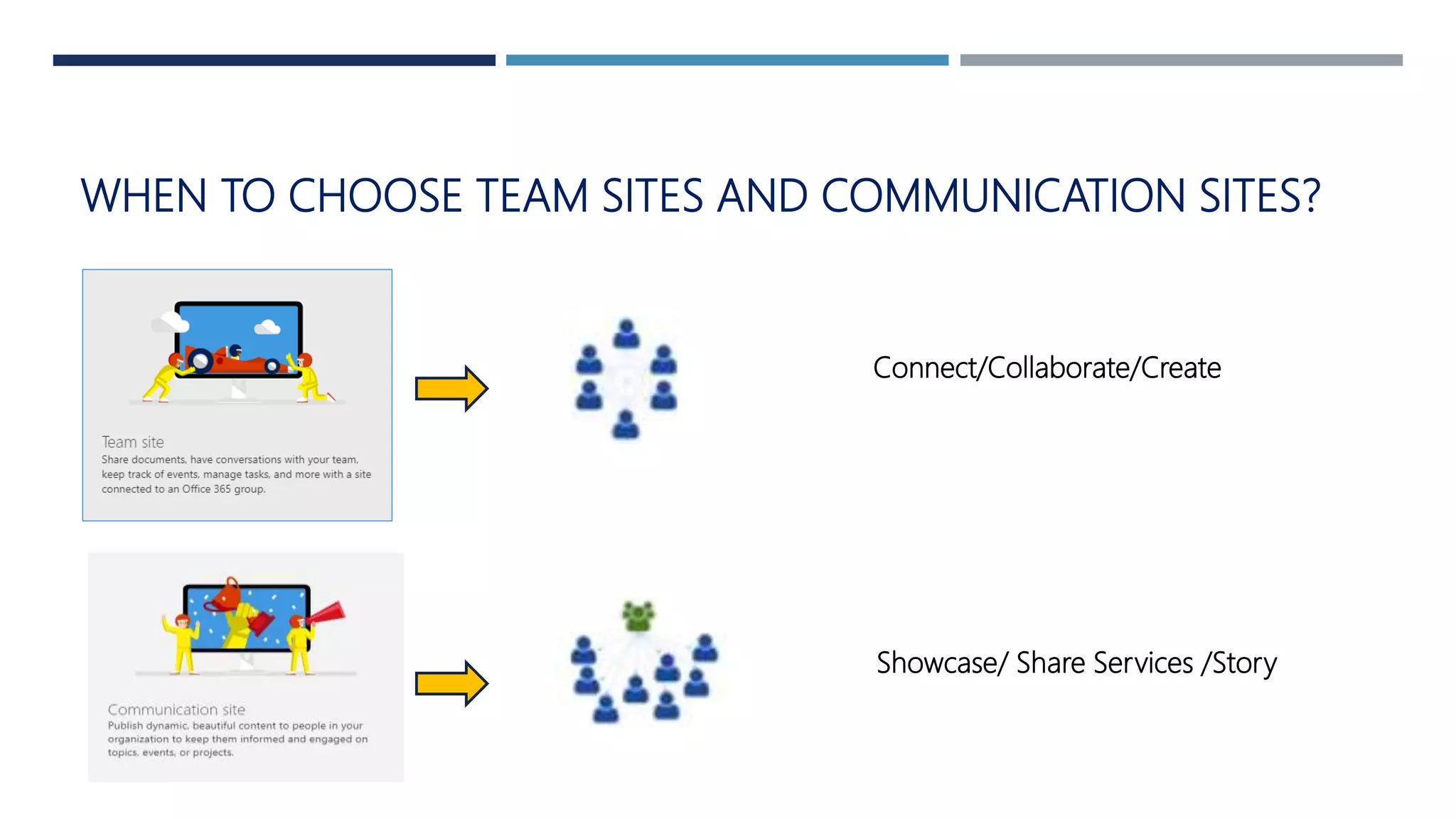
WHEN TO CHOOSE TEAM SITES AND COMMUNICATION SITES?
Connect/Collaborate/Create
Showcase/ Share Services /Story
Can I create My own Site Theme in Modern
Sites?
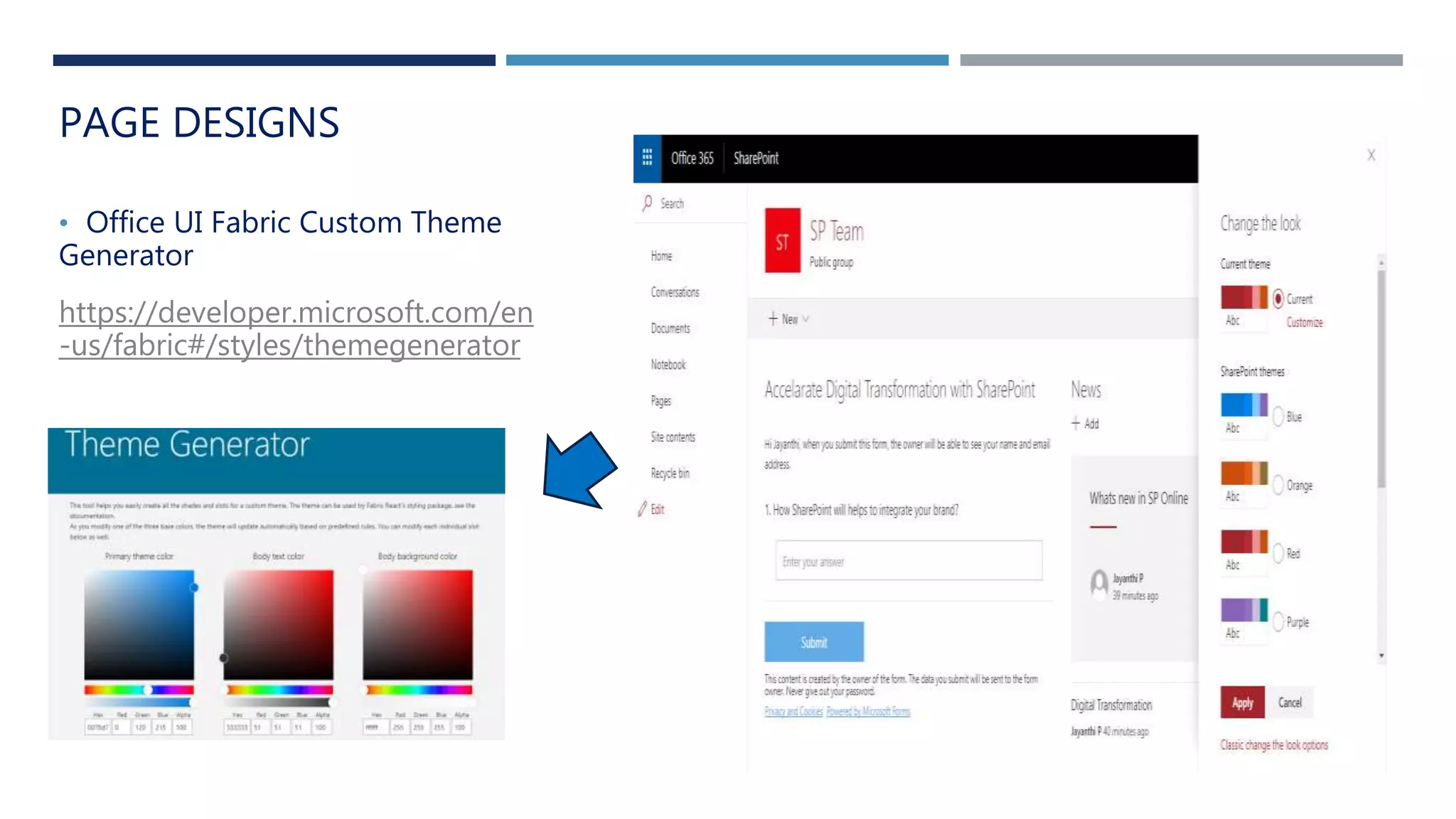
PAGE DESIGNS
• Office UI Fabric Custom Theme
Generator
https://developer.microsoft.com/en
-us/fabric#/styles/themegenerator
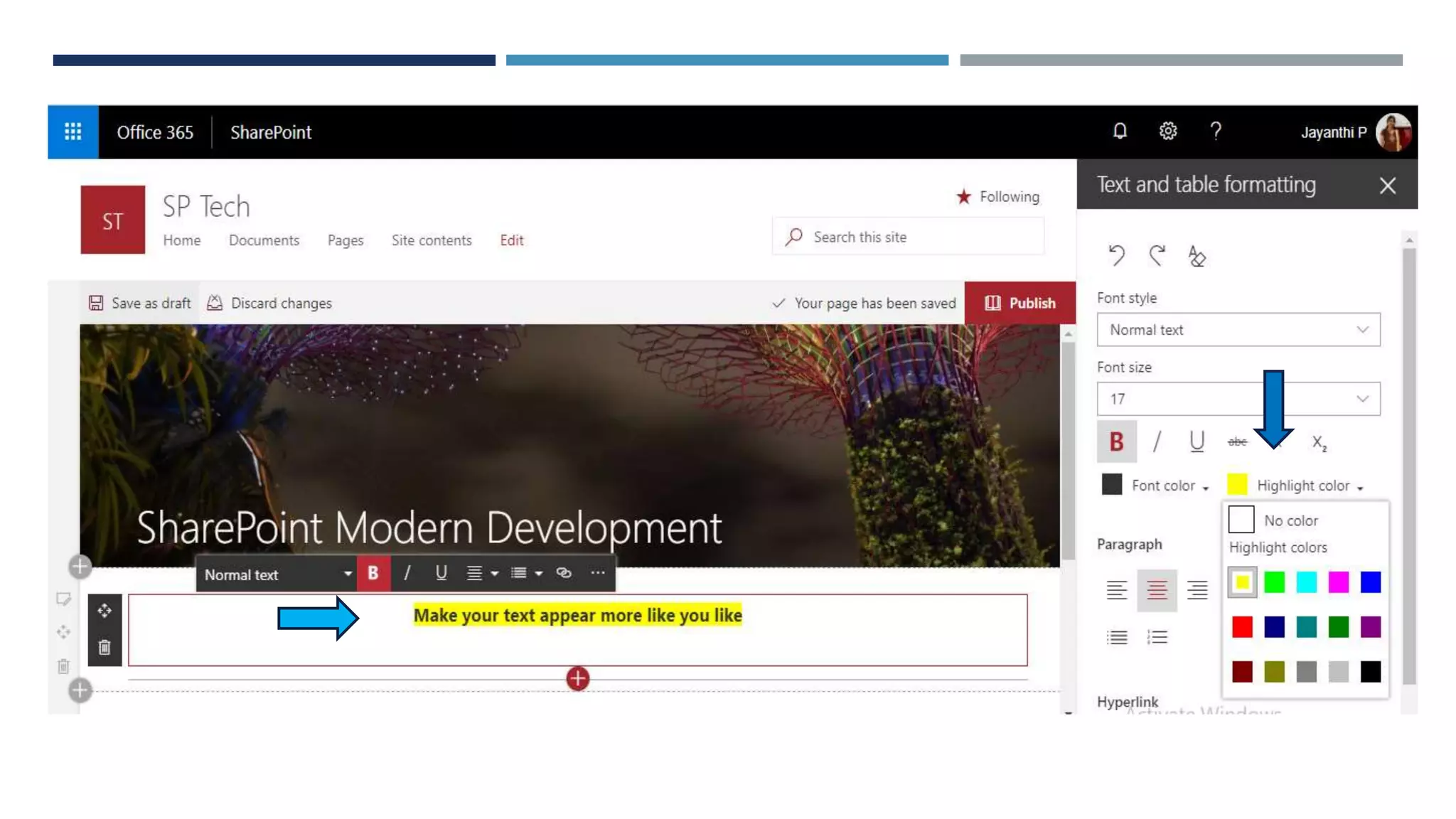
Rich Text Editing (RTE) Updates
Make your text appear more like you
like
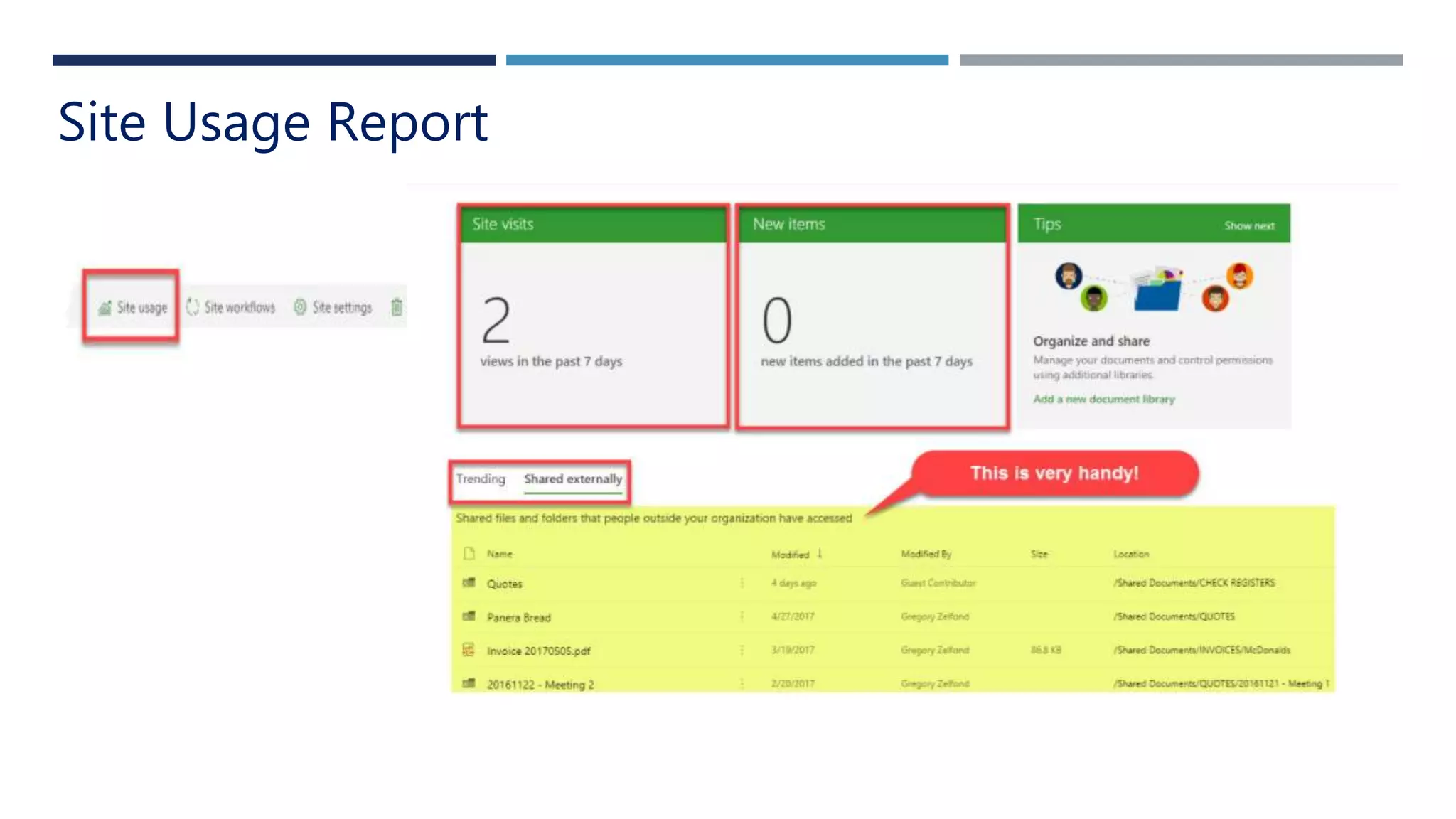
Want to know how many users visit your SharePoint sites and what exactly
they are viewing or editing?
Site Usage Report
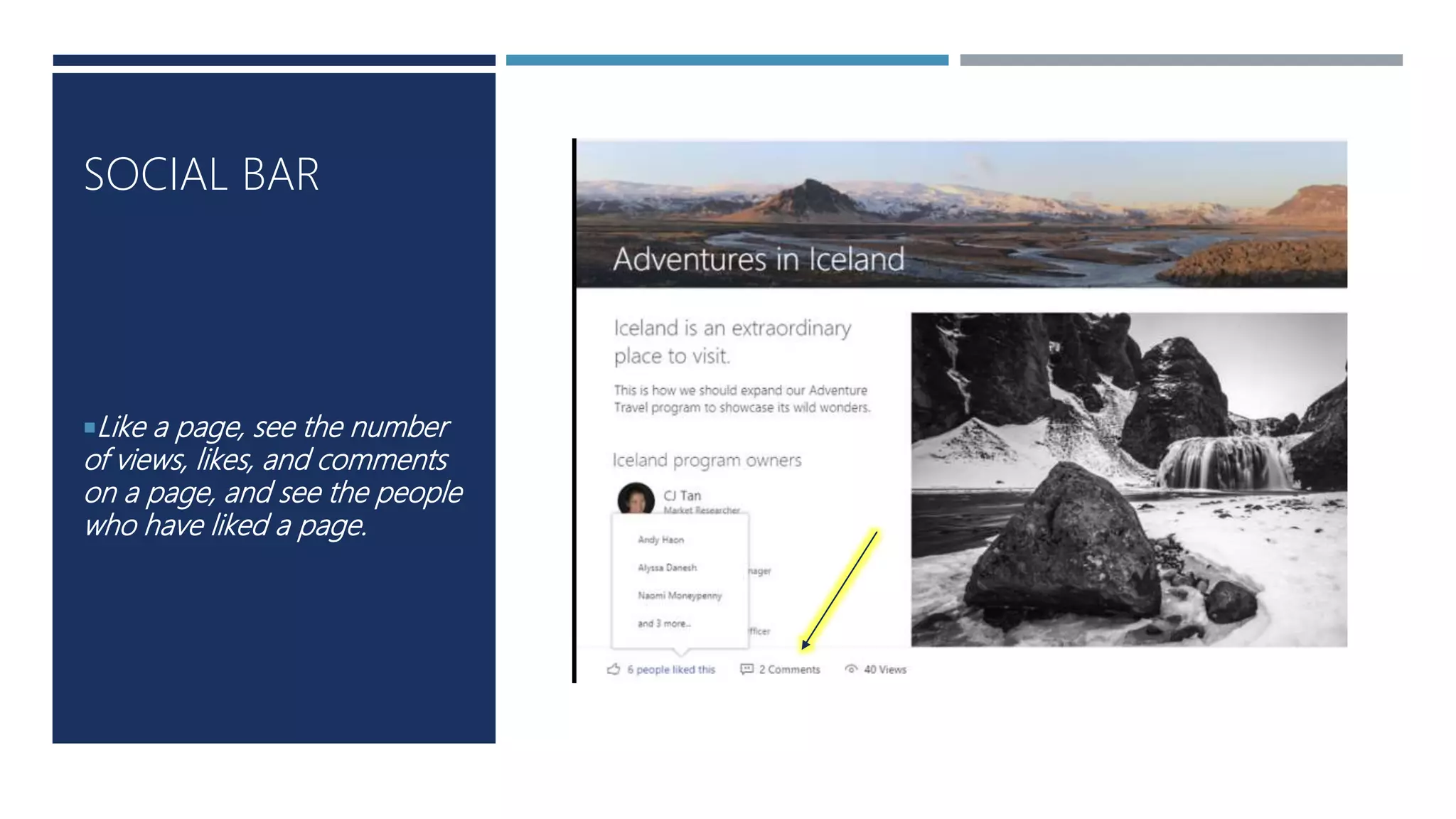
Like a page, see the number
of views, likes, and comments
on a page, and see the people
who have liked a page.
SOCIAL BAR
SharePoint is still SharePoint!
How can you not love
SharePoint?
IMPROVED EXPERIENCE IN SHAREPOINT LIST & LIBRARIES
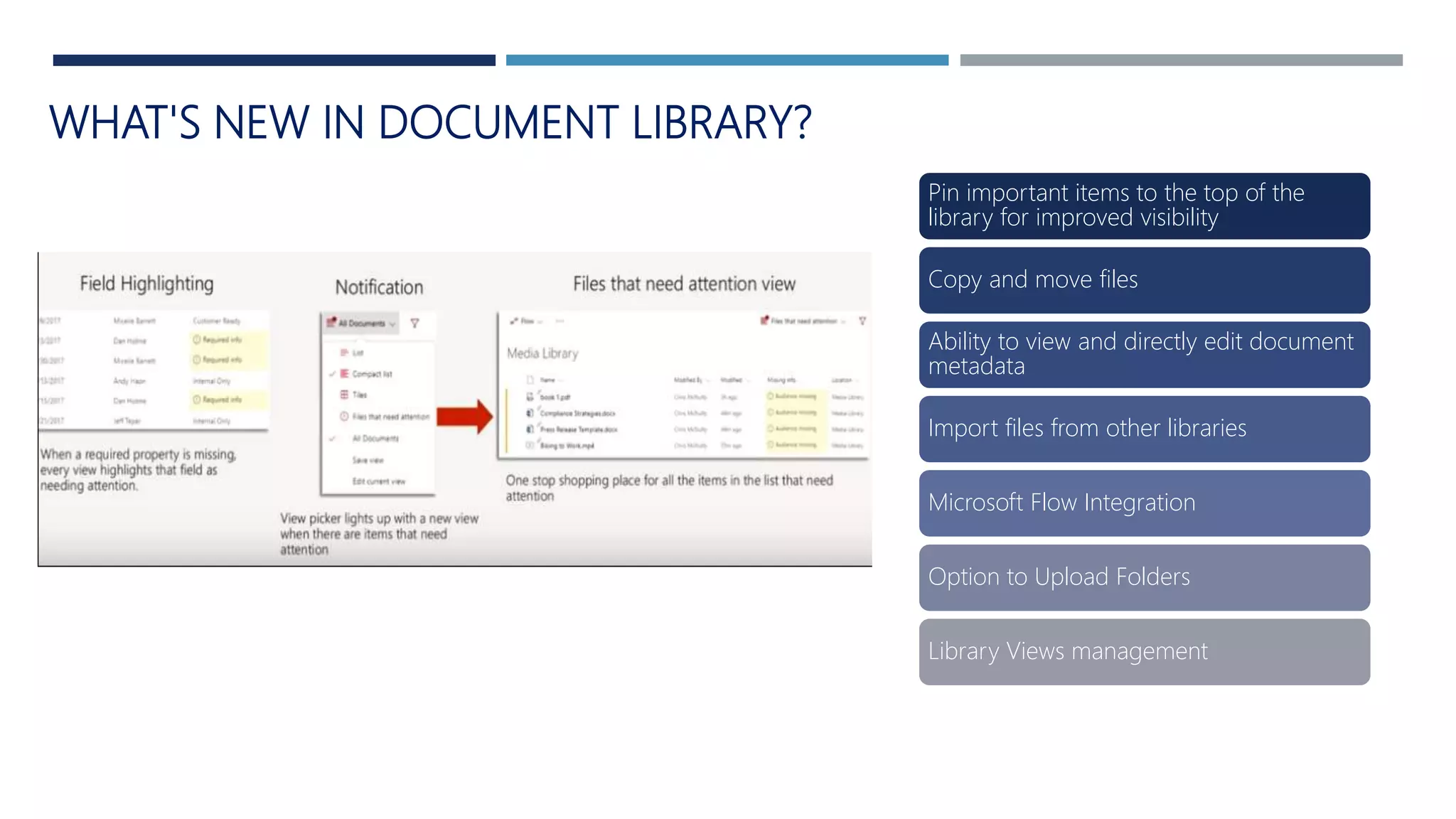
WHAT'S NEW IN DOCUMENT LIBRARY?
Pin important items to the top of the
library for improved visibility
Copy and move files
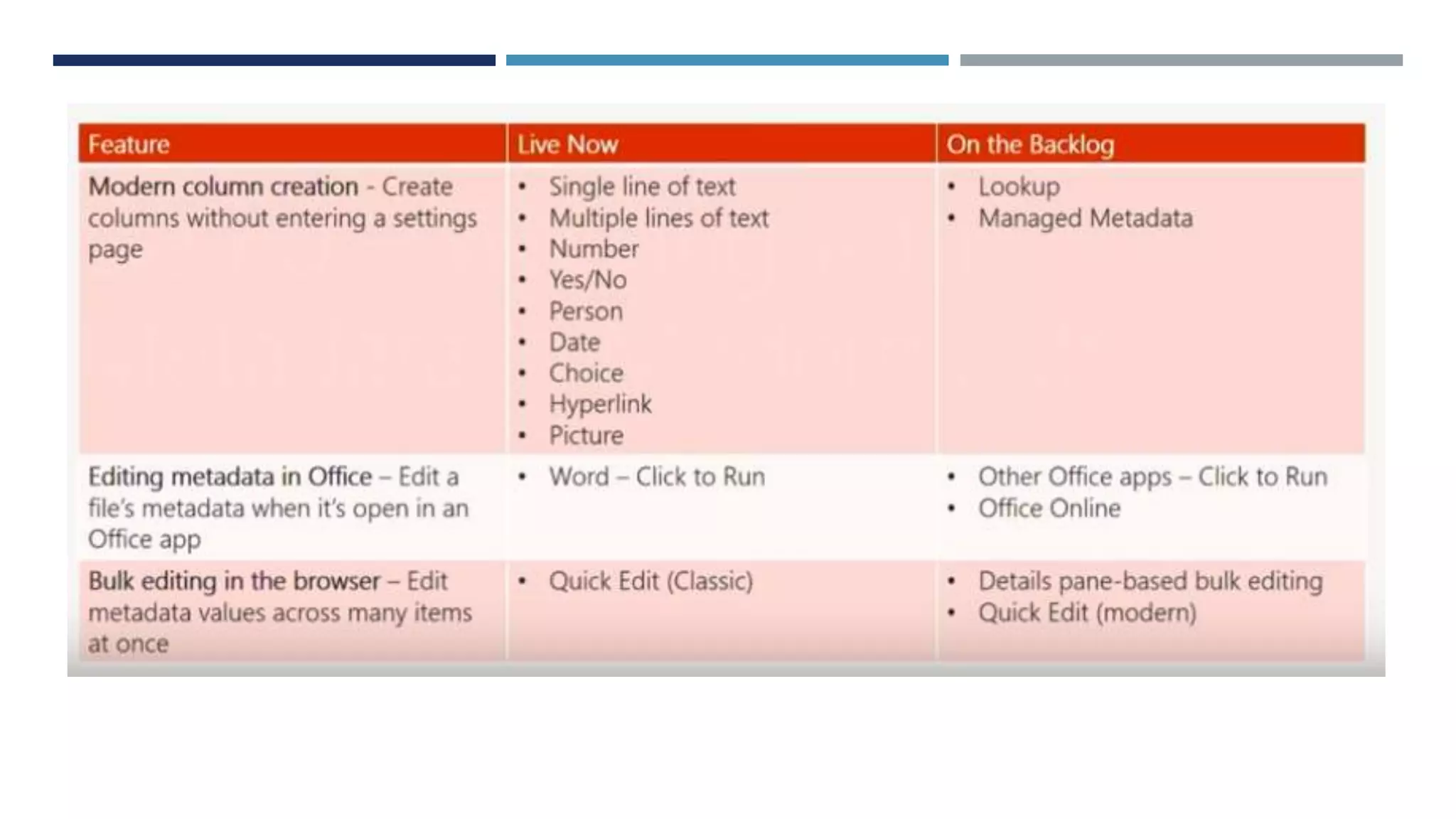
Ability to view and directly edit document
metadata
Import files from other libraries
Microsoft Flow Integration
Option to Upload Folders
Library Views management
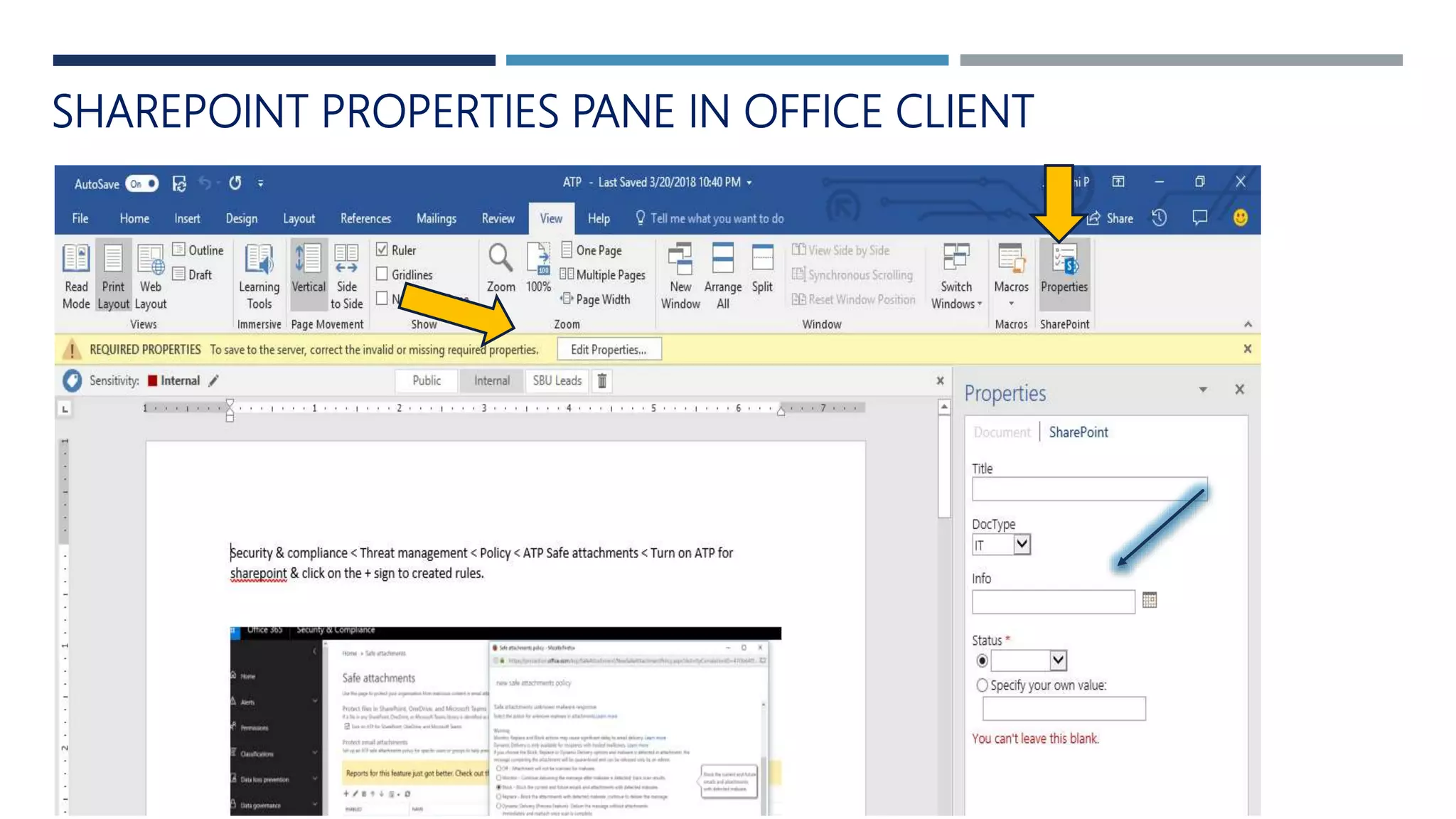
SHAREPOINT PROPERTIES PANE IN OFFICE CLIENT
WHAT’S NEW IN LIST ?
Quick actions for commonly used Lists tasks
PowerApps & Flow Integration
Predictive Indexing
Attention Views
FILTERS PANE
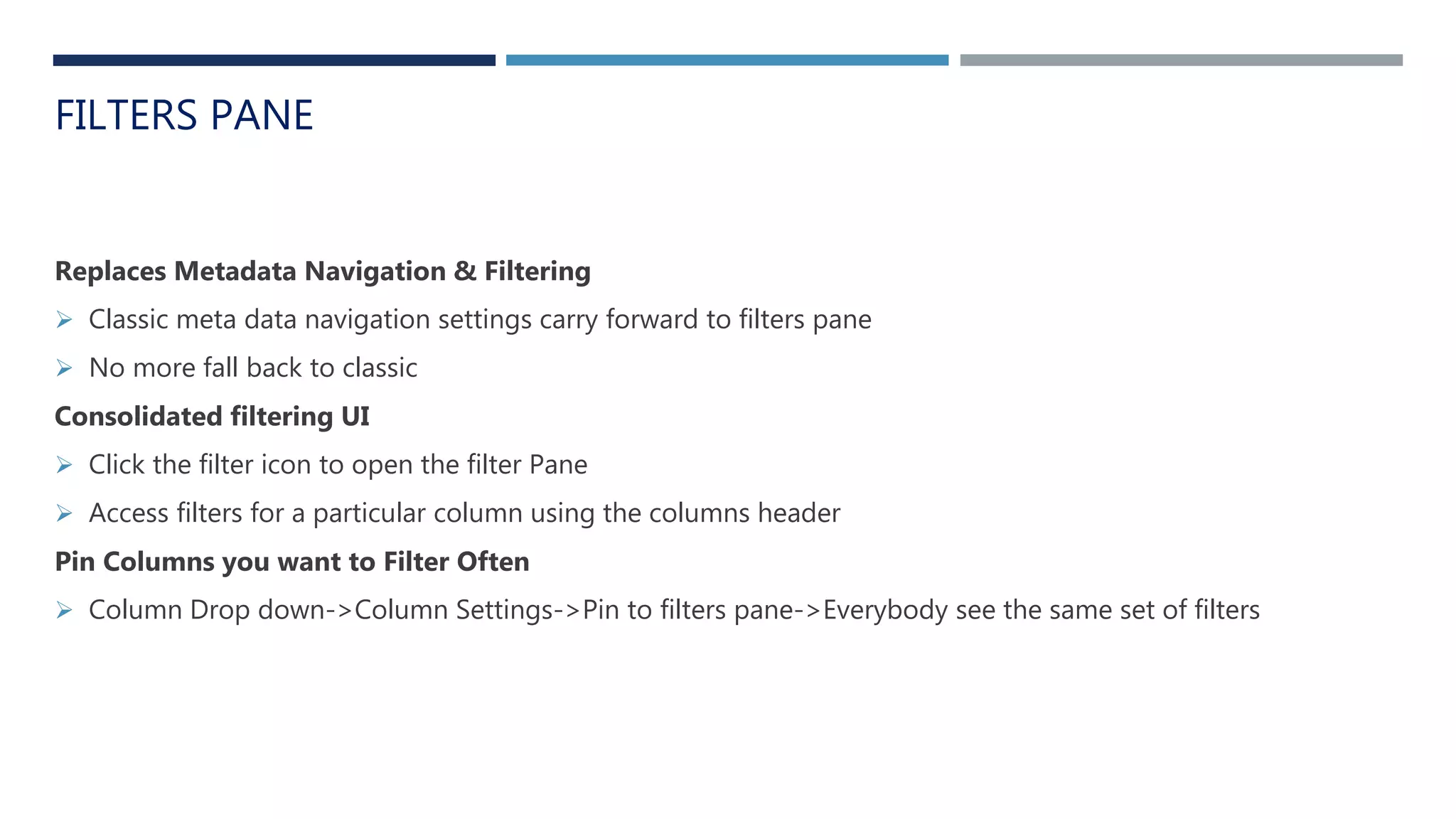
Replaces Metadata Navigation & Filtering
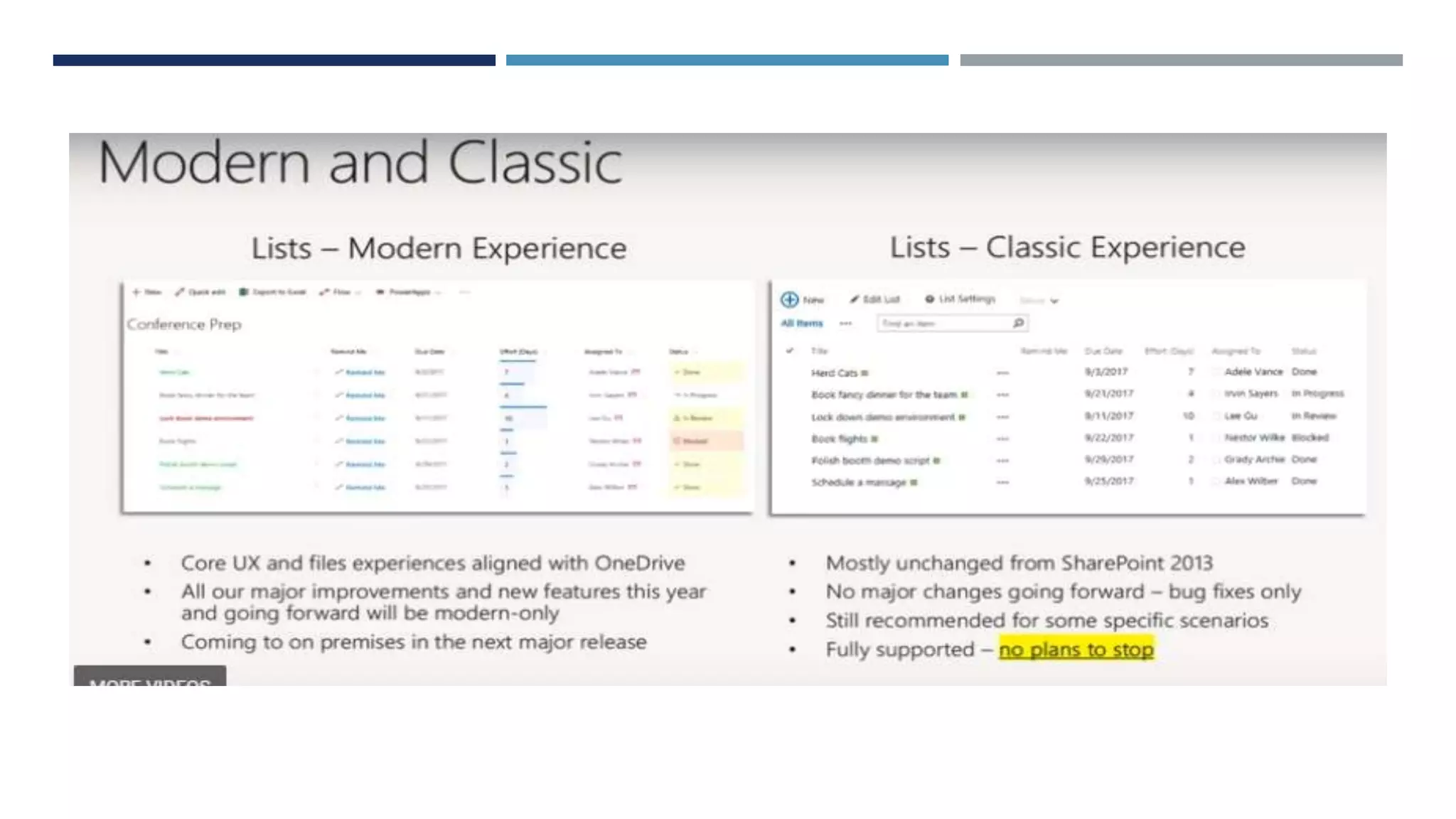
 Classic meta data navigation settings carry forward to filters pane
 No more fall back to classic
Consolidated filtering UI
 Click the filter icon to open the filter Pane
 Access filters for a particular column using the columns header
Pin Columns you want to Filter Often
 Column Drop down->Column Settings->Pin to filters pane->Everybody see the same set of filters
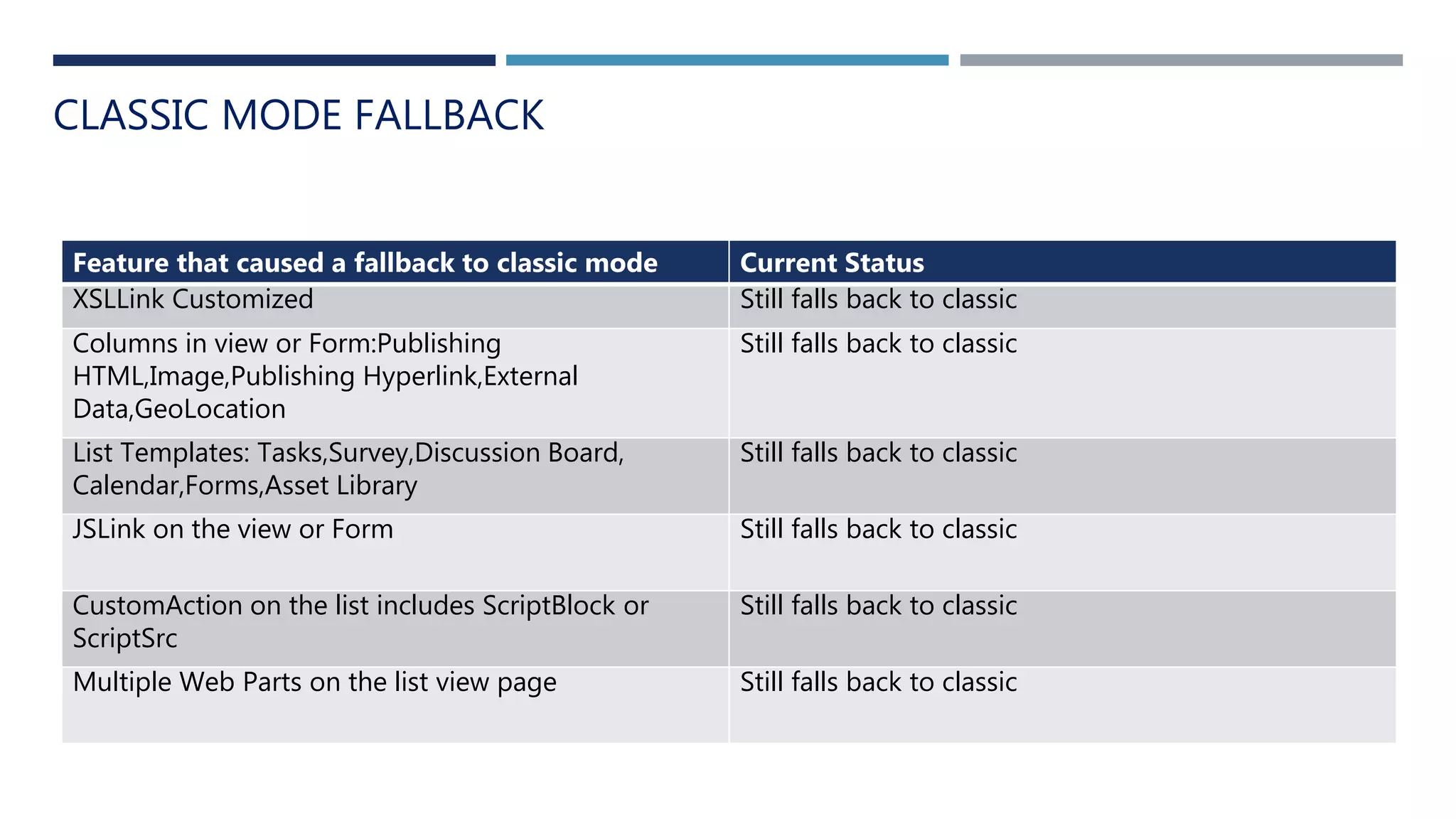
CLASSIC MODE FALLBACK
Feature that caused a fallback to classic mode Current Status
XSLLink Customized Still falls back to classic
Columns in view or Form:Publishing
HTML,Image,Publishing Hyperlink,External
Data,GeoLocation
Still falls back to classic
List Templates: Tasks,Survey,Discussion Board,
Calendar,Forms,Asset Library
Still falls back to classic
JSLink on the view or Form Still falls back to classic
CustomAction on the list includes ScriptBlock or
ScriptSrc
Still falls back to classic
Multiple Web Parts on the list view page Still falls back to classic
Improving the ways which you share and work together
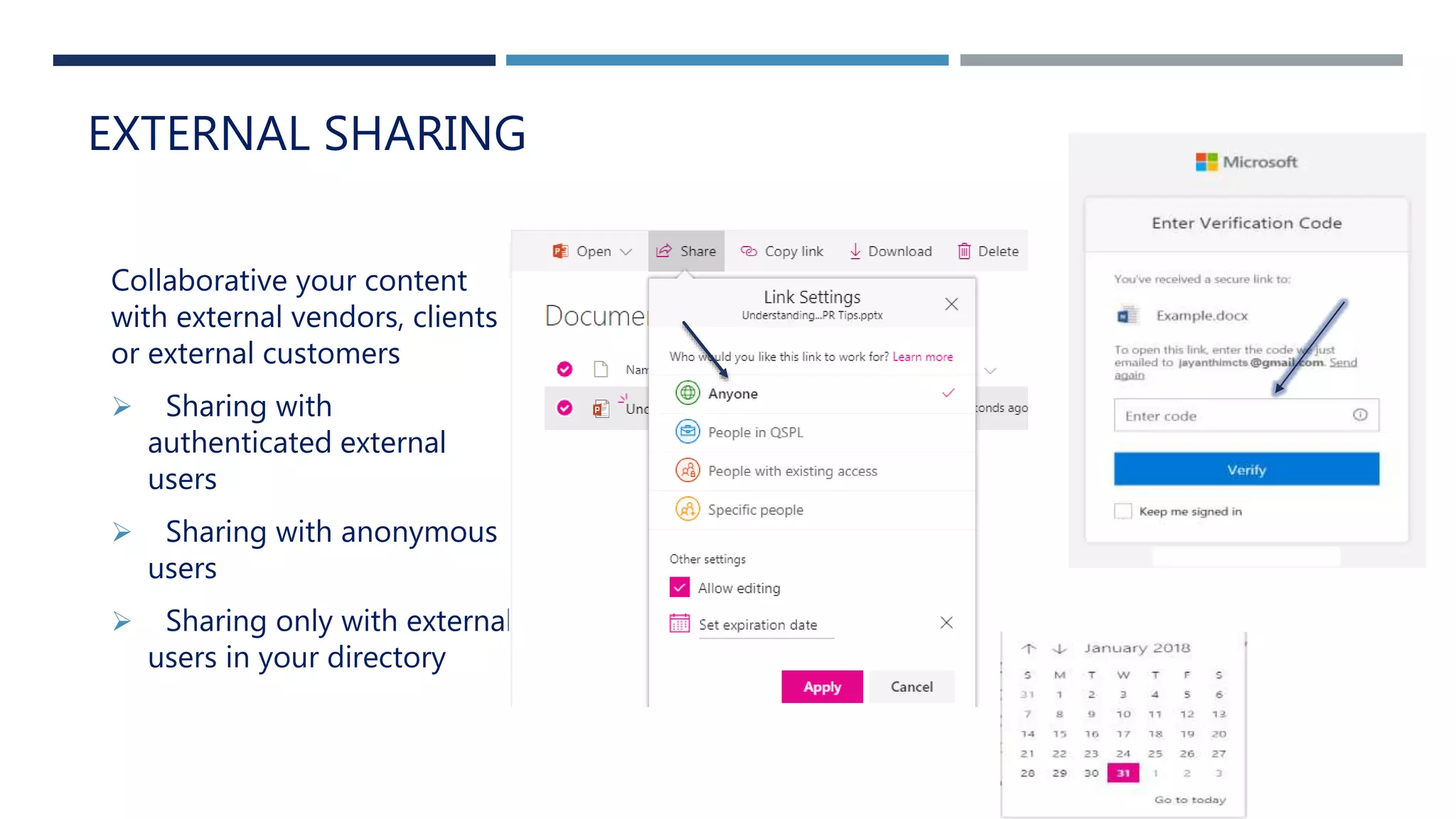
Collaborative your content
with external vendors, clients
or external customers
 Sharing with
authenticated external
users
 Sharing with anonymous
users
 Sharing only with external
users in your directory
EXTERNAL SHARING
FUTURE OF SHAREPOINT DEVELOPMENT
SharePoint Framework
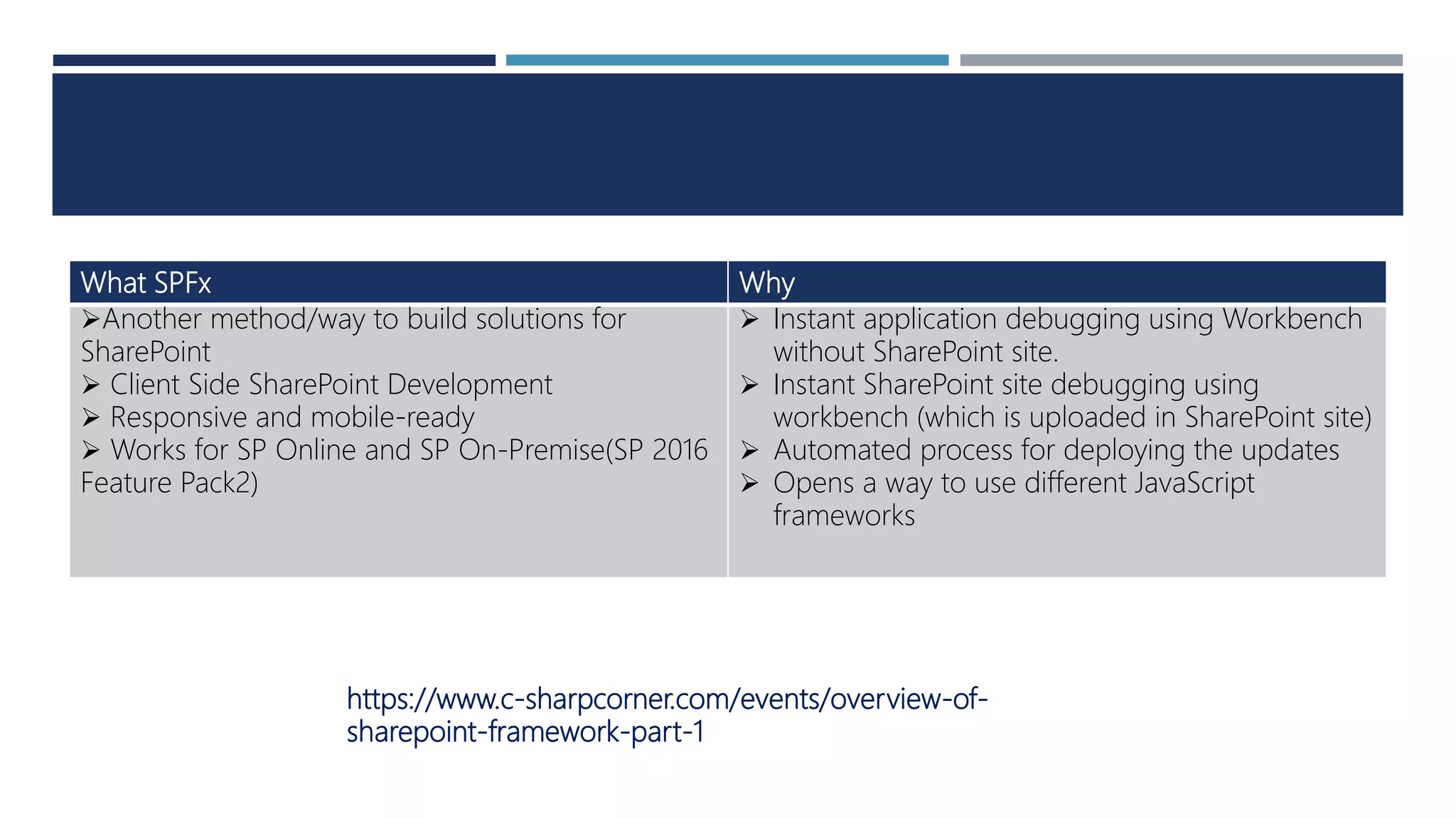
What SPFx Why
Another method/way to build solutions for
SharePoint
 Client Side SharePoint Development
 Responsive and mobile-ready
 Works for SP Online and SP On-Premise(SP 2016
Feature Pack2)
 Instant application debugging using Workbench
without SharePoint site.
 Instant SharePoint site debugging using
workbench (which is uploaded in SharePoint site)
 Automated process for deploying the updates
 Opens a way to use different JavaScript
frameworks
https://www.c-sharpcorner.com/events/overview-of-
sharepoint-framework-part-1
SHAREPOINT ADMINISTRATION
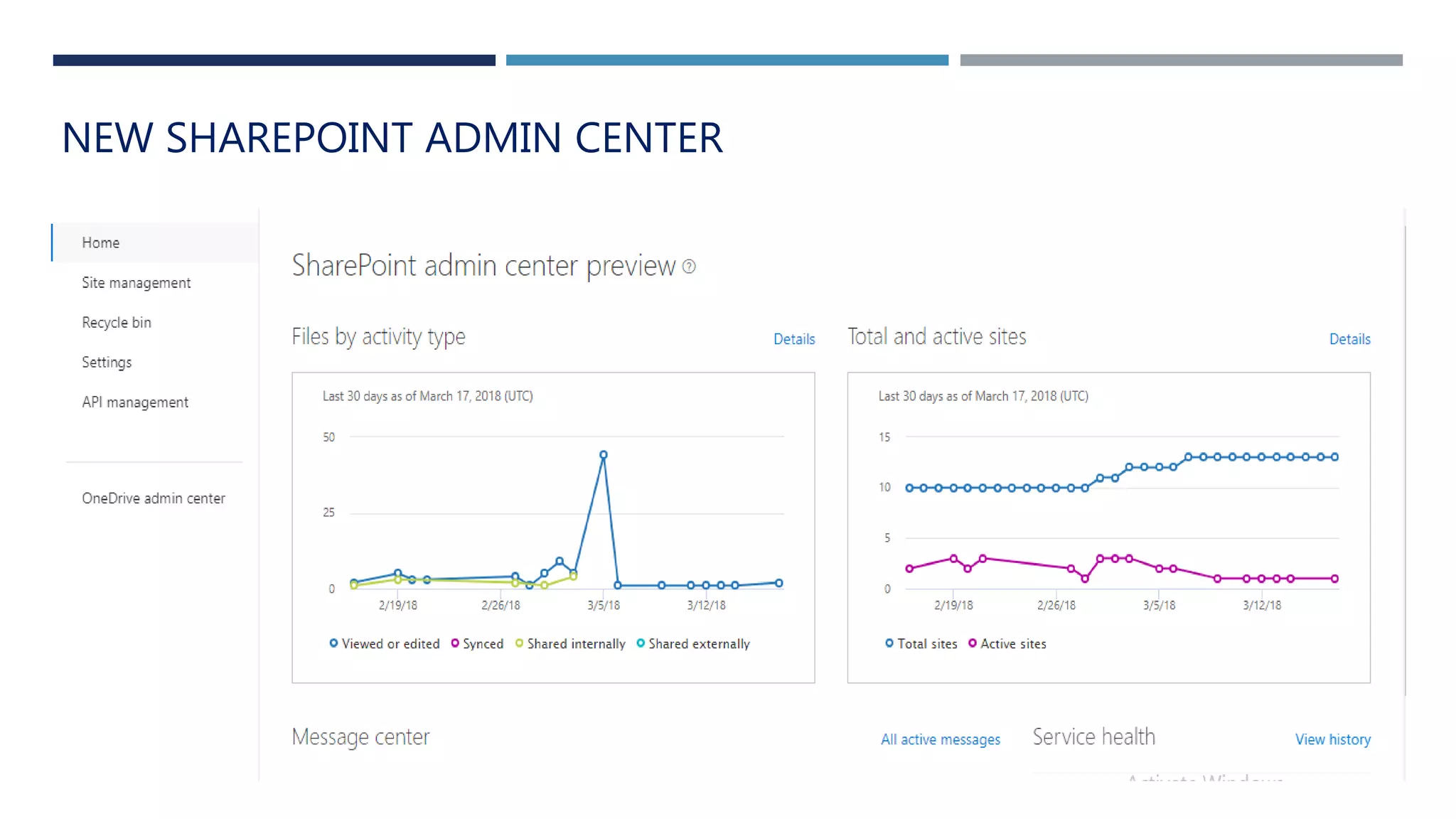
NEW SHAREPOINT ADMIN CENTER
HOW TO KEEP YOUR DATA SAFE
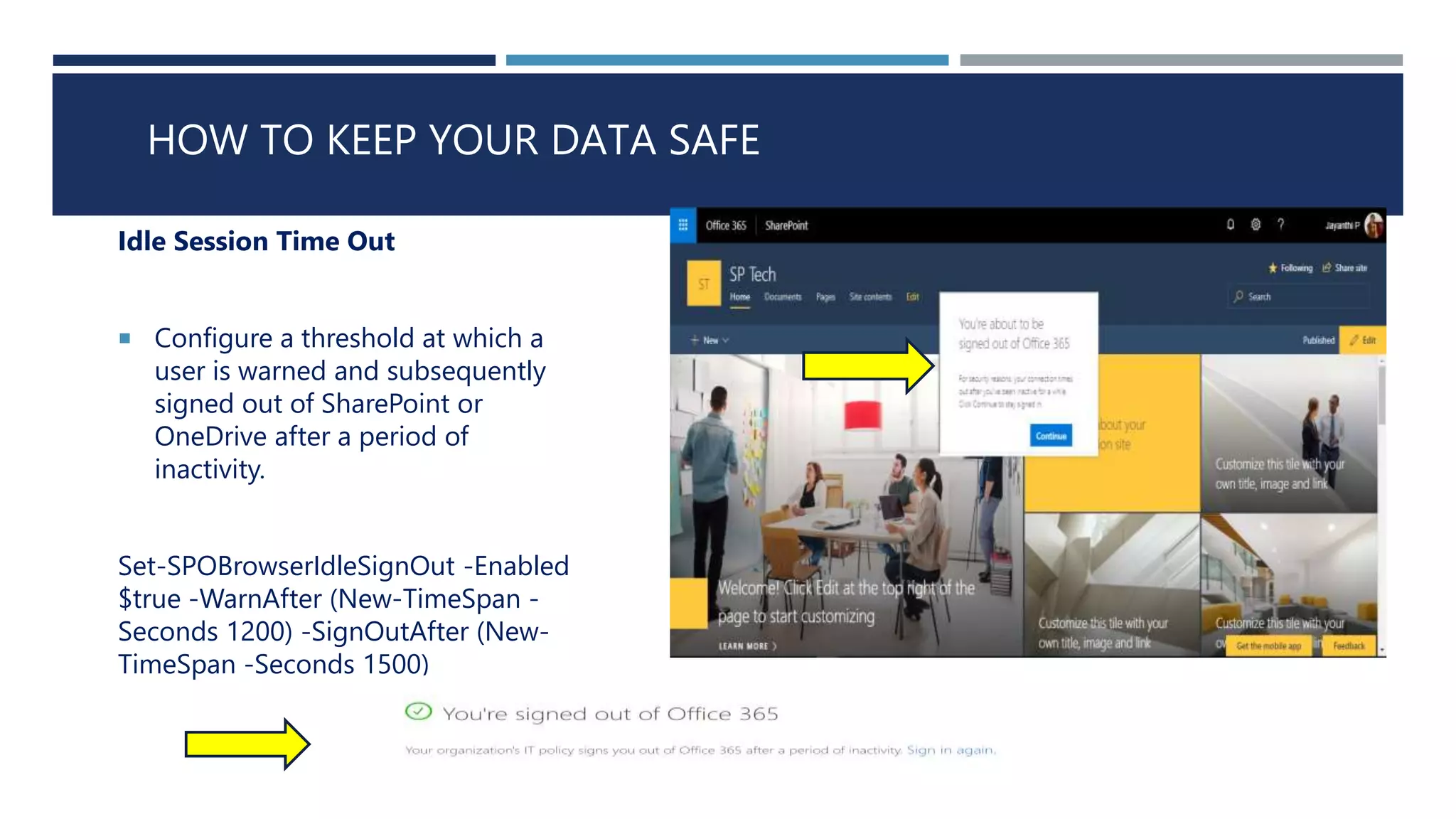
Idle Session Time Out
 Configure a threshold at which a
user is warned and subsequently
signed out of SharePoint or
OneDrive after a period of
inactivity.
Set-SPOBrowserIdleSignOut -Enabled
$true -WarnAfter (New-TimeSpan -
Seconds 1200) -SignOutAfter (New-
TimeSpan -Seconds 1500)
ACCESS CONTROL
Site Scoped Conditional Access Policies
 Device-based policies for SharePoint and OneDrive help
administrators ensure corporate data is not leaked onto
unmanaged devices such as non-domain joined or non-
compliant devices by limiting access to the content to the
browser, preventing files from being taken offline or
synchronized with OneDrive.
Restricted Domain Sharing Control
 Limit sharing invitations to a limited number of email
domains by listing them in the allow list or opt to use the deny
list, listing email domains to which users are prohibited from
sending invitations
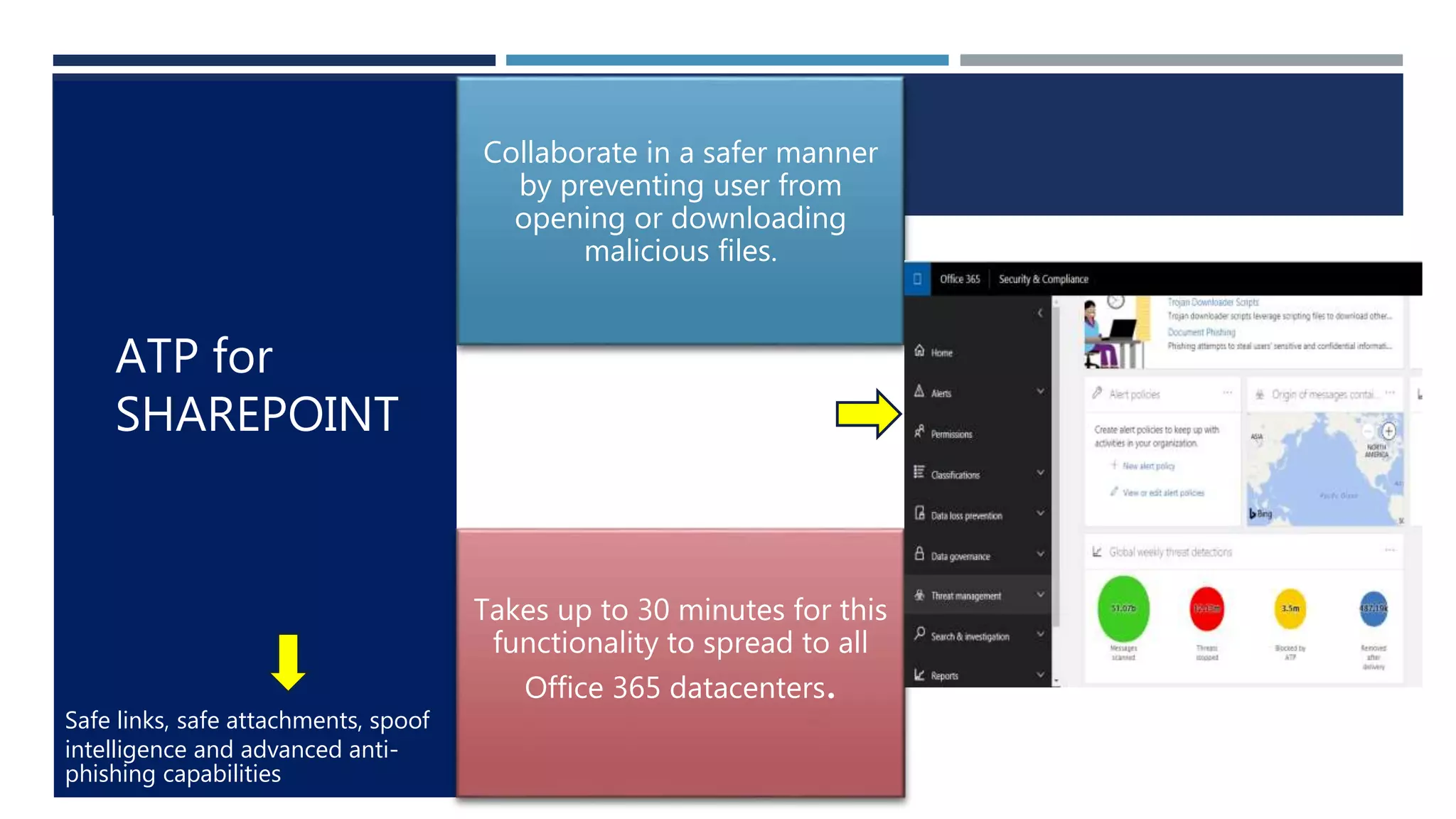
Safe links, safe attachments, spoof
intelligence and advanced anti-
phishing capabilities
Collaborate in a safer manner
by preventing user from
opening or downloading
malicious files.
Takes up to 30 minutes for this
functionality to spread to all
Office 365 datacenters.
ATP for
SHAREPOINT
ROADMAP
https://products.office.com/en-us/business/office-365-
roadmap?filters=%26freeformsearch=SharePoint
CONCLUSION
SharePoint is back in the game
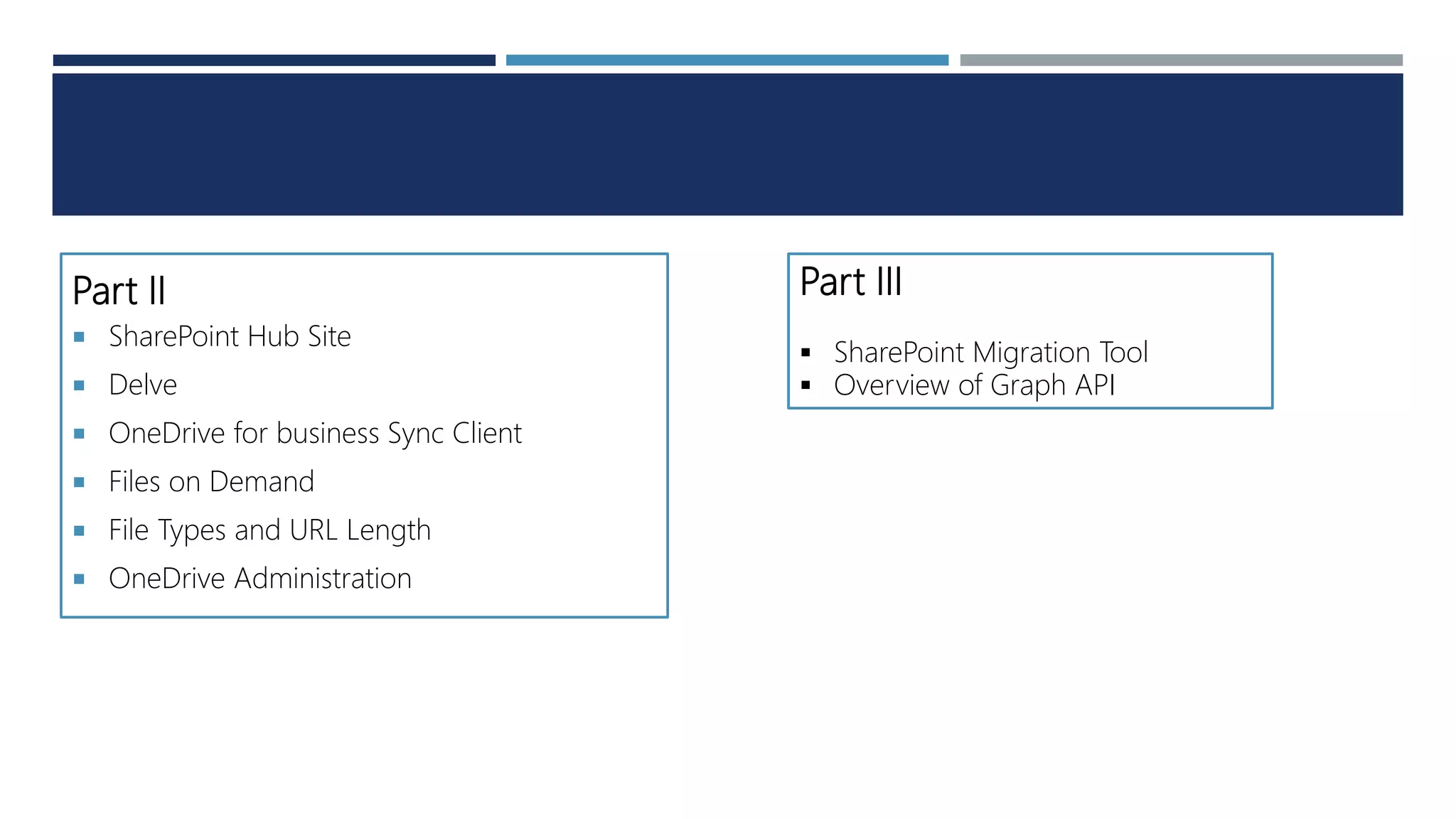
Part II
 SharePoint Hub Site
 Delve
 OneDrive for business Sync Client
 Files on Demand
 File Types and URL Length
 OneDrive Administration
Part III
 SharePoint Migration Tool
 Overview of Graph API
Deep dive into the new features of share point online & onedrive for business part i

Deep dive into the new features of share point online & onedrive for business part i

  • 1.
    Deep dive intothe new features of SharePoint Online & OneDrive for business – PART 1 Jayanthi P | MCTS ,C# Corner MVP SharePoint & Office 365 Developer
  • 2.
    WHO AM I C# Corner MVP, Microsoft Certified Technology Specialist  SharePoint Developer  Specialized on SQL Server, Asp. Net, Dynamics CRM & Power BI jayanthimcts@gmail.com@JayanthiArthi Jayanthi P Jayanthi P
  • 3.
    AGENDA End Users SharePoint Modern Experience Modern Lists& Libraries Sharing Improvements Developers SPFx Administrators New SharePoint Admin Center Idle Session Timeout Site Scoped Conditional Access Policies ATP for SharePoint
  • 4.
  • 5.
  • 6.
  • 7.
    It’s like Upgrading your car Mobile Friendly & Responsive  Easier to Use
  • 8.
    WHAT'S GONE ? •Ribbon • “Get Started with your site” • Tree View • Publishing • Custom Master Page • Custom CSS via AlternateCSSUrl web property • Custom JavaScript embedded via User Custom Actions • Target Audience
  • 9.
    But its notabout What’s Gone
  • 10.
    SHAREPOINT CUSTOMIZATIONS SharePoint Customizations- Complicated to Simple SharePoint Designer InfoPath SharePoint Workflows Sandbox Solutions Office UI Fabric PowerApps Microsoft Flow SharePoint Framework (SPFx) Custom Actions
  • 11.
    What I cando with Modern Sites?
  • 12.
    TEAM SITES &COMMUNICATION SITES Team Sites Communication Sites Invite your Team Very similar to Team Sites Manage News, Documents and lists in a very straight forward way Same Features/Same Experience Manage the layout of the pages and add a whole set of web parts in a dynamic way Simply a different template with navigation on the top instead of the left of the page Mobile Experience Same Feature Present behind every Office365 Groups, Yammer Groups and Teams Small different features like full width zoning for example
  • 13.
    WHEN TO CHOOSETEAM SITES AND COMMUNICATION SITES? Connect/Collaborate/Create Showcase/ Share Services /Story
  • 15.
    Can I createMy own Site Theme in Modern Sites?
  • 16.
    PAGE DESIGNS • OfficeUI Fabric Custom Theme Generator https://developer.microsoft.com/en -us/fabric#/styles/themegenerator
  • 17.
    Rich Text Editing(RTE) Updates Make your text appear more like you like
  • 19.
    Want to knowhow many users visit your SharePoint sites and what exactly they are viewing or editing?
  • 20.
  • 21.
    Like a page,see the number of views, likes, and comments on a page, and see the people who have liked a page. SOCIAL BAR
  • 23.
    SharePoint is stillSharePoint! How can you not love SharePoint?
  • 24.
    IMPROVED EXPERIENCE INSHAREPOINT LIST & LIBRARIES
  • 25.
    WHAT'S NEW INDOCUMENT LIBRARY? Pin important items to the top of the library for improved visibility Copy and move files Ability to view and directly edit document metadata Import files from other libraries Microsoft Flow Integration Option to Upload Folders Library Views management
  • 27.
  • 28.
    WHAT’S NEW INLIST ? Quick actions for commonly used Lists tasks PowerApps & Flow Integration Predictive Indexing Attention Views
  • 30.
    FILTERS PANE Replaces MetadataNavigation & Filtering  Classic meta data navigation settings carry forward to filters pane  No more fall back to classic Consolidated filtering UI  Click the filter icon to open the filter Pane  Access filters for a particular column using the columns header Pin Columns you want to Filter Often  Column Drop down->Column Settings->Pin to filters pane->Everybody see the same set of filters
  • 31.
    CLASSIC MODE FALLBACK Featurethat caused a fallback to classic mode Current Status XSLLink Customized Still falls back to classic Columns in view or Form:Publishing HTML,Image,Publishing Hyperlink,External Data,GeoLocation Still falls back to classic List Templates: Tasks,Survey,Discussion Board, Calendar,Forms,Asset Library Still falls back to classic JSLink on the view or Form Still falls back to classic CustomAction on the list includes ScriptBlock or ScriptSrc Still falls back to classic Multiple Web Parts on the list view page Still falls back to classic
  • 33.
    Improving the wayswhich you share and work together
  • 34.
    Collaborative your content withexternal vendors, clients or external customers  Sharing with authenticated external users  Sharing with anonymous users  Sharing only with external users in your directory EXTERNAL SHARING
  • 36.
    FUTURE OF SHAREPOINTDEVELOPMENT SharePoint Framework
  • 37.
    What SPFx Why Anothermethod/way to build solutions for SharePoint  Client Side SharePoint Development  Responsive and mobile-ready  Works for SP Online and SP On-Premise(SP 2016 Feature Pack2)  Instant application debugging using Workbench without SharePoint site.  Instant SharePoint site debugging using workbench (which is uploaded in SharePoint site)  Automated process for deploying the updates  Opens a way to use different JavaScript frameworks https://www.c-sharpcorner.com/events/overview-of- sharepoint-framework-part-1
  • 38.
  • 39.
  • 40.
    HOW TO KEEPYOUR DATA SAFE Idle Session Time Out  Configure a threshold at which a user is warned and subsequently signed out of SharePoint or OneDrive after a period of inactivity. Set-SPOBrowserIdleSignOut -Enabled $true -WarnAfter (New-TimeSpan - Seconds 1200) -SignOutAfter (New- TimeSpan -Seconds 1500)
  • 41.
    ACCESS CONTROL Site ScopedConditional Access Policies  Device-based policies for SharePoint and OneDrive help administrators ensure corporate data is not leaked onto unmanaged devices such as non-domain joined or non- compliant devices by limiting access to the content to the browser, preventing files from being taken offline or synchronized with OneDrive. Restricted Domain Sharing Control  Limit sharing invitations to a limited number of email domains by listing them in the allow list or opt to use the deny list, listing email domains to which users are prohibited from sending invitations
  • 42.
    Safe links, safeattachments, spoof intelligence and advanced anti- phishing capabilities Collaborate in a safer manner by preventing user from opening or downloading malicious files. Takes up to 30 minutes for this functionality to spread to all Office 365 datacenters. ATP for SHAREPOINT
  • 44.
  • 45.
  • 46.
    Part II  SharePointHub Site  Delve  OneDrive for business Sync Client  Files on Demand  File Types and URL Length  OneDrive Administration Part III  SharePoint Migration Tool  Overview of Graph API