iOS Application Development
Introduction to iOS 7 and SDK
These are confidential sessions - please refrain from streaming, blogging, or taking pictures
Session 1
Vu Tran Lam
IAD-2013
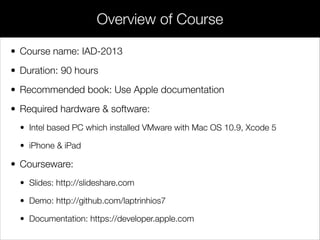
• Course name: IAD-2013
• Duration: 90 hours
• Recommended book: Use Apple documentation
• Required hardware & software:
• Intel based PC which installed VMware with Mac OS 10.9, Xcode 5
• iPhone & iPad
• Courseware:
• Slides: http://slideshare.com
• Demo: http://github.com/laptrinhios7
• Documentation: https://developer.apple.com
Overview of Course
Overview of Course
UI/UX
Overview of Course
Agile
UI/UX
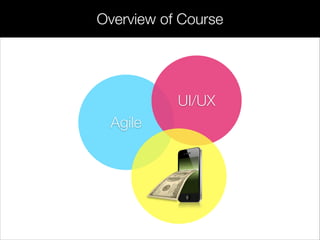
Overview of Course
Agile
UI/UX
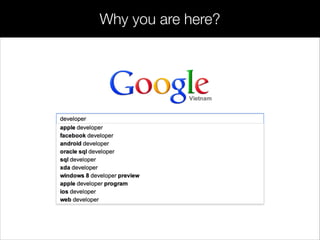
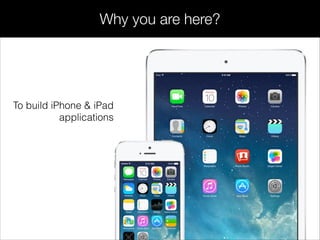
Why you are here?
Why you are here?
To build iPhone & iPad
applications
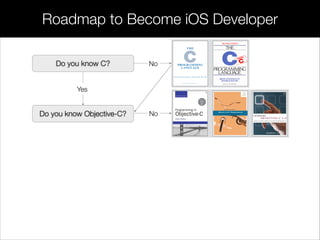
Do you know C?
Roadmap to Become iOS Developer
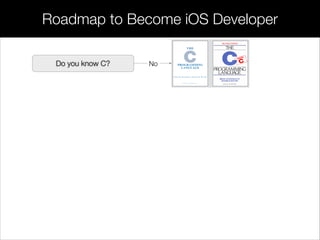
NoDo you know C?
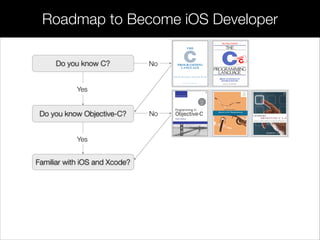
Roadmap to Become iOS Developer
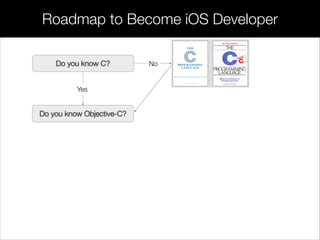
NoDo you know C?
Yes
Do you know Objective-C?
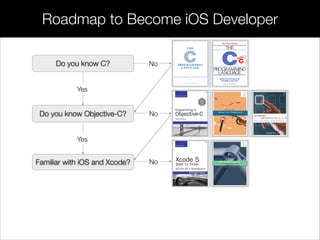
Roadmap to Become iOS Developer
NoDo you know C?
Yes
Do you know Objective-C? No
Roadmap to Become iOS Developer
NoDo you know C?
Yes
Do you know Objective-C?
Yes
Familiar with iOS and Xcode?
No
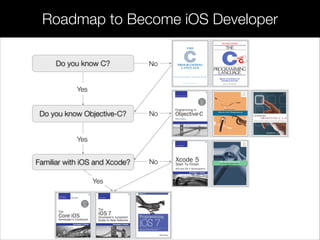
Roadmap to Become iOS Developer
NoDo you know C?
Yes
Do you know Objective-C?
Yes
Familiar with iOS and Xcode?
No
No
Roadmap to Become iOS Developer
NoDo you know C?
Yes
Do you know Objective-C?
Yes
Familiar with iOS and Xcode?
No
Yes
No
Mobile Development
Mobile Development
iOS SDK
Mobile Development
iOS SDK Android SDK
Mobile Development
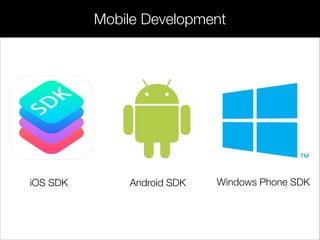
iOS SDK Android SDK Windows Phone SDK
Mobile Development
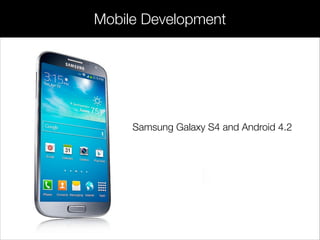
Samsung Galaxy S4 and Android 4.2
Mobile Development
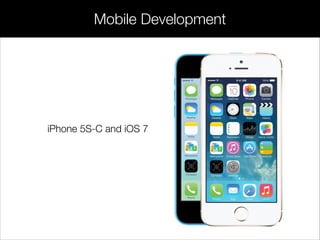
iPhone 5S-C and iOS 7
Introduction to Mac OS X
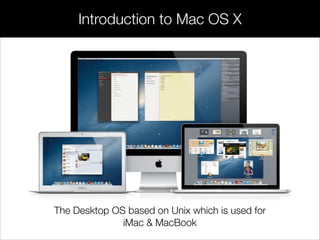
The Desktop OS based on Unix which is used for
iMac & MacBook
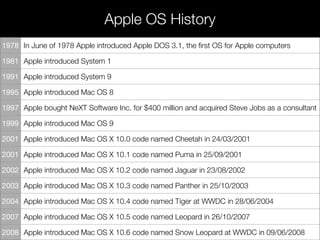
Apple OS History
1978 In June of 1978 Apple introduced Apple DOS 3.1, the first OS for Apple computers
1981 Apple introduced System 1
1991 Apple introduced System 9
1995 Apple introduced Mac OS 8
1997 Apple bought NeXT Software Inc. for $400 million and acquired Steve Jobs as a consultant
1999 Apple introduced Mac OS 9
2001 Apple introduced Mac OS X 10.0 code named Cheetah in 24/03/2001
2001 Apple introduced Mac OS X 10.1 code named Puma in 25/09/2001
2002 Apple introduced Mac OS X 10.2 code named Jaguar in 23/08/2002
2003 Apple introduced Mac OS X 10.3 code named Panther in 25/10/2003
2004 Apple introduced Mac OS X 10.4 code named Tiger at WWDC in 28/06/2004
2007 Apple introduced Mac OS X 10.5 code named Leopard in 26/10/2007
2008 Apple introduced Mac OS X 10.6 code named Snow Leopard at WWDC in 09/06/2008
Mac OS X History
Mac OS X is the first real replacement for the older Mac OS, based
on the OPENSTEP (NEXTSTEP) from NeXT.
!
!
!
NeXT Computer Inc. is the company that was set up by Steve Jobs
in 1985 is taken by Apple completely for 400 million dollars in 1997.
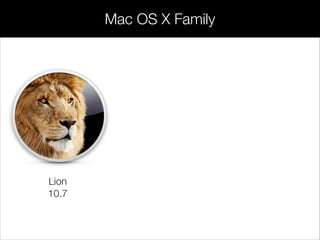
Lion
10.7
Mac OS X Family
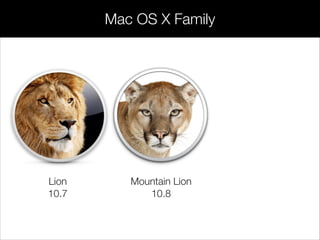
Lion
10.7
Mountain Lion
10.8
Mac OS X Family
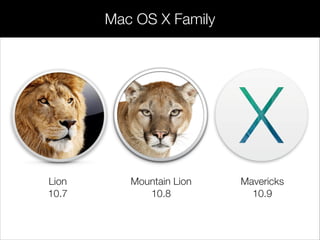
Lion
10.7
Mountain Lion
10.8
Mavericks
10.9
Mac OS X Family
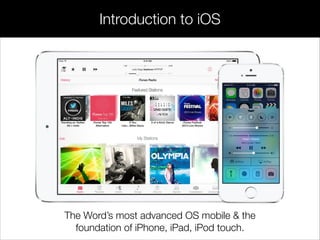
Introduction to iOS
The Word’s most advanced OS mobile & the
foundation of iPhone, iPad, iPod touch.
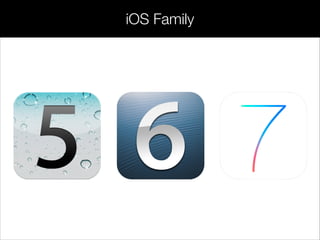
iOS Family
iOS Family
iOS Family
iOS Developer Tools
The Xcode Developer Toolset provides everything you need to
create great apps for Mac, iPhone, iPad, and iPod touch.
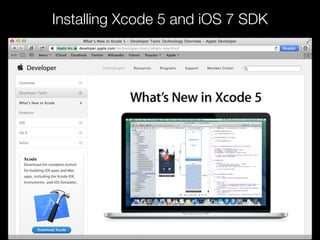
Xcode 5 is the complete toolset for building OS
X 10.9 and iOS 7 applications. Xcode 5 has
been redesigned to be faster and easier to use.
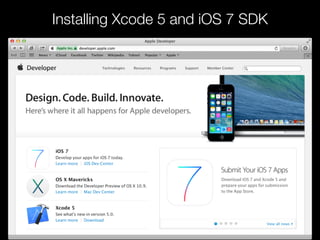
Xcode 5 and iOS 7 SDK
iOS 7 SDK provides support for developing iOS
apps, and it includes the complete set of Xcode
tools, compilers, and frameworks for creating
apps for iOS and OS X.
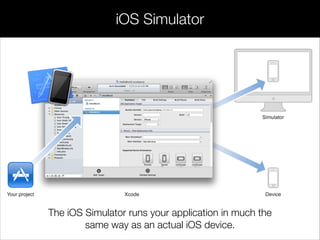
iOS Simulator
The iOS Simulator runs your application in much the
same way as an actual iOS device.
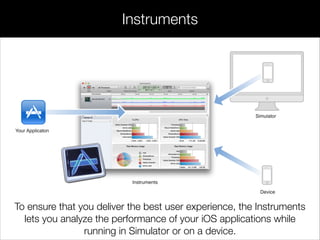
Instruments
To ensure that you deliver the best user experience, the Instruments
lets you analyze the performance of your iOS applications while
running in Simulator or on a device.
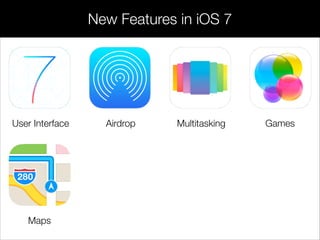
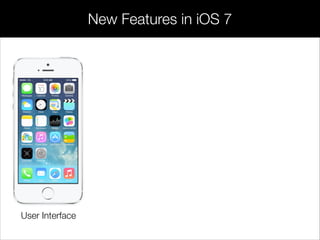
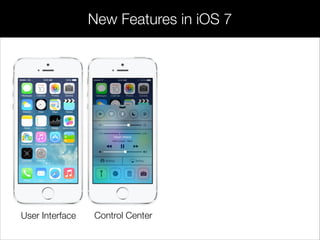
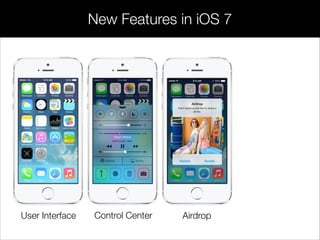
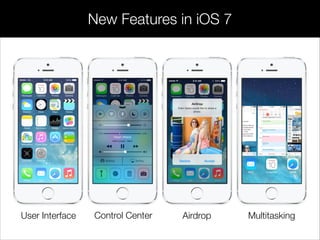
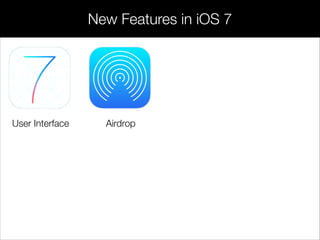
New Features in iOS 7
User Interface
New Features in iOS 7
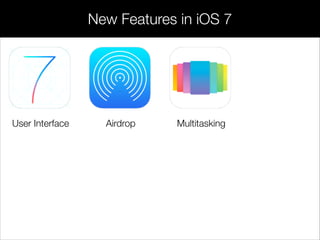
User Interface Airdrop
New Features in iOS 7
User Interface Airdrop Multitasking
New Features in iOS 7
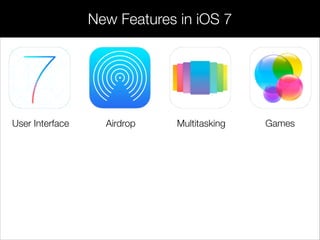
User Interface Airdrop Multitasking Games
New Features in iOS 7
User Interface Airdrop Multitasking Games
Maps
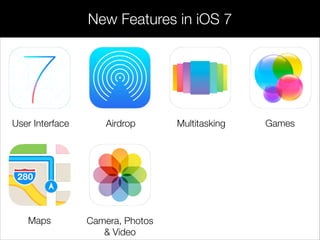
New Features in iOS 7
User Interface Airdrop Multitasking Games
Maps Camera, Photos
& Video
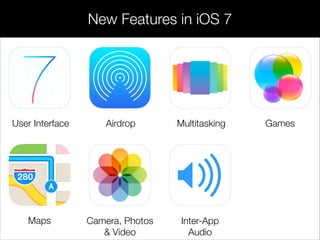
New Features in iOS 7
User Interface Airdrop Multitasking Games
Maps Camera, Photos
& Video
Inter-App
Audio
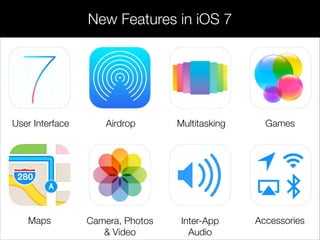
New Features in iOS 7
User Interface Airdrop Multitasking Games
Maps Camera, Photos
& Video
AccessoriesInter-App
Audio
New Features in iOS 7
User Interface
New Features in iOS 7
User Interface Control Center
New Features in iOS 7
AirdropUser Interface Control Center
New Features in iOS 7
AirdropUser Interface MultitaskingControl Center
New Features in iOS 7
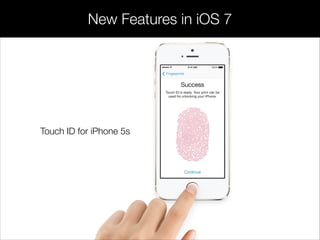
Touch ID for iPhone 5s
Installing Xcode 5 and iOS 7 SDK
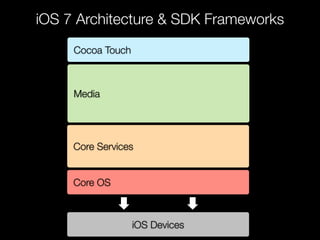
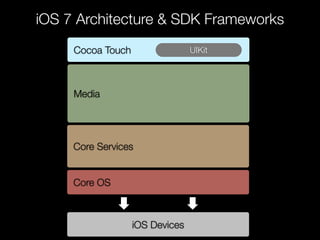
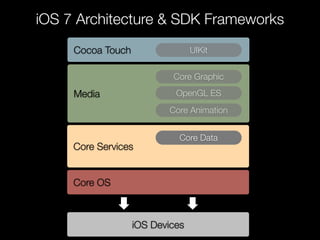
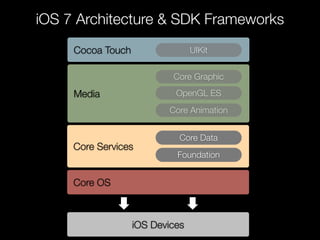
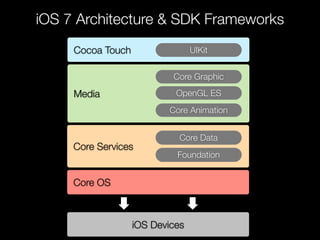
iOS 7 Architecture & SDK Frameworks
Cocoa Touch
Media
Core Services
Core OS
iOS Devices
iOS 7 Architecture & SDK Frameworks
Cocoa Touch UIKit
Media
Core Services
Core OS
iOS Devices
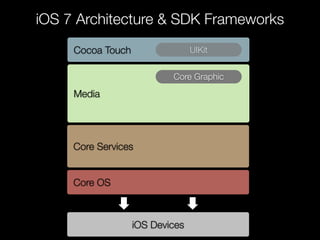
iOS 7 Architecture & SDK Frameworks
Cocoa Touch UIKit
Media
Core Graphic
Core Services
Core OS
iOS Devices
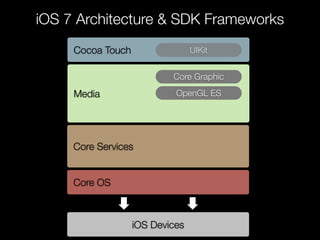
iOS 7 Architecture & SDK Frameworks
Cocoa Touch UIKit
Media
Core Graphic
Core Services
Core OS
iOS Devices
OpenGL ES
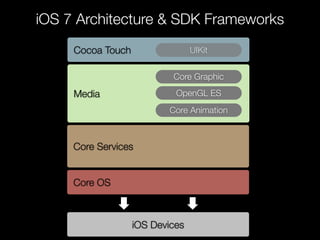
iOS 7 Architecture & SDK Frameworks
Cocoa Touch UIKit
Media
Core Graphic
OpenGL ES
Core Animation
Core Services
Core OS
iOS Devices
iOS 7 Architecture & SDK Frameworks
Cocoa Touch UIKit
Media
Core Graphic
OpenGL ES
Core Animation
Core Services
Core Data
Core OS
iOS Devices
iOS 7 Architecture & SDK Frameworks
Cocoa Touch UIKit
Media
Core Graphic
OpenGL ES
Core Animation
Core Services
Core Data
Foundation
Core OS
iOS Devices
iOS 7 Architecture & SDK Frameworks
Cocoa Touch UIKit
Media
Core Graphic
OpenGL ES
Core Animation
Core Services
Core Data
Foundation
Core OS
iOS Devices
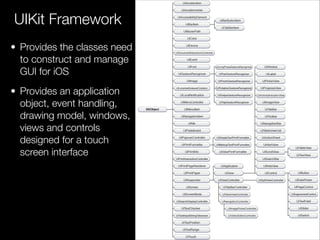
• Provides the classes need
to construct and manage
GUI for iOS
• Provides an application
object, event handling,
drawing model, windows,
views and controls
designed for a touch
screen interface
UIKit Framework
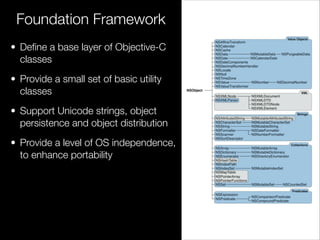
• Define a base layer of Objective-C
classes
• Provide a small set of basic utility
classes
• Support Unicode strings, object
persistence and object distribution
• Provide a level of OS independence,
to enhance portability
Foundation Framework
Objective-C Introduction
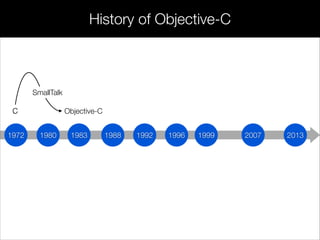
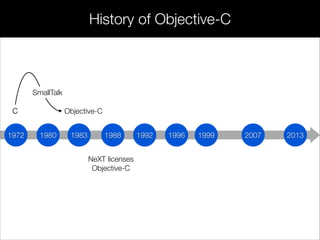
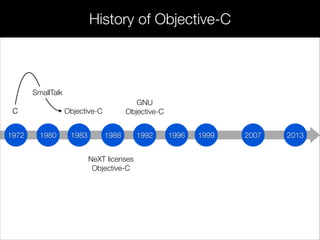
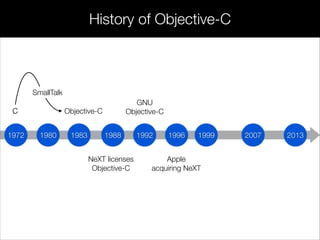
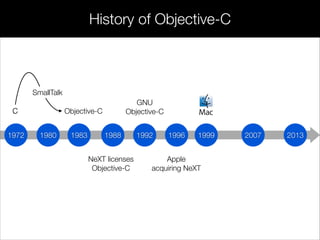
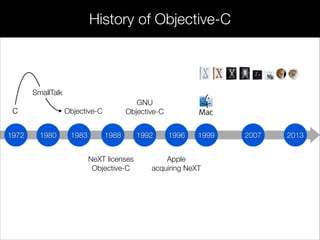
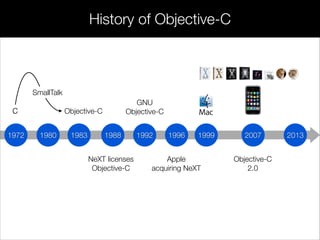
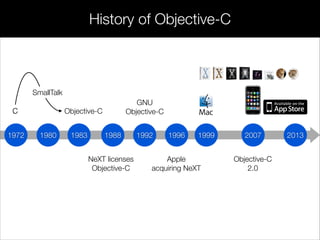
The Objective-C programming language had created by Brad Cox in
the early 1980s as an extension of the venerated C, the language was
based on another called SmallTalk-80. NeXT Software licensed the
language in the 1988, and developed a code library called NeXTSTEP.
!
When Apple Computer acquired NeXT in 1996, the NeXTSTEP code
library was built into the core of Apple’s operating system, Mac OS X.
NeXTSTEP provided Apple with a modern OS foundation, which
Apple could not produce on its own.
197 198
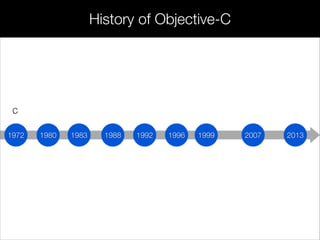
C
198 198 199 199 200199 20131972 1980 1983 1988 1996 1999 20071992
C
History of Objective-C
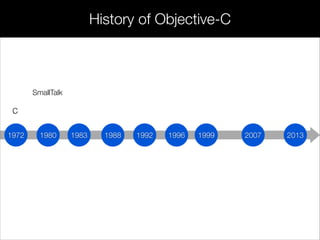
197 198
C
198 198 199 199 200199 20131972 1980 1983 1988 1996 1999 20071992
C
SmallTalk
History of Objective-C
197 198
C Objective-C
198 198 199 199 200199 20131972 1980 1983 1988 1996 1999 20071992
C
SmallTalk
History of Objective-C
197 198
C Objective-C
198 198 199 199 200
NeXT licenses
Objective-C
199 20131972 1980 1983 1988 1996 1999 20071992
C
SmallTalk
History of Objective-C
197 198
C Objective-C
198 198 199 199 200
NeXT licenses
Objective-C
199 20131972 1980 1983 1988 1996 1999 20071992
C
SmallTalk
GNU
Objective-C
History of Objective-C
197 198
C Objective-C
198 198 199 199 200
NeXT licenses
Objective-C
199
Apple
acquiring NeXT
20131972 1980 1983 1988 1996 1999 20071992
C
SmallTalk
GNU
Objective-C
History of Objective-C
197 198
C Objective-C
198 198 199 199 200
NeXT licenses
Objective-C
199
Apple
acquiring NeXT
20131972 1980 1983 1988 1996 1999 20071992
C
SmallTalk
GNU
Objective-C
History of Objective-C
197 198
C Objective-C
198 198 199 199 200
NeXT licenses
Objective-C
199
Apple
acquiring NeXT
20131972 1980 1983 1988 1996 1999 20071992
C
SmallTalk
GNU
Objective-C
History of Objective-C
197 198
C Objective-C
198 198 199 199 200
Objective-C
2.0
NeXT licenses
Objective-C
199
Apple
acquiring NeXT
20131972 1980 1983 1988 1996 1999 20071992
C
SmallTalk
GNU
Objective-C
History of Objective-C
197 198
C Objective-C
198 198 199 199 200
Objective-C
2.0
NeXT licenses
Objective-C
199
Apple
acquiring NeXT
20131972 1980 1983 1988 1996 1999 20071992
C
SmallTalk
GNU
Objective-C
History of Objective-C
C vs Objective-C
Objective-C
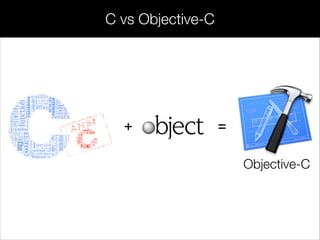
+ =
Objective-C
C vs Objective-C
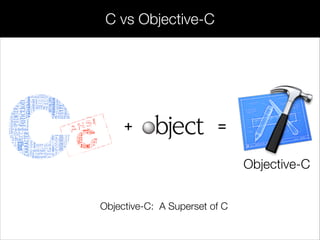
+ =
Objective-C: A Superset of C
Objective-C
C vs Objective-C
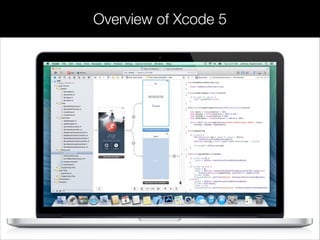
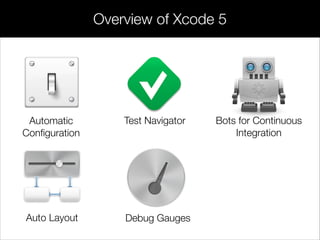
Overview of Xcode 5
Automatic
Configuration
Overview of Xcode 5
Automatic
Configuration
Test Navigator
Overview of Xcode 5
Automatic
Configuration
Test Navigator Bots for Continuous
Integration
Overview of Xcode 5
Automatic
Configuration
Test Navigator Bots for Continuous
Integration
Auto Layout
Overview of Xcode 5
Automatic
Configuration
Test Navigator Bots for Continuous
Integration
Auto Layout Debug Gauges
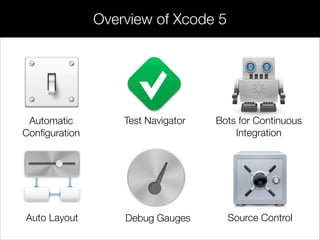
Overview of Xcode 5
Automatic
Configuration
Test Navigator Bots for Continuous
Integration
Auto Layout Debug Gauges Source Control
Overview of Xcode 5
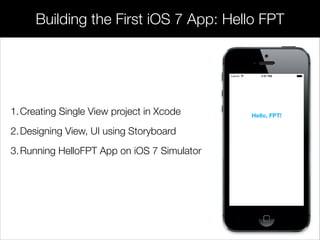
Building the First iOS 7 App: Hello FPT
1.Creating Single View project in Xcode
2.Designing View, UI using Storyboard
3.Running HelloFPT App on iOS 7 Simulator
Documentation
iOS Dev Center
https://developer.apple.com/devcenter/ios/index.action
Developer Tools
https://developer.apple.com/technologies/tools/
iOS
https://developer.apple.com/technologies/ios/
!
many thanks
to
lamvt@fpt.com.vn
please
say
Stanford University
https://developer.apple.com
Developer Center
http://www.stanford.edu/class/cs193p
xin
chào
Next: Objective-C Basics

Session 1 - Introduction to iOS 7 and SDK