www.SecurityXploded.com
Disclaimer
The Content, Demonstration, Source Code and Programs presented here is "AS IS"
without any warranty or conditions of any kind. Also the views/ideas/knowledge
expressed here are solely of the trainer’s only and nothing to do with the company or
the organization in which the trainer is currently working.
However in no circumstances neither the trainer nor SecurityXploded is responsible for
any damage or loss caused due to use or misuse of the information presented here.
www.SecurityXploded.com
Acknowledgement
 Special thanks to null & Garage4Hackers community for their extended support and
cooperation.
 Thanks to all the trainers who have devoted their precious time and countless hours to
make it happen.
www.SecurityXploded.com
Reversing & Malware Analysis Training
This presentation is part of our Reverse Engineering & Malware Analysis Training
program. Currently it is delivered only during our local meet for FREE of cost.
For complete details of this course, visit our Security Training page.
www.SecurityXploded.com
Who am I
Nagareshwar Talekar
 Founder of SecurityXploded
 Reverse Engineering, Malware Analysis, Cryptography, Password Forensics,
Secure Coding etc.
 Email: tnagareshwar at gmail.com
www.SecurityXploded.com
Course Q&A
 Keep yourself up to date with latest security news
 http://www.securityphresh.com
 For Q&A, join our mailing list.
 http://groups.google.com/group/securityxploded
www.SecurityXploded.com
Contents
 What is EXE Packing?
 Purpose of Packing EXE
 What is Unpacking?
 Detection of Packer
 Execution of Packed EXE Program
 Standard Process of Unpacking EXE
 Unpacking UPX using OllyDbg
 DEMO - Unpacking UPX
 Anti Anti-Debugging Plugins
 References
www.SecurityXploded.com
What is EXE Packing/Protecting?
 EXE Packing:
Compressing the Executable to a smaller Size
 EXE Protecting:
Encrypting with Anti-Debugging Techniques to prevent Reversing
 In Reversing world, both Packer & Protector is commonly referred as Packer.
Examples of Packers: UPX, AsProtect, Armadillo etc.
www.SecurityXploded.com
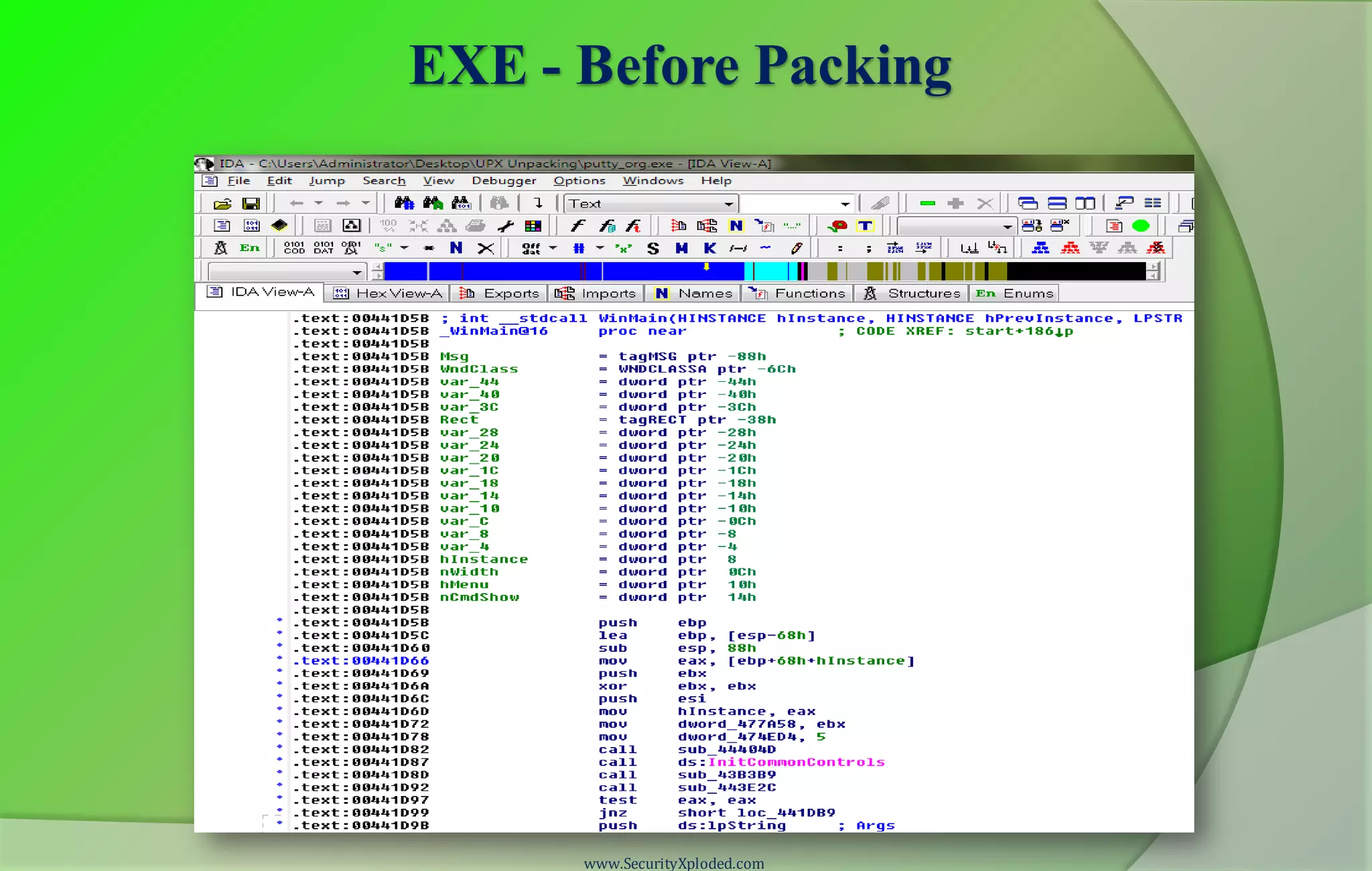
EXE - Before Packing
www.SecurityXploded.com
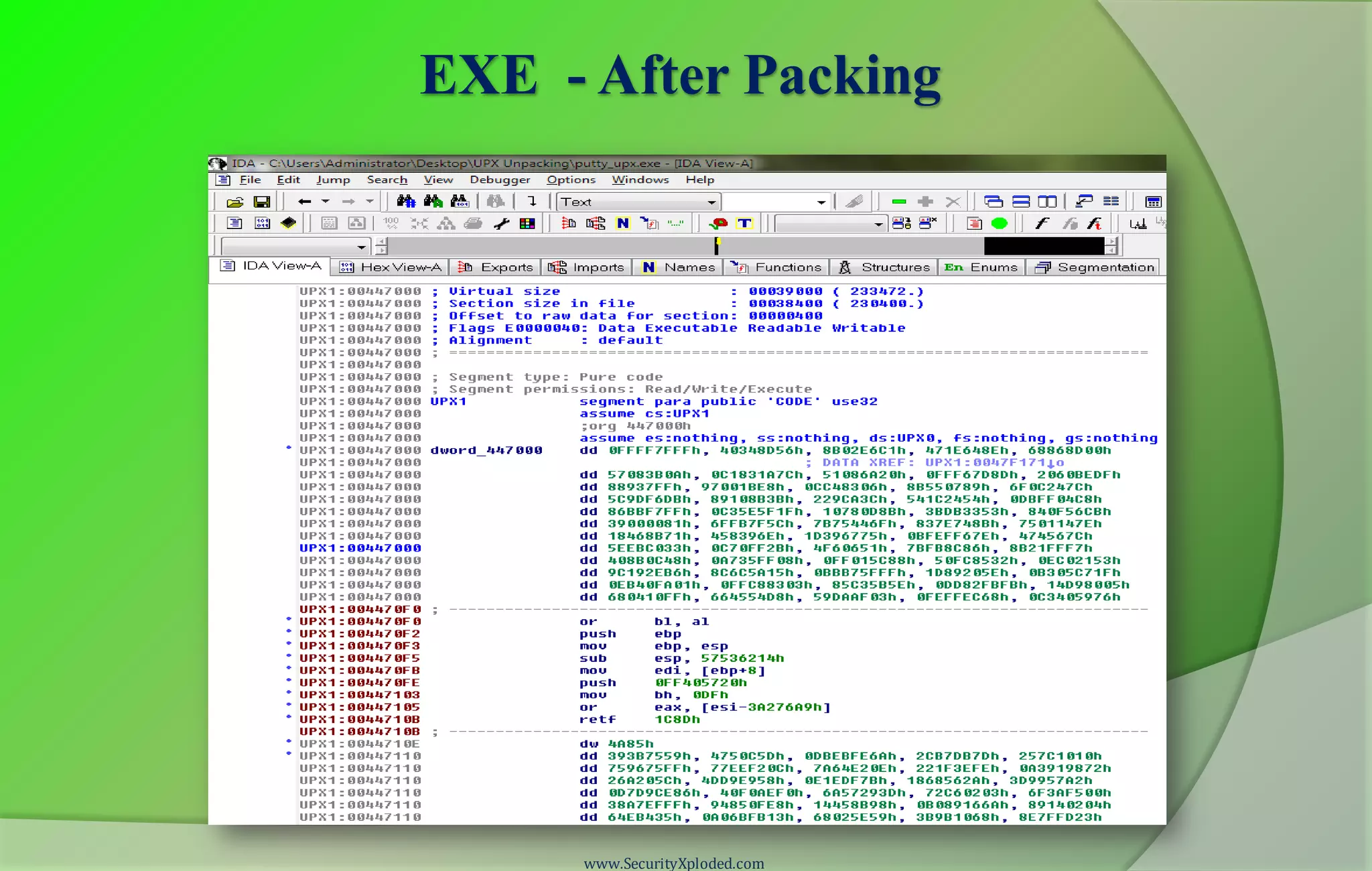
EXE - After Packing
www.SecurityXploded.com
Purpose of Packing EXE
 Prevent Reverse Engineering [Crack License, Secret Code etc.]
• Defeat Static Disassembling
• Make Dynamic Debugging Difficult
 Reduce the size of Executable file
 Bypass Anti-virus Detections with multi-level Packing
 It is used by Software Vendors to prevent Serial Cracking and Malware
Authors to prevent analysis by AV Researchers.
www.SecurityXploded.com
What is Unpacking?
 Extracting the Original Binary from the Packed Executable File.
 Automatic Unpackers available for popular Packers.
• May not work with different versions
• Not available for Complex packers
 Involves Live Debugging by Defeating Anti-Debugging techniques
www.SecurityXploded.com
Detection of Packer
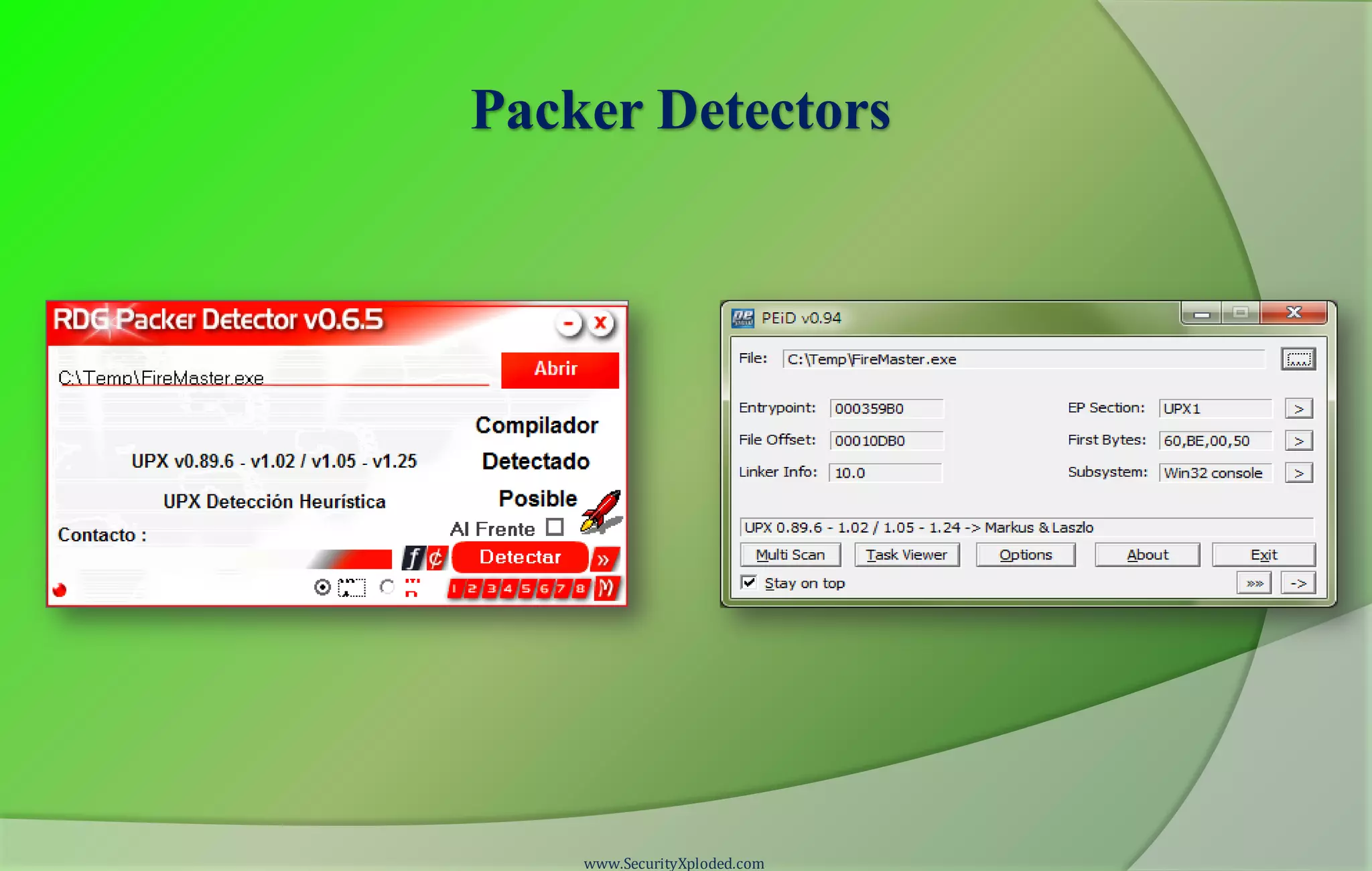
 Packer Detectors like PEiD, RDG, ExeScan etc
• Detect the popular Packers
• Show the version of Packer also
 PE Viewer Tools like PEditor, PEview
• Look at Section Table
• Look at Import Table
www.SecurityXploded.com
Packer Detectors
www.SecurityXploded.com
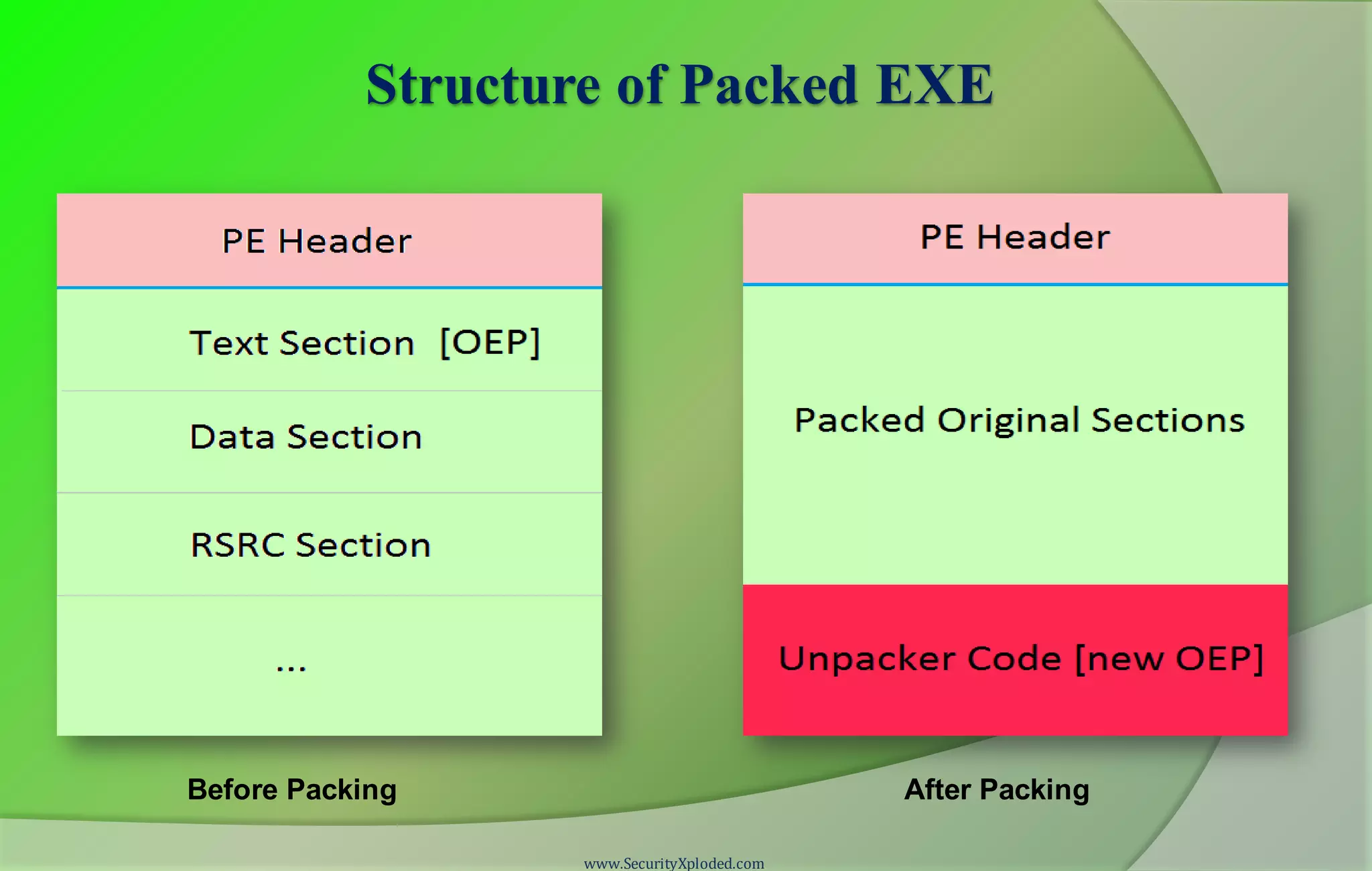
Structure of Packed EXE
www.SecurityXploded.com
Before Packing After Packing
Execution of Packed EXE Program
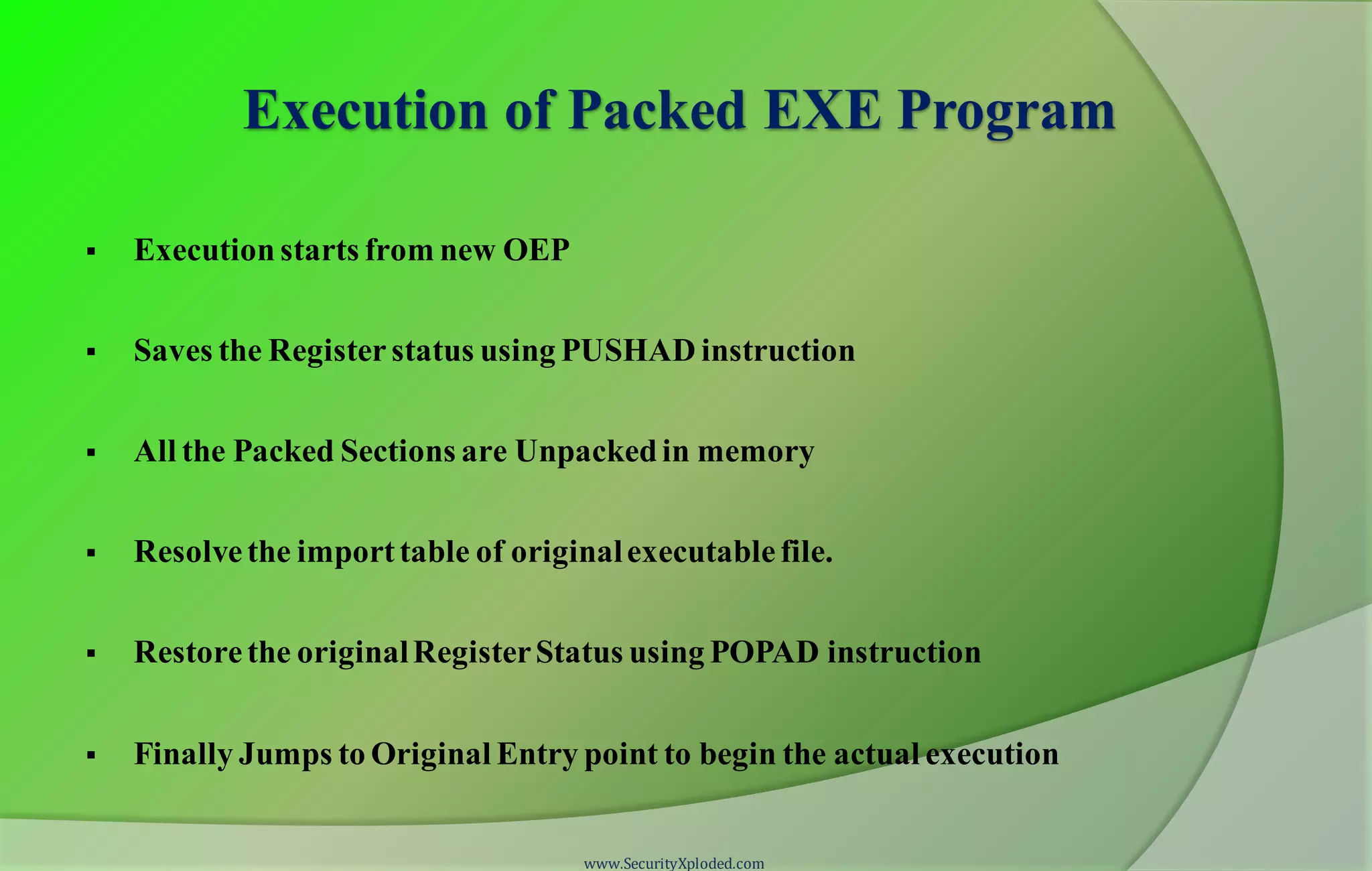
 Execution starts from new OEP
 Saves the Registerstatus using PUSHAD instruction
 All the Packed Sections are Unpackedin memory
 Resolvethe importtable of originalexecutablefile.
 Restorethe originalRegisterStatus using POPAD instruction
 Finally Jumps to Original Entry point to begin the actual execution
www.SecurityXploded.com
Standard Process of Unpacking EXE
 Debug the EXE to find the real OEP (Original Entry Point)
 At OEP, Dump the fully Unpacked Program to Disk
 [?] Fix the Import Table using ImpRec Tool
 [?] Fix the PE Header
www.SecurityXploded.com
Unpacking UPX using OllyDbg
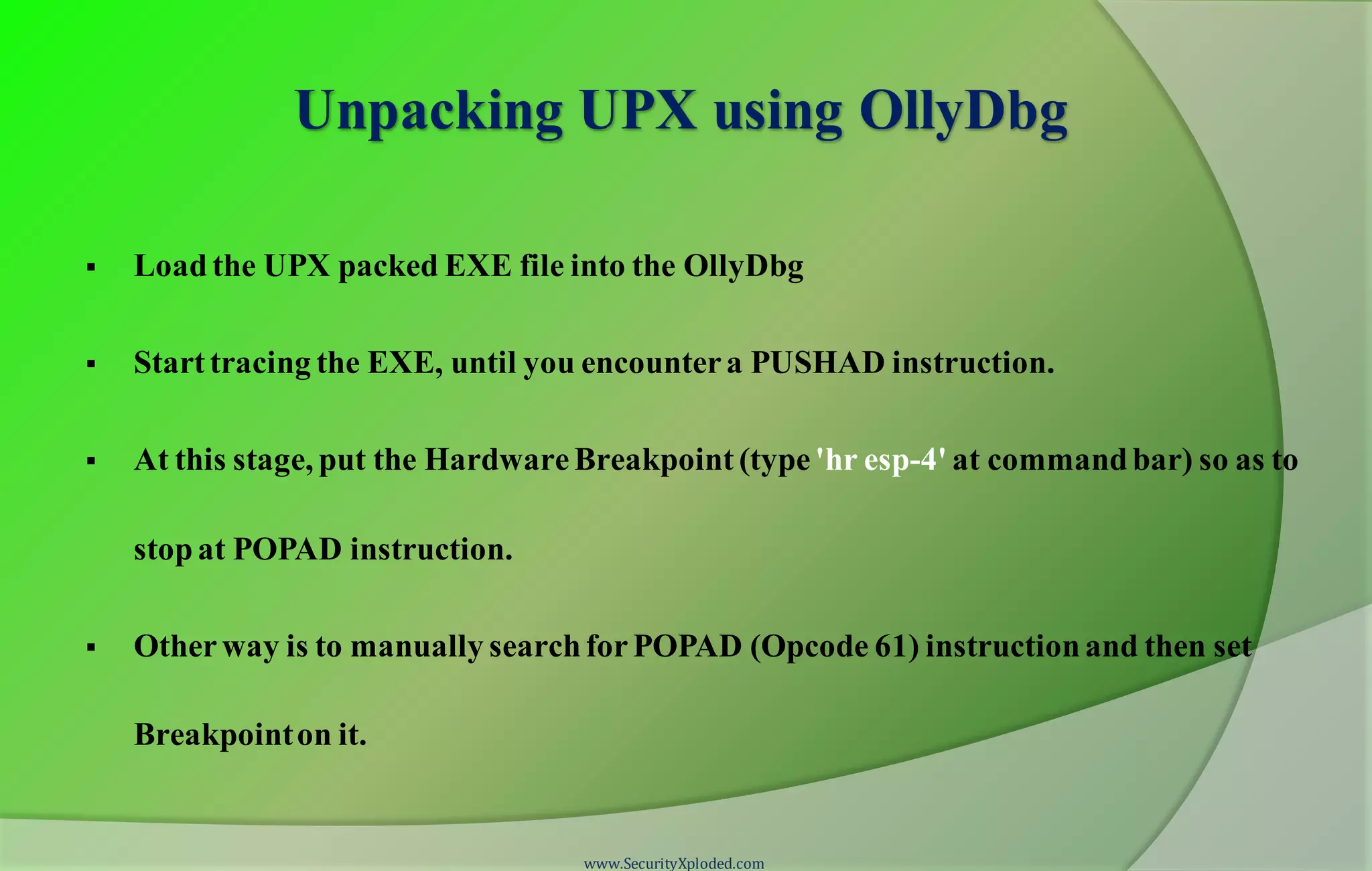
 Load the UPX packed EXE file into the OllyDbg
 Start tracing the EXE, until you encountera PUSHAD instruction.
 At this stage, put the HardwareBreakpoint (type'hr esp-4' at commandbar) so as to
stopat POPAD instruction.
 Otherway is to manually searchforPOPAD (Opcode 61) instructionand then set
Breakpointon it.
www.SecurityXploded.com
Unpacking UPX using OllyDbg (contd)
 Next press F9 to continue the Execution.
 You will break on the instruction which is immediately after POPAD or on
POPAD instruction [based on the method you have chosen]
 Now start tracing with F7 and soon you will encounter a JMP instruction
which will Jump to OEP in the original program.
 At OEP, dump the whole program using OllyDmp plugin.
www.SecurityXploded.com
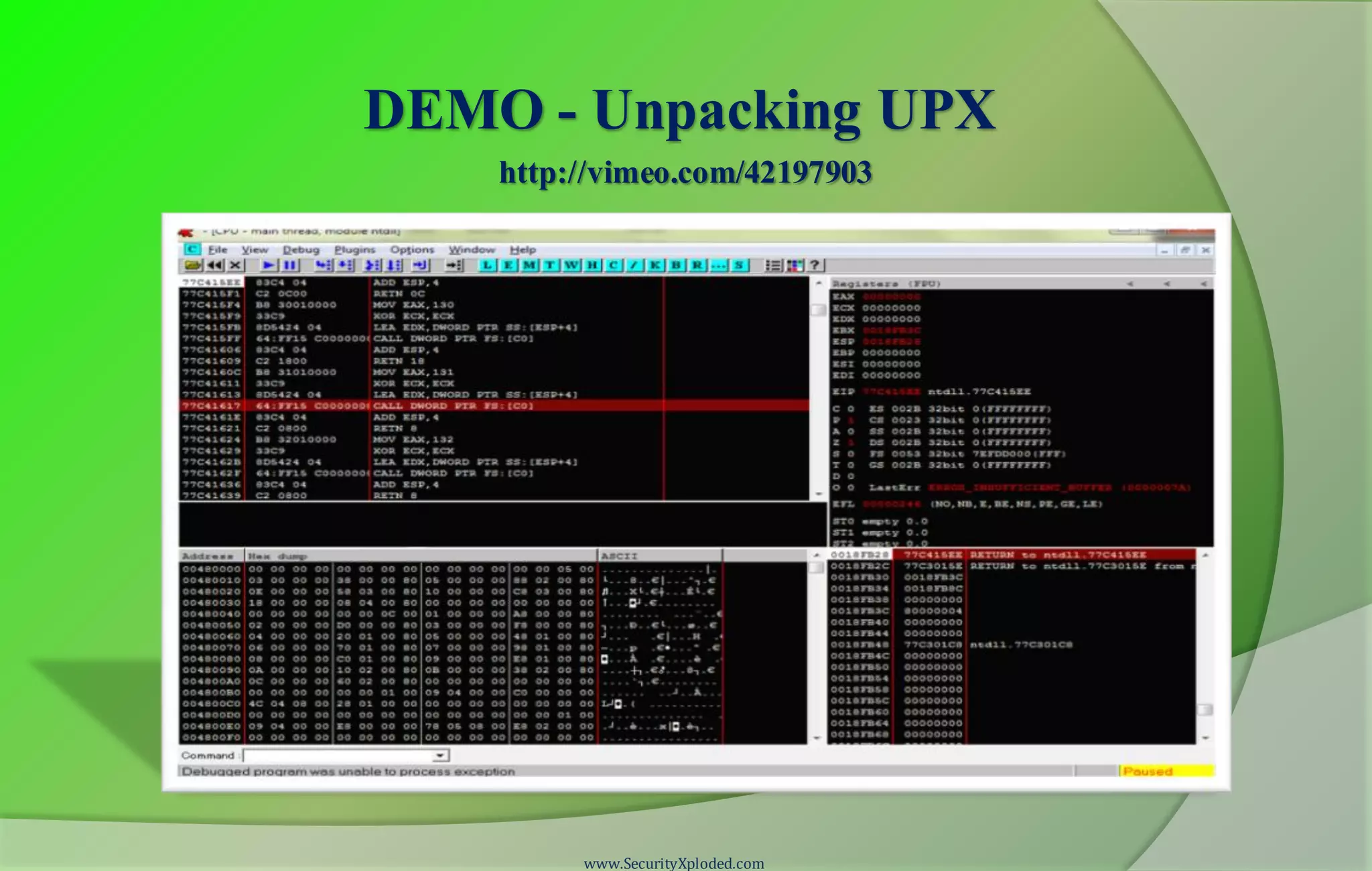
DEMO - Unpacking UPX
www.SecurityXploded.com
http://vimeo.com/42197903
Anti Anti-Debugging Plugins
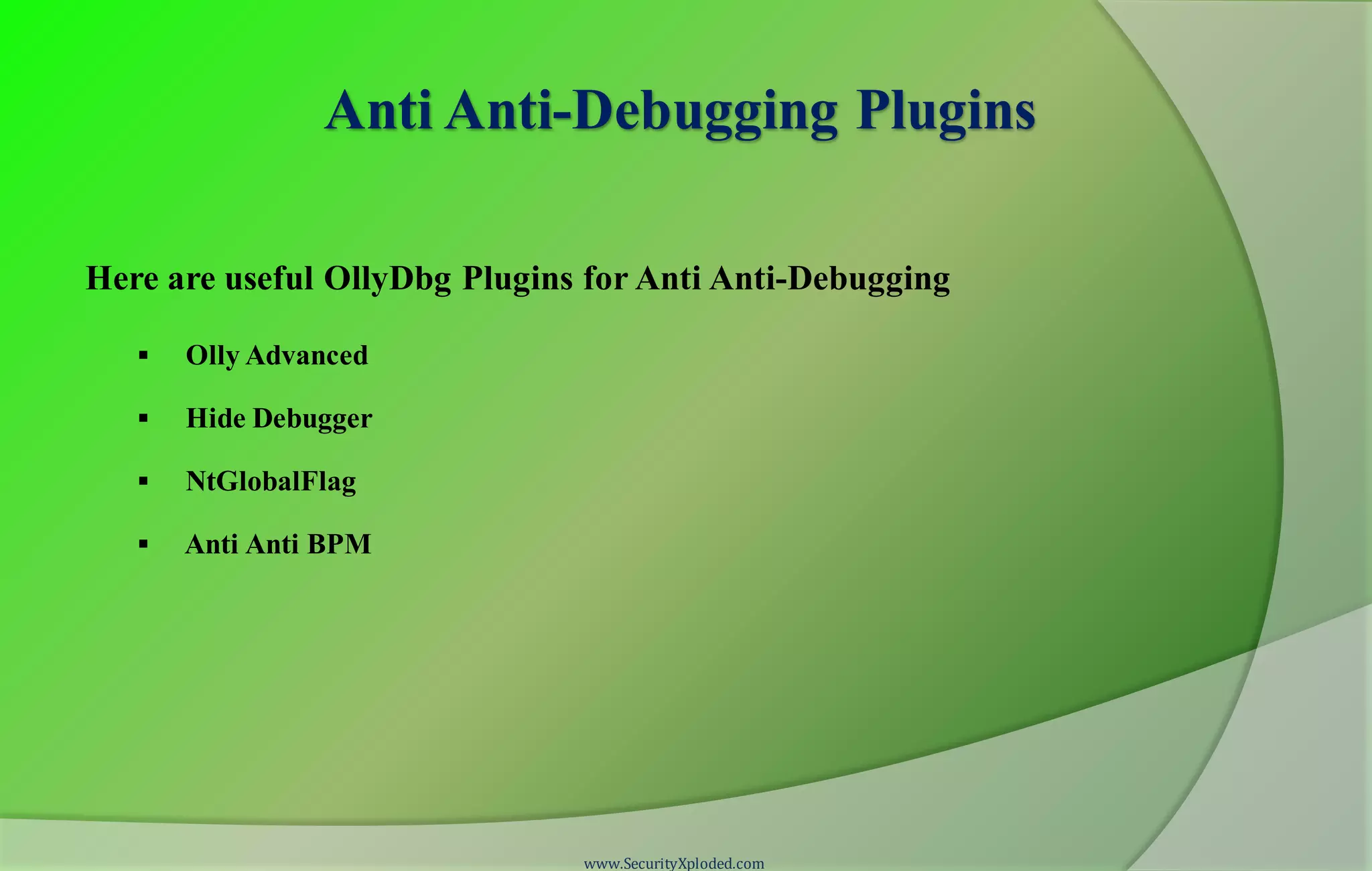
Here are useful OllyDbg Plugins for Anti Anti-Debugging
 Olly Advanced
 Hide Debugger
 NtGlobalFlag
 Anti Anti BPM
www.SecurityXploded.com
Useful Tips
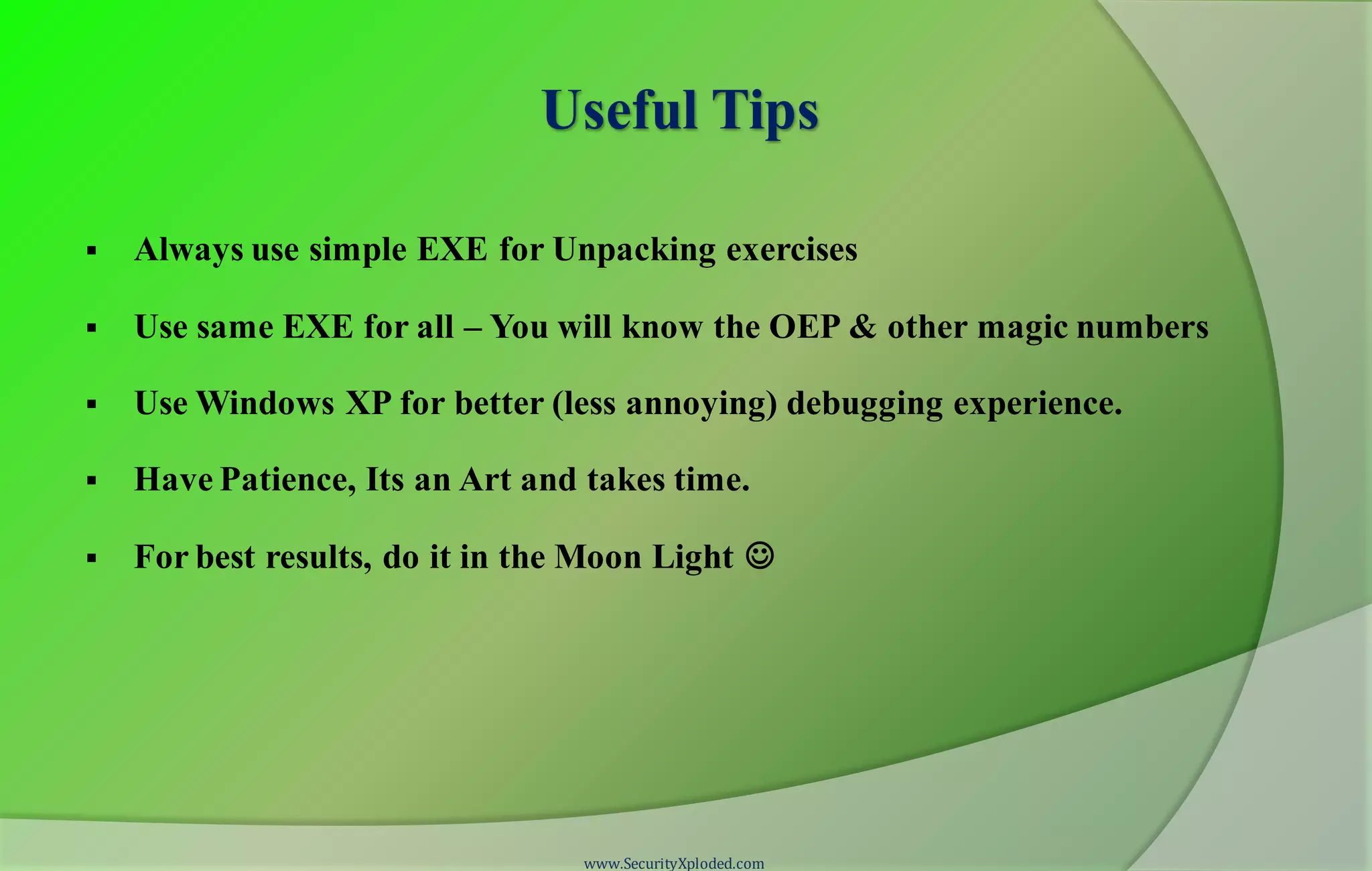
 Always use simple EXE for Unpacking exercises
 Use same EXE for all – You will know the OEP & other magic numbers
 Use Windows XP for better (less annoying) debugging experience.
 Have Patience, Its an Art and takes time.
 For best results, do it in the Moon Light 
www.SecurityXploded.com
What's Next?
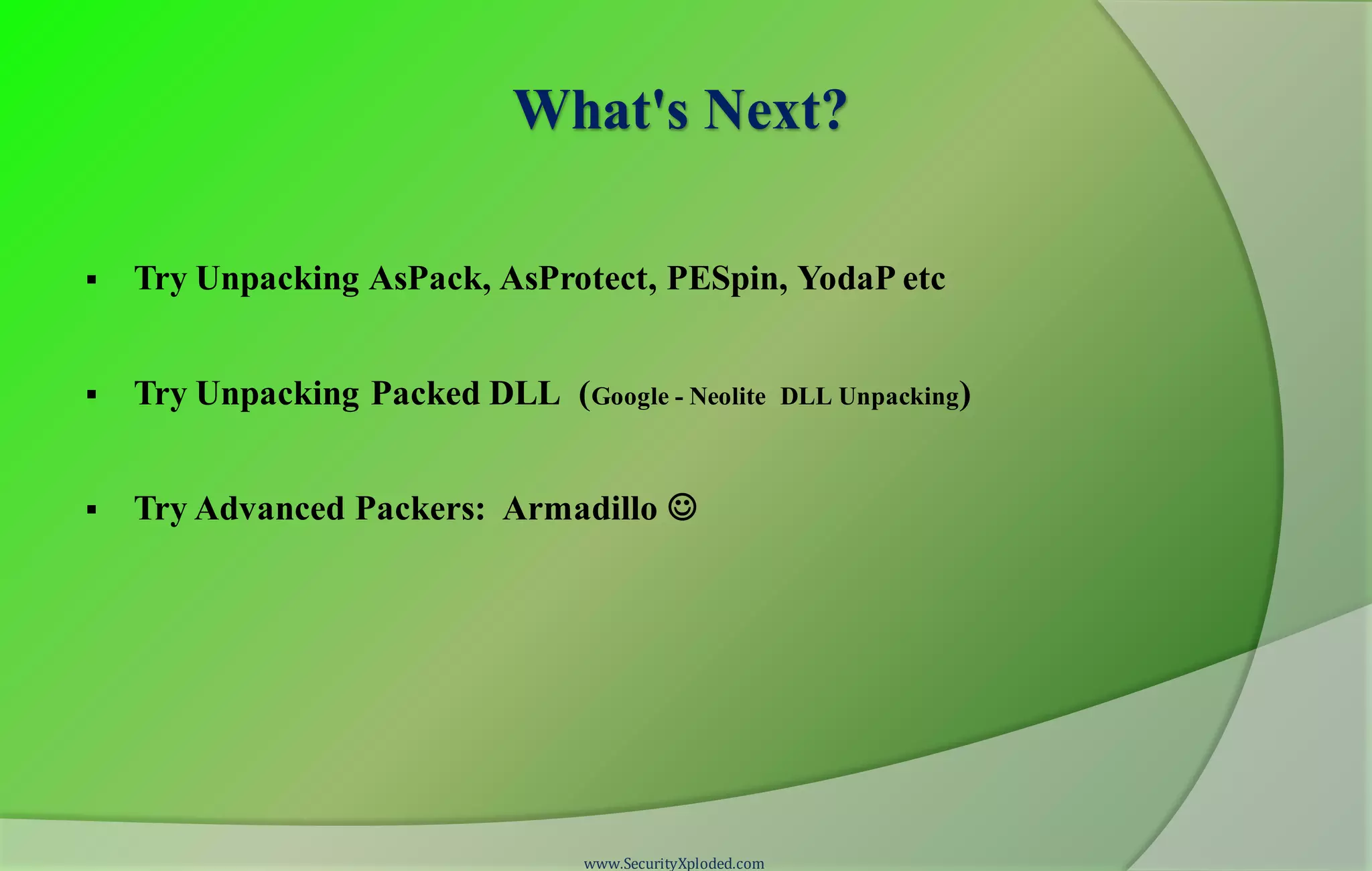
 Try Unpacking AsPack, AsProtect, PESpin, YodaP etc
 Try Unpacking Packed DLL (Google - Neolite DLL Unpacking)
 Try Advanced Packers: Armadillo 
www.SecurityXploded.com
Reference
 Complete Reference Guide for Reversing & Malware Analysis Training
www.SecurityXploded.com
Thank You !
www.SecurityXploded.com

Reversing & malware analysis training part 7 unpacking upx

  • 1.
  • 2.
    Disclaimer The Content, Demonstration,Source Code and Programs presented here is "AS IS" without any warranty or conditions of any kind. Also the views/ideas/knowledge expressed here are solely of the trainer’s only and nothing to do with the company or the organization in which the trainer is currently working. However in no circumstances neither the trainer nor SecurityXploded is responsible for any damage or loss caused due to use or misuse of the information presented here. www.SecurityXploded.com
  • 3.
    Acknowledgement  Special thanksto null & Garage4Hackers community for their extended support and cooperation.  Thanks to all the trainers who have devoted their precious time and countless hours to make it happen. www.SecurityXploded.com
  • 4.
    Reversing & MalwareAnalysis Training This presentation is part of our Reverse Engineering & Malware Analysis Training program. Currently it is delivered only during our local meet for FREE of cost. For complete details of this course, visit our Security Training page. www.SecurityXploded.com
  • 5.
    Who am I NagareshwarTalekar  Founder of SecurityXploded  Reverse Engineering, Malware Analysis, Cryptography, Password Forensics, Secure Coding etc.  Email: tnagareshwar at gmail.com www.SecurityXploded.com
  • 6.
    Course Q&A  Keepyourself up to date with latest security news  http://www.securityphresh.com  For Q&A, join our mailing list.  http://groups.google.com/group/securityxploded www.SecurityXploded.com
  • 7.
    Contents  What isEXE Packing?  Purpose of Packing EXE  What is Unpacking?  Detection of Packer  Execution of Packed EXE Program  Standard Process of Unpacking EXE  Unpacking UPX using OllyDbg  DEMO - Unpacking UPX  Anti Anti-Debugging Plugins  References www.SecurityXploded.com
  • 8.
    What is EXEPacking/Protecting?  EXE Packing: Compressing the Executable to a smaller Size  EXE Protecting: Encrypting with Anti-Debugging Techniques to prevent Reversing  In Reversing world, both Packer & Protector is commonly referred as Packer. Examples of Packers: UPX, AsProtect, Armadillo etc. www.SecurityXploded.com
  • 9.
    EXE - BeforePacking www.SecurityXploded.com
  • 10.
    EXE - AfterPacking www.SecurityXploded.com
  • 11.
    Purpose of PackingEXE  Prevent Reverse Engineering [Crack License, Secret Code etc.] • Defeat Static Disassembling • Make Dynamic Debugging Difficult  Reduce the size of Executable file  Bypass Anti-virus Detections with multi-level Packing  It is used by Software Vendors to prevent Serial Cracking and Malware Authors to prevent analysis by AV Researchers. www.SecurityXploded.com
  • 12.
    What is Unpacking? Extracting the Original Binary from the Packed Executable File.  Automatic Unpackers available for popular Packers. • May not work with different versions • Not available for Complex packers  Involves Live Debugging by Defeating Anti-Debugging techniques www.SecurityXploded.com
  • 13.
    Detection of Packer Packer Detectors like PEiD, RDG, ExeScan etc • Detect the popular Packers • Show the version of Packer also  PE Viewer Tools like PEditor, PEview • Look at Section Table • Look at Import Table www.SecurityXploded.com
  • 14.
  • 15.
    Structure of PackedEXE www.SecurityXploded.com Before Packing After Packing
  • 16.
    Execution of PackedEXE Program  Execution starts from new OEP  Saves the Registerstatus using PUSHAD instruction  All the Packed Sections are Unpackedin memory  Resolvethe importtable of originalexecutablefile.  Restorethe originalRegisterStatus using POPAD instruction  Finally Jumps to Original Entry point to begin the actual execution www.SecurityXploded.com
  • 17.
    Standard Process ofUnpacking EXE  Debug the EXE to find the real OEP (Original Entry Point)  At OEP, Dump the fully Unpacked Program to Disk  [?] Fix the Import Table using ImpRec Tool  [?] Fix the PE Header www.SecurityXploded.com
  • 18.
    Unpacking UPX usingOllyDbg  Load the UPX packed EXE file into the OllyDbg  Start tracing the EXE, until you encountera PUSHAD instruction.  At this stage, put the HardwareBreakpoint (type'hr esp-4' at commandbar) so as to stopat POPAD instruction.  Otherway is to manually searchforPOPAD (Opcode 61) instructionand then set Breakpointon it. www.SecurityXploded.com
  • 19.
    Unpacking UPX usingOllyDbg (contd)  Next press F9 to continue the Execution.  You will break on the instruction which is immediately after POPAD or on POPAD instruction [based on the method you have chosen]  Now start tracing with F7 and soon you will encounter a JMP instruction which will Jump to OEP in the original program.  At OEP, dump the whole program using OllyDmp plugin. www.SecurityXploded.com
  • 20.
    DEMO - UnpackingUPX www.SecurityXploded.com http://vimeo.com/42197903
  • 21.
    Anti Anti-Debugging Plugins Hereare useful OllyDbg Plugins for Anti Anti-Debugging  Olly Advanced  Hide Debugger  NtGlobalFlag  Anti Anti BPM www.SecurityXploded.com
  • 22.
    Useful Tips  Alwaysuse simple EXE for Unpacking exercises  Use same EXE for all – You will know the OEP & other magic numbers  Use Windows XP for better (less annoying) debugging experience.  Have Patience, Its an Art and takes time.  For best results, do it in the Moon Light  www.SecurityXploded.com
  • 23.
    What's Next?  TryUnpacking AsPack, AsProtect, PESpin, YodaP etc  Try Unpacking Packed DLL (Google - Neolite DLL Unpacking)  Try Advanced Packers: Armadillo  www.SecurityXploded.com
  • 24.
    Reference  Complete ReferenceGuide for Reversing & Malware Analysis Training www.SecurityXploded.com
  • 25.