CITATIONS &
BIBLIOGRAPHY
References
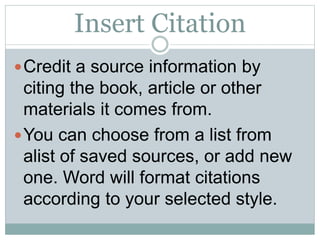
Insert Citation
ď‚—Credit a source information by
citing the book, article or other
materials it comes from.
ď‚—You can choose from a list from
alist of saved sources, or add new
one. Word will format citations
according to your selected style.
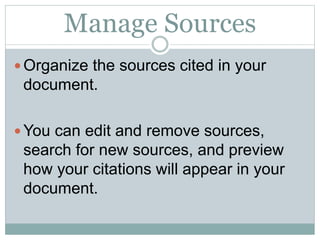
Manage Sources
ď‚— Organize the sources cited in your
document.
ď‚— You can edit and remove sources,
search for new sources, and preview
how your citations will appear in your
document.
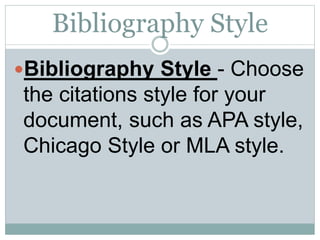
Bibliography Style
ď‚—Bibliography Style - Choose
the citations style for your
document, such as APA style,
Chicago Style or MLA style.
Bibliography
ď‚— Before you can create a bibliography you need to
have at least one citation and source in your
document that will appear in your bibliography. If
you don't have all of the information that you need
about a source to create a complete citation, you
can use a placeholder citation, and then complete
the source information later.
ď‚— For information about automatically formatting your
bibliography in MLA, APA, and Chicago-style see:
APA, MLA, Chicago: Automatically format
bibliographies.

References (Citations & Bibliography)

  • 1.
  • 2.
    Insert Citation ď‚—Credit asource information by citing the book, article or other materials it comes from. ď‚—You can choose from a list from alist of saved sources, or add new one. Word will format citations according to your selected style.
  • 3.
    Manage Sources ď‚— Organizethe sources cited in your document. ď‚— You can edit and remove sources, search for new sources, and preview how your citations will appear in your document.
  • 4.
    Bibliography Style ď‚—Bibliography Style- Choose the citations style for your document, such as APA style, Chicago Style or MLA style.
  • 5.
    Bibliography ď‚— Before youcan create a bibliography you need to have at least one citation and source in your document that will appear in your bibliography. If you don't have all of the information that you need about a source to create a complete citation, you can use a placeholder citation, and then complete the source information later. ď‚— For information about automatically formatting your bibliography in MLA, APA, and Chicago-style see: APA, MLA, Chicago: Automatically format bibliographies.