Footnotes, Endnotes & CitationsThe Step by Step InstructionsTunisia Tucker, Ruth MulveyAdvanced Office TechnologiesSandy Weber, InstructorTuesday, February 02, 2010
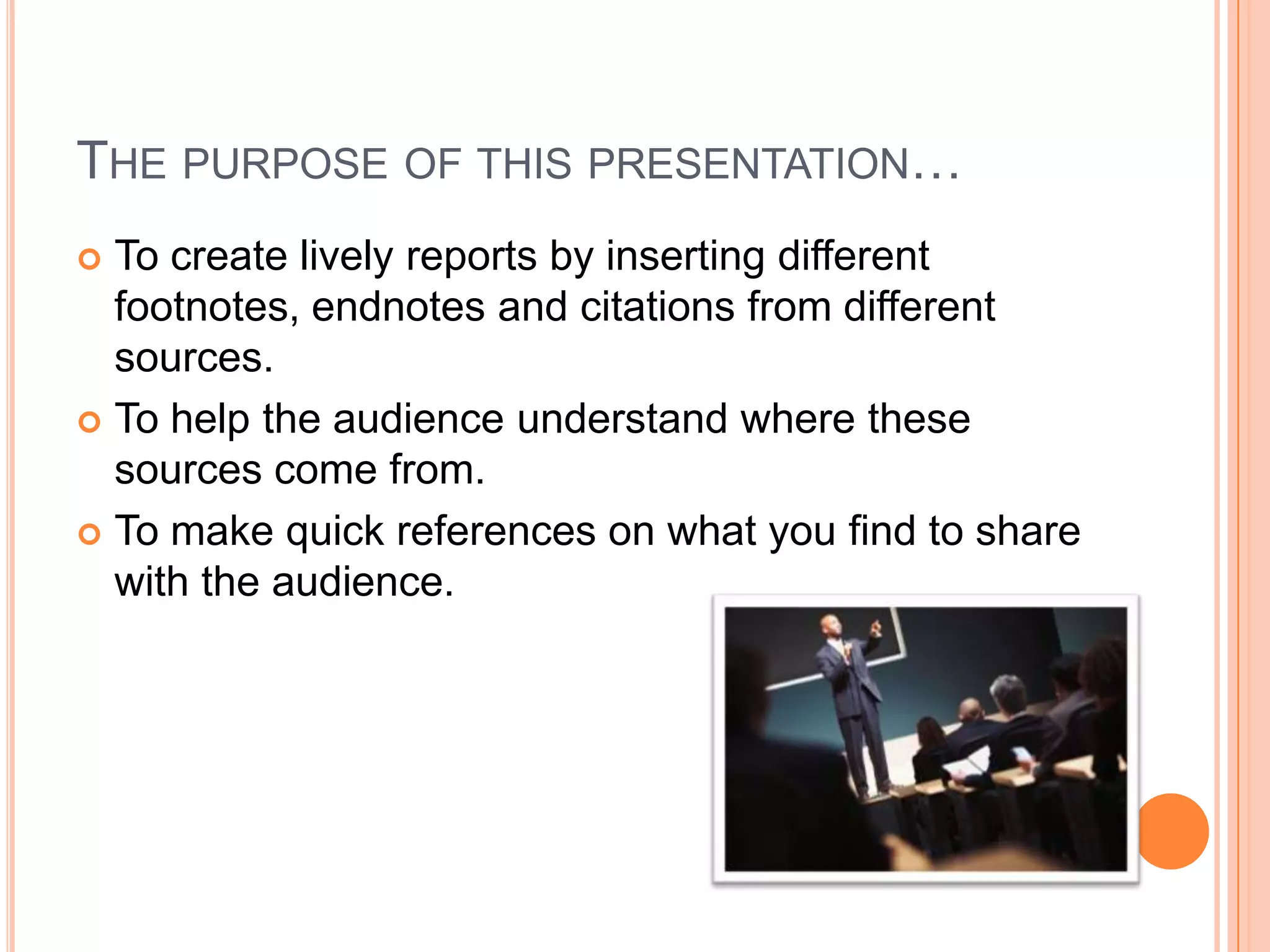
The purpose of this presentation…To create lively reports by inserting different footnotes, endnotes and citations from different sources.To help the audience understand where these sources come from.To make quick references on what you find to share with the audience.
How to Insert a Footnote
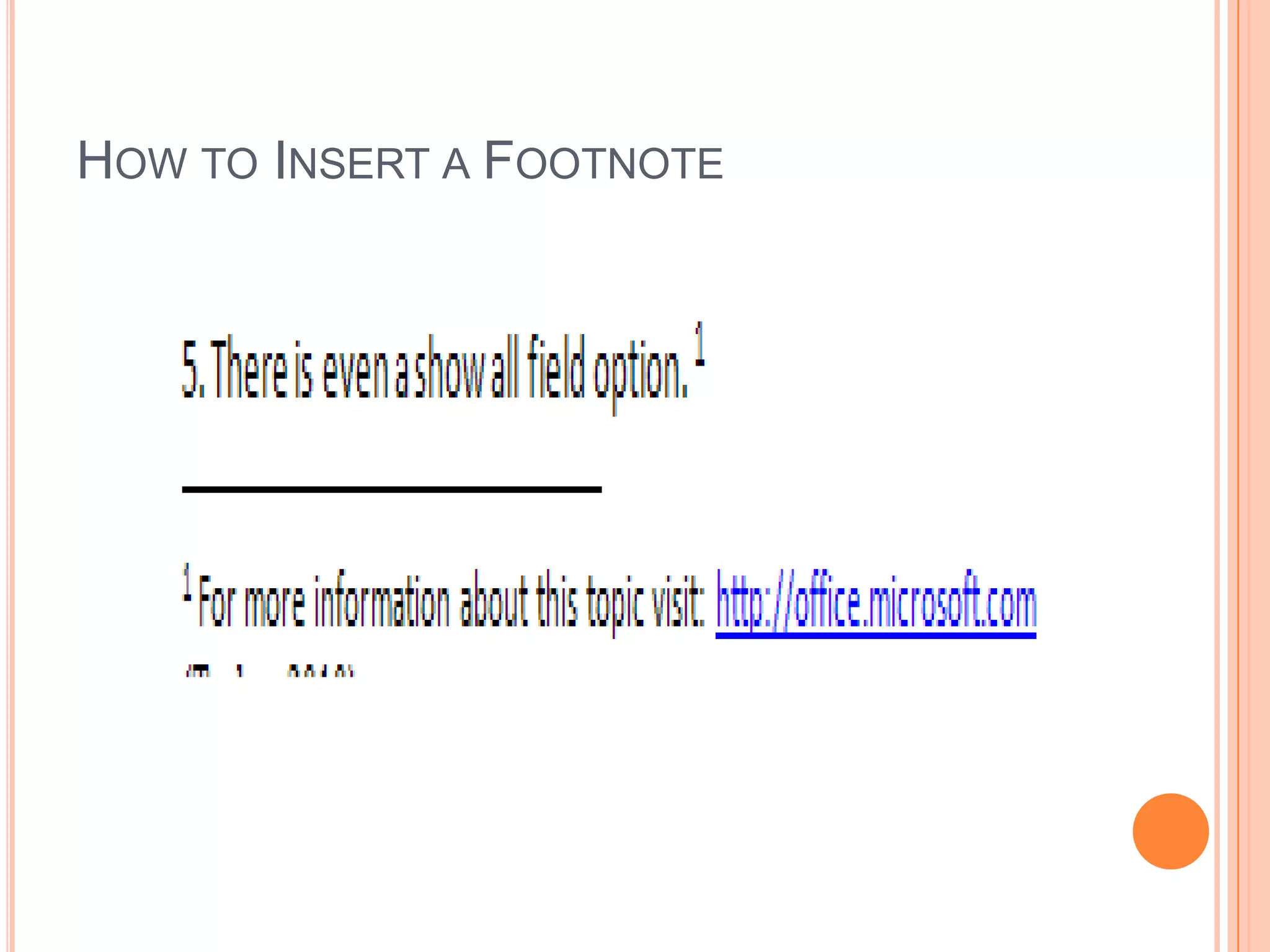
How to Insert a FootnoteA footnote can appear at the end of the page.First you open a MS Word document and choose your favorite report to your footnotes, endnotes, and citations.Click on the tab “References” on the Office ribbon, you’ll see the insert options, “Footnotes” and “Citations & Bibliography”.Once you click on “Insert Footnote, on the bottom, you will see a number on the bottom of the page. Type up whatever you want to put there.
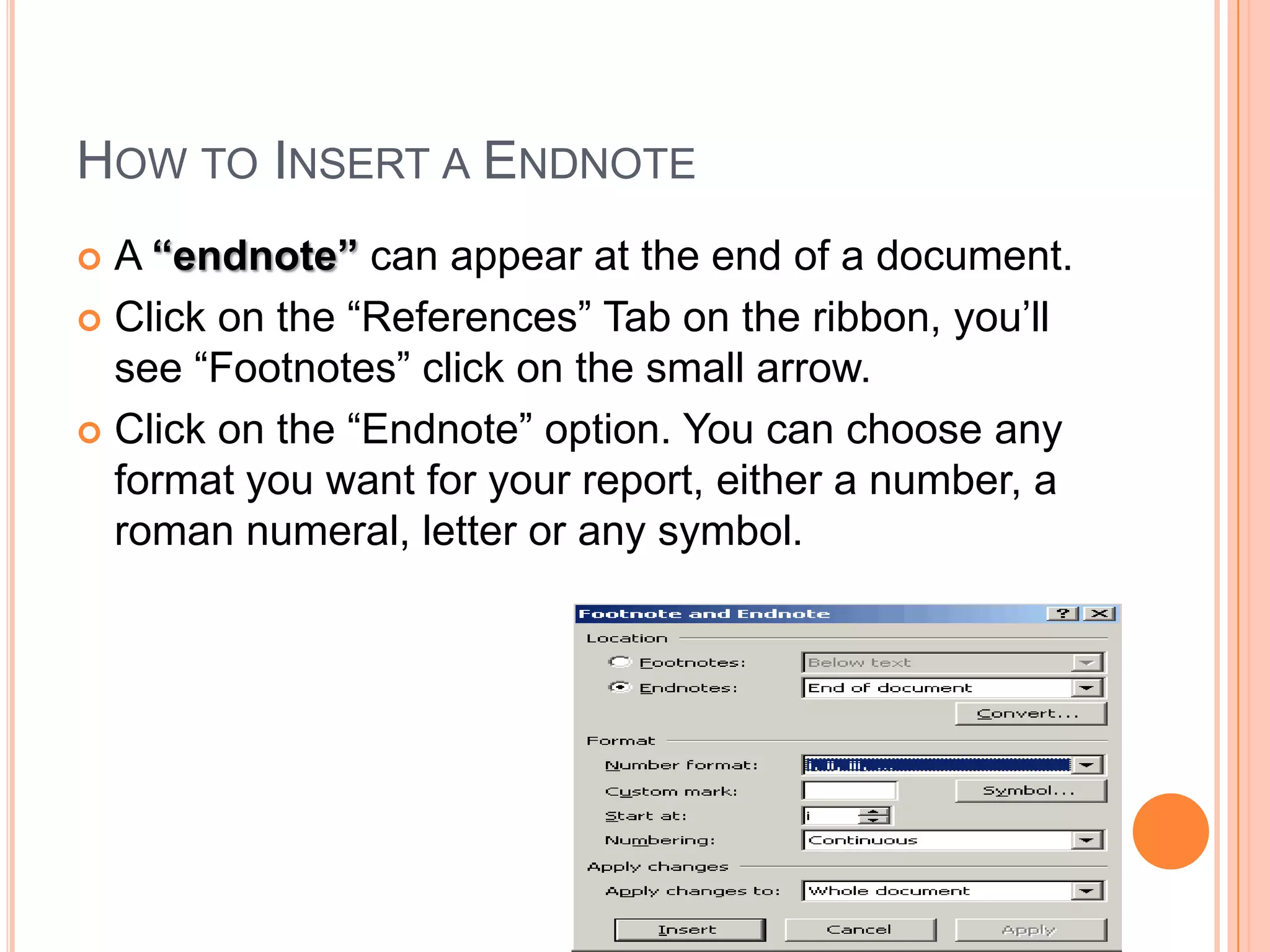
How to Insert a EndnoteA “endnote” can appear at the end of a document.Click on the “References” Tab on the ribbon, you’ll see “Footnotes” click on the small arrow. Click on the “Endnote” option. You can choose any format you want for your report, either a number, a roman numeral, letter or any symbol.
How to Insert a Citation
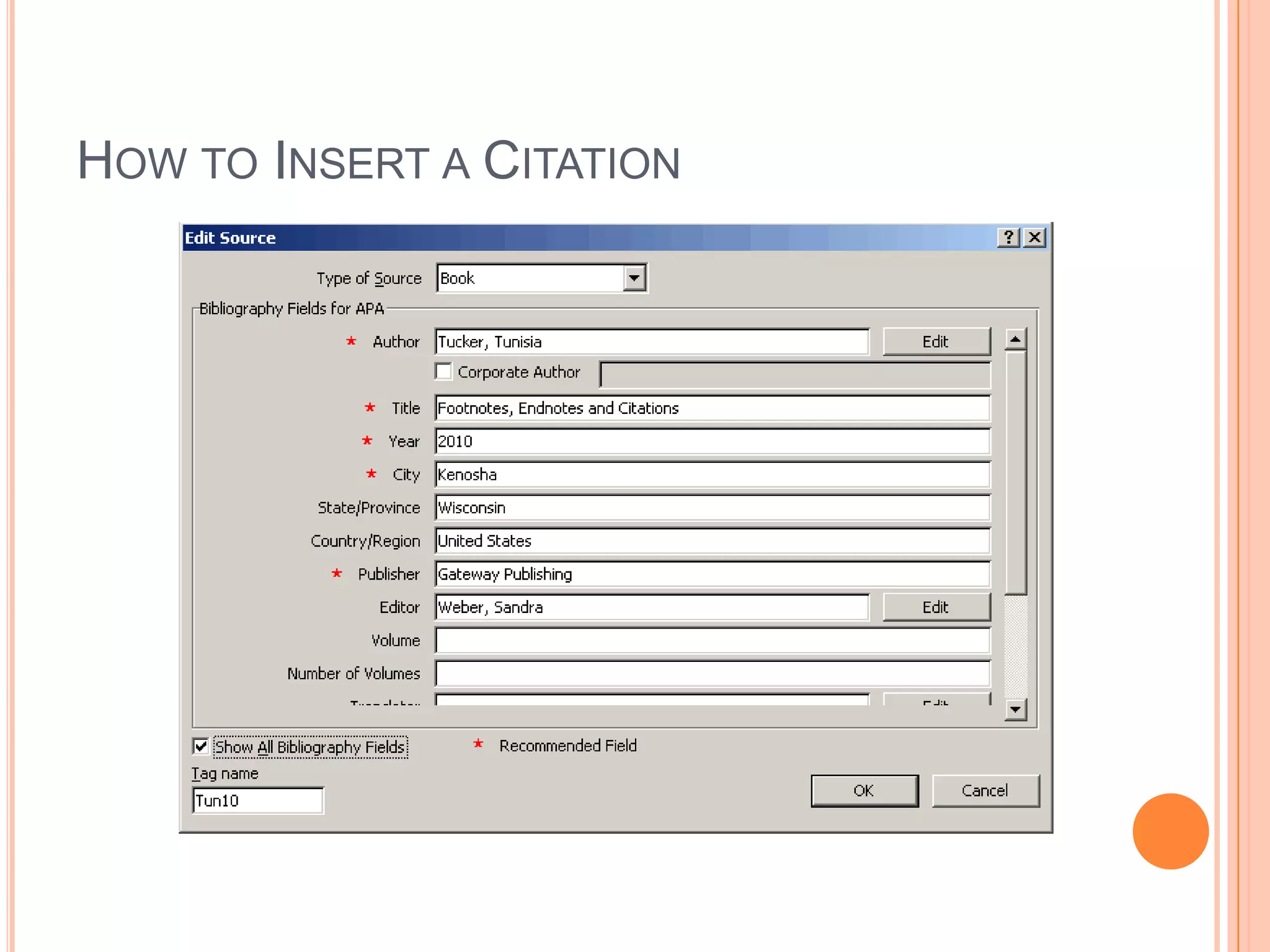
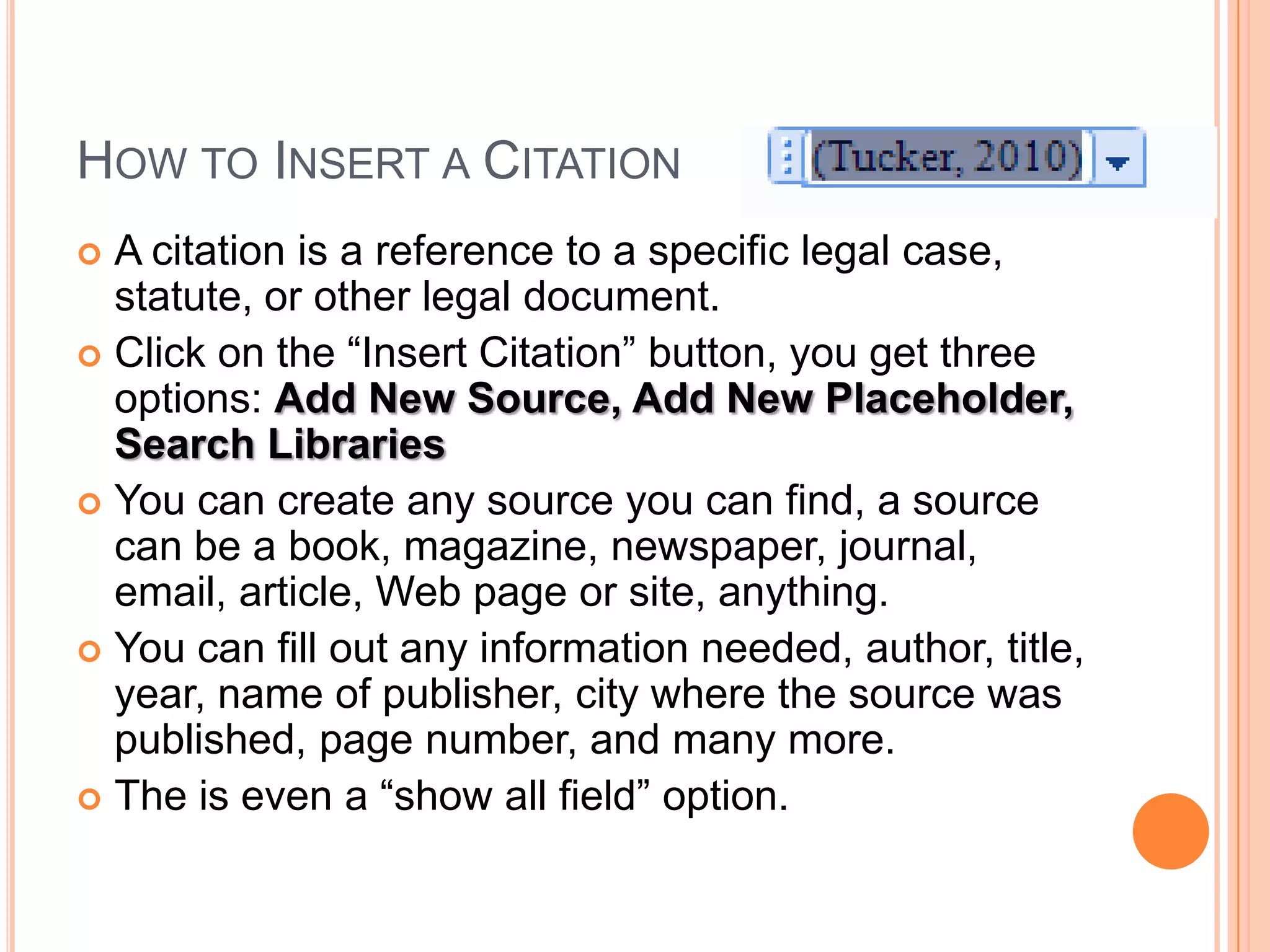
How to Insert a CitationA citation is a reference to a specific legal case, statute, or other legal document.Click on the “Insert Citation” button, you get three options: Add New Source, Add New Placeholder, Search LibrariesYou can create any source you can find, a source can be a book, magazine, newspaper, journal, email, article, Web page or site, anything.You can fill out any information needed, author, title, year, name of publisher, city where the source was published, page number, and many more.The is even a “show all field” option.
For More InformationVisit the Microsoft Office Site at:http://office.microsoft.comThis site can help you with putting in footnotes, endnotes and citations on your favorite report of your choosing.You can ask your teacher or tutor for additional help on your reports and using APA or MLA style of reports using the right sources and citations correctly and clearly on any subject your wanted to do a report on.Writing can be very essential if you can put your mind into it.Any Questions?

Footnotes, endnotes & citations

  • 1.
    Footnotes, Endnotes &CitationsThe Step by Step InstructionsTunisia Tucker, Ruth MulveyAdvanced Office TechnologiesSandy Weber, InstructorTuesday, February 02, 2010
  • 2.
    The purpose ofthis presentation…To create lively reports by inserting different footnotes, endnotes and citations from different sources.To help the audience understand where these sources come from.To make quick references on what you find to share with the audience.
  • 3.
    How to Inserta Footnote
  • 4.
    How to Inserta FootnoteA footnote can appear at the end of the page.First you open a MS Word document and choose your favorite report to your footnotes, endnotes, and citations.Click on the tab “References” on the Office ribbon, you’ll see the insert options, “Footnotes” and “Citations & Bibliography”.Once you click on “Insert Footnote, on the bottom, you will see a number on the bottom of the page. Type up whatever you want to put there.
  • 5.
    How to Inserta EndnoteA “endnote” can appear at the end of a document.Click on the “References” Tab on the ribbon, you’ll see “Footnotes” click on the small arrow. Click on the “Endnote” option. You can choose any format you want for your report, either a number, a roman numeral, letter or any symbol.
  • 6.
    How to Inserta Citation
  • 7.
    How to Inserta CitationA citation is a reference to a specific legal case, statute, or other legal document.Click on the “Insert Citation” button, you get three options: Add New Source, Add New Placeholder, Search LibrariesYou can create any source you can find, a source can be a book, magazine, newspaper, journal, email, article, Web page or site, anything.You can fill out any information needed, author, title, year, name of publisher, city where the source was published, page number, and many more.The is even a “show all field” option.
  • 8.
    For More InformationVisitthe Microsoft Office Site at:http://office.microsoft.comThis site can help you with putting in footnotes, endnotes and citations on your favorite report of your choosing.You can ask your teacher or tutor for additional help on your reports and using APA or MLA style of reports using the right sources and citations correctly and clearly on any subject your wanted to do a report on.Writing can be very essential if you can put your mind into it.Any Questions?