









Ben Young, Director of Learning Solutions
Reduce the Cost of Online Learning &
Training with Moodle
E M P OW E R TA L E N T
Your Hosts
Nimritta Parmar
Marketing Coordinator &
Moodle user
Ben Young
Director of Learning
Solutions
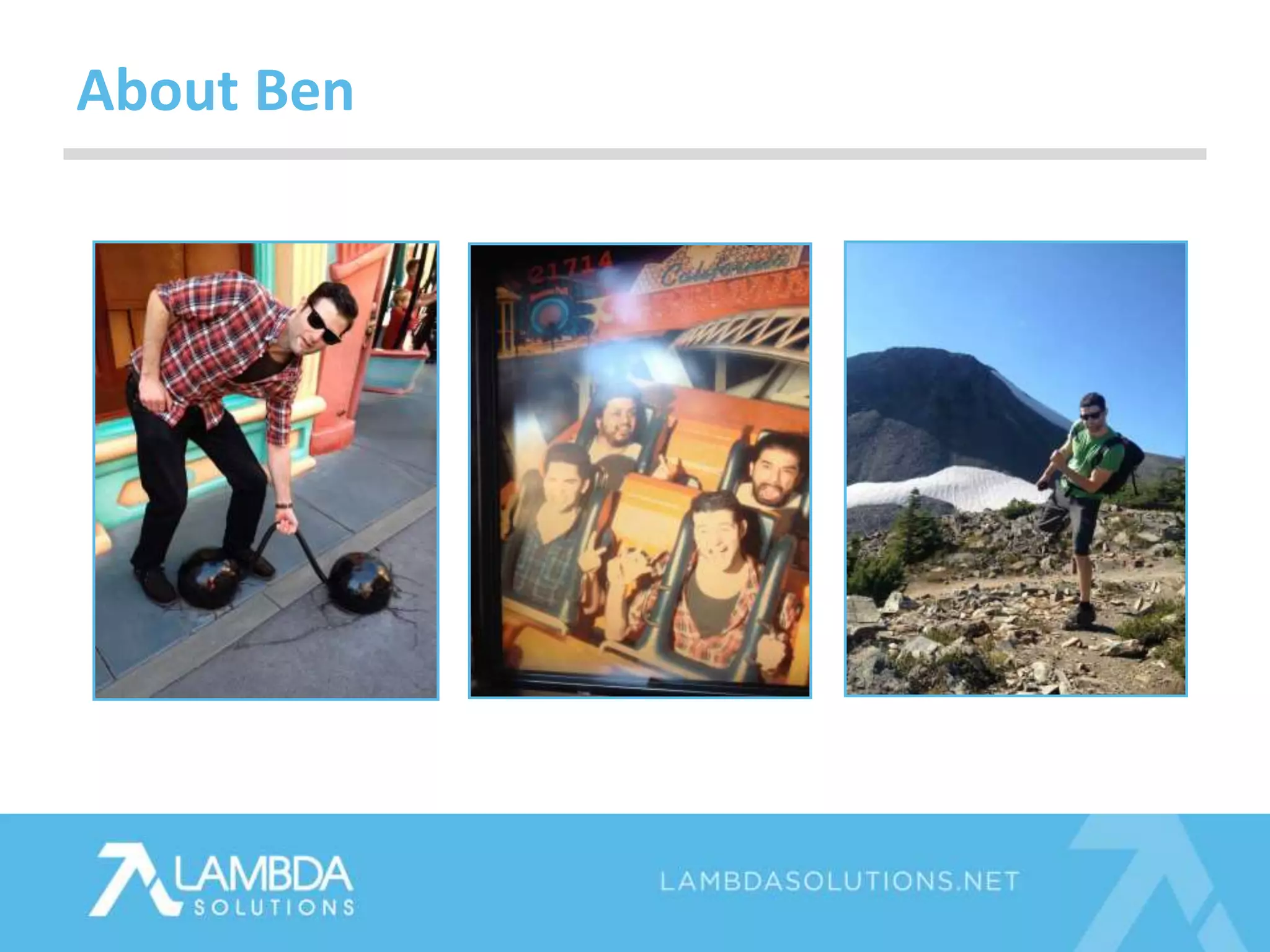
About Ben
• Audio
• Question box
• Poll questions
• Post-webinar survey
• Recording and slides
Housekeeping
Agenda
1. Common LMS Needs
2. Pains associated with running an LMS
3. Proprietary Solutions
4. Open Source Solutions
5. Introduction to Moodle and Totara LMS
6. Self-hosting an LMS
7. Expert Services
Audience Question
What are biggest needs and
Pains when it comes to your
LMS?
Most Common
LMS Needs
Most Common LMS Needs
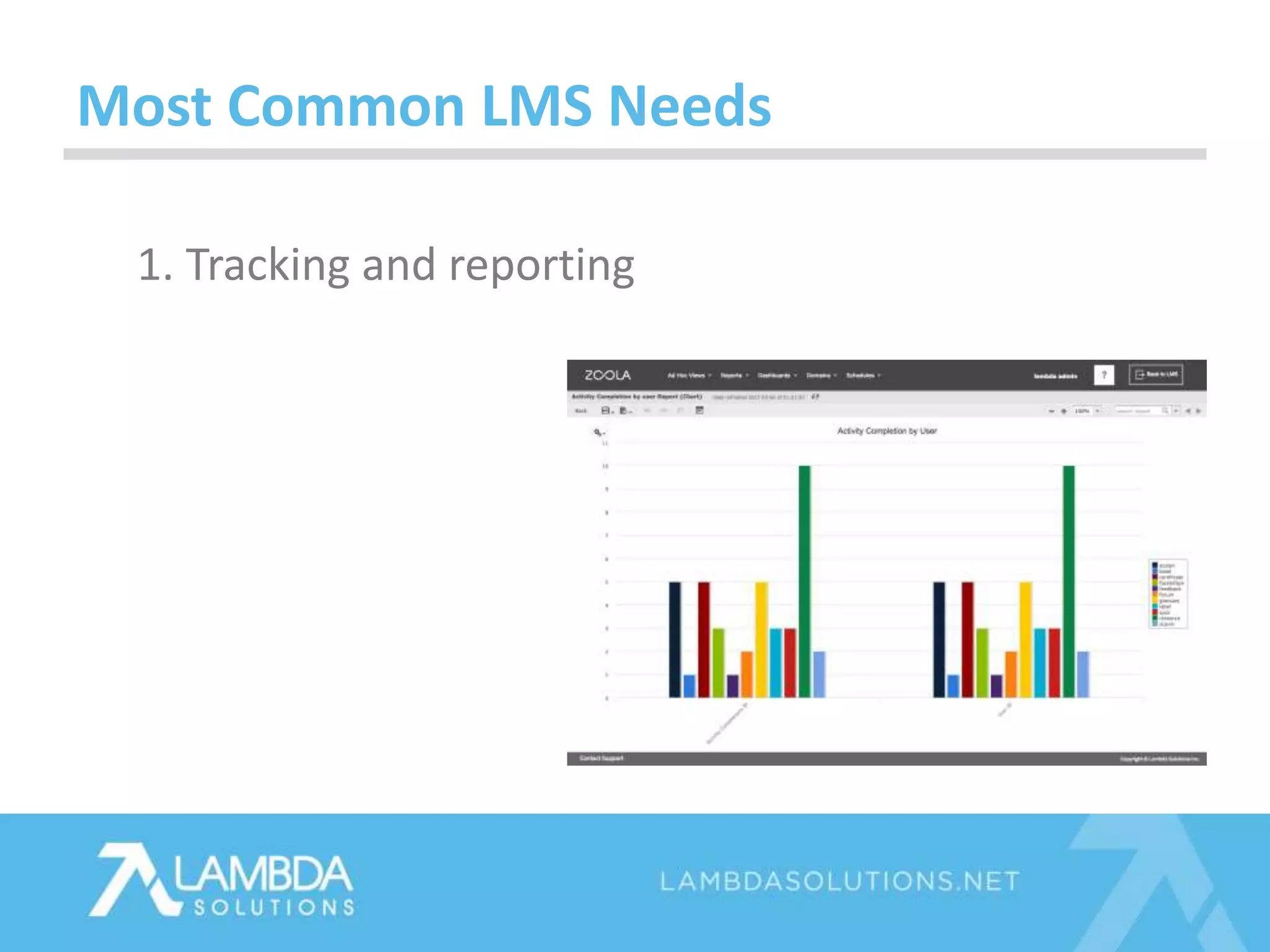
1. Tracking and reporting
Most Common LMS Needs
1. Tracking and reporting
2. Creation, storing, and
delivery of great content
Most Common LMS Needs
1. Tracking and reporting
2. Creation, storing, and
delivery of great content
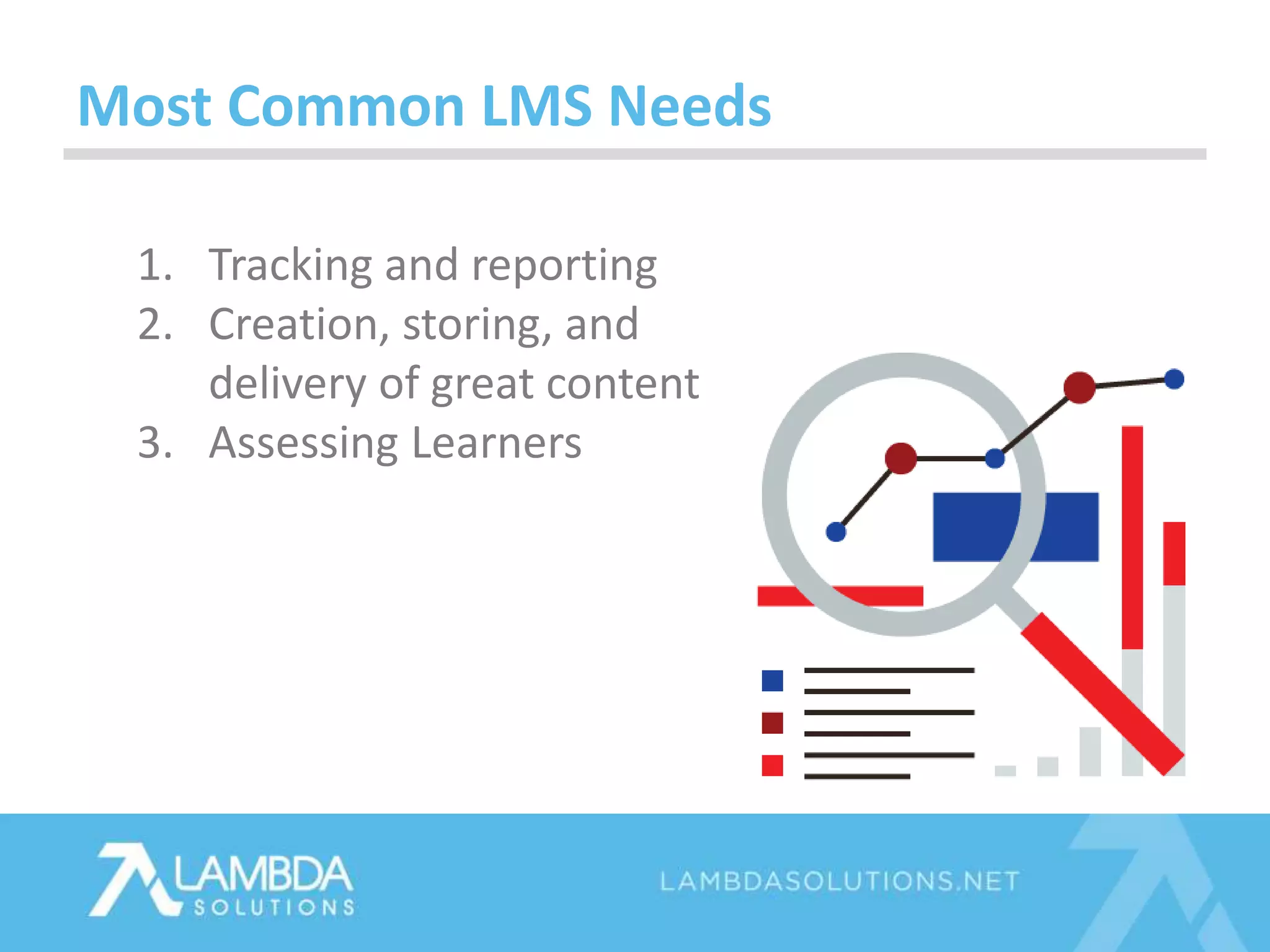
3. Assessing Learners
Most Common LMS Needs
1. Tracking and reporting
2. Creation, storing, and
delivery of great content
3. Assessing Learners
4. Integration
• Organization and Position Structure
• Learning Paths
Most Common LMS Needs for Corporate
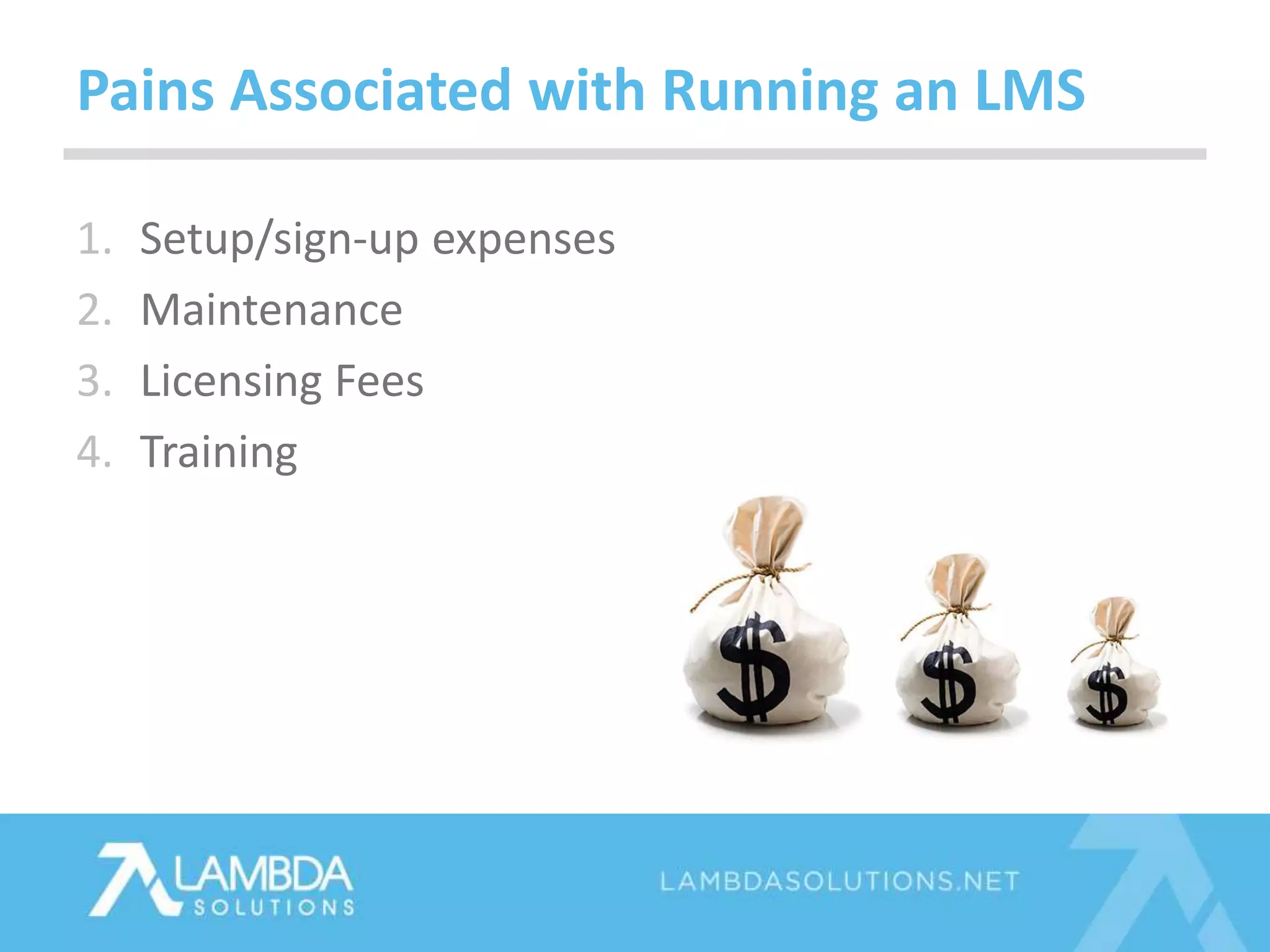
Pains Associated with Running an LMS
1. Setup/sign-up expenses
Pains Associated with Running an LMS
1. Setup/sign-up expenses
2. Maintenance
Pains Associated with Running an LMS
1. Setup/sign-up expenses
2. Maintenance
3. Licensing Fees
Pains Associated with Running an LMS
1. Setup/sign-up expenses
2. Maintenance
3. Licensing Fees
4. Training
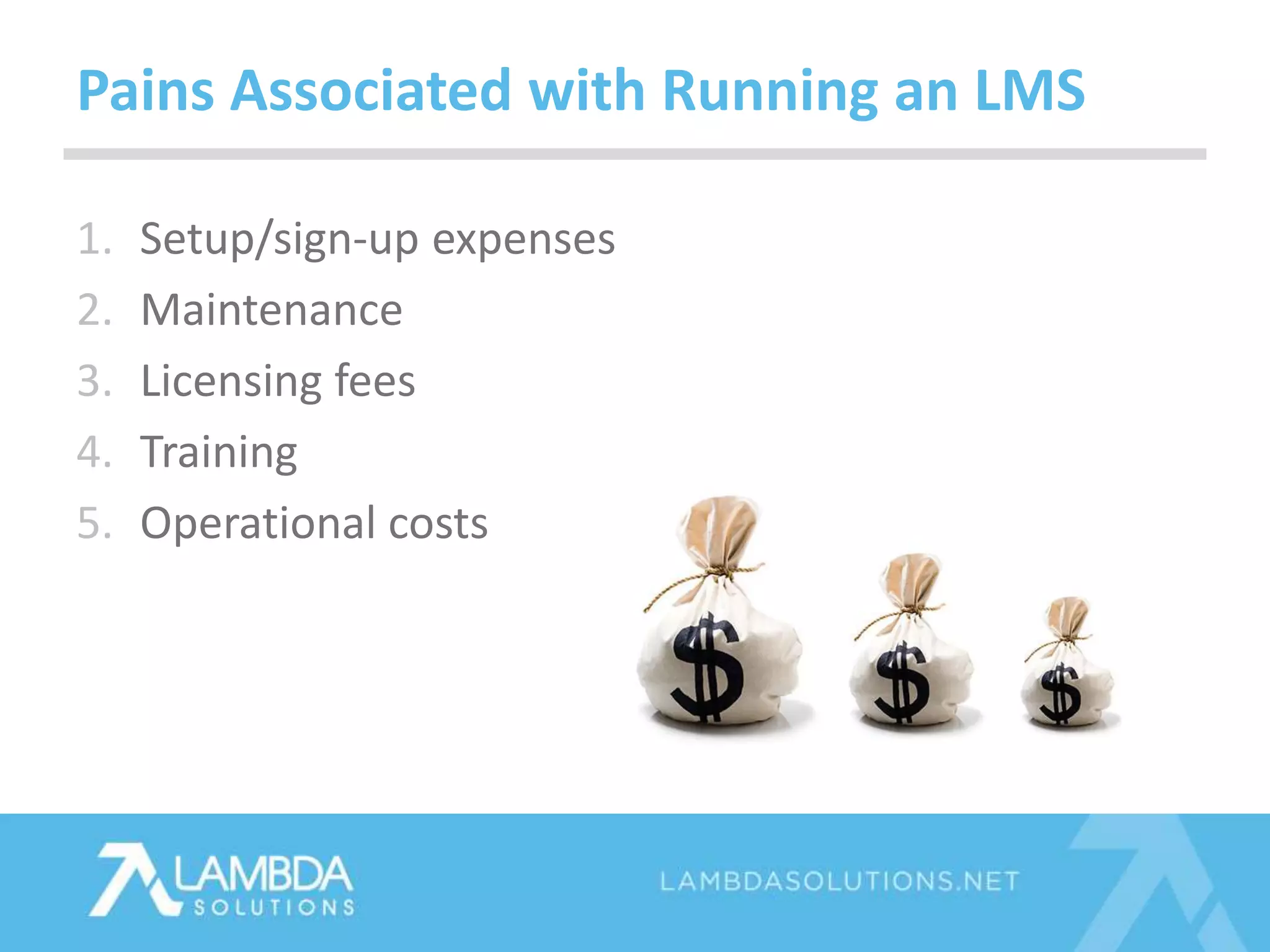
Pains Associated with Running an LMS
1. Setup/sign-up expenses
2. Maintenance
3. Licensing fees
4. Training
5. Operational costs
Pains Associated with Running an LMS
Running a Proprietary LMS
Things to Consider
Things to Consider
Vendor Lock-in
Running a Proprietary LMS
Things to Consider
Vendor Lock-in
You can’t update
Running a Proprietary LMS
Things to Consider
Vendor Lock-in
You can’t update
Lack of flexibility to extend
and integrate
Running a Proprietary LMS
Let’s Talk
Open Source
Running an Open Source LMS
Open Source
Running an Open Source LMS
Flexibility
Open Source
Running an Open Source LMS
Flexibility
Continuous
Improvements
Open Source
Features & Functions of Moodle that Alleviate Cost Pains
Flexibility
Continuous
Improvements
Global
Community
Open Source
Features & Functions of Moodle that Alleviate Cost Pains
Flexibility
Continuous
Improvements
Global
Community
Open Source
License
Open Source
Summary
Features & Functions of Moodle that Alleviate Cost Pains
Worlds Most Popular Open
Source LMS
Need More? There’s Moodle for Enterprise
Pains
Hidden costs
Self-hosting an LMS
Pains
Hidden costs
No expertise
Self-hosting an LMS
Pains
Hidden costs
No expertise
Risk of abandonment
Self-hosting an LMS
Pains
Hidden costs
No expertise
Risk of abandonment
Cost of add-on’s or extra features
Self-hosting an LMS
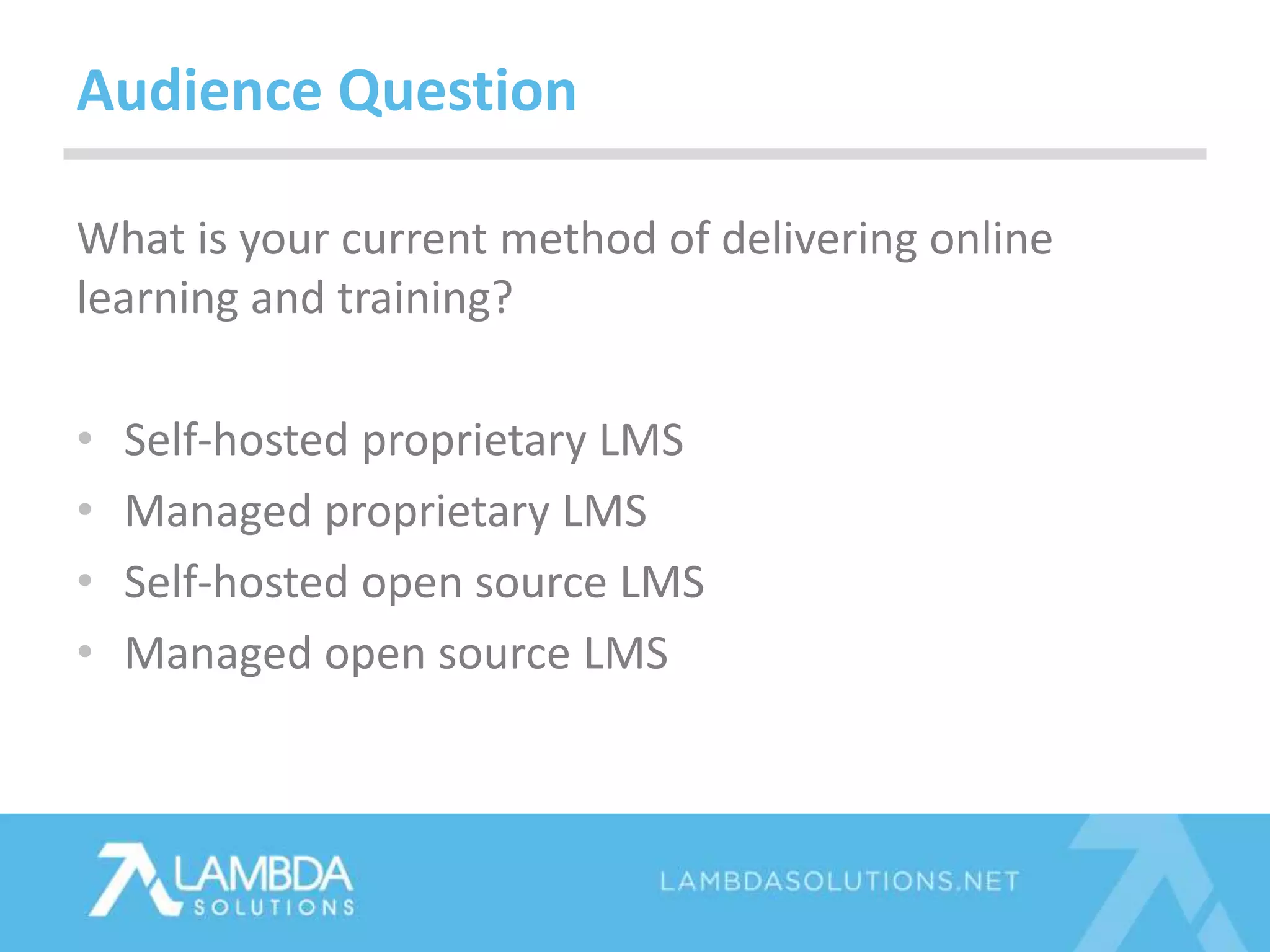
What is your current method of delivering online
learning and training?
• Self-hosted proprietary LMS
• Managed proprietary LMS
• Self-hosted open source LMS
• Managed open source LMS
Audience Question
Expert Service
Benefits
Specially tuned hosting
Upgrades
Expertise – Training, Setup, Support
Risk of abandonment
Develop and Extend
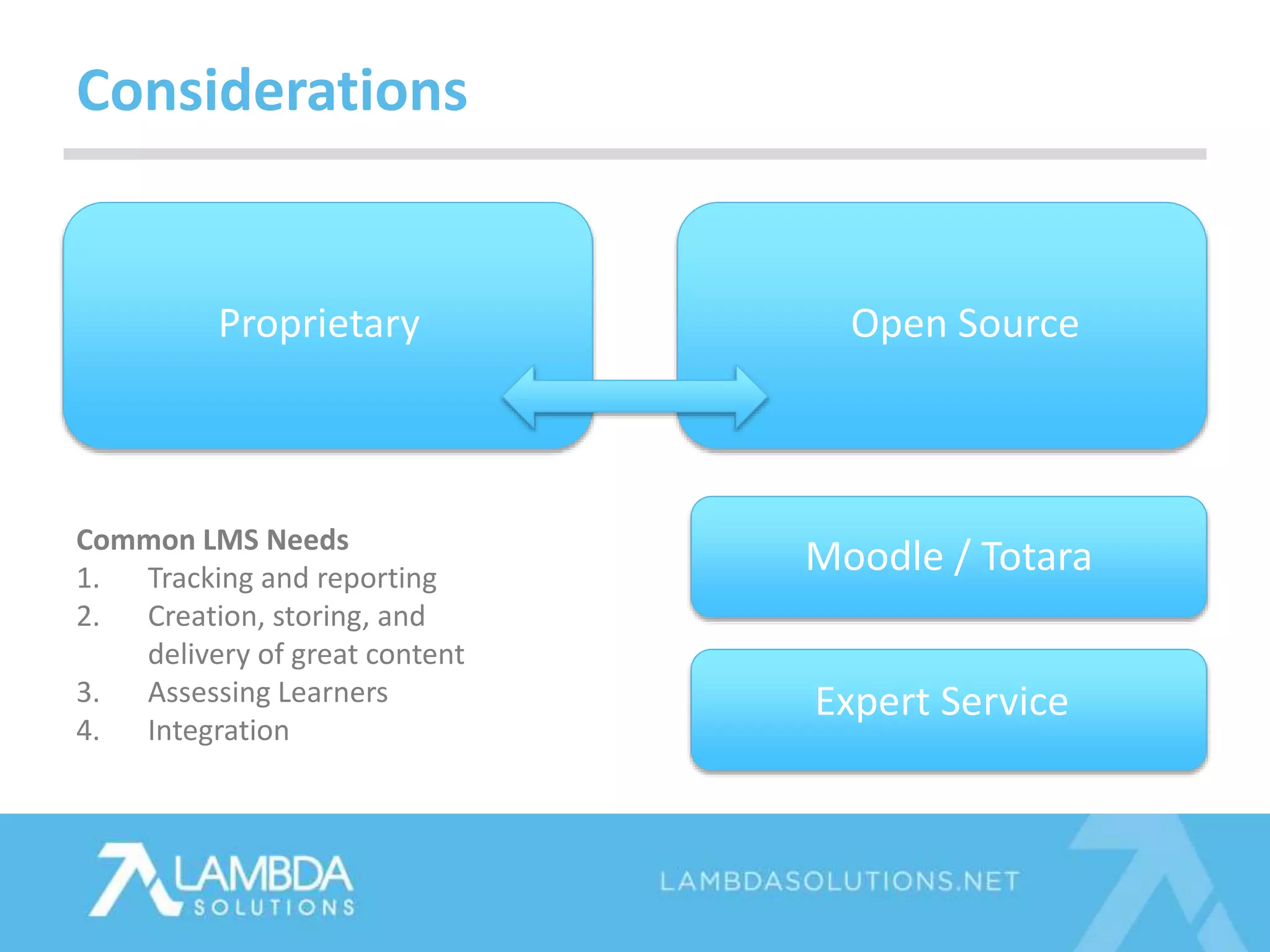
Considerations
Proprietary Open Source
Moodle / Totara
Expert Service
Common LMS Needs
1. Tracking and reporting
2. Creation, storing, and
delivery of great content
3. Assessing Learners
4. Integration
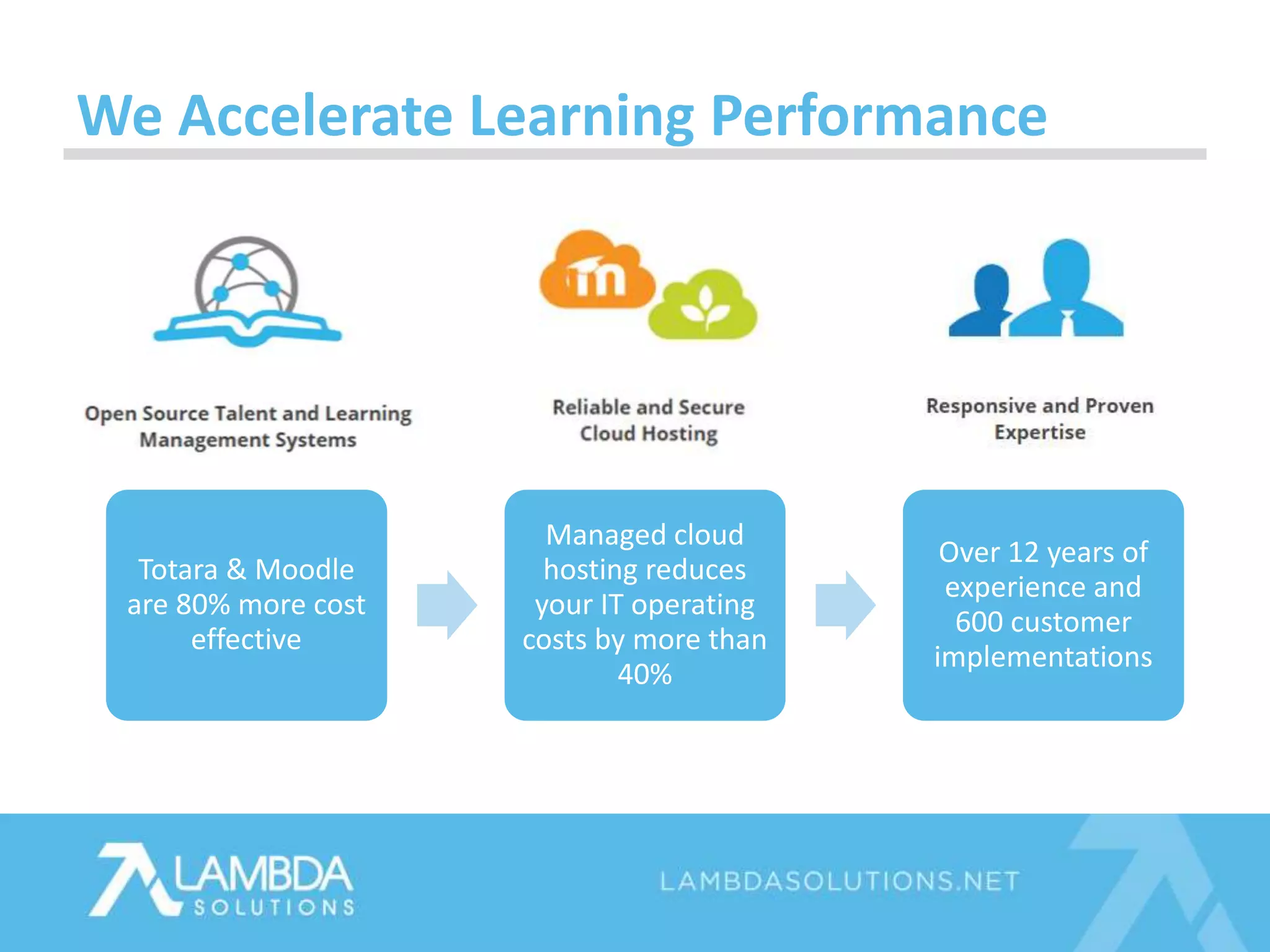
Totara & Moodle
are 80% more cost
effective
Managed cloud
hosting reduces
your IT operating
costs by more than
40%
Over 12 years of
experience and
600 customer
implementations
We Accelerate Learning Performance
Corporate & Technology clients
Healthcare & Education clients
Any Questions so Far?
• Resources will be sent out in our follow-up email
• PowerPoint
• Recording
• Satisfaction Survey
Next Steps
TOLL FREE +1.877.700.1118
EMAIL SALES@LAMBDASOLUTIONS.NET
WWW LAMBDASOLUTIONS.NET

Reduce the Cost of Online Learning & Training with Moodle LMS

Editor's Notes

  • #2 HIT THE RECORD BUTTON
  • #3 As the Director of Learning Solutions, Ben has extensive knowledge of Moodle. He spends a great deal of time working in Moodle, working within the Moodle community, and actively working to improve Moodle. There is no better person to deliver todays webinar.
  • #4 Hello everyone, Im Ben Young, Director of Learning Solutions at Lambda Solutions. I work closely with our clients and professional services team during implementation in addition to on going services. From the slide deck you’ll see a few pictures of myself showcasing some of the interests I have outside work when I am not stuck behind a computer. * Hitting the gym * Interests in alternative means of transportation… as seen in the center picture * and lastly I’ve been known to get out and enjoy some of the local mountains Vancouver has to offer
  • #7 Consider your training and online learning program and what are the biggest challenges around that? Is it… Self-hosted Third party vendor Not on Moodle (yet) You’ve listed some great examples there of (pull from chat).
  • #9 From working with our clients and trends in the learning industry, Tracking and reporting have become highly important to organizations - keeping track of learning progress, being able to easily share reports with others, and get access to the data needed are of high importance to corporate and academic based learning programs.
  • #10 Great Content - having the ability to create content or upload existing content already created outside of the LMS is a must have. This creates a better learning experience by offering content that engagement through the use of social learning and action based features (called activities), this can also include how content is delivery for example with rich media streaming to mobile devices. Having an LMS that is compliant with industry standards such as SCORM and LTI allows for an organizations content to be re-usable with different LMS’s.
  • #11 Assessment of Learning - a very common requirement is to be able to assess learning to prove competency and understanding of a topic Common ways this is done is by exams and assignments requiring learner file submissions.
  • #12 Integration - helps automate and save time with the creation of accounts and sharing of information between key systems
  • #13 A common required capability for organization is the ability to assign a user a position and role within an organization then assign learning based on the position and organizational structure he or she is a member of.
  • #15 There are other cost considerations to keep in mind. There are many different cost factors that can be associated with an LMS. 1. Fees for setup or installation of the software.
  • #16  2. If maintenance fees are not included in the overall cost of your LMS, the additional costs can be roughly 20% of the initial costs of a LMS
  • #17 3. In some situations a LMS vendor charges licensing fee’s that must be renewed periodically in order to continue using the LMS.
  • #18 4. Is training your eLearning team on how to use the LMS system effectively included in the upfront / subscription fee’s or is it a separate cost.
  • #19 5. Consider how big your professional development team needs to be and what type of professional are required such as an LMS administrator, instructional designer, and eLearning content managers, IT Professionals etc
  • #21 Dependency - customers of commercial software companies are more or less at the whim of where their software suppliers want to take them. There is usually reduced influence unless you are a larger client
  • #22 Cannot update - proprietary software, you cannot make changes to a program, you have to wait for the developers of the solutions provider to issue updates
  • #23 Development of new features is not possible casing integration with other platforms to be costly or not possible at all.
  • #24 Open source software is software with source code that anyone can inspect, modify, and enhance.
  • #25  Open Source Pro’s Offers a flexible solution - it's possible for organizations to develop new features and plugins
  • #26 Continuous improvements - there is a community fixing bugs and making improvements
  • #27 Large Global Community - with one of the largest open-source teams worldwide, you benefit from a global Community of developers who consistently update Moodle and Totara LMS. Experience an LMS that is updated fast.
  • #28 Open Source License - it’s possible for organizations to run things in-house if they have the skill or move to different service providers. Because of this license anyone can use the software.
  • #29 Open source provides organizations flexibility to run the application in house, with different partners and also extend the functionality. This flexibility sets open source apart making it possible to integrate with other business solutions helping reduce the time around business processes.
  • #30 We would like to take the opportunity to talk about Moodle a little bit as Moodle, with 85 million users across the globe is the most-widely used learning management system by organizations of all types. Moodle is a user-friendly, highly-configurable, and a feature rich LMS that enables organizations to achieve their learning goals. Moodle provides the system for organizations to build or upload content, assess learning, collaborate with others, and manage user accounts. Because of Moodle’s large community of followers and its rich features, it is one of the LMS’s Lambda uses for our clients. To help extend the reporting of Moodle, Lambda has developed a reporting and analytics platform called Zoola which complements the reporting capabilities of Moodle.
  • #31 If you require a little bit more, if you’re not in education - there is Totara - which extends off of Moodle, Totara provides the functionalities of user management and organizational structure. This allows for learners to be marked with metadata such as a position and then sent down a path of learning. Because of manager and learner relationships that can be set, Totara also offers the ability to for managers to track and follow a learner's process easily.
  • #32 Hidden costs - there is no licensing costs; however, it is important to factor in the cost of deploying and integrating the software, hosting; in addition to ongoing maintenance such as upgrades.
  • #33 Expertise - do you have the internal expertise to work effectively with the chosen open source product? Can you get support on the phone, do developers and IT staff know how to implement and run the software
  • #34 Risk of abandonment - If the software is not widely used or if key programmers lose interest or no longer have time the software could be abandoned. The take away here is to choose open source software that has a large community behind it such as Moodle for learning and wordpress and Drupal as examples in other industries. The other risk of abandonment comes internally when/if staff leave and take knowledge and expertise with them.
  • #35 In-house development of new features can be costly with developers requiring ramp-up time to understand how features work and how integrated can be achieved.
  • #36 Poll question
  • #37 Hosting – Expert’s how have worked with an application understand and know how best to run it. Often this is not just a static tasks as when the software evolves and how people use it can impact how best to run it. Having an expert provide hosting can help an organization save a lot of time and energy over the long run, freeing up internal IT staff for other projects. Upgrades – upgrading to the latest version can be a complex involving updates to the hosting platform, leap frogging from one newer version to the next, and trouble shooting issues. Upgrades are critical for keeping software secure and safe to use as well as having the newest features so getting expert advice is key to success. Expertise – Get staff up to speed quickly with training and setup and configuration sessions from the experts, in addition to support can help get an organization up and running quickly and correctly from the start. Abandonment is a risk for any organization, what if the champion for your organization leaves… Experts can help lighten the load and get new staff up to speed quickly. Develop and Extend – a powerful option for open source is the ability to add new features and extend the capabilities. Every application has its own framework and best practices which experts have spent time learning how to utilize.
  • #38 Make sure that when acquiring an LMS, it meets your needs, we covered some of the most commonly used features that are generally required by an organization. There is a lot of great software out there and you have the approach of proprietary or open source, we like open source as it provides the power to extend the software capabilities and offer a flexible solution. If a solution is able to be enhanced or configured for your organizations needs it can save time and money over the long run. Lambda prefers Moodle and Totara as open source software's because of the large number of capabilities it offers and flexibility, in addition to having a large community of supporters. Organizations can go with self-service approaches; however, keep in mind the expertise needed and the hidden costs of hosting, upgrades, software development, training or learning the software and the risk of skilled staff leaving an organization. Getting expert services to support the LMS by hosting it on a tuned environment, installing updates and upgrades as well as training staff can help organizations quickly reach learning goals and get setup correctly from the start.
  • #39 What does Lambda do? We specialize in cloud-based hosting of the learning management systems Moodle and Totara. With these two LMS, clients benefit from powerful, flexible and open source solutions that are feature rich with mobile and social applications. Totara and Moodle are 80% more cost effective and match leading competitors feature for feature. Our agile service team implements scalable deployments to reduce your IT operational costs by more than 40%. Lambda’s cloud hosting is unparalleled for security and reliability with our 99.99% uptime commitment Your set-up time to use your LMS is days, not weeks, with 12 years of experience and over 600 customer implementations. Our highly responsive customer HelpDesk saves you time and money. Our Moodle experts provide support, training, integration and custom development..
  • #40 Well-known organizations like Google, Safeway and Four Seasons use open source learning management. Here are just a few of the companies that use our technology. One company that we’d like to highlight is Rutgers University. Rutgers uses a Lambda hosted instance of Moodle to deliver learning for their Biomedical and Health Services programs. Three things that Rutgers were looking for in an LMS were flexibility, cost savings, and speed and reliability. Using Moodle Rutgers was able to benefit from full control of their Moodle site, with ability to build in features and functionalities that were unique to their student needs. Rutgers also experienced both time and cost savings, compared to what they invested in their previous hosting provider
  • #41 Well-known organizations like Google, Safeway and Four Seasons use open source learning management. Here are just a few of the companies that use our technology. One company that we’d like to highlight is Rutgers University. Rutgers uses a Lambda hosted instance of Moodle to deliver learning for their Biomedical and Health Services programs. Three things that Rutgers were looking for in an LMS were flexibility, cost savings, and speed and reliability. Using Moodle Rutgers was able to benefit from full control of their Moodle site, with ability to build in features and functionalities that were unique to their student needs. Rutgers also experienced both time and cost savings, compared to what they invested in their previous hosting provider