How does this sound to you?
We  are all potential teachers as well as learners.  We learn well by creating and expressing for others. We learn a lot by watching others. Understanding others transforms us. We learn well when the learning environment is flexible and adaptable to suit our needs.
Sounds reasonable? is built on these 5 principles
Moodle  (noun)  -   acronym for  Modular Object-Oriented Dynamic Learning Environment.  An online learning management system (LMS), designed to create opportunities for rich interaction between teachers and learners.  To moodle  (verb)  -   process of enjoyable tinkering that often leads to growing knowledge, insight and creativity. It applies both to the way Moodle was developed, and to the way we may use it to teach and learn.
Moodle  (noun)   -   acronym for  Modular Object-Oriented Dynamic Learning Environment.  An online learning management system (LMS), designed to create opportunities for rich interaction between teachers and learners.  To moodle  (verb)  -   process of enjoyable tinkering that often leads to growing knowledge, insight and creativity. It applies both to the way Moodle was developed, and to the way we may use it to teach and learn.
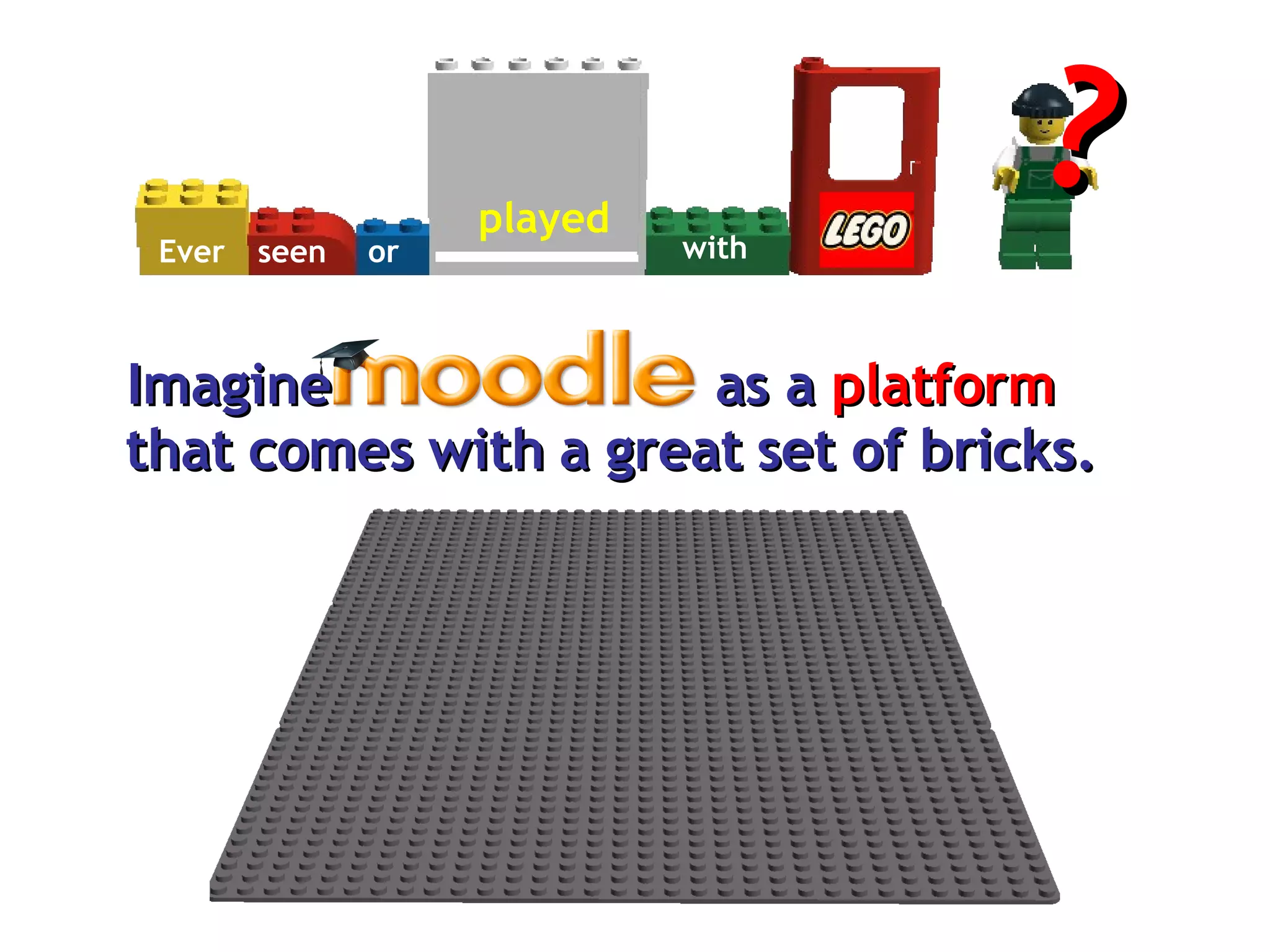
as a  platform that comes with a great set of bricks. Imagine Ever seen or played with ?
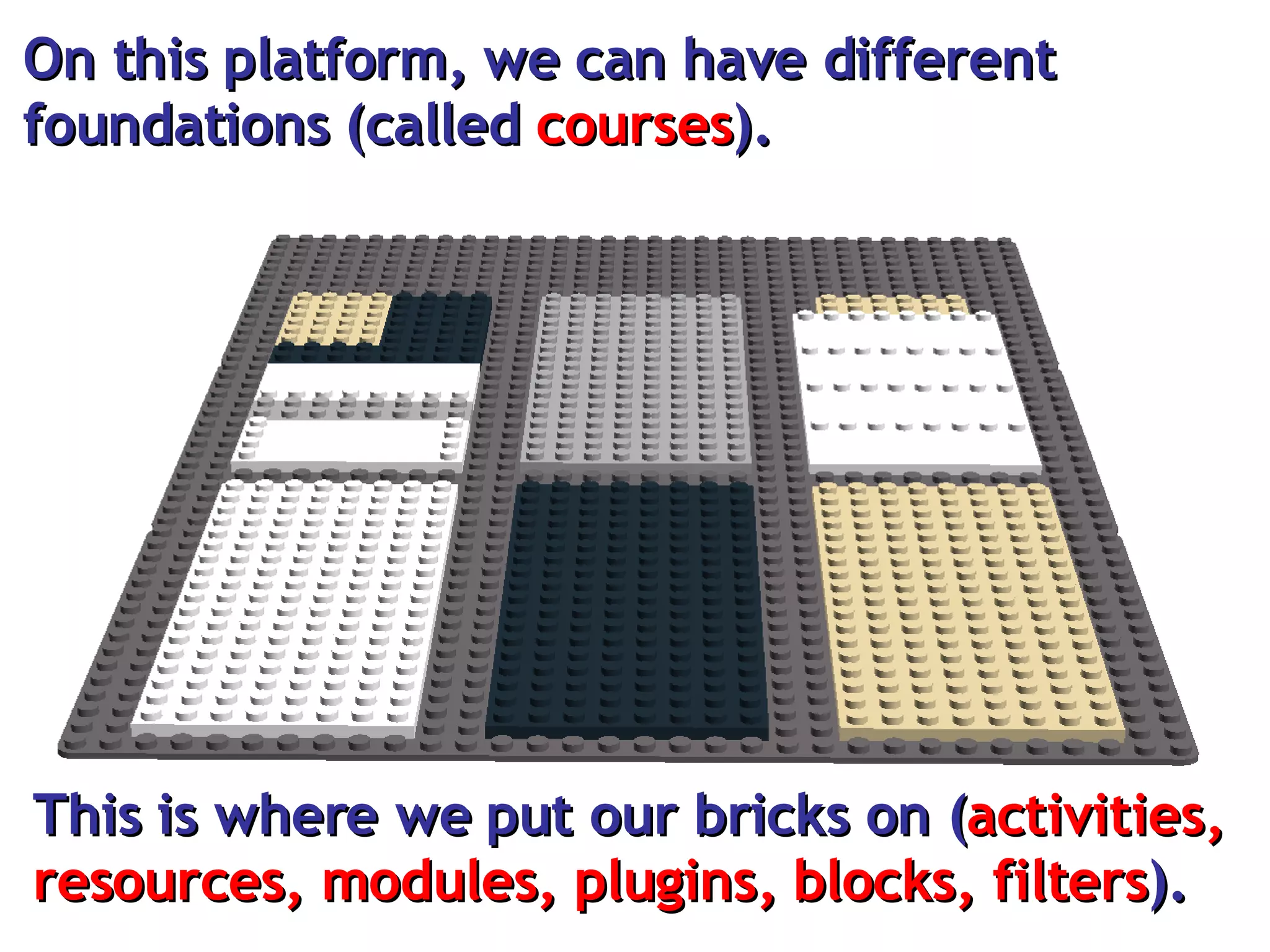
On this platform, we can have different foundations (called  courses ).  This is where we put our bricks on ( activities, resources, modules, plugins, blocks, filters ).
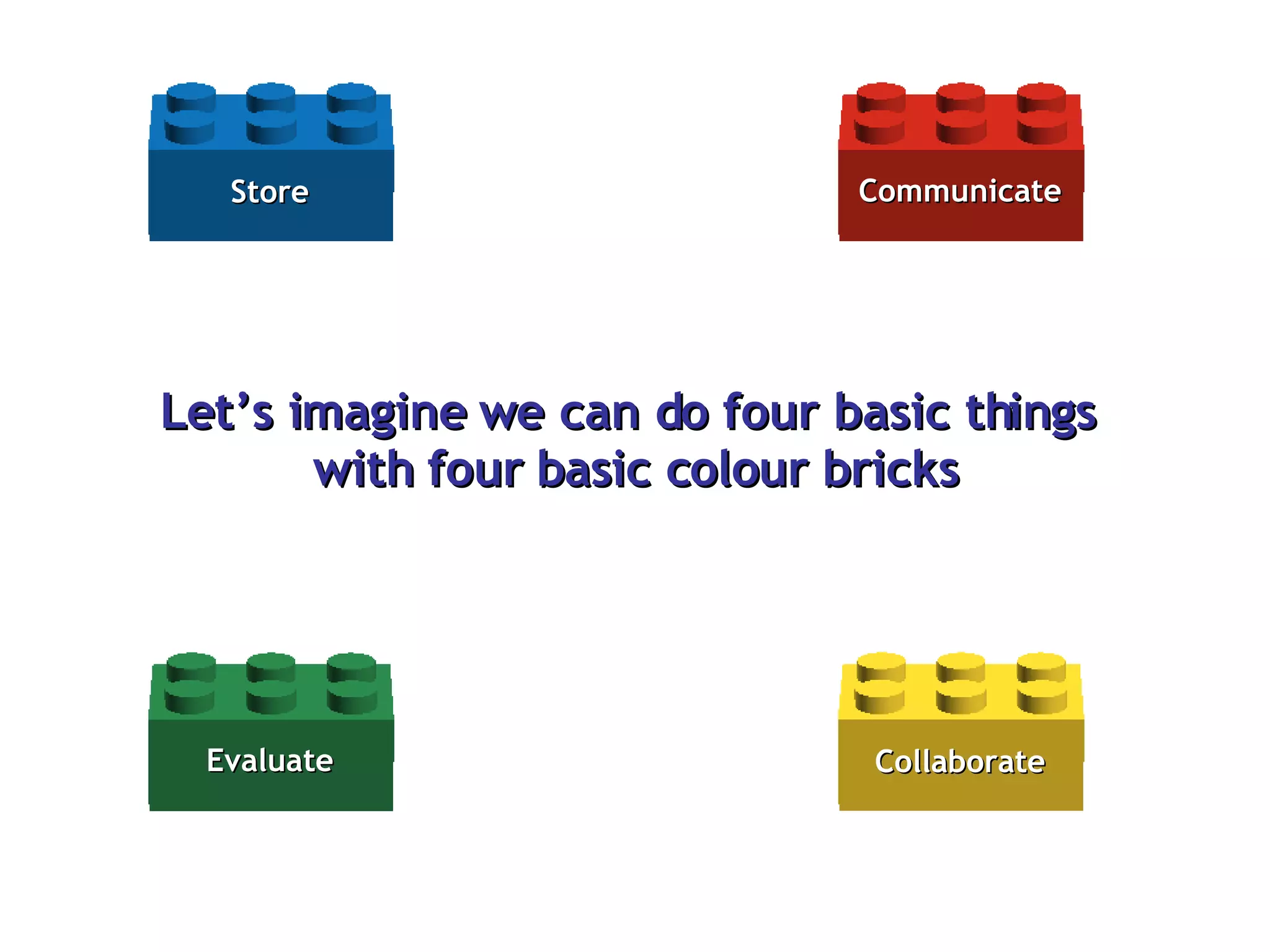
Let’s imagine we can do four basic things  with four basic colour bricks Communicate Store Evaluate Collaborate
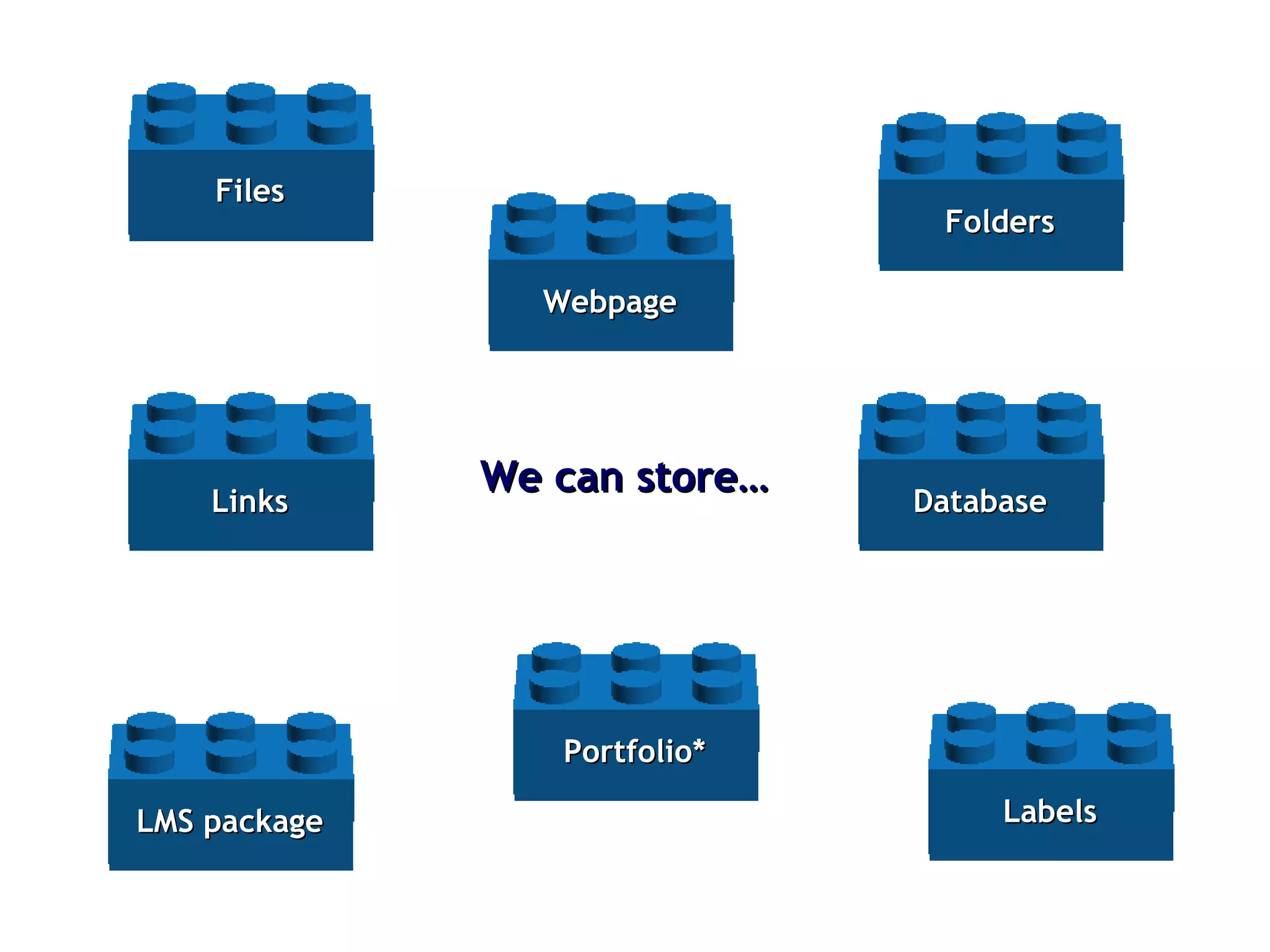
Files We can store… Folders Links Webpage LMS package Database Labels Portfolio*
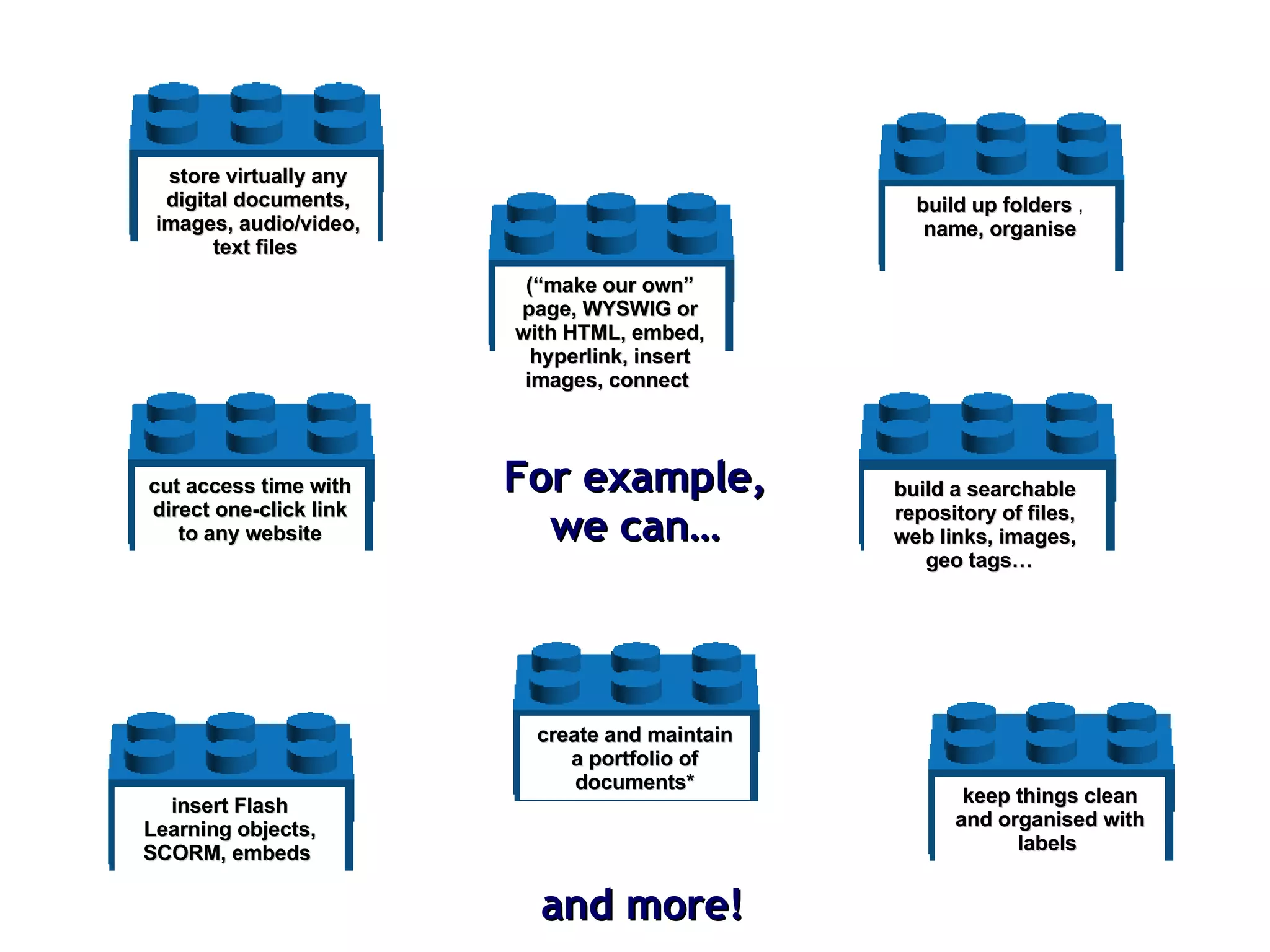
build up folders  ,  name, organise store virtually any digital documents, images, audio/video, text files   cut access time with direct one-click link to any website (“make our own” page, WYSWIG or with HTML, embed, hyperlink, insert images, connect   insert Flash Learning objects, SCORM, embeds   build a searchable repository of files, web links, images, geo tags…  keep things clean and organised with labels   create and maintain a portfolio of documents* For example, we can… and more!
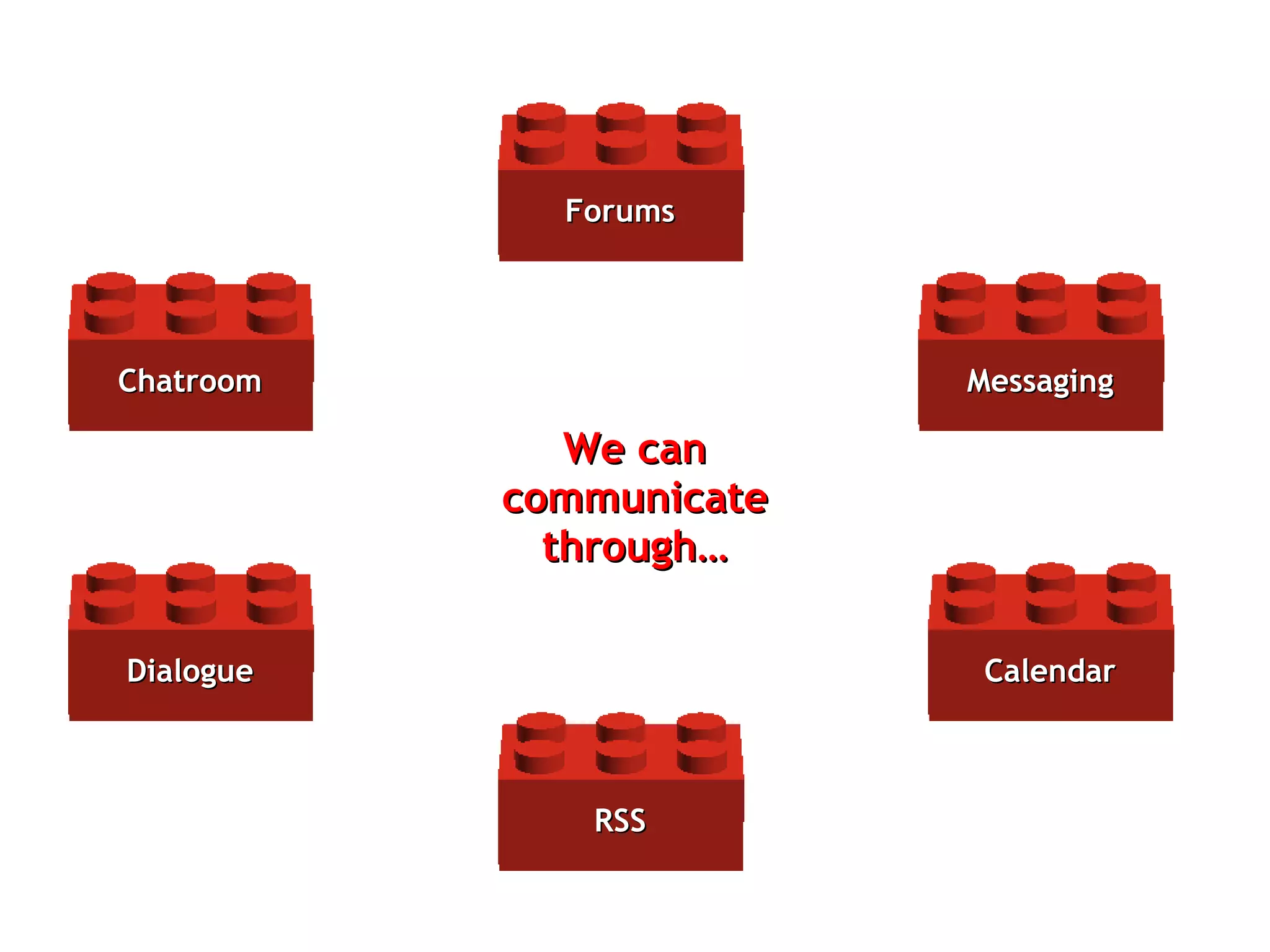
We can communicate through… Messaging Forums Calendar Dialogue RSS Chatroom
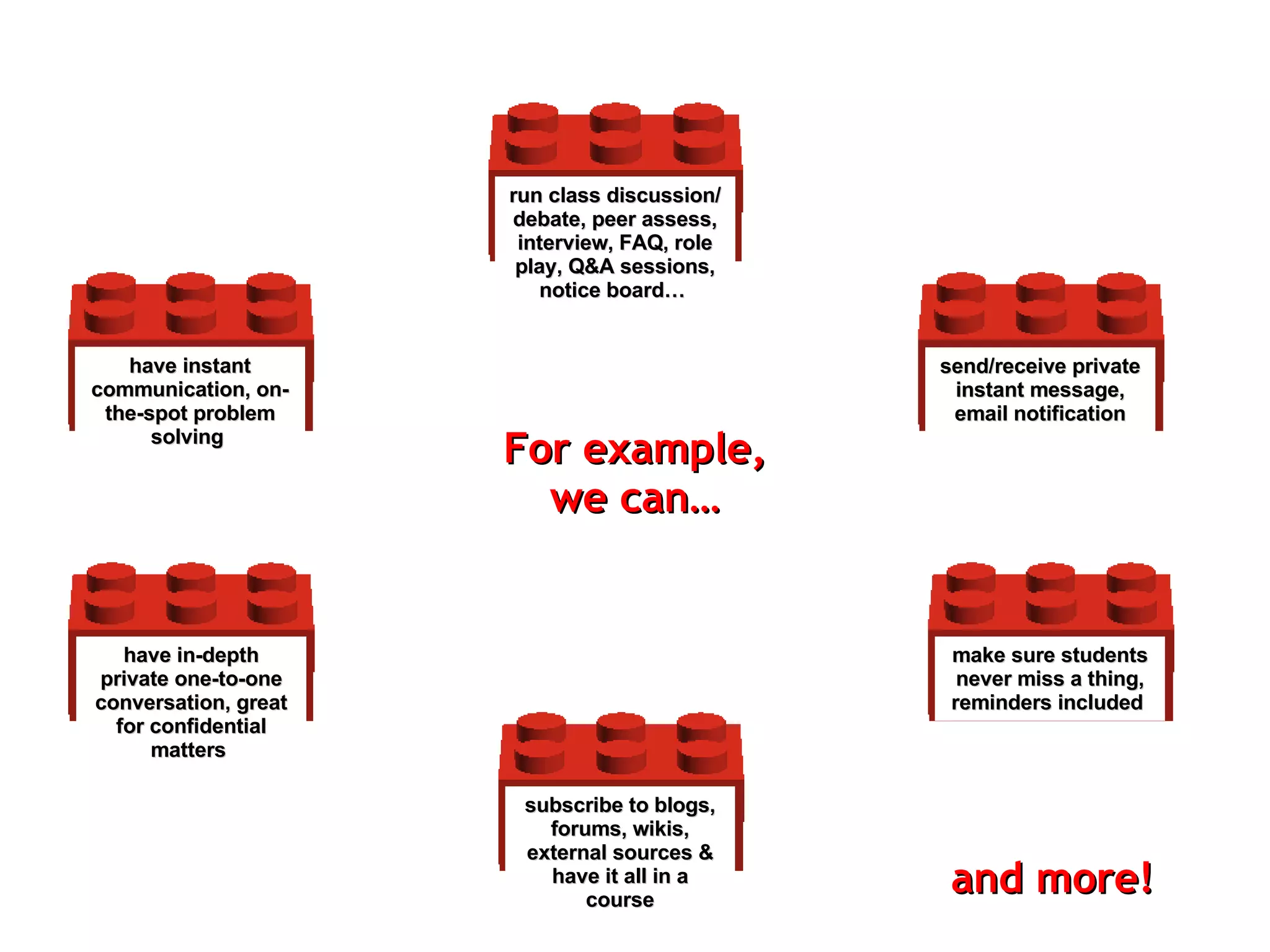
send/receive private instant message , email notification For example, we can… run class discussion/ debate, peer assess, interview, FAQ, role play, Q&A sessions, notice board…   make sure students never miss a thing, reminders included   have in-depth private one-to-one conversation, great for confidential matters   subscribe to blogs, forums, wikis, external sources & have it all in a course have instant communication, on-the-spot problem solving   and more!
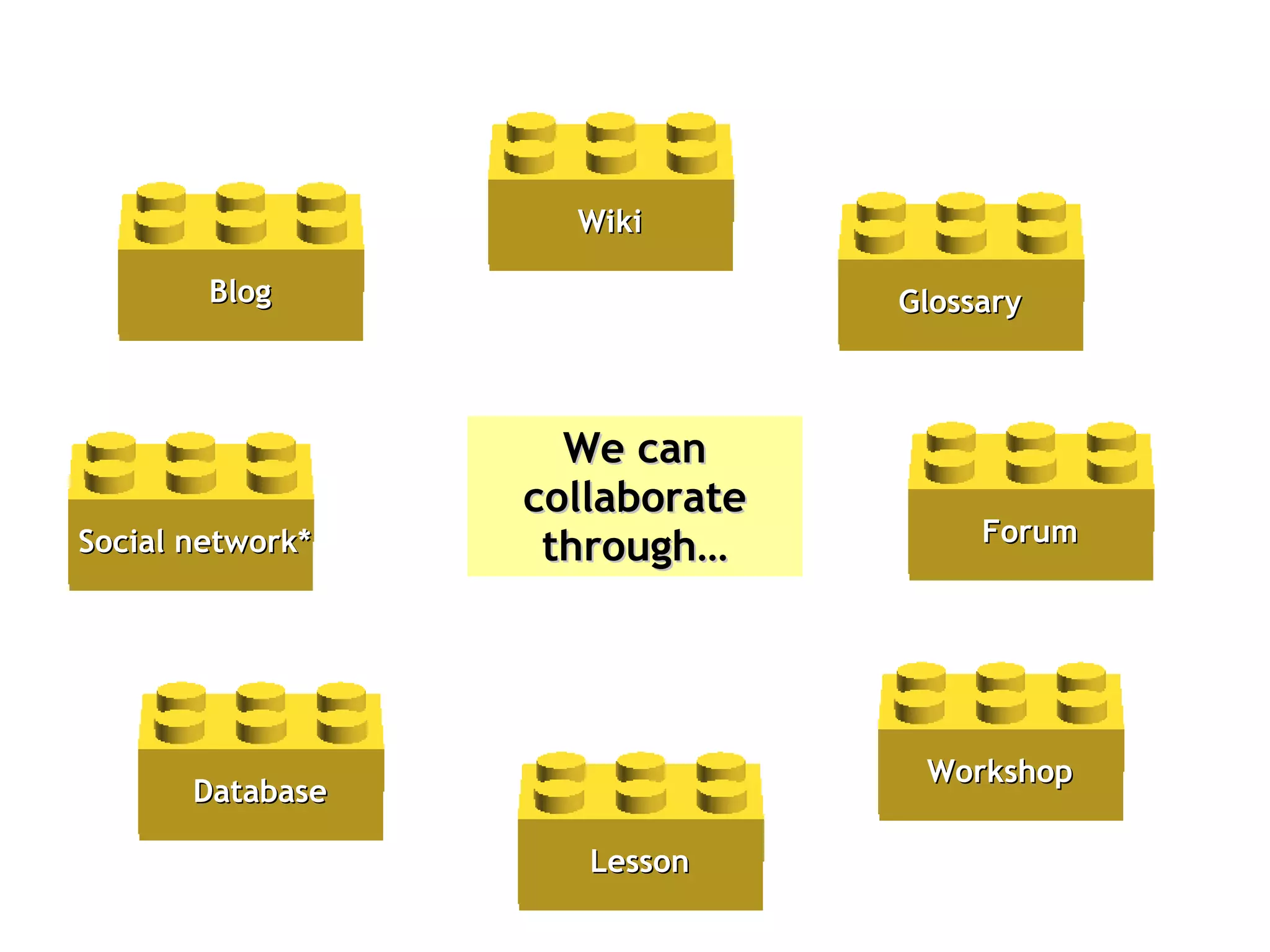
We can collaborate through… Workshop Database Blog Glossary Wiki Lesson Forum Social network*
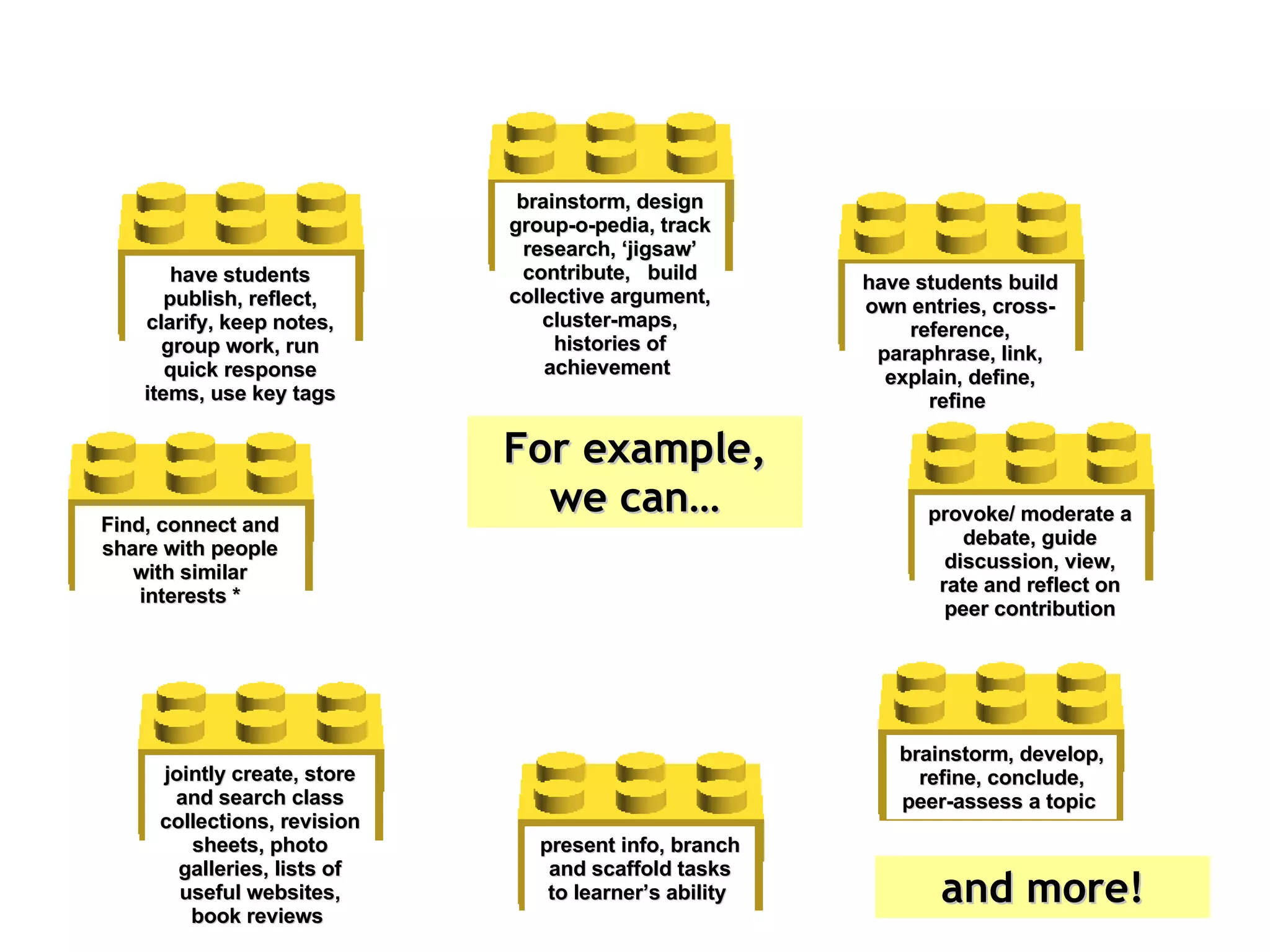
brainstorm, develop, refine, conclude, peer-assess a topic   For example, we can… jointly create, store and search class collections, revision sheets, photo galleries, lists of useful websites, book reviews   have students publish, reflect, clarify, keep notes, group work, run quick response items, use key tags have students build own entries, cross-reference, paraphrase, link, explain, define, refine   brainstorm, design group-o-pedia, track research, ‘jigsaw’ contribute,  build collective argument, cluster-maps, histories of achievement   present info, branch and scaffold tasks to learner’s ability   provoke/ moderate a debate, guide discussion, view, rate and reflect on peer contribution Find, connect and share with people with similar interests * and more!
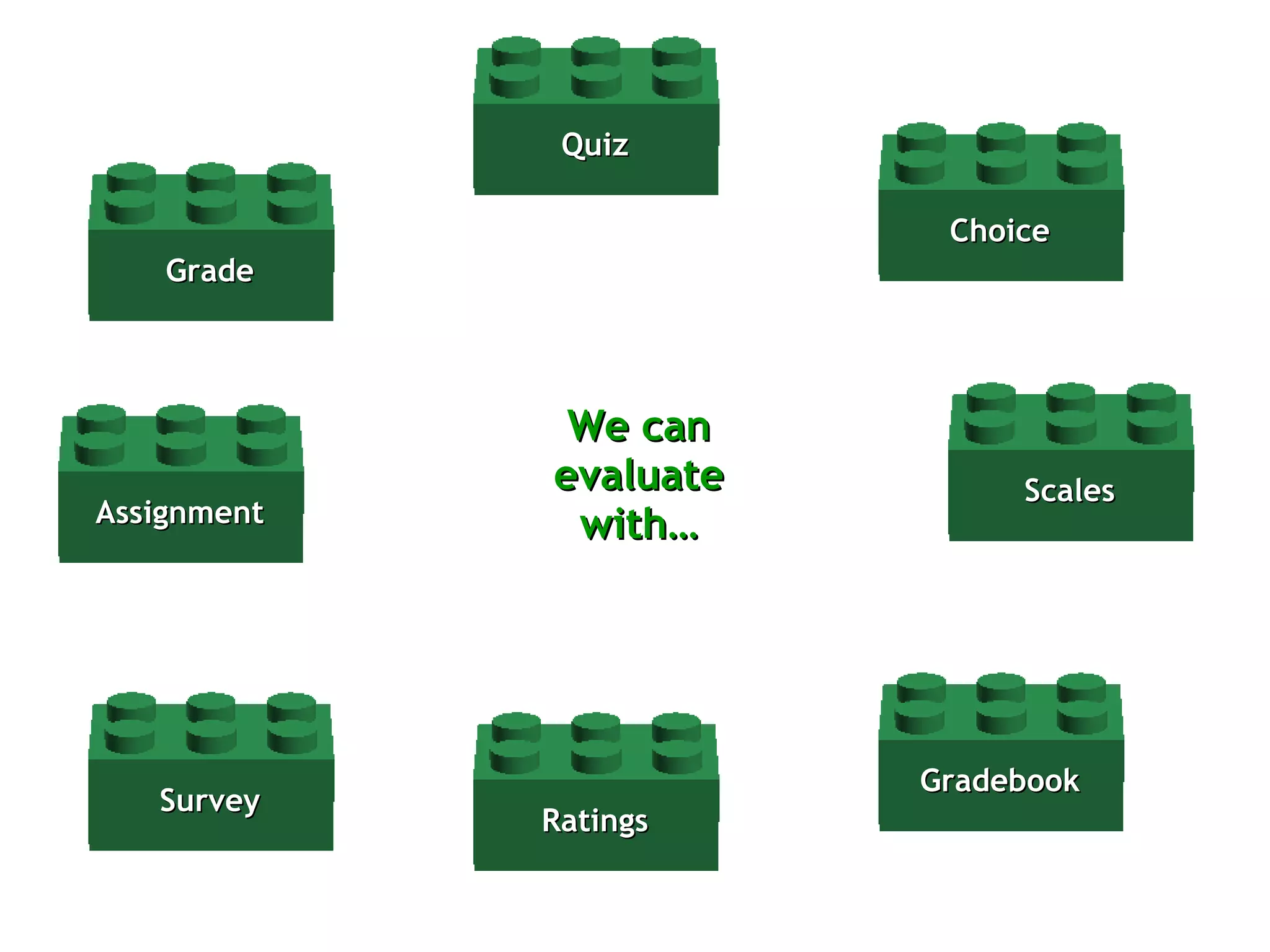
We can evaluate with… Survey Assignment Gradebook Choice Quiz Scales Grade Ratings
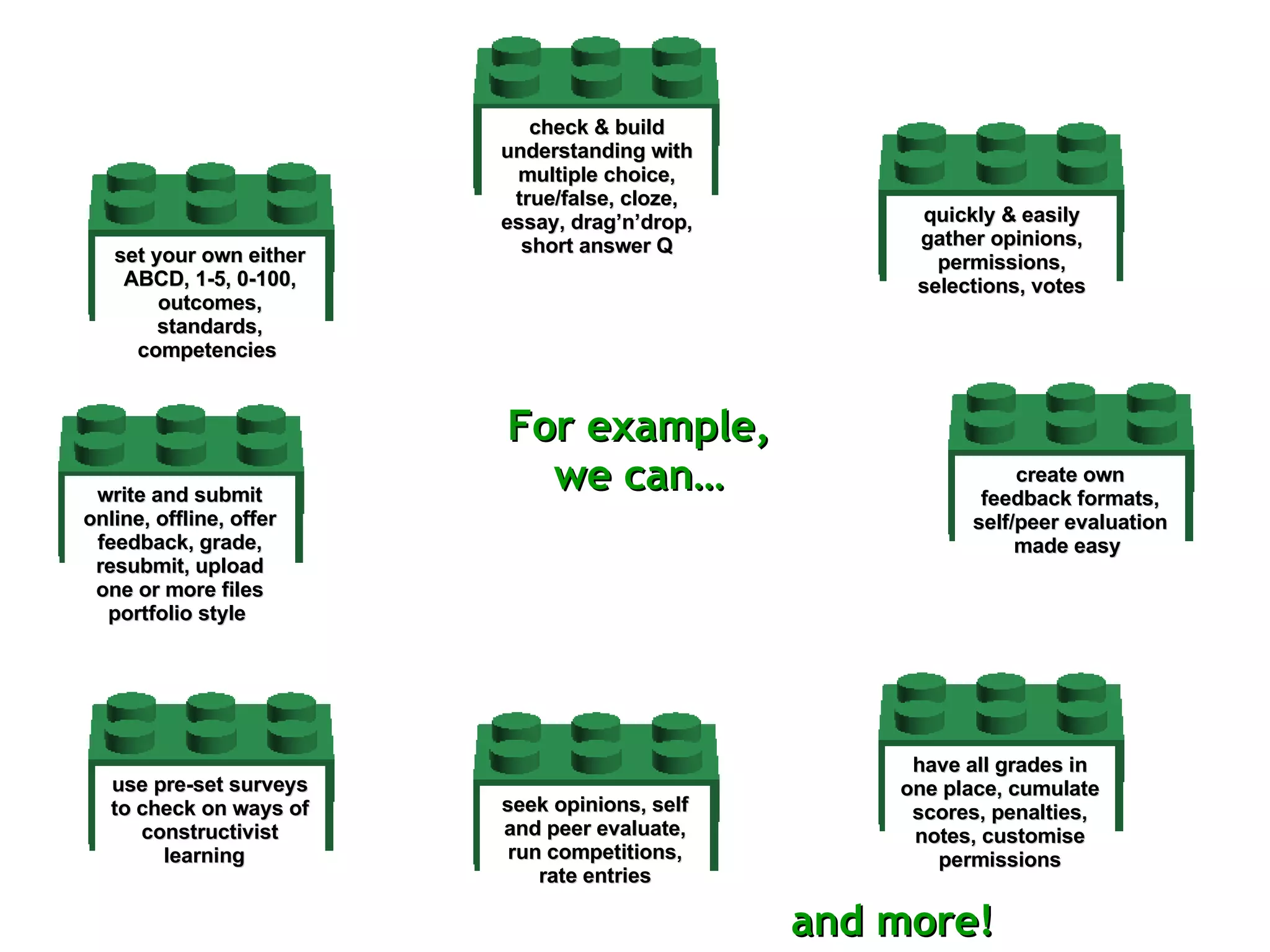
use pre-set surveys to check on ways of constructivist learning  write and submit online, offline, offer feedback, grade, resubmit, upload one or more files portfolio style   have all grades in one place, cumulate scores, penalties, notes, customise permissions quickly & easily gather opinions, permissions, selections, votes check & build understanding with multiple choice, true/false, cloze, essay, drag’n’drop, short answer Q create own feedback formats, self/peer evaluation made easy   set your own either ABCD, 1-5, 0-100, outcomes, standards, competencies   seek opinions, self and peer evaluate, run competitions, rate entries For example, we can… and more!
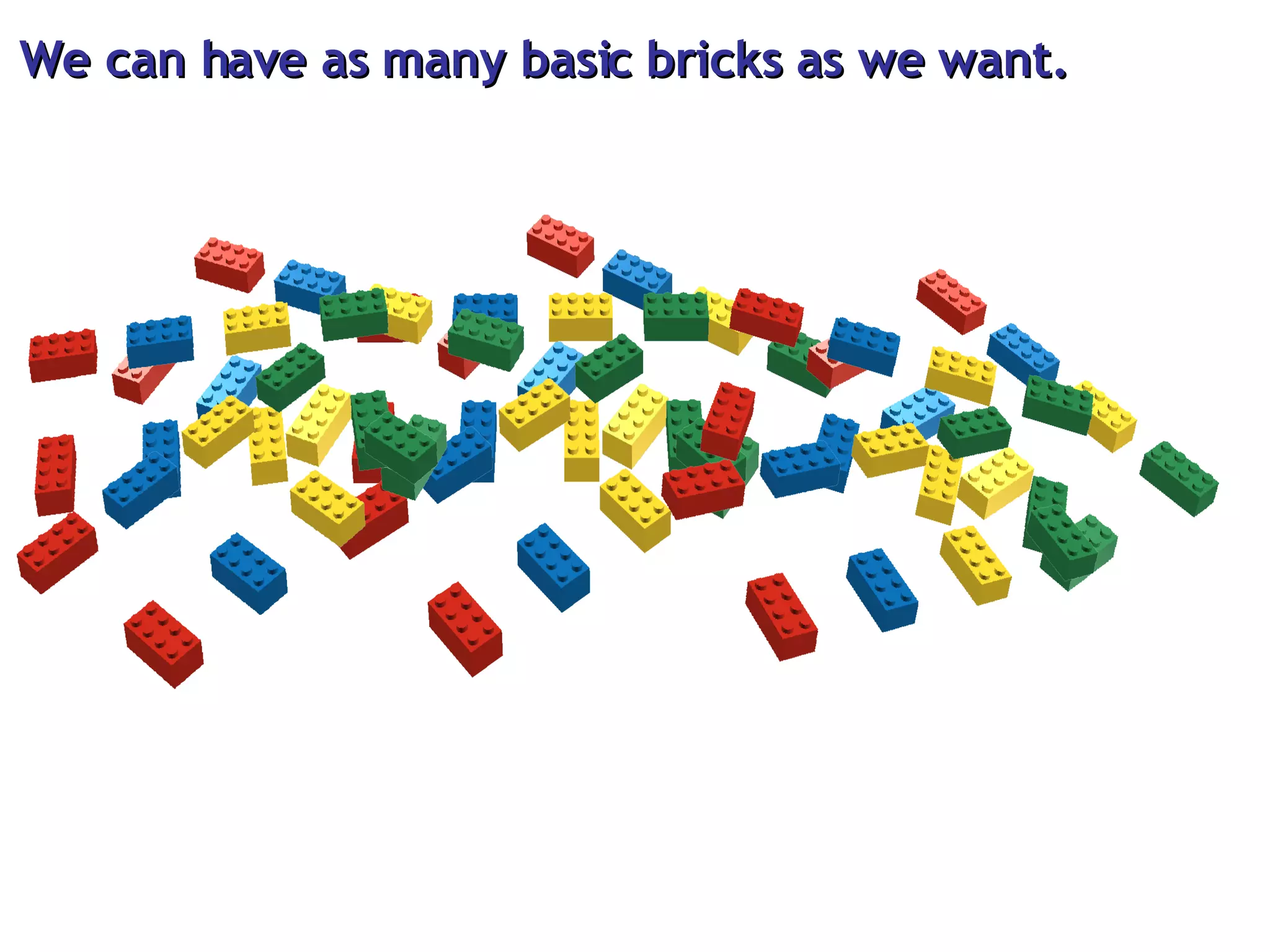
We can have as many basic bricks as we want.
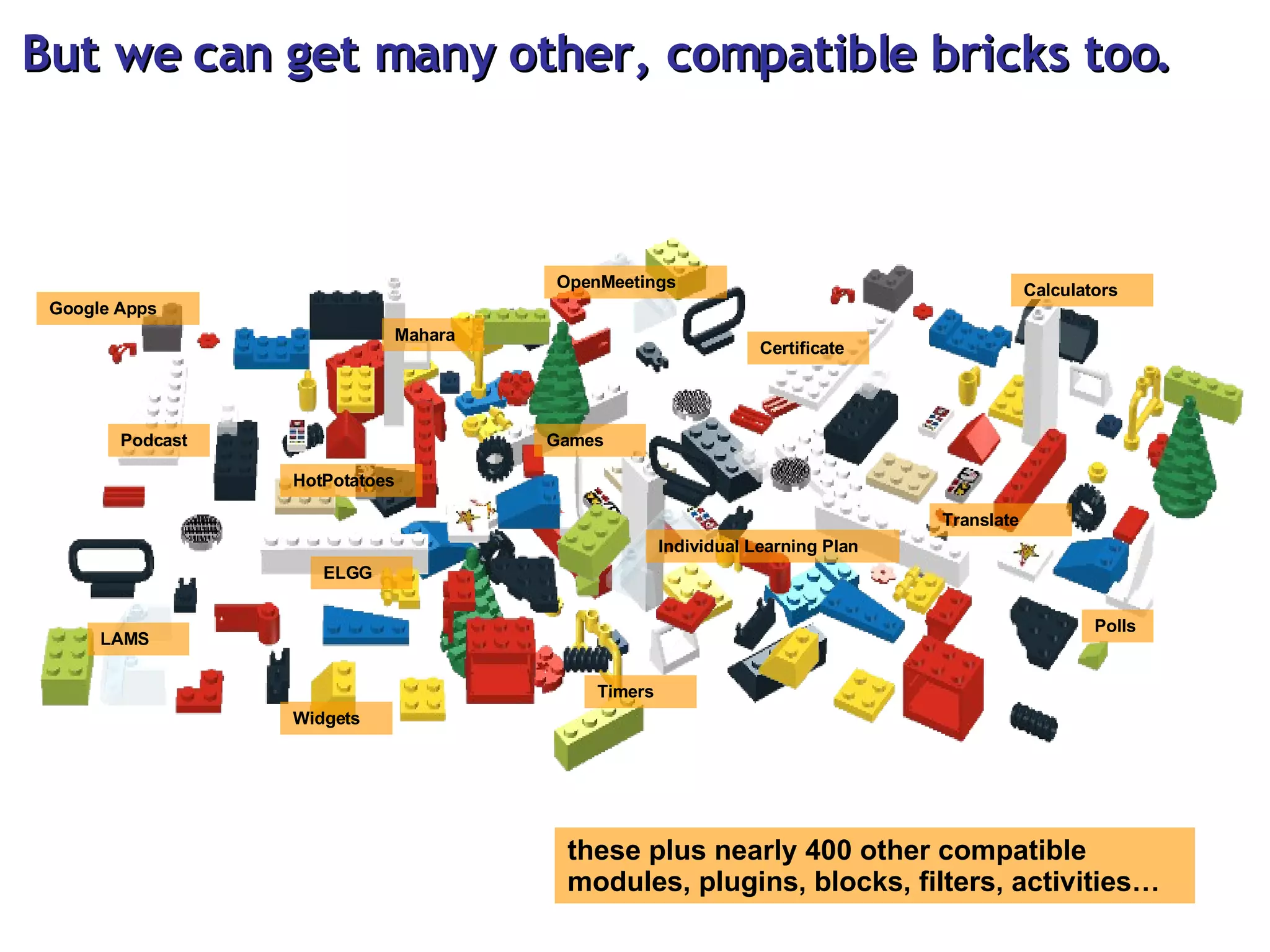
But we can get many other, compatible bricks too. Podcast ELGG Mahara Certificate Polls Timers Games Widgets Calculators these plus nearly 400 other compatible modules, plugins, blocks, filters, activities… Google Apps Individual Learning Plan LAMS OpenMeetings Translate HotPotatoes
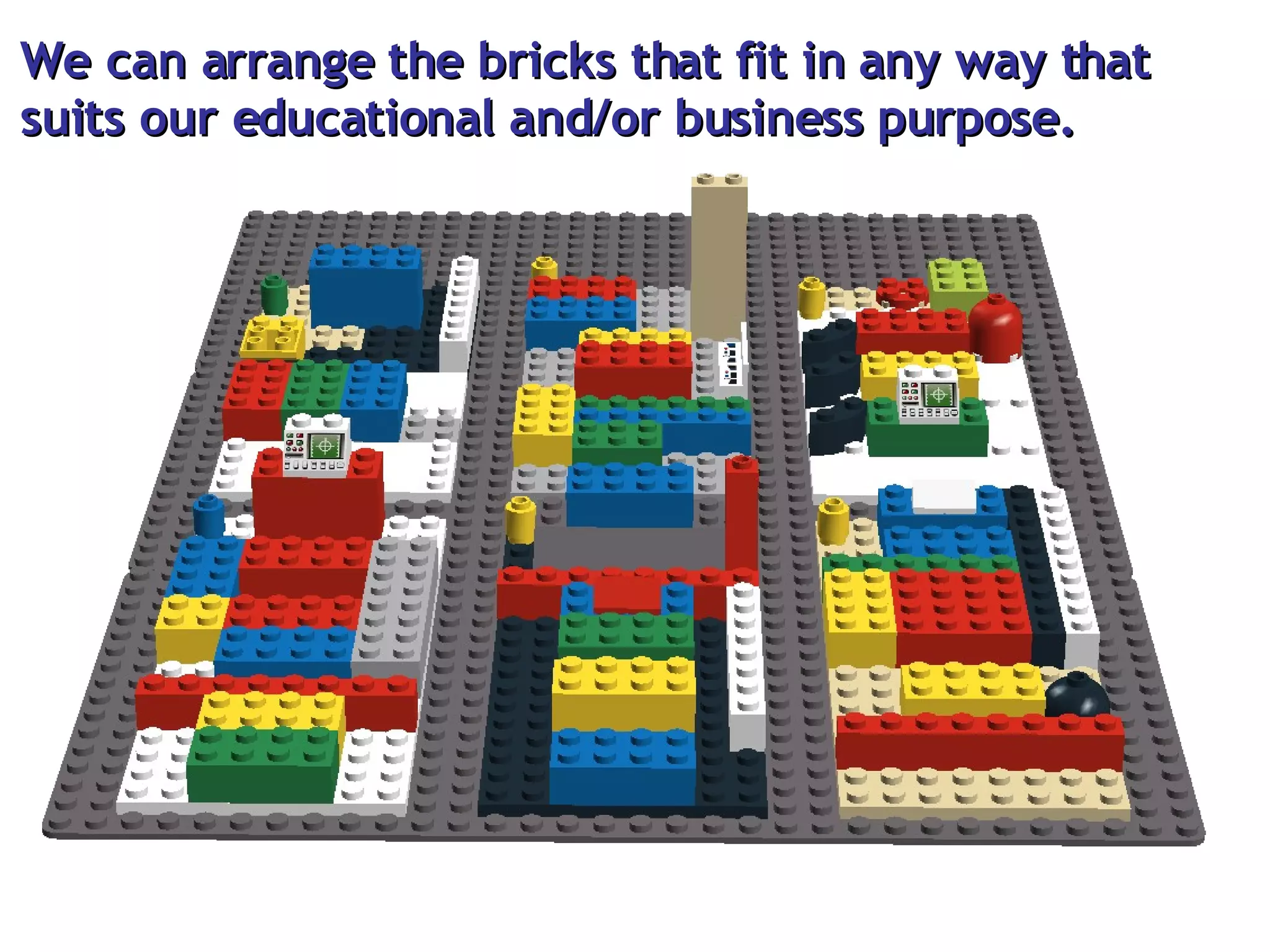
We can arrange the bricks that fit in any way that  suits our educational and/or business purpose.
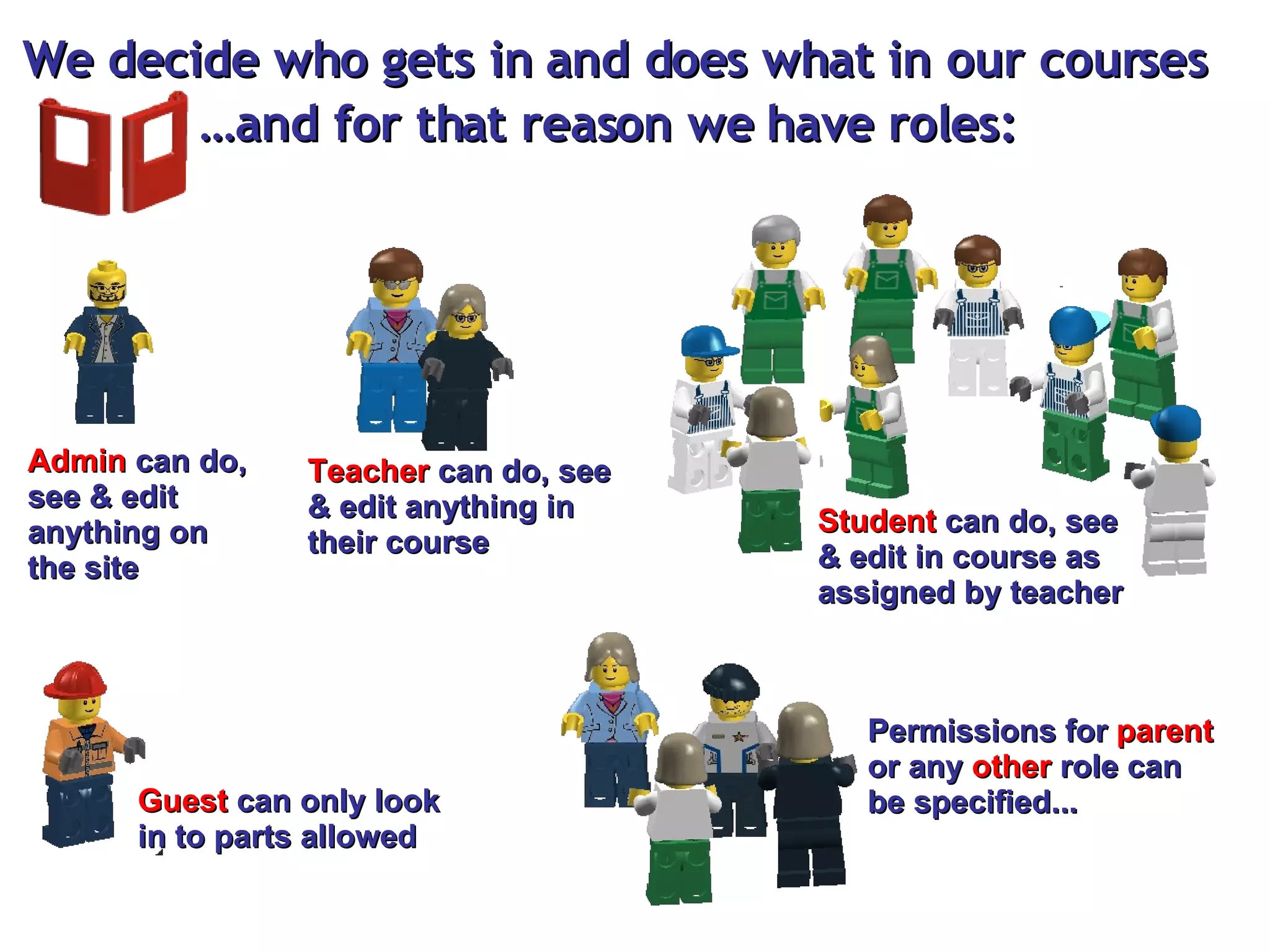
We decide who gets in and does what in our courses … and for that reason we have roles: Admin  can do, see & edit anything on the site Teacher  can do, see & edit anything in their course Student  can do, see & edit in course as assigned by teacher Guest  can only look in to parts allowed Permissions for  parent  or any  other  role can be specified...
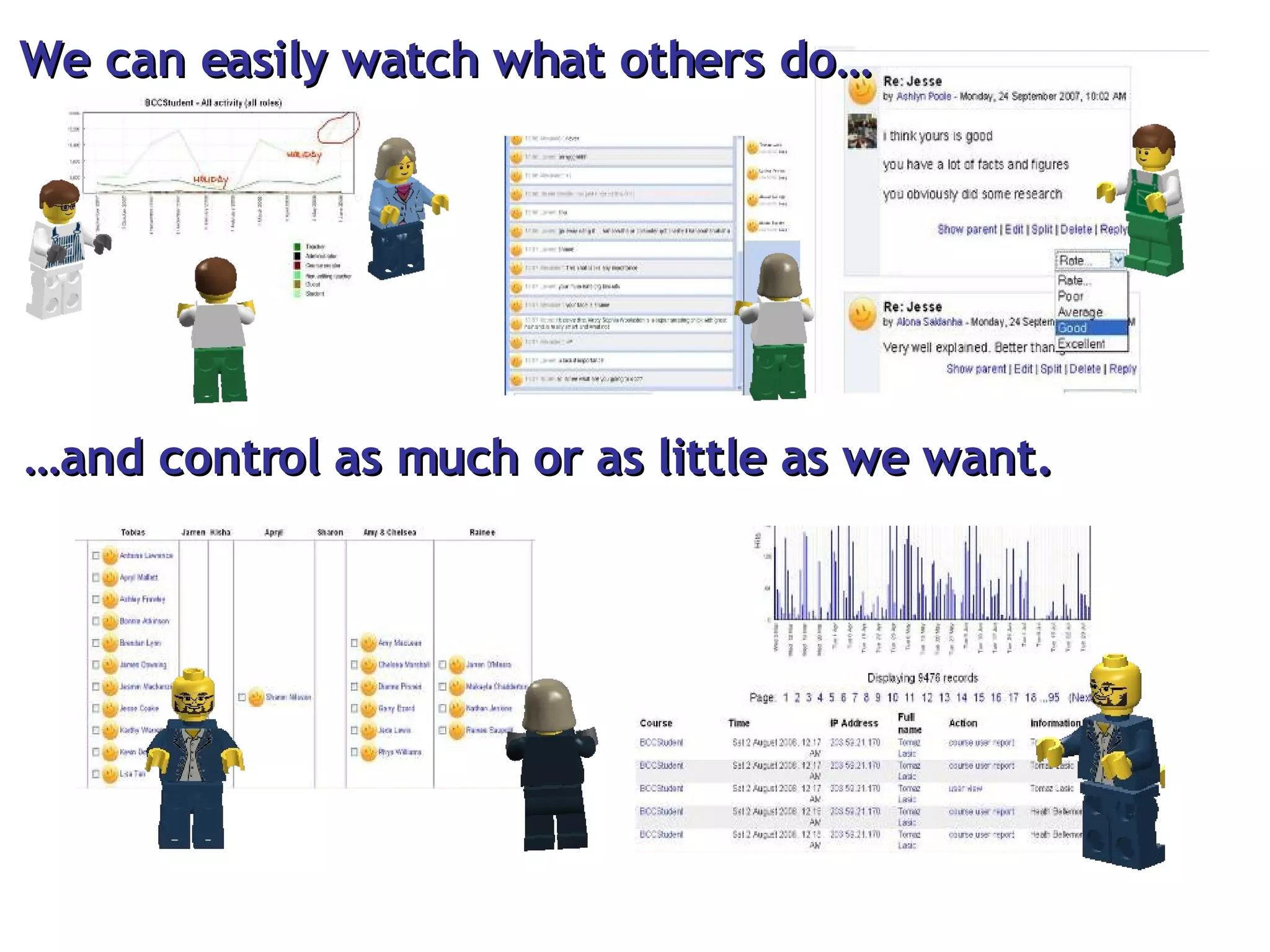
We can easily watch what others do… … and control as much or as little as we want.
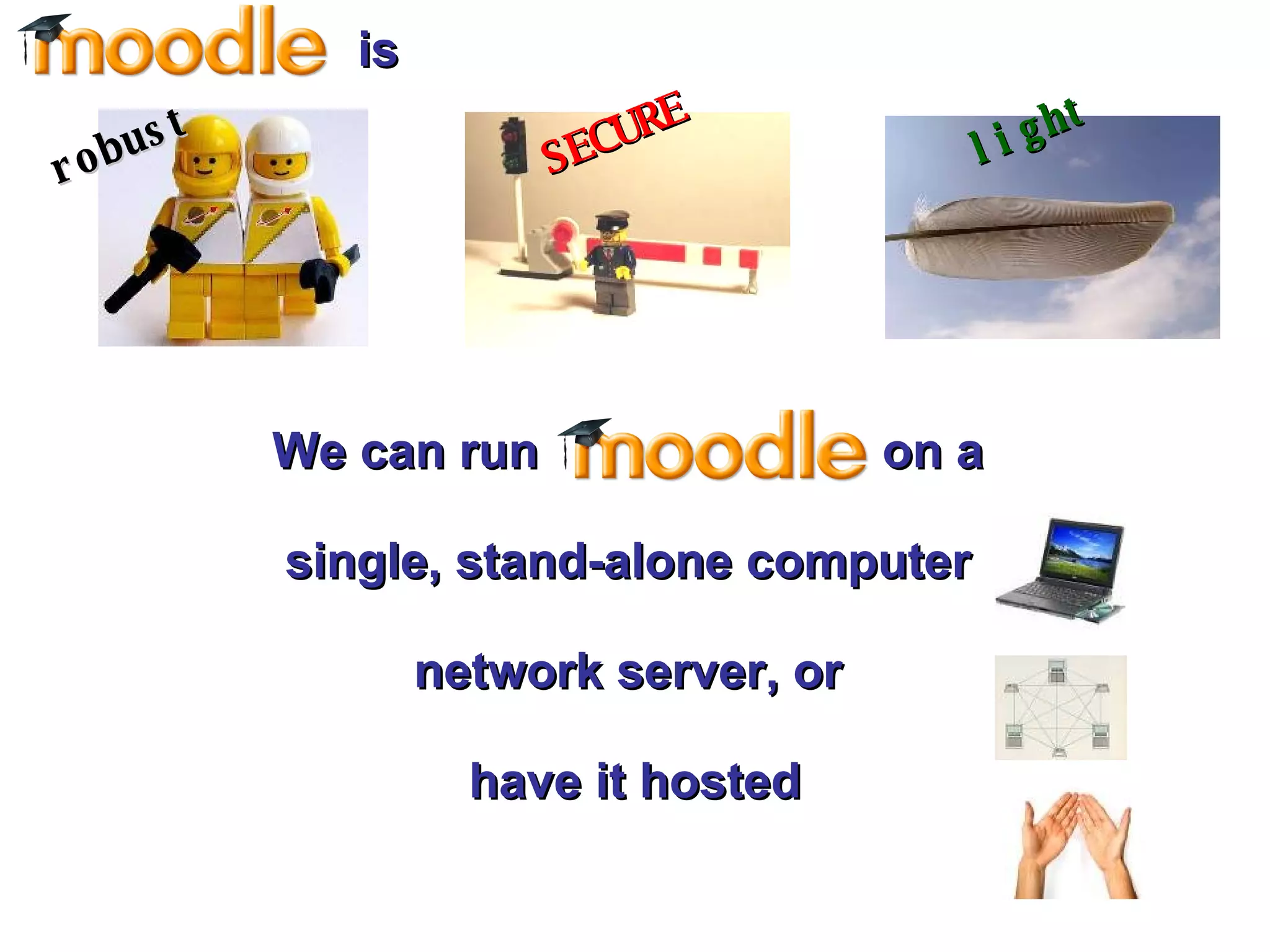
We can run  on a  single, stand-alone computer  network server, or  have it hosted SECURE light is robust
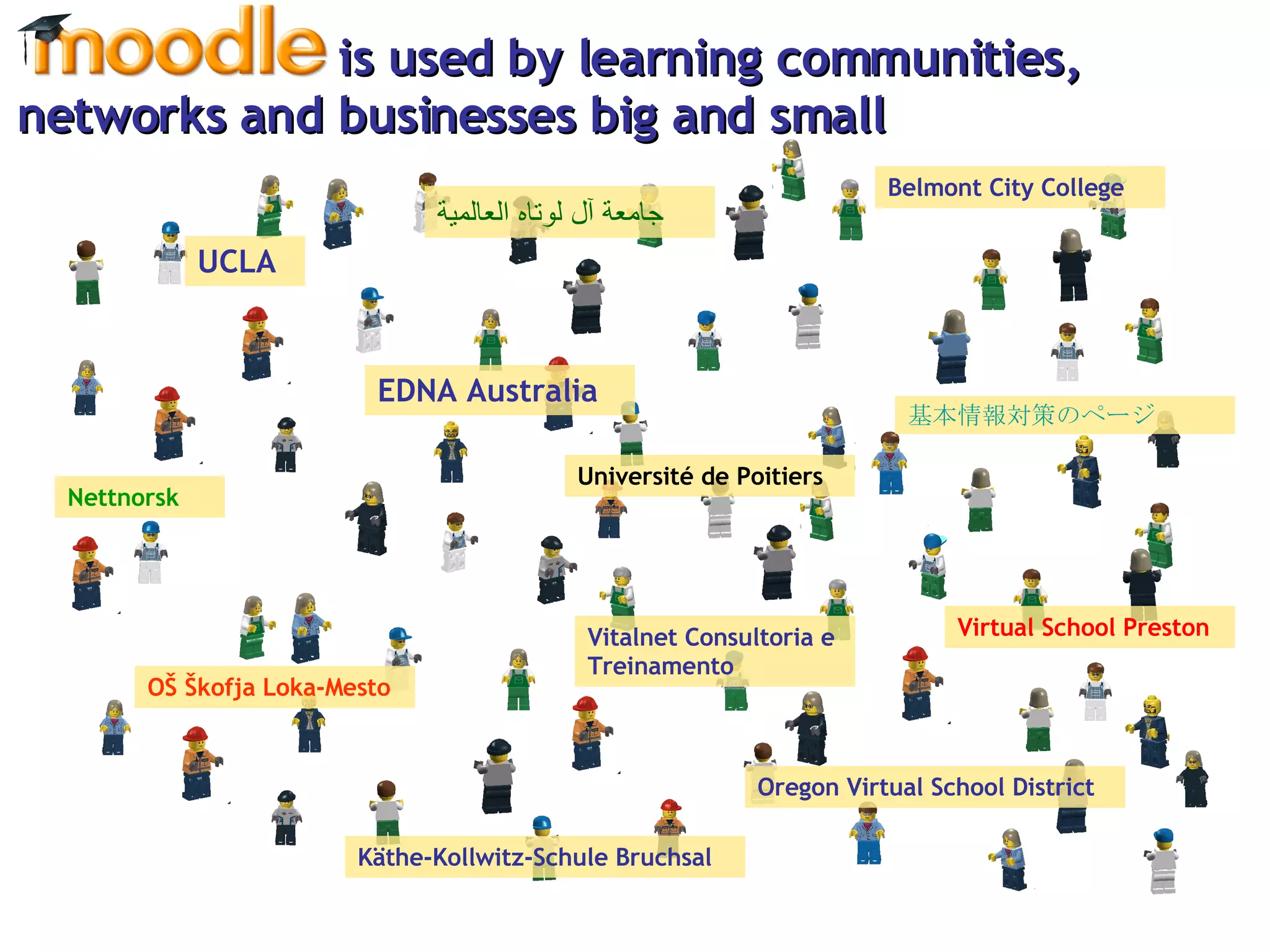
is used by learning communities,  networks and businesses big and small UCLA EDNA Australia OŠ Škofja Loka-Mesto   基本情報対策のページ   Belmont City College Oregon Virtual School District Vitalnet Consultoria e Treinamento Käthe-Kollwitz-Schule Bruchsal Nettnorsk جامعة آل لوتاه العالمية   Université de Poitiers  Virtual School Preston
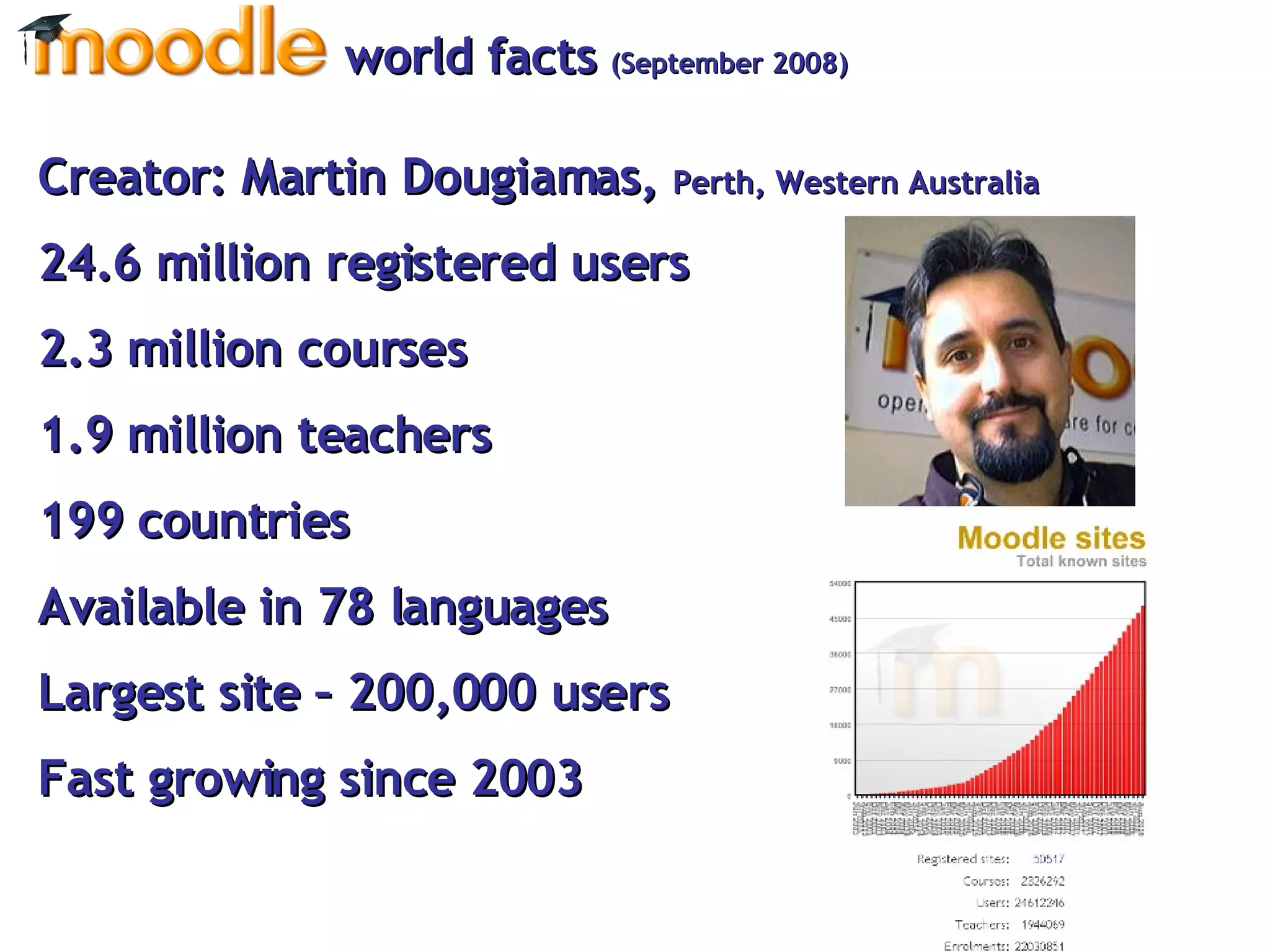
Creator: Martin Dougiamas,  Perth, Western Australia  33.3 million registered users 3.13 million courses 1.2 million teachers 206 countries  Available in 78 languages Largest site – 607,500 users Fast growing since 2003 world facts  (March 2010)
Where in the world ...?
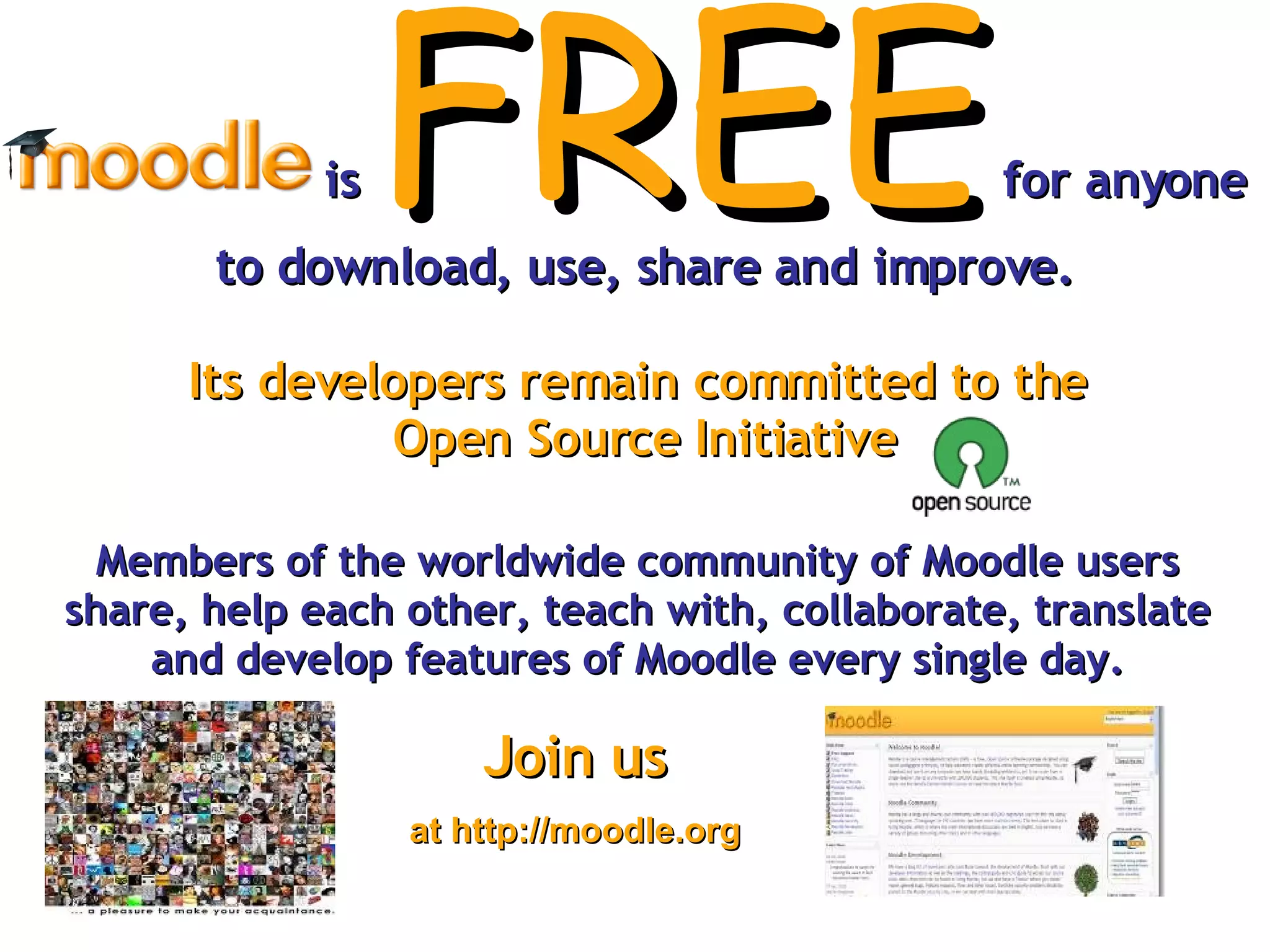
is   FREE  for anyone to download, use, share and improve. Its developers remain committed to the  Open Source Initiative Members of the worldwide community of Moodle users share, help each other, teach with, collaborate, translate and develop features of Moodle every single day. Join us at http://moodle.org
Created by: Tomaz Lasic http://tomazlasic.net   (The home of “ 2 Minute Moodles “) Creative Commons Attribution-Non-Commercial-Share Alike 3.0 Unported Licence.  [email_address]   Twitter  @lasic September 2008  Updated March 2010
ACKNOWLEGMENTS Theme  Robert Jakob ‘Together’ (album ‘Messages’) available at http://www.jamendo.com/en/album/23931 Pictures The Astronaut Twins – by oskay  http://www.flickr.com/photos/oskay/265900118/ Day 11 – by j.reed  http://www.flickr.com/photos/jreed/322057902/ DSC06918 – by Kingray  http://www.flickr.com/photos/kingray/44423028/ Contacts – by striatic  http://www.flickr.com/photos/striatic/436654901/ LEGO pictures created by LEGO Digital Designer.

What is Moodle explained with Lego

  • 1.
    How does thissound to you?
  • 2.
    We areall potential teachers as well as learners. We learn well by creating and expressing for others. We learn a lot by watching others. Understanding others transforms us. We learn well when the learning environment is flexible and adaptable to suit our needs.
  • 3.
    Sounds reasonable? isbuilt on these 5 principles
  • 4.
    Moodle (noun) - acronym for Modular Object-Oriented Dynamic Learning Environment. An online learning management system (LMS), designed to create opportunities for rich interaction between teachers and learners. To moodle (verb) - process of enjoyable tinkering that often leads to growing knowledge, insight and creativity. It applies both to the way Moodle was developed, and to the way we may use it to teach and learn.
  • 5.
    Moodle (noun) - acronym for Modular Object-Oriented Dynamic Learning Environment. An online learning management system (LMS), designed to create opportunities for rich interaction between teachers and learners. To moodle (verb) - process of enjoyable tinkering that often leads to growing knowledge, insight and creativity. It applies both to the way Moodle was developed, and to the way we may use it to teach and learn.
  • 6.
    as a platform that comes with a great set of bricks. Imagine Ever seen or played with ?
  • 7.
    On this platform,we can have different foundations (called courses ). This is where we put our bricks on ( activities, resources, modules, plugins, blocks, filters ).
  • 8.
    Let’s imagine wecan do four basic things with four basic colour bricks Communicate Store Evaluate Collaborate
  • 9.
    Files We canstore… Folders Links Webpage LMS package Database Labels Portfolio*
  • 10.
    build up folders , name, organise store virtually any digital documents, images, audio/video, text files cut access time with direct one-click link to any website (“make our own” page, WYSWIG or with HTML, embed, hyperlink, insert images, connect insert Flash Learning objects, SCORM, embeds build a searchable repository of files, web links, images, geo tags… keep things clean and organised with labels create and maintain a portfolio of documents* For example, we can… and more!
  • 11.
    We can communicatethrough… Messaging Forums Calendar Dialogue RSS Chatroom
  • 12.
    send/receive private instantmessage , email notification For example, we can… run class discussion/ debate, peer assess, interview, FAQ, role play, Q&A sessions, notice board… make sure students never miss a thing, reminders included have in-depth private one-to-one conversation, great for confidential matters subscribe to blogs, forums, wikis, external sources & have it all in a course have instant communication, on-the-spot problem solving and more!
  • 13.
    We can collaboratethrough… Workshop Database Blog Glossary Wiki Lesson Forum Social network*
  • 14.
    brainstorm, develop, refine,conclude, peer-assess a topic For example, we can… jointly create, store and search class collections, revision sheets, photo galleries, lists of useful websites, book reviews have students publish, reflect, clarify, keep notes, group work, run quick response items, use key tags have students build own entries, cross-reference, paraphrase, link, explain, define, refine brainstorm, design group-o-pedia, track research, ‘jigsaw’ contribute, build collective argument, cluster-maps, histories of achievement present info, branch and scaffold tasks to learner’s ability provoke/ moderate a debate, guide discussion, view, rate and reflect on peer contribution Find, connect and share with people with similar interests * and more!
  • 15.
    We can evaluatewith… Survey Assignment Gradebook Choice Quiz Scales Grade Ratings
  • 16.
    use pre-set surveysto check on ways of constructivist learning write and submit online, offline, offer feedback, grade, resubmit, upload one or more files portfolio style have all grades in one place, cumulate scores, penalties, notes, customise permissions quickly & easily gather opinions, permissions, selections, votes check & build understanding with multiple choice, true/false, cloze, essay, drag’n’drop, short answer Q create own feedback formats, self/peer evaluation made easy set your own either ABCD, 1-5, 0-100, outcomes, standards, competencies seek opinions, self and peer evaluate, run competitions, rate entries For example, we can… and more!
  • 17.
    We can haveas many basic bricks as we want.
  • 18.
    But we canget many other, compatible bricks too. Podcast ELGG Mahara Certificate Polls Timers Games Widgets Calculators these plus nearly 400 other compatible modules, plugins, blocks, filters, activities… Google Apps Individual Learning Plan LAMS OpenMeetings Translate HotPotatoes
  • 19.
    We can arrangethe bricks that fit in any way that suits our educational and/or business purpose.
  • 20.
    We decide whogets in and does what in our courses … and for that reason we have roles: Admin can do, see & edit anything on the site Teacher can do, see & edit anything in their course Student can do, see & edit in course as assigned by teacher Guest can only look in to parts allowed Permissions for parent or any other role can be specified...
  • 21.
    We can easilywatch what others do… … and control as much or as little as we want.
  • 22.
    We can run on a single, stand-alone computer network server, or have it hosted SECURE light is robust
  • 23.
    is used bylearning communities, networks and businesses big and small UCLA EDNA Australia OŠ Škofja Loka-Mesto 基本情報対策のページ Belmont City College Oregon Virtual School District Vitalnet Consultoria e Treinamento Käthe-Kollwitz-Schule Bruchsal Nettnorsk جامعة آل لوتاه العالمية Université de Poitiers Virtual School Preston
  • 24.
    Creator: Martin Dougiamas, Perth, Western Australia 33.3 million registered users 3.13 million courses 1.2 million teachers 206 countries Available in 78 languages Largest site – 607,500 users Fast growing since 2003 world facts (March 2010)
  • 25.
    Where in theworld ...?
  • 26.
    is FREE for anyone to download, use, share and improve. Its developers remain committed to the Open Source Initiative Members of the worldwide community of Moodle users share, help each other, teach with, collaborate, translate and develop features of Moodle every single day. Join us at http://moodle.org
  • 27.
    Created by: TomazLasic http://tomazlasic.net (The home of “ 2 Minute Moodles “) Creative Commons Attribution-Non-Commercial-Share Alike 3.0 Unported Licence. [email_address] Twitter @lasic September 2008 Updated March 2010
  • 28.
    ACKNOWLEGMENTS Theme Robert Jakob ‘Together’ (album ‘Messages’) available at http://www.jamendo.com/en/album/23931 Pictures The Astronaut Twins – by oskay http://www.flickr.com/photos/oskay/265900118/ Day 11 – by j.reed http://www.flickr.com/photos/jreed/322057902/ DSC06918 – by Kingray http://www.flickr.com/photos/kingray/44423028/ Contacts – by striatic http://www.flickr.com/photos/striatic/436654901/ LEGO pictures created by LEGO Digital Designer.