Top 7 Best Practices for your
Moodle RFP
James Nicolson & Sean Hougan
E M P O W E R T A L E N T
James Nicolson
LMS Solutions
Architect
Sean Hougan
LMS Marketing
Specialist
Your Hosts
House Keeping
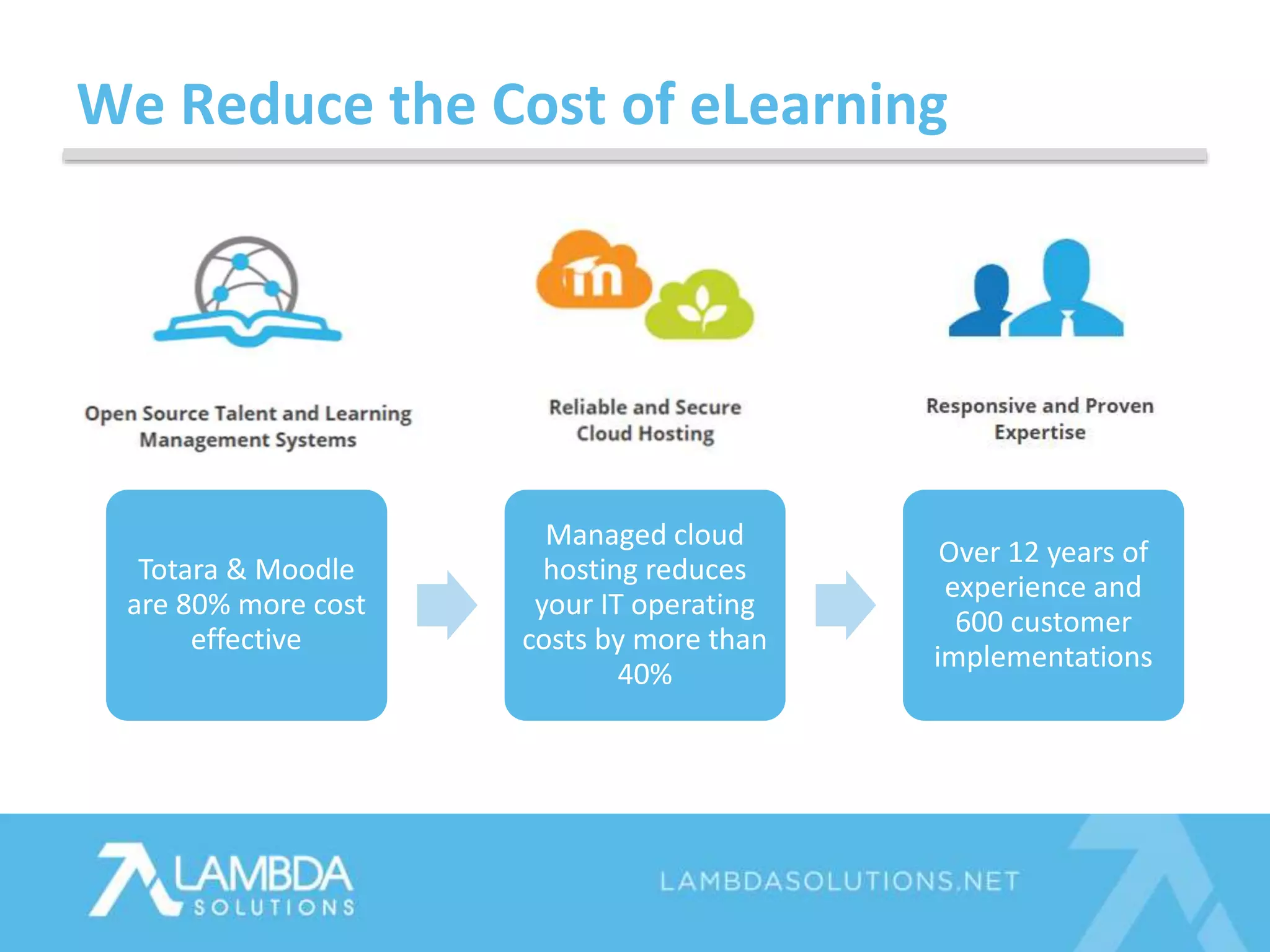
Totara & Moodle
are 80% more cost
effective
Managed cloud
hosting reduces
your IT operating
costs by more than
40%
Over 12 years of
experience and
600 customer
implementations
We Reduce the Cost of eLearning
Your in Good Company
Today’s Topics
1. First things first!
2. 7 Best Practices for your RFP
3. FAQs
4. Tips from leading organizations
• Are you or your team tasked to create an LMS RFP?
– Yes!
– Not yet, but soon.
– Nada.
Poll Question 1
• Will this be your organization’s first LMS?
– Yes, exciting!
– No, its not.
Poll Question 2
Poll Question 3
• What have your greatest challenges been?
– I don’t know what information I need to be asking about Moodle.
– I don’t have a clear idea of what our project requirements are.
– I am working under a tight deadline.
– I have no support in this undertaking.
– Anything else? Include in question pane.
Tip #1: Goals & Objectives
Goal
Company ABC will provide online learning
and/or training to help the organization achieve
achieve x, y & z
Objective
With Moodle/Totara LMS, Company ABC will
provide learning and/or training that delivers
[tangible outcomes that align to business-wide
objectives]
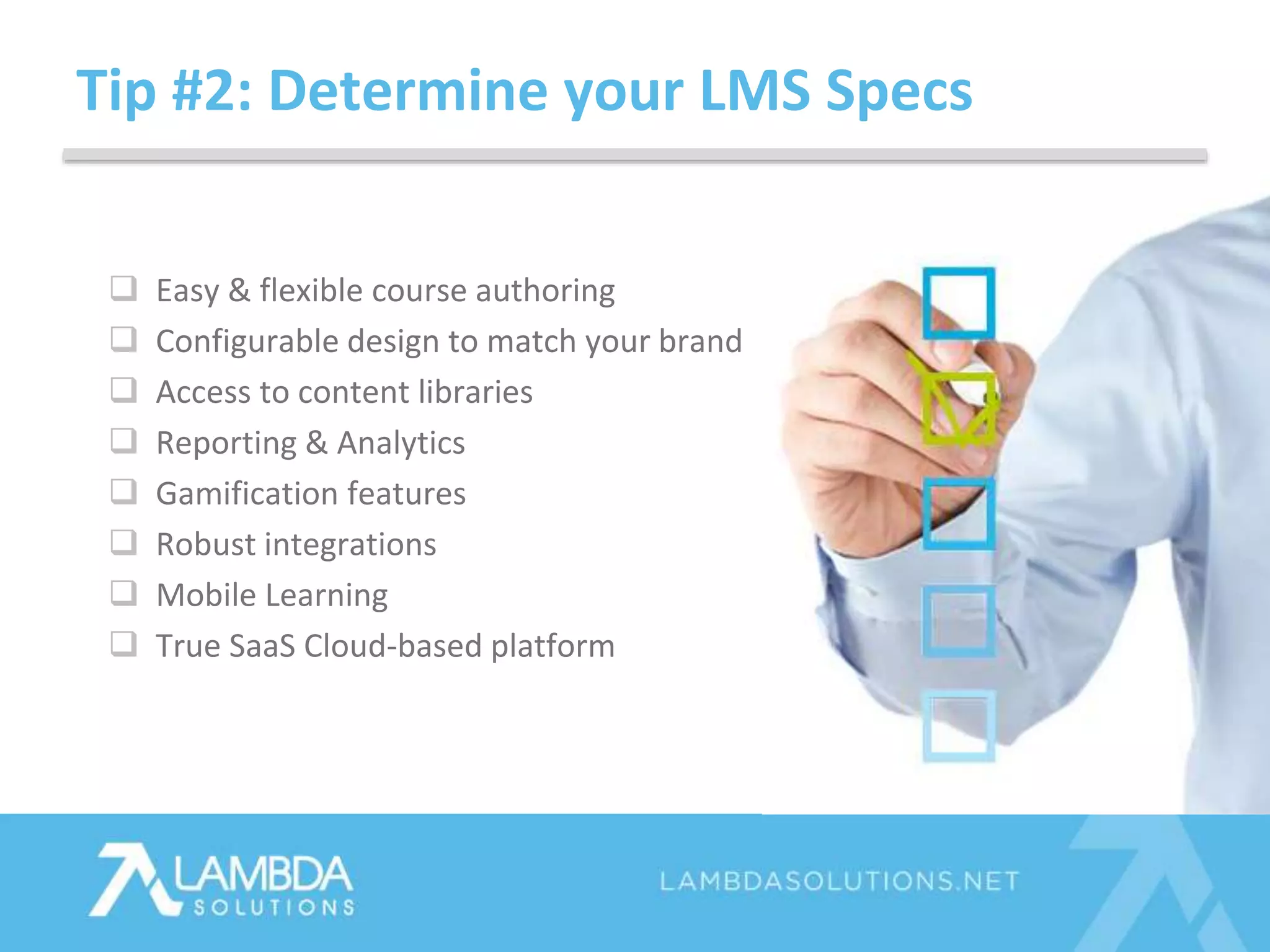
Tip #2: Determine your LMS Specs
 Easy & flexible course authoring
 Configurable design to match your brand
 Access to content libraries
 Reporting & Analytics
 Gamification features
 Robust integrations
 Mobile Learning
 True SaaS Cloud-based platform
Tip #3: Research Plugins
• 950 plugins worldwide
• Best ones are community,
developer & partner vetted
• Plugin compatibility depends
on your Moodle version
Download Plugins Guide
Tip #4: Clarify, Cloud Hosting for Moodle
 Expandable & scalable capacity (users &
storage)
 Unlimited bandwidth
 99%+ uptime guarantee
 Automatic upgrades
 Dedicated cloud
 Unique URL
 CDN (media serving)
 SSL Certificate
 24 x 7 x 365 Monitoring
 Disaster Recovery
Tip #5: Ask about Data Security
Hosting Security Procedures
 International security compliance
standards met
 Data encryption
 Multiple data centres globally
Application Security Procedures
 Frequency of bug fixes & security
updates
 Plugin updates & compatibility
 Password policy & authentication
methods
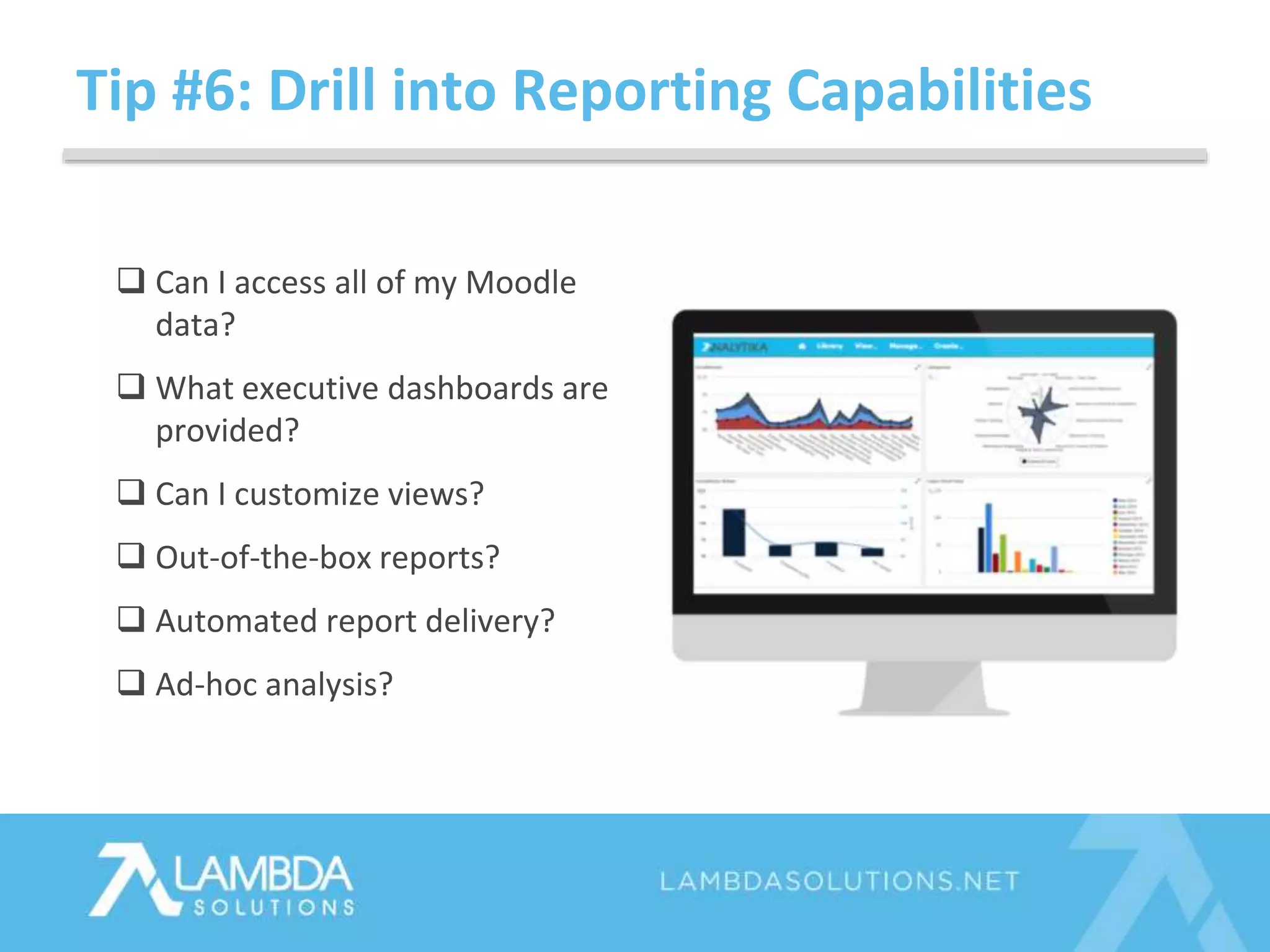
Tip #6: Drill into Reporting Capabilities
 Can I access all of my Moodle
data?
 What executive dashboards are
provided?
 Can I customize views?
 Out-of-the-box reports?
 Automated report delivery?
 Ad-hoc analysis?
Tip #7: Ask about Integrations
 Student Information Systems (SIS)
 Plagiarism
 CRMs: Salesforce, InfusionSoft
 Single sign on (SSO)
 Webinar applications
 Content libraries
• Types of authentication supported out of the box
• Integrations supported out of the box
• Company information and reputation, references!
• Support KPI’s
• Reporting & Analytics available
• Managing users and enrollments
• SCORM compliance
• Tasks involved migrating from another LMS
• …Migrating from another Moodle Partner
FAQs
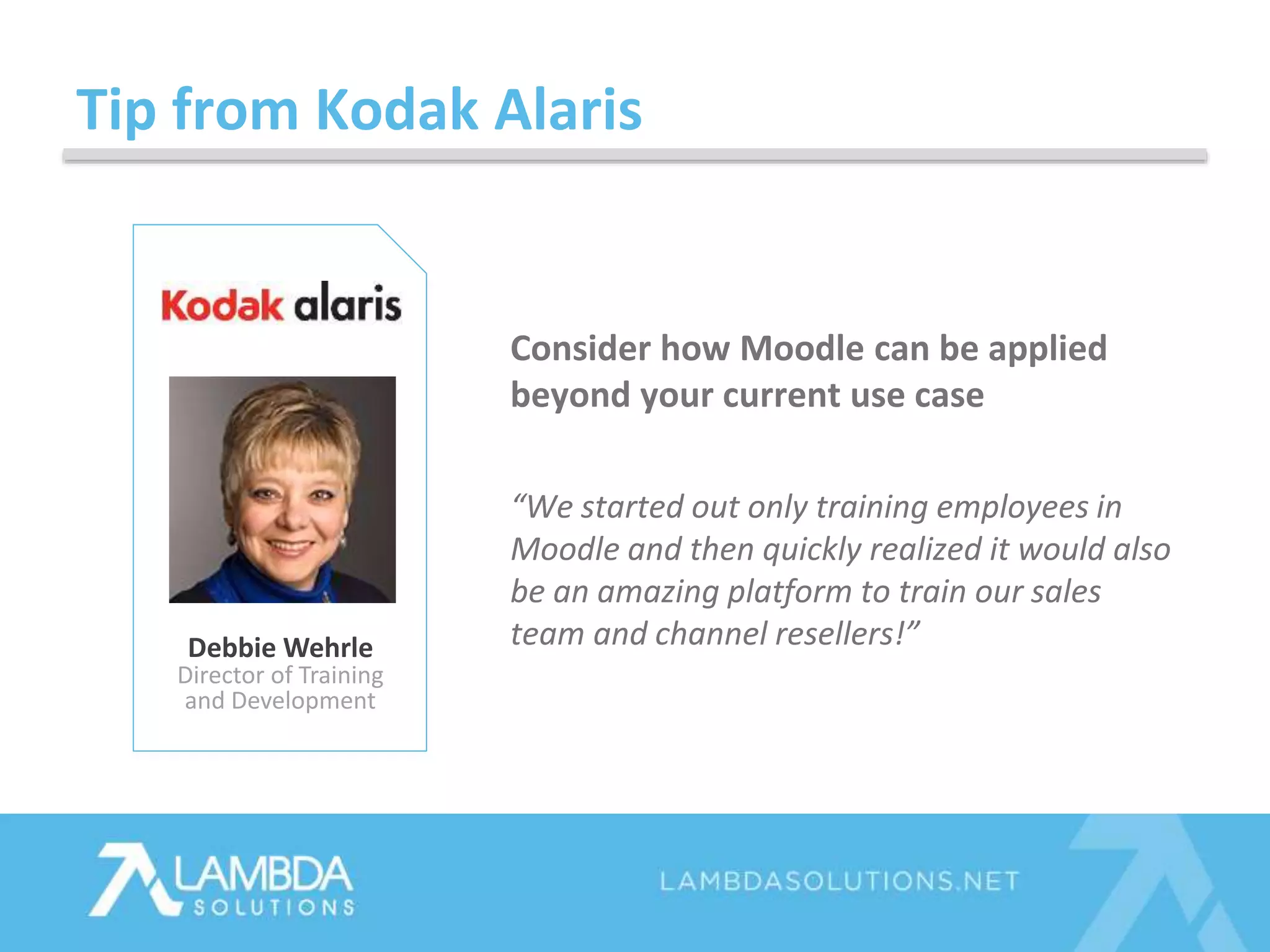
Tip from Kodak Alaris
Debbie Wehrle
Director of Training
and Development
Consider how Moodle can be applied
beyond your current use case
“We started out only training employees in
Moodle and then quickly realized it would also
be an amazing platform to train our sales
team and channel resellers!”
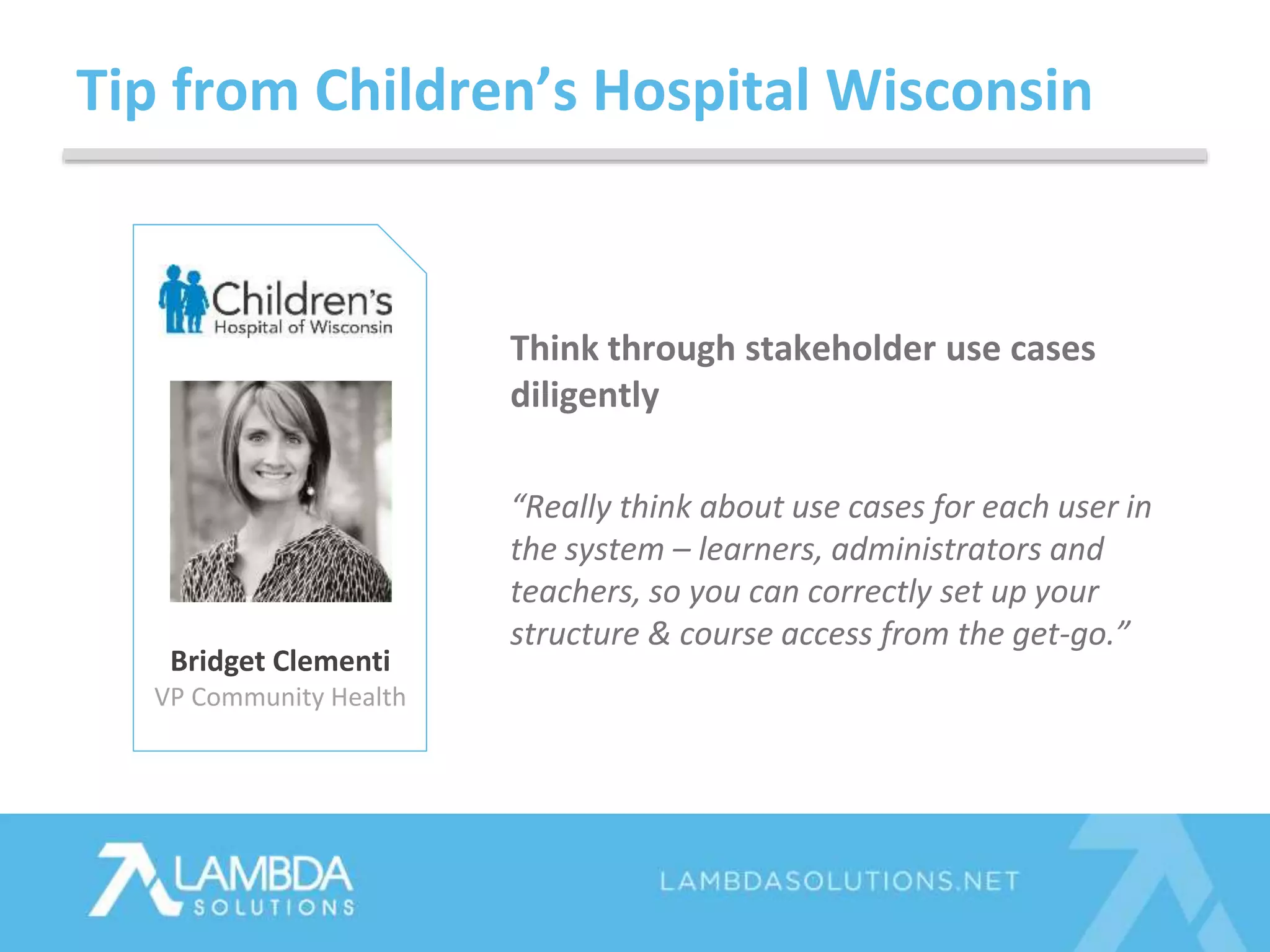
Tip from Children’s Hospital Wisconsin
Bridget Clementi
VP Community Health
Think through stakeholder use cases
diligently
“Really think about use cases for each user in
the system – learners, administrators and
teachers, so you can correctly set up your
structure & course access from the get-go.”
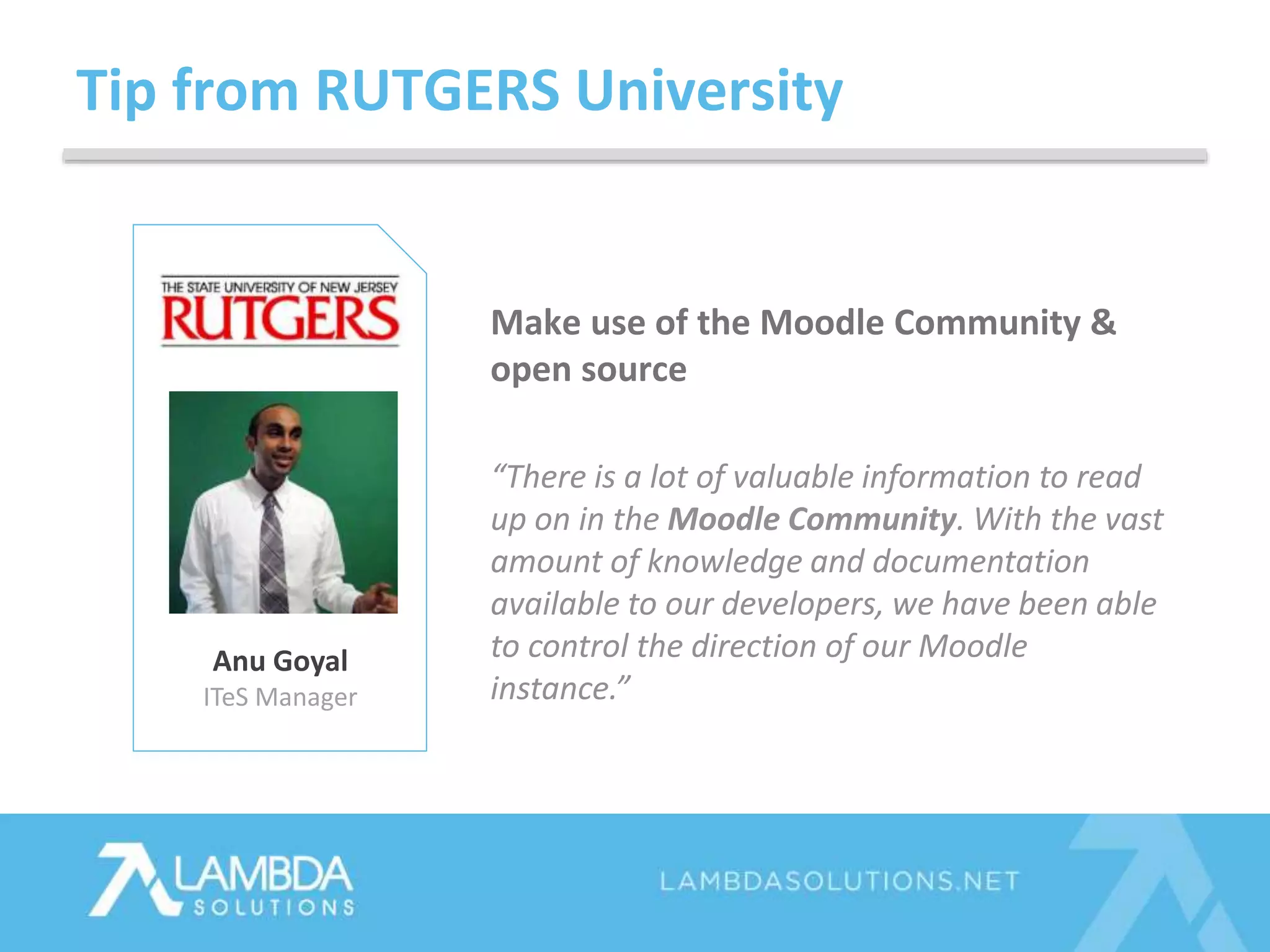
Tip from RUTGERS University
Anu Goyal
ITeS Manager
Make use of the Moodle Community &
open source
“There is a lot of valuable information to read
up on in the Moodle Community. With the vast
amount of knowledge and documentation
available to our developers, we have been able
to control the direction of our Moodle
instance.”
Questions? Ask Away!
• Resources will be sent out in our follow-up email
• PowerPoint
• Recording
• Learning resources we discussed
Next Steps
TOLL FREE +1.877.700.1118
EMAIL SALES@LAMBDASOLUTIONS.NET
WWW LAMBDASOLUTIONS.NET

7 Best Practices for your Moodle RFP

  • 1.
    Top 7 BestPractices for your Moodle RFP James Nicolson & Sean Hougan E M P O W E R T A L E N T
  • 2.
    James Nicolson LMS Solutions Architect SeanHougan LMS Marketing Specialist Your Hosts
  • 3.
  • 4.
    Totara & Moodle are80% more cost effective Managed cloud hosting reduces your IT operating costs by more than 40% Over 12 years of experience and 600 customer implementations We Reduce the Cost of eLearning
  • 5.
    Your in GoodCompany
  • 6.
    Today’s Topics 1. Firstthings first! 2. 7 Best Practices for your RFP 3. FAQs 4. Tips from leading organizations
  • 7.
    • Are youor your team tasked to create an LMS RFP? – Yes! – Not yet, but soon. – Nada. Poll Question 1
  • 8.
    • Will thisbe your organization’s first LMS? – Yes, exciting! – No, its not. Poll Question 2
  • 9.
    Poll Question 3 •What have your greatest challenges been? – I don’t know what information I need to be asking about Moodle. – I don’t have a clear idea of what our project requirements are. – I am working under a tight deadline. – I have no support in this undertaking. – Anything else? Include in question pane.
  • 10.
    Tip #1: Goals& Objectives Goal Company ABC will provide online learning and/or training to help the organization achieve achieve x, y & z Objective With Moodle/Totara LMS, Company ABC will provide learning and/or training that delivers [tangible outcomes that align to business-wide objectives]
  • 11.
    Tip #2: Determineyour LMS Specs  Easy & flexible course authoring  Configurable design to match your brand  Access to content libraries  Reporting & Analytics  Gamification features  Robust integrations  Mobile Learning  True SaaS Cloud-based platform
  • 12.
    Tip #3: ResearchPlugins • 950 plugins worldwide • Best ones are community, developer & partner vetted • Plugin compatibility depends on your Moodle version Download Plugins Guide
  • 13.
    Tip #4: Clarify,Cloud Hosting for Moodle  Expandable & scalable capacity (users & storage)  Unlimited bandwidth  99%+ uptime guarantee  Automatic upgrades  Dedicated cloud  Unique URL  CDN (media serving)  SSL Certificate  24 x 7 x 365 Monitoring  Disaster Recovery
  • 14.
    Tip #5: Askabout Data Security Hosting Security Procedures  International security compliance standards met  Data encryption  Multiple data centres globally Application Security Procedures  Frequency of bug fixes & security updates  Plugin updates & compatibility  Password policy & authentication methods
  • 15.
    Tip #6: Drillinto Reporting Capabilities  Can I access all of my Moodle data?  What executive dashboards are provided?  Can I customize views?  Out-of-the-box reports?  Automated report delivery?  Ad-hoc analysis?
  • 16.
    Tip #7: Askabout Integrations  Student Information Systems (SIS)  Plagiarism  CRMs: Salesforce, InfusionSoft  Single sign on (SSO)  Webinar applications  Content libraries
  • 17.
    • Types ofauthentication supported out of the box • Integrations supported out of the box • Company information and reputation, references! • Support KPI’s • Reporting & Analytics available • Managing users and enrollments • SCORM compliance • Tasks involved migrating from another LMS • …Migrating from another Moodle Partner FAQs
  • 18.
    Tip from KodakAlaris Debbie Wehrle Director of Training and Development Consider how Moodle can be applied beyond your current use case “We started out only training employees in Moodle and then quickly realized it would also be an amazing platform to train our sales team and channel resellers!”
  • 19.
    Tip from Children’sHospital Wisconsin Bridget Clementi VP Community Health Think through stakeholder use cases diligently “Really think about use cases for each user in the system – learners, administrators and teachers, so you can correctly set up your structure & course access from the get-go.”
  • 20.
    Tip from RUTGERSUniversity Anu Goyal ITeS Manager Make use of the Moodle Community & open source “There is a lot of valuable information to read up on in the Moodle Community. With the vast amount of knowledge and documentation available to our developers, we have been able to control the direction of our Moodle instance.”
  • 21.
  • 22.
    • Resources willbe sent out in our follow-up email • PowerPoint • Recording • Learning resources we discussed Next Steps
  • 23.
    TOLL FREE +1.877.700.1118 EMAILSALES@LAMBDASOLUTIONS.NET WWW LAMBDASOLUTIONS.NET

Editor's Notes

  • #3 Sean: market research into what organizations are looking for in LMS’s – specifically in K-12, Higher Ed, Mid-Market Corporate and Healthcare Back when I was a fresh grad Lambda had me organize our RFP system so I read through many!! For this presentation I have built upon that foundation with our LMS Solutions Architect, James, and together we’ve synthesized what we know and what some of our leading clients know to provide you with the 7 Best Practices for writing your Moodle RFP We knowwww they are a headache and take you away from the core of your job and are confident that this presentation will make your life a little bit easier! James – would you mind telling the audience a little bit about yourself?
  • #5  Why is Lambda talking today about Top LMS Features – our background is in Cloud Learning Management and we are full service organization headquartered in Vancouver, BC. We specialize in open source learning management systems like Moodle and Totara Both Learning Management Systems are feature rich and most importantly – they are 80% more cost effective when you match leading competitors in the market today making them one of the fastest growing technologies in our space. And as experts in eLearning and implementing the platform that we have found reduces IT operating costs by more than 40%. We have over 600 deployments under our belt that have allowed us to soak up industry best practices and pass them onto you. Like today’s webinar topic!
  • #6 Toms shoes Four Seasons Rutgers University Children’s Hospital of Los Angeles
  • #7 What are we talking about today? First things first – the first 2 best practices that will position you for success Dive into final 5 best practices for your Moodle RFP FAQs from organizations just like yours And then we’ll wrap it up with tips from leading clients who have implemented Moodle with time for Q&A at the end
  • #8 Today’s session is interactive, so let’s start with Poll question one so we can get to know each other.
  • #11 Depending on what you plan to use an LMS for, your goals will vary but typical ones we have seen are: Compliance training for reducing compliance fines Reducing training and learning costs Developing internal talent to decrease turnover costs and maximize talent Educating channel partners to increase revenues Educating customers for better product adoption, upsales & client satisfaction scores Your objectives is where you will dive into the numbers – tangible targets that can typically be attached to the ROI of your LMS investment Objectives examples To trains 1000 more employees quarterly To Reduce compliance fines by $$$ To increase X course completions To increase X$ in revenues To increase X$ in sales Clearly defined your goals.. How many users will be logging in What features will be needed for your stakeholders Know what you want and outline clearly what you want
  • #12 Course Authoring Authoring flexibility will come from authoring tools either within your LMS, or external of your LMS External course authoring tools ones like adobe captivate These tools will provide you the creative freedom over the entire design of your online courses In-house, self-authoring is a rapidly growing trend. Why? Well, there are many organizations who are effectively decreasing the cost of their training, by creating custom course content using self-authoring tools. Others who don’t have the expertise in house will use content repositories like OpenSesame and Lynda.com Look for an LMS that has a flexible course authoring tool which provides the 4 following features: 1) Options to set roles, permissions, course progression and group activity so that you can deliver instructor-led, self-paced learning or blended learning with ease 2) Publishing abilities in a number of different formats, including HTML, XML, Flash & SCORM 3) Easy customization and editing within the course so it is simple for educators or trainers to edit courses as they deem fit 4) Interactive capabilities…Some examples of this are games, social apps, collaboration tools, tests, and simulations
  • #14 Stats show that 50% of users will abandon a page if it takes more than 3 seconds to load Ask about their hosting infrastructure – how has it been architectures to make use of leading cloud technology AND what model do they have in place to efficiently connect to Moodle’s infrastructure?
  • #15 - we are "encrypted" at the data directory level & use hashing inside the database level some customers can request encryption on the database however there may be performance issues Constant monitoring for both hosting and moodle Compliance: https://aws.amazon.com/compliance/ 1. we constantly upgrade software on our infrastructure as well as moodle core to ensure that the latest security vulnerabilities are fixed 2. we run security scan on regular basis to detect any possible issues 3. we use best practices to keep client resources in isolated and secured locations
  • #16 60% of organization today are looking for a new LMS because they have outgrown the capabilities in their current one. The Brandon Hall Group found that LMS reporting capabilities is the number 1 reason why organization are in the market. With increasing pressure on resources, Learning and Talent Development managers are needing to prove ROI on their investments. A robust reporting and analytics tool is a must in a modern day LMS because: You in many companies, you are expected to showcase the ROI of an LMS (we have a great guide on this so I will also include it in the follow-up email) LMS reporting and analytics will allow you to provide data to your stakeholders on the effectiveness of your training/learning programs It will also give management and user level information to ensure the success of your training program. Many organizations use LMS reporting tools to prove compliance via reports that show things like: time spent learning, training scores and completion reports In general, the biggest complaint we hear from those looking to switch their LMS is that is is difficult to find the information they need and it extremely difficult, if not impossible, to get at that data. Net, net: A flexible and easy to use reporting solution--especially with ad hoc reporting and analysis capabilities-- is a must to A) have historical data on your programs successes and, B) to provide reports on the information you need
  • #17 Its important to leverage the existing investment into your current business systems so you can streamline business processes to save you time and money On the slide you will notice the 4 most common integrations we see.. We help many companies connect their LMS to CRM’s that integrate training and learning data into the sales process. This may include training for channel partners or product resellers. It is a very important integration because it allows you to attach a dollar amount to the training that has taken place and sales that result from it. Student Information systems is another common integration for Universities and schools. In essence, integration with a SIS will allow learning data such as test scores, completion rates and final grades to sync directly to the SIS. As previously mentioned, integration to content libraries will help you decrease course development cost by providing easy access to ones that can be uploaded right into your LMS. Single-sign-on is likely one of the most popular integrations because it allows your learners to login with credentials from another application. This helps to streamline the login process. Integration into Active Directory, LDAP, Google Docs, etc. is really a must in today’s market.
  • #18  KPI’s initial answer time, time to close, and customer satisfaction scores
  • #19 Think about how the application can be branched out in other areas of the organization
  • #20 Really think through the process and give as much detail as you can. In building out reports for say the completion report. Pieces of information can get lost. Have had to go back, and re-work due to communication issues. Test-drive reports. Think specifically as possible to write things out. We help you with this so the more information you give us the better! Ask stakeholders themselves
  • #21 There is a lot of valuable information to read up on in the Moodle Community. With the vast amount of knowledge and documentation available to our developers, we have been able to control the direction of our Moodle instance.
  • #22 We now have time for questions and answers – please use the question pane