












Quick, Useful
UI Sketches
Lane Halley
lane@carbonfive.com
@thinknow
What’s a sketch?
“A sketch is a rapidly executed freehand
drawing that is not usually intended as
a finished work.”
— Wikipedia
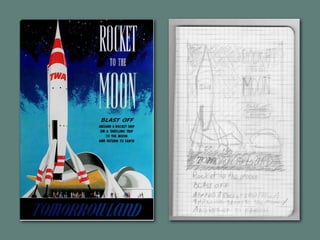
• Record what you see
• Explore ideas quickly
• Demonstrate ideas to others
Why sketch?
Sketches are “sketchy”
Sketching is a
core design skill.
Many kinds of sketches
• Visual recording
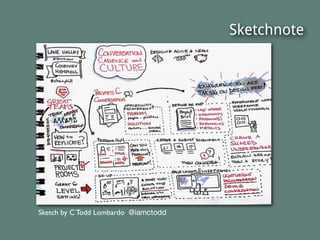
• Sketchnotes
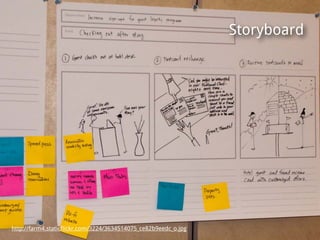
• Storyboards
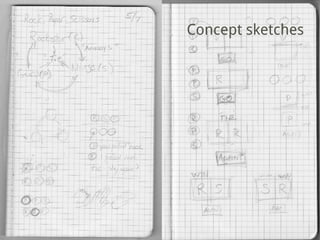
• Concept sketches
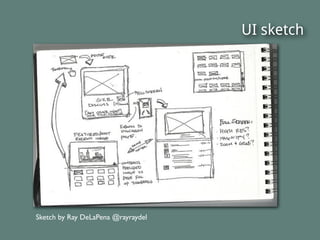
• UI sketches
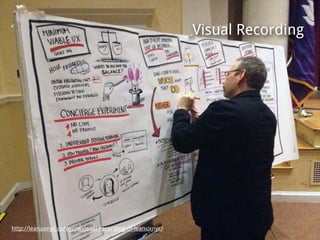
http://leanuxnyc.co/nyc/a-visual-recording-of-leanuxnyc/
Visual Recording
Sketchnote
Sketch by C Todd Lombardo @iamctodd
http://farm4.staticflickr.com/3224/3634514075_ce82b9eedc_o.jpg
Storyboard
http://farm4.staticflickr.com/3224/3634514075_ce82b9eedc_o.jpg
Concept sketches
UI sketch
Sketch by Ray DeLaPena @rayraydel
UI sketching is a
core skill for
product teams.
“When a designer and PM are out of
sync, it’s because one of them has
gotten ahead of the other in some
way. ...The way to fix this is
deceptively simple: product people
should sketch together. “
— Joshua Porter (@bokardo)
Sketching helps
everyone get on
the same page.
UI sketches help teams
• Explore options quickly
• Externalize thinking
• Share understanding
• Feel ownership
Everyone can draw.
Be fearless!
Your supplies
• Pencil (eraser & sharpener)
• Paper (plain or grid)
• Timer (for the exercises)
Basic concepts
• The pencil is powerful!
• Primitives
• Container and grid
• Functional groupings
• Your personal visual shorthand
The pencil has great dynamic
range. Your lines can be faint
or strong. Thick or thin.
You can draw almost
anything using basic shape
primitives (circle, square,
line, squiggle)
12 column grid
http://twitter.github.io/bootstrap/examples/hero.html
http://alefeuvre.github.io/foundation-grid-displayer/
functional groupings
http://twitter.github.io/bootstrap/examples/hero.html
http://alefeuvre.github.io/foundation-grid-displayer/
http://evernote.com/skitch/
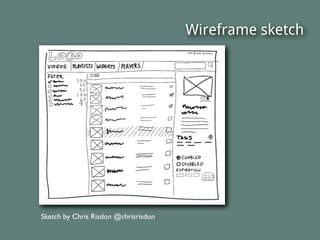
Visual shorthand
Sketch by Chris Risdon @chrisrisdon
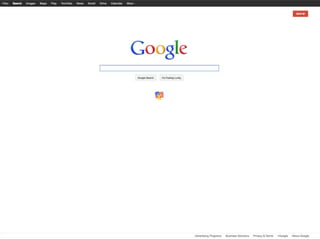
Reverse wireframing
• Quickly sketch an existing interface
• See and understand UIs better
• Develop sketching skills in isolation
from solving design problems
Warm-up time.
Let’s draw some shapes.
• Draw a page of squares
• Draw a page of circles
• Draw a page of short parallel lines
Get your pencils ready!
Practice:
Reverse wireframe sketches
30-seconds each.
Tip: Work from the outside in
• Draw the outside box first
• Create guides or a grid
• Place large elements first
• Add details and emphasis last
Ready?
Here’s exercise #1
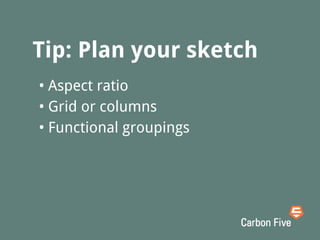
Tip: Plan your sketch
• Aspect ratio
• Grid or columns
• Functional groupings
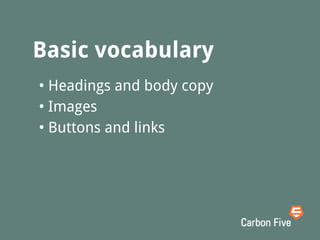
Basic vocabulary
How will you quickly draw
• Headings (big, medium, small)
• Body copy
• Images
• Buttons and links
Use your new vocabulary
to sketch exercise #2
Now you’re warmed up
Do three in a row!
Extended vocabulary
How will you quickly draw
• Text input & label
• Combo box
• Checkboxes & radio buttons
• Scrollbar
Let’s practice form
elements. Here are three
more screens.
Title Text
Extra Line
The next one’s tricky, but
you’re ready for it!
Here’s the last one.
Focus on the structure.
Congratulations!
Keep sketching and you’ll
continue to improve.
Further vocabulary
• Accordion
• Carousel
• Media player
• And ...?
Here are some of the
ways I use sketching.
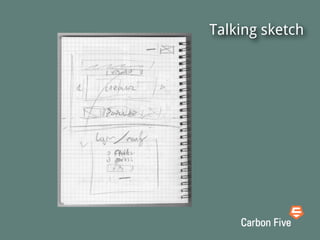
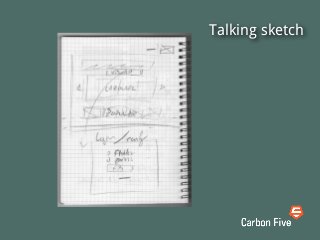
Talking sketch
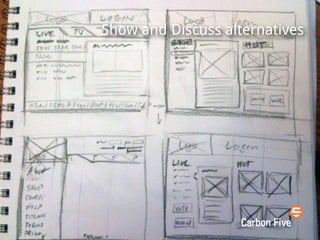
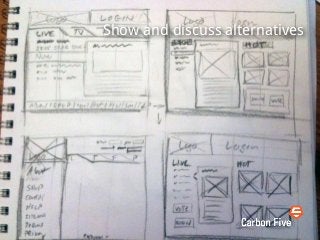
Show and discuss alternatives
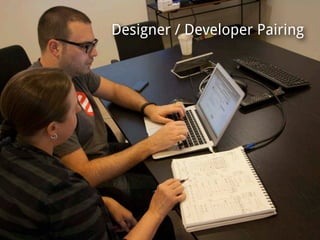
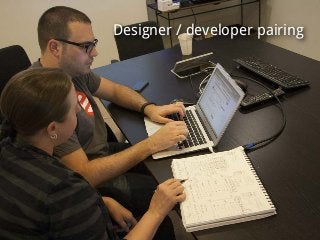
Designer / developer pairing
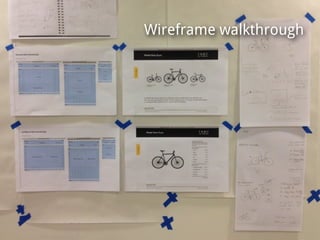
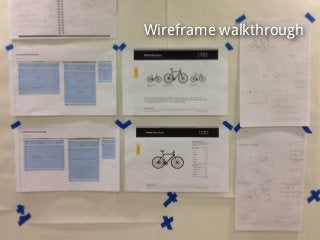
Wireframe walkthrough
How do you use UI sketches?
Share your photos with us!
#uisketch
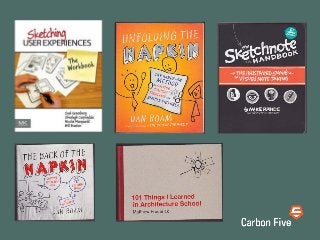
A few books that have
inspired me.
Thank you!
Carbon Five
Lean UX & Agile
Development for Web
and mobile products
www.carbonfive.com

Quick, Useful UI Sketches