Move to
2017 Design tools
What’s Sketch?
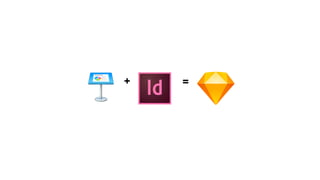
+ =
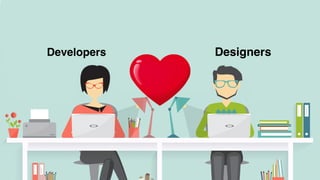
Developers Designers
It’s NOT just another
design tool
UX
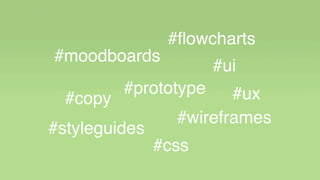
#moodboards
#wireframes
#ui
#styleguides
#copy
#flowcharts
#prototype
#css
#ux
For a great agile
workflow
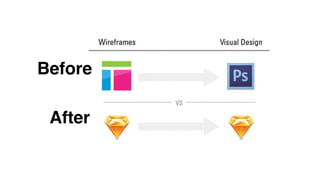
Before
After
UX
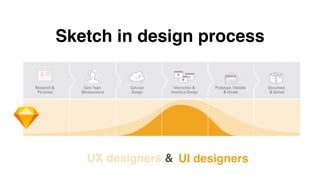
Sketch in design process
UX designers & UI designers
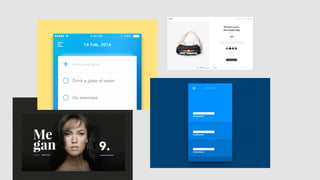
Some exemples
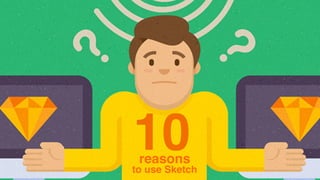
10reasons
to use Sketch
1
Its vector design…
2
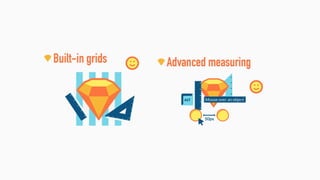
Its templates & grids…
3
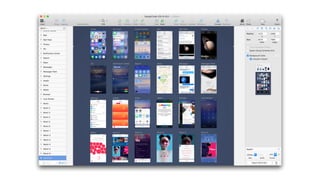
Its artboards…
4
Its symbols & styles …
5
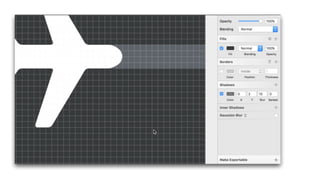
Its shadows, rounded corners,
borders & other powerful layers
properties CSS friendly!
6
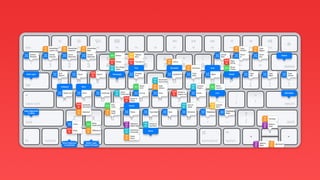
Its shortcuts…
7
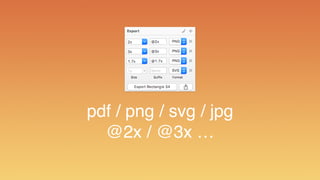
Its exporting features…
pdf / png / svg / jpg
@2x / @3x …
8
Its extensions…
User Flows
LAUNCHPAD
9
Its plugins…
10
Its community…
Epilogue
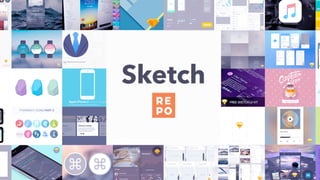
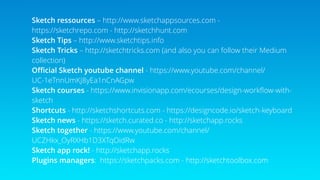
Sketch ressources – http://www.sketchappsources.com -
https://sketchrepo.com - http://sketchhunt.com
Sketch Tips – http://www.sketchtips.info

Sketch Tricks – http://sketchtricks.com (and also you can follow their Medium
collection)
Official Sketch youtube channel - https://www.youtube.com/channel/
UC-1eTnnUmKJ8yEa1nCnAGpw
Sketch courses - https://www.invisionapp.com/ecourses/design-workflow-with-
sketch
Shortcuts - http://sketchshortcuts.com - https://designcode.io/sketch-keyboard
Sketch news - https://sketch.curated.co - http://sketchapp.rocks
Sketch together - https://www.youtube.com/channel/
UCZHkx_OyRXHb1D3XTqOidRw
Sketch app rock! - http://sketchapp.rocks
Plugins managers: https://sketchpacks.com - http://sketchtoolbox.com
Thank you!
@gentlestache

Moove to sketch intro